# Lacuna Software documentation
> Developer documentation for Lacuna Software's digital certificate, digital signature and PKI products: Web PKI, Rest PKI Core, PKI SDK, PKI Express, Signer, Amplia and related services.
Index: https://docs.lacunasoftware.com/llms.txt
# [Welcome to Lacuna Docs](https://docs.lacunasoftware.com/en-us/articles/welcome)
Welcome to [Lacuna Software](https://www.lacunasoftware.com/)'s new unified documentation portal. Using the same
documentation technology as the [Microsoft Docs](https://docs.microsoft.com/) portal, this site combines every
technical information you need to know about each of our products into a single, interconnected documentation
experience.
> **Tip**
>
> This site is targeted for software developers. If you are an end-user having trouble using one of our products,
> such as the Web PKI plugin, please go to our [Support Center](http://lacuna.help/) instead
If you encounter an error or spot something that is missing on this documentation, please
[create an issue](https://github.com/LacunaSoftware/docs/issues).
To get started right away, see the article [PKI Solutions Guide](https://docs.lacunasoftware.com/en-us/articles/pki-guide).
## Where to start
- [Choosing a product](https://docs.lacunasoftware.com/en-us/articles/welcome/choosing-a-product): which product fits your integration, with a link to each product's quick reference.
- [Using these docs with AI agents](https://docs.lacunasoftware.com/en-us/articles/welcome/using-with-ai-agents): llms.txt, the Markdown version of every page, the OpenAPI
specifications, and a paragraph to give your coding agent.
# [Choosing a product](https://docs.lacunasoftware.com/en-us/articles/welcome/choosing-a-product)
Start from what your application has to do. Each product links to its quick reference: install, configuration,
core operations, errors and samples on one page.
## Main products
| If your application needs to… | Use |
|---|---|
| Work with the user's certificates in the browser: list them, read them, sign with them on a web page | [Web PKI](https://docs.lacunasoftware.com/en-us/articles/web-pki/quick-reference) |
| Sign, validate and timestamp documents through a REST API, as a cloud service or on its own instance | [Rest PKI Core](https://docs.lacunasoftware.com/en-us/articles/rest-pki/core/quick-reference) |
| Sign on its own Windows or Linux servers, from a language other than .NET (Java, PHP, Python, Node.js, Ruby…) | [PKI Express](https://docs.lacunasoftware.com/en-us/articles/pki-express/quick-reference) |
| Sign, validate and handle certificates inside a .NET application | [PKI SDK](https://docs.lacunasoftware.com/en-us/articles/pki-sdk/quick-reference) |
| Send documents to people and collect their signatures, with a workflow | [Signer](https://docs.lacunasoftware.com/en-us/articles/signer/quick-reference) |
| Issue certificates: run its own certification authorities or a whole PKI | [Amplia](https://docs.lacunasoftware.com/en-us/articles/amplia/quick-reference) |
Already integrated with **Rest PKI** at pki.rest? It is a legacy product that still receives bug and security fixes; see its
[quick reference (legacy)](https://docs.lacunasoftware.com/en-us/articles/rest-pki/quick-reference). For a new cloud integration, use Rest PKI Core.
## Common combinations
- **Signatures on a web page with the user's certificate**: Web PKI does the part that must run in the browser, and a
server-side product (Rest PKI Core, PKI SDK or PKI Express) does the rest. The [web signatures](https://docs.lacunasoftware.com/en-us/articles/pki-guide/web-signatures)
article in the PKI guide explains the approaches.
- **Signatures with a key kept on the server**: no browser step. In .NET, the PKI guide recommends PKI SDK; see
[server signatures](https://docs.lacunasoftware.com/en-us/articles/pki-guide/server-signatures).
- **Certificate login**: Web PKI in the browser and a server-side product to check the certificate; see
[certificate authentication](https://docs.lacunasoftware.com/en-us/articles/pki-guide/cert-auth).
## Other products
| Product | What it does |
|---|---|
| [Amplia Reg](https://docs.lacunasoftware.com/en-us/articles/amplia-reg) | Registration authority for Amplia: confirms who the holder is before a certificate is issued |
| [PSC](https://docs.lacunasoftware.com/en-us/articles/psc) | Stores and manages cloud certificates, together with Amplia |
| [TSA](https://docs.lacunasoftware.com/en-us/articles/tsa) | Timestamp server (RFC 3161) |
| [GrantID](https://docs.lacunasoftware.com/en-us/articles/grant-id) | Single sign-on and multiple authentication factors for your applications |
| [Bulk Signer](https://docs.lacunasoftware.com/en-us/articles/bulk-signer) | On-premises service that signs files in bulk |
| [Scanner](https://docs.lacunasoftware.com/en-us/articles/scanner) | Adds document scanning to a web application |
| [Digiploma](https://docs.lacunasoftware.com/en-us/articles/digiploma) | Issues, registers and publishes digital diplomas following Portaria MEC 554/2019 |
| [TrustBridge](https://docs.lacunasoftware.com/en-us/articles/trustbridge) | Remote signatures with ICP-Brasil certificates held by people, on smart cards or USB tokens |
To hand these docs to an AI coding agent, see [Using these docs with AI agents](https://docs.lacunasoftware.com/en-us/articles/welcome/using-with-ai-agents).
# [Using these docs with AI agents](https://docs.lacunasoftware.com/en-us/articles/welcome/using-with-ai-agents)
When an AI coding agent (Claude Code, Cursor, GitHub Copilot, Codex…) writes your integration, point it at the
resources below. They hold the same content as the pages you read, in forms an agent fetches and parses easily.
The [last section](https://docs.lacunasoftware.com/en-us/articles/welcome/using-with-ai-agents#paste-ready) has a paragraph you can paste into your agent's instructions.
## Start with llms.txt
| File | What it holds |
|---|---|
| [llms.txt](https://docs.lacunasoftware.com/llms.txt) | Index of the English pages, grouped by product, each with its Markdown URL and a one-line description. A product's quick reference comes first. Pages not yet in English link the Portuguese version, marked (pt-br). It ends with the OpenAPI specifications. |
| [llms-full.txt](https://docs.lacunasoftware.com/llms-full.txt) | The same pages in full, in one file, each under a heading with its URL. |
| [pt-br/llms.txt](https://docs.lacunasoftware.com/pt-br/llms.txt), [pt-br/llms-full.txt](https://docs.lacunasoftware.com/pt-br/llms-full.txt) | The same for the Portuguese pages. |
Both follow the [llms.txt](https://llmstxt.org/) format.
## Every page as Markdown
Add `.md` to any page URL to get the page as plain Markdown. For example,
https://docs.lacunasoftware.com/en-us/articles/signer/get-started.md is the Markdown version of
https://docs.lacunasoftware.com/en-us/articles/signer/get-started.
- The front matter gives the title, description, canonical URL, locale, product and the date of the last change.
- Tabs become one code block per tab, each with a bold label; notes and warnings become blockquotes; links and
images are absolute URLs.
- Each page links its Markdown version in its HTML head (`` header.
A **401 Unauthorized** response means that the token provided is not valid. With cloud Rest PKI, Web PKI needs no
license, even in production.
### On-premises Rest PKI
An on-premises Rest PKI instance, on Windows Server or Azure App Service, requires a **Lacuna PKI SDK license**,
requested during setup. Since version 1.5.0, Rest PKI also accepts PKI SDK licenses restricted to use with Rest PKI.
To install it, you need:
- the Rest PKI binaries package;
- the binary PKI SDK license (`LacunaPkiLicense.txt` file). If you don't have one yet,
[request a test license](https://www.lacunasoftware.com/en/home/purchase).
On Windows Server, setup follows chapter 2 of the
[setup manual](https://cdn.lacunasoftware.com/restpki/restpki-admin-guide-pt.pdf) (in Portuguese). On Azure App
Service, once you have the package and the license, [contact us](https://www.lacunasoftware.com/en/home/purchase) to
get the setup instructions.
If your application uses Web PKI with the on-premises instance, also configure the **Web PKI license** and the
instance URL (see [How to configure Web PKI](https://docs.lacunasoftware.com/en-us/articles/welcome/licensing#web-pki-configurar)).
Starting with version 1.14.0, the Rest PKI dashboard shows a warning when the PKI SDK license is close to expiring.
Version 1.12.0 fixed an error that occurred when changing the PKI SDK license; on older instances, consider
upgrading before changing the license.
### How to change the license
1. Sign in as administrator on your Rest PKI instance. If you don't know the password, see
[Recover administrator password](https://docs.lacunasoftware.com/en-us/articles/rest-pki/on-premises/admin-recover).
2. On the top menu, click **Administration** > **System status**.
3. On the **SDK license loaded** item, click the **Change** button.
4. In the `LacunaPkiLicense.txt` file, locate the binary PKI SDK license, under the
*Binary license content (Base64-encoded)* section:
```text
Binary license content (Base64-encoded)
---------------------------------------
AxAA........................................iw==
```
5. Copy and paste **the entire line** and click the **Configure license** button.
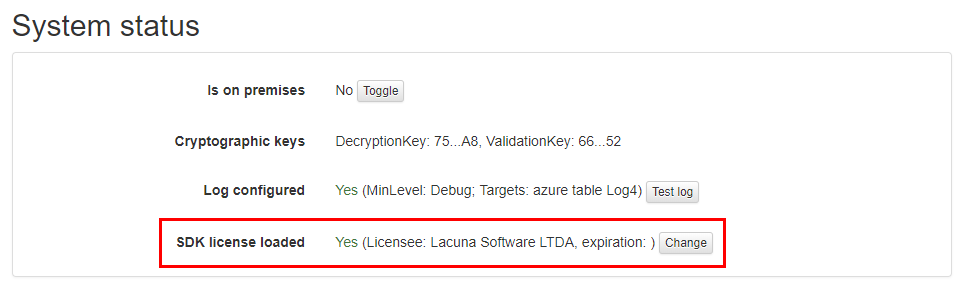
The same screen shows the licensee and the expiration date of the loaded license.
**Source articles:** [Change license](https://docs.lacunasoftware.com/en-us/articles/rest-pki/on-premises/change-license) ·
[Rest PKI on-premises](https://docs.lacunasoftware.com/en-us/articles/rest-pki/on-premises) ·
[Setup on Windows Server](https://docs.lacunasoftware.com/en-us/articles/rest-pki/on-premises/windows-setup) ·
[Setup on Azure App Service](https://docs.lacunasoftware.com/en-us/articles/rest-pki/on-premises/azure-setup) ·
[Requesting timestamps](https://docs.lacunasoftware.com/en-us/articles/rest-pki/requesting-timestamps)
## Rest PKI Core
[Rest PKI Core](https://docs.lacunasoftware.com/en-us/articles/rest-pki/core) can be used in the cloud (SaaS), at
[core.pki.rest](https://core.pki.rest/), or on your own instance (on-premises).
### Cloud Rest PKI Core
On SaaS, the application uses no license file. It needs two parameters, which you request from
[developer support](mailto:support@lacunasoftware.com):
- the API **endpoint**;
- the **API key**.
In ASP.NET Core, both go in the `RestPki` section of `appsettings.json` (keys `Endpoint` and `ApiKey`). When you call
the API directly, the API key goes in the `X-Api-Key` header (on the timestamp endpoints, use
`Authorization: ApiKey YOUR_API_KEY`; see [Requesting timestamps](https://docs.lacunasoftware.com/en-us/articles/rest-pki/core/requesting-timestamps)).
A **401** response means a missing or invalid key, and a **403** means the application is not allowed to perform the
operation.
If your application uses Web PKI with Rest PKI Core, the Web PKI license is needed: the exemption applies only to
cloud Rest PKI (`https://pki.rest`).
### On-premises instance licenses
An on-premises instance needs two licenses:
- the **PKI SDK license**, in Base64;
- the **Web PKI license**, in binary (Base64) format.
| Platform | Where the licenses are configured |
|---|---|
| [Windows Server](https://docs.lacunasoftware.com/articles/rest-pki/core/on-premises/windows-server) (in Portuguese) | `appsettings.ini` file in the `C:\Program Data\Lacuna Software\Rest PKI Core` folder (not the copy in `config-templates`) |
| [Linux (Ubuntu)](https://docs.lacunasoftware.com/en-us/articles/rest-pki/core/on-premises/linux/install-ubuntu) | `/etc/restpkicore/appsettings.conf` file |
| [Docker](https://docs.lacunasoftware.com/en-us/articles/rest-pki/core/on-premises/docker) | Environment variables (sample file `restpkicore.env`) |
| [Azure App Services](https://docs.lacunasoftware.com/en-us/articles/rest-pki/core/on-premises/azure/install) | App Service *Configuration*: `PkiSuite__SdkLicense` and `PkiSuite__WebLicense` |
On Azure, `PkiSuite__SdkLicense` is required, and `PkiSuite__WebLicense` is only required if users will sign
documents with certificates on their computers (signing in the browser through Web PKI). On the other platforms, both
licenses are listed as setup prerequisites. For Rocky Linux, see
[Setup on Rocky Linux](https://docs.lacunasoftware.com/en-us/articles/rest-pki/core/on-premises/linux/install-rocky).
In the configuration files (Windows, Linux and Docker), fill in the licenses following the instructions in the
template file itself. For environment variables, the name is the section and the setting separated by `__` (two
underscores): the `SdkLicense` setting of the `PkiSuite` section, for example, becomes `PkiSuite__SdkLicense`.
### How to change the license
> **Note**
>
> The Rest PKI Core documentation has no specific article on changing the license. The steps below follow each
> platform's configuration and restart procedures.
- **Linux**: edit `/etc/restpkicore/appsettings.conf`, replace the license and restart the service with
`systemctl restart restpkicore`. Follow the logs with `journalctl -u restpkicore -f`.
- **Windows Server**: edit `appsettings.ini`, replace the license and restart the site in IIS (*Stop* and *Start*).
- **Docker**: change the license in the environment variables file (for example, `restpkicore.env`). Because the
variables are read when the container is created, remove the current container (`docker rm -f restpkicore`) and
create it again with the same `docker run --name restpkicore --env-file restpkicore.env ...` command used for setup.
Check the logs with `docker logs -f restpkicore`.
- **Azure App Services**: in *Configuration*, change `PkiSuite__SdkLicense` and/or `PkiSuite__WebLicense` and click
**Save**.
After the change, check that the instance responds on `https://your-restpki-core-address/api/system/info`.
### Before upgrading
Some versions require the PKI SDK license to support versions released up to a certain date:
| Rest PKI Core version | The PKI SDK license must support versions released until |
|---|---|
| [2.0.0 RC 8](https://docs.lacunasoftware.com/en-us/articles/rest-pki/core/changelog#v2.0.0-rc08) | 2023-06-27 |
| [2.0.0 RC 7](https://docs.lacunasoftware.com/en-us/articles/rest-pki/core/changelog#v2.0.0-rc07) | 2022-10-19 |
Before upgrading, read the [changelog](https://docs.lacunasoftware.com/en-us/articles/rest-pki/core/changelog) between your version and the target version.
The installed version is shown on `/api/system/info` (see
[Checking the installed version](https://docs.lacunasoftware.com/en-us/articles/rest-pki/core/on-premises/check-version)).
**Source articles:** [Rest PKI Core](https://docs.lacunasoftware.com/en-us/articles/rest-pki/core) ·
[Getting started with integration](https://docs.lacunasoftware.com/en-us/articles/rest-pki/core/integration/get-started) ·
[On-premises environments](https://docs.lacunasoftware.com/en-us/articles/rest-pki/core/on-premises#platforms) ·
[Setup on Azure App Services](https://docs.lacunasoftware.com/en-us/articles/rest-pki/core/on-premises/azure/install) ·
[Changelog](https://docs.lacunasoftware.com/en-us/articles/rest-pki/core/changelog)
## PKI SDK
[Lacuna PKI SDK](https://docs.lacunasoftware.com/en-us/articles/pki-sdk) is a .NET library, distributed through NuGet (package `Lacuna.Pki`). To use it,
the application must load the license at startup.
### How to obtain the license
If you don't have a license yet, get in touch through the pki.lacunasoftware.com website for a free trial license.
The license can be used in two formats:
- `LacunaPKILicense.config` file;
- Base64 text.
If your application signs in the browser, it also uses [Web PKI](https://docs.lacunasoftware.com/en-us/articles/welcome/licensing#web-pki), which needs its own license outside
*localhost*. PKI SDK licenses usually come with a Web PKI license.
### How to load the license
There are three ways. The recommended one depends on the type of application:
| Method | Recommended for |
|---|---|
| `LacunaPKILicense.config` file in the DLL directory | Web applications |
| Key in `Web.config` or `App.config` | — |
| Programmatically, with `PkiConfig.LoadLicense` | Desktop applications |
**1. File in the DLL directory.** The SDK automatically looks for the `LacunaPKILicense.config` file next to
`Lacuna.Pki.dll`. A convenient way is to include the file in the project with **Build Action** = **Content** and
**Copy to Output Directory** = **Copy Always**.
**2. `Web.config` or `App.config`.** In the `appSettings` section, set the file path or the Base64 license:
```xml
```
**3. Programmatically.** In the startup code of the website or application, load the decoded license:
```csharp
byte[] binLicense = Convert.FromBase64String("[Base64 license]");
PkiConfig.LoadLicense(binLicense);
```
This method embeds the license in the source code, which makes it harder to leak to third parties. There is also
`PkiConfig.LoadLicense(string)`, which takes the path of the `.config` file, but it is not recommended for desktop
applications.
### How to update the license
> **Note**
>
> The PKI SDK licensing page does not describe how to change the license. Because the license is loaded at startup, the
> procedure is to replace it where it was configured and restart the application.
1. Replace the license in the same place where it was configured: the `LacunaPKILicense.config` file, the
`LacunaPKI.LicensePath` or `LacunaPKI.BinaryLicense` key, or the value passed to `PkiConfig.LoadLicense`.
2. If the license is included in the project or embedded in the code, rebuild and publish the application.
3. Restart the application or website.
4. To check the loaded license, use the `PkiInfo.License` property (class
[`PkiInfo`](https://docs.lacunasoftware.com/en-us/api/Lacuna.Pki.Util/PkiInfo)), which gives the licensee (`Licensee`) and the expiration date
(`Expiration`).
In on-premises products that use the PKI SDK license, the license is replaced in each product's configuration: see
[Rest PKI](https://docs.lacunasoftware.com/en-us/articles/welcome/licensing#rest-pki-trocar), [Rest PKI Core](https://docs.lacunasoftware.com/en-us/articles/welcome/licensing#rest-pki-core-trocar), [Signer](https://docs.lacunasoftware.com/en-us/articles/welcome/licensing#signer-trocar) and
[Bulk Signer](https://docs.lacunasoftware.com/en-us/articles/welcome/licensing#bulk-signer-trocar).
### License and SDK versions
A PKI SDK license may have an expiration date (check `PkiInfo.License.Expiration`), and it only accepts SDK versions
released up to a certain date. That is why the products that use the PKI SDK state, in their changelogs, what coverage
the license needs before an upgrade (see [Signer](https://docs.lacunasoftware.com/en-us/articles/welcome/licensing#signer-versao) and [Rest PKI Core](https://docs.lacunasoftware.com/en-us/articles/welcome/licensing#rest-pki-core-versao)).
**Source articles:** [PKI SDK licensing](https://docs.lacunasoftware.com/en-us/articles/pki-sdk/get-started/licensing) ·
[Accessing NuGet packages](https://docs.lacunasoftware.com/en-us/articles/pki-sdk/get-started/nuget) ·
[Signing in the browser](https://docs.lacunasoftware.com/en-us/articles/pki-sdk/signatures/web-remote)
## PKI Express
[PKI Express](https://docs.lacunasoftware.com/en-us/articles/pki-express) is installed on Windows or Linux and **requires a license**: the
`LacunaPkiLicense.config` file, used to activate PKI Express on the machine.
### How to obtain the license
[Contact us](https://www.lacunasoftware.com/en/home/purchase) for a test license.
### Activation on Windows
1. Install PKI Express with the installer or, without administrator permissions, with one of the zip packages (see
[Setup on Windows](https://docs.lacunasoftware.com/en-us/articles/pki-express/setup/windows)).
2. Open the installation folder and run the **PKI Express Configuration Manager** (`pkiemgr.exe` file). There is no
Start menu shortcut: you must browse to the folder.
3. Follow the app's instructions to activate PKI Express. On Windows, both network and manual activation are done
through this app.
### Activation on Linux
After installing the package and configuring the logs folder (see [Ubuntu or Mint](https://docs.lacunasoftware.com/en-us/articles/pki-express/setup/linux-ubuntu#install),
[Red Hat Enterprise Linux](https://docs.lacunasoftware.com/en-us/articles/pki-express/setup/linux-rhel#install) or
[CentOS, Oracle Linux or Fedora](https://docs.lacunasoftware.com/en-us/articles/pki-express/setup/linux-centos#install)), activate PKI Express with the license
file:
```sh
sudo pkie activate LacunaPkiLicense.config
```
If automatic activation fails, use [manual activation](https://docs.lacunasoftware.com/en-us/articles/welcome/licensing#pki-express-manual).
### Manual activation (Linux)
1. Generate the activation request:
```sh
pkie activate LacunaPkiLicense.config --request
```
A file named `pkie-activation-request.pem` is saved in the current folder.
2. Send this file through the [Support Center](http://lacuna.help).
3. You will receive back the `pkie-activation.pem` activation file. Copy it to the current folder and run:
```sh
sudo pkie activate
```
Or, if you prefer, give the file path:
```sh
sudo pkie activate --file /path/to/pkie-activation.pem
```
### Changing the license and upgrading
> **Note**
>
> The PKI Express documentation has no specific article on changing the license. To apply a new license, activate again
> with the new `LacunaPkiLicense.config` file: on Linux, with `sudo pkie activate LacunaPkiLicense.config` (or through
> [manual activation](https://docs.lacunasoftware.com/en-us/articles/welcome/licensing#pki-express-manual)); on Windows, through `pkiemgr.exe`. Manual activation with a new license was
> fixed in version [1.6.2](https://docs.lacunasoftware.com/en-us/articles/pki-express/changelog#v1-6-2); use that version or later.
Upgrading the PKI Express **version** is a different procedure:
- **Windows**: download the new version and run the installer (see [Update](https://docs.lacunasoftware.com/en-us/articles/pki-express/setup/windows#update)).
- **Linux**: download the new package, delete the contents of the target folder and extract the new package into it
(see Update on [Ubuntu or Mint](https://docs.lacunasoftware.com/en-us/articles/pki-express/setup/linux-ubuntu#update),
[RHEL](https://docs.lacunasoftware.com/en-us/articles/pki-express/setup/linux-rhel#update) or
[CentOS, Oracle Linux or Fedora](https://docs.lacunasoftware.com/en-us/articles/pki-express/setup/linux-centos#update)). If you are upgrading from a 1.0.x
version, also configure the logs folder and activate again.
### Return codes
| Code | Name | Meaning |
|---|---|---|
| 17 | `NotActivated` | PKI Express is not activated |
| 18 | `ActivationError` | PKI Express activation failed |
| 19 | `BadLicense` | Invalid Base64 (of the activation license) |
| 20 | `LicenseNeeded` | No license file was provided |
| 21 | `InvalidLicense` | Invalid license |
**Source articles:** [PKI Express](https://docs.lacunasoftware.com/en-us/articles/pki-express) ·
[Setup](https://docs.lacunasoftware.com/en-us/articles/pki-express/setup) ·
[Manual activation](https://docs.lacunasoftware.com/en-us/articles/pki-express/setup/manual-activation) ·
[Return codes](https://docs.lacunasoftware.com/en-us/articles/pki-express/return-codes)
## Signer
An on-premises [Signer](https://docs.lacunasoftware.com/en-us/articles/signer) instance needs two licenses:
- the **PKI SDK license**, in Base64;
- the **Web PKI license**, in binary (Base64) format.
### Where the licenses are configured
| Platform | Where to configure them |
|---|---|
| [Linux (Ubuntu)](https://docs.lacunasoftware.com/en-us/articles/signer/on-premises/linux/install-ubuntu) | `/etc/lacuna-signer/appsettings.linux.json` file, `PkiSuite` section: `SdkLicense` and `WebLicense` |
| [Azure App Services](https://docs.lacunasoftware.com/en-us/articles/signer/on-premises/azure) | App Service *Configuration*: `PKiSuite__SdkLicense` and `PKiSuite__WebLicense` |
| [Windows Server](https://docs.lacunasoftware.com/en-us/articles/signer/on-premises/windows) | `appsettings.iis.json` file, `PkiSuite` section: `SdkLicense` and `WebLicense` |
| [Docker](https://docs.lacunasoftware.com/en-us/articles/signer/on-premises/docker) | `PkiSuite__SdkLicense` and `PkiSuite__WebLicense` environment variables |
On the Linux and Azure setup pages, both licenses are required. In the Windows Server and Docker articles, only
`SdkLicense` is listed as required, and `WebLicense` appears as conditional. Either way, the Web PKI license is needed
for [embedded signature](https://docs.lacunasoftware.com/en-us/articles/welcome/licensing#signer-embutida). Starting with version 2.2.0, the PKI SDK license is validated at startup:
if it is not valid, startup is aborted.
### How to change the license
> **Note**
>
> The Signer documentation has no specific article on changing the license. The steps below follow each platform's
> setup and update procedures.
- **Linux**: edit `/etc/lacuna-signer/appsettings.linux.json`, replace `SdkLicense` and/or `WebLicense` in the
`PkiSuite` section and restart the service with `systemctl restart lacuna-signer`. Check it with
`systemctl status lacuna-signer` and follow the logs with `journalctl -u lacuna-signer -f`.
- **Azure App Services**: in *Configuration*, change `PKiSuite__SdkLicense` and/or `PKiSuite__WebLicense` and click
**Save**.
- **Windows Server**: stop the site in IIS, change the `PkiSuite` section of `appsettings.iis.json` and start the site
again.
- **Docker**: change the `PkiSuite__SdkLicense` and/or `PkiSuite__WebLicense` variables and recreate the container.
After the change, check that the instance responds on `/api/system/info` (on Linux, for example,
`curl http://localhost:5001/api/system/info`).
### Before upgrading Signer
Some versions require the PKI SDK license to support SDK versions released up to a certain date. Read the
[changelog](https://docs.lacunasoftware.com/en-us/articles/signer/changelog) between the current version and the target version:
| Signer version | The license must support PKI SDK versions released |
|---|---|
| [2.2.0](https://docs.lacunasoftware.com/en-us/articles/signer/changelog#v2-2-0) | until 2025-08-01 |
| [2.0.0](https://docs.lacunasoftware.com/en-us/articles/signer/changelog#v2-0-0) | until 2025-05-20 |
| [1.72.0](https://docs.lacunasoftware.com/en-us/articles/signer/changelog#v1-72-0) | until 2024-07-03 |
| [1.64.0](https://docs.lacunasoftware.com/en-us/articles/signer/changelog#v1-64-0) | until 2023-09-27 |
| [1.61.0](https://docs.lacunasoftware.com/en-us/articles/signer/changelog#v1-61-0) | until 2023-08-01 |
| [1.59.0](https://docs.lacunasoftware.com/en-us/articles/signer/changelog#v1-59-0) | until 2023-06-28 |
| [1.58.0](https://docs.lacunasoftware.com/en-us/articles/signer/changelog#v1-58-0) | until 2023-05-25 |
| [1.43.0](https://docs.lacunasoftware.com/en-us/articles/signer/changelog#v1-43-0) | after 2022-04-29 |
If your license doesn't cover the required date, get an updated PKI SDK license before upgrading.
### Embedded signature
To use [embedded signature](https://docs.lacunasoftware.com/en-us/articles/signer/embedded-signature) (the `LacunaSignerWidget` component) in another
application, Signer must be configured with a Web PKI license that includes the domain where the component will be
loaded. To add a new domain, get a new Web PKI license and replace it as described in
[How to change the license](https://docs.lacunasoftware.com/en-us/articles/welcome/licensing#signer-trocar).
**Source articles:** [Setup on Ubuntu Server](https://docs.lacunasoftware.com/en-us/articles/signer/on-premises/linux/install-ubuntu) ·
[Setup on Azure App Services](https://docs.lacunasoftware.com/en-us/articles/signer/on-premises/azure) ·
[Update on Linux](https://docs.lacunasoftware.com/en-us/articles/signer/on-premises/linux/update) ·
[Changelog](https://docs.lacunasoftware.com/en-us/articles/signer/changelog)
## Bulk Signer
[Bulk Signer](https://docs.lacunasoftware.com/en-us/articles/bulk-signer) uses a single license: the **Lacuna PKI SDK license**, a Base64 text provided
by Lacuna Software. It is required: without it, the service does not start.
### How to obtain it
Lacuna delivers three items, which are not interchangeable:
- the registry credentials (user name and access token), to pull the container image;
- a unique identifier, used in the binaries download URLs;
- the PKI SDK license, which unlocks the running service.
Because the license is just text, and not a download, it also works on air-gapped servers.
### Where to configure it
The preferred way is the `Signing__PkiSdkLicense` environment variable. You can also use the `Signing:PkiSdkLicense`
key in `appsettings.Production.json`, as long as the file is kept out of version control and its access is restricted
to the service account. The variable is preferred because it keeps the license out of the file tree, and it takes
precedence at startup.
| Target | Where to set `Signing__PkiSdkLicense` | How to apply |
|---|---|---|
| Linux (systemd) | `/etc/bulksigner/bulksigner.env` file (mode `0640`, owned by `bulksigner`) | `sudo systemctl restart bulksigner` |
| Windows (service) | Machine-scope environment variable | `Restart-Service LacunaBulkSigner` |
| Docker / Compose | `deploy/docker/.env` file | `docker compose up -d` |
| Azure App Service | *App settings*, as a Key Vault reference | See [Azure App Service](https://docs.lacunasoftware.com/en-us/articles/bulk-signer/azure) |
On Windows, set the variable in an elevated PowerShell:
```powershell
[Environment]::SetEnvironmentVariable("Signing__PkiSdkLicense", "", "Machine")
Restart-Service LacunaBulkSigner
```
> **Warning: Upgrading from 1.0.x**
>
> In version 1.0.x, the key was named `Signing:License` (`Signing__License`). It was renamed in 1.1.0 and the old name
> is no longer read: an upgraded installation that still uses the old name fails at startup with
> `Signing:PkiSdkLicense is required`. Rename the key as part of the upgrade.
### How to change the license
1. Note the fingerprint of the current license: the `pki license` line of the startup banner, or the **System** page
(`/system`) of the dashboard, **License fingerprint** field.
2. Replace the value of `Signing__PkiSdkLicense` in the place given for your target (table above). If you use
`Signing:PkiSdkLicense` in `appsettings.Production.json`, make sure no old environment variable is set, because it
takes precedence.
3. Restart the service.
4. Check that the license fingerprint changed and that the `/api/ready` endpoint does not report a failure in the
`license` check.
### Troubleshooting
- **`Signing:PkiSdkLicense is required`**: neither the environment variable nor the configuration has a value. Set the
variable on the target and restart the service.
- **`/api/ready` returns 503 with a failure in the `license` check**: the license was not loaded. If the fingerprint
does not appear in the banner, the license was rejected at startup.
**Source articles:** [Installation](https://docs.lacunasoftware.com/en-us/articles/bulk-signer/installation) ·
[Configuration](https://docs.lacunasoftware.com/en-us/articles/bulk-signer/configuration) ·
[Security](https://docs.lacunasoftware.com/en-us/articles/bulk-signer/security) ·
[Troubleshooting](https://docs.lacunasoftware.com/en-us/articles/bulk-signer/troubleshooting)
## For end users
This section is for people who use a website or system that asks for **Web PKI**, Lacuna's browser extension, to sign
documents or sign in with a digital certificate.
### Do I need to buy or configure a license?
No. When Web PKI requires a license, it belongs to the website: it covers the website's domains and is configured by
whoever develops it, in the page code (websites that use cloud Rest PKI don't even need one). People who only install
the extension to use the website don't buy or configure any license.
If the website shows a Web PKI license error (for example, an expired license or a domain that is not allowed), the
problem lies in the website's configuration. Report it to the company responsible for the website.
### Digital certificate: who issues it?
Web PKI does not issue digital certificates. It lets the website use a certificate you already have, either an A1
certificate, installed on the computer, or an A3 certificate, on a cryptographic device such as a token or smart card.
ICP-Brasil certificates are purchased from an accredited Certification Authority (CA), listed on the
[official ITI list](https://www.gov.br/iti/pt-br/assuntos/icp-brasil/entidades-icp-brasil) (in Portuguese). Questions
about buying, validity or renewal of the certificate should be taken to the CA that issued it.
To check, on Windows, whether there is a certificate with a private key on the computer:
1. **Start** > **Run...** > **certmgr.msc**
2. In the **Personal** folder, double-click the certificate.
3. The message "You have a private key that corresponds to this certificate." should appear.
### Installing Web PKI
- If the component is not installed, is out of date or the browser is not supported, the website usually takes you to
the installation page and, at the end, you are automatically sent back to the website (the website may show its own
message first).
- Web PKI is only installed from [get.webpkiplugin.com](https://get.webpkiplugin.com): the extension comes from the
browser's official store, and the native app is downloaded from that same domain.
- Once installed, Web PKI is updated automatically.
- See the [supported browsers](https://docs.lacunasoftware.com/en-us/articles/web-pki/browser-support).
### Where to get help
- **License errors or questions about the website's service**: talk to the company responsible for the website.
Requests about your personal data should also be made to it, as it is the data controller.
- **Problems installing or using Web PKI**: visit Lacuna's [Support Center](http://lacuna.help/).
- When asking for support, it helps to turn on verbose logging: click the extension icon and go to
**Settings** > **Advanced** > **Verbose logging** (see [Logs](https://docs.lacunasoftware.com/en-us/articles/web-pki/logs)).
## Contacts
| Channel | What for |
|---|---|
| [Contact us](https://www.lacunasoftware.com/en/home/purchase) | Requesting licenses, test licenses and sales information |
| [support@lacunasoftware.com](mailto:support@lacunasoftware.com) | Developer support, Web PKI license requests and the parameters for cloud Rest PKI Core |
| [Support Center](http://lacuna.help/) | End users and PKI Express manual activation |
| pki.lacunasoftware.com | Free PKI SDK trial license |
| +55 61 3030-5700 | Phone. Address: EQN 102/103, Ed. Avenida 102, 2nd floor, Asa Norte, Brasília-DF, Brazil |
# [Contributing](https://docs.lacunasoftware.com/en-us/articles/welcome/contributing)
We are not taking public contributions at the moment, but will soon begin accepting pull requests. For now,
if you encounter an error or spot something that is missing on this documentation portal, please
[create an issue](https://github.com/LacunaSoftware/docs/issues)
## Creating a new article
Follow these guidelines to create a new article:
1. Create the article **on both en-us and pt-br projects** with encoding UTF-8 BOM
1. Alter the `toc.md` **from both projects** including the article
> **Tip**
>
> An easy way to ensure that the new article has UTF-8 BOM encoding is to copy an existing article instead of creating a new file.
You don't need to write both versions of the article right away, you can write one of the versions and put this on the other one:
```md
# Article title
{/* link to version in Portuguese */}
```
or
```md
# Título do Artigo
{/* link to version in English */}
```
## Authoring documentation
Here are the most important links about how to author documentation:
* [Mastering Markdown - GitHub Guides](https://guides.github.com/features/mastering-markdown/)
* [DocFX Flavored Markdown - DocFX website](https://dotnet.github.io/docfx/spec/docfx_flavored_markdown.html)
* [Links and Cross References - DocFX website](https://dotnet.github.io/docfx/tutorial/links_and_cross_references.html)
* [Overwrite Files - DocFX website](https://dotnet.github.io/docfx/tutorial/intro_overwrite_files.html)
## Markdown cheatsheet
Here are sintaxes for the most common elements:
* [Headers](https://docs.lacunasoftware.com/en-us/articles/welcome/contributing#headers)
* [Bold](https://docs.lacunasoftware.com/en-us/articles/welcome/contributing#bold)
* [Italic](https://docs.lacunasoftware.com/en-us/articles/welcome/contributing#italic)
* [Inline code](https://docs.lacunasoftware.com/en-us/articles/welcome/contributing#inline-code)
* [Lists](https://docs.lacunasoftware.com/en-us/articles/welcome/contributing#lists)
* [Horizontal rulers](https://docs.lacunasoftware.com/en-us/articles/welcome/contributing#hr)
* [Links](https://docs.lacunasoftware.com/en-us/articles/welcome/contributing#links)
* [Code snippets](https://docs.lacunasoftware.com/en-us/articles/welcome/contributing#code-snippets)
* [Includes](https://docs.lacunasoftware.com/en-us/articles/welcome/contributing#includes)
* [Include code snippets](https://docs.lacunasoftware.com/en-us/articles/welcome/contributing#include-code-snippets)
* [Images](https://docs.lacunasoftware.com/en-us/articles/welcome/contributing#images)
* [Blockquotes, notes and warnings](https://docs.lacunasoftware.com/en-us/articles/welcome/contributing#blockquotes-notes-and-warnings)
* [Tables](https://docs.lacunasoftware.com/en-us/articles/welcome/contributing#tables)
### Headers
Top level (H1) header:
```md
# Article title
```
Level 2 (H2) header:
```md
## Section title
```
Level 3 (H3) header:
```md
### Subsection title
```
### Bold
```md
This is a **bold** statement
```
This is a **bold** statement
### Italic
```md
This is a *foreign word*.
```
This is a *foreign word*.
### Inline code
```md
Pass the `callback` parameter
```
Pass the `callback` parameter
### Lists
Unordered:
```md
* Item A
* Item B
* Subitem (prefix spaces to align with parent)
* And so on
* Item C
```
* Item A
* Item B
* Subitem (prefix spaces to align with parent)
* And so on
* Item C
Ordered:
```md
1. Item 1
1. Item 2
1. Subitem (prefix spaces to align with parent)
1. And so on
1. Item 3
```
1. Item 1
1. Item 2
1. Subitem (prefix spaces to align with parent)
1. And so on
1. Item 3
> The actual numbering does not matter, DocFX will order the list when rendering the file. Prefer repeating `1.` on every item instead of writing `1.`, `2.`, `3.` etc because this allows for easy reodering of items.
### Horizontal rulers
Use `***` to insert a horizontal ruler:
```md
Something
***
Some other thing
```
> **Note**
>
> **Do not** use the syntax `---`, as it has a special meaning on DocFX
### Links
```md
[text](url)
```
To articles on same folder:
```md
See the article [Welcome](index.md)
```
See the article [Welcome](https://docs.lacunasoftware.com/en-us/articles/welcome)
To articles on other folders:
```md
You can use the [Lacuna PKI SDK](../pki-sdk/index.md) for this purpose
```
You can use the [Lacuna PKI SDK](https://docs.lacunasoftware.com/en-us/articles/pki-sdk) for this purpose
To classes:
```md
See class @Lacuna.RestPki.Client.RestPkiClient
```
See class @Lacuna.RestPki.Client.RestPkiClient
To methods:
```md
See method @Lacuna.RestPki.Client.RestPkiClient.GetPkiBrazilTimestamper
```
See method @Lacuna.RestPki.Client.RestPkiClient.GetPkiBrazilTimestamper
> To find out the exact UIDs of classes and methods, see .yml files on folder `api` after building the docfx project.
In some cases, the syntax `@uid` does not work for cross referencing. In such cases, use:
```md
```
If the uid contains a `#`, encode it as `%23`:
```md
```
Links to article sections:
First, you need to declare the anchor name right before the section header:
```md
## Section title \{#anchor-name}
```
> **Note**
>
> If the article is in English and the section title matches the anchor name (transformed to lowercase and replacing spaces with hyphens), you don't
> need to declare the anchor
Then, to link to the section:
```md
See [Default error callback](../web-pki/advanced.md#default-error-callback)
```
See [Default error callback](https://docs.lacunasoftware.com/en-us/articles/web-pki/advanced#default-error-callback)
### Code snippets
```languageid
code
```
Common language IDs:
* csharp or cs
* javascript or js
* html
Code snippets can be indented with lists:
1. Installation
1. Set things up
1. Run this:
```bash
sudo apt install something
```
1. Finish things up
1. Done
See all supported [Language names and aliases](https://github.com/highlightjs/highlight.js#supported-languages).
### Includes
```md
{/* include: url */}
```
Include blocks common to both languages are kept on the [includes/](https://github.com/LacunaSoftware/docs/tree/master/includes) folder. For instance, to
include the [rest-pki-samples-matrix.md](https://github.com/LacunaSoftware/docs/blob/master/includes/rest-pki-samples-matrix.md) block from a location
such as `docs.en-us/articles/project-name/article.md`:
```md
{/* include: ../../../includes/rest-pki-samples-matrix.md */}
```
Example: [Rest PKI](https://docs.lacunasoftware.com/en-us/articles/rest-pki)
### Include code snippets
* [Syntax](https://dotnet.github.io/docfx/spec/docfx_flavored_markdown.html#code-snippet)
* Example: @Lacuna.Pki.Cades.CadesSignatureCompression \[[src](https://github.com/LacunaSoftware/docs/blob/master/docs.en-us/apidoc/Lacuna.Pki.Cades.CadesSignatureCompression.md)\]
### Images
```md

```
`url` can be a remote URL, but is usually a relative reference to an image on the [images/](https://github.com/LacunaSoftware/docs/tree/master/images) folder.
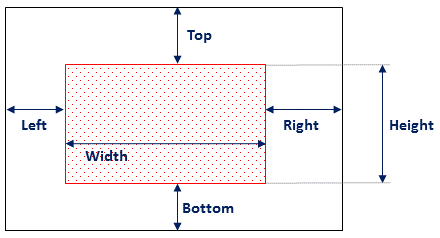
For instance, to reference the image [images/pki-sdk/pades-rectangle.png](https://github.com/LacunaSoftware/docs/blob/master/images/pki-sdk/pades-rectangle.png) from the following locations:
From `docs.en-us/articles/project-name/article.md`:
```md
```
From `docs.en-us/articles/project-name/subfolder/article.md`:
```md

```
Samples:
* [PKI SDK / Get started / Adding the nuget package](https://docs.lacunasoftware.com/en-us/articles/pki-sdk/get-started/nuget)
* [Web PKI / Browser support](https://docs.lacunasoftware.com/en-us/articles/web-pki/browser-support)
### Blockquotes, notes and warnings
Blockquotes:
```md
As Jeffrey Lebowski once said:
> Far out.
```
As Jeffrey Lebowski once said:
> Far out.
Notes:
```md
:::note
This is an important notice
:::
```
> **Note**
>
> This is an important notice
Warnings:
```md
:::warning
Watch out!
:::
```
> **Warning**
>
> Watch out!
Also supported:
> **Tip**
>
> This is a tip
> **Info**
>
> This is important
> **Caution**
>
> Proceed with caution
### Tables
```md
First Header | Second Header
--------------------------- | -------------
Content from cell 1 | Content from cell 2
Content in the first column | Content in the second column
```
First Header | Second Header
--------------------------- | -------------
Content from cell 1 | Content from cell 2
Content in the first column | Content in the second column
It's not really needed to align columns, this renders the exact same output:
```md
First Header | Second Header
------------ | -------------
Content from cell 1 | Content from cell 2
Content in the first column | Content in the second column
```
First Header | Second Header
------------ | -------------
Content from cell 1 | Content from cell 2
Content in the first column | Content in the second column
For more complex cases, for instance having the leftmost upper cell blank, use this slightly more complex syntax:
```md
| | Second Header |
| --- | ------------- |
| Content from cell 1 | Content from cell 2 |
| Content in the first column | Content in the second column |
```
| | Second Header |
| --- | ------------- |
| Content from cell 1 | Content from cell 2 |
| Content in the first column | Content in the second column |
> GitHub markdown specification (which DocFX extends) mandates at least three hyphens (`---`) in each column of the header row (like shown above on the first column).
The header row is always rendered in bold. If you also need the first column in bold, do this:
```md
| | Ease of use | Awesomeness |
| ------------ | ------------- | ------------ |
| **Web PKI** | Very easy | So good |
| **Rest PKI** | Super easy | Much awesome |
| **PKI SDK** | Easy peasy | Wow |
```
| | Ease of use | Awesomeness |
| ------------ | ------------- | ------------ |
| **Web PKI** | Very easy | So good |
| **Rest PKI** | Super easy | Much awesome |
| **PKI SDK** | Easy peasy | Wow |
Text in cells is normally left-aligned. For other alignments:
```md
| Left-aligned | Center-aligned | Right-aligned |
| :--- | :---: | ---: |
| git status | git status | git status |
| git diff | git diff | git diff |
```
| Left-aligned | Center-aligned | Right-aligned |
| :--- | :---: | ---: |
| git status | git status | git status |
| git diff | git diff | git diff |
See also:
* [Organizing information with tables - GitHub Help](https://help.github.com/articles/organizing-information-with-tables/)
* Examples
* Table with leftmost upper cell blank: [Web PKI / Introduction](https://docs.lacunasoftware.com/en-us/articles/web-pki)
* Table with centered text: [Web PKI / Browser support](https://docs.lacunasoftware.com/en-us/articles/web-pki/browser-support)
# [Privacy Policy](https://docs.lacunasoftware.com/en-us/articles/welcome/privacy-policy)
* Last amended: June 16, 2020
* Effective Date: June 16, 2020
Lacuna Software Ltda (collectively, "Lacuna", "we", "us", or "our") respects your privacy. The services we offer are tools for organizations and developers to make use of digital certification and related technologies with security.
This Privacy Policy describes the types of Personal Data we collect through our products and services (“Services”) and via our online presence, which include our main website at [Lacuna Software](https://lacunasoftware.com/), as well as services and websites that we enable Internet users to access, such as [Dropsigner](https://www.dropsigner.com/) (coletivamente, nossos “Sites”). This policy also describes how we use Personal Data, with whom we share it, your rights and choices, and how you can contact us about our privacy practices. This policy does not apply to third-party websites, products, or services, even if they link to our Services or Sites, and you should consider the privacy practices of those third-parties carefully.
In order to facilitate referencing, our Privacy Policy is segmented by product and service, observing the specifics of each one. You can find all articles in the list below:
* [Privacy Policy - Rest PKI](https://docs.lacunasoftware.com/en-us/articles/rest-pki/privacy-policy)
* [Privacy Policy - Web PKI](https://docs.lacunasoftware.com/en-us/articles/web-pki/privacy-policy)
## Privacy Questions / Feedback
If you have questions or concerns about Lacuna's Privacy Policy please contact us at [suporte@lacunasoftware.com](mailto:suporte@lacunasoftware.com) or EQN 102/103, Ed. Avenida 102, 2º Andar - Asa Norte, Brasília - DF, Brazil. Phone: +55 61 3030-5700.
# [Web PKI quick reference](https://docs.lacunasoftware.com/en-us/articles/web-pki/quick-reference)
The essentials of Web PKI on one page, with links to the full articles.
## What it is for
Web PKI lets web applications use the certificates on the user's computer through JavaScript: list them, read their properties and binary encoding, and sign data or a pre-computed digest with them.
Its main job is the client-side part of a signature: a server-side SDK prepares the bytes to sign and assembles the signed file, because `signData` and `signHash` return only the raw output of the signature algorithm. If you already have a crypto SDK or write the backend yourself, Web PKI alone covers the frontend part.
| Choose instead | When it fits better |
| --- | --- |
| [Rest PKI](https://docs.lacunasoftware.com/en-us/articles/rest-pki/quick-reference) (legacy) | Your backend already uses Rest PKI at pki.rest: the PKI guide recommends Rest PKI with Web PKI for web remote signatures from any language. |
| [Rest PKI Core](https://docs.lacunasoftware.com/en-us/articles/rest-pki/core/quick-reference) | You prefer not to write signature code: your application creates a signature session and Rest PKI Core hosts the signing page, where users sign through Web PKI or with cloud certificates. |
| [PKI SDK](https://docs.lacunasoftware.com/en-us/articles/pki-sdk/quick-reference) | Your backend is .NET: PKI SDK does the server side of web remote signatures, with Web PKI in the browser. |
| [PKI Express](https://docs.lacunasoftware.com/en-us/articles/pki-express/quick-reference) | Your backend runs on Windows or Linux in virtually any language: PKI Express signs on the server, and its samples use Web PKI in the browser. |
| [Signer](https://docs.lacunasoftware.com/en-us/articles/signer/quick-reference) | You need a complete document and signature manager rather than a component; its embedded signature widget needs a Web PKI license for your page's domain. |
## Install
| Language | Package | Current major | Registry |
| --- | --- | --- | --- |
| JavaScript / TypeScript (npm) | `web-pki` | 2 (latest 2.18.0) | https://www.npmjs.com/package/web-pki |
| Script tag (CDN) | `lacuna-web-pki-2.18.0.min.js` | 2 | https://cdn.lacunasoftware.com/libs/web-pki/lacuna-web-pki-2.18.0.min.js |
```html
```
```bash
npm install web-pki --save
```
With npm, import the class as the Angular sample does:
```javascript
import LacunaWebPKI from 'web-pki';
```
Web PKI also needs its components on the user's computer: when they are missing or outdated, or the browser is not supported, `init()` sends the user to the installation page, which returns to your page when done.
The components update themselves; update the JavaScript library in your application regularly, as updates are backward compatible.
See [Browser support](https://docs.lacunasoftware.com/en-us/articles/web-pki/browser-support) and, for Windows networks, [distribution through GPO](https://docs.lacunasoftware.com/en-us/articles/web-pki/installation-webpki-gpo).
## Configuration and authentication
Web PKI runs in the user's browser: there is no API key. Outside localhost, your page needs a **license** bound to its domains, passed to the `LacunaWebPKI` constructor in binary or JSON format.
```javascript
var webPkiLicense = 'ASYAanNma...Q==';
var pki = new LacunaWebPKI(webPkiLicense);
```
- No license is needed on localhost (any port), nor with Rest PKI on cloud, even in production.
- The JSON license lists `allowedDomains` and `homologDomains` (staging); the latter include the private IP ranges 10.x, 127.x, 172.16–172.31 and 192.168.x. Use the whole license: the `signature` field alone is not a license. See [Licensing](https://docs.lacunasoftware.com/en-us/articles/web-pki/licensing).
- To get a license, [contact Lacuna](https://www.lacunasoftware.com/en/home/purchase); PKI SDK licenses usually come with a Web PKI license.
The `init()` arguments a client sets:
| Argument | Purpose | Article |
| --- | --- | --- |
| `ready` | Callback run when the component is ready | [Get started](https://docs.lacunasoftware.com/en-us/articles/web-pki/get-started) |
| `license` | The license, when not passed to the constructor | [Licensing](https://docs.lacunasoftware.com/en-us/articles/web-pki/licensing) |
| `defaultFail` | Fail callback for every call without its own | [Default fail callback](https://docs.lacunasoftware.com/en-us/articles/web-pki/default-error-callback) |
| `notInstalled` | Replaces the redirect to the installation page | [Not installed](https://docs.lacunasoftware.com/en-us/articles/web-pki/customizing-not-installed) |
| `restPkiUrl` | Your Rest PKI instance, when it is not the standard https://pki.rest | [Custom Rest PKI URL](https://docs.lacunasoftware.com/en-us/articles/web-pki/customizing-restpki-url) |
| `requiredApiVersion` | API feature set the page needs (default API 1.3), avoiding needless updates | [API versions](https://docs.lacunasoftware.com/en-us/articles/web-pki/api-reference/versions) |
| `brand` | Customized installation page | [Customized installation page](https://docs.lacunasoftware.com/en-us/articles/web-pki/brand) |
| `angularScope`, `ngZone` | Runs callbacks inside AngularJS or Angular cycles | [Callbacks and Angular](https://docs.lacunasoftware.com/en-us/articles/web-pki/angularjs) |
With Rest PKI, Web PKI talks to the Rest PKI instance directly, by default through `https://restpki.lacunasoftware.com/`, an alternative URL of the cloud service at https://pki.rest that firewalls are less likely to block.
## Core operations
All methods are asynchronous: they return a `Promise` on which you register `success()` and `fail()` callbacks ([Asynchronous calls](https://docs.lacunasoftware.com/en-us/articles/web-pki/async)). The [API reference](https://docs.lacunasoftware.com/en-us/articles/web-pki/api-reference) has every method, including those not shown here, such as `sendAuthenticatedRequest()` for [authenticated requests](https://docs.lacunasoftware.com/en-us/articles/web-pki/auth-request) with the user's certificate over mutual SSL/TLS.
### Initialize the component
Create a `LacunaWebPKI` and call `init()` before any other method; your `ready` callback runs once the component is ready. See [Get started](https://docs.lacunasoftware.com/en-us/articles/web-pki/get-started).
```javascript
var pki = new LacunaWebPKI();
pki.init({
ready: onWebPkiReady,
defaultFail: onWebPkiFail
});
```
### List the user's certificates
`listCertificates()` returns the certificates sorted by `subjectName`, each with properties such as `thumbprint`, `subjectName`, `issuerName` and `validityEnd`; with `selectId` it fills a select element. See [Customizing certificate selection](https://docs.lacunasoftware.com/en-us/articles/web-pki/cert-select) and [Certificate properties](https://docs.lacunasoftware.com/en-us/articles/web-pki/cert-properties).
Show all certificates and [pre-validate the selected one](https://docs.lacunasoftware.com/en-us/articles/web-pki/cert-validation) rather than using [filters](https://docs.lacunasoftware.com/en-us/articles/web-pki/filters), which the docs advise against.
```javascript
pki.listCertificates({
selectId: 'certificateSelect',
selectOptionFormatter: getCertText
});
function getCertText(cert) {
return cert.subjectName + ' (issued by ' + cert.issuerName + ')';
}
```
### Read a certificate
`readCertificate()` returns the certificate's encoding in Base64, which you send to your backend when it starts a remote signature. See [Get started](https://docs.lacunasoftware.com/en-us/articles/web-pki/get-started).
Pass `{ thumbprint }`: the library also accepts the thumbprint string, as the Java sample does, but the TypeScript typings (`lacuna-web-pki.d.ts`) accept only the object.
```javascript
pki.readCertificate({ thumbprint: selectedCertThumbprint }).success(function (certEncoding) {
// certEncoding contains the certificate's encoding (in Base64)
});
```
### Sign data
`signData()` signs Base64-encoded bytes with the selected certificate's private key and returns the signature in Base64. See [signData and signHash](https://docs.lacunasoftware.com/en-us/articles/web-pki/faq/sign-data-vs-hash).
```javascript
pki.signData({
thumbprint: '...', // as returned by the listCertificates method
data: '...', // bytes encoded in Base64 (typically given by server)
digestAlgorithm: '...' // for instance 'SHA-256' (typically given by server)
}).success(function (signature) {
// signature contains the result of the signature operation (encoded in Base64)
});
```
### Sign a hash from your backend
`signHash()` signs the digest that your server-side SDK returns when it starts a remote signature (PKI Express, PKI SDK, Rest PKI Core); your backend then completes the signature with the result. See [Web remote signatures](https://docs.lacunasoftware.com/en-us/articles/pki-guide/web-signatures/remote).
```javascript
pki.signHash({
thumbprint: formElements.certThumbField.val(),
hash: formElements.toSignHashField.val(),
digestAlgorithm: formElements.digestAlgorithmField.val()
}).success(function (signature) {
// Fill the "signature" field, needed on server-side to complete the signature.
formElements.signatureField.val(signature);
formElements.form.submit();
});
```
### Sign with Rest PKI
`signWithRestPki()` takes the token your backend got from Rest PKI and the certificate thumbprint; Web PKI exchanges the signature data with Rest PKI directly, and your backend then finishes the signature. See [Rest PKI](https://docs.lacunasoftware.com/en-us/articles/rest-pki/quick-reference).
```javascript
pki.signWithRestPki({
token: formElements.token,
thumbprint: selectedCertThumbprint
}).success(function () {
// Once the operation is completed, we submit the form.
formElements.form.submit();
});
```
### Sign a local PDF
`signPdf()` signs a PDF on the user's computer, with nothing sent to a server; pick the file with `showFileBrowser()`. Local signatures need the local signature extension ([contact Lacuna](https://www.lacunasoftware.com/en/home/purchase)) and run only on Windows. See [Web local signatures](https://docs.lacunasoftware.com/en-us/articles/pki-guide/web-signatures/local).
```javascript
pki.signPdf({
fileId: file.id,
output: { mode: 'autoSave', fileNameSuffix: '-signed' },
certificateThumbprint: $('#certificateSelect').val(),
policy: 'basic',
trustArbitrators: [pki.standardTrustArbitrators.pkiBrazil]
}).success(function (result) {
// result.isValid, result.signatureInfo
});
```
## Errors
A failed call runs its `fail()` callback, or the `defaultFail` set in `init()`; with neither, an exception is thrown. The callback receives an `ExceptionModel` with `userMessage` (for the user), `code`, `error`, `origin` and `message`. See [Default fail callback](https://docs.lacunasoftware.com/en-us/articles/web-pki/default-error-callback).
- **Component missing or outdated, or browser not supported**: not an error code. `init()` redirects to the installation page, or calls your `notInstalled(status, message)` with `NOT_INSTALLED`, `OUTDATED` or `BROWSER_NOT_SUPPORTED`. See [Not installed](https://docs.lacunasoftware.com/en-us/articles/web-pki/customizing-not-installed).
- **Error codes**: `code` tells which error occurred, and [Default fail callback](https://docs.lacunasoftware.com/en-us/articles/web-pki/default-error-callback#error-codes) describes each one. On `license_not_set`, `license_invalid`, `license_expired`, `license_domain_not_allowed` and `license_restricted`, check the license against [Licensing](https://docs.lacunasoftware.com/en-us/articles/web-pki/licensing); other common codes are `user_cancelled` (the user cancelled the operation) and `certificate_not_found` (the certificate is not in the user's store or crypto device).
- **"Could not get pending signature"** with `signWithRestPki()`: Web PKI cannot talk to the Rest PKI instance, which is common with on-premises instances; first check that the user's computer can access it. See [the troubleshooting article](https://docs.lacunasoftware.com/en-us/articles/rest-pki/troubleshoot/could-not-get-pending-sig).
TODO(docs): 13 error codes have no description, in the docs or in the library's typings: `algorithm_not_supported`, `signed_pdf_to_mark`, `json_error`, `io_error`, `keychain_error`, `keychain_sign_error`, `decode_error`, `csp_invalid_algorithm`, `csp_invalid_provider_type`, `mobile_not_authorized`, `command_decrypt_error`, `blocked_domain` and `invalid_operation`.
## Test certificates and credentials
- Use the Lacuna Test PKI certificates from [Test certificates](https://docs.lacunasoftware.com/en-us/articles/pki-guide/test-certs#web-pki); never trust that PKI in production.
- To try Web PKI on Windows, you need a certificate in the Windows certificate store: `certmgr.msc` should show one under **Personal** with its private key. To use a test certificate, import its PKCS #12 file (password `1234`) into that store.
- No license is needed on localhost, and staging hosts on private IPs are covered by the license's `homologDomains`.
- With Rest PKI, trust the test PKI through the security context ID given on the Test certificates page; for local signatures, add the test root, Lacuna Root Test v3, as a `trustedRoot` trust arbitrator (development only). The .NET sample does this with an older root, Lacuna Root Test v1, which expired in January 2025 and does not accept the current test certificates.
TODO(docs): how to install the test PKCS #12 files so that Web PKI lists them on Linux and macOS.
## Try it
Run the Web PKI demos, or the samples in your language:
**Demos and samples**
- Live demo: [Your certificates in the browser](https://try.lacunasoftware.com/en/web-pki/certificates-in-the-browser)
- Live demo: [Sign a file with your certificate](https://try.lacunasoftware.com/en/pki-suite/sign-a-file)
- Sign a local PDF in the browser with Web PKI: [.NET](https://github.com/LacunaSoftware/PkiSuiteSamples/blob/master/dotnet/mvc/PkiSuiteAspNetMvcSample/Controllers/PadesSignatureWebController.cs)
- Sign a local file with CAdES in the browser using Web PKI: [.NET](https://github.com/LacunaSoftware/PkiSuiteSamples/blob/master/dotnet/mvc/PkiSuiteAspNetMvcSample/Controllers/CadesSignatureWebController.cs)
- List the user's certificates with Web PKI: [.NET](https://github.com/LacunaSoftware/PkiSuiteSamples/blob/master/dotnet/mvc/PkiSuiteAspNetMvcSample/Controllers/ListCertJQueryController.cs) · [Java](https://github.com/LacunaSoftware/PkiSuiteSamples/blob/master/java/springmvc/src/main/java/com/lacunasoftware/pkisuite/controller/ListCertJQueryController.java) · [Node.js](https://github.com/LacunaSoftware/PkiSuiteSamples/blob/master/nodejs/expressmvc/routes/list-cert-jquery.js) · [Python](https://github.com/LacunaSoftware/PkiSuiteSamples/blob/master/python/flask/sample/views/list_cert_jquery.py) · [Ruby](https://github.com/LacunaSoftware/PkiSuiteSamples/blob/master/ruby/rails/app/controllers/list_cert_jquery_controller.rb)
- Read a certificate's details with Web PKI: [.NET](https://github.com/LacunaSoftware/PkiSuiteSamples/blob/master/dotnet/mvc/PkiSuiteAspNetMvcSample/Controllers/ReadCertJQueryController.cs) · [Java](https://github.com/LacunaSoftware/PkiSuiteSamples/blob/master/java/springmvc/src/main/java/com/lacunasoftware/pkisuite/controller/ReadCertJQueryController.java) · [Node.js](https://github.com/LacunaSoftware/PkiSuiteSamples/blob/master/nodejs/expressmvc/routes/read-cert-jquery.js) · [Python](https://github.com/LacunaSoftware/PkiSuiteSamples/blob/master/python/flask/sample/views/read_cert_jquery.py) · [Ruby](https://github.com/LacunaSoftware/PkiSuiteSamples/blob/master/ruby/rails/app/controllers/read_cert_jquery_controller.rb)
- Sign data with RSA in the browser using Web PKI: [.NET](https://github.com/LacunaSoftware/PkiSuiteSamples/blob/master/dotnet/mvc/PkiSuiteAspNetMvcSample/Controllers/RSAWebController.cs) · [Java](https://github.com/LacunaSoftware/PkiSuiteSamples/blob/master/java/springmvc/src/main/java/com/lacunasoftware/pkisuite/controller/RSAWebController.java) · [Node.js](https://github.com/LacunaSoftware/PkiSuiteSamples/blob/master/nodejs/expressmvc/routes/rsa-web.js) · [Python](https://github.com/LacunaSoftware/PkiSuiteSamples/blob/master/python/flask/sample/views/rsa_web.py) · [Ruby](https://github.com/LacunaSoftware/PkiSuiteSamples/blob/master/ruby/rails/app/controllers/rsa_web_controller.rb)
# [Lacuna Web PKI](https://docs.lacunasoftware.com/en-us/articles/web-pki)
The Lacuna Web PKI component enables web applications to interact with digital certificates through javascript.
> **Tip**
>
> Web PKI is part of our line of public key infrastructure (PKI) solutions. We encourage you to check out the
> [PKI Solutions Guide](https://docs.lacunasoftware.com/en-us/articles/pki-guide) to make sure this is the right product for your case.
The main features are:
* Displaying available certificates (either software- or hardware-based)
* Obtaining public properties of certificates (name, email address, etc.)
* Reading a certificate's binary encoding
* Signing data (or a pre-computed digest) with a certificate
The Web PKI component's main goal is to perform the client-side processing necessary for operations with digital certificates. An example would be performing digital signatures in a
[web remote signature](https://docs.lacunasoftware.com/en-us/articles/pki-guide/web-signatures/remote) using a server-side SDK (*Software Development Kit*):
| | Client-side (Lacuna Web PKI) | Server-side (SDK on server) |
| - | -------------------------------------------------------------------------------------- | ----------------------------------------------------------------------------------------------------------------------------------------------- |
| 1 | Retrieve the certificate's binary encoding and submit to the server | Prepare the signature, preparing the actual bytes that will serve as input to the signature algorithm ("to-sign-bytes" or "signed attributes") |
| 2 | Sign the "to-sign-bytes" using a signature algorithm and send the output to the server | Assemble the signature package -- either a signed PDF, a CMS envelope (PKCS#7) or a XmlDSig node, depending on the kind of signature being done |
> **Note**
>
> If you don't have a server-side SDK to perform the server-side processing, you can use the [Lacuna PKI SDK](https://docs.lacunasoftware.com/en-us/articles/pki-sdk).
> [Contact us](https://www.lacunasoftware.com/en/home/purchase) for licensing information.
See the article [Get started](https://docs.lacunasoftware.com/en-us/articles/web-pki/get-started) to start using Web PKI.
# [Web PKI - Frequently Asked Questions](https://docs.lacunasoftware.com/en-us/articles/web-pki/faq)
Here you'll find answers to the most common questions on how to use the [Web PKI](https://docs.lacunasoftware.com/en-us/articles/web-pki) component.
> **Tip**
>
> This FAQ is targeted for **software developers**. If you are an end-user having trouble using
> one of our products, please go to our [Support Center](http://lacuna.help/) instead.
Questions:
* [What is the difference between the functions signData and signHash?](https://docs.lacunasoftware.com/en-us/articles/web-pki/faq/sign-data-vs-hash)
* [What is the signature format outputted by the functions signData and signHash?](https://docs.lacunasoftware.com/en-us/articles/web-pki/faq/sign-data-output)
* [How can I perform a digital signature with Web PKI?](https://docs.lacunasoftware.com/en-us/articles/web-pki/faq/digital-signature)
* [Does Web PKI support establishing SSL connections with the user's certificate?](https://docs.lacunasoftware.com/en-us/articles/web-pki/faq/ssl)
# [How can I perform a digital signature with Web PKI?](https://docs.lacunasoftware.com/en-us/articles/web-pki/faq/digital-signature)
See article [Web signatures](https://docs.lacunasoftware.com/en-us/articles/pki-guide/web-signatures).
**Demos and samples**
- Live demo: [Sign a file with your certificate](https://try.lacunasoftware.com/en/pki-suite/sign-a-file)
- Sign a local PDF in the browser with Web PKI: [.NET](https://github.com/LacunaSoftware/PkiSuiteSamples/blob/master/dotnet/mvc/PkiSuiteAspNetMvcSample/Controllers/PadesSignatureWebController.cs)
- Sign a local file with CAdES in the browser using Web PKI: [.NET](https://github.com/LacunaSoftware/PkiSuiteSamples/blob/master/dotnet/mvc/PkiSuiteAspNetMvcSample/Controllers/CadesSignatureWebController.cs)
# [What is the signature format outputted by the functions signData and signHash?](https://docs.lacunasoftware.com/en-us/articles/web-pki/faq/sign-data-output)
The functions `signData` and `signHash` perform a *digital signature* ***algorithm*** using the private key of one of the
user's certificates. Therefore, their output is the raw output of the algorithm, encoded in Base64. In the most common case
of an RSA algorithm using a 2048-bit key, the output is 256 bytes long (344 characters in Base64).
This question normally arises from the confusion between a *digital signature*, such as CMS/CAdES, XmlDSig/XAdES and PAdES,
and a *digital signature* ***algorithm***, such as RSA. Usually, digital signature algorithms are a small part of the
implementation of digital signatures. The `signData` and `signHash` perform only the algorithm, not the entire digital
signature.
Please see the FAQ [How can I perform a digital signature with Web PKI?](https://docs.lacunasoftware.com/en-us/articles/web-pki/faq/digital-signature) for information on how to use
Web PKI to perform digital signatures.
# [What is the difference between the functions signData and signHash?](https://docs.lacunasoftware.com/en-us/articles/web-pki/faq/sign-data-vs-hash)
Both functions -- `signData` and `signHash` -- run a digital signature algorithm with the private key of
one of the certificates on the user's computer. To understand the difference between the two functions, we need to talk
briefly about the details of a signature algorithm.
> **Note**
>
> The term *digital signature* ***algorithm*** should not be confused with *digital signature*. Read more about
> this subject in the article [Digital signatures](https://docs.lacunasoftware.com/en-us/articles/pki-guide/signatures).
The RSA algorithm, broadly speaking, has 4 steps:
1. Computing the hash of the bytes to be signed
1. Encoding the [DigestInfo](https://tools.ietf.org/html/rfc2313#section-10.1.2) structure, which contains the hash and the OID of the hash algorithm used to produce it
1. *Padding* the encoded DigestInfo
1. A mathematical operation on the encoded and *padded* DigestInfo
> **Note**
>
> The hash computed in the first step is usually **not the hash of the document being signed**. In the CMS/CAdES, PAdES and XmlDSig/XAdES signature schemes,
> the bytes used as input to the signature algorithm are the encoding of the "signed attributes", a
> structure that contains various data, among them the document hash.
The `signData` function takes the *to-sign-data* as input and performs all the steps on it, while the `signHash` function takes the *to-sign-hash*, that is, the precomputed hash of the *to-sign-data*, and performs on it
only the second step onwards.
Both functions can be used to implement [web remote signatures](https://docs.lacunasoftware.com/en-us/articles/pki-guide/web-signatures/remote)
regardless of the signature scheme (CAdES, PAdES, etc.) being used. Which function to use
depends on the *output* of the backend code at the end of the remote signature "preparation". If it produces a *to-sign-data*, use the `signData` function. If it produces a *to-sign-hash*, use the `signHash` function.
**Demos and samples**
- Sign data with RSA in the browser using Web PKI: [.NET](https://github.com/LacunaSoftware/PkiSuiteSamples/blob/master/dotnet/mvc/PkiSuiteAspNetMvcSample/Controllers/RSAWebController.cs) · [Java](https://github.com/LacunaSoftware/PkiSuiteSamples/blob/master/java/springmvc/src/main/java/com/lacunasoftware/pkisuite/controller/RSAWebController.java) · [Node.js](https://github.com/LacunaSoftware/PkiSuiteSamples/blob/master/nodejs/expressmvc/routes/rsa-web.js) · [Python](https://github.com/LacunaSoftware/PkiSuiteSamples/blob/master/python/flask/sample/views/rsa_web.py) · [Ruby](https://github.com/LacunaSoftware/PkiSuiteSamples/blob/master/ruby/rails/app/controllers/rsa_web_controller.rb)
# [Does Web PKI support establishing SSL connections with the user's certificate?](https://docs.lacunasoftware.com/en-us/articles/web-pki/faq/ssl)
Yes. Since [API 1.4](https://docs.lacunasoftware.com/en-us/articles/web-pki/api-reference/versions#v1-4), the `sendAuthenticatedRequest()` method sends web requests authenticated
with the user's certificate through mutual SSL/TLS, from the user's computer. See [Authenticated request](https://docs.lacunasoftware.com/en-us/articles/web-pki/auth-request).
To transmit an NFe, however, you usually do not need the user's certificate, as explained below.
## (or How do I to transmit a NFe to Receita/SEFAZ/prefeitura?)
Currently, it is common to use the same certificate to issue an electronic invoice and transmit it to the competent agency
(transmission is via SSL with mutual authentication). The predominance of this architecture comes from the fact
that the first electronic invoice signature products were mostly desktop applications. In a web system, you have to deal with
the problem that the client certificate is not available on the backend.
To solve the problem of signing NFe in the browser, the Web PKI component fits perfectly (see the
[online example](https://www.lacunasoftware.com/en/DemoRestPKI/nfeSignature)). In the case of transmission, it is not
necessary to use the same certificate used to issue the electronic invoice. The national standard allows a certificate issued
to a company other than the company that issued the electronic invoice to be used for transmission.
This enables **the transmission to be done on the backend using an A1 certificate issued on behalf of the company offering the electronic invoice web signing service (your company), rather than using the NFe issuing company certificate (your client)**. This avoids the problem of transmitting the electronic invoice with a certificate available only on the frontend.
# [Web PKI API](https://docs.lacunasoftware.com/en-us/articles/web-pki/api-reference)
## API Reference
See the [API Reference](https://docs.lacunasoftware.com/content/typedocs/web-pki/classes/_lacuna_web_pki_d_.lacunawebpki.html) for detailed documentation about each method.
## See also
[Api Versions](https://docs.lacunasoftware.com/en-us/articles/web-pki/api-reference/versions)
# [API Versions](https://docs.lacunasoftware.com/en-us/articles/web-pki/api-reference/versions)
The Web PKI provides an API version requirement parameter, in case the developer intends to use a specific feature set and avoid any unnecessary update on the user Web PKI components.
In order to do so, use the `requiredApiVersion` parameter on [`init()`](https://docs.lacunasoftware.com/content/typedocs/web-pki/classes/_lacuna_web_pki_d_.lacunawebpki.html#init) method, e.g.:
```js
pki.init({
ready: onWebPkiReady,
requiredApiVersion: pki.apiVersions.v1_2
});
```
In the example above, we defined that we are going to use the feature set of [API 1.2](https://docs.lacunasoftware.com/en-us/articles/web-pki/api-reference/versions#v1-2) (and lower), thus any Web PKI component update will only be required for users with lower versions than the ones defined by [API 1.2](https://docs.lacunasoftware.com/en-us/articles/web-pki/api-reference/versions#v1-2).
No unnecessary update will be required for users with satisfying versions, even though it is not the latest one.
If the parameter is not set, the default requested version is [API 1.3](https://docs.lacunasoftware.com/en-us/articles/web-pki/api-reference/versions#v1-3).
## API changelog
### 1.8.2 (2023-11-23)
Since lib [2.16.3](https://docs.lacunasoftware.com/en-us/articles/web-pki/update)
- Improve method [`importCertificate`](https://docs.lacunasoftware.com/content/typedocs/web-pki/classes/_lacuna_web_pki_d_.lacunawebpki.html#importcertificate) supporting multiple calls
### 1.8.1 (2022-12-17)
- Add methods [encrypt](https://docs.lacunasoftware.com/content/typedocs/web-pki/classes/_lacuna_web_pki_d_.lacunawebpki.html#encrypt) and [decrypt](https://docs.lacunasoftware.com/content/typedocs/web-pki/classes/_lacuna_web_pki_d_.lacunawebpki.html#decrypt)
- Add Extended Key Usage info to [CertificateModel](https://docs.lacunasoftware.com/content/typedocs/web-pki/interfaces/_lacuna_web_pki_d_.certificatemodel.html)
- Add parameter `nonExportableKey` on method [generateSoftwareRsaKeyPair](https://docs.lacunasoftware.com/content/typedocs/web-pki/classes/_lacuna_web_pki_d_.lacunawebpki.html#generatesoftwarersakeypair)
### 1.7.2 (2022-07-03)
- Add support to unrestricted size native responses
- Add [CertificateModel](https://docs.lacunasoftware.com/content/typedocs/web-pki/interfaces/_lacuna_web_pki_d_.certificatemodel.html) international PKI fields: [`PkiArgentinaModel`](https://docs.lacunasoftware.com/content/typedocs/web-pki/interfaces/_lacuna_web_pki_d_.pkiargentinamodel.html), [`PkiEcuadorModel`](https://docs.lacunasoftware.com/content/typedocs/web-pki/interfaces/_lacuna_web_pki_d_.pkiecuadormodel.html), [`PkiParaguayModel`](https://docs.lacunasoftware.com/content/typedocs/web-pki/interfaces/_lacuna_web_pki_d_.pkiparaguaymodel.html), [`PkiPeruModel`](https://docs.lacunasoftware.com/content/typedocs/web-pki/interfaces/_lacuna_web_pki_d_.pkiperumodel.html)
- Add [CertificateModel](https://docs.lacunasoftware.com/content/typedocs/web-pki/interfaces/_lacuna_web_pki_d_.certificatemodel.html) fields: `certificatePolicies`, `subjectDN`, `issuerDN`
### 1.6.1 (2020-05-23)
- Add [`downloadToFolder`](https://docs.lacunasoftware.com/content/typedocs/web-pki/classes/_lacuna_web_pki_d_.lacunawebpki.html#downloadtofolder)* command with TLS 1.2 forced support
### 1.6 (2019-10-13)
- Add methods [`keySignData`](https://docs.lacunasoftware.com/content/typedocs/web-pki/classes/_lacuna_web_pki_d_.lacunawebpki.html#keysigndata) and [`keySignHash`](https://docs.lacunasoftware.com/content/typedocs/web-pki/classes/_lacuna_web_pki_d_.lacunawebpki.html#keysignhash) for signing with a generated private key Id.
- Add `privateKeyId` parameter to the generate key pair response: [`GenerateKeyPairResponse`](https://docs.lacunasoftware.com/content/typedocs/web-pki/interfaces/_lacuna_web_pki_d_.generatekeypairresponse.html)
- Fix bug on [`sendAuthenticatedRequest`](https://docs.lacunasoftware.com/content/typedocs/web-pki/classes/_lacuna_web_pki_d_.lacunawebpki.html#sendauthenticatedrequest) response payload when it comes without content length header property.
### 1.5.2 (2019-07-19)
- Add option for returning the signed document content on local signature commands without the 1MB size limit: [`returnContent`](https://docs.lacunasoftware.com/content/typedocs/web-pki/enums/_lacuna_web_pki_d_.lacunawebpki.outputmodes.html#returncontent)
- Add certificate validation levels on local signature commands: [`CertificateValidationLevels`](https://docs.lacunasoftware.com/content/typedocs/web-pki/enums/_lacuna_web_pki_d_.lacunawebpki.certificatevalidationlevels.html)
- Add vertical and horizontal direction control on PAdES (PDF) visual representation: [`PadesVisualAutoPositioning`](https://docs.lacunasoftware.com/content/typedocs/web-pki/interfaces/_lacuna_web_pki_d_.padesvisualautopositioning.html)
- Add native app life cycle control on `init` method: [`useDomainNativePool`](https://docs.lacunasoftware.com/content/typedocs/web-pki/classes/_lacuna_web_pki_d_.lacunawebpki.html#init)
### 1.5 (2018-11-27)
- Add more efficient batch signature command: [`signHashBatch`](https://docs.lacunasoftware.com/content/typedocs/web-pki/classes/_lacuna_web_pki_d_.lacunawebpki.html#signhashbatch)
- Add license v3
- Add mobile integration
### 1.4.1 (2018-06-15)
- Fix [`sendAuthenticatedRequest`](https://docs.lacunasoftware.com/content/typedocs/web-pki/classes/_lacuna_web_pki_d_.lacunawebpki.html#sendauthenticatedrequest)* empty buffer bug
### 1.4 (2018-02-23)
- Add XML local signature features:
- [`signFullXml`](https://docs.lacunasoftware.com/content/typedocs/web-pki/classes/_lacuna_web_pki_d_.lacunawebpki.html#signfullxml)*
- [`signXmlElement`](https://docs.lacunasoftware.com/content/typedocs/web-pki/classes/_lacuna_web_pki_d_.lacunawebpki.html#signxmlelement)*
- [`openXmlSignature`](https://docs.lacunasoftware.com/content/typedocs/web-pki/classes/_lacuna_web_pki_d_.lacunawebpki.html#openxmlsignature)*
- Add authenticated request feature:
- [`sendAuthenticatedRequest`](https://docs.lacunasoftware.com/content/typedocs/web-pki/classes/_lacuna_web_pki_d_.lacunawebpki.html#sendauthenticatedrequest)*
- Add user error message field on exception object:
- [`userMessage`](https://docs.lacunasoftware.com/content/typedocs/web-pki/interfaces/_lacuna_web_pki_d_.exceptionmodel.html#usermessage)
### 1.3 (2017-11-10)
- Add improved error handler with exception model
- [`fail`](https://docs.lacunasoftware.com/content/typedocs/web-pki/interfaces/_lacuna_web_pki_d_.promise.html#fail)
### 1.2 (2017-06-19)
- Add local store and PKCS#11 certificate generation features:
- [`generateSoftwareRsaKeyPair`](https://docs.lacunasoftware.com/content/typedocs/web-pki/classes/_lacuna_web_pki_d_.lacunawebpki.html#generatesoftwarersakeypair)
- [`importCertificate`](https://docs.lacunasoftware.com/content/typedocs/web-pki/classes/_lacuna_web_pki_d_.lacunawebpki.html#importcertificate)
- [`listTokens`](https://docs.lacunasoftware.com/content/typedocs/web-pki/classes/_lacuna_web_pki_d_.lacunawebpki.html#listtokens)
- [`generateTokenRsaKeyPair`](https://docs.lacunasoftware.com/content/typedocs/web-pki/classes/_lacuna_web_pki_d_.lacunawebpki.html#generatetokenrsakeypair)
- [`importTokenCertificate`](https://docs.lacunasoftware.com/content/typedocs/web-pki/classes/_lacuna_web_pki_d_.lacunawebpki.html#importtokencertificate)
### 1.1 (2016-08-19)
- Add license v2
- Add local signature features:
- [`showFileBrowser`](https://docs.lacunasoftware.com/content/typedocs/web-pki/classes/_lacuna_web_pki_d_.lacunawebpki.html#showfilebrowser)*
- [`openFile`](https://docs.lacunasoftware.com/content/typedocs/web-pki/classes/_lacuna_web_pki_d_.lacunawebpki.html#openfile)*
- Add PAdES local signature features:
- [`signPdf`](https://docs.lacunasoftware.com/content/typedocs/web-pki/classes/_lacuna_web_pki_d_.lacunawebpki.html#signpdf)*
- [`openPades`](https://docs.lacunasoftware.com/content/typedocs/web-pki/classes/_lacuna_web_pki_d_.lacunawebpki.html#openpades)*
- Add CAdES local signature features:
- [`signCades`](https://docs.lacunasoftware.com/content/typedocs/web-pki/classes/_lacuna_web_pki_d_.lacunawebpki.html#signcades)*
- [`openCades`](https://docs.lacunasoftware.com/content/typedocs/web-pki/classes/_lacuna_web_pki_d_.lacunawebpki.html#opencades)*
### 1.0 (2015-04-28)
- Add basic features:
- [`init`](https://docs.lacunasoftware.com/content/typedocs/web-pki/classes/_lacuna_web_pki_d_.lacunawebpki.html#init)
- [`listCertificates`](https://docs.lacunasoftware.com/content/typedocs/web-pki/classes/_lacuna_web_pki_d_.lacunawebpki.html#listcertificates)
- [`readCertificate`](https://docs.lacunasoftware.com/content/typedocs/web-pki/classes/_lacuna_web_pki_d_.lacunawebpki.html#readcertificate)
- [`signHash`](https://docs.lacunasoftware.com/content/typedocs/web-pki/classes/_lacuna_web_pki_d_.lacunawebpki.html#signhash)
- [`signData`](https://docs.lacunasoftware.com/content/typedocs/web-pki/classes/_lacuna_web_pki_d_.lacunawebpki.html#signdata)
- [`redirectToInstallPage`](https://docs.lacunasoftware.com/content/typedocs/web-pki/classes/_lacuna_web_pki_d_.lacunawebpki.html#redirecttoinstallpage)
- Add sign batch feature:
- [`preauthorizeSignatures`](https://docs.lacunasoftware.com/content/typedocs/web-pki/classes/_lacuna_web_pki_d_.lacunawebpki.html#preauthorizesignatures)
- Add download and directory selection features:
- [`showFolderBrowser`](https://docs.lacunasoftware.com/content/typedocs/web-pki/classes/_lacuna_web_pki_d_.lacunawebpki.html#showfolderbrowser)
- [`downloadToFolder`](https://docs.lacunasoftware.com/content/typedocs/web-pki/classes/_lacuna_web_pki_d_.lacunawebpki.html#downloadtofolder)
- [`openFolder`](https://docs.lacunasoftware.com/content/typedocs/web-pki/classes/_lacuna_web_pki_d_.lacunawebpki.html#openfolder)
- Add RestPKI sign integration:
- [`signWithRestPki`](https://docs.lacunasoftware.com/content/typedocs/web-pki/classes/_lacuna_web_pki_d_.lacunawebpki.html#signwithrestpki)
* Methods supported only on Windows. For more information see [Web signatures](https://docs.lacunasoftware.com/en-us/articles/pki-guide/web-signatures) article.
# [privacy-policy](https://docs.lacunasoftware.com/en-us/articles/web-pki/privacy-policy)
> **Note**
>
> We have reviewed our policies in order to make sure we are in compliance with the European Union's General Data Protection Regulation
# Privacy Policy - Web PKI
* Last amended: June 16, 2020
* Effective Date: June 16, 2020
This Privacy Policy applies to the Plugin [Web PKI](https://get.webpkiPlugin.com/Help?brand=&jslib=&returnUrl=#) (the "Plugin", the "Extension") owned and operated by Lacuna Software Ltda (collectively, "Lacuna", "we", "us", or "our"). This Privacy Policy describes how Lacuna collects, uses, shares and secures the personal information you provide, as well as the information about our customers' end users that we process on behalf of our customers. It also describes your choices regarding use, access, correction and deletion of your personal information.
## How we Collect Information
We collect the following personal information from you:
### Information that you provide to us about yourself
When you sign up for the Services, we ask you for information such as
* Contact Information, such as name, email address, mailing address, or phone number;
* Unique Identifiers, such as username, account number or password;
* IP address.
If you do not provide this information, we will not be able to provide the Services to you.
### Information you provide to us about your end users and contacts
For the provision of our Services to you, you provide us with information which may identify your end users or employees. Such information includes:
* Digital certificate;
* IP addresses;
* Document Hash.
You may also provide us personal information about your employees such as Name and email address where we can send receipts of your purchases. When you provide us with personal information about your employees will only use this information for the specific reason for which it is provided. If you believe that one of your employees has provided us with your personal information and you would like to request that it be removed from our database, please contact us at the contact information below.
### Information collected automatically
When you use our Services, we use cookies and similar technologies to collect information about your location, and your activities on our Plugin, information about your device and log information. This is described in more detail below. These cookies and similar technologies collect anonymized Internet protocol (IP) addresses, browser type, Internet service provider (ISP), referring/exit pages, operating system, date/time stamp, and/or clickstream data.
Lacuna allows Google Analytics and Snowplow Analytics to use these technologies to analyze trends, administer the Plugin, track users' movements on the Plugin, and to gather demographic information about our user base as a whole for the purpose of analytics.
You can control the use of cookies at the individual browser level, but if you choose to disable cookies, it may limit your use of certain features or functions on our Plugin or service. We do not use or allow the use of cookies or similar technologies in connection with your customers' data.
*Google Analytics:*
We use a tool called "Google Analytics" to collect some information we listed above about your use of the Services. We use the information we get from Google Analytics to improve the Services. In order to collect this information, Google Analytics may set cookies on your browser or mobile device, or read cookies that are already there. Google Analytics may also receive information about you from apps you have downloaded, that partner with Google. We do not combine the information collected through the use of Google Analytics with personally identifiable information. Google's ability to use and share information collected by Google Analytics about your visits to the Services to another application which partners with Google, is restricted by the Google Analytics Terms of Use and the Google Privacy Policy. Please review those and see [https://policies.google.com/technologies/partner-sites](https://policies.google.com/technologies/partner-sites) for information about how Google uses the information provided to Google Analytics and how you can control the information provided to Google. To prevent your data from being used by Google Analytics, you can download the Google Analytics opt-out browser add-on for Google Analytics which can be found here.
## Purpose and Legal basis of the Processing
We use the information about you in order to provide the services to you and in order to improve them. We use information about your customers or end users only in order to provide you the services. To the extent EU data protection law applies to these uses of your information, we act as the "data controller". To the extent EU data protection law applies to our processing of your customer or end user data, you serve as the "data controller" and we serve as the "data processor".
*To perform the Services:* We use your information to identify you, process your payment, provide you with technical support and assistance; and communicate with you about the Services via email. For example, we will contact you to notify you of any issues with the Services or any suspicious activity in your account. The legal basis for these uses in the performance of the contract with you.
*To Optimize or improve the Services:* We use your information to authenticate you, prevent fraud and abuse of our Services and perform research. The legal basis for these uses is our legitimate interest in the improvement and optimization of our service offerings and in ensuring the security of our services and we apply appropriate safeguards to protect your information (see [section Security](https://docs.lacunasoftware.com/en-us/articles/web-pki/privacy-policy#security)).
## How we Share your Information
We share information with service providers, as required by law, and in connection with the protection and enforcement of our legal and contractual rights.
*With Service Providers:* We share your information with third parties who provide services on our behalf to help with our business activities. This includes: payment processing, providing customer service, sending marketing communications (this does not include information about your customers), conducting research and analysis and providing cloud computing infrastructure. The legal basis for sharing this information is our legitimate interest in providing our Services efficiently and we implement measure to safeguard your information.
*With Public Authorities or Law Enforcement:* In certain situations, Lacuna may be required to disclose personal data in response to lawful requests by public authorities, including to meet national security or law enforcement requirements. We may also disclose your personal information as required by law, such as to comply with a subpoena or other legal process, when we believe in good faith that disclosure is necessary to protect our rights, when we believe there is a violation to our Terms of Service (see RestPKI Terms of Service, Beanstalk Terms of Service), protect your safety or the safety of others, investigate fraud, or respond to a government request. If Lacuna is involved in a merger, acquisition, or sale of all or a portion of its assets, you will be notified via email and/or a prominent notice on our website, of any change in ownership, uses of your personal information, and choices you may have regarding your personal information. We do not sell, rent or share personal information with third parties without your prior consent. The legal basis for this is our legitimate interest in protecting our legal rights and those of others, compliance with legal obligations and our legitimate interest in fulfilling legal obligations imposed by legal authorities outside of the EU.
*Prevent fraud and abuse of the Services:* We will share information to prevent or detect fraud or to address technical issues and if we believe it is necessary to investigate, prevent, or take action regarding situations that involve abuse of the Services infrastructure. The legal basis for this is our legitimate interest in the maintaining the security of our Services.
We also process and share information in an aggregated, de-identified manner, where the information is shared as part of a statistical report and does not contain personal information.
## Security
The security of your personal information is important to us. We implement adequate measures to protect the personal information submitted to us, both during transmission and once it is received. Lacuna Software Ltda takes steps to ensure that all source code, files and data remain private and confidential. Due to the sensitive nature of source code we take this very seriously and make it our primary concern for all customers. We restrict access to personal information to Lacuna employees, contractors and agents who need to know that information in order to operate, develop or improve our service. These individuals are bound by confidentiality obligations and may be subject to discipline, including termination and criminal prosecution, if they fail to meet these obligations. If you have any questions about the security of your personal information, you can contact us at the contact information below.
## Rights with respect to your information
Upon request Lacuna will provide you with information about whether we hold any of your personal information. You may access, correct, obtain a copy of or request deletion of your personal information by logging into your account or by contacting us at the contact information below. We will respond to your request within a reasonable timeframe. In certain circumstances we may be required by law to retain your personal information, or may need to retain your personal information in order to continue providing a service.
Lacuna Software Ltda acknowledges that you have the right to access your personal information. Lacuna has no direct relationship with your end users whose personal data it processes. An individual who seeks access, or who seeks to correct, amend, or delete inaccurate data should direct their query to the Lacuna Software Ltda's Client (the data controller). If requested to remove data we will respond within a reasonable timeframe. In certain circumstances we may be required by law to retain your personal information, or may need to retain your personal information in order to continue providing a service.
## Your Choices with respect to the information
Promotional Email communication: You may sign-up to receive email or newsletter or other communications from us. If you would like to discontinue receiving this information, you may update your email preferences by using the "Unsubscribe" link found in emails we send to you or by contacting us at the contact information below.
Google Analytics: see [https://policies.google.com/technologies/partner-sites](https://policies.google.com/technologies/partner-sites) for information about how Google uses the information provided to Google Analytics and how you can control the information provided to Google. To prevent your data from being used by Google Analytics, you can download the Google Analytics opt-out browser add-on for Google Analytics which can be found [here](https://tools.google.com/dlpage/gaoptout/).
## Data Retention
We may retain your information for as long as your account is active or as needed to provide you services, comply with our legal obligations, resolve disputes and enforce our agreements. In certain circumstances we may be required by law to retain your personal information, or may need to retain your personal information in order to continue providing a service.
Even if you delete your account, keep in mind that the deletion by our third party providers may not be immediate and that the deleted information may persist in backup copies for a reasonable period of time.
## Policy Regarding Children
The Services are not directed to children under the age of 16. We do not knowingly collect Personal Information from children under 16. If you are under 16, please do not use the Services and do not provide any personal information to us. If you become aware that a child under 16 has provided us with personal information without your consent, please contact us at [support@lacunasoftware.com](mailto:support@lacunasoftware.com). If you are a California resident under the age of 18 and you wish to remove publicly available content, please contact us at [support@lacunasoftware.com](mailto:support@lacunasoftware.com) with the subject line "California Eraser".
## Transfers of information not from the EEA
To the extent that personal information is transferred to the United States from countries other than countries within the European Economic Area and Switzerland, including personal information that is transferred from Canada, we employ similar safeguards such as selecting third party vendors carefully, ensuring personal information will be used and disclosed only as set out in this privacy policy and that it is protected by appropriate security safeguards.
However, in connection with these transfers of personal information, your personal information may be subject to privacy laws that may not provide the same protection as your country of residence. For example, government entities in such other countries may have certain rights to access your personal information. By using this Plugin or using our Service that this privacy notice relates to you are consenting to this transfer of your personal information.
## Browser Do Not Track
The Services honor and enforce Do Not Track preferences. Do Not Track (DNT) is a privacy preference you can set in your web browser to indicate that you do not want certain information about your web activity collected across websites when you have not interacted with that service on the page. For all the details, including how to turn on Do Not Track, visit [donottrack.us](http://donottrack.us/).
## Changes to This Privacy Policy
We may update this Privacy Policy to reflect changes to our information practices. If we make any material changes we will notify you by email (sent to the e-mail address specified in your account) or by means of a notice on this website prior to the change becoming effective. We encourage you to periodically review this page for the latest information on our privacy practices.
## Privacy Questions / Feedback
If you have questions or concerns about Lacuna's Privacy Policy please contact us at [suporte@lacunasoftware.com](mailto:suporte@lacunasoftware.com) or EQN 102/103, Ed. Avenida 102, 2º Andar - Asa Norte, Brasília - DF, Brazil. Phone: +55 61 3030-5700.
# [Callbacks and AngularJS](https://docs.lacunasoftware.com/en-us/articles/web-pki/angularjs)
If your web application uses AngularJS, you should pass a reference to your controller's or service's `$scope` when calling the `init()` method:
```javascript
pki.init({
ready: onWebPkiReady,
angularScope: $scope,
...
});
```
If you fail to do so, your callbacks will be called outside AngularJS's "cycles", which might cause changes to the `$scope` not to be reflected on the view.
# Angular2+
If your web application uses Angular2+, you should pass a reference to your component's or service's `NgZone` when calling the `init()` method:
```javascript
pki.init({
ready: onWebPkiReady,
ngZone: this.ngZone,
...
});
```
# [Asynchronous calls](https://docs.lacunasoftware.com/en-us/articles/web-pki/async)
Let's have another look at our sample for listing the available certificates:
```javascript
pki.listCertificates().success(function (certs) {
// do something with the "certs" array
});
```
This is an example of an **asynchronous call**. The [`listCertificates()`](https://docs.lacunasoftware.com/content/typedocs/web-pki/classes/_lacuna_web_pki_d_.lacunawebpki.html#listcertificates) method cannot immediately do all the processing that it needs to do and return the result.
It needs some time to do its magic. We could block the execution until the result is available, but that is poor javascript design and can lead to very nasty things
such your web page freezing up and the browser suggesting to the user that the page should be closed because of the freeze. Instead of that, the method immediately
returns a [`Promise`](https://docs.lacunasoftware.com/content/typedocs/web-pki/interfaces/_lacuna_web_pki_d_.promise.html).
A promise is an object through which you can register callbacks that will be called once the promise is fulfilled -- that is, once the operation is completed. You
should always register a callback for when the operation is completed successfully and, optionally, another for when an error occurs during the operation. The methods
on the [`Promise`](https://docs.lacunasoftware.com/content/typedocs/web-pki/interfaces/_lacuna_web_pki_d_.promise.html) class are chainable, meaning you can do this:
```javascript
pki.listCertificates().success(function (certs) {
// do something with the "certs" array
}).fail(function (ex) {
alert('An error has occurred while retrieving the certificates: ' + ex.userMessage);
});
```
The success callback always receive a single argument representing the operation's result. However, its type (either string, array or object) and meaning depend on
the method that returned the promise. You must check on each method's documentation for such information.
For more information about each of the exception object parameters, please refer to the [Promise.fail()](https://docs.lacunasoftware.com/content/typedocs/web-pki/interfaces/_lacuna_web_pki_d_.promise.html#fail) method documentation and [ExceptionModel](https://docs.lacunasoftware.com/content/typedocs/web-pki/interfaces/_lacuna_web_pki_d_.exceptionmodel.html).
> **Note**
>
> All methods of the [`LacunaWebPKI`](https://docs.lacunasoftware.com/content/typedocs/web-pki/classes/_lacuna_web_pki_d_.lacunawebpki.html) class are asynchronous, with rare exceptions.
# [Authenticated Request](https://docs.lacunasoftware.com/en-us/articles/web-pki/auth-request)
Web PKI can send web requests authenticated with the user's digital certificate through mutual SSL/TLS.
This is very useful when communicating with services from Receita Federal (the Brazilian federal revenue service), SEFAZ (the state revenue offices) or city governments.
## NFe - Electronic invoices
Services involving electronic invoices (NFe) are another area that requires authenticated requests.
When an NFe is transmitted, the national standard allows authentication with a certificate from a company other than the one that issued the NFe.
This lets the transmission be done on the *backend*, for example with an A1 certificate issued to the company that offers the web NFe signing service.
However, other services, such as queries and recipient manifestations (manifestação do destinatário), require authentication with the certificate of the company that issued the NFe.
In those cases, authenticated requests with Web PKI let you implement the communication from the user's computer while following good security practices: they allow certificates stored on cryptographic devices (A3) to be used, and they avoid sending A1 certificates to be kept by third parties.
## Examples
The example below shows a simple authenticated request that checks the operational *status* of the SEFAZ-RS service in the staging (homologação) environment.
```js
// Request parameters
var request = {
// Service URL
url: 'https://nfe-homologacao.svrs.rs.gov.br/ws/NfeStatusServico/NfeStatusServico4.asmx',
method: 'post',
headers: {
'Content-Type': 'application/soap+xml; charset=utf-8'
},
// SOAP envelope of the request
body: '2 53 STATUS `.
- **Endpoint**: `https://pki.rest/` in the cloud; Web PKI calls the alternative address `https://restpki.lacunasoftware.com/` by default, which firewalls are less likely to block. On-premises, the endpoint is the address of your instance, ending in `/`, and the page passes it to Web PKI's `init()` as `restPkiUrl`.
- **Security context**: each operation names a security context, which decides the trusted root CAs; in production the samples use `StandardSecurityContexts.PkiBrazil` (ICP-Brasil).
- **Licenses**: the cloud service uses no license file, and Web PKI needs no license with it, even in production. An on-premises instance needs a PKI SDK license, and Web PKI then needs its own license. See [Licensing](https://docs.lacunasoftware.com/en-us/articles/welcome/licensing#rest-pki).
- **Dates on PDF signatures**: culture, time zone and date format come from **Region and Date** in your account. See [Configure date and time](https://docs.lacunasoftware.com/en-us/articles/rest-pki/configure-date).
```cs
var accessToken = ConfigurationManager.AppSettings["RestPkiAccessToken"];
var endpoint = ConfigurationManager.AppSettings["RestPkiEndpoint"];
if (string.IsNullOrEmpty(endpoint)) {
endpoint = "https://pki.rest/";
}
return new RestPkiClient(endpoint, accessToken);
```
## Core operations
The code is C# from the ASP.NET MVC samples project; the other languages follow the same flow, see [Samples availability](https://docs.lacunasoftware.com/en-us/articles/rest-pki/samples-availability).
### Sign a PDF
PAdES signature with the user's certificate: `PadesSignatureStarter.StartWithWebPkiAsync()` returns the token, the page calls Web PKI's `signWithRestPki({ token, thumbprint })`, and `PadesSignatureFinisher2.FinishAsync()` returns the signed PDF and the signer's certificate. The token is not the access token and works once, so the sample sends no-cache headers. For the visual representation, see [PAdES tags](https://docs.lacunasoftware.com/en-us/articles/rest-pki/pades-tags). See [PAdES signature](https://docs.lacunasoftware.com/en-us/articles/rest-pki/dotnet/mvc#pades).
```cs
// GET action
var signatureStarter = new PadesSignatureStarter(Util.GetRestPkiClient()) {
SignaturePolicyId = StandardPadesSignaturePolicies.Basic,
SecurityContextId = Util.GetSecurityContextId()
};
signatureStarter.SetPdfToSign(userfilePath);
var token = await signatureStarter.StartWithWebPkiAsync();
// POST action, after signWithRestPki() in the browser
var signatureFinisher = new PadesSignatureFinisher2(Util.GetRestPkiClient()) {
Token = model.Token
};
var result = await signatureFinisher.FinishAsync();
var signerCert = result.Certificate;
```
### Sign any file with CAdES
CMS/CAdES signature of any file, stored as `.p7s`: `CadesSignatureStarter`, then `CadesSignatureFinisher2` as in the PDF flow. To co-sign, call `SetCmsToCoSign()` with the existing CMS instead of `SetFileToSign()`. See [CAdES signature](https://docs.lacunasoftware.com/en-us/articles/rest-pki/dotnet/mvc#cades).
```cs
var signatureStarter = new CadesSignatureStarter(Util.GetRestPkiClient()) {
SignaturePolicyId = StandardCadesSignaturePolicies.PkiBrazil.AdrBasica,
SecurityContextId = Util.GetSecurityContextId(),
EncapsulateContent = true
};
signatureStarter.SetFileToSign(userfilePath);
var token = await signatureStarter.StartWithWebPkiAsync();
```
### Sign an XML document
`FullXmlSignatureStarter` signs the whole document; `XmlElementSignatureStarter` with `SetToSignElementId()` signs one element, as in the NF-e sample. Both finish with `XmlSignatureFinisher`. See [XML signature](https://docs.lacunasoftware.com/en-us/articles/rest-pki/dotnet/mvc#xml-full).
```cs
var signatureStarter = new FullXmlSignatureStarter(Util.GetRestPkiClient());
signatureStarter.SetXml(StorageMock.GetSampleXmlDocumentPath());
signatureStarter.SetSignaturePolicy(StandardXmlSignaturePolicies.XadesBes);
signatureStarter.SetSecurityContext(Util.GetSecurityContextId());
var token = await signatureStarter.StartWithWebPkiAsync();
```
### Validate a signature
Open a signed file and validate its signatures: `PadesSignatureExplorer` with `Validate = true`, then `OpenAsync()`. For CAdES use `CadesSignatureExplorer`, for XML `XmlSignatureExplorer`. See [Open a PAdES signature](https://docs.lacunasoftware.com/en-us/articles/rest-pki/dotnet/mvc#open-pades).
```cs
var sigExplorer = new PadesSignatureExplorer(Util.GetRestPkiClient()) {
Validate = true,
DefaultSignaturePolicyId = StandardPadesSignaturePolicies.Basic,
SecurityContextId = Util.GetSecurityContextId()
};
sigExplorer.SetSignatureFile(userfilePath);
var signature = await sigExplorer.OpenAsync();
```
### Make a printer-friendly version
A PDF stamped with the signers and a verification code: upload the file with `UploadFile()`, validate it with `PadesSignatureExplorer` as above, then add marks with `PdfMarker`, built with the fluent `PdfHelper`; `AlphaCode` generates the code. See [Printer-friendly version](https://docs.lacunasoftware.com/en-us/articles/rest-pki/dotnet/mvc#print).
```cs
var client = Util.GetRestPkiClient();
var blob = client.UploadFile(pdfContent);
var pdfMarker = new PdfMarker(client);
pdfMarker.SetFile(blob);
pdfMarker.Marks.Add(manifestMark);
var result = pdfMarker.Apply();
```
### Authenticate with a certificate
Certificate login: `GetAuthentication()`, then `StartWithWebPkiAsync()` with the security context; after Web PKI signs the token, `CompleteWithWebPkiAsync()` returns the validation results. See [Authentication](https://docs.lacunasoftware.com/en-us/articles/rest-pki/dotnet/mvc#auth).
```cs
// GET action
var auth = Util.GetRestPkiClient().GetAuthentication();
var token = await auth.StartWithWebPkiAsync(Util.GetSecurityContextId());
// POST action, after signWithRestPki() in the browser
var auth = Util.GetRestPkiClient().GetAuthentication();
var validationResults = await auth.CompleteWithWebPkiAsync(model.Token);
if (!validationResults.IsValid) {
return View("Failed", validationResults);
}
```
### Request a timestamp
ICP-Brasil timestamps with the access token as `Bearer`: TSP (RFC 3161) at `POST https://pki.rest/tsp/a402df41-8559-47b2-a05c-be555bf66310`, or REST at `POST https://pki.rest/Api/TimestampPlans/a402df41-8559-47b2-a05c-be555bf66310/Issue`, which returns `encodedValue` (the timestamp, in Base64) and `info`. Algorithms: SHA-1 and SHA-256. See [Requesting timestamps](https://docs.lacunasoftware.com/en-us/articles/rest-pki/requesting-timestamps).
```json
{
"algorithm": "SHA256",
"value": "L80RIvFw2jwpiObzFQN+tuEQQ4E9qnGeYYYd+4DrM8M="
}
```
## Errors
Rest PKI answers with an HTTP status: 401 when the access token is not valid, 422 with a return code when an operation fails, and 500 for an unexpected error. See [Return codes](https://docs.lacunasoftware.com/en-us/articles/rest-pki/return-codes).
The .NET client throws `ValidationException` for the error code `ValidationError`, whose `ValidationResults` say what failed, and `RestPkiException` for the other codes, with the code in `ErrorCode`. For HTTP 401 and other error statuses it throws `RestErrorException`, with the status in `StatusCode`, and when no response arrives (network failure or timeout), `RestUnreachableException`. All of them derive from `RestException`. See [Errors](https://docs.lacunasoftware.com/en-us/articles/rest-pki/dotnet#errors) in the .NET article. The Java client also has `RestErrorException` and `RestUnreachableException`.
| Error | What it means |
| --- | --- |
| HTTP 401 | The access token is not valid. |
| `ValidationError` | The signing certificate was not valid during the signature or authentication; the validation errors tell why, such as `CertificateChainRootNotTrusted`. |
| `SecurityContextRequired` | No security context was given. |
| "Could not get pending signature" (in the browser) | Web PKI could not reach Rest PKI. Check that the user's computer opens `/Api/System/Info` on the instance and, on-premises, the `restPkiUrl`. See [the article](https://docs.lacunasoftware.com/en-us/articles/rest-pki/troubleshoot/could-not-get-pending-sig). |
## Test certificates and credentials
- [Test certificates](https://docs.lacunasoftware.com/en-us/articles/pki-guide/test-certs#configuring-rest-pki): PKCS #12 files with password `1234`, from the Lacuna Test PKI, which must never be trusted in production.
- To accept them, use the Lacuna Test PKI security context `803517ad-3bbc-4169-b085-60053a8f6dbf`. The .NET samples use `StandardSecurityContexts.LacunaTest` in debug builds only, and warn that an on-premises installation might not have it; the other samples use it when `trustLacunaTestRoot` (`TRUST_LACUNA_TEST_ROOT` in Python) is on in their configuration.
- **Access token**: the PkiSuiteSamples projects come with a trial access token for pki.rest, with its expiry date in a comment next to it (in the ASP.NET MVC sample, `RestPkiAccessToken` in `Web.config`). For your own application, generate a token as in [Configuration and authentication](https://docs.lacunasoftware.com/en-us/articles/rest-pki/quick-reference#configuration).
TODO(docs): no separate test environment for pki.rest is documented.
## Try it
Demos and the Rest PKI samples in each language:
**Demos and samples**
- Live demo: [Sign a file with your certificate](https://try.lacunasoftware.com/en/pki-suite/sign-a-file)
- Live demo: [Validate a signed file](https://try.lacunasoftware.com/en/pki-suite/validate-a-signed-file)
- Live demo: [Make a printer-friendly version](https://try.lacunasoftware.com/en/pki-suite/printer-friendly-version)
- Live demo: [Your certificates in the browser](https://try.lacunasoftware.com/en/web-pki/certificates-in-the-browser)
- Sign a PDF with Rest PKI: [.NET](https://github.com/LacunaSoftware/PkiSuiteSamples/blob/master/dotnet/mvc/PkiSuiteAspNetMvcSample/Controllers/PadesSignatureRestController.cs) · [Java](https://github.com/LacunaSoftware/PkiSuiteSamples/blob/master/java/springmvc/src/main/java/com/lacunasoftware/pkisuite/controller/PadesSignatureRestController.java) · [Node.js](https://github.com/LacunaSoftware/PkiSuiteSamples/blob/master/nodejs/expressmvc/routes/pades-signature-restpki.js) · [PHP](https://github.com/LacunaSoftware/PkiSuiteSamples/blob/master/php/plain/public/pades-signature-rest/index.php) · [Python](https://github.com/LacunaSoftware/PkiSuiteSamples/blob/master/python/flask/sample/views/pades_signature_rest.py) · [Ruby](https://github.com/LacunaSoftware/PkiSuiteSamples/blob/master/ruby/rails/app/controllers/pades_signature_rest_controller.rb)
- Sign a PDF with Rest PKI without browser access to Rest PKI: [Node.js](https://github.com/LacunaSoftware/PkiSuiteSamples/blob/master/nodejs/expressmvc/routes/pades-wo-communication-restpki.js)
- Sign multiple PDFs with Rest PKI: [.NET](https://github.com/LacunaSoftware/PkiSuiteSamples/blob/master/dotnet/mvc/PkiSuiteAspNetMvcSample/Controllers/BatchPadesSignatureRestController.cs) · [Java](https://github.com/LacunaSoftware/PkiSuiteSamples/blob/master/java/springmvc/src/main/java/com/lacunasoftware/pkisuite/controller/BatchPadesSignatureRestController.java) · [Node.js](https://github.com/LacunaSoftware/PkiSuiteSamples/blob/master/nodejs/expressmvc/routes/batch-pades-signature-restpki.js) · [PHP](https://github.com/LacunaSoftware/PkiSuiteSamples/blob/master/php/plain/public/batch-pades-signature-rest/index.php) · [Python](https://github.com/LacunaSoftware/PkiSuiteSamples/blob/master/python/flask/sample/views/batch_pades_rest.py) · [Ruby](https://github.com/LacunaSoftware/PkiSuiteSamples/blob/master/ruby/rails/app/controllers/batch_pades_rest_controller.rb)
- Sign a PDF with a server key using Rest PKI: [PHP](https://github.com/LacunaSoftware/PkiSuiteSamples/blob/master/php/plain/public/pades-server-key-rest/index.php)
- Sign a file with CAdES using Rest PKI: [.NET](https://github.com/LacunaSoftware/PkiSuiteSamples/blob/master/dotnet/mvc/PkiSuiteAspNetMvcSample/Controllers/CadesSignatureRestController.cs) · [Java](https://github.com/LacunaSoftware/PkiSuiteSamples/blob/master/java/springmvc/src/main/java/com/lacunasoftware/pkisuite/controller/CadesSignatureRestController.java) · [Node.js](https://github.com/LacunaSoftware/PkiSuiteSamples/blob/master/nodejs/expressmvc/routes/cades-signature-restpki.js) · [PHP](https://github.com/LacunaSoftware/PkiSuiteSamples/blob/master/php/plain/public/cades-signature-rest/index.php) · [Python](https://github.com/LacunaSoftware/PkiSuiteSamples/blob/master/python/flask/sample/views/cades_signature_rest.py) · [Ruby](https://github.com/LacunaSoftware/PkiSuiteSamples/blob/master/ruby/rails/app/controllers/cades_signature_rest_controller.rb)
- Sign multiple files with CAdES using Rest PKI: [.NET](https://github.com/LacunaSoftware/PkiSuiteSamples/blob/master/dotnet/mvc/PkiSuiteAspNetMvcSample/Controllers/BatchCadesSignatureRestController.cs) · [Java](https://github.com/LacunaSoftware/PkiSuiteSamples/blob/master/java/springmvc/src/main/java/com/lacunasoftware/pkisuite/controller/BatchCadesSignatureRestControler.java) · [Node.js](https://github.com/LacunaSoftware/PkiSuiteSamples/blob/master/nodejs/expressmvc/routes/batch-cades-signature-restpki.js) · [Python](https://github.com/LacunaSoftware/PkiSuiteSamples/blob/master/python/flask/sample/views/batch_cades_rest.py) · [Ruby](https://github.com/LacunaSoftware/PkiSuiteSamples/blob/master/ruby/rails/app/controllers/batch_cades_rest_controller.rb)
- Sign an XML document using Rest PKI: [.NET](https://github.com/LacunaSoftware/PkiSuiteSamples/blob/master/dotnet/mvc/PkiSuiteAspNetMvcSample/Controllers/XmlSignatureRestController.cs) · [Java](https://github.com/LacunaSoftware/PkiSuiteSamples/blob/master/java/springmvc/src/main/java/com/lacunasoftware/pkisuite/controller/XmlSignatureRestController.java) · [Node.js](https://github.com/LacunaSoftware/PkiSuiteSamples/blob/master/nodejs/expressmvc/routes/xml-signature-restpki.js) · [PHP](https://github.com/LacunaSoftware/PkiSuiteSamples/blob/master/php/plain/public/xml-signature-rest/index.php) · [Python](https://github.com/LacunaSoftware/PkiSuiteSamples/blob/master/python/flask/sample/views/xml_signature_rest.py) · [Ruby](https://github.com/LacunaSoftware/PkiSuiteSamples/blob/master/ruby/rails/app/controllers/xml_signature_rest_controller.rb)
- Sign one element of an XML document using Rest PKI: [.NET](https://github.com/LacunaSoftware/PkiSuiteSamples/blob/master/dotnet/mvc/PkiSuiteAspNetMvcSample/Controllers/XmlContractSignatureRestController.cs)
- Sign a Brazilian NF-e using Rest PKI: [.NET](https://github.com/LacunaSoftware/PkiSuiteSamples/blob/master/dotnet/mvc/PkiSuiteAspNetMvcSample/Controllers/XmlNFeSignatureRestController.cs) · [Java](https://github.com/LacunaSoftware/PkiSuiteSamples/blob/master/java/springmvc/src/main/java/com/lacunasoftware/pkisuite/controller/XmlNFeSignatureRestController.java) · [Node.js](https://github.com/LacunaSoftware/PkiSuiteSamples/blob/master/nodejs/expressmvc/routes/xml-nfe-signature-restpki.js) · [PHP](https://github.com/LacunaSoftware/PkiSuiteSamples/blob/master/php/plain/public/xml-nfe-signature-rest/index.php) · [Python](https://github.com/LacunaSoftware/PkiSuiteSamples/blob/master/python/flask/sample/views/xml_nfe_signature_rest.py) · [Ruby](https://github.com/LacunaSoftware/PkiSuiteSamples/blob/master/ruby/rails/app/controllers/xml_nfe_signature_rest_controller.rb)
- Sign a COD XML using Rest PKI: [.NET](https://github.com/LacunaSoftware/PkiSuiteSamples/blob/master/dotnet/mvc/PkiSuiteAspNetMvcSample/Controllers/XmlCodSignatureRestController.cs) · [PHP](https://github.com/LacunaSoftware/PkiSuiteSamples/blob/master/php/plain/public/xml-cod-signature-rest/index.php)
- Sign a Brazilian digital diploma XML using Rest PKI: [Java](https://github.com/LacunaSoftware/PkiSuiteSamples/blob/master/java/springmvc/src/main/java/com/lacunasoftware/pkisuite/controller/XmlDiplomaSignatureRestController.java)
- Validate a signed PDF using Rest PKI: [.NET](https://github.com/LacunaSoftware/PkiSuiteSamples/blob/master/dotnet/mvc/PkiSuiteAspNetMvcSample/Controllers/OpenPadesSignatureRestController.cs) · [Java](https://github.com/LacunaSoftware/PkiSuiteSamples/blob/master/java/springmvc/src/main/java/com/lacunasoftware/pkisuite/controller/OpenPadesRestController.java) · [Node.js](https://github.com/LacunaSoftware/PkiSuiteSamples/blob/master/nodejs/expressmvc/routes/open-pades-restpki.js) · [PHP](https://github.com/LacunaSoftware/PkiSuiteSamples/blob/master/php/plain/public/open-pades-rest/index.php) · [Python](https://github.com/LacunaSoftware/PkiSuiteSamples/blob/master/python/flask/sample/views/open_pades_rest.py) · [Ruby](https://github.com/LacunaSoftware/PkiSuiteSamples/blob/master/ruby/rails/app/controllers/open_pades_rest_controller.rb)
- Validate a CMS/CAdES signature using Rest PKI: [.NET](https://github.com/LacunaSoftware/PkiSuiteSamples/blob/master/dotnet/mvc/PkiSuiteAspNetMvcSample/Controllers/OpenCadesSignatureRestController.cs) · [Node.js](https://github.com/LacunaSoftware/PkiSuiteSamples/blob/master/nodejs/expressmvc/routes/open-cades-restpki.js) · [PHP](https://github.com/LacunaSoftware/PkiSuiteSamples/blob/master/php/plain/public/open-cades-rest/index.php)
- Validate a signed XML using Rest PKI: [.NET](https://github.com/LacunaSoftware/PkiSuiteSamples/blob/master/dotnet/mvc/PkiSuiteAspNetMvcSample/Controllers/OpenXmlSignatureRestController.cs) · [Java](https://github.com/LacunaSoftware/PkiSuiteSamples/blob/master/java/springmvc/src/main/java/com/lacunasoftware/pkisuite/controller/OpenXmlRestController.java) · [PHP](https://github.com/LacunaSoftware/PkiSuiteSamples/blob/master/php/plain/public/open-xml-rest/index.php)
- Make a printer-friendly version of a signed PDF using Rest PKI: [.NET](https://github.com/LacunaSoftware/PkiSuiteSamples/blob/master/dotnet/mvc/PkiSuiteAspNetMvcSample/Controllers/PrinterFriendlyPadesRestController.cs) · [Java](https://github.com/LacunaSoftware/PkiSuiteSamples/blob/master/java/springmvc/src/main/java/com/lacunasoftware/pkisuite/controller/PrinterFriendlyPadesRestController.java) · [Node.js](https://github.com/LacunaSoftware/PkiSuiteSamples/blob/master/nodejs/expressmvc/routes/printer-version-pades-restpki.js) · [PHP](https://github.com/LacunaSoftware/PkiSuiteSamples/blob/master/php/plain/public/printer-friendly-pades-rest/index.php) · [Python](https://github.com/LacunaSoftware/PkiSuiteSamples/blob/master/python/flask/sample/views/printer_version_pades_rest.py) · [Ruby](https://github.com/LacunaSoftware/PkiSuiteSamples/blob/master/ruby/rails/app/controllers/printer_version_pades_rest_controller.rb)
- Make a printer-friendly version of a CMS/CAdES signature using Rest PKI: [.NET](https://github.com/LacunaSoftware/PkiSuiteSamples/blob/master/dotnet/mvc/PkiSuiteAspNetMvcSample/Controllers/PrinterFriendlyCadesRestController.cs)
- Authenticate with a digital certificate using Rest PKI: [.NET](https://github.com/LacunaSoftware/PkiSuiteSamples/blob/master/dotnet/mvc/PkiSuiteAspNetMvcSample/Controllers/AuthenticationRestController.cs) · [Java](https://github.com/LacunaSoftware/PkiSuiteSamples/blob/master/java/springmvc/src/main/java/com/lacunasoftware/pkisuite/controller/AuthenticationRestController.java) · [Node.js](https://github.com/LacunaSoftware/PkiSuiteSamples/blob/master/nodejs/expressmvc/routes/authentication-restpki.js) · [PHP](https://github.com/LacunaSoftware/PkiSuiteSamples/blob/master/php/plain/public/authentication-rest/index.php) · [Python](https://github.com/LacunaSoftware/PkiSuiteSamples/blob/master/python/flask/sample/views/authentication_rest.py) · [Ruby](https://github.com/LacunaSoftware/PkiSuiteSamples/blob/master/ruby/rails/app/controllers/authentication_rest_controller.rb)
- Sign a medical prescription (Receita Simples) using Rest PKI: [Java](https://github.com/LacunaSoftware/PkiSuiteSamples/blob/master/java/springmvc/src/main/java/com/lacunasoftware/pkisuite/controller/ReceitaSimplesRestController.java) · [PHP](https://github.com/LacunaSoftware/PkiSuiteSamples/blob/master/php/plain/public/receita-simples-rest/index.php) · [Python](https://github.com/LacunaSoftware/PkiSuiteSamples/blob/master/python/django/sample/receita_simples_rest/views.py)
# [Rest PKI](https://docs.lacunasoftware.com/en-us/articles/rest-pki)
> **Warning: Legacy product**
>
> Rest PKI is a legacy product: it still receives bug and security fixes, but new cloud integrations should use
> [Rest PKI Core](https://docs.lacunasoftware.com/en-us/articles/rest-pki/core), which also serves most Rest PKI APIs. See the
> [Rest PKI quick reference](https://docs.lacunasoftware.com/en-us/articles/rest-pki/quick-reference).
[Rest PKI](https://pki.rest/) is a cloud service for performing PKI operations such as digital signatures and
certificate authentication that can be used from virtually any programming language.
> **Tip**
>
> Rest PKI is part of our line of public key infrastructure (PKI) solutions. We encourage you to check out the
> [PKI Solutions Guide](https://docs.lacunasoftware.com/en-us/articles/pki-guide) to make sure this is the right product for your case.
Even though Rest PKI exposes REST APIs which are easily consumable, they are not intended to be used directly. Instead, we
provide client libraries and samples projects for several programming languages, so that programmers do not need to worry
about the details involved in calling APIs, and instead write code in their favorite language.
Choose one of the programming languages below to get started:
* [PHP](https://docs.lacunasoftware.com/en-us/articles/rest-pki/php)
* [Java](https://docs.lacunasoftware.com/en-us/articles/rest-pki/java)
* [.NET](https://docs.lacunasoftware.com/en-us/articles/rest-pki/dotnet) (C#, VB.NET, C++.NET)
* [Python](https://docs.lacunasoftware.com/en-us/articles/rest-pki/python)
* [Node.js](https://docs.lacunasoftware.com/en-us/articles/rest-pki/nodejs)
* [Ruby](https://docs.lacunasoftware.com/en-us/articles/rest-pki/ruby)
> **Note**
>
> Didn't find your favorite programming language? [Tell us about it](https://www.lacunasoftware.com/en/home/purchase).
## On-premises
If for any reason you can't or won't use a cloud service, you can also host your own instance of Rest PKI on your
premises. See the article [Rest PKI on-premises](https://docs.lacunasoftware.com/en-us/articles/rest-pki/on-premises) for more information.
**Demos and samples**
- Live demo: [Sign a file with your certificate](https://try.lacunasoftware.com/en/pki-suite/sign-a-file)
- Sign a PDF with Rest PKI: [.NET](https://github.com/LacunaSoftware/PkiSuiteSamples/blob/master/dotnet/mvc/PkiSuiteAspNetMvcSample/Controllers/PadesSignatureRestController.cs) · [Java](https://github.com/LacunaSoftware/PkiSuiteSamples/blob/master/java/springmvc/src/main/java/com/lacunasoftware/pkisuite/controller/PadesSignatureRestController.java) · [Node.js](https://github.com/LacunaSoftware/PkiSuiteSamples/blob/master/nodejs/expressmvc/routes/pades-signature-restpki.js) · [PHP](https://github.com/LacunaSoftware/PkiSuiteSamples/blob/master/php/plain/public/pades-signature-rest/index.php) · [Python](https://github.com/LacunaSoftware/PkiSuiteSamples/blob/master/python/flask/sample/views/pades_signature_rest.py) · [Ruby](https://github.com/LacunaSoftware/PkiSuiteSamples/blob/master/ruby/rails/app/controllers/pades_signature_rest_controller.rb)
- Sign a file with CAdES using Rest PKI: [.NET](https://github.com/LacunaSoftware/PkiSuiteSamples/blob/master/dotnet/mvc/PkiSuiteAspNetMvcSample/Controllers/CadesSignatureRestController.cs) · [Java](https://github.com/LacunaSoftware/PkiSuiteSamples/blob/master/java/springmvc/src/main/java/com/lacunasoftware/pkisuite/controller/CadesSignatureRestController.java) · [Node.js](https://github.com/LacunaSoftware/PkiSuiteSamples/blob/master/nodejs/expressmvc/routes/cades-signature-restpki.js) · [PHP](https://github.com/LacunaSoftware/PkiSuiteSamples/blob/master/php/plain/public/cades-signature-rest/index.php) · [Python](https://github.com/LacunaSoftware/PkiSuiteSamples/blob/master/python/flask/sample/views/cades_signature_rest.py) · [Ruby](https://github.com/LacunaSoftware/PkiSuiteSamples/blob/master/ruby/rails/app/controllers/cades_signature_rest_controller.rb)
# [Using Rest PKI on PHP](https://docs.lacunasoftware.com/en-us/articles/rest-pki/php)
Rest PKI can be used on PHP applications using a wide range of PHP versions.
To get started, choose one of the available samples projects:
* [PHP 5.5+](https://docs.lacunasoftware.com/en-us/articles/rest-pki/php/current) (including PHP 7.x)
* [PHP 5.3/5.4](https://docs.lacunasoftware.com/en-us/articles/rest-pki/php/legacy)
* [PHP 5.2](https://docs.lacunasoftware.com/en-us/articles/rest-pki/php/legacy52)
## Client libraries
The usage of Rest PKI on PHP applications depends on the PHP version. See the section below corresponding to your case.
### For PHP 5.5+
To use Rest PKI on PHP 5.5+ (including 7.x), you should use the composer package [lacuna/restpki-client](https://packagist.org/packages/lacuna/restpki-client).
To add it to your project, put this on your `composer.json` file:
```json
{
"require": {
"lacuna/restpki-client": "^2.9.10"
}
}
```
After that, do a `composer install` to download the package and its dependencies (if you don't have Composer installed, get it [here](https://getcomposer.org/)).
The package is open-source, hosted on [GitHub](https://github.com/LacunaSoftware/RestPkiPhpClient). Feel free to fork
it if you need to make any customizations.
### For PHP 5.3 and 5.4
To use Rest PKI on PHP 5.3 and 5.4, you should use the Composer package [lacuna/restpki-client-legacy](https://packagist.org/packages/lacuna/restpki-client-legacy).
To add it to your project, put this on your `composer.json` file:
```json
{
"require": {
"lacuna/restpki-client-legacy": "^1.1.0"
}
}
```
After that, do a `composer install` to download the package and its dependencies (if you don't have Composer installed, get it [here](https://getcomposer.org/)).
The package is open-source, hosted on [GitHub](https://github.com/LacunaSoftware/RestPkiPhpClientLegacy). Feel free to fork
it if you need to make any customizations.
### For PHP 5.2
To use Rest PKI on PHP 5.2, use the file [RestPkiLegacy52.php](https://github.com/LacunaSoftware/RestPkiSamples/blob/master/PHP/legacy52/RestPkiLegacy52.php). It requires the
package [educoder/pest](https://packagist.org/packages/educoder/pest), which needs to be added to your `composer.json`:
```json
{
"require": {
"educoder/pest": "1.0.0"
}
}
```
After that, do a `composer install` to download the package and its dependencies (if you don't have Composer installed, get it [here](https://getcomposer.org/)).
# [How to convert from PKI Express to REST PKI in PHP](https://docs.lacunasoftware.com/en-us/articles/rest-pki/php/convert-from-express)
This articles explains the modifications necessary to convert a PHP application using [PKI Express](https://docs.lacunasoftware.com/en-us/articles/pki-express) to a PHP application using [REST PKI](https://docs.lacunasoftware.com/en-us/articles/rest-pki).
## Policies Equivalence
When converting your PHP application from using PKI Express to REST PKI, you must pay atention to the policy names used in the application.
The following table shows the equivalence in policy names between PKI Express (1st column) and REST PKI (2nd column).
| PKI Express | REST PKI |
|----------------------------------------------------|-----------------------------------------|
| PKI_BRAZIL_CADES_ADR_BASICA | CADES_ICPBR_ADR_BASICA_WITHOUT_CRLS |
| PKI_BRAZIL_CADES_ADR_BASICA_WITH_REVOCATION_VALUES | CADES_ICPBR_ADR_BASICA |
| PKI_BRAZIL_CADES_ADR_TEMPO | CADES_ICPBR_ADR_TEMPO |
| PKI_BRAZIL_CADES_ADR_COMPLETA | CADES_ICPBR_ADR_COMPLETA |
| CADES_BES | CADES_BES_WITH_SIGNING_TIME_AND_NO_CRLS |
| CADES_BES_WITH_REVOCATION_VALUES | CADES_BES |
| CADES_T | Policy not yet avaliable |
| PADES_BASIC | PADES_BASIC_WITHOUT_LTV |
| PADES_BASIC_WITH_LTV | PADES_BASIC |
| PADES_BASIC_WITH_LTV | PADES_BASIC_WITH_ICPBR_CERTS |
| PADES_T | PADES_T_WITH_ICPBR_CERTS |
| NFE_PADRAO_NACIONAL | XML_ICPBR_NFE_PADRAO_NACIONAL |
| XADES_BES | XML_XADES_BES |
| XML_DSIG_BASIC | XML_DSIG_BASIC |
| PKI_BRAZIL_XML_ADR_BASICA | XML_ICPBR_ADR_BASICA |
| PKI_BRAZIL_XML_ADR_TEMPO | XML_ICPBR_ADR_TEMPO |
> **Note**
>
> The desired policy is not yet avaliable in REST PKI? [Contact us](https://www.lacunasoftware.com/en/home/purchase).
# [PHP 5.5+ samples project](https://docs.lacunasoftware.com/en-us/articles/rest-pki/php/current)
The **PHP 5.5+ samples project** shows how to use [Rest PKI](https://docs.lacunasoftware.com/en-us/articles/rest-pki) together with [Web PKI](https://docs.lacunasoftware.com/en-us/articles/web-pki)
on a project using **PHP 5.5+** (including 7.x). It is hosted on GitHub at:
https://github.com/LacunaSoftware/PkiSuiteSamples/tree/master/php/plain
> **Note**
>
> For projects targeting earlier PHP versions, [click here](https://docs.lacunasoftware.com/en-us/articles/rest-pki/php).
## Running the project
1. [Download the project](https://github.com/LacunaSoftware/PkiSuiteSamples/archive/master.zip) or clone the [repository](https://github.com/LacunaSoftware/PkiSuiteSamples.git)
1. In a command prompt, navigate to the folder `php/plain` and run `composer install` to download the dependencies (if you don't have Composer installed, get it [here](https://getcomposer.org/))
1. Still on the `php/plain` folder, run `composer start` to launch PHP's built-in web server
1. Open http://localhost:8000 on the browser
## Project map
This section lists where to find the relevant parts in each feature sample on the project.
### Authentication with digital certificate
* [authentication-rest/index.php](https://github.com/LacunaSoftware/PkiSuiteSamples/blob/master/php/plain/public/authentication-rest/index.php)
* JavaScript: [authentication-form.js](https://github.com/LacunaSoftware/PkiSuiteSamples/blob/master/php/plain/public/scripts/authentication-form.js)
* [authentication-rest/complete.php](https://github.com/LacunaSoftware/PkiSuiteSamples/blob/master/php/plain/public/authentication-rest/complete.php)
### PAdES signature with file already on server
* [pades-signature-rest/index.php](https://github.com/LacunaSoftware/PkiSuiteSamples/blob/master/php/plain/public/pades-signature-rest/index.php)
* JavaScript: [signature-form.js](https://github.com/LacunaSoftware/PkiSuiteSamples/blob/master/php/plain/public/scripts/signature-form.js)
* [pades-signature-rest/complete.php](https://github.com/LacunaSoftware/PkiSuiteSamples/blob/master/php/plain/public/pades-signature-rest/complete.php)
### PAdES signature with file uploaded by user
After the file upload (which is crudely implemented merely for demonstration purposes on
[upload.php](https://github.com/LacunaSoftware/PkiSuiteSamples/blob/master/php/plain/public/upload.php)))
is done the control flow is the same as in the sample [PAdES signature with file already on server](https://docs.lacunasoftware.com/en-us/articles/rest-pki/php/current#pades), but with the URL parameter `userfile` filled.
### PAdES co-signature
After the control flow of the sample [PAdES signature with file already on server](https://docs.lacunasoftware.com/en-us/articles/rest-pki/php/current#pades) is completed and the link *Co-sign with another certificate* is clicked, the
same control flow is repeated, but now with the URL parameter `userfile` filled.
### PAdES marks
This feature is demonstrated as an optional configuration on the [PAdES signature with file already on server](https://docs.lacunasoftware.com/en-us/articles/rest-pki/php/current#pades)
sample which by default starts commented out. To enable it, uncomment the following line on
[pades-signature-rest/index.php](https://github.com/LacunaSoftware/PkiSuiteSamples/blob/master/php/plain/public/pades-signature-rest/index.php):
```php
array_push($signatureStarter->pdfMarks, getPdfMark(1));
```
> **Tip**
>
> Try changing the argument to the `getPdfMark()` function to see different PDF mark configurations
The relevant code is on the file [PadesVisualElementsRest.php](https://github.com/LacunaSoftware/PkiSuiteSamples/blob/master/php/plain/PadesVisualElementsRest.php), function `getPdfMark()`.
### PAdES signature using server key
* [pades-signature-server-key.php](https://github.com/LacunaSoftware/RestPkiSamples/blob/master/PHP/standard/pades-signature-server-key.php)
### PAdES signature without client communication
Not yet available on this project.
### Open/validate an existing PAdES signature
* [open-pades-rest/index.php](https://github.com/LacunaSoftware/PkiSuiteSamples/blob/master/php/plain/public/open-pades-rest/index.php)
### Printer-friendly version
After the control flow of the sample [PAdES signature with file already on server](https://docs.lacunasoftware.com/en-us/articles/rest-pki/php/current#pades) is completed and the link *Download a printer-friendly version of the signed file* is clicked,
the flow goes to the file
[printer-friendly-pades-rest/index.php](https://github.com/LacunaSoftware/PkiSuiteSamples/blob/master/php/plain/public/printer-friendly-pades-rest/index.php)
with the URL parameter `file` filled.
The generated PDF contains links to the file [check.php](https://github.com/LacunaSoftware/PkiSuiteSamples/blob/master/php/plain/public/check.php), which shows details of the signatures.
### CAdES signature with file already on server
* [cades-signature-rest/index.php](https://github.com/LacunaSoftware/PkiSuiteSamples/blob/master/php/plain/public/cades-signature-rest/index.php)
* JavaScript: [signature-form.js](https://github.com/LacunaSoftware/PkiSuiteSamples/blob/master/php/plain/public/scripts/signature-form.js)
* [cades-signature-rest/complete.php](https://github.com/LacunaSoftware/PkiSuiteSamples/blob/master/php/plain/public/cades-signature-rest/complete.php)
### CAdES signature with file uploaded by user
After the file upload (which is crudely implemented merely for demonstration purposes on
[upload.php](https://github.com/LacunaSoftware/PkiSuiteSamples/blob/master/php/plain/public/upload.php)))
is done the control flow is the same as in the sample [CAdES signature with file already on server](https://docs.lacunasoftware.com/en-us/articles/rest-pki/php/current#cades), but with the URL parameter `userfile` filled.
### CAdES co-signature
After the control flow of the sample [CAdES signature with file already on server](https://docs.lacunasoftware.com/en-us/articles/rest-pki/php/current#cades) is completed and the link *Co-sign with another certificate* is clicked, the
same control flow is repeated, but now with the URL parameter `cmsfile` filled.
### CAdES signature using server key
* [cades-signature-server-key.php](https://github.com/LacunaSoftware/RestPkiSamples/blob/master/PHP/standard/cades-signature-server-key.php)
### Open/validate an existing CAdES signature
* [open-cades-rest/index.php](https://github.com/LacunaSoftware/PkiSuiteSamples/blob/master/php/plain/public/open-cades-rest/index.php)
### XML signature of the entire document
* [xml-signature-rest/index.php](https://github.com/LacunaSoftware/PkiSuiteSamples/blob/master/php/plain/public/xml-signature-rest/index.php)
* JavaScript: [signature-form.js](https://github.com/LacunaSoftware/PkiSuiteSamples/blob/master/php/plain/public/scripts/signature-form.js)
* [xml-signature-rest/complete.php](https://github.com/LacunaSoftware/PkiSuiteSamples/blob/master/php/plain/public/xml-signature-rest/complete.php)
### XML signature of an element
* [xml-nfe-signature-rest/index.php](https://github.com/LacunaSoftware/PkiSuiteSamples/blob/master/php/plain/public/xml-nfe-signature-rest/index.php)
* JavaScript: [signature-form.js](https://github.com/LacunaSoftware/PkiSuiteSamples/blob/master/php/plain/public/scripts/signature-form.js)
* [xml-nfe-signature-rest/complete.php](https://github.com/LacunaSoftware/PkiSuiteSamples/blob/master/php/plain/public/xml-nfe-signature-rest/complete.php)
### XAdES signature of an element
Not yet available on this project.
### Open/validate signatures on an existing XML file
* [open-xml-rest/index.php](https://github.com/LacunaSoftware/PkiSuiteSamples/blob/master/php/plain/public/open-xml-rest/index.php)
### Batch of PAdES signatures
* [batch-pades-signature-rest/index.php](https://github.com/LacunaSoftware/PkiSuiteSamples/blob/master/php/plain/public/batch-pades-signature-rest/index.php)
* JavaScript: [batch-signature-rest-form.js](https://github.com/LacunaSoftware/PkiSuiteSamples/blob/master/php/plain/public/scripts/batch-signature-rest-form.js)
* AJAX handlers: [batch-pades-signature-rest/start.php](https://github.com/LacunaSoftware/PkiSuiteSamples/blob/master/php/plain/public/batch-pades-signature-rest/start.php)
and [batch-pades-signature-rest/complete.php](https://github.com/LacunaSoftware/PkiSuiteSamples/blob/master/php/plain/public/batch-pades-signature-rest/complete.php)
### Optimized batch of PAdES signatures
Not yet available on this project.
### Batch of CAdES signatures
Not yet available on this project.
### Batch of XML signatures of elements on the same document
* [batch-xml-element-signature.php](https://github.com/LacunaSoftware/RestPkiSamples/blob/master/PHP/standard/batch-xml-element-signature.php)
* JavaScript: [batch-xml-element-signature-form.js](https://github.com/LacunaSoftware/RestPkiSamples/blob/master/PHP/standard/content/js/batch-xml-element-signature-form.js)
* AJAX handlers: [batch-xml-element-signature-start.php](https://github.com/LacunaSoftware/RestPkiSamples/blob/master/PHP/standard/batch-xml-element-signature-start.php)
and [batch-xml-element-signature-complete.php](https://github.com/LacunaSoftware/RestPkiSamples/blob/master/PHP/standard/batch-xml-element-signature-complete.php)
**Demos and samples**
- Sign a PDF with a server key using Rest PKI: [PHP](https://github.com/LacunaSoftware/PkiSuiteSamples/blob/master/php/plain/public/pades-server-key-rest/index.php)
# [PHP 5.3/5.4 samples project](https://docs.lacunasoftware.com/en-us/articles/rest-pki/php/legacy)
The **PHP 5.3/5.4 samples project** shows how to use [Rest PKI](https://docs.lacunasoftware.com/en-us/articles/rest-pki) together with [Web PKI](https://docs.lacunasoftware.com/en-us/articles/web-pki)
on a project using **PHP 5.3** and **5.4**. It is hosted on GitHub at:
https://github.com/LacunaSoftware/RestPkiSamples/tree/master/PHP/legacy
> **Note**
>
> Only use this project if you cannot use the [PHP 5.5+ samples project](https://docs.lacunasoftware.com/en-us/articles/rest-pki/php/current).
## Running the project
1. [Download the project](https://github.com/LacunaSoftware/RestPkiSamples/archive/master.zip) or clone the [repository](https://github.com/LacunaSoftware/RestPkiSamples.git)
1. Generate an API access token on the [REST PKI website](https://pki.rest/)
1. Paste your access token on the file [PHP/legacy/config.php](https://github.com/LacunaSoftware/RestPkiSamples/blob/master/PHP/legacy/config.php#L21-L24)
1. In a command prompt, navigate to the folder `PHP/legacy` and run the command `composer install` to download the dependencies (if you don't have Composer installed, get it [here](https://getcomposer.org/))
1. Setup a website on your local HTTP server pointing to the `PHP/legacy` folder
1. Open the index.php file on the browser on the corresponding URL (depending on the previous step)
## Project map
This section lists where to find the relevant parts in each feature sample on the project.
### Authentication with digital certificate
* [authentication.php](https://github.com/LacunaSoftware/RestPkiSamples/blob/master/PHP/legacy/authentication.php)
* JavaScript: [signature-form.js](https://github.com/LacunaSoftware/RestPkiSamples/blob/master/PHP/legacy/content/js/signature-form.js)
* [authentication-action.php](https://github.com/LacunaSoftware/RestPkiSamples/blob/master/PHP/legacy/authentication-action.php)
### PAdES signature with file already on server
* [pades-signature.php](https://github.com/LacunaSoftware/RestPkiSamples/blob/master/PHP/legacy/pades-signature.php)
* JavaScript: [signature-form.js](https://github.com/LacunaSoftware/RestPkiSamples/blob/master/PHP/legacy/content/js/signature-form.js)
* [pades-signature-action.php](https://github.com/LacunaSoftware/RestPkiSamples/blob/master/PHP/legacy/pades-signature-action.php)
### PAdES signature with file uploaded by user
After the file upload (which is crudely implemented merely for demonstration purposes on
[upload.php](https://github.com/LacunaSoftware/RestPkiSamples/blob/master/PHP/legacy/upload.php))
is done the control flow is the same as in the sample [PAdES signature with file already on server](https://docs.lacunasoftware.com/en-us/articles/rest-pki/php/legacy#pades), but with the URL parameter `userfile` filled.
### PAdES co-signature
After the control flow of the sample [PAdES singature with file already on server](https://docs.lacunasoftware.com/en-us/articles/rest-pki/php/legacy#pades) is completed and the link *Co-sign with another certificate* is clicked, the
same control flow is repeated, but now with the URL parameter `userfile` filled.
### PAdES marks
This feature is demonstrated as an optional configuration on the [PAdES signature with file already on server](https://docs.lacunasoftware.com/en-us/articles/rest-pki/php/legacy#pades)
sample which by default starts commented out. To enable it, uncomment the following line on
[pades-signature.php](https://github.com/LacunaSoftware/RestPkiSamples/blob/master/PHP/legacy/pades-signature.php)
```php
array_push($signatureStarter->pdfMarks, PadesVisualElements::getPdfMark(1));
```
> **Tip**
>
> Try changing the argument to `getPdfMark()` function to see different PDF mark configurations
The relevant code is on the file [util-pades.php](https://github.com/LacunaSoftware/RestPkiSamples/blob/master/PHP/legacy/util-pades.php), function `getPdfMark()`.
### PAdES signature using server key
Not yet available on this project.
### PAdES signature without client communication
Not yet available on this project.
### Open/validate and existing PAdES signature
* [open-pades-signature.php](https://github.com/LacunaSoftware/RestPkiSamples/blob/master/PHP/legacy/open-pades-signature.php)
### Printer-friendly version
After the control flow of the sample [PAdES signature with file already on server](https://docs.lacunasoftware.com/en-us/articles/rest-pki/php/legacy#pades) is completed and the link *Download a printer-friendly version of the signed file* is clicked,
the flow goes to the file
[printer-friendly-version.php](https://github.com/LacunaSoftware/RestPkiSamples/blob/master/PHP/legacy/printer-friendly-version.php)
with the URL parameter `file` filled.
The generated PDF contains links to the file [check.php](https://github.com/LacunaSoftware/RestPkiSamples/blob/master/PHP/legacy/check.php), which shows details of the signatures.
### CAdES signature with file already on server
* [cades-signature.php](https://github.com/LacunaSoftware/RestPkiSamples/blob/master/PHP/legacy/cades-signature.php)
* JavaScript: [signature-form.js](https://github.com/LacunaSoftware/RestPkiSamples/blob/master/PHP/legacy/content/js/signature-form.js)
* [cades-signature-action.php](https://github.com/LacunaSoftware/RestPkiSamples/blob/master/PHP/legacy/cades-signature-action.php)
### CAdES signature with file uploaded by user
After the file upload (which is crudely implemented merely for demonstration purposes on
[upload.php](https://github.com/LacunaSoftware/RestPkiSamples/blob/master/PHP/legacy/upload.php))
is done the control flow is the same as in the sample [CAdES signature with file already on server](https://docs.lacunasoftware.com/en-us/articles/rest-pki/php/legacy#cades), but with the URL parameter `userfile` filled.
### CAdES co-signature
After the control flow of the sample [CAdES signature with file already on server](https://docs.lacunasoftware.com/en-us/articles/rest-pki/php/legacy#cades) is completed and the link *Co-sign with another certificate* is clicked, the
same control flow is repeated, but now with the URL parameter `cmsfile` filled.
### CAdES signature using server key
Not yet available on this project.
### Open/validate an existing CAdES signature
* [open-cades-signature.php](https://github.com/LacunaSoftware/RestPkiSamples/blob/master/PHP/legacy/open-cades-signature.php)
### XML signature of the entire document
* [xml-full-signature.php](https://github.com/LacunaSoftware/RestPkiSamples/blob/master/PHP/legacy/xml-full-signature.php)
* JavaScript: [signature-form.js](https://github.com/LacunaSoftware/RestPkiSamples/blob/master/PHP/legacy/content/js/signature-form.js)
* [xml-full-signature-action.php](https://github.com/LacunaSoftware/RestPkiSamples/blob/master/PHP/legacy/xml-full-signature-action.php)
### XML signature of an element
* [xml-element-signature.php](https://github.com/LacunaSoftware/RestPkiSamples/blob/master/PHP/legacy/xml-element-signature.php)
* JavaScript: [signature-form.js](https://github.com/LacunaSoftware/RestPkiSamples/blob/master/PHP/legacy/content/js/signature-form.js)
* [xml-element-signature-action.php](https://github.com/LacunaSoftware/RestPkiSamples/blob/master/PHP/legacy/xml-element-signature-action.php)
### XAdES signature of an element
Not yet available on this project.
### Open/validate signatures on an existing XML file
Not yet available on this project.
### Batch of PAdES signatures
* [batch-signature.php](https://github.com/LacunaSoftware/RestPkiSamples/blob/master/PHP/legacy/batch-signature.php)
* JavaScript: [batch-signature-form.js](https://github.com/LacunaSoftware/RestPkiSamples/blob/master/PHP/legacy/content/js/batch-signature-form.js)
* AJAX handlers: [batch-signature-start.php](https://github.com/LacunaSoftware/RestPkiSamples/blob/master/PHP/legacy/batch-signature-start.php)
and [batch-signature-complete.php](https://github.com/LacunaSoftware/RestPkiSamples/blob/master/PHP/legacy/batch-signature-complete.php)
### Optimized batch of PAdES signatures
Not yet available on this project.
### Batch of CAdES signatures
Not yet available on this project.
### Batch of XML signatures of elements on the same document
Not yet available on this project.
# [PHP 5.2 samples project](https://docs.lacunasoftware.com/en-us/articles/rest-pki/php/legacy52)
The **PHP 5.2 samples project** shows how to use [Rest PKI](https://docs.lacunasoftware.com/en-us/articles/rest-pki) together with [Web PKI](https://docs.lacunasoftware.com/en-us/articles/web-pki)
on a project using **PHP 5.2**. It is hosted on GitHub at:
https://github.com/LacunaSoftware/RestPkiSamples/tree/master/PHP/legacy52
> **Note**
>
> Only use this project if you cannot use the [PHP 5.5+ samples project](https://docs.lacunasoftware.com/en-us/articles/rest-pki/php/current) nor the [PHP 5.3/5.4 samples project](https://docs.lacunasoftware.com/en-us/articles/rest-pki/php/legacy).
## Running the project
1. [Download the project](https://github.com/LacunaSoftware/RestPkiSamples/archive/master.zip) or clone the [repository](https://github.com/LacunaSoftware/RestPkiSamples.git)
1. Generate an API access token on the [REST PKI website](https://pki.rest/)
1. Paste your access token on the file [PHP/legacy52/config.php](https://github.com/LacunaSoftware/RestPkiSamples/blob/master/PHP/legacy52/config.php#L21-L24)
1. In a command prompt, navigate to the folder `PHP/legacy52` and run the command `composer install` to download the dependencies (if you don't have Composer installed, get it [here](https://getcomposer.org/))
1. Setup a website on your local HTTP server pointing to the `PHP/legacy52` folder
1. Open the index.php file on the browser on the corresponding URL (depending on the previous step)
## Project map
This section lists where to find the relevant parts in each feature sample on the project.
### Authentication with digital certificate
* [authentication.php](https://github.com/LacunaSoftware/RestPkiSamples/blob/master/PHP/legacy52/authentication.php)
* JavaScript: (inside authentication.php)
* [authentication-action.php](https://github.com/LacunaSoftware/RestPkiSamples/blob/master/PHP/legacy52/authentication-action.php)
### PAdES signature with file already on server
* [pades-signature.php](https://github.com/LacunaSoftware/RestPkiSamples/blob/master/PHP/legacy52/pades-signature.php)
* JavaScript: (inside pades-signature.php)
* [pades-signature-action.php](https://github.com/LacunaSoftware/RestPkiSamples/blob/master/PHP/legacy52/pades-signature-action.php)
### PAdES signature with file uploaded by user
After the file upload (which is crudely implemented merely for demonstration purposes on
[upload.php](https://github.com/LacunaSoftware/RestPkiSamples/blob/master/PHP/legacy52/upload.php))
is done the control flow is the same as in the sample [PAdES signature with file already on server](https://docs.lacunasoftware.com/en-us/articles/rest-pki/php/legacy52#pades), but with the URL parameter `userfile` filled.
### PAdES co-signature
After the control flow of the sample [PAdES signature with file already on server](https://docs.lacunasoftware.com/en-us/articles/rest-pki/php/legacy52#pades) is completed and the link *Click here to co-sign with another certificate* is clicked, the
same control flow is repeated, but now with the URL parameter `userfile` filled.
### PAdES marks
Not yet available on this project.
### PAdES signature using server key
Not yet available on this project.
### PAdES signature without client communication
Not yet available on this project.
### Open/validate and existing PAdES signature
* [open-pades-signature.php](https://github.com/LacunaSoftware/RestPkiSamples/blob/master/PHP/legacy52/open-pades-signature.php)
### Printer-friendly version
Not yet available on this project.
### CAdES signature with file already on server
* [cades-signature.php](https://github.com/LacunaSoftware/RestPkiSamples/blob/master/PHP/legacy52/cades-signature.php)
* JavaScript: (inside cades-signature.php)
* [cades-signature-action.php](https://github.com/LacunaSoftware/RestPkiSamples/blob/master/PHP/legacy52/cades-signature-action.php)
### CAdES signature with file uploaded by user
After the file upload (which is crudely implemented merely for demonstration purposes on
[upload.php](https://github.com/LacunaSoftware/RestPkiSamples/blob/master/PHP/legacy52/upload.php))
is done the control flow is the same as in the sample [CAdES signature with file already on server](https://docs.lacunasoftware.com/en-us/articles/rest-pki/php/legacy52#cades), but with the URL parameter `userfile` filled.
### CAdES co-signature
After the control flow of the sample [CAdES signature with file already on server](https://docs.lacunasoftware.com/en-us/articles/rest-pki/php/legacy52#cades) is completed and the link *Click here to co-sign with another certificate* is clicked, the
same control flow is repeated, but now with the URL parameter `cmsfile` filled.
### CAdES signature using server key
Not yet available on this project.
### Open/validate an existing CAdES signature
* [open-cades-signature.php](https://github.com/LacunaSoftware/RestPkiSamples/blob/master/PHP/legacy52/open-cades-signature.php)
### XML signature of the entire document
* [xml-full-signature.php](https://github.com/LacunaSoftware/RestPkiSamples/blob/master/PHP/legacy52/xml-full-signature.php)
* JavaScript: (inside xml-full-signature.php)
* [xml-full-signature-action.php](https://github.com/LacunaSoftware/RestPkiSamples/blob/master/PHP/legacy52/xml-full-signature-action.php)
### XML signature of an element
* [xml-element-signature.php](https://github.com/LacunaSoftware/RestPkiSamples/blob/master/PHP/legacy52/xml-element-signature.php)
* JavaScript: (inside xml-element-signature.php)
* [xml-element-signature-action.php](https://github.com/LacunaSoftware/RestPkiSamples/blob/master/PHP/legacy52/xml-element-signature-action.php)
### XAdES signature of an element
Not yet available on this project.
### Open/validate signatures on an existing XML file
Not yet available on this project.
### Batch of PAdES signatures
* [batch-signature.php](https://github.com/LacunaSoftware/RestPkiSamples/blob/master/PHP/legacy52/batch-signature.php)
* JavaScript: [batch-signature-form.js](https://github.com/LacunaSoftware/RestPkiSamples/blob/master/PHP/legacy52/content/js/batch-signature-form.js)
* AJAX handlers: [batch-signature-start.php](https://github.com/LacunaSoftware/RestPkiSamples/blob/master/PHP/legacy52/batch-signature-start.php)
and [batch-signature-complete.php](https://github.com/LacunaSoftware/RestPkiSamples/blob/master/PHP/legacy52/batch-signature-complete.php)
### Optimized batch of PAdES signatures
Not yet available on this project.
### Batch of CAdES signatures
Not yet available on this project.
### Batch of XML signatures of elements on the same document
Not yet available on this project.
# [Using Rest PKI on Java](https://docs.lacunasoftware.com/en-us/articles/rest-pki/java)
Rest PKI can be used on Java applications using a wide range of frameworks and platforms.
To get started, choose one of the available samples projects:
* [Spring MVC (Java 7+)](https://docs.lacunasoftware.com/en-us/articles/rest-pki/java/mvc)
* [Spring MVC (Java 6)](https://docs.lacunasoftware.com/en-us/articles/rest-pki/java/mvc-java6)
## Client libraries
The usage of Rest PKI on Java applications should be done using one of the following packages:
* For Java 7+: [com.lacunasoftware.restpki:restpki-client](https://search.maven.org/artifact/com.lacunasoftware.restpki/restpki-client)
* For Java 6: [com.lacunasoftware.restpki:restpki-client-java6](https://search.maven.org/artifact/com.lacunasoftware.restpki/restpki-client-java6)
### Referencing the package (Java 7+)
Versions 1.15.9 and later of `restpki-client` are compiled for Java 8. On Java 7, use version 1.15.7.
If your project uses **Maven**, add this to your `pom.xml`:
```xml
...
com.lacunasoftware.restpki
restpki-client
1.15.11
...
```
If your project uses **Gradle**, add this to your `build.gradle`:
```groovy
repositories {
mavenCentral()
}
dependencies {
implementation("com.lacunasoftware.restpki:restpki-client:1.15.11")
}
```
### Referencing the package (Java 6)
If your project uses **Maven**, add this to your `pom.xml`:
```xml
...
com.lacunasoftware.restpki
restpki-client-java6
1.9.0
...
```
If your project uses **Gradle**, add this to your `build.gradle`:
```groovy
repositories {
mavenCentral()
}
dependencies {
implementation("com.lacunasoftware.restpki:restpki-client-java6:1.9.0")
}
```
### API Reference
See the package [javadoc](https://docs.lacunasoftware.com/en-us/content/javadocs/restpki-client/).
> **Note**
>
> The javadoc is actually for the Java 7+ version of the library, but the APIs of both packages are almost identical.
### Source code
The packages are open-source, hosted on:
* Java 7+ version: [BitBucket](https://bitbucket.org/Lacunas/restpki-java-client)
* Java 6 version: [GitHub](https://github.com/LacunaSoftware/RestPkiJava6Client)
Feel free to fork the packages if you need to make any customizations.
# [Generating alphanumeric codes on Java](https://docs.lacunasoftware.com/en-us/articles/rest-pki/java/alpha-codes)
When generating a printer-friendly version of a signed file, a "document verification code" needs to be included in the
document so that a third party receiving the printed document can access your website and provide the code to get back the
digitally signed version:
In the past, we provided the source code to generate this verification code as part of the samples, for instance:
```cs
public static class Util {
// ...
public static string GenerateVerificationCode() {
// String with exactly 32 letters and numbers to be used on the codes.
const string Alphabet = "ABCDEFGHJKLMNPQRSTUVWXYZ23456789";
// Allocate a byte array large enough to receive the necessary entropy
var bytes = new byte[(int)Math.Ceiling(VerificationCodeSize * 5 / 8.0)];
// ...
return sb.ToString();
}
// ...
}
```
However, since the verification code plays an important role in protecting the access to your documents, we now offer
the `AlphaCode` class to perform the code generation.
## Updating your app to use *AlphaCode*
> **Warning**
>
> The verification code generation has recently undergone a careful audit and has received important improvements.
> We highly recommend that you update your application to use *AlphaCode* instead of the old provided code.
You probably brought the (now obsolete) methods `generateVerificationCode`, `formatVerificationCode` and `parseVerificationCode`
into your own code. To update your application:
1. Update the Maven package *com.lacunasoftware.restpki* to version **1.11.0** or greater
1. Replace the implementation of these methods on your code with calls to methods of the *AlphaCode* class:
```java
public static String generateVerificationCode() {
return AlphaCode.generate();
}
public static String formatVerificationCode(String code) {
return AlphaCode.format(code);
}
public static String parseVerificationCode(String formattedCode) {
return AlphaCode.parse(formattedCode);
}
```
## Design principles
The class *AlphaCode* generates alphanumeric codes that are easy for humans to read, such that:
1. Codes should be easy to read
1. Codes should be easy to type back with low risk of mistaking similar characters such as `O` and `0`
1. Codes should have a relatively high entropy for the size of the code (high number of possible codes relative to the size of the code, allowing the developer
to choose a relatively small code size).
To improve readability, the codes contain only uppercase letters and do not include characters like `O`, `0`, `1` and `I`, while
still maintaining a relatively high entropy per character. There are 32 possible characters, so every character adds 5 bits to the overall
entropy (25% better than using hexadecimal) which results in smaller codes for the same intended entropy.
For instance, to generate a code with 80 bits of entropy (2^80 possible codes):
* A hexadecimal code would need 20 characters, e.g.: `90A0-F20F-5883-8D55-AD31`
* An *AlphaCode* code would only need 16 characters, e.g.: `FFWC-RHC5-9NLF-VM42`
## See also
* [Generating alphanumeric codes on Java (PKI Express)](https://docs.lacunasoftware.com/en-us/articles/pki-express/java/alpha-codes)
* [Using Rest PKI on .Java](https://docs.lacunasoftware.com/en-us/articles/rest-pki/java)
**Demos and samples**
- Live demo: [Make a printer-friendly version](https://try.lacunasoftware.com/en/pki-suite/printer-friendly-version)
- Make a printer-friendly version of a signed PDF using Rest PKI: [Java](https://github.com/LacunaSoftware/PkiSuiteSamples/blob/master/java/springmvc/src/main/java/com/lacunasoftware/pkisuite/controller/PrinterFriendlyPadesRestController.java)
# [How to convert from PKI Express to REST PKI in Java](https://docs.lacunasoftware.com/en-us/articles/rest-pki/java/convert-from-express)
This articles explains the modifications necessary to convert a Java application using [PKI Express](https://docs.lacunasoftware.com/en-us/articles/pki-express) to a Java application using [REST PKI](https://docs.lacunasoftware.com/en-us/articles/rest-pki).
## Policies Equivalence
When converting your Java application from using PKI Express to REST PKI, you must pay atention to the policy names used in the application.
The following table shows the equivalence in policy names between PKI Express (1st column) and REST PKI (2nd column).
| PKI Express | REST PKI |
|---------------------------------------------|----------------------------------|
| PadesBasicWithLTV | PadesBasic |
| PadesBasicWithLTV | PadesBasicWithPkiBrazilCerts |
| PadesBasic | Policy not yet avaliable |
| PadesT | PadesTWithPkiBrazilCerts |
| CadesBesWithRevocationValues | CadesBes |
| CadesBes | CadesBesWithSigningTimeAndNoCrls |
| CadesT | Policy not yet avaliable |
| PkiBrazilCadesAdrBasicaWithRevocationValues | PkiBrazilAdrBasica |
| PkiBrazilCadesAdrBasica | Policy not yet avaliable |
| PkiBrazilCadesAdrTempo | PkiBrazilAdrTempo |
| PkiBrazilCadesAdrCompleta | PkiBrazilAdrCompleta |
| XadesBes | XadesBasic |
| XmlDSigBasic | XmlDSigBasic |
| PkiBrazilXadesAdrBasica | PkiBrazilXadesAdrBasica |
| PkiBrazilXadesAdrTempo | PkiBrazilXadesAdrTempo |
| NFePadraoNacional | NFePadraoNacional |
| CodWithSHA1 | CodSha1 |
| CodWithSHA256 | CodSha256 |
> **Note**
>
> The desired policy is not yet avaliable in REST PKI? [Contact us](https://www.lacunasoftware.com/en/home/purchase).
# [Java 6 Spring MVC samples project](https://docs.lacunasoftware.com/en-us/articles/rest-pki/java/mvc-java6)
The **Java 6 Spring MVC samples project** shows how to use [Rest PKI](https://docs.lacunasoftware.com/en-us/articles/rest-pki) together with [Web PKI](https://docs.lacunasoftware.com/en-us/articles/web-pki)
on a **Java 6** web application using the [Spring MVC](http://spring.io/) framework. It is hosted on GitHub at:
https://github.com/LacunaSoftware/RestPkiSamples/tree/master/Java/spring-mvc-java6
> **Note**
>
> This project is for **Java 6** only. For Java 7+, see project [Spring MVC](https://docs.lacunasoftware.com/en-us/articles/rest-pki/java/mvc).
## Running the project
1. [Download the project](https://github.com/LacunaSoftware/RestPkiSamples/archive/master.zip) or clone the [repository](https://github.com/LacunaSoftware/RestPkiSamples.git)
1. Generate an API access token on the [REST PKI website](https://pki.rest/)
1. Paste your access token on the file [Java/spring-mvc-java6/src/main/resources/application.properties](https://github.com/LacunaSoftware/RestPkiSamples/blob/master/Java/spring-mvc-java6/src/main/resources/application.properties#L27-L30)
1. In a command prompt, navigate to the folder `Java/sample-spring-java6` and run the command
`gradlew run` (on Linux `./gradlew run`). If you are using Windows, you can alternatively
double-click the file `Run-Sample.bat`.
1. Once you see the message "Started Application in x.xxx seconds" (the on-screen percentage
will *not* reach 100%), open a web browser and go the URL http://localhost:60458
## Project map
This section lists where to find the relevant parts in each feature sample on the project.
### Authentication with digital certificate
* Controller: [AuthenticationController](https://github.com/LacunaSoftware/RestPkiSamples/blob/master/Java/spring-mvc-java6/src/main/java/sample/controller/AuthenticationController.java)
* Views:
* [authentication.html](https://github.com/LacunaSoftware/RestPkiSamples/blob/master/Java/spring-mvc-java6/src/main/resources/templates/authentication.html)
(Javascript on [signature-form.js](https://github.com/LacunaSoftware/RestPkiSamples/blob/master/Java/spring-mvc-java6/src/main/resources/static/js/signature-form.js))
* [authentication-success.html](https://github.com/LacunaSoftware/RestPkiSamples/blob/master/Java/spring-mvc-java6/src/main/resources/templates/authentication-success.html)
* [authentication-failed.html](https://github.com/LacunaSoftware/RestPkiSamples/blob/master/Java/spring-mvc-java6/src/main/resources/templates/authentication-failed.html)
### PAdES signature with file already on server
* Controller: [PadesSignatureController](https://github.com/LacunaSoftware/RestPkiSamples/blob/master/Java/spring-mvc-java6/src/main/java/sample/controller/PadesSignatureController.java)
* Views:
* [pades-signature.html](https://github.com/LacunaSoftware/RestPkiSamples/blob/master/Java/spring-mvc-java6/src/main/resources/templates/pades-signature.html)
(Javascript on [signature-form.js](https://github.com/LacunaSoftware/RestPkiSamples/blob/master/Java/spring-mvc-java6/src/main/resources/static/js/signature-form.js))
* [pades-signature-info.html](https://github.com/LacunaSoftware/RestPkiSamples/blob/master/Java/spring-mvc-java6/src/main/resources/templates/pades-signature-info.html)
### PAdES signature with file uploaded by user
After the file upload (which is crudely implemented merely for demonstration purposes on the controller
[UploadController](https://github.com/LacunaSoftware/RestPkiSamples/blob/master/Java/spring-mvc-java6/src/main/java/sample/controller/UploadController.java)
and view
[upload.html](https://github.com/LacunaSoftware/RestPkiSamples/blob/master/Java/spring-mvc-java6/src/main/resources/templates/upload.html))
is done the control flow is the same as in the sample [PAdES signature with file already on server](https://docs.lacunasoftware.com/en-us/articles/rest-pki/java/mvc-java6#pades), but with the URL parameter `userfile` filled.
### PAdES co-signature
After the control flow of the sample [PAdES signature with file already on server](https://docs.lacunasoftware.com/en-us/articles/rest-pki/java/mvc-java6#pades) is completed and the link *Co-sign with another certificate* is clicked, the
same control flow is repeated, but now with the URL parameter `userfile` filled.
### PAdES marks
This feature is demonstrated as an optional configuration on the [PAdES signature with file already on server](https://docs.lacunasoftware.com/en-us/articles/rest-pki/java/mvc-java6#pades)
sample which by default starts commented out. To enable it, uncomment the following line on
[PadesSignatureController](https://github.com/LacunaSoftware/RestPkiSamples/blob/master/Java/spring-mvc-java6/src/main/java/sample/controller/PadesSignatureController.java):
```java
signatureStarter.addPdfMark(PadesVisualElements.getPdfMark(1));
```
> **Tip**
>
> Try changing the argument to the `getPdfMark(int)` method to see different PDF mark configurations
The relevant code is on the class [PadesVisualElements](https://github.com/LacunaSoftware/RestPkiSamples/blob/master/Java/spring-mvc-java6/src/main/java/sample/controller/util/PadesVisualElements.java), method `getPdfMark(int)`.
### PAdES signature using server key
Not yet available on this project.
### PAdES signature without client communication
Not yet available on this project.
### Open/validate an existing PAdES signature
* Controller: [OpenPadesSignatureController](https://github.com/LacunaSoftware/RestPkiSamples/blob/master/Java/spring-mvc-java6/src/main/java/sample/controller/OpenPadesSignatureController.java)
* View: [open-pades-signature.html](https://github.com/LacunaSoftware/RestPkiSamples/blob/master/Java/spring-mvc-java6/src/main/resources/templates/open-pades-signature.html)
### Printer-friendly version
Not yet available on this project.
### CAdES signature with file already on server
* Controller: [CadesSignatureController](https://github.com/LacunaSoftware/RestPkiSamples/blob/master/Java/spring-mvc-java6/src/main/java/sample/controller/CadesSignatureController.java)
* Views:
* [cades-signature.html](https://github.com/LacunaSoftware/RestPkiSamples/blob/master/Java/spring-mvc-java6/src/main/resources/templates/cades-signature.html)
(Javascript on [signature-form.js](https://github.com/LacunaSoftware/RestPkiSamples/blob/master/Java/spring-mvc-java6/src/main/resources/static/js/signature-form.js))
* [cades-signature-info.html](https://github.com/LacunaSoftware/RestPkiSamples/blob/master/Java/spring-mvc-java6/src/main/resources/templates/cades-signature-info.html)
### CAdES signature with file uploaded by user
After the file upload (which is crudely implemented merely for demonstration purposes on the controller
[UploadController](https://github.com/LacunaSoftware/RestPkiSamples/blob/master/Java/spring-mvc-java6/src/main/java/sample/controller/UploadController.java)
and view
[upload.html](https://github.com/LacunaSoftware/RestPkiSamples/blob/master/Java/spring-mvc-java6/src/main/resources/templates/upload.html))
is done the control flow is the same as in the sample [CAdES signature with file already on server](https://docs.lacunasoftware.com/en-us/articles/rest-pki/java/mvc-java6#cades), but with the URL parameter `userfile` filled.
### CAdES co-signature
After the control flow of the sample [CAdES signature with file already on server](https://docs.lacunasoftware.com/en-us/articles/rest-pki/java/mvc-java6#cades) is completed and the link *Co-sign with another certificate* is clicked, the
same control flow is repeated, but now with the URL parameter `cmsfile` filled.
### CAdES signature using server key
Not yet available on this project.
### Open/validate an existing CAdES signature
* Controller: [OpenCadesSignatureController](https://github.com/LacunaSoftware/RestPkiSamples/blob/master/Java/spring-mvc-java6/src/main/java/sample/controller/OpenCadesSignatureController.java)
* View: [open-cades-signature.html](https://github.com/LacunaSoftware/RestPkiSamples/blob/master/Java/spring-mvc-java6/src/main/resources/templates/open-cades-signature.html)
### XML signature of the entire document
* Controller: [XmlSignatureController](https://github.com/LacunaSoftware/RestPkiSamples/blob/master/Java/spring-mvc-java6/src/main/java/sample/controller/XmlSignatureController.java)
* Views:
* [xml-full-signature.html](https://github.com/LacunaSoftware/RestPkiSamples/blob/master/Java/spring-mvc-java6/src/main/resources/templates/xml-full-signature.html)
(Javascript on [signature-form.js](https://github.com/LacunaSoftware/RestPkiSamples/blob/master/Java/spring-mvc-java6/src/main/resources/static/js/signature-form.js))
* [xml-signature-info.html](https://github.com/LacunaSoftware/RestPkiSamples/blob/master/Java/spring-mvc-java6/src/main/resources/templates/xml-signature-info.html)
### XML signature of an element
* Controller: [XmlSignatureController](https://github.com/LacunaSoftware/RestPkiSamples/blob/master/Java/spring-mvc-java6/src/main/java/sample/controller/XmlSignatureController.java)
* Views:
* [xml-element-signature.html](https://github.com/LacunaSoftware/RestPkiSamples/blob/master/Java/spring-mvc-java6/src/main/resources/templates/xml-element-signature.html)
(Javascript on [signature-form.js](https://github.com/LacunaSoftware/RestPkiSamples/blob/master/Java/spring-mvc-java6/src/main/resources/static/js/signature-form.js))
* [xml-signature-info.html](https://github.com/LacunaSoftware/RestPkiSamples/blob/master/Java/spring-mvc-java6/src/main/resources/templates/xml-signature-info.html)
### XAdES signature of an element
Not yet available on this project.
### Open/validate signatures on an existing XML file
Not yet available on this project.
### Batch of PAdES signatures
* Controller: [BatchSignatureController](https://github.com/LacunaSoftware/RestPkiSamples/blob/master/Java/spring-mvc-java6/src/main/java/sample/controller/BatchSignatureController.java)
* View: [batch-signature.html](https://github.com/LacunaSoftware/RestPkiSamples/blob/master/Java/spring-mvc-java6/src/main/resources/templates/batch-signature.html)
* Javascript: [batch-signature-form.js](https://github.com/LacunaSoftware/RestPkiSamples/blob/master/Java/spring-mvc-java6/src/main/resources/static/js/batch-signature-form.js)
### Optimized batch of PAdES signatures
Not yet available on this project.
### Batch of CAdES signatures
Not yet available on this project.
### Batch of XML signatures of elements on the same document
Not yet available on this project.
# [Java 7+ Spring MVC samples project](https://docs.lacunasoftware.com/en-us/articles/rest-pki/java/mvc)
The **Java 7+ Spring MVC samples project** shows how to use [Rest PKI](https://docs.lacunasoftware.com/en-us/articles/rest-pki) together with [Web PKI](https://docs.lacunasoftware.com/en-us/articles/web-pki)
on a Java 7+ web application using the [Spring MVC](http://spring.io/) framework. It is hosted on GitHub at:
https://github.com/LacunaSoftware/PkiSuiteSamples/tree/master/java/springmvc
## Running the project
1. [Download the project](https://github.com/LacunaSoftware/PkiSuiteSamples/archive/master.zip) or clone the [repository](https://github.com/LacunaSoftware/PkiSuiteSamples.git)
1. In a command prompt, navigate to the folder `java/springmvc` and run the command
`gradlew run` (on Linux `./gradlew run`). If you are using Windows, you can alternatively
double-click the file `Run-Sample.bat`.
1. Once you see the message "Started Application in x.xxx seconds" (the on-screen percentage
will *not* reach 100%), open a web browser and go the URL http://localhost:60963
## Project map
This section lists where to find the relevant parts in each feature sample on the project.
### Authentication with digital certificate
* Controller: [AuthenticationRestController](https://github.com/LacunaSoftware/PkiSuiteSamples/blob/master/java/springmvc/src/main/java/com/lacunasoftware/pkisuite/controller/AuthenticationRestController.java)
* Views:
* [index.html](https://github.com/LacunaSoftware/PkiSuiteSamples/blob/master/java/springmvc/src/main/resources/templates/authentication-rest/index.html)
(JavaScript on [authentication-form.js](https://github.com/LacunaSoftware/PkiSuiteSamples/blob/master/java/springmvc/src/main/resources/static/js/authentication-form.js))
* [authentication-success.html](https://github.com/LacunaSoftware/PkiSuiteSamples/blob/master/java/springmvc/src/main/resources/templates/authentication-rest/success.html)
* [authentication-failed.html](https://github.com/LacunaSoftware/PkiSuiteSamples/blob/master/java/springmvc/src/main/resources/templates/authentication-rest/failed.html)
### PAdES signature with file already on server
* Controller: [PadesSignatureRestController](https://github.com/LacunaSoftware/PkiSuiteSamples/blob/master/java/springmvc/src/main/java/com/lacunasoftware/pkisuite/controller/PadesSignatureRestController.java)
* Views:
* [index.html](https://github.com/LacunaSoftware/PkiSuiteSamples/blob/master/java/springmvc/src/main/resources/templates/pades-signature-rest/index.html)
(Javascript on [signature-form.js](https://github.com/LacunaSoftware/PkiSuiteSamples/blob/master/java/springmvc/src/main/resources/static/js/signature-form.js))
* [signature-info.html](https://github.com/LacunaSoftware/PkiSuiteSamples/blob/master/java/springmvc/src/main/resources/templates/pades-signature-rest/signature-info.html)
### PAdES signature with file uploaded by user
After the file upload (which is crudely implemented merely for demonstration purposes on the controller
[UploadController](https://github.com/LacunaSoftware/PkiSuiteSamples/blob/master/java/springmvc/src/main/java/com/lacunasoftware/pkisuite/controller/UploadController.java)
and view
[index.html](https://github.com/LacunaSoftware/PkiSuiteSamples/blob/master/java/springmvc/src/main/resources/templates/upload/index.html))
is done the control flow is the same as in the sample [PAdES signature with file already on server](https://docs.lacunasoftware.com/en-us/articles/rest-pki/java/mvc#pades), but with the URL parameter `userfile` filled.
### PAdES co-signature
After the control flow of the sample [PAdES signature with file already on server](https://docs.lacunasoftware.com/en-us/articles/rest-pki/java/mvc#pades) is completed and the link *Co-sign with another certificate* is clicked, the
same control flow is repeated, but now with the URL parameter `userfile` filled.
### PAdES marks
This feature is demonstrated as an optional configuration on the [PAdES signature with file already on server](https://docs.lacunasoftware.com/en-us/articles/rest-pki/java/mvc#pades)
sample which by default starts commented out. To enable it, uncomment the following line on
[PadesSignatureRestController](https://github.com/LacunaSoftware/PkiSuiteSamples/blob/master/java/springmvc/src/main/java/com/lacunasoftware/pkisuite/controller/PadesSignatureRestController.java):
```java
signatureStarter.addPdfMark(PadesVisualElements.getPdfMark(1));
```
> **Tip**
>
> Try changing the argument to the `getPdfMark(int)` method to see different PDF mark configurations
The relevant code is on the class [PadesVisualElements](https://github.com/LacunaSoftware/PkiSuiteSamples/blob/master/java/springmvc/src/main/java/com/lacunasoftware/pkisuite/util/restpki/PadesVisualElements.java), method `getPdfMark(int)`.
### PAdES signature using server key
This sample is not in this project. Use the one in the older [RestPkiSamples](https://github.com/LacunaSoftware/RestPkiSamples/tree/master/Java/sample-spring-mvc) repository:
* Controller: [PadesSignatureServerKeyController](https://github.com/LacunaSoftware/RestPkiSamples/blob/master/Java/sample-spring-mvc/src/main/java/sample/controller/PadesSignatureServerKeyController.java)
* View: [pades-signature-server-key.html](https://github.com/LacunaSoftware/RestPkiSamples/blob/master/Java/sample-spring-mvc/src/main/resources/templates/pades-signature-server-key.html)
### Open/validate an existing PAdES signature
* Controller: [OpenPadesRestController](https://github.com/LacunaSoftware/PkiSuiteSamples/blob/master/java/springmvc/src/main/java/com/lacunasoftware/pkisuite/controller/OpenPadesRestController.java)
* View: [index.html](https://github.com/LacunaSoftware/PkiSuiteSamples/blob/master/java/springmvc/src/main/resources/templates/open-pades-rest/index.html)
### Printer-friendly version
After the control flow of the sample [PAdES signature with already on server](https://docs.lacunasoftware.com/en-us/articles/rest-pki/java/mvc#pades) is completed and the link *Download a
printer-friendly version of the signed file* is clicked, the flow goes to the controller [PrinterFriendlyPadesRestController.java](https://github.com/LacunaSoftware/PkiSuiteSamples/blob/master/java/springmvc/src/main/java/com/lacunasoftware/pkisuite/controller/PrinterFriendlyPadesRestController.java) with the URL parameter `fileId` filled.
### CAdES signature with file already on server
* Controller: [CadesSignatureRestController](https://github.com/LacunaSoftware/PkiSuiteSamples/blob/master/java/springmvc/src/main/java/com/lacunasoftware/pkisuite/controller/CadesSignatureRestController.java)
* Views:
* [index.html](https://github.com/LacunaSoftware/PkiSuiteSamples/blob/master/java/springmvc/src/main/resources/templates/cades-signature-rest/index.html)
(Javascript on [signature-form.js](https://github.com/LacunaSoftware/PkiSuiteSamples/blob/master/java/springmvc/src/main/resources/static/js/signature-form.js))
* [signature-info.html](https://github.com/LacunaSoftware/PkiSuiteSamples/blob/master/java/springmvc/src/main/resources/templates/cades-signature-rest/signature-info.html)
### CAdES signature with file uploaded by user
After the file upload (which is crudely implemented merely for demonstration purposes on the controller
[UploadController](https://github.com/LacunaSoftware/PkiSuiteSamples/blob/master/java/springmvc/src/main/java/com/lacunasoftware/pkisuite/controller/UploadController.java)
and view
[index.html](https://github.com/LacunaSoftware/PkiSuiteSamples/blob/master/java/springmvc/src/main/resources/templates/upload/index.html))
is done the control flow is the same as in the sample [CAdES signature with file already on server](https://docs.lacunasoftware.com/en-us/articles/rest-pki/java/mvc#cades), but with the URL parameter `userfile` filled.
### CAdES co-signature
After the control flow of the sample [CAdES signature with file already on server](https://docs.lacunasoftware.com/en-us/articles/rest-pki/java/mvc#cades) is completed and the link *Co-sign with another certificate* is clicked, the
same control flow is repeated, but now with the URL parameter `cmsfile` filled.
### CAdES signature using server key
This sample is not in this project. Use the one in the older [RestPkiSamples](https://github.com/LacunaSoftware/RestPkiSamples/tree/master/Java/sample-spring-mvc) repository:
* Controller: [CadesSignatureServerKeyController](https://github.com/LacunaSoftware/RestPkiSamples/blob/master/Java/sample-spring-mvc/src/main/java/sample/controller/CadesSignatureServerKeyController.java)
* View: [cades-signature-server-key.html](https://github.com/LacunaSoftware/RestPkiSamples/blob/master/Java/sample-spring-mvc/src/main/resources/templates/cades-signature-server-key.html)
### Open/validate an existing CAdES signature
This sample is not in this project. Use the one in the older [RestPkiSamples](https://github.com/LacunaSoftware/RestPkiSamples/tree/master/Java/sample-spring-mvc) repository:
* Controller: [OpenCadesSignatureController](https://github.com/LacunaSoftware/RestPkiSamples/blob/master/Java/sample-spring-mvc/src/main/java/sample/controller/OpenCadesSignatureController.java)
* View: [open-cades-signature.html](https://github.com/LacunaSoftware/RestPkiSamples/blob/master/Java/sample-spring-mvc/src/main/resources/templates/open-cades-signature.html)
### XML signature of the entire document
* Controller: [XmlSignatureRestController](https://github.com/LacunaSoftware/PkiSuiteSamples/blob/master/java/springmvc/src/main/java/com/lacunasoftware/pkisuite/controller/XmlSignatureRestController.java)
* Views:
* [index.html](https://github.com/LacunaSoftware/PkiSuiteSamples/blob/master/java/springmvc/src/main/resources/templates/xml-signature-rest/index.html)
(Javascript on [signature-form.js](https://github.com/LacunaSoftware/PkiSuiteSamples/blob/master/java/springmvc/src/main/resources/static/js/signature-form.js))
* [signature-info.html](https://github.com/LacunaSoftware/PkiSuiteSamples/blob/master/java/springmvc/src/main/resources/templates/xml-signature-rest/signature-info.html)
### XML signature of an element
* Controller: [XmlNFeSignatureRestController](https://github.com/LacunaSoftware/PkiSuiteSamples/blob/master/java/springmvc/src/main/java/com/lacunasoftware/pkisuite/controller/XmlNFeSignatureRestController.java)
* Views:
* [index.html](https://github.com/LacunaSoftware/PkiSuiteSamples/blob/master/java/springmvc/src/main/resources/templates/xml-nfe-signature-rest/index.html)
(Javascript on [signature-form.js](https://github.com/LacunaSoftware/PkiSuiteSamples/blob/master/java/springmvc/src/main/resources/static/js/signature-form.js))
* [signature-info.html](https://github.com/LacunaSoftware/PkiSuiteSamples/blob/master/java/springmvc/src/main/resources/templates/xml-nfe-signature-rest/signature-info.html)
### XAdES signature of an element
Not yet available on this project.
### Open/validate signatures on an existing XML file
* Controller: [OpenXmlRestController](https://github.com/LacunaSoftware/PkiSuiteSamples/blob/master/java/springmvc/src/main/java/com/lacunasoftware/pkisuite/controller/OpenXmlRestController.java)
* View: [index.html](https://github.com/LacunaSoftware/PkiSuiteSamples/blob/master/java/springmvc/src/main/resources/templates/open-xml-rest/index.html)
### Batch of PAdES signatures
* Controller: [BatchPadesSignatureRestController](https://github.com/LacunaSoftware/PkiSuiteSamples/blob/master/java/springmvc/src/main/java/com/lacunasoftware/pkisuite/controller/BatchPadesSignatureRestController.java)
* View: [index.html](https://github.com/LacunaSoftware/PkiSuiteSamples/blob/master/java/springmvc/src/main/resources/templates/batch-signature-rest/index.html)
* Javascript: [batch-signature-rest-form.js](https://github.com/LacunaSoftware/PkiSuiteSamples/blob/master/java/springmvc/src/main/resources/static/js/batch-signature-rest-form.js)
### Optimized batch of PAdES signatures
Not yet available on this project.
### Batch of CAdES signatures
Not yet available on this project.
### Batch of XML signatures of elements on the same document
Not yet available on this project.
**Demos and samples**
- Sign a Brazilian digital diploma XML using Rest PKI: [Java](https://github.com/LacunaSoftware/PkiSuiteSamples/blob/master/java/springmvc/src/main/java/com/lacunasoftware/pkisuite/controller/XmlDiplomaSignatureRestController.java)
- Sign a medical prescription (Receita Simples) using Rest PKI: [Java](https://github.com/LacunaSoftware/PkiSuiteSamples/blob/master/java/springmvc/src/main/java/com/lacunasoftware/pkisuite/controller/ReceitaSimplesRestController.java)
# [Using Rest PKI on .NET](https://docs.lacunasoftware.com/en-us/articles/rest-pki/dotnet)
Rest PKI can be used on .NET applications (C#, VB.NET, C++.NET) using a wide range of technologies and platforms.
To get started, choose one of the available samples projects:
* [ASP.NET MVC](https://docs.lacunasoftware.com/en-us/articles/rest-pki/dotnet/mvc)
* [ASP.NET Web Forms](https://docs.lacunasoftware.com/en-us/articles/rest-pki/dotnet/web-forms)
* [ASP.NET Core](https://docs.lacunasoftware.com/en-us/articles/rest-pki/dotnet/netcore)
## Client library
All .NET samples projects use the NuGet package [Lacuna.RestPki.Client](https://www.nuget.org/packages/Lacuna.RestPki.Client/)
to access Rest PKI.
### Versions and supported platforms
The package has two lines of versions, with no version between 1.24.1 and 2.2.0:
| Versions | Target frameworks |
| --- | --- |
| 1.24.1, the last 1.x version | .NET Framework 3.5, 4.0, 4.5 and 4.6; .NET Standard 1.3 and 2.0 |
| 2.2.0 and later | .NET Standard 2.0 only |
Since 2.2.0, the package is released together with [Rest PKI Core](https://docs.lacunasoftware.com/en-us/articles/rest-pki/core): its version numbers match those of
the Rest PKI Core client package, `Lacuna.RestPkiCore.Client`, which depends on it. Both lines have the same classes and send the same
requests to the Rest PKI API, so both work with pki.rest. Choose by your application's target framework:
* **.NET Framework 4.6.1 or later, .NET Core 2.0 or later, or .NET 5 or later** (platforms that implement .NET Standard 2.0): use the
latest version.
* **.NET Framework 3.5 to 4.6, or a platform that implements only .NET Standard 1.3**: use 1.24.1.
If your application also uses `Lacuna.RestPkiCore.Client` 2.2.0 or later, keep both packages on the same version: the Rest PKI Core
client requires at least its own version of `Lacuna.RestPki.Client`.
What changes after 1.24.1: from 2.2.0, `RestPkiException.ErrorCodeStr` has the error code as text, also for codes that the
`ErrorCodes` enum does not list. 5.0.0 adds a `RestPkiClient` constructor that takes request tags, a Rest PKI Core feature that
pki.rest ignores, and the constructor that takes a `Uri` is no longer public, so pass the endpoint as a string.
The package's dependencies are all owned by either Microsoft or Lacuna Software itself. No 3rd party packages are
necessary (except for the [Newtonsoft.Json](https://www.nuget.org/packages/Newtonsoft.Json/) package, the de-facto
standard for handling JSON on .NET)
See the package [API reference](https://docs.lacunasoftware.com/en-us/api/Lacuna.RestPki.Client).
## Errors
Every exception the client throws derives from `RestException`:
| What happened | Exception | What it tells you |
| --- | --- | --- |
| Rest PKI returned HTTP 422 with the error code `ValidationError`: a certificate failed validation | `ValidationException` | `ValidationResults` |
| Rest PKI returned HTTP 422 with another error code, such as `SecurityContextRequired` | `RestPkiException` | `ErrorCode`, `Detail` |
| Rest PKI returned HTTP 401 (the access token is not valid), 500 or another error status | `RestErrorException` | `StatusCode`, `ErrorMessage` |
| No response arrived: network failure, name resolution or TLS error, or timeout | `RestUnreachableException` | `InnerException`, the cause |
`ValidationException` and `RestPkiException` are in the namespace `Lacuna.RestPki.Client`; `RestException`, `RestErrorException` and
`RestUnreachableException` are in `Lacuna.RestClient`, from the `Lacuna.RestClient` package, a dependency of this one. For HTTP 400,
403 and 404, `Lacuna.RestClient` throws a more specific subclass of `RestException` when the response body describes the error.
For the status codes and error codes, see [Return codes](https://docs.lacunasoftware.com/en-us/articles/rest-pki/return-codes).
# [Generating alphanumeric codes on .NET](https://docs.lacunasoftware.com/en-us/articles/rest-pki/dotnet/alpha-codes)
When generating a printer-friendly version of a signed file, a "document verification code" needs to be included in the
document so that a third party receiving the printed document can access your website and provide the code to get back the
digitally signed version:

In the past, we provided the source code to generate this verification code as part of the samples, for instance:
```cs
public static class Util {
// ...
public static string GenerateVerificationCode() {
// String with exactly 32 letters and numbers to be used on the codes.
const string Alphabet = "ABCDEFGHJKLMNPQRSTUVWXYZ23456789";
// Allocate a byte array large enough to receive the necessary entropy
var bytes = new byte[(int)Math.Ceiling(VerificationCodeSize * 5 / 8.0)];
// ...
return sb.ToString();
}
// ...
}
```
However, since the verification code plays an important role in protecting the access to your documents, we now offer
the `AlphaCode` class to perform the code generation.
## Updating your app to use *AlphaCode*
> **Warning**
>
> The verification code generation has recently undergone a careful audit and has received important improvements.
> We highly recommend that you update your application to use *AlphaCode* instead of the old provided code.
You probably brought the (now obsolete) methods `GenerateVerificationCode`, `FormatVerificationCode` and `ParseVerificationCode`
into your own code. To update your application:
1. Update the nuget package [Lacuna.RestPki.Client](https://www.nuget.org/packages/Lacuna.RestPki.Client) to version **1.18.0** or greater
1. Replace the implementation of these methods on your code with calls to methods of the *AlphaCode* class:
```cs
public static string GenerateVerificationCode() => AlphaCode.Generate();
public static string FormatVerificationCode(string code) => AlphaCode.Format(code);
public static string ParseVerificationCode(string formattedCode) => AlphaCode.Parse(formattedCode);
```
## Design principles
The class *AlphaCode* generates alphanumeric codes that are easy for humans to read, such that:
1. Codes should be easy to read
1. Codes should be easy to type back with low risk of mistaking similar characters such as `O` and `0`
1. Codes should have a relatively high entropy for the size of the code (high number of possible codes relative to the size of the code, allowing the developer
to choose a relatively small code size).
To improve readability, the codes contain only uppercase letters and do not include characters like `O`, `0`, `1` and `I`, while
still maintaining a relatively high entropy per character. There are 32 possible characters, so every character adds 5 bits to the overall
entropy (25% better than using hexadecimal) which results in smaller codes for the same intended entropy.
For instance, to generate a code with 80 bits of entropy (2^80 possible codes):
* A hexadecimal code would need 20 characters, e.g.: `90A0-F20F-5883-8D55-AD31`
* An *AlphaCode* code would only need 16 characters, e.g.: `FFWC-RHC5-9NLF-VM42`
## See also
* [Generating alphanumeric codes (PKI SDK)](https://docs.lacunasoftware.com/en-us/articles/pki-sdk/alpha-codes)
* [Using Rest PKI on .NET](https://docs.lacunasoftware.com/en-us/articles/rest-pki/dotnet)
**Demos and samples**
- Live demo: [Make a printer-friendly version](https://try.lacunasoftware.com/en/pki-suite/printer-friendly-version)
- Make a printer-friendly version of a signed PDF using Rest PKI: [.NET](https://github.com/LacunaSoftware/PkiSuiteSamples/blob/master/dotnet/mvc/PkiSuiteAspNetMvcSample/Controllers/PrinterFriendlyPadesRestController.cs)
# [ASP.NET MVC samples project](https://docs.lacunasoftware.com/en-us/articles/rest-pki/dotnet/mvc)
The **ASP.NET MVC samples project** shows how to use [Rest PKI](https://docs.lacunasoftware.com/en-us/articles/rest-pki) together with [Web PKI](https://docs.lacunasoftware.com/en-us/articles/web-pki)
on a project using [ASP.NET MVC 5](https://docs.microsoft.com/en-us/aspnet/mvc/mvc5). It is hosted on GitHub at:
https://github.com/LacunaSoftware/PkiSuiteSamples/tree/master/dotnet/mvc
## Running the project
1. [Download the project](https://github.com/LacunaSoftware/PkiSuiteSamples/archive/master.zip) or clone the [repository](https://github.com/LacunaSoftware/PkiSuiteSamples.git)
1. Open the project folder (`dotnet\mvc`)
1. Open the solution file (.sln) on Visual Studio
1. Run the solution. Make sure your system allows automatic Nuget package restore (if it doesn't, manually restore the packages).
## Project map
This section lists where to find the relevant parts in each feature sample on the project.
### Authentication with digital certificate
* Controller: [AuthenticationRestController](https://github.com/LacunaSoftware/PkiSuiteSamples/blob/master/dotnet/mvc/PkiSuiteAspNetMvcSample/Controllers/AuthenticationRestController.cs)
* Views:
* [AuthenticationRest/Index.cshtml](https://github.com/LacunaSoftware/PkiSuiteSamples/blob/master/dotnet/mvc/PkiSuiteAspNetMvcSample/Views/AuthenticationRest/Index.cshtml)
(JavaScript on [signature-form.js](https://github.com/LacunaSoftware/PkiSuiteSamples/blob/master/dotnet/mvc/PkiSuiteAspNetMvcSample/Content/js/signature-form.js))
* [AuthenticationRest/Failed.cshtml](https://github.com/LacunaSoftware/PkiSuiteSamples/blob/master/dotnet/mvc/PkiSuiteAspNetMvcSample/Views/AuthenticationRest/Failed.cshtml)
* [AuthenticationRest/Success.cshtml](https://github.com/LacunaSoftware/PkiSuiteSamples/blob/master/dotnet/mvc/PkiSuiteAspNetMvcSample/Views/AuthenticationRest/Success.cshtml)
### PAdES signature with file already on server
* Controller: [PadesSignatureRestController](https://github.com/LacunaSoftware/PkiSuiteSamples/blob/master/dotnet/mvc/PkiSuiteAspNetMvcSample/Controllers/PadesSignatureRestController.cs)
* Views:
* [PadesSignatureRest/Index.cshtml](https://github.com/LacunaSoftware/PkiSuiteSamples/blob/master/dotnet/mvc/PkiSuiteAspNetMvcSample/Views/PadesSignatureRest/Index.cshtml)
(JavaScript on [signature-form.js](https://github.com/LacunaSoftware/PkiSuiteSamples/blob/master/dotnet/mvc/PkiSuiteAspNetMvcSample/Content/js/signature-form.js))
* [PadesSignatureRest/SignatureInfo.cshtml](https://github.com/LacunaSoftware/PkiSuiteSamples/blob/master/dotnet/mvc/PkiSuiteAspNetMvcSample/Views/PadesSignatureRest/SignatureInfo.cshtml)
### PAdES signature with file uploaded by user
After the file upload (which is crudely implemented merely for demonstration purposes on the controller
[UploadController](https://github.com/LacunaSoftware/PkiSuiteSamples/blob/master/dotnet/mvc/PkiSuiteAspNetMvcSample/Controllers/UploadController.cs)
and view
[Upload/Index.cshtml](https://github.com/LacunaSoftware/PkiSuiteSamples/blob/master/dotnet/mvc/PkiSuiteAspNetMvcSample/Views/Upload/Index.cshtml))
is done the control flow is the same as in the sample [PAdES signature with file already on server](https://docs.lacunasoftware.com/en-us/articles/rest-pki/dotnet/mvc#pades), but with the URL parameter `userfile` filled.
### PAdES co-signature
After the control flow of the sample [PAdES signature with file already on server](https://docs.lacunasoftware.com/en-us/articles/rest-pki/dotnet/mvc#pades) is completed and the link *Co-sign with another certificate* is clicked, the
same control flow is repeated, but now with the URL parameter `userfile` filled.
### PAdES marks
This feature is demonstrated as an optional configuration on the [PAdES signature with file already on server](https://docs.lacunasoftware.com/en-us/articles/rest-pki/dotnet/mvc#pades)
sample which by default starts commented out. To enable it, uncomment the following line on
[PadesSignatureController](https://github.com/LacunaSoftware/PkiSuiteSamples/blob/master/dotnet/mvc/PkiSuiteAspNetMvcSample/Controllers/PadesSignatureRestController.cs):
```cs
signatureStarter.PdfMarks.Add(PadesVisualElements.GetPdfMark(1));
```
> **Tip**
>
> Try changing the argument to the `GetPdfMark(int)` method to see different PDF mark configurations
The relevant code is on the class [PadesVisualElements](https://github.com/LacunaSoftware/PkiSuiteSamples/blob/master/dotnet/mvc/PkiSuiteAspNetMvcSample/Classes/PadesVisualElements.cs), method `GetPdfMark(int)`.
### PAdES signature without client communication
* Not yet available on this project, but you may refer to this old implementation in [Rest PKI Samples](https://github.com/LacunaSoftware/RestPkiSamples):
* Controller: [PadesSignatureWithoutDirectCommunicationControlller](https://github.com/LacunaSoftware/RestPkiSamples/blob/master/CSharp/MVC/SampleSite/Controllers/PadesSignatureWithoutDirectCommunicationController.cs)
* Views:
* [PadesSignatureWithoutDirectCommunication/Index.cshtml](https://github.com/LacunaSoftware/RestPkiSamples/blob/master/CSharp/MVC/SampleSite/Views/PadesSignatureWithoutDirectCommunication/Index.cshtml)
(JavaScript on [signature-start-form.js](https://github.com/LacunaSoftware/RestPkiSamples/blob/master/CSharp/MVC/SampleSite/Content/js/signature-start-form.js))
* [PadesSignatureWithoutDirectCommunication/Complete.cshtml](https://github.com/LacunaSoftware/RestPkiSamples/blob/master/CSharp/MVC/SampleSite/Views/PadesSignatureWithoutDirectCommunication/Complete.cshtml)
(JavaScript on [signature-complete-form.js](https://github.com/LacunaSoftware/RestPkiSamples/blob/master/CSharp/MVC/SampleSite/Content/js/signature-complete-form.js))
* [PadesSignatureWithoutDirectCommunication/SignatureInfo.cshtml](https://github.com/LacunaSoftware/RestPkiSamples/blob/master/CSharp/MVC/SampleSite/Views/PadesSignatureWithoutDirectCommunication/SignatureInfo.cshtml)
### Open/validate an existing PAdES signature
* Controller: [OpenPadesSignatureRestController](https://github.com/LacunaSoftware/PkiSuiteSamples/blob/master/dotnet/mvc/PkiSuiteAspNetMvcSample/Controllers/OpenPadesSignatureRestController.cs)
* View: [OpenPadesSignatureRest/Index.cshtml](https://github.com/LacunaSoftware/PkiSuiteSamples/blob/master/dotnet/mvc/PkiSuiteAspNetMvcSample/Views/OpenPadesSignatureRest/Index.cshtml)
### Printer-friendly version
* Controller: [PrinterFriendlyPadesRestController](https://github.com/LacunaSoftware/PkiSuiteSamples/blob/master/dotnet/mvc/PkiSuiteAspNetMvcSample/Controllers/PrinterFriendlyPadesRestController.cs)
### CAdES signature with file already on server
* Controller: [CadesSignatureRestController](https://github.com/LacunaSoftware/PkiSuiteSamples/blob/master/dotnet/mvc/PkiSuiteAspNetMvcSample/Controllers/CadesSignatureRestController.cs)
* Views:
* [CadesSignatureRest/Index.cshtml](https://github.com/LacunaSoftware/PkiSuiteSamples/blob/master/dotnet/mvc/PkiSuiteAspNetMvcSample/Views/CadesSignatureRest/Index.cshtml)
(JavaScript on [signature-form.js](https://github.com/LacunaSoftware/PkiSuiteSamples/blob/master/dotnet/mvc/PkiSuiteAspNetMvcSample/Content/js/signature-form.js))
* [CadesSignatureRest/SignatureInfo.cshtml](https://github.com/LacunaSoftware/PkiSuiteSamples/blob/master/dotnet/mvc/PkiSuiteAspNetMvcSample/Views/CadesSignatureRest/SignatureInfo.cshtml)
### CAdES signature with file uploaded by user
After the file upload (which is crudely implemented merely for demonstration purposes on the controller
[UploadController](https://github.com/LacunaSoftware/PkiSuiteSamples/blob/master/dotnet/mvc/PkiSuiteAspNetMvcSample/Controllers/UploadController.cs)
and view
[Upload/Index.cshtml](https://github.com/LacunaSoftware/PkiSuiteSamples/blob/master/dotnet/mvc/PkiSuiteAspNetMvcSample/Views/Upload/Index.cshtml))
is done the control flow is the same as in the sample [CAdES signature with file already on server](https://docs.lacunasoftware.com/en-us/articles/rest-pki/dotnet/mvc#cades), but with the URL parameter `userfile` filled.
### CAdES co-signature
After the control flow of the sample [CAdES signature with file already on server](https://docs.lacunasoftware.com/en-us/articles/rest-pki/dotnet/mvc#cades) is completed and the link *Co-sign with another certificate* is clicked, the
same control flow is repeated, but now with the URL parameter `cmsfile` filled.
### Open/validate an existing CAdES signature
* Controller: [OpenCadesSignatureRestController](https://github.com/LacunaSoftware/PkiSuiteSamples/blob/master/dotnet/mvc/PkiSuiteAspNetMvcSample/Controllers/OpenCadesSignatureRestController.cs)
* View: [OpenCadesSignatureRest/Index.cshtml](https://github.com/LacunaSoftware/PkiSuiteSamples/blob/master/dotnet/mvc/PkiSuiteAspNetMvcSample/Views/OpenCadesSignatureRest/Index.cshtml)
### XML signature of the entire document
* Controller: [XmlSignatureRestController](https://github.com/LacunaSoftware/PkiSuiteSamples/blob/master/dotnet/mvc/PkiSuiteAspNetMvcSample/Controllers/XmlSignatureRestController.cs)
* Views:
* [XmlSignatureRest/Index.cshtml](https://github.com/LacunaSoftware/PkiSuiteSamples/blob/master/dotnet/mvc/PkiSuiteAspNetMvcSample/Views/XmlSignatureRest/Index.cshtml)
(JavaScript on [signature-form.js](https://github.com/LacunaSoftware/PkiSuiteSamples/blob/master/dotnet/mvc/PkiSuiteAspNetMvcSample/Content/js/signature-form.js))
* [XmlSignatureRest/SignatureInfo.cshtml](https://github.com/LacunaSoftware/PkiSuiteSamples/blob/master/dotnet/mvc/PkiSuiteAspNetMvcSample/Views/XmlSignatureRest/SignatureInfo.cshtml)
### XML signature of an element
* Controller: [XmlNFeSignatureRestController](https://github.com/LacunaSoftware/PkiSuiteSamples/blob/master/dotnet/mvc/PkiSuiteAspNetMvcSample/Controllers/XmlNFeSignatureRestController.cs)
* Views:
* [XmlNFeSignatureRest/Index.cshtml](https://github.com/LacunaSoftware/PkiSuiteSamples/blob/master/dotnet/mvc/PkiSuiteAspNetMvcSample/Views/XmlNFeSignatureRest/Index.cshtml)
(JavaScript on [signature-form.js](https://github.com/LacunaSoftware/PkiSuiteSamples/blob/master/dotnet/mvc/PkiSuiteAspNetMvcSample/Content/js/signature-form.js))
* [XmlNFeSignatureRest/SignatureInfo.cshtml](https://github.com/LacunaSoftware/PkiSuiteSamples/blob/master/dotnet/mvc/PkiSuiteAspNetMvcSample/Views/XmlNFeSignatureRest/SignatureInfo.cshtml)
### Open/validate signatures on an existing XML file
* Controller: [OpenXmlSignatureRestController](https://github.com/LacunaSoftware/PkiSuiteSamples/blob/master/dotnet/mvc/PkiSuiteAspNetMvcSample/Controllers/OpenXmlSignatureRestController.cs)
* View: [OpenXmlSignatureRest/Index.cshtml](https://github.com/LacunaSoftware/PkiSuiteSamples/blob/master/dotnet/mvc/PkiSuiteAspNetMvcSample/Views/OpenXmlSignatureRest/Index.cshtml)
### Batch of PAdES signatures
* Controller: [BatchPadesSignatureRestController](https://github.com/LacunaSoftware/PkiSuiteSamples/blob/master/dotnet/mvc/PkiSuiteAspNetMvcSample/Controllers/BatchPadesSignatureRestController.cs)
* View: [BatchPadesSignatureRest/Index.cshtml](https://github.com/LacunaSoftware/PkiSuiteSamples/blob/master/dotnet/mvc/PkiSuiteAspNetMvcSample/Views/BatchPadesSignatureRest/Index.cshtml)
(JavaScript on [batch-signature-rest-form.js](https://github.com/LacunaSoftware/PkiSuiteSamples/blob/master/dotnet/mvc/PkiSuiteAspNetMvcSample/Content/js/batch-signature-rest-form.js))
### Optimized batch of PAdES signatures
* Controller: [BatchSignatureOptimizedController](https://github.com/LacunaSoftware/RestPkiSamples/blob/master/CSharp/MVC/SampleSite/Controllers/BatchSignatureOptimizedController.cs)
* View: [BatchSignatureOptimized/Index.cshtml](https://github.com/LacunaSoftware/RestPkiSamples/blob/master/CSharp/MVC/SampleSite/Views/BatchSignatureOptimized/Index.cshtml)
(JavaScript on [batch-signature-optimized-form.js](https://github.com/LacunaSoftware/RestPkiSamples/blob/master/CSharp/MVC/SampleSite/Content/js/batch-signature-optimized-form.js))
### Batch of CAdES signatures
* Controller: [BatchCadesSignatureRestController](https://github.com/LacunaSoftware/PkiSuiteSamples/blob/master/dotnet/mvc/PkiSuiteAspNetMvcSample/Controllers/BatchCadesSignatureRestController.cs)
* View: [BatchCadesSignatureRest/Index.cshtml](https://github.com/LacunaSoftware/PkiSuiteSamples/blob/master/dotnet/mvc/PkiSuiteAspNetMvcSample/Views/BatchCadesSignatureRest/Index.cshtml)
(JavaScript on [batch-signature-rest-form.js](https://github.com/LacunaSoftware/PkiSuiteSamples/blob/master/dotnet/mvc/PkiSuiteAspNetMvcSample/Content/js/batch-signature-rest-form.js))
### Batch of XML signatures of elements on the same document
Not yet available on this project.
**Demos and samples**
- Live demo: [Sign a file with your certificate](https://try.lacunasoftware.com/en/pki-suite/sign-a-file)
- Live demo: [Validate a signed file](https://try.lacunasoftware.com/en/pki-suite/validate-a-signed-file)
- Live demo: [Make a printer-friendly version](https://try.lacunasoftware.com/en/pki-suite/printer-friendly-version)
- Live demo: [Your certificates in the browser](https://try.lacunasoftware.com/en/web-pki/certificates-in-the-browser)
- Sign a PDF with Rest PKI: [.NET](https://github.com/LacunaSoftware/PkiSuiteSamples/blob/master/dotnet/mvc/PkiSuiteAspNetMvcSample/Controllers/PadesSignatureRestController.cs)
- Sign multiple PDFs with Rest PKI: [.NET](https://github.com/LacunaSoftware/PkiSuiteSamples/blob/master/dotnet/mvc/PkiSuiteAspNetMvcSample/Controllers/BatchPadesSignatureRestController.cs)
- Sign a file with CAdES using Rest PKI: [.NET](https://github.com/LacunaSoftware/PkiSuiteSamples/blob/master/dotnet/mvc/PkiSuiteAspNetMvcSample/Controllers/CadesSignatureRestController.cs)
- Sign multiple files with CAdES using Rest PKI: [.NET](https://github.com/LacunaSoftware/PkiSuiteSamples/blob/master/dotnet/mvc/PkiSuiteAspNetMvcSample/Controllers/BatchCadesSignatureRestController.cs)
- Sign an XML document using Rest PKI: [.NET](https://github.com/LacunaSoftware/PkiSuiteSamples/blob/master/dotnet/mvc/PkiSuiteAspNetMvcSample/Controllers/XmlSignatureRestController.cs)
- Sign one element of an XML document using Rest PKI: [.NET](https://github.com/LacunaSoftware/PkiSuiteSamples/blob/master/dotnet/mvc/PkiSuiteAspNetMvcSample/Controllers/XmlContractSignatureRestController.cs)
- Sign a Brazilian NF-e using Rest PKI: [.NET](https://github.com/LacunaSoftware/PkiSuiteSamples/blob/master/dotnet/mvc/PkiSuiteAspNetMvcSample/Controllers/XmlNFeSignatureRestController.cs)
- Sign a COD XML using Rest PKI: [.NET](https://github.com/LacunaSoftware/PkiSuiteSamples/blob/master/dotnet/mvc/PkiSuiteAspNetMvcSample/Controllers/XmlCodSignatureRestController.cs)
- Validate a signed PDF using Rest PKI: [.NET](https://github.com/LacunaSoftware/PkiSuiteSamples/blob/master/dotnet/mvc/PkiSuiteAspNetMvcSample/Controllers/OpenPadesSignatureRestController.cs)
- Validate a CMS/CAdES signature using Rest PKI: [.NET](https://github.com/LacunaSoftware/PkiSuiteSamples/blob/master/dotnet/mvc/PkiSuiteAspNetMvcSample/Controllers/OpenCadesSignatureRestController.cs)
- Validate a signed XML using Rest PKI: [.NET](https://github.com/LacunaSoftware/PkiSuiteSamples/blob/master/dotnet/mvc/PkiSuiteAspNetMvcSample/Controllers/OpenXmlSignatureRestController.cs)
- Make a printer-friendly version of a signed PDF using Rest PKI: [.NET](https://github.com/LacunaSoftware/PkiSuiteSamples/blob/master/dotnet/mvc/PkiSuiteAspNetMvcSample/Controllers/PrinterFriendlyPadesRestController.cs)
- Make a printer-friendly version of a CMS/CAdES signature using Rest PKI: [.NET](https://github.com/LacunaSoftware/PkiSuiteSamples/blob/master/dotnet/mvc/PkiSuiteAspNetMvcSample/Controllers/PrinterFriendlyCadesRestController.cs)
- Authenticate with a digital certificate using Rest PKI: [.NET](https://github.com/LacunaSoftware/PkiSuiteSamples/blob/master/dotnet/mvc/PkiSuiteAspNetMvcSample/Controllers/AuthenticationRestController.cs)
# [ASP.NET Core samples project](https://docs.lacunasoftware.com/en-us/articles/rest-pki/dotnet/netcore)
The **ASP.NET Core samples project** shows how to use [Rest PKI](https://docs.lacunasoftware.com/en-us/articles/rest-pki) together with [Web PKI](https://docs.lacunasoftware.com/en-us/articles/web-pki)
on a project using the new [ASP.NET Core](https://docs.microsoft.com/en-us/aspnet/core/) technology. It is hosted on GitHub at:
https://github.com/LacunaSoftware/PkiSuiteSamples/tree/master/dotnet/spa
## Running the project
1. [Download the project](https://github.com/LacunaSoftware/PkiSuiteSamples/archive/master.zip) or clone the [repository](https://github.com/LacunaSoftware/PkiSuiteSamples.git)
1. Open the project folder (`dotnet\spa\PkiSuiteAspNetSpaSample`)
1. Open the solution file (.sln) on Visual Studio
1. Run the solution. Make sure your system allows automatic Nuget package restore (if it doesn't, manually restore the packages).
## Project map
This section lists where to find the relevant parts in each feature sample on this project.
### Authentication with digital certificate
* API Controller: [AuthenticationRestController](https://github.com/LacunaSoftware/PkiSuiteSamples/blob/master/dotnet/spa/PkiSuiteAspNetSpaSample/Controllers/AuthenticationRestController.cs)
* SPA component (TypeScript): [authentication-rest.component.ts](https://github.com/LacunaSoftware/PkiSuiteSamples/blob/master/dotnet/spa/PkiSuiteAspNetSpaSample/ClientApp/src/app/components/authentication-rest/authentication-rest.component.ts)
* SPA template (HTML): [authentication-rest.component.html](https://github.com/LacunaSoftware/PkiSuiteSamples/blob/master/dotnet/spa/PkiSuiteAspNetSpaSample/ClientApp/src/app/components/authentication-rest/authentication-rest.component.html)
### PAdES signature with file already on server
* API Controller: [PadesSignatureRestController](https://github.com/LacunaSoftware/PkiSuiteSamples/blob/master/dotnet/spa/PkiSuiteAspNetSpaSample/Controllers/PadesSignatureRestController.cs)
* SPA component (TypeScript): [pades-signature-rest.component.ts](https://github.com/LacunaSoftware/PkiSuiteSamples/blob/master/dotnet/spa/PkiSuiteAspNetSpaSample/ClientApp/src/app/components/pades-signature-rest/pades-signature-rest.component.ts)
* SPA template (HTML): [pades-signature-rest.component.html](https://github.com/LacunaSoftware/PkiSuiteSamples/blob/master/dotnet/spa/PkiSuiteAspNetSpaSample/ClientApp/src/app/components/pades-signature-rest/pades-signature-rest.component.html)
### PAdES signature with file uploaded by user
After the file upload (which is crudely implemented merely for demonstration purposes on the SPA controller
[upload.js](https://github.com/LacunaSoftware/RestPkiSamples/blob/master/CSharp/AspNetCore/CoreWebApp/wwwroot/controllers/upload.js),
template [upload.html](https://github.com/LacunaSoftware/RestPkiSamples/blob/master/CSharp/AspNetCore/CoreWebApp/wwwroot/views/upload.html)
and API Controller [UploadController](https://github.com/LacunaSoftware/RestPkiSamples/blob/master/CSharp/AspNetCore/CoreWebApp/Controllers/UploadController.cs))
is done the control flow is the same as in the sample [PAdES signature with file already on server](https://docs.lacunasoftware.com/en-us/articles/rest-pki/dotnet/netcore#pades), but with the URL parameter `userfile` filled.
### PAdES co-signature
After the control flow of the sample [PAdES signature with file already on server](https://docs.lacunasoftware.com/en-us/articles/rest-pki/dotnet/netcore#pades) is completed and the link *Co-sign with another certificate* is clicked, the
same control flow is repeated, but now with the URL parameter `userfile` filled.
### PAdES marks
This feature is demonstrated as an optional configuration on the [PAdES signature with file already on server](https://docs.lacunasoftware.com/en-us/articles/rest-pki/dotnet/netcore#pades)
sample which by default starts commented out. To enable it, uncomment the following line on
[PadesSignatureRestController](https://github.com/LacunaSoftware/PkiSuiteSamples/blob/master/dotnet/spa/PkiSuiteAspNetSpaSample/Controllers/PadesSignatureRestController.cs):
```cs
signatureStarter.PdfMarks.Add(PadesVisualElements.GetPdfMark(storage, 1));
```
> **Tip**
>
> Try changing the argument to the `GetPdfMark(int)` method to see different PDF mark configurations
The relevant code is on the class [PadesVisualElements](https://github.com/LacunaSoftware/PkiSuiteSamples/blob/master/dotnet/spa/PkiSuiteAspNetSpaSample/Classes/PadesVisualElements.cs), method `GetPdfMark(int)`.
### PAdES signature using server key
Not yet available on this project.
### PAdES signature without client communication
Not yet available on this project.
### Open/validate an existing PAdES signature
* API Controller: [OpenPadesRestController](https://github.com/LacunaSoftware/PkiSuiteSamples/blob/master/dotnet/spa/PkiSuiteAspNetSpaSample/Controllers/OpenPadesRestController.cs)
* SPA component (TypeScript): [open-pades-rest.component.ts](https://github.com/LacunaSoftware/PkiSuiteSamples/blob/master/dotnet/spa/PkiSuiteAspNetSpaSample/ClientApp/src/app/components/open-pades-rest/open-pades-rest.component.ts)
* SPA template (HTML): [open-pades-rest.component.html](https://github.com/LacunaSoftware/PkiSuiteSamples/blob/master/dotnet/spa/PkiSuiteAspNetSpaSample/ClientApp/src/app/components/open-pades-rest/open-pades-rest.component.html)
### Printer-friendly version
Not yet available on this project.
### CAdES signature with file already on server
* API Controller: [CadesSignatureRestController](https://github.com/LacunaSoftware/PkiSuiteSamples/blob/master/dotnet/spa/PkiSuiteAspNetSpaSample/Controllers/CadesSignatureRestController.cs)
* SPA component (TypeScript): [cades-signature-rest.component.ts](https://github.com/LacunaSoftware/PkiSuiteSamples/blob/master/dotnet/spa/PkiSuiteAspNetSpaSample/ClientApp/src/app/components/cades-signature-rest/cades-signature-rest.component.ts)
* SPA template (HTML): [cades-signature-rest.component.html](https://github.com/LacunaSoftware/PkiSuiteSamples/blob/master/dotnet/spa/PkiSuiteAspNetSpaSample/ClientApp/src/app/components/cades-signature-rest/cades-signature-rest.component.html)
### CAdES signature with file uploaded by user
* Not yet available on this project, but you may refer to this old implementation in [Rest PKI Samples](https://github.com/LacunaSoftware/RestPkiSamples):
After the file upload (which is crudely implemented merely for demonstration purposes on the SPA controller
[upload.js](https://github.com/LacunaSoftware/RestPkiSamples/blob/master/CSharp/AspNetCore/CoreWebApp/wwwroot/controllers/upload.js),
template [upload.html](https://github.com/LacunaSoftware/PkiSuiteSamples/blob/master/dotnet/mvc/PkiSuiteAspNetMvcSample/Views/Upload/Index.cshtml)
and API Controller [UploadController](https://github.com/LacunaSoftware/PkiSuiteSamples/blob/master/dotnet/mvc/PkiSuiteAspNetMvcSample/Controllers/UploadController.cs))
is done the control flow is the same as in the sample [CAdES signature with file already on server](https://docs.lacunasoftware.com/en-us/articles/rest-pki/dotnet/netcore#cades), but with the URL parameter `userfile` filled.
### CAdES co-signature
After the control flow of the sample [PAdES signature with file already on server](https://docs.lacunasoftware.com/en-us/articles/rest-pki/dotnet/netcore#pades) is completed and the link *Co-sign with another certificate* is clicked, the
same control flow is repeated, but now with the URL parameter `cmsfile` filled.
### CAdES signature using server key
Not yet available on this project.
### Open/validate an existing CAdES signature
Not yet available on this project.
### XML signature of the entire document
* API Controller: [XmlSignatureRestController](https://github.com/LacunaSoftware/PkiSuiteSamples/blob/master/dotnet/spa/PkiSuiteAspNetSpaSample/Controllers/XmlSignatureRestController.cs)
* SPA component (TypeScript): [xml-signature-rest.component.ts](https://github.com/LacunaSoftware/PkiSuiteSamples/blob/master/dotnet/spa/PkiSuiteAspNetSpaSample/ClientApp/src/app/components/xml-signature-rest/xml-signature-rest.component.ts)
* SPA template (HTML): [xml-signature-rest.component.html](https://github.com/LacunaSoftware/PkiSuiteSamples/blob/master/dotnet/spa/PkiSuiteAspNetSpaSample/ClientApp/src/app/components/xml-signature-rest/xml-signature-rest.component.html)
### XML signature of an element
* API Controller: [XmlNFeSignatureRestController](https://github.com/LacunaSoftware/PkiSuiteSamples/blob/master/dotnet/spa/PkiSuiteAspNetSpaSample/Controllers/XmlNFeSignatureRestController.cs)
* SPA component (TypeScript): [xml-nfe-signature-rest.component.ts](https://github.com/LacunaSoftware/PkiSuiteSamples/blob/master/dotnet/spa/PkiSuiteAspNetSpaSample/ClientApp/src/app/components/xml-nfe-signature-rest/xml-nfe-signature-rest.component.ts)
* SPA template (HTML): [xml-nfe-signature-rest.component.html](https://github.com/LacunaSoftware/PkiSuiteSamples/blob/master/dotnet/spa/PkiSuiteAspNetSpaSample/ClientApp/src/app/components/xml-nfe-signature-rest/xml-nfe-signature-rest.component.html)
### XAdES signature of an element
Not yet available on this project.
### Open/validate signatures on an existing XML file
Not yet available on this project.
### Batch of PAdES signatures
Not yet available on this project.
### Optimized batch of PAdES signatures
Not yet available on this project.
### Batch of CAdES signatures
Not yet available on this project.
### Batch of XML signatures of elements on the same document
Not yet available on this project.
# [ASP.NET Web Forms samples project](https://docs.lacunasoftware.com/en-us/articles/rest-pki/dotnet/web-forms)
The **ASP.NET Web Forms samples project** shows how to use [Rest PKI](https://docs.lacunasoftware.com/en-us/articles/rest-pki) together with [Web PKI](https://docs.lacunasoftware.com/en-us/articles/web-pki)
on a project using [ASP.NET Web Forms](https://docs.microsoft.com/en-us/aspnet/web-forms/what-is-web-forms). It is hosted on GitHub at:
https://github.com/LacunaSoftware/RestPkiSamples/tree/master/CSharp/WebForms
## Running the project
1. [Download the project](https://github.com/LacunaSoftware/RestPkiSamples/archive/master.zip) or clone the [repository](https://github.com/LacunaSoftware/RestPkiSamples.git)
1. Open the project folder (`CSharp\WebForms`)
1. Open the solution file (.sln) on Visual Studio
1. Run the solution. Make sure your system allows automatic Nuget package restore (if it doesn't, manually restore the packages).
## Project map
This section lists where to find the relevant parts in each feature sample on the project.
### Authentication with digital certificate
* Web Forms:
* [Authentication.aspx](https://github.com/LacunaSoftware/RestPkiSamples/blob/master/CSharp/WebForms/WebForms/Authentication.aspx)
* [Authentication.aspx.cs](https://github.com/LacunaSoftware/RestPkiSamples/blob/master/CSharp/WebForms/WebForms/Authentication.aspx.cs)
* [AuthenticationSuccess.aspx](https://github.com/LacunaSoftware/RestPkiSamples/blob/master/CSharp/WebForms/WebForms/AuthenticationSuccess.aspx)
* [AuthenticationSuccess.aspx.cs](https://github.com/LacunaSoftware/RestPkiSamples/blob/master/CSharp/WebForms/WebForms/AuthenticationSuccess.aspx.cs)
* [AuthenticationFail.aspx](https://github.com/LacunaSoftware/RestPkiSamples/blob/master/CSharp/WebForms/WebForms/AuthenticationFail.aspx)
* [AuthenticationFail.aspx.cs](https://github.com/LacunaSoftware/RestPkiSamples/blob/master/CSharp/WebForms/WebForms/AuthenticationFail.aspx.cs)
* JavaScript: [signature-form.js](https://github.com/LacunaSoftware/RestPkiSamples/blob/master/CSharp/WebForms/WebForms/Scripts/signature-form.js)
### PAdES signature with file already on server
* Web Forms:
* [PadesSignature.aspx](https://github.com/LacunaSoftware/RestPkiSamples/blob/master/CSharp/WebForms/WebForms/PadesSignature.aspx)
* [PadesSignature.aspx.cs](https://github.com/LacunaSoftware/RestPkiSamples/blob/master/CSharp/WebForms/WebForms/PadesSignature.aspx.cs)
* [PadesSignatureInfo.aspx](https://github.com/LacunaSoftware/RestPkiSamples/blob/master/CSharp/WebForms/WebForms/PadesSignatureInfo.aspx)
* [PadesSignatureInfo.aspx.cs](https://github.com/LacunaSoftware/RestPkiSamples/blob/master/CSharp/WebForms/WebForms/PadesSignatureInfo.aspx.cs)
* JavaScript: [signature-form.js](https://github.com/LacunaSoftware/RestPkiSamples/blob/master/CSharp/WebForms/WebForms/Scripts/signature-form.js)
### PAdES signature with file uploaded by user
After the file upload (which is crudely implemented merely for demonstration purposes on the Web Form
[Upload.aspx](https://github.com/LacunaSoftware/RestPkiSamples/blob/master/CSharp/WebForms/WebForms/Upload.aspx)
and on its code-behind
[Upload.aspx.cs](https://github.com/LacunaSoftware/RestPkiSamples/blob/master/CSharp/WebForms/WebForms/Upload.aspx.cs))
is done the control flow is the same as in the sample [PAdES signature with file already on server](https://docs.lacunasoftware.com/en-us/articles/rest-pki/dotnet/web-forms#pades), but with the URL parameter `userfile` filled.
### PAdES co-signature
After the control flow of the sample [PAdES signature with file already on server](https://docs.lacunasoftware.com/en-us/articles/rest-pki/dotnet/web-forms#pades) is completed and the link *Co-sign with another certificate* is clicked, the
same control flow is repeated, but now with the URL parameter `userfile` filled.
### PAdES marks
This feature is demonstrated as an optional configuration on the [PAdES signature with file already on server](https://docs.lacunasoftware.com/en-us/articles/rest-pki/dotnet/web-forms#pades)
sample which by default starts commented out. To enable it, uncomment the following line on
[PadesSignatureController](https://github.com/LacunaSoftware/RestPkiSamples/blob/master/CSharp/WebForms/WebForms/PadesSignature.aspx.cs):
```cs
signatureStarter.PdfMarks.Add(PadesVisualElements.GetPdfMark(1));
```
> **Tip**
>
> Try changing the argument to the `GetPdfMark(int)` method to see different PDF mark configurations
The relevant code is on the class [PadesVisualElements](https://github.com/LacunaSoftware/RestPkiSamples/blob/master/CSharp/WebForms/WebForms/PadesVisualElements.cs), method `GetPdfMark(int)`.
### PAdES signature using server key
Not yet available on this project.
### PAdES signature without client communication
Not yet available on this project.
### Open/validate an existing PAdES signature
Not yet available on this project.
### Printer-friendly version
After the control flow of the sample [PAdES signature with the file already on server](https://docs.lacunasoftware.com/en-us/articles/rest-pki/dotnet/web-forms#pades) is completed and the link *Download a printer-friendly version of the signed file* is clicked,
the flow goes to the web form:
[PrinterFriendlyVersion.aspx](https://github.com/LacunaSoftware/RestPkiSamples/blob/master/CSharp/WebForms/WebForms/PrinterFriendlyVersion.aspx)
and to its code behind
[PrinterFriendlyVersion.aspx.cs](https://github.com/LacunaSoftware/RestPkiSamples/blob/master/CSharp/WebForms/WebForms/PrinterFriendlyVersion.aspx.cs)
with the URL parameter `file` filled.
The generated PDF contains links to the web form:
[Check.aspx](https://github.com/LacunaSoftware/RestPkiSamples/blob/master/CSharp/WebForms/WebForms/Check.aspx)
and to its code behind
[Check.aspx.cs](https://github.com/LacunaSoftware/RestPkiSamples/blob/master/CSharp/WebForms/WebForms/Check.aspx.cs),
which shows details of the signatures.
### CAdES signature with file already on server
* Web Forms:
* [CadesSignature.aspx](https://github.com/LacunaSoftware/RestPkiSamples/blob/master/CSharp/WebForms/WebForms/CadesSignature.aspx)
* [CadesSignature.aspx.cs](https://github.com/LacunaSoftware/RestPkiSamples/blob/master/CSharp/WebForms/WebForms/CadesSignature.aspx.cs)
* [CadesSignatureInfo.aspx](https://github.com/LacunaSoftware/RestPkiSamples/blob/master/CSharp/WebForms/WebForms/CadesSignatureInfo.aspx)
* [CadesSignatureInfo.aspx.cs](https://github.com/LacunaSoftware/RestPkiSamples/blob/master/CSharp/WebForms/WebForms/CadesSignatureInfo.aspx.cs)
* JavaScript: [signature-form.js](https://github.com/LacunaSoftware/RestPkiSamples/blob/master/CSharp/WebForms/WebForms/Scripts/signature-form.js)
### CAdES signature with file uploaded by user
After the file upload (which is crudely implemented merely for demonstration purposes on the Web Form
[Upload.aspx](https://github.com/LacunaSoftware/RestPkiSamples/blob/master/CSharp/WebForms/WebForms/Upload.aspx)
and on its code-behind
[Upload.aspx.cs](https://github.com/LacunaSoftware/RestPkiSamples/blob/master/CSharp/WebForms/WebForms/Upload.aspx.cs))
is done the control flow is the same as in the sample [CAdES signature with file already on server](https://docs.lacunasoftware.com/en-us/articles/rest-pki/dotnet/web-forms#cades), but with the URL parameter `userfile` filled.
### CAdES co-signature
After the control flow of the sample [CAdES signature with file already on server](https://docs.lacunasoftware.com/en-us/articles/rest-pki/dotnet/web-forms#cades) is completed and the link *Co-sign with another certificate* is clicked, the
same control flow is repeated, but now with the URL parameter `cmsfile` filled.
### CAdES signature using server key
Not yet available on this project.
### Open/validate an existing CAdES signature
Not yet available on this project.
### XML signature of the entire document
Not yet available on this project.
### XML signature of an element
* Web Forms:
* [XmlElementSignature.aspx](https://github.com/LacunaSoftware/RestPkiSamples/blob/master/CSharp/WebForms/WebForms/XmlElementSignature.aspx)
* [XmlElementSignature.aspx.cs](https://github.com/LacunaSoftware/RestPkiSamples/blob/master/CSharp/WebForms/WebForms/XmlElementSignature.aspx.cs)
* [XmlElementSignatureInfo.aspx](https://github.com/LacunaSoftware/RestPkiSamples/blob/master/CSharp/WebForms/WebForms/XmlElementSignatureInfo.aspx)
* [XmlElementSignatureInfo.aspx.cs](https://github.com/LacunaSoftware/RestPkiSamples/blob/master/CSharp/WebForms/WebForms/XmlElementSignatureInfo.aspx.cs)
* JavaScript: [signature-form.js](https://github.com/LacunaSoftware/RestPkiSamples/blob/master/CSharp/WebForms/WebForms/Scripts/signature-form.js)
### XAdES signature of an element
Not yet available on this project.
### Open/validate signatures on an existing XML file
Not yet available on this project.
### Batch of PAdES signatures
* Web Form: [BatchSignature.aspx](https://github.com/LacunaSoftware/RestPkiSamples/blob/master/CSharp/WebForms/WebForms/BatchSignature.aspx)
* [BatchSignature.aspx.cs](https://github.com/LacunaSoftware/RestPkiSamples/blob/master/CSharp/WebForms/WebForms/BatchSignature.aspx.cs)
* JavaScript: [batch-signature-form.js](https://github.com/LacunaSoftware/RestPkiSamples/blob/master/CSharp/WebForms/WebForms/Scripts/batch-signature-form.js)
### Optimized batch of PAdES signatures
* Web Form: [BatchSignatureOptimized.aspx](https://github.com/LacunaSoftware/RestPkiSamples/blob/master/CSharp/WebForms/WebForms/BatchSignatureOptimized.aspx)
* [BatchSignatureOptimized.aspx.cs](https://github.com/LacunaSoftware/RestPkiSamples/blob/master/CSharp/WebForms/WebForms/BatchSignatureOptimized.aspx.cs)
* JavaScript: [batch-signature-optimized-form.js](https://github.com/LacunaSoftware/RestPkiSamples/blob/master/CSharp/WebForms/WebForms/Scripts/batch-signature-optimized-form.js)
### Batch of CAdES signatures
Not yet available on this project.
### Batch of XML signatures of elements on the same document
Not yet available on this project.
# [Using Rest PKI on Python](https://docs.lacunasoftware.com/en-us/articles/rest-pki/python)
Rest PKI can be used on Python. To get started, see the [Python/Flask samples project](https://docs.lacunasoftware.com/en-us/articles/rest-pki/python/flask).
## Client library
The Python/Flask sample project uses the PyPI package [restpki-client](https://pypi.org/project/restpki-client/) to access Rest PKI on Python applications. It supports Python 2 and Python 3.
To add it to your project, add the line below to your `requirements.txt` file:
```text
restpki-client==1.3.1
```
After that, do a `pip install -r requirements.txt` to download the package and its dependencies.
> If you don't have **pip** installed, get it [here](https://pip.pypa.io/en/stable/installing/)
### Source code
The package is open-source, hosted on [GitHub](https://github.com/LacunaSoftware/RestPkiPythonClient). Feel free to fork the package if you need to make any customizations.
# [How to convert from PKI Express to REST PKI in Python](https://docs.lacunasoftware.com/en-us/articles/rest-pki/python/convert-from-express)
This articles explains the modifications necessary to convert a Python application using [PKI Express](https://docs.lacunasoftware.com/en-us/articles/pki-express) to a Python application using [REST PKI](https://docs.lacunasoftware.com/en-us/articles/rest-pki).
## Policies Equivalence
When converting your Python application from using PKI Express to REST PKI, you must pay atention to the policy names used in the application.
The following table shows the equivalence in policy names between PKI Express (1st column) and REST PKI (2nd column).
| PKI Express | REST PKI |
|---------------------------------------------------|-----------------------------------------|
| PADES_BASIC_WITH_LTV | PADES_BASIC |
| PADES_BASIC_WITH_LTV | PADES_BASIC_WITH_PKI_BRAZIL_CERTS |
| PADES_BASIC | Policy not yet avaliable |
| PADES_T | PADES_T_WITH_PKI_BRAZIL_CERTS |
| PKI_BRAZIL_PADES_ADR_BASICA_WITH_LTV | PKI_BRAZIL_PADES_ADR_BASICA |
| PKI_BRAZIL_PADES_ADR_BASICA | Policy not yet avaliable |
| PKI_BRAZIL_PADES_ADR_TEMPO | PKI_BRAZIL_PADES_ADR_TEMPO |
| CADES_BES_WITH_REVOCATION_VALUES | CADES_BES |
| CADES_BES | CADES_BES_WITH_SIGNING_TIME_AND_NO_CRLS |
| CADES_T | Policy not yet avaliable |
| PKI_BRAZIL_CADES_ADR_BASICA_WITH_REVOCATION_VALUE | PKI_BRAZIL_CADES_ADR_BASICA |
| PKI_BRAZIL_CADES_ADR_BASICA | Policy not yet avaliable |
| PKI_BRAZIL_CADES_ADR_TEMPO | PKI_BRAZIL_CADES_ADR_TEMPO |
| PKI_BRAZIL_CADES_ADR_COMPLETA | PKI_BRAZIL_CADES_ADR_COMPLETA |
| XADES_BES | XADES_BES |
| XML_DSIG_BASIC | XML_DSIG_BASIC |
| PKI_BRAZIL_XML_ADR_BASICA | PKI_BRAZIL_XADES_ADR_BASICA |
| PKI_BRAZIL_XML_ADR_TEMPO | PKI_BRAZIL_XADES_ADR_TEMPO |
| NFE_PADRAO_NACIONAL | NFE_PADRAO_NACIONAL |
| COD_WITH_SHA1 | Policy not yet avaliable |
| COD_WITH_SHA256 | Policy not yet avaliable |
> **Note**
>
> The desired policy is not yet avaliable in REST PKI? [Contact us](https://www.lacunasoftware.com/en/home/purchase).
# [Python Flash samples project](https://docs.lacunasoftware.com/en-us/articles/rest-pki/python/flask)
The **Python Flask samples project** shows how to use [Rest PKI](https://docs.lacunasoftware.com/en-us/articles/rest-pki) together with [Web PKI](https://docs.lacunasoftware.com/en-us/articles/web-pki)
on a Python project using the [Flask](http://flask.pocoo.org/) framework. It is hosted on GitHub at:
https://github.com/LacunaSoftware/PkiSuiteSamples/tree/master/python/flask
## Running the project
1. [Download the project](https://github.com/LacunaSoftware/PkiSuiteSamples/archive/master.zip)
or clone the repository
1. Install dependencies: `pip install -r requirements.txt`
1. Set the `FLASK_APP` environment variable to define the name of app that
should be run: `FLASK_APP=sample`
1. Run the web application: `flask run`
1. Access the URL [http://localhost:5000](http://localhost:5000)
## Project map
This section lists where to find the relevant parts in each feature sample on the project.
### Authentication with digital certificate
* View: [authentication_rest.py](https://github.com/LacunaSoftware/PkiSuiteSamples/blob/master/python/flask/sample/views/authentication_rest.py)
* Templates:
* [index.html](https://github.com/LacunaSoftware/PkiSuiteSamples/blob/master/python/flask/sample/templates/authentication_rest/index.html) (JavaScript on [signature-form.js](https://github.com/LacunaSoftware/PkiSuiteSamples/blob/master/python/flask/sample/static/js/signature-form.js))
* [complete.html](https://github.com/LacunaSoftware/PkiSuiteSamples/blob/master/python/flask/sample/templates/authentication_rest/complete.html)
### PAdES signature with file already on server
* View: [pades_signature_rest.py](https://github.com/LacunaSoftware/PkiSuiteSamples/blob/master/python/flask/sample/views/pades_signature_rest.py)
* Templates:
* [index.html](https://github.com/LacunaSoftware/PkiSuiteSamples/blob/master/python/flask/sample/templates/pades_signature_rest/index.html) (JavaScript on [signature-form.js](https://github.com/LacunaSoftware/PkiSuiteSamples/blob/master/python/flask/sample/static/js/signature-form.js))
* [complete.html](https://github.com/LacunaSoftware/PkiSuiteSamples/blob/master/python/flask/sample/templates/pades_signature_rest/complete.html)
### PAdES signature with file uploaded by user
After the file upload (which is crudely implemented merely for demonstration purposes on the view [server_files.py](https://github.com/LacunaSoftware/PkiSuiteSamples/blob/master/python/flask/sample/views/server_files.py) and template [index.html](https://github.com/LacunaSoftware/PkiSuiteSamples/blob/master/python/flask/sample/templates/server_files/index.html))
is done the control flow is the same as in the sample [PAdES signature with the file already on server](https://docs.lacunasoftware.com/en-us/articles/rest-pki/python/flask#pades), but with the URL parameter `userfile` filled.
### PAdES co-signature
After the control flow of the sample [PAdES signature with file already on server](https://docs.lacunasoftware.com/en-us/articles/rest-pki/python/flask#pades) is completed an the link *Co-sign with another certificate* is clicked, the same control flow is repeated, but now with the URL parameter `userfile` filled.
### PAdES marks
Not yet available on this project.
### PAdES signature using server key
Not yet available on this project.
### PAdES signature without client communication
Not yet available on this project.
### Open/validate an existing PAdES signature
Not yet available on this project.
### Printer-friendly version
Not yet available on this project.
### CAdES signature with file already on server
* View: [cades_signature_rest.py](https://github.com/LacunaSoftware/PkiSuiteSamples/blob/master/python/flask/sample/views/cades_signature_rest.py)
* Templates:
* [index.html](https://github.com/LacunaSoftware/PkiSuiteSamples/blob/master/python/flask/sample/templates/cades_signature_rest/index.html) (JavaScript on [signature-form.js](https://github.com/LacunaSoftware/PkiSuiteSamples/blob/master/python/flask/sample/static/js/signature-form.js))
* [complete.html](https://github.com/LacunaSoftware/PkiSuiteSamples/blob/master/python/flask/sample/templates/cades_signature_rest/complete.html)
### CAdES signature with file uploaded by user
After the file upload (which is crudely implemented merely for demonstration purposes on the view [server_files.py](https://github.com/LacunaSoftware/PkiSuiteSamples/blob/master/python/flask/sample/views/server_files.py) and template [index.html](https://github.com/LacunaSoftware/PkiSuiteSamples/blob/master/python/flask/sample/templates/server_files/index.html)) is done the control flow is the same as in the sample [CAdES signature with file already on server](https://docs.lacunasoftware.com/en-us/articles/rest-pki/python/flask#cades), but with the URL parameter `userfile` filled.
### CAdES co-signature
After the control flow of the sample [CAdES signature with file already on server](https://docs.lacunasoftware.com/en-us/articles/rest-pki/python/flask#cades) is completed and the link *Co-sign with another certificate* is clicked, the same control flow is repeated, but now with the URL parameter `cmsfile` filled.
### CAdES signature using server key
Not yet available on this project.
### Open/validate an existing CAdES signature
Not yet available on this project.
### XML signature of the entire document
* View: [xml_signature_rest.py](https://github.com/LacunaSoftware/PkiSuiteSamples/blob/master/python/flask/sample/views/xml_signature_rest.py)
* Templates:
* [index.html](https://github.com/LacunaSoftware/PkiSuiteSamples/blob/master/python/flask/sample/templates/xml_signature_rest/index.html)
(JavaScript on [signature-form.js](https://github.com/LacunaSoftware/PkiSuiteSamples/blob/master/python/flask/sample/static/js/signature-form.js))
* [complete.html](https://github.com/LacunaSoftware/PkiSuiteSamples/blob/master/python/flask/sample/templates/xml_signature_rest/complete.html)
### XML signature of an element
* View: [xml_signature_rest.py](https://github.com/LacunaSoftware/PkiSuiteSamples/blob/master/python/flask/sample/views/xml_signature_rest.py)
* Templates:
* [index.html](https://github.com/LacunaSoftware/PkiSuiteSamples/blob/master/python/flask/sample/templates/xml_nfe_signature_rest/index.html) (JavaScript on [signature-form.js](https://github.com/LacunaSoftware/PkiSuiteSamples/blob/master/python/flask/sample/static/js/signature-form.js))
* [complete.html](https://github.com/LacunaSoftware/PkiSuiteSamples/blob/master/python/flask/sample/templates/xml_nfe_signature_rest/complete.html)
### XAdES signature of an element
Not yet available on this project.
### Open/validate signatures on an existing XML file
Not yet available on this project.
### Batch of PAdES signatures
* View: [batch_pades_signature_rest.py](https://github.com/LacunaSoftware/PkiSuiteSamples/blob/master/python/flask/sample/views/batch_pades_signature_rest.py)
* Template: [index.html](https://github.com/LacunaSoftware/PkiSuiteSamples/blob/master/python/flask/sample/templates/batch_pades_signature_rest/index.html) (JavaScript on [batch-signature-rest-form.js](https://github.com/LacunaSoftware/PkiSuiteSamples/blob/master/python/flask/sample/static/js/batch-signature-rest-form.js))
### Optimized batch of PAdES signatures
Not yet available on this project.
### Batch of CAdES signatures
* View: [batch_cades_signature_rest.py](https://github.com/LacunaSoftware/PkiSuiteSamples/blob/master/python/flask/sample/views/batch_cades_signature_rest.py)
* Template: [index.html](https://github.com/LacunaSoftware/PkiSuiteSamples/blob/master/python/flask/sample/templates/batch_cades_signature_rest/index.html) (JavaScript on [batch-signature-rest-form.js](https://github.com/LacunaSoftware/PkiSuiteSamples/blob/master/python/flask/sample/static/js/batch-signature-rest-form.js))
### Batch of XML signatures of elements on the same document
Not yet available on this project.
# [Using Rest PKI on Node.js](https://docs.lacunasoftware.com/en-us/articles/rest-pki/nodejs)
Rest PKI can be used on Node.js. To get started, choose one of the available samples projects:
* [Node.js MVC](https://docs.lacunasoftware.com/en-us/articles/rest-pki/nodejs/mvc)
* [Node.js Single Page Application (SPA)](https://docs.lacunasoftware.com/en-us/articles/rest-pki/nodejs/spa)
## Client library
All Express/Node.js sample projects use the NPM package [restpki-client](https://www.npmjs.com/package/restpki-client)
to access Rest PKI on Node.js applications.
To add it to your project, put this on your `package.json` file:
```json
{
"dependencies": {
"restpki-client": "2.3.8"
}
}
```
After that, do a `npm install` to download the package and its dependencies (if you don't have **npm** installed, get it [here](https://www.npmjs.com/get-npm))
### Source code
The package is open-source, hosted on [GitHub](https://github.com/LacunaSoftware/RestPkiNodeClient). Feel free to fork the package if you need to make any customizations.
# [How to convert from PKI Express to REST PKI in NodeJs](https://docs.lacunasoftware.com/en-us/articles/rest-pki/nodejs/convert-from-express)
This articles explains the modifications necessary to convert a NodeJs application using [PKI Express](https://docs.lacunasoftware.com/en-us/articles/pki-express) to a NodeJs application using [REST PKI](https://docs.lacunasoftware.com/en-us/articles/rest-pki).
## Policies Equivalence
When converting your NodeJs application from using PKI Express to REST PKI, you must pay atention to the policy names used in the application.
The following table shows the equivalence in policy names between PKI Express (1st column) and REST PKI (2nd column).
| PKI Express | REST PKI |
|---------------------------------------------------|-----------------------------------------|
| PADES_BASIC_WITH_LTV | PADES_BASIC |
| PADES_BASIC_WITH_LTV | PADES_BASIC_WITH_PKI_BRAZIL_CERTS |
| PADES_BASIC | Policy not yet avaliable |
| PADES_T | PADES_T_WITH_PKI_BRAZIL_CERTS |
| PKI_BRAZIL_PADES_ADR_BASICA_WITH_LTV | PKI_BRAZIL_PADES_ADR_BASICA |
| PKI_BRAZIL_PADES_ADR_BASICA | Policy not yet avaliable |
| PKI_BRAZIL_PADES_ADR_TEMPO | PKI_BRAZIL_PADES_ADR_TEMPO |
| CADES_BES_WITH_REVOCATION_VALUES | CADES_BES |
| CADES_BES | CADES_BES_WITH_SIGNING_TIME_AND_NO_CRLS |
| CADES_T | Policy not yet avaliable |
| PKI_BRAZIL_CADES_ADR_BASICA_WITH_REVOCATION_VALUE | PKI_BRAZIL_CADES_ADR_BASICA |
| PKI_BRAZIL_CADES_ADR_BASICA | Policy not yet avaliable |
| PKI_BRAZIL_CADES_ADR_TEMPO | PKI_BRAZIL_CADES_ADR_TEMPO |
| PKI_BRAZIL_CADES_ADR_COMPLETA | PKI_BRAZIL_CADES_ADR_COMPLETA |
| XADES_BES | XADES_BES |
| XML_DSIG_BASIC | XML_DSIG_BASIC |
| PKI_BRAZIL_XML_ADR_BASICA | PKI_BRAZIL_XADES_ADR_BASICA |
| PKI_BRAZIL_XML_ADR_TEMPO | PKI_BRAZIL_XADES_ADR_TEMPO |
| NFE_PADRAO_NACIONAL | PKI_BRAZIL_NFE_PADRAO_NACIONAL |
| COD_WITH_SHA1 | Policy not yet avaliable |
| COD_WITH_SHA256 | Policy not yet avaliable |
> **Note**
>
> The desired policy is not yet avaliable in REST PKI? [Contact us](https://www.lacunasoftware.com/en/home/purchase).
# [Node.js MVC samples project](https://docs.lacunasoftware.com/en-us/articles/rest-pki/nodejs/mvc)
The **Node.js MVC samples project** shows how to use [Rest PKI](https://docs.lacunasoftware.com/en-us/articles/rest-pki) together with [Web PKI](https://docs.lacunasoftware.com/en-us/articles/web-pki)
on a Node.js project following the Model-View-Controller pattern. It is hosted on GitHub at:
https://github.com/LacunaSoftware/PkiSuiteSamples/tree/master/nodejs/expressmvc
## Running the project
1. [Download the project](https://github.com/LacunaSoftware/PkiSuiteSamples/archive/master.zip) or clone the [repository](https://github.com/LacunaSoftware/PkiSuiteSamples.git)
1. Install dependencies: `npm install`
1. Run application: `npm start`
1. Access the URL [http://localhost:3000](http://localhost:3000)
## Project map
This section lists where to find the relevant parts in each feature sample on the project.
### Authentication with digital certificate
* Route: [authentication-restpki.js](https://github.com/LacunaSoftware/PkiSuiteSamples/blob/master/nodejs/expressmvc/routes/authentication-restpki.js)
* Views:
* [authentication-rest/index.pug](https://github.com/LacunaSoftware/PkiSuiteSamples/blob/master/nodejs/expressmvc/views/authentication-rest/index.pug)
(JavaScript on [authentication-form.js](https://github.com/LacunaSoftware/PkiSuiteSamples/blob/master/nodejs/expressmvc/public/javascripts/authentication-form.js))
* [authentication-rest/failed.pug](https://github.com/LacunaSoftware/PkiSuiteSamples/blob/master/nodejs/expressmvc/views/authentication-rest/failed.pug)
### PAdES signature with file already on server
* Route: [pades-signature-restpki.js](https://github.com/LacunaSoftware/PkiSuiteSamples/blob/master/nodejs/expressmvc/routes/pades-signature-restpki.js)
* Views:
* [pades-signature-rest/index.pug](https://github.com/LacunaSoftware/PkiSuiteSamples/blob/master/nodejs/expressmvc/views/pades-signature-rest/index.pug)
(JavaScript on [signature-form.js](https://github.com/LacunaSoftware/PkiSuiteSamples/blob/master/nodejs/expressmvc/public/javascripts/signature-form.js))
* [pades-signature-rest/complete.pug](https://github.com/LacunaSoftware/PkiSuiteSamples/blob/master/nodejs/expressmvc/views/pades-signature-rest/complete.pug)
### PAdES signature with file uploaded by user
After the file upload (which is crudely implemented merely for demonstration purposes on the route
[server-files.js](https://github.com/LacunaSoftware/PkiSuiteSamples/blob/master/nodejs/expressmvc/routes/server-files.js)
and view
[server-files/index.pug](https://github.com/LacunaSoftware/PkiSuiteSamples/blob/master/nodejs/expressmvc/views/server-files/index.pug))
is done the control flow is the same as in the sample [PAdES signature with file already on server](https://docs.lacunasoftware.com/en-us/articles/rest-pki/nodejs/mvc#pades), but with the URL parameter `userfile` filled.
### PAdES co-signature
After the control flow of the sample [PAdES signature with file already on server](https://docs.lacunasoftware.com/en-us/articles/rest-pki/nodejs/mvc#pades) is completed and the link *Co-sign with another certificate* is clicked, the
same control flow is repeated, but now with the URL parameter `userfile` filled.
### PAdES marks
Not yet available on this project.
### PAdES signature using server key
* Route: [pades-server-key-express.js](https://github.com/LacunaSoftware/PkiSuiteSamples/blob/master/nodejs/expressmvc/routes/pades-server-key-express.js)
* View: [pades-server-key-express/index.pug](https://github.com/LacunaSoftware/PkiSuiteSamples/blob/master/nodejs/expressmvc/views/pades-server-key-express/index.pug)
### PAdES signature without client communication
Not yet available on this project.
### Open/validate an existing PAdES signature
* Route: [open-pades-restpki.js](https://github.com/LacunaSoftware/PkiSuiteSamples/blob/master/nodejs/expressmvc/routes/open-pades-restpki.js)
* View: [open-pades-rest/index.pug](https://github.com/LacunaSoftware/PkiSuiteSamples/blob/master/nodejs/expressmvc/views/open-pades-rest/index.pug)
### Printer-friendly version
After the control flow of the sample [PAdES signature with file already on server](https://docs.lacunasoftware.com/en-us/articles/rest-pki/nodejs/mvc#pades) is completed and the link *Download a printer-friendly version of the signed file* is clicked,
the flow goes to the route
[printer-version-pades-restpki.js](https://github.com/LacunaSoftware/PkiSuiteSamples/blob/master/nodejs/expressmvc/routes/printer-version-pades-restpki.js)
with the URL parameter `file` filled.
### CAdES signature with file already on server
* Route: [cades-signature-restpki.js](https://github.com/LacunaSoftware/PkiSuiteSamples/blob/master/nodejs/expressmvc/routes/cades-signature-restpki.js)
* Views:
* [cades-signature-rest/index.pug](https://github.com/LacunaSoftware/PkiSuiteSamples/blob/master/nodejs/expressmvc/views/cades-signature-rest/index.pug)
(JavaScript on [signature-form.js](https://github.com/LacunaSoftware/PkiSuiteSamples/blob/master/nodejs/expressmvc/public/javascripts/signature-form.js))
* [cades-signature-rest/complete.pug](https://github.com/LacunaSoftware/PkiSuiteSamples/blob/master/nodejs/expressmvc/views/cades-signature-rest/complete.pug)
### CAdES signature with file uploaded by user
After the file upload (which is crudely implemented merely for demonstration purposes on the route
[server-files.js](https://github.com/LacunaSoftware/PkiSuiteSamples/blob/master/nodejs/expressmvc/routes/server-files.js)
and view
[server-files/index.pug](https://github.com/LacunaSoftware/PkiSuiteSamples/blob/master/nodejs/expressmvc/views/server-files/index.pug))
is done the control flow is the same as in the sample [CAdES signature with file already on server](https://docs.lacunasoftware.com/en-us/articles/rest-pki/nodejs/mvc#cades), but with the URL parameter `userfile` filled.
### CAdES co-signature
After the control flow of the sample [CAdES signature with file already on server](https://docs.lacunasoftware.com/en-us/articles/rest-pki/nodejs/mvc#cades) is completed and the link *Co-sign with another certificate* is clicked, the
same control flow is repeated, but now with the URL parameter `cmsfile` filled.
### CAdES signature using server key
* Route: [cades-server-key-express.js](https://github.com/LacunaSoftware/PkiSuiteSamples/blob/master/nodejs/expressmvc/routes/cades-server-key-express.js)
* View: [cades-server-key-express/index.pug](https://github.com/LacunaSoftware/PkiSuiteSamples/blob/master/nodejs/expressmvc/views/cades-server-key-express/index.pug)
### Open/validate an existing CAdES signature
* Route: [open-cades-restpki.js](https://github.com/LacunaSoftware/PkiSuiteSamples/blob/master/nodejs/expressmvc/routes/open-cades-restpki.js)
* View: [open-cades-rest/index.pug](https://github.com/LacunaSoftware/PkiSuiteSamples/blob/master/nodejs/expressmvc/views/open-cades-rest/index.pug)
### XML signature of the entire document
* Route: [xml-signature-restpki.js](https://github.com/LacunaSoftware/PkiSuiteSamples/blob/master/nodejs/expressmvc/routes/xml-signature-restpki.js)
* Views:
* [xml-signature-rest/index.pug](https://github.com/LacunaSoftware/PkiSuiteSamples/blob/master/nodejs/expressmvc/views/xml-signature-rest/index.pug)
(JavaScript on [signature-form.js](https://github.com/LacunaSoftware/PkiSuiteSamples/blob/master/nodejs/expressmvc/public/javascripts/signature-form.js))
* [xml-signature-rest/complete.pug](https://github.com/LacunaSoftware/PkiSuiteSamples/blob/master/nodejs/expressmvc/views/xml-signature-rest/complete.pug)
### XML signature of an element
* Route: [xml-nfe-signature-restpki.js](https://github.com/LacunaSoftware/PkiSuiteSamples/blob/master/nodejs/expressmvc/routes/xml-nfe-signature-restpki.js)
* Views:
* [xml-nfe-signature-rest/index.pug](https://github.com/LacunaSoftware/PkiSuiteSamples/blob/master/nodejs/expressmvc/views/xml-nfe-signature-rest/index.pug)
(JavaScript on [signature-form.js](https://github.com/LacunaSoftware/PkiSuiteSamples/blob/master/nodejs/expressmvc/public/javascripts/signature-form.js))
* [xml-nfe-signature-rest/complete.pug](https://github.com/LacunaSoftware/PkiSuiteSamples/blob/master/nodejs/expressmvc/views/xml-nfe-signature-rest/complete.pug)
### XAdES signature of an element
Not yet available on this project.
### Open/validate signatures on an existing XML file
Not yet available on this project.
### Batch of PAdES signatures
Not yet available on this project.
### Optimized batch of PAdES signatures
Not yet available on this project.
### Batch of CAdES signatures
Not yet available on this project.
### Batch of XML signatures of elements on the same document
Not yet available on this project.
**Demos and samples**
- Sign a PDF with Rest PKI without browser access to Rest PKI: [Node.js](https://github.com/LacunaSoftware/PkiSuiteSamples/blob/master/nodejs/expressmvc/routes/pades-wo-communication-restpki.js)
# [Node.js SPA samples project](https://docs.lacunasoftware.com/en-us/articles/rest-pki/nodejs/spa)
The **Node.js SPA samples project** shows how to use [Rest PKI](https://docs.lacunasoftware.com/en-us/articles/rest-pki) together with [Web PKI](https://docs.lacunasoftware.com/en-us/articles/web-pki)
on a Node.js project following the Single Page Application pattern with [AngularJS](https://angularjs.org/) on the frontend.
It is hosted on GitHub at:
https://github.com/LacunaSoftware/RestPkiSamples/tree/master/NodeJS/angular-spa
## Running the project
1. [Download the project](https://github.com/LacunaSoftware/RestPkiSamples/archive/master.zip) or clone the [repository](https://github.com/LacunaSoftware/RestPkiSamples.git)
1. Generate an API access token on the [REST PKI website](https://pki.rest/)
1. Paste your access token on the file [restpki-client.js](https://github.com/LacunaSoftware/RestPkiSamples/blob/master/NodeJS/angular-spa/restpki-client.js)
1. Install dependencies: `npm install`
1. Run application: `npm start`
1. Access the URL [http://localhost:3000](http://localhost:3000)
## Project map
This section lists where to find the relevant parts in each feature sample on this project.
### Authentication with digital certificate
* API: [app.js](https://github.com/LacunaSoftware/RestPkiSamples/blob/master/NodeJS/angular-spa/app.js)
* SPA Controller: [authentication.js](https://github.com/LacunaSoftware/RestPkiSamples/blob/master/NodeJS/angular-spa/webapp/js/controllers/authentication.js)
* SPA Template: [authentication.html](https://github.com/LacunaSoftware/RestPkiSamples/blob/master/CSharp/AspNetCore/CoreWebApp/wwwroot/views/authentication.html)
### PAdES signature with file already on server
* API: [app.js](https://github.com/LacunaSoftware/RestPkiSamples/blob/master/NodeJS/angular-spa/app.js)
* SPA Controller: [pades-signature.js](https://github.com/LacunaSoftware/RestPkiSamples/blob/master/NodeJS/angular-spa/webapp/js/controllers/pades-signature.js)
* SPA Template: [pades-signature.html](https://github.com/LacunaSoftware/RestPkiSamples/blob/master/NodeJS/angular-spa/webapp/views/pades-signature.html)
### PAdES signature with file uploaded by user
Not yet available on this project.
### PAdES co-signature
Not yet available on this project.
### PAdES marks
Not yet available on this project.
### PAdES signature using server key
Not yet available on this project.
### PAdES signature without client communication
Not yet available on this project.
### Open/validate an existing PAdES signature
Not yet available on this project.
### Printer-friendly version
Not yet available on this project.
### CAdES signature with file already on server
Not yet available on this project.
### CAdES signature with file uploaded by user
Not yet available on this project.
### CAdES co-signature
Not yet available on this project.
### CAdES signature using server key
Not yet available on this project.
### Open/validate an existing CAdES signature
Not yet available on this project.
### XML signature of the entire document
Not yet available on this project.
### XML signature of an element
Not yet available on this project.
### XAdES signature of an element
Not yet available on this project.
### Open/validate signatures on an existing XML file
Not yet available on this project.
### Batch of PAdES signatures
Not yet available on this project.
### Optimized batch of PAdES signatures
Not yet available on this project.
### Batch of CAdES signatures
Not yet available on this project.
### Batch of XML signatures of elements on the same document
Not yet available on this project.
# [Using Rest PKI on Ruby](https://docs.lacunasoftware.com/en-us/articles/rest-pki/ruby)
Rest PKI can be used on Ruby. To get started, see the [Ruby on Rails samples project](https://docs.lacunasoftware.com/en-us/articles/rest-pki/ruby/rails).
## Client library
To use Rest PKI on Ruby applications, use our **Ruby Gem** [rest_pki](https://rubygems.org/gems/rest_pki)
by declaring on your `Gemfile`:
```gemspec
gem 'rest_pki', '~> 1.1.0'
```
After that, do a `bundle install` to download the gem and its dependencies (if you don't have Bundler installed,
get it [here](http://bundler.io/))
Alternatively, you can install the gem directly on command-line:
```sh
gem install rest_pki
```
The gem is open-source, hosted on [GitHub](https://github.com/LacunaSoftware/RestPkiRubyClient). Feel free to
fork it if you need to make any customizations.
# [How to convert from PKI Express to REST PKI in Ruby](https://docs.lacunasoftware.com/en-us/articles/rest-pki/ruby/convert-from-express)
This articles explains the modifications necessary to convert a Ruby application using [PKI Express](https://docs.lacunasoftware.com/en-us/articles/pki-express) to a Ruby application using [REST PKI](https://docs.lacunasoftware.com/en-us/articles/rest-pki).
## Policies Equivalence
When converting your Ruby application from using PKI Express to REST PKI, you must pay atention to the policy names used in the application.
The following table shows the equivalence in policy names between PKI Express (1st column) and REST PKI (2nd column).
| PKI Express | REST PKI |
|---------------------------------------------------|-------------------------------|
| PADES_BASIC_WITH_LTV | PADES_BASIC |
| PADES_BASIC_WITH_LTV | PADES_BASIC_WITH_ICPBR_CERTS |
| PADES_BASIC | Policy not yet avaliable |
| PADES_T | PADES_T_WITH_ICPBR_CERTS |
| PKI_BRAZIL_PADES_ADR_BASICA_WITH_LTV | Policy not yet avaliable |
| PKI_BRAZIL_PADES_ADR_BASICA | Policy not yet avaliable |
| PKI_BRAZIL_PADES_ADR_TEMPO | Policy not yet avaliable |
| CADES_BES_WITH_REVOCATION_VALUES | CADES_BES |
| CADES_BES | Policy not yet avaliable |
| CADES_T | Policy not yet avaliable |
| PKI_BRAZIL_CADES_ADR_BASICA_WITH_REVOCATION_VALUE | CADES_ICPBR_ADR_BASICA |
| PKI_BRAZIL_CADES_ADR_BASICA | Policy not yet avaliable |
| PKI_BRAZIL_CADES_ADR_TEMPO | CADES_ICPBR_ADR_TEMPO |
| PKI_BRAZIL_CADES_ADR_COMPLETA | CADES_ICPBR_ADR_COMPLETA |
| XADES_BES | XML_XADES_BES |
| XML_DSIG_BASIC | XML_DSIG_BASIC |
| PKI_BRAZIL_XML_ADR_BASIC | XML_ICPBR_ADR_BASICA |
| PKI_BRAZIL_XML_ADR_TEMPO | XML_ICPBR_ADR_TEMPO |
| NFE_PADRAO_NACIONAL | XML_ICPBR_NFE_PADRAO_NACIONAL |
| COD_WITH_SHA1 | Policy not yet avaliable |
| COD_WITH_SHA256 | Policy not yet avaliable |
> **Note**
>
> The desired policy is not yet avaliable in REST PKI? [Contact us](https://www.lacunasoftware.com/en/home/purchase).
# [Ruby on Rails samples project](https://docs.lacunasoftware.com/en-us/articles/rest-pki/ruby/rails)
The **Ruby on Rails samples project** shows how to use [Rest PKI](https://docs.lacunasoftware.com/en-us/articles/rest-pki) together with [Web PKI](https://docs.lacunasoftware.com/en-us/articles/web-pki)
on a Ruby project using the [Ruby on Rails](http://rubyonrails.org/) framework. It is hosted on GitHub at:
https://github.com/LacunaSoftware/PkiSuiteSamples/tree/master/ruby/rails
## Running the project
1. [Download the project](https://github.com/LacunaSoftware/PkiSuiteSamples/archive/master.zip) or clone the [repository](https://github.com/LacunaSoftware/PkiSuiteSamples.git)
1. Install dependencies: `bundle install`
1. Run application: `rails server`
1. Access the URL [http://localhost:3000](http://localhost:3000)
## Project map
This section lists where to find the relevant parts in each feature sample on the project.
### Authentication with digital certificate
* Controller: [AuthenticationRestController](https://github.com/LacunaSoftware/PkiSuiteSamples/blob/master/ruby/rails/app/controllers/authentication_rest_controller.rb)
* Views:
* [index.html.erb](https://github.com/LacunaSoftware/PkiSuiteSamples/blob/master/ruby/rails/app/views/authentication_rest/index.html.erb)
(JavaScript on [signature-form.js](https://github.com/LacunaSoftware/PkiSuiteSamples/blob/master/ruby/rails/app/assets/javascripts/signature-form.js))
* [action.html.erb](https://github.com/LacunaSoftware/PkiSuiteSamples/blob/master/ruby/rails/app/views/authentication_rest/action.html.erb)
### PAdES signature with file already on server
* Controller: [PadesSignatureRestController](https://github.com/LacunaSoftware/PkiSuiteSamples/blob/master/ruby/rails/app/controllers/pades_signature_rest_controller.rb)
* Views:
* [index.html.erb](https://github.com/LacunaSoftware/PkiSuiteSamples/blob/master/ruby/rails/app/views/pades_signature_rest/index.html.erb)
(JavaScript on [signature-form.js](https://github.com/LacunaSoftware/PkiSuiteSamples/blob/master/ruby/rails/app/assets/javascripts/signature-form.js))
* [action.html.erb](https://github.com/LacunaSoftware/PkiSuiteSamples/blob/master/ruby/rails/app/views/pades_signature_rest/action.html.erb)
### PAdES signature with file uploaded by user
After the file upload (which is crudely implemented merely for demonstration purposes on the controller
[ServerFilesController](https://github.com/LacunaSoftware/PkiSuiteSamples/blob/master/ruby/rails/app/controllers/server_files_controller.rb)
and view
[index.html.erb](https://github.com/LacunaSoftware/PkiSuiteSamples/blob/master/ruby/rails/app/views/server_files/index.html.erb))
is done the control flow is the same as in the sample [PAdES signature with file already on server](https://docs.lacunasoftware.com/en-us/articles/rest-pki/ruby/rails#pades), but with the URL parameter `userfile` filled.
### PAdES co-signature
After the control flow of the sample [PAdES signature with file already on server](https://docs.lacunasoftware.com/en-us/articles/rest-pki/ruby/rails#pades) is completed and the link *Co-sign with another certificate* is clicked, the
same control flow is repeated, but now with the URL parameter `userfile` filled.
### PAdES marks
Not yet available on this project.
### PAdES signature using server key
Not yet available on this project.
### PAdES signature without client communication
* Controller: [PadesSignatureWithoutIntegrationController](https://github.com/LacunaSoftware/RestPkiSamples/blob/master/Ruby/app/controllers/pades_signature_without_integration_controller.rb)
* Views:
* [index.html.erb](https://github.com/LacunaSoftware/RestPkiSamples/blob/master/Ruby/app/views/pades_signature_without_integration/index.html.erb)
(JavaScript on [signature-without-integration-form.js](https://github.com/LacunaSoftware/RestPkiSamples/blob/master/Ruby/app/assets/javascripts/signature-without-integration-form.js))
### Open/validate an existing PAdES signature
Not yet available on this project.
### Printer-friendly version
Not yet available on this project.
### CAdES signature with file already on server
* Controller: [CadesSignatureRestController](https://github.com/LacunaSoftware/PkiSuiteSamples/blob/master/ruby/rails/app/controllers/cades_signature_rest_controller.rb)
* Views:
* [index.html.erb](https://github.com/LacunaSoftware/PkiSuiteSamples/blob/master/ruby/rails/app/views/cades_signature_rest/index.html.erb)
(JavaScript on [signature-form.js](https://github.com/LacunaSoftware/PkiSuiteSamples/blob/master/ruby/rails/app/assets/javascripts/signature-form.js))
* [action.html.erb](https://github.com/LacunaSoftware/PkiSuiteSamples/blob/master/ruby/rails/app/views/cades_signature_rest/action.html.erb)
### CAdES signature with file uploaded by user
After the file upload (which is crudely implemented merely for demonstration purposes on the controller
[ServerFilesController](https://github.com/LacunaSoftware/PkiSuiteSamples/blob/master/ruby/rails/app/controllers/server_files_controller.rb)
and view
[index.html.erb](https://github.com/LacunaSoftware/PkiSuiteSamples/blob/master/ruby/rails/app/views/server_files/index.html.erb)
is done the control flow is the same as in the sample [CAdES signature with file already on server](https://docs.lacunasoftware.com/en-us/articles/rest-pki/ruby/rails#pades), but with the URL parameter `userfile` filled.
### CAdES co-signature
After the control flow of the sample [CAdES signature with file already on server](https://docs.lacunasoftware.com/en-us/articles/rest-pki/ruby/rails#cades) is completed and the link *Co-sign with another certificate* is clicked, the
same control flow is repeated, but now with the URL parameter `userfile` filled.
### CAdES signature using server key
Not yet available on this project.
### Open/validate an existing CAdES signature
Not yet available on this project.
### XML signature of the entire document
* Controller: [XmlSignatureRestController](https://github.com/LacunaSoftware/PkiSuiteSamples/blob/master/ruby/rails/app/controllers/xml_signature_rest_controller.rb)
* [index.html.erb](https://github.com/LacunaSoftware/PkiSuiteSamples/blob/master/ruby/rails/app/views/xml_signature_rest/index.html.erb)
(JavaScript on [signature-form.js](https://github.com/LacunaSoftware/PkiSuiteSamples/blob/master/ruby/rails/app/assets/javascripts/signature-form.js))
* [action.html.erb](https://github.com/LacunaSoftware/PkiSuiteSamples/blob/master/ruby/rails/app/views/xml_signature_rest/action.html.erb)
### XML signature of an element
* Controller: [XmlNfeSignatureRestController](https://github.com/LacunaSoftware/PkiSuiteSamples/blob/master/ruby/rails/app/controllers/xml_nfe_signature_rest_controller.rb)
* Views:
* [index.html.erb](https://github.com/LacunaSoftware/PkiSuiteSamples/blob/master/ruby/rails/app/views/xml_nfe_signature_rest/index.html.erb)
(JavaScript on [signature-form.js](https://github.com/LacunaSoftware/PkiSuiteSamples/blob/master/ruby/rails/app/assets/javascripts/signature-form.js))
* [action.html.erb](https://github.com/LacunaSoftware/PkiSuiteSamples/blob/master/ruby/rails/app/views/xml_nfe_signature_rest/action.html.erb)
### XAdES signature of an element
Not yet available on this project.
### Open/validate signatures on an existing XML file
Not yet available on this project.
### Batch of PAdES signatures
* Controller: [BatchPadesSignatureRestController](https://github.com/LacunaSoftware/PkiSuiteSamples/blob/master/ruby/rails/app/controllers/batch_pades_signature_rest_controller.rb)
* View: [index.html.erb](https://github.com/LacunaSoftware/PkiSuiteSamples/blob/master/ruby/rails/app/views/batch_pades_signature_rest/index.html.erb)
(JavaScript on [batch-signature-rest-form.js](https://github.com/LacunaSoftware/PkiSuiteSamples/blob/master/ruby/rails/app/assets/javascripts/batch-signature-rest-form.js))
### Optimized batch of PAdES signatures
Not yet available on this project.
### Batch of CAdES signatures
* Controller: [BatchCadesSignatureRestController](https://github.com/LacunaSoftware/PkiSuiteSamples/blob/master/ruby/rails/app/controllers/batch_cades_signature_rest_controller.rb)
* View: [index.html.erb](https://github.com/LacunaSoftware/PkiSuiteSamples/blob/master/ruby/rails/app/views/batch_cades_signature_rest/index.html.erb)
(JavaScript on [batch-signature-rest-form.js](https://github.com/LacunaSoftware/PkiSuiteSamples/blob/master/ruby/rails/app/assets/javascripts/batch-signature-rest-form.js))
### Batch of XML signatures of elements on the same document
Not yet available on this project.
# [Rest PKI on-premises](https://docs.lacunasoftware.com/en-us/articles/rest-pki/on-premises)
If for any reason you can't or won't use a cloud service, you can also host your own instance of [Rest PKI](https://docs.lacunasoftware.com/en-us/articles/rest-pki) on your
premises. See the [product's commercial information](https://www.lacunasoftware.com/en/home/certificate#/rest) for more
details.
## Supported platforms
Rest PKI is compatible with:
* [Windows Server](https://docs.lacunasoftware.com/en-us/articles/rest-pki/on-premises/windows-setup)
* [Azure App Service](https://docs.lacunasoftware.com/en-us/articles/rest-pki/on-premises/azure-setup)
> **Note**
>
> For Linux environments, we recommend using [PKI Express](https://docs.lacunasoftware.com/en-us/articles/pki-express) instead
Click on one of the platforms above for specific setup instructions.
## See also
* [Right-sizing guide](https://docs.lacunasoftware.com/en-us/articles/rest-pki/on-premises/sizing)
* [Configure Timestamping](https://docs.lacunasoftware.com/en-us/articles/rest-pki/on-premises/configure-timestamping)
# [Recover admin password - Rest PKI](https://docs.lacunasoftware.com/en-us/articles/rest-pki/on-premises/admin-recover)
If you lose the password for the *Admin* user, configured during the setup of your
[*on premises*](https://docs.lacunasoftware.com/en-us/articles/rest-pki/on-premises) instance of [Rest PKI](https://docs.lacunasoftware.com/en-us/articles/rest-pki), execute the following query on the
database to reset it to `Senha!01`:
```sql
update "dbo"."AspNetUsers"
set "PasswordHash"='AClrojBpn4Y/ly8qXXVkvVN67/oUsCxaMdKD7Bq0GWsLbXXVqz5a4V6g06JqIemJ3A=='
where "UserName"='Admin';
```
Once you reset the paassword, sign in on Rest PKI (user `Admin` password `Senha!01`) and, on
the top menu, click on the username (**Admin**) > **Account** > **Change password**.
# [Rest PKI - Setup on Azure App Service](https://docs.lacunasoftware.com/en-us/articles/rest-pki/on-premises/azure-setup)
You may install an [on premises](https://docs.lacunasoftware.com/en-us/articles/rest-pki/on-premises) instance of [Rest PKI](https://docs.lacunasoftware.com/en-us/articles/rest-pki) on [Azure App Service](https://azure.microsoft.com/en-us/services/app-service/),
a cloud service provided by Microsoft which allows hosting web applications without having to manage a virtual machine.
To start the installation procedure, you'll need:
* Rest PKI binaries package: [restpki-1.33.9-azure.zip](https://cdn.lacunasoftware.com/restpki/restpki-1.33.9-azure.zip)
* Binary license for the Lacuna PKI SDK (file LacunaPkiLicense.txt)
Once you have both files, [contact us](https://www.lacunasoftware.com/en/home/purchase) for the installation procedure.
# [Change license - Rest PKI](https://docs.lacunasoftware.com/en-us/articles/rest-pki/on-premises/change-license)
In order to run an [*on premises*](https://docs.lacunasoftware.com/en-us/articles/rest-pki/on-premises) instance of [Rest PKI](https://docs.lacunasoftware.com/en-us/articles/rest-pki), you need a license for the
Lacuna PKI SDK, which is configured during the setup procedure.
If you need to change the license afterwards, follow the steps below:
1. Sign in as administrator on your instance of Rest PKI (if you have lost the password, see the article [Recover administrator password](https://docs.lacunasoftware.com/en-us/articles/rest-pki/on-premises/admin-recover))
1. On the top menu, click on **Administration** > **System status**
1. On the item **SDK license loaded**, click on the button **Change**
1. Locate on the file **LacunaPkiLicense.txt** the binary license, under the section "Binary license content (Base64-encoded)"
```text
Binary license content (Base64-encoded)
---------------------------------------
AxAA........................................iw==
^^^^^^^^^^^^^^^^^^^^^^^^^^^^^^^^^^^^^^^^^^^^^^^^
```
1. Copy and paste **the entire line**, and then click on **Configure license**

# [Checking the version of Rest PKI](https://docs.lacunasoftware.com/en-us/articles/rest-pki/on-premises/check-version)
In order to check the installed version of your [on premises instance](https://docs.lacunasoftware.com/en-us/articles/rest-pki/on-premises) of [Rest PKI](https://docs.lacunasoftware.com/en-us/articles/rest-pki),
access the following URL from a web browser:
```text
https://your-restpki-address/api/system/info
```
Example: https://pki.rest/api/system/info
The system will return an XML with the version, for instance:
```xml
Lacuna Rest PKI
1.17.1
```
To update your instance of Rest PKI, see article [Updating Rest PKI on Windows Server](https://docs.lacunasoftware.com/en-us/articles/rest-pki/on-premises/windows-setup/update)
# [Configure proxy - Rest PKI](https://docs.lacunasoftware.com/en-us/articles/rest-pki/on-premises/configure-proxy)
To use a proxy for outbound communication with the internet on your [on-premises](https://docs.lacunasoftware.com/en-us/articles/rest-pki/on-premises) instance of [Rest PKI](https://docs.lacunasoftware.com/en-us/articles/rest-pki), fill the
settings below on the *AppSettings.config* file:
* **ProxyAddress**: proxy URL, e.g.: `http://10.1.1.111:8888/`
* **ProxyUsername** e **ProxyPassword**: fill these values if your proxy requires username/password authentication
* **ProxyUseDefaultCredentials**: set to `True` if your proxy uses integrated AD authentication (uncommon)
* **ProxyBypassOnlocal**: set to `True` if the proxy should be bypassed for local addresses
> **Note**
>
> Rest PKI needs unrestricted outbound access to the internet since it needs to fetch the latest Certificate Revocation Lists (CRLs) issued by Certification Authorities
> to check the revocation status of certificates.
# [Configure storage - Rest PKI](https://docs.lacunasoftware.com/en-us/articles/rest-pki/on-premises/configure-storage)
To keep the database lean, [Rest PKI](https://docs.lacunasoftware.com/en-us/articles/rest-pki) stores temporary files outside the database.
The files can be stored on different *services*:
* Local (file system)
* [Azure Storage](https://azure.microsoft.com/en-us/services/storage/)
* [Amazon S3](https://aws.amazon.com/s3)
By default, [*on premises*](https://docs.lacunasoftware.com/en-us/articles/rest-pki/on-premises) instances are configured to store files in the web server's temporary folder.
However, you may need to change this setting, especially if you want to run Rest PKI on multiple servers. In that
case, all instances must share the same database **and the same storage**.
Storage is configured on the system's web interface:
1. Sign in with an administrator user
1. Go to **Administration** > **System Status**
Then configure the **Storage Service** section as described in one of the sections below.
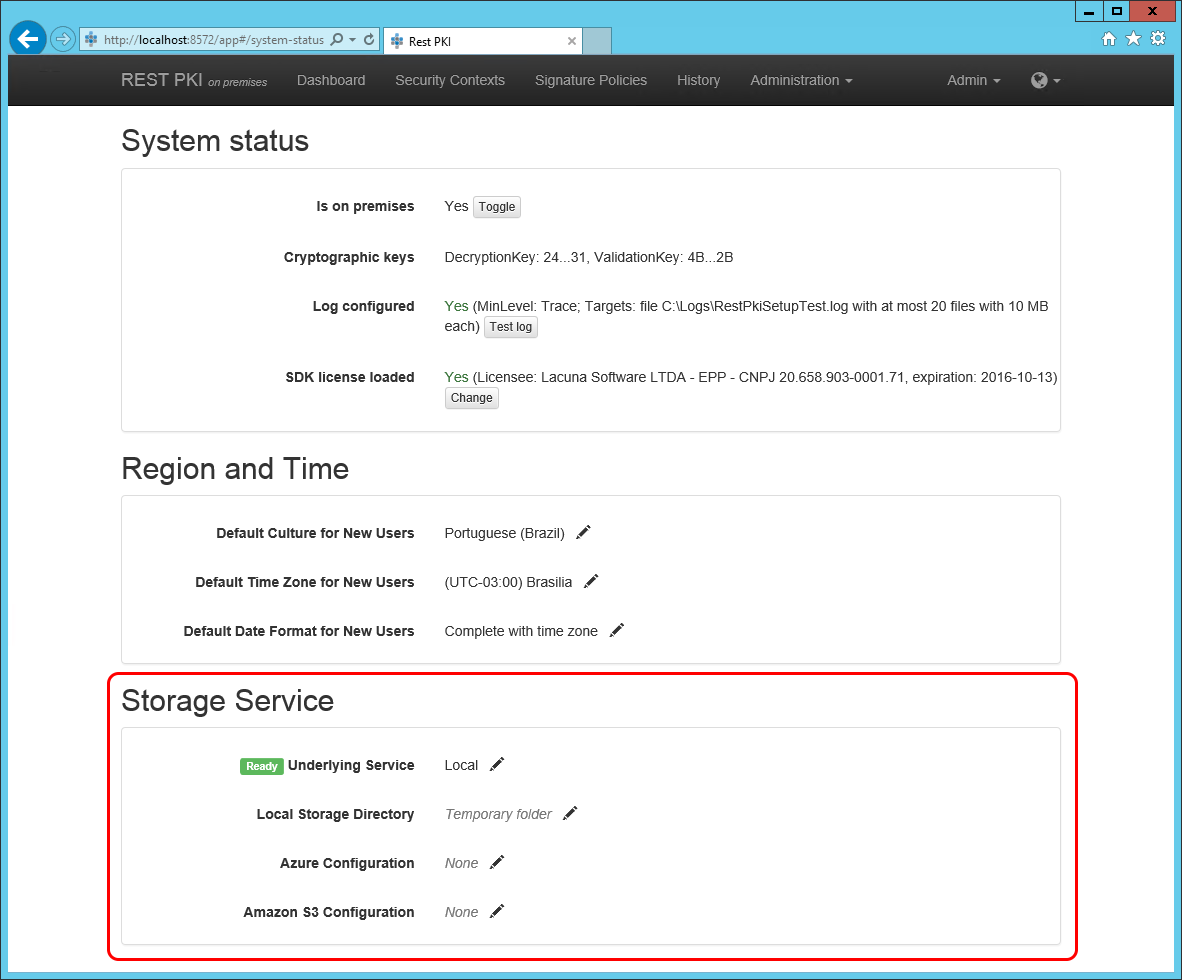
## Local
To store temporary files on the local file system, choose **Local** on the **Underlying Service** setting.
Then fill the **Local Storage Directory** setting with the path of the folder where Rest PKI should store the files. For instance:
```text
C:\AppData\RestPki
```
> **Note**
>
> On a multi-server installation, this folder must be shared among the web servers
## Azure Storage
To store temporary files in an [Azure Storage](https://azure.microsoft.com/en-us/services/storage/) *container*,
choose **Azure Blob Storage** on the **Underlying Service** setting.
Then fill the **Azure Configuration** setting as follows:
```text
;;
```
For instance:
```text
patorumstorage;MYSECRETKEY;restpkifiles
```
## Amazon S3
To store temporary files in an [Amazon S3](https://aws.amazon.com/s3) *bucket*,
choose **Amazon S3** on the **Underlying Service** setting.
Then fill the **Amazon S3 Configuration** setting as follows:
```text
;;
```
For instance:
```text
MYACCESSKEY;MYSECRETKEY;restpkifiles
```
# [Configure Timestamping - Rest PKI](https://docs.lacunasoftware.com/en-us/articles/rest-pki/on-premises/configure-timestamping)
To perform digital signatures on your [*on premises*](https://docs.lacunasoftware.com/en-us/articles/rest-pki/on-premises) instance of [Rest PKI](https://docs.lacunasoftware.com/en-us/articles/rest-pki) with
signature policies that require a signature timestamp, for instance the **PAdES-T** or **CAdES Ad-RT** policies,
you need to hire an external timestamping service.
> **Note**
>
> You can use the Rest PKI cloud (https://pki.rest/) to provide timestamps to your Rest PKI instance.
> See the prices [here](https://www.lacunasoftware.com/en/pricing/#cloud-simulator).
The timestamping service must meet the following requirements:
* Communication through the *Timestamp Protocol* (TSP - RFC 3161) over HTTP or HTTPS
* One of the following authentication methods:
* HTTP basic authentication
* SSL/TLS with mutual authentication
* OAuth Bearer Token
If you choose to use the Rest PKI cloud, follow the steps below to get the access credentials:
1. Sign in on the Rest PKI cloud website (https://pki.rest/)
1. On the Control Panel, click the **Generate new access token** button
1. Copy the generated value
If you choose another timestamp provider, ask the provider for the access details (URL and credentials).
Once you have the access details of the timestamp provider, follow the steps below to configure your
Rest PKI instance:
1. Access your Rest PKI instance
1. Sign in with the "Admin" user or another administrator user (the password was set during the installation)
1. On the top menu, go to **Administration** > **Timestamp Plans**
1. Click the *ICP-Brasil* item
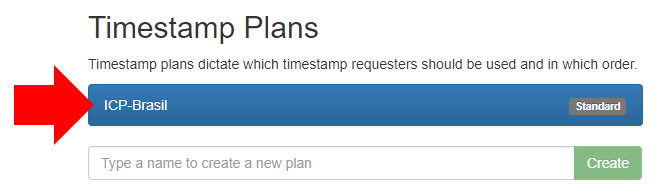
1. In the **Timestamp Requesters** area, type a name and click **Create**
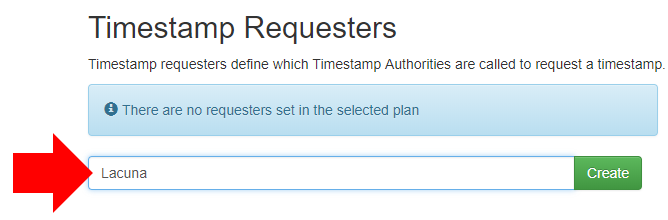
1. On the next screen, fill in the provider's URL and click **Create**
* For the Rest PKI cloud, the URL is: `https://pki.rest/tsp/a402df41-8559-47b2-a05c-be555bf66310`
1. Once the requester is created, open its settings
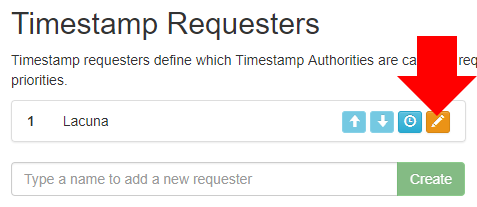
1. On the **Authentication** field, choose the option specified by the provider
* For the Rest PKI cloud, the option must be **OAuth Bearer Token**
1. Depending on your choice, a new field is shown and must be filled:
1. *HTTP basic authentication*: fill the **Credentials** field with the username and password given by the provider
1. *OAuth Bearer Token*: fill the **OAuth Token** field with the token given by the provider (**without** the "Bearer" prefix)
1. SSL with mutual authentication: see the [section below](https://docs.lacunasoftware.com/en-us/articles/rest-pki/on-premises/configure-timestamping#ssl-mutual-auth)
1. Click the **Test** button. If a message says the test was successful, the configuration is correct.
## Authentication through SSL/TLS with mutual authentication
To use a timestamp provider that requires authentication through SSL/TLS with mutual authentication, you must first
import the certificate given by the provider into the Windows certificate store, in the Personal folder of the user
that runs Rest PKI.
With the .pfx file (PKCS #12) given by the provider at hand, follow one of the sections below, depending on the
environment where Rest PKI is installed, to import the certificate into the Windows store.
### Configuration on Windows Server
1. Access the server where Rest PKI is installed
1. Create a local user for Rest PKI
1. On the start menu, search for "Edit local users and groups" and click it
1. Right-click the Users folder and click **New User...**
1. Fill in a username and a password
1. Uncheck the option *User must change password at next logon*
1. Check the option *Password never expires*
1. Click **Create**
1. Grant the new user the required permissions on the Rest PKI installation folder
1. Find the folder where Rest PKI is installed (e.g. `c:\inetpub\RestPKI`)
1. Right-click the folder and go to the **Security** tab
1. Click **Edit...** > **Add..** > type the name of the user you created and click **OK**
1. Leave only the **List folder contents** and **Read** items checked
1. Click **OK**
1. Change the identity of the *application pool*
1. Open the *IIS Manager*
1. Go to *Application Pools*
1. Click the Rest PKI *application pool*
1. Click **Advanced Settings...** on the right-hand menu
1. In the **Process Model** section, edit the **Identity** setting
1. Choose the **Custom account** option
1. Click the **Set...** button and enter the credentials chosen for the user you created
1. Click **OK**
1. Check that Rest PKI still works normally (access the web interface)
1. Browse to the `C:\Windows\System32` folder
1. Find the `mmc.exe` file
1. Hold the SHIFT key and right-click the file
1. Click the **Run as different user** option
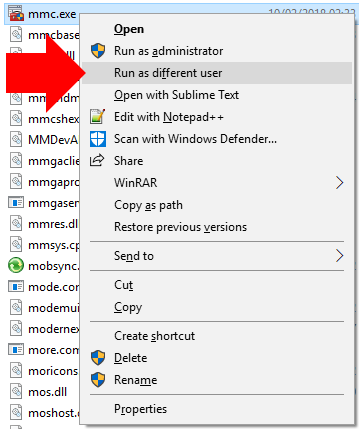
1. Enter the credentials of the user you created
1. Go to **File** > **Add/Remove Snap-in...**
1. Click **Certificates**, click the **Add >** button and click **OK**
1. Expand the **Certificates - Current User** folder
1. Right-click the **Personal** folder > **All Tasks** > **Import...**
1. Follow the *wizard*, providing the .pfx file and its password
Once the certificate is imported, it is listed on the **SSL Certificate** field of the timestamp provider settings in Rest PKI.
### Configuration on Azure App Service
1. Open the App Service settings on the Azure dashboard
1. Open the App Service's **SSL certificates**
1. Click **Upload Certificate**
1. Provide the .pfx file and its password and click **Upload**
1. When the operation finishes, the certificate appears on the list of certificates
1. Copy the value of the certificate's **Thumbprint** column
1. Open the App Service's **Application settings**
1. In the *Application settings* section, add a new setting
* Name: `WEBSITE_LOAD_CERTIFICATES`
* Value: (the value copied from the *Thumbprint* column)
1. Save the settings
Once the certificate is imported, it is listed on the **SSL Certificate** field of the timestamp provider settings in Rest PKI.
# [Database model update - Rest PKI](https://docs.lacunasoftware.com/en-us/articles/rest-pki/on-premises/database-update)
Database updates on [*on premises*](https://docs.lacunasoftware.com/en-us/articles/rest-pki/on-premises) instances of [Rest PKI](https://docs.lacunasoftware.com/en-us/articles/rest-pki) can be
performed **automatically** or **manually**.
In automatic mode, the database is updated the first time a new version of the system runs, and no additional
procedure is needed. In manual mode, after a version update of the system that requires a database update, the
system stays out of service until the procedure is performed manually (see the [section below](https://docs.lacunasoftware.com/en-us/articles/rest-pki/on-premises/database-update#manual-update)).
The most suitable setting depends mainly on the choice made during the installation of the system regarding the
system's permissions on the database:
1. The system is the *owner* of the database, **or**
1. The system has only read and write permissions on the database
If you chose option **1** (system is the ***owner* of the database**), both database update settings can be used,
and **automatic** updates are recommended. If you chose option **2** (system has **only read and write**
permissions on the database), the system must be configured to perform database updates **manually**.
## Configuring the update mode
The update mode -- manual or automatic -- is configured in the `AppSettings.config` file, on the `AutoUpdateDatabase` item.
To use **automatic** database updates (recommended setting when the system is the ***owner* of the database**):
```xml
Lacuna Rest PKI
1.13.1
```
If the call fails, the error shown should help diagnose the problem.
* For the Rest PKI cloud, the call was probably blocked by the firewall of the user's network. Ask whoever manages the network
to allow the `restpki.lacunasoftware.com` domain over HTTPS.
* For Rest PKI *on premises*, the main reasons for failure are:
* Your Rest PKI instance is not publicly available
* Your Rest PKI instance is publicly available, but it is being blocked by a firewall in the end user's environment. In that case, to avoid
possible blocks, make sure that your Rest PKI URL:
* Uses a hostname, not an IP address (e.g. `http://201.184.43.191/`)
* Uses HTTPS with a valid SSL certificate
* Uses a standard port (443 or, if not on HTTPS, port 80)
If the call succeeds, returning an XML similar to the one shown above, perform the procedure described in the section below on the
computer where the error occurs.
## Debugging the extension on Chrome
> **Note**
>
> If the problem only happens on browsers other than Chrome, see the instructions at the end of the article
1. Right-click the Web PKI icon (yellow chip) on the top right corner of the browser and click the **Manage extensions** option
1. Check the **Developer mode** box at the top of the extension list
1. Find Web PKI on the extension list and click the **background page** link
1. On the window that opens, click the **Network** tab
1. Repeat the signature procedure on the browser
1. The failed network call to Rest PKI is recorded on the Network tab. Click the call.
After this procedure, you should see a screen similar to the following:
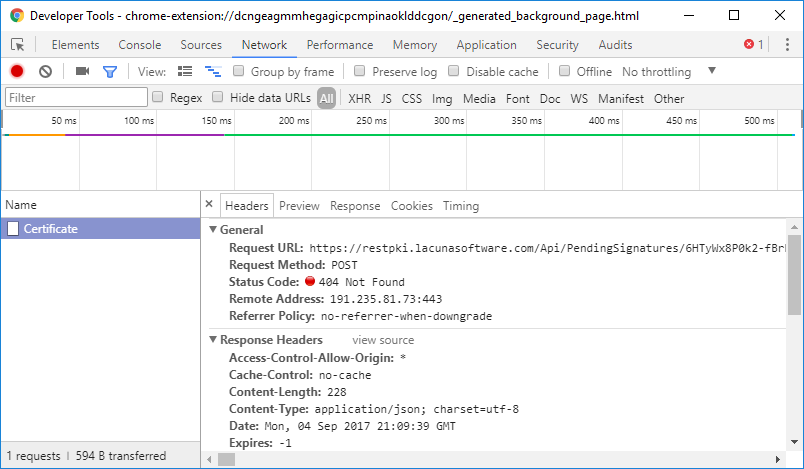
The error details of the network call to Rest PKI should point to the cause of the problem:
* If you are using your own instance of Rest PKI ...
* ... and the call was made to the **`restpki.lacunasoftware.com` domain instead of the domain of your Rest PKI instance**: the Rest PKI
address is not configured correctly in the page's Javascript code. See the solution in the article
[Custom RestPKI configuration](https://docs.lacunasoftware.com/en-us/articles/web-pki/customizing-restpki-url).
* ... and the call was made to the correct domain of your Rest PKI instance ...
* ... and failed with **status code 404**: the Rest PKI address may not be configured correctly in your backend code. Check
the initialization of the `RestPkiClient` class (the class name may be slightly different depending on the programming language).
* ... and failed with **another status code**: try to diagnose the problem from the error code and message. **NOTE:** invalid SSL
certificates cause the communication between Web PKI and Rest PKI to fail silently. The SSL certificate in use must be within its
validity period and must have been issued by a Certification Authority trusted by default by the operating systems.
* If you are using the default Rest PKI instance at `https://pki.rest/`: check the error code. Access to Rest PKI is probably being
blocked by the firewall of the user's network. If so, contact whoever manages that network.
## Debugging the extension on Firefox
To diagnose communication failures between Web PKI and Rest PKI on Firefox, follow the steps below:
1. Open the Firefox menu (icon on the top right corner)
1. Click **Add-ons**
1. Click the gear at the top of the page, then **Debug Add-ons**
1. Check the **Enable add-on debugging** box
1. Find Web PKI on the extension list and click the **Debug** link
1. On the pop-up that appears, click **Allow**
1. On the window that opens, click the **Network** tab
1. Repeat the signature process on the browser
1. The failed network call to Rest PKI is recorded on the Network tab. Click the call.
> **Note**
>
> On Firefox, the *Network* tab of the extension's debug window shows the calls made by the page mixed with the calls made by the extension. To
> help, the call Web PKI makes to Rest PKI can be identified by its route, called **Certificate**
# [Certificate authentication - Rest PKI](https://docs.lacunasoftware.com/en-us/articles/rest-pki/certificate-authentication)
> **Warning: Legacy product**
>
> Rest PKI is a legacy product: it still receives bug and security fixes, but new cloud integrations should use
> [Rest PKI Core](https://docs.lacunasoftware.com/en-us/articles/rest-pki/core), which also serves most Rest PKI APIs. This page is for existing Rest PKI integrations.
> See the [Rest PKI quick reference](https://docs.lacunasoftware.com/en-us/articles/rest-pki/quick-reference).
Users sign in to your application with their digital certificate: [Rest PKI](https://docs.lacunasoftware.com/en-us/articles/rest-pki) issues a one-time token, [Web PKI](https://docs.lacunasoftware.com/en-us/articles/web-pki)
signs it with the user's certificate in the browser, and Rest PKI checks the signature and the certificate.
The code on this page is from the [ASP.NET MVC samples project](https://docs.lacunasoftware.com/en-us/articles/rest-pki/dotnet/mvc#auth): C# on the server, with `Lacuna.RestPki.Client`
1.24.1, and JavaScript in the browser, with Web PKI.
## Flow
1. **Server**: start the authentication with the security context; Rest PKI returns a token.
1. **Browser**: Web PKI lists the user's certificates; when the user picks one, `signWithRestPki()` signs with it, using the token.
1. **Server**: complete the authentication with the token; Rest PKI returns the validation results and the user's certificate.
1. **Server**: if the results are valid, find your user by a field of the certificate and sign them in.
| Step | Client method | Endpoint |
|---|---|---|
| Start | `StartWithWebPkiAsync(securityContextId)` | `POST Api/Authentications` |
| Complete | `CompleteWithWebPkiAsync(token)` | `POST Api/Authentications/{token}/Finalize` |
## 1. Start the authentication
The server starts the authentication and renders the page with the token, which is a 22-character, case-sensitive, URL-safe string.
It is not your API access token.
```cs
var auth = Util.GetRestPkiClient().GetAuthentication();
var token = await auth.StartWithWebPkiAsync(Util.GetSecurityContextId());
base.SetNoCacheHeaders();
```
* The token works for a single authentication. The sample sends headers that keep the browser from caching the page, so that the back
button doesn't show a page with a used token.
* The authentication must be completed within one hour by default; on an on-premises instance, the `TimeToCompleteAuthentications`
setting changes this (since Rest PKI 1.12.6).
* The security context decides which certificates are accepted; the samples use `LacunaTest` in debug builds, to accept the
[test certificates](https://docs.lacunasoftware.com/en-us/articles/pki-guide/test-certs), and `PkiBrazil` otherwise. See [Security context](https://docs.lacunasoftware.com/en-us/articles/rest-pki/validate-signatures#security-context).
* To ignore errors due to an unknown revocation status, start with an `AuthenticationOptions` whose `IgnoreRevocationStatusUnknown` is
`true` (since Rest PKI 1.16.0); the sample doesn't.
## 2. Sign the token in the browser
The page keeps the token in a hidden field, with a `` for the certificates and a **Sign In** button that is not a submit button:
the form is submitted by script once Web PKI finishes.
The script initializes Web PKI with your Rest PKI endpoint in `restPkiUrl`:
```js
var pki = new LacunaWebPKI(_webPkiLicense);
pki.init({
ready: loadCertificates, // As soon as the component is ready we'll load the certificates.
defaultError: onWebPkiError, // Generic error callback defined below.
restPkiUrl: _restPkiEndpoint // REST PKI endpoint to communication between Web PKI.
});
```
When the user clicks **Sign In**, it calls `signWithRestPki()` with the token and the chosen certificate, then submits the form:
```js
var selectedCertThumbprint = formElements.certificateSelect.val();
pki.signWithRestPki({
token: formElements.token,
thumbprint: selectedCertThumbprint
}).success(function () {
formElements.form.submit();
});
```
* `_webPkiLicense` and `_restPkiEndpoint` come from the `WebPkiLicense` and `RestPkiEndpoint` settings. `RestPkiEndpoint` is only needed
on-premises, and a Web PKI license only to run on a host other than `localhost`.
See also [Custom RestPKI configuration](https://docs.lacunasoftware.com/en-us/articles/web-pki/customizing-restpki-url).
* Web PKI exchanges the signature data with Rest PKI directly.
## 3. Complete the authentication
Back on the server, complete the authentication with the token. If the results are not valid, show what failed; otherwise, read the
user's certificate:
```cs
var auth = Util.GetRestPkiClient().GetAuthentication();
var validationResults = await auth.CompleteWithWebPkiAsync(model.Token);
if (!validationResults.IsValid) {
return View("Failed", validationResults);
}
return View("Success", new AuthenticationInfoModel() {
UserCert = auth.GetCertificate()
});
```
* Rest PKI answers HTTP 200 whether the authentication succeeded or not: check `IsValid`. `ValidationResults.ToString()` lists every
check, and the sample shows it on its failure page.
* Completing removes the authentication: a second call with the same token fails.
* If the browser didn't sign, completing fails with `ClientSignatureNotSet` (HTTP 422). See [Return codes](https://docs.lacunasoftware.com/en-us/articles/rest-pki/return-codes).
* `GetCertificate()` can only be called after a complete method.
## 4. Sign the user in
When the results are valid, the sample's comment says that the certificate is valid according to the security context chosen at the start
and that the user is the certificate's subject. Look up your user by one of the certificate's fields, such as `EmailAddress` or, for ICP-Brasil
certificates, `PkiBrazil.Cpf`; which field depends on your application.
The certificate (`PKCertificate`) has `SubjectName`, `EmailAddress`, `IssuerName`, `SerialNumber`, `ValidityStart`, `ValidityEnd`,
`ThumbprintSHA256` and, for ICP-Brasil certificates, `PkiBrazil` with `CertificateType`, `Cpf`, `Cnpj`, `Responsavel`, `CompanyName`,
`DateOfBirth` and the RG and OAB fields.
TODO(docs): what Rest PKI checks when completing, beyond the certificate's trust under the security context.
## Errors
* When an account limit is set and exceeded, Rest PKI answers HTTP 429 with the headers `X-RateLimit-Limit` and `X-RateLimit-Remaining`.
* For the other codes, see [Return codes](https://docs.lacunasoftware.com/en-us/articles/rest-pki/return-codes) and the [quick reference](https://docs.lacunasoftware.com/en-us/articles/rest-pki/quick-reference).
## See also
* [Validate signatures](https://docs.lacunasoftware.com/en-us/articles/rest-pki/validate-signatures)
* [ASP.NET MVC samples project](https://docs.lacunasoftware.com/en-us/articles/rest-pki/dotnet/mvc#auth)
* [Web PKI](https://docs.lacunasoftware.com/en-us/articles/web-pki)
**Demos and samples**
- Live demo: [Your certificates in the browser](https://try.lacunasoftware.com/en/web-pki/certificates-in-the-browser)
- Authenticate with a digital certificate using Rest PKI: [.NET](https://github.com/LacunaSoftware/PkiSuiteSamples/blob/master/dotnet/mvc/PkiSuiteAspNetMvcSample/Controllers/AuthenticationRestController.cs) · [Java](https://github.com/LacunaSoftware/PkiSuiteSamples/blob/master/java/springmvc/src/main/java/com/lacunasoftware/pkisuite/controller/AuthenticationRestController.java) · [Node.js](https://github.com/LacunaSoftware/PkiSuiteSamples/blob/master/nodejs/expressmvc/routes/authentication-restpki.js) · [PHP](https://github.com/LacunaSoftware/PkiSuiteSamples/blob/master/php/plain/public/authentication-rest/index.php) · [Python](https://github.com/LacunaSoftware/PkiSuiteSamples/blob/master/python/flask/sample/views/authentication_rest.py) · [Ruby](https://github.com/LacunaSoftware/PkiSuiteSamples/blob/master/ruby/rails/app/controllers/authentication_rest_controller.rb)
# [Rest PKI changelog](https://docs.lacunasoftware.com/en-us/articles/rest-pki/changelog)
### 1.33.9 (2026-09-08)
Database model update: No
- Update PKI SDK to [2.22.5](https://docs.lacunasoftware.com/en-us/articles/pki-sdk/changelog#v2-22-5)
### 1.33.8 (2026-04-07)
Database model update: No
- Update PKI SDK to [2.22.3](https://docs.lacunasoftware.com/en-us/articles/pki-sdk/changelog#v2-22-3) With TSL loop validation fix.
### 1.33.7 (2026-03-05)
Database model update: No
- Update PKI SDK to [2.22.2](https://docs.lacunasoftware.com/en-us/articles/pki-sdk/changelog#v2-22-2) With T8 PDF tag insert fix.
### 1.33.6 (2025-11-28)
Database model update: No
- Update PKI SDK to [2.21.2](https://docs.lacunasoftware.com/en-us/articles/pki-sdk/changelog#v2-21-2)
### 1.33.5 (2025-10-20)
Database model update: No
- Add support to new SERPRO's timestamper oauth protocol
- Add `ArchiveTimestamps` parameter to signature details model
### 1.33.3 (2025-05-02)
Database model update: No
- Add ECDsa signature algorithms decode
- Add DN (Distinguished Name) formatted string to certificate Name model
- Update Lacuna Test sucurity context for development purposes
### 1.33.2 (2023-05-22)
Database model update: No
- Update PKI SDK to [2.13.1](https://docs.lacunasoftware.com/en-us/articles/pki-sdk/changelog#v2-13-1)
### 1.33.0 (2023-05-06)
Database model update: No
- Add Cades signature policy: ICP-Brasil Ref. Tempo (CAdES AD-RT) without CRLs
### 1.32.2 (2022-10-01)
Database model update: No
- Improve timestamp requester basic authentication support
### 1.32.1 (2022-09-18)
Database model update: No
- Add support to Serpro timestmamp requester proprietary API protocol
### 1.32.0 (2022-09-12)
- Add XML signature policy (NFe) with SHA-256 digest
Database model update: No
### 1.31.0 (2022-09-04)
- Add user access token digest to API transaction info
Database model update: No
### 1.30.1 (2022-05-09)
Database model update: No
- Update PKI SDK to [2.11.5](https://docs.lacunasoftware.com/en-us/articles/pki-sdk/changelog#v2-11-5)
### 1.30.0 (2021-11-28)
Database model update: No
- Add thumbprint SHA-256 property to certificate summary model
- Improve CAdES PKI Brazil AD-RA signature policy
- Update PKI SDK to [2.9.0](https://docs.lacunasoftware.com/en-us/articles/pki-sdk/changelog#v2-9-0)
### 1.27.0 (2021-08-31)
Database model update: No
- Add XAdES PKI Brazil AD-RC and AD-RA signature policies
- Update PKI SDK to [2.8.12](https://docs.lacunasoftware.com/en-us/articles/pki-sdk/changelog#v2-8-12)
### 1.26.7 (2021-08-02)
Database model update: No
- Add LTV presence check to PadesSignerInfo
- Add PDF marks operation restrictor
- Update PKI SDK to [2.8.10](https://docs.lacunasoftware.com/en-us/articles/pki-sdk/changelog#v2-8-10)
### 1.26.6 (2021-07-16)
Database model update: No
- Update PKI SDK to [2.8.9](https://docs.lacunasoftware.com/en-us/articles/pki-sdk/changelog#v2-8-9)
### 1.26.5 (2021-07-08)
Database model update: No
- Add configurable invoice creation database command timeout
### 1.26.4 (2021-07-04)
Database model update: No
- Add vertical align option on PDF marks text elements
- Add more countries IDs support (Argentina, Ecuador, Paraguay and Peru) on PAdES visual representation tag [`{{national_id}}`](https://docs.lacunasoftware.com/en-us/articles/rest-pki/pades-tags)
- Add PAdES visual representation masked CPF and RG tags [`{{br_cpf_masked}} and {{br_rg_numero_masked}}`](https://docs.lacunasoftware.com/en-us/articles/rest-pki/pades-tags)
### 1.26.3 (2021-05-17)
Database model update: No
- Updated PKI SDK to [2.8.7](https://docs.lacunasoftware.com/en-us/articles/pki-sdk/changelog#v2-8-7)
- Improved password protected PDF error handler to return status code 422 instead of 500
### 1.26.2 (2021-03-31)
Database model update: No
- Update PKI SDK to [2.8.4](https://docs.lacunasoftware.com/en-us/articles/pki-sdk/changelog#v2-8-4)
### 1.26.1 (2021-03-22)
Database model update: No
- Improved permissive policies for validation
- Fixed unhandled exception on the opening of a PAdES signature without a digest value
- Update PKI SDK to 2.8.1
### 1.26.0 (2021-03-11)
Database model update: No
- Added API that opens and validates a certificate
### 1.25.3 (2021-02-10)
Database model update: No
- Disabled refresh transaction count and limits tasks at on-premises instances
### 1.25.2 (2021-02-09)
Database model update: No
- Lengthened refresh transaction count task schedule to every 4 hours
### 1.25.1 (2020-12-15)
Database model update: No
- Added policy "CmsPermissive" for validation of CAdES signatures
### 1.25.0 (2020-12-06)
Database model update: No
- Added "Reason" field on PAdES signatures
### 1.24.3 (2020-09-22)
Database model update: No
- Improved initial page
### 1.24.2 (2020-09-17)
Database model update: No
- Update PKI SDK to [2.7.9](https://docs.lacunasoftware.com/en-us/articles/pki-sdk/changelog#v2-7-9)
### 1.24.1 (2020-09-16)
Database model update: No
- Improved "Adobe Reader" validation policy to handle "forbidden signed attribute is present" error
- Update PKI SDK to [2.7.8](https://docs.lacunasoftware.com/en-us/articles/pki-sdk/changelog#v2-7-8)
### 1.24.0 (2020-07-09)
Database model update: No
- Added "CertificationLevel" field on PAdES signatures
### 1.23.0 (2020-06-19)
Database model update: No
- Fixed exception that occurs when opening a PAdES signature with the field "SignaturePolicy" without its URI
- Added "CustomSignatureFieldName" field on PAdES signatures
- Update PKI SDK to [2.7.2](https://docs.lacunasoftware.com/en-us/articles/pki-sdk/changelog#v2-7-2)
### 1.22.1 (2020-04-22)
Database model update: No
- Improved error handling when the user provides an invalid token
### 1.22.0 (2020-02-28)
Database model update: No
- Add PAdES signature policy without LTV
- Add option "PreserveSignaturesVisualRepresentation" when adding PDF marks
- Add option "TrustUncertifiedSigningTime" on PAdES and CAdES signature validation
- Add validation policy for Adobe Reader signatures
- Add configuration for throttling API requests
### 1.21.1 (2020-02-21)
Database model update: No
- Update PKI SDK to [2.5.5](https://docs.lacunasoftware.com/en-us/articles/pki-sdk/changelog#v2-5-5)
### 1.21.0 (2020-01-10)
Database model update: No
- Add a ICP-Brasil CAdES signature policy without CRLs
### 1.20.2 (2019-07-21)
Database model update: No
- Fix high CPU usage problem that occurred on certain conditions
- Improve timestamp scheduling to try requesters marked as unavailable (with less priority)
- Add settings `ProcessBackgroundJobs` and `WatchTimestampRequesters`
- Update PKI SDK to [2.5.2](https://docs.lacunasoftware.com/en-us/articles/pki-sdk/changelog#v2-5-2)
### 1.20.1 (2019-07-04)
Database model update: No
- Add PAdES auto positioning directions (`LeftToRight`/`RightToLeft` and `TopDown`/`BottomUp`)
- Add support for Lapp integration (*Lapp* is an Artifact Provider for PKI, used as a CRL proxy)
- Update PKI SDK to [2.5.1](https://docs.lacunasoftware.com/en-us/articles/pki-sdk/changelog#v2-5-1)
### 1.20.0
*No changes (version skipped)*
### 1.19.1 (2019-07-03)
Database model update: No
- Improve maintenance jobs
### 1.19.0 (2019-03-15)
Database model update: No
- Refactored integration with B-Stamper
- Update PKI SDK to [2.2.8](https://docs.lacunasoftware.com/en-us/articles/pki-sdk/changelog#v2-2-8)
### 1.18.5 (2019-01-03)
Database model update: No
- Performance improvements on billing (does not affect on-premises installations)
### 1.18.4 (2018-12-11)
Database model update: No
- Improve validations on PAdES and CAdES signature exploring APIs to return status code 422 instead of 500
- Update PKI SDK to [2.2.3](https://docs.lacunasoftware.com/en-us/articles/pki-sdk/changelog#v2-2-3)
### 1.18.3 (2018-10-23)
Database model update: No
- Add support for the XML signature standard *Certificación de Origen Digital* (COD),
from *Asociación Latinoamericana de Integración* (ALADI). For more information, see standard in
[Spanish](http://www.aladi.org/nsfweb/Documentos/2327Rev2.pdf) or in
[Portuguese](http://www.mdic.gov.br/images/REPOSITORIO/secex/deint/coreo/2014_09_19_-_Brasaladi_761_-_Documento_ALADI_SEC__di_2327__Rev_2_al_port_.pdf)
- Update PKI SDK to [2.2.2](https://docs.lacunasoftware.com/en-us/articles/pki-sdk/changelog#v2-2-2), thus fixing bug on PDF marks rotation
### 1.18.2 (2018-09-26)
Database model update: No
- Fix bugs that prevented correct certificate chain loading on certain scenarios:
- On CAdES signatures, whenever the last link (to the root CA) could not be automatically constructed
- On all XML signatures
### 1.18.1 (2018-09-11)
Database model update: No
- Improve Application Insights instrumentation
- Add support for specifing the AI API key, apart from the instrumentation key
### 1.18.0 (2018-08-13)
Database model update: **Yes**
- Add support for configuring a TSA Policy ID on outgoing timestamp requests
- Update PKI SDK to [2.1.3](https://docs.lacunasoftware.com/en-us/articles/pki-sdk/changelog#v2-1-3)
### 1.17.5 (2018-08-01)
Database model update: No
- Fixed bug on Swagger metadata
- Improve users API
### 1.17.4 (2018-07-11)
Database model update: No
- Fixed bug affecting operations performed with security contexts that include PKI Italy
- Improve invoice API
### 1.17.3 (2018-05-24)
Database model update: No
- Add link to the [privacy policy](https://docs.lacunasoftware.com/en-us/articles/rest-pki/privacy-policy) on the splash screen ([GDPR](https://en.wikipedia.org/wiki/General_Data_Protection_Regulation) compliance)
### 1.17.2 (2018-05-15)
Database model update: No
- Update Lacuna PKI SDK to 1.20.16, thus:
- Fix certificate chain filling bug on PAdES
### 1.17.1 (2018-05-09)
Database model update: No
- Update Lacuna PKI SDK to 1.20.15, thus:
- Improve tolerance for malformed certificates (fixing problems due to recent SERPRO malformed certificates)
- Update ICP-Brasil intermediate CAs
### 1.17.0 (2018-03-29)
Database model update: No
- Improve dashboard
- General billing improvements
### 1.16.0 (2017-12-12)
Database model update: **Yes**
- Add support for ignoring certificate validation errors due to unknown revocation status
- Add support for enabling Lacuna Test PKI on on-premises instances
- Add configuration of B-Stamper API key
- Improve instrumentation of TSP requests
- Fix bug that caused signatures to fail if the server `catest.lacunasoftware.com` was unreachable
- Fix minor bugs on invoices API
### 1.15.2 (2017-11-20)
Database model update: No
- Add B-Stamp information on response of open signature APIs
- Improve audit package generation to return download link instead of content
- Fix bug on B-Stamping of signatures sent to the open signature APIs
- Fix validation of B-Stamped signatures
- Fix bug on database model update
- Update Lacuna PKI SDK to 1.20.5
### 1.15.1 (2017-11-16)
Database model update: No
- Fix model validation bug that could cause a 400 (BadRequest) response on the PDF marks API
**Known issues:**
- An exception may be thrown during database model update (fixed on 1.15.2)
### 1.15.0 (2017-11-14)
Database model update: **Yes**
- Add B-Stamper integration
- Add invoices APIs and reports
- Improve validations on PAdES signatures API to return status codes 400/422 instead of 500
- Improve Application Insights instrumentation
- Add UserId field
- Fix bug that caused some 422 responses to be logged without the ErrorCode field
- Fix frontend bug that suggested that users could update their own CustomerId
**Known issues:**
- An exception may be thrown during database model update (fixed on 1.15.2)
### 1.14.4 (2017-09-29)
Database model update: No
- Add option to export billing report to CSV
- Improve validation of external file URLs passed to the API
- Improve instrumentation
- Registering API error fields on Application Insights
- Increase verbosity of log level "Debug"
- Add events to help diagnosing problems on integration with Web PKI
- Fix bug that could cause several background tasks to remain queued
- Fix bug that caused a (handled) NullReferenceException during system startup
- Fix bug on transaction limit enforcing
- Update Lacuna PKI SDK to 1.19.4
### 1.14.3 (2017-09-17)
Database model update: **Yes**
- Fix compatibility with PostgreSQL (previous 1.14.x versions were not compatible)
- Improve timestamp requester management
- Improve validations on PDF marks API
- Reduce files not used on on-premises installations
- Fix bug that caused timestamp requesters to be marked as unavailable during database update
- Fix bug that caused CA certificates without a CN (common name) field to be displayed incorrectly
- Fix bug on loading of user limits page
### 1.14.2 (2017-09-12)
Database model update: No
- Fix bug that caused successful TSP requests to be logged as failures on Azure Application Insights
**Known issues:**
- Version cannot be installed on PostgreSQL (fixed on 1.14.3)
### 1.14.1 (2017-09-11)
Database model update: No
- ~~Fix bug that caused successful TSP requests to be logged as failures on Azure Application Insights~~ (only really fixed on 1.14.2)
**Known issues:**
- Version cannot be installed on PostgreSQL (fixed on 1.14.3)
### 1.14.0 (2017-09-09)
Database model update: **Yes**
- Add transaction limits (system-wide or per user)
- Add support for admins to block users
- Improve timestamp requester fallback and recovery
- Add various API validations to return status codes 400 and 422 instead of 500
- Add support for admins to manage users' custom intermediate CAs
- Add "Windows Server" option on custom security contexts' additional standard PKIs
- Add warning on dashboard if PKI SDK license is close to expiration
- Improvements on billing report
- Fix bug on paging buttons
- Add column with PDF marks
- Add totals row
- Instrumentation improvements
- Operations differing only by parameter on route are now unified on application insights
- Failed TSP requests are now logged as so on application insights
- API trust parameters (security context and signature policy) are now registered on events
- Add client lib tracking
- Fix bug that caused sensible settings to be written on the system log
- Fix bug that prevented deletion of timestamp requesters
- Fix name of PAdES tag `{{br_oab_numero}}` (old `{{br_oab_numbero}}` is still supported)
**Known issues:**
- Version cannot be installed on PostgreSQL (fixed on 1.14.3)
### 1.13.3 (2017-09-07)
Database model update: No
- Update Lacuna PKI SDK to 1.19.3 to fix bugs on revocation status checking
- Full validation results now included on certificate authentication completed event
- Improved logs to help diagnostic of trust parameterization errors
### 1.13.2 (2017-08-28)
Database model update: No
- Add proxy configuration
### 1.13.1 (2017-07-28)
Database model update: No
- Minor changes to billing API
### 1.13.0 (2017-07-03)
Database model update: No
- Add new API to add marks to PDFs
- Add support for admins to manage users' custom security contexts
- Improve transactions and events screens
### 1.12.8 (2017-06-27)
Database model update: No
- Fix bug that caused intermediate CAs to be ignored on open/validate signature APIs
### 1.12.7 (2017-06-05)
Database model update: **Yes**
- Fix bug that caused database deadlocks on high load scenarios
- Fix bug that caused errors on recently-created timestampers
### 1.12.6 (2017-06-01)
Database model update: No
- Create app settings TimeToCompleteSignatures and TimeToCompleteAuthentications
### 1.12.5 (2017-05-11)
Database model update: No
- Add optional app setting DefaultTimestampTimeout to customize the default timeout when requesting timestamps
- Improve performance logs
- Update Lacuna PKI SDK to 1.16.7 to improve download logs
### 1.12.4 (2017-05-05)
Database model update: No
- Fix bug that caused execution privileges over the site's folder to be required from the application
### 1.12.3 (2017-05-04)
Database model update: No
- Fix bug on configuration of setting "Is on premises"
- Fix bug on hint of setting "Cryptographic keys"
- Fix bug on open/validate XML signatures API
### 1.12.2 (2017-04-26)
Database model update: No
- Fix bug on certificate authentication with Web PKI
### 1.12.1 (2017-04-26)
Database model update: No
- Fix bug on application startup that could cause double processing of background jobs
### 1.12.0 (2017-04-25)
Database model update: **Yes**
- Add support for issuing timestamps through the REST API
- Add new API to open/validate XML signatures
- Add optional instrumentation with Application Insights
- Add optional app setting "AutoUpdateDatabase" to control whether the application will attempt to auto-update the database
- Add optional app setting "AllowInsecureMaintenance" to allow remote access to maintenance pages through HTTP
- Fix various issues occurring when running multiple instances of the application (high availability scenarios)
- ~~Fix database concurrency issues occurring on high load situations~~ (only really fixed on 1.12.7)
- Fix bug that occurred when the license for the Lacuna PKI SDK was changed
- Update Lacuna PKI SDK to 1.16.6
### 1.11.4 (2017-03-16)
Database model update: No
- Update Lacuna PKI SDK to 1.16.5, thus:
- Updated ICP-Brasil intermediate CAs
- Changes on CAdES signature inspection to deal with incorrectly encoded timestamps
### 1.11.3 (2017-02-13)
Database model update: No
- Alter XML policy "Nota Fiscal Eletrônica (NF-e)" to exclude signature elements IDs
- Update Lacuna PKI SDK to 1.16.2
### 1.11.2 (2017-01-20)
Database model update: No
- Fix bug on database maintenance page
### 1.11.1 (2017-01-17)
Database model update: No
- Fix bug on upload and download routes
### 1.11.0 (2017-01-17)
Database model update: **Yes**
- Add support for multipart upload of files
- Add support for signing previously uploaded files, files from previous signatures and remote files
- Add support for downloading the signed file on a separate HTTP request ("download link")
- Add support for new PAdES visual representation tags (see [PAdES tags](https://docs.lacunasoftware.com/en-us/articles/rest-pki/pades-tags))
- Add support for decoding all fields in X.509 names
- Add CAdES policy "Basic Electronic Signature (CAdES-BES) with signing-time and no CRLs"
- Fix bug that prevented system intermediate CAs from taking effect
- Fix bug that resetted the storage service to local everytime the application was restarted
- Update Lacuna PKI SDK to 1.16.0, thus:
- Improve ICP-Brasil filds. Fields also return null if have default padding value
- Improve Pades signature to load and validate adbe.pkcs7.sh1 PDF signatures
- Improve internal downloads
- Fix TSL UnderSupervision state as a valid state
- Fix Certificate Store loading delay due certificate chain loading attempt
- Fix CAdES archive timestamp encode
- Fix PAdES visual representation empty line
- Fix PDF marks and PAdES visual representation incorrect positioning in some rotated PDFs
- Fix exception in some ICP-Brasil fields decode
- Fix bug occurring in some PDF signatures
- Fix CAdES complete revocation references attribute order
- Update italian TSL uri and root
### 1.10.1 (2016-10-01)
Database model update: No
- Add standard PAdES policies "Basic with ICP-Brasil certificates" and "PAdES-T with ICP-Brasil certificates"
### 1.10.0 (2016-09-27)
Database model update: **Yes**
- Add support for performing CAdES detached signatures without uploading the data file
- Improve user management
### 1.9.1 (2016-09-22)
Database model update: No
- Fix bug preventing use of tags `{{signerEmail}}` and `{{issuerCommonName}}` on PAdES visual representation
### 1.9.0 (2016-08-25)
Database model update: **Yes**
- Add support for PDF marks
- Add support to get the encapsulated file when opening a CAdES signature
- Improve billing report
### 1.8.2 (2016-07-19)
Database model update: No
- Fix bug on CAdES co-signatures with timestamp
### 1.8.1 (2016-07-11)
Database model update: No
- Fix bug affecting some signatures of large PDFs
- Update Lacuna PKI SDK to 1.13.1
### 1.8.0 (2016-07-05)
Database model update: No
- Add new API to open/validate CAdES and PAdES signatures
- Add support for new ICP-Brasil PAdES signature policies AD-RB and AD-RT
- Add transaction history report
- Add support for tags `{{signerEmail}}` and `{{issuerCommonName}}` on PAdES visual representation
- Add property BinaryThumbprintSHA256 to CertificateModel
- Add support for creating users without a password (useful for application users)
- Add warning on system status when changing the storage when there are already stored blobs
- Increase maximum API request length to 100 MB
- Fix bug that prevented CAdES co-signatures
- Fix authorization bug on the download route for the security contexts' trusted root certificates
- Update Lacuna PKI SDK to 1.13.0
### 1.7.2 (2016-06-10)
Database model update: No
- Add detection of bad data passed by client applications:
- Invalid/corrupt PDFs
- Invalid PAdES visual representation parameters
- Fix bug on security context removal
- Fix bug causing unused ClientSideSignature records to be left behind in the database
- Fix bug that prevented admin users from viewing details of other users' events
- Update Lacuna PKI SDK to 1.12.2 (no bug fixes)
### 1.7.1 (2016-06-03)
Database model update: No
- Fix bug on download of a security context's trusted root certificate
### 1.7.0 (2016-06-03)
Database model update: **Yes**
- Add support for timestamping
- Add support for system-wide security contexts
- Add support for system-wide customized signature policies
- Add support for additional storage options for encrypted temporary files (storing on local filesystem is still supported):
- Microsoft Azure Blob Storage
- Amazon S3
- Add support for admins to generate access tokens for other users
- Add support for admins to view other users' events ("history")
- Add support for ICP-Brasil certificate fields "RG" and "OAB"
- Update Lacuna PKI SDK to 1.12.1, thus:
- Add support for certificates with rare alternative SHA-1 with RSA signature algorithm OID (1.3.14.3.2.29)
### 1.6.4 (2016-05-05)
Database model update: **Yes**
- Store temporary encrypted files on local temp directory instead of storing on binary columns in the database
- This change was done due to performance issues. The next release will add support for other storage options.
### 1.6.3 (2016-05-02)
Database model update: **Yes**
- Add support for customization of culture, format and time zone of the signing time in PAdES visual representation
- Update Lacuna PKI SDK to 1.12.0, thus:
- Fix bug on encoding of ASN.1 structure AlgorithmIdentifier which caused the field "parameters" to be omitted instead
of being filled with the NULL value
- No longer using the iTextSharp AGPL-licensed library
- Fix bug on certificate revocation status validation which caused a stack overflow on rare OCSP validation scenarios
- Fix bug on CRL decoding when the ReasonCode is present
- Improve messages for certificate revocation status validation
- Fix issue affecting validation of XML signatures having namespace declarations on the Signature element
- Fix issue affecting positioning of PAdES visual representations in specific several-signers scenarios
- Add ICP-Brasil trusted root "v5"
### 1.6.2 (2016-04-18)
Database model update: No
- Add support on PAdES visual representation for specifying a container inside the signature rectangle on which to place the text
### 1.6.1 (2016-02-22)
Database model update: No
- Fix bug causing delay on database access when running on Microsoft Azure
### 1.6.0 (2016-01-21)
Database model update: **Yes**
- Add support for XML signatures (XmlDSig/XAdES)
- Update Lacuna PKI SDK to 1.9.0, thus:
- Improve certificate validation to check the PathLenConstraint extension
### 1.5.1 (2015-11-24)
Database model update: No
- Aesthetic changes only
### 1.5.0 (2015-11-23)
Database model update: **Yes**
- Add support for CAdES signatures
- Add transaction register (for future billing)
- Add support for Lacuna PKI SDK licenses with use restricted to REST PKI
- Improve removal of expired signature processes
- Update Lacuna PKI SDK to 1.8.0, thus:
- Modify behavior of decoding of ICP-Brasil certificate fields to decode fields regardless of whether the
certificate appears to be an ICP-Brasil certificate or not
- Modify behavior of decoding of CompanyName ICP-Brasil certificate field to return the company name when the certificate is
a ICP-Brasil company (PJ) certificate (previously the property only worked for ICP-Brasil application certificates)
- Add support for ICP-Brasil CPF field on "OU" field of subject name having a space after the colon ("OU=CPF: xxxxxxxxxxx")
### 1.4.3 (2015-11-06)
Database model update: No
- Aesthetic changes only
### 1.4.2 (2015-11-06)
Database model update: No
- Aesthetic changes only
### 1.4.1 (2015-10-21)
Database model update: No
- Aesthetic changes only
### 1.4.0 (2015-10-21)
Database model update: No
- Add support on PAdES visual representation for horizontal text alignment to the right
- Set site culture to pt-BR (affects PAdES visual representation)
- Fix bug on PAdES signatures
### 1.3.1 (2015-10-14)
Database model update: No
- Improve logging to file so as to prevent indefinite file growth
- Add information about the Lacuna PKI SDK license on the system status screen
- Fix minor issue on javascript when Google Analytics is not being used
- Fix minor issue on log test dialog
- Update Lacuna PKI SDK to 1.6.0, thus:
- Fix bug on logging which caused the "source" argument to have an incorrect value
### 1.3.0 (2015-10-13)
- First version released publicly
- Main features on this version:
- Certificate authentication
- PAdES signatures
# [Rest PKI - Configure Date and Time](https://docs.lacunasoftware.com/en-us/articles/rest-pki/configure-date)
You can change the date format and time zone used to compose dates on PDF signatures done with [Rest PKI](https://docs.lacunasoftware.com/en-us/articles/rest-pki).
To alter this configuration, follow the steps below:
1. Sign in to https://pki.rest/
1. On the top menu, click your email and **Account**
1. On the next page, use the controls on the area **Region and Date** to configure the date appearance:
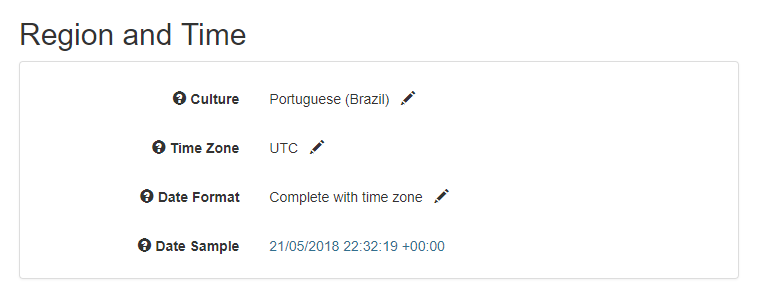
The following configurations are available:
* Culture
* Time Zone
* Date Format
For instance, the following configuration results in the date show below:
* Culture: **Portuguese (Brazil)**
* Time Zone: **UTC**
* Date Format: **Complete with time zone**
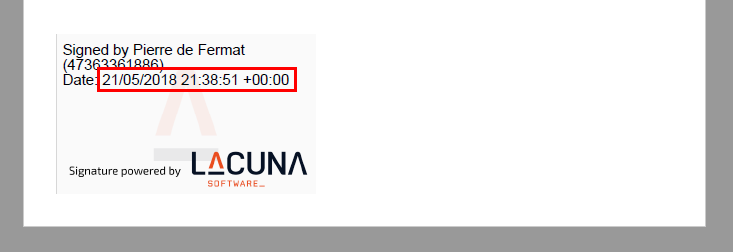
Another possible configuration would be:
* Culture: **Portuguese (Brazil)**
* Time Zone: **(UTC-03:00) Brasilia**
* Date Format: **Short date and time**
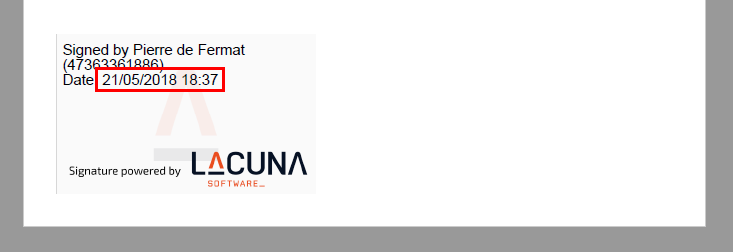
> **Note**
>
> Time is adjusted automatically for daylight saving time on time zones on which it applies.
## Date formats
The supported date formats are:
Date Format | Culture = *English (United States)* | Culture = *Portuguese (Brazil)*
------------------------ | ------------------------------------------ | -------------------------------------
Complete with time zone | 5/21/2018 7:48:51 PM -03:00 | 21/05/2018 19:48:51 -03:00
Long date and time | Monday, May 21, 2018 7:48:51 PM | segunda-feira, 21 de maio de 2018 19:48:51
Short date and time | 5/21/2018 7:48 PM | 21/05/2018 19:48
Long date and short time | Monday, May 21, 2018 7:48 PM | segunda-feira, 21 de maio de 2018 19:48
Short date and long time | 5/21/2018 7:48:51 PM | 21/05/2018 19:48:51
# [Supported tags on PAdES visual representation](https://docs.lacunasoftware.com/en-us/articles/rest-pki/pades-tags)
The following tags are supported:
Tag | Value
----------------- | -----------
`{{name}}` | The best guess for the signer's full name (recommended for this purpose over `{{subject_cn}}`)
`{{national_id}}` | The best guess for the signer's national ID. (For ICP-Brasil certificates, this is resolved to the holder's CPF; For Italian certificates: *codice fiscale*; Argentina: CUIT; Ecuador: *Cedula de Identidad*; Paraguai: CI; Peru: DNI
`{{email}}` | Signer's email address
`{{subject_cn}}` | The Common Name (CN) part of the certificate's subject name field
`{{issuer_cn}}` | The Common Name (CN) part of the certificate's issuer name field
## ICP-Brasil specific tags
Tag | Value
------------------------ | -----------
`{{br_cpf}}` | Certificate holder's CPF (*CPF do titular/responsável*)
`{{br_cpf_formatted}}` | Same as `{{br_cpf}}` but formatted as **000.000.000-00**
`{{br_cpf_masked}}` | Certificate holder's masked CPF. E.g.: **•••.000.000-••**
`{{br_cnpj}}` | Company's CNPJ
`{{br_cnpj_formatted}}` | Same as `{{br_cnpj}}` but formatted as **00.000.000/0000-00**
`{{br_responsavel}}` | Name of the certificate's holder (*nome do titular/responsável*)
`{{br_company}}` | Company name
`{{br_oab_numero}}` | OAB's *Número de Inscrição junto a Seccional* (without leading zeroes)
`{{br_oab_uf}}` | OAB's *sigla do Estado da Seccional*
`{{br_rg_numero}}` | Certificate holder's ID number (*número do RG do titular/responsável*) without leading zeroes
`{{br_rg_numero_masked}}`| Certificate holder's ID number (*número do RG do titular/responsável*) without leading zeroes and with half digits masked. E.g.: ••••0000
`{{br_rg_emissor}}` | Issuing entity of the certificate holder's ID (órgão emissor do RG do titular/responsável)
`{{br_rg_uf}}` | State code of the issuing entity of the certificate holder's ID (*UF do órgão emissor do RG do titular/responsável*)
## Aliases
The following tags are supported for backward compatibility:
Tag | Equivalent tag
---------------------- | --------------
`{{signerName}}` | `{{name}}`
`{{signerEmail}}` | `{{email}}`
`{{signerNationalId}}` | `{{national_id}}`
`{{issuerCommonName}}` | `{{issuer_cn}}`
`{{br_oab_numbero}}` | `{{br_oab_numero}}`
# [privacy-policy](https://docs.lacunasoftware.com/en-us/articles/rest-pki/privacy-policy)
> **Note**
>
> We have reviewed our policies in order to make sure we are in compliance with the European Union's General Data Protection Regulation
# Privacy Policy - Rest PKI
* Last amended: May 24, 2018
* Effective Date: May 25, 2018
This Privacy Policy applies to the website [https://pki.rest](https://pki.rest) (the "Site") owned and operated by Lacuna Software Ltda (collectively, "Lacuna", "we", "us", or "our"). This Privacy Policy describes how Lacuna collects, uses, shares and secures the personal information you provide, as well as the information about our customers' end users that we process on behalf of our customers. It also describes your choices regarding use, access, correction and deletion of your personal information.
## How we Collect Information
We collect the following personal information from you:
### Information that you provide to us about yourself
When you sign up for the Services, we ask you for information such as
* Contact Information, such as name, email address, mailing address, or phone number;
* Unique Identifiers, such as username, account number or password;
* IP address.
If you do not provide this information, we will not be able to provide the Services to you.
### Information you provide to us about your end users and contacts
For the provision of our Services to you, you provide us with information which may identify your end users or employees. Such information includes:
* Digital certificate;
* IP addresses;
* Document Hash.
You may also provide us personal information about your employees such as Name and email address where we can send receipts of your purchases. When you provide us with personal information about your employees will only use this information for the specific reason for which it is provided. If you believe that one of your employees has provided us with your personal information and you would like to request that it be removed from our database, please contact us at the contact information below.
### Information collected automatically
When you use our Services, we use cookies and similar technologies to collect information about your location, and your activities on our website, information about your device and log information. This is described in more detail below. These cookies and similar technologies collect anonymized Internet protocol (IP) addresses, browser type, Internet service provider (ISP), referring/exit pages, the files viewed on our site (e.g., HTML pages, graphics, etc.), operating system, date/time stamp, and/or clickstream data.
Lacuna allows Google Analytics and Snowplow Analytics to use these technologies to analyze trends, administer the website, track users' movements around the website, and to gather demographic information about our user base as a whole for the purpose of analytics.
You can control the use of cookies at the individual browser level, but if you choose to disable cookies, it may limit your use of certain features or functions on our website or service. We do not use or allow the use of cookies or similar technologies in connection with your customers' data.
*Google Analytics:*
We use a tool called "Google Analytics" to collect some information we listed above about your use of the Services. We use the information we get from Google Analytics to improve the Services and to help you improve your Application. In order to collect this information, Google Analytics may set cookies on your browser or mobile device, or read cookies that are already there. Google Analytics may also receive information about you from apps you have downloaded, that partner with Google. We do not combine the information collected through the use of Google Analytics with personally identifiable information. Google's ability to use and share information collected by Google Analytics about your visits to the Services to another application which partners with Google, is restricted by the Google Analytics Terms of Use and the Google Privacy Policy. Please review those and see [https://policies.google.com/technologies/partner-sites](https://policies.google.com/technologies/partner-sites) for information about how Google uses the information provided to Google Analytics and how you can control the information provided to Google. To prevent your data from being used by Google Analytics, you can download the Google Analytics opt-out browser add-on for Google Analytics which can be found here.
## Purpose and Legal basis of the Processing
We use the information about you in order to provide the services to you and in order to improve them. We use information about your customers or end users only in order to provide you the services. To the extent EU data protection law applies to these uses of your information, we act as the "data controller". To the extent EU data protection law applies to our processing of your customer or end user data, you serve as the "data controller" and we serve as the "data processor".
*To perform the Services:* We use your information to identify you, process your payment, provide you with technical support and assistance; and communicate with you about the Services via email. For example, we will contact you to notify you of any issues with the Services or any suspicious activity in your account. The legal basis for these uses in the performance of the contract with you.
*To Optimize or improve the Services:* We use your information to authenticate you, prevent fraud and abuse of our Services and perform research. The legal basis for these uses is our legitimate interest in the improvement and optimization of our service offerings and in ensuring the security of our services and we apply appropriate safeguards to protect your information (see [section Security](https://docs.lacunasoftware.com/en-us/articles/rest-pki/privacy-policy#security)).
## How we Share your Information
We share information with service providers, as required by law, and in connection with the protection and enforcement of our legal and contractual rights.
*With Service Providers:* We share your information with third parties who provide services on our behalf to help with our business activities. This includes: payment processing, providing customer service, sending marketing communications (this does not include information about your customers), conducting research and analysis and providing cloud computing infrastructure. The legal basis for sharing this information is our legitimate interest in providing our Services efficiently and we implement measure to safeguard your information.
*With Public Authorities or Law Enforcement:* In certain situations, Lacuna may be required to disclose personal data in response to lawful requests by public authorities, including to meet national security or law enforcement requirements. We may also disclose your personal information as required by law, such as to comply with a subpoena or other legal process, when we believe in good faith that disclosure is necessary to protect our rights, when we believe there is a violation to our Terms of Service (see RestPKI Terms of Service, Beanstalk Terms of Service), protect your safety or the safety of others, investigate fraud, or respond to a government request. If Lacuna is involved in a merger, acquisition, or sale of all or a portion of its assets, you will be notified via email and/or a prominent notice on our website, of any change in ownership, uses of your personal information, and choices you may have regarding your personal information. We do not sell, rent or share personal information with third parties without your prior consent. The legal basis for this is our legitimate interest in protecting our legal rights and those of others, compliance with legal obligations and our legitimate interest in fulfilling legal obligations imposed by legal authorities outside of the EU.
*Prevent fraud and abuse of the Services:* We will share information to prevent or detect fraud or to address technical issues and if we believe it is necessary to investigate, prevent, or take action regarding situations that involve abuse of the Services infrastructure. The legal basis for this is our legitimate interest in the maintaining the security of our Services.
We also process and share information in an aggregated, de-identified manner, where the information is shared as part of a statistical report and does not contain personal information.
## Security
The security of your personal information is important to us. We implement adequate measures to protect the personal information submitted to us, both during transmission and once it is received. Lacuna Software Ltda takes steps to ensure that all source code, files and data remain private and confidential. Due to the sensitive nature of source code we take this very seriously and make it our primary concern for all customers. We restrict access to personal information to Lacuna employees, contractors and agents who need to know that information in order to operate, develop or improve our service. These individuals are bound by confidentiality obligations and may be subject to discipline, including termination and criminal prosecution, if they fail to meet these obligations. If you have any questions about the security of your personal information, you can contact us at the contact information below.
## Rights with respect to your information
Upon request Lacuna will provide you with information about whether we hold any of your personal information. You may access, correct, obtain a copy of or request deletion of your personal information by logging into your account or by contacting us at the contact information below. We will respond to your request within a reasonable timeframe. In certain circumstances we may be required by law to retain your personal information, or may need to retain your personal information in order to continue providing a service.
Lacuna Software Ltda acknowledges that you have the right to access your personal information. Lacuna has no direct relationship with your end users whose personal data it processes. An individual who seeks access, or who seeks to correct, amend, or delete inaccurate data should direct their query to the Lacuna Software Ltda's Client (the data controller). If requested to remove data we will respond within a reasonable timeframe. In certain circumstances we may be required by law to retain your personal information, or may need to retain your personal information in order to continue providing a service.
## Your Choices with respect to the information
Promotional Email communication: You may sign-up to receive email or newsletter or other communications from us. If you would like to discontinue receiving this information, you may update your email preferences by using the "Unsubscribe" link found in emails we send to you or by contacting us at the contact information below.
Google Analytics: see [https://policies.google.com/technologies/partner-sites](https://policies.google.com/technologies/partner-sites) for information about how Google uses the information provided to Google Analytics and how you can control the information provided to Google. To prevent your data from being used by Google Analytics, you can download the Google Analytics opt-out browser add-on for Google Analytics which can be found [here](https://tools.google.com/dlpage/gaoptout/).
## Data Retention
We may retain your information for as long as your account is active or as needed to provide you services, comply with our legal obligations, resolve disputes and enforce our agreements. In certain circumstances we may be required by law to retain your personal information, or may need to retain your personal information in order to continue providing a service.
Even if you delete your account, keep in mind that the deletion by our third party providers may not be immediate and that the deleted information may persist in backup copies for a reasonable period of time.
## Policy Regarding Children
The Services are not directed to children under the age of 16. We do not knowingly collect Personal Information from children under 16. If you are under 16, please do not use the Services and do not provide any personal information to us. If you become aware that a child under 16 has provided us with personal information without your consent, please contact us at [support@lacunasoftware.com](mailto:support@lacunasoftware.com). If you are a California resident under the age of 18 and you wish to remove publicly available content, please contact us at [support@lacunasoftware.com](mailto:support@lacunasoftware.com) with the subject line "California Eraser".
## Transfers of information not from the EEA
To the extent that personal information is transferred to the United States from countries other than countries within the European Economic Area and Switzerland, including personal information that is transferred from Canada, we employ similar safeguards such as selecting third party vendors carefully, ensuring personal information will be used and disclosed only as set out in this privacy policy and that it is protected by appropriate security safeguards.
However, in connection with these transfers of personal information, your personal information may be subject to privacy laws that may not provide the same protection as your country of residence. For example, government entities in such other countries may have certain rights to access your personal information. By using this Site or using our Service that this privacy notice relates to you are consenting to this transfer of your personal information.
## Browser Do Not Track
The Services honor and enforce Do Not Track preferences. Do Not Track (DNT) is a privacy preference you can set in your web browser to indicate that you do not want certain information about your webpage visits collected across websites when you have not interacted with that service on the page. For all the details, including how to turn on Do Not Track, visit [donottrack.us](http://donottrack.us/).
## Changes to This Privacy Policy
We may update this Privacy Policy to reflect changes to our information practices. If we make any material changes we will notify you by email (sent to the e-mail address specified in your account) or by means of a notice on this website prior to the change becoming effective. We encourage you to periodically review this page for the latest information on our privacy practices.
## Privacy Questions / Feedback
If you have questions or concerns about Lacuna's Privacy Policy please contact us at [suporte@lacunasoftware.com](mailto:suporte@lacunasoftware.com) or EQN 102/103, Ed. Avenida 102, 2º Andar - Asa Norte, Brasília - DF, Brazil. Phone: +55 61 3030-5700.
# [Requesting timestamps from Rest PKI](https://docs.lacunasoftware.com/en-us/articles/rest-pki/requesting-timestamps)
You can use [Rest PKI](https://docs.lacunasoftware.com/en-us/articles/rest-pki) as an ICP-Brasil timestamp provider through the TSP protocol (*Timestamp Protocol*, RFC 3161) or the REST API.
To do this, follow the steps below to get an access token:
1. Sign in to the Rest PKI website (https://pki.rest/)
1. On the **Control Panel**, click the **Generate new access token** button
1. Copy the generated value
Then use one of the ways below to communicate with Rest PKI.
## Communication through the *Timestamp Protocol*
Use these settings to communicate with Rest PKI over TSP:
* Protocol: HTTPS
* Method: POST
* URL: `https://pki.rest/tsp/a402df41-8559-47b2-a05c-be555bf66310`
* Authentication: by HTTP header as below:
* `Authorization` : `Bearer `
## Communication through the REST API
Use these settings to call the Rest PKI REST API:
* URL: `https://pki.rest/Api/TimestampPlans/a402df41-8559-47b2-a05c-be555bf66310/Issue`
* Method: POST
* Request headers
* `Authorization` : `Bearer `
* `Content-Type` : `application/json`
* Request
* `algorithm` : algorithm name (see the supported algorithms below)
* `value` : hash value to be stamped, Base64 encoded **or**
* `hexValue` : hash value to be stamped, encoded in hexadecimal (*case insensitive*)
* Response
* `encodedValue` : timestamp, Base64 encoded
* `info` : information about the timestamp
Example request with SHA-256 algorithm and Base64 hash:
```json
{
"algorithm": "SHA256",
"value": "L80RIvFw2jwpiObzFQN+tuEQQ4E9qnGeYYYd+4DrM8M="
}
```
Example request with SHA-1 algorithm and hash in hex:
```json
{
"algorithm": "SHA1",
"hexValue": "3ade2832feafe081f246aa2fb89cb9c7929ac911"
}
```
## Supported algorithms
Currently, the following algorithms are supported:
* SHA-1
* TSP: 1.3.14.3.2.26
* API: "SHA1"
* SHA-256
* TSP: 2.16.840.1.101.3.4.2.1
* API: "SHA256"
# [REST PKI Return Codes](https://docs.lacunasoftware.com/en-us/articles/rest-pki/return-codes)
REST PKI returns the following HTTP status codes:
## 401 - Unauthorized
The provided access token is not valid.
## 422 - Unprocessable Entity
The REST PKI operations have a set of return codes shown bellow with the meaning of each one.
| Return Code | Meaning |
|-------------------------------|-------------------------------------------------------------------------------|
| EntityNotFound | The entity is unknown or not valid (culture, timezone or signature policy ) |
| EntityAlreadyExists | The entity already exists (policy, security context, intermediate CA or trusted root) |
| EntityUnusable | The entity is unusable (policy or security context) |
| EntityIsReadOnly | The entity is read-only (timestamp or policy) |
| SecurityContextRequired | No given security context |
| PKCertificateMalformed | The provided certificate content is malformed |
| ValidationError | During the signature or the authentication, the signing certificate was not valid. For more information on this error see the tables [below](https://docs.lacunasoftware.com/en-us/articles/rest-pki/return-codes#val-errors) |
| ClientSignatureNotSet | No client signature was provided |
| ClientSignatureAlreadySet | The client signature is provided twice |
| ToSignHashNotAvailable | The hash to be signed is not avaliable |
| CertificateMismatch | The certificate content differes from the one that started the signature |
| InvalidRequest | The request is not valid |
| TimestampingUnavailable | The timestamping service is not available |
| EndUserCertificate | End-user certificates cannot be added as trusted root or intermediate CA |
| CACertificate | Intermediate CA certificates cannot be added as trusted root |
| SelfSignedCertificate | Self-signed certificates cannot be added as intermediate CA |
| TimestampPlanRequired | No given timestamp plan |
| InvalidPdf | The provided PDF is not valid |
| InvalidVisualRepresentation | The provided visual representation is not valid |
| MissingDataHash | No given data hash |
| CannotApplyPdfMarks | The PDF is already digitally signed and the AbortIfSigned parameter was set as True |
| BadDigest | The given digest does not match the received content |
| InvalidXml | The provided XML is not valid |
| TransactionLimitAlreadyExists | The transaction limit already exists, to update it use the PUT request method |
| InvalidSortField | The sort field provided could not be found in the query |
| FontSizeZero | The font size must be greater than 0 |
| InvalidPage | The visual representation positioned in invalid page |
| FileDownloadFailed | File download has failed |
| InvalidElementType | Unknown pdf mark element type |
| UnsupportedCMSContentType | The provided CMS content type is not supported |
| UnsupportedDigestAlgorithm | The provided digest algorithm is not supported |
| UnsupportedSignatureAlgorithm | The provided signature algorithm is not supported |
| PadesPositionNotFilled | PadesPositionModel must have either Auto or Manual fields filled |
| InvoiceNotCreated | The searched invoice was not created yet |
| InvalidCades | The provided p7s file is not valid |
| InvalidToken | The provided signature token is not valid |
### Validation Errors
Validation errors occur during signatures or authentications, or they are returned by signature validation endpoints.
| Validation Error | Meaning |
|-----------------------------------------|------------------------------------------------------------------------------------|
| CertificateNotYetValid | At the date reference, the certificate is not valid yet |
| CertificateExpired | At the date reference, the certificate has expired |
| CertificateRevoked | At the date reference, the certificate has been revoked |
| CertificateIssuerNotFound | The issuer of the certificate could not be found |
| CertificateRevocationStatusUnknown | The revocation status of the certificate could not be verify. Mostly, REST PKI could not access the certificate's CRLs |
| CertificateChainRootNotTrusted | The root of the certificate chain is not trusted |
| InvalidCertificateSignature | The signature is not valid based on the provided certificate's public key |
| DecodeError | Could not decode a part of the object being validated |
| RequiredSignedAttributeMissing | The signature does not have all required signed attributes |
| ForbiddenSignedAttributePresent | The signature have one or more forbidden signed attributes |
| RequiredUnsignedAttributeMissing | The signature does not have all required unsigned attributes |
| ForbiddenUnsignedAttributePresent | The signature have one or more forbidden unsigned attributes |
| ContentTypeMismatch | The content-type attribute specifies a different content-type than that of the CMS |
| MessageDigestMismatch | The message digest attribute specifies a digest that does not match the digest of the signed data |
| SigningCertificateDigestMismatch | The signing certificate attribute specifies a certificate digest that does not match the digest of the signer's certificate |
| SignatureAlgorithmValidationFailed | The signature algorithm validation failed |
| RevocationDataIssuedBeforeGracePeriod | The revocation data values were issued before the grace period |
| UncertifiedDateReference | The date reference used to validate the signature is not certified |
| SignaturePolicyMismatch | During validation, the signature policy differes from the given policy |
| SigningTimeOutOfCertificateValidity | The signature happened out of the certificate validity period |
| UnknownSignedAttributesPresent | The signature contains one or more unknown signed attributes |
| UnknownUnsignedAttributesPresent | The signature contains one or more unknwon unsigned attributes |
| TimestampWithMoreThanOneSigner | The timestamp has more than one signer |
| TimestampMessageImprintMismatch | The timestamp message-imprint is not the same as the computed message-imprint |
| CompleteReferencesMismatch | The certificate's complete reference is not valid |
| InvalidSignatureTimestamp | The signature timestamp is not valid |
| InvalidReferencesTimestamp | The reference timestamp is not valid |
| InvalidArchiveTimestamp | The archive timestamp is not valid |
| InvalidKeyUsage | The signing-certificate does not have permission for performing this type of operation |
| InvalidOcspResponse | The OCSP's response is not valid |
| UnauthorizedIssuer | The certificate issuer is not a CA |
| UnknownRootTrustStatus | The root trust status is unknown |
| InvalidTsl | The TSL is not valid |
| InvalidCrl | The certificate CRLs are not valid |
| CertificateIssuerValid | The certificate issuer is valid and trusted |
| CertificateIssuerInvalid | The certificate issuer is not valid or not trusted |
| CertificateValidationFailed | The certificate validation failed |
| SignatureVulnerableToSignerSubstitution | The signature is vulnerable to signer substitution |
| InvalidXmlSignatureSchema | The signature schema (XSD) is not valid |
| XmlDSigCoreValidationFailed | The core validation of the signature failed (the digest or signature are incorrect) |
| SignatureTimestampIgnored | The signature's timestamp was ignored |
| InvalidCertificationPathLen | The CAs certification path is not valid |
| SigningCertificateNotFound | The certificate of the signer was not found |
| UnauthorizedACIssuer | The certificate issuer is a CA, therefore cannot be used to issue attribute certificates |
| AlgorithmNotAllowed | The algorithm is not allowed |
| UnacceptableSignaturePolicy | The signature policy is not acceptable |
## 500 - Internal Server Error
An unexpected error has occurred on the server.
# [Rest PKI samples - Availability per project](https://docs.lacunasoftware.com/en-us/articles/rest-pki/samples-availability)
Since we have several samples projects and we are always adding new feature samples, not all feature samples are
available on a given project. The matrix below shows which samples are available on which projects.
We also have some legacy samples projects no longer updated in [PHP 5.3/5.4](https://docs.lacunasoftware.com/en-us/articles/rest-pki/php/legacy), [PHP 5.2](https://docs.lacunasoftware.com/en-us/articles/rest-pki/php/legacy52), and [Node.js SPA](https://docs.lacunasoftware.com/en-us/articles/rest-pki/nodejs/spa).
| | [PHP 5.5+](https://docs.lacunasoftware.com/en-us/articles/rest-pki/php/current) | [ASP.NET MVC](https://docs.lacunasoftware.com/en-us/articles/rest-pki/dotnet/mvc) | [ASP.NET Web Forms](https://docs.lacunasoftware.com/en-us/articles/rest-pki/dotnet/web-forms) | [ASP.NET Core](https://docs.lacunasoftware.com/en-us/articles/rest-pki/dotnet/netcore) | [Python Flask](https://docs.lacunasoftware.com/en-us/articles/rest-pki/python/flask) | [Java 7+ Spring MVC](https://docs.lacunasoftware.com/en-us/articles/rest-pki/java/mvc) | [Java 6 Spring MVC](https://docs.lacunasoftware.com/en-us/articles/rest-pki/java/mvc-java6) | [Node.js MVC](https://docs.lacunasoftware.com/en-us/articles/rest-pki/nodejs/mvc) | [Ruby on Rails](https://docs.lacunasoftware.com/en-us/articles/rest-pki/ruby/rails) |
| ---- |:---:|:---:|:---:|:---:|:---:|:---:|:---:|:---:|:---:|
| **Authentication** | [✔](https://docs.lacunasoftware.com/en-us/articles/rest-pki/php/current#auth) | [✔](https://docs.lacunasoftware.com/en-us/articles/rest-pki/dotnet/mvc#auth) | [✔](https://docs.lacunasoftware.com/en-us/articles/rest-pki/dotnet/web-forms#auth) | [✔](https://docs.lacunasoftware.com/en-us/articles/rest-pki/dotnet/netcore#auth) | [✔](https://docs.lacunasoftware.com/en-us/articles/rest-pki/python/flask#auth) | [✔](https://docs.lacunasoftware.com/en-us/articles/rest-pki/java/mvc#auth) | [✔](https://docs.lacunasoftware.com/en-us/articles/rest-pki/java/mvc-java6#auth) | [✔](https://docs.lacunasoftware.com/en-us/articles/rest-pki/nodejs/mvc#auth) | [✔](https://docs.lacunasoftware.com/en-us/articles/rest-pki/ruby/rails#auth) |
| **PAdES** | [✔](https://docs.lacunasoftware.com/en-us/articles/rest-pki/php/current#pades) | [✔](https://docs.lacunasoftware.com/en-us/articles/rest-pki/dotnet/mvc#pades) | [✔](https://docs.lacunasoftware.com/en-us/articles/rest-pki/dotnet/web-forms#pades) | [✔](https://docs.lacunasoftware.com/en-us/articles/rest-pki/dotnet/netcore#pades) | [✔](https://docs.lacunasoftware.com/en-us/articles/rest-pki/python/flask#pades) | [✔](https://docs.lacunasoftware.com/en-us/articles/rest-pki/java/mvc#pades) | [✔](https://docs.lacunasoftware.com/en-us/articles/rest-pki/java/mvc-java6#pades) | [✔](https://docs.lacunasoftware.com/en-us/articles/rest-pki/nodejs/mvc#pades) | [✔](https://docs.lacunasoftware.com/en-us/articles/rest-pki/ruby/rails#pades) |
| **PAdES Upload** | [✔](https://docs.lacunasoftware.com/en-us/articles/rest-pki/php/current#pades-upload) | [✔](https://docs.lacunasoftware.com/en-us/articles/rest-pki/dotnet/mvc#pades-upload) | [✔](https://docs.lacunasoftware.com/en-us/articles/rest-pki/dotnet/web-forms#pades-upload) | [✔](https://docs.lacunasoftware.com/en-us/articles/rest-pki/dotnet/netcore#pades-upload) | [✔](https://docs.lacunasoftware.com/en-us/articles/rest-pki/python/flask#pades-upload) | [✔](https://docs.lacunasoftware.com/en-us/articles/rest-pki/java/mvc#pades-upload) | [✔](https://docs.lacunasoftware.com/en-us/articles/rest-pki/java/mvc-java6#pades-upload) | [✔](https://docs.lacunasoftware.com/en-us/articles/rest-pki/nodejs/mvc#pades-upload) | [✔](https://docs.lacunasoftware.com/en-us/articles/rest-pki/ruby/rails#pades-upload) |
| **PAdES Co-Sign** | [✔](https://docs.lacunasoftware.com/en-us/articles/rest-pki/php/current#pades-cosign) | [✔](https://docs.lacunasoftware.com/en-us/articles/rest-pki/dotnet/mvc#pades-cosign) | [✔](https://docs.lacunasoftware.com/en-us/articles/rest-pki/dotnet/web-forms#pades-cosign) | [✔](https://docs.lacunasoftware.com/en-us/articles/rest-pki/dotnet/netcore#pades-cosign) | [✔](https://docs.lacunasoftware.com/en-us/articles/rest-pki/python/flask#pades-cosign) | [✔](https://docs.lacunasoftware.com/en-us/articles/rest-pki/java/mvc#pades-cosign) | [✔](https://docs.lacunasoftware.com/en-us/articles/rest-pki/java/mvc-java6#pades-cosign) | [✔](https://docs.lacunasoftware.com/en-us/articles/rest-pki/nodejs/mvc#pades-cosign) | [✔](https://docs.lacunasoftware.com/en-us/articles/rest-pki/ruby/rails#pades-cosign) |
| **PAdES Marks** | [✔](https://docs.lacunasoftware.com/en-us/articles/rest-pki/php/current#pdf-marks) | [✔](https://docs.lacunasoftware.com/en-us/articles/rest-pki/dotnet/mvc#pdf-marks) | [✔](https://docs.lacunasoftware.com/en-us/articles/rest-pki/dotnet/web-forms#pdf-marks) | [✔](https://docs.lacunasoftware.com/en-us/articles/rest-pki/dotnet/netcore#pdf-marks) | | [✔](https://docs.lacunasoftware.com/en-us/articles/rest-pki/java/mvc#pdf-marks) | [✔](https://docs.lacunasoftware.com/en-us/articles/rest-pki/java/mvc-java6#pdf-marks) | | |
| **PAdES Server Key** | [✔](https://docs.lacunasoftware.com/en-us/articles/rest-pki/php/current#pades-server) | ✗ | | Testing | | [✔](https://docs.lacunasoftware.com/en-us/articles/rest-pki/java/mvc#pades-server) | | [✔](https://docs.lacunasoftware.com/en-us/articles/rest-pki/nodejs/mvc#pades-server) | |
| **PAdES w/o client comm.** | | [✔](https://docs.lacunasoftware.com/en-us/articles/rest-pki/dotnet/mvc#pades-wo-client) | | | | | | | [✔](https://docs.lacunasoftware.com/en-us/articles/rest-pki/ruby/rails#pades-wo-client) |
| **Open PAdES** | [✔](https://docs.lacunasoftware.com/en-us/articles/rest-pki/php/current#open-pades) | [✔](https://docs.lacunasoftware.com/en-us/articles/rest-pki/dotnet/mvc#open-pades) | | Preview | Dev | [✔](https://docs.lacunasoftware.com/en-us/articles/rest-pki/java/mvc#open-pades) | [✔](https://docs.lacunasoftware.com/en-us/articles/rest-pki/java/mvc-java6#open-pades) | [✔](https://docs.lacunasoftware.com/en-us/articles/rest-pki/nodejs/mvc#open-pades) | |
| **Printer-friendly v.** | [✔](https://docs.lacunasoftware.com/en-us/articles/rest-pki/php/current#print) | [✔](https://docs.lacunasoftware.com/en-us/articles/rest-pki/dotnet/mvc#print) | [✔](https://docs.lacunasoftware.com/en-us/articles/rest-pki/dotnet/web-forms#print) | | | [✔](https://docs.lacunasoftware.com/en-us/articles/rest-pki/java/mvc#print) | | [✔](https://docs.lacunasoftware.com/en-us/articles/rest-pki/nodejs/mvc#print) | |
| **CAdES** | [✔](https://docs.lacunasoftware.com/en-us/articles/rest-pki/php/current#cades) | [✔](https://docs.lacunasoftware.com/en-us/articles/rest-pki/dotnet/mvc#cades) | [✔](https://docs.lacunasoftware.com/en-us/articles/rest-pki/dotnet/web-forms#cades) | [✔](https://docs.lacunasoftware.com/en-us/articles/rest-pki/dotnet/netcore#cades) | [✔](https://docs.lacunasoftware.com/en-us/articles/rest-pki/python/flask#cades) | [✔](https://docs.lacunasoftware.com/en-us/articles/rest-pki/java/mvc#cades) | [✔](https://docs.lacunasoftware.com/en-us/articles/rest-pki/java/mvc-java6#cades) | [✔](https://docs.lacunasoftware.com/en-us/articles/rest-pki/nodejs/mvc#cades) | [✔](https://docs.lacunasoftware.com/en-us/articles/rest-pki/ruby/rails#cades) |
| **CAdES Upload** | [✔](https://docs.lacunasoftware.com/en-us/articles/rest-pki/php/current#cades-upload) | [✔](https://docs.lacunasoftware.com/en-us/articles/rest-pki/dotnet/mvc#cades-upload) | [✔](https://docs.lacunasoftware.com/en-us/articles/rest-pki/dotnet/web-forms#cades-upload) | [✔](https://docs.lacunasoftware.com/en-us/articles/rest-pki/dotnet/netcore#cades-upload) | [✔](https://docs.lacunasoftware.com/en-us/articles/rest-pki/python/flask#cades-upload) | [✔](https://docs.lacunasoftware.com/en-us/articles/rest-pki/java/mvc#cades-upload) | [✔](https://docs.lacunasoftware.com/en-us/articles/rest-pki/java/mvc-java6#cades-upload) | [✔](https://docs.lacunasoftware.com/en-us/articles/rest-pki/nodejs/mvc#cades-upload) | [✔](https://docs.lacunasoftware.com/en-us/articles/rest-pki/ruby/rails#cades-upload) |
| **CAdES Co-Sign** | [✔](https://docs.lacunasoftware.com/en-us/articles/rest-pki/php/current#cades-cosign) | [✔](https://docs.lacunasoftware.com/en-us/articles/rest-pki/dotnet/mvc#cades-cosign) | [✔](https://docs.lacunasoftware.com/en-us/articles/rest-pki/dotnet/web-forms#cades-cosign) | [✔](https://docs.lacunasoftware.com/en-us/articles/rest-pki/dotnet/netcore#cades-cosign) | [✔](https://docs.lacunasoftware.com/en-us/articles/rest-pki/python/flask#cades-cosign) | [✔](https://docs.lacunasoftware.com/en-us/articles/rest-pki/java/mvc#cades-cosign) | [✔](https://docs.lacunasoftware.com/en-us/articles/rest-pki/java/mvc-java6#cades-cosign) | [✔](https://docs.lacunasoftware.com/en-us/articles/rest-pki/nodejs/mvc#cades-cosign) | [✔](https://docs.lacunasoftware.com/en-us/articles/rest-pki/ruby/rails#cades-cosign) |
| **CAdES Server Key** | [✔](https://docs.lacunasoftware.com/en-us/articles/rest-pki/php/current#cades-server) | ✗ | | Testing | | [✔](https://docs.lacunasoftware.com/en-us/articles/rest-pki/java/mvc#cades-server) | | [✔](https://docs.lacunasoftware.com/en-us/articles/rest-pki/nodejs/mvc#cades-server) | |
| **Open CAdES** | [✔](https://docs.lacunasoftware.com/en-us/articles/rest-pki/php/current#open-cades) | [✔](https://docs.lacunasoftware.com/en-us/articles/rest-pki/dotnet/mvc#open-cades) | | Preview | Dev | [✔](https://docs.lacunasoftware.com/en-us/articles/rest-pki/java/mvc#open-cades) | [✔](https://docs.lacunasoftware.com/en-us/articles/rest-pki/java/mvc-java6#open-cades) | [✔](https://docs.lacunasoftware.com/en-us/articles/rest-pki/nodejs/mvc#open-cades) | |
| **XML Element** | [✔](https://docs.lacunasoftware.com/en-us/articles/rest-pki/php/current#xml-element) | [✔](https://docs.lacunasoftware.com/en-us/articles/rest-pki/dotnet/mvc#xml-element) | [✔](https://docs.lacunasoftware.com/en-us/articles/rest-pki/dotnet/web-forms#xml-element) | [✔](https://docs.lacunasoftware.com/en-us/articles/rest-pki/dotnet/netcore#xml-element) | [✔](https://docs.lacunasoftware.com/en-us/articles/rest-pki/python/flask#xml-element) | [✔](https://docs.lacunasoftware.com/en-us/articles/rest-pki/java/mvc#xml-element) | [✔](https://docs.lacunasoftware.com/en-us/articles/rest-pki/java/mvc-java6#xml-element) | [✔](https://docs.lacunasoftware.com/en-us/articles/rest-pki/nodejs/mvc#xml-element) | [✔](https://docs.lacunasoftware.com/en-us/articles/rest-pki/ruby/rails#xml-element) |
| **XML Full** | [✔](https://docs.lacunasoftware.com/en-us/articles/rest-pki/php/current#xml-full) | [✔](https://docs.lacunasoftware.com/en-us/articles/rest-pki/dotnet/mvc#xml-full) | | Preview | [✔](https://docs.lacunasoftware.com/en-us/articles/rest-pki/python/flask#xml-full) | [✔](https://docs.lacunasoftware.com/en-us/articles/rest-pki/java/mvc#xml-full) | [✔](https://docs.lacunasoftware.com/en-us/articles/rest-pki/java/mvc-java6#xml-full) | [✔](https://docs.lacunasoftware.com/en-us/articles/rest-pki/nodejs/mvc#xml-full) | [✔](https://docs.lacunasoftware.com/en-us/articles/rest-pki/ruby/rails#xml-full) |
| **Open Xml** | [✔](https://docs.lacunasoftware.com/en-us/articles/rest-pki/php/current#open-xml) | [✔](https://docs.lacunasoftware.com/en-us/articles/rest-pki/dotnet/mvc#open-xml) | | Preview | | [✔](https://docs.lacunasoftware.com/en-us/articles/rest-pki/java/mvc#open-xml) | | | |
| **Batch (PAdES)** | [✔](https://docs.lacunasoftware.com/en-us/articles/rest-pki/php/current#batch) | [✔](https://docs.lacunasoftware.com/en-us/articles/rest-pki/dotnet/mvc#batch) | [✔](https://docs.lacunasoftware.com/en-us/articles/rest-pki/dotnet/web-forms#batch) | Preview | [✔](https://docs.lacunasoftware.com/en-us/articles/rest-pki/python/flask#batch) | [✔](https://docs.lacunasoftware.com/en-us/articles/rest-pki/java/mvc#batch) | [✔](https://docs.lacunasoftware.com/en-us/articles/rest-pki/java/mvc-java6#batch) | | [✔](https://docs.lacunasoftware.com/en-us/articles/rest-pki/ruby/rails#batch) |
| **Batch Optimized (PAdES)**| Dev | [✔](https://docs.lacunasoftware.com/en-us/articles/rest-pki/dotnet/mvc#batch-optimized) | [✔](https://docs.lacunasoftware.com/en-us/articles/rest-pki/dotnet/web-forms#batch-optimized) | | | | | | |
| **Batch (CAdES)** | | [✔](https://docs.lacunasoftware.com/en-us/articles/rest-pki/dotnet/mvc#batch-cades) | | | [✔](https://docs.lacunasoftware.com/en-us/articles/rest-pki/python/flask#batch-cades) | | | | [✔](https://docs.lacunasoftware.com/en-us/articles/rest-pki/ruby/rails#batch-cades) |
| **Batch (XML Element)** | [✔](https://docs.lacunasoftware.com/en-us/articles/rest-pki/php/current#batch-xml-element) | | | | | | | Testing | Testing |
> **Tip**
>
> Some of the `✓` symbols above are links, which take to a description of the relevant files of the corresponding
> sample on the corresponding samples project.
## Legend
| Symbol | Description |
| ------- | -------------- |
| ✓ | Available |
| | Not available (coming soon) |
| Dev | In development |
| Preview | Implemented but pending review, can be previewed on separate branch |
| ✗ | Not Planned (won't implement) |
# [Validate signatures - Rest PKI](https://docs.lacunasoftware.com/en-us/articles/rest-pki/validate-signatures)
> **Warning: Legacy product**
>
> Rest PKI is a legacy product: it still receives bug and security fixes, but new cloud integrations should use
> [Rest PKI Core](https://docs.lacunasoftware.com/en-us/articles/rest-pki/core), which also serves most Rest PKI APIs. This page is for existing Rest PKI integrations.
> See the [Rest PKI quick reference](https://docs.lacunasoftware.com/en-us/articles/rest-pki/quick-reference).
Your backend sends a signed file to [Rest PKI](https://docs.lacunasoftware.com/en-us/articles/rest-pki), which opens it, lists its signers and validates each signature. There is no
browser step. Rest PKI opens PDF signatures (PAdES), CMS/CAdES files (`.p7s`) and XML signatures.
The code on this page is C#, from the [ASP.NET MVC samples project](https://docs.lacunasoftware.com/en-us/articles/rest-pki/dotnet/mvc), which uses `Lacuna.RestPki.Client` 1.24.1.
The same samples exist for other languages: see [Samples availability](https://docs.lacunasoftware.com/en-us/articles/rest-pki/samples-availability).
## Flow
1. Create the `RestPkiClient` with your endpoint and access token (see the [quick reference](https://docs.lacunasoftware.com/en-us/articles/rest-pki/quick-reference)).
1. Create a `PadesSignatureExplorer`, `CadesSignatureExplorer` or `XmlSignatureExplorer`, and set `Validate = true`, the signature
policy and the security context.
1. Pass the signed file with `SetSignatureFile()`.
1. Call `OpenAsync()` (for CAdES, `OpenAndExtractContentAsync()` to also get the signed content).
1. Read each signer's certificate, signing time and `ValidationResults`.
| Explorer | Endpoint | Response |
|---|---|---|
| `PadesSignatureExplorer` | `POST Api/PadesSignatures/Open` | `PadesSignatureModel` |
| `CadesSignatureExplorer` | `POST Api/CadesSignatures/Open` | `CadesSignatureModel` |
| `XmlSignatureExplorer` | `POST Api/XmlSignatures/Open` | a list of `XmlSignatureModel` |
## PDF signatures (PAdES)
The sample accepts any PAdES signature (`StandardPadesSignaturePolicies.Basic`) whose certificate the security context trusts:
```cs
var sigExplorer = new PadesSignatureExplorer(Util.GetRestPkiClient()) {
Validate = true,
DefaultSignaturePolicyId = StandardPadesSignaturePolicies.Basic,
SecurityContextId = Util.GetSecurityContextId()
};
sigExplorer.SetSignatureFile(userfilePath);
var signature = await sigExplorer.OpenAsync();
```
## CAdES signatures
The CAdES sample accepts the ICP-Brasil CAdES policies in `SignaturePolicyCatalog.GetPkiBrazilCades()` (AD-RB, AD-RT and AD-RC), and
also gets the signed content when the file carries it:
```cs
var sigExplorer = new CadesSignatureExplorer(Util.GetRestPkiClient()) {
Validate = true,
AcceptableExplicitPolicies = SignaturePolicyCatalog.GetPkiBrazilCades(),
SecurityContextId = Util.GetSecurityContextId(),
};
sigExplorer.SetSignatureFile(userfilePath);
var data = await sigExplorer.OpenAndExtractContentAsync();
var signature = data.Signature;
var encapsulatedContent = data.Signature.HasEncapsulatedContent ? data.EncapsulatedContent : null;
```
* `OpenAndExtractContentAsync()` sets `extractEncapsulatedContent` in the request. Rest PKI keeps the extracted content for one hour,
and the client returns it as a file you can read with `GetContent()` or save with `WriteToFile()`.
* Rest PKI doesn't report the content's file type: the sample assumes a PDF.
* For a detached signature, the client also has `SetDataFile()`.
TODO(docs): no sample shows how to validate a detached CAdES signature.
## XML signatures
The XML sample accepts any XmlDSig signature (`StandardXmlSignaturePolicies.XmlDSigBasic`) whose certificate the security context
trusts. `OpenAsync()` returns a list, one item per signature in the document:
```cs
var sigExplorer = new XmlSignatureExplorer(Util.GetRestPkiClient()) {
Validate = true,
DefaultSignaturePolicyId = StandardXmlSignaturePolicies.XmlDSigBasic,
SecurityContextId = Util.GetSecurityContextId()
};
sigExplorer.SetSignatureFile(userfilePath);
var signatures = await sigExplorer.OpenAsync();
```
Each XML signature also has a `Type` (`FullXml`, `XmlElement` or `DetachedResource`) and the `SignedElement`.
## Signature policies
Each signature is validated against a signature policy:
* `DefaultSignaturePolicyId` validates the signatures that have no explicit policy, and those whose explicit policy is not in
`AcceptableExplicitPolicies`. To accept only a list of explicit policies, leave it out.
* `AcceptableExplicitPolicies` lists the explicit policies to accept, such as the ICP-Brasil ones.
* A signature with no explicit policy, when no default is given, fails validation.
Standard policies are in `StandardPadesSignaturePolicies` (`Basic`, `BasicWithoutLtv`, `AdobeReader`), `StandardCadesSignaturePolicies`
(`CadesBes`, `CadesBesWithSigningTimeAndNoCrls`, `CmsPermissive`) and `StandardXmlSignaturePolicies` (`XadesBes`, `XmlDSigBasic`,
`CodSha1`, `CodSha256`), each with the ICP-Brasil policies nested under `PkiBrazil`; `SignaturePolicyCatalog` groups the ICP-Brasil
ones.
## Security context
The security context decides which root certificates are trusted.
The PAdES `Basic`, CAdES `CadesBes` and XML `XmlDSigBasic` and `XadesBes` policies need one, or the call fails with `SecurityContextRequired`; the ICP-Brasil policies bring their own, which a security context you pass replaces.
| Security context | Trusts | Id |
|---|---|---|
| `StandardSecurityContexts.PkiBrazil` | ICP-Brasil roots | `201856ce-273c-4058-a872-8937bd547d36` |
| `StandardSecurityContexts.PkiItaly` | Italian PKI roots | `c438b17e-4862-446b-86ad-6f85734f0bfe` |
| `StandardSecurityContexts.WindowsServer` | Roots trusted by Windows | `3881384c-a54d-45c5-bbe9-976b674f5ec7` |
| `StandardSecurityContexts.LacunaTest` | ICP-Brasil, Windows and Lacuna test roots; development only | `803517ad-3bbc-4169-b085-60053a8f6dbf` |
The samples use `LacunaTest` in debug builds, to accept the [test certificates](https://docs.lacunasoftware.com/en-us/articles/pki-guide/test-certs), and `PkiBrazil` otherwise.
On an on-premises instance, `LacunaTest` may have to be created first (see [Enabling Lacuna Test Security Context](https://docs.lacunasoftware.com/en-us/articles/rest-pki/on-premises/test-security)).
```cs
public static Guid GetSecurityContextId() {
#if DEBUG
return StandardSecurityContexts.LacunaTest;
#else
return Lacuna.RestPki.Api.StandardSecurityContexts.PkiBrazil;
#endif
}
```
Two more options relax validation: `IgnoreRevocationStatusUnknown` ignores errors due to an unknown revocation status (default `false`,
since Rest PKI 1.16.0), and `TrustUncertifiedSigningTime` takes the signer's signing time as the validation date reference (since
1.22.0). None of the samples sets them.
## Read the results
* A PAdES or CAdES signature has `Signers`; each signer has its `Certificate`, `SigningTime`, `MessageDigest`, `SignaturePolicy`,
`Timestamps` and `ValidationResults`. A PAdES signer also has `IsDocumentTimestamp` and `SignatureFieldName`. An XML signature has the
same fields, without `MessageDigest`.
* `ValidationResults` has `IsValid`, `Errors`, `Warnings`, `PassedChecks` and `Summary`, and `ToString()` lists every check. It is
filled only when `Validate` is `true`.
The sample's page shows, for each signer, the subject's common name, a "valid" or "invalid" badge from `ValidationResults.IsValid`, the
signing time, the message digest, the policy, the ICP-Brasil certificate fields and the full `ValidationResults.ToString()`.
## Errors
* A file that is not a valid PDF, CAdES or XML fails with `InvalidPdf`, `InvalidCades` or `InvalidXml` (HTTP 422). See
[Return codes](https://docs.lacunasoftware.com/en-us/articles/rest-pki/return-codes).
* When an account limit is set and exceeded, Rest PKI answers HTTP 429 with the headers `X-RateLimit-Limit` and `X-RateLimit-Remaining`.
* TODO(docs): how a signature with no acceptable policy is reported.
## See also
* [Certificate authentication](https://docs.lacunasoftware.com/en-us/articles/rest-pki/certificate-authentication)
* ASP.NET MVC samples project: [open PAdES](https://docs.lacunasoftware.com/en-us/articles/rest-pki/dotnet/mvc#open-pades), [open CAdES](https://docs.lacunasoftware.com/en-us/articles/rest-pki/dotnet/mvc#open-cades), [open XML](https://docs.lacunasoftware.com/en-us/articles/rest-pki/dotnet/mvc#open-xml)
* [Rest PKI quick reference](https://docs.lacunasoftware.com/en-us/articles/rest-pki/quick-reference)
**Demos and samples**
- Live demo: [Validate a signed file](https://try.lacunasoftware.com/en/pki-suite/validate-a-signed-file)
- Validate a signed PDF using Rest PKI: [.NET](https://github.com/LacunaSoftware/PkiSuiteSamples/blob/master/dotnet/mvc/PkiSuiteAspNetMvcSample/Controllers/OpenPadesSignatureRestController.cs) · [Java](https://github.com/LacunaSoftware/PkiSuiteSamples/blob/master/java/springmvc/src/main/java/com/lacunasoftware/pkisuite/controller/OpenPadesRestController.java) · [Node.js](https://github.com/LacunaSoftware/PkiSuiteSamples/blob/master/nodejs/expressmvc/routes/open-pades-restpki.js) · [PHP](https://github.com/LacunaSoftware/PkiSuiteSamples/blob/master/php/plain/public/open-pades-rest/index.php) · [Python](https://github.com/LacunaSoftware/PkiSuiteSamples/blob/master/python/flask/sample/views/open_pades_rest.py) · [Ruby](https://github.com/LacunaSoftware/PkiSuiteSamples/blob/master/ruby/rails/app/controllers/open_pades_rest_controller.rb)
- Validate a CMS/CAdES signature using Rest PKI: [.NET](https://github.com/LacunaSoftware/PkiSuiteSamples/blob/master/dotnet/mvc/PkiSuiteAspNetMvcSample/Controllers/OpenCadesSignatureRestController.cs) · [Node.js](https://github.com/LacunaSoftware/PkiSuiteSamples/blob/master/nodejs/expressmvc/routes/open-cades-restpki.js) · [PHP](https://github.com/LacunaSoftware/PkiSuiteSamples/blob/master/php/plain/public/open-cades-rest/index.php)
- Validate a signed XML using Rest PKI: [.NET](https://github.com/LacunaSoftware/PkiSuiteSamples/blob/master/dotnet/mvc/PkiSuiteAspNetMvcSample/Controllers/OpenXmlSignatureRestController.cs) · [Java](https://github.com/LacunaSoftware/PkiSuiteSamples/blob/master/java/springmvc/src/main/java/com/lacunasoftware/pkisuite/controller/OpenXmlRestController.java) · [PHP](https://github.com/LacunaSoftware/PkiSuiteSamples/blob/master/php/plain/public/open-xml-rest/index.php)
# [Rest PKI Core quick reference](https://docs.lacunasoftware.com/en-us/articles/rest-pki/core/quick-reference)
The essentials of Rest PKI Core on one page, with links to the full articles.
## What it is for
Rest PKI Core adds digital signatures, signature validation, timestamping and biometric identity checks to your applications through a REST API, as a service at core.pki.rest or on your own instance (Windows, Linux, Docker or Azure).
When a step needs the user, such as signing with a certificate or taking a selfie, your backend creates a session, sends the user to a page hosted by Rest PKI Core and fetches the results through the API.
| Choose instead | When it fits better |
| --- | --- |
| [Rest PKI](https://docs.lacunasoftware.com/en-us/articles/rest-pki/quick-reference) (legacy) | Your application is already integrated with Rest PKI at pki.rest. Rest PKI Core also serves most Rest PKI APIs, which eases the move. |
| [PKI SDK](https://docs.lacunasoftware.com/en-us/articles/pki-sdk/quick-reference) | Your application is .NET and should sign and validate with a library in its own process; the PKI guide recommends it for server signatures in .NET. |
| [PKI Express](https://docs.lacunasoftware.com/en-us/articles/pki-express/quick-reference) | You want to sign on your own Windows or Linux servers, from virtually any language, with a license file instead of an API service. |
| [Web PKI](https://docs.lacunasoftware.com/en-us/articles/web-pki/quick-reference) | You need only the browser side: list the user's certificates and sign with them in JavaScript. Rest PKI Core's hosted signature page already uses it for local certificates. |
| [Signer](https://docs.lacunasoftware.com/en-us/articles/signer/quick-reference) | You need a document and signature manager that sends documents to people and collects their signatures. |
## Install
| Language | Package | Current major | Registry |
| --- | --- | --- | --- |
| .NET | `Lacuna.RestPkiCore.Client` (namespace `Lacuna.RestPki.Client`) | 5 (latest 5.0.0) | https://www.nuget.org/packages/Lacuna.RestPkiCore.Client/ |
| Java | `com.lacunasoftware.restpki:restpkicore-client` (package `com.lacunasoftware.restpkicore`) | 1 (latest 1.4.0) | https://central.sonatype.com/artifact/com.lacunasoftware.restpki/restpkicore-client |
| PHP | `lacuna/restpkicore-client` | 1 (latest 1.2.1) | https://packagist.org/packages/lacuna/restpkicore-client |
| Node.js | `restpki-core-client` | 1 (latest 1.0.2) | https://www.npmjs.com/package/restpki-core-client |
| Python | `restpki-ng-python-client` | 0 (latest 0.9.1.1) | https://pypi.org/project/restpki-ng-python-client/ |
| Browser (biometric widget) | `lacuna-restpki-widget`, also on cdn.lacunasoftware.com | 1 (latest 1.4.1) | https://www.npmjs.com/package/lacuna-restpki-widget |
| Any other language (Ruby…) | None: call the REST API directly | — | — |
In .NET, run `dotnet add package Lacuna.RestPkiCore.Client`; the package targets .NET Standard 2.0. In Java, don't use `com.lacunasoftware.restpki:restpki-core-client`: it is an older package that is no longer updated, even though its version number (4.0.0) is higher.
TODO(docs): the .NET samples pin older majors of `Lacuna.RestPkiCore.Client` (1.10.1 in PkiSuiteSamples dotnet/mvc, 1.3.0 in dotnet/spa, 4.1.0-rc01 in RestBioSamples backend/dotnet) while NuGet is at 5.0.0; no page mentions the Python package `restpki-ng-python-client`, which the Python sample uses; Get started has no setup section for Node.js or Python; the biometric sessions page loads widget 1.3.1 from the CDN, while npm has 1.4.1.
## Configuration and authentication
* **API key**: send it on the `X-Api-Key` header of every request. Keys belong to an application created on the instance's dashboard (**Applications**), are shown only once and look like `MyApp|0f3c…`. Give the application the **Worker** role, the one most integrations need. See [Get started](https://docs.lacunasoftware.com/en-us/articles/rest-pki/core/integration/get-started#parameters) and [Choosing roles](https://docs.lacunasoftware.com/en-us/articles/rest-pki/core/integration/get-started#roles).
* **Timestamp endpoints** take the key as `Authorization: ApiKey YOUR_API_KEY` instead. See [Requesting timestamps](https://docs.lacunasoftware.com/en-us/articles/rest-pki/core/requesting-timestamps).
* **Endpoint**: `https://core.pki.rest/` on the SaaS instance (if your organization has no access to it yet, contact [developer support](mailto:suporte@lacunasoftware.com)); on your [own instance](https://docs.lacunasoftware.com/en-us/articles/rest-pki/core/on-premises), the address of its dashboard. Append the API path to it, as in `https://core.pki.rest/api/signature-sessions`. `api/system/info` needs no key and returns the instance's version.
* **API reference**: at the `swagger` path of the endpoint, such as https://core.pki.rest/swagger, and as an OpenAPI document at https://docs.lacunasoftware.com/openapi/rest-pki-core.json.
* **Licenses**: the SaaS instance needs no license file, but an application that uses Web PKI with Rest PKI Core needs a Web PKI license; an on-premises instance needs PKI SDK and Web PKI licenses. See [Licensing](https://docs.lacunasoftware.com/en-us/articles/welcome/licensing#rest-pki-core).
In ASP.NET Core, register the services and bind them to the `RestPki` configuration section, then request `IRestPkiService` (or `IRestBioService`, for biometric sessions) through dependency injection. The section's keys are `Endpoint`, `ApiKey`, `CultureName` and `TimeoutSeconds` (60 seconds if not set); keep `ApiKey` out of *appsettings.json*, in user secrets (`RestPki:ApiKey`) during development and in the `RestPki__ApiKey` environment variable or a secret store in production. Other .NET applications call `RestPkiServiceFactory.GetService(new RestPkiOptions() { ... })` once and reuse the service.
```cs
builder.Services.AddRestPki().Configure(builder.Configuration.GetSection("RestPki"));
```
TODO(docs): no page describes a sandbox or test environment: the docs name only the SaaS instance at `https://core.pki.rest/` and on-premises instances.
## Core operations
The examples are in C#, where `restPkiService` and `restBioService` are the `IRestPkiService` and `IRestBioService` from [Configuration](https://docs.lacunasoftware.com/en-us/articles/rest-pki/core/quick-reference#configuration).
### Create a signature session
Lets the user sign on a page hosted by Rest PKI Core, uploading the documents there: create the session with a `returnUrl` and redirect the user to the `RedirectUrl` you get back. `CreateSignatureSessionAsync`, `POST api/signature-sessions`. See [Signature sessions](https://docs.lacunasoftware.com/en-us/articles/rest-pki/core/integration/signature-sessions).
```cs
var response = await restPkiService.CreateSignatureSessionAsync(new CreateSignatureSessionRequest() {
ReturnUrl = "http://localhost:8080/SessionCallback",
});
return Redirect(response.RedirectUrl);
```
### Get the signed documents
When the user comes back, the `returnUrl` carries `?signatureSessionId=...`: fetch the session and check its status, which is `Completed` or `UserCancelled`. `GetSignatureSessionAsync`, `GET api/signature-sessions/{id}`. Each document's `SignedFile.Url` is a temporary link that downloads the file without the API key. See [Signature sessions](https://docs.lacunasoftware.com/en-us/articles/rest-pki/core/integration/signature-sessions).
```cs
public async Task Callback(Guid signatureSessionId)
{
var session = await restPkiService.GetSignatureSessionAsync(signatureSessionId);
if (session.Status != SignatureSessionStatus.Completed)
{
return Redirect("/");
}
return View(session);
}
```
### Sign documents your application already has
Passes the documents when creating the session, so the user signs them and cannot upload others. Reference each file by path, bytes, stream or URL with `FileReference`. See [Predefining documents](https://docs.lacunasoftware.com/en-us/articles/rest-pki/core/integration/signature-sessions#predefined-documents) and [Referencing files](https://docs.lacunasoftware.com/en-us/articles/rest-pki/core/integration/file-referencing).
```cs
string pdfPath = ...;
var documents = new List {
new SignatureSessionDocumentToSign {
File = FileReference.FromFile(pdfPath),
},
};
var response = await restPkiService.CreateSignatureSessionAsync(new CreateSignatureSessionRequest() {
...
}, documents: documents);
return Redirect(response.RedirectUrl);
```
### Receive the webhook
Rest PKI Core sends an HTTP `POST` with a `WebhookEventModel` of type `DocumentSignatureCompleted` when a document is signed and processed, optionally with Basic, Bearer or API key authentication. With the [webhook flow](https://docs.lacunasoftware.com/en-us/articles/rest-pki/core/integration/signature-sessions#webhook-flow), create the session with no `ReturnUrl` and open the signature page in a new tab. See [Webhooks](https://docs.lacunasoftware.com/en-us/articles/rest-pki/core/integration/webhooks).
```cs
[HttpPost]
public async Task Index(WebhookEventModel eventModel)
{
switch (eventModel.Type)
{
case WebhookEventTypes.DocumentSignatureCompleted:
await OnDocumentSignatureCompletedAsync(eventModel.Document);
break;
}
return new HttpStatusCodeResult(HttpStatusCode.OK);
}
private async Task OnDocumentSignatureCompletedAsync(DocumentModel model)
{
var apiDocument = await restPkiService.GetDocumentAsync(model);
// SignedFile.Url is a temporary link that downloads the signed file without the API key.
var content = await restPkiService.GetContentAsync(apiDocument.SignedFile.Url);
}
```
A user with the **Admin** or **Manager** role sets the webhook URL and its authentication on the dashboard, in **Settings** > **Webhook config**. With Basic authentication, the header is `Authorization: Basic base64(username):base64(password)`, not the RFC 7617 form. Answer with a 2xx status code; the **Recent calls** tab shows each notification and your app's response. See [Configuring webhooks](https://docs.lacunasoftware.com/en-us/articles/rest-pki/core/integration/webhooks#configuring-webhooks).
### Sign with a key held by your server
Rest PKI Core prepares the signature and returns the hash to sign, your server signs it, and Rest PKI Core completes the signature. `PrepareSignatureAsync` and `CompleteSignatureAsync`, `POST api/signature` and `POST api/signature/completion`. In the browser variant, Web PKI reads the user's certificate and signs the hash on your own page instead. See [Two-step signatures](https://docs.lacunasoftware.com/en-us/articles/rest-pki/core/integration/two-step-signatures).
```cs
var certificate = new X509Certificate2(certificatePath, "1234");
var certificateReference = CertificateReference.FromX509Certificate2(certificate);
var fileReference = FileReference.FromFile(userfilePath, userfile);
var signatureOptions = new PrepareSignatureOptions() { SecurityContextId = Util.GetSecurityContextId() };
var prepareSignatureResult = await restPkiService.PrepareSignatureAsync(fileReference, certificateReference, signatureOptions);
var toSignHash = prepareSignatureResult.ToSignHash.Value;
var signature = certificate.GetRSAPrivateKey().SignHash(toSignHash, prepareSignatureResult.ToSignHash.Algorithm.HashAlgorithmName, RSASignaturePadding.Pkcs1);
var signedDocument = await restPkiService.CompleteSignatureAsync(prepareSignatureResult.State, signature);
```
### Run a liveness check
Checks that a real person is in front of the camera. Start the session with a `TrustedOrigin` (widget on your page) or a `ReturnUrl` (redirect), hand the `SessionUrl` to your frontend, then complete it with the ticket the user brings back. `StartLivenessSessionAsync` and `CompleteLivenessSessionAsync`, `POST api/bio/sessions/liveness` and `POST api/bio/sessions/liveness/completion`. See [Liveness](https://docs.lacunasoftware.com/en-us/articles/rest-pki/core/integration/bio-sessions/liveness) and [Biometric sessions](https://docs.lacunasoftware.com/en-us/articles/rest-pki/core/integration/bio-sessions).
```cs
var response = await restBioService.StartLivenessSessionAsync(new() {
TrustedOrigin = exampleConfig.Value.TrustedOrigin,
SubjectIdentifier = "Example",
});
_ = response.SessionUrl; // The URL to be loaded in the Widget to start the biometric session.
var result = await restBioService.CompleteLivenessSessionAsync(request.Ticket);
var success = result.Success;
```
### Request a timestamp
Uses Rest PKI Core as an RFC 3161 timestamp provider: `POST` the hash to `api/tsp` on the endpoint, or use the TSP protocol at `tsp`, with the header `Authorization: ApiKey YOUR_API_KEY`. Add the tier as a suffix (`api/tsp/PkiBrazil`): on the SaaS instance it is required, `PkiBrazil` or `LacunaTest`. The response has `encodedValue`, the timestamp in Base64. See [Requesting timestamps](https://docs.lacunasoftware.com/en-us/articles/rest-pki/core/requesting-timestamps).
```json
{
"algorithm": "SHA256",
"value": "L80RIvFw2jwpiObzFQN+tuEQQ4E9qnGeYYYd+4DrM8M="
}
```
## Errors
The API answers with HTTP status codes. On 422, the body is an `ErrorModel` (named `ErrorModelV2` in the API reference) whose `code` your error handling should test; its `message` is in English and meant for logs. The .NET client throws the exceptions below, which all derive from `Lacuna.RestClient.RestException`. See [HTTP status codes](https://docs.lacunasoftware.com/en-us/articles/rest-pki/core/integration/get-started#http-status-codes) and [.NET errors](https://docs.lacunasoftware.com/en-us/articles/rest-pki/core/integration/get-started#dotnet-errors).
| Status | .NET exception | What to check |
| --- | --- | --- |
| 401 | `RestErrorException` (`StatusCode`) | The API key is missing, wrong or expired; copy the whole key, including the application name before the separator |
| 403 | `RestForbiddenOperationException` | The application lacks a role for the operation, usually **Worker** |
| 422 | `RestPkiExceptionV2` (`ErrorCode`) | The API rejected the request: see the error code |
| — | `ValidationException` (`ValidationResults`) | A certificate or signature failed validation |
| — | `RestUnreachableException` | The endpoint could not be reached |
The codes met first are `SignatureSessionNotFound` (check the session ID), `BadSignatureSessionOperation` (the operation is invalid for the session's or document's status), `BackgroundProcessing` (the resource is still being processed) and `DocumentNotFound`. The list in [Error codes](https://docs.lacunasoftware.com/en-us/articles/rest-pki/core/integration/error-codes) is not complete.
## Test certificates and credentials
* **Test certificates**: download the Lacuna Test PKI certificates from [Test certificates](https://docs.lacunasoftware.com/en-us/articles/pki-guide/test-certs), and never trust that PKI in production.
* **Trusting the test PKI**: pass the standard security context `StandardSecurityContexts.LacunaTest` (`803517ad-3bbc-4169-b085-60053a8f6dbf`), which trusts ICP-Brasil and the Lacuna Test PKI, as the `SecurityContextId` of a signature session or of `PrepareSignatureOptions`, or choose it as the subscription's **Default security context** in **Settings** > **General settings** on the dashboard. Rest PKI Core creates this context on every instance when it starts. The .NET sample passes it in debug builds only. See [Rest PKI Core](https://docs.lacunasoftware.com/en-us/articles/pki-guide/test-certs#rest-pki-core) on the test certificates page.
* **Test timestamps**: on the SaaS instance, use the `LacunaTest` tier.
* **Sample API key**: the PkiSuiteSamples projects ship with a trial key for the SaaS instance that expires on 31/10/2026. For a key of your own, contact [developer support](mailto:suporte@lacunasoftware.com).
TODO(docs): no page says whether core.pki.rest offers test API keys or a trial subscription.
## Try it
Run the demos, or open the sample project for your language:
**Demos and samples**
- Live demo: [Sign a file with Rest PKI Core](https://try.lacunasoftware.com/en/pki-suite/sign-a-file-rest-pki-core)
- Live demo: [Timestamp a PDF](https://try.lacunasoftware.com/en/pki-suite/timestamp-a-pdf)
- Live demo: [Run a liveness check](https://try.lacunasoftware.com/en/lacuna-bio/run-a-liveness-check)
- Live demo: [Enroll and authenticate your face](https://try.lacunasoftware.com/en/lacuna-bio/enroll-and-authenticate-your-face)
- Live demo: [Your certificates in the browser](https://try.lacunasoftware.com/en/web-pki/certificates-in-the-browser)
- Sign a PDF with Rest PKI Core: [.NET](https://github.com/LacunaSoftware/PkiSuiteSamples/blob/master/dotnet/mvc/PkiSuiteAspNetMvcSample/Controllers/PadesSignatureRestCoreController.cs) · [Java](https://github.com/LacunaSoftware/PkiSuiteSamples/blob/master/java/springmvc/src/main/java/com/lacunasoftware/pkisuite/controller/PadesSignatureCoreController.java) · [Node.js](https://github.com/LacunaSoftware/PkiSuiteSamples/blob/master/nodejs/expressmvc/routes/pades-signature-core.js) · [PHP](https://github.com/LacunaSoftware/PkiSuiteSamples/blob/master/php/plain/public/pades-signature-rest-core/index.php) · [Python](https://github.com/LacunaSoftware/PkiSuiteSamples/blob/master/python/flask/sample/views/pades_signature_rest_core.py) · [Ruby](https://github.com/LacunaSoftware/PkiSuiteSamples/blob/master/ruby/rails/app/controllers/pades_signature_rest_core_controller.rb)
- Sign multiple PDFs with Rest PKI Core: [Node.js](https://github.com/LacunaSoftware/PkiSuiteSamples/blob/master/nodejs/expressmvc/routes/batch-pades-signature-core.js)
- Sign a PDF with a server key using Rest PKI Core: [.NET](https://github.com/LacunaSoftware/PkiSuiteSamples/blob/master/dotnet/mvc/PkiSuiteAspNetMvcSample/Controllers/PadesServerKeyRestCoreController.cs)
- Signature session with Rest PKI Core: [.NET](https://github.com/LacunaSoftware/PkiSuiteSamples/blob/master/dotnet/mvc/PkiSuiteAspNetMvcSample/Controllers/SignatureSessionRestCoreController.cs) · [Java](https://github.com/LacunaSoftware/PkiSuiteSamples/blob/master/java/springmvc/src/main/java/com/lacunasoftware/pkisuite/controller/SignatureSessionRestCoreController.java) · [PHP](https://github.com/LacunaSoftware/PkiSuiteSamples/blob/master/php/plain/public/signature-session-rest-core/index.php)
- Signature session with predefined documents using Rest PKI Core: [.NET](https://github.com/LacunaSoftware/PkiSuiteSamples/blob/master/dotnet/mvc/PkiSuiteAspNetMvcSample/Controllers/SignatureSessionPreDefRestCoreController.cs) · [Java](https://github.com/LacunaSoftware/PkiSuiteSamples/blob/master/java/springmvc/src/main/java/com/lacunasoftware/pkisuite/controller/SignatureSessionPreDefRestCoreController.java)
- Validate files uploaded to a Rest PKI Core signature session: [.NET](https://github.com/LacunaSoftware/PkiSuiteSamples/blob/master/dotnet/mvc/PkiSuiteAspNetMvcSample/Controllers/ValidateFileRestCoreController.cs) · [Java](https://github.com/LacunaSoftware/PkiSuiteSamples/blob/master/java/springmvc/src/main/java/com/lacunasoftware/pkisuite/controller/ValidateFileRestCoreController.java) · [PHP](https://github.com/LacunaSoftware/PkiSuiteSamples/blob/master/php/plain/public/validate-file-rest-core/index.php)
- Receive Rest PKI Core webhooks: [.NET](https://github.com/LacunaSoftware/PkiSuiteSamples/blob/master/dotnet/mvc/PkiSuiteAspNetMvcSample/Controllers/WebhookRestCoreController.cs) · [Java](https://github.com/LacunaSoftware/PkiSuiteSamples/blob/master/java/springmvc/src/main/java/com/lacunasoftware/pkisuite/controller/WebhookRestCoreController.java) · [PHP](https://github.com/LacunaSoftware/PkiSuiteSamples/blob/master/php/plain/public/webhook-rest-core/index.php)
- Authenticate with a digital certificate using Rest PKI Core: [Java](https://github.com/LacunaSoftware/PkiSuiteSamples/blob/master/java/springmvc/src/main/java/com/lacunasoftware/pkisuite/controller/AuthenticationRestPkiCoreController.java)
# [Rest PKI Core](https://docs.lacunasoftware.com/en-us/articles/rest-pki/core)
**Rest PKI Core** adds digital signatures, signature validation, timestamping and biometric identity checks to your applications through a
REST API. When a step needs the user, such as choosing a certificate and signing, or taking a selfie, Rest PKI Core hosts the page: your
application creates a session, sends the user to it and gets the results back, with no signature or camera code of its own.
Use it as a service at [core.pki.rest](https://core.pki.rest/), or run your own instance on Windows, Linux, Docker or Azure.
## Get started on integration
Integrating takes three steps:
1. Get the **endpoint** of the instance and create an **API key** on its dashboard
1. Add the client library for your language ([.NET](https://docs.lacunasoftware.com/en-us/articles/rest-pki/core/integration/get-started#dotnet), [PHP](https://docs.lacunasoftware.com/en-us/articles/rest-pki/core/integration/get-started#php) or
[Java](https://docs.lacunasoftware.com/en-us/articles/rest-pki/core/integration/get-started#java)) or [call the REST API directly](https://docs.lacunasoftware.com/en-us/articles/rest-pki/core/integration/get-started#rest)
1. Create your first [signature session](https://docs.lacunasoftware.com/en-us/articles/rest-pki/core/integration/signature-sessions)
The article [Get started on integration](https://docs.lacunasoftware.com/en-us/articles/rest-pki/core/integration/get-started) walks you through each of them. Then, see the
[Integration Guide](https://docs.lacunasoftware.com/en-us/articles/rest-pki/core/integration) for the feature you need.
## Features
### Digital signatures
* **Signature sessions**: your application creates a session with the documents to sign, or lets the user upload them, and redirects the user
to a signature page hosted by Rest PKI Core. When the user is done, your application gets the signed documents through the API, and can
also be notified by a [webhook](https://docs.lacunasoftware.com/en-us/articles/rest-pki/core/integration/webhooks). See [Signature sessions](https://docs.lacunasoftware.com/en-us/articles/rest-pki/core/integration/signature-sessions).
* **Local and cloud certificates**: users sign with the certificates installed on their computer or on a token or smart card, through
[Web PKI](https://docs.lacunasoftware.com/en-us/articles/web-pki), or with cloud certificates. A session can also accept cloud certificates only, skipping the Web PKI screens.
* **Certificate requirements**: restrict which certificates can sign a session, for instance only certificates on a cryptographic device, or
only the certificate of a given CPF. See [Certificate requirements](https://docs.lacunasoftware.com/en-us/articles/rest-pki/core/integration/signature-sessions/certificate-requirements).
* **Signature formats and policies**: PAdES for PDF files, CAdES for any file and XAdES for XML files, including the ICP-Brasil signature
policies (AD-RB, AD-RT, AD-RC and AD-RA).
* **Document preparation**: convert PDF files to PDF/A before signing them ([PDF/A conversion](https://docs.lacunasoftware.com/en-us/articles/rest-pki/core/integration/signature-sessions/pdf-a-conversion)),
attach your own [metadata](https://docs.lacunasoftware.com/en-us/articles/rest-pki/core/integration/signature-sessions/document-metadata) to the documents, and
[validate the files](https://docs.lacunasoftware.com/en-us/articles/rest-pki/core/integration/signature-sessions/file-validation) users upload before they are signed.
* **Background processing**: send users back to your application as soon as they sign, while the documents are still being processed. See
[Background processing](https://docs.lacunasoftware.com/en-us/articles/rest-pki/core/integration/signature-sessions/background-processing).
* **Desktop signing**: the [Rest PKI client tool](https://docs.lacunasoftware.com/en-us/articles/rest-pki/core/integration/client-tool) signs documents from the command line, for desktop
applications and scripts.
### Validation and preservation
* **Signature inspection**: open PAdES, CAdES and XAdES signatures to see who signed and when, and validate them.
* **Verification codes**: signed documents can carry a code that anyone can enter on the instance's validation page to check the document and
its signatures.
* **Archival timestamps**: extend existing signatures with archival timestamps (AD-RA), so they can still be validated long after the
certificates that created them expire.
### Timestamping
Your systems can request RFC 3161 timestamps from Rest PKI Core, through the TSP protocol or a REST API. An on-premises instance forwards the
requests to the timestamp providers you configure, ordered by priority, and spreads the load among providers of equal priority. See
[Requesting timestamps](https://docs.lacunasoftware.com/en-us/articles/rest-pki/core/requesting-timestamps) and [Timestamping configuration](https://docs.lacunasoftware.com/en-us/articles/rest-pki/core/on-premises/configure-timestamp).
### Biometrics and identity
* **Biometric sessions**: pages hosted by Rest PKI Core that capture the user's face and identity documents, opened by redirecting the user
or embedded in your page with a widget. See [Biometric sessions](https://docs.lacunasoftware.com/en-us/articles/rest-pki/core/integration/bio-sessions).
* **Liveness**: checks that a real person is in front of the camera. See [Liveness](https://docs.lacunasoftware.com/en-us/articles/rest-pki/core/integration/bio-sessions/liveness).
* **Enrollment, authentication and identification**: enroll a person's face, confirm later that the same person is back (1:1), or find who a
face belongs to among the enrolled people (1:N). See [Enrollment](https://docs.lacunasoftware.com/en-us/articles/rest-pki/core/integration/bio-sessions/enrollment),
[Authentication](https://docs.lacunasoftware.com/en-us/articles/rest-pki/core/integration/bio-sessions/authentication) and [Identification](https://docs.lacunasoftware.com/en-us/articles/rest-pki/core/integration/bio-sessions/identification).
* **ID capture**: reads identity documents and matches the face on the document with the user's face. See
[ID capture](https://docs.lacunasoftware.com/en-us/articles/rest-pki/core/integration/bio-sessions/id-capture).
* **Video identification**: records the user and their identity document, with a PDF report of the results.
* **Certificate authentication**: users sign in to your application with their digital certificate.
### Compatibility with Rest PKI
Rest PKI Core also serves most of the APIs of the classic [Rest PKI](https://docs.lacunasoftware.com/en-us/articles/rest-pki), such as PAdES, CAdES and XML signatures,
certificate authentication and PDF marks, which eases moving applications built on Rest PKI to Rest PKI Core.
## Integrations
* **REST API and client libraries**: every feature is available through a REST API, described on the
[API reference](https://core.pki.rest/swagger), with client libraries for .NET, PHP, Java and Node.js. See
[Get started on integration](https://docs.lacunasoftware.com/en-us/articles/rest-pki/core/integration/get-started).
* **Webhooks**: Rest PKI Core notifies your application when a document is signed. See [Webhooks](https://docs.lacunasoftware.com/en-us/articles/rest-pki/core/integration/webhooks).
* **Sign-in**: dashboard users sign in through [GrantID](https://docs.lacunasoftware.com/en-us/articles/grant-id), Lacuna's OpenID Connect identity provider. See
[Configure OpenID Connect](https://docs.lacunasoftware.com/en-us/articles/rest-pki/core/on-premises/configure-oidc).
* **File storage**: documents are kept on the local file system, on Azure Blob Storage, on Amazon S3 (or an S3-compatible service) or on
Google Cloud Storage. See [Blob storage configuration](https://docs.lacunasoftware.com/en-us/articles/rest-pki/core/on-premises/configure-blob-storage).
## Deployment
Choose where Rest PKI Core runs:
* **Cloud (SaaS)**: use Lacuna's instance at [core.pki.rest](https://core.pki.rest/), with nothing to install or maintain.
* **On-premises**: run your own instance on [Windows Server](https://docs.lacunasoftware.com/en-us/articles/rest-pki/core/on-premises/windows-server), [Linux](https://docs.lacunasoftware.com/en-us/articles/rest-pki/core/on-premises/linux) (Ubuntu or Rocky Linux),
[Docker](https://docs.lacunasoftware.com/en-us/articles/rest-pki/core/on-premises/docker) or [Azure App Service](https://docs.lacunasoftware.com/en-us/articles/rest-pki/core/on-premises/azure), with a SQL Server or PostgreSQL database. A single
instance can serve several [subscriptions](https://docs.lacunasoftware.com/en-us/articles/rest-pki/core/on-premises/create-sub), each with its own users, applications and settings. Start with
[Rest PKI Core on-premises](https://docs.lacunasoftware.com/en-us/articles/rest-pki/core/on-premises).
## See also
* [Integration Guide](https://docs.lacunasoftware.com/en-us/articles/rest-pki/core/integration)
* [Rest PKI Core on-premises](https://docs.lacunasoftware.com/en-us/articles/rest-pki/core/on-premises)
* [Operation Guide](https://docs.lacunasoftware.com/en-us/articles/rest-pki/core/operation)
* [Changelog](https://docs.lacunasoftware.com/en-us/articles/rest-pki/core/changelog)
# [Integration Guide - Rest PKI Core](https://docs.lacunasoftware.com/en-us/articles/rest-pki/core/integration)
To integrate your app to [Rest PKI Core](https://docs.lacunasoftware.com/en-us/articles/rest-pki/core), first follow the steps on the [Get started](https://docs.lacunasoftware.com/en-us/articles/rest-pki/core/integration/get-started) article.
Then, check out the integration guide for a specific feature:
* [Signature sessions](https://docs.lacunasoftware.com/en-us/articles/rest-pki/core/integration/signature-sessions)
* [Two-step signatures](https://docs.lacunasoftware.com/en-us/articles/rest-pki/core/integration/two-step-signatures), on your own page with Web PKI or with a key held by your server
* [Biometric sessions](https://docs.lacunasoftware.com/en-us/articles/rest-pki/core/integration/bio-sessions)
## See also
* [Webhooks](https://docs.lacunasoftware.com/en-us/articles/rest-pki/core/integration/webhooks)
* [Error codes](https://docs.lacunasoftware.com/en-us/articles/rest-pki/core/integration/error-codes)
# [Get started on integration - Rest PKI Core](https://docs.lacunasoftware.com/en-us/articles/rest-pki/core/integration/get-started)
This article takes you from nothing to a first working call to [Rest PKI Core](https://docs.lacunasoftware.com/en-us/articles/rest-pki/core). You will:
1. [Get your credentials](https://docs.lacunasoftware.com/en-us/articles/rest-pki/core/integration/get-started#parameters): the endpoint of the instance and an API key
1. [Set up the client library](https://docs.lacunasoftware.com/en-us/articles/rest-pki/core/integration/get-started#calling-the-api) for your programming language, or call the REST API directly
1. [Make a first call](https://docs.lacunasoftware.com/en-us/articles/rest-pki/core/integration/get-started#first-call) to check that everything is in place
## How the integration works
Your application talks to Rest PKI Core through a REST API, authenticated by an API key. The calls are always made by your application's
**backend**: the API key gives access to your subscription, so it must never reach a browser or a mobile app.
When an operation needs the user, such as choosing a certificate and signing a document, or taking a selfie for a biometric check, you don't
have to build those pages. Your backend creates a **session**, Rest PKI Core returns a URL, and the user is sent to a page hosted by Rest PKI
Core. When the user is done, they come back to your application, which fetches the results through the API. See
[signature sessions](https://docs.lacunasoftware.com/en-us/articles/rest-pki/core/integration/signature-sessions) and [biometric sessions](https://docs.lacunasoftware.com/en-us/articles/rest-pki/core/integration/bio-sessions).
## Get your credentials
You need two parameters:
Parameter | Description
----------- | -----------
**Endpoint** | Address of the Rest PKI Core instance. On the SaaS instance it is `https://core.pki.rest/`. On your own instance, it is the address of its dashboard, such as `https://restpki.yourcompany.com/`
**API key** | Key that identifies your application and authenticates its calls. It looks like `MyApp\|0f3c…`: a prefix taken from the application name, a `\|`, then 64 hexadecimal characters
If you are using the SaaS instance and your organization does not have access to it yet, contact our
[developer support](mailto:suporte@lacunasoftware.com). If you are using your own [on-premises instance](https://docs.lacunasoftware.com/en-us/articles/rest-pki/core/on-premises) and have no
subscription to work with yet, see [Creating a subscription](https://docs.lacunasoftware.com/en-us/articles/rest-pki/core/on-premises/create-sub).
### Create an API key
API keys belong to **applications**. Once you can sign in to the dashboard, create an application for your system and a key for it:
1. Sign in to the dashboard of the instance
1. On the left menu, click **Applications**, then **Add**
1. On **New Application**, fill in a **Name** for the application. If you are asked for a **Subscription**, choose the one your system will
work on
1. Under **Roles**, check **Worker** (see [Choosing roles](https://docs.lacunasoftware.com/en-us/articles/rest-pki/core/integration/get-started#roles) below)
1. Click **Create**
1. On the application's page, click **Keys**, then **Add**
1. On **New Application Key**, fill in a **Description** (for instance, the environment that will use the key) and choose an
**Expiration** (see [Key expiration](https://docs.lacunasoftware.com/en-us/articles/rest-pki/core/integration/get-started#key-expiration) below), then click **Create**
1. Copy the key shown on the **Key created** dialog and store it in a safe place. **You will not be able to view it again**: if you lose it,
create a new key
> **Warning: Keep the API key secret**
>
> Anyone who has the key can act on your subscription with the roles of its application. Store it as you would store a password: in a secret
> store such as Azure Key Vault, in an environment variable or, during development, in .NET user secrets. Never commit it to source control and
> never send it to a browser or a mobile app.
#### Choosing roles
The roles of an application define what its keys can do. Give your application only the roles it needs:
Role | What it allows
----------- | --------------
**Worker** | The operations of an integration: create and use signature sessions, sign documents, inspect signatures, authenticate users with certificates, issue timestamps, run biometric sessions, add marks and stamps to documents, and view transactions. **This is the role most integrations need**
**Monitor** | View transactions, biometric sessions, enrollment batches and invoices, without performing any operation
**Manager** | Everything a Worker does, plus managing the subscription's settings and security contexts. It can view applications and users, but not manage them
**Admin** | Everything, including managing applications and users
#### Key expiration
The **Expiration** of a key can be **In 1 year**, **In 2 years** or **Never expires**. When a key expires, the calls made with it start failing
with HTTP 401, so if you choose an expiring key, plan its replacement: an application can have more than one key, which lets you create the new
key and switch your system to it before the old one expires.
## Choose how to call the API
Rest PKI Core's APIs are plain REST with JSON, but you don't need to deal with HTTP yourself. Lacuna provides client libraries that wrap the
API in the idioms of each language, together with sample projects that use them:
Language | Package | Source code | Samples
-------- | ------- | ----------- | -------
.NET | [Lacuna.RestPkiCore.Client](https://www.nuget.org/packages/Lacuna.RestPkiCore.Client/) on NuGet | — | [PkiSuiteSamples/dotnet](https://github.com/LacunaSoftware/PkiSuiteSamples/tree/master/dotnet)
PHP | [lacuna/restpkicore-client](https://packagist.org/packages/lacuna/restpkicore-client) on Packagist | [GitHub](https://github.com/LacunaSoftware/RestPkiNGPhpClient) | [PkiSuiteSamples/php](https://github.com/LacunaSoftware/PkiSuiteSamples/tree/master/php/plain)
Java | [com.lacunasoftware.restpki:restpkicore-client](https://central.sonatype.com/artifact/com.lacunasoftware.restpki/restpkicore-client) on Maven Central | [GitHub](https://github.com/LacunaSoftware/RestPkiNGJavaClient) | [PkiSuiteSamples/java](https://github.com/LacunaSoftware/PkiSuiteSamples/tree/master/java/springmvc)
Node.js | [restpki-core-client](https://www.npmjs.com/package/restpki-core-client) on npm | [GitHub](https://github.com/LacunaSoftware/RestPkiCoreNodeClient) | [PkiSuiteSamples/nodejs](https://github.com/LacunaSoftware/PkiSuiteSamples/tree/master/nodejs/expressmvc)
Jump to the section of your language:
* [.NET](https://docs.lacunasoftware.com/en-us/articles/rest-pki/core/integration/get-started#dotnet)
* [PHP](https://docs.lacunasoftware.com/en-us/articles/rest-pki/core/integration/get-started#php)
* [Java](https://docs.lacunasoftware.com/en-us/articles/rest-pki/core/integration/get-started#java)
For any other language, [call the API directly](https://docs.lacunasoftware.com/en-us/articles/rest-pki/core/integration/get-started#rest).
### .NET
Add the NuGet package [Lacuna.RestPkiCore.Client](https://www.nuget.org/packages/Lacuna.RestPkiCore.Client/) to your project:
```bash
dotnet add package Lacuna.RestPkiCore.Client
```
The package targets .NET Standard 2.0, so it runs on .NET 5 or later, on .NET Core 2.0 or later and on .NET Framework 4.6.1 or later
(Microsoft recommends 4.7.2 or later for .NET Standard 2.0 libraries).
> **Note**
>
> The package is named `Lacuna.RestPkiCore.Client`, but its classes are in the `Lacuna.RestPki.Client` namespace.
#### ASP.NET Core applications
Register the Rest PKI Core services in *Program.cs*, binding their options to the `RestPki` configuration section:
```cs
builder.Services.AddRestPki().Configure(builder.Configuration.GetSection("RestPki"));
```
Then add the section to *appsettings.json*, leaving the API key out of it:
```json
{
"RestPki": {
"Endpoint": "https://core.pki.rest/"
}
}
```
Provide the API key through a source that stays out of source control. During development, use
[user secrets](https://learn.microsoft.com/aspnet/core/security/app-secrets):
```bash
dotnet user-secrets set "RestPki:ApiKey" "YOUR_API_KEY"
```
In production, set the environment variable `RestPki__ApiKey`, or use a secret store such as Azure Key Vault. ASP.NET Core merges these
sources into the same `RestPki` section.
Wherever your application needs to call Rest PKI Core, request an `IRestPkiService` through dependency injection:
```cs
using Lacuna.RestPki.Client;
public class SignatureController : Controller {
private readonly IRestPkiService restPkiService;
public SignatureController(IRestPkiService restPkiService) {
this.restPkiService = restPkiService;
}
...
}
```
`AddRestPki()` also registers `IRestBioService`, the service used for [biometric sessions](https://docs.lacunasoftware.com/en-us/articles/rest-pki/core/integration/bio-sessions).
> **Tip**
>
> If you prefer to set the options in code, pass them to `AddRestPki()`:
> `builder.Services.AddRestPki(options => { options.Endpoint = ...; options.ApiKey = ...; });`
#### Other .NET applications
If your application does not use ASP.NET Core dependency injection, as in a .NET Framework or console application, get an `IRestPkiService`
from the static class `RestPkiServiceFactory`:
```cs
using Lacuna.RestPki.Client;
var restPkiService = RestPkiServiceFactory.GetService(new RestPkiOptions() {
Endpoint = ConfigurationManager.AppSettings["RestPkiEndpoint"],
ApiKey = ConfigurationManager.AppSettings["RestPkiApiKey"],
});
```
In this example, the parameters come from the `appSettings` section of the *web.config* or *app.config* file, but they can come from wherever
you prefer. For biometric sessions, use `RestPkiServiceFactory.GetBioService()`, which takes the same parameters.
Each call to the factory creates a new HTTP client, so create the service once and reuse it, for instance in a static field, instead of creating
one on every request.
#### Options
`RestPkiOptions` has the following properties, which can also be set in the `RestPki` configuration section:
Property | Description
---------------- | -----------
`Endpoint` | Address of the Rest PKI Core instance. If the address has a path, end it with a slash (`https://yourcompany.com/restpki/`), otherwise the last segment of the path is dropped
`ApiKey` | The application's API key
`CultureName` | Culture of the API's responses, such as `en-US`, `pt-BR` or `es-ES` (see [Culture](https://docs.lacunasoftware.com/en-us/articles/rest-pki/core/integration/get-started#dotnet-culture) below). Also available as `Culture`, of type `CultureInfo`
`TimeoutSeconds` | How long to wait for each response, in seconds. If not set, the client waits 60 seconds. Also available as `Timeout`, of type `TimeSpan`
#### Culture
The client tells Rest PKI Core which culture to use in each call, and by default it uses the culture of the current thread
(`Thread.CurrentThread.CurrentUICulture`). This works well when your application sets the culture of each request, as ASP.NET Core does with
request localization.
To always use the same culture regardless of the thread, set `CultureName`. In ASP.NET Core, add it to the configuration section:
```json
{
"RestPki": {
"Endpoint": "https://core.pki.rest/",
"CultureName": "en-US"
}
}
```
Otherwise, set it on `RestPkiOptions`:
```cs
var restPkiService = RestPkiServiceFactory.GetService(new RestPkiOptions() {
...,
CultureName = "en-US",
});
```
#### Errors
The methods of `IRestPkiService` may throw the following exceptions:
Exception | When
-------------------------- | ----
`RestPkiExceptionV2` | The API rejected the request (HTTP 422). Check the `ErrorCode` property, of type `ErrorCodesV2`, against the [error codes](https://docs.lacunasoftware.com/en-us/articles/rest-pki/core/integration/error-codes). The `ErrorMessage` property describes the error in English and is meant for your logs, not for your users
`ValidationException` | A certificate or signature failed validation. The `ValidationResults` property tells what failed
`RestForbiddenOperationException` | The application doesn't have a role that allows the operation (HTTP 403, see [Choosing roles](https://docs.lacunasoftware.com/en-us/articles/rest-pki/core/integration/get-started#roles))
`RestErrorException` | Any other HTTP error, such as 401 for a missing or invalid API key. The `StatusCode` property has the HTTP status code (see [HTTP status codes](https://docs.lacunasoftware.com/en-us/articles/rest-pki/core/integration/get-started#http-status-codes))
`RestUnreachableException` | The endpoint could not be reached: check the endpoint address and your network
`TimeoutException` | The response took longer than `TimeoutSeconds`
`RestPkiExceptionV2` and `ValidationException` are in the `Lacuna.RestPki.Client` namespace, and the other `Rest…Exception` classes are in
the `Lacuna.RestClient` namespace. All of them derive from `Lacuna.RestClient.RestException`, so to handle any error from the API in a
single place, catch `RestException` (and `TimeoutException`, which is a standard .NET exception).
### PHP
Add the Composer package [lacuna/restpkicore-client](https://packagist.org/packages/lacuna/restpkicore-client) to your project (if you don't
have Composer yet, [get it here](https://getcomposer.org/)):
```bash
composer require lacuna/restpkicore-client
```
The package requires PHP 5.5 or later and uses Guzzle 6 or 7 to make HTTP calls. It is open source, hosted on
[GitHub](https://github.com/LacunaSoftware/RestPkiNGPhpClient): feel free to fork it if you need to customize it.
Create a `RestPkiService`, which implements `RestPkiServiceInterface`, passing it a `RestPkiCoreClient` built with the **endpoint** and the
**API key**:
```php
use Lacuna\RestPki\RestPkiOptions;
use Lacuna\RestPki\RestPkiCoreClient;
use Lacuna\RestPki\RestPkiService;
$options = new RestPkiOptions('https://core.pki.rest/', getenv('RESTPKI_API_KEY'));
$client = new RestPkiCoreClient($options);
$service = new RestPkiService($client);
```
In this example, the API key comes from the environment variable `RESTPKI_API_KEY`, which keeps it out of your code.
#### Culture
To set the culture of the API's responses, pass it as the third parameter of `RestPkiOptions`:
```php
$options = new RestPkiOptions('https://core.pki.rest/', getenv('RESTPKI_API_KEY'), 'en-US');
```
#### Errors
All of the following exceptions are in the `Lacuna\RestPki` namespace:
Exception | When
-------------------------- | ----
`RestPkiException` | The API rejected the request (HTTP 422). `getErrorCode()` returns the [error code](https://docs.lacunasoftware.com/en-us/articles/rest-pki/core/integration/error-codes) and `getDetail()` describes the error, for your logs
`ValidationException` | A certificate or signature failed validation
`RestErrorException` | Any other HTTP error. `getStatusCode()` returns the HTTP status code (see [HTTP status codes](https://docs.lacunasoftware.com/en-us/articles/rest-pki/core/integration/get-started#http-status-codes))
`RestUnreachableException` | The endpoint could not be reached
#### PHP samples
In our [samples repository](https://github.com/LacunaSoftware/PkiSuiteSamples/tree/master/php/plain/public), the folders whose names end
in `-rest-core` use Rest PKI Core. The endpoint and the API key are set in the `restPkiNg` entry of
[*config.php*](https://github.com/LacunaSoftware/PkiSuiteSamples/blob/master/php/plain/config.php).
### Java
Add the package `com.lacunasoftware.restpki:restpkicore-client`, from Maven Central, to your project. It requires Java 8 or later.
With Gradle, in *build.gradle*:
```groovy
repositories {
mavenCentral()
}
dependencies {
implementation 'com.lacunasoftware.restpki:restpkicore-client:1.4.0'
}
```
With Maven, in *pom.xml*:
```xml
com.lacunasoftware.restpki
restpkicore-client
1.4.0
```
Check [Maven Central](https://central.sonatype.com/artifact/com.lacunasoftware.restpki/restpkicore-client) for the latest version.
> **Warning**
>
> Don't confuse it with `com.lacunasoftware.restpki:restpki-core-client`, an older package that is no longer updated.
The package is open source, hosted on [GitHub](https://github.com/LacunaSoftware/RestPkiNGJavaClient): feel free to fork it if you need to
customize it.
Get a `RestPkiService` from `RestPkiServiceFactory.getService()`, passing a `RestPkiOptions` with the **endpoint** and the **API key**:
```java
import com.lacunasoftware.restpkicore.RestPkiOptions;
import com.lacunasoftware.restpkicore.RestPkiService;
import com.lacunasoftware.restpkicore.RestPkiServiceFactory;
RestPkiOptions options = new RestPkiOptions();
options.setEndpoint("https://core.pki.rest/");
options.setApiKey(System.getenv("RESTPKI_API_KEY"));
RestPkiService service = RestPkiServiceFactory.getService(options);
```
In this example, the API key comes from the environment variable `RESTPKI_API_KEY`, which keeps it out of your code. If your application
reaches the internet through a proxy, set it with `options.setProxy()`.
#### Culture
To set the culture of the API's responses, call `setCulture()`:
```java
options.setCulture("en-US");
```
#### Errors
The methods of `RestPkiService` declare `throws Exception`. These are the exceptions they throw, all in the `com.lacunasoftware.restpkicore`
package:
Exception | When
------------------------------- | ----
`RestPkiException` | The API rejected the request (HTTP 422). `getErrorCode()` returns the [error code](https://docs.lacunasoftware.com/en-us/articles/rest-pki/core/integration/error-codes)
`ValidationException` | A certificate or signature failed validation
`RestResourceNotFoundException` | The resource was not found (HTTP 404)
`RestErrorException` | Any other HTTP error. `getStatusCode()` returns the HTTP status code (see [HTTP status codes](https://docs.lacunasoftware.com/en-us/articles/rest-pki/core/integration/get-started#http-status-codes))
`RestUnreachableException` | The endpoint could not be reached
#### Java samples
In our [samples repository](https://github.com/LacunaSoftware/PkiSuiteSamples/tree/master/java/springmvc), the controllers whose names
end in `CoreController`, such as `SignatureSessionRestCoreController`, use Rest PKI Core. The endpoint and the API key are set under
`rest-pki-core` in *application.yml*.
### Calling the API directly
The APIs of Rest PKI Core are RESTful, receiving and returning JSON, so they are easy to call from any modern programming language. If your
application uses a language without a client library, call them directly:
* **URL**: append the API's relative path to the **endpoint**. For instance, `api/signature-sessions` on the SaaS instance is
`https://core.pki.rest/api/signature-sessions`
* **Authentication**: pass the **API key** on the `X-Api-Key` header of every request
* **Body**: send JSON with the `Content-Type: application/json` header
For instance:
```plaintext
POST https://core.pki.rest/api/signature-sessions
X-Api-Key: MyApp|0f3c...
Content-Type: application/json
```
All the APIs, with their requests and responses, are described on the [API reference](https://core.pki.rest/swagger). On your own instance,
the reference is at the path `swagger` of the endpoint, such as `https://restpki.yourcompany.com/swagger`.
#### HTTP status codes
The API responds with the following HTTP status codes:
Code | Meaning
--------------------------- | -------
200 (OK) | The request succeeded. The response depends on the API: see the [API reference](https://core.pki.rest/swagger)
400 (Bad Request) | The request is malformed, for instance, a required field is missing
401 (Unauthorized) | The API key is missing, invalid or expired
403 (Forbidden) | The API key is valid, but its application doesn't have a role that allows the operation (see [Choosing roles](https://docs.lacunasoftware.com/en-us/articles/rest-pki/core/integration/get-started#roles))
422 (Unprocessable Entity) | The API rejected the request, usually because of a parameter that must be fixed. The body is an [ErrorModel](https://docs.lacunasoftware.com/en-us/articles/rest-pki/core/integration/get-started#error-model)
500 (Internal Server Error) | An unexpected error happened. The `exceptionCode` field of the body helps diagnose the problem: include it when contacting support
#### ErrorModel
When the API responds with 422 (Unprocessable Entity), the body is an `ErrorModel`, named `ErrorModelV2` in the [API reference](https://core.pki.rest/swagger),
with the following fields:
Field | Type | Description
------------------- | -------- | -----------
`code` | `string` | The error code (see [error codes](https://docs.lacunasoftware.com/en-us/articles/rest-pki/core/integration/error-codes)). Write your error handling against this field
`message` | `string` | Description of the error, in English. It is meant for your logs, not for your users, since it is not localized
`details` | `object` | Additional information about the error, when there is any
`validationResults` | `object` | When the code is `ValidationError`, the results of the certificate or signature validation that failed
For instance:
```json
{
"code": "SignatureSessionNotFound",
"message": "Signature session not found: 00000000-0000-0000-0000-000000000000"
}
```
#### Culture
The API observes the `Accept-Language` request header, which changes the culture of the texts the API returns. The supported cultures are:
* `en-US` (or just `en`)
* `pt-BR` (or just `pt`)
* `es-ES` (or just `es`)
> **Note**
>
> Error messages are not affected by this header, so they should be logged, not shown to your users. To show an error to a user, map its `code`
> to a message of your own.
## Make a first call
With your credentials and the client library in place, check that everything works.
First, check the **endpoint**: open the address `api/system/info` of the endpoint in a browser, such as
[https://core.pki.rest/api/system/info](https://core.pki.rest/api/system/info). This address needs no API key and returns the version of the
instance:
```json
{"productName":"Lacuna Rest PKI Core","productVersion":"5.0.5 RTM","spaVersion":"...","timestamp":"..."}
```
Then, check the **API key** by creating a [signature session](https://docs.lacunasoftware.com/en-us/articles/rest-pki/core/integration/signature-sessions). On .NET:
```cs
using Lacuna.RestPki.Api.SignatureSessions;
var response = await restPkiService.CreateSignatureSessionAsync(new CreateSignatureSessionRequest() {
ReturnUrl = "https://localhost:5001/signature-callback",
});
// Send the user to response.RedirectUrl
```
Calling the API directly:
```bash
curl -X POST "https://core.pki.rest/api/signature-sessions" \
-H "X-Api-Key: YOUR_API_KEY" \
-H "Content-Type: application/json" \
-d '{ "returnUrl": "https://localhost:5001/signature-callback" }'
```
The response brings the ID of the session and the URL of its signature page:
```json
{
"sessionId": "3fa85f64-5717-4562-b3fc-2c963f66afa6",
"redirectUrl": "https://core.pki.rest/..."
}
```
Open the `redirectUrl` in a browser to see the page where your users will sign. If the call fails instead:
* **401**: the API key was not sent or is wrong. Check that you copied the whole key, including the application name before the `|`
* **403**: the application doesn't have the **Worker** role (see [Choosing roles](https://docs.lacunasoftware.com/en-us/articles/rest-pki/core/integration/get-started#roles))
* **Endpoint unreachable**: check the address of the endpoint and whether your server can reach it
## Next steps
* [Signature sessions](https://docs.lacunasoftware.com/en-us/articles/rest-pki/core/integration/signature-sessions): let your users sign documents on a page hosted by Rest PKI Core
* [Two-step signatures](https://docs.lacunasoftware.com/en-us/articles/rest-pki/core/integration/two-step-signatures): sign on your own page with Web PKI, or with a key held by your server
* [Biometric sessions](https://docs.lacunasoftware.com/en-us/articles/rest-pki/core/integration/bio-sessions): liveness, enrollment, facial authentication and identification, and ID capture
* [Webhooks](https://docs.lacunasoftware.com/en-us/articles/rest-pki/core/integration/webhooks): get notified when a document is signed
* [Referencing files](https://docs.lacunasoftware.com/en-us/articles/rest-pki/core/integration/file-referencing): the ways to send documents to the API
* [Rest PKI client tool](https://docs.lacunasoftware.com/en-us/articles/rest-pki/core/integration/client-tool): sign documents from the command line and from desktop applications
* [Requesting timestamps](https://docs.lacunasoftware.com/en-us/articles/rest-pki/core/requesting-timestamps): use Rest PKI Core as a timestamp provider
* [Error codes](https://docs.lacunasoftware.com/en-us/articles/rest-pki/core/integration/error-codes): the codes the API may return
**Demos and samples**
- Live demo: [Your certificates in the browser](https://try.lacunasoftware.com/en/web-pki/certificates-in-the-browser)
- Live demo: [Sign a file with Rest PKI Core](https://try.lacunasoftware.com/en/pki-suite/sign-a-file-rest-pki-core)
- Authenticate with a digital certificate using Rest PKI Core: [Java](https://github.com/LacunaSoftware/PkiSuiteSamples/blob/master/java/springmvc/src/main/java/com/lacunasoftware/pkisuite/controller/AuthenticationRestPkiCoreController.java)
- Sign a PDF with Rest PKI Core: [.NET](https://github.com/LacunaSoftware/PkiSuiteSamples/blob/master/dotnet/mvc/PkiSuiteAspNetMvcSample/Controllers/PadesSignatureRestCoreController.cs) · [Java](https://github.com/LacunaSoftware/PkiSuiteSamples/blob/master/java/springmvc/src/main/java/com/lacunasoftware/pkisuite/controller/PadesSignatureCoreController.java) · [Node.js](https://github.com/LacunaSoftware/PkiSuiteSamples/blob/master/nodejs/expressmvc/routes/pades-signature-core.js) · [PHP](https://github.com/LacunaSoftware/PkiSuiteSamples/blob/master/php/plain/public/pades-signature-rest-core/index.php) · [Python](https://github.com/LacunaSoftware/PkiSuiteSamples/blob/master/python/flask/sample/views/pades_signature_rest_core.py) · [Ruby](https://github.com/LacunaSoftware/PkiSuiteSamples/blob/master/ruby/rails/app/controllers/pades_signature_rest_core_controller.rb)
- Sign multiple PDFs with Rest PKI Core: [Node.js](https://github.com/LacunaSoftware/PkiSuiteSamples/blob/master/nodejs/expressmvc/routes/batch-pades-signature-core.js)
- Sign a PDF with a server key using Rest PKI Core: [.NET](https://github.com/LacunaSoftware/PkiSuiteSamples/blob/master/dotnet/mvc/PkiSuiteAspNetMvcSample/Controllers/PadesServerKeyRestCoreController.cs)
# [Rest PKI Client Tool](https://docs.lacunasoftware.com/en-us/articles/rest-pki/core/integration/client-tool)
The **Rest PKI client tool** is a command line application to perform signatures, among other operations, in desktop applications using
[Rest PKI Core](https://docs.lacunasoftware.com/en-us/articles/rest-pki/core). For instance, to sign a PDF file:
```sh
rpkitool document.pdf --cert-cpf 11111111111 --overwrite
```
The client tool is a single executable file that can be downloaded below:
**[Rest PKI Client Tool for Windows](https://cdn.lacunasoftware.com/restpkicore/client-tool/win-x86/rpkitool.exe)**
For other platforms, [click here](https://cdn.lacunasoftware.com/restpkicore/client-tool/).
## Configuration
To use the client tool, you must configure the **endpoint** of the Rest PKI Core instance and also the **API Key**. This can either be done with environment
variables or with command parameters.
With the environment variables `RestPki__Endpoint` and `RestPki__ApiKey`:
```plaintext
RestPki__Endpoint=https://restpki.yourcompany.com/
RestPki__ApiKey=YOUR_API_KEY
```
With the command parameters `--endpoint` and `--api-key`:
```sh
rpkitool ... --endpoint https://restpki.yourcompany.com/ --api-key YOUR_API_KEY
```
> **Note**
>
> API keys for Rest PKI Core usually have a pipe character (`|`), for instance `yourapp|12345678` (but longer). If this creates problems
> for your environment, you can use only the part after the pipe character, for instance only `12345678` in the previous example.
### Optional configurations
By default, the timeout when making API calls to the Rest PKI Core instance is 5 minutes. It may be necessary to increase this value if you're signing
very large files or under slow internet connection scenarios. You can customize this with the environment variable `RestPki__TimeoutSeconds`:
```plaintext
RestPki__TimeoutSeconds=600
```
Or with the command paramerer `--timeout`:
```sh
rpkitool ... --timeout 600
```
The above examples would set the timeout to 10 minutes (600 seconds).
## Commands
Each operation that can be performed with the client tool is a **command**. The following commands are available:
* [sign](https://docs.lacunasoftware.com/en-us/articles/rest-pki/core/integration/client-tool/sign) - Signs a document
* [list-certs](https://docs.lacunasoftware.com/en-us/articles/rest-pki/core/integration/client-tool/list-certs) - Lists the certificates on the current user's certficate store
* [allocate-keys](https://docs.lacunasoftware.com/en-us/articles/rest-pki/core/integration/client-tool/allocate-keys) - Allocates document keys
## Output / exit codes
If the command is executed successfully, the exit code will be `0` and any eventual output will be written to `stdout`.
If an error occurs, the exit code will be `>= 1` and information about the error will be written to `stderr`. See below the list of exit codes.
Exit code | Description
--------- | -----------
0 | Success
1 | Unspecified error
2 | Bad syntax
3 | Missing API parameters
4 | File not found
5 | Unacceptable filename
6 | File rejected
7 | Certificate not specified
8 | Certificate not found
9 | Certificate rejected
10 | Bad `--count` argument
12 | Rest PKI API exception
## Logging
By default, log files are written to:
* On Windows: `%LOCALAPPDATA%\Lacuna Software\Rest PKI Tool\Logs` (e.g. *C:\Users\USERNAME\AppData\Local\Lacuna Software\Rest PKI Tool\Logs*)
* On Linux: `~/.local/share/rpkitool/logs` (e.g. */home/USERNAME/.local/share/rpkitool/logs*)
You can override this behavior by setting the log directory on the environment variable `Serilog__WriteToPath`.
By default, only logs with severity `Warning` or higher are written. You can override this behavior by setting the environment variable
`Serilog__MinimumLevel__Default`. The log levels, from least to most severe, are:
* `Verbose`
* `Debug`
* `Information`
* `Warning`
* `Error`
* `Fatal`
# [Client tool command: **allocate-keys**](https://docs.lacunasoftware.com/en-us/articles/rest-pki/core/integration/client-tool/allocate-keys)
## Name
`allocate-keys` - Allocates document keys
## Syntax
```sh
rpkitool allocate-keys []
```
## Examples
To allocate a single document key:
```sh
rpkitool allocate-keys
```
To allocate 10 document keys:
```sh
rpkitool allocate-keys 10
```
## Output
Keys are written to `stdout`, one key per line, in formatted form, for instance:
```sh
AAAA-AAAA-AAAA-AAAA
BBBB-BBBB-BBBB-BBBB
CCCC-CCCC-CCCC-CCCC
```
# [Client tool command: **list-certs**](https://docs.lacunasoftware.com/en-us/articles/rest-pki/core/integration/client-tool/list-certs)
## Name
`list-certs` - Lists the certificates on the current user's certficate store
## Syntax
```sh
rpkitool list-certs [options]
```
Options:
* `--icpbr`: List ICP-Brasil certificates only\*
* `--cpf `: List certificates having a certain CPF only
\* Certificates are filtered based on their *likeness* to a standard ICP-Brasil certificate. The validation to ensure that a given certificate is a valid ICP-Brasil
certificate is a complex operation performed in another step by Rest PKI, it is not up to the client tool to perform such checks.
## Samples
To list certificates having the CPF `11111111111`:
```sh
rpkitool list-certs --cpf 11111111111
```
## Output
The following information about each certificate found are written to `stdout`, separated by semicolons (`;`), one certificate per line:
1. Certificate thumbprint (used to specify the certificate to be used on other commands, e.g. the [sign](https://docs.lacunasoftware.com/en-us/articles/rest-pki/core/integration/client-tool/sign) command)
1. Description of the certificate incluing the subject name and name of the certification authority (CA)
For instance:
```plaintext
78785300913FB340D6ADC12FA2A9F21CF1498703;FULANO DE TAL:11111111111 (AC VALID RFB)
C6BCC85172428B2454F24A588C03E6BD0CB035ED;FULANO DE TAL:11111111111 (AC FENACON RFB)
```
# [Client tool command: **sign**](https://docs.lacunasoftware.com/en-us/articles/rest-pki/core/integration/client-tool/sign)
## Name
`sign` - Signs a document with one of the user's certificates
## Syntax
```sh
rpkitool sign [options]
```
The command takes a single argument, the path of the file to be signed.
Options:
* `--cert-cpf `: CPF of the certificate to be used to sign the document
* `--cert-thumb `: Thumbprint of the certificate to be used to sign the document
* `--output-file `: Output file
* `--document-key `: Document key
* `--overwrite`: Overwrite input file
* `--name `: Specify the file name to be used when calling APIs (instead of using the actual file name from the input file)
The signed file can be either written to a different path, specified with the `--output-file` parameter, or the file being signed can be overwritten
by passing the `--overwrite` parameter.
The certificate to be used can either be specified by the user's CPF with the `--cert-cpf` parameter or by the certificate's thumbprint. It the latter case,
the application would first call the [list-certs](https://docs.lacunasoftware.com/en-us/articles/rest-pki/core/integration/client-tool/list-certs) command to get a list of the available certificates, show this list to the user and pass the
thumbprint of the chosen certificate on the `--cert-thumb` parameter.
## Samples
To sign a file `document.pdf` with any certificate having CPF `11111111111`, overwriting the input file with the signed file:
```sh
rpkitool sign document.pdf --cert-cpf 11111111111 --overwrite
```
To sign the same file but now with a specific certificate, determined by its thumbprint (chosen by the user among the options returned by the
[list-certs](https://docs.lacunasoftware.com/en-us/articles/rest-pki/core/integration/client-tool/list-certs) command), writing the signed file with the filename `signed.pdf`:
```sh
rpkitool sign document.pdf --cert-thumb AAAAAAAAAAAAAAAAAAAAAAAAAAAAAAAAAAAAAAAAAA --output-file signed.pdf
```
## Output
The `documentId` is outputted to `stdout`, which can be used to reference this document later.
# [Signature sessions - Rest PKI Core](https://docs.lacunasoftware.com/en-us/articles/rest-pki/core/integration/signature-sessions)
**Signature sessions** are a [Rest PKI Core](https://docs.lacunasoftware.com/en-us/articles/rest-pki/core) feature which enable your users to perform digital signatures without requiring you to implement a signature
web page on your app.
To create a signature session, your app specifies a `returnUrl` and receives back a `redirectUrl`. Your app then redirects the user to the `redirectUrl`, where he will
digitally sign documents:
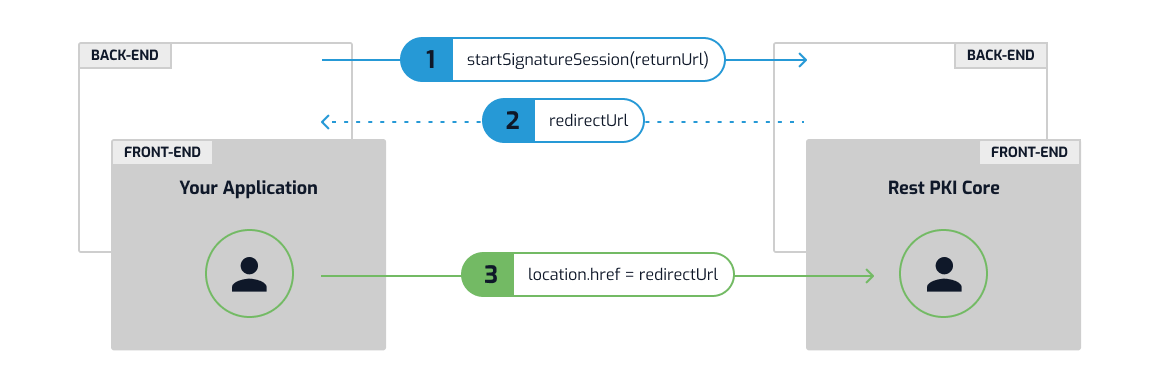
Once the process is complete, the user will be redirected back to your app on the *returnUrl* you specified when starting the session. A query parameter will be added
to the `returnUrl` containing the signature session ID (`?signatureSessionId=...`). Then, your app parses the signature session ID on the query string and uses it to
call APIs to fetch the documents signed by the user:
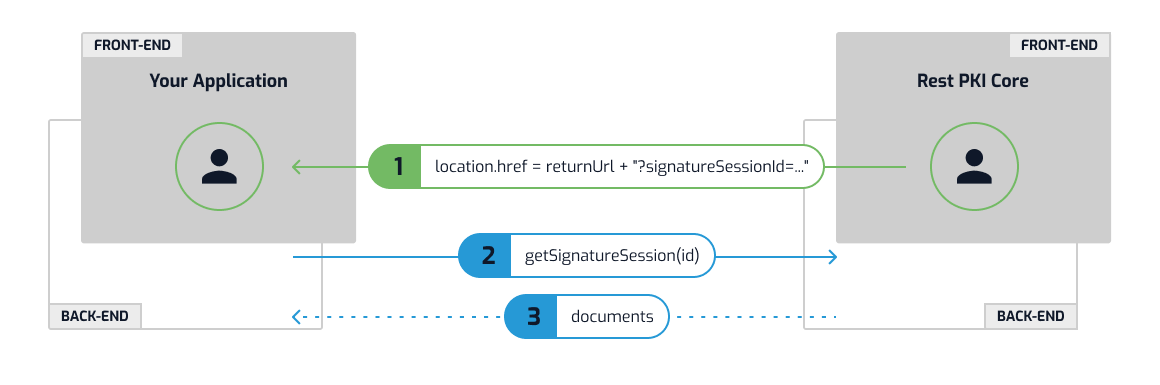
## Creating a signature session
> **Tip**
>
> From this point on we'll describe calls to Rest PKI Core. Make sure you've read the [Get Started](https://docs.lacunasoftware.com/en-us/articles/rest-pki/core/integration/get-started) article to be able to keep up.
On .NET, call `IRestPkiService.CreateSignatureSessionAsync()` and use the `RedirectUrl` returned to redirect your user:
```cs
var response = await restPkiService.CreateSignatureSessionAsync(new CreateSignatureSessionRequest() {
ReturnUrl = "http://localhost:8080/SessionCallback",
});
return Redirect(response.RedirectUrl);
```
See [session creation sample in .NET](https://github.com/LacunaSoftware/PkiSuiteSamples/blob/master/dotnet/mvc/PkiSuiteAspNetMvcSample/Controllers/SignatureSessionRestCoreController.cs).
On PHP, call `RestPkiServiceInterface.createSignatureSession()` and use the `$redirectUrl` returned to redirect your user:
```php
$request = new CreateSignatureSessionRequest();
$request->returnUrl = "http://localhost:8080/SessionCallback";
$response = $service->createSignatureSession($request);
header("Location: {$response->redirectUrl}");
```
See [session creation sample in PHP](https://github.com/LacunaSoftware/PkiSuiteSamples/blob/master/php/plain/public/signature-session-rest-core/index.php).
On Java, call `RestPkiService.createSignatureSession()` and use the `RedirectUrl` returned to redirect your user:
```java
CreateSignatureSessionRequest request = new CreateSignatureSessionRequest();
request.setReturnUrl("http://localhost:60695/signature-session-rest-core/complete");
CreateSignatureSessionResponse response = restPkiService.createSignatureSession(request);
return "redirect:" + response.getRedirectUrl();
```
See [session creation sample in Java](https://github.com/LacunaSoftware/PkiSuiteSamples/blob/master/java/springmvc/src/main/java/com/lacunasoftware/pkisuite/controller/SignatureSessionRestCoreController.java).
If calling the API directly, do:
```plaintext
POST {endpoint}/api/signature-sessions
{
"returnUrl": "http://localhost:8080/SessionCallback"
}
```
Let's drill down on the `returnUrl` used on the code snippets above:
```plaintext
http://localhost:8080/SessionCallback
^^^^^^^^^^^^^^^^^^^^^ ^^^^^^^^^^^^^^^
Your app's URL Route to the callback handler
```
When adapting to your case, you must change the first portion to your own application's address and also to the route of your own "callback handler" (see next section).
## Implementing the callback handler
The `returnUrl` is the location to which Rest PKI Core will redirect the user back upon completion of the session.
> **Note**
>
> So far, we've used `/SessionCallback` as the relative URL of the callback handler, but feel free to use whatever makes sense for your app
On .NET, the implementation would look like this:
```cs
public class SessionCallbackController : Controller {
...
public async Task Index(Guid signatureSessionId) {
var session = await restPkiService.GetSignatureSessionAsync(signatureSessionId);
if (session.Status != SignatureSessionStatus.Completed) {
return Redirect("/");
}
return View(session);
}
}
```
See [callback handler sample in .NET](https://github.com/LacunaSoftware/PkiSuiteSamples/blob/master/dotnet/mvc/PkiSuiteAspNetMvcSample/Controllers/SignatureSessionRestCoreController.cs).
On PHP, the implementation would look like this:
```php
$sessionId = $_GET['signatureSessionId'];
$session = $service->getSignatureSession($sessionId);
if ($session->status != SignatureSessionStatus::COMPLETED) {
header("Location: http://localhost:8000/");
exit;
}
```
See [callback handler sample in PHP](https://github.com/LacunaSoftware/PkiSuiteSamples/blob/master/php/plain/public/signature-session-rest-core/complete.php).
On Java, the implementation would look like this:
```java
@Controller
public class SessionCallbackController {
...
public String index(
Model model,
@RequestParam(value="signatureSessionId") String sessionId
) throws Exception {
SignatureSession session = restPkiService.getSignatureSession(UUID.fromString(sessionId));
if (session.getStatus() != SignatureSessionStatus.COMPLETED) {
return "redirect:/";
}
// The session's documents give the signed file only as the deprecated "location";
// the DocumentModel of each document gives it as "url".
List documents = new ArrayList<>();
for (SignatureSessionDocument document : session.getDocuments()) {
documents.add(restPkiService.getDocumentModel(document.getId()));
}
model.addAttribute("documents", documents);
return "signature-callback/index";
}
}
```
See [callback handler sample in Java](https://github.com/LacunaSoftware/PkiSuiteSamples/blob/master/java/springmvc/src/main/java/com/lacunasoftware/pkisuite/controller/SignatureSessionRestCoreController.java).
Notice that we check the `Status` of the session and send the user away to some default location if the status is not `Completed`.
> **Note**
>
> When a user is redirected back to your app, the session will have one of two possible statuses: `Completed` or `UserCancelled`. You should always check the
> status, since it is perfecly normal for a user to land back on your app by cancelling the session instead of going through the procedure.
Now, the Razor view:
```html
@using Lacuna.RestPki.Api
@using Lacuna.RestPki.Client
@model SignatureSession
Signed documents
```
On PHP, the client side view:
```php
Signed documents
```
On Java, the Thymeleaf view:
```html
Signed documents
```
The link to each signed file (`Url`) is temporary: it downloads the file without the API key and expires after a short time, normally one hour, so don't store it.
Older code reads the same link from `Location`, a deprecated name for this field. The PHP client exposes it only as `location`, and in Java the session's documents
expose it only as `getLocation()`, which is why the Java handler above fetches each document's `DocumentModel`.
## Predefining documents
The sessions created so far require the user to upload the documents that will be signed. You can instead specify the documents that will be signed
when creating the session. In this case, the user will not be able to upload additional documents to the session.
On .NET:
```cs
string pdfPath = ...;
Stream xmlStream = ...;
var documents = new List {
new SignatureSessionDocumentToSign {
File = FileReference.FromFile(pdfPath),
},
new SignatureSessionDocumentToSign {
File = FileReference.FromStream(xmlStream, "doc.xml"),
},
...
};
var response = await restPkiService.CreateSignatureSessionAsync(new CreateSignatureSessionRequest() {
...
}, documents: documents);
return Redirect(response.RedirectUrl);
```
On Java:
```java
CreateSignatureSessionRequest request = new CreateSignatureSessionRequest();
String pdfPath = ...;
InputStream xmlStream = ...;
List documents = new ArrayList<>();
SignatureSessionDocumentToSign document = new SignatureSessionDocumentToSign();
document.setFile(FileReference.fromFile(pdfPath, "doc.pdf", "application/pdf"));
documents.add(document);
document = new SignatureSessionDocumentToSign();
document.setFile(FileReference.fromStream(xmlStream, "doc.xml", "application/xml"));
documents.add(document);
CreateSignatureSessionResponse response = restPkiService.createSignatureSession(request, null, null, documents);
return "redirect:" + response.getRedirectUrl();
```
Direct API integration:
```plaintext
POST {endpoint}/api/signature-sessions
{
...
"documents": [
{
"file": {
"content": "Base64EncodedBytes==",
"name": "doc1.pdf"
}
},
{
"file": {
"url": "https://yourapp.com/doc2.pdf"
}
},
...
]
}
```
For more information see [Referencing files](https://docs.lacunasoftware.com/en-us/articles/rest-pki/core/integration/file-referencing).
## Disabling downloads
If you don't receive webhook notifications of documents signed, you might feel like the signature session process is not working reliably because some users simply
download the signed documents and don't bother to stick around while they are redirected back to your app, denying it the chance to detect that documents have been
signed. If you feel this is a problem for your case, you can disable the downloading of signed documents by passing `DisableDownloads = true`.
On .NET:
```cs
var response = await restPkiService.CreateSignatureSessionAsync(new CreateSignatureSessionRequest() {
...
DisableDownloads = true,
});
return Redirect(response.RedirectUrl);
```
On PHP:
```php
$request = new CreateSignatureSessionRequest();
$request->returnUrl = "http://localhost:8080/session-callback";
$request->disableDownloads = true;
$response = $service->createSignatureSession($request);
header("Location: {$response->redirectUrl}");
```
On Java:
```java
CreateSignatureSessionRequest request = new CreateSignatureSessionRequest();
request.setReturnUrl("http://localhost:60695/signature-session-rest-core/complete");
request.setDisableDownloads(true);
CreateSignatureSessionResponse response = restPkiService.createSignatureSession(request);
return "redirect:" + response.getRedirectUrl();
```
Direct API integration:
```plaintext
POST {endpoint}/api/signature-sessions
{
...
"disableDownloads": true
}
```
Then, users will only be able to download documents through your app, and thus will be less inclined to quit the process prematurely.
> **Note**
>
> Another way of dealing with this issue is to opt for the **Webhook flow** instead (see next section)
## Webhook flow
On the standard integration flow described above, your app detects that documents have been signed when the user is redirect back with the `signatureSessionId`
query parameter appended to the `returnUrl`.
An alternative flow is to instead be notified of signed documents through [webhook notifications](https://docs.lacunasoftware.com/en-us/articles/rest-pki/core/integration/webhooks). In this case, the signature page can be instead
opened on a new tab, which is closed by the end of the process. Hence, the user is never redirected back, and there is no need to implement the callback handler
(instead, you'll implement the webhook handler).
This flow has the advantage of not requiring the user to stick around while they are redirected by to your app for it to take notice of signed files. Also,
enabling [background processing](https://docs.lacunasoftware.com/en-us/articles/rest-pki/core/integration/signature-sessions/background-processing), which greatly enhances the user's experience, is simpler in this flow.
To open the signature page on a new tab, use an anchor (`` element) with `target="_blank"`:
```html
Sign documents
```
> **Note**
>
> Another option is to open the tab with the `window.open()` function in Javascript
Furthermore, you must omit the `returnUrl` parameter when creating the session.
On .NET:
```cs
var response = await restPkiService.CreateSignatureSessionAsync(new CreateSignatureSessionRequest() {
ReturnUrl = null,
EnableBackgroundProcessing = true,
});
return Redirect(response.RedirectUrl);
```
See [session creation sample with webhook in .NET](https://github.com/LacunaSoftware/PkiSuiteSamples/blob/master/dotnet/mvc/PkiSuiteAspNetMvcSample/Controllers/SignatureSessionRestCoreController.cs).
On PHP:
```php
$request = new CreateSignatureSessionRequest();
$request->returnUrl = null;
$request->enableBackgroundProcessing = true;
$response = $service->createSignatureSession($request);
header("Location: {$response->redirectUrl}");
```
See [session creation sample with webhook in PHP](https://github.com/LacunaSoftware/PkiSuiteSamples/blob/master/php/plain/public/signature-session-rest-core/using-webhook.php).
On Java:
```java
CreateSignatureSessionRequest request = new CreateSignatureSessionRequest();
request.setEnableBackgroundProcessing(true);
CreateSignatureSessionResponse response = restPkiService.createSignatureSession(request);
return "redirect:" + response.getRedirectUrl();
```
See [session creation sample with webhook in Java](https://github.com/LacunaSoftware/PkiSuiteSamples/blob/master/java/springmvc/src/main/java/com/lacunasoftware/pkisuite/controller/SignatureSessionRestCoreController.java).
Direct API integration:
```plaintext
POST {endpoint}/api/signature-sessions
{
"returnUrl": null,
"enableBackgroundProcessing": true
}
```
Then, the tab will be closed by Rest PKI Core by the end of the session.
## Improving the user experience
You may use the following optional features to improve the user experience:
* [Certificate requirements](https://docs.lacunasoftware.com/en-us/articles/rest-pki/core/integration/signature-sessions/certificate-requirements) may be used to restrict the certificates the user can choose
* [File validation](https://docs.lacunasoftware.com/en-us/articles/rest-pki/core/integration/signature-sessions/file-validation)
* [Background processing](https://docs.lacunasoftware.com/en-us/articles/rest-pki/core/integration/signature-sessions/background-processing)
* [Document metadata](https://docs.lacunasoftware.com/en-us/articles/rest-pki/core/integration/signature-sessions/document-metadata)
**Demos and samples**
- Live demo: [Sign a file with Rest PKI Core](https://try.lacunasoftware.com/en/pki-suite/sign-a-file-rest-pki-core)
- Sign a PDF with Rest PKI Core: [.NET](https://github.com/LacunaSoftware/PkiSuiteSamples/blob/master/dotnet/mvc/PkiSuiteAspNetMvcSample/Controllers/PadesSignatureRestCoreController.cs) · [Java](https://github.com/LacunaSoftware/PkiSuiteSamples/blob/master/java/springmvc/src/main/java/com/lacunasoftware/pkisuite/controller/PadesSignatureCoreController.java) · [Node.js](https://github.com/LacunaSoftware/PkiSuiteSamples/blob/master/nodejs/expressmvc/routes/pades-signature-core.js) · [PHP](https://github.com/LacunaSoftware/PkiSuiteSamples/blob/master/php/plain/public/pades-signature-rest-core/index.php) · [Python](https://github.com/LacunaSoftware/PkiSuiteSamples/blob/master/python/flask/sample/views/pades_signature_rest_core.py) · [Ruby](https://github.com/LacunaSoftware/PkiSuiteSamples/blob/master/ruby/rails/app/controllers/pades_signature_rest_core_controller.rb)
- Signature session with Rest PKI Core: [.NET](https://github.com/LacunaSoftware/PkiSuiteSamples/blob/master/dotnet/mvc/PkiSuiteAspNetMvcSample/Controllers/SignatureSessionRestCoreController.cs) · [Java](https://github.com/LacunaSoftware/PkiSuiteSamples/blob/master/java/springmvc/src/main/java/com/lacunasoftware/pkisuite/controller/SignatureSessionRestCoreController.java) · [PHP](https://github.com/LacunaSoftware/PkiSuiteSamples/blob/master/php/plain/public/signature-session-rest-core/index.php)
- Signature session with predefined documents using Rest PKI Core: [.NET](https://github.com/LacunaSoftware/PkiSuiteSamples/blob/master/dotnet/mvc/PkiSuiteAspNetMvcSample/Controllers/SignatureSessionPreDefRestCoreController.cs) · [Java](https://github.com/LacunaSoftware/PkiSuiteSamples/blob/master/java/springmvc/src/main/java/com/lacunasoftware/pkisuite/controller/SignatureSessionPreDefRestCoreController.java)
# [Background processing - Signature sessions](https://docs.lacunasoftware.com/en-us/articles/rest-pki/core/integration/signature-sessions/background-processing)
By default, users are kept waiting while documents are processed before being redirected back to your application. If you want to provide your users with a faster
experience, turn on background processing by passing `EnableBackgroundProcessing = true` upon creation of the session.
On .NET:
```cs
var response = await restPkiService.CreateSignatureSessionAsync(new CreateSignatureSessionRequest() {
...
EnableBackgroundProcessing = true,
});
return Redirect(response.RedirectUrl);
```
On PHP:
```php
$request = new CreateSignatureSessionRequest();
$request->enableBackgroundProcessing = true;
$response = $service->createSignatureSession($request);
header("Location: {$response->redirectUrl}");
```
On Java:
```java
CreateSignatureSessionRequest request = new CreateSignatureSessionRequest();
request.setEnableBackgroundProcessing(true);
CreateSignatureSessionResponse response = restPkiService.createSignatureSession(request);
return "redirect:" + response.getRedirectUrl();
```
Direct API integration:
```plaintext
POST {endpoint}/api/signature-sessions
{
...
"enableBackgroundProcessing": true
}
```
In this case, users do not wait for documents to be processed. However, your callback implementation must be ready to handle the case of a signature session whose
documents are not yet available for download.
> **Note**
>
> No changes are needed to your app if you opt for the [Webhook flow](https://docs.lacunasoftware.com/en-us/articles/rest-pki/core/integration/signature-sessions#webhook-flow), since in this case there's no callback handling
## Aditional statuses
In addition to the possible statuses `Completed` and `UserCancelled`, two additional statuses are possible when the user is redirected on your app: `Processing` and `ProcessingError`.
While a session is still `Processing`, some documents will be in status `Processing` and cannot be downloaded. Only when the session transitions to the `Completed`
status are all documents ready to be downloaded.
> **Note**
>
> The status `ProcessingError` is a rare condition that occurrs only in corner cases such as the user's certificate being revoked during the time between the
> start of the session and the completion of the background processing. It is perfectly appropriate for your app to `throw` if this status is returned.
## Adapting callback
Let's change our callback implementation to deal with this.
On .NET:
```cs
public class SessionCallbackController : Controller {
...
public async Task Index(Guid signatureSessionId) {
var session = await restPkiService.GetSignatureSessionAsync(signatureSessionId);
if (session.Status != SignatureSessionStatus.Completed && session.Status != SignatureSessionStatus.Processing) {
return Redirect("/");
}
return View(session);
}
}
```
On PHP:
```php
$sessionId = $_GET['signatureSessionId'];
$session = $service->getSignatureSession($sessionId);
if ($session->status != SignatureSessionStatus::COMPLETED && $session->status != SignatureSessionStatus::PROCESSING) {
header("Location: http://localhost:8000/");
exit;
}
```
On Java:
```java
@Controller
public class SessionCallbackController {
...
public String index(
Model model,
@RequestParam(value="signatureSessionId") String sessionId
) throws Exception {
SignatureSession session = restPkiService.getSignatureSession(UUID.fromString(sessionId));
if (session.getStatus() != SignatureSessionStatus.COMPLETED &&
session.getStatus() != SignatureSessionStatus.PROCESSING) {
return "redirect:/";
}
// The link to each signed file comes from the document's DocumentModel, once the document is completed
Map signedFileUrls = new HashMap<>();
for (SignatureSessionDocument document : session.getDocuments()) {
if (document.getStatus() == DocumentStatus.COMPLETED) {
signedFileUrls.put(document.getId(), restPkiService.getDocumentModel(document.getId()).getSignedFile().getUrl());
}
}
model.addAttribute("session", session);
model.addAttribute("signedFileUrls", signedFileUrls);
return "signature-callback/index";
}
}
```
Notice that now we also consider the status `Processing` to be normal. Now, let's change the view:
On .NET, the Razor view would be:
```html
@using Lacuna.RestPki.Api
@using Lacuna.RestPki.Client
@model SignatureSession
Signed documents
@foreach (var document in Model.Documents)
{
@if (document.Status == DocumentStatus.Completed)
{
@document.SignedFile.Name
}
else
{
@document.OriginalFile.Name
(processing)
}
}
```
On PHP, the client side view would be:
```php
Signed documents
documents); $i++) {
$document = $session->documents[$i]; ?>
status == DocumentStatus::COMPLETED) { ?>
signedFile->name ?>
originalFile->name ?>
(processing)
```
On Java, the Thymeleaf view would be:
```html
Signed documents
```
Notice how we render each list item differently based on each document's status. The PHP client exposes the link to the signed file only as `location`,
a deprecated name for `url` (see [Implementing the callback handler](https://docs.lacunasoftware.com/en-us/articles/rest-pki/core/integration/signature-sessions#implementing-the-callback-handler)).
# [Certificate requirements - Signature sessions](https://docs.lacunasoftware.com/en-us/articles/rest-pki/core/integration/signature-sessions/certificate-requirements)
In order to restrict the certificates that the user will be able to choose during a [signature session](https://docs.lacunasoftware.com/en-us/articles/rest-pki/core/integration/signature-sessions), specify a list of
**certificate requirements** when creating the session. The user will only be able to select certificates that meet **all** of the specified
requirements.
Each requirement is composed of a **type** and, depending on the type, an **argument**. For instance, let's say you need to restrict users to only
sign documents using certificates whose private key is protected by a cryptographic device, which is what the [CryptoDevice](https://docs.lacunasoftware.com/en-us/articles/rest-pki/core/integration/signature-sessions/certificate-requirements#crypto-device)
requirement does. This specific requirement does not take an argument, so we only have to specify its type.
On .NET:
```cs
var response = await restPkiService.CreateSignatureSessionAsync(new CreateSignatureSessionRequest() {
...,
CertificateRequirements = new List {
new CertificateRequirement { Type = CertificateRequirementTypes.CryptoDevice }
}
});
return Redirect(response.RedirectUrl);
```
Direct API integration:
```plaintext
POST {endpoint}/api/signature-sessions
{
...,
"certificateRequirements": [
{
"type": "CryptoDevice"
}
]
}
```
See the different requirement types available on the next section.
## Supported requirement
The following requirement types are currently available:
* [CryptoDevice](https://docs.lacunasoftware.com/en-us/articles/rest-pki/core/integration/signature-sessions/certificate-requirements#crypto-device): requires certificates to have a private key protected by a cryptographic device
* [Cpf](https://docs.lacunasoftware.com/en-us/articles/rest-pki/core/integration/signature-sessions/certificate-requirements#cpf): requires certificates to have a certain Brazilian CPF number
> **Note**
>
> If you need a different requirement, contact us
### CryptoDevice
Use the `CryptoDevice` requirement to restrict users to only choose certificates whose private key are protected by a cryptographic device
(typically a cryptographic token). This requirement does not take an argument.
> **Note**
>
> For ICP-Brasil certificates, this means A3 or A4 certificates only.
### Cpf
Use the `Cpf` requirement to restrict users to only choose certificates having a certain Brazilian CPF number. Pass the CPF on the argument,
with or without punctuation (but *with* leading zeroes).
> **Note**
>
> This requirement has the side effect of improving user experience when using cloud certificates, since the user is not required to type in his
> CPF to check the available cloud certificates (the CPF is inferred from the requirement).
# [Document metadata - Signature sessions](https://docs.lacunasoftware.com/en-us/articles/rest-pki/core/integration/signature-sessions/document-metadata)
When creating a [signature session](https://docs.lacunasoftware.com/en-us/articles/rest-pki/core/integration/signature-sessions), you may specify a set of metadata to be associated to each document created during
the session. Metadata are specified by a *name* and have one or more *values*.
In .NET:
```cs
var metadata = new NameValueCollection {
["organization"] = "Patorum Inc.",
["priority"] = "10",
};
// Multi-valued metadata also supported
metadata.Add("categories", "Document");
metadata.Add("categories", "Forms");
var response = await restPkiService.CreateSignatureSessionAsync(new CreateSignatureSessionRequest() {
...
}, metadata: metadata);
```
In PHP:
```php
$metadata = [
"organization" => "Patorum Inc.",
"priority" => "10"
];
// Multi-valued metadata also supported
$metadata["categories"] = ["Document", "Forms"];
$request = new CreateSignatureSessionRequest();
...
$request->documentMetadata = $metadata;
```
In Java:
```java
CreateSignatureSessionRequest request = new CreateSignatureSessionRequest();
...
List firstElement = new ArrayList<>();
firstElement.add("Patorum Inc.");
request.putDocumentMetadataItem("organization", firstElement);
List secondElement = new ArrayList<>();
secondElement.add("10");
request.putDocumentMetadataItem("priority", secondElement);
// Multi-valued metadata also supported
List listOfElements = new ArrayList<>();
listOfElements.add("Document");
listOfElements.add("Forms");
request.putDocumentMetadataItem("categories", listOfElements);
```
## Bounds and limits
* Metadata names can only contain letters, digits, hyphens (`-`), underscores (`_`) and spaces (we recommend using identifiers as names such
as `some-info`, `SomeInfo` or `some_info`, instead of human-readable labels)
* Metadata names may have up to 50 characters
* Each metadata value may have up to 500 characters
> **Note**
>
> On APIs to search documents by metadata, name matching is **case insensitive**
# [File validation - Signature sessions](https://docs.lacunasoftware.com/en-us/articles/rest-pki/core/integration/signature-sessions/file-validation)
You can validate the files chosen by the user during signature sessions using the mechanisms described in this article.
## File naming rule
If you have a naming rule for the files you accept, you can configure your Rest PKI Core account to validate each file selected by the user
with a regular expression that represents your rule.
Consider a hypothetical situation in which only files whose name starts with the letter `P` or `X`, followed by 6 digits and the `.pdf`
extension, are accepted. To enforce this condition, the naming rule would be configured as:
```plaintext
^[PX]\d{6}\.pdf$
```
The user would then be prevented from choosing files whose names do not match this pattern:

> **Note**
>
> Our [developer support](mailto:suporte@lacunasoftware.com) can help you write the regular expression from a textual description of your
> naming rule.
## File validation API
You can also configure a file validation API, implemented by your application, to be called to validate each file chosen by the user.
Your application receives the file name (along with its *MIME type* and size in bytes) and returns whether the file should be accepted (and,
if not, the reason for the rejection).
The validation request is an HTTP `POST` request whose *payload* is a `ValidateFileRequest` object (see the
[API reference](https://core.pki.rest/swagger) for the model definition). For example:
```json
{
"name": "P123456.pdf",
"contentType": "application/pdf",
"length": 2476032
}
```
Your application must respond with a `ValidateFileResponse`, as below:
```json
{
"accept": true,
"rejectReason": null
}
```
Or, if the file is rejected:
```json
{
"accept": false,
"rejectReason": "Message to the user"
}
```
The message returned by your application is shown to the user, for example:

**Demos and samples**
- Validate files uploaded to a Rest PKI Core signature session: [.NET](https://github.com/LacunaSoftware/PkiSuiteSamples/blob/master/dotnet/mvc/PkiSuiteAspNetMvcSample/Controllers/ValidateFileRestCoreController.cs) · [Java](https://github.com/LacunaSoftware/PkiSuiteSamples/blob/master/java/springmvc/src/main/java/com/lacunasoftware/pkisuite/controller/ValidateFileRestCoreController.java) · [PHP](https://github.com/LacunaSoftware/PkiSuiteSamples/blob/master/php/plain/public/validate-file-rest-core/index.php)
# [PDF/A conversion - Signature sessions](https://docs.lacunasoftware.com/en-us/articles/rest-pki/core/integration/signature-sessions/pdf-a-conversion)
As of version 4.2.0, Rest PKI Core can automatically convert a PDF document to the **PDF/A** format (a long-term archiving
standard) right before signing. To enable it, set `ConvertToPdfA = true` on `PdfSignatureOptions`.
> **Warning**
>
> This operation requires at least version **4.2.2** of the client library `Lacuna.RestPkiCore.Client`. Make sure to update
> the package before using it.
> **Note**
>
> This feature requires a PDF/A conversion service to be enabled and properly configured on your Rest PKI Core instance
> beforehand. If the service is not available, the call will fail with an `ApiException` (code `PdfAConversionNotAvailable`)
> when the conversion is attempted.
## In signature sessions
When creating a [signature session](https://docs.lacunasoftware.com/en-us/articles/rest-pki/core/integration/signature-sessions), set `PdfSignatureOptions.ConvertToPdfA = true` to convert to PDF/A every PDF
document signed during the session (both documents uploaded by the user and [predefined documents](https://docs.lacunasoftware.com/en-us/articles/rest-pki/core/integration/signature-sessions#predefined-documents)
that don't specify their own option):
In .NET:
```cs
var response = await restPkiService.CreateSignatureSessionAsync(new CreateSignatureSessionRequest() {
...
PdfSignatureOptions = new PdfSignatureOptions {
ConvertToPdfA = true,
},
});
return Redirect(response.RedirectUrl);
```
The option can also be set individually on each predefined document, overriding the session-level option:
```cs
var documents = new List {
new SignatureSessionDocumentToSign {
File = FileReference.FromFile(pdfPath),
PdfSignatureOptions = new PdfSignatureOptions {
ConvertToPdfA = true,
},
},
...
};
```
Direct API integration:
```plaintext
POST {endpoint}/api/signature-sessions
{
...
"pdfSignatureOptions": {
"convertToPdfA": true
}
}
```
## In standalone signatures
The same option is available on `PdfSignatureOptions` when using the local signature flow (`PrepareSignatureAsync`), outside
the context of signature sessions.
# [Biometric sessions - Rest PKI Core](https://docs.lacunasoftware.com/en-us/articles/rest-pki/core/integration/bio-sessions)
**Biometric sessions** are a feature of [Rest PKI Core](https://docs.lacunasoftware.com/en-us/articles/rest-pki/core) that lets your users perform biometric operations, such as liveness checks,
enrollment, facial authentication and identification, as well as ID document captures.
## Frontend flows
[Rest PKI Core](https://docs.lacunasoftware.com/en-us/articles/rest-pki/core) provides a biometric capture page, which your application can use either by redirecting the user to it or by
embedding our widget.
### Redirect flow (ReturnUrl)
In this model, your application "loses focus": the user is sent to a Rest PKI Core URL to capture their face.
To use it, pass the **`ReturnUrl`** parameter when creating the session.
- **When to use:** if you want a simpler implementation and redirecting the user to complete the flow is not a problem.
- **Advantages:** simpler implementation, with no need for advanced settings such as CSP (Content Security Policy).
- **What happens at the end:** the user is redirected to the URL you passed in `ReturnUrl`, with the `completeTicket` in the *query string*
(you need it to fetch the result later).
#### Diagram
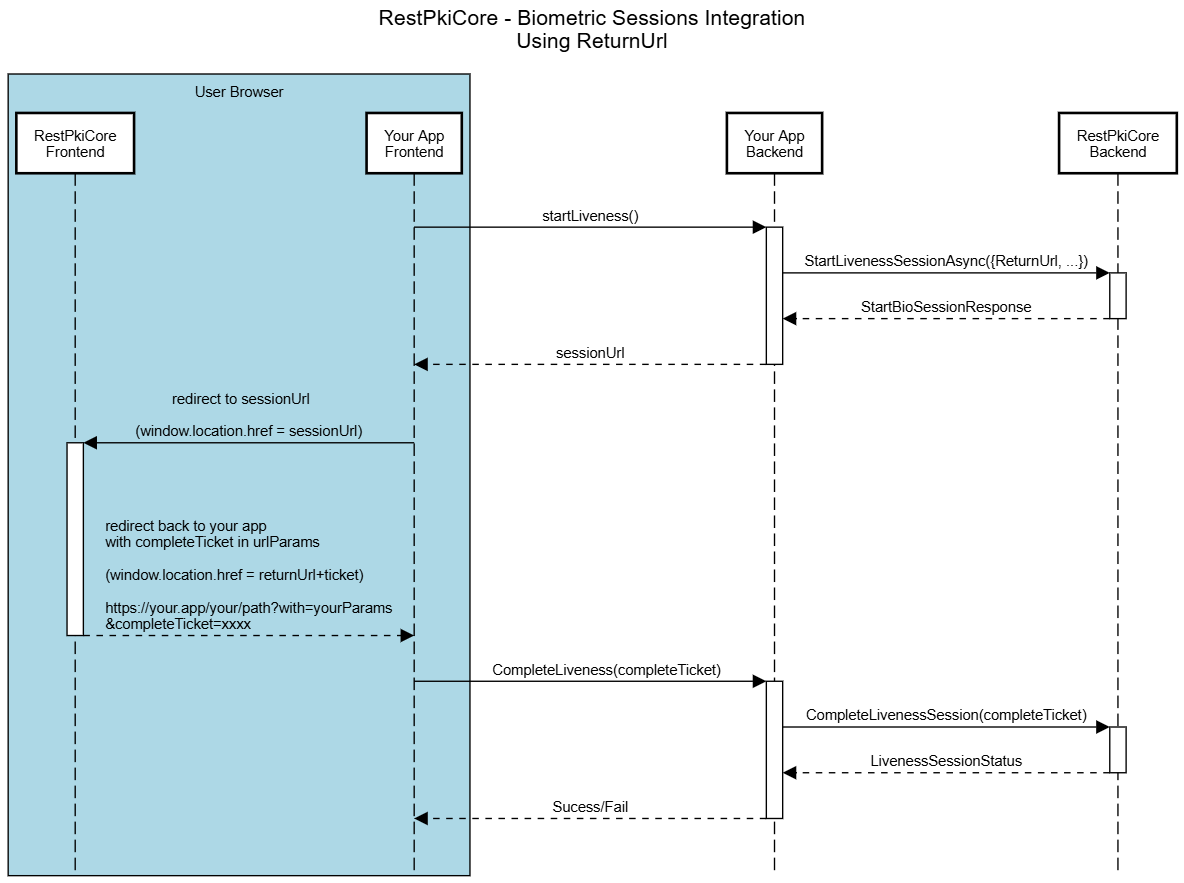
##### 1. Preparation (backend)
It all starts when your user clicks to start the biometric check on your site.
- `startLiveness()`: your frontend tells your backend that a session must be started.
- `StartLivenessSessionAsync`: your application's backend makes a request to the Rest PKI Core API.
- `sessionUrl`: Rest PKI Core returns a unique session URL. Your backend passes this URL on to your frontend.
##### 2. User action (frontend + redirect)
This is when the camera opens and the user interacts.
- `redirect to sessionUrl`: your frontend redirects to the biometric session page, which takes over, opens the camera, guides the user and
captures the face or document.
- `RedirectUrl + completeTicket`: as soon as the user finishes, the page closes the camera and loads your return URL with the ticket in the
query string.
##### 3. Validation and result (backend)
Now your system must check whether the user passed.
- `CompleteLiveness(completeTicket)`: your frontend sends the ticket to your own backend.
- `CompleteLivenessSession(completeTicket)`: your backend sends the ticket to Rest PKI Core.
- `LivenessSessionStatus`: Rest PKI Core answers your backend with the verdict (success or failure, and the captured data).
- `Success/Fail`: finally, your backend answers your frontend confirming whether the operation was approved, letting the user carry on in your
flow (for instance, releasing a payment or a login).
### Embedded flow (Widget/TrustedOrigin)
In this model, the user stays on your application's page the whole time: the capture screen is rendered inside your own site by our widget.
To use it, pass the **`TrustedOrigin`** parameter when creating the session.
> **Note**
>
> `TrustedOrigin` must be the base URL of your site (e.g. `https://mysite.com`). It protects the JavaScript environment, making sure the widget
> only works on your domain.
- **When to use:** if you want to keep the user inside your environment for a smoother experience.
- **Advantages:** the flow is integrated: there is no need to redirect the user or to process return parameters in the *query string*.
- **What happens at the end:** the user stays on your application's page, and the session result (`completeTicket`) is returned by the
component call itself.
#### Diagram
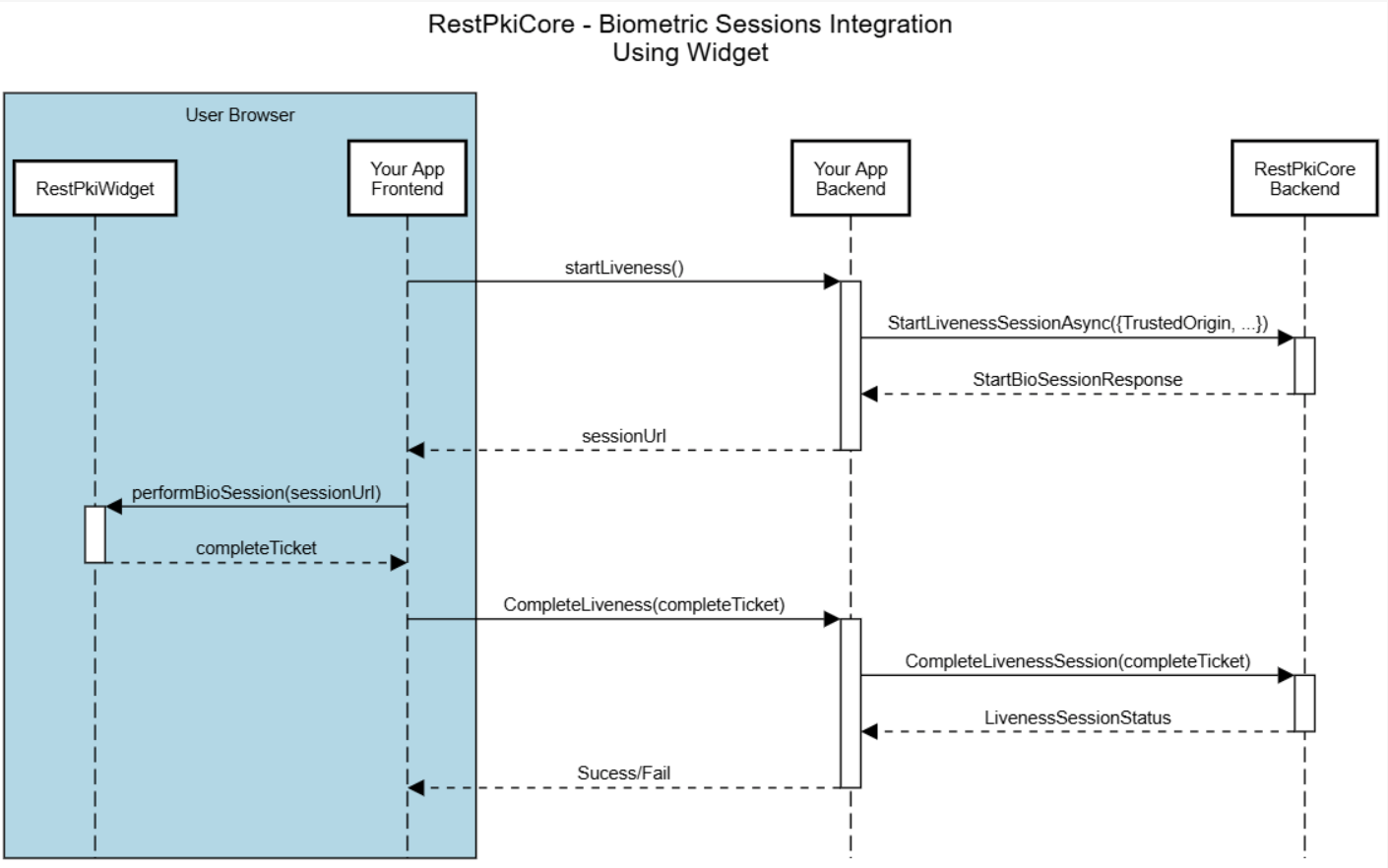
##### 1. Preparation (backend)
It all starts when your user clicks to start the biometric check on your site.
- `startLiveness()`: your frontend tells your backend that a session must be started.
- `StartLivenessSessionAsync`: your application's backend makes a request to the Rest PKI Core API.
- `sessionUrl`: Rest PKI Core returns a unique session URL. Your backend passes this URL on to your frontend.
##### 2. User action (frontend + widget)
This is when the camera opens and the user interacts.
- `performBioSession(sessionUrl)`: your frontend "feeds" the Rest PKI Core widget with the URL it received. The widget takes over, opens the
camera, guides the user and captures the face or document.
- `completeTicket`: as soon as the user finishes, the widget closes the camera and returns a "ticket" to your frontend.
##### 3. Validation and result (backend)
Now your system must check whether the user passed.
- `CompleteLiveness(completeTicket)`: your frontend sends the ticket to your own backend.
- `CompleteLivenessSession(completeTicket)`: your backend sends the ticket to Rest PKI Core.
- `LivenessSessionStatus`: Rest PKI Core answers your backend with the verdict (success or failure, and the captured data).
- `Success/Fail`: finally, your backend answers your frontend confirming whether the operation was approved, letting the user carry on in your
flow (for instance, releasing a payment or a login).
#### Installing and setting up the widget
To add the biometric capture to your frontend, use the Rest PKI widget. There are two ways to add it to your project: from the **CDN**
(directly in the HTML) or from **npm** (for projects that use frameworks such as React, Angular or Vue).
##### 1. From the CDN
This is the quickest way to start. Add the `script` tag to the `head` of your HTML file.
```html
```
##### 2. From npm
If you use frameworks such as React, Angular or Vue, install the [package](https://www.npmjs.com/package/lacuna-restpki-widget) from the
terminal, so that you control versions and get the typings:
```shell
npm i lacuna-restpki-widget
```
Check in your `package.json` file that the dependency was installed:
```json
{
...
"dependencies": {
"lacuna-restpki-widget": "x.y.z",
},
...
}
```
Once installed, import the widget in your component or JavaScript file:
```js
import { RestPkiWidget } from 'lacuna-restpki-widget';
```
---
## Backend configuration
To get started, you need the following parameters:
* **Endpoint**: address of the Rest PKI Core instance to be used
* **API key**: key that authenticates your calls to the API
If you are using Rest PKI Core as a service (SaaS), ask our [developer support](mailto:suporte@lacunasoftware.com) for your parameters.
If you are using your [own instance](https://docs.lacunasoftware.com/en-us/articles/rest-pki/core/on-premises), the *endpoint* is the address of the Rest PKI Core dashboard itself, for instance
`https://signatures.yourcompany.com/`. Create an API key yourself by following the steps below:
1. Sign in to the dashboard of your instance
2. On the left menu, click **Applications**, then **Add**
3. Fill in a **name** for the application
4. Check the `Worker` role (this role is enough for the most common integration operations, such as creating signature sessions)
5. Click **Create**
6. On the application's details page, click **Keys**, then **Add**
7. Fill in any description for the key, choose an expiration (we recommend **Never expires**) and click **Create**
8. **Take note of the API key shown**, since you will not be able to retrieve it later
### Calling the API
Although Rest PKI Core offers REST APIs that can easily be called, they are usually not called directly. Instead, we provide libraries to
consume the Rest PKI Core services (*client libs*) in several programming languages, along with sample projects that show how to use them, so
that programmers don't need to worry about the details of consuming APIs and can code directly in their preferred language.
Using the client libraries:
* [C#/.NET](https://docs.lacunasoftware.com/en-us/articles/rest-pki/core/integration/bio-sessions/client-libs/dotnet)
If you need a sample in a language that is not listed, please contact us at [suporte@lacunasoftware.com](mailto:suporte@lacunasoftware.com) or
EQN 102/103, Ed. Avenida 102, 2º Andar - Asa Norte, Brasília-DF, Brazil. Phone: +55 61 3030-5700.
## Biometric session parameters
When starting a session, you set the parameters that define how the user will interact with the system and which security rules will apply.
### General parameters
- **TrustedOrigin:** required for the embedded flow. It must be the URL of the domain where the widget will be loaded (e.g.
`https://my-site.com`). This prevents your session from being stolen and run on malicious sites.
- **ReturnUrl:** required for the redirect flow. It is the URL the user is sent to after completing the biometric check. The result (ticket) is
appended to this URL in the query string.
- **PlatformPreference:** sets the platform preference and the QR code behavior.
- **NoPreference**: the session can be performed either on the computer or on a mobile device, with no QR code shown.
- **PreferMobile**: the session can be started on the computer, but a QR code is shown recommending that it be performed on a mobile
device.
- **RequireMobile**: blocks desktop use and requires a mobile device, showing a QR code to perform the session.
### User identifier (`SubjectIdentifier`)
`SubjectIdentifier` is a field that ties the biometric session to a specific person using your system.
For enrollment and authentication sessions, `SubjectIdentifier` is the unique identifier of the person you want to enroll in, or authenticate
against, the biometric system.
For anonymous sessions, such as liveness and document capture, this identifier is indexed and can be used to find the history of sessions
with that identifier.
> **Tip**
>
> We recommend unique and constant identifiers, such as a CPF (digits only), a CNPJ, an e-mail address or your system's UUID.
If you want to accept only some specific identifier types, you can
[configure the identifier formats allowed for your subscription](https://docs.lacunasoftware.com/en-us/articles/rest-pki/core/integration/bio-sessions/configs/subject-identifier-formats).
### Face capture session parameters
- **FaceCaptureProvider:** sets which capture technology the biometric session uses: `FaceTecLiveness3d` or `FortFaceSdkLiveness`, as long as
the provider is enabled on the instance.
- If not given, the organization's preferred provider applies, if any, or else the instance default, `FaceTecLiveness3d`.
- Older samples use the `FaceLivenessProvider` parameter, which is obsolete: use `FaceCaptureProvider`.
### Geolocation parameters
Rest PKI Core can capture the geographic location of the user's device during the biometric session. The feature is **disabled by default**;
it can be enabled per session, globally in the subscription settings or, on your own (on-premises) instances, directly in `appsettings`
(section `Bio:Geolocation`).
> **Tip**
>
> Prefer to set the default on the dashboard? See [Geolocation configuration](https://docs.lacunasoftware.com/en-us/articles/rest-pki/core/integration/bio-sessions/configs/geolocation).
- **`GeolocationCaptureType`**: sets the capture behavior.
- **`Disabled`** (default): geolocation is not collected.
- **`Optional`**: the system tries to capture the geolocation, but the session carries on normally if the user denies permission or the
capture fails.
- **`Required`**: geolocation is required. The session is interrupted if the capture does not succeed.
- **`BestEffort`**: the system tries to capture the geolocation without ever interrupting the session. Transient failures (e.g. a timeout)
are retried automatically, by default up to 3 attempts in all; permanent failures (e.g. permission denied) are not retried. If every attempt fails,
the session carries on normally without the location.
- **`GeolocationCapturePolicy`**: sets on which devices the geolocation is collected (relevant for sessions with a QR code).
- **`CollectOnCaptureDevice`** (default): the geolocation is captured only on the device that performs the biometric capture (e.g. the
phone, in QR code flows).
- **`CollectOnAllDevices`**: the geolocation is captured on every device involved in the session: both the desktop that started it and
the phone that performed the capture.
> **Note**
>
> When `GeolocationCaptureType` is `BestEffort`, by default the user sees a step asking for location permission, but without the cancel or skip
> buttons, since this capture can never interrupt the session. You can turn this step off on the dashboard, removing Rest PKI Core's own step:
> see [Geolocation configuration](https://docs.lacunasoftware.com/en-us/articles/rest-pki/core/integration/bio-sessions/configs/geolocation). Even so, the browser may show its own permission prompt if the user has not decided
> on it yet (see the note below).
> **Note**
>
> Whether the permission prompt is shown, and for how long the browser remembers a granted permission, are defined by each browser and are
> beyond Rest PKI Core's control. In some browsers, granting the permission temporarily (e.g. "Allow this time" in Chrome) may keep the location
> available for the browser session, even when the capture is optional. For details on each behavior, see the documentation of the browser.
## Session types
* [Liveness (`Liveness`)](https://docs.lacunasoftware.com/en-us/articles/rest-pki/core/integration/bio-sessions/liveness)
* [Biometric enrollment (`Enrollment`)](https://docs.lacunasoftware.com/en-us/articles/rest-pki/core/integration/bio-sessions/enrollment)
* [Facial authentication (`Authentication`)](https://docs.lacunasoftware.com/en-us/articles/rest-pki/core/integration/bio-sessions/authentication)
* [Facial identification (`Identification`)](https://docs.lacunasoftware.com/en-us/articles/rest-pki/core/integration/bio-sessions/identification)
* [Document capture (`IdentificationDocumentCapture`)](https://docs.lacunasoftware.com/en-us/articles/rest-pki/core/integration/bio-sessions/id-capture)
## See also
* [Samples repository (GitHub)](https://github.com/LacunaSoftware/RestBioSamples)
* [Backend sample (.NET)](https://github.com/LacunaSoftware/RestBioSamples/tree/main/backend/dotnet)
* [Backend sample (Java)](https://github.com/LacunaSoftware/RestBioSamples/tree/main/backend/java)
* [Frontend sample (Angular)](https://github.com/LacunaSoftware/RestBioSamples/tree/main/frontend/angular)
* [Frontend sample (JS/HTML)](https://github.com/LacunaSoftware/RestBioSamples/tree/main/frontend/generic)
# [Biometric sessions - Rest PKI Core - .NET/C# Client Lib](https://docs.lacunasoftware.com/en-us/articles/rest-pki/core/integration/bio-sessions/client-libs/dotnet)
Before exploring the use cases, you need to set up the Rest PKI Core library in your application. The `Lacuna.RestPkiCore.Client` library is
compatible with .NET Standard 2.0. The examples below use ASP.NET Core, like the
[backend sample (.NET)](https://github.com/LacunaSoftware/RestBioSamples/tree/main/backend/dotnet), which uses .NET 8.
## 1. Environment setup
In your `appsettings.json` file, add the credentials obtained on the Rest PKI Core dashboard:
```json
{
...,
"RestPki": {
"Endpoint": "YOUR_ENDPOINT_HERE",
"ApiKey": "YOUR_API_KEY_HERE"
}
}
```
In the `Program.cs` file, register the service before the call to `builder.Build()`:
```cs
// Registers the Rest PKI Core client using the appsettings section
builder.Services.AddRestPki().Configure(builder.Configuration.GetSection("RestPki"));
var app = builder.Build();
```
## 2. Dependency injection
To use the biometric features in your controllers, inject the `IRestBioService` interface through the constructor.
> **Note**
>
> The `IRestBioService` interface is the one responsible for all biometric session operations (liveness, enrollment, authentication, etc.).
```cs
using Lacuna.RestPki.Client;
using Microsoft.AspNetCore.Mvc;
[ApiController]
[Route("api/sessions")]
public class MyController : ControllerBase {
private readonly IRestBioService _restBioService;
public MyController(IRestBioService restBioService) {
_restBioService = restBioService;
}
// The sample methods go here...
}
```
## See also
* [Backend sample (.NET)](https://github.com/LacunaSoftware/RestBioSamples/tree/main/backend/dotnet)
* [Samples repository (GitHub)](https://github.com/LacunaSoftware/RestBioSamples)
# [Geolocation configuration (Geolocation) - Rest PKI Core](https://docs.lacunasoftware.com/en-us/articles/rest-pki/core/integration/bio-sessions/configs/geolocation)
During a biometric session, Rest PKI Core can capture the geographic location of the user's device (latitude and longitude). The feature is
**off by default** and can be turned on from the dashboard, applying to every session of your application. On your own (on-premises)
instances, the same default can also be set directly in `appsettings`, in the `Bio:Geolocation` section.
There are four settings:
- **Geolocation capture type**: whether the location is captured and whether it is required:
- **Disabled** (default): the location is not captured.
- **Optional**: the system tries to capture the location, but the session carries on normally if the user does not grant permission or
the capture fails.
- **Required**: the session only proceeds if the location is captured successfully.
- **Best effort**: the system tries to capture the location without ever interrupting the session, retrying transient failures
automatically. If every attempt fails, the session carries on normally without the location.
- **Geolocation capture policy**: on which devices the location is collected (important in QR code flows, where the biometric capture is done
on the phone). It only appears when the capture is turned on:
- **Collect on capture device** (default): collects only on the device that performs the biometric capture (e.g. the phone).
- **Collect on all devices**: collects both on the computer that started the session and on the phone that performed the capture.
- **Maximum attempts**: only appears when **Geolocation capture type** is **Best effort**. Number of capture attempts before the session
carries on without the location (default: 3).
- **Show instructions for best-effort geolocation capture**: only appears when **Geolocation capture type** is **Best effort**:
- **Enabled** (default): the user sees a step asking for location permission, but without the cancel or skip buttons.
- **Disabled**: the capture happens without any Rest PKI Core step of its own. Even so, the user's browser may show its own location
permission prompt, if the user has not decided on it yet.
## Setting it up on the dashboard
1. Sign in to the dashboard of your instance.
2. On the left menu, click **Settings**.
3. Find the **Biometric session geolocation settings** section and click **Edit**.
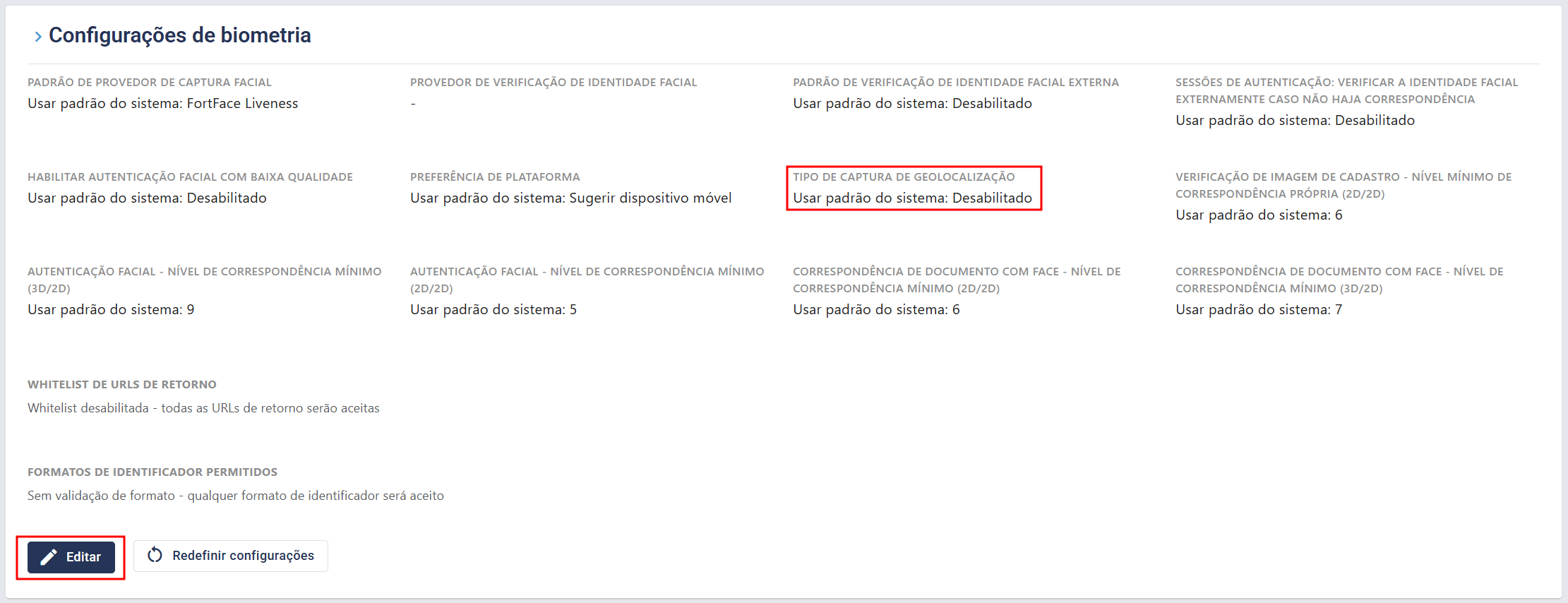
4. In the **Geolocation capture type** field, choose **Optional**, **Required** or **Best effort** to turn the feature on.
5. If you wish, adjust the **Geolocation capture policy** (this field only appears when the capture is turned on).

6. If you chose **Best effort**, you can also adjust **Maximum attempts**, and set **Show instructions for best-effort geolocation capture**
to **Disabled** if you don't want to show the permission step to the user.

7. Click **Save** to apply the settings.
> **Tip**
>
> Integrating through the API? You can set the geolocation per session, overriding the default configured here: see
> [Geolocation parameters](https://docs.lacunasoftware.com/en-us/articles/rest-pki/core/integration/bio-sessions#geolocation).
# [Subject identifier formats configuration (SubjectIdentifier) - Rest PKI Core](https://docs.lacunasoftware.com/en-us/articles/rest-pki/core/integration/bio-sessions/configs/subject-identifier-formats)
`SubjectIdentifier` is a field that ties the biometric session to a specific person using your system.
By default, the system accepts any identifier format. If you want to restrict which formats are allowed in your application's sessions,
follow the steps below:
1. Sign in to the dashboard of your instance.
2. On the left menu, click **Settings**.
3. Find the **Biometric settings** section.
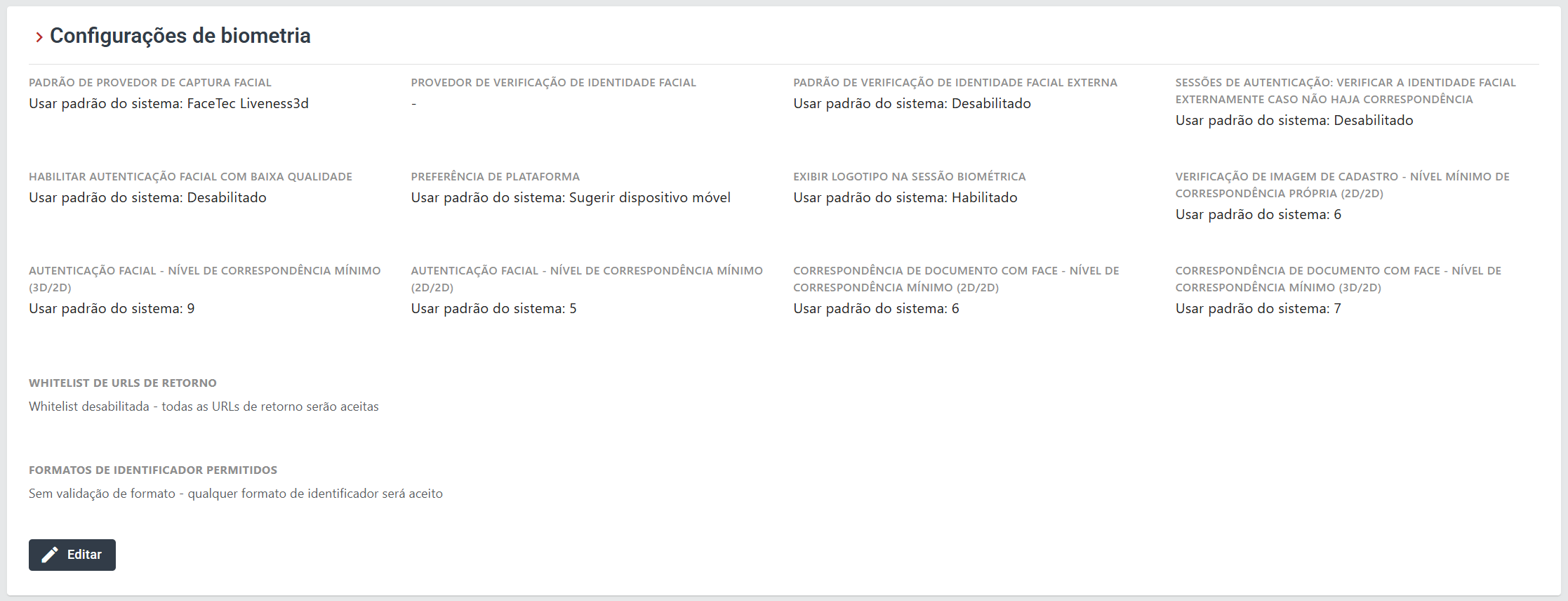
4. Click **Edit** and, under **Allowed subject identifier formats**, select the formats you want to allow: CPF, CNPJ and/or Email.
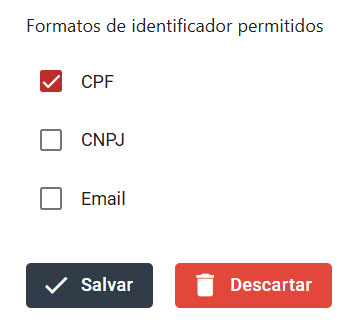
5. Click **Save** to apply the settings.
# [Facial authentication (1:1 Authentication) - Rest PKI Core](https://docs.lacunasoftware.com/en-us/articles/rest-pki/core/integration/bio-sessions/authentication)
- Compares the face captured in real time with a previously enrolled biometric, confirming that the user really is who they claim to be.
- The photo is collected through a liveness check.
## Creating the session
To create an authentication session, use the `StartAuthenticationSessionAsync` method of the client libs, passing a
`StartBioAuthenticationSessionRequest`.
This method makes a `POST` request to `/api/bio/sessions/authentication` [(Swagger)](https://core.pki.rest/swagger/index.html#operations-BioSessions-post_api_bio_sessions_authentication).
### Parameters (`StartBioAuthenticationSessionRequest`)
| **Parameter** | **Required?** | **Type** | **Description** |
| -------------------------------------- | ---------------- | -------- | --------------- |
| **ReturnUrl** | Conditional* | String | URL to redirect the user to after the biometric check. [(see details)](https://docs.lacunasoftware.com/en-us/articles/rest-pki/core/integration/bio-sessions#redirect-flow-returnurl)
| **TrustedOrigin** | Conditional* | String | URL of your site where the widget is embedded. [(see details)](https://docs.lacunasoftware.com/en-us/articles/rest-pki/core/integration/bio-sessions#embedded-flow-widgettrustedorigin)
| **PlatformPreference** | No | Enum | Sets the platform preference and the QR code behavior. [(see details)](https://docs.lacunasoftware.com/en-us/articles/rest-pki/core/integration/bio-sessions#general-parameters)
| **FaceCaptureProvider** | No | Enum | Sets the biometric provider. [(see details)](https://docs.lacunasoftware.com/en-us/articles/rest-pki/core/integration/bio-sessions#face-capture-session-parameters)
| **Subject** | Yes | Object | Reference to the user
> **Tip**
>
> *You must pass at least one of the two parameters ([see the difference between ReturnUrl and TrustedOrigin](https://docs.lacunasoftware.com/en-us/articles/rest-pki/core/integration/bio-sessions#frontend-flows)):
> - `ReturnUrl` (for the redirect flow)
> - `TrustedOrigin` (for the widget)
### Parameters (`Subject`)
| **Parameter** | **Required?** | **Type** | **Description** |
| ------------------------------ | ----------------- | -------- | --------------- |
| **Id** | Conditional* | Guid | Id of the enrollment, generated by Rest PKI Core
| **Identifier** | Conditional* | String | External identifier of the user.
> **Tip**
>
> *You must pass at least one of the two parameters:
> - (recommended) `Subject.Identifier`: use the same `SubjectIdentifier` used in the enrollment session.
> - (advanced) `Subject.Id`: if you stored the `Subject` Id returned by the enrollment session, you can use it here. Beware: if the previous
> enrollment is deleted, a new enrollment for the same `SubjectIdentifier` gets a different Id.
### Response example
The request to `StartAuthenticationSessionAsync` returns the following response:
```json
{
"sessionType": "Authentication",
"sessionId": "3fa85f64-5717-4562-b3fc-2c963f66afa6",
"sessionUrl": "string"
}
```
### Frontend integration
Once your backend has obtained the `sessionUrl` from the API, forward it to your frontend. From there, the flow follows the interface you chose:
- **Embedded flow (widget)**: your application passes the URL to the JavaScript component, which starts the capture inside your page.
- **Redirect flow**: your application sends the user to the URL received, where the capture takes place.
> **Tip**
>
> If you are unsure how to implement each model, see [Frontend flows](https://docs.lacunasoftware.com/en-us/articles/rest-pki/core/integration/bio-sessions#frontend-flows).
---
## Completing the session
To complete an authentication session, use the `CompleteAuthenticationSessionAsync` method of the client libs, passing a
`CompleteBioSessionRequest`.
This method makes a `POST` request to `/api/bio/sessions/authentication/completion` [(Swagger)](https://core.pki.rest/swagger/index.html#operations-BioSessions-post_api_bio_sessions_authentication_completion).
This method is the final step. The ticket can be used only once.
> **Tip**
>
> Call the completion only at the end of the process, sending the ticket you received to validate the result and close the session.
### Response example
```json
{
"subjectIdentifier": "string",
"subjectId": "3fa85f64-5717-4562-b3fc-2c963f66afa6",
"failure": "CaptureFailed",
"sessionId": "3fa85f64-5717-4562-b3fc-2c963f66afa6",
"success": true,
"resultDataAvailable": true
}
```
* **subjectIdentifier**: external identifier of the user. [(see details)](https://docs.lacunasoftware.com/en-us/articles/rest-pki/core/integration/bio-sessions#user-identifier-subjectidentifier)
* **subjectId**: Id of the enrollment.
* **failure**: tells whether a failure occurred during the session; see the list of failures below.
* **sessionId**: Id of the Rest PKI Core session.
* **success**: whether the authentication session succeeded.
* **resultDataAvailable**: if `true`, you can fetch the photos collected in the session.
##### Main failures
| **Enum** | **Description** |
| --------------------------------- | -------------------------------------------------- |
| CaptureFailed | The image capture could not be finished. It usually happens when the user interrupts it. |
| LivenessFailed | The user did not pass the liveness check: the number of attempts exceeded the limit. |
| NoMatch | Not enough match between the biometric collected and the one previously enrolled. |
| BadImage | The captured image does not have enough quality to be processed. It may be caused by poor lighting, blur, excessive glare or a partially covered face. |
## Checking the status
You can check the current state of a session at any time using its `sessionId`. This is useful to monitor whether the user has started the
session, or whether it has expired, even before it is completed.
> **Tip**
>
> Use `GetAuthenticationSessionStatusAsync` to follow the progress of an active session by its `sessionId`.
The response of this endpoint is exactly the same as the [response example of `CompleteAuthenticationSessionAsync`](https://docs.lacunasoftware.com/en-us/articles/rest-pki/core/integration/bio-sessions/authentication#response-example-1).
**Demos and samples**
- Live demo: [Enroll and authenticate your face](https://try.lacunasoftware.com/en/lacuna-bio/enroll-and-authenticate-your-face)
# [Biometric enrollment (Enrollment) - Rest PKI Core](https://docs.lacunasoftware.com/en-us/articles/rest-pki/core/integration/bio-sessions/enrollment)
- Registers the user's biometric in the system through a face capture with a liveness check.
- The face image is processed and stored encrypted, to be used later in authentication or identification operations.
## Creating the session
To create an enrollment session, use the `StartEnrollmentSessionAsync` method of the client libs, passing a `StartBioEnrollmentSessionRequest`.
This method makes a `POST` request to `/api/bio/sessions/enrollment` [(Swagger)](https://core.pki.rest/swagger/index.html#operations-BioSessions-post_api_bio_sessions_enrollment).
### Parameters (`StartBioEnrollmentSessionRequest`)
| **Parameter** | **Required?** | **Type** | **Description** |
| -------------------------------------- | ---------------- | -------- | --------------- |
| **ReturnUrl** | Conditional* | String | URL to redirect the user to after the biometric check. [(see details)](https://docs.lacunasoftware.com/en-us/articles/rest-pki/core/integration/bio-sessions#redirect-flow-returnurl)
| **TrustedOrigin** | Conditional* | String | URL of your site where the widget is embedded. [(see details)](https://docs.lacunasoftware.com/en-us/articles/rest-pki/core/integration/bio-sessions#embedded-flow-widgettrustedorigin)
| **PlatformPreference** | No | Enum | Sets the platform preference and the QR code behavior. [(see details)](https://docs.lacunasoftware.com/en-us/articles/rest-pki/core/integration/bio-sessions#general-parameters)
| **SubjectIdentifier** | Yes | String | External identifier of the user. [(see details)](https://docs.lacunasoftware.com/en-us/articles/rest-pki/core/integration/bio-sessions#user-identifier-subjectidentifier)
| **FaceCaptureProvider** | No | Enum | Sets the biometric provider. [(see details)](https://docs.lacunasoftware.com/en-us/articles/rest-pki/core/integration/bio-sessions#face-capture-session-parameters)
| **CaptureIdentificationDocument** | No | Bool | If enabled, the user must capture an ID document right after the liveness check.
| **DangerousOverrideIfAlreadyEnrolled** | No | Bool | Whether the system allows an existing enrollment to be overwritten.
> **Tip**
>
> *You must pass at least one of the two parameters ([see the difference between ReturnUrl and TrustedOrigin](https://docs.lacunasoftware.com/en-us/articles/rest-pki/core/integration/bio-sessions#frontend-flows)):
> - `ReturnUrl` (for the redirect flow)
> - `TrustedOrigin` (for the widget)
### Response example
The request to `StartEnrollmentSessionAsync` returns the following response:
```json
{
"sessionType": "Enrollment",
"sessionId": "3fa85f64-5717-4562-b3fc-2c963f66afa6",
"sessionUrl": "string"
}
```
### Frontend integration
Once your backend has obtained the `sessionUrl` from the API, forward it to your frontend. From there, the flow follows the interface you chose:
- **Embedded flow (widget)**: your application passes the URL to the JavaScript component, which starts the capture inside your page.
- **Redirect flow**: your application sends the user to the URL received, where the capture takes place.
> **Tip**
>
> If you are unsure how to implement each model, see [Frontend flows](https://docs.lacunasoftware.com/en-us/articles/rest-pki/core/integration/bio-sessions#frontend-flows).
---
## Completing the session
To complete an enrollment session, use the `CompleteEnrollmentSessionAsync` method of the client libs, passing a `CompleteBioSessionRequest`.
This method makes a `POST` request to `/api/bio/sessions/enrollment/completion` [(Swagger)](https://core.pki.rest/swagger/index.html#operations-BioSessions-post_api_bio_sessions_enrollment_completion).
This method is the final step. The ticket can be used only once.
> **Tip**
>
> Call the completion only at the end of the process, sending the ticket you received to validate the result and close the session.
### Response example
```json
{
"subjectIdentifier": "string",
"subjectId": "3fa85f64-5717-4562-b3fc-2c963f66afa6",
"livenessStatus": {
"success": true,
"attemptCount": 2
},
"idCaptureStatus": {
"success": true,
"matchedFace": true,
"matchedFaceLevel": 1
},
"failure": "FaceNotFoundWithSufficientQuality",
"sessionId": "3fa85f64-5717-4562-b3fc-2c963f66afa6",
"success": true,
"resultDataAvailable": true
}
```
> **Tip**
>
> Note that in this example the `subjectId` was returned because the enrollment was not completed: the failure code tells us that this user
> is already enrolled.
#### Field details
* **subjectIdentifier**: a name or Id that identifies the user of the session.
* **subjectId**: Id of the enrollment.
* **livenessStatus**:
* **success**: whether the liveness check succeeded.
* **attemptCount**: number of attempts made by the user.
* **idCaptureStatus**:
* **success**: whether the document capture succeeded.
* **matchedFace**: whether the person's face matched the photo on the document.
* **matchedFaceLevel**: similarity level between the face and the document (`MatchLevel`).
* **failure**: tells whether a failure occurred during the session; see the list of failures below.
* **success**: whether the enrollment session succeeded.
* **resultDataAvailable**: if `true`, you can fetch the photos collected in the session.
##### Failures
| **Enum** | **Description** |
| --------------------------------- | -------------------------------------------------- |
| FaceNotFoundWithSufficientQuality | The system could not detect a face sharp enough. It usually happens because of poor lighting, blur or a low-quality camera.
| FaceLiveness2dFailed | The 2D liveness analysis detected that the face presented is not real.
| FaceCaptureFailed | A technical error or interruption happened during the image capture, preventing it from being processed.
| DocumentCaptureFailed | The image of the ID document could not be captured or processed.
| FaceIdentityVerificationFailed | The external identity verification failed.
| DuplicatesFound | During an enrollment, the system found that this biometric already belongs to another user registered in the database.
| AttemptsLimitReached | The user exceeded the maximum number of attempts allowed for the biometric capture in the session.
| SessionAborted | The session was ended prematurely, by the user or by the system, before the process was completed.
## Checking the status
You can check the current state of a session at any time using its `sessionId`. This is useful to monitor whether the user has started the
session, or whether it has expired, even before it is completed.
> **Tip**
>
> Use `GetEnrollmentSessionStatusAsync` to follow the progress of an active session by its `sessionId`.
The response of this endpoint is exactly the same as the [response example of `CompleteEnrollmentSessionAsync`](https://docs.lacunasoftware.com/en-us/articles/rest-pki/core/integration/bio-sessions/enrollment#response-example-1).
**Demos and samples**
- Live demo: [Enroll and authenticate your face](https://try.lacunasoftware.com/en/lacuna-bio/enroll-and-authenticate-your-face)
# [Document capture (IdentificationDocumentCapture) - Rest PKI Core](https://docs.lacunasoftware.com/en-us/articles/rest-pki/core/integration/bio-sessions/id-capture)
- Captures the image of an identification document, including the front, the back and a crop of the face picture.
> **Tip**
>
> A document can also be captured in the same session as a [liveness check](https://docs.lacunasoftware.com/en-us/articles/rest-pki/core/integration/bio-sessions/liveness) or a [biometric enrollment](https://docs.lacunasoftware.com/en-us/articles/rest-pki/core/integration/bio-sessions/enrollment), using the
> `CaptureIdentificationDocument` parameter. In those cases, the photo of the person on the document is also compared with the face biometric
> captured.
## Creating the session
To create a document capture session, use the `StartIdentificationDocumentCaptureSessionAsync` method of the client libs, passing a
`StartIdentificationDocumentCaptureSessionRequest`.
This method makes a `POST` request to `/api/bio/sessions/id-capture` [(Swagger)](https://core.pki.rest/swagger/index.html#operations-BioSessions-post_api_bio_sessions_id_capture).
### Parameters (`StartIdentificationDocumentCaptureSessionRequest`)
| **Parameter** | **Required?** | **Type** | **Description** |
| --------------------------------- | ---------------- | -------- | --------------- |
| **ReturnUrl** | Conditional* | String | URL to redirect the user to after the biometric check. [(see details)](https://docs.lacunasoftware.com/en-us/articles/rest-pki/core/integration/bio-sessions#redirect-flow-returnurl)
| **TrustedOrigin** | Conditional* | String | URL of your site where the widget is embedded. [(see details)](https://docs.lacunasoftware.com/en-us/articles/rest-pki/core/integration/bio-sessions#embedded-flow-widgettrustedorigin)
| **PlatformPreference** | No | Enum | Sets the platform preference and the QR code behavior. [(see details)](https://docs.lacunasoftware.com/en-us/articles/rest-pki/core/integration/bio-sessions#general-parameters)
| **SubjectIdentifier** | No | String | External identifier of the user. [(see details)](https://docs.lacunasoftware.com/en-us/articles/rest-pki/core/integration/bio-sessions#user-identifier-subjectidentifier)
> **Tip**
>
> *You must pass at least one of the two parameters ([see the difference between ReturnUrl and TrustedOrigin](https://docs.lacunasoftware.com/en-us/articles/rest-pki/core/integration/bio-sessions#frontend-flows)):
> - `ReturnUrl` (for the redirect flow)
> - `TrustedOrigin` (for the widget)
> Optional parameters can be left blank (`null`) and are filled in automatically with the system defaults.
### Response example
```json
{
"sessionType": "IdentificationDocumentCapture",
"sessionId": "3fa85f64-5717-4562-b3fc-2c963f66afa6",
"sessionUrl": "string"
}
```
### Frontend integration
Once your backend has obtained the `sessionUrl` from the API, forward it to your frontend. From there, the flow follows the interface you chose:
- **Embedded flow (widget)**: your application passes the URL to the JavaScript component, which starts the capture inside your page.
- **Redirect flow**: your application sends the user to the URL received, where the capture takes place.
> **Tip**
>
> If you are unsure how to implement each model, see [Frontend flows](https://docs.lacunasoftware.com/en-us/articles/rest-pki/core/integration/bio-sessions#frontend-flows).
---
## Completing the session
To complete a document capture session, use the `CompleteIdentificationDocumentCaptureSessionAsync` method of the client libs, passing a
`CompleteBioSessionRequest`.
This method makes a `POST` request to `/api/bio/sessions/id-capture/completion` [(Swagger)](https://core.pki.rest/swagger/index.html#operations-BioSessions-post_api_bio_sessions_id_capture_completion).
This method is the final step. The ticket can be used only once.
> **Tip**
>
> Call the completion only at the end of the process, sending the ticket you received to validate the result and close the session.
### Response example
```json
{
"subjectIdentifier": "string",
"idCaptureStatus": {
"success": true,
"matchedFace": true,
"matchedFaceLevel": 0
},
"sessionId": "3fa85f64-5717-4562-b3fc-2c963f66afa6",
"success": true,
"resultDataAvailable": true
}
```
#### Field details
* **subjectIdentifier**: external identifier of the user. [(see details)](https://docs.lacunasoftware.com/en-us/articles/rest-pki/core/integration/bio-sessions#user-identifier-subjectidentifier)
* **idCaptureStatus**:
* **success**: whether the document capture succeeded.
* **matchedFace**: whether the person's face matched the photo on the document.
* **matchedFaceLevel**: similarity level between the face and the document (`MatchLevel`).
* **sessionId**: unique identifier of the session.
* **success**: overall result of the session.
* **resultDataAvailable**: if `true`, you can fetch the photos collected in the session.
---
## Checking the session status
You can check the current state of a session at any time using its `sessionId`. This is useful to monitor whether the user has started the
session, or whether it has expired, even before it is completed.
> **Tip**
>
> Use `GetIdentificationDocumentCaptureSessionStatusAsync` to follow the progress of an active session by its `sessionId`.
The response of this endpoint is exactly the same as the [response example of `CompleteIdentificationDocumentCaptureSessionAsync`](https://docs.lacunasoftware.com/en-us/articles/rest-pki/core/integration/bio-sessions/id-capture#response-example-1).
# [Facial identification (1:N Identification) - Rest PKI Core](https://docs.lacunasoftware.com/en-us/articles/rest-pki/core/integration/bio-sessions/identification)
- Searches a database of enrollments for the captured face, to find out whom it belongs to.
- Unlike authentication, it does not start from a known user.
> **Note**
>
> Facial identification is a computationally expensive process, also known as a **1:N search**.
> As a result, this feature may not be enabled on the instance you are integrating with.
> If you are interested in enabling it, **contact us** at [suporte@lacunasoftware.com](mailto:suporte@lacunasoftware.com) to request a
> **demonstration**.
## Creating the session
To create an identification session, use the `StartIdentificationSessionAsync` method of the client libs, passing a
`StartBioIdentificationSessionRequest`.
This method makes a `POST` request to `/api/bio/sessions/identification` [(Swagger)](https://core.pki.rest/swagger/index.html#operations-BioSessions-post_api_bio_sessions_identification).
### Parameters (`StartBioIdentificationSessionRequest`)
| **Parameter** | **Required?** | **Type** | **Description** |
| --------------------------------- | ---------------- | -------- | --------------- |
| **ReturnUrl** | Conditional* | String | URL to redirect the user to after the biometric check. [(see details)](https://docs.lacunasoftware.com/en-us/articles/rest-pki/core/integration/bio-sessions#redirect-flow-returnurl)
| **TrustedOrigin** | Conditional* | String | URL of your site where the widget is embedded. [(see details)](https://docs.lacunasoftware.com/en-us/articles/rest-pki/core/integration/bio-sessions#embedded-flow-widgettrustedorigin)
| **PlatformPreference** | No | Enum | Sets the platform preference and the QR code behavior. [(see details)](https://docs.lacunasoftware.com/en-us/articles/rest-pki/core/integration/bio-sessions#general-parameters)
| **FaceCaptureProvider** | No | Enum | Sets the biometric provider. [(see details)](https://docs.lacunasoftware.com/en-us/articles/rest-pki/core/integration/bio-sessions#face-capture-session-parameters)
> **Tip**
>
> *You must pass at least one of the two parameters ([see the difference between ReturnUrl and TrustedOrigin](https://docs.lacunasoftware.com/en-us/articles/rest-pki/core/integration/bio-sessions#frontend-flows)):
> - `ReturnUrl` (for the redirect flow)
> - `TrustedOrigin` (for the widget)
> Optional parameters can be left blank (`null`) and are filled in automatically with the system defaults.
### Response example
```json
{
"sessionType": "Identification",
"sessionId": "3fa85f64-5717-4562-b3fc-2c963f66afa6",
"sessionUrl": "string"
}
```
### Frontend integration
Once your backend has obtained the `sessionUrl` from the API, forward it to your frontend. From there, the flow follows the interface you chose:
- **Embedded flow (widget)**: your application passes the URL to the JavaScript component, which starts the capture inside your page.
- **Redirect flow**: your application sends the user to the URL received, where the capture takes place.
> **Tip**
>
> If you are unsure how to implement each model, see [Frontend flows](https://docs.lacunasoftware.com/en-us/articles/rest-pki/core/integration/bio-sessions#frontend-flows).
---
## Completing the session
To complete an identification session, use the `CompleteIdentificationSessionAsync` method of the client libs, passing a
`CompleteBioSessionRequest`.
This method makes a `POST` request to `/api/bio/sessions/identification/completion` [(Swagger)](https://core.pki.rest/swagger/index.html#operations-BioSessions-post_api_bio_sessions_identification_completion).
This method is the final step. The ticket can be used only once.
> **Tip**
>
> Call the completion only at the end of the process, sending the ticket you received to validate the result and close the session.
### Response example
```json
{
"identifiedSubjectId": "3fa85f64-5717-4562-b3fc-2c963f66afa6",
"identifiedSubjectIdentifier": "string",
"failure": "CaptureFailed",
"sessionId": "3fa85f64-5717-4562-b3fc-2c963f66afa6",
"success": true,
"resultDataAvailable": true
}
```
#### Field details
* **identifiedSubjectId**: on success, the Id of the enrollment of the person identified.
* **identifiedSubjectIdentifier**: on success, the `SubjectIdentifier` of the person identified.
* **failure**: tells whether a failure occurred during the session; see the list of failures below.
* **sessionId**: Id of the Rest PKI Core session.
* **success**: whether the identification session succeeded.
* **resultDataAvailable**: if `true`, you can fetch the photos collected in the session.
#### Failures
| **Enum** | **Description** |
| --------------------------------- | -------------------------------------------------- |
| CaptureFailed | The image capture could not be finished. It usually happens when the user interrupts it.
| LivenessFailed | The user did not pass the liveness check: the number of attempts exceeded the limit.
| NoMatch | The biometric collected did not reach the minimum match with any biometric enrolled in the database.
| BadImage | The captured image does not have enough quality to be processed. It may be caused by poor lighting or blur.
## Checking the status
You can check the current state of a session at any time using its `sessionId`. This is useful to monitor whether the user has started the
session, or whether it has expired, even before it is completed.
> **Tip**
>
> Use `GetIdentificationSessionStatusAsync` to follow the progress of an active session by its `sessionId`.
The response of this endpoint is exactly the same as the [response example of `CompleteIdentificationSessionAsync`](https://docs.lacunasoftware.com/en-us/articles/rest-pki/core/integration/bio-sessions/identification#response-example-1).
# [Liveness - Rest PKI Core](https://docs.lacunasoftware.com/en-us/articles/rest-pki/core/integration/bio-sessions/liveness)
- Checks that a real person is present on the other side of the screen, detecting fraud attempts with photos, videos or masks.
- It does not identify the person (who they are): it only attests the presence of a live human being.
- The photo captured from the user can be retrieved at the end of the session.
## Creating the session
To create a liveness session, use the `StartLivenessSessionAsync` method of the client libs, passing a `StartLivenessSessionRequest`.
This method makes a `POST` request to `/api/bio/sessions/liveness` [(Swagger)](https://core.pki.rest/swagger/index.html#operations-BioSessions-post_api_bio_sessions_liveness).
### Parameters (`StartLivenessSessionRequest`)
| **Parameter** | **Required?** | **Type** | **Description** |
| --------------------------------- | ---------------- | -------- | --------------- |
| **ReturnUrl** | Conditional* | String | URL to redirect the user to after the biometric check. [(see details)](https://docs.lacunasoftware.com/en-us/articles/rest-pki/core/integration/bio-sessions#redirect-flow-returnurl)
| **TrustedOrigin** | Conditional* | String | URL of your site where the widget is embedded. [(see details)](https://docs.lacunasoftware.com/en-us/articles/rest-pki/core/integration/bio-sessions#embedded-flow-widgettrustedorigin)
| **PlatformPreference** | No | Enum | Sets the platform preference and the QR code behavior. [(see details)](https://docs.lacunasoftware.com/en-us/articles/rest-pki/core/integration/bio-sessions#general-parameters)
| **SubjectIdentifier** | No | String | External identifier of the user. [(see details)](https://docs.lacunasoftware.com/en-us/articles/rest-pki/core/integration/bio-sessions#user-identifier-subjectidentifier)
| **FaceCaptureProvider** | No | Enum | Sets the biometric provider. [(see details)](https://docs.lacunasoftware.com/en-us/articles/rest-pki/core/integration/bio-sessions#face-capture-session-parameters)
| **CaptureIdentificationDocument** | No | Bool | If enabled, the user must capture an ID document right after the liveness check.
> **Tip**
>
> *You must pass at least one of the two parameters ([see the difference between ReturnUrl and TrustedOrigin](https://docs.lacunasoftware.com/en-us/articles/rest-pki/core/integration/bio-sessions#frontend-flows)):
> - `ReturnUrl` (for the redirect flow)
> - `TrustedOrigin` (for the widget)
> Optional parameters can be left blank (`null`) and are filled in automatically with the system defaults.
> **Note**
>
> Older samples use the `FaceLivenessProvider` parameter, which is obsolete: use `FaceCaptureProvider`. Rest PKI Core only takes
> `FaceLivenessProvider` into account when `FaceCaptureProvider` is not given.
### Response example
```json
{
"sessionType": "Liveness",
"sessionId": "3fa85f64-5717-4562-b3fc-2c963f66afa6",
"sessionUrl": "string"
}
```
### Frontend integration
Once your backend has obtained the `sessionUrl` from the API, forward it to your frontend. From there, the flow follows the interface you chose:
- **Embedded flow (widget)**: your application passes the URL to the JavaScript component, which starts the capture inside your page.
- **Redirect flow**: your application sends the user to the URL received, where the capture takes place.
> **Tip**
>
> If you are unsure how to implement each model, see [Frontend flows](https://docs.lacunasoftware.com/en-us/articles/rest-pki/core/integration/bio-sessions#frontend-flows).
---
## Completing the session
To complete a liveness session, use the `CompleteLivenessSessionAsync` method of the client libs, passing a `CompleteBioSessionRequest`.
This method makes a `POST` request to `/api/bio/sessions/liveness/completion` [(Swagger)](https://core.pki.rest/swagger/index.html#operations-BioSessions-post_api_bio_sessions_liveness_completion).
This method is the final step. The ticket can be used only once.
> **Tip**
>
> Call the completion only at the end of the process, sending the ticket you received to validate the result and close the session.
### Response example
```json
{
"faceLivenessStatus": {
"provider": "FaceTecLiveness3d",
"success": true,
"attemptCount": 0
},
"idCaptureStatus": {
"success": true,
"matchedFace": true,
"matchedFaceLevel": 0
},
"sessionId": "3fa85f64-5717-4562-b3fc-2c963f66afa6",
"success": true,
"resultDataAvailable": true
}
```
#### Field details
* **faceLivenessStatus**:
* **provider**: provider of the biometric service.
* **success**: whether the liveness check succeeded.
* **attemptCount**: number of attempts made by the user.
* **idCaptureStatus**:
* **success**: whether the document capture succeeded.
* **matchedFace**: whether the person's face matched the photo on the document.
* **matchedFaceLevel**: similarity level between the face and the document (`MatchLevel`).
* **sessionId**: unique identifier of the session.
* **success**: overall result of the session.
* **resultDataAvailable**: if `true`, you can fetch the photos collected in the session.
---
## Checking the session status
You can check the current state of a session at any time using its `sessionId`. This is useful to monitor whether the user has started the
session, or whether it has expired, even before it is completed.
> **Tip**
>
> Use `GetLivenessSessionStatusAsync` to follow the progress of an active session by its `sessionId`.
The response of this endpoint is exactly the same as the [response example of `CompleteLivenessSessionAsync`](https://docs.lacunasoftware.com/en-us/articles/rest-pki/core/integration/bio-sessions/liveness#response-example-1).
**Demos and samples**
- Live demo: [Run a liveness check](https://try.lacunasoftware.com/en/lacuna-bio/run-a-liveness-check)
# [Two-step signatures - Rest PKI Core](https://docs.lacunasoftware.com/en-us/articles/rest-pki/core/integration/two-step-signatures)
With [signature sessions](https://docs.lacunasoftware.com/en-us/articles/rest-pki/core/integration/signature-sessions), the user signs on a page hosted by [Rest PKI Core](https://docs.lacunasoftware.com/en-us/articles/rest-pki/core). When the signature must happen
somewhere else, use the two-step signature API instead:
1. Your server asks Rest PKI Core to **prepare** the signature of a file with a certificate. Rest PKI Core validates the certificate and returns the hash to
be signed (the *to-sign hash*) and the signature **state**.
1. The certificate's private key signs the hash: in the user's browser, with [Web PKI](https://docs.lacunasoftware.com/en-us/articles/web-pki), or on your server.
1. Your server sends the signature and the state to Rest PKI Core, which **completes** the signature and returns the signed document.
This covers two cases:
* **Signing on your own page**: the user signs with a certificate installed on their computer, on a page of your application, through Web PKI. Outside of
localhost, Web PKI needs a [license](https://docs.lacunasoftware.com/en-us/articles/web-pki/licensing).
* **Signing with a key held by your server**: your application signs with its own certificate, such as a company certificate, without a user.
> **Tip**
>
> From this point on we'll describe calls to Rest PKI Core. Make sure you've read the [Get Started](https://docs.lacunasoftware.com/en-us/articles/rest-pki/core/integration/get-started) article to be able to keep up. The
> application's API key needs a role that allows signatures, such as **Worker** (see [Choosing roles](https://docs.lacunasoftware.com/en-us/articles/rest-pki/core/integration/get-started#roles)).
## Preparing the signature
On .NET, call `IRestPkiService.PrepareSignatureAsync()` with the file to sign, the signer's certificate and the signature options:
```cs
var fileReference = FileReference.FromFile(pdfPath, "document.pdf");
var certificateReference = CertificateReference.FromBytes(certificateContent);
var prepareSignatureResult = await restPkiService.PrepareSignatureAsync(fileReference, certificateReference, new PrepareSignatureOptions() {
SecurityContextId = securityContextId,
});
```
* The file is a `FileReference`, built from a path, bytes, a stream or a URL (see [Referencing files](https://docs.lacunasoftware.com/en-us/articles/rest-pki/core/integration/file-referencing)).
* The certificate is a `CertificateReference`: `FromBytes()` takes the certificate's encoding, such as the one Web PKI reads in the browser (decoded from
Base64); `FromX509Certificate2()` takes a .NET certificate and `FromPem()` a PEM string.
* `PrepareSignatureOptions` sets the `SecurityContextId`, which decides which certificates are trusted (if omitted, the subscription's default security
context or, without one, the instance's); the `SignatureType` (`Pdf`, `Cms` or `Xml`); and the options of each type, such as `PdfSignatureOptions`.
The result has the hash to sign in `ToSignHash` (`Value`, with its digest algorithm in `Algorithm`) and the signature state in `State`, an opaque string that
Rest PKI Core needs to complete the signature. When Rest PKI Core refuses the file, for instance a corrupted PDF, the .NET client throws a
`PrepareSignatureException`.
On Java, call `RestPkiService.startSignature()`:
```java
PrepareSignatureRequest request = new PrepareSignatureRequest();
request.setSecurityContextId(securityContextId);
FileReferenceModel file = new FileReferenceModel();
file.setContent(Files.readAllBytes(pdfPath));
file.setName("document.pdf");
request.setFile(file);
CertificateReferenceModel certificate = new CertificateReferenceModel();
certificate.setContent(Base64.getDecoder().decode(certContent));
request.setCertificate(certificate);
request.setSignatureType(SignatureTypes.PDF);
PrepareSignatureResponse result = restPkiService.startSignature(request);
if (!Boolean.TRUE.equals(result.isSuccess())) {
// result.getFailure() says why, and result.getValidationResults() why the certificate was rejected
throw new Exception("The signature could not be prepared: " + result.getFailure());
}
```
The hash to sign is `result.getToSign().getHash()`, its digest algorithm `result.getToSign().getSignatureAlgorithm().getDigestAlgorithmOid()`, and the
state `result.getState()`.
If calling the API directly, do:
```text
POST {endpoint}/api/signature
{
"file": {
"content": "Base64EncodedBytes==",
"name": "document.pdf"
},
"certificate": {
"content": "Base64EncodedCertificate=="
},
"securityContextId": "...",
"signatureType": "Pdf"
}
```
When `success` is `true`, the response has the hash to sign in `toSign.hash` (Base64), its digest algorithm in `toSign.signatureAlgorithm.digestAlgorithmOid`,
the state in `state` and the signer's certificate in `certificate`. Otherwise, `failure` says why: `PdfAlreadySigned`, `CorruptedPdf`,
`CertificateValidationFailed` (with the reasons in `validationResults`), `PasswordProtectedPdf`, `PdfAConversionFailed` or `PdfANonCompliant`. The response
also repeats the hash in `toSignHash`, for older clients.
## Signing the hash
### On your own page, with Web PKI
The user's certificate never leaves their computer, so the signature takes two round trips between the page and your server:
1. On the page, list the user's certificates with Web PKI's `listCertificates()`. When the user chooses one, read its encoding with
`readCertificate(thumbprint)` and send it, in Base64, to your server.
1. Your server [prepares the signature](https://docs.lacunasoftware.com/en-us/articles/rest-pki/core/integration/two-step-signatures#preparing-the-signature) with that certificate (`CertificateReference.FromBytes()` on .NET) and sends back to the
page the hash to sign, its digest algorithm and the state.
1. The page signs the hash with Web PKI's `signHash()` and sends the signature, in Base64, and the state to your server, which
[completes the signature](https://docs.lacunasoftware.com/en-us/articles/rest-pki/core/integration/two-step-signatures#completing-the-signature).
```javascript
pki.signHash({
thumbprint: thumbprint, // the certificate chosen by the user
hash: toSignHash, // the hash to sign, in Base64
digestAlgorithm: digestAlgorithm // the digest algorithm OID, such as 2.16.840.1.101.3.4.2.1 for SHA-256
}).success(function (signature) {
// Send the signature (in Base64) and the state to your server
});
```
The state is protected by Rest PKI Core, so you can keep it in a hidden field of the page between the two steps. For `listCertificates()`, `readCertificate()`
and `signHash()`, see Web PKI's [Get started](https://docs.lacunasoftware.com/en-us/articles/web-pki/get-started).
### On your server
On .NET, sign the hash with the certificate's private key:
```cs
var certificate = new X509Certificate2(pfxPath, pfxPassword);
var certificateReference = CertificateReference.FromX509Certificate2(certificate);
var prepareSignatureResult = await restPkiService.PrepareSignatureAsync(fileReference, certificateReference, signatureOptions);
var signature = certificate.GetRSAPrivateKey().SignHash(
prepareSignatureResult.ToSignHash.Value,
prepareSignatureResult.ToSignHash.Algorithm.HashAlgorithmName,
RSASignaturePadding.Pkcs1
);
```
## Completing the signature
On .NET, call `IRestPkiService.CompleteSignatureAsync()` with the state and the signature:
```cs
var signedDocument = await restPkiService.CompleteSignatureAsync(prepareSignatureResult.State, signature);
using (var stream = await signedDocument.SignedFile.OpenReadAsync()) {
// Store the signed file
}
```
The result is the signed `Document`, the same type the [signature sessions](https://docs.lacunasoftware.com/en-us/articles/rest-pki/core/integration/signature-sessions) return: `SignedFile.OpenReadAsync()` reads the signed
file, and `SignedFile.Url` is a temporary link to download it. If the signature or the certificate fails validation, for instance a revoked certificate, the
.NET client throws a `ValidationException`, whose `ValidationResults` say why.
On Java, call `RestPkiService.completeSignature()`:
```java
CompleteSignatureRequestV2 request = new CompleteSignatureRequestV2();
request.setState(state);
request.setSignature(Base64.getDecoder().decode(signature));
DocumentModel signedDocument = restPkiService.completeSignature(request);
try (InputStream signedContent = restPkiService.openRead(signedDocument.getSignedFile().getUrl())) {
// Store the signed file
}
```
If calling the API directly, do:
```text
POST {endpoint}/api/signature/completion
{
"state": "...",
"signature": "Base64EncodedSignature=="
}
```
The response is the signed document's `DocumentModel`, the same model that `GET api/documents/{id}` returns.
## Samples
* .NET, on your own page with Web PKI: [PadesSignatureRestCoreController.cs](https://github.com/LacunaSoftware/PkiSuiteSamples/blob/master/dotnet/mvc/PkiSuiteAspNetMvcSample/Controllers/PadesSignatureRestCoreController.cs)
* .NET, with a server key: [PadesServerKeyRestCoreController.cs](https://github.com/LacunaSoftware/PkiSuiteSamples/blob/master/dotnet/mvc/PkiSuiteAspNetMvcSample/Controllers/PadesServerKeyRestCoreController.cs)
* Java, on your own page with Web PKI: [PadesSignatureCoreController.java](https://github.com/LacunaSoftware/PkiSuiteSamples/blob/master/java/springmvc/src/main/java/com/lacunasoftware/pkisuite/controller/PadesSignatureCoreController.java)
* Node.js, on your own page with Web PKI: [pades-signature-core.js](https://github.com/LacunaSoftware/PkiSuiteSamples/blob/master/nodejs/expressmvc/routes/pades-signature-core.js)
**Demos and samples**
- Live demo: [Sign a file with Rest PKI Core](https://try.lacunasoftware.com/en/pki-suite/sign-a-file-rest-pki-core)
- Sign a PDF with Rest PKI Core: [.NET](https://github.com/LacunaSoftware/PkiSuiteSamples/blob/master/dotnet/mvc/PkiSuiteAspNetMvcSample/Controllers/PadesSignatureRestCoreController.cs) · [Java](https://github.com/LacunaSoftware/PkiSuiteSamples/blob/master/java/springmvc/src/main/java/com/lacunasoftware/pkisuite/controller/PadesSignatureCoreController.java) · [Node.js](https://github.com/LacunaSoftware/PkiSuiteSamples/blob/master/nodejs/expressmvc/routes/pades-signature-core.js) · [PHP](https://github.com/LacunaSoftware/PkiSuiteSamples/blob/master/php/plain/public/pades-signature-rest-core/index.php) · [Python](https://github.com/LacunaSoftware/PkiSuiteSamples/blob/master/python/flask/sample/views/pades_signature_rest_core.py) · [Ruby](https://github.com/LacunaSoftware/PkiSuiteSamples/blob/master/ruby/rails/app/controllers/pades_signature_rest_core_controller.rb)
- Sign multiple PDFs with Rest PKI Core: [Node.js](https://github.com/LacunaSoftware/PkiSuiteSamples/blob/master/nodejs/expressmvc/routes/batch-pades-signature-core.js)
- Sign a PDF with a server key using Rest PKI Core: [.NET](https://github.com/LacunaSoftware/PkiSuiteSamples/blob/master/dotnet/mvc/PkiSuiteAspNetMvcSample/Controllers/PadesServerKeyRestCoreController.cs)
# [Error codes - Rest PKI Core](https://docs.lacunasoftware.com/en-us/articles/rest-pki/core/integration/error-codes)
Some of the API error codes returned by Rest PKI Core are listed below:
Code | Description
---------------------------------------- | -----------
`DocumentNotFound` | A referenced document was not found (check the document ID)
`SecurityContextNotFound` | A referenced security context was not found (check the security context ID)
`SignatureSessionNotFound` | A referenced signature session was not found (check the signature session ID)
`BadSignatureSessionOperation` | The operation is invalid for the current signature session or document status. For instance, trying to await the session's completion if it is still `Pending` results in this error
`BackgroundProcessing` | The operation cannot be completed at this time because the resource is being processed in background
`SignatureSessionTokenRequired` | The signature session token was not passed on the `X-Signature-Session-Token` request header
`BadSignatureSessionToken` | An invalid signature session token was passed on the `X-Signature-Session-Token` request header. Check your application for possible corruption of the session token, which may contain characters `-` (hyphen) and `_` (underscore)
`ExpiredSignatureSessionToken` | An expired signature session token was passed on the `X-Signature-Session-Token` request header. Signature session tokens are normally valid for 4 hours.
> **Note**
>
> The codes shown above are the most common error codes. Nonetheless, this list is not comprehensive. Other codes exist and new codes may be added anytime without previous warning.
# [Referencing files - Rest PKI Core](https://docs.lacunasoftware.com/en-us/articles/rest-pki/core/integration/file-referencing)
There are multiple ways to reference files when calling [Rest PKI Core](https://docs.lacunasoftware.com/en-us/articles/rest-pki/core)'s APIs, for instance when
[creating a signature session with predefined documents](https://docs.lacunasoftware.com/en-us/articles/rest-pki/core/integration/signature-sessions#predefined-documents).
## .NET
You can reference a file by its path:
```cs
var fileRef = FileReference.FromFile(@"C:\AppData\Documents\document.pdf");
```
By a `FileInfo` containing the file's path:
```cs
var fileInfo = new FileInfo(@"C:\AppData\Documents\document.pdf");
var fileRef = FileReference.FromFile(fileInfo);
```
By the file's bytes, in which case you must also give its filename:
```cs
byte[] bytes = ...;
var fileRef = FileReference.FromBytes(bytes, "document.pdf");
```
By a stream. Like when referencing by the file's bytes, the filename must also be given:
```cs
var fileRef = FileReference.FromStream(stream, "document.pdf");
```
By absolute URL. In this case, the API backend will download the file from your application's backend. The URL must be publicly accessible with the `GET`
http method. Any authorization arguments must be embedded within the URL itself:
```cs
var fileRef = FileReference.FromUrl("https://yourapp.com/docs/document1.pdf?token=xxxxxxxxx");
```
## Java
You can reference a file by its path:
```java
FileReference fileRef = FileReference.fromFile("C:/AppData/Documents/document.pdf", null, null);
```
By a `FileInfo` containing the file's path:
```java
File file = new File("C:/AppData/Documents/document.pdf");
File fileRef = FileReference.fromFile(file);
```
By the file's bytes, in which case you must also give its filename:
```java
byte[] bytes = ...;
FileReference fileRef = FileReference.fromBytes(bytes, "document.pdf", null);
```
By a stream. Like when referencing by the file's bytes, the filename must also be given:
```java
FileReference fileRef = FileReference.fromStream(stream, "document.pdf", "application/pdf");
```
By absolute URL. In this case, the API backend will download the file from your application's backend. The URL must be publicly accessible with the `GET`
http method. Any authorization arguments must be embedded withing the URL itself:
```java
FileReference fileRef = FileReference.fromUrl("https://yourapp.com/docs/document1.pdf?token=xxxxxxxxx", null, null);
```
## Direct API integration
> **Note**
>
> The samples here show file referencing during the creation of a [signature session](https://docs.lacunasoftware.com/en-us/articles/rest-pki/core/integration/signature-sessions), but the same applies for any API
> that accepts files as input.
You can reference a file by including its contents directly on the request, encoded in Base64, in which case you must also give its filename:
```plaintext
POST {endpoint}/api/signature-sessions
{
...
"documents": [
{
"file": {
"content": "Base64EncodedBytes==",
"name": "doc1.pdf"
}
},
...
]
}
```
Also by absolute URL. In this case, the API backend will download the file from your application's backend. The URL must be publicly accessible with the `GET`
http method. Any authorization arguments must be embedded withing the URL itself:
```plaintext
POST {endpoint}/api/signature-sessions
{
...
"documents": [
{
"file": {
"url": "https://yourapp.com/docs/document1.pdf?token=xxxxxxxxx"
}
},
...
]
}
```
# [Webhooks - Rest PKI Core](https://docs.lacunasoftware.com/en-us/articles/rest-pki/core/integration/webhooks)
You may configure your [Rest PKI Core](https://docs.lacunasoftware.com/en-us/articles/rest-pki/core) subscription to send event notifications to your app. The following notifications are currently available:
Event type | Description
---------------------------- | -----------
`DocumentSignatureCompleted` | Triggered when a document is signed and has finished being processed
If enabled, webhook notifications consist of HTTP `POST` requests with a `WebhookEventModel` in JSON. See the [API Reference](https://core.pki.rest/swagger) for the model schema.
A sample webhook notification of a `DocumentSignatureCompleted` event is shown below:
```json
{
"type": "DocumentSignatureCompleted",
"document": {
"id": "3dfdd6f0-884e-4092-abed-00f18ea6716a",
"key": "FUFYQ7SL6XKMBW9A",
"formattedKey": "FUFY-Q7SL-6XKM-BW9A",
"dateCreated": "2026-10-12T14:31:07.5310000-03:00",
"subscriptionId": "6e1ffc5e-4c0a-4f5b-9a0f-2d1b8c0f7a41",
"originalFile": {
"name": "P100001-001.pdf",
"mimeType": "application/pdf",
"length": 101730,
"url": "https://..."
},
"markedFile": null,
"signedFile": {
"name": "P100001-001.pdf",
"mimeType": "application/pdf",
"length": 273429,
"url": "https://..."
},
"signatureType": "Pdf",
"availableUntil": "2026-11-11T14:31:07.5310000-03:00",
"signers": [
{
"certificate": {
"thumbprint": "...",
"thumbprintSHA256": "...",
"subjectCommonName": "Pierre de Fermat:47363361886",
"subjectDisplayName": "Pierre de Fermat",
"subjectIdentifier": "47363361886",
"emailAddress": "test@lacunasoftware.com",
"organization": null,
"organizationIdentifier": null
},
"date": "2026-10-12T14:31:41.2070000-03:00"
}
],
"metadata": {},
"signatureSessionIds": [
"a9d1d2b7-0b0e-4d4b-8d4c-5b3a1f0c9e27"
]
}
}
```
The `document` is a `DocumentModel`, the same model that `GET api/documents/{id}` returns. `signatureType` is `Pdf`, `Cms` or `Xml`. Each file's `url` is a temporary
link that downloads the file without the API key and expires after a short time, normally one hour, so download the file instead of storing the link. Each file
also carries `contentType` and `location`, deprecated copies of `mimeType` and `url` kept for older clients, and `content` and `blobToken`, which are null; the
sample omits them.
Your app must answer with a 2xx status code. Any other response, or no response at all, counts as a failed notification.
## Configuring webhooks
Webhook notifications are configured for each subscription, on the dashboard of the Rest PKI Core instance ([https://core.pki.rest/](https://core.pki.rest/) on the
SaaS instance), by a user with the **Admin** or **Manager** role on the subscription:
1. Sign in to the dashboard and click **Settings** on the left menu
1. On the **Webhook config** box, in the **Configuration** tab, turn on **Enable webhook**
1. Fill out the **URL** to which the HTTP requests should be made
1. Choose an **Authentication type**:
* **NoAuth**: no credentials are sent
* **Basic**: fill out a **Username** and a **Password**, sent on the `Authorization` request header with scheme `Basic`
* **Bearer**: fill out the **Authentication Token**, sent on the `Authorization` request header with scheme `Bearer`
* **ApiKey**: fill out the **Authentication Token**, sent on the `X-Api-Key` request header
1. Click **Save**
> **Warning**
>
> With **Basic**, Rest PKI Core encodes the username and the password in Base64 separately and joins them with a colon: the header is
> `Authorization: Basic base64(username):base64(password)`, not the Base64 of `username:password` that RFC 7617 describes. A standard Basic authentication handler
> rejects it, so check the header yourself, or choose **Bearer** or **ApiKey**.
The **Recent calls** tab lists the notifications sent, with their status, the time of the last attempt and the response of your app.
**Demos and samples**
- Receive Rest PKI Core webhooks: [.NET](https://github.com/LacunaSoftware/PkiSuiteSamples/blob/master/dotnet/mvc/PkiSuiteAspNetMvcSample/Controllers/WebhookRestCoreController.cs) · [Java](https://github.com/LacunaSoftware/PkiSuiteSamples/blob/master/java/springmvc/src/main/java/com/lacunasoftware/pkisuite/controller/WebhookRestCoreController.java) · [PHP](https://github.com/LacunaSoftware/PkiSuiteSamples/blob/master/php/plain/public/webhook-rest-core/index.php)
# [Rest PKI Core on-premises](https://docs.lacunasoftware.com/en-us/articles/rest-pki/core/on-premises)
[Rest PKI Core](https://docs.lacunasoftware.com/en-us/articles/rest-pki/core) can be used as a service (SaaS) on [core.pki.rest](https://core.pki.rest/) or you can host your own instance.
## Supported platforms
Rest PKI Core is compatible with:
* [Windows Server](https://docs.lacunasoftware.com/en-us/articles/rest-pki/core/on-premises/windows-server)
* [Linux](https://docs.lacunasoftware.com/en-us/articles/rest-pki/core/on-premises/linux)
* [Docker](https://docs.lacunasoftware.com/en-us/articles/rest-pki/core/on-premises/docker)
* [Azure App Services](https://docs.lacunasoftware.com/en-us/articles/rest-pki/core/on-premises/azure)
Click on one of the platforms above for specific setup instructions.
> **Note**
>
> The setup instructions are currently under construction. If you need instructions that are not yet available, please contact us
## See also
* [Checking the version of Rest PKI Core](https://docs.lacunasoftware.com/en-us/articles/rest-pki/core/on-premises/check-version)
* [Changelog](https://docs.lacunasoftware.com/en-us/articles/rest-pki/core/changelog)
# [Rest PKI Core - Setup on Linux](https://docs.lacunasoftware.com/en-us/articles/rest-pki/core/on-premises/linux)
[Rest PKI Core](https://docs.lacunasoftware.com/en-us/articles/rest-pki/core) can currently be installed on the following Linux distributions:
* [Ubuntu Server](https://docs.lacunasoftware.com/en-us/articles/rest-pki/core/on-premises/linux/install-ubuntu)
* [Rocky Linux](https://docs.lacunasoftware.com/en-us/articles/rest-pki/core/on-premises/linux/install-rocky)
> **Note**
>
> Please contact us if you need support for a specific distribution.
## See also
* [Updating Rest PKI Core on Linux](https://docs.lacunasoftware.com/en-us/articles/rest-pki/core/on-premises/linux/update)
* [Troubleshooting](https://docs.lacunasoftware.com/en-us/articles/rest-pki/core/on-premises/linux/troubleshoot)
# [Troubleshooting issues on your Rest PKI Core instance (Linux)](https://docs.lacunasoftware.com/en-us/articles/rest-pki/core/on-premises/linux/troubleshoot)
The first step in throubleshooting issues on your Rest PKI Core instance is [checking the system logs](https://docs.lacunasoftware.com/en-us/articles/rest-pki/core/on-premises/linux/troubleshoot/check-logs).
# [Checking the system logs (Linux) - Rest PKI Core](https://docs.lacunasoftware.com/en-us/articles/rest-pki/core/on-premises/linux/troubleshoot/check-logs)
When installed on Linux, [Rest PKI Core](https://docs.lacunasoftware.com/en-us/articles/rest-pki/core) sends its logs to the systemd journal, a centralized management solution for logging
all kernel and userland processes. To view the logs, use the `journalctl` utility.
To check the Rest PKI Core logs:
```sh
journalctl -u restpkicore
```
Use the `-f` flag to view logs in "follow" mode (like `tail -f`):
```sh
journalctl -u restpkicore -f
```
Use the `--since` parameter to view only recent logs:
```sh
journalctl -u restpkicore --since "1 min ago"
```
## See also
* [How To Use Journalctl to View and Manipulate Systemd Logs](https://www.digitalocean.com/community/tutorials/how-to-use-journalctl-to-view-and-manipulate-systemd-logs) (DigitalOcean post)
* [Troubleshooting issues on your Rest PKI Core instance (Linux)](https://docs.lacunasoftware.com/en-us/articles/rest-pki/core/on-premises/linux/troubleshoot)
# [Installing Rest PKI Core on Rocky Linux](https://docs.lacunasoftware.com/en-us/articles/rest-pki/core/on-premises/linux/install-rocky)
To install an [on-premises](https://docs.lacunasoftware.com/en-us/articles/rest-pki/core/on-premises) instance of [Rest PKI Core](https://docs.lacunasoftware.com/en-us/articles/rest-pki/core) on Rocky Linux, follow the steps below. For other platforms, [click here](https://docs.lacunasoftware.com/en-us/articles/rest-pki/core/on-premises).
## Prerequisites
* Rocky Linux 8.x or greater
* **Connection string** to a [previously created SQL Server or PostgreSQL database](https://docs.lacunasoftware.com/en-us/articles/rest-pki/core/on-premises/prepare-database)
* **PKI SDK license** (in Base64 format)
* **Web PKI license** (Base64/binary format)
## Install the ASP.NET Core Runtime 10.0
> **Info**
>
> These instructions assume you are logged in as **root**. If you are not, run `sudo su -` before continuing!
Install the ASP.NET Core runtime package, available on the AppStream repository:
```sh
dnf install aspnetcore-runtime-10.0
```
To test the installation, run:
```sh
dotnet --list-runtimes
```
The expected output is similar to:
```text
Microsoft.AspNetCore.App 10.0.* [*/dotnet/shared/Microsoft.AspNetCore.App]
Microsoft.NETCore.App 10.0.* [*/dotnet/shared/Microsoft.NETCore.App]
```
> **Tip**
>
> For other operating system versions and alternative ways to install the ASP.NET Core Runtime, see [this page](https://learn.microsoft.com/dotnet/core/install/linux)
## Install Rest PKI Core
Create a local user to run the Rest PKI Core instance:
```sh
mkdir /var/restpkicore
useradd --system --home-dir /var/restpkicore restpkicore
chown restpkicore:restpkicore /var/restpkicore
```
Create the site folder, download and extract the binaries:
```sh
mkdir /usr/share/restpkicore
curl -O https://cdn.lacunasoftware.com/restpkicore/restpkicore-5.0.0.tar.gz
tar xzf restpkicore-5.0.0.tar.gz -C /usr/share/restpkicore
chmod -R a=,u+rwX,go+rX /usr/share/restpkicore
```
> **Note**
>
> Site binaries can be read by any user and can only be changed by root users. This means that the application user (*restpkicore*) can read but not change the files, which is intentional.
Create the configuration file from the given template:
```sh
mkdir /etc/restpkicore
cp /usr/share/restpkicore/config-templates/linux/appsettings.conf /etc/restpkicore/
chown -R root:restpkicore /etc/restpkicore
chmod -R a=,u+rwX,g+rX /etc/restpkicore
```
> **Note**
>
> Configuration files can only be read by members of the *restpkicore* group and can only be changed by the root user. This is important to protect sensitive data stored on the configuration files from unauthorized access.
## Configure Rest PKI Core
Edit the configuration file to configure your Rest PKI Core instance:
```sh
nano /etc/restpkicore/appsettings.conf
```
On the `[General]` section, to fill the `EncryptionKey` setting generate a 256-bit key to encrypt sensitive data stored on the database:
```sh
openssl rand -base64 32
```
Also on the `[General]` section, to fill the `RootPasswordHash` setting choose a strong password for root access to the dashboard and hash it:
```sh
dotnet /usr/share/restpkicore/Lacuna.RestPki.Site.dll -- hash-root-pass
```
> **Note**
>
> If you wish to enable user management, leave the `RootPasswordHash` setting blank and follow the steps on [Configure OpenID Connect](https://docs.lacunasoftware.com/en-us/articles/rest-pki/core/on-premises/configure-oidc) instead
Fill the remaining settings according to the instructions on the configuration file.
## Set up a daemon
Create the service definition file:
```sh
touch /etc/systemd/system/restpkicore.service
nano /etc/systemd/system/restpkicore.service
```
Enter the following:
```ini
[Unit]
Description=Rest PKI Core
[Service]
WorkingDirectory=/usr/share/restpkicore
ExecStart=/usr/bin/dotnet Lacuna.RestPki.Site.dll
Restart=always
RestartSec=10
KillSignal=SIGINT
SyslogIdentifier=restpkicore
User=restpkicore
Environment=ASPNETCORE_ENVIRONMENT=Linux
Environment=ASPNETCORE_URLS=http://+:5004
Environment=DOTNET_PRINT_TELEMETRY_MESSAGE=false
[Install]
WantedBy=multi-user.target
```
Save the file, then enable the service and start it:
```sh
systemctl enable restpkicore
systemctl start restpkicore
systemctl status restpkicore
```
The expected output is similar to:
```text
* restpkicore.service - Rest PKI Core
Loaded: loaded (/etc/systemd/system/restpkicore.service; enabled; vendor preset: enabled)
Active: active (running) since Sun 2019-07-07 05:50:04 UTC; 4min 22s ago
Main PID: 10960 (dotnet)
Tasks: 31 (limit: 2319)
CGroup: /system.slice/restpkicore.service
└─10960 /usr/bin/dotnet Lacuna.RestPki.Site.dll
...
Dec 04 12:45:08 server.patorum.com restpkicore[32562]: Hosting environment: Production
Dec 04 12:45:08 server.patorum.com restpkicore[32562]: Content root path: /usr/share/restpkicore
Dec 04 12:45:08 server.patorum.com restpkicore[32562]: Now listening on: http://localhost:5004
Dec 04 12:45:08 server.patorum.com restpkicore[32562]: Application started. Press Ctrl+C to shut down.
Hint: Some lines were ellipsized, use -l to show in full.
```
If necessary, restart the service: `systemctl restart restpkicore`
To test that the Rest PKI Core instance is running, run:
```sh
curl http://localhost:5004/api/system/info
```
The expected output is something like:
```json
{"productName":"Lacuna Rest PKI Core","productVersion":"1.x.x","spaVersion":"...","timestamp":"..."}
```
## Set up a reverse proxy server
> **Note**
>
> If you prefer to use Apache instead of Nginx, [see this article](https://docs.microsoft.com/en-us/aspnet/core/host-and-deploy/linux-apache?view=aspnetcore-2.2#configure-apache).
Install Nginx (if not already installed):
```sh
yum install nginx
systemctl enable nginx.service
systemctl start nginx.service
```
Test that Nginx is running:
```sh
curl -I http://localhost/
```
Check the first lines of the output, which should be similar to:
```text
HTTP/1.1 200 OK
Server: nginx/...
...
```
Edit the Nginx configuration:
```sh
nano /etc/nginx/nginx.conf
```
Delete or comment out (with `#`s) the entire `server` section, located right below the clause `include /etc/nginx/conf.d/*.conf;`. After
commenting out the section, the configuration file should look similar to this:
```nginx
...
http {
...
# Load modular configuration files from the /etc/nginx/conf.d directory.
# See http://nginx.org/en/docs/ngx_core_module.html#include
# for more information.
include /etc/nginx/conf.d/*.conf;
# server {
# listen 80 default_server;
# listen [::]:80 default_server;
# server_name _;
# root /usr/share/nginx/html;
#
# # Load configuration files for the default server block.
# include /etc/nginx/default.d/*.conf;
#
# location / {
# }
#
# error_page 404 /404.html;
# location = /40x.html {
# }
#
# error_page 500 502 503 504 /50x.html;
# location = /50x.html {
# }
# }
...
}
```
Create a site configuration file for Rest PKI Core:
```sh
touch /etc/nginx/conf.d/restpkicore.conf
nano /etc/nginx/conf.d/restpkicore.conf
```
Enter the following, replacing the dashboard domain on the `server_name` entry with your own domain:
```nginx
server {
listen 80;
server_name localhost restpkicore.yourcompany.com;
location / {
proxy_pass http://localhost:5004;
proxy_http_version 1.1;
proxy_set_header Upgrade $http_upgrade;
proxy_set_header Connection keep-alive;
proxy_set_header Host $host;
proxy_cache_bypass $http_upgrade;
proxy_set_header X-Forwarded-For $proxy_add_x_forwarded_for;
proxy_set_header X-Forwarded-Proto $scheme;
}
}
```
> **Tip**
>
> Ideally, your site configuration should contain the entries `ssl_certificate` and `ssl_certificate_key` with a valid SSL certificate. This configuration is outside of the scope of these instructions.
Allow Nginx to access the Rest PKI Core service:
```sh
setsebool -P httpd_can_network_connect on
```
Test the Nginx configuration and reload it:
```sh
nginx -t
nginx -s reload
```
Test the site:
```sh
curl http://localhost/api/system/info
```
Allow HTTP and HTTPS traffic to your system (if not already allowed):
```sh
firewall-cmd --zone=public --add-port=80/tcp --permanent
firewall-cmd --zone=public --add-port=443/tcp --permanent
firewall-cmd --reload
```
## See also
* [Updating Rest PKI Core on Linux](https://docs.lacunasoftware.com/en-us/articles/rest-pki/core/on-premises/linux/update)
* [Troubleshooting](https://docs.lacunasoftware.com/en-us/articles/rest-pki/core/on-premises/linux/troubleshoot)
# [Installing Rest PKI Core on Ubuntu Server](https://docs.lacunasoftware.com/en-us/articles/rest-pki/core/on-premises/linux/install-ubuntu)
To install an [on-premises](https://docs.lacunasoftware.com/en-us/articles/rest-pki/core/on-premises) instance of [Rest PKI Core](https://docs.lacunasoftware.com/en-us/articles/rest-pki/core) on Ubuntu Server, follow the steps below. For other platforms, [click here](https://docs.lacunasoftware.com/en-us/articles/rest-pki/core/on-premises).
## Prerequisites
* Ubuntu Server (any version currently in support by vendor, latest LTS version recommended)
* **Connection string** to a [previously created SQL Server or PostgreSQL database](https://docs.lacunasoftware.com/en-us/articles/rest-pki/core/on-premises/prepare-database)
* **PKI SDK license** (in Base64 format)
* **Web PKI license** (Base64/binary format)
## Install the ASP.NET Core Runtime 10.0
> **Info**
>
> These instructions assume you are logged in as **root**. If you are not, run `sudo su -` before continuing!
Follow the instructions below depending on your Ubuntu version.
### Ubuntu 24.04 (LTS) or later
The ASP.NET Core Runtime 10.0 is available on the built-in Ubuntu package feed:
```bash
apt-get update
apt-get install aspnetcore-runtime-10.0
```
### Ubuntu 22.04 (LTS)
Register the Ubuntu .NET backports package repository, then install the runtime:
```bash
apt-get update
apt-get install -y software-properties-common
add-apt-repository -y ppa:dotnet/backports
apt-get update
apt-get install aspnetcore-runtime-10.0
```
> **Warning**
>
> Ubuntu 20.04 and earlier versions are not supported by .NET 10.
### Test the installation
To test the installation, run:
```sh
dotnet --list-runtimes
```
The expected output is similar to:
```text
Microsoft.AspNetCore.App 10.0.* [*/dotnet/shared/Microsoft.AspNetCore.App]
Microsoft.NETCore.App 10.0.* [*/dotnet/shared/Microsoft.NETCore.App]
```
> **Tip**
>
> For other operating system versions and alternative ways to install the ASP.NET Core Runtime, see [this page](https://learn.microsoft.com/dotnet/core/install/linux)
## Install Rest PKI Core
Create a local user to run the Rest PKI Core instance:
```sh
mkdir /var/restpkicore
useradd --system --home-dir /var/restpkicore restpkicore
chown restpkicore:restpkicore /var/restpkicore
```
Create the site folder, download and extract the binaries:
```sh
mkdir /usr/share/restpkicore
curl -O https://cdn.lacunasoftware.com/restpkicore/restpkicore-5.0.0.tar.gz
tar xzf restpkicore-5.0.0.tar.gz -C /usr/share/restpkicore
chmod -R a=,u+rwX,go+rX /usr/share/restpkicore
```
> **Note**
>
> Site binaries can be read by any user and can only be changed by root users. This means that the application user (*restpkicore*) can read but not change the files, which is intentional.
Create the configuration file from the given template:
```sh
mkdir /etc/restpkicore
cp /usr/share/restpkicore/config-templates/linux/appsettings.conf /etc/restpkicore/
chown -R root:restpkicore /etc/restpkicore
chmod -R a=,u+rwX,g+rX /etc/restpkicore
```
> **Note**
>
> Configuration files can only be read by members of the *restpkicore* group and can only be changed by the root user. This is important to protect sensitive data stored on the configuration files from unauthorized access.
## Configure Rest PKI Core
Edit the configuration file to configure your Rest PKI Core instance:
```sh
nano /etc/restpkicore/appsettings.conf
```
On the `[General]` section, to fill the `EncryptionKey` setting generate a 256-bit key to encrypt sensitive data stored on the database:
```sh
openssl rand -base64 32
```
Also on the `[General]` section, to fill the `RootPasswordHash` setting choose a strong password for root access to the dashboard and hash it:
```sh
dotnet /usr/share/restpkicore/Lacuna.RestPki.Site.dll -- hash-root-pass
```
> **Note**
>
> If you wish to enable user management, leave the `RootPasswordHash` setting blank and follow the steps on [Configure OpenID Connect](https://docs.lacunasoftware.com/en-us/articles/rest-pki/core/on-premises/configure-oidc) instead
Fill the remaining settings according to the instructions on the configuration file.
## Set up a daemon
Create the service definition file:
```sh
touch /etc/systemd/system/restpkicore.service
nano /etc/systemd/system/restpkicore.service
```
Enter the following:
```ini
[Unit]
Description=Rest PKI Core
[Service]
WorkingDirectory=/usr/share/restpkicore
ExecStart=/usr/bin/dotnet Lacuna.RestPki.Site.dll
Restart=always
RestartSec=10
KillSignal=SIGINT
SyslogIdentifier=restpkicore
User=restpkicore
Environment=ASPNETCORE_ENVIRONMENT=Linux
Environment=ASPNETCORE_URLS=http://+:5004
Environment=DOTNET_PRINT_TELEMETRY_MESSAGE=false
[Install]
WantedBy=multi-user.target
```
Save the file, then enable the service and start it:
```sh
systemctl enable restpkicore
systemctl start restpkicore
systemctl status restpkicore
```
The expected output is similar to:
```text
* restpkicore.service - Rest PKI Core
Loaded: loaded (/etc/systemd/system/restpkicore.service; enabled; vendor preset: enabled)
Active: active (running) since Sun 2019-07-07 05:50:04 UTC; 4min 22s ago
Main PID: 10960 (dotnet)
Tasks: 31 (limit: 2319)
CGroup: /system.slice/restpkicore.service
└─10960 /usr/bin/dotnet Lacuna.RestPki.Site.dll
...
Dec 04 12:45:08 server.patorum.com restpkicore[32562]: Hosting environment: Production
Dec 04 12:45:08 server.patorum.com restpkicore[32562]: Content root path: /usr/share/restpkicore
Dec 04 12:45:08 server.patorum.com restpkicore[32562]: Now listening on: http://localhost:5004
Dec 04 12:45:08 server.patorum.com restpkicore[32562]: Application started. Press Ctrl+C to shut down.
Hint: Some lines were ellipsized, use -l to show in full.
```
If necessary, restart the service: `systemctl restart restpkicore`
To test that the Rest PKI Core instance is running, run:
```sh
curl http://localhost:5004/api/system/info
```
The expected output is something like:
```json
{"productName":"Lacuna Rest PKI Core","productVersion":"1.x.x","spaVersion":"...","timestamp":"..."}
```
## Set up a reverse proxy server
> **Note**
>
> If you prefer to use Apache instead of Nginx, [see this article](https://docs.microsoft.com/en-us/aspnet/core/host-and-deploy/linux-apache?view=aspnetcore-2.2#configure-apache).
Install Nginx (if not already installed):
```sh
apt-get install nginx
```
Test that Nginx is running:
```sh
curl -I http://localhost/
```
Check the first lines of the output, which should be similar to:
```text
HTTP/1.1 200 OK
Server: nginx/...
...
```
Disable the default Nginx site:
```sh
rm /etc/nginx/sites-enabled/default
```
Create a site configuration file for Rest PKI Core:
```sh
touch /etc/nginx/sites-available/restpkicore
nano /etc/nginx/sites-available/restpkicore
```
Enter the following, replacing the dashboard domain on the `server_name` entry with your own domain:
```nginx
server {
listen 80;
server_name localhost restpkicore.yourcompany.com;
location / {
proxy_pass http://localhost:5004;
proxy_http_version 1.1;
proxy_set_header Upgrade $http_upgrade;
proxy_set_header Connection keep-alive;
proxy_set_header Host $host;
proxy_cache_bypass $http_upgrade;
proxy_set_header X-Forwarded-For $proxy_add_x_forwarded_for;
proxy_set_header X-Forwarded-Proto $scheme;
}
}
```
> **Tip**
>
> Ideally, your site configuration should contain the entries `ssl_certificate` and `ssl_certificate_key` with a valid SSL certificate. This configuration is outside of the scope of these instructions.
Enable the site:
```sh
ln -sf /etc/nginx/sites-available/restpkicore /etc/nginx/sites-enabled/restpkicore
```
Test the Nginx configuration and reload it:
```sh
nginx -t
nginx -s reload
```
Test the site:
```sh
curl http://localhost/api/system/info
```
## See also
* [Configure OpenID Connect](https://docs.lacunasoftware.com/en-us/articles/rest-pki/core/on-premises/configure-oidc)
* [Updating Rest PKI Core on Linux](https://docs.lacunasoftware.com/en-us/articles/rest-pki/core/on-premises/linux/update)
* [Troubleshooting](https://docs.lacunasoftware.com/en-us/articles/rest-pki/core/on-premises/linux/troubleshoot)
# [Updating Rest PKI Core on Linux](https://docs.lacunasoftware.com/en-us/articles/rest-pki/core/on-premises/linux/update)
To update your [on-premises installation](https://docs.lacunasoftware.com/en-us/articles/rest-pki/core/on-premises) of [Rest PKI Core](https://docs.lacunasoftware.com/en-us/articles/rest-pki/core), follow the steps below:
> **Info**
>
> These instructions assume you are logged in as **root**. If you are not, run `sudo su -` before continuing!
```sh
curl -O https://cdn.lacunasoftware.com/restpkicore/restpkicore-5.0.0.tar.gz
systemctl stop restpkicore
rm -fR /usr/share/restpkicore/*
tar xzf restpkicore-5.0.0.tar.gz -C /usr/share/restpkicore
chmod -R a=,u+rwX,go+rX /usr/share/restpkicore
systemctl start restpkicore
```
## See also
* [Setup on Linux](https://docs.lacunasoftware.com/en-us/articles/rest-pki/core/on-premises/linux)
* [Troubleshooting](https://docs.lacunasoftware.com/en-us/articles/rest-pki/core/on-premises/linux/troubleshoot)
# [Rest PKI Core - Command-line tool](https://docs.lacunasoftware.com/en-us/articles/rest-pki/core/on-premises/tool)
[On-premises instances](https://docs.lacunasoftware.com/en-us/articles/rest-pki/core/on-premises) of [Rest PKI Core](https://docs.lacunasoftware.com/en-us/articles/rest-pki/core) provide a command-line tool that can be
used to perform certain administrative tasks.
## Running a command
Open a terminal and navigate into the installation directory, which depends on the installation plataform
(the actual directory could be different if you chose a custom directory during the setup):
* Windows Server: `cd C:\inetpub\RestPkiCore`
* Linux: `cd /usr/share/restpkicore`
Then, run:
```sh
dotnet Lacuna.RestPki.Site.dll [settings] -- command [command-options]
```
Or, on Docker, simply run the following on any directory:
```sh
docker run -i lacunasoftware/restpkicore:5.0 [settings] -- command [command-options]
```
The `settings` arguments are additional settings to overwrite settings from configuration files and environment variables,
for instance `--Section1:Name1=value1 --Section2:Name2=value2`.
The `command-options` arguments depend on each command, see the command's specific documentation.
Available commands:
* [gen-enc-key](https://docs.lacunasoftware.com/en-us/articles/rest-pki/core/on-premises/tool/gen-enc-key)
* [hash-root-pass](https://docs.lacunasoftware.com/en-us/articles/rest-pki/core/on-premises/tool/hash-root-pass)
* [update-db](https://docs.lacunasoftware.com/en-us/articles/rest-pki/core/on-premises/tool/update-db)
* [test-email](https://docs.lacunasoftware.com/en-us/articles/rest-pki/core/on-premises/tool/test-email)
## See also
* [Rest PKI Core on-premises](https://docs.lacunasoftware.com/en-us/articles/rest-pki/core/on-premises)
# [Rest PKI Core command: **gen-enc-key**](https://docs.lacunasoftware.com/en-us/articles/rest-pki/core/on-premises/tool/gen-enc-key)
## Name
`gen-enc-key` - Generates a random encryption key (to encrypt sensitive database columns)
## Syntax
```sh
dotnet Lacuna.RestPki.Site.dll -- gen-enc-key
```
Or, on Docker:
```sh
docker run lacunasoftware/restpkicore:5.0 -- gen-enc-key
```
## Description
The `gen-enc-key` generates a 256-bit encryption key to be used on the setting `General__EncryptionKey`, which is used by Rest PKI Core to encrypt sensitive data
stored on the database.
## See also
* [Rest PKI Core command-line tool](https://docs.lacunasoftware.com/en-us/articles/rest-pki/core/on-premises/tool)
# [Rest PKI Core command: **hash-root-pass**](https://docs.lacunasoftware.com/en-us/articles/rest-pki/core/on-premises/tool/hash-root-pass)
## Name
`hash-root-pass` - Computes a salted hash for a given root password
## Syntax
```sh
dotnet Lacuna.RestPki.Site.dll -- hash-root-pass
```
Or, on Docker:
```sh
docker run -i lacunasoftware/restpkicore:5.0 -- hash-root-pass
```
## Description
The `hash-root-pass` command is meant to be used with *root authentication mode*. Use it to compute a salted hash of the desired
root password, and then set the hash on the `General__RootPasswordHash` setting.
The password is read from the `stdin`.
## See also
* [Rest PKI Core command-line tool](https://docs.lacunasoftware.com/en-us/articles/rest-pki/core/on-premises/tool)
# [Rest PKI Core command: **test-email**](https://docs.lacunasoftware.com/en-us/articles/rest-pki/core/on-premises/tool/test-email)
## Name
`test-email` - Tests the email sending
## Syntax
```sh
dotnet Lacuna.RestPki.Site.dll [settings] -- test-email
```
Or, on Docker:
```sh
docker run -i lacunasoftware/restpkicore:5.0 [settings] -- test-email
```
The `settings` arguments are additional settings to overwrite settings from configuration files and environment variables,
for instance `--Section1:Name1=value1 --Section2:Name2=value2`.
## Description
The `test-email` command tests the email configuration by attempting to send a test message to the given address.
## See also
* [Rest PKI Core command-line tool](https://docs.lacunasoftware.com/en-us/articles/rest-pki/core/on-premises/tool)
# [Rest PKI Core command: **update-db**](https://docs.lacunasoftware.com/en-us/articles/rest-pki/core/on-premises/tool/update-db)
## Name
`update-db` - Updates the database model
## Syntax
```sh
dotnet Lacuna.RestPki.Site.dll [settings] -- update-db
```
Or, on Docker:
```sh
docker run -i lacunasoftware/restpkicore:5.0 [settings] -- update-db
```
The `settings` arguments are additional settings to overwrite settings from configuration files and environment variables,
for instance `--Section1:Name1=value1 --Section2:Name2=value2`.
## Description
The `update-db` command updates the database model by applying a series of *migrations*. It is meant to be used only when
[running Rest PKI Core without db_owner privileges](https://docs.lacunasoftware.com/en-us/articles/rest-pki/core/on-premises/unprivileged-db-user).
Since in this scenario Rest PKI Core's database credentials do not grant permissions to change the database model, you typically
will want to run this command passing a **privileged connection string**:
```sh
dotnet Lacuna.RestPki.Site.dll --ConnectionStrings:DefaultConnection="Data Source=SERVER;Initial Catalog=DATABASE;User ID=USERNAME;Password=PASSWORD" -- update-db
```
> **Tip**
>
> On Linux, if your password contains the `!` character, use single quotes instead, e.g. `--ConnectionStrings:DefaultConnection='...'`, to avoid
> shell history expansions
## See also
* [Running Rest PKI Core without db_owner privileges](https://docs.lacunasoftware.com/en-us/articles/rest-pki/core/on-premises/unprivileged-db-user)
* [Rest PKI Core command-line tool](https://docs.lacunasoftware.com/en-us/articles/rest-pki/core/on-premises/tool)
# [Update Rest PKI Core from 2.x to 3.0](https://docs.lacunasoftware.com/en-us/articles/rest-pki/core/on-premises/update-30)
Now that ASP.NET Core 6.0 is deprecated, version [3.0](https://docs.lacunasoftware.com/en-us/articles/rest-pki/core/changelog#v3-0-0) of [Rest PKI Core](https://docs.lacunasoftware.com/en-us/articles/rest-pki/core) has been migrated to use ASP.NET Core 8.0, which is
the newest LTS release of ASP.NET Core, [to be supported by Microsoft until November 2026](https://dotnet.microsoft.com/platform/support/policy/dotnet-core#lifecycle).
Because of that, before updating your [on-premises](https://docs.lacunasoftware.com/en-us/articles/rest-pki/core/on-premises) instance, you must follow a few extra steps.
## 1. Install the ASP.NET Core Runtime 8.0
Please refer to the *Install the ASP.NET Core Runtime 8.0* section of the installation procedure corresponding to your platform:
* Linux
* [Ubuntu Server](https://docs.lacunasoftware.com/en-us/articles/rest-pki/core/on-premises/linux/install-ubuntu#install-aspnet-core)
* [Rocky Linux](https://docs.lacunasoftware.com/en-us/articles/rest-pki/core/on-premises/linux/install-rocky#install-aspnet-core)
> **Tip**
>
> It is not necessary to uninstall previous versions of ASP.NET Core Runtime, multiple versions can co-exist in the same system without issues
> **Note**
>
> On Docker this step is not necessary since the new 3.x image already ships with the ASP.NET Core Runtime 8.0 embedded
## 2. Set an explicit AppDiscriminator
Check if your configuration file contains a setting named `AppDiscriminator` on the `General` section (or `General__AppDiscriminator` if using environment variables).
If there is such a setting and it is filled, skip to the next step. If there is no such setting (or if it has an empty value), proceed with the following instructions.
Open the application log and look for the following entry:
```text
Application starting: Lacuna Rest PKI Core (version: *, spaVersion: *, appDiscriminator: 'YOUR_APP_DISCRIMINATOR')
^^^^^^^^^^^^^^^^^^^^^^
```
Copy the value of the *appDiscriminator* field **without the surrounding single quotes** (on the example above the correct value would be `YOUR_APP_DISCRIMINATOR`,
not `'YOUR_APP_DISCRIMINATOR'`) and add the `AppDiscriminator` setting on the `General` section of your configuration file with that value.
Example (*.ini* or *.conf* file):
```ini
[General]
AppDiscriminator=YOUR_APP_DISCRIMINATOR
```
Example (environment variables):
```sh
General__AppDiscriminator=YOUR_APP_DISCRIMINATOR
```
Next, restart the application and check the logs again. A new "application starting" log should be registered, with no change to the *appDiscriminator* field.
## 3. Update Rest PKI Core
After following the steps above, proceed with the update instructions.
## Troubleshooting certificate errors on SQL Server
Unlike on .NET 6, the new standard on .NET 8 is for the SQL server certificate to be validated. This might cause your instance to crash
when starting, with the following error appearing on the logs:
> Microsoft.Data.SqlClient.SqlException: 'A connection was successfully established with the server, but then an error occurred during the login process. (provider: SSL Provider, error: 0 - The certificate chain was issued by an authority that is not trusted.)'
In that case, ensure that your SQL Server is configured with a trusted TLS certificate and that it has not expired.
If you prefer to bypass the SQL Server certificate validation, append `;TrustServerCertificate=True` to the database connection string on the configuration file.
## Azure App Services
If your Rest PKI Core instance is hosted on Azure App Services:
1. On the Azure Portal, enter your App Service configuration
1. Click on **Configuration**, then select the **General settings** tab
1. On the *Stack settings* section:
1. The *Stack* setting should be set to **.NET**
1. The *.NET version* setting, should be set to **.NET 8 (LTS)**
> **Tip**
>
> The *Stack settings* section mentioned above is only shown if the App Service Plan is Windows-based. Otherwise, for Linux-based plans, no changes are needed.
# [Update Rest PKI Core from 3.x to 4.0](https://docs.lacunasoftware.com/en-us/articles/rest-pki/core/on-premises/update-40)
## 1. Decide if you need to create indexes manually
If your instance has a **large number of Signature Sessions or Transactions (millions)**, it is recommended to manually create some of the indexes required for version 4.0 **before updating**, proceeding to step 2.
If your instance **does not meet these conditions**, you may skip step 2 and **proceed directly to step 3**.
## 2. Create the indexes manually
### Using SQL Server
Execute the following commands on your SQL Server database one at a time, ensuring that each command completes successfully before running the next one.
```SQL
IF NOT EXISTS (
SELECT 1
FROM sys.columns
WHERE [name] = 'DateSignaturesStartedUtc'
AND [object_id] = OBJECT_ID('SignatureSessions')
)
BEGIN
ALTER TABLE [SignatureSessions]
ADD [DateSignaturesStartedUtc] datetime2 NULL;
END
IF NOT EXISTS (
SELECT 1 FROM sys.indexes
WHERE name = 'IX_SignatureSessions_DateCompletedUtc_DateSignaturesStartedUtc'
AND object_id = OBJECT_ID('dbo.SignatureSessions')
)
CREATE INDEX [IX_SignatureSessions_DateCompletedUtc_DateSignaturesStartedUtc]
ON [SignatureSessions] ([DateCompletedUtc], [DateSignaturesStartedUtc]);
IF NOT EXISTS (
SELECT 1 FROM sys.indexes
WHERE name = 'IX_SignatureSessions_DateCreatedUtc_DateCompletedUtc'
AND object_id = OBJECT_ID('dbo.SignatureSessions')
)
CREATE INDEX [IX_SignatureSessions_DateCreatedUtc_DateCompletedUtc]
ON [SignatureSessions] ([DateCreatedUtc], [DateCompletedUtc]);
IF NOT EXISTS (
SELECT 1 FROM sys.indexes
WHERE name = 'IX_SignatureSessions_StatusCode_DateCreatedUtc'
AND object_id = OBJECT_ID('dbo.SignatureSessions')
)
CREATE INDEX [IX_SignatureSessions_StatusCode_DateCreatedUtc]
ON [SignatureSessions] ([StatusCode], [DateCreatedUtc]);
IF NOT EXISTS (
SELECT 1 FROM sys.indexes
WHERE name = 'IX_SignatureSessions_SubscriptionId_DateCreatedUtc'
AND object_id = OBJECT_ID('dbo.SignatureSessions')
)
CREATE INDEX [IX_SignatureSessions_SubscriptionId_DateCreatedUtc]
ON [SignatureSessions] ([SubscriptionId], [DateCreatedUtc]);
IF NOT EXISTS (
SELECT 1 FROM sys.indexes
WHERE name = 'IX_SignatureSessions_SubscriptionId_StatusCode_DateCreatedUtc'
AND object_id = OBJECT_ID('dbo.SignatureSessions')
)
CREATE INDEX [IX_SignatureSessions_SubscriptionId_StatusCode_DateCreatedUtc]
ON [SignatureSessions] ([SubscriptionId], [StatusCode], [DateCreatedUtc]);
IF NOT EXISTS (
SELECT 1 FROM sys.indexes
WHERE name = 'IX_Documents_DateCreatedUtc'
AND object_id = OBJECT_ID('dbo.Documents')
)
CREATE INDEX [IX_Documents_DateCreatedUtc]
ON [Documents] ([DateCreatedUtc]);
IF NOT EXISTS (
SELECT 1 FROM sys.indexes
WHERE name = 'IX_Documents_SubscriptionId_DateCreatedUtc'
AND object_id = OBJECT_ID('dbo.Documents')
)
CREATE INDEX [IX_Documents_SubscriptionId_DateCreatedUtc]
ON [Documents] ([SubscriptionId], [DateCreatedUtc]);
```
### Using Postgres
Execute the following commands on your PostgreSQL database one at a time, ensuring that each command completes successfully before running the next one.
```SQL
ALTER TABLE "SignatureSessions" ADD COLUMN IF NOT EXISTS "DateSignaturesStartedUtc" timestamptz DEFAULT NULL;
CREATE INDEX IF NOT EXISTS "IX_SignatureSessions_DateCompletedUtc_DateSignaturesStartedUtc" ON "SignatureSessions" ("DateCompletedUtc", "DateSignaturesStartedUtc");
CREATE INDEX IF NOT EXISTS "IX_SignatureSessions_DateCreatedUtc_DateCompletedUtc" ON "SignatureSessions" ("DateCreatedUtc", "DateCompletedUtc");
CREATE INDEX IF NOT EXISTS "IX_SignatureSessions_StatusCode_DateCreatedUtc" ON "SignatureSessions" ("StatusCode", "DateCreatedUtc");
CREATE INDEX IF NOT EXISTS "IX_SignatureSessions_SubscriptionId_DateCreatedUtc" ON "SignatureSessions" ("SubscriptionId", "DateCreatedUtc");
CREATE INDEX IF NOT EXISTS "IX_SignatureSessions_SubscriptionId_StatusCode_DateCreatedUtc" ON "SignatureSessions" ("SubscriptionId", "StatusCode", "DateCreatedUtc");
CREATE INDEX IF NOT EXISTS "IX_Documents_DateCreatedUtc" ON "Documents" ("DateCreatedUtc");
CREATE INDEX IF NOT EXISTS "IX_Documents_SubscriptionId_DateCreatedUtc" ON "Documents" ("SubscriptionId", "DateCreatedUtc");
```
## 3. Update Rest PKI Core
Proceed with the standard update instructions:
- [Docker](https://docs.lacunasoftware.com/en-us/articles/rest-pki/core/on-premises/docker): Update to `lacunasoftware/restpkicore:4.1` image.
- [Linux](https://docs.lacunasoftware.com/en-us/articles/rest-pki/core/on-premises/linux/update)
# [Update Rest PKI Core from 4.x to 5.0](https://docs.lacunasoftware.com/en-us/articles/rest-pki/core/on-premises/update-50)
Version [5.0](https://docs.lacunasoftware.com/en-us/articles/rest-pki/core/changelog#v5-0-0) of [Rest PKI Core](https://docs.lacunasoftware.com/en-us/articles/rest-pki/core) has been migrated from ASP.NET Core 8.0 to ASP.NET Core 10.0, the current LTS release
of ASP.NET Core, [supported by Microsoft until November 2028](https://dotnet.microsoft.com/platform/support/policy/dotnet-core#lifecycle) (support for
ASP.NET Core 8.0 ends in November 2026).
Because of that, before updating your [on-premises](https://docs.lacunasoftware.com/en-us/articles/rest-pki/core/on-premises) instance, you may need to follow a few extra steps, depending on how it is deployed.
## 1. Check how your instance is deployed
- If your instance runs on **Docker** or on **Azure App Services**, the 5.x image already ships with the ASP.NET Core Runtime 10.0 and everything else it
needs. There is nothing to install: **skip directly to step 3**.
- If your instance runs directly on **Linux** (Ubuntu, Rocky Linux) or on **Windows Server**, you must install the new runtime first: **proceed to step 2**.
## 2. Install the ASP.NET Core Runtime 10.0
Install the runtime corresponding to your platform, as described below.
> **Tip**
>
> It is not necessary to uninstall previous versions of ASP.NET Core Runtime, multiple versions can co-exist in the same system without issues
### Ubuntu
> **Info**
>
> These instructions assume you are logged in as **root**. If you are not, run `sudo su -` before continuing!
On **Ubuntu 24.04 (LTS) or later**, the ASP.NET Core Runtime 10.0 is available on the built-in Ubuntu package feed:
```sh
apt update
apt install -y aspnetcore-runtime-10.0
```
On **Ubuntu 22.04 (LTS)**, first register the Ubuntu .NET backports package repository, then install the runtime:
```sh
apt update
apt install -y software-properties-common
add-apt-repository -y ppa:dotnet/backports
apt update
apt install -y aspnetcore-runtime-10.0
```
> **Warning**
>
> Ubuntu 20.04 and earlier versions are not supported by .NET 10. Upgrade the operating system before updating Rest PKI Core.
> **Caution**
>
> If the previous ASP.NET Core Runtime was installed from the Microsoft package repository (`packages.microsoft.com`), as was the case on Ubuntu 20.04 and earlier, remove those packages before installing the runtime from the Ubuntu feed. Mixing .NET packages from both repositories causes errors when the application starts. For more information, see [.NET package mix ups on Linux](https://learn.microsoft.com/dotnet/core/install/linux-package-mixup).
### Rocky Linux
> **Info**
>
> These instructions assume you are logged in as **root**. If you are not, run `sudo su -` before continuing!
On Rocky Linux 8, 9 and 10 (as well as RHEL and other compatible distributions), the ASP.NET Core Runtime 10.0 is available on the AppStream repository:
```sh
dnf install aspnetcore-runtime-10.0
```
### Windows Server
Download and install the **ASP.NET Core Runtime 10.0 Hosting Bundle** from the [.NET 10.0 download page](https://dotnet.microsoft.com/download/dotnet/10.0)
(section *ASP.NET Core Runtime*, item *Hosting Bundle* under *Windows*). After the installation, restart IIS:
```powershell
iisreset
```
### Test the installation
On Linux, run:
```sh
dotnet --list-runtimes
```
The output should include a line similar to:
```text
Microsoft.AspNetCore.App 10.0.* [*/dotnet/shared/Microsoft.AspNetCore.App]
```
> **Tip**
>
> For other operating system versions and alternative ways to install the ASP.NET Core Runtime, see [this page](https://learn.microsoft.com/dotnet/core/install/)
## 3. Update Rest PKI Core
Proceed with the standard update instructions for your platform.
> **Note**
>
> Version 5.0 updates the database model. On the default installation, in which the application has owner privileges over the database, the model is
> updated automatically the first time version 5.0 starts. If your instance runs [without db_owner privileges](https://docs.lacunasoftware.com/en-us/articles/rest-pki/core/on-premises/unprivileged-db-user), run the
> [update-db](https://docs.lacunasoftware.com/en-us/articles/rest-pki/core/on-premises/tool/update-db) command before starting the new version.
### Docker
Update your containers to the `lacunasoftware/restpkicore:5.0` image, as described in the [Docker setup](https://docs.lacunasoftware.com/en-us/articles/rest-pki/core/on-premises/docker). No other change is required:
the image ships with the ASP.NET Core Runtime 10.0 and all of its dependencies.
The Linux images of version 5.x are based on **Ubuntu 24.04 (noble)** instead of Debian 12 (bookworm). This has no effect if you simply run the image.
### Azure App Services
Follow the [Azure App Services update instructions](https://docs.lacunasoftware.com/en-us/articles/rest-pki/core/on-premises/azure/update) with the `5.0.0` image. The note above about the Docker image applies here as well.
### Linux
Follow the [Linux update instructions](https://docs.lacunasoftware.com/en-us/articles/rest-pki/core/on-premises/linux/update) with the `restpkicore-5.0.0.tar.gz` package.
### Windows Server
Download the `restpkicore-5.0.0.zip` package linked on the [Windows Server setup](https://docs.lacunasoftware.com/en-us/articles/rest-pki/core/on-premises/windows-server), stop the site on IIS, replace the
files in the site folder with the ones from the new package and start the site again.
## 4. Check the installed version
After the update, [check the version](https://docs.lacunasoftware.com/en-us/articles/rest-pki/core/on-premises/check-version) of your instance. The `productVersion` field should start with `5.0`.
## OpenTelemetry
If your instance exports telemetry to an OpenTelemetry collector, note that the default value of the `service.name` resource attribute changed from
`restpkicore` to `Lacuna Rest PKI Core`. If your dashboards or queries filter on the previous value, set the `OTEL_SERVICE_NAME` environment variable
explicitly:
```sh
OTEL_SERVICE_NAME=restpkicore
```
# [Rest PKI Core - Setup on Azure App Services](https://docs.lacunasoftware.com/en-us/articles/rest-pki/core/on-premises/azure)
## See also
* [Installing Rest PKI Core on Azure App Services](https://docs.lacunasoftware.com/en-us/articles/rest-pki/core/on-premises/azure/install)
* [Updating Rest PKI Core on Azure App Services](https://docs.lacunasoftware.com/en-us/articles/rest-pki/core/on-premises/azure/update)
# [Installing Rest PKI Core on Azure App Services](https://docs.lacunasoftware.com/en-us/articles/rest-pki/core/on-premises/azure/install)
To install an [on-premises](https://docs.lacunasoftware.com/en-us/articles/rest-pki/core/on-premises) instance of [Rest PKI Core](https://docs.lacunasoftware.com/en-us/articles/rest-pki/core) on an [Azure App Service](https://docs.microsoft.com/azure/app-service/overview),
follow the steps below. For other platforms, [click here](https://docs.lacunasoftware.com/en-us/articles/rest-pki/core/on-premises#platforms).
> **Tip**
>
> To be able to use the free SSL certificates provided by *App Service Managed Certificates*, we suggest not choosing "naked domains",
> that is, domains without a subdomain portion, for example ~~patorum.com~~. Prefer, for instance, `restpki.patorum.com`.
## Preparation
The instructions below assume that you already have the [Azure CLI](https://learn.microsoft.com/en-us/cli/azure/install-azure-cli) installed locally and that you
already have the following resources created on your Azure account:
* A *SQL Server* (creating the *SQL database* is covered by this article)
* An *App Service Plan* with the **Linux** operating system (creating the App Service is covered by this article)
* A DNS zone for the domain used to access Rest PKI Core
During the installation, some resources will be created:
* A *Container Registry*
* A database (*SQL database*)
* A *storage account*
* An App Service
We suggest creating a **resource group** to group the resources you create. However, this is merely an organizational measure. What
really matters is that **all resources are created in the same region**. This is essential for the system to work properly.
> **Note**
>
> The steps below describe the most basic creation of each resource. Depending on your infrastructure you may want to take
> additional security or resilience measures, such as restricting access to a private network.
## Creating a *Container registry*
Follow the steps below to create a *container registry* to store a local copy of the system's Docker images:
1. Under **Container registries**, click **+ Create**
1. On the first tab (*Basics*)
* Fill in the fields according to your infrastructure (following the region chosen for the system)
* Take note of the chosen *registry name*
* Under *SKU*, choose **Basic**
1. Click **Review + create**, then **Create**
Once the *container registry* has been created, replicate the system's Docker image to it (replace `MY_ACR_NAME` with the name chosen
in the previous step):
```sh
az login
```
> **Note**
>
> If you have access to more than one Azure account, you may need to pass the `--tenant YOUR_TENANT` argument
```sh
az acr login --name MY_ACR_NAME
az acr import --name MY_ACR_NAME --source docker.io/lacunasoftware/restpkicore:5.0.0 --image restpkicore:5.0.0
```
> **Tip**
>
> Replace `5.0.0` with the currently recommended version (see the [Docker setup](https://docs.lacunasoftware.com/en-us/articles/rest-pki/core/on-premises/docker))
## Creating the database
Follow the steps below to create a database for the system (you must have a *SQL Server* previously created):
1. Under **SQL databases**, click **+ Create**
1. On the first tab (*Basics*), fill in the fields according to your infrastructure (following the region chosen for the system)
1. Click the **Additional settings** tab
1. Under **Collation**, enter `Latin1_General_100_CI_AI`
1. Click **Review + create**
1. Click **Create**
> **Warning**
>
> The database *collation* **MUST BE** `Latin1_General_100_CI_AI`. Creating the database with a different *collation* will likely cause the installation to fail!
Once the database has been created, click **Go to resource**. Then obtain the *connection string*:
1. Click **Connection strings**
1. Take note of the connection string shown under the **ADO.NET (SQL authentication)** section
> **Note**
>
> In the copied connection string, replace the `{your_password}` placeholder with the database password
## Creating a *storage account*
We need a *storage account* to store files (the system stores files outside the database to keep it organized) and also the
system logs. Follow the steps below to create a *storage account* (if you want to use an existing account, skip this part):
1. Under **Storage accounts**, click **+ Create**
1. On the first tab (*Basics*), fill in the fields according to your infrastructure (following the region chosen for the system)
* Under *Performance*, choose **Standard**
* Under *Redundancy*, choose the option you prefer (we suggest **Zone-redundant storage (ZRS)** -- [click here](https://azure.microsoft.com/documentation/articles/storage-redundancy/)
for details on the different replication options)
1. Click **Review**
1. Click **Create**
Once the *storage account* has been created, click **Go to resource**. Then obtain a *connection string*:
1. In the *storage account* settings, click **Access keys**
1. Under the **key1** section, take note of the value of the **Connection string** field
## Creating the App Service
Follow the steps below to create an *App Service* (you must have an *App Service Plan* previously created with the **Linux** operating system):
1. Under **App Services**, click **+ Create** then **+ Web App**
1. On the first tab (*Basics*), fill in the fields according to your infrastructure (following the region chosen for the system)
* Under *Publish*, choose **Docker Container**
* Under *Operating System*, choose **Linux**
* Under *Region*, choose the region where your *app service plan* is located
* Under *Linux Plan*, choose your *app service plan*
* Click **Next : Docker >**
1. On the next tab (*Docker*), fill in:
* Under *Options*, leave the **Single Container** option
* Under *Image Source*, select **Azure Container Registry**
* Under *Registry*, select the *container registry* created earlier
* Under *Image* and *Tag*, select the system's image/tag according to the `az acr import` command run earlier
* Leave the *Startup Command* option **blank**
* Click **Review + create**
1. Click **Create**
Once the App Service has been created, click **Go to resource**. Then take note of its domain, for example `my-app-service.azurewebsites.net`.
Go to the App Service **Configuration** and add the following settings:
* `ASPNETCORE_ENVIRONMENT`: `Azure`
* `Bindings__HttpsMode`: `Strict`
* `STANDBY`: `True`
Save the settings.
Still in the App Service configuration, go to the **General settings** tab and, under the **HTTPS Only** option, select **Off** (the application itself will take care of requiring HTTPS access in the most appropriate way).
Then go to **Custom domains** and copy the **Custom Domain Verification ID** (this value will be needed later).
## Domain configuration
Create the DNS record for the domain used to access Rest PKI Core:
> **Note**
>
> In the instructions below, we will use the creation of the record for the domain `app.patorum.com` as an example
1. Under **DNS zones**, click the zone the domain belongs to (e.g.: `patorum.com`)
1. Click **+ Record set**
1. Under *Name*, type the leftmost portion of the domain (e.g.: `app`)
1. Under *Type*, select **CNAME**
1. Under *Alias record set*, select **No**
1. Under *Alias*, fill in the App Service domain (e.g.: `my-app-service.azurewebsites.net`)
1. Click **OK**
1. Click **+ Record set** again
1. Under *Name*, type `asuid.` followed by the leftmost portion of the domain (e.g.: `asuid.app`)
1. Under *Type*, select **TXT**
1. Under *Value*, paste the **Custom Domain Verification ID** previously copied from the App Service
1. Click **OK**
> **Note**
>
> If you do not use Azure as the DNS server for your zones, perform the equivalent procedure on your DNS server
After creating the record, add the domain to the *App Service*:
1. Back in the App Service settings, click **Custom domains**
1. Click **+ Add custom domain**
1. Select **All other domain services**
1. Leave the **App Service Managed Certificate** and **SNI SSL** options selected
1. Under *Domain*, fill in the domain (e.g.: `app.patorum.com`)
1. Click **Validate**
1. After validation, click **Add**
## Rest PKI Core configuration
On the App Service side menu, under the *Development Tools* section, click **SSH**, then **Go →**. You will be taken to a terminal. Navigate
to the `/app` folder:
```bash
cd /app
```
> **Tip**
>
> Even though the terminal appears to start in the `/app` folder, the command above **is necessary** due to an Azure bug
Run the command below to generate the cryptographic key used to encrypt sensitive values stored in the database:
```cmd
dotnet Lacuna.RestPki.Site.dll -- gen-enc-key
```
Take note of the generated value.
Choose a strong password to protect *root* access to the dashboard, and compute the hash of that password with the command below:
```cmd
dotnet Lacuna.RestPki.Site.dll -- hash-root-pass
```
Again, take note of the generated value.
Close the terminal, returning to the Azure portal. On the App Service, go to **Configuration** and add the following settings:
* `General__AppDiscriminator`: see the [App discriminator](https://docs.lacunasoftware.com/en-us/articles/rest-pki/core/on-premises/azure/install#app-discriminator) section below
* `General__EncryptionKey`: the cryptographic key generated above
* `General__RootPasswordHash`: the *root* password hash computed above
* `General__SiteUrl`: the public URL of the site (e.g.: `https://restpki.patorum.com/`)
* `General__SiteName` (optional): the name of your Rest PKI Core instance (defaults to *Rest PKI Core*)
* `Oidc__Enabled`: `False` (disables the [OpenID Connect integration](https://docs.lacunasoftware.com/en-us/articles/rest-pki/core/on-premises/configure-oidc), for now)
> **Note**
>
> If you want to enable user management through OpenID Connect, leave the `General__RootPasswordHash` setting blank and follow the steps on
> [Configure OpenID Connect](https://docs.lacunasoftware.com/en-us/articles/rest-pki/core/on-premises/configure-oidc).
Also add the settings described in the sections below.
### App discriminator
The `General__AppDiscriminator` setting identifies the instance and is used to derive the system's data protection keys.
> **Warning**
>
> This setting is **required** on Azure App Services. If it is not set explicitly, a value is derived automatically and may
> **change when the container is recreated**, which prevents the decryption of sensitive data already stored, causing **data loss**. Choose a
> stable value (for example `RestPkiCore`) and **never change it** after installation. For more details, see the *Set an explicit AppDiscriminator*
> section of the article [Update from 2.x to 3.0](https://docs.lacunasoftware.com/en-us/articles/rest-pki/core/on-premises/update-30#2-set-an-explicit-appdiscriminator).
* `General__AppDiscriminator`: a stable value identifying the instance, e.g.: `RestPkiCore`
### PKI Suite
PKI Suite settings:
* `PkiSuite__SdkLicense`: your license for the PKI SDK, in Base64 format (**required**)
* `PkiSuite__WebLicense`: your license for the Web PKI component in binary (Base64) format. Only required if users will sign documents with certificates on their computers (in-browser signature via Web PKI)
### Blob Storage
*storage account* configuration (the storage type and container name already come preconfigured for the Azure environment):
* `BlobStorage__ConnectionString`: the *connection string* of the *storage account* created earlier
* `BlobStorage__ContainerName` (optional): the name of the *container* used to store files. If omitted, a container named *restpki* is used.
### Logging
Log configuration (the Azure Table log *sink* already comes preconfigured for the Azure environment):
* `Serilog__WriteTo__0__Args__connectionString`: the *connection string* of the *storage account* created earlier
* `Serilog__WriteTo__0__Args__storageTableName` (optional): the name of the table used to store the logs. If omitted, a table named *RestPkiCoreLog* is used.
### Connection string
In the *Connection strings* section (at the bottom of the settings page), click **+ New connection string** and fill in:
* **Name**: `DefaultConnection`
* **Value**: the connection string value obtained while creating the database
* **Type**: choose **SQLAzure**
> **Tip**
>
> Rest PKI Core is also compatible with PostgreSQL. If you want to use an Azure Database for PostgreSQL database, please contact support for more
> information. For details on the supported databases, see [Preparing a database](https://docs.lacunasoftware.com/en-us/articles/rest-pki/core/on-premises/prepare-database).
Save the settings made so far by clicking **Save**.
> **Note**
>
> Whenever the documentation mentions something like "in the **Sec** section, set the **Conf** setting to ...", on Azure App Services you must
> compose the setting name from the section and setting names separated by `__` (**two** underscores), that is, in the example above: `Sec__Conf`
## Starting the App Service
Finally, remove the `STANDBY` setting from the App Service and save the settings. Then access the public URL of the site (the first access may take a few moments).
Authenticate with the *root* password chosen during configuration. You will then have access to the dashboard.
To start using the system, create a [subscription](https://docs.lacunasoftware.com/en-us/articles/rest-pki/core/on-premises/create-sub) and add an administrative user to it.
## See also
* [Creating a subscription on Rest PKI Core](https://docs.lacunasoftware.com/en-us/articles/rest-pki/core/on-premises/create-sub)
* [Updating Rest PKI Core on Azure App Services](https://docs.lacunasoftware.com/en-us/articles/rest-pki/core/on-premises/azure/update)
# [Updating Rest PKI Core on Azure App Services](https://docs.lacunasoftware.com/en-us/articles/rest-pki/core/on-premises/azure/update)
Before updating, check whether the new version requires additional migration steps:
* [Update from 2.x to 3.0](https://docs.lacunasoftware.com/en-us/articles/rest-pki/core/on-premises/update-30)
* [Update from 3.x to 4.0](https://docs.lacunasoftware.com/en-us/articles/rest-pki/core/on-premises/update-40)
* [Update from 4.x to 5.0](https://docs.lacunasoftware.com/en-us/articles/rest-pki/core/on-premises/update-50)
Then, replicate the new Docker image of the system to your *container registry* (replace `MY_ACR_NAME` with the name chosen during installation
and `5.0.0` with the desired version):
```sh
az login
az acr login --name MY_ACR_NAME
az acr import --name MY_ACR_NAME --source docker.io/lacunasoftware/restpkicore:5.0.0 --image restpkicore:5.0.0
```
Finally, on the system's App Service, go to **Deployment Center** and, in the **Tag** field, select the new version and click **Save**.
## See also
* [Installing Rest PKI Core on Azure App Services](https://docs.lacunasoftware.com/en-us/articles/rest-pki/core/on-premises/azure/install)
# [Checking the version of Rest PKI Core](https://docs.lacunasoftware.com/en-us/articles/rest-pki/core/on-premises/check-version)
In order to check the installed version of your [on premises instance](https://docs.lacunasoftware.com/en-us/articles/rest-pki/core/on-premises) of [Rest PKI Core](https://docs.lacunasoftware.com/en-us/articles/rest-pki/core),
access the following URL from a web browser:
```text
https://your-restpki-core-address/api/system/info
```
Example: https://core.pki.rest/api/system/info
The system will return a JSON with the version, for instance:
```json
{"productName":"Lacuna Rest PKI Core","productVersion":"*.*.* RTM","spaVersion":"*.*.*","timestamp":"..."}
```
# [Blob Storage Configuration](https://docs.lacunasoftware.com/en-us/articles/rest-pki/core/on-premises/configure-blob-storage)
The **BlobStorage** configuration section defines how an application stores and retrieves files.
## File System
Stores files in the file system. Available settings:
* **Path**: the path to where the files will be stored.
Example (environment variables):
```bash
BlobStorage__Type=FileSystem
BlobStorage__Path=/var/files/myapp
```
Example (*.ini* or *.conf* file):
```ini
[BlobStorage]
Type=FileSystem
Path=/var/files/myapp
```
Example (JSON configuration):
```json
{
...,
"BlobStorage": {
"Type": "FileSystem"
"Path": "/var/files/myapp"
},
...
}
```
## Azure Storage Account
Stores files in an Azure Storage Account Container. Available settings:
* **ConnectionString**: the connection string for the Storage account.
* **ContainerName**: the name of the container where the files will be stored.
Example (environment variables):
```bash
BlobStorage__Type=Azure
BlobStorage__ConnectionString=DefaultEndpointsProtocol=https;AccountName=myaccountname;AccountKey=myaccountkey;EndpointSuffix=core.windows.net
BlobStorage__ContainerName=myapp-container
```
Example (*.ini* or *.conf* file):
```ini
[BlobStorage]
Type=Azure
ConnectionString="DefaultEndpointsProtocol=https;AccountName=myaccountname;AccountKey=myaccountkey;EndpointSuffix=core.windows.net"
ContainerName=myapp-container
```
Example (JSON configuration):
```json
{
...
"BlobStorage": {
"Type": "Azure",
"ConnectionString": "DefaultEndpointsProtocol=https;AccountName=myaccountname;AccountKey=myaccountkey;EndpointSuffix=core.windows.net",
"ContainerName": "myapp-container"
},
...
}
```
## AWS S3 (Simple Storage Service)
Stores files in an S3 Bucket. Available settings:
* **Region**: the region of the bucket.
* **BucketName**: the name of the Bucket where the files will be stored.
* **AccessKey**: the access key ID of an IAM user that has access to the bucket.
* **SecretKey**: the secret access key of an IAM user that has access to the bucket.
Example (environment variables):
```bash
BlobStorage__Type=AwsS3
BlobStorage__Region=us-east-1
BlobStorage__BucketName=myappbucket
BlobStorage__AccessKey=MYACCESSKEYID
BlobStorage__SecretKey=MYSECRETACCESSKEY
```
Example (*.ini* or *.conf* file):
```ini
[BlobStorage]
Type=AwsS3
Region=us-east-1
BucketName=myappbucket
AccessKey=MYACCESSKEYID
SecretKey=MYSECRETACCESSKEY
```
Example (JSON configuration):
```json
{
...
"BlobStorage": {
"Type": "AwsS3",
"Region": "us-east-1",
"BucketName": "myappbucket",
"AccessKey": "MYACCESSKEYID",
"SecretKey": "MYSECRETACCESSKEY"
},
...
}
```
### S3-compatible object storage
A self-hosted s3-compatible object storage service, also known as an "s3 clone", may also be used, for instance [minIO](https://min.io/). In this case, instead of the
*Region*, specify the **Endpoint**.
Example (environment variables):
```bash
BlobStorage__Type=AwsS3
BlobStorage__Endpoint=http://localhost:9000
BlobStorage__BucketName=myappbucket
BlobStorage__AccessKey=MYACCESSKEYID
BlobStorage__SecretKey=MYSECRETACCESSKEY
```
Example (*.ini* or *.conf* file):
```ini
[BlobStorage]
Type=AwsS3
Endpoint=http://localhost:9000
BucketName=myappbucket
AccessKey=MYACCESSKEYID
SecretKey=MYSECRETACCESSKEY
```
Example (JSON configuration):
```json
{
...
"BlobStorage": {
"Type": "AwsS3",
"Endpoint": "http://localhost:9000",
"BucketName": "myappbucket",
"AccessKey": "MYACCESSKEYID",
"SecretKey": "MYSECRETACCESSKEY"
},
...
}
```
By default, path-style addressing is used when an S3-compatible storage is configured, instead of the default virtual-hosted–style addressing used when a standard
AWS S3 bucket is configured. This can be changed with the **ForcePathStyle** setting (`true` or `false`). For more information on S3 addressing, see
[Virtual hosting of buckets](https://docs.aws.amazon.com/AmazonS3/latest/userguide/VirtualHosting.html).
## Google Cloud Storage
Stores files in a Google Cloud Storage bucket. You'll need a service account with a Storage Object Admin role. Available settings:
* **BucketName**: the name of the bucket where the files will be stored.
* **ProjectId**: the Google Cloud Project ID.
* **PrivateKeyId**: The ID of the service account private key.
* **PrivateKey**: The service account private key.
* **ClientEmail**: The service account email.
Example (environment variables):
```bash
BlobStorage__Type=Gcp
BlobStorage__BucketName=myappbucket
BlobStorage__ProjecId=my-app-project-id
BlobStorage__PrivateKeyId=MYPRIVATEKEYID
BlobStorage__PrivateKey=MYPRIVATEKEY
BlobStorage__ClientEmail=myserviceaccountemail@my-app-project-id.iam.gserviceaccount.com
```
Example (*.ini* or *.conf* file):
```ini
[BlobStorage]
Type=Gcp
BucketName=myappbucket
ProjecId=my-app-project-id
PrivateKeyId=MYPRIVATEKEYID
PrivateKey=MYPRIVATEKEY
ClientEmail=myserviceaccountemail@my-app-project-id.iam.gserviceaccount.com
```
Example (JSON configuration):
```json
{
...
"BlobStorage": {
"Type": "Gcp",
"BucketName": "myappbucket",
"ProjecId": "my-app-project-id",
"PrivateKeyId": "MYPRIVATEKEYID",
"PrivateKey": "MYPRIVATEKEY",
"ClientEmail": "myserviceaccountemail@my-app-project-id.iam.gserviceaccount.com"
},
...
}
```
### Obtaining the Google Cloud Storage settings
First we'll need a Google Cloud Storage bucket to store the files. A new bucket can be created using the **Create** button on the Google Cloud Storage console:
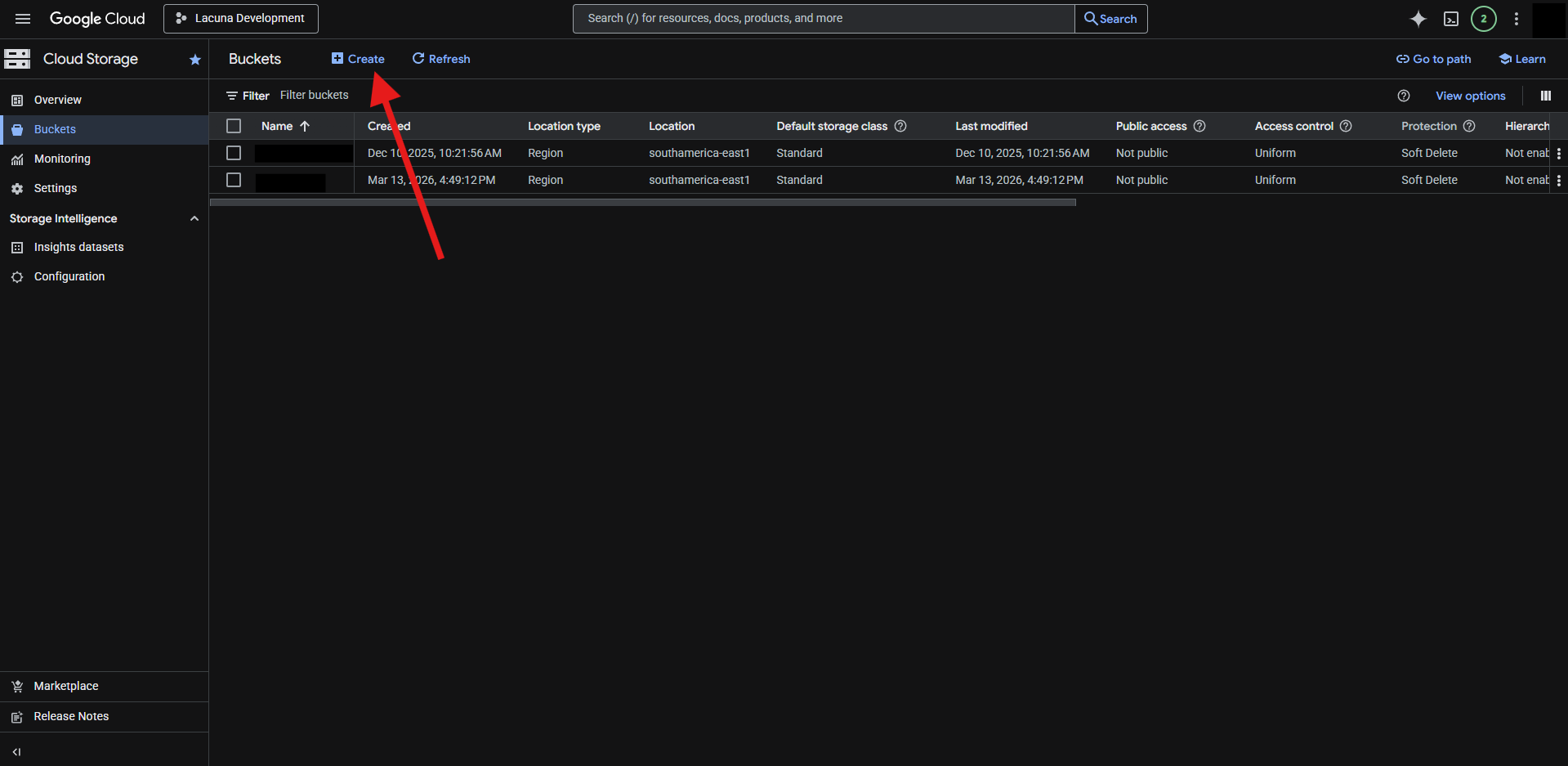
Pick a name for the new bucket and click on continue:
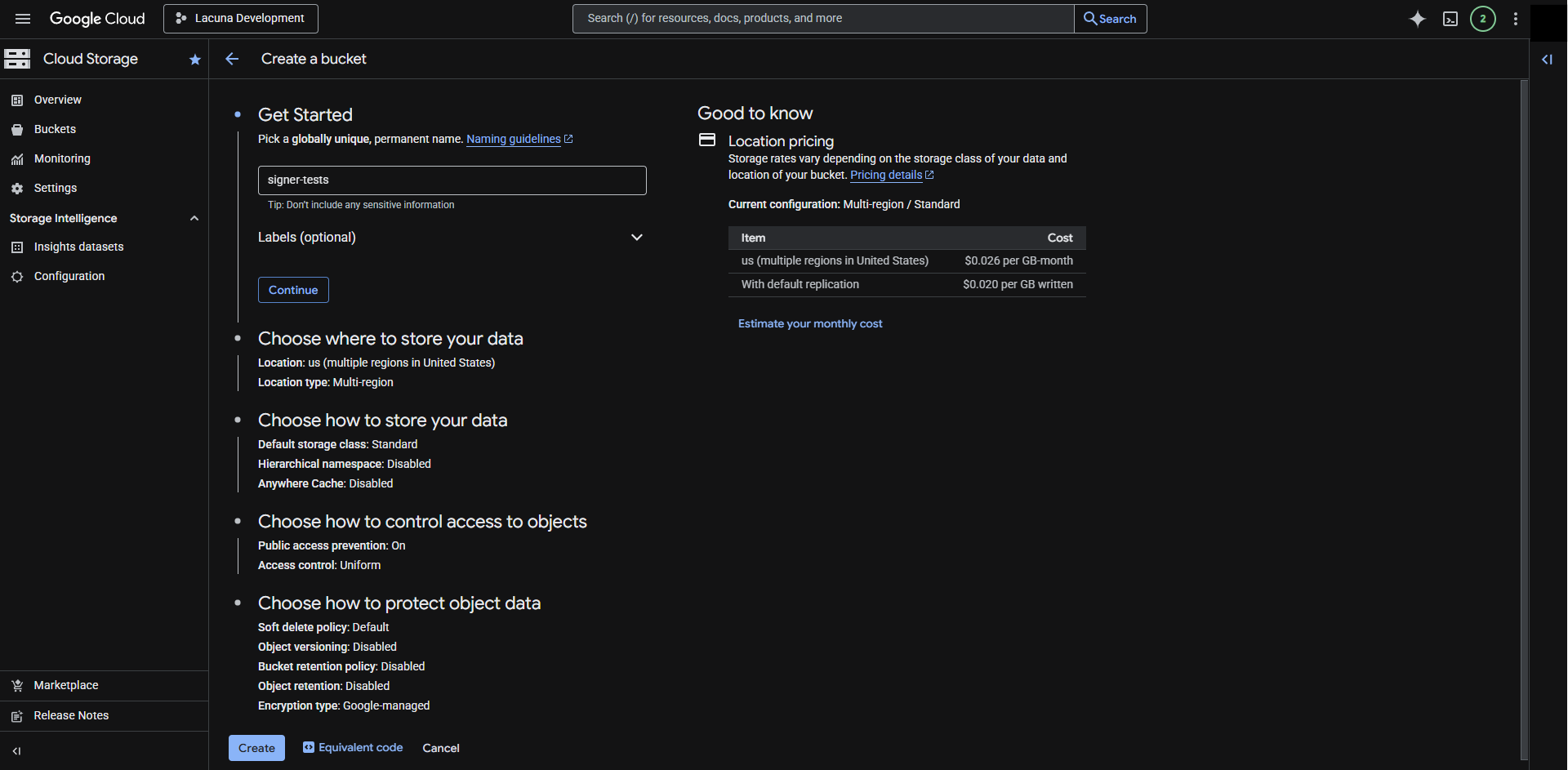
Choose the new bucket region:
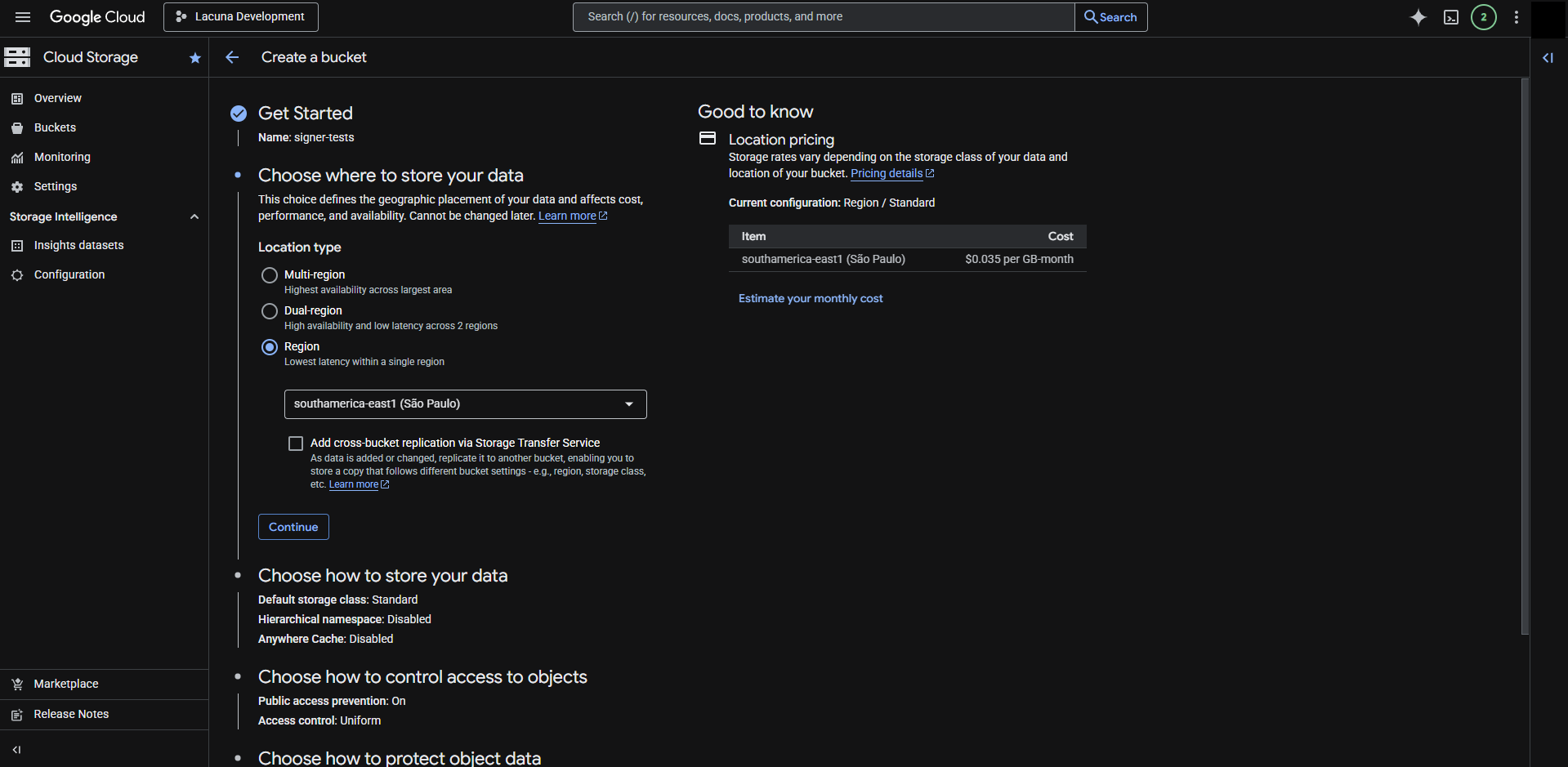
Make sure to enforce public access prevention and uniform access control for the new bucket:
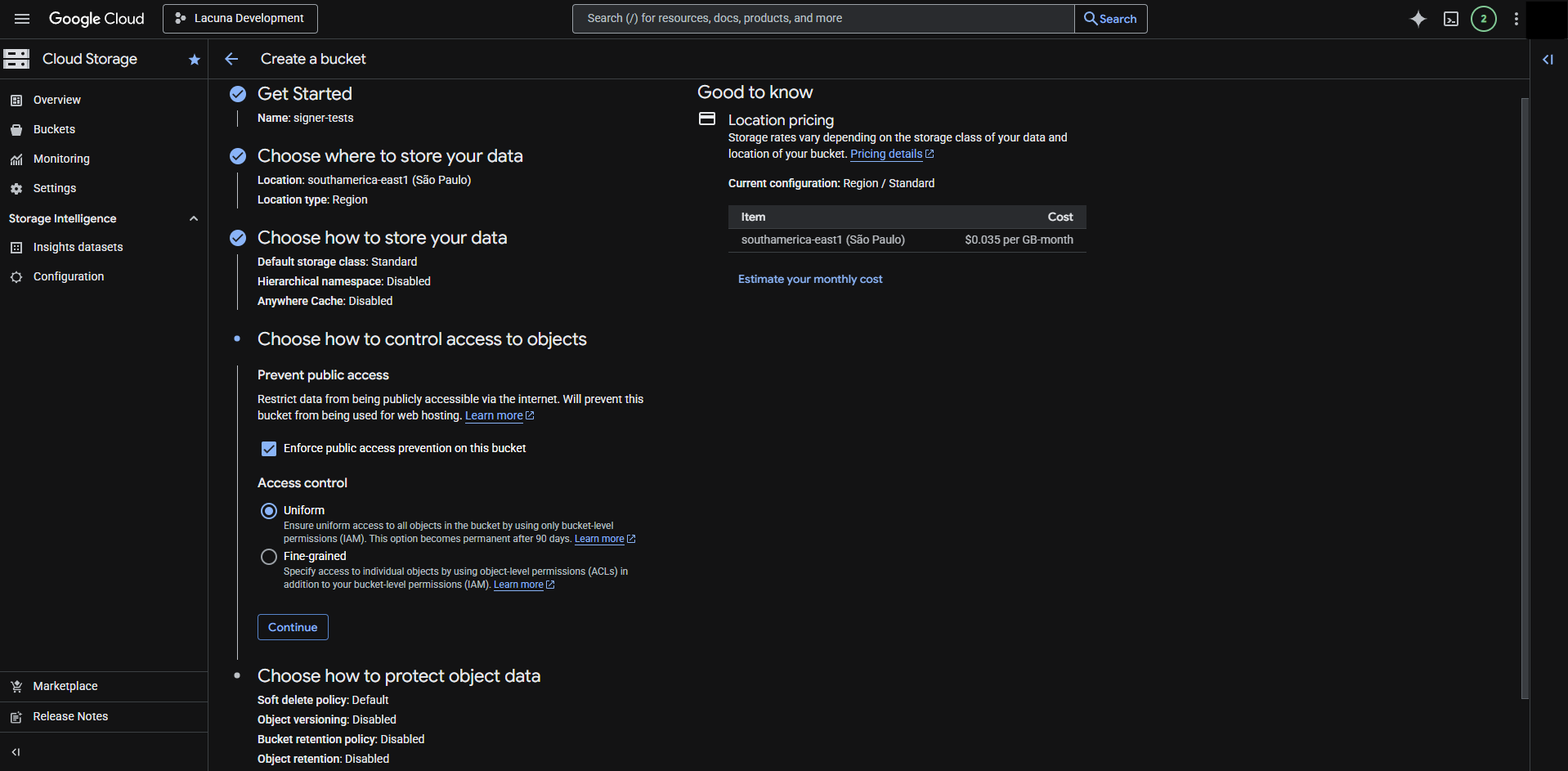
Choose the object retention policy and create the bucket:
A dialog might appear to confirm that public access will be prevented. Click on confirm to continue:
Next we need to create a Google Cloud service account to access the bucket. This can be done using the **Create service account** button on the *Service Accounts* page under *IAM & Admin*:
We'll also need a name for the new service account. Choose it and click on **Create and continue**:
Ensure the new service account is given the Storage Object Admin role:
Grant access to principals if needed and click on done to finish the new service account creation process:
Now that the service account is created we need a key to authenticate it. Click on new service account to open its details page:
Inside the service account details, go to the keys section:
Under the **Add key** option, choose **Create new key**:
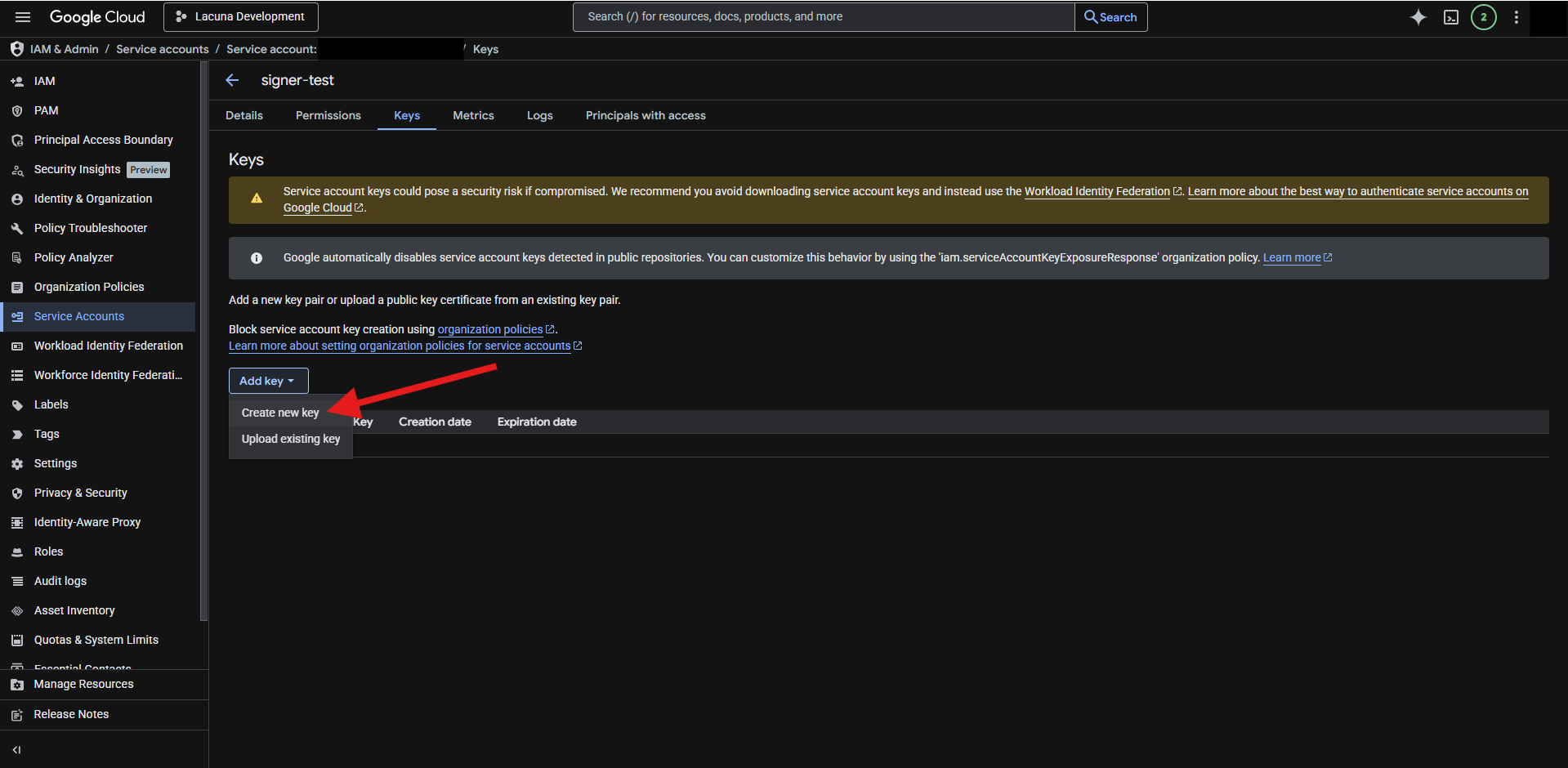
Choose the JSON format and click on the **Create** button:
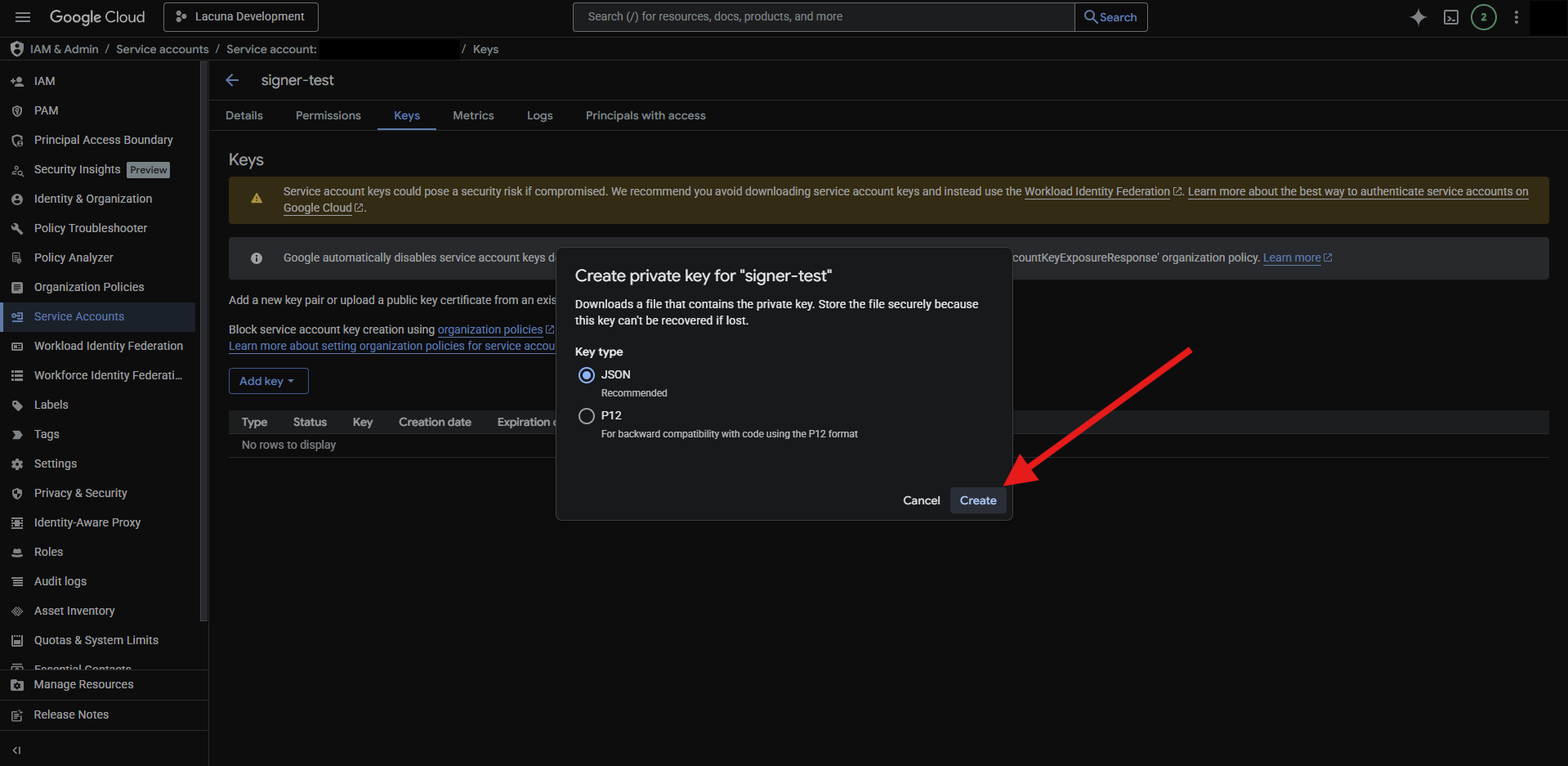
A JSON file will be downloaded containing the private key and other information related to the service account:
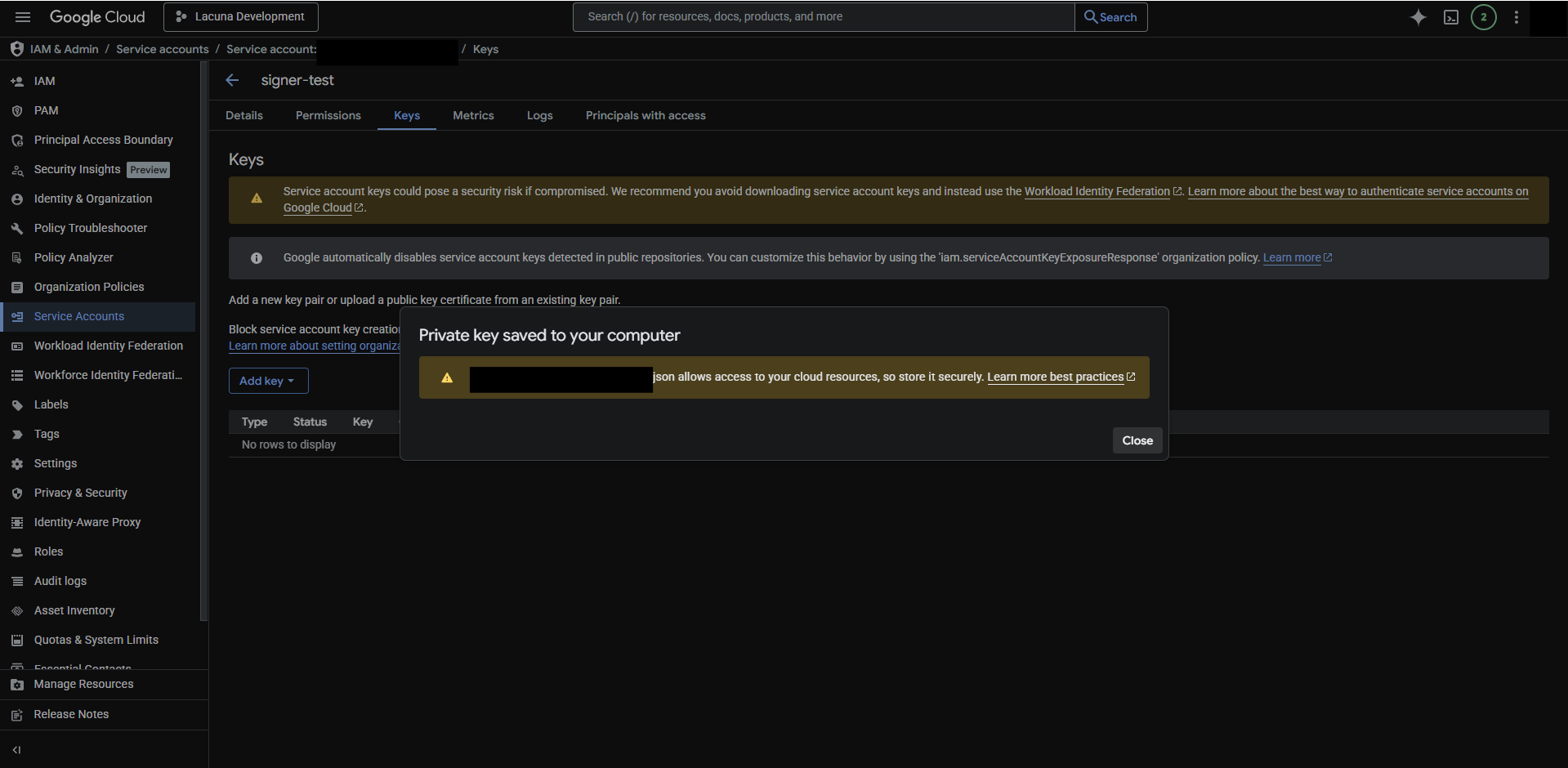
Inside the JSON file you'll be able to obtain the `project_id`, `private_key_id`, `private_key` and `client_email` fields to configure the Blob Storage service.
> **Info**
>
> The information inside this JSON file allows access to the GCP resources and must not be compromised! Make sure to store or dispose of it securely.
# [Configure email sending - Rest PKI Core](https://docs.lacunasoftware.com/en-us/articles/rest-pki/core/on-premises/configure-email)
To enable email sending, fill the following settings of **Email** configuration section:
* **Enabled**: set to `True`
* **ServerHost**: hostname of the SMTP server
* **Username** and **Password**: if the SMTP server requires authentication, set these settings
* **SenderAddress**: email address to be used as sender (*from* field)
* **SenderName**: name to be used as the sender name (optional)
* **ServerPort**: by default, the SMTP conversation is performed over port 587. Set this setting to use a different port
* **EnableSsl**: by default, the SMTP conversation is performed over SSL. To disable SSL, set this setting to `false`
Example (*.ini* or *.conf* configuration file):
```ini
[Email]
Enabled=True
ServerHost=smtp.yourcompany.com
Username=YOUR_USERNAME
Password=YOUR_PASSWORD
SenderAddress=yourapp@yourcompany.com
SenderName=Your App
```
Example (environment variables):
```sh
Email__Enabled=True
Email__ServerHost=smtp.yourcompany.com
Email__Username=YOUR_USERNAME
Email__Password=YOUR_PASSWORD
Email__SenderAddress=yourapp@yourcompany.com
Email__SenderName=Your App
```
Example (*.json* configuration file):
```json
"Email": {
"Enabled": true,
"ServerHost": "smtp.yourcompany.com",
"Username": "YOUR_USERNAME",
"Password": "YOUR_PASSWORD",
"SenderAddress": "yourapp@yourcompany.com",
"SenderName": "Your App"
},
```
## See also
* [Rest PKI Core on-premises](https://docs.lacunasoftware.com/en-us/articles/rest-pki/core/on-premises)
# [Configure OpenID Connect - Rest PKI Core](https://docs.lacunasoftware.com/en-us/articles/rest-pki/core/on-premises/configure-oidc)
To perform user management, [Rest PKI Core](https://docs.lacunasoftware.com/en-us/articles/rest-pki/core) requires an Open ID Connect (OIDC) server, more specifically a [GrantID](https://docs.lacunasoftware.com/en-us/articles/grant-id) subscription.
You can either use a SaaS subscription on [grantid.com](https://grantid.com/) or [run your own instance of GrantID](https://docs.lacunasoftware.com/en-us/articles/grant-id/on-premises).
## Configuring GrantID
Log into the GrantID Console portal and follow the instructions below.
### Create an API Connection
On the **Scopes** tab, click on **New API Connection** to create an API connection for the application, providing:
* **Name**: `restpkicore`
* **Display name**: `Rest PKI Core`
* **User Informations (claims)**: check all
### Frontend Application
On the **Applications** tab, click on **New Application** and provide:
* **Name**: `Rest PKI Core`
* **App-id**: `restpkicore`
* **Type**: select `Implicit flow`.
Click the **Settings** tab and set:
* Check the `Allow Access tokens via browser?` checkbox (if not already checked)
* Uncheck the following checkboxes (if checked): `Require consent?`, `Front-channel logout session required?` and `Back-channel logout session required?`
* **Application URL**: the URL of your application. Example: `https://restpkicore.yourcompany.com`
* **Allowed URLs**:
* **Redirect**: you must add 4 redirect URLs that are based on your application URL:
* `` without trailing slash.
* `/silent-refresh.html`
* `/private/profile/refresh`
* `/private`
* **CORS origins**: `` without trailing slash.
* **Post Logout**: `` without trailing slash.
* **Allowed Identification Scopes**: check all
* **Allowed API scopes**: check the `Rest PKI Core` API scope checkbox
* Check the following checkboxes: `Enable digital certificate login?`, `Prioritize digital certificate login?` and `Require digital certificate login?`
> **Warning**
>
> Don't forget to save your changes by clicking the button at the end of the page.
### Backend Application
On the **Applications** tab, click on **New Application** again and provide:
* **Name**: `Rest PKI Core Backend`
* **App-id**: `restpkicore-backend`
* **Type**: select `Client credentials`.
Click the **Settings** tab and set:
* **Allowed API scopes**: check the `Manage subscription's users` checkbox.
> **Warning**
>
> Don't forget to save your changes by clicking the button at the end of the page.
After saving, return to the **Basic Details** tab and on the **App Secret** section click on **Generate**, then **Generate Secret**.
This is the `AppSecret` setting (copy it and save it for later).
## Configuring Rest PKI Core to use GrantID
Once you have followed the steps above to configure GrantID, fill the section **Oidc** of the configuration file:
* **Authority**: the OIDC authority (e.g. *https://login.id.patorum.com*)
* **ApiEndpoint**: the API endpoint of the OIDC server (e.g. *https://api.id.patorum.com*)
* **ApiName**: `restpkicore`
* **ClientAppId**: `restpkicore`
* **AppId**: `restpkicore-backend`
* **AppSecret**: the generated secret of the backend application
* **RequireHttps** (optional): set to `false` if the GrantID instance does not use HTTPS
Example (*.ini* or *.conf* configuration file):
```ini
[Oidc]
Enabled=True
Authority=https://login.id.patorum.com
ApiEndpoint=https://api.id.patorum.com
ApiName=restpkicore
ClientAppId=restpkicore
AppId=restpkicore-backend
AppSecret=YOUR_BACKEND_APP_SECRET
```
Example (environment variables):
```bash
Oidc__Enabled=True
Oidc__Authority=https://login.id.patorum.com
Oidc__ApiEndpoint=https://api.id.patorum.com
Oidc__ApiName=restpkicore
Oidc__ClientAppId=restpkicore
Oidc__AppId=restpkicore-backend
Oidc__AppSecret=YOUR_BACKEND_APP_SECRET
```
## See also
* [GrantID](https://docs.lacunasoftware.com/en-us/articles/grant-id)
# [Timestamping configuration](https://docs.lacunasoftware.com/en-us/articles/rest-pki/core/on-premises/configure-timestamp)
> **Note**
>
> If you are using a 1.x version of Rest PKI Core, see [section below](https://docs.lacunasoftware.com/en-us/articles/rest-pki/core/on-premises/configure-timestamp#legacy-config)
## Migrating from 1.x to 2.x
To migrating without breaking request history, you need to use the **Aliases** field.
1.x Configuration
```ini
[Timestamp]
MaxAutoRetryCount=2
RetryDelayInMilliseconds=500
[Timestamp:Timestampers:0]
Url=https://pki.rest/tsp/a402df41-8559-47b2-a05c-be555bf66310
AuthenticationType=OAuthBearerToken
BearerToken=YOURTOKEN
Tiers=PkiBrazil
[Timestamp:Timestampers:1]
Url=https://tsp.patorum.com/timestamp
AuthenticationType=BasicAuthentication
Username=SOMEUSER
Password=SOMEPASS
```
2,x Configuration
```ini
[Timestamp]
MaxAutoRetryCount=2
RetryDelayInMilliseconds=500
[Timestamp:Providers:Lacuna]
Url=https://pki.rest/tsp/a402df41-8559-47b2-a05c-be555bf66310
AuthenticationType=OAuthBearerToken
BearerToken=YOURTOKEN
Tiers=PkiBrazil
Aliases=Provider0
[Timestamp:Providers:Alternative]
Url=https://tsp.patorum.com/timestamp
AuthenticationType=BasicAuthentication
Username=SOMEUSER
Password=SOMEPASS
Aliases=Provider1
```
In the 2.x configuration, the **Aliases** field must be filled with the name of provider on 1.x configuration, which is based on the provider's position in the timestampers list.
## Configuration
The application obtains X.509 timestamps when needed through the Time-Stamp Protocol (RFC 3161) from compliant timestamp providers.
The **Timestamp** configuration section holds the configuration for fetching timestamps. Available settings:
* **Providers**: providers dictionary (see below)
* **Tiers**: tiers dictionary (see below)
* **RetryDelayMilliseconds**: if all providers fail, time to wait in milliseconds before retrying (defaults to `1500`)
* **MaxAutoRetryCount**: number of times to try interating the list of providers until a timestamp is acquired (defaults to `3`)
* **LacunaTestTimestamperEnabled**: whether Lacuna's test timestamper will be used when using tier `LacunaTest` (defaults to `True`)
The **Providers** dictionary holds the configuration for each individual timestamp provider. The available settings for each item are:
* **Url**: the full URL to send the timstamp requests (e.g.: `https://pki.rest/tsp`)
* **Aliases**: comma-separated list of past provider identifiers (useful for renaming providers without breaking apart the request history)
* **DisplayName**: display name for the provider
* **AuthenticationMethod**: the authentication mode required by the timestamp provider (see supported methods below)
* **DefaultPolicy**: OID of the default policy to be used by the TSA when requesting a timestamp. This will only be applied if a `tsaPolicyId` is not provided in the request
* **Priority**: Specifies the usage priority. The closer to zero the higher the priority (default to `1.000.000`)
* **DangerousAcceptAnyServerCertificate**: whether to bypass the verification of the provider's certificate. Use with caution as this can expose the application to security risks (default to `false`)
* **ServerCertificateThumbprint**: SHA thumbprint of the server's certificate. This is used to ensure that the connection is made to the correct server by verifying the server's certificate (supported SHA-1, SHA-256, SHA-384 and SHA-512)
* **StoreRawResponse**: store the raw timestamp response .tsr file (default to `false`)
* **Tiers**: a comma-separated list of the timestamp tiers for which this timestamper can be used. If omitted, this timestamper will be used for all tiers. May contain the tier IDs or names (e.g.: `PkiBrazil,LacunaTest`)
Depending on the authentication mode required by the timestamp provider, additional settings are required:
* `None`: no additional settings are required
* `BasicAuthentication`: fill **Username** and **Password**
* `OAuthBearerToken`: fill **BearerToken**
* `MutualSSL`
* If the client certificate is stored on a PFX (PKCS#12) file containing the client certificate, fill:
* **PfxPath** with the path to file or **PfxContent** with the Base64 content of the file
* **PfxPassword** with the password to the PFX file
* If the client certificate is on the operating system's certificate repository, fill:
* **CertificateThumbprint** with the SHA-1 thumbprint of the certificate in hex (either lowercase or uppercase)
* **CertificateStore** (optional): set to `LocalMachine` to use the computer store (defaults to `CurrentUser`)
* `ApiKey`: fill **ApiKey**
* `CustomAuthorizationHeader`: fill **AuthorizationHeader** with the value of the authorization header, typically in the form of a scheme
followed by a value (e.g.: `ApiKey SOME_VALUE`)
### Provider selection and priority
When a timestamp is requested for a specific tier, all providers for that tier are selected and ordered by priority. The priority is determined by the value of the **Priority** field. The lower the value, the higher the priority (default is `1.000.000`).
If multiple providers have the same priority, a round-robin algorithm is used to select the provider. This ensures that the load is evenly distributed among providers with the same priority.
### Examples
Typical example (*.ini* or *.conf* configuration file):
```ini
[Timestamp:Providers:Lacuna]
Url=https://pki.rest/tsp/a402df41-8559-47b2-a05c-be555bf66310
AuthenticationMethod=OAuthBearerToken
BearerToken=YOURTOKEN
```
Typical example (environment variables):
```bash
Timestamp__Providers__Lacuna__Url=https://pki.rest/tsp/a402df41-8559-47b2-a05c-be555bf66310
Timestamp__Providers__Lacuna__AuthenticationMethod=OAuthBearerToken
Timestamp__Providers__Lacuna__BearerToken=YOURTOKEN
```
Example with 2 providers and advanced settings (*.ini* or *.conf* configuration file):
```ini
[Timestamp]
MaxAutoRetryCount=2
RetryDelayMilliseconds=500
[Timestamp:Providers:Lacuna]
Url=https://pki.rest/tsp/a402df41-8559-47b2-a05c-be555bf66310
AuthenticationMethod=OAuthBearerToken
BearerToken=YOURTOKEN
Priority=0
[Timestamp:Providers:Alternative]
Url=https://tsp.patorum.com/timestamp
AuthenticationMethod=BasicAuthentication
Username=SOMEUSER
Password=SOMEPASS
```
Example with 2 providers and advanced settings (environment variables):
```bash
Timestamp__MaxAutoRetryCount=2
Timestamp__RetryDelayMilliseconds=500
Timestamp__Providers__Lacuna__Url=https://pki.rest/tsp/a402df41-8559-47b2-a05c-be555bf66310
Timestamp__Providers__Lacuna__AuthenticationMethod=OAuthBearerToken
Timestamp__Providers__Lacuna__BearerToken=YOURTOKEN
Timestamp__Providers__Lacuna__Priority=0
Timestamp__Providers__Alternative__Url=https://tsp.patorum.com/timestamp
Timestamp__Providers__Alternative__AuthenticationMethod=BasicAuthentication
Timestamp__Providers__Alternative__Username=SOMEUSER
Timestamp__Providers__Alternative__Password=SOMEPASS
```
## Timestamp tiers
It is possible to restrict the usage of each provider to a list of timestamp tiers. To do this, fill the `Tiers` section of each provider, for instance:
```bash
[Timestamp:Providers:Lacuna]
Url=https://pki.rest/tsp/a402df41-8559-47b2-a05c-be555bf66310
AuthenticationMethod=OAuthBearerToken
BearerToken=YOURTOKEN
Tiers=PkiBrazil
```
Additionaly, in the **Timestamp** section you may fill the **Tiers** dictionary to define display names for timestamp tiers, as well as aliases (useful for renaming tiers without
breaking apart the request history). The available settings for each item are:
* **DisplayName**: display name for the tier
* **Aliases**: comma-separated list of past tier identifiers
Example:
```ini
[Timestamp:Tiers:PkiBrazil]
DisplayName=ICP-Brasil (production only!)
[Timestamp:Tiers:Test]
DisplayName=Tests (development only!)
Aliases=TestTier,Tests
[Timestamp:Providers:Lacuna]
Url=https://pki.rest/tsp/a402df41-8559-47b2-a05c-be555bf66310
AuthenticationMethod=OAuthBearerToken
BearerToken=YOURTOKEN
Tiers=PkiBrazil
[Timestamp:Providers:Free]
Url=https://somefreeprovider.com/tsp
Tiers=Test
```
## Configuration in 1.x versions
On 1.x versions, only a now deprecated syntax for configuring timestamping was available.
> **Note**
>
> The old syntax is still supported, so if you're updating from 1.x you are not required to change your configuration
The **Timestamp** configuration section holds the configuration for fetching timestamps. Available settings:
* **Timestampers**: list of timestamp providers (see below)
* **RetryDelayInMilliseconds**: if all providers fail, time to wait in milliseconds before retrying (defaults to `1500`)
* **MaxAutoRetryCount**: number of times to try interating the list of providers until a timestamp is acquired (defaults to `3`)
* **LacunaTestTimestamperEnabled**: whether Lacuna's test timestamper will be used when using tier `LacunaTest` (defaults to `True`)
The **Timestampers** list holds the configuration for each individual timestamp provider. The available settings are:
* **Url**: the full URL to send the timstamp requests (e.g.: `https://pki.rest/tsp/a402df41-8559-47b2-a05c-be555bf66310`)
* **AuthenticationType**: the authentication mode required by the timestamp provider. Supported modes are `None`, `BasicAuthentication` and `OAuthBearerToken` (see below).
* **Tiers**: a comma-separated list of the timestamp tiers for which this timestamper can be used. If omitted, this timestamper will be used for all tiers. May contain the tier IDs or names (e.g.: `PkiBrazil,LacunaTest`)
Depending on the authentication mode required by the timestamp provider, additional settings are required:
* `None`: no additional settings are required
* `BasicAuthentication`: fill **Username** and **Password**
* `OAuthBearerToken`: fill **BearerToken**
Typical example (*.ini* or *.conf* configuration file):
```ini
[Timestamp:Timestampers:0]
Url=https://pki.rest/tsp/a402df41-8559-47b2-a05c-be555bf66310
AuthenticationType=OAuthBearerToken
BearerToken=YOURTOKEN
Tiers=PkiBrazil
```
Typical example (environment variables):
```bash
Timestamp__Timestampers__0__Url=https://pki.rest/tsp/a402df41-8559-47b2-a05c-be555bf66310
Timestamp__Timestampers__0__AuthenticationType=OAuthBearerToken
Timestamp__Timestampers__0__BearerToken=YOURTOKEN
Timestamp__Timestampers__0__Tiers=PkiBrazil
```
More advanced example (*.ini* or *.conf* configuration file):
```ini
[Timestamp]
MaxAutoRetryCount=2
RetryDelayInMilliseconds=500
[Timestamp:Timestampers:0]
Url=https://pki.rest/tsp/a402df41-8559-47b2-a05c-be555bf66310
AuthenticationType=OAuthBearerToken
BearerToken=YOURTOKEN
Tiers=PkiBrazil
[Timestamp:Timestampers:1]
Url=https://tsp.patorum.com/timestamp
AuthenticationType=BasicAuthentication
Username=SOMEUSER
Password=SOMEPASS
```
More advanced example (environment variables):
```bash
Timestamp__MaxAutoRetryCount=2
Timestamp__RetryDelayInMilliseconds=500
Timestamp__Timestampers__0__Url=https://pki.rest/tsp/a402df41-8559-47b2-a05c-be555bf66310
Timestamp__Timestampers__0__AuthenticationType=OAuthBearerToken
Timestamp__Timestampers__0__BearerToken=YOURTOKEN
Timestamp__Timestampers__0__Tiers=PkiBrazil
Timestamp__Timestampers__1__Url=https://tsp.patorum.com/timestamp
Timestamp__Timestampers__1__AuthenticationType=BasicAuthentication
Timestamp__Timestampers__1__Username=SOMEUSER
Timestamp__Timestampers__1__Password=SOMEPASS
```
# [Creating a subscription on Rest PKI Core](https://docs.lacunasoftware.com/en-us/articles/rest-pki/core/on-premises/create-sub)
[Rest PKI Core](https://docs.lacunasoftware.com/en-us/articles/rest-pki/core) supports multiple "subscriptions", or "accounts", each having its own users, applications, API keys, security contexts etc.
To create a subscription, follow the steps below. You must have global administrative privileges on the instance to perform these operations
(role `Owner` or `Contributor` on Sys Admin).
1. Sign in to your instance's dashboard
1. On the upper right corner, click on the rectangle with your name then click on **Sys Admin**
1. On the subscriptions page, click on **Add**
1. Fill in a **name** for the new subscription and optionally an alias, then click on **Create**
1. Accept the recommendation to reload the page by clicking **OK**
> **Note**
>
> Subscriptions are cached locally on each web server, so this change takes up to 1 minute to propagate.
Next, you'll probably want to **add an administrative user** to the new subscription:
1. Wait a full minute for propagation
1. Manually reload the page by clicking the ↻ button on your browser or pressing the F5 key
1. Click the rectangle with your name on the upper right corner, then click on **Exit Sys Admin**
1. On the left menu, click on **Users**, then on **Add**
1. Search for the user by typing a name or email address. If the user has not registered yet, you will not be able to find them. In this case, fill out the user's complete email address.
1. On *Subscription*, select the newly created subscription
1. Choose one or more roles for the user. To grant full privileges to this user over the subscription, mark the `Admin` role
1. Click **Add user**
> **Note**
>
> If you don't see the subscription, it's probably because propagation is still taking place. Wait a few more seconds and reload the page.
If you selected an existing user on step 5, the user already has access and can immediately access the dashboard. No notifications will be sent, you must notify the
user youself.
If the user has not registered yet, they will receive an invitation email, which will guide them through the registration process and grant them access to the
subscription at the end of it.
Once the user gains access to the subscription, they can create an API key for integration by following the steps on the [Get Started](https://docs.lacunasoftware.com/en-us/articles/rest-pki/core/integration/get-started)
article.
# [Rest PKI Core - Setup on Docker](https://docs.lacunasoftware.com/en-us/articles/rest-pki/core/on-premises/docker)
To install an [on-premises](https://docs.lacunasoftware.com/en-us/articles/rest-pki/core/on-premises) instance of [Rest PKI Core](https://docs.lacunasoftware.com/en-us/articles/rest-pki/core) on Docker, follow the steps below. For other platforms, [click here](https://docs.lacunasoftware.com/en-us/articles/rest-pki/core/on-premises#platforms).
For Docker-based setup the following image is provided on Docker Hub:
**[Rest PKI Core Docker image](https://hub.docker.com/r/lacunasoftware/restpkicore)**
The currently recommended image is `lacunasoftware/restpkicore:5.0`
Available moving tags:
* Tag `5.0` points to the latest 5.0.x image **(recommended)**
* Tag `5` points to the latest 5.x image
* Tag `stable` points to the latest stable image
This image requires:
* **Blob storage** shared between all containers running the image -- see [Blob Storage configuration](https://docs.lacunasoftware.com/en-us/articles/rest-pki/core/on-premises/configure-blob-storage)
* **Connection string** to a [previously created SQL Server or PostgreSQL database](https://docs.lacunasoftware.com/en-us/articles/rest-pki/core/on-premises/prepare-database)
* **PKI SDK license** (in Base64 format)
* **Web PKI license** (Base64/binary format)
## Configuration
The container for this image is configured using environment variables. Get the [**sample environment file**](https://cdn.lacunasoftware.com/restpkicore/docker/restpkicore.env) for a
template to fill in the image's settings.
To fill the `General__EncryptionKey` setting, generate a 256-bit key to encrypt sensitive data stored on the database:
```sh
docker run lacunasoftware/restpkicore:5.0 -- gen-enc-key
```
To fill the `General__RootPasswordHash` setting, choose a strong password for root access to the dashboard and hash it:
```sh
docker run -i lacunasoftware/restpkicore:5.0 -- hash-root-pass
```
## Exposed ports
The Rest PKI Core image listens on **port 80**.
You should set up a reverse proxy or load balancer listening on both default ports for HTTP (80) and HTTPS (443), redirecting
traffic on both ports to Rest PKI Core's port 80. Additionaly, your setup should fill the request headers
[X-Forwarded-Proto](https://developer.mozilla.org/en-US/docs/Web/HTTP/Headers/X-Forwarded-Proto),
[X-Forwarded-For](https://developer.mozilla.org/en-US/docs/Web/HTTP/Headers/X-Forwarded-For) and, optionally, `X-Forwarded-Port`.
The configuration `Bindings__UseReverseProxy=True` tells Rest PKI Core that the information on these headers should be trusted.
## Example
In a production environment you would typically use a Docker orchestrator and a dedicated database server (or a IaaS database offering), but for testing purposes you
can run an instance of Rest PKI Core with an instance of PostgreSQL with Docker alone.
Start by creating a volume for the database server:
```sh
docker volume create restpkicore_sql
```
Then, start it with a password of your choice (replace `SOME_PASS` below):
```sh
docker run --name restpkicore_sql -v restpkicore_sql:/var/lib/postgresql/data -p 5432:5432 -e "POSTGRES_PASSWORD=SOME_PASS" -d postgres
```
Check the container logs for any errors:
```sh
docker logs -f restpkicore_sql
```
This can take a few minutes. Once the database server is up and running, hit CTRL+C to exit the logs.
Create a volume to use as blob storage:
```sh
docker volume create restpkicore_data
```
Then, download the [sample environment file](https://cdn.lacunasoftware.com/restpkicore/docker/restpkicore.env), save it with name *restpkicore.env*
and fill it out.
On the connection string configuration, use the value below replacing `HOST_IP` with the IP address of the host and `SOME_PASS` with the
password you chose for PostgreSQL:
```sh
ConnectionStrings__DefaultConnection=Host=HOST_IP;Database=restpkicore;Username=postgres;Password=SOME_PASS
ConnectionStrings__DefaultConnection_ProviderName=Postgres
```
On the blob storage configuration, leave the default settings, since we'll mount the created volume on `/var/app`:
```sh
BlobStorage__Type=FileSystem
BlobStorage__Path=/var/app
```
Now, let's run the container with the configuration file, mounting the volume `restpkicore_data` on `/var/app` and exposing the app (which listens on port 80) on the host's port 8080:
```sh
docker run --name restpkicore --env-file restpkicore.env -v restpkicore_data:/var/app -p 8080:80 -d lacunasoftware/restpkicore:5.0
```
> **Tip**
>
> If given a credential with enough privileges, Rest PKI Core will attempt to create the target database on the server (which is what will happen in this case)
Check the container logs for any configuration errors:
```sh
docker logs -f restpkicore
```
If everything is configured correctly, you should have a Rest PKI Core instance running on [localhost:8080](http://localhost:8080/)
## See also
* [User management configuration](https://docs.lacunasoftware.com/en-us/articles/rest-pki/core/on-premises/configure-oidc)
# [Logging - Rest PKI Core](https://docs.lacunasoftware.com/en-us/articles/rest-pki/core/on-premises/logging)
[Rest PKI Core](https://docs.lacunasoftware.com/en-us/articles/rest-pki/core) can write logs to the following destinations:
* Standard output (*stdout*)
* File
* [Azure Table storage](https://azure.microsoft.com/en-us/products/storage/tables/)
The default destination depends on the platform being used.
Platform | Default log destination
-------- | -----------------------
Linux | Standard output, which are automatically registered in the system log (since the application runs as a daemon)
Docker | Standard output, which generally means they end up in the orchestrator's logs
Azure | Azure Table
## Levels
Logs are classified into one of 6 severity levels:
LogLevel | Description
----------- | -----------
Trace | Contain the most detailed messages. These messages may contain sensitive app data. These messages are disabled by default and should ***not*** be enabled in production.
Debug | For debugging and development. Use with caution in production due to the high volume.
Information | Tracks the general flow of the app. May have long-term value.
Warning | For abnormal or unexpected events. Typically includes errors or conditions that don't cause the app to fail.
Error | For errors and exceptions that cannot be handled. These messages indicate a failure in the current operation or request, not an app-wide failure.
Critical | For failures that require immediate attention. Examples: data loss scenarios, out of disk space.
By default, logs with severity **Warning or higher** are logged.
This can be overridden, for instance to enable logs with severity Information or higher:
```ini
[Logging:LogLevel]
Default=Information
```
Or, with environment variables:
```sh
Logging__LogLevel__Default=Information
```
## Categories
Logs are also classified into categories, which may be used to enable logs with a different minimum severity by their category. For instance, to enable logs with severity
Debug or higher only from categories starting with the prefix `Lacuna.RestPki` (see below the relevance of this prefix):
```ini
[Logging:LogLevel]
Lacuna.RestPki=Debug
```
Or, with environment variables:
```sh
Logging__LogLevel__Lacuna.RestPki=Debug
```
Below are some useful category prefixes.
Category prefix | Description
---------------------------------------- | -----------
Lacuna.RestPki | Logs generated by the application itself (not by external libraries or dependencies)
Microsoft.EntityFrameworkCore | All Entity Framework Core messages (data access framework used by the application)
Microsoft.EntityFrameworkCore.Database | All database interations
Microsoft.AspNetCore.Hosting.Diagnostics | HTTP requests and responses
## Enabling sensitive data logging
By default, sensitive data such as the contents of HTTP requests or parameters of SQL commands are not logged, regardless of the configured minimum severity level. To
enable logging sensitive data:
```ini
[General]
EnableSensitiveDataLogging=True
```
Or, with environment variables:
```sh
General__EnableSensitiveDataLogging=True
```
## JSON formatting / structured logs
Rest PKI Core generates structured logs. However, by default logs are written to the standard output in human-readable formatting, which "flattens" the information in a
single string, losing the structured information that would otherwise be available.
To avoid this data loss, enable JSON formatting on logs written to the standard output:
```ini
[Logging:Console]
FormatterName=json
```
Or, with environment variables:
```sh
Logging__Console__FormatterName=json
```
## Logging to file
To write logs to a file, configure the application as follows:
```ini
[Serilog:WriteTo:0]
Name=File
[Serilog:WriteTo:0:Args]
path=PATH_TO_LOG_FILE
outputTemplate={Timestamp:yyyy-MM-dd HH:mm:ss.fff zzz} [{Level:u3}] [{SourceContext}] {Message:lj}{NewLine}{Exception}
```
Or, with environment variables:
```sh
Serilog__WriteTo__0__Name=File
Serilog__WriteTo__0__Args__path=PATH_TO_LOG_FILE
Serilog__WriteTo__0__Args__outputTemplate={Timestamp:yyyy-MM-dd HH:mm:ss.fff zzz} [{Level:u3}] [{SourceContext}] {Message:lj}{NewLine}{Exception}
```
For more information on the `outputTemplate` setting, see [Formatting Output](https://github.com/serilog/serilog/wiki/Formatting-Output).
Please notice that when logging to a file, the configuration for minimum severity level is different:
```ini
[Serilog:MinimumLevel]
Default=Error
[Serilog:MinimumLevel:Override]
Lacuna.RestPki=Information
Microsoft.EntityFrameworkCore.Database=Debug
```
```sh
Serilog__MinimumLevel__Default=Error
Serilog__MinimumLevel__Override__Lacuna.RestPki=Information
Serilog__MinimumLevel__Override__Microsoft.EntityFrameworkCore.Database=Debug
```
Also, the levels `Trace` and `Critical` are named `Verbose` and `Fatal` on this configuration syntax, respectively.
## Logging Http requests and responses
To enable HTTP request and response logging:
```ini
[HttpLogging]
Enabled=True
```
Or, with environment variables:
```sh
HttpLogging__Enabled=True
```
> **_NOTE:_** For the log to work, it's necessary to configure the log level of the `Microsoft.AspNetCore.HttpLogging.HttpLoggingMiddleware` category to `Information`
Once this is done, requests will already be logged with a default configuration. If you want more control over these settings, we offer the following configuration options:
| Option |Type | Description |
|----------------------------------|-----|-------------|
| Enabled |bool| Set to `true` to enable HTTP logging; otherwise, set to `false`. |
| LoggingFields |string| Specify the fields to log for the Request and Response. Defaults to logging request and response properties and headers. Supported values can be found [here](https://learn.microsoft.com/en-us/dotnet/api/microsoft.aspnetcore.httplogging.httploggingfields?view=aspnetcore-6.0). Obs: override default LoggingFields. |
| AdditionalLoggingFields |string| Provide additional logging fields to be included in the log. |
| RequestHeaders |string| Specify the HTTP request headers that are allowed to be logged. If a header is not allowed, it will be logged with the value `[Redacted]`. Obs: override default request headers. |
| AdditionalRequestHeaders |string| Provide additional HTTP request headers to be included in the log. |
| ResponseHeaders |string| Specify the HTTP response headers that are allowed to be logged. If a header is not allowed, it will be logged with the value `[Redacted]`. Obs: override default response headers. |
| AdditionalResponseHeaders |string| Provide additional HTTP response headers to be included in the log. |
| MediaTypeOptions |string| Configure encodings for a specific media type. Obs: override default media type options. |
| AdditionalMediaTypeOptions |string| Provide additional media type options. |
| RequestBodyLogLimit |int| Limit the maximum request body size to log (in bytes). Defaults to `32 KB`. |
| ResponseBodyLogLimit |int| Limit the maximum response body size to log (in bytes). Defaults to `32 KB`. |
### Examples
By default, request body not is logged. To enable it, use one of the following methods:
```ini
[HttpLogging]
LoggingFields=RequestBody # Override default logging fields
AdditionalLoggingFields=RequestBody # RequestBody will be appended to default logging fields
```
Or, with environment variables:
```sh
HttpLogging__LoggingFields=RequestBody
HttpLogging__AdditionalLoggingFields=RequestBody
```
Headers that not allowed appear with value `[Redacted]`. To display the headers value you need, use:
```ini
[HttpLogging]
AdditionalRequestHeaders=cookie,Sec-Fetch-Dest
```
Or, with environment variables:
```sh
HttpLogging__AdditionalRequestHeaders=cookie,Sec-Fetch-Dest
```
If you want to limit the request body log size:
```ini
[HttpLogging]
RequestBodyLogLimit=5120 # limit to 5KB (5 * 1024) = 5120
```
Or, with environment variables:
```sh
HttpLogging__RequestBodyLogLimit=5120
```
# [Preparing a database for installation of Rest PKI Core](https://docs.lacunasoftware.com/en-us/articles/rest-pki/core/on-premises/prepare-database)
In order to install a [on-premises installation](https://docs.lacunasoftware.com/en-us/articles/rest-pki/core/on-premises) of [Rest PKI Core](https://docs.lacunasoftware.com/en-us/articles/rest-pki/core), you will need a connection string for one of the following database engines:
* [SQL Server](https://docs.lacunasoftware.com/en-us/articles/rest-pki/core/on-premises/prepare-database#sql-server)
* [PostgreSQL](https://docs.lacunasoftware.com/en-us/articles/rest-pki/core/on-premises/prepare-database#postgres)
## SQL Server
To use SQL Server, you will need a database having:
* Collation: `Latin1_General_100_CI_AI` or `Latin1_General_CI_AI`
* Credentials corresponding to a user with `db_owner` role
> **Note**
>
> If you prefer to run Rest PKI Core without granting `db_owner` to the application user, see [this article](https://docs.lacunasoftware.com/en-us/articles/rest-pki/core/on-premises/unprivileged-db-user)
> **Warning**
>
> The collation of the database **must** be one of the collations specified above. Creating the database with a different collation will likely cause the installation to fail!
If you need help preparing the database, follow the steps in this article.
> **Note**
>
> You do not need to follow these specific instructions. If you wish to prepare the database differently, for instance using advanced
> features such as log shipping or mirroring, you may do so, as long as the collation and role memberships are observed.
To create the database, use the following T-SQL query (optionally changing the database name):
```sql
USE master;
CREATE DATABASE RestPkiCore COLLATE Latin1_General_100_CI_AI;
GO
```
Create a user and grant it the `db_owner` role:
```sql
USE master;
CREATE LOGIN RestPkiCoreAdmin WITH PASSWORD = 'XXXXX';
GO
USE RestPkiCore;
CREATE USER RestPkiCoreAdmin FOR LOGIN RestPkiCoreAdmin;
EXEC sp_addrolemember 'db_owner', 'RestPkiCoreAdmin';
GO
```
The connection string would then be:
```text
Data Source=.;Initial Catalog=RestPkiCore;User ID=RestPkiCoreAdmin;Password=XXXXX
```
> **Note**
>
> This connection string assumes the database server is installed on the same server as the web app. If this is not true,
> the value after `Data Source=` would have to be changed.
## PostgreSQL
Starting on [version 1.12.0](https://docs.lacunasoftware.com/en-us/articles/rest-pki/core/changelog#v1-12-0) of Rest PKI Core, PostgreSQL is also supported. Any version currently supported of PostgreSQL
is also supported ([which at the moment means version 11 or greater](https://www.postgresql.org/support/versioning/)).
Start by creating the database and a user for the application (optionally changing the names of the database and user):
```text
postgres=# CREATE DATABASE restpkicore;
CREATE DATABASE
postgres=# CREATE USER restpkicore WITH PASSWORD 'XXXXX';
CREATE ROLE
```
Next, connect to the newly created database and set the permissions for the `public` schema:
```text
postgres=# \connect restpkicore
You are now connected to database "restpkicore" as user "postgres".
restpkicore=# REVOKE ALL ON SCHEMA public FROM PUBLIC;
REVOKE
restpkicore=# GRANT ALL ON SCHEMA public TO restpkicore;
GRANT
restpkicore=# CREATE SCHEMA hangfire;
CREATE
restpkicore=# GRANT ALL ON SCHEMA hangfire TO restpkicore;
GRANT
```
> **Note**
>
> For now, only using a user with full schema access is supported. Please contact us if you need to run Rest PKI Core with less privileges.
The connection string would then be (assuming you didn't change the database and user names):
```text
Host=localhost;Database=restpkicore;Username=restpkicore;Password=XXXXX
```
> **Note**
>
> This connection string assumes the database server is installed on the same server as the web app. If this is not true,
> the value after `Host=` would have to be changed.
## See also
* [Running RestPkiCore without db_owner privileges](https://docs.lacunasoftware.com/en-us/articles/rest-pki/core/on-premises/unprivileged-db-user) (SQL Server only)
# [Running Rest PKI Core without db_owner privileges](https://docs.lacunasoftware.com/en-us/articles/rest-pki/core/on-premises/unprivileged-db-user)
[Rest PKI Core](https://docs.lacunasoftware.com/en-us/articles/rest-pki/core) can operate in two ways regarding the access to the database:
1. Having owner privileges over the database and automatically updating the database model after an update when needed (default)
1. Having only read and write privileges over the database, requiring the database model to be updated by the administrator using a command line tool
Granting owner privileges to the application is simpler, which is why this mode is the default for the standard installation. However, granting only read and
write privileges ensures you greater control over the database. If you prefer to run Rest PKI Core without owner privileges over the database, follow the
steps on this article.
> **Note**
>
> For now, using a limited user is only supported on SQL Server. Please contact us if you need to run Rest PKI Core with PostgreSQL using a user without full privileges.
## Create unprivileged credentials
Create the database normally as specified on the [Preparing a database article](https://docs.lacunasoftware.com/en-us/articles/rest-pki/core/on-premises/prepare-database).
Then, instead of creating the *RestPkiCoreAdmin* user and granting it the `db_owner` role, create a limited user **RestPkiCoreApp** and grant it only the roles `db_datareader` and `db_datawriter`:
```sql
USE master;
CREATE LOGIN RestPkiCoreApp WITH PASSWORD = 'XXXXXX';
GO
USE RestPkiCore;
CREATE USER RestPkiCoreApp FOR LOGIN RestPkiCoreApp;
EXEC sp_addrolemember 'db_datareader', 'RestPkiCoreApp';
EXEC sp_addrolemember 'db_datawriter', 'RestPkiCoreApp';
GO
```
The connection string would then be:
```text
Data Source=.;Initial Catalog=RestPkiCore;User ID=RestPkiCoreApp;Password=XXXXX
```
> **Note**
>
> This connection string assumes the database server is installed on the same server as the web app. If this is not true,
> the value after `Data Source=` would have to be changed.
## Disable automatic database update
Running Rest PKI Core without owner privileges means that the application cannot update the database model on its own. Thus, you should disable
the automatic database model update to avoid errors by setting `General__AutoUpdateDatabase` to `False` on the configuration file.
## See also
* [`update-db` command](https://docs.lacunasoftware.com/en-us/articles/rest-pki/core/on-premises/tool/update-db)
* [Preparing a database for installation of Rest PKI Core](https://docs.lacunasoftware.com/en-us/articles/rest-pki/core/on-premises/prepare-database)
# [Vulnerability checks - Rest PKI Core](https://docs.lacunasoftware.com/en-us/articles/rest-pki/core/on-premises/vulnerabilities)
The [Rest PKI Core](https://docs.lacunasoftware.com/en-us/articles/rest-pki/core) Docker image is checked periodically for known vulnerabilities using [Docker Scout](https://docs.docker.com/scout/). This page reports
the vulnerabilities found with medium or higher severity and the actions performed to mitigate.
> **Note**
>
> A vulnerability detection does not necessarily mean the application is vulnerable. Further investigation is required to determine whether a given vulnerability
> actually poses a threat to the application.
Our policy is to keep the application free of critical and high severity vulnerabilities and keep medium severities at a minimum. If a critical or high vulnerability
cannot be fixed, further investigation must be performed and documented here to ensure it does not pose an actual threat to the application.
## Vulnerability check 25.04
Period: between 2025-04-22 and 2025-04-23
Version checked: [2.5.0](https://docs.lacunasoftware.com/en-us/articles/rest-pki/core/changelog#v2-5-0)
Vulnerabilities found:
* Critical severity: 0
* High severity: **4**
* [CVE-2024-0056](https://scout.docker.com/vulnerabilities/id/CVE-2024-0056/org/lacunasoftware?s=github&n=System.Data.SqlClient&t=nuget&vr=%3C4.8.6&utm_source=hub&utm_medium=ExternalLink)
* [CVE-2025-27363](https://scout.docker.com/v/CVE-2025-27363?s=debian&n=freetype&ns=debian&t=deb&osn=debian&osv=11&vr=%3C2.10.4%2Bdfsg-1%2Bdeb11u2&utm_source=hub&utm_medium=ExternalLink)
* [CVE-2024-32655](https://scout.docker.com/v/CVE-2024-32655?s=github&n=Npgsql&t=nuget&vr=%3E%3D6.0.0%2C%3C6.0.11&utm_source=hub&utm_medium=ExternalLink)
* [CVE-2023-2603](https://scout.docker.com/v/CVE-2023-2603?s=debian&n=libcap2&ns=debian&t=deb&osn=debian&osv=11&vr=%3C1%3A2.44-1%2Bdeb11u1&utm_source=hub&utm_medium=ExternalLink)
* Medium severity: 6
* [CVE-2025-1390](https://scout.docker.com/v/CVE-2025-1390?s=debian&n=libcap2&ns=debian&t=deb&osn=debian&osv=11&vr=%3C1%3A2.44-1%2Bdeb11u1&utm_source=hub&utm_medium=ExternalLink)
* [CVE-2025-3576](https://scout.docker.com/v/CVE-2025-3576?s=debian&n=krb5&ns=debian&t=deb&osn=debian&osv=11&vr=%3E%3D1.18.3-6%2Bdeb11u5&utm_source=hub&utm_medium=ExternalLink)
* [CVE-2022-41064](https://scout.docker.com/v/CVE-2022-41064?s=github&n=System.Data.SqlClient&t=nuget&vr=%3C%3D4.8.4&utm_source=hub&utm_medium=ExternalLink)
* [CVE-2024-12243](https://scout.docker.com/v/CVE-2024-12243?s=debian&n=gnutls28&ns=debian&t=deb&osn=debian&osv=11&vr=%3C3.7.1-5%2Bdeb11u7&utm_source=hub&utm_medium=ExternalLink)
* [CVE-2024-12133](https://scout.docker.com/v/CVE-2024-12133?s=debian&n=libtasn1-6&ns=debian&t=deb&osn=debian&osv=11&vr=%3C4.16.0-2%2Bdeb11u2&utm_source=hub&utm_medium=ExternalLink)
* [CVE-2023-4641](https://scout.docker.com/v/CVE-2023-4641?s=debian&n=shadow&ns=debian&t=deb&osn=debian&osv=11&vr=%3C1%3A4.8.1-1%2Bdeb11u1&utm_source=hub&utm_medium=ExternalLink)
Steps taken to mitigate:
* Updated to ASP.NET Core 8.0
* Updated several dependencies
* Removed dependency on OS package `libgdiplus`
Vulnerabilities after mitigation:
* Critical severity: 0
* High severity: 0
* Medium severity: 1
* [CVE-2025-3576](https://scout.docker.com/v/CVE-2025-3576?s=debian&n=krb5&ns=debian&t=deb&osn=debian&osv=12&vr=%3E%3D1.20.1-2%2Bdeb12u2&utm_source=hub&utm_medium=ExternalLink) (recently discovered, no fix available at the time)
Mitigated version: [3.0.0](https://docs.lacunasoftware.com/en-us/articles/rest-pki/core/changelog#v3-0-0)
## See also
* [Checking the version of Rest PKI Core](https://docs.lacunasoftware.com/en-us/articles/rest-pki/core/on-premises/check-version)
* [Changelog](https://docs.lacunasoftware.com/en-us/articles/rest-pki/core/changelog)
# [Rest PKI Core - Setup on Windows Server](https://docs.lacunasoftware.com/en-us/articles/rest-pki/core/on-premises/windows-server)
To install an *on-premises* instance of Rest PKI Core on Windows Server, first download the binaries of the desired version. The latest
version available is provided on the link below:
**[Rest PKI Core binaries package](https://cdn.lacunasoftware.com/restpkicore/restpkicore-5.0.0.zip)**
## Prerequisites
* Windows Server 2016 or later (any edition)
* SQL Server 2014 or later (Standard edition or higher recommended)
* PKI SDK license (in Base64 format)
* Web PKI license (binary/Base64 format)
## Database requirements
* Database with collation `Latin1_General_100_CI_AI` or `Latin1_General_CI_AI`
* Credentials of a user with the `db_owner` role
If you need help preparing the database, see [Preparing a database](https://docs.lacunasoftware.com/en-us/articles/rest-pki/core/on-premises/prepare-database).
## Installation
1. Install IIS
1. Install the [ASP.NET Core Runtime 10.0 Hosting Bundle](https://dotnet.microsoft.com/download/dotnet/10.0)
(section *ASP.NET Core Runtime*, item *Hosting Bundle* under *Windows*)
1. Create a folder for the IIS site. Example: `C:\inetpub\Rest PKI Core`
1. Create a folder for logs. Example: `C:\Logs`
1. Create the site on IIS
1. On the corresponding application pool:
* Select **Basic Settings** and set the .NET CLR version to `No managed code`
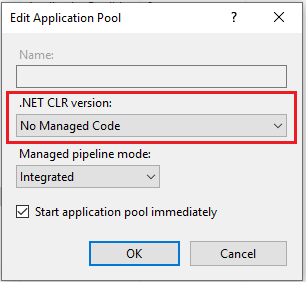
* Select **Advanced Settings** and set **Load User Profile** to `True`
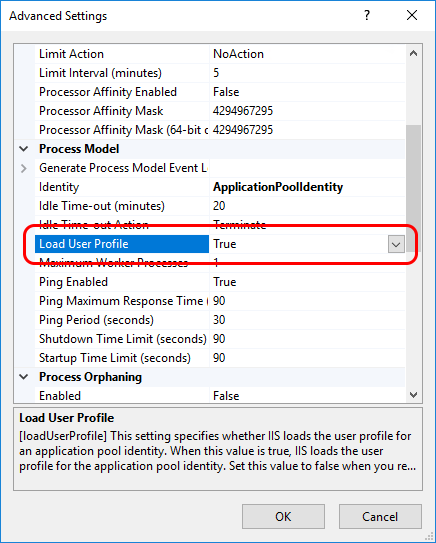
1. Extract the files of the binaries package to the site folder.
> **Warning**
>
> The ASP.NET Core Hosting Bundle must be installed after IIS; otherwise, you may get the error `500.19 (0x8007000d)` when running the site.
> If that is your case, run the **Repair** option of the Hosting Bundle installer.
## Configuration
1. Create the folder `C:\ProgramData\Lacuna Software\Rest PKI Core`
1. In the site folder, go to `config-templates\linux` and copy the `appsettings.conf` file to the folder you just created, renaming it to
`appsettings.ini` 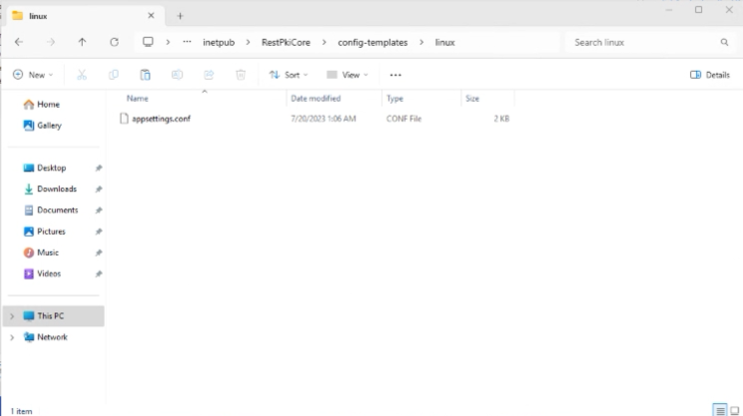
1. Open `C:\ProgramData\Lacuna Software\Rest PKI Core\appsettings.ini` and fill in the settings as described in the file's comments, such as the
database connection string (`[ConnectionStrings]`), the site URL (`[General]`) and the licenses (`[PkiSuite]`)
1. Add the blob storage section to `appsettings.ini` (see [Blob storage configuration](https://docs.lacunasoftware.com/en-us/articles/rest-pki/core/on-premises/configure-blob-storage) for other options):
```ini
[BlobStorage]
Type=FileSystem
Path=C:\Path\To\Storage
```
1. Save and close the file
## Generating the encryption key and the password hash
For the `EncryptionKey` setting of the `[General]` section, generate a 256-bit key used to encrypt sensitive data stored in the database.
Run the following command in the site folder (`C:\inetpub\Rest PKI Core`):
```sh
dotnet Lacuna.RestPki.Site.dll -- gen-enc-key
```
For the `RootPasswordHash` setting of the `[General]` section, choose a strong password for *root* access to the management interface and
compute its hash:
```sh
dotnet Lacuna.RestPki.Site.dll -- hash-root-pass
```
On IIS, start the site with the **Start** button on the right-hand panel.
# [Operation Guide - Rest PKI Core](https://docs.lacunasoftware.com/en-us/articles/rest-pki/core/operation)
The following articles describe the most common operations on a [Rest PKI Core](https://docs.lacunasoftware.com/en-us/articles/rest-pki/core) instance:
* [Monitoring timestamping](https://docs.lacunasoftware.com/en-us/articles/rest-pki/core/operation/monitor-timestamping)
* [Requesting timestamps to Rest PKI Core](https://docs.lacunasoftware.com/en-us/articles/rest-pki/core/requesting-timestamps)
> **Note**
>
> If you need instructions for a different operation, please contact us
## See also
* [Setup guide](https://docs.lacunasoftware.com/en-us/articles/rest-pki/core/on-premises)
* [Integration guide](https://docs.lacunasoftware.com/en-us/articles/rest-pki/core/integration)
# [Monitoring timestamping - Rest PKI Core](https://docs.lacunasoftware.com/en-us/articles/rest-pki/core/operation/monitor-timestamping)
To monitor timestamp issuance on your [Rest PKI Core](https://docs.lacunasoftware.com/en-us/articles/rest-pki/core) instance, follow the steps below:
1. Sign in to the management interface of your instance (e.g. *https://restpkicore.yourcompany.com*)
1. Click your name on the top right corner, then **Sys Admin**
1. On the left menu, click **Timestamping**
1. Click one of the timestamping **Tiers**
1. On the tier details page, the **Timestamp requests** section shows the requests received for that tier, which you can filter by start
and/or end date
1. To see more information about a specific request, click its **Show details** link
1. The dialog that opens lets you get:
* The request (*timestamp query*) in binary format, as defined in RFC 3161
* The response (*timestamp reply*) in binary format, as defined in RFC 3161
* The timestamp issued
* The certificate of the authority that issued the timestamp
* Which providers were used to provide the timestamp, and details on each provider's response, such as the response time and the return
code
You can also get the TSP protocol messages, requests (*timestamp queries*) and responses (*timestamp replies*), directly from the system's
blob storage:
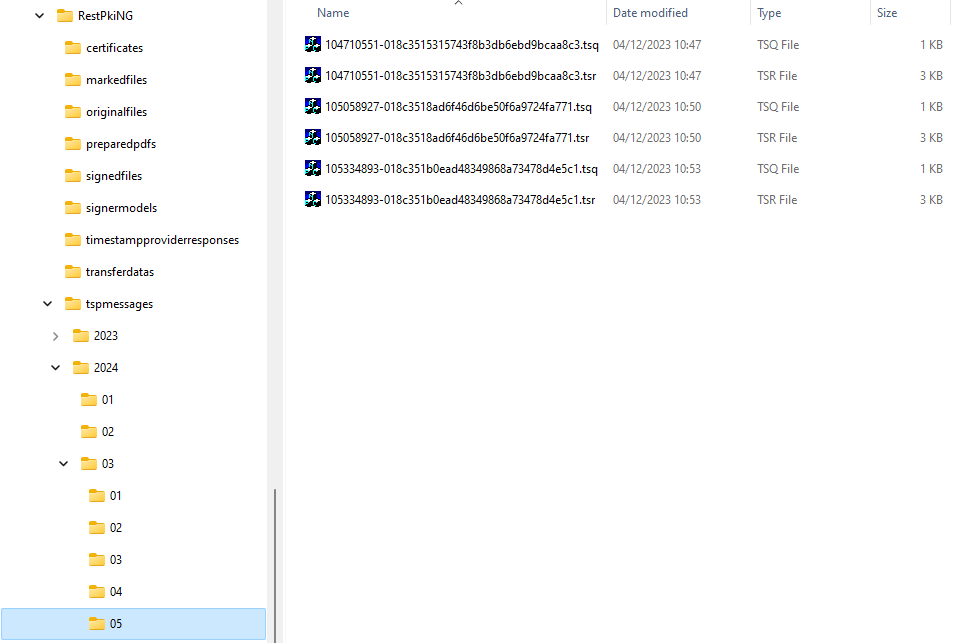
To make lookups easier, the messages are grouped in folders by year, month and day, so that you can, for instance, easily get all the
messages of a given month straight from the storage. Each request has two files, as detailed below:
```text
tspmessages/2024/03/05/104710551-018c3515315743f8b3db6ebd9bcaa8c3.tsq
─────┰──── ────┰──── ─┰─
│ │ └──── timestamp query (request)
│ └──────────────────────────────────────────── time (10:47:10.551)
└────────────────────────────────────────────────────── date (2024-03-05)
tspmessages/2024/03/05/104710551-018c3515315743f8b3db6ebd9bcaa8c3.tsr
─────┰──── ────┰──── ─┰─
│ │ └──── timestamp reply (response)
│ └──────────────────────────────────────────── time (10:47:10.551)
└────────────────────────────────────────────────────── date (2024-03-05)
```
> **Note**
>
> The dates and times in the names of the TSP protocol message files are in the system's default time zone (setting `General:DefaultTimeZone`).
## See also
* [Operation guide](https://docs.lacunasoftware.com/en-us/articles/rest-pki/core/operation)
# [Requesting timestamps to Rest PKI Core](https://docs.lacunasoftware.com/en-us/articles/rest-pki/core/requesting-timestamps)
You can use an instance of [Rest PKI Core](https://docs.lacunasoftware.com/en-us/articles/rest-pki/core) as a timestamp provider for requesting timestamps through the TSP protocol (*Timestamp Protocol* - RFC 3161)
or through a REST API.
1. Sign in to your Rest PKI Core dashboard (e.g.: *https://restpkicore.yourcompany.com*)
1. Click on **Applications** on the left menu, then on *Add*
1. Fill out a name and select a subscription (you most likely have a single subscription, so select it)
1. Mark the **Worker** role
1. Click on **Create**
1. Click on **Keys**, then on **Add**
1. Fill out some description and, on the *Expiration* field, choose **Never expires**
1. Click on **Create**
1. Copy the **API key** generated (this value cannot be retrieved later)
> **Note**
>
> When requesting timestamps to the SaaS instance of Rest PKI Core, the dashboard URL is [https://core.pki.rest/](https://core.pki.rest/)
Then, use on of the following methods to request a timestamp.
## Timestamp Protocol
Use these parameters to request a timestamp through TSP protocol:
* Protocol: HTTPS
* Method: POST
* Url: `https://restpkicore.yourcompany.com/tsp`
* Authentication: HTTP header `Authorization: ApiKey YOUR_API_KEY`
> **Note**
>
> If you need to specify a tier, add the suffix `/TIER` to the URL, i.e. `https://restpkicore.yourcompany.com/tsp/TIER`
When requesting timestamps to the SaaS instance of Rest PKI Core, it is necessary to specify one of the following tiers:
* PKI Brazil timestamp: `PkiBrazil` (or `a402df41-8559-47b2-a05c-be555bf66310`)
* Test timestamp: `LacunaTest`
> **Note**
>
> Different rates apply according to the tier chosen
## REST API
Use these parameters to request a timestamp through a REST API:
* Url: `https://restpkicore.yourcompany.com/api/tsp` (optionally with a suffix `/TIER`)
* Method: POST
* Request headers
* `Authorization` : `ApiKey YOUR_API_KEY`
* `Content-Type` : `application/json`
* Request
* `algorithm` : algorithm name (see suported algoritm below)
* `value` : hash value to be stamped, Base64 encoded **or**
* `hexValue` : hash value to be stamped, encoded in hexadecimal (*case insensitive*)
* Response
* `encodedValue` : timestamp, Base64 encoded
* `info` : informations about the timestamp
> **Note**
>
> The REST API URL is very similar to the TSP URL, with the difference being the extra `/api/` segment
The [API reference](https://core.pki.rest/swagger) lists this route as `POST /api/tsp/{identifier}`, where `identifier` is the tier. The tier segment is optional
on both URLs: without it, Rest PKI Core uses the instance's default tier, so on the SaaS instance always add it.
Example request with SHA-256 algorithm and Base64 hash:
```json
{
"algorithm": "SHA256",
"value": "L80RIvFw2jwpiObzFQN+tuEQQ4E9qnGeYYYd+4DrM8M="
}
```
Example request with SHA-1 algorithm and hash in hex:
```json
{
"algorithm": "SHA1",
"hexValue": "3ade2832feafe081f246aa2fb89cb9c7929ac911"
}
```
## Supported Algorithms
Currently, the following algorithms are supported:
* SHA-1
* TSP: 1.3.14.3.2.26
* API: "SHA1"
* SHA-256
* TSP: 2.16.840.1.101.3.4.2.1
* API: "SHA256"
**Demos and samples**
- Live demo: [Timestamp a PDF](https://try.lacunasoftware.com/en/pki-suite/timestamp-a-pdf)
# [Rest PKI Core changelog](https://docs.lacunasoftware.com/en-us/articles/rest-pki/core/changelog)
### 5.0.4 (2026-09-28)
Updates database model: no
* Bug fixes
* [RPNG-930] The CAdES AD-RT without CRLs policy was not registered (`SignaturePolicyNotFound`)
* [RPNG-933] XML renotarization and inspection returned HTTP 500 instead of `InvalidXml` for documents inconsistent with their own signature
### 5.0.3 (2026-09-25)
Updates database model: no
* Improvements
* [RPNG-935] New `archiveTimestamps` field on the signature open and inspection responses
* Bug fixes
* [RPNG-935] XML signatures reported `timestamps` as null on open and inspection
### 5.0.2 (2026-09-21)
Updates database model: no
* Improvements
* [RPNG-910] Biometric sessions dashboard: hide the 2D liveness fields when the check is off and show the last front and back document captures
* Bug fixes
* [RPNG-911] Segmented (multipart) uploads failed with HTTP 500 on Azure Blob Storage since 5.0.0
### 5.0.1 (2026-09-21)
Updates database model: no
* New features
* [RPNG-908] Add the video-identification session parameters and results to the biometric sessions dashboard
* Improvements
* [RPNG-894] Update the wording of the document validation screen ("Certidão" replaced by "documento")
* Bug fixes
* [RPNG-807] PDF/A conversion and validation transactions performed during signature preparation were not recorded
### 5.0.0 (2026-09-14)
> **Warning**
>
> See [Update Rest PKI Core from 4.x to 5.0](https://docs.lacunasoftware.com/en-us/articles/rest-pki/core/on-premises/update-50)
Updates database model: yes
* New features
* [RPNG-868] Add option to create signature sessions that accept cloud certificates only, skipping the Web PKI screens
* Improvements
* [RPNG-639] Client libraries now report their version, which is recorded on transactions and sessions
* [RPNG-648] Improve consistency of the subscription settings screens
* [RPNG-650] Update ASP.NET Core to version 10.0
* [RPNG-686] Redesigned demonstrations screen, with a parameters dialog for the biometric demos
* [RPNG-730] Record the system version on biometric and signature sessions
* [RPNG-886] Update FaceTec Browser SDK
* [RPNG-888] Update FortFace SDK to v2.6.0
* Bug fixes
* [RPNG-651] Error logs of biometric sessions sent by the browser were recorded as empty objects
* [RPNG-793] Untranslated event type on the dashboard's event list
* [RPNG-874] PDF mark colors with out-of-range values caused error 500 instead of 400
### 4.5.9 (2026-09-11)
Updates database model: no
* Improvements
* [RPNG-886] Update FaceTec Browser SDK
### 4.5.8 (2026-09-10)
Updates database model: no
* Improvements
* [RPNG-836] Update FaceTec Browser SDK
* [RPNG-878] Video Identification: improved handling of the document back on the last capture attempt
* Bug fixes
* [RPNG-879] MRZ name check rejected documents with abbreviated given names
### 4.5.6 (2026-09-01)
Updates database model: no
* Improvements
* [RPNG-870] Video Identification improvements
### 4.5.5 (2026-08-31)
Updates database model: no
* Improvements
* [RPNG-843] Add subscription filter to the paginated listing of biometric subjects (client libraries)
### 4.5.4 (2026-08-27)
Updates database model: no
* Bug fixes
* [RPNG-866] Video Identification rejecting valid ID cards whose expected document number is in the MRZ optional data
### 4.5.3 (2026-08-26)
Updates database model: no
* New features
* [RPNG-827] Add the "PKI Brazil with e-Notariado" and "PKI Brazil with Gov.BR and e-Notariado" standard security contexts
* [RPNG-828] Add the option to see the standard trusted root used by the signature on the signature validation response (enabled per installation)
* Bug fixes
* [RPNG-784] [RPNG-864] Issue on passport capture in Video Identification
### 4.4.4 (2026-08-18) [patch]
Updates database model: no
* Bug fixes
* [RPNG-831] Trusted-root certificate view failing in System Admin security contexts
### 4.5.2 (2026-08-17)
Updates database model: no
* Bug fixes
* [RPNG-837] Biometric subjects paginated listing failed when called with query string parameters
### 4.5.1 (2026-08-17)
Updates database model: no
* New features
* [RPNG-827] E-Notariado standard security context (activation-gated)
* Bug fixes
* [RPNG-830] Serilog logging did not work on the OpenTelemetry-enabled image
* [RPNG-831] Trusted-root certificate view failing in System Admin security contexts
* [RPNG-832] Spurious error logged at boot when FaceTec is not in use
### 4.5.0 (2026-08-06)
Updates database model: yes
* New features
* [RPNG-369] Major update to the FaceTec capture SDK (v10)
* [RPNG-688] Rework id-scan document validation into a configurable, per-step pipeline with contextual retry guidance
* [RPNG-780] Add contextual detail (document number, accepted countries, expected document type) to id-scan failure screens; fix Spanish FaceTec SDK wording
* [RPNG-786] Add FaceTec attempt debug panels (id-scan data and decision) to the biometrics dashboard
* [RPNG-803] Add download and on-demand regeneration of the Video Identification result report in the dashboard
* Improvements
* [RPNG-656] Add an "unlimited" option to subscription and plan transaction-type limits
* [RPNG-738] Improve accuracy of persisted id-scan document fields by sourcing them from the attempt actually used for acceptance
* [RPNG-797] Video Identification result report now shows validation results per captured document side
* [RPNG-798] Add an indicator on the session status API for when a captured document was accepted with a relaxed validation criterion
* [RPNG-801] Add a per-session option to allow relaxing an id-scan capture check
* Bug fixes
* [RPNG-776] Fixed some API errors being returned as a generic 500 instead of the proper error model
* [RPNG-789] Fixed biometric sessions failing to start when a plan-level transaction limit was set to unlimited
* [RPNG-809] Transaction-limiting cache duration setting was not applied, always falling back to the default duration
* [RPNG-823] Document face match now reported from the actual match result instead of the configuration
### 4.4.3 (2026-08-05)
Updates database model: no
* New features
* [RPNG-820] Google Cloud Platform (GCP) blob storage support
* Improvements
* [RPNG-822] Record exception details (message and stack trace) on OpenTelemetry error spans
### 4.3.4 (2026-08-05) [patch]
Updates database model: no
* Improvements
* [RPNG-822] Record exception details (message and stack trace) on OpenTelemetry error spans
### 4.3.3 (2026-08-05) [patch]
Updates database model: no
* New features
* [RPNG-820] Google Cloud Platform (GCP) blob storage support
### 4.4.2 (2026-07-28)
Updates database model: no
* Bug fixes
* [RPNG-776] Fixed some API errors being returned as a generic 500 instead of the proper error model
### 4.4.1 (2026-07-20)
Updates database model: no
* Bug fixes
* [RPNG-785] Video identification recording produced an empty file on Safari/iOS
### 4.4.0 (2026-07-20)
Updates database model: **yes**
* New features
* [RPNG-771] Best-effort geolocation capture for biometric sessions
* Improvements
* [RPNG-695] Add translated failure reasons to session details
* Bug fixes
* [RPNG-701] Document data shown for sessions without ID Scan
### 4.3.2 (2026-07-13)
Updates database model: no
* Bug fixes
* [RPNG-770] Replayed certificate-authentication requests were not reported with a distinct nonce-reuse error
### 4.3.1 (2026-07-08)
Updates database model: no
* New features
* [RPNG-762] Add app setting to disable the minimum request body data rate
* Improvements
* [RPNG-765] Update to SPA 7.3, adding runtime performance telemetry to Microsoft Application Insights
* Bug fixes
* [RPNG-766] Fix a rare error that could occur when using the legacy authentication APIs
### 4.2.6 (2026-07-07) [patch]
Updates database model: no
* New features
* [RPNG-762] Add app setting to disable the minimum request body data rate
### 4.1.7 (2026-07-07) [patch]
Updates database model: no
* New features
* [RPNG-762] Add app setting to disable the minimum request body data rate
### 4.0.6 (2026-07-07) [patch]
Updates database model: no
* New features
* [RPNG-762] Add app setting to disable the minimum request body data rate
### 3.4.4 (2026-07-07) [patch]
Updates database model: no
* New features
* [RPNG-762] Add app setting to disable the minimum request body data rate
### 4.3.0 (2026-06-25)
Updates database model: **yes**
* New features
* [RPNG-323] [RPNG-681] [RPNG-682] [RPNG-683] Add geolocation capture to biometric sessions
* [RPNG-419] Add support to Lacuna FaceTecServer 3.0+
* [RPNG-503] Biometric session page settings
* [RPNG-574] Per-subscription transaction limits (SysAdmin)
* [RPNG-594] Biometric identification configuration pages
* [RPNG-610] Add "Remove logo" button
* [RPNG-623] [RPNG-711] Add "Reset to system defaults" to each settings section
* Improvements
* [RPNG-389] [RPNG-722] Improve data-table performance with cursor pagination
* [RPNG-501] Show FaceTec ID scan OCR data in the dashboard
* [RPNG-535] Apply transaction limits to all transaction types
* [RPNG-605] [RPNG-679] Improve dashboard APIs
* [RPNG-613] Translate biometric enrollment failure messages
* [RPNG-620] Show PDF/A information on public document validation
* [RPNG-625] Add display names for new themes
* [RPNG-641] Update FaceTec browser SDK to v9.7.115
* [RPNG-649] Show the current subscription name in the toolbar
* [RPNG-689] Translate the "All organizations" label
* Bug fixes
* [RPNG-538] "User not found" error when opening User Details
* [RPNG-644] Application filter on the transactions table had no effect
* [RPNG-655] Duplicate transaction registered on legacy certificate authentication
* [RPNG-702] Old face maps were not deleted after continuous-learning authentication
### 4.2.5 (2026-06-24)
Updates database model: no
* Improvements
* [RPNG-716] Update FaceTec SDKs
### 4.2.4 (2026-04-28)
Updates database model: no
* New features
* [RPNG-636] Add configuration to disable upload on public document validation page
### 4.2.3 (2026-04-21)
Updates database model: no
* Bug fixes
* [RPNG-624] Error on liveness processing when previous capture had low quality
### 4.2.2 (2026-04-18)
Updates database model: no
* Bug fixes
* [RPNG-622] Compatibility issues on upload size limit API
### 4.2.1 (2026-04-18)
Updates database model: no
* Improvements
* [RPNG-621] Add missing subject identifier on identification document capture sessions
### 4.2.0 (2026-04-16)
Updates database model: no
* New features
* [RPNG-438] [RPNG-611] Add PDF/A conversion and validation support
### 4.1.6 (2026-04-16)
Updates database model: no
* Bug fixes
* [RPNG-616] Subscription settings page throwing errors after being closed
### 4.1.5 (2026-04-16)
Updates database model: no
* Improvements
* [RPNG-617] Improve IdNumber matcher for Video Identifications
### 4.1.4 (2026-04-16)
Updates database model: no
* Improvements
* [RPNG-615] Add route to get details about FortFace sessions
### 4.1.3 (2026-04-15)
Updates database model: no
* Improvements
* [RPNG-612] Increase maximum configurable upload size limit
### 4.1.2 (2026-04-09)
Updates database model: no
* New features
* [RPNG-607] Adobe Reader policy for signature generation
* Improvements
* [RPNG-608] Update PKI SDK to [2.22.3](https://docs.lacunasoftware.com/en-us/articles/pki-sdk/changelog#v2-22-3) with TSL validation loop fix
### 3.7.2 (2026-04-09) [patch]
Updates database model: no
* Improvements
* [RPNG-608] Update PKI SDK to [2.22.3](https://docs.lacunasoftware.com/en-us/articles/pki-sdk/changelog#v2-22-3) with TSL validation loop fix
### 3.4.3 (2026-04-07) [patch]
Updates database model: no
* Improvements
* [RPNG-608] Update PKI SDK to [2.22.3](https://docs.lacunasoftware.com/en-us/articles/pki-sdk/changelog#v2-22-3) with TSL validation loop fix
### 4.1.1 (2026-04-06)
Updates database model: no
* Improvements
* [RPNG-606] Update FortFace SDK to v2.4.3
### 4.1.0 (2026-04-01)
Updates database model: **yes**
* New features
* [RPNG-302] [RPNG-599] [RPNG-602] Biometric identification session (ABIS)
* [RPNG-440] [RPNG-569] [RPNG-580] [RPNG-585] [RPNG-588] PNG-589 RPNG-595 Biometric batch enrollments
* [RPNG-579] [RPNG-584] [RPNG-604] Face authentication with external identity provider fallback
* [RPNG-568] [RPNG-575] Add subject identifier formats for Subscriptions
* Improvements
* [RPNG-544] Transaction limits mapping for timestamps
* [RPNG-555] SysAdmin - Subscription permissions page
* [RPNG-558] Show restricted info on timestamp tiers page
* [RPNG-559] Dashboard - FaceTec IdScan details improvements
* [RPNG-587] Add date deleted on bio subject details page
* [RPNG-591] Add "null expected" on get subject by identifier route
* [RPNG-592] Improve FortFace session details page translations
* [RPNG-603] Update FaceTec SDKs
* [RPNG-567] Paginated listing of bio subjects via ClientLib
### 4.0.5 (2026-03-20)
Updates database model: no
* Improvements
* [RPNG-547] [RPNG-582] Add support to new brazilian CNPJ format
### 3.7.1 (2026-03-20) [patch]
Updates database model: no
* Improvements
* [RPNG-547] [RPNG-582] Add support to new brazilian CNPJ format
* [RPNG-540] Add app setting to force one specific system language
* Bug fixes
* [RPNG-533] TypeError on Web PKI certificate listing
### 4.0.4 (2026-03-18)
Updates database model: no
* Improvements
* [RPNG-576] Update FortFace SDK to v2.4.2
### 4.0.3 (2026-03-16)
Updates database model: no
* Bug fixes
* [RPNG-566] Problemas with FortFace SDK v2.4.1 update
### 4.0.2 (2026-03-12)
Updates database model: no
* Improvements
* [RPNG-546] Dashboard - improved transaction details display for TypeDiscriminator
* [RPNG-570] Update FortFace SDK to v2.4.1
* Bug fixes
* [RPNG-566] Bio session completion routes required subscription specifier
### 4.0.1 (2026-03-10)
Updates database model: no
* Bug fixes
* [RPNG-563] Dependency injection issue on BusinessService
### 4.0.0 (2026-03-09)
> **Warning**
>
> See [Update Rest PKI Core from 3.x to 4.0](https://docs.lacunasoftware.com/en-us/articles/rest-pki/core/on-premises/update-40)
Updates database model: **yes**
* New features
* [RPNG-273] [RPNG-519] Create a billing flow for a subscription
* [RPNG-347] [RPNG-497] Improvements to FaceTec transactions
* [RPNG-458] Dashboard - list biometric sessions of bio subject
* [RPNG-461] Transaction limiting service
* [RPNG-478] Add transactions for FortFace operations
* [RPNG-484] Option to use biometric sessions with URL return, similar to signature sessions
* [RPNG-488] Add timeout configuration for biometric sessions
* [RPNG-505] List of accepted ReturnUrls for BioSession
* [RPNG-511] Video Identification – Receive expected document values (type/number)
* [RPNG-517] Subscription based permissioning for TimestampTiers
* Improvements
* [RPNG-270] Added signature session list page
* [RPNG-405] Improvements to the biometric sessions home screen and customizations
* [RPNG-430] Add timestamp marks in Spanish
* [RPNG-435] Biometrics Dashboard – Add visualization of biometric session images
* [RPNG-443] [RPNG-447] [RPNG-448] [RPNG-450] Updated Angular to version 19
* [RPNG-471] Dashboard - Add button to load all images of the bio session
* [RPNG-472] Add AgentId that created the BioSession
* [RPNG-474] Add Swagger fields for biometric sessions
* [RPNG-477] Add link to FaceTec sessions on transaction details
* [RPNG-481] Add button to copy generated API key
* [RPNG-486] Display user-friendly error messages in biometric sessions
* [RPNG-490] Customization of colors and logo of biometric sessions per subscription
* [RPNG-507] Video identification information via API
* [RPNG-508] [RPNG-521] [RPNG-531] [RPNG-541] [RPNG-548] Layout improvements on admin pages
* [RPNG-509] Improvements to OCR templates for passports
* [RPNG-513] Dashboard - Add video identification recording playback
* [RPNG-468] [RPNG-515] [RPNG-560] FaceTec SDK updates
* [RPNG-536] Translation improvements on signature sessions page
* [RPNG-537] Improve error logging for FortFace SDK actions
* [RPNG-540] Add app setting to force one specific system language
* Bug fixes
* [RPNG-258] Fields from PadesSignaturePostRequestBase being ignored
* [RPNG-487] Biometric session starts as "Failed" on the dashboard
* [RPNG-512] Video Identification – Fix success condition in video identification
* [RPNG-518] Fix problems on Agent relationship with bio session transactions
* [RPNG-523] Video Identification – Issues on FaceTec IdScan processing
* [RPNG-525] Video Identification – Issue when recording/sending video
* [RPNG-527] Sessions stuck in "loading" on iOS 26.2 devices
* [RPNG-533] TypeError on Web PKI certificate listing
* [RPNG-534] HTTP error 500 when receiving invalid requests methods (POST) on ClientApp routes
* [RPNG-539] General subscription settings form invalid alerts
* [RPNG-542] Some pages doesn't update when changing Subscription
### 3.7.0 (2025-11-26)
Updates database model: **yes**
* Improvements
* [RPNG-453] Improved FortFace liveness enrollment images
### 3.6.2 (2025-11-24)
Updates database model: no
* New features
* [RPNG-394] Biometrics dashboard - Bio subject details page
* Improvements
* [RPNG-428] Updated FortFace SDKs
* [RPNG-454] Add InteractionMethod to BioSessionModel on BioDashBoard
### 3.6.1 (2025-11-20)
Updates database model: no
* Improvements
* [RPNG-320] Load data from legacy FaceTec sessions
### 3.6.0 (2025-11-20)
Updates database model: **yes**
* New features
* [RPNG-387] Add tags to transactions
* [RPNG-445] Dashboard – Add datavalid sessions to the biometrics session details
* [RPNG-460] Add tools for extracting photos from FaceTec liveness sessions
* Improvements
* [RPNG-446] Dashboard – Add missing fields from FaceTecSession
### 3.5.2 (2025-11-18)
Updates database model: no
* Bug fixes
* [RPNG-457] Problems with external identity provider setting on Subscription
### 3.5.0 (2025-11-17)
Updates database model: **yes**
* New features
* [RPNG-336] [RPNG-397] Tools for importing FaceTec data
* [RPNG-392] Biometrics Dashboard – Biometric session details page
* [RPNG-395] Biometrics Dashboard – Session listing filters
* [RPNG-427] Timestamp for video identification
*
* Improvements
* [RPNG-157] Add Swagger API-Key field
* [RPNG-274] Improve handling of password-protected PDFs
* [RPNG-390] Log frontend events from the FortFace and FaceTec SDKs
* [RPNG-406] Refactor PolicyWrappers based on PKI Express
* [RPNG-423] Enable field descriptions in Swagger
* [RPNG-429] Persistence of additional FaceTec session information in the database
* [RPNG-431] [RPNG-436] Video Identification – Improvements to result report PDF
* [RPNG-444] Option to generate result-data for biometric enrollment and authentication sessions
* Bug fixes
* [RPNG-357] No friendly error message when another app is using the camera (FortFace)
* [RPNG-409] Issues with FaceTec IdScan color customization
### 3.4.0 (2025-10-28)
Updates database model: **yes**
* New features
* [RPNG-351] [RPNG-352] [RPNG-359] [RPNG-353] [RPNG-364] [RPNG-391] [RPNG-407] [RPNG-422] [RPNG-426] Add video identification session
* [RPNG-360] Allow static customization of the Home Page (per instance)
* [RPNG-379] Implement management of PDF settings and Security Context per Subscription
* [RPNG-381] Add API for diploma renotarization
* [RPNG-393] Biometrics Dashboard – Add subjects listing screen
* Improvements
* [RPNG-151] Add spanish language
* [RPNG-414] Update PKI SDK to [2.21.0](https://docs.lacunasoftware.com/en-us/articles/pki-sdk/changelog#v2-21-0)
* Bug fixes
* [RPNG-285] Permission fixes
* [RPNG-388] Duplicate constraint error when saving certificates
### 3.3.0 (2025-10-16)
Updates database model: **yes**
* New features
* [RPNG-184] Support for custom Intermediate CAs (Certificate Authorities).
* [RPNG-324] Store public key thumbprint for FaceTec sessions
* [RPNG-346] Enrollment and authentication sessions using face pictures
* [RPNG-358] Identification document face matching session
* [RPNG-374] Face identity verification with external providers (FortFace/Datavalid)
* [RPNG-377] Enrollment and authentication sessions using FortFace Liveness face capture
* [RPNG-383] [RPNG-382] Add subscription biometric settings page
* [RPNG-385] Biometric sessions summary list page with images preview
* [RPNG-404] Add config to enable support for low quality images on face authentication API
* Improvements
* [RPNG-312] [RPNG-314] [RPNG-372] [RPNG-375] ,RPNG-384, RPNG-343 Improvements on database modeling for biometric related entities
* [RPNG-371] Improve biometric sessions demo layout
* [RPNG-373] Improve biometric sessions layout on mobile devices
* [RPNG-399] Add FaceTec browser SDK v9.7.83 resources
* Bug fixes
* [RPNG-376] Inconsistencies on attempt limit configuration for biometric sessions using FaceTec liveness
*
### 3.2.1 (2025-08-27)
Updates database model: no
* Improvements
* [RPNG-367] Update test certificates root v3
* Bug fixes
* [RPNG-365] Docker build using latest AspNet image
### 3.2.0 (2025-08-22)
Updates database model: **yes**
* New features
* [RPNG-319] QR Code for biometric sessions
* [RPNG-329] Face occlusion detection on FortFace liveness sessions
* Improvements
* [RPNG-325] Apply theming to biometric sessions
* [RPNG-331] Create implicit biometric session for FaceTec API calls
* [RPNG-332] Crop FortFace liveness result image
* [RPNG-354] Add FaceTec browser SDK v9.7.75 resources
* Bug fixes
* [RPNG-355] `BadRequest` error when using AWS S3 in some scenarios
### 3.1.1 (2025-07-24)
Updates database model: no
* Improvements
* [RPNG-340] Add FaceTec browser SDK v9.7.72 resources
* Bug fixes
* [RPNG-341] ARM64 image is not listening on port 80 after updating to .NET 8
### 3.1.0 (2025-07-24)
Updates database model: **yes**
* New features
* [RPNG-297] Biometric sessions
### 3.0.1 (2025-06-25)
Updates database model: no
* New features
* [RPNG-316] Command/Job to check integrity of documents
* Improvements
* [RPNG-284] Add FaceTec browser SDK v9.7.63 e v9.7.66 resources
* Bug fixes
* [RPNG-315] `BlobNotFoundException` error on certain blobs on `signedfiles` folder
### 3.0.0 (2025-06-16)
> **Warning**
>
> See [Update Rest PKI Core from 2.x to 3.0](https://docs.lacunasoftware.com/en-us/articles/rest-pki/core/on-premises/update-30)
Updates database model: **yes**
* Improvements
* [RPNG-275] Update ASP.NET Core to version 8.0
* [RPNG-292] Fix known vulnerabilities (for more information see [Vulnerability check 25.04](https://docs.lacunasoftware.com/en-us/articles/rest-pki/core/on-premises/vulnerabilities#c2504))
* [RPNG-295] Signal search engines that document validation pages should not be indexed
* [RPNG-299] Improve timestamp display on validation page
* [RPNG-301] Create "distroless" image with reduced attack surface
* Bug fixes
* [RPNG-293] Marks of type `QRCode` cause error 500 on PDF marking API when running on Linux/Docker
* [RPNG-296] Certificate validation details on document validation page appear in English with Portuguese selected
### 2.5.0 (2025-04-11)
Identical to: 2.5.0 RC 7 (2025-04-11)
Updates database model: **yes**
* New features
* [RPNG-276] FaceTec liveness APIs
* [RPNG-279] FaceTec IdScan APIs
* [RPNG-280] FaceTec liveness demo
* Improvements
* [RPNG-287] Support for using custom database schemes
* [RPNG-289] Support for ARM64 platform on Docker
* Bug fixes
* [RPNG-288] Error *An error has occurred while processing your authentication \(blank email address\). Please try again.*
* Flavour-specific changes
* [RPNG-286] Landscape-specific validation marks (flavour *onr*)
### 2.4.5 (2025-04-04)
Updates database model: no
* Bug fixes
* [RPNG-277] Column `DateCompleted` is not filled when a signature session is completed
### 2.4.4 (2024-10-02)
Updates database model: no
* Improvements
* [RPNG-271] Improve performance on simple requests repeated several times by clients
### 2.4.3 (2024-09-25)
Updates database model: no
* Bug fixes
* [RPNG-291] Backward-compatibility issues on PDF marking API
### 2.4.2 (2024-07-26)
Updates database model: no
* Bug fixes
* [RPNG-269] Error 500 when signing PDFs with policy `PkiBrazil.AdrTempo`
### 2.4.1 (2024-07-25)
Updates database model: no
* Bug fixes
* [RPNG-290] Compatibility issue with SQL Server 2012 \(usage of `TRIM()` function\)
### 2.4.0 (2024-07-25)
Identical to: 2.4.0 RC 1 (2024-06-15)
Updates database model: no
* New features
* [RPNG-262] Setting `Oidc:AuthorityBackchannelUrl` for scenarios on which GrantID has a URL specific for backend-to-backend communication
* Improvements
* [RPNG-265] Improve specification of client-side signature algorithm parameters on APIs
* [RPNG-266] Policies for accepting signatures performed on Gov.BR platform
* Flavour-specific changes
* [RPNG-264] Document metadata are not shown on validation page \(flavour *onr*\)
### 2.3.0 (2024-06-06)
Identical to: 2.3.0 RC 1 (2024-05-17)
Updates database model: **yes**
* Flavour-specific changes
* [RPNG-259] Metadata `CNS` and `Cartório` on a per-subscription basis \(flavour `Onr`\)
### 2.2.2 (2024-05-04)
Updates database model: no
* Bug fixes
* [RPNG-261] NullReferenceException error when requesting timestamps through TSP (introduced on 2.2.0)
### 2.2.1 (2024-05-01)
Updates database model: no
* Bug fixes
* [RPNG-260] Relative URLs returned by the upload API on `FileModel.Location` passed on `FileReferenceModel.Url` are still not accepted on Linux/Docker
### 2.2.0 (2024-04-30)
Updates database model: **yes**
* New features
* [RPNG-241] API transaction registering
* [RPNG-225] PDF stamping API
* [RPNG-214] Per-subscription settings for culture, time zone and date/hour format (used on PDF signature visual representation)
* Improvements
* [RPNG-236] Round-robin strategy among timestamp providers with optional priority setting
*
* [RPNG-239] Update Angular to version 17
* [RPNG-248] Accept relative URLs returned by the upload API on `FileModel.Location` passed on `FileReferenceModel.Url`
* [RPNG-255] Show latest events, timestamp requests and API transactions on signed-in home page
* [RPNG-256] Improve demonstrations and move to a separate menu item
* [RPNG-257] Delete old TSP messages only if explicitly configured
* Bug fixes
* [RPNG-235] Application does not try again to fetch a timestamp in case of error on initial try
* [RPNG-237] Error on complete signature job for CMS signatures
* [RPNG-245] Bad visual representation parameters cause return code 500 instead of 422
* [RPNG-247] Invalid URLs on `ResourceContentOrReference.Url` cause 500 error
* [RPNG-250] Exceptions transformed into ApiException are not logged properly
* [RPNG-252] Date filter is not working on "Timestamp provider details" page
* [RPNG-253] Duration of fimestamp request is not registered in case of error
* [RPNG-254] Query on timestamp provider calls is not using the appropriate database index
### 2.1.3 (2024-04-10)
Updates database model: no
* Improvements
* [RPNG-240] Use default timestamp tier when a policy requiring timestamp is used combined with a custom security context without a timestamp tier
### 2.1.2 (2024-03-14)
Updates database model: no
* Bug fixes
* [RPNG-231] API return codes documented on Swagger do not match actual return codes returned by app
### 2.1.1 (2024-01-24)
Updates database model: no
* New features
* [RPNG-234] Add route `/api/system/manifest`
* Improvements
* [RPNG-228] Add settings to log HTTP messages
* Bug fixes
* [RPNG-208] Property `signatureResult.getFile().url` returns an absolute URL (was relative on legacy Rest PKI)
### 2.1.0 (2024-01-15)
Updates database model: no
* New features
* [RPNG-215] Proxy configuration
* Improvements
* [RPNG-216] Add support for Standby mode to simplify setup on Azure App Service
* [RPNG-219] Show attribute certificate information on signature information page
* [RPNG-224] Review swagger
* Bug fixes
* [RPNG-222] Error when saving security context referencing timestamp tier
* [RPNG-226] Necessary data for completing signatures is lost if an error occurs during completion in background
* [RPNG-227] "NotSupportedException" error on Cades start APIs versions 1 and 2
* [RPNG-232] CPF claim is unnecessarily required
### 2.0.2 (2023-11-09)
Updates database model: no
* Improvements
* [RPNG-220] Ignore communication errors with Amplia when `AttributeCertificateInclusion` is set to `Recommended`
### 2.0.1 (2023-11-08)
Updates database model: no
* Bug fixes
* [RPNG-217] Error "CryptographicException: The payload was invalid" when fetching old signature sessions
### 2.0.0 (2023-10-30)
Updates database model: **yes**
* Improvements
* [RPNG-178] Allow optional definition of timestamp tier on security context
* [RPNG-204] Anonymization of signers' personal data on validation page
* [RPNG-207] Improvements to timestamping management
* [RPNG-246] Date filters on timestamp provider call history
* Bug fixes
* [RPNG-198] Signature validaiton API does not honor setting `General:DefaultTimeZone`
### 1.13.1 (2023-10-17)
Updates database model: no
* Flavour-specific changes
* [RPNG-212] Change validation marks text \(flavour *onr*\)
### 2.0.0 RC 16 (2023-09-12)
Updates database model: **yes**
* New features
* [RPNG-160] Add support for legacy CAdES signature APIs
* [RPNG-182] Timestamp tier and provider history
* [RPNG-206] Enable SSH access on Docker image
* Bug fixes
* [RPNG-185] Certificate files are not accepted on security context management's root CA upload
* [RPNG-200] `MessageDigest` property of PDF/CMS signers is not filled when only the algorithm is known
* [RPNG-201] Signature exploring APIs are ignoring parameter `SignaturePolicyId`
* [RPNG-209] Multipart upload not working
### 2.0.0 RC 8 (2023-06-30)
> **Warning**
>
> Before updating to this version make sure your PKI SDK license supports versions released up to 2023-06-27.
Updates database model: no
* Improvements
* [RPNG-192] Add setting `General:ReturnExceptionsToApplications` to return exceptions on error responses when the API is being called by an application
* Bug fixes
* [RPNG-191] Property `Detail` is not filled on 422 responses
* [RPNG-193] PDFs signed with legacy signature standard \(non-PAdES\) cause error on signature exploration API
* [RPNG-194] Password-protected PDFs cause error 500 \(should cause 422 with code `ProtectedPdfError`\)
* [RPNG-195] Corrupt PDFs cause error 500 \(should cause 422 with code `InvalidPdf`\)
* [RPNG-196] Error *Wrong last certificate on Pades signature*
### 2.0.0 RC 7 (2023-05-30)
> **Warning**
>
> Before updating to this version make sure your PKI SDK license supports versions released up to 2022-10-19.
Updates database model: **yes**
* New features
* [RPNG-155] Add support for legacy certificate authentication APIs
* [RPNG-159] Add support for legacy PDF signature APIs
* [RPNG-161] Add support for legacy XML signature APIs
* [RPNG-162] Add support for legacy PDF marking APIs
* [RPNG-177] Add support for signature policies
* [RPNG-179] Automatically add attribute certificates to signatures
* [RPNG-183] Add suport for legacy certificate validation API
* Bug fixes
* [RPNG-180] Cloud certificate integration was broken after updating to SPA 2.6 (v1.13.0)
* [RPNG-190] Error "cannot access a closed file" when using AwsS3 blob storage
### 1.13.0 (2023-03-14)
Updates database model: **yes**
* Improvements
* [RPNG-153] Add PDF visual representation to signature API
* [RPNG-172] Allow using "S3 clones" as blob storage
* [RPNG-169] Complete update to SPA 2.6
### 1.12.2 (2023-02-28)
Updates database model: no
* Bug fixes
* [RPNG-173] Document details API does not allow inter-subscription access when instance is configured as on-premises
### 1.12.1 (2023-01-05)
Updates database model: no
* Improvements
* [RPNG-164] Improve configuration on Linux
### 1.12.0 (2022-12-13)
Updates database model: **yes**
* New features
* [RPNG-158] Add support for PostgreSQL
* Improvements
* [RPNG-156] Updated ASP.NET Core to version 6.0
* Bug fixes
* [RPNG-152] Cannot add trusted roots on security context creation page
### 1.11.0 (2022-11-14)
Updates database model: **yes**
* Improvements
* [RPNG-154] Add setting to control PDF marks left and top margins
### 1.10.2 (2022-05-03)
Updates database model: no
* Improvements
* [RPNG-149] Add setting to force brazilian pdf signing policies
### 1.10.1 (2022-04-23)
Updates database model: no
* Bug fixes
* [RPNG-148] Error when using custom security contexts
### 1.10.0 (2022-04-23)
Updates database model: **yes**
* New features
* [RPNG-2] Add certificate authentication API
* Improvements
* [RPNG-146] Allow configuration of PDF marks
* [RPNG-147] Allow configuration of PDF marking policy
### 1.9.0 (2022-03-29)
Updates database model: no
* New features
* [RPNG-41] Signature validation API
* [RPNG-141] Security context management on the web interface
### 1.8.0 (2022-02-25)
Updates database model: **yes**
* Improvements
* [RPNG-10] Signature session [certificate requirements](https://docs.lacunasoftware.com/en-us/articles/rest-pki/core/integration/signature-sessions/certificate-requirements)
### 1.7.0 (2022-01-25)
Updates database model: **yes**
* New features
* [RPNG-135] Detached CAdES signatures
* [RPNG-44] UI to monitor calls \(especially errors\) to webhooks and file validation API
* Improvements
* [RPNG-51] UI to configure the subscription theme and customizable assets
* Bug fixes
* [RPNG-144] Session signature images are broken after authentication flow with cloud certificate provider
### 1.6.0 (2021-12-08)
Updates database model: no
* New features
* [RPNG-129] Add support for using cloud certificates on signature sessions
* Improvements
* [RPNG-139] Return more information about the signer's certificate on `SignatureSessionModel`
### 1.5.1 (2021-11-23)
Updates database model: no
* Bug fixes
* [RPNG-140] Root password authentication error
### 1.5.0 (2021-09-30)
Updates database model: **yes**
* New features
* [RPNG-132] Add support for CAdES/CMS signatures
* [RPNG-93] Signature sessions with predefined documents
* Improvements
* [RPNG-138] Remove validation marks from document previews
* [RPNG-136] Add valiation marks to PDFs even if using CAdES/CMS signature
* [RPNG-128] Improve usage of theme assets to allow logos with varying aspect ratios
* [RPNG-120] Handle invalid/corrupt PDF exception properly
* Bug fixes
* [RPNG-119] Cached versions of acceptable filename patterns are shown on the management UI
* Client-specific changes
* [RPNG-130] Flavour ONR
### 1.4.2 (2021-08-24)
Updates database model: no
* Improvements
* [RPNG-126] Add background worker count configuration
* Bug fixes
* [RPNG-125] Segmented upload error
### 1.4.1 (2021-08-24)
Updates database model: no
* Improvements
* [RPNG-122] Improve validation notice on documents
* [RPNG-85] Adjustments to document key input
* Bug fixes
* [RPNG-124] Errors under high demand
* [RPNG-123] Retries of signature background processing always fail if a certain amont of time has elapsed
### 1.4.0 (2021-08-11)
* First publicly available version
# [PKI SDK quick reference](https://docs.lacunasoftware.com/en-us/articles/pki-sdk/quick-reference)
The essentials of PKI SDK on one page, with links to the full articles.
## What it is for
PKI SDK is a .NET library for public key infrastructure operations: decoding and validating X.509 certificates, and creating and validating CMS/CAdES, PDF/PAdES and XmlDSig/XAdES signatures.
It runs inside your .NET application, on .NET Framework or, through .NET Standard 2.0, on .NET Core (including Linux servers); for web signatures, Web PKI does the browser part and PKI SDK the server part.
| Choose instead | When it fits better |
| --- | --- |
| [PKI Express](https://docs.lacunasoftware.com/en-us/articles/pki-express/quick-reference) | Your backend is not .NET: PKI Express creates CAdES, PAdES and XAdES signatures from virtually any language, hosted on your own Windows or Linux servers. |
| [Rest PKI Core](https://docs.lacunasoftware.com/en-us/articles/rest-pki/core/quick-reference) | You prefer a REST API to a library: use it as a service at core.pki.rest or on your own instance, and it hosts the page where users sign. |
| [Web PKI](https://docs.lacunasoftware.com/en-us/articles/web-pki/quick-reference) | You need the browser side: Web PKI lists the user's certificates and signs with them; it complements PKI SDK in web remote signatures. |
| [Signer](https://docs.lacunasoftware.com/en-us/articles/signer/quick-reference) | You want a ready-made document and signature manager, as SaaS or on-premises, rather than building the signing flow yourself. |
## Install
| Language | Package | Current major | Registry |
| --- | --- | --- | --- |
| C# / .NET (NuGet) | `Lacuna.Pki` | 2 (latest 2.22.7) | https://www.nuget.org/packages/Lacuna.Pki |
| C# / .NET, cloud certificates (optional) | `Lacuna.Pki.BrazilTrustServices` | 1 (latest 1.7.4) | https://www.nuget.org/packages/Lacuna.Pki.BrazilTrustServices |
Add `Lacuna.Pki` with the NuGet Package Manager (package **Lacuna PKI SDK**); version 2.22.7 targets .NET Standard 2.0 and .NET Framework 4.5, 4.6 and 4.7 ([.NET Standard / .NET Core Support](https://docs.lacunasoftware.com/en-us/articles/pki-sdk/net-standard)).
Optional packages add storage, logging and nonce-store integrations: `Lacuna.Pki.AzureConnector`, `Lacuna.Pki.AmazonConnector`, `Lacuna.Pki.EntityFrameworkConnector` and `Lacuna.Pki.NLogConnector`; see [Optional Nuget packages](https://docs.lacunasoftware.com/en-us/articles/pki-sdk/optional-packages) and the [Changelog](https://docs.lacunasoftware.com/en-us/articles/pki-sdk/changelog).
## Configuration and authentication
PKI SDK runs in your application's process and is enabled by a license, a `LacunaPKILicense.config` file or a Base64 string, loaded at application startup.
Load it in one of three ways ([Licensing](https://docs.lacunasoftware.com/en-us/articles/pki-sdk/get-started/licensing)):
- Web applications (recommended): copy `LacunaPKILicense.config` next to `Lacuna.Pki.dll`, for instance with **Build Action** set to **Content** and **Copy to Output Directory** set to **Copy Always**.
- `Web.config` or `App.config`: the `appSettings` key `LacunaPKI.LicensePath` (path to the file) or `LacunaPKI.BinaryLicense` (Base64 license).
- Desktop applications (recommended): `PkiConfig.LoadLicense(byte[])` with the decoded Base64 license; `PkiConfig.LoadLicense(string)` takes the file path instead.
```csharp
byte[] binLicense = Convert.FromBase64String("[given Base64 License]");
PkiConfig.LoadLicense(binLicense);
```
Other settings are properties of [`PkiConfig`](https://docs.lacunasoftware.com/api/Lacuna.Pki/PkiConfig), such as `CrlDownloadTimeout`, `TimestampRequestTimeout`, `TempPath`, `PreemptiveCrlDownload` and `WebProxy` ([Configuration](https://docs.lacunasoftware.com/en-us/articles/pki-sdk/config)).
Every validation takes an `ITrustArbitrator` that decides which roots to trust: `TrustArbitrators.PkiBrazil`, `TrustArbitrators.Windows`, `TrustedRoots`, or several combined in a `LinkedTrustArbitrator`.
There is no base URL to configure: the SDK downloads CA certificates, CRLs and OCSP responses online while building and validating chains, and policies with a timestamp need a `TimestampRequester` built with your timestamp authority's URI.
## Core operations
The examples are in C#, trimmed from the docs and from the ASP.NET MVC project in PkiSuiteSamples, where `Util.GetTrustArbitrator()` returns the trust arbitrator (see [Test certificates and credentials](https://docs.lacunasoftware.com/en-us/articles/pki-sdk/quick-reference#testing)).
### Decode and validate a certificate
Load a certificate in BER, DER, Base64 or PEM encoding and validate it against the roots you trust: `PKCertificate.Decode` and `PKCertificate.Validate`. See [Decoding certificates](https://docs.lacunasoftware.com/en-us/articles/pki-sdk/certificates/decoding) and [Validating certificates](https://docs.lacunasoftware.com/en-us/articles/pki-sdk/certificates/validation).
```csharp
var cert = PKCertificate.Decode(pem);
var vr = cert.Validate(TrustArbitrators.PkiBrazil);
if (vr.IsValid) {
// the certificate is valid
}
Console.WriteLine(vr);
```
### Sign a PDF with Web PKI
The user's key stays in the browser: the server prepares the bytes to sign with `PadesSigner.GetToSignBytes`, Web PKI signs their hash (`readCertificate`, then `signHash`), and the server completes with `PadesSigner.SetPreComputedSignature`, keeping the transfer data between the two requests. See [Web remote signatures](https://docs.lacunasoftware.com/en-us/articles/pki-sdk/signatures/web-remote) and [PAdES signatures](https://docs.lacunasoftware.com/en-us/articles/pki-sdk/signatures/pades).
```csharp
// Start: the certificate encoding was read in the browser by Web PKI
var padesSigner = new PadesSigner();
padesSigner.SetPdfToSign(userfilePath);
padesSigner.SetSigningCertificate(PKCertificate.Decode(model.CertContent));
padesSigner.SetPolicy(PadesPoliciesForGeneration.GetPadesBasic(Util.GetTrustArbitrator()));
toSignBytes = padesSigner.GetToSignBytes(out signatureAlg, out transferData);
var toSignHash = signatureAlg.DigestAlgorithm.ComputeHash(toSignBytes); // signed in the browser
// Complete: model.Signature is the signHash() output
padesSigner = new PadesSigner();
padesSigner.SetPolicy(PadesPoliciesForGeneration.GetPadesBasic(Util.GetTrustArbitrator()));
padesSigner.SetPreComputedSignature(model.Signature, transferDataContent);
padesSigner.ComputeSignature();
var signedPdf = padesSigner.GetPadesSignature();
```
### Sign a PDF with a server key
PKI SDK is the recommended way to implement [server signatures](https://docs.lacunasoftware.com/en-us/articles/pki-guide/server-signatures) in .NET: load a `PKCertificateWithKey` (from a PKCS#12 file with `Pkcs12CertificateStore.Load`, or from the Windows store with `WindowsCertificateStore`) and call `PadesSigner.ComputeSignature` directly. See [Certificates with private key](https://docs.lacunasoftware.com/en-us/articles/pki-sdk/certificates/certs-with-key).
```csharp
var store = Pkcs12CertificateStore.Load(certContent, "1234");
var certWithKey = store.GetCertificatesWithKey().First();
var padesSigner = new PadesSigner();
padesSigner.SetPdfToSign(userfileContent);
padesSigner.SetSigningCertificate(certWithKey);
padesSigner.SetPolicy(PadesPoliciesForGeneration.GetPadesBasic(Util.GetTrustArbitrator()));
padesSigner.ComputeSignature();
var signedPdf = padesSigner.GetPadesSignature();
```
### Create a CAdES signature
CAdES signs any binary file with `CadesSigner`; `GetSignature` returns the CMS package (a `.p7s` file in the samples). For signing in the browser, use `GenerateToSignBytes` and `SetPrecomputedSignature`; to finish later, for instance in a background worker, use `SetFinishSignature(false)` and `CadesSignatureFinisher`. See [CAdES signatures](https://docs.lacunasoftware.com/en-us/articles/pki-sdk/signatures/cades) and [Asynchronous signature finishing](https://docs.lacunasoftware.com/en-us/articles/pki-sdk/signatures/cades/finisher).
```csharp
var cadesSigner = new CadesSigner();
cadesSigner.SetDataToSign(userfileContent);
cadesSigner.SetSigningCertificate(certWithKey);
cadesSigner.SetPolicy(CadesPoliciesForGeneration.GetPkiBrazilAdrBasica());
cadesSigner.ComputeSignature();
var signatureContent = cadesSigner.GetSignature();
```
### Sign an XML document
`FullXmlSigner` signs a whole XML document (by default, the signature becomes a child of the root element); `XmlElementSigner` with `SetToSignElementId` signs one element, which needs a unique ID attribute. Policies include `XmlPolicySpec.GetXadesBasic`, `BrazilXmlPolicySpec.GetAdrBasicaV22` and `BrazilXmlPolicySpec.GetNFePadraoNacional`; with Web PKI, use `GenerateToSignHash` and `SetPrecomputedSignature`. See [XML signatures](https://docs.lacunasoftware.com/en-us/articles/pki-sdk/signatures/xml).
```csharp
var signer = new FullXmlSigner();
signer.SetXml(xmlContent);
signer.SetSigningCertificate(certWithKey);
signer.SetPolicy(BrazilXmlPolicySpec.GetNFePadraoNacional());
signer.ComputeSignature();
var signedXml = signer.GetSignedXml();
```
### Open and validate a signature
Open a signed file and validate each signer against a policy: `PadesSignature.Open` and `ValidateSignature` for PDF, `CadesSignature.Open` for CAdES, and `XmlSignatureLocator.GetSignatures` for XML. Each validation returns a `ValidationResults`. See [CAdES signatures](https://docs.lacunasoftware.com/en-us/articles/pki-sdk/signatures/cades).
```csharp
var signature = PadesSignature.Open(userfileContent);
var policyMapper = PadesPoliciesForValidation.GetPadesBasic(Util.GetTrustArbitrator());
foreach (var signerInfo in signature.Signers) {
ValidationResults vr = signature.ValidateSignature(signerInfo, policyMapper);
Console.WriteLine(vr);
}
```
### Authenticate a user with a certificate
`PKCertificateAuthentication.Start` issues a nonce, the browser signs it with the user's certificate, and `Complete` checks the signature and validates the certificate. Nonces go to an `INonceStore`: the sample uses `FileSystemNonceStore`, and the Entity Framework connector offers `EntityFrameworkNonceStore`. See [Certificate authentication](https://docs.lacunasoftware.com/en-us/articles/pki-sdk/certificates/auth).
```csharp
// GET: issue the nonce to be signed in the browser
var certAuth = new PKCertificateAuthentication(Util.GetNonceStore());
var nonce = certAuth.Start();
// POST: check the nonce signature and the certificate
PKCertificate certificate;
var vr = certAuth.Complete(model.Nonce, model.Certificate, model.Signature, Util.GetTrustArbitrator(), out certificate);
if (!vr.IsValid) {
// authentication failed: show vr.ToString()
}
```
### Generate a printer-friendly version
Stamp a signed PDF with a verification code and a summary of its signers: `AlphaCode.Generate` creates the code, and `PdfMarker.WriteMarks` writes the marks; the signatures are removed from the marked copy. In the sample, `allPagesMessage` names the signers of `PadesSignature.Open(pdfContent)` and shows `AlphaCode.Format(verificationCode)`. See [Printer-friendly version](https://docs.lacunasoftware.com/en-us/articles/pki-sdk/printer-friendly-version) and [Generating alphanumeric codes](https://docs.lacunasoftware.com/en-us/articles/pki-sdk/alpha-codes).
```csharp
var verificationCode = AlphaCode.Generate(); // store it with the document
var pdfMarker = new PdfMarker();
pdfMarker.AddMark(new PdfMark() {
PageOption = PdfMarkPageOptions.AllPages,
Container = new PadesVisualRectangle() { Height = 2, Bottom = 0, Left = 1.5, Right = 3.5 },
Elements = new List() {
new PdfMarkText() { Texts = new List() { new PdfTextSection() { Style = PdfTextStyle.Normal, Text = allPagesMessage } } }
}
});
pdfMarker.ThrowIfSignedPdf = false;
var pfvContent = pdfMarker.WriteMarks(pdfContent);
```
## Errors
Errors come as exceptions from signers and as `ValidationResults` from validations:
- Signers throw [`ValidationException`](https://docs.lacunasoftware.com/api/Lacuna.Pki/ValidationException) when a check fails, for instance an unreadable certificate encoding or an expired or revoked certificate; its `ValidationResults` property says why, and the samples show `ex.ValidationResults.ToString()` to the user.
- Validations do not throw: `PKCertificate.Validate`, `ValidateSignature` and `PKCertificateAuthentication.Complete` return a [`ValidationResults`](https://docs.lacunasoftware.com/api/Lacuna.Pki/ValidationResults) with `IsValid`, `Errors`, `Warnings` and `PassedChecks`; a failed authentication is normal for an expired or revoked certificate.
- To treat a check as a warning instead of an error, set its level on `CertificateValidationOptions`, for instance `SetFailureLevel(ValidationItemTypes.CertificateRevocationStatusUnknown, ValidationFailureLevels.Warning)`.
- With a policy that requires a timestamp, such as AD-RT, `ComputeSignature` throws [`TimestampException`](https://docs.lacunasoftware.com/api/Lacuna.Pki/TimestampException) if the timestamp cannot be obtained; `TimestampRequestException`, which identifies errors when requesting a timestamp, derives from it.
- `PdfMarker` throws `SignedPdfToMarkException` on a PDF that has any signature, unless `ThrowIfSignedPdf` is `false`.
TODO(docs): no article says when `LicenseException`, `InvalidPdfException`, `PasswordProtectedPdfException` or `PkiWebException` are thrown, for instance on a missing or expired license; the [API reference](https://docs.lacunasoftware.com/api/Lacuna.Pki) lists them without a description.
## Test certificates and credentials
Use the [test certificates](https://docs.lacunasoftware.com/en-us/articles/pki-guide/test-certs): PKCS #12 files with password **1234**, issued by the Lacuna Test PKI, which must never be trusted in production.
With PKI SDK, trust them by adding the Lacuna test root as `TrustedRoots` to a `LinkedTrustArbitrator`, only in debug builds, as `Util.GetTrustArbitrator()` does in the samples. See [PKI SDK](https://docs.lacunasoftware.com/en-us/articles/pki-guide/test-certs#pki-sdk) on the test certificates page.
ICP-Brasil policies such as `CadesPoliciesForGeneration.GetPkiBrazilAdrBasica()` and `BrazilXmlPolicySpec.GetNFePadraoNacional()` trust only the ICP-Brasil roots, so in debug builds the samples replace their trust arbitrator with `Util.GetTrustArbitrator()`: `ClearTrustArbitrators` and `AddTrustArbitrator` on an `XmlPolicySpec`, `ClearTrustArbitrator` and `AddTrustArbitrator` on a `CadesPolicySpec`.
For a trial license, contact pki.lacunasoftware.com; the samples project ships its own `LacunaPkiLicense.config`, copied to the output directory.
## Try it
Online demos and the PKI SDK samples for ASP.NET MVC and ASP.NET Core with Angular:
**Demos and samples**
- Live demo: [Sign a file with your certificate](https://try.lacunasoftware.com/en/pki-suite/sign-a-file)
- Live demo: [Sign a PDF with your cloud certificate](https://try.lacunasoftware.com/en/pki-suite/sign-with-cloud-certificate)
- Live demo: [Validate a signed file](https://try.lacunasoftware.com/en/pki-suite/validate-a-signed-file)
- Live demo: [Make a printer-friendly version](https://try.lacunasoftware.com/en/pki-suite/printer-friendly-version)
- Live demo: [Your certificates in the browser](https://try.lacunasoftware.com/en/web-pki/certificates-in-the-browser)
- Sign a PDF with PKI SDK: [.NET](https://github.com/LacunaSoftware/PkiSuiteSamples/blob/master/dotnet/mvc/PkiSuiteAspNetMvcSample/Controllers/PadesSignatureSdkController.cs)
- Sign multiple PDFs with PKI SDK: [.NET](https://github.com/LacunaSoftware/PkiSuiteSamples/blob/master/dotnet/mvc/PkiSuiteAspNetMvcSample/Controllers/BatchPadesSignatureSdkController.cs)
- Sign a PDF with a server key using PKI SDK: [.NET](https://github.com/LacunaSoftware/PkiSuiteSamples/blob/master/dotnet/mvc/PkiSuiteAspNetMvcSample/Controllers/PadesServerKeySdkController.cs)
- Sign a PDF with a cloud certificate (OAuth flow) using PKI SDK: [.NET](https://github.com/LacunaSoftware/PkiSuiteSamples/blob/master/dotnet/mvc/PkiSuiteAspNetMvcSample/Controllers/PadesCloudOauthSdkController.cs)
- Sign a PDF with a cloud certificate (password flow) using PKI SDK: [.NET](https://github.com/LacunaSoftware/PkiSuiteSamples/blob/master/dotnet/mvc/PkiSuiteAspNetMvcSample/Controllers/PadesCloudPwdSdkController.cs)
- Sign a file with CAdES using PKI SDK: [.NET](https://github.com/LacunaSoftware/PkiSuiteSamples/blob/master/dotnet/mvc/PkiSuiteAspNetMvcSample/Controllers/CadesSignatureSdkController.cs)
- Sign multiple files with CAdES using PKI SDK: [.NET](https://github.com/LacunaSoftware/PkiSuiteSamples/blob/master/dotnet/mvc/PkiSuiteAspNetMvcSample/Controllers/BatchCadesSignatureSdkController.cs)
- Sign a file with CAdES and a server key using PKI SDK: [.NET](https://github.com/LacunaSoftware/PkiSuiteSamples/blob/master/dotnet/mvc/PkiSuiteAspNetMvcSample/Controllers/CadesServerKeySdkController.cs)
- Merge CMS/CAdES signatures using PKI SDK: [.NET](https://github.com/LacunaSoftware/PkiSuiteSamples/blob/master/dotnet/mvc/PkiSuiteAspNetMvcSample/Controllers/MergeCadesSdkController.cs)
- Sign an XML document using PKI SDK: [.NET](https://github.com/LacunaSoftware/PkiSuiteSamples/blob/master/dotnet/mvc/PkiSuiteAspNetMvcSample/Controllers/XmlSignatureSdkController.cs)
- Sign an XML document with a server key using PKI SDK: [.NET](https://github.com/LacunaSoftware/PkiSuiteSamples/blob/master/dotnet/mvc/PkiSuiteAspNetMvcSample/Controllers/XmlServerKeySdkController.cs)
- Sign a Brazilian NF-e using PKI SDK: [.NET](https://github.com/LacunaSoftware/PkiSuiteSamples/blob/master/dotnet/mvc/PkiSuiteAspNetMvcSample/Controllers/XmlNFeSignatureSdkController.cs)
- Sign a COD XML using PKI SDK: [.NET](https://github.com/LacunaSoftware/PkiSuiteSamples/blob/master/dotnet/mvc/PkiSuiteAspNetMvcSample/Controllers/XmlCodSignatureSdkController.cs)
- Validate a signed PDF using PKI SDK: [.NET](https://github.com/LacunaSoftware/PkiSuiteSamples/blob/master/dotnet/mvc/PkiSuiteAspNetMvcSample/Controllers/OpenPadesSignatureSdkController.cs)
- Validate a CMS/CAdES signature using PKI SDK: [.NET](https://github.com/LacunaSoftware/PkiSuiteSamples/blob/master/dotnet/mvc/PkiSuiteAspNetMvcSample/Controllers/OpenCadesSignatureSdkController.cs)
- Validate a signed XML using PKI SDK: [.NET](https://github.com/LacunaSoftware/PkiSuiteSamples/blob/master/dotnet/mvc/PkiSuiteAspNetMvcSample/Controllers/OpenXmlSignatureSdkController.cs)
- Make a printer-friendly version of a signed PDF using PKI SDK: [.NET](https://github.com/LacunaSoftware/PkiSuiteSamples/blob/master/dotnet/mvc/PkiSuiteAspNetMvcSample/Controllers/PrinterFriendlyPadesSdkController.cs)
- Make a printer-friendly version of a CMS/CAdES signature using PKI SDK: [.NET](https://github.com/LacunaSoftware/PkiSuiteSamples/blob/master/dotnet/mvc/PkiSuiteAspNetMvcSample/Controllers/PrinterFriendlyCadesSdkController.cs)
- Authenticate with a digital certificate using PKI SDK: [.NET](https://github.com/LacunaSoftware/PkiSuiteSamples/blob/master/dotnet/mvc/PkiSuiteAspNetMvcSample/Controllers/AuthenticationSdkController.cs)
- Sign a medical prescription (Receita Simples) using PKI SDK: [.NET](https://github.com/LacunaSoftware/PkiSuiteSamples/blob/master/dotnet/mvc/PkiSuiteAspNetMvcSample/Controllers/ReceitaSimplesSdkController.cs)
# [Lacuna PKI SDK](https://docs.lacunasoftware.com/en-us/articles/pki-sdk)
The PKI SDK is a software library for .NET applications to perform operations related to public key infrastructure (PKI).
> **Tip**
>
> PKI SDK is part of our line of public key infrastructure (PKI) solutions. We encourage you to check out the
> [PKI Solutions Guide](https://docs.lacunasoftware.com/en-us/articles/pki-guide) to make sure this is the right product for your case.
With PKI SDK, you can:
* Decoding and validating X.509 public key certificates
* Decoding, validating and issuing X.509 attribute certificates
* Creating and validating CMS/CAdES digital signatures
* Creating and validating PDF/PAdES digital signatures
* Creating and validating XmlDSig/XAdES digital signatures
This documentation contains conteptual topics about how to use the library as well as code samples and a complete API reference.
To start using PKI SDK, see article [Get started](https://docs.lacunasoftware.com/en-us/articles/pki-sdk/get-started) or access the [sample projects repository on GitHub](https://github.com/LacunaSoftware/PkiSuiteSamples/tree/master/dotnet).
# [Get started](https://docs.lacunasoftware.com/en-us/articles/pki-sdk/get-started)
To start using the Lacuna PKI SDK, you will need to follow these instructions:
* [Adding the nuget package](https://docs.lacunasoftware.com/en-us/articles/pki-sdk/get-started/nuget)
* [Licensing](https://docs.lacunasoftware.com/en-us/articles/pki-sdk/get-started/licensing)
By the end of this process, you should have been able to add the Lacuna PKI SDK package to your project and must have configured the SDK license. Here's how to use the SDK by going to the next topics like [Certificates](https://docs.lacunasoftware.com/en-us/articles/pki-sdk/certificates) e [Signatures](https://docs.lacunasoftware.com/en-us/articles/pki-sdk/signatures).
# [Licensing](https://docs.lacunasoftware.com/en-us/articles/pki-sdk/get-started/licensing)
To enable the use of Lacuna PKI SDK you need to load the license at application startup. License may be used in formats
* File LacunaPKILicense.config
* String Base64
If you do not already have a license, please contact pki.lacunasoftware.com for a free trial license.
There are 3 ways to upload the license. The most recommended way depends on whether your application is a web or desktop application:
* For web applications, the most recommended method is to place the [LacunaPKILicense.config file in the DLL directory](https://docs.lacunasoftware.com/en-us/articles/pki-sdk/get-started/licensing#side-loaded-file)
* For desktop applications, the most recommended method is to set the license [Programmatically](https://docs.lacunasoftware.com/en-us/articles/pki-sdk/get-started/licensing#programmatically)
## LacunaPKILicense.config file in the DLL directory
The SDK automatically fetches the license .config file from its DLL (Lacuna.Pki.dll). Therefore, it is sufficient that the LacunaPKILicense.config file is copied during compilation to the same location as the DLL.
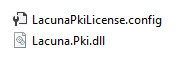
A practical way to do this is to include the `LacunaPKILicense.config` file in your site or application project and specify the **Build Action** file as **Content** and set **Copy to Output Directory** option to **Copy Always**.
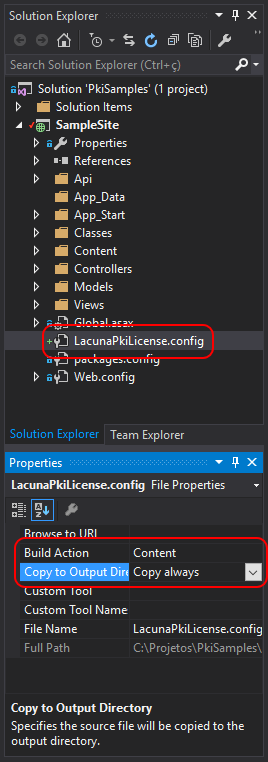
This form is the most recommended for web applications.
## File .config
Another option is to include in the `Web.config` or `App.config` file of your site or application a tag with the path to the license .config file or a Base64 license tag, as shown below:
```xml
```
## Programmatically
The license can be loaded programmatically by calling the method @Lacuna.Pki.PkiConfig.LoadLicense(System.Byte[]) passing the decoded license value in Base64, preferably in the boot code of your site or application:
```csharp
// Licença em Base64
byte[] binLicense = Convert.FromBase64String("[given Base64 License]");
// Carregando Licença
PkiConfig.LoadLicense(binLicense);
// Uso habilitado
```
**This form is most recommended for desktop applications**, as the license is embedded in the source code of the application, making it difficult for third parties to leak.
It is also possible to use the method @Lacuna.Pki.PkiConfig.LoadLicense(System.String) to pass the path to the license .config file. However, this method **is not recommended for desktop applications** as it does not have the advantage of "hiding" the license.
```csharp
// Caminho para o arquivo LacunaPKILicense.config
string licensePath = "...";
// Carregando licença
PkiConfig.LoadLicense(licensePath);
// Uso habilitado
```
## Next steps
Having added the Lacuna PKI SDK package to your project and configured its license to use it, here's how to use the SDK by accessing the next topics like [Certificates](https://docs.lacunasoftware.com/en-us/articles/pki-sdk/certificates) e [Signatures](https://docs.lacunasoftware.com/en-us/articles/pki-sdk/signatures).
## See too
* Class @Lacuna.Pki.PkiConfig
# [Adding the nuget package](https://docs.lacunasoftware.com/en-us/articles/pki-sdk/get-started/nuget)
The SDK is distributed through the Nuget Package Manager. To add the SDK package to your project, open Nuget Package Manager (right-click on your project and click **Manage Nuget Packages...**).
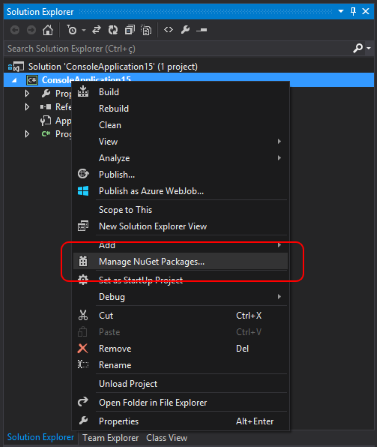
Then follow the steps below:
0. Click on the item **Online** in the left column
0. Type **Lacuna** in the search field at the top right
0. SDK-related packages will appear. Click on the package **Lacuna PKI SDK**
0. Check Package Id, which should match **Lacuna.Pki**
0. Then click on **Install**
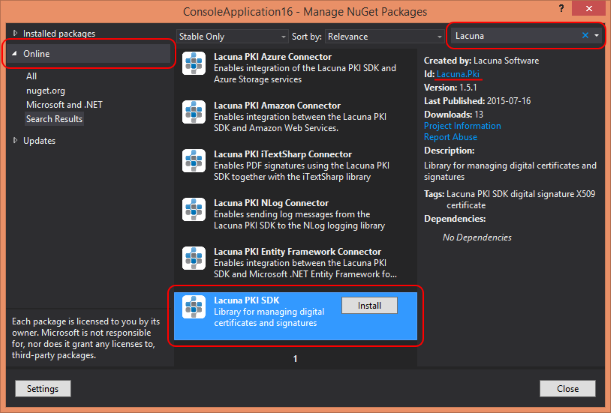
Other packages are optional and enable integration with providers such as Microsoft Azure and Amazon Web Services, as well as integration with libraries such as Entity Framework, NLog and iTextSharp. To learn more about optional packages, see [Optionals nuget packages](https://docs.lacunasoftware.com/en-us/articles/pki-sdk/optional-packages).
The next step is to configure the license to use SDK (see topic [Licensing](https://docs.lacunasoftware.com/en-us/articles/pki-sdk/get-started/licensing)).
# [Certificates](https://docs.lacunasoftware.com/en-us/articles/pki-sdk/certificates)
The class @Lacuna.Pki.PKCertificate provides viewing and manipulation of X509 certificate information. The class supports the loading of certificates with BER, DER, Base64 or PEM encoding.
```cs
// Para certificados com encoded bytes em BER, DER, Base64 ou PEM
PKCertificate PKCertificate.Decode(byte[] certContent);
// Para certificados com encoding Base64 ou PEM
PKCertificate PKCertificate.Decode(string certContent);
```
For more examples of how to upload a certificate and start using it in our SDK, check out the following topic:
[Decoding certificates](https://docs.lacunasoftware.com/en-us/articles/pki-sdk/certificates/decoding)
## See too
* @Lacuna.Pki.PKCertificate
# [Attribute Certificates](https://docs.lacunasoftware.com/en-us/articles/pki-sdk/certificates/attribute-certs)
An attribute certificate is a structure similar to a public key certificate,
with the difference that the attribute certificate does not contain a key. An
attribute certificate can contain attributes that specify group membership,
roles, security clearances or other authorization information associated with
the certificate holder.
The PKI SDK is capable of decoding and validating attribute certificates through
the class @Lacuna.Pki.AttributeCertificate, as well as issuing attribute
certificates, with the class @Lacuna.Pki.AttributeCertificateGenerator.
## Class hierarchy
Because an attribute certificate is similar to a public key certificate, classes
that represent such structures
in the SDK are related, having a common ancestor:
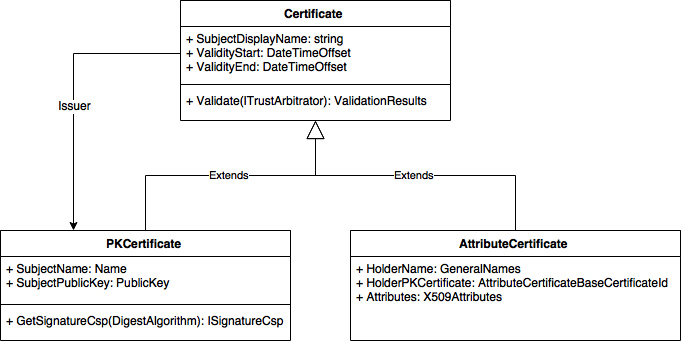
> **Note**
>
> The diagram above is incomplete, showing just some of the properties and methods of each class
Note that some properties present in the @Lacuna.Pki.PKCertificate class are
actually from the class @Lacuna.Pki.Certificate, common ancestor with the class @Lacuna.Pki.AttributeCertificate. Therefore, many of the operations
that are possible with public key certificates work the same way for attribute
certificates, especially the property @Lacuna.Pki.Certificate.Issuer and the method @Lacuna.Pki.Certificate.Validate(Lacuna.Pki.ITrustArbitrator).
The holder information, however, is not in the ancestral class, but in the child
classes. That's because, in the case of public key certificates, the holder
(*subject*) is a @Lacuna.Pki.Name, whereas in attribute certificates the holder
can be a @Lacuna.Pki.GeneralNames or or even a public key certificate. These two
values possible are accessible by properties @Lacuna.Pki.AttributeCertificate.HolderName and
@Lacuna.Pki.AttributeCertificate.HolderPKCertificate. The property @Lacuna.Pki.Certificate.SubjectDisplayName it is a
mere visual aid to treat public key and attribute certificates as a common
entity, but this is just one aspect in which they differ.
## Decoding and validating attribute certificates
Because of the common hierarchy with the class @Lacuna.Pki.PKCertificate, the
decryption and validation operations for attribute certificates are very similar
to the same operations with public key certificates:
```cs
byte[] acContent = ...;
AttributeCertificate ac = AttributeCertificate.Decode(acContent);
ValidationResults vr = ac.Validate(TrustArbitrators.Windows);
if (!vr.IsValid) {
// ...
}
```
## Decoding attributes
An additional difficulty in handling attribute certificates is to decode the attributes contained in the certificate,
whose coding is often proprietary. The class @Lacuna.Pki.Asn1.Asn1Util provides methods for encoding and
decode ASN.1 objects, which is the encoding generally used for attributes.
To use the encoding and decoding methods, it is necessary to make classes that represent the structures that
if you want to encode and decode and denote with attributes the ASN.1 syntax of the structures, as below:
```cs
// MembershipIdAttribute ::= SEQUENCE {
// memberId INTEGER,
// memberNickname UTF8String
// }
[Asn1Sequence]
public class MembershipIdAttribute {
[Asn1SequenceElement(0, Asn1PrimitiveTypes.Integer)]
public int MemberId { get; set; }
[Asn1SequenceElement(1, Asn1PrimitiveTypes.UTF8String)]
public string MemberNickname { get; set; }
}
public class Program {
public static void Main(string[] args) {
MembershipIdAttribute memberAttribute = new MembershipIdAttribute() {
MemberId = 12345,
MemberNickname = "Mr. Bison"
};
// Encode in DER
byte[] encodedAttribute = Asn1Util.DerEncode(memberAttribute);
// Decode from DER/BER
MembershipIdAttribute decodedAttribute = Asn1Util.DecodeAs(encodedAttribute);
}
}
```
Once the classes represent the attributes and are decorated with the ASN.1 syntax indications, it is possible to obtain the attributes as follows:
```cs
byte[] acContent = ...;
// We decode the certificate
AttributeCertificate ac = AttributeCertificate.Decode(acContent);
// We look for an attribute by its OID
X509Attribute attributeObj = ac.Attributes["1.2.3.4"];
// There can be multiple values for the same OID, let's say that in this case we are only interested in the first value
byte[] encodedAttribute = attributeObj.EncodedValues[0];
// We decode the attribute
MembershipIdAttribute memberAttribute = Asn1Util.DecodeAs(encodedAttribute);
```
The method @Lacuna.Pki.X509Attributes.GetAndDecodeValueAs``1(System.String,System.Boolean) allows you to search for an attribute and decode its first value directly:
```cs
byte[] acContent = ...;
// We decode the certificate
AttributeCertificate ac = AttributeCertificate.Decode(acContent);
// We search and decode the first value of an attribute by its OID
MembershipIdAttribute memberAttribute = ac.Attributes.GetAndDecodeValueAs("1.2.3.4");
```
## See too
* @Lacuna.Pki.Certificate
* @Lacuna.Pki.AttributeCertificate
* @Lacuna.Pki.AttributeCertificateGenerator
* @Lacuna.Pki.Asn1.Asn1Util
# [Certificate authentication](https://docs.lacunasoftware.com/en-us/articles/pki-sdk/certificates/auth)
One of the main uses of public key digital certificates is to authenticate users remotely. To do so, it is necessary
to (1) verify the validity of the user's certificate at the time of authentication and (2) verify that the user does
in fact have the private key associated with the public key of the certificate (this is taken as proof that the user is the certificate holder). To assist in this process, the SDK provides the class
@Lacuna.Pki.PKCertificateAuthentication.
The process of verifying that the user has the private key associated with the public key of the certificate
involves the generation of a cryptographic *nonce*, a randomly generated number that is never used twice, remote
signing of that *nonce* by the user using the private key associated with the certificate and subsequent verification
of the signature with the public key of the certificate.
## Nonce stores
To protect such a protocol from replay attacks, it is necessary to ensure that a user cannot authenticate by
presenting the same *nonce* signature twice. In other words, it is necessary to keep the status of the *nonces*
generated in some type of external storage. We will call an external storage capable of storing cryptographic *nonces* as a *nonce store*. The interface @Lacuna.Pki.Stores.INonceStore defines the interaction between the SDK
and such *nonce stores*:
```cs
public interface INonceStore {
void Store(byte[] nonce);
bool CheckAndRemove(byte[] nonce);
}
```
The operation of a *nonce store* is very simple: *nonces* passed to the method
@Lacuna.Pki.Stores.INonceStore.Store(System.Byte[]) should be stored for future reference by the method @Lacuna.Pki.Stores.INonceStore.CheckAndRemove(System.Byte[]), which returns whether *nonce* was previously stored
or
no and delete it if yes, causing a subsequent query with the same nonce to return `false`.
The optional package [Entity Framework Connector](https://docs.lacunasoftware.com/en-us/articles/pki-sdk/optional-packages/ef-connector) offers the implementation
recommended interface, the class @Lacuna.Pki.EntityFrameworkConnector.EntityFrameworkNonceStore, that stores the
*nonces* in the database. However, you can create your interface implementation by persisting the state of the
*nonces* wherever you want. See the [interface documentation for more details](https://docs.lacunasoftware.com/en-us/api/Lacuna.Pki.Stores/INonceStore) or even the [implementation the class EntityFrameworkNonceStore](https://bitbucket.org/Lacunas/pkientityframeworkconnector/src/922cba056a43805e208cfcf7834558986d04c14d/PkiEntityFrameworkConnector/EntityFrameworkNonceStore.cs?at=master).
## Implementing authentication
Having an instance of a class that implements the interface @Lacuna.Pki.Stores.INonceStore, you can then instantiate
the class @Lacuna.Pki.PKCertificateAuthentication:
```cs
INonceStore nonceStore = ...;
var certAuth = new PKCertificateAuthentication(nonceStore);
```
The class is used in the two moments of authentication: in the generation of *nonce* and in the subsequent verification of the signature
of *nonce*.
```cs
public class AuthenticationController : ApiController {
public IHttpActionResult Get() {
INonceStore nonceStore = ...;
var certAuth = new PKCertificateAuthentication(nonceStore);
// Geramos um nonce chamando o método Start()
var nonce = certAuth.Start();
var response = new AuthenticationGetResponse() {
Nonce = nonce
};
return Ok(response);
}
public IHttpActionResult Post(AuthenticationPostRequest request) {
ValidationResults vr;
PKCertificate certificate;
INonceStore nonceStore = ...;
var certAuth = new PKCertificateAuthentication(nonceStore);
// Verificamos a assinatura do nonce e a validade do certificado chamando o método Complete()
vr = certAuth.Complete(request.Nonce, request.Certificate, request.Signature, TrustArbitrators.Windows, out certificate);
// Check authentication result
if (!vr.IsValid) {
// This failure is perfectly normal, it happens everytime a user tries to sign in
// with an expired or revoked certificate, for instance.
return Ok(new AuthenticationPostResponse() {
Success = false,
Message = "Authentication failed",
ValidationResults = vr.ToString()
});
}
// ----------------------------------------------------------------------------------------
// At this point, you have assurance that the certificate is valid according to the
// TrustArbitrator you selected above and that the user is indeed the certificate's
// subject. Now, you'd typically query your database for a user that matches one of the
// certificate's fields, such as cert.EmailAddress or cert.PkiBrazil.CPF and set the user
// ID on the auth cookie. For demonstration purposes, we'll set the email address directly
// on the cookie as if it were the user ID.
// ----------------------------------------------------------------------------------------
FormsAuthentication.SetAuthCookie(certificate.EmailAddress, false);
// Inform the page of the success
return Ok(new AuthenticationPostResponse() {
Success = true
});
}
}
```
For a complete example including the client-side part, see the project [PkiSuiteSamples](https://github.com/LacunaSoftware/PkiSuiteSamples/tree/master/dotnet) in the GitHub.
**Demos and samples**
- Live demo: [Your certificates in the browser](https://try.lacunasoftware.com/en/web-pki/certificates-in-the-browser)
- Authenticate with a digital certificate using PKI SDK: [.NET](https://github.com/LacunaSoftware/PkiSuiteSamples/blob/master/dotnet/mvc/PkiSuiteAspNetMvcSample/Controllers/AuthenticationSdkController.cs)
# [Certificates with private key](https://docs.lacunasoftware.com/en-us/articles/pki-sdk/certificates/certs-with-key)
The class @Lacuna.Pki.PKCertificateWithKey holds information about certificates that have an associated private key and allows secure operations with this key.
The different ways to upload private key certificates are presented in the following sections.
## Loading personal certificates from the Windows Store
```cs
// Carregando certificados pessoais do Windows Store
var store = WindowsCertificateStore.LoadPersonalCurrentUser();
// Selecionando os certificados com chave privada associada
var certsWithKey = store.GetCertificatesWithKey();
// Exibindo informações dos certificados
certsWithKey.ForEach(c => Console.WriteLine(c.Certificate));
```
The class `WindowsCertificateStore` In addition to uploading user's personal certificates, it also allows you to upload certificates from the machine or from a `StoreName` and past `StoreLocation`.
For more information on options for loading Windows Store certificates, check the "Load" methods in the API guide: @Lacuna.Pki.Stores.WindowsCertificateStore
## Loading certificate from a PKCS#12
```cs
// PKCS#12 bytes e password
byte[] pkcs12Content = ...
string password = ...
// Carregando um PKCS#12
var p12 = Pkcs12CertificateStore.Load(pkcs12Content, password);
// Selecionando os certificados com chave privada associada
var certsWithKey = p12.GetCertificatesWithKey();
// Exibindo informações dos certificados
certsWithKey.ForEach(c => Console.WriteLine(c.Certificate));
```
## Key Operations
The class @Lacuna.Pki.PKCertificateWithKey allows you to perform the following operations with the certificate private key:
* Signature algorithm realization (methods @Lacuna.Pki.PKCertificateWithKey.SignData(Lacuna.Pki.SignatureAlgorithm,System.Byte[]) and `Lacuna.Pki.PKCertificateWithKey.SignHash(Lacuna.Pki.SignatureAlgorithm,System.Byte[])`)
* Signature Algorithm Verification (methods @Lacuna.Pki.PKCertificateWithKey.VerifyData(Lacuna.Pki.SignatureAlgorithm,System.Byte[],System.Byte[]) e `Lacuna.Pki.PKCertificateWithKey.VerifyHash(Lacuna.Pki.SignatureAlgorithm,System.Byte[],System.Byte[])`)
Its use is exemplified below.
### Data Signature
```cs
PKCertificateWithKey certWithKey = ...
// Definindo algoritmo de digest
var digestAlgorithm = DigestAlgorithm.SHA256;
// Definindo bytes a serem assinados
var toSign = System.Text.Encoding.ASCII.GetBytes("hello pki");
// Assinando com certificado
var signature = certWithKey.SignData(digestAlgorithm, toSign);
// Verificando assinatura
Console.WriteLine(certWithKey.VerifyData(digestAlgorithm, toSign, signature));
```
### Hash signature
```cs
PKCertificateWithKey certWithKey = ...
// Definindo algoritmo de digest
var digestAlgorithm = DigestAlgorithm.SHA256;
// Computando hash a ser assinado
var toSignHash = digestAlgorithm.ComputeHash(System.Text.Encoding.ASCII.GetBytes("hello pki"));
// Assinando com certificado
var signature = certWithKey.SignHash(digestAlgorithm, toSignHash);
// Verificando assinatura
Console.WriteLine(certWithKey.VerifyHash(digestAlgorithm, toSignHash, signature));
```
## See too
* @Lacuna.Pki.PKCertificateWithKey
* @Lacuna.Pki.Stores.WindowsCertificateStore
* @Lacuna.Pki.Stores.Pkcs12CertificateStore
# [Augmenting certificate chain build](https://docs.lacunasoftware.com/en-us/articles/pki-sdk/certificates/chain-building)
When uploading a certificate using the methods @Lacuna.Pki.PKCertificate.Decode(System.Byte[]) or
@Lacuna.Pki.PKCertificate.Decode(System.String), the PKI SDK will automatically attempt to assemble the certificate
chain through online resources such as AuthorityInformationAccess, OCSP requests, Certificate Store of internal SDK
ACs, among others. It is essential to have a complete chain for the validation of a certificate, as this validation
is also performed on its issuers recursively. The CA certificates found online are stored in the SDK's internal
Certificate Store, offering great performance for future operations.
When using certificates that have online information from issuers or certificates that follow known standards, there
will hardly be a need to assist in the process of completing certificate certificates.
If the user wants to use certificates with different characteristics or private standards that make it impossible to
complete the chains automatically, the SDK offers some solutions to assist this action, detailed in the following
sections.
## Including ACs in the Windows Store
If the set of CAs intermediate to the certificates has a limited cardinality, it is possible to include them in the
**Intermediate Certification Authorities> Certificates** directory in the current user's Certificate Manager or
Local Computer. The SDK will use this local store as a source to complete the certificate chain.
For more details on how to import certificates in the Microsoft Management Console (MMC) see the topic **How to set up intermediate certificates** in the Microsoft article [How to configure intermediate certificates on a computer that is running IIS for server authentication](https://support.microsoft.com/pt-br/help/954755)
## Parameter ICertificateStore
The library offers the use of a certificate store in memory (`Lacuna.Pki.Stores.MemoryCertificateStore`) and
also the possibility for the user to create their own interface implementation @Lacuna.Pki.Stores.ICertificateStore if you want to use a more complex and
communicable structure with other systems such as database, cache, among others.
The parameter can be passed either when the certificate is loaded (methods `Lacuna.Pki.PKCertificate.Decode(System.Byte[],Lacuna.Pki.Stores.ICertificateStore)`
or
`Lacuna.Pki.PKCertificate.Decode(System.String,Lacuna.Pki.Stores.ICertificateStore)`)
how much on the property @Lacuna.Pki.CertificateValidationOptions.CertificateStore validation options (`Lacuna.Pki.CertificateValidationOptions`).
Example of use in cargo:
```cs
// Bytes do certificado a ser carregado
byte[] certContent;
// Lista de certificados ou ACs privadas
List certList;
// Certificate store
var certStore = new MemoryCertificateStore(certList);
// Carregando certificado e completando cadeia
var cert = PKCertificate.Decode(certContent, certStore);
```
Example of use in validation options:
```cs
// Certificado carregado
var cert = ...
// Lista de certificados ou ACs privadas
List certList;
// Certificate store
var certStore = new MemoryCertificateStore(certList);
// Opções de validação com raízes do Windows confiáveis e certStore do usuário
var options = new CertificateValidationOptions(TrustArbitrors.Windows);
options.CertificateStore = certStore;
// A cadeia será completada durante a validação
cert.Validate(options);
```
## See too
* @Lacuna.Pki.Stores.ICertificateStore
* @Lacuna.Pki.Stores.MemoryCertificateStore
* @Lacuna.Pki.PKCertificateWithKey
* [How to configure intermediate certificates on a computer that is running IIS for server authentication](https://support.microsoft.com/pt-br/help/954755)
# [Decoding certificates](https://docs.lacunasoftware.com/en-us/articles/pki-sdk/certificates/decoding)
Using the methods @Lacuna.Pki.PKCertificate.Decode(System.Byte[]) or @Lacuna.Pki.PKCertificate.Decode(System.String) certificates can be loaded with BER, DER, Base64, or PEM encoding.
```cs
// Para certificados com encoded bytes em BER, DER, Base64 ou PEM
PKCertificate PKCertificate.Decode(byte[] certContent);
// Para certificados com encoding Base64 ou PEM
PKCertificate PKCertificate.Decode(string certContent);
```
## Basic upload
For this example, we will use a test certificate issued by the test AC Lacuna CA.
```cs
// Certificado com encoding PEM
var pem = "-----BEGIN CERTIFICATE-----\nMIIFLTCCBBegAwIBAgIQAPlQfZfK+GbabULPDzWHmTALBgkqhkiG9w0BAQswVTELMAkGA1UEBhMCQlIxEzARBgNVBAoMCklDUC1CcmFzaWwxHTAbBgNVBAsMFExhY3VuYSBTb2Z0d2FyZSAtIExTMRIwEAYDVQQDDAlMYWN1bmEgQ0EwHhcNMTUwMTIwMTAyMzU5WhcNMTkwMTIwMTAyMzU1WjBtMQswCQYDVQQGEwJCUjETMBEGA1UECgwKSUNQLUJyYXNpbDEuMCwGA1UECwwlQXV0aGVudGljYXRlZCBieSBMYWN1bmEgU29mdHdhcmUgLSBMUzEZMBcGA1UEAwwQUGllcnJlIGRlIEZlcm1hdDCCASIwDQYJKoZIhvcNAQEBBQADggEPADCCAQoCggEBALzmguTacZ4YiFpzUvE9xQEFB2bs8FXdXK8DCEDIq6mTudxFQzicCvF1rn5tgJZVDl4ANjKGDnQFUUhW50gf9xCxcytYkf7jWeabiGrHYweQggoTbguc8mY/OIl1W+0GAoVtpFrBs27zHcE4kPu9DJwJjKNHp00SuRkx35WezRRas940vg15eZKFneyw0VaacJelVdtSwto5HrsoFgQIEQhh/33FHhfVt9XnZ1UiZVZPZcOETJ8ebJpjtKL83yy4QKFc235dp0iudAdCVIY4oAlwVjCn6U9dIZk7qR0H1OYE1f2z8lTtiWx/jg/j+bBpMayVz7HEFqJe/mFBimeY5ZECAwEAAaOCAeMwggHfMAkGA1UdEwQCMAAwHwYDVR0jBBgwFoAU0qjYpb7yDHVFWfnN4BUYSk7c2/cwDgYDVR0PAQH/BAQDAgXgMIGmBgNVHREEgZ4wgZugPQYFYEwBAwGgNAQyMDEwMTE5NzA0NzM2MzM2MTg4NjAwMDAwMDAwMDAwMDAwMDAwMDQ5Mzg4ODI3U1NQREagFwYFYEwBAwagDgQMODg1NTc3NTM0NjUyoCgGBWBMAQMFoB8EHTkxMjkzOTIxOTc3NTc3NzY2NjZCcmFzaWxpYURGgRd0ZXN0QGxhY3VuYXNvZnR3YXJlLmNvbTBQBgNVHSAESTBHMEUGBmBMAQIBADA7MDkGCCsGAQUFBwIBFi1odHRwOi8vY2F0ZXN0LmxhY3VuYXNvZnR3YXJlLmNvbS9kcGNhY3JmYi5wZGYwOQYDVR0fBDIwMDAuoCygKoYoaHR0cDovL2NhdGVzdC5sYWN1bmFzb2Z0d2FyZS5jb20vY3Jscy9jYTAdBgNVHSUEFjAUBggrBgEFBQcDAgYIKwYBBQUHAwQwTAYIKwYBBQUHAQEEQDA+MDwGCCsGAQUFBzAChjBodHRwOi8vY2F0ZXN0LmxhY3VuYXNvZnR3YXJlLmNvbS9jZXJ0aWZpY2F0ZXMvY2EwCwYJKoZIhvcNAQELA4IBAQAAyc4Ylt4Fa2n8DdfjFLTAt4Y78uR3Fo+on8yE2fUG/B/CNLw0TEuSKpvCra1igNjU4VmqRsPAGJiKGaOZe0XeuySVvd16z6J92GLI/02qKvPBuC2qaBF9eu+Hhd4G0G/gnIKFEr/LMoOkBrfU9CL/9jm3/MT2s9F8uF8OBjP0TDaMJkc3yNS9RYEhAM1EdfXUStEv4Zs+Yy+CkkL1vCha1+sH8zNdkYbNMxdGYQTrcG8I1TTh9NLxitTAM7j5JrPycp3rUvu/rq94VnBN9CzN62TWvkaFpQuZSg6FKrsjyGWbpUN96Y21p7QTUAliq226eGBk5BZD8+7ZuZGmG07J\n-----END CERTIFICATE-----";
// Carregando certificado
var cert = PKCertificate.Decode(pem);
// cert.GetCertificateChain()
// Exibindo informações básicas
Console.WriteLine(cert);
/* Output esperado:
Titular: Pierre de Fermat
Expira em: 20/01/2019 10:23:55 +00:00
Emissor: Lacuna CA
*/
```
It is possible to notice in the output that besides the test certificate (Pierre de Fermat) there is only the name
of the AC that issued the test certificate, it does not show the information of the issuing certificate. This is
because the certificate chain is loaded in lazy load, ie it will only be loaded when it is really needed. Loading is
done in this way, because certificates exist that do not follow the standards already established to make it
possible to build the chain automatically.
However, to load the certificate chain at the time of encoding, you must tell the Certificate Store for the Decode() method to help the SDK build the certificate chain. For a better understanding of this functionality, check out the
following section: [Certificate Chain](https://docs.lacunasoftware.com/en-us/articles/pki-sdk/certificates/decoding#chain)
## Certificate Chain
When uploading a certificate using the methods `Lacuna.Pki.PKCertificate.Decode(System.Byte[],Lacuna.Pki.Stores.ICertificateStore)` or `Lacuna.Pki.PKCertificate.Decode(System.String,Lacuna.Pki.Stores.ICertificateStore)`, the SDK will automatically attempt to mount the certificate chain through
online resources such as AuthorityInformationAccess, OCSP requests, SDK Internal CA Certificate Store, or Certificate Store passed as function parameter. CA certificates found online are stored in the SDK's internal
Certificate Store, providing optimized performance for future operations.
Chain building is critical to the certificate validation process, as this validation is also performed on its issuers recursively. The Gap PKI SDK adheres well to different PKI standards, unlike other SDKs that do not offer this feature and require intermediate CAs to be added manually.
Although using certificates with characteristics that make it impossible to complete the chain, the Lacuna PKI SDK offers solutions to assist this action.
For more information about assisted chain building, check out the topic: [Augmenting certificate chain build](https://docs.lacunasoftware.com/en-us/articles/pki-sdk/certificates/chain-building)
## See too
* @Lacuna.Pki.PKCertificate
* [Augmenting certificate chain build](https://docs.lacunasoftware.com/en-us/articles/pki-sdk/certificates/chain-building)
# [Validating certificates](https://docs.lacunasoftware.com/en-us/articles/pki-sdk/certificates/validation)
To perform certificate validation, you must pass a @Lacuna.Pki.ITrustArbitrator
The `ITrustArbitrator` defines a way to arbitrate if the certification root is reliable. The SDK, through the static class @Lacuna.Pki.TrustArbitrators, has arbitrator implementations to validate trusted Windows, ICP-Brazil and
PKI-Italy roots.
## Validating certificate
In the following code we will, as an example, validate an ICP-Brasil certificate in a standard way.
```cs
// Carregando um certificado ICP-Brasil
PKCertificate cert = ...
// Validando com árbitro ICP-Brasil
var vr = cert.Validate(TrustArbitrators.PkiBrazil);
if (vr.IsValid) {
// Certificado é válido
} else {
// Certificado é inválido
}
// Exibe detalhes da validação
Console.WriteLine(vr);
```
Previous example validating with Windows referee:
```cs
// Validando com árbitro raízes confiáveis do Windows
var vr = cert.Validate(TrustArbitrators.Windows);
```
## Validating certificates with combined referee
In the following code we will perform a standard certificate validation with a set of trusted arbitrators containing ICP-Brasil, Windows and private test roots.
Thus, if the certificate is valid and belongs to any of the certification chains (ICP-Brasil, Windows roots or private roots), the validation will be successful.
```cs
// Carregando um certificado
PKCertificate cert = ...
// Criando conjunto de árbitros
var arbitrator = new LinkedTrustArbitrator();
arbitrator.Add(TrustArbitrators.PkiBrazil); // Adiciona árbitro ICP-Brasil
arbitrator.Add(TrustArbitrators.Windows); // Adiciona árbitro Windows
arbitrator.Add(new TrustedRoots(rootTest1, rootTest2)); // Adiciona árbitro com raízes privadas de teste
// Validando
var vr = cert.Validate(arbitrator);
```
You can also create the referee set through the builder `Lacuna.Pki.LinkedTrustArbitrator.%23ctor(Lacuna.Pki.ITrustArbitrator[])` or also using the extension method @Lacuna.Pki.LinkedTrustArbitratorExtension.GetLinkedWith(Lacuna.Pki.ITrustArbitrator,Lacuna.Pki.ITrustArbitrator[])
as shown in the code below:
```cs
// Outra maneira de criar o conjunto de árbitros
// através do construtor
var arbitrator = new LinkedTrustArbitrator(TrustArbitrators.PkiBrazil, TrustArbitrators.Windows, new TrustedRoots(rootTest1, rootTest2));
// Outra maneira de criar o conjunto de árbitros
// atrvés do método de extensão GetLinkedWith
var arbitrator = TrustArbitrators.PkiBrazil.GetLinkedWith(TrustArbitrators.Windows, new TrustedRoots(rootTest1, rootTest2));
```
## Changing validation options
If you need to make changes to the options or certificate validation mode, you can instantiate the class @Lacuna.Pki.CertificateValidationOptions with a referee and then set the validation properties.
In the following code we will, as an example, validate a certificate without validating its issuer signature and in case of unknown revocation state, Warning will be assigned instead of Error in the validation results.
```cs
// Carregando um certificado
PKCertificate cert = ...
// Criando opções de validação com árbitro raízes confiáveis do Windows
var options = new CertificateValidationOptions(TrustArbitrators.Windows);
options.ValidateIssuerSignature = false;
options.SetFailureLevel(ValidationItemTypes.CertificateRevocationStatusUnknown, ValidationFailureLevels.Warning);
// Validando com opções alteradas
var vr = cert.Validate(options);
// Exibe detalhes da validação
Console.WriteLine(vr);
```
For more information on certificate validation options methods and properties check the API guide:
## See too
* @Lacuna.Pki.ITrustArbitrator
* @Lacuna.Pki.TrustArbitrators
* @Lacuna.Pki.LinkedTrustArbitrator
* @Lacuna.Pki.CertificateValidationOptions
# [Signatures](https://docs.lacunasoftware.com/en-us/articles/pki-sdk/signatures)
The PKI SDK allows customization and creation of PDF signatures in the PAdES
standard ([ETSI TS 102 778](http://www.etsi.org/deliver/etsi_TS/102700_102799/10277801/01.01.01_60/ts_10277801v010101p.pdf)), signatures PKCS#7/CMS in the standard CADES
([ETSI TS 101 733](http://www.etsi.org/deliver/etsi_ts/101700_101799/101733/02.02.01_60/ts_101733v020201p.pdf)) and simple signatures [XmlDSig](https://www.w3.org/TR/2002/REC-xmldsig-core-20020212/) and also as standard
XADES ([ETSI TS 101 903](http://www.etsi.org/deliver/etsi_ts/101900_101999/101903/01.04.01_60/ts_101903v010401p.pdf)).
In the example below we will make a basic CAdES siganture in order to present and exercise the concepts and
properties of this subscriber:
```cs
// We instantiate the signer object that is responsible for creating the signature
var signer = new CadesSigner();
// We set the main parameters
signer.SetSigningCertificate(signingCert); // signer certificate with associated private key
signer.SetDataToSign(toSign); // bytes or stream of the document to be signed
signer.SetPolicy(policy); // sigantures policy
signer.ComputeSignature(); // creates attributes and reaps signature from signatory
var cadesSig = signer.GetSignature(); // assembles the signature package and returns the bytes with DER encoding
```
In the example below we will make a basic PAdES signature in order to present and exercise the concepts and
properties of this subscriber:
```cs
// We instantiate the signer object that is responsible for creating the signature
var signer = new PadesSigner();
// We set the main parameters
signer.SetSigningCertificate(signingCert); // signer certificate with associated private key
signer.SetPdfToSign(pdfBytes); // PDF bytes to be signed
signer.SetPolicy(policy); // signatures policy
signer.ComputeSignature(); // creates reaps signature of signatory
var signedPdf = signer.GetPadesSignature(); // returns the bytes of the signed PDF
```
## See too
* [CAdES Sigantures](https://docs.lacunasoftware.com/en-us/articles/pki-sdk/signatures/cades)
* [PAdES Sigantures](https://docs.lacunasoftware.com/en-us/articles/pki-sdk/signatures/pades)
* [XML Signatures](https://docs.lacunasoftware.com/en-us/articles/pki-sdk/signatures/xml)
* [Remote key signature (browser signature)](https://docs.lacunasoftware.com/en-us/articles/pki-sdk/signatures/web-remote)
* [Signature policies](https://docs.lacunasoftware.com/en-us/articles/pki-sdk/signatures/policies)
# [CAdES signatures](https://docs.lacunasoftware.com/en-us/articles/pki-sdk/signatures/cades)
The CAdES standard lets you sign any binary file. The @Lacuna.Pki.Cades.CadesSigner class creates, customizes and
assembles the CMS signature package.
## Basic signature example
The code below shows a basic CAdES signature, to introduce and exercise the concepts and properties of this signer.
```cs
// Instantiate the signer object, which creates the signature
var signer = new CadesSigner();
signer.SetSigningCertificate(signingCert); // the signer's certificate, with its private key
signer.SetDataToSign(toSign); // bytes or stream of the document to sign
signer.SetPolicy(CadesPolicySpec.GetCadesBes()); // CAdES-BES signature policy, with the Windows roots as TrustArbitrator
signer.ComputeSignature(); // creates the attributes and gets the signer's signature
var cadesSig = signer.GetSignature(); // assembles the signature package and returns its BER-encoded bytes
```
## Advanced signature example
Below is a CAdES signature with the ICP-Brasil AD-RT signature policy (with a timestamp), followed by a description of each
Set method used on the signer.
```cs
PKCertificateWithKey signingCert = ...
byte[] toSign = ...
// ICP-Brasil AD-RT signature policy
var policy = BrazilCadesPolicySpec.GetAdrTempoV21();
// Timestamp requester for the timestamp authority at tsUri
var tsRequester = new TimestampRequester(tsUri);
// Instantiate the signer object, which creates the signature
var signer = new CadesSigner();
signer.SetSigningCertificate(signingCert); // the signer's certificate, with its private key
signer.SetDataToSign(toSign); // bytes or stream of the data to sign
signer.SetPolicy(policy); // signature policy
signer.SetTimestampRequester(tsRequester); // timestamp requester
signer.ComputeSignature(); // creates the attributes and gets the signer's signature
var cadesSig = signer.GetSignature(); // assembles the signature package and returns its BER-encoded bytes
```
* @Lacuna.Pki.Cades.CadesSigner.SetSigningCertificate(Lacuna.Pki.PKCertificateWithKey) -
Sets the signer's certificate. The example uses a certificate with its private key. For how to load a certificate with
its private key, see [Certificates with private key](https://docs.lacunasoftware.com/en-us/articles/pki-sdk/certificates/certs-with-key).
* @Lacuna.Pki.Cades.CadesSigner.SetDataToSign(System.Byte[]) -
Sets the data to sign. The CAdES standard lets you sign any kind of binary file or data.
* @Lacuna.Pki.Cades.CadesSigner.SetPolicy(Lacuna.Pki.Cades.CadesPolicySpec) -
Sets the signature policy. The SDK has policies already configured for the standards of some PKIs, such as ICP-Brasil,
and also lets you create or customize your own policy. The example passes a policy already configured for the
ICP-Brasil AD-RT standard. For more information on signature policies, see [Signature policies](https://docs.lacunasoftware.com/en-us/articles/pki-sdk/signatures/policies).
* @Lacuna.Pki.Cades.CadesSigner.SetTimestampRequester(Lacuna.Pki.ITimestampRequester) -
Sets a requester that gets timestamps from a timestamp authority. The signature policy in the example (ICP-Brasil AD-RT)
requires a timestamp, so the signer needs a timestamp requester.
## Remote signature
The @Lacuna.Pki.Cades.CadesSigner signer can also create a CAdES signature whose signing happens remotely, for instance
in the user's browser. In that case, the signer is set with a certificate without a private key:
@Lacuna.Pki.Cades.CadesSigner.SetSigningCertificate(Lacuna.Pki.PKCertificate). You also use the method that generates the
data the client signs (`Lacuna.Pki.Cades.CadesSigner.GenerateToSignBytes(Lacuna.Pki.SignatureAlgorithm@)`) and the method
that puts the signed data into the CAdES signature (`Lacuna.Pki.Cades.CadesSigner.SetPrecomputedSignature(System.Byte[])`).
For more information on remote signatures, see
[Signing with a remote key (signature in the browser)](https://docs.lacunasoftware.com/en-us/articles/pki-sdk/signatures/web-remote).
## Signature validation
With PKI SDK you can validate the whole signature package against a single policy:
```cs
CadesSignature signature = ...
Dictionary validationResults = signature.ValidateAllSignatures(CadesPoliciesForValidation.GetCadesBasic());
foreach (var item in validationResults) {
Console.WriteLine("Passed checks:");
item.Value.PassedChecks.ForEach(vi => Console.WriteLine(vi.Detail)); // prints every check that passed
if (item.Value.HasErrors) { // if there are errors
Console.WriteLine("Errors:");
item.Value.Errors.ForEach(e => Console.WriteLine(e.Message)); // prints why the checks failed
}
}
```
Or validate each signature against the policy you want:
```cs
var cadesSig = ...
var myIssuer = ...
CadesSignature signature = CadesSignature.Open(cadesSig);
foreach (var signerInfo in signature.Signers) {
var policyMapper = signerInfo.SigningCertificate.Issuer.Equals(myIssuer) // if the certificate was issued by my company's issuer, outside the Windows roots
? CadesPoliciesForValidation.GetCadesBasic(new CustomArbitrator()) // use a custom trust arbitrator that trusts my issuer
: CadesPoliciesForValidation.GetCadesBasic(); // otherwise use the Windows roots as trusted roots
ValidationResults result = signature.ValidateSignature(signerInfo, policyMapper); // validates the signature against the given policy
Console.WriteLine("Passed checks:");
result.PassedChecks.ForEach(vi => Console.WriteLine(vi.Detail)); // prints every check that passed
if (result.HasErrors) {
Console.WriteLine("Errors:");
result.Errors.ForEach(e => Console.WriteLine($"{e.Message} - {e.Detail}")); // prints why the checks failed
}
}
```
## See also
* @Lacuna.Pki.Cades.CadesSigner
* @Lacuna.Pki.PKCertificateWithKey
* @Lacuna.Pki.PKCertificate
* [Signature policies](https://docs.lacunasoftware.com/en-us/articles/pki-sdk/signatures/policies)
* [Signing with a remote key (signature in the browser)](https://docs.lacunasoftware.com/en-us/articles/pki-sdk/signatures/web-remote)
**Demos and samples**
- Live demo: [Sign a file with your certificate](https://try.lacunasoftware.com/en/pki-suite/sign-a-file)
- Live demo: [Validate a signed file](https://try.lacunasoftware.com/en/pki-suite/validate-a-signed-file)
- Sign a PDF with PKI SDK: [.NET](https://github.com/LacunaSoftware/PkiSuiteSamples/blob/master/dotnet/mvc/PkiSuiteAspNetMvcSample/Controllers/PadesSignatureSdkController.cs)
- Sign a file with CAdES using PKI SDK: [.NET](https://github.com/LacunaSoftware/PkiSuiteSamples/blob/master/dotnet/mvc/PkiSuiteAspNetMvcSample/Controllers/CadesSignatureSdkController.cs)
- Validate a signed PDF using PKI SDK: [.NET](https://github.com/LacunaSoftware/PkiSuiteSamples/blob/master/dotnet/mvc/PkiSuiteAspNetMvcSample/Controllers/OpenPadesSignatureSdkController.cs)
- Validate a CMS/CAdES signature using PKI SDK: [.NET](https://github.com/LacunaSoftware/PkiSuiteSamples/blob/master/dotnet/mvc/PkiSuiteAspNetMvcSample/Controllers/OpenCadesSignatureSdkController.cs)
- Validate a signed XML using PKI SDK: [.NET](https://github.com/LacunaSoftware/PkiSuiteSamples/blob/master/dotnet/mvc/PkiSuiteAspNetMvcSample/Controllers/OpenXmlSignatureSdkController.cs)
- Sign multiple files with CAdES using PKI SDK: [.NET](https://github.com/LacunaSoftware/PkiSuiteSamples/blob/master/dotnet/mvc/PkiSuiteAspNetMvcSample/Controllers/BatchCadesSignatureSdkController.cs)
- Sign a file with CAdES and a server key using PKI SDK: [.NET](https://github.com/LacunaSoftware/PkiSuiteSamples/blob/master/dotnet/mvc/PkiSuiteAspNetMvcSample/Controllers/CadesServerKeySdkController.cs)
- Merge CMS/CAdES signatures using PKI SDK: [.NET](https://github.com/LacunaSoftware/PkiSuiteSamples/blob/master/dotnet/mvc/PkiSuiteAspNetMvcSample/Controllers/MergeCadesSdkController.cs)
- Make a printer-friendly version of a CMS/CAdES signature using PKI SDK: [.NET](https://github.com/LacunaSoftware/PkiSuiteSamples/blob/master/dotnet/mvc/PkiSuiteAspNetMvcSample/Controllers/PrinterFriendlyCadesSdkController.cs)
# [Co-signatures](https://docs.lacunasoftware.com/en-us/articles/pki-sdk/signatures/cades/co-sign)
PKI SDK lets you group different signers of the same document in a single signature package. These parallel signatures are
called co-signatures, and the CAdES standard provides for them.
The example below shows a basic co-signature:
```cs
// Previous basic CAdES signature
byte[] cadesSig1 = ...
// Co-signing the cadesSig1 signature
PKCertificateWithKey signingCert2 = ...
var signer2 = new CadesSigner();
signer2.SetSigningCertificate(signingCert2);
signer2.SetDataToSign(toSign);
signer2.SetPolicy(policy);
// Setting the previous signature to co-sign
signer2.SetSignatureToCoSign(cadesSig1);
signer2.ComputeSignature();
byte[] cadesCoSig = signer2.GetSignature();
```
> **Note**
>
> If the cadesSig1 signature already has the signed document in its encapsulated content, you don't need to call
> @Lacuna.Pki.Cades.CadesSigner.SetDataToSign(System.Byte[]) on the co-signature.
If you have parallel signatures of the same document that were created without
@Lacuna.Pki.Cades.CadesSigner.SetSignatureToCoSign(System.Byte[]), you can still merge them into a co-signature with the
`Lacuna.Pki.Cades.CadesSignatureEditor.MergeSignatures(IEnumerable)` method of the
@Lacuna.Pki.Cades.CadesSignatureEditor class.
## See also
* @Lacuna.Pki.Cades.CadesSigner
* @Lacuna.Pki.Cades.CadesSignatureEditor
# [Signature compression](https://docs.lacunasoftware.com/en-us/articles/pki-sdk/signatures/cades/compression)
The usual data compression methods, applied to each signature on its own, give poor results when you store a large number
of signatures. That is exactly where the PKI SDK method works best.
Compressing each signature on its own finds little redundancy. Taken as a set, though, stored signatures are highly
redundant: CRLs, certificates and other structures repeat across many signatures made in a similar period.
With the SDK's signature compression, you can reach compression rates above 90%.
## Compressing a signature
The @Lacuna.Pki.Cades.CadesSignatureCompression class compresses signatures. Its compression and decompression methods use
an implementation of @Lacuna.Pki.Stores.ISimpleStore, which stores the data that tends to be shared among signatures. The
code below compresses a signature and detaches its encapsulated content:
```cs
// bytes of a CAdES signature to compress
byte[] sigContent = ...
// Simple store backed by the file system, in the temporary directory
var store = new FileSystemSimpleStore(Path.GetTempPath());
byte[] eContent;
// Compressing the signature, with the eContent detached
byte[] compressed = CadesSignatureCompression.Compress(sigContent, store, out eContent);
// Decompressing the signature
byte[] decompressed = CadesSignatureCompression.Decompress(compressed, store, eContent);
if (sigContent.SequenceEqual(decompressed)) {
Console.WriteLine("OK!");
} else {
Console.WriteLine("NOT OK!");
}
```
The @Lacuna.Pki.Stores.ISimpleStore object is central to signature compression. The example above uses a
@Lacuna.Pki.Stores.FileSystemSimpleStore, which stores the compression data in the directory passed to its constructor.
To use other storage, such as a database or cloud servers, implement the @Lacuna.Pki.Stores.ISimpleStore interface.
## See also
* @Lacuna.Pki.Cades.CadesSignatureCompression
* @Lacuna.Pki.Stores.ISimpleStore
* @Lacuna.Pki.Stores.FileSystemSimpleStore
* [Optional Nuget packages](https://docs.lacunasoftware.com/en-us/articles/pki-sdk/optional-packages)
# [Asynchronous signature finishing](https://docs.lacunasoftware.com/en-us/articles/pki-sdk/signatures/cades/finisher)
Asynchronous signature finishing is an approach PKI SDK offers for a more reliable and efficient signature process. It has
the following advantages:
* It withstands failures in the distribution of CRLs/OCSPs and of timestamps.
* The synchronous part of the process is faster, because it no longer waits for the responses of CRL, OCSP or timestamp
requests.
* It allows signature policies with a grace period.
The client's signature is requested only once and saved, which ends the process for the user. Later, in a
*background worker* for instance, the online or cached requests and checks are performed and the signature is finished. If
this second step has problems, there is no need to ask the client to sign again.
## Signature finisher
The @Lacuna.Pki.Cades.CadesSignatureFinisher class handles signature finishing. Below is an example of the finisher,
followed by a description of the methods it uses.
First, we create an unfinished signature:
```cs
// Basic CAdES signature
var signer = new CadesSigner();
signer.SetSigningCertificate(signingCert);
signer.SetDataToSign(toSign);
signer.SetPolicy(policy);
// Before calling ComputeSignature(),
// set the signature not to be finished
signer.SetFinishSignature(false);
signer.ComputeSignature();
var cadesSig = signer.GetSignature(); // returns the unfinished signature package
// Save the unfinished signature and end the process
```
Later, in a *background worker* (a Windows service or a scheduled task), we finish the signature:
```cs
// Loading the unfinished signature
byte[] cadesSig = ...
// Instantiating the finisher with the unfinished signature
var finisher = new CadesSignatureFinisher(CadesSignature.Open(cadesSig));
finisher.SetPolicy(policy);
finisher.SetTimestampRequester(tsRequester); // timestamp requester (if the policy requires a timestamp)
finisher.UseOnlyCrlsIssuedAfterGracePeriod = true; // use only revocation values issued after the grace period ends
finisher.PerformStep();
if (finisher.IsSignatureFinished) {
// Signature finished
// Returns the BER-encoded bytes of the finished signature
var finishedCadesSig = finisher.GetSignatureEncoded();
} else {
// Returns the suggested delay before calling the finishing service again with PerformStep()
var delay = finisher.NextStepDelay.Value;
// or
// Returns the suggested time for the next call to the finishing service with PerformStep()
var time = finisher.NextStepTime.Value;
}
```
* @Lacuna.Pki.Cades.CadesSignatureFinisher.SetPolicy(Lacuna.Pki.Cades.CadesPolicySpec) /
@Lacuna.Pki.Cades.CadesSignatureFinisher.SetPolicyMapper(Lacuna.Pki.Cades.ICadesPolicyMapper) /
@Lacuna.Pki.Cades.CadesSignatureFinisher.SetPolicyMapper(Lacuna.Pki.Cades.ICadesPolicyMapperBySignerInfo) -
Set the signature policy for finishing. Ideally it is the same policy used on the signer, but at this second stage only
its timestamp, revocation value and reference, and certificate properties are used.
* @Lacuna.Pki.Cades.CadesSignatureFinisher.SetTimestampRequester(Lacuna.Pki.ITimestampRequester) -
Used if the signature policy requires a timestamp.
* @Lacuna.Pki.Cades.CadesSignatureFinisher.UseOnlyCrlsIssuedAfterGracePeriod -
Requires the revocation values checked to have been issued after the grace period. For more information on grace periods,
see [Policies with a grace period](https://docs.lacunasoftware.com/en-us/articles/pki-sdk/signatures/policies/grace-period).
* @Lacuna.Pki.Cades.CadesSignatureFinisher.PerformStep -
The engine of the signature finisher: it fetches what is needed to finish the signature and, if the policy has a grace
period that has not ended yet, tells when to run it again.
## See also
* @Lacuna.Pki.Cades.CadesSignatureFinisher
# [PAdES signatures](https://docs.lacunasoftware.com/en-us/articles/pki-sdk/signatures/pades)
The PAdES standard sets the rules for signing PDF files. In the SDK, the @Lacuna.Pki.Pades.PadesSigner class is the central
object that creates PDF signatures following the ETSI 102778-x specification.
## Basic signature example
The code below shows a basic PAdES signature, to introduce and exercise the concepts and properties of this signer.
```cs
// Instantiate the signer object, which creates the signature
var signer = new PadesSigner();
signer.SetSigningCertificate(signingCert); // the signer's certificate, with its private key
signer.SetPdfToSign(pdfBytes); // bytes or stream of the PDF document to sign
signer.SetPolicy(PadesPolicySpec.GetBasic()); // basic policy, with the Windows roots as TrustArbitrators
signer.ComputeSignature(); // creates the attributes and gets the signer's signature
byte[] signedPdf = signer.GetPadesSignature(); // returns the bytes of the signed PDF
```
**Demos and samples**
- Live demo: [Sign a file with your certificate](https://try.lacunasoftware.com/en/pki-suite/sign-a-file)
- Live demo: [Validate a signed file](https://try.lacunasoftware.com/en/pki-suite/validate-a-signed-file)
- Live demo: [Make a printer-friendly version](https://try.lacunasoftware.com/en/pki-suite/printer-friendly-version)
- Sign a PDF with PKI SDK: [.NET](https://github.com/LacunaSoftware/PkiSuiteSamples/blob/master/dotnet/mvc/PkiSuiteAspNetMvcSample/Controllers/PadesSignatureSdkController.cs)
- Sign a file with CAdES using PKI SDK: [.NET](https://github.com/LacunaSoftware/PkiSuiteSamples/blob/master/dotnet/mvc/PkiSuiteAspNetMvcSample/Controllers/CadesSignatureSdkController.cs)
- Validate a signed PDF using PKI SDK: [.NET](https://github.com/LacunaSoftware/PkiSuiteSamples/blob/master/dotnet/mvc/PkiSuiteAspNetMvcSample/Controllers/OpenPadesSignatureSdkController.cs)
- Validate a CMS/CAdES signature using PKI SDK: [.NET](https://github.com/LacunaSoftware/PkiSuiteSamples/blob/master/dotnet/mvc/PkiSuiteAspNetMvcSample/Controllers/OpenCadesSignatureSdkController.cs)
- Validate a signed XML using PKI SDK: [.NET](https://github.com/LacunaSoftware/PkiSuiteSamples/blob/master/dotnet/mvc/PkiSuiteAspNetMvcSample/Controllers/OpenXmlSignatureSdkController.cs)
- Sign multiple PDFs with PKI SDK: [.NET](https://github.com/LacunaSoftware/PkiSuiteSamples/blob/master/dotnet/mvc/PkiSuiteAspNetMvcSample/Controllers/BatchPadesSignatureSdkController.cs)
- Sign a PDF with a server key using PKI SDK: [.NET](https://github.com/LacunaSoftware/PkiSuiteSamples/blob/master/dotnet/mvc/PkiSuiteAspNetMvcSample/Controllers/PadesServerKeySdkController.cs)
- Make a printer-friendly version of a signed PDF using PKI SDK: [.NET](https://github.com/LacunaSoftware/PkiSuiteSamples/blob/master/dotnet/mvc/PkiSuiteAspNetMvcSample/Controllers/PrinterFriendlyPadesSdkController.cs)
- Sign a medical prescription (Receita Simples) using PKI SDK: [.NET](https://github.com/LacunaSoftware/PkiSuiteSamples/blob/master/dotnet/mvc/PkiSuiteAspNetMvcSample/Controllers/ReceitaSimplesSdkController.cs)
# [Adobe Reader validation](https://docs.lacunasoftware.com/en-us/articles/pki-sdk/signatures/pades/adobe-validation)
Adobe Reader is installed with a default setting that trusts only its own list of trusted root certificates. Because of that,
readers with the default setting may show signatures made with some certificates as untrusted, for instance certificates
of the ICP-Brasil V5 chain.
We usually advise users to set their readers to also accept the Windows list of root certificates. The link below has a
step-by-step guide to this setting:
[Configuring Adobe Reader to trust Windows roots for signature validation](https://docs.lacunasoftware.com/en-us/content/configuring-windows-roots-on-adobe-reader/)
To distribute this setting through a *Group Policy Object* (GPO), the *Registry* change needed is:
```ini
[HKEY_CURRENT_USER\Software\Adobe\Acrobat Reader\DC\Security\cASPKI\cMSCAPI_DirectoryProvider]
"iMSStoreTrusted"=dword:00000060
```
[Click here](https://docs.lacunasoftware.com/en-us/content/enable-adobe-trust-on-windows-roots.zip) to get a .reg file that makes the change above.
# [Serial signatures](https://docs.lacunasoftware.com/en-us/articles/pki-sdk/signatures/pades/co-sign)
Serial signatures are the PAdES mechanism for multiple signatures. After a first signature of the PDF document, the flow
moves on to the next signer, who signs not just the document but the document with the previous signature, and so on.
A serial PAdES signature needs no changes in the SDK: just pass an already signed PDF to the next signer's signer object.
The example below makes a serial signature on an already signed PDF:
```cs
// PDF document already signed
byte[] signedPdf1 = ...
// Certificate of signer 2
PKCertificateWithKey signingCert2 = ...
var signer2 = new PadesSigner();
signer2.SetPdfToSign(signedPdf1); // signed PDF 1
signer2.SetSigningCertificate(signingCert2);
signer2.SetPolicy(policy);
signer2.ComputeSignature();
byte[] signedPdf2 = signer2.GetPadesSignature(); // returns the signed PDF with 2 signatures
```
## See also
* @Lacuna.Pki.Pades.PadesSigner
# [LTV (Long Term Validation)](https://docs.lacunasoftware.com/en-us/articles/pki-sdk/signatures/pades/ltv)
LTV is a mechanism used in PAdES signatures to keep them valid for a long time. It works as a kind of archive: information
such as certificates and revocation status is stored in a PDF structure called the DSS. At the end, a timestamp should be
added to protect this information, which can extend the validity of the signatures even beyond the expiration of the
Certification Authorities' certificates.
PKI SDK can add LTV information both at signing time and in a second step, with the @Lacuna.Pki.Pades.PadesTimestamper PDF
timestamper. As explained above, enabling LTV with a timestamp is the most robust method, because it can also extend the
validity of earlier signatures or earlier timestamps. Both methods are shown below.
In the first example, we enable LTV at signing time (without a timestamp):
```cs
// enabling LTV on the signature policy
var policy = PadesPolicySpec.GetBasic(TrustArbitrators.Windows);
policy.SignerSpecs.AttributeGeneration.EnableLtv = true;
var signer = new PadesSigner();
signer.SetSigningCertificate(signingCert);
signer.SetPdfToSign(pdfBytes);
signer.SetPolicy(policy);
signer.ComputeSignature();
byte[] signedPdf = signer.GetPadesSignature(); // returns the bytes of the signed PDF, with LTV enabled
```
In the second example, we enable LTV on an existing signature with the @Lacuna.Pki.Pades.PadesTimestamper PDF timestamper:
```cs
// PDF already signed
byte[] signedPdf = ...
// the default timestamping policy already has LTV enabled;
// we enable it again only to show where this property is
var policy = PadesPolicySpec.GetBasic();
policy.StamperSpecs.EnableLtv = true;
// Instantiating the PDF timestamper with LTV
var stamper = new PadesTimestamper();
stamper.SetPdf(signedPdf);
stamper.SetPolicy(policy);
stamper.SetTimestampRequester(tsRequester); // timestamp requester
stamper.Stamp();
// Returning the timestamped PDF, with LTV enabled
byte[] signedPdfLtv = stamper.GetStampedSignature();
```
## See also
* @Lacuna.Pki.Pades.PadesTimestamper
* @Lacuna.Pki.Pades.PadesPolicySpec
# [Visual representation](https://docs.lacunasoftware.com/en-us/articles/pki-sdk/signatures/pades/visual-rep)
The visual representation of a PDF signature is a text or image, inside the document, with information about the signature.
Depending on the PDF viewer, this representation may link to the data and properties of the signature and of the signer.
**Each visual representation always refers to a single signature in the PDF, and each signature can have at most one visual representation.**
The @Lacuna.Pki.Pades.PadesVisualRepresentation2 class controls the visual representation information included in the
signature. The sections below go through the options, parameters and customizations for defining the visual representation
of PDF signatures.
## Visual representation elements
The @Lacuna.Pki.Pades.PadesVisualRepresentation2 visual representation class has 3 elements you can set:
@Lacuna.Pki.Pades.PadesVisualRepresentation2.Position, @Lacuna.Pki.Pades.PadesVisualRepresentation2.Text and
@Lacuna.Pki.Pades.PadesVisualRepresentation2.Image. The list below introduces them. For more information, see the API
reference of each class.
* Position
The position of the signature's visual representation rectangle is customizable through the
@Lacuna.Pki.Pades.PadesVisualAutoPositioning and @Lacuna.Pki.Pades.PadesVisualManualPositioning classes.
* Automatic positioning
Automatic positioning suits cases where you can define a region (container) on a PDF page to receive the signature
representations. In this mode the signatures are arranged one after the other inside the given region. The figure below
shows how automatic positioning works. The red rectangle is the container in which the visual representations are
placed automatically, one after the other.
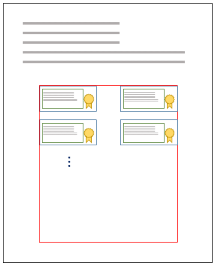
* Manual positioning
Manual positioning suits cases where each signature representation goes in an arbitrary position, for instance a
position and page given by the user.
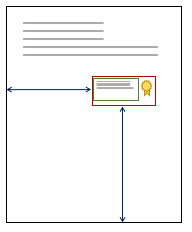
* Text
The text included in the signature's visual representation is customizable through the @Lacuna.Pki.Pades.PadesVisualText
class.
* Image
You can include a background image in the signature's visual representation, and also customize its opacity and its
alignment inside the visual representation rectangle. These options are set through the @Lacuna.Pki.Pades.PadesVisualImage
class.
## Manual positioning
With manual positioning, you set the page on which the signature representation goes, and the position and size of the
signature rectangle relative to the page.
The page is set by the @Lacuna.Pki.Pades.PadesVisualPositioning.PageNumber property. Negative numbers count from the end of
the document (-1 means the last page, -2 the one before it, and so on). The special value 0 (zero) means the signature
representation goes on a new blank page added at the end of the document.
The position of the signature rectangle relative to the page is set by the
@Lacuna.Pki.Pades.PadesVisualManualPositioning.SignatureRectangle property. A rectangle can have the parameters `Top`, `Bottom`,
`Left`, `Right`, `Width` and `Height`, as in the figure below.

For instance, to place the visual representation on the last page of the document, 7cm wide and 3cm high, 2.5cm from the left
and bottom margins, as in the image below, you would write the following code:
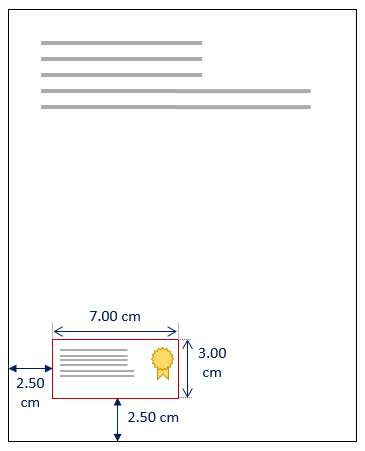
```cs
var signer = new PadesSigner();
...
var signatureVisualRep = new PadesVisualRepresentation2() {
Position = new PadesVisualManualPositioning() {
PageNumber = -1, // Places it on the last page of the document
SignatureRectangle = new PadesVisualRectangle() {
Width = 7, // Width = 7cm
Height = 3, // Height = 3cm
Left = 2.50, // Distance from the left margin = 2.50cm
Bottom = 2.50 // Distance from the bottom margin = 2.50cm
}
},
Text = ...,
Image = ...
};
signer.SetVisualRepresentation(signatureVisualRep);
```
For more information on setting the position of the signature representation, see
[Defining a container](https://docs.lacunasoftware.com/en-us/articles/pki-sdk/signatures/pades/visual-rep/containers).
## Automatic positioning
With automatic positioning, as with manual positioning, you set the page on which the visual representation goes. Instead of
positioning the visual representation relative to the page, though, you define a container that receives the representations
of the successive signatures on the document, and the size of each signature rectangle inside the container.
The signature container is set by the @Lacuna.Pki.Pades.PadesVisualAutoPositioning.Container property. Like the signature
rectangle in manual positioning, the container can have the parameters `Top`, `Bottom`, `Left`, `Right`, `Width` and `Height`.
The size of each signature rectangle (height and width) is set by the
@Lacuna.Pki.Pades.PadesVisualAutoPositioning.SignatureRectangleSize property.
The @Lacuna.Pki.Pades.PadesVisualAutoPositioning.RowSpacing property sets the spacing between the "rows" of visual
representations. The signature rectangles are placed from left to right and, when there is no more room, on a new row, with
the given `RowSpacing`.
For instance, to place the visual representations one after the other on the last page of the document, inside a container 3cm
from the left and right edges, 2cm from the bottom edge and 8cm from the top edge, with each signature rectangle 7cm wide by 3cm
high, as in the image below, you would write the following code:
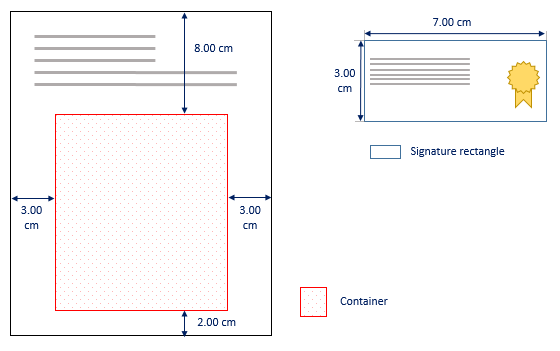
```cs
var signer = new PadesSigner();
...
var signatureVisualRep = new PadesVisualRepresentation2() {
Position = new PadesVisualAutoPositioning() {
PageNumber = -1, // Places it on the last page of the document
Container = new PadesVisualRectangle() {
Left = 3.00, // Distance from the left margin = 3.00cm
Right = 3.00, // Distance from the right margin = 3.00cm
Bottom = 2.00, // Distance from the bottom margin = 2.00cm
Top = 8.00 // Distance from the top margin = 8.00cm
},
SignatureRectangleSize = new PadesSize(7, 3), // Size of each signature rectangle (width x height)
RowSpacing = 1 // 1.00cm spacing between rows
},
Text = ...,
Image = ...
};
signer.SetVisualRepresentation(signatureVisualRep);
```
> **Note**
>
> The container defined above has variable height and width. This is one of many ways to define the signature container. For
> more information, see [Defining a container](https://docs.lacunasoftware.com/en-us/articles/pki-sdk/signatures/pades/visual-rep/containers).
Signatures made with the code above should look like the image below:
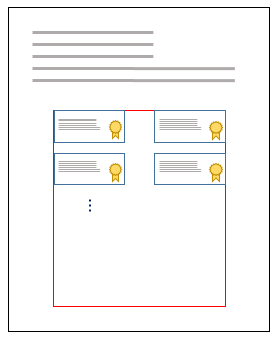
## Text and image positioning
* Text
Inside the signature's visual representation rectangle, the SDK lets you customize the alignment, position and content of the
text. The position of the text is controlled by defining a @Lacuna.Pki.Pades.PadesVisualText.Container. If no container is
defined, the text fills the whole signature rectangle.
As an example, we position the text relative to the signature rectangle as in the figure below.
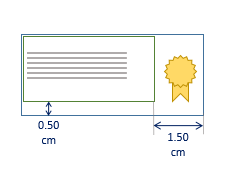
```cs
var text = new PadesVisualText() { // Text of the visual representation
SignerName = signingCert.Certificate.SubjectDisplayName, // Includes the signer's name
IncludeSigningTime = true, // Includes the signing date
Container = new PadesVisualRectangle() { // Defines the text container
Left = 0,
Top = 0,
Right = 1.5,
Bottom = 0.5
}
};
```
For the text customizations available, see the properties in the @Lacuna.Pki.Pades.PadesVisualText API reference.
* Image
You can also set a background image for the signature rectangle and customize its opacity and alignment. For the image
customizations available, see the properties in the @Lacuna.Pki.Pades.PadesVisualImage API reference.
## See also
* @Lacuna.Pki.Pades.PadesVisualRepresentation2
* @Lacuna.Pki.Pades.PadesVisualText
* @Lacuna.Pki.Pades.PadesVisualImage
* @Lacuna.Pki.Pades.PadesVisualAutoPositioning
* @Lacuna.Pki.Pades.PadesVisualManualPositioning
# [Defining a container](https://docs.lacunasoftware.com/en-us/articles/pki-sdk/signatures/pades/visual-rep/containers)
In the visual representation of a PAdES signature, rectangles and containers are defined with the
@Lacuna.Pki.Pades.PadesVisualRectangle class.
## Container
A container has the parameters `Top`, `Bottom`, `Left`, `Right`, `Width` and `Height`, as in the figure below.

The container, in red, has its margins relative to the element it is placed in.
To create a container, though, you don't fill in all of its parameters. Each set of parameters has a different effect. The
examples below show the ways to define the horizontal dimensions of a container (the vertical dimensions work the same way, as
explained after the examples).
### Fluid
If you set only `Left` and `Right`, the container keeps the given margins and its width (`Width`) stretches to fill the
remaining horizontal space, as in the figure below.
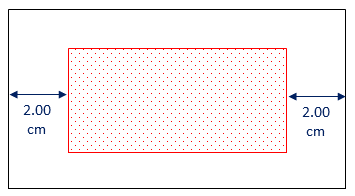
### Left-anchored
If you set only `Left` and `Width`, the container keeps the given left margin and width. The right margin takes up the remaining
horizontal space, as in the figure below.
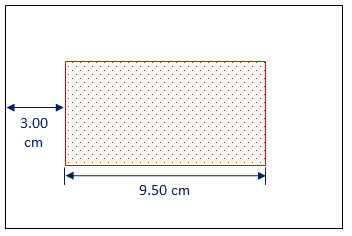
### Right-anchored
If you set only `Right` and `Width`, the container keeps the given right margin and width. The left margin takes up the remaining
horizontal space, as in the figure below.
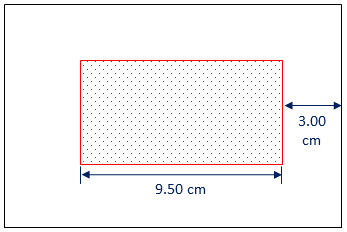
### Centered
If you set only `Width`, the container is centered horizontally with the given width, as in the figure below.
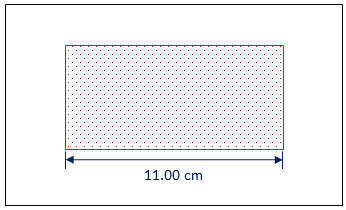
## Vertical dimensions
The vertical dimensions work the same way as the horizontal dimensions above: replace `Left` and `Right` with `Top` and
`Bottom`, and `Width` with `Height`.
## See also
* @Lacuna.Pki.Pades.PadesVisualRectangle
# [Complete examples](https://docs.lacunasoftware.com/en-us/articles/pki-sdk/signatures/pades/visual-rep/samples)
## Complete example with default automatic positioning
PKI SDK offers two templates for the automatic positioning of visual representations: **Footnote** and **New page**.
The @Lacuna.Pki.Pades.PadesVisualAutoPositioning.GetFootnote(System.Int32,System.Int32) method returns a positioning that
arranges the signatures automatically in the footnote area of the page.
The @Lacuna.Pki.Pades.PadesVisualAutoPositioning.GetNewPage method returns a positioning that adds a new blank page at the end of
the document and arranges the signatures automatically in a grid on that page.
The code below makes a basic signature with a visual representation, using the default footnote automatic positioning.
```cs
var signer = new PadesSigner();
signer.SetSigningCertificate(cert);
signer.SetPdfToSign(pdfBytes);
signer.SetPolicy(PadesPolicySpec.GetBasic(TrustArbitrators.Windows));
// Creating the visual representation object
var visual = new PadesVisualRepresentation2() {
Position = PadesVisualAutoPositioning.GetFootnote(), // Automatic positioning in the footnote area of the last page
Text = new PadesVisualText() { // Text of the visual representation
SignerName = cert.Certificate.SubjectDisplayName, // Includes the signer's name
IncludeSigningTime = true // Includes the signing date
},
Image = new PadesVisualImage() { // Background image of the visual representation
Content = getPdfStampContent(), // Bytes of the image
HorizontalAlign = PadesHorizontalAlign.Right // Aligns the image to the right of the visual representation rectangle
}
};
signer.SetVisualRepresentation(visual); // Sets the visual representation of the signature
signer.ComputeSignature();
byte[] signedPdf = signer.GetPadesSignature(); // Returns the bytes of the signed PDF, with the
// visual representation
```
The code above should produce a signed PDF with a visual representation in the footnote area of the last page, with the signer's
name, the signing date and a watermark image, as in the figure below.
## Complete example with custom automatic positioning
We create a custom automatic positioning, applied to the last page of the document.
The container, the region in which the visual representations of the signatures are arranged automatically, follows the model
in the image below.
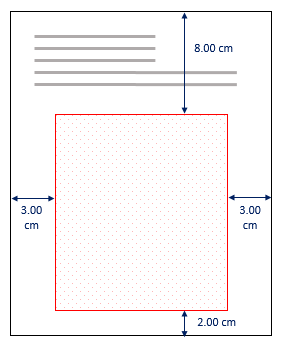
The code below sets these parameters on a container.
```cs
var container = new PadesVisualRectangle() {
Left = 3.00,
Right = 3.00,
Bottom = 2.00,
Top = 8.00
};
```
For more information on defining a container, see [Defining a container](https://docs.lacunasoftware.com/en-us/articles/pki-sdk/signatures/pades/visual-rep/containers).
The visual representation of each signature follows the signature rectangle, text and image parameters in the model below.

The outer signature rectangle is 7cm wide by 3cm high. A seal is included as a background image, aligned to the right of the
signature rectangle. The text container has a right margin of 1.50cm relative to the outer rectangle, which in this example keeps
the text from overlapping the image. The code below sets these parameters.
```cs
// Defining the signature rectangle
var signatureRectangleSize = new PadesSize(7, 3);
// Defining the text container
var textContainer = new PadesVisualRectangle() {
Left = 0,
Right = 1.5,
Bottom = 0,
Top = 0
};
// Defining the background image
var image = new PadesVisualImage() {
Content = getPdfStampContent(), // Bytes of the image
HorizontalAlign = PadesHorizontalAlign.Right // Aligns the image to the right of the visual representation rectangle
};
```
As signatures are made, the visual representations included automatically should look like the image below.

### Complete sample code
```cs
var signer = new PadesSigner();
signer.SetSigningCertificate(cert);
signer.SetPdfToSign(pdfBytes);
signer.SetPolicy(PadesPolicySpec.GetBasic(TrustArbitrators.Windows));
// Creating the visual representation object
var visual = new PadesVisualRepresentation2() {
// Defines the container for the automatic positioning of the visual representations
Position = new PadesVisualAutoPositioning() {
MeasurementUnits = PadesMeasurementUnits.Centimeters, // Unit of measurement == cm
PageNumber = -1, // The container goes on the last page of the document
SignatureRectangleSize = new PadesSize(7, 3), // Size of the signature rectangle
Container = new PadesVisualRectangle() { // Dimensions of the container for automatic positioning
Left = 3.0,
Right = 3.0,
Bottom = 2.0,
Top = 8.0
},
RowSpacing = 1.5 // Spacing between the rows of visual representations
},
Text = new PadesVisualText() { // Text of the visual representation
SignerName = cert.Certificate.SubjectDisplayName, // Includes the signer's name
IncludeSigningTime = true, // Includes the signing date
Container = new PadesVisualRectangle() { // Defines the text container
Left = 0,
Top = 0,
Right = 1.5,
Bottom = 0
}
},
Image = new PadesVisualImage() { // Background image of the visual representation
Content = getPdfStampContent(), // Bytes of the image
HorizontalAlign = PadesHorizontalAlign.Right // Aligns the image to the right of the visual representation rectangle
}
};
signer.SetVisualRepresentation(visual); // Sets the visual representation of the signature
signer.ComputeSignature();
byte[] signedPdf = signer.GetPadesSignature(); // Returns the bytes of the signed PDF, with the
// visual representation
```
Running the example above gives the following result when signing a PDF:
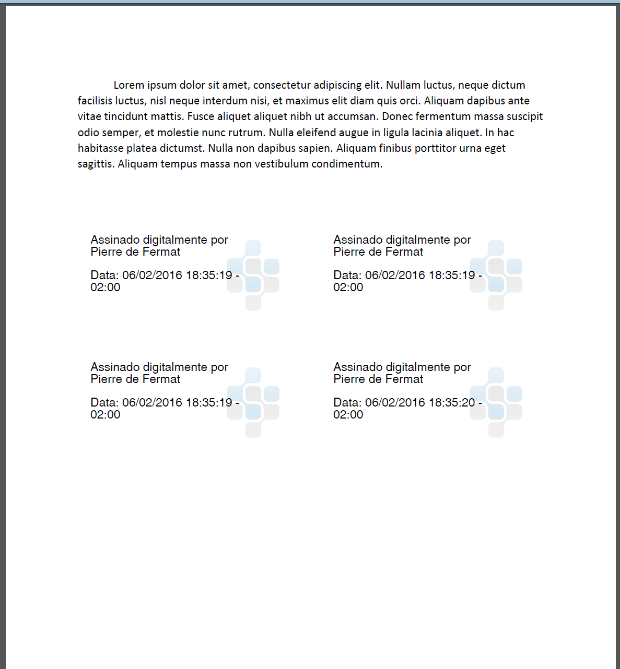
# [Signature policies](https://docs.lacunasoftware.com/en-us/articles/pki-sdk/signatures/policies)
Signature policies are a set of rules and properties that govern the creation and validation of digital signatures. PKI SDK
has policies already configured for use in signers and validators, and it is also simple to create your own policy or customize
an existing one.
When the policy of a signature being validated is not given by the user, cannot be inferred from the signature data, or is
incomplete, validators and arbitrators may reach incorrect validation results. Explicit or implicit signature policies are
therefore essential for data consistency, both when signing and when validating.
See the following articles for more information:
* [Policy mappers](https://docs.lacunasoftware.com/en-us/articles/pki-sdk/signatures/policies/mappers)
* [ICP-Brasil policies](https://docs.lacunasoftware.com/en-us/articles/pki-sdk/signatures/policies/pki-brazil)
* [AD-RT signature lifecycle](https://docs.lacunasoftware.com/en-us/articles/pki-sdk/signatures/policies/adrt-lifecycle)
* [Customizing policies](https://docs.lacunasoftware.com/en-us/articles/pki-sdk/signatures/policies/customization)
* [Policies with references but no values](https://docs.lacunasoftware.com/en-us/articles/pki-sdk/signatures/policies/revocation-refs-without-values)
* [Policies with a grace period](https://docs.lacunasoftware.com/en-us/articles/pki-sdk/signatures/policies/grace-period)
# [AD-RT signature lifecycle](https://docs.lacunasoftware.com/en-us/articles/pki-sdk/signatures/policies/adrt-lifecycle)
An ICP-Brasil **AD-RT** signature (*Referência de Tempo*) is a basic signature (AD-RB) plus a **signature timestamp**, issued by an
ICP-Brasil timestamp authority (*ACT*). The timestamp proves when the signature was made, so the signature outlives the signer's
certificate. It does not outlive the certificate of the timestamp authority, though. This article shows how long an AD-RT signature
remains verifiable, and how the PKI SDK keeps it verifiable for longer, with the AD-RC and AD-RA policies.
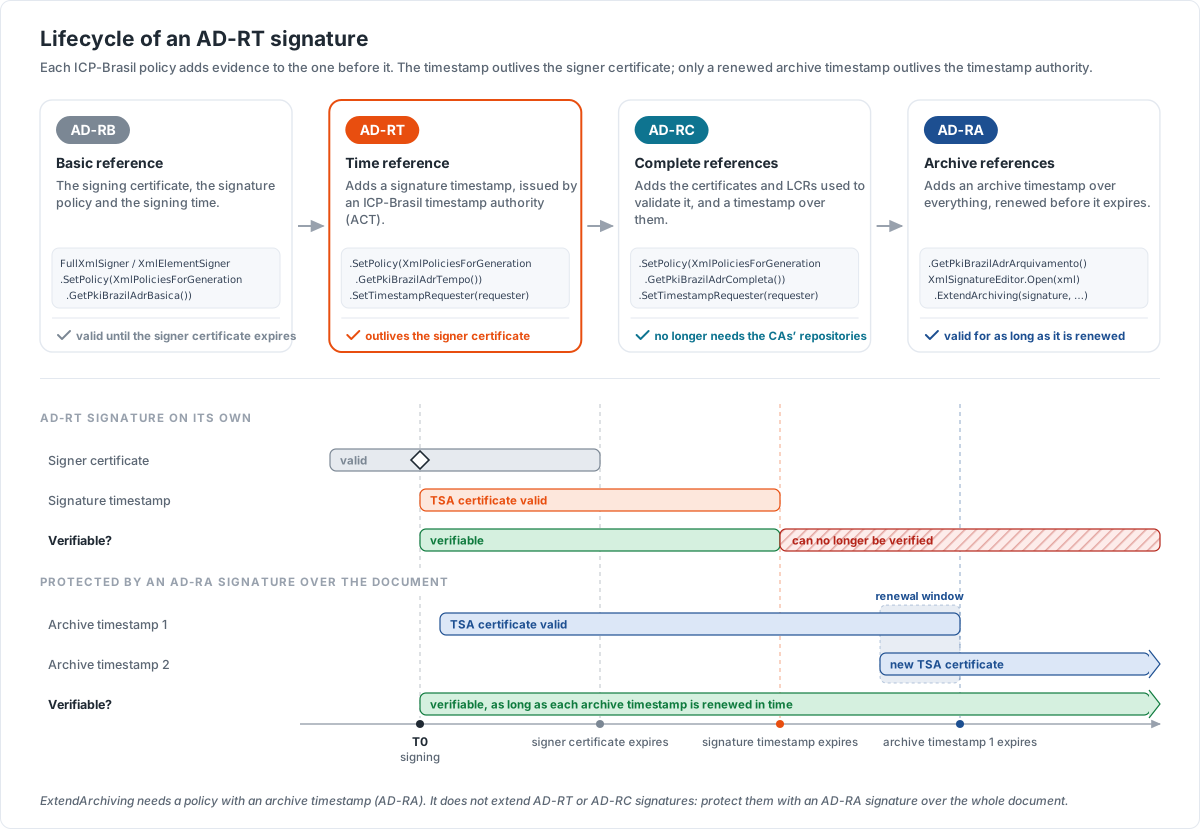
For a real case, with signatures that must last decades, see [Diploma revalidation](https://docs.lacunasoftware.com/en-us/articles/digiploma/revalidation), which shows how
[Digiploma](https://docs.lacunasoftware.com/en-us/articles/digiploma) keeps digital diplomas verifiable.
## Create an AD-RT signature
The AD-RT policy requires a signature timestamp, so the signer needs a timestamp requester. The example below signs an element of an XML
document (XAdES):
```cs
var signer = new XmlElementSigner();
signer.SetSigningCertificate(cert); // the signer's certificate, with its private key
signer.SetXml(xmlDocument);
signer.SetToSignElementId(id);
signer.SetPolicy(XmlPoliciesForGeneration.GetPkiBrazilAdrTempo());
// ICP-Brasil timestamp authority (ACT)
var tsaUri = new Uri("https://tsa.example.com/");
signer.SetTimestampRequester(new TimestampRequester(tsaUri, accessToken));
signer.ComputeSignature(); // throws TimestampException if the timestamp cannot be obtained
var signedXml = signer.GetSignedXml();
```
The same policy exists for the other formats: `CadesPoliciesForGeneration.GetPkiBrazilAdrTempo()` (CAdES) and
`PadesPoliciesForGeneration.GetPkiBrazilAdrTempo()` (PAdES).
## How long it remains verifiable
| Period | Verifiable? | Why |
|---|---|---|
| While the signer's certificate is valid | Yes | Like any signature. |
| After the signer's certificate expires | Yes | The signature timestamp proves that the signature was made while the certificate was valid. |
| After the timestamp authority's certificate expires | No | The signature timestamp itself can no longer be verified. |
An AD-RT signature also does not store the certificates and revocation lists (LCRs) used to validate it: validating it later depends on
getting them from the repositories of the certificate authorities.
To know until when an AD-RT signature can be verified, read the certificate of its signature timestamp:
```cs
var signature = XmlSignatureEditor.Open(signedXml).Signatures.First();
var timestamp = signature.SignatureTimestamps.Last().EncapsulatedTimestamp;
var verifiableUntil = timestamp.Signers.First().SigningCertificate.ValidityEnd;
```
## Keep it verifiable
Each ICP-Brasil policy adds evidence to the previous one:
* **AD-RC** (*Referências Completas*, `XmlPoliciesForGeneration.GetPkiBrazilAdrCompleta()`) adds the references to, and the values of,
the certificates and LCRs used to validate the signature, and a timestamp over the signature and these references. It no longer depends on the repositories of the
certificate authorities, but its timestamps still expire.
* **AD-RA** (*Referências para Arquivamento*, `XmlPoliciesForGeneration.GetPkiBrazilAdrArquivamento()`) adds an **archive timestamp**.
Before it expires, a new archive timestamp, issued under a newer certificate of the timestamp authority, is added over everything.
Renewed in time, the signature remains verifiable indefinitely.
`XmlSignatureEditor.ExtendArchiving` adds that new archive timestamp. It first records the validation data of the previous archive
timestamp, then timestamps the signature again:
```cs
var editor = XmlSignatureEditor.Open(signedXml);
var signature = editor.Signatures.First(s => s.ArchiveTimestamps.Any());
var expiresOn = signature.ArchiveTimestamps.Last().EncapsulatedTimestamp.Signers.First().SigningCertificate.ValidityEnd;
if (expiresOn < DateTimeOffset.Now.AddDays(180)) {
var renewedXml = editor.ExtendArchiving(signature, timestampRequester, XmlPoliciesForValidation.GetPkiBrazil());
// Store renewedXml in place of the previous file
}
```
`ExtendArchiving` throws `InvalidArchiveOperationException` when:
* the signature is not valid;
* none of its archive timestamps can be validated;
* the new timestamp is signed by the same certificate as a previous archive timestamp, which would not extend the expiration. Pass
`ignoreSameTsSigner: true` to accept it anyway.
> **Caution: AD-RT and AD-RC signatures cannot be extended**
>
> `ExtendArchiving` requires a policy with an archive timestamp: on an AD-RT or AD-RC signature it fails. To preserve these signatures,
> protect them with an AD-RA signature over the whole document, which covers them, and renew its archive timestamp. This is how a digital
> diploma works: the signatures of its `DadosDiploma` and `DadosRegistro` elements are covered by the archiving signature of the whole XML.
## See also
* [Diploma revalidation](https://docs.lacunasoftware.com/en-us/articles/digiploma/revalidation) (Digiploma)
* [PKI Brazil policies (ICP-Brasil)](https://docs.lacunasoftware.com/en-us/articles/pki-sdk/signatures/policies/pki-brazil)
* [XmlSignatureEditor](https://docs.lacunasoftware.com/en-us/api/Lacuna.Pki.Xml/XmlSignatureEditor)
* [XmlPoliciesForGeneration](https://docs.lacunasoftware.com/en-us/api/Lacuna.Pki.Xml/XmlPoliciesForGeneration)
# [Customizing policies](https://docs.lacunasoftware.com/en-us/articles/pki-sdk/signatures/policies/customization)
Signature policies are a set of rules and properties that govern the creation and validation of digital signatures. PKI SDK has
policies already configured for use in signers and validators, and it is also simple to create your own policy or customize an
existing one.
## Editing a policy
The example below loads a preconfigured signature policy and edits some of its parameters.
```cs
// Loading the AD-RT v2.1 policy
var policy = BrazilCadesPolicySpec.GetAdrTempoV21();
// Including the signing-time signed attribute
policy.AttributeGeneration.IncludeSigningTime = true;
// Adding one more arbitrator to validate the signers' certificates
policy.AddTrustArbitrator(TrustArbitrators.Windows);
// Adding one more arbitrator to validate the timestamp authority's certificate
policy.SignatureTimestampPolicy.AddTrustArbitrator(new TrustedRoots(privateRoot));
```
When editing a policy, make sure its creation and validation properties don't conflict.
## Creating a policy
In the example below we create a basic implicit CAdES-BES signature policy: the policy is not signed, it is not part of the
signed attributes.
```cs
// Creating the policy
var policy = new CadesPolicySpec();
// Setting the signature creation properties
policy.AttributeGeneration = new AttributeGenerationSpec() {
IncludeSigningTime = true, // Includes signing-time in the signed attributes
IncludeCertificatesInSignedData = InclusionLevel.WholeChain, // Includes the whole certificate chain in the Certificates field of SignedData
IncludeCrlsInSignedData = true, // Includes the CRLs used in the CRLs field of SignedData
};
// Setting the validation properties of the basic signature
policy.AttributeValidation = new AttributeValidationSpec() {
SigningTime = ValidationRequirementLevels.May,
};
// Allowed algorithms
policy.DigestAlgorithms.Add(DigestAlgorithm.SHA256);
policy.DigestAlgorithms.Add(DigestAlgorithm.SHA1);
policy.SignatureAlgorithms.Add(SignatureAlgorithm.RSAWithSHA256);
policy.SignatureAlgorithms.Add(SignatureAlgorithm.RSAWithSHA1);
// Arbitrator to validate the signers' certificates
policy.AddTrustArbitrator(TrustArbitrators.Windows);
return policy;
```
## Creating an advanced policy
The code below is taken from an internal implementation of the SDK, to show how to create a signature policy with advanced
elements. The policy is the ICP-Brasil AD-RC v2.1.
```cs
// Creating the policy
var policy = new CadesPolicySpec();
// Setting the signature creation properties and attributes
policy.AttributeGeneration = new AttributeGenerationSpec() {
IncludeFullPathReferenceInSigningCertificateAttribute = false,
// Includes the policy in the signed attributes (explicit policy)
IncludeSignaturePolicyIdentifier = true,
SignaturePolicyQualifiers = CadesPolicySpec.SignaturePolicyQualifiers.Uri,
SignatureTimestamp = GenerationRequirementLevels.Must,
IncludeCompleteCertificateReferences = true,
IncludeCompleteRevocationReferences = true,
CadesCTimeStamp = GenerationRequirementLevels.Must,
IncludeCertificateValues = true,
IncludeRevocationValues = true,
};
// Setting the validation properties and the required attributes
policy.AttributeValidation = new AttributeValidationSpec() {
SignaturePolicyIdentifier = ValidationRequirementLevels.Must,
SigningTime = ValidationRequirementLevels.May,
SignatureTimestamp = ValidationRequirementLevels.Must,
CompleteCertificateReferences = ValidationRequirementLevels.Must,
CompleteRevocationReferences = ValidationRequirementLevels.Must,
CadesCTimeStamp = ValidationRequirementLevels.Must,
CertificateValues = ValidationRequirementLevels.Must,
RevocationValues = ValidationRequirementLevels.Must
};
// Allowed algorithms
policy.DigestAlgorithms.Add(DigestAlgorithm.SHA256);
policy.SignatureAlgorithms.Add(SignatureAlgorithm.RSAWithSHA256);
// Policy information
policy.PolicyOid = "";
policy.PolicyUri = new Uri("");
policy.PolicyDigest = new DigestAlgorithmAndValue(DigestAlgorithm.SHA256, adrcSha256Digest);
// Arbitrator to validate the certificates
policy.AddTrustArbitrator(TrustArbitrators.PkiBrazil);
// Period in which signatures are valid
policy.SigningPeriodStart = GetBrasilia0H(2012, 3, 6);
policy.SigningPeriodEnd = GetBrasilia24H(2023, 6, 21);
// Policy of the signature timestamp
policy.SignatureTimestampPolicy = new CadesPolicySpec() {
AttributeGeneration = new AttributeGenerationSpec() {
IncludeCompleteCertificateReferences = true,
IncludeCompleteRevocationReferences = true,
IncludeCertificateValues = true,
IncludeRevocationValues = true
},
AttributeValidation = new AttributeValidationSpec() {
SignaturePolicyIdentifier = ValidationRequirementLevels.MustNot,
SigningTime = ValidationRequirementLevels.MustNot,
SignatureTimestamp = ValidationRequirementLevels.MustNot,
CompleteCertificateReferences = ValidationRequirementLevels.Must,
CompleteRevocationReferences = ValidationRequirementLevels.Must,
CadesCTimeStamp = ValidationRequirementLevels.MustNot,
CertificateValues = ValidationRequirementLevels.Must,
RevocationValues = ValidationRequirementLevels.Must,
ArchiveTimestamp = ValidationRequirementLevels.MustNot
},
};
policy.SignatureTimestampPolicy.DigestAlgorithms.Add(DigestAlgorithm.SHA256);
policy.SignatureTimestampPolicy.SignatureAlgorithms.Add(SignatureAlgorithm.RSAWithSHA256);
policy.SignatureTimestampPolicy.AddTrustArbitrator(TrustArbitrators.PkiBrazil);
// Policy of the references timestamp
policy.CadesCTimestampPolicy = new CadesPolicySpec() {
AttributeGeneration = new AttributeGenerationSpec() {
IncludeCompleteCertificateReferences = true,
IncludeCompleteRevocationReferences = true,
IncludeCertificateValues = true,
IncludeRevocationValues = true
},
AttributeValidation = new AttributeValidationSpec() {
SignaturePolicyIdentifier = ValidationRequirementLevels.MustNot,
SigningTime = ValidationRequirementLevels.MustNot,
SignatureTimestamp = ValidationRequirementLevels.MustNot,
CompleteCertificateReferences = ValidationRequirementLevels.Must,
CompleteRevocationReferences = ValidationRequirementLevels.Must,
CadesCTimeStamp = ValidationRequirementLevels.MustNot,
CertificateValues = ValidationRequirementLevels.Must,
RevocationValues = ValidationRequirementLevels.Must,
ArchiveTimestamp = ValidationRequirementLevels.MustNot
},
};
policy.CadesCTimestampPolicy.DigestAlgorithms.Add(DigestAlgorithm.SHA256);
policy.CadesCTimestampPolicy.SignatureAlgorithms.Add(SignatureAlgorithm.RSAWithSHA256);
policy.CadesCTimestampPolicy.AddTrustArbitrator(TrustArbitrators.PkiBrazil);
return policy;
```
# [Policies with a grace period](https://docs.lacunasoftware.com/en-us/articles/pki-sdk/signatures/policies/grace-period)
In validation there is an unavoidable delay between a certificate's revocation request and the distribution of the matching
revocation report. For more reliable signature validation, a **grace period** is recommended.
## Grace period
The grace period is the time expected for a certificate's revocation information to propagate through the Certification
Authority's internal process until it is published by the trusted parties.
From the validator's point of view, it is the shortest time it must wait before requesting a certificate's revocation status,
so that the responsible issuer has published it reliably.
When validating a signature with a trusted date, a mechanism that keeps the signature valid even after the signer's certificate
is revoked or expires, the validator must, before asserting the validity of this certificate, make sure the grace period lies
between the signature's date reference and the date of the revocation data used. This date reference can be a signature
timestamp (TST) or a time-mark from a trusted authority.
The length of the grace period, and whether the revocation values used must have been issued after it ends, are the
responsibility of the Certification Authority and must be stated in its Certification Practice Statement (CPS).
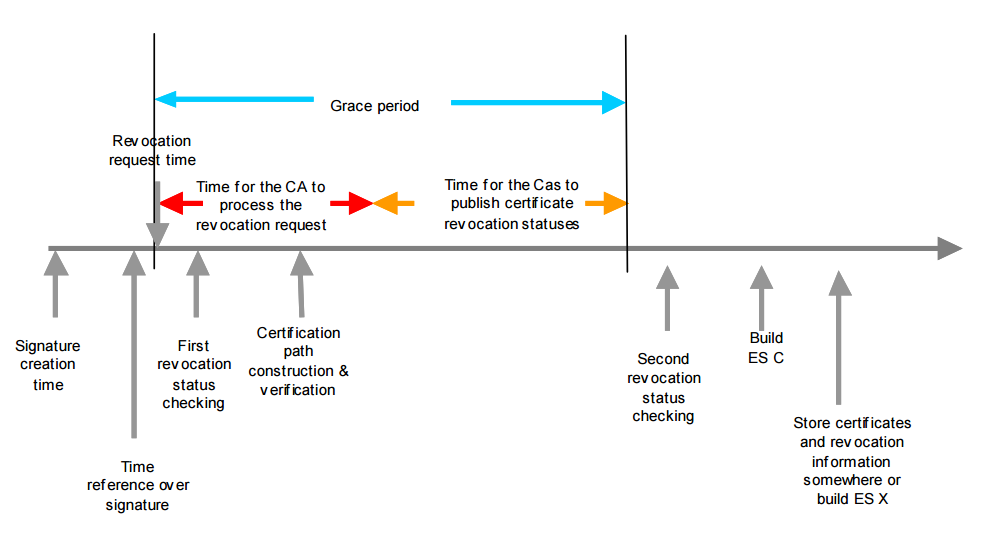
## Signing with a grace period
Signatures whose policy has a grace period can only be created with the asynchronous signature finishing strategy. For more
information, see [Asynchronous signature finishing](https://docs.lacunasoftware.com/en-us/articles/pki-sdk/signatures/cades/finisher).
To include a fixed grace period in the policy, use the @Lacuna.Pki.Cades.CadesPolicySpec.SetGracePeriod(System.TimeSpan) method,
as in the example below.
```cs
// Loading a signature policy
CadesPolicySpec policy = ...
// Setting a fixed grace period of 2 hours
policy.SetGracePeriod(TimeSpan.FromHours(2));
```
You can also use an @Lacuna.Pki.IGracePeriodCatalog, a grace period catalog that returns the length of the grace period based
on information of the signer's certificate, such as the Issuer or CertificatePolicies, and set it on the policy through the
@Lacuna.Pki.Cades.CadesPolicySpec.GracePeriodCatalog property.
```cs
// Implementation of a grace period catalog
IGracePeriodCatalog catalog = ...
policy.GracePeriodCatalog = catalog;
```
## See also
* [Asynchronous signature finishing](https://docs.lacunasoftware.com/en-us/articles/pki-sdk/signatures/cades/finisher)
* @Lacuna.Pki.Cades.BrazilCadesPolicySpec
# [Policy mappers](https://docs.lacunasoftware.com/en-us/articles/pki-sdk/signatures/policies/mappers)
Policy mappers select a policy based on characteristics of the signer. PKI SDK has two kinds of mappers, based on the certificate
and based on the SignerInfo. If your application uses several custom policies and needs a mapper for different signers,
implement the @Lacuna.Pki.Cades.ICadesPolicyMapper or @Lacuna.Pki.Cades.ICadesPolicyMapperBySignerInfo interface.
## Mapper by certificate
The certificate-based mapper can be used both when signing and when validating. It suits scenarios where distinct signature
policies, of different versions or standards, can be selected from fields of the signer's certificate, such as the issuer or the
certificate policy.
The example below uses an implementation of the @Lacuna.Pki.Cades.ICadesPolicyMapper interface that selects, based on the signer's
certificate, a version of the ICP-Brasil AD-RC signature policy among versions 1.0, 1.1, 2.0 and 2.1, configured in the
@Lacuna.Pki.Cades.BrazilCadesPolicySpec class.
```cs
// ICP-Brasil mapper with the versions of the AD-RC policy
var mapper = BrazilCadesPolicyMappers.GetAdrCompleta();
var signer = new CadesSigner();
signer.SetSigningCertificate(signingCert);
signer.SetDataToSign(toSign);
signer.SetPolicy(mapper); // Sets the mapper as the policy
signer.ComputeSignature();
```
For more information on ICP-Brasil policies in the SDK, see [ICP-Brasil policies](https://docs.lacunasoftware.com/en-us/articles/pki-sdk/signatures/policies/pki-brazil).
## Mapper by SignerInfo
The SignerInfo-based mapper is used to validate signatures that have an explicit policy (the policy is part of the signed
attributes), or that have some other characteristic in the signer information from which the signature policy used can be
recovered.
In the example below we validate an ICP-Brasil signature, which has an explicit policy, with the ICP-Brasil mapper by SignerInfo.
The SignerInfo mapper automatically selects the signature policy, with its validation rules, from the information of each signer
in the signature.
```cs
byte[] cadesSigContent = ...
// Loading the signature
var cadesSig = CadesSignature.Open(cadesSigContent);
// Validation with the mapper by SignerInfo
var vrs = cadesSig.ValidateAllSignatures(BrazilCadesPolicyMappers.GetCadesSignerInfoPolicyMapper());
```
## See also
* [ICP-Brasil policies](https://docs.lacunasoftware.com/en-us/articles/pki-sdk/signatures/policies/pki-brazil)
* @Lacuna.Pki.Cades.ICadesPolicyMapper
* @Lacuna.Pki.Cades.ICadesPolicyMapperBySignerInfo
* @Lacuna.Pki.Cades.BrazilCadesPolicyMappers
* @Lacuna.Pki.Cades.BrazilCadesPolicySpec
# [ICP-Brasil policies](https://docs.lacunasoftware.com/en-us/articles/pki-sdk/signatures/policies/pki-brazil)
The Brazilian Public Key Infrastructure (ICP-Brasil) is a hierarchical chain of trust that regulates the issuance of digital
certificates in Brazil. It also sets requirements and rules for digital signature policies, described in the
[DOC-ICP-15.03](http://www.iti.gov.br/images/twiki/URL/pub/Certificacao/DocIcp/docs13082012/DOC-ICP-15.03_-_Versao_6.1_2.pdf)
document, which must be used explicitly in signatures.
PKI SDK has signature policy objects already configured to the ICP-Brasil rules, easily available through the classes:
* @Lacuna.Pki.Cades.BrazilCadesPolicySpec (for CAdES signatures)
* @Lacuna.Pki.Pades.PadesPolicySpec.PkiBrazil (for PAdES signatures)
```cs
var signer = new CadesSigner();
// Sets the AD-RT v2.1 signature policy
signer.SetPolicy(BrazilCadesPolicySpec.GetAdrTempoV21());
```
Or through the @Lacuna.Pki.Cades.BrazilCadesPolicyMappers policy mappers.
```cs
var signer = new CadesSigner();
signer.SetPolicy(BrazilCadesPolicyMappers.GetAdrTempo());
```
## See also
* [AD-RT signature lifecycle](https://docs.lacunasoftware.com/en-us/articles/pki-sdk/signatures/policies/adrt-lifecycle)
* [Policy mappers](https://docs.lacunasoftware.com/en-us/articles/pki-sdk/signatures/policies/mappers)
* @Lacuna.Pki.Cades.BrazilCadesPolicySpec
* @Lacuna.Pki.Cades.BrazilCadesPolicyMappers
# [Policies with references but no values](https://docs.lacunasoftware.com/en-us/articles/pki-sdk/signatures/policies/revocation-refs-without-values)
Some signature policies require a timestamp over the revocation references but don't include the full revocation values. In
other words, the policy says the signature must have a timestamp over the digest of the revocation data used to validate the
signer's certificate, but that data need not be stored in the signature package. This is the case of the CAdES-C, CAdES-X
Type 1 and ICP-Brasil AD-RV policies.
To validate a signature in this scenario, an application must be able to retrieve the exact revocation data matching the digest
timestamped in the signature. The SDK's solution is to use an @Lacuna.Pki.Stores.IReferencedCrlStore at signing time: it keeps the
revocation data used to validate the certificates, indexed by its digest, which makes signature validation efficient and
consistent.
The example below uses this solution.
```cs
// An IReferencedCrlStore implementation
IReferencedCrlStore refStore = ...
// Creating the signature
var signer = new CadesSigner();
signer.SetSigningCertificate(signingCert);
signer.SetDataToSign(toSign);
signer.SetPolicy(policy); // Policy with references but no values
signer.SetCrlStore(refStore); // Sets the store that keeps the referenced values for validation
signer.SetTimestampRequester(tsRequester);
signer.ComputeSignature();
byte[] sig = signer.GetSignature();
// Validating the signature
var cadesSig = CadesSignature.Open(sig);
var vrs = cadesSig.ValidateAllSignatures(policy, crlStore: refStore);
```
If you already use an @Lacuna.Pki.Stores.ISimpleStore implementation, for instance for
[signature compression](https://docs.lacunasoftware.com/en-us/articles/pki-sdk/signatures/cades/compression), you can easily create an @Lacuna.Pki.Stores.IReferencedCrlStore from it with the
@Lacuna.Pki.Stores.ReferencedCrlStoreFromSimpleStore implementation, as in the example below.
```cs
// An existing ISimpleStore implementation
ISimpleStore simpleStore = ...
// Creating the IReferencedCrlStore
IReferencedCrlStore refStore = new ReferencedCrlStoreFromSimpleStore(simpleStore);
```
> **Note**
>
> This strategy pays off when the revocation data checked are CRLs, which can be large files of a few megabytes. When the revocation
> data are small, such as OCSP responses, it is better to include their full values in the signature package too, which makes
> validation more efficient and less complex.
## See also
* [Signature compression](https://docs.lacunasoftware.com/en-us/articles/pki-sdk/signatures/cades/compression)
* @Lacuna.Pki.Stores.IReferencedCrlStore
* @Lacuna.Pki.Stores.ISimpleStore
* @Lacuna.Pki.Stores.ReferencedCrlStoreFromSimpleStore
# [Web remote signatures](https://docs.lacunasoftware.com/en-us/articles/pki-sdk/signatures/web-remote)
It may be necessary to create a digital signature in situations where a signer's
private key is not in the same environment in which the SDK is running, allowing
for a remote signature. As an example, we can describe a web application that
creates a document signature package and requests the signature from a user who
has his private key on a smartcard or token connected to his computer. The
figure below exemplifies the diagram of this scenario.
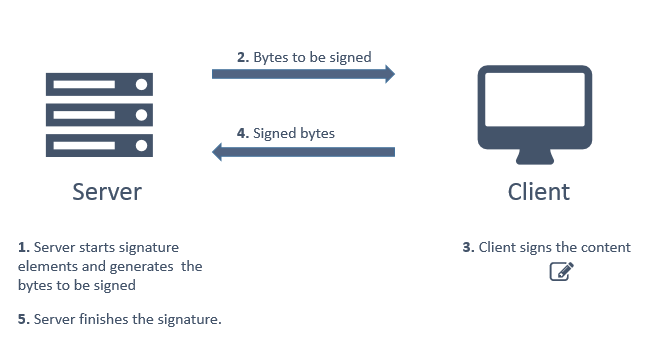
Signing with a remote key can be done in other situations, for example, between
a server and a desktop application that communicates with the server via the web
service. However, the most common case is to perform it in web applications,
doing the client-side part in the browser. To do this, use the component [Web PKI](https://docs.lacunasoftware.com/en-us/articles/web-pki). SDK usage licenses usually accompany usage
licenses for the component. If you do not already have a license to use the
component, [request a](https://www.lacunasoftware.com/pt/home/purchase).
The rest of this topic deals with the server-side part of the subscription. For details on the client-side part, see the [Web PKI component documentation](https://docs.lacunasoftware.com/en-us/articles/web-pki) or see the
[example project](https://github.com/LacunaSoftware/PkiSuiteSamples/tree/master/dotnet), which shows the use of the SDK in conjunction with the Web PKI.
## CAdES signature with remote key
Below is an example of a CAdES signature with a remote key in which there are two distinct moments on the server,
before and after the remote subscription. The first step has the objective of generating the signed attributes (bytes that will be
signed by the customer), the second moment is responsible for finalizing the customer's pre-computed signature.
```cs
// Certificado do signatário (sem chave privada associada)
PKCertificate signingCert = ...
//-----------------------------------------------------------------------
// Servidor (Início da assinatura)
var signer = new CadesSigner();
signer.SetSigningCertificate(signingCert);
signer.SetDataToSign(documentBytes);
signer.SetPolicy(policy);
SignatureAlgorithm signatureAlg;
byte[] toSign = signer.GenerateToSignBytes(out signatureAlg); // Gera os bytes a serem assinados pelo cliente remotamente
// Enviar os bytes toSign e algoritmo de assinatura ao cliente
//-----------------------------------------------------------------------
// Assinatura no cliente
//-----------------------------------------------------------------------
// Servidor (Finalização da assinatura)
// Recebendo os bytes assinados
byte[] signature = ...
var signer = new CadesSigner();
signer.SetSigningCertificate(signingCert);
signer.SetDataToSign(documentBytes);
signer.SetPolicy(policy);
signer.SetPrecomputedSignature(signature, toSign); // Define a assinatura remota
signer.ComputeSignature();
byte[] cadesSig = signer.GetSignature();
// ----------------------------------------------------------------------
```
## PAdES signature with remote key
The PAdES signature is an object internal to the signed PDF document that also protects its integrity. This object of
signature has a time reference, so as not to change parameters internal to the PDF, which would invalidate the
signature with respect to integrity, it is necessary to store a data structure (*PadesTransferData*) temporarily
between the start and end stages.
Below is an example of a PAdES signature with a remote key in which there are two distinct moments on the server,
before and after remote signing:
```cs
// Certificado do signatário (sem chave privada associada)
PKCertificate signingCert = ...
//-----------------------------------------------------------------------
// Servidor (Início da assinatura)
var signer = new PadesSigner();
signer.SetPdfToSign(pdfBytes);
signer.SetSigningCertificate(signingCert);
signer.SetPolicy(policy);
SignatureAlgorithm sigAlgorithm;
byte[] transData;
// Retorna os bytes a serem assinados pelo cliente remotamente e os dados a serem armazenados entre as etapas de início/finalização
byte[] toSign = signer.GetToSignBytes(out sigAlgorithm, out transData);
// Armazenar a estrutura transData
// Enviar os bytes toSign e algoritmo de assinatura ao cliente
//-----------------------------------------------------------------------
// Assinatura no cliente
//-----------------------------------------------------------------------
// Servidor (Finalização da assinatura)
// Recebendo os bytes assinados
byte[] signature = ...
var signer = new PadesSigner();
signer.SetPreComputedSignature(signature, transData); // Define a assinatura remota
signer.SetPolicy(policy);
signer.ComputeSignature();
byte[] signedPdf = signer.GetPadesSignature();
//-----------------------------------------------------------------------
```
## See too
* [CAdES signatures ](https://docs.lacunasoftware.com/en-us/articles/pki-sdk/signatures/cades)
* [PAdES signatures](https://docs.lacunasoftware.com/en-us/articles/pki-sdk/signatures/pades)
* [Web PKI](https://docs.lacunasoftware.com/en-us/articles/web-pki)
# [XML signatures](https://docs.lacunasoftware.com/en-us/articles/pki-sdk/signatures/xml)
PKI SDK supports the XmlDSig and XAdES signature standards. An XML signature can cover a whole document, a specific element inside
the document, or external content. As basic examples, the sections below show the signer signing a whole XML document and a
specific element of an XML document.
## Signing an XML document
The code below shows a basic XAdES signature of a whole XML document.
```cs
// ICP-Brasil AD-RB XAdES signature policy
var policy = BrazilXmlPolicySpec.GetAdrBasicaV22(true);
// Instantiate the signer object, which creates the signature
var signer = new FullXmlSigner();
signer.SetSigningCertificate(cert); // the signer's certificate, with its private key
signer.SetXml(xmlDocument); // bytes or XmlDocument object of the XML document to sign
signer.SetPolicy(policy); // AD-RB signature policy
signer.ComputeSignature(); // creates the signature element
var signedXml = signer.GetSignedXml(); // returns the bytes of the signed XML document
```
In this signature mode, by default, the transformation of the signed element is enveloped, and the resulting signature element is
included as a child of the root element in the finished document. For more information on where the signature element goes and on
the XML signature modes, see [Insertion modes](https://docs.lacunasoftware.com/en-us/articles/pki-sdk/signatures/xml/insertion).
## Signing an element of an XML document
The code below shows a basic XAdES signature of a specific element of an XML document.
> **Note**
>
> To sign an element of an XML document, the element must have an ID attribute that is unique in the XML.
```cs
// ICP-Brasil AD-RB XAdES signature policy
var policy = BrazilXmlPolicySpec.GetAdrBasicaV22(true);
// Instantiate the signer object, which creates the signature
var signer = new XmlElementSigner();
signer.SetSigningCertificate(cert); // the signer's certificate, with its private key
signer.SetXml(xmlDocument); // bytes or XmlDocument object of the XML document that has the element to sign
signer.SetToSignElementId(id); // sets the ID of the element to sign
signer.SetPolicy(policy);
signer.ComputeSignature(); // creates the signature element
var signedXml = signer.GetSignedXml(); // returns the bytes of the XML document with the signature element
```
In this signature mode, by default, a *detached* signature is created, and the signature element is included as a sibling of the
signed element. For more information on where the signature element goes and on the XML signature modes, see
[Insertion modes](https://docs.lacunasoftware.com/en-us/articles/pki-sdk/signatures/xml/insertion).
## Signing a Brazilian electronic invoice (NFe)
The code below signs a Brazilian electronic invoice (*Nota Fiscal eletrônica*, NFe) in the national standard:
```cs
// signature policy for NFe
var policy = BrazilXmlPolicySpec.GetNFePadraoNacional();
// Instantiate the signer object, which creates the signature
var signer = new XmlElementSigner();
signer.SetSigningCertificate(cert); // the signer's certificate, with its private key
signer.SetXml(xmlNFe); // bytes or XmlDocument object of the NFe to sign
signer.SetToSignElementId("NFe0000001"); // sets the ID of the NFe to sign
signer.SetPolicy(policy);
signer.ComputeSignature(); // creates the signature element
var signedNFe = signer.GetSignedXml(); // returns the bytes of the signed NFe
```
## See also
* @Lacuna.Pki.Xml.XmlElementSigner
* @Lacuna.Pki.Xml.FullXmlSigner
**Demos and samples**
- Live demo: [Validate a signed file](https://try.lacunasoftware.com/en/pki-suite/validate-a-signed-file)
- Validate a signed PDF using PKI SDK: [.NET](https://github.com/LacunaSoftware/PkiSuiteSamples/blob/master/dotnet/mvc/PkiSuiteAspNetMvcSample/Controllers/OpenPadesSignatureSdkController.cs)
- Validate a CMS/CAdES signature using PKI SDK: [.NET](https://github.com/LacunaSoftware/PkiSuiteSamples/blob/master/dotnet/mvc/PkiSuiteAspNetMvcSample/Controllers/OpenCadesSignatureSdkController.cs)
- Validate a signed XML using PKI SDK: [.NET](https://github.com/LacunaSoftware/PkiSuiteSamples/blob/master/dotnet/mvc/PkiSuiteAspNetMvcSample/Controllers/OpenXmlSignatureSdkController.cs)
- Sign an XML document using PKI SDK: [.NET](https://github.com/LacunaSoftware/PkiSuiteSamples/blob/master/dotnet/mvc/PkiSuiteAspNetMvcSample/Controllers/XmlSignatureSdkController.cs)
- Sign an XML document with a server key using PKI SDK: [.NET](https://github.com/LacunaSoftware/PkiSuiteSamples/blob/master/dotnet/mvc/PkiSuiteAspNetMvcSample/Controllers/XmlServerKeySdkController.cs)
- Sign a Brazilian NF-e using PKI SDK: [.NET](https://github.com/LacunaSoftware/PkiSuiteSamples/blob/master/dotnet/mvc/PkiSuiteAspNetMvcSample/Controllers/XmlNFeSignatureSdkController.cs)
- Sign a COD XML using PKI SDK: [.NET](https://github.com/LacunaSoftware/PkiSuiteSamples/blob/master/dotnet/mvc/PkiSuiteAspNetMvcSample/Controllers/XmlCodSignatureSdkController.cs)
# [Signing external content](https://docs.lacunasoftware.com/en-us/articles/pki-sdk/signatures/xml/detached-resources)
The XML signature standard lets you create signatures whose signed content is outside the XML document, or signatures of any
content.
PKI SDK offers two ways to sign external content. The @Lacuna.Pki.Xml.DetachedResourceXmlSigner signer is meant for content that
is local to the application. The @Lacuna.Pki.Xml.OnlineResourceXmlSigner signer is meant for online content, outside the
application.
In this signature mode, you can choose not to pass any XML document to the signer. The `signedXml` result is then a new XML
document with the signature node as its root node.
If you pass an XML document to the signer (`signer.SetXml(xmlDocument)`), the signature node is included in that XML, following
the insertion rules described in [Insertion modes](https://docs.lacunasoftware.com/en-us/articles/pki-sdk/signatures/xml/insertion).
Below are examples of each signer:
## Local external content
```cs
var signer = new DetachedResourceXmlSigner();
signer.SetToSignDetachedResource(resource, "uri.to.resource");
signer.SetPolicy(policy);
signer.SetSigningCertificate(certWithKey);
signer.ComputeSignature();
var signedXml = signer.GetSignedXml();
```
## Online external content
```cs
var signer = new OnlineResourceXmlSigner();
signer.SetToSignResourceUri(resourceUri);
signer.SetPolicy(policy);
signer.SetSigningCertificate(certWithKey);
signer.ComputeSignature();
var signedXml = signer.GetSignedXml();
```
# [ID resolution](https://docs.lacunasoftware.com/en-us/articles/pki-sdk/signatures/xml/id-resolution)
To sign an element of an XML document, the element must have an ID attribute that is unique in the document. If the XML uses a
different name for the ID attribute, you need to define an ID resolution.
The ID resolution can be defined globally, if the ID attribute change applies to the whole XML, or locally, if it applies to a
single element.
In the examples below, we sign the following XML, whose ID attribute is renamed to `licenseId`.
```xml
www.contoso.com
www.contoso.com
2016-03-23
```
## Defining a global ID resolution table
If the change applies globally, the signing code is:
```cs
// Create ID resolution table for whole XML
var idResolutionTable = new XmlIdResolutionTable();
idResolutionTable.AddGlobalIdAttribute("licenseId");
var signer = new XmlElementSigner();
signer.SetXml(xml);
signer.SetSigningCertificate(cert);
signer.SetPolicy(policy);
signer.SetToSignElementId(":9e2e5bbc-b4a0-41dc-a342-98f1554f32a3");
signer.SetIdResolutionTable(idResolutionTable); // set ID resolution table
signer.ComputeSignature();
```
> **Note**
>
> If the attribute has a specific namespace, you can pass it to the same method,
> @Lacuna.Pki.Xml.XmlIdResolutionTable.AddGlobalIdAttribute(System.String,System.String)
## Defining a local ID resolution table
In this example, the ID change applies only to the `` element.
```cs
// Create ID resolution table for element name and namespace
var idResolutionTable = new XmlIdResolutionTable();
idResolutionTable.SetElementIdAttribute("licenseInfo", "http://www.lacunasoftware.com/", "licenseId");
var signer = new XmlElementSigner();
signer.SetXml(xml);
signer.SetSigningCertificate(cert);
signer.SetPolicy(policy);
signer.SetToSignElementId(":9e2e5bbc-b4a0-41dc-a342-98f1554f32a3");
signer.SetIdResolutionTable(idResolutionTable); // set ID resolution table
signer.ComputeSignature();
```
> **Note**
>
> If the attribute has a specific namespace, you can pass it to the same method,
> @Lacuna.Pki.Xml.XmlIdResolutionTable.SetElementIdAttribute(System.String,System.String,System.String,System.String)
## See also
* @Lacuna.Pki.Xml.XmlIdResolutionTable
* @Lacuna.Pki.Xml.XmlElementSigner
# [Insertion modes](https://docs.lacunasoftware.com/en-us/articles/pki-sdk/signatures/xml/insertion)
Signing an XML document produces a `` element with the information of that signature. This element is included in
the XML following the defaults in the table below. You can also choose a custom location, as shown in
[Setting where the signature element goes](https://docs.lacunasoftware.com/en-us/articles/pki-sdk/signatures/xml/insertion#custom-location).
## Default location of the signature node
Signer | Default | Default without an XML document
----------------------------------------- | ---------------------------- | -------------------------------
@Lacuna.Pki.Xml.FullXmlSigner | Child of the root element | (Not applicable)
@Lacuna.Pki.Xml.XmlElementSigner | Sibling of the signed element | (Not applicable)
@Lacuna.Pki.Xml.OnlineResourceXmlSigner | Child of the root element | Root element
@Lacuna.Pki.Xml.DetachedResourceXmlSigner | Child of the root element | Root element
> **Note**
>
> The @Lacuna.Pki.Xml.FullXmlSigner and @Lacuna.Pki.Xml.XmlElementSigner signers require an XML document, so the
> *Default without an XML document* column does not apply to them.
To choose a custom location for the signature element, see the next section.
## Setting where the signature element goes
In PKI SDK, you can choose where the signature element goes with the
@Lacuna.Pki.Xml.XmlSigner.SetSignatureElementLocation(System.String,Lacuna.Pki.Xml.NamespaceManager,Lacuna.Pki.Xml.XmlInsertionOptions)
method of the signers.
As an example, we sign the whole XML document below:
```xml
Lacuna Software Ltda EPP
20658903000171
Banco do Brasil SA
00000000000191
-
10201
Philips screws
100
```
We want to sign the document above and put the signature element inside the `` element. The code below
does that.
```cs
// Create a namespace manager with the necessary namespaces to
// get to the target element for the signature insertion
var nsm = new NamespaceManager();
nsm.AddNamespace("ls", "http://www.lacunasoftware.com/sample");
string xpath = "//ls:signaturePlaceholder"; // XPath to the target element
var signer = new FullXmlSigner();
signer.SetXml(lacunaInvoiceXmlBytes); // Set the XML document bytes
signer.SetPolicy(policy); // Set the signature policy
signer.SetSigningCertificate(cert); // Set the certificate with key
// Set the signature element location
signer.SetSignatureElementLocation(xpath, nsm, XmlInsertionOptions.AppendChild);
signer.ComputeSignature();
var signedXml = signer.GetSignedXml(); // Return signed XML
```
In the signed XML, the signature element is a child of the `` element.
```xml
...
...
```
> **Note**
>
> About the `string xpath` parameter of the
> @Lacuna.Pki.Xml.XmlSigner.SetSignatureElementLocation(System.String,Lacuna.Pki.Xml.NamespaceManager,Lacuna.Pki.Xml.XmlInsertionOptions)
> method: on the @Lacuna.Pki.Xml.XmlElementSigner signer, the XPath is evaluated from the element chosen for signing, while on the
> other signers it is evaluated from the root element of the XML.
# [Optional Nuget packages](https://docs.lacunasoftware.com/en-us/articles/pki-sdk/optional-packages)
PKI SDK is distributed through the Nuget Package Manager. Besides the main package,
[Lacuna.Pki](https://www.nuget.org/packages/Lacuna.Pki/), there are a few optional packages that add integration
with providers and other libraries.
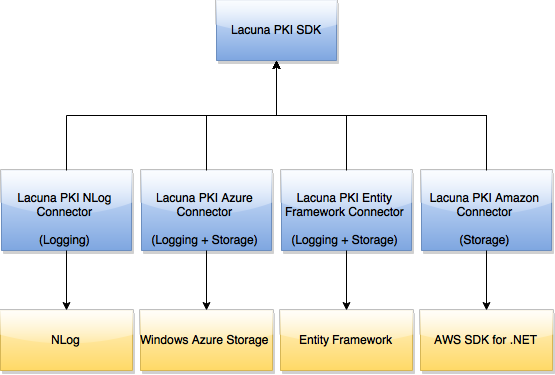
The arrows in the diagram above are dependencies. The **Lacuna.Pki** package has no dependencies, and each optional
package depends on it and on one other package, the one it integrates with.
## Storage integration
Some operations need an "external store", a place to store and retrieve data. Some examples of operations that need an
external store:
* Compressing and decompressing CAdES signatures (for more information see [Signature compression](https://docs.lacunasoftware.com/en-us/articles/pki-sdk/signatures/cades/compression)).
* Creating and validating CAdES signatures with validation references but without validation values (for instance, the CAdES-C,
CAdES-X Type 1 and ICP-Brasil AD-RV policies).
To perform these operations, you pass the SDK an object that implements the `Lacuna.Pki.Stores.ISimpleStore` interface. The
main package already has one implementation of the interface, the @Lacuna.Pki.Stores.FileSystemSimpleStore class, which stores
and retrieves files on the local file system. For large-scale systems, though, disk storage may not be reliable enough.
The following optional packages offer other storage options:
* [Azure Connector](https://docs.lacunasoftware.com/en-us/articles/pki-sdk/optional-packages/azure-connector) (storage on Azure Blob Storage)
* [Amazon Connector](https://docs.lacunasoftware.com/en-us/articles/pki-sdk/optional-packages/amazon-connector) (storage on Amazon S3)
* [Entity Framework Connector](https://docs.lacunasoftware.com/en-us/articles/pki-sdk/optional-packages/ef-connector) (storage in a database)
## Logging integration
The following packages let you log the SDK's internal messages for diagnostics:
* [NLog Connector](https://docs.lacunasoftware.com/en-us/articles/pki-sdk/optional-packages/nlog-connector) (send logs to the NLog library)
* [Entity Framework Connector](https://docs.lacunasoftware.com/en-us/articles/pki-sdk/optional-packages/ef-connector) (send logs to the database)
* [Azure Connector](https://docs.lacunasoftware.com/en-us/articles/pki-sdk/optional-packages/azure-connector) (send logs to Azure Table Storage)
The recommended package for logging is the [NLog Connector](https://docs.lacunasoftware.com/en-us/articles/pki-sdk/optional-packages/nlog-connector): with **NLog** you can send logs to different
destinations, Azure and the database included, and benefit from the performance of a library built for that purpose.
## Nonce storage integration
For authentication with digital certificates, the SDK needs an external store for cryptographic *nonces*. The
[Entity Framework Connector](https://docs.lacunasoftware.com/en-us/articles/pki-sdk/optional-packages/ef-connector) package stores these *nonces* in the database using Microsoft Entity Framework.
# [Amazon Connector](https://docs.lacunasoftware.com/en-us/articles/pki-sdk/optional-packages/amazon-connector)
The optional package [Lacuna PKI Amazon Connector](https://www.nuget.org/packages/Lacuna.Pki.AmazonConnector/) enables
the following integrations between the PKI SDK and Amazon Web Services:
* Compress and decompress CAdES signatures storing the CRLs and certificates in
an AWS S3 bucket
* Perform and validate CAdES signatures with revocation references but without
revocation values (CAdES-X Type 1 or ICP-Brasil AD-RV) by storing the
correspondent values in an AWS S3 bucket
## AWS Credentials
The first thing you'll need is to create an AWS S3 account (obviously)
and get access credentials. If haven't already done that, the following links
can guide you through the process:
* [Getting Your Access Key ID and Secret Access Key](http://docs.aws.amazon.com/AWSSimpleQueueService/latest/SQSGettingStartedGuide/AWSCredentials.html)
* [Managing Access Keys for your AWS Account](http://docs.aws.amazon.com/general/latest/gr/managing-aws-access-keys.html)
By the end of that process you should have the following parameters:
* Access Key ID
* Secret Access Key
* Bucket name
* Bucket region
## AmazonS3Store
The @Lacuna.Pki.AmazonConnector.AmazonS3Store class implements the @Lacuna.Pki.Stores.ISimpleStore interface, which
is used by the SDK whenever a storage is needed to store and/or retrieve objects, for instance when compressing CAdES
signatures (for more information, see [Optional nuget packages](https://docs.lacunasoftware.com/en-us/articles/pki-sdk/optional-packages)).
To use it, instantiate it passing the parameters mentioned in the previous section:
```cs
var store = AmazonS3Store.CreateFromAccessCredentials(accessKeyId, awsSecretAccessKey, RegionEndpoint.USEast1, bucketName);
```
You can optionally specify a `basePath`, which is a folder to store the objects:
```cs
var store = AmazonS3Store.CreateFromAccessCredentials(accessKeyId, awsSecretAccessKey, RegionEndpoint.USEast1, bucketName, "lacuna-pki-store");
```
That would prefix all keys with `lacuna-pki-store/`. If you don't specify a `basePath`, the objects will be created on
the root of the bucket.
Once you have an instance of the `AmazonS3Store` class you can, for instance, compress and decompress a CAdES
signature:
```cs
byte[] precomputedSignature = ...; // any CAdES signature, not necessarily generated with the SDK
var compressedSignature = CadesSignatureCompression.Compress(precomputedSignature, store);
var decompressedSignature = CadesSignatureCompression.Decompress(compressedSignature, store);
// precomputedSignature and decompressedSignature will be the same
```
## Dependency on the AWS SDK for .NET
In order to maximise compatibility, the package depends on an old version of the **AWSSDK** package, but we strongly
recommend that you install the latest version.
## Source code
The package is open source, hosted on [BitBucket](https://bitbucket.org/Lacunas/pkiamazonconnector). Feel free to fork
it if you need to make any customizations.
# [Azure Connector](https://docs.lacunasoftware.com/en-us/articles/pki-sdk/optional-packages/azure-connector)
The package [Lacuna PKI Azure Connector](https://www.nuget.org/packages/Lacuna.Pki.AzureConnector/) enables the
following integrations between the PKI SDK and the Microsoft Azure storage service:
* Use keys stored on [Azure Key Vault](https://azure.microsoft.com/en-us/services/key-vault/)
* Compress and decompress CAdES signatures storing the CRLs and certificates in
a [Blob Storage](https://docs.microsoft.com/en-us/azure/storage/storage-dotnet-how-to-use-blobs)
* Perform and validate CAdES signatures with revocation references but without
revocation values (CAdES-X Type 1 or ICP-Brasil AD-RV) by storing the
correspondent values on a Blob Storage
* Send log messages generated by the SDK to a [Table Storage](https://docs.microsoft.com/en-us/azure/storage/storage-dotnet-how-to-use-tables)
> **Note**
>
> For information on Key Vault integration, [click here](https://docs.lacunasoftware.com/en-us/articles/pki-sdk/optional-packages/azure-connector/key-vault)
## Azure Storage credentials
The first thing you'll need is to create an Azure storage account (obviously) and get access credentials, called
"Access Keys" in Azure-vernacular. If haven't already done that, the following link can guide you through the process:
* [About Azure storage accounts](https://azure.microsoft.com/en-us/documentation/articles/storage-create-storage-account/)
By the end of that process you should have a connection string similar to:
DefaultEndpointsProtocol=https;AccountName=youraccount;AccountKey=XXXXXXXXXX==
The best place to put that string is in an appSetting in your `web.config`:
```xml
```
But you may also keep it in your code, as we'll see in a bit.
## AzureBlobStorageStore
The @Lacuna.Pki.AzureConnector.AzureBlobStorageStore class implements the @Lacuna.Pki.Stores.ISimpleStore interface,
which is used by the SDK whenever a storage is needed to store and/or retrieve objects, for instance when compressing
CAdES signatures (for more information, see [Optional nuget packages](https://docs.lacunasoftware.com/en-us/articles/pki-sdk/optional-packages/azure-connector)).
If you stored your Azure Storage connection string in a appSettings entry as suggested above, all you need to do to
instantiate an `AzureBlobStorageStore` is:
```cs
var store = AzureBlobStorageStore.CreateFromSettingName("AzureStorage"); // or whatever else you put in the "key" attribute of the appSetting
```
If you'd rather have the connection string in your code, you can:
```cs
var store = AzureBlobStorageStore.CreateFromConnectionString("DefaultEndpointsProtocol=https;AccountName=youraccount;AccountKey=XXXXXXXXXX==");
```
By default, the objects are stored in a storage named "lacuna-pki-store", but you can change that:
```cs
var store = AzureBlobStorageStore.CreateFromSettingName("AzureStorage", "my-container");
```
Once you have an instance of `AzureBlobStorageStore` associated with your storage account and container, you can,
for instance, compress and decompress a CAdES signature:
```cs
byte[] precomputedSignature = ...; // any CAdES signature, not necessarily generated with the SDK
var compressedSignature = CadesSignatureCompression.Compress(precomputedSignature, store);
var decompressedSignature = CadesSignatureCompression.Decompress(compressedSignature, store);
// precomputedSignature and decompressedSignature will be the same
```
## AzureTableStorageLogger
The @Lacuna.Pki.AzureConnector.AzureTableStorageLogger class is used to send log messages generated by the SDK to an
Azure Table. You instantiate the class in the same manner as the `AzureBlobStorageStore`:
```cs
var logger = AzureTableStorageLogger.CreateFromSettingName("AzureStorage"); // or whatever else you put in the "key" attribute of the appSetting
```
By default, logs are stored in a table named "LacunaPkiLog", but you can override that setting:
```cs
var logger = AzureTableStorageLogger.CreateFromSettingName("AzureStorage", "MyTable");
```
You can also specify the minimum level to log (the default is "Info"):
```cs
var logger = AzureTableStorageLogger.CreateFromSettingName("AzureStorage", minLevel: LogLevels.Trace); // this would log A LOT, use only for diagnostics
```
Once you have an instance of `AzureTableStorageLogger`, simply call the
@Lacuna.Pki.AzureConnector.AzureTableStorageLogger.Configure method and you're good to go:
```cs
logger.Configure();
```
In short, you generally do:
```cs
AzureTableStorageLogger.CreateFromSettingName("AzureStorage").Configure();
```
## Source code
The package is open source, sourced on [BitBucket](https://bitbucket.org/Lacunas/pkiazureconnector). Feel free to fork
it if you need to make any customizations.
# [Azure Key Vault integration](https://docs.lacunasoftware.com/en-us/articles/pki-sdk/optional-packages/azure-connector/key-vault)
The package [Lacuna PKI Azure Connector](https://www.nuget.org/packages/Lacuna.Pki.AzureConnector/) enables usage of certificates and keys stored on
[Azure Key Vaults](https://azure.microsoft.com/en-us/services/key-vault/) to sign documents, issue certificates etc.
To use certificates or keys stored on a key vault, you will need the following parameters:
* **Endpoint**: the `DnsName` of the key vault, as shown on the *Overview* menu on Azure Portal
* **AppId**: the **Application ID** of an application registered on *Microsoft Entra ID*
* **AppSecret**: an authentication secret for the application, generated on *Certificates & secrets*
You will also need to know the **name** of the certificate or key you intend to use.
## Instructions
> **Tip**
>
> If your application uses ASP.NET Core, [see the section below](https://docs.lacunasoftware.com/en-us/articles/pki-sdk/optional-packages/azure-connector/key-vault#aspnet-core)
Once you have the required parameters, create an instance of @Lacuna.Pki.AzureConnector.AzureKeyVaultOptions and, with it, an instance of @Lacuna.Pki.AzureConnector.AzureApiAuthenticator:
```cs
var options = new AzureKeyVaultOptions() {
Endpoint = "...",
AppId = "...",
AppSecret = "...",
};
var azureApiAuthenticator = new AzureApiAuthenticator(options);
```
> **Note**
>
> Your application should keep a single instance of `AzureApiAuthenticator` (singleton lifetime).
Then, create an instance of @Lacuna.Pki.AzureConnector.AzureCertificateProvider
and request to it a @Lacuna.Pki.PKCertificateWithKey passing the `certificateName` of the certificate:
> **Note**
>
> If you store only the certificates' keys on Azure Key Vault, but not the certificate themselves, read the [section below](https://docs.lacunasoftware.com/en-us/articles/pki-sdk/optional-packages/azure-connector/key-vault#external-cert).
```cs
var azureCertProvider = new AzureCertificateProvider(options, azureApiAuthenticator);
var certWithKey = await azureCertProvider.GetCertificateWithKeyAsync(/* certificateName */);
```
> **Note**
>
> The instance of `AzureCertificateProvider` should be created and disposed as needed (transient lifetime).
With a `PKCertificateWithKey`, you can perform "single step" signatures (as if they were not remote signatures), e.g.:
```cs
var signer = new PadesSigner();
signer.SetPdfToSign(/* PDF file path, content or stream */);
signer.SetSigningCertificate(certWithKey);
signer.SetPolicy(PadesPoliciesForGeneration.GetPadesBasic(TrustArbitrators.PkiBrazil));
signer.ComputeSignature();
var signedPdf = signer.GetPadesSignature();
```
Here follows a complete sample:
```cs
// System-wide singletons
Global.AzureKeyVaultOptions = new AzureKeyVaultOptions() {
Endpoint = "...",
AppId = "...",
AppSecret = "...",
};
Global.AzureApiAuthenticator = new AzureApiAuthenticator(options);
...
var azureCertProvider = new AzureCertificateProvider(Global.AzureKeyVaultOptions, Global.AzureApiAuthenticator);
var certWithKey = await azureCertProvider.GetCertificateWithKeyAsync(/* certificateName */);
var signer = new PadesSigner();
signer.SetPdfToSign(/* PDF file path, content or stream */);
signer.SetSigningCertificate(certWithKey);
signer.SetPolicy(PadesPoliciesForGeneration.GetPadesBasic(TrustArbitrators.PkiBrazil));
signer.ComputeSignature();
var signedPdf = signer.GetPadesSignature();
```
## ASP.NET Core
If your application uses ASP.NET Core, add the following to your `ConfigureServices` on your app's startup:
```cs
public void ConfigureServices(IServiceCollection services) {
...
services.AddAzureKeys()
.Configure(Configuration.GetSection("AzureKeyVault"));
}
```
Add a section named `AzureKeyVault` to your *appsettings.json* file:
```json
...
"AzureKeyVault": {
"Endpoint": "https://my-key-vault.vault.azure.net/",
"AppId": "...",
"AppSecret": "..."
},
...
```
Whenever your need to use certificates stored on a Key Vault, request an instance of @Lacuna.Pki.AzureConnector.IAzureCertificateProvider
through dependency injection:
```cs
using Lacuna.Pki.AzureConnector;
public MyController : ApiController {
private readonly IAzureCertificateProvider azureCertProvider;
public MyController(IAzureCertificateProvider azureCertProvider) {
this.azureCertProvider = azureCertProvider;
}
...
}
```
From then on, use the key as described previously:
```cs
var certWithKey = await azureCertProvider.GetCertificateWithKeyAsync(/* certificateName */);
var signer = new PadesSigner();
signer.SetPdfToSign(/* PDF file path, content or stream */);
signer.SetSigningCertificate(certWithKey);
signer.SetPolicy(PadesPoliciesForGeneration.GetPadesBasic(TrustArbitrators.PkiBrazil));
signer.ComputeSignature();
var signedPdf = signer.GetPadesSignature();
```
## Using certificates having stored only the key on a Key Vault
You may choose to store only your certificate keys on Azure Key Vault, storing on your application the public portion of the certificates (.cer/.crt/.pem files)
corresponding to the keys.
In this case, create an instance of @Lacuna.Pki.AzureConnector.AzureKeyProvider and request to it an @Lacuna.Pki.AzureConnector.AzureKey passing the `keyName` of the key:
```cs
var azureKeyProvider = new AzureKeyProvider(options, azureApiAuthenticator);
var key = await azureKeyProvider.GetKeyAsync(/* keyName */);
```
> **Note**
>
> The instance of `AzureKeyProvider` should be created and disposed as needed (transient lifetime).
The `AzureKey` class implements @Lacuna.Pki.IPrivateKey, and therefore can be used as such:
```cs
byte[] toSignHash = ...;
var signature = key.GetSignatureCsp(DigestAlgorithm.SHA256).SignHash(toSignHash);
```
However, the easiest way to use the key is by calling the `GetCertificateWithKey()` method with the certificate
(which may be available as one of your app's configurations, or stored on the database or even hardcoded):
```cs
var certificate = PKCertificate.Decode(/* certificate file path or content */);
var certWithKey = key.GetCertificateWithKey(certificate);
```
For **ASP.NET Core** applications, instead of asking for an instance of @Lacuna.Pki.AzureConnector.IAzureCertificateProvider through dependency injection,
ask for @Lacuna.Pki.AzureConnector.IAzureKeyProvider and call its `GetKeyAsync()` method:
```cs
using Lacuna.Pki.AzureConnector;
public MyController : ApiController {
private readonly IAzureKeyProvider azureKeyProvider;
public MyController(IAzureKeyProvider azureKeyProvider) {
this.azureKeyProvider = azureKeyProvider;
}
...
public async Task Post() {
...
var key = await azureKeyProvider.GetKeyAsync(/* keyName */);
var certificate = PKCertificate.Decode(/* certificate file path or content */);
var certWithKey = key.GetCertificateWithKey(certificate);
var signer = new PadesSigner();
signer.SetPdfToSign(/* PDF file path, content or stream */);
signer.SetSigningCertificate(certWithKey);
signer.SetPolicy(PadesPoliciesForGeneration.GetPadesBasic(TrustArbitrators.PkiBrazil));
signer.ComputeSignature();
var signedPdf = signer.GetPadesSignature();
...
}
}
```
# [Entity Framework Connector](https://docs.lacunasoftware.com/en-us/articles/pki-sdk/optional-packages/ef-connector)
The package
[Lacuna PKI Entity Framework Connector](https://www.nuget.org/packages/Lacuna.Pki.EntityFrameworkConnector/)
enables the following integrations between the PKI SDK and
[Microsoft Entity Framework](https://docs.microsoft.com/en-us/ef/):
* Compress and decompress CAdES signatures storing the CRLs and certificates in
a database
* Perform and validate CAdES signatures with revocation references but without
revocation values (CAdES-X Type 1 or ICP-Brasil AD-RV) by storing the
correspondent values on a database
* Send log messages generated by the SDK to a database
> **Note**
>
> This package assumes you are using the Code First workflow of Entity Framework.
## EntityFrameworkStore
The @Lacuna.Pki.EntityFrameworkConnector.EntityFrameworkStore class implements the @Lacuna.Pki.Stores.ISimpleStore
interface, which is used by the SDK whenever a storage is needed to store and/or retrieve objects, for
instance when compressing CAdES signatures (for more information, see [Optional nuget packages](https://docs.lacunasoftware.com/en-us/articles/pki-sdk/optional-packages)).
To use it, you must make your `DbContext` class implement the @Lacuna.Pki.EntityFrameworkConnector.IPkiStoreContext,
which basically means adding a `DbSet` with objects of type @Lacuna.Pki.EntityFrameworkConnector.PkiStoreObject to it:
```cs
public class MyDbContext : DbContext, IPkiStoreContext {
...
DbSet PkiStore { get; set; }
...
}
```
If you're using automatic migrations, this change to your `DbContext` will cause
a new table named "LacunaPkiStore" to be created on the database. If you're
using code-based migrations, the necessary database changes will appear in the
next migration you create.
The next step is to instantiate an @Lacuna.Pki.EntityFrameworkConnector.EntityFrameworkStore passing your `DbContext`,
typically inside a `using` block:
```cs
using (var dbContext = new MyDbContext()) {
...
var store = new EntityFrameworkStore(dbContext);
...
});
```
Once you have an instance of `EntityFrameworkStore` you can, for instance,
compress and decompress a CAdES signature:
```cs
byte[] precomputedSignature = ...; // any CAdES signature, not necessarily generated with the SDK
var compressedSignature = CadesSignatureCompression.Compress(precomputedSignature, store);
var decompressedSignature = CadesSignatureCompression.Decompress(compressedSignature, store);
// precomputedSignature and decompressedSignature will be the same
```
> **Warning**
>
> The `EntityFrameworkStore` class **will not call** the `SaveChanges()` method, you
> must call it yourself.
The `SaveChanges()` method is not called automatically in order to enable you to make the compression a part of a
transaction in your business logic. Therefore, make sure you call `SaveChanges()` afterwards:
```cs
using (var dbContext = new MyDbContext()) {
...
byte[] precomputedSignature = ...; // any CAdES signature, not necessarily generated with the SDK
var store = new EntityFrameworkStore(dbContext);
var compressedSignature = CadesSignatureCompression.Compress(precomputedSignature, store);
...
dbContext.SaveChanges();
});
```
## EntityFrameworkLogger
The @Lacuna.Pki.EntityFrameworkConnector.EntityFrameworkLogger class is used to send log messages generated by the
SDK to the database. To use it, you must make your `DbContext` class implement
the @Lacuna.Pki.EntityFrameworkConnector.IPkiLogContext, which basically means adding a `DbSet` of objects of
type @Lacuna.Pki.EntityFrameworkConnector.PkiLogEntry to it:
```cs
public class MyDbContext : DbContext, IPkiLogContext {
...
DbSet PkiLog { get; set; }
...
}
```
If you're using automatic migrations, this change to your `DbContext` will cause
a new table named "LacunaPkiLog" to be created on the database. If you're
using code-based migrations, the necessary database changes will appear in the
next migration you create.
Then, all you need to do is call the method
`Lacuna.Pki.EntityFrameworkConnector.EntityFrameworkLogger.Configure(Lacuna.Pki.EntityFrameworkConnector.IPkiLogContext,LogLevels)`
of the `EntityFrameworkLogger` class passing an instance of your `DbContext`:
```cs
EntityFrameworkLogger.Configure(new MyDbContext());
```
> **Tip**
>
> The `EntityFrameworkLogger` class will call `SaveChanges()` on the given context
> whenever it deems necessary. Therefore, it is a good idea to pass to it a
> `DbContext` instance of its own.
## Dependency on Entity Framework
In order to maximise compatibility, the package depends on an old version the EntityFramework package, but we strongly
recommend that you install the latest 6.x version.
## Source code
This package is open source, hosted on
[BitBucket](https://bitbucket.org/Lacunas/pkientityframeworkconnector). Feel free to fork it if you need to make any
customizations.
# [NLog Connector](https://docs.lacunasoftware.com/en-us/articles/pki-sdk/optional-packages/nlog-connector)
The package [Lacuna PKI NLog Connector](https://www.nuget.org/packages/Lacuna.Pki.NLogConnector/) enables sending log
messages generated by the PKI SDK to the [NLog](http://nlog-project.org/) logging library.
## Usage
All you need to do is make the following call somewhere in your code, preferably on the startup of your application
or website:
```cs
Lacuna.Pki.NLogConnector.NLogLogger.Configure();
```
From then on, all log messages generated by the SDK will be forwarded to NLog. Configuration of NLog, however, is up
to you. The following would be an example of a `web.config`/`app.config` file to save log messages to a file:
```xml
```
> **Note**
>
> It is very important to specify asynchronous logging (`async="true"` on the
> `targets` tag), otherwise the performance of the SDK might be considerably
> impaired.
The messages are sent with various logger names according to where the message
was originated, but all logger names are preceded by "Lacuna.Pki." (hence the
`name="Lacuna.Pki.*"` attribute on the `logger` tag).
## Dependency on NLog
In order to maximise compatibility, the package depends on an old version of the NLog package, but we strongly recommend
that you install the latest version.
## Source code
This package is open source, hosted on [BitBucket](https://bitbucket.org/Lacunas/pkinlogconnector). Feel free to fork
it if you need to make any customizations.
# [Signing with cloud digital certificates](https://docs.lacunasoftware.com/en-us/articles/pki-sdk/cloud-certificates)
PKI SDK supports signatures with cloud digital certificates, held by cloud service providers that follow the specifications of the ITI
(the Brazilian National Institute of Information Technology). The main providers are BirdId (Vault ID), ViDaaS (VALID), NeoId (Serpro),
RemoteId (Certisign) and SafeId (Safeweb).
PKI SDK itself does not access the digital certificate used in the signature, though: the `BrazilTrustServices` package does.
## See also
* [BrazilTrustServices](https://docs.lacunasoftware.com/en-us/articles/pki-sdk/cloud-certificates/brazil-trust-services)
**Demos and samples**
- Live demo: [Sign a PDF with your cloud certificate](https://try.lacunasoftware.com/en/pki-suite/sign-with-cloud-certificate)
- Sign a PDF with a cloud certificate (OAuth flow) using PKI SDK: [.NET](https://github.com/LacunaSoftware/PkiSuiteSamples/blob/master/dotnet/mvc/PkiSuiteAspNetMvcSample/Controllers/PadesCloudOauthSdkController.cs)
- Sign a PDF with a cloud certificate (password flow) using PKI SDK: [.NET](https://github.com/LacunaSoftware/PkiSuiteSamples/blob/master/dotnet/mvc/PkiSuiteAspNetMvcSample/Controllers/PadesCloudPwdSdkController.cs)
- Sign a PDF with a cloud certificate using CloudHub: [.NET](https://github.com/LacunaSoftware/PkiSuiteSamples/blob/master/dotnet/mvc/PkiSuiteAspNetMvcSample/Controllers/PadesCloudHubSdkController.cs) · [Java](https://github.com/LacunaSoftware/PkiSuiteSamples/blob/master/java/springmvc/src/main/java/com/lacunasoftware/pkisuite/controller/PadesSignatureCloudhubRestController.java) · [Node.js](https://github.com/LacunaSoftware/PkiSuiteSamples/blob/master/nodejs/expressmvc/routes/pades-signature-cloudhub-restpki.js) · [PHP](https://github.com/LacunaSoftware/PkiSuiteSamples/blob/master/php/plain/public/pades-signature-cloudhub-rest/index.php)
- Sign an XML document with a cloud certificate using CloudHub: [PHP](https://github.com/LacunaSoftware/PkiSuiteSamples/blob/master/php/plain/public/xml-signature-cloudhub-rest/index.php)
- Authenticate with a cloud certificate using CloudHub: [.NET](https://github.com/LacunaSoftware/PkiSuiteSamples/blob/master/dotnet/mvc/PkiSuiteAspNetMvcSample/Controllers/AuthenticationCloudHubSdkController.cs) · [Node.js](https://github.com/LacunaSoftware/PkiSuiteSamples/blob/master/nodejs/expressmvc/routes/authentication-cloudhub.js)
# [Generating alphanumeric codes](https://docs.lacunasoftware.com/en-us/articles/pki-sdk/alpha-codes)
When generating a printer-friendly version of a signed file, a "document verification code" needs to be included in the
document so that a third party receiving the printed document can access your website and provide the code to get back the
digitally signed version:

In the past, we provided the source code to generate this verification code as part of the samples, for instance:
```cs
public static class Util {
// ...
public static string GenerateVerificationCode() {
// String with exactly 32 letters and numbers to be used on the codes.
const string Alphabet = "ABCDEFGHJKLMNPQRSTUVWXYZ23456789";
// Allocate a byte array large enough to receive the necessary entropy
var bytes = new byte[(int)Math.Ceiling(VerificationCodeSize * 5 / 8.0)];
// ...
return sb.ToString();
}
// ...
}
```
However, since the verification code plays an important role in protecting the access to your documents, we now offer
the `AlphaCode` class to perform the code generation.
## Updating your app to use *AlphaCode*
> **Warning**
>
> The verification code generation has recently undergone a careful audit and has received important improvements.
> We highly recommend that you update your application to use *AlphaCode* instead of the old provided code.
You probably brought the (now obsolete) methods `GenerateVerificationCode`, `FormatVerificationCode` and `ParseVerificationCode`
into your own code. To update your application:
1. Update the nuget package [Lacuna.Pki](https://www.nuget.org/packages/Lacuna.Pki) to version **2.5.2** or greater
1. Replace the implementation of these methods on your code with calls to methods of the *AlphaCode* class:
```cs
public static string GenerateVerificationCode() => AlphaCode.Generate();
public static string FormatVerificationCode(string code) => AlphaCode.Format(code);
public static string ParseVerificationCode(string formattedCode) => AlphaCode.Parse(formattedCode);
```
## Design principles
The class *AlphaCode* generates alphanumeric codes that are easy for humans to read, such that:
1. Codes should be easy to read
1. Codes should be easy to type back with low risk of mistaking similar characters such as `O` and `0`
1. Codes should have a relatively high entropy for the size of the code (high number of possible codes relative to the size of the code, allowing the developer
to choose a relatively small code size).
To improve readability, the codes contain only uppercase letters and do not include characters like `O`, `0`, `1` and `I`, while
still maintaining a relatively high entropy per character. There are 32 possible characters, so every character adds 5 bits to the overall
entropy (25% better than using hexadecimal) which results in smaller codes for the same intended entropy.
For instance, to generate a code with 80 bits of entropy (2^80 possible codes):
* A hexadecimal code would need 20 characters, e.g.: `90A0-F20F-5883-8D55-AD31`
* An *AlphaCode* code would only need 16 characters, e.g.: `FFWC-RHC5-9NLF-VM42`
## See also
* [Printer-friendly version](https://docs.lacunasoftware.com/en-us/articles/pki-sdk/printer-friendly-version): stamp a signed PDF with the code using `PdfMarker`
* [Generating alphanumeric codes on .NET (Rest PKI)](https://docs.lacunasoftware.com/en-us/articles/rest-pki/dotnet/alpha-codes)
* [Lacuna PKI SDK](https://docs.lacunasoftware.com/en-us/articles/pki-sdk)
**Demos and samples**
- Live demo: [Make a printer-friendly version](https://try.lacunasoftware.com/en/pki-suite/printer-friendly-version)
- Make a printer-friendly version of a signed PDF using PKI SDK: [.NET](https://github.com/LacunaSoftware/PkiSuiteSamples/blob/master/dotnet/mvc/PkiSuiteAspNetMvcSample/Controllers/PrinterFriendlyPadesSdkController.cs)
# [PKI SDK changelog](https://docs.lacunasoftware.com/en-us/articles/pki-sdk/changelog)
### 2.22.7 (2026-09-28)
- \[PKI-160\] Update Lacuna.T8 package v1.2.29.
- \[PKI-160\] Fix infinite loop (high CPU usage) when reading PDFs with a cyclic form field `/Parent` reference.
### 2.22.6 (2026-09-11)
- \[PKI-159\] Update Lacuna.T8 package v1.2.28.
- \[PKI-159\] Fix signature visual representation being lost on PDFs with non-conformant metadata.
### 2.22.5 (2026-07-23)
- \[PKI-158\] Fix `PKCertificate.Decode` failing on single-line PEM string.
### 2.22.4 (2026-07-06)
- Update Lacuna.T8 package v1.2.27.
- Fix PDF signature detection for revisioned signature dictionary object numbers.
- Fix null AcroForm PDF object loading.
### 2.22.3 (2026-04-06)
- \[PKI-155\] Improve XML signature policy identifier element decoding in order to support non-compliant Algorithm aliases instead of algorithm URI.
- \[PKI-156\] Update PkiItaly and PkiPeru TSL trust anchors. Prevent TSL validation loop.
### 2.22.2 (2026-03-05)
- Update Lacuna.T8 package removing T8 version tag from pages dictionary.
### 2.22.1 (2026-01-27)
- \[PKI-153\] Fix `NameGenerator.GenerateWithCommonNameOnly` method not escaping formating characters.
### 2.22.0 (2026-01-26)
- \[PKI-152\] Improve ICP-Brasil CNPJ field encoding to support new alphanumeric CNPJ codes.
- Add remove unsigned-attributes feature to CAdES signature editor.
### 2.21.2 (2025-11-28)
- \[PKI-150\] Timestamp request without `Expect: 100-continue` header on .NetFramework targets.
- Add spanish (es-ES) resources localization.
### 2.21.1 (2025-11-07)
*Not available on nuget.org.*
- \[PKI-149\] Turn Certificate SignatureAlgorithm property lazy loaded.
### 2.21.0 (2025-10-27)
- \[PKI-146\] Add custom headers dictionary option to default `TimestampRequester`.
- \[PKI-145\] Add custom DateTimeOffset provider for PKI operations: `IPkiTimeProvider`.
- \[PKI-138\] Fix PAdES visual representation text when PDF claims PDF/A compliance but does not have an ICC profile.
- \[PKI-147\] Fix PDF marker text and stroke for PDF/A without OutputIntents.
- Improve `XmlSignatureEditor.ExtendArchiving`. Now throws `InvalidArchiveOperationException` only for known archiving validation/operation issues.
### 2.20.1 (2025-07-31)
- \[PKI-139\] Revert ICP-Brasil default signature policies for generation versions. Using latest signature policy versions is an opt-in feature.
### 2.20.0 (2025-07-31)
- \[PKI-139\] Add ICP-Brasil new signature policies for validation and generation compliant. Fix PDF signature with unintended incremental revision changes detection.
- \[PKI-139\] Add ICP-Brasil V12 Root Certificate to PkiBrazil trust arbitrator.
- \[PKI-144\] Improve listing for PDFs with corrupted signature dictionaries.
- \[PKI-139\] Improve PDF signature.
- \[PKI-143\] Fix PDF visual positioning for pages with cropbox and off-center rotation.
- \[PKI-143\] Fix new-page PDF mark for pages with parent cropbox.
### 2.19.0 (2025-07-25)
- \[PKI-141\] Add public PAdES DSS/VRI validation items policy configuration.
- \[PKI-140\] Improve ByteRange validation with offset start.
- \[PKI-142\] Fix PDF visual positioning for pages with cropbox and rotation.
### 2.18.1 (2025-05-09)
- \[PKI-133\] Replace the usage of legacy CAPI RSA by Cng on public-key based `GetSignatureCsp` method.
- \[PKI-134\] i18n validation success strings.
- \[PKI-135\] Enforce LTV on PAdES PkiBrazil AD-RB and AD-RT policies when DSS entry is already present on PDF.
### 2.18.0 (2025-03-10)
- \[PKI-130\] Add async methods for `PKCertificateAuthentication`.
- \[PKI-132\] Add public ICP-Brasil PAdES AD-RA and AD-RC policies for generation.
- \[PKI-129\] Improve PDF signature listing for duplicated or inconsistent `signatureFieldName`. Update Lacuna.T8 package.
### 2.17.2 (2024-09-09)
*Not available on nuget.org; [PKI Express 1.32.1](https://docs.lacunasoftware.com/en-us/articles/pki-express/changelog#v1-32-1) includes it.*
- \[PKI-127\] Improve DocMDP inclusion and validation.
- \[PKI-128\] Fix SigningCertificate certificate decoding exception for not supported RSA signature scheme PSS.
### 2.17.1 (2024-08-27)
- \[PKI-119\] Improve validation for PDF signature with invalid ByteRange parameter.
- \[PKI-124\] Improve CRL local cache validation (For CRL distribution points returning inconsistent CRLs).
- \[PKI-125\] Improve PAdES validation for mandatory DSS archiving policies.
- \[PKI-123\] Fix PAdES not using DSS revocation artifacts on first signer when `ValidateAll` method call.
- \[PKI-126\] Fix PAdES visual positioning for PDFs with cropbox on the page media size.
### 2.16.1-beta01 (2024-06-13)
- \[PKI-99\] Fix PAdES DSS usage for signature-timestamp validation when `ValidateAll` method call.
### 2.16.0 (2024-04-16)
- \[PKI-112\] Add Nonce and Nonce raw bytes properties to TstInfo
- \[PKI-117\] Add support to Encrypted Private Keys decoding
- \[PKI-113\] Improve PDF 'Append Mode' generic error to InvalidPdfException
- \[PKI-116\] Improve PDF annotation change validation
- \[PKI-118\] Improve pt-BR messages on Validation Results
- \[PKI-114\] Improve legacy XAdES ArchiveTimeStamp namespace support
- \[PKI-115\] Improve DateTimeOffsets on validation messages with custom time zone PkiConfig.TimeZoneInfo
- \[PKI-109\] Fix PAdES signatures custom SignatureFieldName being set to default on some scenarios
### 2.15.0 (2023-07-28)
- \[PKI-102\] Add X509Extension option on CSR generation
- \[PKI-102\] Add IssuingDistributionPoint option to X509Extension generation
- \[PKI-107\] Add global TimeZoneInfo configuration for DateTimeOffset strings
- \[PKI-101\] Improve CRLs and Certificates Set decoding performance
- \[PKI-101\] Improve CAdES co-signatures performance
- \[PKI-108\] Improve PAdES RangeBytes value validation
### 2.14.0-rc01 (2023-07-28)
- \[PKI-100\] Add Qualified Certificate Statements extension decoding and generation
- \[PKI-100\] Add X509 Name OrganizationIdentifier element
- \[PKI-100\] Improve Name generation from OIDs and Values list
### 2.13.2 (2023-06-29)
- \[PKI-104\] Fix PdfMarks (Adobe wrongly checking signature when PdfMarked post signed with LTV enabled)
### 2.13.1 (2023-05-03)
- \[PKI-103\] Improve PDF DocTimeStamp message-imprint validation
### 2.13.0 (2022-10-19)
- Add PadesSigner filling pre-positioned blank signature feature
- Improve signature check for third parties `IPrivateKey` implementations
- Improve PDF signatures listing on non-consistent PDFs
### 2.12.3 (2022-08-16)
- Add GovBR Trust Arbitrator option
- Add X.520 Description name parameter
- Increase PKI Brazil pre-loaded static CAs
### 2.12.2 (2022-07-20)
- Improve `PdfContext`with form fields information
- Improve `PdfMarker` with form fields filling
### 2.12.1 (2022-07-10)
- Improve XML transfer data parameters
### 2.12.0 (2022-06-27)
**Unexpected breaking change**
Am I affected?
- If you make use of custom [`IPrivateKey`](https://docs.lacunasoftware.com/en-us/api/Lacuna.Pki.IPrivateKey), you may need to update your implementation
- If you make use of any dependent packages, `Lacuna.Pki.*` family, you may need to update the packages to the latest minor version
Changelog:
- Add Encryption interface
- Add signer name and location optional fields to PDF signature
- Improve signature CSP access to PublicKey
- Improve PKCS#12 generation options
### 2.11.7 (2022-06-11)
- Fix PdfMarker NullReferenceException when preserving signatures visual representation on some PDFs
### 2.11.6 (2022-06-06)
- Fix T8 PDF opening exception `Unable to cast object of type 'Lacuna.T8.text.pdf.PdfNull'`
### 2.11.5 (2022-05-07)
- Improve decoding from bad formatted CRL Distribution Point URL
### 2.11.4 (2022-04-27)
- Add PDF/A standard property to PdfContext
### 2.11.3 (2022-04-25)
- Improve XML and PDF validation with external date reference
### 2.11.2 (2022-04-22)
- Fix ValidationException on XML signing
### 2.11.1 (2022-04-13)
- Improve Paraguay certificate fields decoding
- Add Paraguay "Pasaporte" certificate field
### 2.11.0 (2022-04-02)
- Add line spacing configuration for PDF (PadesVisualText and PdfMarkText features)
- Improve Pades signing and validation performance
### 2.10.1 (2022-03-06)
- Fix unwanted warning logs from lazy loaded country PKI fields decoding
### 2.10.0 (2022-02-25)
- Improve certificate generation feature options
- User notices certificate policy
- Extended key usage extension critical option
- End entity basic constraints extension critical option
### 2.9.1 (2022-01-27)
- Improve PDF support with encoded XMP
- Improve PDF marker signature removal
### 2.9.0 (2021-11-24)
- Add PDF marker page content scaling feature
- Add XML signature editor with archive timestamp extending feature
- Improve TimestampRequester with Basic authentication option through Authorization header
- Improve OCSP generation and validation
- Improve PDF/A compliance signature support
### 2.8.12 (2021-08-19)
- Add XAdES X509Name info element by default on PKI Brazil policies
- Improve PDF handling thread safety
- Improve PKI Brazil DateOfBirth certificate field decoding error handling
- Fix XAdES X509Name order
- Fix PDF mark font auto resizing
### 2.8.11 (2021-08-07)
- Improve not supported PDF encryption error handling
### 2.8.10 (2021-08-02)
- Add LTV presence check to PAdES signer info
### 2.8.9 (2021-07-16)
- Improve PAdES default validation with DSS artifacts
- Improve support to PDFs with minor inconsistencies
### 2.8.8 (2021-07-10)
- Improve TSL (Trusted Service List) status validation
- Fix PdfMark text vertical align limit
### 2.8.7 (2021-05-07)
- Add PDF signature visual representation position recover from PAdES signer info
- Add signature validation level for obsolete algorithms
- Add PDfContext with basic PDF and signature info
- Add password protected PDF exception
- Set Lapp feature as failover
- Improve PDF marker permissions checking
### 2.8.5 (2021-04-22)
- Fix PAdES visual representation auto positioning behavior when applied on multiple pages
### 2.8.4 (2021-03-26)
- Fix Bad Data error on RSA key loading from PKCS#12. Affects .NET Frameworks 4.0, 4.5 and 4.6
### 2.8.3 (2021-03-24)
- Improve PDF Marker flattening
### 2.8.2 (2021-03-19)
- Improve PDF signatures (without signed attributes) validation policy
- Improve CMS signatures (without signed attributes) validation policy
### 2.8.0 (2021-01-11)
- Add CAdES signing description feature
- Add XAdES DataObjectFormat description feature
- Add PAdES visual representation text vertical alignment
- Add PdfMarker text vertical alignment
- Improve CAdES signing certificate issuner name validation
### 2.7.9 (2020-09-17)
- Add access to private key interface on [PKCertificateWithKey](https://docs.lacunasoftware.com/api/Lacuna.Pki.PKCertificateWithKey#Lacuna_Pki_PKCertificateWithKey_PrivateKey)
- Add self-signed certificate generation simpler class: [SelfSignedPKCertificateGeneration](https://docs.lacunasoftware.com/api/Lacuna.Pki.Issuer.SelfSignedPKCertificateGenerator)
- Fix Brazil NFe XML signature canonicalization algorithm usage
### 2.7.8 (2020-09-14)
- Update ICP-Brasil CAdES, PAdES and XAdES validation policies
- Fix XML with comments signature
### 2.7.7 (2020-09-09)
- Set exclusive c14n as XML signatures default canonicalization method
- Add forced removal of XML default namespaces on to-sign elements (which is not being correctly suppressed on .NET c14n implementation, see [issue report](https://github.com/dotnet/runtime/issues/28844))
- Fix namespaces propagation on XML signature validation
- Fix ValidationContext usage on XAdES validation with archive timestamps
### 2.7.5 (2020-07-28)
- Add default XPath transformation on XML enveloped signatures
### 2.7.3 (2020-07-18)
- Add PDF metadata include and recover on PadesSigner, PadesSignature and PdfMarker
- Add global configuration for prioritizing revocation status validation trhough OCSP over CRL
- Add PDF Document Timestamp signature visual representation option
- Improve Ecuador certificate fields
- Improve PdfMarker required area calculation with text rotation
### 2.7.2 (2020-05-29)
- Add PAdES signer custom signature field name option
### 2.7.1 (2020-05-28)
- Add custom X509 extensions feature to certificate generation
### 2.7.0 (2020-05-22)
- Add Banco Central del Ecuador certificate fields
- Add PKI Argentina certificate fields
- Add ICP-Brasil missing certificate fields (e.g: RIC, CEI, Dados eleitorais, SIGEPE)
- Add text font color option to PAdES visual representation
- Improve CRL local cache performance
### 2.6.1 (2020-05-07)
- Fix non-printable characters on stack trace
### 2.6.0 (2020-04-14)
- Add embedded font on PAdES PDF/A visual representation
- Add background color option to PAdES visual representation
- Add XAdES long term policies
- Add TimestampException type on mandatory timestamp attributes failure
### 2.5.5 (2019-12-18)
- Add Access Identity and Authentication Info certificate attributes encoding
- Update ICP-Brasil CAs local cache
- Fix Unix systems CA certificate store loading
### 2.5.4 (2019-11-21)
- Fix PdfMark points per centimeters unit computation.
- Fix retrieving PDF signature visual representation size when malformed rectangle definition on PDF.
### 2.5.3 (2019-08-06)
- Improve PdfMarks new page template.
- Add PdfMarker preserve signatures visual representation feature.
### 2.5.2 (2019-07-16)
- Add AlphaCode (a pseudorandom alhpa code generator and handler)
### 2.5.1 (2019-05-23)
- Add PKI Paraguay certificate fields
- Add PAdES auto-positioning vertical and horizontal directions control
### 2.4.0 (2019-04-08)
- Add LAPP support
- Add objects PEM encoder
- Improve access to validation artifacts
### 2.3.0 (2019-02-22)
- Add support for Elliptic-curve certificates validation
- Add support for Elliptic-curve certificates generation
- Improve access to validation artifacts
- Fix email regex validation
### 2.2.8 (2019-02-15)
- Improve CadesSigner validation configurator
### 2.2.7 (2018-12-26)
- Improve Pdf Marks with owner restrictions
### 2.2.6 (2018-12-17)
- Fix Name generation with special characters support
### 2.2.5 (2018-11-20)
- Improve PAdES validation with DSS OCSP stored
- Improve Name fields generation order
- Improve self-signed certificate generation
### 2.2.4 (2018-11-09)
- Fix CadesSigner quick certificate validation with more permisssive configurator
### 2.2.3 (2018-11-01)
- Improve memory usage on PAdES signatures
- Add invalid CAdES signature file exception
### 2.2.2 (2018-10-17)
- Add functional PAdES signer reason
- Add FIPS compliant digest algorithms on .NETFramework 4.0 Client target
- Add Role attribute for Attribute Certificates
- Fix PDF marks rotation bug
### 2.1.3 (2018-08-13)
- Add TSA optional parameter: TSA policy OID
- Improve Name encoding policies
- Fix archive signature finisher
### 2.1.0 (2018-07-16)
- Add multi-target package support: .NETStandard 2.0, .NETFramework 4.5 and .NETFramework 4.0 Client
### 1.20.16 (2018-05-15)
- Fix certificate chain filling bug on PAdES
### 1.20.15 (2018-05-08)
- Update ICP-Brasil CAs local certificate store
### 1.20.14 (2018-05-08)
- Improve malformed certificate extensions decode
- Improve OCSP nocheck validation
### 1.20.12 (2018-01-30)
- Add proxy configuration for the PKI SDK Web requests
### 1.20.10 (2018-01-17)
- Add signers custom certificate validation configuration support
- Add offline signer certificate validation configuration preset
### 1.20.9 (2017-12-27)
- Add PDF/A standard and PDF version properties to PadesSignature
- Add PKCertificate generation without certificate policy URI option
- Improve ASN1 encoding util for primitive types
### 1.20.8 (2017-12-13)
- Add serial number option to public key certificate generation
### 1.20.7 (2017-12-06)
- Add signature element Id to XmlSignature
- Fix case sensitive CRL cache path
- Fix Windows certificate store not supported signature algorithm warnings
### 1.20.6 (2017-11-21)
- Add commitment type attribute option for XAdES and PAdES signatures
- Fix unrecognized commitment type attribute on CAdES
- Fix PdfMarks not respecting previous throw behaviour
### 1.20.5 (2017-11-20)
- Fix PAdES signing-time
### 1.20.4 (2017-11-17)
- Add validation context feature for validating CAdES, PAdES and XAdES signatures
- Add verify parameters method for signer classes
- Add commitment type attribute option for CAdES signatures
- Fix chain build loop possibility
### 1.20.1 (2017-10-26)
- Multi-target package supporting .Net Frameworks 4.5 and 4.0 Client Profile
- Using new csproj technology
### 1.19.5 (2017-10-02)
- Add Certificate Signing Request (PKCS#10) object
- Improve RFC 3161 response encoding
- Improve PKI Peru fields decode
- Update T8 lib
### 1.19.4 (2017-09-14)
- Improve issuer and subject names decode
### 1.19.3 (2017-09-07)
- Improved PAdES complete signature
- Add Timestamp and signer revocation values after PAdES signature completed when LTV
- Fix multi URIs CRL distribution points extension
- Fix malformed OCSP status decode bug
### 1.19.1 (2017-07-27)
- Removed SHA1 hash algorithm from allowed algorithms on default signature policies. Affects XadesBasic, XmlDSigBasic, Xades AdrTempo timestamps, Pades Basic, Italy CadesBes, CadesBes, CadesT, CadesC, CadesXLong, CadesXType1, CadesXLongType1 and CadesA policies
### 1.19.0 (2017-07-25)
- Add PDF password protection feature
- Add timespan range for OCSP validation
- Fix OCSP fill issuer
- Fix bug on custom validation levels set for signing
### 1.18.0 (2017-07-04)
- Improve PDF marks
### 1.17.1 (2017-06-21)
- Add Public Key X509 Certificate generation
- Add PKCS#12 generation
### 1.16.9 (2017-06-10)
- Pdf date referenced signature validation also considering CMS SignedData revocation data set if present
### 1.16.8 (2017-05-25)
- Add property PadesVisualText.SigningTimeOffset
### 1.16.7 (2017-05-10)
- Fix XML signature validation rising UnacceptableSignaturePolicyException
- Fix PDF marks image data redundancy
- Add URI to data download trace log
### 1.16.6 (2017-04-26)
- Fix license refresh on restricted product
- New restricted product validation
### 1.16.5 (2017-03-16)
- Updated ICP-Brasil intermediate CAs
### 1.16.4 (2017-03-01)
- Changes on CAdES signature inspection and compression to deal with incorrectly encoded timestamps
### 1.16.3 (2017-02-15)
- Add PKI Peru certificate fields
### 1.16.2 (2017-02-07)
- Add Xml policy mappers
- NFe policy without signature elements IDs
### 1.16.1 (2017-01-23)
- Fix last hotfix merge
### 1.16.0 (2017-01-16)
- Add grunt conditional packaging for both Net4.0 and Net4.5 frameworks
- Add PdfMarker invalid pdf exception
- Add more Name parameters
- Add support to PAdES validation with date reference
- Add support to CSR generataion
- Add features based licensing option
- Improve Icp-Brasil filds. Fields also return null if have default padding value
- Improve digest algorithm get instance from various names patterns
- Improve Pades signature to load and validate adbe.pkcs7.sh1 PDF signatures
- Improve internal downloads
- Fix TSL UnderSupervision state as a valid state
- Fix Certificate Store loading delay due certificate chain loading attempt
- Fix bug with provider Microsoft Base Cryptographic Provider v1.0
- Fix CAdES archive timestamp encode
- Fix PAdES visual representation empty line
- Fix PDF marks and PAdES visual representation incorrect positioning in some rotated PDFs
- Fix exception in some Icp-Brasil fields decode
### 1.13.5 (2016-12-08)
- Add new XML signature policy options
### 1.13.4 (2016-08-15)
- Fix bug occurring in some PDF signatures
### 1.13.3 (2016-07-20)
- Add versioned T8
### 1.13.2 (2016-07-14)
- Fix CAdES complete revocation references attribute order
- Update italian TSL uri and root
### 1.13.1 (2016-07-07)
- Fix bug affecting the signature of some large PDFs
### 1.13.0 (2016-07-05)
- Add PAdES ICP-Brasil signature policies (v1.0)
- Add CAdES ICP-Brasil new signature policies (v2.2 and v2.3)
- Add XAdES ICP-Brasil new signature policies (v2.3)
- Add CRL and OCSP asynchronous issuance
- Fix issue affecting OCSP issuer validation
- Fix issue in CAdES signer-info digest algorithm definition
- Fix bug affecting usage of PKCS#12 certificates on rare scenarios
### 1.12.2 (2016-06-10)
- Add visual representation parameter exception
### 1.12.1 (2016-06-03)
- Add support for decoding of ICP-Brasil certificate fields "OAB" and "RG"
- Add support on attribute certificate generation for the AuthorityKeyIdentifier extension
- Introduce new class CadesAcceptablePoliciesCatalog to simplify validation of CAdES signatures accepting multiple signature policies
- Introduce new class Rfc3161Encoding allowing applications to implement the timestamp protocol (TSP)
- Introduce specialized exception class TimestampRequestException for identifying errors when requesting timestamps
- Add support for certificates with rare alternative SHA-1 with RSA signature algorithm OID (1.3.14.3.2.29)
- Introduce new class FileSystemNonceStore with a dependency-free implementation of the INonceStore interface
### 1.12.0 (2016-05-02)
- Introduce new class PdfMarker for performing PDF marks
- Introduce new interface ITimestampRequester allowing customization of timestamping
- Add support for customization of culture, format and time zone of the signing time in PAdES visual representation
- Add support for performing CAdES signatures (without encapsulated content) passing message digest only
- Add support for adding encapsulated content to CAdES signature
- Add ICP-Brasil trusted root "v5"
- Fix issue affecting validation of XML signatures having namespace declarations on the Signature element
- Fix issue affecting positioning of PAdES visual representations in specific several-signers scenarios
- Fix issue causing unnecessary PIN dialogs when listing certificates
### 1.11.2 (2016-03-27)
- Fix bug on CRL decoding when the ReasonCode is present
- Improve messages for certificate revocation status validation
### 1.11.1 (2016-03-24)
- Fix bug on certificate revocation status validation which caused a stack overflow on rare OCSP validation scenarios
### 1.11.0 (2016-02-22)
- SDK no longer requires the iTextSharp AGPL-licensed library in order to perform PAdES signatures
- Deprecated package Lacuna.Pki.PadesConnector, since PAdES signatures are now performed internally by the SDK
### 1.10.1 (2016-02-15)
- Fix bug on PAdES signature which caused an incompatibility with certain TSAs which issued timestamps larger than
expected
- Fix bug on attribute certificate generation which prevented the AuthorityInformationAccess extension from being added
when the CAIssuersUri was given
- Fix bug on attribute certificate validation concerning validation of the "IsCA" basic constraint on the issuer
certificate
- Fix bug on attribute certificate validation when the NoRevocationAvailable extension is present
### 1.10.0 (2016-02-13)
- Add support for user-extensible private keys
- Add support on Asn1Util class for encoding the ASN.1 type "sequence of"
- Add support for decoding the "DNS Names" certificate extension
- Add support for clearing the previously loaded SDK license
### 1.9.1 (2016-02-11)
- Fix bug on encoding of ASN.1 structure AlgorithmIdentifier which caused the field "parameters" to be omitted instead
of being filled with the NULL value
### 1.9.0 (2016-01-21)
- Add support for XML signatures (XmlDSig/XAdES)
- Add support for propagating changes to a signature policy's trust arbitrators to its timestamp validation policies
- Improve certificate validation to check the PathLenConstraint extension
- Improve CAdES signature validation on cases on which the signer certificate could not be found
- Fix bug on validation of licenses without the "restricted use" field
- Fix bug on CAdES signature validation which caused a wrong ValidationItem to be informed when no valid signature
timestamp was found (was informing InvalidReferencesTimestamp, correct is InvalidSignatureTimestamp)
### 1.8.0 (2015-11-23)
- Add support on PAdES visual representation for specifying a container inside the signature rectangle on which to
place the text
### 1.7.2 (2015-11-12)
- Modify behavior of property IcpBrasilCertificateFields.CompanyName to return the company name when the certificate is
a ICP-Brasil company (PJ) certificate (previously the property only worked for ICP-Brasil application certificates)
- Fix bug on ICP-Brasil AD-RC v2.1 CAdES signature policy (policy OID was incorrect)
- Fix bug on validation of CAdES signatures using implict policies
### 1.7.1 (2015-10-30)
- Add support for ICP-Brasil CPF field on "OU" field of subject name having a space after the colon ("OU=CPF: xxxxxxxxxxx")
### 1.7.0 (2015-10-27)
- Add support for licenses with use restricted to certain Lacuna products
- Modify behavior of IcpBrasilCertificateFields class to try to decode fields regardless of whether the certificate
appears to be an ICP-Brasil certificate or not
- *Notice: the correct way to verify if a certificate is a valid ICP-Brasil certificate is to validate it using the
TrustArbitrators.PkiBrazil trust arbitrator, not through its fields*
### 1.6.0 (2015-10-14)
- Add support on PAdES visual representation for horizontal text alignment to the right
- Introduce class PkiInfo with information about the loaded SDK license
- Fix bug on logging which caused the "source" argument to have an incorrect value
### 1.5.8 (2015-09-30)
- Add check of signature value on PadesSigner
- Fix bug that caused classes WindowsCertificateStore and Pkcs12CertificateStore to return an empty list of
certificates instead of throwing an exception when the SDK license was not found
- Fix bug in the backward compatibility for the old PAdES visual representation
### 1.5.7 (2015-09-28)
- Refactor of PAdES visual representation (introducing new class PadesVisualRepresentation2)
- Fix bug on Italy CAdES policy which caused additional certificates and CRLs to be wrongly added to the SignedData
### 1.5.6 (2015-08-31)
- Add support for supplying an external certificate store to the PadesSigner class
- Fix bug on certificate revocation status check when an external certificate store was required
- Fix bug on properties DateOfBirth and CertificateType of class IcpBrasilCertificateFields which caused an exception
to be thrown if the certificate was badly issued/encoded (behavior now is to return null)
### 1.5.5 (2015-08-14)
- Modify licensing to accept license files with .config extension only to prevent leaking of the license files
- *Notice: licenses issued prior to the date of this release are still accepted with a .xml extension*
### 1.5.4 (2015-07-30)
- Improve certificate revocation status check
- Improve validation of PAdES signatures to consider internal signature timestamps
### 1.5.3 (2015-07-30)
(version not released)
### 1.5.2 (2015-07-23)
- Add support for password-based authentication with timestamp servers
- Improve validation messages for errors on revocation status check
- Improve intellisense documentation
- Deprecated property PkiConfig.MaxDelay in favor of property PkiConfig.PreemptiveDownloadMaxDelay
### 1.5.1 (2015-07-16)
- First publicly available version
# [Configuration](https://docs.lacunasoftware.com/en-us/articles/pki-sdk/config)
Some SDK settings, such as the timeout of internal downloads, the directory for the library's cache and temporary files, and preemptive
download of CRLs, among others, can be changed through the properties and fields of the `Lacuna.Pki.PkiConfig` class.
See the API reference for more information.
## See also
* @Lacuna.Pki.PkiConfig
# [.NET Standard / .NET Core Support](https://docs.lacunasoftware.com/en-us/articles/pki-sdk/net-standard)
Starting on version [2.1.0](https://docs.lacunasoftware.com/en-us/articles/pki-sdk/changelog#v2-1-0), [PKI SDK](https://docs.lacunasoftware.com/en-us/articles/pki-sdk) supports **[.NET Standard](https://learn.microsoft.com/en-us/dotnet/standard/net-standard) 2.0**,
besides .NET Framework. This means that PKI SDK can be used on applications written in [.NET Core](https://learn.microsoft.com/en-us/dotnet/core/introduction).
The `Lacuna.Pki` package targets these frameworks:
| Versions | .NET Standard | .NET Framework |
| --- | --- | --- |
| 2.13.0 and later | 2.0 | 4.5, 4.6 and 4.7 |
| 2.3.0 to 2.12.3 | 2.0 | 4.0 Client Profile, 4.5, 4.6 and 4.7 |
| 2.1.0 to 2.2.8 | 2.0 | 4.0 Client Profile and 4.5 |
> **Tip**
>
> Applications written in .NET Core have the big advantage of being **compatible with Linux servers**, increasing the
> platforms supported by your application.
To demonstrate the possibilities that this opens up, our development team performed successfully a digital signature on
our laboratory on a Raspberry Pi 3 on a .NET Core console application using PKI SDK.
Besides .NET Core, you can also use PKI SDK on mobile apps written in [Xamarin](https://visualstudio.microsoft.com/xamarin/).
# [Printer-friendly version](https://docs.lacunasoftware.com/en-us/articles/pki-sdk/printer-friendly-version)
A printed copy of a signed document does not carry its digital signatures. A printer-friendly version makes up for it:
each page shows who signed the document and a document verification code, so that whoever receives the paper can go to
your website, enter the code and get the digitally signed file back.
With PKI SDK, `AlphaCode` generates the verification code and `PdfMarker` (namespace `Lacuna.Pki.Pdf`) writes marks, made of
text and images, on the pages of a PDF.
## How it works
1. The first time a document is requested, generate its verification code with `AlphaCode.Generate()` and store it with
the document. The code is unformatted: show it to users with `AlphaCode.Format`, for instance as `XXXX-XXXX-XXXX-XXXX`.
See [Generating alphanumeric codes](https://docs.lacunasoftware.com/en-us/articles/pki-sdk/alpha-codes).
1. Open the signed PDF with `PadesSignature.Open` and read its `Signers`, for instance the name on each signing
certificate and the signing time.
1. Create a `PdfMarker` and add one `PdfMark` per stamp with `AddMark`.
1. Set `ThrowIfSignedPdf` to `false`. By default it is `true`, and `PdfMarker` throws `SignedPdfToMarkException`
(namespace `Lacuna.Pki.Exceptions`) when the PDF has any signature.
1. Call `WriteMarks(pdfContent)`, which returns the PDF with the marks. All signatures are removed from the file before the
marks are applied, so the printer-friendly version is not a signed file.
1. On your verification page, turn the code the user typed back into the stored form with `AlphaCode.Parse`, look up the
document and validate its signatures as usual, with `PadesSignature.Open` and `ValidateSignature`. The sample waits two
seconds before answering an unknown code, to slow down brute-force attempts.
## Example
Adapted from the sample: a summary on the bottom margin of every page, and a new page at the end of the document with the
verification code.
```cs
var formattedCode = AlphaCode.Format(verificationCode);
// Names of the signers, for the summary
var signature = PadesSignature.Open(pdfContent);
var signerNames = string.Join(", ", signature.Signers.Select(s => s.Signer.SigningCertificate.SubjectName.CommonName));
var summary = $"This document was digitally signed by {signerNames}.\nTo verify the signatures go to {verificationSite} and inform the code {formattedCode}";
var pdfMarker = new PdfMarker();
// Summary on the bottom margin of every page
pdfMarker.AddMark(new PdfMark() {
PageOption = PdfMarkPageOptions.AllPages,
Container = new PadesVisualRectangle() { Height = 2, Bottom = 0, Left = 1.5, Right = 3.5 },
Elements = new List() {
new PdfMarkText() {
Texts = new List() {
new PdfTextSection() { Style = PdfTextStyle.Normal, Text = summary }
}
}
}
});
// New page at the end of the document, with 1-inch margins
var summaryPage = new PdfMark() {
PageOption = PdfMarkPageOptions.NewPage,
Container = new PadesVisualRectangle() { Top = 2.54, Bottom = 2.54, Left = 2.54, Right = 2.54 }
};
summaryPage.Elements.Add(new PdfMarkText() {
RelativeContainer = new PadesVisualRectangle() { Top = 0, Height = 2, Left = 0, Right = 0 },
Align = PadesHorizontalAlign.Center,
Texts = new List() {
new PdfTextSection() { Style = PdfTextStyle.Normal, FontSize = 14, Text = $"Verification code: {formattedCode}" }
}
});
pdfMarker.AddMark(summaryPage);
pdfMarker.ThrowIfSignedPdf = false; // the PDF is signed: don't throw SignedPdfToMarkException
var pfvContent = pdfMarker.WriteMarks(pdfContent);
```
The sample's summary page also has the ICP-Brasil logo, a QR code of the verification link (a PNG made with the QRCoder
library), and one line per signer with a green or red icon for the result of `ValidateSignature`. It also puts the summary
on the right margin of every page, rotated with `PdfMarkRotation.D90` so that the text reads upward.
## Marks
A `PdfMark` is a stamp applied on the pages of the PDF:
| Property | What it sets |
| --- | --- |
| `PageOption` | The pages that get the mark, a `PdfMarkPageOptions`: `AllPages`; `NewPage`, a new page added at the end of the document; or `SinglePage` and `SinglePageFromEnd`, together with the `PageOptionNumber` property. |
| `Container` | The position of the mark on the page, a `PadesVisualRectangle`: the class that positions signature visual representations, explained in [Defining a container](https://docs.lacunasoftware.com/en-us/articles/pki-sdk/signatures/pades/visual-rep/containers). |
| `MeasurementUnits` | `PadesMeasurementUnits.Centimeters` or `PadesMeasurementUnits.PdfPoints`. The sample does not set it, and its measures are in centimeters (2.54 for 1-inch margins). |
| `Elements` | The text and images of the mark: a list of `PdfMarkText` and `PdfMarkImage`. |
| `BorderWidth`, `BorderColor`, `BackgroundColor` | The border and the background of the mark. |
Every element has a `RelativeContainer`, its position inside the mark's `Container`; a `Rotation`, `D0`, `D90`, `D180` or
`D270` (in degrees); and an `Opacity`, 100 (opaque) by default. Then:
- `PdfMarkText` has `Texts`, a list of `PdfTextSection`, each with its `Text`, `Style` (`Normal`, `Bold`, `Italic` or
`Underline`, which can be combined), `FontSize` and `Color` (black by default); and `Align`, `VerticalAlign` and
`LineSpacing`, a multiplier of the font size.
- `PdfMarkImage` has `ImageContent`, the bytes of the image; the sample uses PNG images.
## More options
- `PreserveSignaturesVisualRepresentation`: keep the images of the signatures' visual representations on the PDF, when
present.
- `NewPagesTemplate`: a `PdfPageTemplate` with the size and orientation of the pages that `NewPage` marks create. If not
set, the most common paper size of the PDF's pages is used, in portrait.
- `CreateContext` and `ComputeRequiredArea`: compute the area that a text needs before you place it, then call
`WriteMarks(context)`.
- `WriteMarks(Stream, Stream)` reads the PDF from a stream and writes the result to another.
## CAdES signatures
A CMS/CAdES file is not a PDF, so the CAdES sample builds the printer-friendly version as a new document: it reads the
signers with `CadesSignature.Open` and writes the summary mark on a blank PDF that ships with the sample.
## See also
* [Generating alphanumeric codes](https://docs.lacunasoftware.com/en-us/articles/pki-sdk/alpha-codes)
* [PAdES signatures](https://docs.lacunasoftware.com/en-us/articles/pki-sdk/signatures/pades)
* [`PdfMarker` in the API reference](https://docs.lacunasoftware.com/api/Lacuna.Pki.Pdf/PdfMarker)
* [Lacuna PKI SDK](https://docs.lacunasoftware.com/en-us/articles/pki-sdk)
**Demos and samples**
- Live demo: [Make a printer-friendly version](https://try.lacunasoftware.com/en/pki-suite/printer-friendly-version)
- Make a printer-friendly version of a signed PDF using PKI SDK: [.NET](https://github.com/LacunaSoftware/PkiSuiteSamples/blob/master/dotnet/mvc/PkiSuiteAspNetMvcSample/Controllers/PrinterFriendlyPadesSdkController.cs)
- Make a printer-friendly version of a CMS/CAdES signature using PKI SDK: [.NET](https://github.com/LacunaSoftware/PkiSuiteSamples/blob/master/dotnet/mvc/PkiSuiteAspNetMvcSample/Controllers/PrinterFriendlyCadesSdkController.cs)
# [PKI Express quick reference](https://docs.lacunasoftware.com/en-us/articles/pki-express/quick-reference)
The essentials of PKI Express on one page, with links to the full pages.
## What it is for
PKI Express creates CMS/CAdES, PDF/PAdES and XmlDSig/XAdES digital signatures from virtually any programming language, on your own Windows or Linux servers.
You install it on the server and drive it through a client library for Java, Node.js, PHP, Python or Ruby; to sign with the user's certificate on a web page, it works together with Web PKI.
| Choose instead | When it fits better |
|---|---|
| [PKI SDK](https://docs.lacunasoftware.com/en-us/articles/pki-sdk/quick-reference) | Your application is .NET: PKI SDK is a library for .NET applications, and the PKI guide recommends it for server signatures in .NET |
| [Rest PKI Core](https://docs.lacunasoftware.com/en-us/articles/rest-pki/core/quick-reference) | You would rather call a REST API than install software on your servers: use it as a service at core.pki.rest or as your own instance; it also hosts the page where the user signs |
| [Web PKI](https://docs.lacunasoftware.com/en-us/articles/web-pki/quick-reference) | You need the browser side: listing the user's certificates and signing with them on a web page. It complements PKI Express rather than replacing it |
| [Signer](https://docs.lacunasoftware.com/en-us/articles/signer/quick-reference) | You want to send documents to people and collect their signatures with a ready-made workflow, as SaaS or on-premises, instead of building the flow |
## Install
Two parts: PKI Express itself, on each server that runs your application, and the client package for your language.
| Language | Package | Current major | Registry |
|---|---|---|---|
| PKI Express, Windows Server 2008 R2+ / Windows 7+ (needs .NET Framework 4.6.1) | `pkie-1.38.0-x64.msi` installer; x86 and zip packages on [the setup page](https://docs.lacunasoftware.com/en-us/articles/pki-express/setup/windows) | 1 (1.38.0) | [cdn.lacunasoftware.com](https://cdn.lacunasoftware.com/pki-express/windows/pkie-1.38.0-x64.msi) |
| PKI Express, Linux (Ubuntu/Mint, RHEL, CentOS/Oracle Linux/Fedora) | `pkie-1.38.0.tar.gz` ([setup](https://docs.lacunasoftware.com/en-us/articles/pki-express/setup)) | 1 (1.38.0) | [cdn.lacunasoftware.com](https://cdn.lacunasoftware.com/pki-express/linux/pkie-1.38.0.tar.gz) |
| Java | `com.lacunasoftware.pkiexpress:pki-express` | 1 (1.23.1) | [Maven Central](https://search.maven.org/artifact/com.lacunasoftware.pkiexpress/pki-express) |
| Node.js | `pki-express` | 1 (1.16.2) | [npm](https://www.npmjs.com/package/pki-express) |
| PHP 5.5+ | `lacuna/pki-express` | 1 (1.17.0) | [Packagist](https://packagist.org/packages/lacuna/pki-express) |
| Python | `pkiexpress` | 1 (1.10.4) | [PyPI](https://pypi.org/project/pkiexpress) |
| Ruby | `pki_express` | 1 (1.3.2) | [RubyGems](https://rubygems.org/gems/pki_express) |
On Linux, extract the package to `/usr/share/pkie`, link `/usr/share/pkie/pkie` into `/usr/local/bin`, set the log folder and run `sudo pkie activate LacunaPkiLicense.config`; the [Ubuntu](https://docs.lacunasoftware.com/en-us/articles/pki-express/setup/linux-ubuntu), [RHEL](https://docs.lacunasoftware.com/en-us/articles/pki-express/setup/linux-rhel) and [CentOS](https://docs.lacunasoftware.com/en-us/articles/pki-express/setup/linux-centos) pages give the commands. To update, run the new installer (Windows) or replace the contents of `/usr/share/pkie` with the new package (Linux).
## Configuration and authentication
**License, no API key.** PKI Express needs a license file, `LacunaPkiLicense.config`; ask Lacuna for a free trial license. Activate it once per machine: `pkie activate` on Linux ([manual activation](https://docs.lacunasoftware.com/en-us/articles/pki-express/setup/manual-activation) if the network activation fails), the *PKI Express Configuration Manager* (`pkiemgr.exe`, in the installation folder) on Windows. Your application does not read the license, and there is no service URL: the client library runs the PKI Express installed on the same machine.
**Server settings** are set with `pkie config --set name=value` (administrator privileges); `pkie config --effective` shows the values in use.
| Setting | Keys | Page |
|---|---|---|
| Log folder and minimum level | `logDir`, `logLevel` | [Logging](https://docs.lacunasoftware.com/en-us/articles/pki-express/config/log) |
| Temporary folder (cache of CRLs and CA certificates) | `tempDir` | [Temporary directory](https://docs.lacunasoftware.com/en-us/articles/pki-express/config/temp-dir) |
| Proxy | `proxyHost`, `proxyPort`, `proxyUsername`, `proxyPassword` | [Proxy](https://docs.lacunasoftware.com/en-us/articles/pki-express/config/proxy) |
| LAPP, to fetch CRLs and CA certificates through `*.lacunasoftware.com` (support must also authorize it) | `lappEnabled` | [LAPP](https://docs.lacunasoftware.com/en-us/articles/pki-express/config/lapp) |
| Keys in Azure Key Vault | `azureAppId`, `azureAppSecret`, `azureKeyVaultEndpoint` | [Azure](https://docs.lacunasoftware.com/en-us/articles/pki-express/config/azure) |
| Cloud certificates (BirdID, NeoID, RemoteID, SafeID, VIDaaS, others) | `trustServices::clientId`, `trustServices::clientSecret`, `trustServices::endpoint` | [Cloud certificates](https://docs.lacunasoftware.com/en-us/articles/pki-express/config/trust-services) |
| Keys on PKCS#11 tokens and HSMs | `pkcs11LibraryPath` | [Changelog 1.38.0](https://docs.lacunasoftware.com/en-us/articles/pki-express/changelog#v1-38-0) |
TODO(docs): `pkcs11LibraryPath` (PKI Express 1.38.0) has no configuration page; only the changelog names it, and neither the client libraries nor any published help text describe it.
**In your code**, every operation class inherits `PkiExpressOperator`, whose settings the samples apply in one helper, `Util.setPkiDefaults()`, called by every block below:
- what to trust: only ICP-Brasil certificates by default; add roots with `addTrustedRootSync()`, or the Lacuna test root with `trustLacunaTestRoot` ([trusting custom certificates](https://docs.lacunasoftware.com/en-us/articles/pki-express/nodejs/trusting-in-custom-certificates));
- `timestampAuthority`, a `TimestampAuthority` for policies that need a timestamp: the samples use REST PKI's, `https://pki.rest/tsp/a402df41-8559-47b2-a05c-be555bf66310`, with a REST PKI access token (`setOAuthTokenAuthentication()`); user and password, and mutual SSL, also work ([timestamp authority](https://docs.lacunasoftware.com/en-us/articles/pki-express/php/configuring-timestamp-authority));
- `offline`, to run without network access.
Each class also takes an optional `PkiExpressConfig` (PKI Express folder, temporary folder, transfer data folder): without it, the libraries look for PKI Express in the default Windows installation folders, and run `pkie` from the `PATH` on Linux. On Linux, only the Java library can run PKI Express 1.31.0 or later from a custom folder; see [client library settings](https://docs.lacunasoftware.com/en-us/articles/pki-express/config#client-library).
## Core operations
The blocks are trimmed from the Node.js samples (`nodejs/expressmvc/routes/` in PkiSuiteSamples), the language with the most PKI Express samples. Policy names come from `StandardSignaturePolicies` and differ from Rest PKI's: see the [equivalence table](https://docs.lacunasoftware.com/en-us/articles/pki-express/nodejs/convert-from-restpki).
TODO(docs): apart from the Java PAdES walkthrough ([how it works](https://docs.lacunasoftware.com/en-us/articles/pki-express/java/how-it-works)) and the PHP project map ([PHP samples](https://docs.lacunasoftware.com/en-us/articles/pki-express/php/plain)), no page documents these operations; the code below comes from the samples.
### Sign a PDF with the user's certificate
PAdES with the key on the user's computer, in two server steps: `PadesSignatureStarter.start()` returns the hash that Web PKI signs in the browser (`signHash()`), and `SignatureFinisher.complete()` writes the signed PDF. Step by step in Java: [how it works](https://docs.lacunasoftware.com/en-us/articles/pki-express/java/how-it-works); signature stamp: [visual representation](https://docs.lacunasoftware.com/en-us/articles/pki-express/nodejs/visual-rep).
```js
// POST /start: certContent is the user's certificate, read by Web PKI
const signatureStarter = new PadesSignatureStarter();
Util.setPkiDefaults(signatureStarter);
signatureStarter.signaturePolicy = StandardSignaturePolicies.PADES_BASIC_WITH_LTV;
signatureStarter.setPdfToSignFromPathSync(StorageMock.getDataPath(fileId));
signatureStarter.setCertificateFromBase64Sync(certContent);
signatureStarter.start().then((response) => { /* toSignHash, digestAlgorithm, transferFile */ });
// POST /complete: signature is the result of Web PKI's signHash()
const signatureFinisher = new SignatureFinisher();
Util.setPkiDefaults(signatureFinisher);
signatureFinisher.setFileToSignFromPathSync(StorageMock.getDataPath(fileId));
signatureFinisher.setTransferFileFromPathSync(transferFile);
signatureFinisher.signature = signature;
signatureFinisher.outputFile = path.join(APP_ROOT, 'app-data', outputFile);
signatureFinisher.complete(true).then((result) => { /* signed PDF at outputFile */ });
```
### Sign a PDF with a server key
One step, no browser: `PadesSigner.sign()` signs with a PKCS #12 file on the server.
```js
const signer = new PadesSigner();
Util.setPkiDefaults(signer);
signer.signaturePolicy = StandardSignaturePolicies.PADES_BASIC_WITH_LTV;
await signer.setPdfToSignFromPath(StorageMock.getDataPath(fileId));
await signer.setPkcs12FromPath(StorageMock.getSamplePkcs12Path());
signer.certPassword = '1234';
signer.outputFile = path.join(APP_ROOT, 'app-data', outputFile);
let signerCert = await signer.sign(true);
```
### Sign a file with CAdES
`CadesSignatureStarter` follows the same start/complete flow, finished by `SignatureFinisher` (output `.p7s`); if the file is already a CMS, PKI Express co-signs it.
```js
const signatureStarter = new CadesSignatureStarter();
Util.setPkiDefaults(signatureStarter);
signatureStarter.signaturePolicy = StandardSignaturePolicies.PKI_BRAZIL_CADES_ADR_BASICA;
signatureStarter.setFileToSignFromPathSync(StorageMock.getDataPath(fileId));
signatureStarter.setCertificateFromBase64Sync(certContent);
signatureStarter.start().then((response) => { /* same as the PDF flow */ });
```
### Sign an XML document
`XmlSigner.sign()` signs with a server key; with the user's certificate, use `XmlSignatureStarter` and `SignatureFinisher` as in the PDF flow.
```js
const signer = new XmlSigner();
Util.setPkiDefaults(signer);
signer.signaturePolicy = StandardSignaturePolicies.XADES_BES;
await signer.setXmlToSignFromPath(StorageMock.getSampleDocPath(SampleDocs.SAMPLE_XML));
await signer.setPkcs12FromPath(StorageMock.getSamplePkcs12Path());
signer.certPassword = '1234';
signer.outputFile = path.join(APP_ROOT, 'app-data', outputFile);
let signerCert = await signer.sign(true);
```
### Validate a signed PDF
`PadesSignatureExplorer.open()` returns the file's signatures and, with `validate = true`, validates them; `CadesSignatureExplorer` does the same for CMS/CAdES.
```js
const sigExplorer = new PadesSignatureExplorer();
Util.setPkiDefaults(sigExplorer);
sigExplorer.validate = true;
sigExplorer.setSignatureFileFromPathSync(filePath);
sigExplorer.signaturePolicy = StandardSignaturePolicies.PADES_BASIC;
sigExplorer.open().then((r) => res.render('open-pades-express', { signature: r }));
```
### Timestamp a PDF
`PadesTimestamper.stamp()` adds a timestamp to a PDF, using the operator's timestamp authority.
```js
const stamper = new PadesTimestamper();
Util.setPkiDefaults(stamper);
stamper.setPdfFromPath(pdfPath).then(() => {
stamper.setOutputFilePath(outputFilePath);
stamper.stamp().then(() => { /* timestamped PDF at outputFilePath */ });
});
```
### Make a printer-friendly version
After opening the signatures with `PadesSignatureExplorer`, `PdfMarker.apply()` stamps texts and images built with `PdfHelper` on the PDF, such as the signers' names and a verification code.
```js
const pdfMarker = new PdfMarker();
Util.setPkiDefaults(pdfMarker);
pdfMarker.setFileFromPathSync(pdfPath);
const pdf = new PdfHelper();
pdfMarker.marks.push(pdf.mark().onAllPages()
.onContainer(pdf.container().width(1).anchorRight(1).height(1).anchorBottom(1))
.addElement(pdf.imageElement().withOpacity(75).withImageContent(Util.getIcpBrasilLogoContent(), 'image/png')));
pdfMarker.outputFile = path.join(APP_ROOT, 'app-data', outputFile);
pdfMarker.apply();
```
### Authenticate with a certificate
`Authentication.start()` returns a nonce and digest algorithm for Web PKI to sign; `complete()` checks the signature and validates the certificate.
```js
const auth = new Authentication();
Util.setPkiDefaults(auth);
auth.setNonce(nonce); // from auth.start(), signed in the browser by Web PKI
await auth.setCertificateFromBase64(certContent);
auth.setSignature(signature);
const result = await auth.complete();
if (result.validationResults.isValid()) { const userCert = result.certificate; }
```
## Errors
Each PKI Express operation ends with a return code, `00 - Ok` or an error from `01` to `43`; signatures, authentications and inspections with validation also report validation errors such as `CertificateChainRootNotTrusted`. Full list: [return codes](https://docs.lacunasoftware.com/en-us/articles/pki-express/return-codes).
In Node.js, a failed operation rejects its promise with a `CommandError` whose `code` is the return code (`ValidationError` for code 14, `InstallationNotFoundError` when PKI Express is not found); the samples pass it to `next(err)`. PHP throws `CommandException` (`$e->returnCode`), Ruby `PkiExpress::CommandError` (`e.code.exitstatus`); Java and Python throw a plain exception with the output in the message: see [return codes in the client libraries](https://docs.lacunasoftware.com/en-us/articles/pki-express/return-codes#client-libraries).
| Error | Meaning | What to do |
|---|---|---|
| `17 - NotActivated` | PKI Express is not activated on this machine | Activate it with the license ([setup](https://docs.lacunasoftware.com/en-us/articles/pki-express/setup)) |
| `14 - ValidationFailed` with `CertificateChainRootNotTrusted` | The certificate's root is not trusted; by default, only ICP-Brasil is | Trust the root: `trustLacunaTestRoot` or `addTrustedRootSync()` ([trusting custom certificates](https://docs.lacunasoftware.com/en-us/articles/pki-express/nodejs/trusting-in-custom-certificates)) |
| `CertificateRevocationStatusUnknown` | PKI Express could not access the certificate's CRLs | Configure the [proxy](https://docs.lacunasoftware.com/en-us/articles/pki-express/config/proxy) or [LAPP](https://docs.lacunasoftware.com/en-us/articles/pki-express/config/lapp) |
| `32 - TimestampOptionsRequired` | No timestamp authority given, and the policy requires a timestamp | Set the operator's `timestampAuthority` ([timestamp authority](https://docs.lacunasoftware.com/en-us/articles/pki-express/php/configuring-timestamp-authority)) |
## Test certificates and credentials
- [Test certificates](https://docs.lacunasoftware.com/en-us/articles/pki-guide/test-certs): PKCS #12 files from the Lacuna Test PKI, password `1234`; never trust this PKI in production.
- PKI Express accepts them only after you trust the Lacuna test root: `trustLacunaTestRoot` ([Node.js](https://docs.lacunasoftware.com/en-us/articles/pki-express/nodejs/trusting-in-custom-certificates), [Java](https://docs.lacunasoftware.com/en-us/articles/pki-express/java/trusting-in-custom-certificates), [PHP](https://docs.lacunasoftware.com/en-us/articles/pki-express/php/trusting-in-custom-certificates)) or `trust_lacuna_test_root` ([Python](https://docs.lacunasoftware.com/en-us/articles/pki-express/python/trusting-in-custom-certificates), [Ruby](https://docs.lacunasoftware.com/en-us/articles/pki-express/ruby/trusting-in-custom-certificates)).
- License: request a [free trial license](https://www.lacunasoftware.com/en/home/purchase) and activate it as in [Configuration and authentication](https://docs.lacunasoftware.com/en-us/articles/pki-express/quick-reference#configuration).
## Try it
Run the demos, or start from a sample in your language:
**Demos and samples**
- Live demo: [Sign a file with your certificate](https://try.lacunasoftware.com/en/pki-suite/sign-a-file)
- Live demo: [Sign a PDF with your cloud certificate](https://try.lacunasoftware.com/en/pki-suite/sign-with-cloud-certificate)
- Live demo: [Timestamp a PDF](https://try.lacunasoftware.com/en/pki-suite/timestamp-a-pdf)
- Live demo: [Validate a signed file](https://try.lacunasoftware.com/en/pki-suite/validate-a-signed-file)
- Live demo: [Make a printer-friendly version](https://try.lacunasoftware.com/en/pki-suite/printer-friendly-version)
- Live demo: [Your certificates in the browser](https://try.lacunasoftware.com/en/web-pki/certificates-in-the-browser)
- Sign a PDF with PKI Express: [Java](https://github.com/LacunaSoftware/PkiSuiteSamples/blob/master/java/springmvc/src/main/java/com/lacunasoftware/pkisuite/controller/PadesSignatureExpressController.java) · [Node.js](https://github.com/LacunaSoftware/PkiSuiteSamples/blob/master/nodejs/expressmvc/routes/pades-signature-express.js) · [PHP](https://github.com/LacunaSoftware/PkiSuiteSamples/blob/master/php/plain/public/pades-signature-express/index.php) · [Python](https://github.com/LacunaSoftware/PkiSuiteSamples/blob/master/python/flask/sample/views/pades_signature_express.py) · [Ruby](https://github.com/LacunaSoftware/PkiSuiteSamples/blob/master/ruby/rails/app/controllers/pades_signature_express_controller.rb)
- Sign multiple PDFs with PKI Express: [Java](https://github.com/LacunaSoftware/PkiSuiteSamples/blob/master/java/springmvc/src/main/java/com/lacunasoftware/pkisuite/controller/BatchPadesSignatureExpressController.java) · [Node.js](https://github.com/LacunaSoftware/PkiSuiteSamples/blob/master/nodejs/expressmvc/routes/batch-pades-signature-express.js) · [PHP](https://github.com/LacunaSoftware/PkiSuiteSamples/blob/master/php/plain/public/batch-pades-signature-express/index.php) · [Python](https://github.com/LacunaSoftware/PkiSuiteSamples/blob/master/python/flask/sample/views/batch_pades_express.py) · [Ruby](https://github.com/LacunaSoftware/PkiSuiteSamples/blob/master/ruby/rails/app/controllers/batch_pades_express_controller.rb)
- Sign a PDF with a server key using PKI Express: [Java](https://github.com/LacunaSoftware/PkiSuiteSamples/blob/master/java/springmvc/src/main/java/com/lacunasoftware/pkisuite/controller/PadesServerKeyExpressController.java) · [Node.js](https://github.com/LacunaSoftware/PkiSuiteSamples/blob/master/nodejs/expressmvc/routes/pades-server-key-express.js) · [PHP](https://github.com/LacunaSoftware/PkiSuiteSamples/blob/master/php/plain/public/pades-server-key-express/index.php) · [Python](https://github.com/LacunaSoftware/PkiSuiteSamples/blob/master/python/flask/sample/views/pades_server_key_express.py) · [Ruby](https://github.com/LacunaSoftware/PkiSuiteSamples/blob/master/ruby/rails/app/controllers/pades_server_key_express_controller.rb)
- Sign a PDF with a cloud certificate (OAuth flow) using PKI Express: [Java](https://github.com/LacunaSoftware/PkiSuiteSamples/blob/master/java/springmvc/src/main/java/com/lacunasoftware/pkisuite/controller/PadesCloudOauthExpressController.java) · [Node.js](https://github.com/LacunaSoftware/PkiSuiteSamples/blob/master/nodejs/expressmvc/routes/pades-cloud-oauth-express.js) · [PHP](https://github.com/LacunaSoftware/PkiSuiteSamples/blob/master/php/plain/public/pades-cloud-oauth-express/index.php) · [Python](https://github.com/LacunaSoftware/PkiSuiteSamples/blob/master/python/flask/sample/views/pades_cloud_oauth_express.py) · [Ruby](https://github.com/LacunaSoftware/PkiSuiteSamples/blob/master/ruby/rails/app/controllers/pades_cloud_oauth_express_controller.rb)
- Sign a PDF with a cloud certificate (password flow) using PKI Express: [Java](https://github.com/LacunaSoftware/PkiSuiteSamples/blob/master/java/springmvc/src/main/java/com/lacunasoftware/pkisuite/controller/PadesCloudPwdExpressController.java) · [Node.js](https://github.com/LacunaSoftware/PkiSuiteSamples/blob/master/nodejs/expressmvc/routes/pades-cloud-pwd-express.js) · [PHP](https://github.com/LacunaSoftware/PkiSuiteSamples/blob/master/php/plain/public/pades-cloud-pwd-express/index.php) · [Python](https://github.com/LacunaSoftware/PkiSuiteSamples/blob/master/python/flask/sample/views/pades_cloud_pwd_express.py) · [Ruby](https://github.com/LacunaSoftware/PkiSuiteSamples/blob/master/ruby/rails/app/controllers/pades_cloud_pwd_express_controller.rb)
- Timestamp a PDF with PKI Express: [Node.js](https://github.com/LacunaSoftware/PkiSuiteSamples/blob/master/nodejs/expressmvc/routes/timestamp-pdf-express.js) · [Python](https://github.com/LacunaSoftware/PkiSuiteSamples/blob/master/python/flask/sample/views/timestamp_pdf_express.py)
- Sign a file with CAdES using PKI Express: [Java](https://github.com/LacunaSoftware/PkiSuiteSamples/blob/master/java/springmvc/src/main/java/com/lacunasoftware/pkisuite/controller/CadesSignatureExpressController.java) · [Node.js](https://github.com/LacunaSoftware/PkiSuiteSamples/blob/master/nodejs/expressmvc/routes/cades-signature-express.js) · [PHP](https://github.com/LacunaSoftware/PkiSuiteSamples/blob/master/php/plain/public/cades-signature-express/index.php) · [Python](https://github.com/LacunaSoftware/PkiSuiteSamples/blob/master/python/flask/sample/views/cades_signature_express.py) · [Ruby](https://github.com/LacunaSoftware/PkiSuiteSamples/blob/master/ruby/rails/app/controllers/cades_signature_express_controller.rb)
- Sign multiple files with CAdES using PKI Express: [Java](https://github.com/LacunaSoftware/PkiSuiteSamples/blob/master/java/springmvc/src/main/java/com/lacunasoftware/pkisuite/controller/BatchCadesSignatureExpressControler.java) · [Node.js](https://github.com/LacunaSoftware/PkiSuiteSamples/blob/master/nodejs/expressmvc/routes/batch-cades-signature-express.js) · [PHP](https://github.com/LacunaSoftware/PkiSuiteSamples/blob/master/php/plain/public/batch-cades-signature-express/index.php) · [Python](https://github.com/LacunaSoftware/PkiSuiteSamples/blob/master/python/flask/sample/views/batch_cades_express.py) · [Ruby](https://github.com/LacunaSoftware/PkiSuiteSamples/blob/master/ruby/rails/app/controllers/batch_cades_express_controller.rb)
- Sign a file with CAdES and a server key using PKI Express: [Node.js](https://github.com/LacunaSoftware/PkiSuiteSamples/blob/master/nodejs/expressmvc/routes/cades-server-key-express.js) · [PHP](https://github.com/LacunaSoftware/PkiSuiteSamples/blob/master/php/plain/public/cades-server-key-express/index.php) · [Python](https://github.com/LacunaSoftware/PkiSuiteSamples/blob/master/python/flask/sample/views/cades_server_key_express.py)
- Sign a file with CAdES and a cloud certificate (OAuth flow) using PKI Express: [Java](https://github.com/LacunaSoftware/PkiSuiteSamples/blob/master/java/springmvc/src/main/java/com/lacunasoftware/pkisuite/controller/CadesCloudOauthExpressController.java)
- Merge CMS/CAdES signatures using PKI Express: [Java](https://github.com/LacunaSoftware/PkiSuiteSamples/blob/master/java/springmvc/src/main/java/com/lacunasoftware/pkisuite/controller/MergeCadesExpressController.java) · [Node.js](https://github.com/LacunaSoftware/PkiSuiteSamples/blob/master/nodejs/expressmvc/routes/merge-cades-express.js) · [Python](https://github.com/LacunaSoftware/PkiSuiteSamples/blob/master/python/flask/sample/views/merge_cades_express.py)
- Sign an XML document using PKI Express: [Node.js](https://github.com/LacunaSoftware/PkiSuiteSamples/blob/master/nodejs/expressmvc/routes/xml-signature-express.js)
- Sign an XML document with a server key using PKI Express: [Node.js](https://github.com/LacunaSoftware/PkiSuiteSamples/blob/master/nodejs/expressmvc/routes/xml-server-key-express.js)
- Sign an XML document with a cloud certificate (OAuth flow) using PKI Express: [Node.js](https://github.com/LacunaSoftware/PkiSuiteSamples/blob/master/nodejs/expressmvc/routes/xml-cloud-oauth-express.js)
- Sign a Brazilian NF-e using PKI Express: [Node.js](https://github.com/LacunaSoftware/PkiSuiteSamples/blob/master/nodejs/expressmvc/routes/xml-nfe-signature-express.js) · [PHP](https://github.com/LacunaSoftware/PkiSuiteSamples/blob/master/php/plain/public/xml-nfe-signature-express/index.php)
- Sign a COD XML using PKI Express: [PHP](https://github.com/LacunaSoftware/PkiSuiteSamples/blob/master/php/plain/public/xml-cod-signature-express/index.php)
- Validate a signed PDF using PKI Express: [Java](https://github.com/LacunaSoftware/PkiSuiteSamples/blob/master/java/springmvc/src/main/java/com/lacunasoftware/pkisuite/controller/OpenPadesExpressController.java) · [Node.js](https://github.com/LacunaSoftware/PkiSuiteSamples/blob/master/nodejs/expressmvc/routes/open-pades-express.js) · [PHP](https://github.com/LacunaSoftware/PkiSuiteSamples/blob/master/php/plain/public/open-pades-express/index.php) · [Python](https://github.com/LacunaSoftware/PkiSuiteSamples/blob/master/python/flask/sample/views/open_pades_express.py) · [Ruby](https://github.com/LacunaSoftware/PkiSuiteSamples/blob/master/ruby/rails/app/controllers/open_pades_express_controller.rb)
- Validate a CMS/CAdES signature using PKI Express: [Java](https://github.com/LacunaSoftware/PkiSuiteSamples/blob/master/java/springmvc/src/main/java/com/lacunasoftware/pkisuite/controller/OpenCadesExpressController.java) · [Node.js](https://github.com/LacunaSoftware/PkiSuiteSamples/blob/master/nodejs/expressmvc/routes/open-cades-express.js) · [PHP](https://github.com/LacunaSoftware/PkiSuiteSamples/blob/master/php/plain/public/open-cades-express/index.php) · [Python](https://github.com/LacunaSoftware/PkiSuiteSamples/blob/master/python/flask/sample/views/open_cades_express.py)
- Validate a signed XML using PKI Express: [PHP](https://github.com/LacunaSoftware/PkiSuiteSamples/blob/master/php/plain/public/open-xml-express/index.php)
- Make a printer-friendly version of a signed PDF using PKI Express: [Node.js](https://github.com/LacunaSoftware/PkiSuiteSamples/blob/master/nodejs/expressmvc/routes/printer-version-pades-express.js) · [Python](https://github.com/LacunaSoftware/PkiSuiteSamples/blob/master/python/flask/sample/views/printer_version_pades_express.py)
- Make a printer-friendly version of a CMS/CAdES signature using PKI Express: [Node.js](https://github.com/LacunaSoftware/PkiSuiteSamples/blob/master/nodejs/expressmvc/routes/printer-version-cades-express.js)
- Authenticate with a digital certificate using PKI Express: [Java](https://github.com/LacunaSoftware/PkiSuiteSamples/blob/master/java/springmvc/src/main/java/com/lacunasoftware/pkisuite/controller/AuthenticationExpressController.java) · [Node.js](https://github.com/LacunaSoftware/PkiSuiteSamples/blob/master/nodejs/expressmvc/routes/authentication-express.js) · [PHP](https://github.com/LacunaSoftware/PkiSuiteSamples/blob/master/php/plain/public/authentication-express/index.php) · [Python](https://github.com/LacunaSoftware/PkiSuiteSamples/blob/master/python/flask/sample/views/authentication_express.py)
- Authenticate with a cloud certificate (OAuth flow) using PKI Express: [Java](https://github.com/LacunaSoftware/PkiSuiteSamples/blob/master/java/springmvc/src/main/java/com/lacunasoftware/pkisuite/controller/AuthenticationCloudExpressController.java)
- Sign a medical prescription (Receita Simples) using PKI Express: [Java](https://github.com/LacunaSoftware/PkiSuiteSamples/blob/master/java/springmvc/src/main/java/com/lacunasoftware/pkisuite/controller/ReceitaSimplesExpressController.java) · [Node.js](https://github.com/LacunaSoftware/PkiSuiteSamples/blob/master/nodejs/expressmvc/routes/receita-simples-express.js) · [PHP](https://github.com/LacunaSoftware/PkiSuiteSamples/blob/master/php/plain/public/receita-simples-express/index.php) · [Ruby](https://github.com/LacunaSoftware/PkiSuiteSamples/blob/master/ruby/rails/app/controllers/receita_simples_express_controller.rb)
# [PKI Express](https://docs.lacunasoftware.com/en-us/articles/pki-express)
PKI Express is a solution for performing digital signatures that can be used from
virtually any programming language. Moreover, PKI Express can be hosted on both
Windows and Linux servers.
With PKI Express, you can:
* Create CMS/CAdES digital signatures
* Create PDF/PAdES digital signatures
* Create XmlDSig/XAdES digital signatures
> **Note**
>
> To use PKI Express, you'll need a license file. Please [contact us](https://www.lacunasoftware.com/en/home/purchase) to get a free trial license.
Next steps:
* [Install PKI Express](https://docs.lacunasoftware.com/en-us/articles/pki-express/setup)
* [Using on PHP](https://docs.lacunasoftware.com/en-us/articles/pki-express/php)
* [Using on Java](https://docs.lacunasoftware.com/en-us/articles/pki-express/java)
* [Using on Python](https://docs.lacunasoftware.com/en-us/articles/pki-express/python)
* [Using on Node.js](https://docs.lacunasoftware.com/en-us/articles/pki-express/nodejs)
* [Using on Ruby](https://docs.lacunasoftware.com/en-us/articles/pki-express/ruby)
# [Install PKI Express](https://docs.lacunasoftware.com/en-us/articles/pki-express/setup)
To install PKI Express, choose one of the supported platforms:
* Linux
* [Ubuntu/Mint](https://docs.lacunasoftware.com/en-us/articles/pki-express/setup/linux-ubuntu)
* [Red Hat Enterprise Linux (RHEL)](https://docs.lacunasoftware.com/en-us/articles/pki-express/setup/linux-rhel)
* [CentOS/Oracle/Fedora](https://docs.lacunasoftware.com/en-us/articles/pki-express/setup/linux-centos)
* [Windows](https://docs.lacunasoftware.com/en-us/articles/pki-express/setup/windows)
The client libraries look for PKI Express in its default installation folder. If you install it in another folder,
see [Client library settings](https://docs.lacunasoftware.com/en-us/articles/pki-express/config#client-library).
# [Install PKI Express on CentOS, Oracle Linux or Fedora](https://docs.lacunasoftware.com/en-us/articles/pki-express/setup/linux-centos)
In order to install PKI Express on CentOS, Oracle Linux or Fedora you will need a license file. If you don't have a license yet, [request a trial license](https://www.lacunasoftware.com/en/home/purchase).
With the license file (**LacunaPkiLicense.config**) at hand, follow the steps below:
## Installing PKI Express
Download PKI Express and extract to the destination directory:
```sh
curl -O https://cdn.lacunasoftware.com/pki-express/linux/pkie-1.38.0.tar.gz
sudo mkdir /usr/share/pkie
sudo tar xzf pkie-1.38.0.tar.gz -C /usr/share/pkie
sudo chmod +x /usr/share/pkie/pkie
sudo ln -s /usr/share/pkie/pkie /usr/local/bin/pkie
```
Create a folder to write log files and configure it on PKI Express:
```sh
sudo mkdir /var/log/pkie
sudo chmod 777 /var/log/pkie
sudo pkie config --set logDir=/var/log/pkie
```
Activate PKI Express:
```sh
sudo pkie activate LacunaPkiLicense.config
```
> **Note**
>
> If the activation over the network fails, see [Manual activation](https://docs.lacunasoftware.com/en-us/articles/pki-express/setup/manual-activation).
## Update
To update PKI Express, simply download the new package and extract to the destination folder:
```sh
curl -O https://cdn.lacunasoftware.com/pki-express/linux/pkie-1.38.0.tar.gz
sudo rm -R /usr/share/pkie/*
sudo tar xzf pkie-1.38.0.tar.gz -C /usr/share/pkie
sudo chmod -R a=r,a+X,u+w /usr/share/pkie
```
> **Note**
>
> If you are updating from a version 1.0.x, you will need to configure the log folder and activate PKI Express (see instructions above)
# [Install PKI Express on Red Hat Enterprise Linux](https://docs.lacunasoftware.com/en-us/articles/pki-express/setup/linux-rhel)
In order to install PKI Express on Red Hat Enterprise Linux (RHEL) you will need a license file. If you don't have a license yet, [request a trial license](https://www.lacunasoftware.com/en/home/purchase).
With the license file (**LacunaPkiLicense.config**) at hand, follow the steps below:
## Installing PKI Express
Download PKI Express and extract to the destination directory:
```sh
curl -O https://cdn.lacunasoftware.com/pki-express/linux/pkie-1.38.0.tar.gz
sudo mkdir /usr/share/pkie
sudo tar xzf pkie-1.38.0.tar.gz -C /usr/share/pkie
sudo chmod +x /usr/share/pkie/pkie
sudo ln -s /usr/share/pkie/pkie /usr/local/bin/pkie
```
Create a folder to write log files and configure it on PKI Express:
```sh
sudo mkdir /var/log/pkie
sudo chmod 777 /var/log/pkie
sudo pkie config --set logDir=/var/log/pkie
```
Activate PKI Express:
```sh
sudo pkie activate LacunaPkiLicense.config
```
> **Note**
>
> If the activation over the network fails, see [Manual activation](https://docs.lacunasoftware.com/en-us/articles/pki-express/setup/manual-activation).
## Update
To update PKI Express, simply download the new package and extract to the destination folder:
```sh
curl -O https://cdn.lacunasoftware.com/pki-express/linux/pkie-1.38.0.tar.gz
sudo rm -R /usr/share/pkie/*
sudo tar xzf pkie-1.38.0.tar.gz -C /usr/share/pkie
sudo chmod -R a=r,a+X,u+w /usr/share/pkie
```
> **Note**
>
> If you are updating from a version 1.0.x, you will need to configure the log folder and activate PKI Express (see instructions above)
# [Install PKI Express on Ubuntu or Mint](https://docs.lacunasoftware.com/en-us/articles/pki-express/setup/linux-ubuntu)
In order to install PKI Express on Ubuntu (desktop or server) or on Linux Mint you will need a license file. If you don't have a license yet, [request a trial license](https://www.lacunasoftware.com/en/home/purchase).
With the license file (**LacunaPkiLicense.config**) at hand, follow the steps below:
## Installing PKI Express
Download PKI Express and extract to the destination directory:
```sh
wget https://cdn.lacunasoftware.com/pki-express/linux/pkie-1.38.0.tar.gz
sudo mkdir /usr/share/pkie
sudo tar xzf pkie-1.38.0.tar.gz -C /usr/share/pkie
sudo chmod +x /usr/share/pkie/pkie
sudo ln -s /usr/share/pkie/pkie /usr/local/bin/pkie
```
Create a folder to write log files and configure it on PKI Express:
```sh
sudo mkdir /var/log/pkie
sudo chmod 777 /var/log/pkie
sudo pkie config --set logDir=/var/log/pkie
```
Activate PKI Express:
```sh
sudo pkie activate LacunaPkiLicense.config
```
> **Note**
>
> If the activation over the network fails, see [Manual activation](https://docs.lacunasoftware.com/en-us/articles/pki-express/setup/manual-activation).
## Update
To update PKI Express, simply download the new package and extract to the destination folder:
```sh
wget https://cdn.lacunasoftware.com/pki-express/linux/pkie-1.38.0.tar.gz
sudo rm -R /usr/share/pkie/*
sudo tar xzf pkie-1.38.0.tar.gz -C /usr/share/pkie
sudo chmod -R a=r,a+X,u+w /usr/share/pkie
```
> **Note**
>
> If you are updating from a version 1.0.x, you will need to configure the log folder and activate PKI Express (see instructions above)
# [Manual activation of PKI Express](https://docs.lacunasoftware.com/en-us/articles/pki-express/setup/manual-activation)
If during the installation of [PKI Express](https://docs.lacunasoftware.com/en-us/articles/pki-express) the activation procedure fails, please follow the steps
below to manually activate PKI Express.
> **Note**
>
> These instructions refer to installation on Linux environments only. To activate PKI Express on Windows,
> either over the network or manually, use the *PKI Express Configuration Manager* tool (**pkiemgr.exe**)
To activate PKI Express manually, start by acquiring the activation *request code*:
```sh
pkie activate LacunaPkiLicense.config --request
```
A file named **pkie-activation-request.pem** will be saved on the current folder. Contact us through
our [Support Center](http://lacuna.help) attaching the file.
Upon receiving the activation file back from support (**pkie-activation.pem**), copy the file to the
current directory and execute:
```sh
sudo pkie activate
```
Or, if you prefer, execute the command passing the path to the activation file:
```sh
sudo pkie activate --file /path/to/pkie-activation.pem
```
# [Install PKI Express on Windows](https://docs.lacunasoftware.com/en-us/articles/pki-express/setup/windows)
PKI Express is compatible with the following Windows environments:
* Server: Windows Server 2008 R2 or later
* Desktop: Windows 7 or later
To install PKI Express, download and run the installer:
**[PKI Express (64-bit) 1.38.0 installer](https://cdn.lacunasoftware.com/pki-express/windows/pkie-1.38.0-x64.msi) (recommended)**
After completing the installation procedure, run the *PKI Express Configuration Manager* tool (**file `pkiemgr.exe` on the installation folder** example: C:\Program Files\Lacuna Software\PKI Express)
and follow the instructions to activate PKI Express.
> **Note**
>
> The Configuration Manager tool does not appear on the start menu, you must run it from the installation folder (this will be fixed soon)
## Alternative downloads
File | Description
------------------------------------------------------------------------------- | ------------------
**[pkie-1.38.0-x64.msi](https://cdn.lacunasoftware.com/pki-express/windows/pkie-1.38.0-x64.msi)** | **Windows installer (64 bits)**
[pkie-1.38.0-x86.msi](https://cdn.lacunasoftware.com/pki-express/windows/pkie-1.38.0-x86.msi) | Windows installer (32 bits)
[pkie-1.38.0-x64.zip](https://cdn.lacunasoftware.com/pki-express/windows/pkie-1.38.0-x64.zip) | Standalone zip package (64 bits)
[pkie-1.38.0-x86.zip](https://cdn.lacunasoftware.com/pki-express/windows/pkie-1.38.0-x86.zip) | Standalone zip package (32 bits)
Whenever possible, choose the 64-bit version of PKI Express.
> **Note**
>
> To install PKI Express on a development environment on which you do not have administrative privileges, use one of the standalone zip packages.
## .NET Framework
PKI Express requires .NET Framework 4.6.1, which is probably already installed on your system. However, if during installation
you receive an error message stating that the .NET Framework is not installed, use one of the links below to install it:
* [Microsoft .NET Framework 4.6.1 (Web Installer)](https://www.microsoft.com/en-us/download/details.aspx?id=49981)
* [Microsoft .NET Framework 4.6.1 (Offline Installer)](https://www.microsoft.com/en-us/download/details.aspx?id=49982)
> **Note**
>
> To install the .NET Framework 4.6.1 on Windows 7 or Windows Server 2008 R2 you must have the Service Pack 1 for the operating system installed.
## Update
To update PKI Express, simply download the new version and run the installer.
# [PKI Express Configuration](https://docs.lacunasoftware.com/en-us/articles/pki-express/config)
You can manage the following settings:
* [Logging](https://docs.lacunasoftware.com/en-us/articles/pki-express/config/log)
* [Temporary directory](https://docs.lacunasoftware.com/en-us/articles/pki-express/config/temp-dir)
* [Proxy](https://docs.lacunasoftware.com/en-us/articles/pki-express/config/proxy)
* [LAPP Integration](https://docs.lacunasoftware.com/en-us/articles/pki-express/config/lapp)
* [Azure Integration](https://docs.lacunasoftware.com/en-us/articles/pki-express/config/azure)
* [Trust Services](https://docs.lacunasoftware.com/en-us/articles/pki-express/config/trust-services)
The configuration of PKI Express is managed with the command `pkie config`. To learn more about this command, read on.
The client libraries have settings of their own, such as the folder where PKI Express is installed: see
[Client library settings](https://docs.lacunasoftware.com/en-us/articles/pki-express/config#client-library).
## Command *pkie config*
To view the command syntax:
```sh
pkie help config
```
To view the current configuration:
```sh
pkie config
```
To set a configuration:
```sh
pkie config --set name=value
```
For instance:
```sh
pkie config --set logLevel=3
```
## Effective configuration
PKI Express may ignore a configuration value because it is invalid. For instance, if you set
the `tempDir` configuration to an invalid path or to a directory which is not writeable,
PKI Express will use the temporary directory from the `TEMP` environment variable instead.
This is called the *effective* value of a configuration, that is, the configuration that
PKI Express is actually using, which might differ from the configuration that was set
manually.
When trying to diagnose configuration problems, it may be useful to view the effective
configuration of PKI Express:
```sh
pkie config --effective
```
## Client library settings
The settings above belong to PKI Express and apply to every application on the machine. The client libraries have
settings of their own, in the class `PkiExpressConfig`, which you pass to the constructor of each operation class
(`PadesSignatureStarter`, `SignatureFinisher`, `PadesSigner` and so on). Without it, the class uses the defaults below.
| Setting | Default |
|---|---|
| PKI Express folder | Windows: the folder `Lacuna Software\PKI Express` that contains `pkie.exe`, under `Program Files`, `Program Files (x86)` or the user's `%LOCALAPPDATA%`. Linux: the `pkie` command on the `PATH`, where the [setup pages](https://docs.lacunasoftware.com/en-us/articles/pki-express/setup) place it |
| Temporary folder | The system temporary folder (Ruby: a new folder that the library creates in it). It holds the temporary files that the library writes for each operation |
| Transfer data folder | The temporary folder. It holds the transfer data files, which carry a signature from the start step to the finish step, so it must be the same in both steps |
All three are constructor arguments, in this order, and each one can be left empty (`null`, `None` or `nil`):
| Language | Example |
|---|---|
| Java | `new PadesSignatureStarter(new PkiExpressConfig("D:\\pkie", null, "D:\\pkie-transfer"))` (`String` or `Path` arguments) |
| Node.js | `new PadesSignatureStarter(new PkiExpressConfig('D:\\pkie', null, 'D:\\pkie-transfer'))` |
| PHP | `new PadesSignatureStarter(new PkiExpressConfig('D:\\pkie', null, 'D:\\pkie-transfer'))` |
| Python | `PadesSignatureStarter(PkiExpressConfig('D:\\pkie', None, 'D:\\pkie-transfer'))` |
| Ruby | `PkiExpress::PadesSignatureStarter.new(PkiExpress::PkiExpressConfig.new('D:\\pkie', nil, 'D:\\pkie-transfer'))` |
If PKI Express is not in the folder you set or, on Windows, in any of the default folders, the library throws
`InstallationNotFoundException` (Java, PHP) or `InstallationNotFoundError` (Node.js, Python, Ruby). If the temporary
or transfer data folder you pass does not exist, the Java, Node.js, PHP and Python libraries fall back to the default
without an error, while Ruby raises `ArgumentError`.
> **Warning: Custom folder on Linux**
>
> When you set the PKI Express folder on Linux, the Node.js, PHP, Python and Ruby libraries run `dotnet /pkie.dll`.
> Since version 1.31.0, the Linux package of PKI Express is a single `pkie` executable, with no `pkie.dll`
> ([changelog](https://docs.lacunasoftware.com/en-us/articles/pki-express/changelog#v1-31-0)), so with these libraries leave the folder empty and put `pkie` on the `PATH`.
> The Java library runs `/pkie` when the folder has no `pkie.dll`.
To delete the temporary files of an operation, call `dispose()` (Java) or `disposeSync()` (Node.js) after the operation
completes, as the [Java signature sample](https://docs.lacunasoftware.com/en-us/articles/pki-express/java/how-it-works) does; the PHP, Python and Ruby libraries delete them
when the object is destroyed or garbage-collected. Transfer data files are not temporary files: the finish step needs them.
# [Azure Integration - PKI Express](https://docs.lacunasoftware.com/en-us/articles/pki-express/config/azure)
PKI Express makes it possible to use certificates and keys stored in Azure Key Vaults to sign documents.
To use certificates or keys stored on a key vault, you will need the following parameters:
- **azureAppId**: the **Application ID** of an application registered on *Microsoft Entra ID*
- **azureAppSecret**: an authentication secret for the application, generated on *Certificates & secrets*
- **azureKeyVaultEndpoint**: the `DnsName` of the key vault, as shown on the *Overview* menu on Azure Portal
To configure [PKI Express](https://docs.lacunasoftware.com/en-us/articles/pki-express) to use Azure's Key Vault:
```sh
pkie config --set azureAppId=
pkie config --set azureAppSecret=
pkie config --set azureKeyVaultEndpoint=
```
# [LAPP Integration - PKI Express](https://docs.lacunasoftware.com/en-us/articles/pki-express/config/lapp)
This article describes how to configure the use of LAPP - Artifact Provider Proxy for PKI
LAPP enables a single domain (*.lacunasoftware.com) to request PKI resources, such as CRLs and CA Certificates. The requests are then redirected to worldwide servers to execute them simultaneously. It simplifies network and infrastructure managing and creates high availability connections.
We recommend the LAPP when:
- the server doesn't have access to the network;
- the firewall blocks access to external URL;
- the URL containing the CRL and CA certificates suffers from instabilities.
By default, the integration is disabled. To enable it, you need the following command:
```sh
pkie config --set lappEnabled=true
```
[!NOTE] Besides the activation, you need to contact our support team at lacuna.help, to authorize your access to the LAPP.
# [PKI Express Logging](https://docs.lacunasoftware.com/en-us/articles/pki-express/config/log)
This article describes how to configure the location on which PKI Express writes its log
files and the minimum log level under which logs are ignored.
## Log directory
By default, PKI Express writes logs to:
* On Windows: `%TEMP%\pkie-`
* On Linux: `/var/log/pkie`
The log file name is `.log`, or a slight variation if log file rolling kicks in (log files are limited to 4MB each and at most 64 files are kept).
To change the log directory:
```sh
pkie config --set logDir=path
```
> **Note**
>
> The commands on this article require administrative privileges. On Linux, you may need to use `sudo` or, on Windows,
> a command prompt with elevated privileges.
The directory **must exist and be writeable** by your user and also by the user used to run the web application (on Linux, this usually is the `www-data` user).
## Minimum level
Logs are categorized in an increasing level of severity:
* **Verbose** - tracing information and debugging minutiae; generally only switched on in unusual situations
* **Debug** - internal control flow and diagnostic state dumps to facilitate pinpointing of recognised problems
* **Information** - events of interest or that have relevance to outside observers
* **Warning** - indicators of possible issues or service/functionality degradation **(default)**
* **Error** - indicating a failure within the application or connected system
* **Fatal** - critical errors causing complete failure of the application
The minimum log level defines the minimum severity which is written to the log file. The default minimum log level
for PKI Express is **Warning**.
To change the minimum log level:
```sh
pkie config --set logLevel=LEVEL
```
For instance, to change the minimum level to Information:
```sh
pkie config --set logLevel=Information
```
You can also use the following integers as the value of the configuration:
* 0 = Verbose
* 1 = Debug
* 2 = Information
* 3 = Warning
* 4 = Error
* 5 = Fatal
For instance, to change the minimum level to Information:
```sh
pkie config --set logLevel=2
```
# [Proxy configuration - PKI Express](https://docs.lacunasoftware.com/en-us/articles/pki-express/config/proxy)
To configure [PKI Express](https://docs.lacunasoftware.com/en-us/articles/pki-express) to use a proxy for web requests:
```sh
pkie config --set proxyHost=IP --set proxyPort=PORT
```
> **Note**
>
> The commands on this article require administrative privileges. On Linux, you may need to use `sudo` or, on Windows,
> a command prompt with elevated privileges.
If the proxy requires authentication with username and password, do also:
```sh
pkie config --set proxyUsername=USERNAME --set proxyPassword=PASSWORD
```
On Linux, certain characters on the password such as `!` and `$` may cause problems. In such cases, surround the last argument with simple quotes (`'`):
```sh
pkie config --set proxyUsername=USERNAME --set 'proxyPassword=PASSWORD'
```
Alternatively, these settings may be changed by setting the following environment variables:
* `pkie:proxyHost` or `pkie__proxyHost`
* `pkie:proxyPort` or `pkie__proxyPort`
* `pkie:proxyUsername` or `pkie__proxyUsername`
* `pkie:proxyPassword` or `pkie__proxyPassword`
> **Note**
>
> On Linux environments, variable names are **case sensitive**
# [Temporary directory - PKI Express](https://docs.lacunasoftware.com/en-us/articles/pki-express/config/temp-dir)
PKI Express uses a temporary directory to cache Certificate Revocation Lists (CRLs), Certification Authoriry (CA) certificates, among other artifacts.
By default, the temporary directory used by PKI Express is:
* On Windows: `%TEMP%`
* On Linux: `/tmp`
To change the temporary directory:
```sh
pkie config --set tempDir=path
```
> **Note**
>
> The commands on this article require administrative privileges. On Linux, you may need to use `sudo` or, on Windows,
> a command prompt with elevated privileges.
The directory **must exist and be writeable** by your user and also by the user used to run the web application (on Linux, this usually is the `www-data` user).
# [Cloud certificate services - PKI Express](https://docs.lacunasoftware.com/en-us/articles/pki-express/config/trust-services)
PKI Express supports signatures with cloud digital certificates, provided by cloud service providers that follow the
specifications of ITI (Instituto Nacional de Tecnologia da Informação, the ICP-Brasil authority).
## Preconfigured services
The following services are preconfigured by default:
* BirdID (SOLUTI)
* NeoID (SERPRO)
* RemoteID (CERTISIGN)
* SafeID (SAFEWEB)
* VIDaaS (VALID)
To use one of these preconfigured services, you only need to set its `clientId` and `clientSecret`:
```sh
pkie config --set trustServices::clientId=
pkie config --set trustServices::clientSecret=
```
For instance:
```sh
pkie config --set trustServices:BirdID:clientId="00000000000000"
pkie config --set trustServices:BirdID:clientSecret="xxx00xxXXXXxx0x"
```
## Other services
To use a service that is not preconfigured, you must also set the service `endpoint`:
```sh
pkie config --set trustServices::endpoint=
pkie config --set trustServices::clientId=
pkie config --set trustServices::clientSecret=
```
For instance:
```sh
pkie config --set trustServices:birdIdHml:endpoint="https://apihom.birdid.com.br/"
pkie config --set trustServices:birdIdHml:clientId="00000000000000"
pkie config --set trustServices:birdIdHml:clientSecret="xxx00xxXXXXxx0x"
```
Services that are not preconfigured also accept the following optional settings:
* The service provider:
```sh
pkie config --set trustServices::provider=
```
* The URL of the service logo:
```sh
pkie config --set trustServices::badgeUrl=
```
* The error handling strategy, taken from one of the preconfigured services:
```sh
pkie config --set trustServices::protocolVariant=
```
## Timeout
To set the timeout for discovering certificates on the providers, use the command below:
```sh
pkie config --set trustServicesDiscoveryTimeout=
```
**Demos and samples**
- Live demo: [Sign a PDF with your cloud certificate](https://try.lacunasoftware.com/en/pki-suite/sign-with-cloud-certificate)
- Sign a PDF with a cloud certificate (OAuth flow) using PKI Express: [Java](https://github.com/LacunaSoftware/PkiSuiteSamples/blob/master/java/springmvc/src/main/java/com/lacunasoftware/pkisuite/controller/PadesCloudOauthExpressController.java) · [Node.js](https://github.com/LacunaSoftware/PkiSuiteSamples/blob/master/nodejs/expressmvc/routes/pades-cloud-oauth-express.js) · [PHP](https://github.com/LacunaSoftware/PkiSuiteSamples/blob/master/php/plain/public/pades-cloud-oauth-express/index.php) · [Python](https://github.com/LacunaSoftware/PkiSuiteSamples/blob/master/python/flask/sample/views/pades_cloud_oauth_express.py) · [Ruby](https://github.com/LacunaSoftware/PkiSuiteSamples/blob/master/ruby/rails/app/controllers/pades_cloud_oauth_express_controller.rb)
- Sign a PDF with a cloud certificate (password flow) using PKI Express: [Java](https://github.com/LacunaSoftware/PkiSuiteSamples/blob/master/java/springmvc/src/main/java/com/lacunasoftware/pkisuite/controller/PadesCloudPwdExpressController.java) · [Node.js](https://github.com/LacunaSoftware/PkiSuiteSamples/blob/master/nodejs/expressmvc/routes/pades-cloud-pwd-express.js) · [PHP](https://github.com/LacunaSoftware/PkiSuiteSamples/blob/master/php/plain/public/pades-cloud-pwd-express/index.php) · [Python](https://github.com/LacunaSoftware/PkiSuiteSamples/blob/master/python/flask/sample/views/pades_cloud_pwd_express.py) · [Ruby](https://github.com/LacunaSoftware/PkiSuiteSamples/blob/master/ruby/rails/app/controllers/pades_cloud_pwd_express_controller.rb)
- Sign a file with CAdES and a cloud certificate (OAuth flow) using PKI Express: [Java](https://github.com/LacunaSoftware/PkiSuiteSamples/blob/master/java/springmvc/src/main/java/com/lacunasoftware/pkisuite/controller/CadesCloudOauthExpressController.java)
- Sign an XML document with a cloud certificate (OAuth flow) using PKI Express: [Node.js](https://github.com/LacunaSoftware/PkiSuiteSamples/blob/master/nodejs/expressmvc/routes/xml-cloud-oauth-express.js)
- Authenticate with a cloud certificate (OAuth flow) using PKI Express: [Java](https://github.com/LacunaSoftware/PkiSuiteSamples/blob/master/java/springmvc/src/main/java/com/lacunasoftware/pkisuite/controller/AuthenticationCloudExpressController.java)
# [Using PKI Express on PHP](https://docs.lacunasoftware.com/en-us/articles/pki-express/php)
This article describes how to use [PKI Express](https://docs.lacunasoftware.com/en-us/articles/pki-express) on PHP. To get started, choose one of the available samples' projects (organized by framework):
- [Plain](https://docs.lacunasoftware.com/en-us/articles/pki-express/php/plain)
## Composer Package
> **Note**
>
> This package only supports PHP *5.5+*.
To use PKI Express on PHP, you must include the composer package [lacuna/pki-express](https://packagist.org/packages/lacuna/pki-express), by adding the following line to your `composer.json` file:
```json
{
"require": {
"lacuna/pki-express": "^1.17.0"
}
}
```
After that, execute the command `composer install` to download the package and its dependencies (if you don't have Composer installed, get it [here](https://getcomposer.org/)).
This package is open-source, hosted on [GitHub](https://github.com/LacunaSoftware/PkiExpressPhp). Feel free to *fork* it if you need to make any customizations, and even submit a *pull request*.
# [Configuring Timestamp Authority](https://docs.lacunasoftware.com/en-us/articles/pki-express/php/configuring-timestamp-authority)
When performing a signature with a policy that requires a timestamp integration, you must configure a timestamp authority for your [PkiExpressOperator](https://github.com/LacunaSoftware/PkiExpressPhp/blob/develop/src/PkiExpressOperator.php) class or **any class that inherits from it**.
Use the class [TimestampAuthority](https://github.com/LacunaSoftware/PkiExpressPhp/blob/develop/src/TimestampAuthority.php) to configure the communication with the timestamp provider.
## Using REST PKI's timestamp provider
To use [REST PKI](https://docs.lacunasoftware.com/en-us/articles/rest-pki)'s timestamp provider, you need to have the credentials required by the communication between PKI Express and REST PKI. For simplicity, you can use your access token to perform this communication (see this [article](https://docs.lacunasoftware.com/en-us/articles/rest-pki/requesting-timestamps)).
First, create an account into REST PKI [website](https://pki.rest/) and **acquire an access token** in the REST PKI's dashboard. And, configure you application with the following parameters:
```php
$authority = new TimestampAuthority("https://pki.rest/tsp/a402df41-8559-47b2-a05c-be555bf66310");
$authority->setOAuthTokenAuthentication('');
$operator->timestampAuthority = $authority;
```
### Example (PDF signature with timestamp)
```php
// Performing a PAdES signature with timestamp
function configureTimestamp($operator) {
$authority = new TimestampAuthority("https://pki.rest/tsp/a402df41-8559-47b2-a05c-be555bf66310");
$authority->setOAuthTokenAuthentication('');
$operator->timestampAuthority = $authority;
}
// Starting signature
$signatureStarter = new PadesSignatureStarter();
configureTimestamp($signatureStarter);
$signatureStarter->signaturePolicy(StandardSignaturePolicies::PADES_T); // A policy that requires timestamp
...
$signatureStarter->start();
// Completing signature
$signatureFinisher = new SignatureFinisher();
configureTimestamp($signatureFinisher);
...
$signatureFinisher->complete();
```
Read more: [Requesting timestamps to REST PKI](https://docs.lacunasoftware.com/en-us/articles/rest-pki/requesting-timestamps)
## Using a custom timestamp provider
To use a custom configuration you need to have the URL to the provider and the authentication method required for the operation.
Currently, the class `TimestampAuthority` only supports three kinds of authentication:
- User and Password;
- Access Token; and
- Mutual SSL.
First, instantiate the `TimestampAuthority` class with the timestamp provider's URL.
```php
$authority = new TimestampAuthority("");
```
And for each kind of authentication, you need to use a different method of `TimestampAuthority` class:
### User-Password Authentication
Use the method `setBasicAuthentication()` to configure a user-password authentication:
```php
$authority->setBasicAuthentication('', '');
```
### Access Token Authentication
Use the method `setOAuthTokenAuthentication()` to configure an access token authentication.
```php
$authority->setOAuthTokenAuthentication('');
```
### Mutual SSL Authentication
Use the method `setSSLAuthentication()` with the **certificate thumbprint** to configure the mutual SSL authentication.
```php
$authority->setSSLAuthentication('');
```
> **Note**
>
> Here, the PKI Express will look into the certificate store of your application for the certificate. It will filter the existing certificates by their thumbprints.
# [How to convert from REST PKI to PKI Express in PHP](https://docs.lacunasoftware.com/en-us/articles/pki-express/php/convert-from-restpki)
This article explains the modifications necessary to convert a PHP application using [REST PKI](https://docs.lacunasoftware.com/en-us/articles/rest-pki) to a PHP application using [PKI Express](https://docs.lacunasoftware.com/en-us/articles/pki-express).
## Policies Equivalence
When converting your PHP application from using REST PKI to PKI Express, you must pay attention to the policy names used in the application.
The following table shows the equivalence in policy names between REST PKI (1st column) and PKI Express (2nd column).
| REST PKI | PKI Express |
|-----------------------------------------|-------------------------------------------------------------------------|
| PADES_BASIC | PADES_BASIC_WITH_LTV |
| PADES_BASIC_WITH_ICPBR_CERTS | PADES_BASIC_WITH_LTV |
| PADES_BASIC_WITHOUT_LTV | PADES_BASIC |
| PADES_T_WITH_ICPBR_CERTS | PADES_T |
| PADES_ICPBR_ADR_BASICA | Policy not yet avaliable (the equivalent constant would be "adrb-ltv") |
| PADES_ICPBR_ADR_TEMPO | Policy not yet avaliable (the equivalent constant would be "adrt") |
| PADES_ADOBE_READER | Policy not yet avaliable |
| CADES_BES | CADES_BES_WITH_REVOCATION_VALUES |
| CADES_BES_WITH_SIGNING_TIME_AND_NO_CRLS | CADES_BES |
| CADES_ICPBR_ADR_BASICA_WITHOUT_CRLS | PKI_BRAZIL_CADES_ADR_BASICA |
| CADES_ICPBR_ADR_BASICA | PKI_BRAZIL_CADES_ADR_BASICA_WITH_REVOCATION_VALUES |
| CADES_ICPBR_ADR_TEMPO | PKI_BRAZIL_CADES_ADR_TEMPO |
| CADES_ICPBR_ADR_COMPLETA | PKI_BRAZIL_CADES_ADR_COMPLETA |
| XML_XADES_BES | XADES_BES |
| XML_DSIG_BASIC | XML_DSIG_BASIC |
| XML_ICPBR_ADR_BASICA | PKI_BRAZIL_XML_ADR_BASICA |
| XML_ICPBR_ADR_TEMPO | PKI_BRAZIL_XML_ADR_TEMPO |
| XML_ICPBR_NFE_PADRAO_NACIONAL | NFE_PADRAO_NACIONAL |
| XML_COD_SHA1 | Policy not yet avaliable (the equivalent constant would be "cod-sha1") |
| XML_COD_SHA256 | Policy not yet avaliable (the equivalent constant would be "cod-sh256") |
> **Warning**
>
> The validation policy PADES_ADOBE_READER does not have an equivalent policy in PKI Express.
# [PHP Plain Samples Project](https://docs.lacunasoftware.com/en-us/articles/pki-express/php/plain)
This *samples project* shows how to use [PKI Express](https://docs.lacunasoftware.com/en-us/articles/pki-express) together with the [Web PKI](https://docs.lacunasoftware.com/en-us/articles/web-pki) browser component on a **PHP 5.5+ plain** project (including 7.x). This project is hosted on GitHub:
[https://github.com/LacunaSoftware/PkiSuiteSamples/tree/master/php/plain](https://github.com/LacunaSoftware/PkiSuiteSamples/tree/master/php/plain)
> **Note**
>
> If you are using a previous version of PHP, please [contact us](https://www.lacunasoftware.com/en/home/purchase).
## Running The Project
Follow these steps to run the sample:
1. [Install PKI Express](https://docs.lacunasoftware.com/en-us/articles/pki-express/setup)
1. [Download the project](https://github.com/LacunaSoftware/PkiSuiteSamples/archive/master.zip) or clone the repository: [https://github.com/LacunaSoftware/PkiSuiteSamples.git](https://github.com/LacunaSoftware/PkiSuiteSamples.git)
1. Navigate to the folder `/php/plain`
1. In a command prompt, run the command `composer install` to install the dependencies (if you don't have Composer installed, get it [here](https://getcomposer.org/))
1. Execute the project by running the command `composer start`
1. Access the URL [http://localhost:8000](http://localhost:8000)
## Project Map
This section lists where to find the relevant parts in each feature sample on the project:
### Authentication With Digital Certificates
- [index.php](https://github.com/LacunaSoftware/PkiSuiteSamples/blob/master/php/plain/public/authentication-express/index.php)
- JavaScript: [authentication-form.js](https://github.com/LacunaSoftware/PkiSuiteSamples/blob/master/php/plain/public/scripts/authentication-form.js)
- [complete.php](https://github.com/LacunaSoftware/PkiSuiteSamples/blob/master/php/plain/public/authentication-express/complete.php)
### PAdES Signature With File Already on Server
After choosing one of the available server files (which is crudely implemented for demonstration purposes on [index.php](https://github.com/LacunaSoftware/PkiSuiteSamples/blob/master/php/plain/public/server-files/index.php) and [action.php](https://github.com/LacunaSoftware/PkiSuiteSamples/blob/master/php/plain/public/server-files/action.php)), the control flow is performed by the following files:
- [index.php](https://github.com/LacunaSoftware/PkiSuiteSamples/blob/master/php/plain/public/pades-signature-express/index.php)
- JavaScript: [signature-start-form.js](https://github.com/LacunaSoftware/PkiSuiteSamples/blob/master/php/plain/public/scripts/signature-start-form.js)
- [start.php](https://github.com/LacunaSoftware/PkiSuiteSamples/blob/master/php/plain/public/pades-signature-express/start.php)
- JavaScript: [signature-complete-form.js](https://github.com/LacunaSoftware/PkiSuiteSamples/blob/master/php/plain/public/scripts/signature-complete-form.js)
- [complete.php](https://github.com/LacunaSoftware/PkiSuiteSamples/blob/master/php/plain/public/pades-signature-express/complete.php)
### PAdES Signature With File Uploaded by User
After the file upload (which is crudely implemented for demonstration purposes on [upload.php](https://github.com/LacunaSoftware/PkiSuiteSamples/blob/master/php/plain/public/upload.php)) is done, the control flow is performed by the following files:
- [index.php](https://github.com/LacunaSoftware/PkiSuiteSamples/blob/master/php/plain/public/pades-signature-express/index.php)
- JavaScript: [signature-start-form.js](https://github.com/LacunaSoftware/PkiSuiteSamples/blob/master/php/plain/public/scripts/signature-start-form.js)
- [start.php](https://github.com/LacunaSoftware/PkiSuiteSamples/blob/master/php/plain/public/pades-signature-express/start.php)
- JavaScript: [signature-complete-form.js](https://github.com/LacunaSoftware/PkiSuiteSamples/blob/master/php/plain/public/scripts/signature-complete-form.js)
- [complete.php](https://github.com/LacunaSoftware/PkiSuiteSamples/blob/master/php/plain/public/pades-signature-express/complete.php)
### PAdES Co-Signature
After choosing one of the available **already-signed** server files (which is crudely implemented for demonstration purposes on [index.php](https://github.com/LacunaSoftware/PkiSuiteSamples/blob/master/php/plain/public/server-files/index.php) and [action.php](https://github.com/LacunaSoftware/PkiSuiteSamples/blob/master/php/plain/public/server-files/action.php)), the control flow is performed by the following files:
- [index.php](https://github.com/LacunaSoftware/PkiSuiteSamples/blob/master/php/plain/public/pades-signature-express/index.php)
- JavaScript: [signature-start-form.js](https://github.com/LacunaSoftware/PkiSuiteSamples/blob/master/php/plain/public/scripts/signature-start-form.js)
- [start.php](https://github.com/LacunaSoftware/PkiSuiteSamples/blob/master/php/plain/public/pades-signature-express/start.php)
- JavaScript: [signature-complete-form.js](https://github.com/LacunaSoftware/PkiSuiteSamples/blob/master/php/plain/public/scripts/signature-complete-form.js)
- [complete.php](https://github.com/LacunaSoftware/PkiSuiteSamples/blob/master/php/plain/public/pades-signature-express/complete.php)
### PAdES Signature Using a Server Key
After the file upload (which is crudely implemented for demonstration purposes on [upload.php](https://github.com/LacunaSoftware/PkiSuiteSamples/blob/master/php/plain/public/upload.php)) is done, the control flow is performed by the following files:
- [index.php](https://github.com/LacunaSoftware/PkiSuiteSamples/blob/master/php/plain/public/pades-server-key-express/index.php)
### Batch of PAdES Signatures
- [index.php](https://github.com/LacunaSoftware/PkiSuiteSamples/blob/master/php/plain/public/batch-pades-signature-rest/index.php)
- JavaScript: [batch-signature-rest-form.js](https://github.com/LacunaSoftware/PkiSuiteSamples/blob/master/php/plain/public/scripts/batch-signature-rest-form.js)
- Ajax handlers: [start.php](https://github.com/LacunaSoftware/PkiSuiteSamples/blob/master/php/plain/public/batch-pades-signature-rest/start.php) and [complete.php](https://github.com/LacunaSoftware/PkiSuiteSamples/blob/master/php/plain/public/batch-pades-signature-rest/complete.php)
### Open/Validate an Existing PAdES Signature
After the file upload (which is crudely implemented for demonstration purposes on [upload.php](https://github.com/LacunaSoftware/PkiSuiteSamples/blob/master/php/plain/public/upload.php)) is done, the control flow is performed by the following files:
- [index.php](https://github.com/LacunaSoftware/PkiSuiteSamples/blob/master/php/plain/public/open-pades-rest/index.php)
### Printer-Friendly Version From a PAdES Signature
Not yet available on this project.
### CAdES Signature With File Already on Server
After choosing one of the available server files (which is crudely implemented for demonstration purposes on [index.php](https://github.com/LacunaSoftware/PkiSuiteSamples/blob/master/php/plain/public/server-files/index.php) and [action.php](https://github.com/LacunaSoftware/PkiSuiteSamples/blob/master/php/plain/public/server-files/action.php)), the control flow is performed by the following files:
- [index.php](https://github.com/LacunaSoftware/PkiSuiteSamples/blob/master/php/plain/public/cades-signature-express/index.php)
- JavaScript: [signature-start-form.js](https://github.com/LacunaSoftware/PkiSuiteSamples/blob/master/php/plain/public/scripts/signature-start-form.js)
- [start.php](https://github.com/LacunaSoftware/PkiSuiteSamples/blob/master/php/plain/public/cades-signature-express/start.php)
- JavaScript: [signature-complete-form.js](https://github.com/LacunaSoftware/PkiSuiteSamples/blob/master/php/plain/public/scripts/signature-complete-form.js)
- [complete.php](https://github.com/LacunaSoftware/PkiSuiteSamples/blob/master/php/plain/public/cades-signature-express/complete.php)
### CAdES Signature With File Uploaded by User
After the file upload (which is crudely implemented for demonstration purposes on [upload.php](https://github.com/LacunaSoftware/PkiSuiteSamples/blob/master/php/plain/public/upload.php)) is done, the control flow is performed by the following files:
- [index.php](https://github.com/LacunaSoftware/PkiSuiteSamples/blob/master/php/plain/public/cades-signature-express/index.php)
- JavaScript: [signature-start-form.js](https://github.com/LacunaSoftware/PkiSuiteSamples/blob/master/php/plain/public/scripts/signature-start-form.js)
- [start.php](https://github.com/LacunaSoftware/PkiSuiteSamples/blob/master/php/plain/public/cades-signature-express/start.php)
- JavaScript: [signature-complete-form.js](https://github.com/LacunaSoftware/PkiSuiteSamples/blob/master/php/plain/public/scripts/signature-complete-form.js)
- [complete.php](https://github.com/LacunaSoftware/PkiSuiteSamples/blob/master/php/plain/public/cades-signature-express/complete.php)
### CAdES Co-Signature
After choosing one of the available **already-signed** server files (which is crudely implemented for demonstration purposes on [index.php](https://github.com/LacunaSoftware/PkiSuiteSamples/blob/master/php/plain/public/server-files/index.php) and [action.php](https://github.com/LacunaSoftware/PkiSuiteSamples/blob/master/php/plain/public/server-files/action.php)), the control flow is performed by the following files:
- [index.php](https://github.com/LacunaSoftware/PkiSuiteSamples/blob/master/php/plain/public/cades-signature-express/index.php)
- JavaScript: [signature-start-form.js](https://github.com/LacunaSoftware/PkiSuiteSamples/blob/master/php/plain/public/scripts/signature-start-form.js)
- [start.php](https://github.com/LacunaSoftware/PkiSuiteSamples/blob/master/php/plain/public/cades-signature-express/start.php)
- JavaScript: [signature-complete-form.js](https://github.com/LacunaSoftware/PkiSuiteSamples/blob/master/php/plain/public/scripts/signature-complete-form.js)
- [complete.php](https://github.com/LacunaSoftware/PkiSuiteSamples/blob/master/php/plain/public/cades-signature-express/complete.php)
### CAdES Signature Using a Server Key
After the file upload (which is crudely implemented for demonstration purposes on [upload.php](https://github.com/LacunaSoftware/PkiSuiteSamples/blob/master/php/plain/public/upload.php)) is done, the control flow is performed by the following files:
- [index.php](https://github.com/LacunaSoftware/PkiSuiteSamples/blob/master/php/plain/public/cades-server-key-express/index.php)
### Batch of CAdES Signatures
Not yet available on this project.
### Open/Validate an Existing CAdES Signature
After the file upload (which is crudely implemented for demonstration purposes on [upload.php](https://github.com/LacunaSoftware/PkiSuiteSamples/blob/master/php/plain/public/upload.php)) is done, the control flow is performed by the following files:
- [index.php](https://github.com/LacunaSoftware/PkiSuiteSamples/blob/master/php/plain/public/open-cades-express/index.php)
### Printer-Friendly Version From a CAdES Signature
Not yet available on this project.
### Signature Package From a CAdES Signature
Not yet available on this project.
### XML Signature of The Entire Document
Not yet available on this project.
### XML Signature of a Brazillian NFe Document
- [index.php](https://github.com/LacunaSoftware/PkiSuiteSamples/blob/master/php/plain/public/xml-nfe-signature-express/index.php)
- JavaScript: [signature-start-form.js](https://github.com/LacunaSoftware/PkiSuiteSamples/blob/master/php/plain/public/scripts/signature-start-form.js)
- [start.php](https://github.com/LacunaSoftware/PkiSuiteSamples/blob/master/php/plain/public/xml-nfe-signature-express/start.php)
- JavaScript: [signature-complete-form.js](https://github.com/LacunaSoftware/PkiSuiteSamples/blob/master/php/plain/public/scripts/signature-complete-form.js)
- [complete.php](https://github.com/LacunaSoftware/PkiSuiteSamples/blob/master/php/plain/public/xml-nfe-signature-express/complete.php)
### XML Signature of a COD Document
Not yet available on this project.
### Open/Validate Signatures on an Existing XML Document
Not yet available on this project.
**Demos and samples**
- Live demo: [Validate a signed file](https://try.lacunasoftware.com/en/pki-suite/validate-a-signed-file)
- Sign a COD XML using PKI Express: [PHP](https://github.com/LacunaSoftware/PkiSuiteSamples/blob/master/php/plain/public/xml-cod-signature-express/index.php)
- Validate a signed XML using PKI Express: [PHP](https://github.com/LacunaSoftware/PkiSuiteSamples/blob/master/php/plain/public/open-xml-express/index.php)
# [Trusting in custom certificates](https://docs.lacunasoftware.com/en-us/articles/pki-express/php/trusting-in-custom-certificates)
By default, PKI Express will only allow operations performed by valid Brazilian certificates emmited by ICP-Brasil organization. However, if you want to use another kind of the certificate, it's required to configure the [PkiExpressOperator](https://github.com/LacunaSoftware/PkiExpressPhp/blob/develop/src/PkiExpressOperator.php) class or **any class that inherits from it**.
## Using Lacuna's testing certificates
In case you are testing your aplication using our mock certificates (see [test certificates](https://docs.lacunasoftware.com/en-us/articles/pki-guide/test-certs)), you have to set the `trustLacunaTestRoot` field to `true` to trust in these certificates:
```php
$operator->trustLacunaTestRoot = true;
```
## Using a custom certificate
In case you are using other kinds of certificates, you need to provide each certificate roots for the operator class.
```php
$operator->addTrustedRoot('/path/to/root1.cer');
$operator->addTrustedRoot('/path/to/root2.cer');
$operator->addTrustedRoot('/path/to/root3.cer');
```
# [Visual representation](https://docs.lacunasoftware.com/en-us/articles/pki-express/php/visual-rep)
A visual representation of a PDF signature is the text or image with information about the document's internal signature. Some PDF visualization programs can link visual representations with the signature and signer data and properties.
**Each visual representation is always related to only one PDF signature. And each PDF signature can have up to one visual representation.**
The sections below show the PDF signatures' visual representation options, parameters, and customizations.
## Visual Representation Elements
The visual representation dictionary has three parameters to be defined: position, text, and image. The list below briefly explains those visual representation elements.
* Position
The visual representation rectangle can be automatic or manual positioned.
* Automatic positioning
We recommend the usage of automatic positioning when it's possible to delimit a region (container) of the PDF page for the insertion of visual representations. This positioning mode inserts and organizes the visual representation within the specified region. The figure below shows the behavior of the automatic positioning. The visual representations are inserted one by one inside the external container, illustrated by the red rectangle.

* Manual positioning
We recommend the usage of manual positioning when the position of each visual representation, or its regions, is not predefined, as when the user chooses the page and visual representation's position.

* Text
The visual representations have textual information that is configured by the parameter `text`.
* Image
The visual representations can have background images with customizable opacity and alignment. The parameter `image` configures these options.
## Visual representation positioning
Inside the parameter `position`, you can define the PDF page for the representation insertion, the position inside the page, and the measurement unit used to inform the position.
The parameter `pageNumber` sets the page to insert the visual representations. Negative numbers start counting from the end of the document, so -1 is the last page, -2 is the penultimate page, and so on. The special value 0 (zero) means a new blank page, at the end of the document, is used to insert the visual representations.
The parameter `measurementUnits` sets the measurement unit used to set the positioning parameters. The default unit is `"centimeters"` but `"pdfPoints"` is also a valid value.
### Manual Positioning
The parameter `manual` sets the signature rectangle position on the page. The rectangle has the parameters `top`, `bottom`, `left`, `right`, `width`, and `height`, as shown in the figure below.

The code below exemplifies how to configure a visual representation to be inserted on the last page of the document; having 7cm of width and 3cm of height; with left and bottom margin of 2.5cm, as shown in the figure below.

```php
$signer = new PadesSigner();
...
$visual = array(
'position' => array(
'pageNumber' => -1, // Set last page for visual representation insertion
'manual' => array(
'width' => 7, // Width = 7cm
'height' => 3, // Height = 3cm
'left' => 2.50, // Left margin = 2.50cm
'bottom' => 2.50 // Bottom margin = 2.50cm
)
),
'text' => array(...),
'image' => array(...)
);
$signer->setVisualRepresentation($visual)
```
A visual representation of a PDF signature is the text or image with information about the document's internal signature. Some PDF visualization programs can link visual representations with the signature and signer data and properties.
**Each visual representation is always related to only one PDF signature. And each PDF signature can have up to one visual representation.**
The sections below show the PDF signatures' visual representation options, parameters, and customizations.
## Visual Representation Elements
The visual representation dictionary has three parameters to be defined: position, text, and image. The list below briefly explains those visual representation elements.
* Position
The visual representation rectangle can be automatic or manual positioned.
* Automatic positioning
We recommend the usage of automatic positioning when it's possible to delimit a region (container) of the PDF page for the insertion of visual representations. This positioning mode inserts and organizes the visual representation within the specified region. The figure below shows the behavior of the automatic positioning. The visual representations are inserted one by one inside the external container, illustrated by the red rectangle.

* Manual positioning
We recommend the usage of manual positioning when the position of each visual representation, or its regions, is not predefined, as when the user chooses the page and visual representation's position.

* Text
The visual representations have textual information that is configured by the parameter `text`.
* Image
The visual representations can have background images with customizable opacity and alignment. The parameter `image` configures these options.
## Visual representation positioning
Inside the parameter `position`, you can define the PDF page for the representation insertion, the position inside the page, and the measurement unit used to inform the position.
The parameter `pageNumber` sets the page to insert the visual representations. Negative numbers start counting from the end of the document, so -1 is the last page, -2 is the penultimate page, and so on. The special value 0 (zero) means a new blank page, at the end of the document, is used to insert the visual representations.
The parameter `measurementUnits` sets the measurement unit used to set the positioning parameters. The default unit is `"centimeters"` but `"pdfPoints"` is also a valid value.
### Manual Positioning
The parameter `manual` sets the signature rectangle position on the page. The rectangle has the parameters `top`, `bottom`, `left`, `right`, `width`, and `height`, as shown in the figure below.

The code below exemplifies how to configure a visual representation to be inserted on the last page of the document; having 7cm of width and 3cm of height; with left and bottom margin of 2.5cm, as shown in the figure below.

```php
$signer = new PadesSigner();
...
$visual = array(
'position' => array(
'pageNumber' => -1, // Set last page for visual representations insertion
'auto' => array(
'container' => array(
'left' => 3.00, // Left margin = 3.00cm
'right' => 3.00, // Right margin = 3.00cm
'bottom' => 2.00, // Bottom margin = 2.00cm
'top' => 8.00 // Top margin = 8.00cm
),
'signatureRectangleSize' => array(
'height' => 3, // Height = 3cm
'width' => 7 // Width = 7cm
),
'rowSpacing' => 1.00 // 1.00cm of space between lines
)
),
'text' => array(...),
'image' => array(...)
);
$signer->setVisualRepresentation($visual);
```
> **Note**
>
> The above code specifies a container with variable width and height. There are many other possible behaviors for the external container. For more information, see the article [Defining a container](https://docs.lacunasoftware.com/en-us/articles/pki-express/php/visual-rep/containers).
The figure below shows the expected result after signing a document using the above code.

## Text and image positioning
* Text
Inside the visual representation rectangle, the PKI Express supports the customization of text alignment, positioning, and content. A `container` can be defined to set the text position. If none is defined, the text will fill all the rectangle.
The parameter `horizontalAlign` (`"left"` or `"right"`) sets the text alignment. The parameter `fontSize` sets the font size used on the text of the visual representation.
The parameter `includeSigningTime` must be `true` to include the signature's date and time in the visual representation. Use the parameter `signingTimeFormat` to customize the data display format.
The parameter `text` supports tags that the PKI Express will substitute with the certificate's information.
* Generic Tags:
Tag | Value
----------------- | -----------
`{{name}}` | The best guess for the signer's full name (recommended for this purpose over `{{subject_cn}}`)
`{{national_id}}` | The best guess for the signer's national ID. For ICP-Brasil certificates, this is resolved to the holder's CPF. For Italian certificates, this is resolved to the holder's *codice fiscale*.
`{{email}}` | Signer's email address
`{{subject_cn}}` | The Common Name (CN) part of the certificate's subject name field
`{{issuer_cn}}` | The Common Name (CN) part of the certificate's issuer name field
* ICP-Brasil specific tags:
Tag | Value
----------------------- | -----------
`{{br_cpf}}` | Certificate holder's CPF (*CPF do titular/responsável*)
`{{br_cpf_formatted}}` | Same as `{{br_cpf}}` but formatted as **000.000.000-00**
`{{br_cnpj}}` | Company's CNPJ
`{{br_cnpj_formatted}}` | Same as `{{br_cnpj}}` but formatted as **00.000.000/0000-00**
`{{br_responsavel}}` | Name of the certificate's holder (*nome do titular/responsável*)
`{{br_company}}` | Company name
`{{br_oab_numero}}` | OAB's *Número de Inscrição junto a Seccional* (without leading zeroes)
`{{br_oab_uf}}` | OAB's *sigla do Estado da Seccional*
`{{br_rg_numero}}` | Certificate holder's ID number (*número do RG do titular/responsável*) without leading zeroes
`{{br_rg_emissor}}` | Issuing entity of the certificate holder's ID (órgão emissor do RG do titular/responsável)
`{{br_rg_uf}}` | State code of the issuing entity of the certificate holder's ID (*UF do órgão emissor do RG do titular/responsável*)
* Tags supported for backward compatibility:
Tag | Equivalent tag
---------------------- | --------------
`{{signerName}}` | `{{name}}`
`{{signerEmail}}` | `{{email}}`
`{{signerNationalId}}` | `{{national_id}}`
`{{issuerCommonName}}` | `{{issuer_cn}}`
`{{br_oab_numbero}}` | `{{br_oab_numero}}`
The code below exemplifies the text positioning withing the visual representation rectangle, as shown in the figure below.

```php
$visual = array(
'text' => array( // Visual representation text
'text' => "Signed by {{name}}", // Set signer name
'container' => array( // Text container
'left' => 0,
'top' => 0,
'right' => 1.5,
'bottom' => 0.5
),
'includeSigningTime' => true, // Include signing time
'signingTimeFormat' => "dd/MM/yy H:mm:ss zzz", // Set the signing time format
'fontSize' => 10.0 // Set the font size
),
'position' => array(...),
'image' => array(...)
);
```
* Image
It's also possible to set a background image within the visual representation rectangle and customize the image's opacity and alignment.
```php
$signer = new PadesSigner();
...
// Set a file reference for the stamp file. Note that the file can be referenced
// later by "fref://{alias}" at the "url" field on the visual representation.
$signer->addFileReference('stamp', getPdfStampPath());
$visual = array(
'text' => array(...),
'position' => array(...),
'image' => array(
'resource' => array(
'url' => 'fref://stamp', // Reference to the image.
),
'horizontalAlign' => 'right', // Right-align image inside the visual representation rectangle.
'verticalAlign' => 'center', // Vertically centralize the image inside the visual representation rectangle.
)
);
$signer->setVisualRepresentation($visual);
```
* It's possible to remove the visual representation:
```php
$signatureStarter->suppressDefaultVisualRepresentation = true;
```
## See also
* [Visual representation samples](https://docs.lacunasoftware.com/en-us/articles/pki-express/php/visual-rep/samples)
# [Using PKI Express on Java](https://docs.lacunasoftware.com/en-us/articles/pki-express/java)
This articles describes how to use [PKI Express](https://docs.lacunasoftware.com/en-us/articles/pki-express) on Java
## Samples project
The samples project shows the usage of PKI Express together with the [Web PKI](https://docs.lacunasoftware.com/en-us/articles/web-pki) browser component
on a **Java 7+** web application (including 8 and 9) using the [Spring MVC](http://spring.io/) framework. It is hosted on GitHub:
https://github.com/LacunaSoftware/PkiSuiteSamples/tree/master/java/springmvc
> **Note**
>
> If you are using a previous version of Java, please [contact us](https://www.lacunasoftware.com/en/home/purchase).
### Running the project
To run the project, it's necessary to have the Java Development Kit installed. You can use the following tools:
**Using Gradle**
1. [Install PKI Express](https://docs.lacunasoftware.com/en-us/articles/pki-express/setup)
1. [Download the project](https://github.com/LacunaSoftware/PkiSuiteSamples/archive/master.zip) or clone the [repository](https://github.com/LacunaSoftware/PkiSuiteSamples.git)
1. In a command prompt, navigate to the folder `java/springmvc` and run the command `gradlew bootRun` (on Linux `./gradlew bootRun`).
If you are using Windows, you can alternatively double-click the file `Run-Sample.bat`
1. Once you see the message "Started Application in x.xxx seconds" (the on-screen percentage
will *not* reach 100%), open a web browser and go the URL http://localhost:60695/
> **Note**
>
> If you are on Linux, you may have to add the execution permission to *gradlew* file by executing the command `chmod +x gradlew`.
**Using Maven**
1. [Install PKI Express](https://docs.lacunasoftware.com/en-us/articles/pki-express/setup)
1. [Download the project](https://github.com/LacunaSoftware/PkiSuiteSamples/archive/master.zip) or clone the [repository](https://github.com/LacunaSoftware/PkiSuiteSamples.git)
1. In a command prompt, navigate to the folder `java/springmvc` and run the command `mvn spring-boot:run`. To run the command, it's
necessary to have the Apache Maven installed.
1. Once you see the message "Started Application in x.xxx seconds" (the on-screen percentage
will *not* reach 100%), open a web browser and go the URL http://localhost:60695/
## Maven package
In order to use PKI Express on Java you must include the Maven package [pki-express](https://search.maven.org/artifact/com.lacunasoftware.pkiexpress/pki-express)
If your project uses **Maven**, add this to your `pom.xml`:
```xml
...
com.lacunasoftware.pkiexpress
pki-express
1.23.1
...
```
If your project uses **Gradle**, add this to your `build.gradle`:
```groovy
repositories {
mavenCentral()
}
dependencies {
implementation 'com.lacunasoftware.pkiexpress:pki-express:1.23.1'
}
```
The package is open-source, hosted on [GitHub](https://github.com/LacunaSoftware/PkiExpressJava). Feel free to fork it if you need to make any customizations, and even submit and *pull request*.
## See also
* [Signature sample explained](https://docs.lacunasoftware.com/en-us/articles/pki-express/java/how-it-works)
**Demos and samples**
- Live demo: [Sign a file with your certificate](https://try.lacunasoftware.com/en/pki-suite/sign-a-file)
- Live demo: [Validate a signed file](https://try.lacunasoftware.com/en/pki-suite/validate-a-signed-file)
- Live demo: [Your certificates in the browser](https://try.lacunasoftware.com/en/web-pki/certificates-in-the-browser)
- Sign a PDF with PKI Express: [Java](https://github.com/LacunaSoftware/PkiSuiteSamples/blob/master/java/springmvc/src/main/java/com/lacunasoftware/pkisuite/controller/PadesSignatureExpressController.java)
- Sign multiple PDFs with PKI Express: [Java](https://github.com/LacunaSoftware/PkiSuiteSamples/blob/master/java/springmvc/src/main/java/com/lacunasoftware/pkisuite/controller/BatchPadesSignatureExpressController.java)
- Sign a PDF with a server key using PKI Express: [Java](https://github.com/LacunaSoftware/PkiSuiteSamples/blob/master/java/springmvc/src/main/java/com/lacunasoftware/pkisuite/controller/PadesServerKeyExpressController.java)
- Sign a file with CAdES using PKI Express: [Java](https://github.com/LacunaSoftware/PkiSuiteSamples/blob/master/java/springmvc/src/main/java/com/lacunasoftware/pkisuite/controller/CadesSignatureExpressController.java)
- Sign multiple files with CAdES using PKI Express: [Java](https://github.com/LacunaSoftware/PkiSuiteSamples/blob/master/java/springmvc/src/main/java/com/lacunasoftware/pkisuite/controller/BatchCadesSignatureExpressControler.java)
- Merge CMS/CAdES signatures using PKI Express: [Java](https://github.com/LacunaSoftware/PkiSuiteSamples/blob/master/java/springmvc/src/main/java/com/lacunasoftware/pkisuite/controller/MergeCadesExpressController.java)
- Validate a signed PDF using PKI Express: [Java](https://github.com/LacunaSoftware/PkiSuiteSamples/blob/master/java/springmvc/src/main/java/com/lacunasoftware/pkisuite/controller/OpenPadesExpressController.java)
- Validate a CMS/CAdES signature using PKI Express: [Java](https://github.com/LacunaSoftware/PkiSuiteSamples/blob/master/java/springmvc/src/main/java/com/lacunasoftware/pkisuite/controller/OpenCadesExpressController.java)
- Authenticate with a digital certificate using PKI Express: [Java](https://github.com/LacunaSoftware/PkiSuiteSamples/blob/master/java/springmvc/src/main/java/com/lacunasoftware/pkisuite/controller/AuthenticationExpressController.java)
- Sign a medical prescription (Receita Simples) using PKI Express: [Java](https://github.com/LacunaSoftware/PkiSuiteSamples/blob/master/java/springmvc/src/main/java/com/lacunasoftware/pkisuite/controller/ReceitaSimplesExpressController.java)
# [Generating alphanumeric codes on Java](https://docs.lacunasoftware.com/en-us/articles/pki-express/java/alpha-codes)
When generating a printer-friendly version of a signed file, a "document verification code" needs to be included in the
document so that a third party receiving the printed document can access your website and provide the code to get back the
digitally signed version:

In the past, we provided the source code to generate this verification code as part of the samples, for instance:
```cs
public static class Util {
// ...
public static string GenerateVerificationCode() {
// String with exactly 32 letters and numbers to be used on the codes.
const string Alphabet = "ABCDEFGHJKLMNPQRSTUVWXYZ23456789";
// Allocate a byte array large enough to receive the necessary entropy
var bytes = new byte[(int)Math.Ceiling(VerificationCodeSize * 5 / 8.0)];
// ...
return sb.ToString();
}
// ...
}
```
However, since the verification code plays an important role in protecting the access to your documents, we now offer
the `AlphaCode` class to perform the code generation.
## Updating your app to use *AlphaCode*
> **Warning**
>
> The verification code generation has recently undergone a careful audit and has received important improvements.
> We highly recommend that you update your application to use *AlphaCode* instead of the old provided code.
You probably brought the (now obsolete) methods `generateVerificationCode`, `formatVerificationCode` and `parseVerificationCode`
into your own code. To update your application:
1. Update the Maven package *com.lacunasoftware.pkiexpress* to version **1.10.0** or greater
1. Replace the implementation of these methods on your code with calls to methods of the *AlphaCode* class:
```java
public static String generateVerificationCode() {
return AlphaCode.generate();
}
public static String formatVerificationCode(String code) {
return AlphaCode.format(code);
}
public static String parseVerificationCode(String formattedCode) {
return AlphaCode.parse(formattedCode);
}
```
## Design principles
The class *AlphaCode* generates alphanumeric codes that are easy for humans to read, such that:
1. Codes should be easy to read
1. Codes should be easy to type back with low risk of mistaking similar characters such as `O` and `0`
1. Codes should have a relatively high entropy for the size of the code (high number of possible codes relative to the size of the code, allowing the developer
to choose a relatively small code size).
To improve readability, the codes contain only uppercase letters and do not include characters like `O`, `0`, `1` and `I`, while
still maintaining a relatively high entropy per character. There are 32 possible characters, so every character adds 5 bits to the overall
entropy (25% better than using hexadecimal) which results in smaller codes for the same intended entropy.
For instance, to generate a code with 80 bits of entropy (2^80 possible codes):
* A hexadecimal code would need 20 characters, e.g.: `90A0-F20F-5883-8D55-AD31`
* An *AlphaCode* code would only need 16 characters, e.g.: `FFWC-RHC5-9NLF-VM42`
## See also
* [Generating alphanumeric codes on Java (Rest PKI)](https://docs.lacunasoftware.com/en-us/articles/rest-pki/java/alpha-codes)
* [Using PKI Express on .Java](https://docs.lacunasoftware.com/en-us/articles/pki-express/java)
**Demos and samples**
- Live demo: [Make a printer-friendly version](https://try.lacunasoftware.com/en/pki-suite/printer-friendly-version)
# [How to convert from REST PKI to PKI Express in Java](https://docs.lacunasoftware.com/en-us/articles/pki-express/java/convert-from-restpki)
This article explains the modifications necessary to convert a Java application using [REST PKI](https://docs.lacunasoftware.com/en-us/articles/rest-pki) to a Java application using [PKI Express](https://docs.lacunasoftware.com/en-us/articles/pki-express).
## Policies Equivalence
When converting your Java application from using REST PKI to PKI Express, you must pay attention to the policy names used in the application.
The following table shows the equivalence in policy names between REST PKI (1st column) and PKI Express (2nd column).
| REST PKI | PKI Express |
|----------------------------------|------------------------------------------------------------------------|
| PadesBasic | PadesBasicWithLTV |
| PadesBasicWithPkiBrazilCerts | PadesBasicWithLTV |
| PadesTWithPkiBrazilCerts | PadesT |
| PkiBrazilPadesAdrBasica | Policy not yet avaliable (the equivalent constant would be "adrb-ltv") |
| PkiBrazilPadesAdrTempo | Policy not yet avaliable (the equivalent constant would be "adrt") |
| CadesBes | CadesBesWithRevocationValues |
| CadesBesWithSigningTimeAndNoCrls | CadesBes |
| PkiBrazilAdrBasica | PkiBrazilCadesAdrBasicaWithRevocationValues |
| PkiBrazilAdrTempo | PkiBrazilCadesAdrTempo |
| PkiBrazilAdrCompleta | PkiBrazilCadesAdrCompleta |
| XadesBasic | XadesBes |
| XmlDSigBasic | XmlDSigBasic |
| PkiBrazilXadesAdrBasica | PkiBrazilXadesAdrBasica |
| PkiBrazilXadesAdrTempo | PkiBrazilXadesAdrTempo |
| NFePadraoNacional | NFePadraoNacional |
| CodSha1 | CodWithSHA1 |
| CodSha256 | CodWithSHA256 |
# [Signature sample explained - PKI Express on Java](https://docs.lacunasoftware.com/en-us/articles/pki-express/java/how-it-works)
This article explains how the digital signature process performed in the PKI Express Java Samples project works.
## Main code files
* Controller [PadesSignatureExpressController](https://github.com/LacunaSoftware/PkiSuiteSamples/blob/master/java/springmvc/src/main/java/com/lacunasoftware/pkisuite/controller/PadesSignatureExpressController.java)
* View [pades-signature-express/index](https://github.com/LacunaSoftware/PkiSuiteSamples/blob/master/java/springmvc/src/main/resources/templates/pades-signature-express/index.html)
* JavaScript Module [signature-start-form](https://github.com/LacunaSoftware/PkiSuiteSamples/blob/master/java/springmvc/src/main/resources/static/js/signature-start-form.js)
* View [pades-signature-express/start](https://github.com/LacunaSoftware/PkiSuiteSamples/blob/master/java/springmvc/src/main/resources/templates/pades-signature-express/start.html)
* JavaScript Module [signature-complete-form](https://github.com/LacunaSoftware/PkiSuiteSamples/blob/master/java/springmvc/src/main/resources/static/js/signature-complete-form.js)
* View [pades-signature-express/signature-info](https://github.com/LacunaSoftware/PkiSuiteSamples/blob/master/java/springmvc/src/main/resources/templates/pades-signature-express/signature-info.html)
## Signature process
### 1. User goes to the signature page
At this time, the user visits the URL `/pades-signature-express?fileId={fileToSign}` (`GET`). The controller `PadesSignatureExpressController` is responsible for responding to the request, more specifically in
the method `get()`:
```java
@Controller
@RequestMapping("/pades-signature-express")
public class PadesSignatureExpressController {
/**
* GET /pades-signature-express?fileId={fileToSign}
*
* This action simply renders the page.
*/
@GetMapping
public String get(@RequestParam(value = "fileId") String fileToSign) throws IOException {
// Verify if the fileToSign exists.
if (fileToSign == null || !StorageMock.exists(fileToSign)) {
throw new FileNotFoundException();
}
// Render the signature page (templates/pades-signature-express/index.html)
return "pades-signature-express/index";
}
```
[view on source](https://github.com/LacunaSoftware/PkiSuiteSamples/blob/master/java/springmvc/src/main/java/com/lacunasoftware/pkisuite/controller/PadesSignatureExpressController.java)
At this time, we just check that the file to be signed exists and render the signature page, the view `pades-signature-express/index`.
> **Note**
>
> The parameter `fileId` and the class `StorageMock` are merely details of the example: they stand for the way your application stores its files.
Once the page has loaded, we pass references to the page elements to the JavaScript module `signatureStartForm`:
```js
$(document).ready(function () {
// Once the page is ready, we call the init() function on the javascript code
// (see signature-start-form.js).
signatureStartForm.init({
form: $('#signForm'), // The form that should be submitted when the operation is complete.
certificateSelect: $('#certificateSelect'), // The element (combo box) to list the certificates.
refreshButton: $('#refreshButton'), // The "refresh" button.
signButton: $('#signButton'), // The button that initiates the operation.
certThumbField: $('#certThumbField'), // The "certThumb" field.
certContentField: $('#certContentField') // The "certContent" field.
});
});
```
[view on source](https://github.com/LacunaSoftware/PkiSuiteSamples/blob/master/java/springmvc/src/main/resources/templates/pades-signature-express/index.html)
The module `signatureStartForm` blocks the screen and triggers Web PKI initialization, passing the function `loadCertificates()` as callback when the initialization has completed, and the function `onWebPkiError()` as `defaultFail`, the callback for errors on any later Web PKI operation:
```js
// ----------------------------------------------------------------------------------------------
// Initializes the signature form.
// ----------------------------------------------------------------------------------------------
function init(fe) {
// Receive form parameters received as arguments.
formElements = fe;
// Wireup of buttons clicks.
formElements.signButton.click(startSignature);
formElements.refreshButton.click(refresh);
// Block the UI while we get things ready.
$.blockUI({ message: 'Initializing ...' });
// Call the init() method on the LacunaWebPKI object, passing a callback for when the
// component is ready to be used and another to be called when an error occurs on any of the
// subsequent operations. For more information, see:
// https://docs.lacunasoftware.com/en-us/articles/web-pki/get-started.html#coding-the-first-lines
// https://webpki.lacunasoftware.com/Help/classes/LacunaWebPKI.html#method_init
pki.init({
ready: loadCertificates, // As soon as the component is ready we'll load the certificates.
defaultFail: onWebPkiError // Generic error callback (see function declaration below).
});
}
```
[view on source](https://github.com/LacunaSoftware/PkiSuiteSamples/blob/master/java/springmvc/src/main/resources/static/js/signature-start-form.js)
In the function `loadCertificates()`, we trigger the loading of the certificates available on the user's computer, populating the element `` from the page:
```js
// ----------------------------------------------------------------------------------------------
// Function that loads the certificates, either on startup or when the user clicks the "Refresh"
// button. At this point, the UI is already blocked.
// ----------------------------------------------------------------------------------------------
function loadCertificates() {
// Call the listCertificates() method to list the user's certificates.
pki.listCertificates({
// ID of the element to be populated with the certificates:
selectId: formElements.certificateSelect.attr('id'),
// Function that will be called to get the text that should be displayed for each option:
selectOptionFormatter: function (cert) {
var s = cert.subjectName + ' (issued by ' + cert.issuerName + ')';
if (new Date() > cert.validityEnd) {
s = '[EXPIRED] ' + s;
}
return s;
}
}).success(function () {
// Once the certificates have been listed, unblock the UI.
$.unblockUI();
});
}
```
[view on source](https://github.com/LacunaSoftware/PkiSuiteSamples/blob/master/java/springmvc/src/main/resources/static/js/signature-start-form.js)
### 2. User clicks the **Sign File** button
Previously, the JavaScript module `signatureStartForm` registered JavaScript function `startSignature()` to be called when the **Sign File** button is clicked:
```js
// Wireup of buttons clicks.
formElements.signButton.click(startSignature);
formElements.refreshButton.click(refresh);
```
[view on source](https://github.com/LacunaSoftware/PkiSuiteSamples/blob/master/java/springmvc/src/main/resources/static/js/signature-start-form.js)
> **Note**
>
> It is critical that the button on the page has `type="button"`, not `type="submit"`, otherwise a postback would occur immediately upon clicking the button.
Therefore, when the user clicks the **Sign File** button, the `startSignature()` function of `signatureStartForm` is invoked:
```js
// ----------------------------------------------------------------------------------------------
// Function called when the user clicks the "Sign File" button.
// ----------------------------------------------------------------------------------------------
function startSignature() {
// Block the UI while we perform the signature.
$.blockUI({ message: 'Starting signature ...' });
// Get the thumbprint of the selected certificate.
var selectedCertThumbprint = formElements.certificateSelect.val();
// Get certificate content to be passed to "start" action after the form submission.
pki.readCertificate(selectedCertThumbprint).success(/* ... */);
}
```
[view on source](https://github.com/LacunaSoftware/PkiSuiteSamples/blob/master/java/springmvc/src/main/resources/static/js/signature-start-form.js)
In this function, after blocking the page, we get the thumbprint of the selected certificate, which will be needed again later in the signature process. We then invoke the function `readCertificate()` of Web PKI to obtain the encoding of the chosen certificate (public part of the certificate, the ".cer", without the private key):
```js
// Get certificate content to be passed to "start" action after the form submission.
pki.readCertificate(selectedCertThumbprint).success(// ...
```
[view on source](https://github.com/LacunaSoftware/PkiSuiteSamples/blob/master/java/springmvc/src/main/resources/static/js/signature-start-form.js)
Once the certificate is read, we fill in the hidden fields of the page with the thumbprint and the certificate, and do the postback:
```js
/* ... */.success(function (certEncoded) {
// Fill fields needed on the next steps of the signature.
formElements.certThumbField.val(selectedCertThumbprint);
formElements.certContentField.val(certEncoded);
// Submit the form.
formElements.form.submit();
});
```
[view on source](https://github.com/LacunaSoftware/PkiSuiteSamples/blob/master/java/springmvc/src/main/resources/static/js/signature-start-form.js)
### 3. Signing backend start
In the backend, the controller `PadesSignatureExpressController` is again invoked to handle the postback made from the frontend with the certificate chosen to perform the signature, done for the URL `/pades-signature-express/start` with a verb `POST`. The method `postStart()` is responsible for handling the request:
```java
/**
* POST /pades-signature-express/start?fileId={fileToSign}
*
* This action receives the form submission from the signature page. It will perform a PAdES
* signature in three steps using PKI Express and Web PKI.
*/
@PostMapping("/start")
public String postStart(
@RequestParam(value = "fileId") String fileToSign,
@RequestParam String certThumb,
@RequestParam String certContent,
Model model
) throws IOException {
// ...
```
[view on source](https://github.com/LacunaSoftware/PkiSuiteSamples/blob/master/java/springmvc/src/main/java/com/lacunasoftware/pkisuite/controller/PadesSignatureExpressController.java)
At this point, we start the signature using the class `PadesSignatureStarter`, passing the signature policy, the file to be signed and the encoding of the certificate chosen for signature:
```java
// Get an instance of the PadesSignatureStarter class, responsible for receiving
// the signature elements and start the signature process.
PadesSignatureStarter signatureStarter = new PadesSignatureStarter();
// Set PKI default options (see Util.java)
Util.setPkiDefaults(signatureStarter);
// Set signature policy.
signatureStarter.setSignaturePolicy(StandardSignaturePolicies.PadesBasicWithLTV);
// Set PDF to be signed.
signatureStarter.setPdfToSign(StorageMock.getDataPath(fileToSign));
// Set Base64-encoded certificate's content to signature starter.
signatureStarter.setCertificateBase64(certContent);
```
[view on source](https://github.com/LacunaSoftware/PkiSuiteSamples/blob/master/java/springmvc/src/main/java/com/lacunasoftware/pkisuite/controller/PadesSignatureExpressController.java)
The class is created without arguments, so it uses the default `PkiExpressConfig`: PKI Express in its default installation folder and the system temporary folder (see [client library settings](https://docs.lacunasoftware.com/en-us/articles/pki-express/config#client-library)). `Util.setPkiDefaults()` sets what every operation of the sample has in common: the trusted roots, including the Lacuna test root when configured ([trusting in custom certificates](https://docs.lacunasoftware.com/en-us/articles/pki-express/java/trusting-in-custom-certificates)), the offline mode and the timestamp authority.
We then configure the signature appearance:
```java
// Set visual representation. We provide a Java class that represents the visual
// representation model.
signatureStarter.setVisualRepresentation(PadesVisualElements.getVisualRepresentation());
```
[view on source](https://github.com/LacunaSoftware/PkiSuiteSamples/blob/master/java/springmvc/src/main/java/com/lacunasoftware/pkisuite/controller/PadesSignatureExpressController.java)
> **Note**
>
> For more details on configuration options for the appearance of the signature, see the class [PadesVisualElements](https://github.com/LacunaSoftware/PkiSuiteSamples/blob/master/java/springmvc/src/main/java/com/lacunasoftware/pkisuite/util/express/PadesVisualElements.java) and the article [PAdES visual representation](https://docs.lacunasoftware.com/en-us/articles/pki-express/java/visual-rep).
Finally, we conclude the initial step, obtaining the necessary data to perform the digital signature algorithm, and delete the temporary files that the starter created:
```java
// Start the signature process. Receive as response a SignatureStartResult instance
// containing the following fields:
// - toSignHash: The hash to be signed.
// - digestAlgorithm: The digest algorithm that will inform the Web PKI component
// to compute the signature.
// - transferFile: A temporary file to be passed to "complete" step.
SignatureStartResult result = signatureStarter.start();
// If you want to delete the temporary files created by this step use the method
// dispose(). This method MUST be called after the start() method, because it
// deletes some files needed by the method.
signatureStarter.dispose();
```
[view on source](https://github.com/LacunaSoftware/PkiSuiteSamples/blob/master/java/springmvc/src/main/java/com/lacunasoftware/pkisuite/controller/PadesSignatureExpressController.java)
An important point: the class `PadesSignatureStarter` saves a file called transfer data file containing information that needs to be retrieved later in the signature process. By default,
this file is stored in the system temporary folder, but another folder can be configured with `PkiExpressConfig` ([client library settings](https://docs.lacunasoftware.com/en-us/articles/pki-express/config#client-library)). `dispose()` does not delete it, since the "complete" step needs it. The method `SignatureStartResult.getTransferFile()` returns the name of the file, which, along with the other fields of the result, is rendered in hidden fields on the page:
```java
// Render the fields received form start() method as hidden fields to be used on
// the javascript or on the "complete" step.
model.addAttribute("certThumb", certThumb);
model.addAttribute("certContent", certContent);
model.addAttribute("toSignHash", result.getToSignHash());
model.addAttribute("transferFileId", result.getTransferFile());
model.addAttribute("digestAlgorithm", result.getDigestAlgorithm());
return "pades-signature-express/start";
```
[view on source](https://github.com/LacunaSoftware/PkiSuiteSamples/blob/master/java/springmvc/src/main/java/com/lacunasoftware/pkisuite/controller/PadesSignatureExpressController.java)
> **Note**
>
> Security concerns are taken in generating the name of this file, so it is impossible for a user to guess the transfer data file from another user's signing process. Also, only the
> filename is sent to the page, not the full path, so it is also not possible for a user to induce the web application to read a file in an arbitrary folder.
The controller returns the view `pades-signature-express/start`, which holds those hidden fields.
### 4. Realization of the digital signature algorithm in the frontend
Once the page is loaded, the `init()` function of the `signatureCompleteForm` is invoked with references to the hidden fields:
```js
$(document).ready(function () {
// Once the page is ready, we call the init() function on the javascript code
// (see signature-complete-form.js).
signatureCompleteForm.init({
form: $('#signForm'), // The form that should be submitted when the operation is complete.
certThumbField: $('#certThumbField'), // The "certThumb" field.
toSignHashField: $('#toSignHashField'), // The "toSignHash" field.
digestAlgorithmField: $('#digestAlgorithmField'), // The "digestAlgorithm" field.
signatureField: $('#signatureField') // The "signature" field.
});
});
```
[view on source](https://github.com/LacunaSoftware/PkiSuiteSamples/blob/master/java/springmvc/src/main/resources/templates/pades-signature-express/start.html)
We then block the page and invoke the Web PKI initialization again, but this time passing the function `sign()` as callback:
```js
// ----------------------------------------------------------------------------------------------
// Initializes the signature form.
// ----------------------------------------------------------------------------------------------
function init(fe) {
// Receive form parameters received as arguments.
formElements = fe;
// Block the UI while we get things ready.
$.blockUI({ message: 'Signing ...' });
// Call the init() method on the LacunaWebPKI object, passing a callback for when the
// component is ready to be used and another to be called when an error occurs on any of the
// subsequent operations. For more information, see:
// https://docs.lacunasoftware.com/en-us/articles/web-pki/get-started.html#coding-the-first-lines
// https://webpki.lacunasoftware.com/Help/classes/LacunaWebPKI.html#method_init
pki.init({
ready: sign, // As soon as the component is ready we'll perform the signature.
defaultFail: onWebPkiError // Generic error callback defined below.
});
}
```
[view on source](https://github.com/LacunaSoftware/PkiSuiteSamples/blob/master/java/springmvc/src/main/resources/static/js/signature-complete-form.js)
In the function `sign()`, we invoke the Web PKI to perform the digital signature algorithm with the private key of the certificate, using as input data the data returned by PKI Express in the backend:
```js
// ----------------------------------------------------------------------------------------------
// Function that performs the signature on startup. At this point, the UI is already blocked.
// ----------------------------------------------------------------------------------------------
function sign() {
// Call signHash() on the Web PKI component passing the "toSignHash", the digest algorithm
// and the certificate selected by the user.
pki.signHash({
thumbprint: formElements.certThumbField.val(),
hash: formElements.toSignHashField.val(),
digestAlgorithm: formElements.digestAlgorithmField.val()
}).success(function (signature) {
// Fill the "signature" field, needed on server-side to complete the signature.
formElements.signatureField.val(signature);
// Submit the form.
formElements.form.submit();
});
}
```
[view on source](https://github.com/LacunaSoftware/PkiSuiteSamples/blob/master/java/springmvc/src/main/resources/static/js/signature-complete-form.js)
Once the signature algorithm is finished, we fill in the result in a hidden field in the page and make a new postback to the backend:
```js
/* ... */.success(function (signature) {
// Fill the "signature" field, needed on server-side to complete the signature.
formElements.signatureField.val(signature);
// Submit the form.
formElements.form.submit();
});
```
[view on source](https://github.com/LacunaSoftware/PkiSuiteSamples/blob/master/java/springmvc/src/main/resources/static/js/signature-complete-form.js)
### 5. Signature termination on backend
In the backend, the controller `PadesSignatureExpressController` is again invoked to handle the postback made from the frontend with the result of the digital signature algorithm, done for the URL `/pades-signature-express/complete` with a verb `POST`. The method `postComplete()` is responsible for handling the request:
```java
@PostMapping("/complete")
public String postComplete(
@RequestParam(value = "fileId") String fileToSign,
@RequestParam String transferFileId,
@RequestParam String signature,
Model model
) throws IOException {
// ...
```
[view on source](https://github.com/LacunaSoftware/PkiSuiteSamples/blob/master/java/springmvc/src/main/java/com/lacunasoftware/pkisuite/controller/PadesSignatureExpressController.java)
We get an instance of the `SignatureFinisher` class and provide the file being signed, the name of the transfer data file and the result of the signature algorithm done in the frontend with the Web PKI:
```java
// Get an instance of the SignatureFinisher class, responsible for completing the
// signature process.
SignatureFinisher signatureFinisher = new SignatureFinisher();
// Set PKI default options (see Util.java)
Util.setPkiDefaults(signatureFinisher);
// Set PDF to be signed. It's the same file we used on "start" step.
signatureFinisher.setFileToSign(StorageMock.getDataPath(fileToSign));
// Set transfer file.
signatureFinisher.setTransferFilePath(transferFileId);
// Set the signature value.
signatureFinisher.setSignature(signature);
```
[view on source](https://github.com/LacunaSoftware/PkiSuiteSamples/blob/master/java/springmvc/src/main/java/com/lacunasoftware/pkisuite/controller/PadesSignatureExpressController.java)
> **Note**
>
> In the current version of the `pki-express` package (1.23.1), `setTransferFilePath(String)` is deprecated: use `setTransferFileId()`, which takes the same value.
We generate a new file name to receive the signed PDF:
```java
// Generate path for output file and add to signature finisher.
String outputFile = StorageMock.generateFileId("pdf");
signatureFinisher.setOutputFilePath(StorageMock.getDataPath(outputFile));
```
[view on source](https://github.com/LacunaSoftware/PkiSuiteSamples/blob/master/java/springmvc/src/main/java/com/lacunasoftware/pkisuite/controller/PadesSignatureExpressController.java)
We complete the signing process and, again, delete the temporary files that the finisher created:
```java
// Complete the signature process.
signatureFinisher.complete();
// If you want to delete the temporary files created by this step, use the method
// dispose(). This method MUST be called after the complete() method, because it
// deletes some files needed by the method.
signatureFinisher.dispose();
```
[view on source](https://github.com/LacunaSoftware/PkiSuiteSamples/blob/master/java/springmvc/src/main/java/com/lacunasoftware/pkisuite/controller/PadesSignatureExpressController.java)
After this command, the signed file is saved at the output path set above. It is then at the discretion of your application to move this file to the correct location, be it database, file system or storage service. The sample renders the view `pades-signature-express/signature-info`, with a link to download the signed file:
```java
// Render the signature page (templates/pades-signature-express/signature-info.html).
model.addAttribute("signedPdf", outputFile);
return "pades-signature-express/signature-info";
```
[view on source](https://github.com/LacunaSoftware/PkiSuiteSamples/blob/master/java/springmvc/src/main/java/com/lacunasoftware/pkisuite/controller/PadesSignatureExpressController.java)
**Demos and samples**
- Live demo: [Sign a file with your certificate](https://try.lacunasoftware.com/en/pki-suite/sign-a-file)
- Sign a PDF with PKI Express: [Java](https://github.com/LacunaSoftware/PkiSuiteSamples/blob/master/java/springmvc/src/main/java/com/lacunasoftware/pkisuite/controller/PadesSignatureExpressController.java)
- Sign a file with CAdES using PKI Express: [Java](https://github.com/LacunaSoftware/PkiSuiteSamples/blob/master/java/springmvc/src/main/java/com/lacunasoftware/pkisuite/controller/CadesSignatureExpressController.java)
# [Trusting in custom certificates](https://docs.lacunasoftware.com/en-us/articles/pki-express/java/trusting-in-custom-certificates)
By default, PKI Express will only allow operations performed by valid Brazilian certificates emmited by ICP-Brasil organization. However, if you want to use another kind of the certificate, it's required to configure the [PkiExpressOperator](https://github.com/LacunaSoftware/PkiExpressJava/blob/master/src/main/java/com/lacunasoftware/pkiexpress/PkiExpressOperator.java) class or **any class that inherits from it**.
## Using Lacuna's testing certificates
In case you are testing your aplication using our mock certificates (see [test certificates](https://docs.lacunasoftware.com/en-us/articles/pki-guide/test-certs)), you have to set the `trustLacunaTestRoot` field to `true` to trust in these certificates:
```java
operator.setTrustLacunaTestRoot(true);
```
## Using a custom certificate
In case you are using other kinds of certificates, you need to provide each certificate roots for the operator class.
```java
operator.addTrustedRoot("/path/to/root1.cer");
operator.addTrustedRoot("/path/to/root2.cer");
operator.addTrustedRoot("/path/to/root3.cer");
```
# [Visual representation](https://docs.lacunasoftware.com/en-us/articles/pki-express/java/visual-rep)
A visual representation of a PDF signature is the text or image with information about the document's internal signature. Some PDF visualization programs can link visual representations with the signature and signer data and properties.
**Each visual representation is always related to only one PDF signature. And each PDF signature can have up to one visual representation.**
The sections below show the PDF signatures' visual representation options, parameters, and customizations.
## Visual Representation Elements
The visual representation dictionary has three parameters to be defined: position, text, and image. The list below briefly explains those visual representation elements.
* Position
The visual representation rectangle can be automatic or manual positioned.
* Automatic positioning
We recommend the usage of automatic positioning when it's possible to delimit a region (container) of the PDF page for the insertion of visual representations. This positioning mode inserts and organizes the visual representation within the specified region. The figure below shows the behavior of the automatic positioning. The visual representations are inserted one by one inside the external container, illustrated by the red rectangle.

* Manual positioning
We recommend the usage of manual positioning when the position of each visual representation, or its regions, is not predefined, as when the user chooses the page and visual representation's position.

* Text
The visual representations have textual information that is configured by the parameter `text`.
* Image
The visual representations can have background images with customizable opacity and alignment. The parameter `image` configures these options.
## Visual representation positioning
Inside the parameter `position`, you can define the PDF page for the representation insertion, the position inside the page, and the measurement unit used to inform the position.
The parameter `pageNumber` sets the page to insert the visual representations. Negative numbers start counting from the end of the document, so -1 is the last page, -2 is the penultimate page, and so on. The special value 0 (zero) means a new blank page, at the end of the document, is used to insert the visual representations.
The parameter `measurementUnits` sets the measurement unit used to set the positioning parameters. The default unit is `"centimeters"` but `"pdfPoints"` is also a valid value.
### Manual Positioning
The parameter `manual` sets the signature rectangle position on the page. The rectangle has the parameters `top`, `bottom`, `left`, `right`, `width`, and `height`, as shown in the figure below.

The code below exemplifies how to configure a visual representation to be inserted on the last page of the document; having 7cm of width and 3cm of height; with left and bottom margin of 2.5cm, as shown in the figure below.

```java
PadesSigner signer = new PadesSigner();
...
PadesVisualRepresentation vr = new PadesVisualRepresentation();
PadesVisualManualPositioning position = new PadesVisualManualPositioning();
position.setPageNumber(-1); // Set last page for visual representation insertion
PadesVisualRectangle signatureRectangle = new PadesVisualRectangle();
signatureRectangle.setWidth(7); // Width = 7cm
signatureRectangle.setHeight(3); // Height = 3cm
signatureRectangle.setLeft(2.5); // Left margin = 2.50cm
signatureRectangle.setBottom(2.5); // Bottom margin = 2.50cm
position.setSignatureRectangle(signatureRectangle);
vr.setText(...);
vr.setImage(...);
signer.setVisualRepresentation(vr);
```
A visual representation of a PDF signature is the text or image with information about the document's internal signature. Some PDF visualization programs can link visual representations with the signature and signer data and properties.
**Each visual representation is always related to only one PDF signature. And each PDF signature can have up to one visual representation.**
The sections below show the PDF signatures' visual representation options, parameters, and customizations.
## Visual Representation Elements
The visual representation dictionary has three parameters to be defined: position, text, and image. The list below briefly explains those visual representation elements.
* Position
The visual representation rectangle can be automatic or manual positioned.
* Automatic positioning
We recommend the usage of automatic positioning when it's possible to delimit a region (container) of the PDF page for the insertion of visual representations. This positioning mode inserts and organizes the visual representation within the specified region. The figure below shows the behavior of the automatic positioning. The visual representations are inserted one by one inside the external container, illustrated by the red rectangle.

* Manual positioning
We recommend the usage of manual positioning when the position of each visual representation, or its regions, is not predefined, as when the user chooses the page and visual representation's position.

* Text
The visual representations have textual information that is configured by the parameter `text`.
* Image
The visual representations can have background images with customizable opacity and alignment. The parameter `image` configures these options.
## Visual representation positioning
Inside the parameter `position`, you can define the PDF page for the representation insertion, the position inside the page, and the measurement unit used to inform the position.
The parameter `pageNumber` sets the page to insert the visual representations. Negative numbers start counting from the end of the document, so -1 is the last page, -2 is the penultimate page, and so on. The special value 0 (zero) means a new blank page, at the end of the document, is used to insert the visual representations.
The parameter `measurementUnits` sets the measurement unit used to set the positioning parameters. The default unit is `"centimeters"` but `"pdfPoints"` is also a valid value.
### Manual Positioning
The parameter `manual` sets the signature rectangle position on the page. The rectangle has the parameters `top`, `bottom`, `left`, `right`, `width`, and `height`, as shown in the figure below.

The code below exemplifies how to configure a visual representation to be inserted on the last page of the document; having 7cm of width and 3cm of height; with left and bottom margin of 2.5cm, as shown in the figure below.

```java
PadesSigner signer = new PadesSigner();
...
PadesVisualRepresentation vr = new PadesVisualRepresentation();
PadesVisualAutoPositioning position = new PadesVisualAutoPositioning();
position.setPageNumber(-1); // Set last page for visual representations insertion
position.setRowSpacing(1.0); // 1.00cm of space between lines
PadesSize size = new PadesSize(7.0, 3.0); // Width = 7cm and Height = 3cm
position.setSignatureRectangleSize(size);
PadesVisualRectangle positionContainer = new PadesVisualRectangle();
positionContainer.setLeft(3.0); // Left margin = 3.00cm
positionContainer.setRight(3.0); // Right margin = 3.00cm
positionContainer.setBottom(2.0); // Bottom margin = 2.00cm
positionContainer.setTop(8.0); // Top margin = 8.00cm
position.setContainer(positionContainer);
vr.setPosition(position);
vr.setText(...);
vr.setImage(...);
signer.setVisualRepresentation(vr);
```
> **Note**
>
> The above code specifies a container with variable width and height. There are many other possible behaviors for the external container. For more information, see the article [Defining a container](https://docs.lacunasoftware.com/en-us/articles/pki-express/java/visual-rep/containers).
The figure below shows the expected result after signing a document using the above code.

## Text and image positioning
* Text
Inside the visual representation rectangle, the PKI Express supports the customization of text alignment, positioning, and content. A `container` can be defined to set the text position. If none is defined, the text will fill all the rectangle.
The parameter `horizontalAlign` (`"left"` or `"right"`) sets the text alignment. The parameter `fontSize` sets the font size used on the text of the visual representation.
The parameter `includeSigningTime` must be `true` to include the signature's date and time in the visual representation. Use the parameter `signingTimeFormat` to customize the data display format.
The parameter `text` supports tags that the PKI Express will substitute with the certificate's information.
* Generic Tags:
Tag | Value
----------------- | -----------
`{{name}}` | The best guess for the signer's full name (recommended for this purpose over `{{subject_cn}}`)
`{{national_id}}` | The best guess for the signer's national ID. For ICP-Brasil certificates, this is resolved to the holder's CPF. For Italian certificates, this is resolved to the holder's *codice fiscale*.
`{{email}}` | Signer's email address
`{{subject_cn}}` | The Common Name (CN) part of the certificate's subject name field
`{{issuer_cn}}` | The Common Name (CN) part of the certificate's issuer name field
* ICP-Brasil specific tags:
Tag | Value
----------------------- | -----------
`{{br_cpf}}` | Certificate holder's CPF (*CPF do titular/responsável*)
`{{br_cpf_formatted}}` | Same as `{{br_cpf}}` but formatted as **000.000.000-00**
`{{br_cnpj}}` | Company's CNPJ
`{{br_cnpj_formatted}}` | Same as `{{br_cnpj}}` but formatted as **00.000.000/0000-00**
`{{br_responsavel}}` | Name of the certificate's holder (*nome do titular/responsável*)
`{{br_company}}` | Company name
`{{br_oab_numero}}` | OAB's *Número de Inscrição junto a Seccional* (without leading zeroes)
`{{br_oab_uf}}` | OAB's *sigla do Estado da Seccional*
`{{br_rg_numero}}` | Certificate holder's ID number (*número do RG do titular/responsável*) without leading zeroes
`{{br_rg_emissor}}` | Issuing entity of the certificate holder's ID (órgão emissor do RG do titular/responsável)
`{{br_rg_uf}}` | State code of the issuing entity of the certificate holder's ID (*UF do órgão emissor do RG do titular/responsável*)
* Tags supported for backward compatibility:
Tag | Equivalent tag
---------------------- | --------------
`{{signerName}}` | `{{name}}`
`{{signerEmail}}` | `{{email}}`
`{{signerNationalId}}` | `{{national_id}}`
`{{issuerCommonName}}` | `{{issuer_cn}}`
`{{br_oab_numbero}}` | `{{br_oab_numero}}`
The code below exemplifies the text positioning withing the visual representation rectangle, as shown in the figure below.

```java
// Visual representation text
PadesVisualText text = new PadesVisualText("Signed by {{name}}"); // Set signer name
text.setFontSize(10.0); // Set the font size
text.setIncludeSigningTime(true); // Include signing time
text.setSigningTimeFormat("dd/MM/yy H:mm:ss zzz"); // Set the signing time format
// Text container
PadesVisualRectangle container = new PadesVisualRectangle();
container.setLeft(0.0);
container.setTop(0.0);
container.setRight(1.5);
container.setBottom(0.5);
text.setContainer(container);
```
* Image
It's also possible to set a background image within the visual representation rectangle and customize the image's opacity and alignment.
```java
PadesVisualImage image = new PadesVisualImage();
image.setContent(...);
// Right-align image inside the visual representation rectangle.
image.setHorizontalAlign(PadesHorizontalAlign.Right);
// Vertically centralize the image inside the visual representation rectangle.
image.setVerticalAlign(PadesVerticalAlign.Center);
```
* It's possible to remove the visual representation:
```java
signatureStarter.setSuppressDefaultVisualRepresentation(true);
```
## See also
* [Visual representation samples](https://docs.lacunasoftware.com/en-us/articles/pki-express/java/visual-rep/samples)
# [Using PKI Express on Python](https://docs.lacunasoftware.com/en-us/articles/pki-express/python)
This article describes how to use [PKI Express](https://docs.lacunasoftware.com/en-us/articles/pki-express) on Python
## Sample project
The sample project shows the usage of PKI Express together with the [Web PKI](https://docs.lacunasoftware.com/en-us/articles/web-pki) browser component
on a **Python** project. It is hosted on GitHub:
https://github.com/LacunaSoftware/PkiSuiteSamples/tree/master/python/flask
> **Note**
>
> If you are using a previous version of Ptyhon, please [contact us](https://www.lacunasoftware.com/en/home/purchase).
### Running the project
1. [Install PKI Express](https://docs.lacunasoftware.com/en-us/articles/pki-express/setup)
1. [Download the project](https://github.com/LacunaSoftware/PkiSuiteSamples/archive/master.zip) or clone the [repository](https://github.com/LacunaSoftware/PkiSuiteSamples.git)
1. In a command prompt, navigate to the folder `python/flask` and run the command `pip install -r requirements.txt` to download the dependencies
1. Define the `FLASK_APP` environment variable to define the name of app the should be run: `FLASK_APP=sample`
1. Run the web application: `flask run` or `python -m flask run`
1. Access the URL: [http://localhost:5000](http://localhost:5000)
Optionally, you can create and activate a "virtualenv" to avoid mixing library versions:
```sh
virtualenv
source bin/activate (on Windows: .//Scripts/activate)
```
### PyPi package
In order to use PKI Express on Python, you must includ the PyPi package [pkiexpress](https://pypi.org/project/pkiexpress)
To add it to your project, add the line below to your `requirements.txt` file:
```text
pkiexpress==1.10.4
```
After that, do a `pip install -r requirements.txt` to download the package and its dependencies.
The package is open-source, hosted on [GitHub](https://github.com/LacunaSoftware/PkiExpressPython). Feel free to fork it if you need to make any customizations, and even submit an *pull request*.
# [How to convert from REST PKI to PKI Express in Python](https://docs.lacunasoftware.com/en-us/articles/pki-express/python/convert-from-restpki)
This article explains the modifications necessary to convert a Python application using [REST PKI](https://docs.lacunasoftware.com/en-us/articles/rest-pki) to a Python application using [PKI Express](https://docs.lacunasoftware.com/en-us/articles/pki-express).
## Policies Equivalence
When converting your Python application from using REST PKI to PKI Express, you must pay attention to the policy names used in the application.
The following table shows the equivalence in policy names between REST PKI (1st column) and PKI Express (2nd column).
| REST PKI | PKI Express |
|-----------------------------------------|---------------------------------------------------|
| PADES_BASIC | PADES_BASIC_WITH_LTV |
| PADES_BASIC_WITH_PKI_BRAZIL_CERTS | PADES_BASIC_WITH_LTV |
| PADES_T_WITH_PKI_BRAZIL_CERTS | PADES_T |
| PKI_BRAZIL_PADES_ADR_BASICA | PKI_BRAZIL_PADES_ADR_BASICA_WITH_LTV |
| PKI_BRAZIL_PADES_ADR_TEMPO | PKI_BRAZIL_PADES_ADR_TEMPO |
| CADES_BES | CADES_BES_WITH_REVOCATION_VALUES |
| CADES_BES_WITH_SIGNING_TIME_AND_NO_CRLS | CADES_BES |
| PKI_BRAZIL_CADES_ADR_BASICA | PKI_BRAZIL_CADES_ADR_BASICA_WITH_REVOCATION_VALUE |
| PKI_BRAZIL_CADES_ADR_TEMPO | PKI_BRAZIL_CADES_ADR_TEMPO |
| PKI_BRAZIL_CADES_ADR_COMPLETA | PKI_BRAZIL_CADES_ADR_COMPLETA |
| XADES_BES | XADES_BES |
| XML_DSIG_BASIC | XML_DSIG_BASIC |
| PKI_BRAZIL_XADES_ADR_BASICA | PKI_BRAZIL_XML_ADR_BASICA |
| PKI_BRAZIL_XADES_ADR_TEMPO | PKI_BRAZIL_XML_ADR_TEMPO |
| NFE_PADRAO_NACIONAL | NFE_PADRAO_NACIONAL |
# [Trusting in custom certificates](https://docs.lacunasoftware.com/en-us/articles/pki-express/python/trusting-in-custom-certificates)
By default, PKI Express will only allow operations performed by valid Brazilian certificates emmited by ICP-Brasil organization. However, if you want to use another kind of the certificate, it's required to configure the [PkiExpressOperator](https://github.com/LacunaSoftware/PkiExpressPython/blob/develop/pkiexpress/pki_express_operator.py) class or **any class that inherits from it**.
## Using Lacuna's testing certificates
In case you are testing your aplication using our mock certificates (see [test certificates](https://docs.lacunasoftware.com/en-us/articles/pki-guide/test-certs)), you have to set the `trust_lacuna_test_root` field to `True` to trust in these certificates:
```python
operator.trust_lacuna_test_root = True
```
## Using a custom certificate
In case you are using other kinds of certificates, you need to provide each certificate roots for the operator class.
```python
operator.add_trusted_root('/path/to/root1.cer')
operator.add_trusted_root('/path/to/root2.cer')
operator.add_trusted_root('/path/to/root3.cer')
```
# [Visual representation](https://docs.lacunasoftware.com/en-us/articles/pki-express/python/visual-rep)
A visual representation of a PDF signature is the text or image with information about the document's internal signature. Some PDF visualization programs can link visual representations with the signature and signer data and properties.
**Each visual representation is always related to only one PDF signature. And each PDF signature can have up to one visual representation.**
The sections below show the PDF signatures' visual representation options, parameters, and customizations.
## Visual Representation Elements
The visual representation dictionary has three parameters to be defined: position, text, and image. The list below briefly explains those visual representation elements.
* Position
The visual representation rectangle can be automatic or manual positioned.
* Automatic positioning
We recommend the usage of automatic positioning when it's possible to delimit a region (container) of the PDF page for the insertion of visual representations. This positioning mode inserts and organizes the visual representation within the specified region. The figure below shows the behavior of the automatic positioning. The visual representations are inserted one by one inside the external container, illustrated by the red rectangle.

* Manual positioning
We recommend the usage of manual positioning when the position of each visual representation, or its regions, is not predefined, as when the user chooses the page and visual representation's position.

* Text
The visual representations have textual information that is configured by the parameter `text`.
* Image
The visual representations can have background images with customizable opacity and alignment. The parameter `image` configures these options.
## Visual representation positioning
Inside the parameter `position`, you can define the PDF page for the representation insertion, the position inside the page, and the measurement unit used to inform the position.
The parameter `pageNumber` sets the page to insert the visual representations. Negative numbers start counting from the end of the document, so -1 is the last page, -2 is the penultimate page, and so on. The special value 0 (zero) means a new blank page, at the end of the document, is used to insert the visual representations.
The parameter `measurementUnits` sets the measurement unit used to set the positioning parameters. The default unit is `"centimeters"` but `"pdfPoints"` is also a valid value.
### Manual Positioning
The parameter `manual` sets the signature rectangle position on the page. The rectangle has the parameters `top`, `bottom`, `left`, `right`, `width`, and `height`, as shown in the figure below.

The code below exemplifies how to configure a visual representation to be inserted on the last page of the document; having 7cm of width and 3cm of height; with left and bottom margin of 2.5cm, as shown in the figure below.

```python
signer = PadesSigner()
...
visual = {
'position': {
'pageNumber': -1, # Set last page for visual representation insertion
'manual': {
'width': 7, # Width = 7cm
'height': 3, # Height = 3cm
'left': 2.50, # Left margin = 2.50cm
'bottom': 2.50 # Bottom margin = 2.50cm
}
},
'text': {...},
'image': {...}
}
signer.set_visual_representation(visual)
```
A visual representation of a PDF signature is the text or image with information about the document's internal signature. Some PDF visualization programs can link visual representations with the signature and signer data and properties.
**Each visual representation is always related to only one PDF signature. And each PDF signature can have up to one visual representation.**
The sections below show the PDF signatures' visual representation options, parameters, and customizations.
## Visual Representation Elements
The visual representation dictionary has three parameters to be defined: position, text, and image. The list below briefly explains those visual representation elements.
* Position
The visual representation rectangle can be automatic or manual positioned.
* Automatic positioning
We recommend the usage of automatic positioning when it's possible to delimit a region (container) of the PDF page for the insertion of visual representations. This positioning mode inserts and organizes the visual representation within the specified region. The figure below shows the behavior of the automatic positioning. The visual representations are inserted one by one inside the external container, illustrated by the red rectangle.

* Manual positioning
We recommend the usage of manual positioning when the position of each visual representation, or its regions, is not predefined, as when the user chooses the page and visual representation's position.

* Text
The visual representations have textual information that is configured by the parameter `text`.
* Image
The visual representations can have background images with customizable opacity and alignment. The parameter `image` configures these options.
## Visual representation positioning
Inside the parameter `position`, you can define the PDF page for the representation insertion, the position inside the page, and the measurement unit used to inform the position.
The parameter `pageNumber` sets the page to insert the visual representations. Negative numbers start counting from the end of the document, so -1 is the last page, -2 is the penultimate page, and so on. The special value 0 (zero) means a new blank page, at the end of the document, is used to insert the visual representations.
The parameter `measurementUnits` sets the measurement unit used to set the positioning parameters. The default unit is `"centimeters"` but `"pdfPoints"` is also a valid value.
### Manual Positioning
The parameter `manual` sets the signature rectangle position on the page. The rectangle has the parameters `top`, `bottom`, `left`, `right`, `width`, and `height`, as shown in the figure below.

The code below exemplifies how to configure a visual representation to be inserted on the last page of the document; having 7cm of width and 3cm of height; with left and bottom margin of 2.5cm, as shown in the figure below.

```python
signer = PadesSigner()
...
visual = {
'position': {
'pageNumber': -1, # Set last page for visual representations insertion
'auto': {
'container': {
'left': 3.00, # Left margin = 3.00cm
'right': 3.00, # Right margin = 3.00cm
'bottom': 2.00, # Bottom margin = 2.00cm
'top': 8.00 # Top margin = 8.00cm
},
'signatureRectangleSize': {
'height': 3, # Height = 3cm
'width': 7 # Width = 7cm
},
'rowSpacing': 1.00 # 1.00cm of space between lines
}
},
'text': {...},
'image': {...}
}
signer.set_visual_representation(visual)
```
> **Note**
>
> The above code specifies a container with variable width and height. There are many other possible behaviors for the external container. For more information, see the article [Defining a container](https://docs.lacunasoftware.com/en-us/articles/pki-express/python/visual-rep/containers).
The figure below shows the expected result after signing a document using the above code.

## Text and image positioning
* Text
Inside the visual representation rectangle, the PKI Express supports the customization of text alignment, positioning, and content. A `container` can be defined to set the text position. If none is defined, the text will fill all the rectangle.
The parameter `horizontalAlign` (`"left"` or `"right"`) sets the text alignment. The parameter `fontSize` sets the font size used on the text of the visual representation.
The parameter `includeSigningTime` must be `true` to include the signature's date and time in the visual representation. Use the parameter `signingTimeFormat` to customize the data display format.
The parameter `text` supports tags that the PKI Express will substitute with the certificate's information.
* Generic Tags:
Tag | Value
----------------- | -----------
`{{name}}` | The best guess for the signer's full name (recommended for this purpose over `{{subject_cn}}`)
`{{national_id}}` | The best guess for the signer's national ID. For ICP-Brasil certificates, this is resolved to the holder's CPF. For Italian certificates, this is resolved to the holder's *codice fiscale*.
`{{email}}` | Signer's email address
`{{subject_cn}}` | The Common Name (CN) part of the certificate's subject name field
`{{issuer_cn}}` | The Common Name (CN) part of the certificate's issuer name field
* ICP-Brasil specific tags:
Tag | Value
----------------------- | -----------
`{{br_cpf}}` | Certificate holder's CPF (*CPF do titular/responsável*)
`{{br_cpf_formatted}}` | Same as `{{br_cpf}}` but formatted as **000.000.000-00**
`{{br_cnpj}}` | Company's CNPJ
`{{br_cnpj_formatted}}` | Same as `{{br_cnpj}}` but formatted as **00.000.000/0000-00**
`{{br_responsavel}}` | Name of the certificate's holder (*nome do titular/responsável*)
`{{br_company}}` | Company name
`{{br_oab_numero}}` | OAB's *Número de Inscrição junto a Seccional* (without leading zeroes)
`{{br_oab_uf}}` | OAB's *sigla do Estado da Seccional*
`{{br_rg_numero}}` | Certificate holder's ID number (*número do RG do titular/responsável*) without leading zeroes
`{{br_rg_emissor}}` | Issuing entity of the certificate holder's ID (órgão emissor do RG do titular/responsável)
`{{br_rg_uf}}` | State code of the issuing entity of the certificate holder's ID (*UF do órgão emissor do RG do titular/responsável*)
* Tags supported for backward compatibility:
Tag | Equivalent tag
---------------------- | --------------
`{{signerName}}` | `{{name}}`
`{{signerEmail}}` | `{{email}}`
`{{signerNationalId}}` | `{{national_id}}`
`{{issuerCommonName}}` | `{{issuer_cn}}`
`{{br_oab_numbero}}` | `{{br_oab_numero}}`
The code below exemplifies the text positioning withing the visual representation rectangle, as shown in the figure below.

```python
visual = {
'text': { # Visual representation text
'text': 'Signed by {{name}}', # Set signer name
'container': { # Text container
'left': 0,
'top': 0,
'right': 1.5,
'bottom': 0.5
},
'includeSigningTime': true, # Include signing time
'signingTimeFormat': 'dd/MM/yy H:mm:ss zzz', # Set the signing time format
'fontSize': 10.0 # Set the font size
},
'position': {...},
'image': {...}
}
```
* Image
It's also possible to set a background image within the visual representation rectangle and customize the image's opacity and alignment.
```python
signer = PadesSigner()
...
# Set a file reference for the stamp file. Note that the file can be referenced
# later by "fref://{alias}" at the "url" field on the visual representation.
signer.add_file_reference('stamp', get_pdf_stamp_path())
visual = {
'text': {...},
'position': {...},
'image': {
'resource': {
'url': 'fref://stamp', # Reference to the image.
},
'horizontalAlign': 'right', # Right-align image inside the visual representation rectangle.
'verticalAlign': 'center', # Vertically centralize the image inside the visual representation rectangle.
}
}
signer.set_visual_representation(visual)
```
* It's possible to remove the visual representation:
```python
signer.set_suppress_default_visual_representation(true)
```
## See also
* [Visual representation samples](https://docs.lacunasoftware.com/en-us/articles/pki-express/python/visual-rep/samples)
# [Using PKI Express on Node.js](https://docs.lacunasoftware.com/en-us/articles/pki-express/nodejs)
This article describes how to use [PKI Express](https://docs.lacunasoftware.com/en-us/articles/pki-express) on Node.js
## Sample project
The sample project shows the usage of PKI Express together with the [Web PKI](https://docs.lacunasoftware.com/en-us/articles/web-pki) browser component
on a **NodeJS** project. It is hosted on GitHub:
https://github.com/LacunaSoftware/PkiSuiteSamples/tree/master/nodejs/expressmvc
### Running the project
1. [Install PKI Express](https://docs.lacunasoftware.com/en-us/articles/pki-express/setup)
1. [Download the project](https://github.com/LacunaSoftware/PkiSuiteSamples/archive/master.zip) or clone the [repository](https://github.com/LacunaSoftware/PkiSuiteSamples.git)
1. In a command prompt, navigate to the folder `nodejs/expressmvc` and run the command `npm install` to download the dependencies
1. Run the web application: `npm start`
1. Access the URL: [http://localhost:3000](http://localhost:3000)
> If you use [Yarn](https://yarnpkg.com), you can use `yarn install` or `yarn` to **download the dependencies** and
> `yarn start` to **run the application**.
### NPM package
In order to use PKI Express on Node.js, you must includ the NPM package [pki-express](https://www.npmjs.com/package/pki-express)
To add it to your project, add the line below to your `package.json` file:
```json
{
"dependencies": {
"pki-express": "1.16.2"
}
}
```
After that, do a `npm install` to download the package and its dependencies.
The package is open-source, hosted on [GitHub](https://github.com/LacunaSoftware/PkiExpressNode). Feel free to fork it if you need to make any customizations, and even submit an *pull request*.
**Demos and samples**
- Live demo: [Timestamp a PDF](https://try.lacunasoftware.com/en/pki-suite/timestamp-a-pdf)
- Live demo: [Make a printer-friendly version](https://try.lacunasoftware.com/en/pki-suite/printer-friendly-version)
- Timestamp a PDF with PKI Express: [Node.js](https://github.com/LacunaSoftware/PkiSuiteSamples/blob/master/nodejs/expressmvc/routes/timestamp-pdf-express.js)
- Sign a file with CAdES and a server key using PKI Express: [Node.js](https://github.com/LacunaSoftware/PkiSuiteSamples/blob/master/nodejs/expressmvc/routes/cades-server-key-express.js)
- Sign an XML document using PKI Express: [Node.js](https://github.com/LacunaSoftware/PkiSuiteSamples/blob/master/nodejs/expressmvc/routes/xml-signature-express.js)
- Sign an XML document with a server key using PKI Express: [Node.js](https://github.com/LacunaSoftware/PkiSuiteSamples/blob/master/nodejs/expressmvc/routes/xml-server-key-express.js)
- Sign a Brazilian NF-e using PKI Express: [Node.js](https://github.com/LacunaSoftware/PkiSuiteSamples/blob/master/nodejs/expressmvc/routes/xml-nfe-signature-express.js)
- Make a printer-friendly version of a signed PDF using PKI Express: [Node.js](https://github.com/LacunaSoftware/PkiSuiteSamples/blob/master/nodejs/expressmvc/routes/printer-version-pades-express.js)
- Make a printer-friendly version of a CMS/CAdES signature using PKI Express: [Node.js](https://github.com/LacunaSoftware/PkiSuiteSamples/blob/master/nodejs/expressmvc/routes/printer-version-cades-express.js)
# [How to convert from REST PKI to PKI Express in NodeJs](https://docs.lacunasoftware.com/en-us/articles/pki-express/nodejs/convert-from-restpki)
This article explains the modifications necessary to convert a NodeJs application using [REST PKI](https://docs.lacunasoftware.com/en-us/articles/rest-pki) to a NodeJs application using [PKI Express](https://docs.lacunasoftware.com/en-us/articles/pki-express).
## Policies Equivalence
When converting your NodeJs application from using REST PKI to PKI Express, you must pay attention to the policy names used in the application.
The following table shows the equivalence in policy names between REST PKI (1st column) and PKI Express (2nd column).
| REST PKI | PKI Express |
|-----------------------------------------|---------------------------------------------------|
| PADES_BASIC | PADES_BASIC_WITH_LTV |
| PADES_BASIC_WITH_PKI_BRAZIL_CERTS | PADES_BASIC_WITH_LTV |
| PADES_T_WITH_PKI_BRAZIL_CERTS | PADES_T |
| PKI_BRAZIL_PADES_ADR_BASICA | PKI_BRAZIL_PADES_ADR_BASICA_WITH_LTV |
| PKI_BRAZIL_PADES_ADR_TEMPO | PKI_BRAZIL_PADES_ADR_TEMPO |
| CADES_BES | CADES_BES_WITH_REVOCATION_VALUES |
| CADES_BES_WITH_SIGNING_TIME_AND_NO_CRLS | CADES_BES |
| PKI_BRAZIL_CADES_ADR_BASICA | PKI_BRAZIL_CADES_ADR_BASICA_WITH_REVOCATION_VALUE |
| PKI_BRAZIL_CADES_ADR_TEMPO | PKI_BRAZIL_CADES_ADR_TEMPO |
| PKI_BRAZIL_CADES_ADR_COMPLETA | PKI_BRAZIL_CADES_ADR_COMPLETA |
| XADES_BES | XADES_BES |
| XML_DSIG_BASIC | XML_DSIG_BASIC |
| PKI_BRAZIL_XADES_ADR_BASICA | PKI_BRAZIL_XML_ADR_BASICA |
| PKI_BRAZIL_XADES_ADR_TEMPO | PKI_BRAZIL_XML_ADR_TEMPO |
| PKI_BRAZIL_NFE_PADRAO_NACIONAL | NFE_PADRAO_NACIONAL |
# [Trusting in custom certificates](https://docs.lacunasoftware.com/en-us/articles/pki-express/nodejs/trusting-in-custom-certificates)
By default, PKI Express will only allow operations performed by valid Brazilian certificates emmited by ICP-Brasil organization. However, if you want to use another kind of the certificate, it's required to configure the [PkiExpressOperator](https://github.com/LacunaSoftware/PkiExpressNode/blob/develop/lib/pkiexpress-operator.js) class or **any class that inherits from it**.
## Using Lacuna's testing certificates
In case you are testing your aplication using our mock certificates (see [test certificates](https://docs.lacunasoftware.com/en-us/articles/pki-guide/test-certs)), you have to set the `trustLacunaTestRoot` field to `true` to trust in these certificates:
```js
operator.trustLacunaTestRoot = true;
```
## Using a custom certificate
In case you are using other kinds of certificates, you need to provide each certificate roots for the operator class.
```js
operator.addTrustedRootSync("/path/to/root1.cer");
operator.addTrustedRootSync("/path/to/root2.cer");
operator.addTrustedRootSync("/path/to/root3.cer");
```
# [Visual representation](https://docs.lacunasoftware.com/en-us/articles/pki-express/nodejs/visual-rep)
A visual representation of a PDF signature is the text or image with information about the document's internal signature. Some PDF visualization programs can link visual representations with the signature and signer data and properties.
**Each visual representation is always related to only one PDF signature. And each PDF signature can have up to one visual representation.**
The sections below show the PDF signatures' visual representation options, parameters, and customizations.
## Visual Representation Elements
The visual representation dictionary has three parameters to be defined: position, text, and image. The list below briefly explains those visual representation elements.
* Position
The visual representation rectangle can be automatic or manual positioned.
* Automatic positioning
We recommend the usage of automatic positioning when it's possible to delimit a region (container) of the PDF page for the insertion of visual representations. This positioning mode inserts and organizes the visual representation within the specified region. The figure below shows the behavior of the automatic positioning. The visual representations are inserted one by one inside the external container, illustrated by the red rectangle.

* Manual positioning
We recommend the usage of manual positioning when the position of each visual representation, or its regions, is not predefined, as when the user chooses the page and visual representation's position.

* Text
The visual representations have textual information that is configured by the parameter `text`.
* Image
The visual representations can have background images with customizable opacity and alignment. The parameter `image` configures these options.
## Visual representation positioning
Inside the parameter `position`, you can define the PDF page for the representation insertion, the position inside the page, and the measurement unit used to inform the position.
The parameter `pageNumber` sets the page to insert the visual representations. Negative numbers start counting from the end of the document, so -1 is the last page, -2 is the penultimate page, and so on. The special value 0 (zero) means a new blank page, at the end of the document, is used to insert the visual representations.
The parameter `measurementUnits` sets the measurement unit used to set the positioning parameters. The default unit is `"centimeters"` but `"pdfPoints"` is also a valid value.
### Manual Positioning
The parameter `manual` sets the signature rectangle position on the page. The rectangle has the parameters `top`, `bottom`, `left`, `right`, `width`, and `height`, as shown in the figure below.

The code below exemplifies how to configure a visual representation to be inserted on the last page of the document; having 7cm of width and 3cm of height; with left and bottom margin of 2.5cm, as shown in the figure below.

```javascript
const signer = new PadesSigner();
...
let visual = {
position: {
pageNumber: -1, // Set last page for visual representation insertion
manual: {
width: 7, // Width = 7cm
height: 3, // Height = 3cm
left: 2.50, // Left margin = 2.50cm
bottom: 2.50 // Bottom margin = 2.50cm
}
},
text: {...},
image: {...}
};
signer.setVisualRepresentation(visual);
```
A visual representation of a PDF signature is the text or image with information about the document's internal signature. Some PDF visualization programs can link visual representations with the signature and signer data and properties.
**Each visual representation is always related to only one PDF signature. And each PDF signature can have up to one visual representation.**
The sections below show the PDF signatures' visual representation options, parameters, and customizations.
## Visual Representation Elements
The visual representation dictionary has three parameters to be defined: position, text, and image. The list below briefly explains those visual representation elements.
* Position
The visual representation rectangle can be automatic or manual positioned.
* Automatic positioning
We recommend the usage of automatic positioning when it's possible to delimit a region (container) of the PDF page for the insertion of visual representations. This positioning mode inserts and organizes the visual representation within the specified region. The figure below shows the behavior of the automatic positioning. The visual representations are inserted one by one inside the external container, illustrated by the red rectangle.

* Manual positioning
We recommend the usage of manual positioning when the position of each visual representation, or its regions, is not predefined, as when the user chooses the page and visual representation's position.

* Text
The visual representations have textual information that is configured by the parameter `text`.
* Image
The visual representations can have background images with customizable opacity and alignment. The parameter `image` configures these options.
## Visual representation positioning
Inside the parameter `position`, you can define the PDF page for the representation insertion, the position inside the page, and the measurement unit used to inform the position.
The parameter `pageNumber` sets the page to insert the visual representations. Negative numbers start counting from the end of the document, so -1 is the last page, -2 is the penultimate page, and so on. The special value 0 (zero) means a new blank page, at the end of the document, is used to insert the visual representations.
The parameter `measurementUnits` sets the measurement unit used to set the positioning parameters. The default unit is `"centimeters"` but `"pdfPoints"` is also a valid value.
### Manual Positioning
The parameter `manual` sets the signature rectangle position on the page. The rectangle has the parameters `top`, `bottom`, `left`, `right`, `width`, and `height`, as shown in the figure below.

The code below exemplifies how to configure a visual representation to be inserted on the last page of the document; having 7cm of width and 3cm of height; with left and bottom margin of 2.5cm, as shown in the figure below.

```javascript
const signer = new PadesSigner();
...
let visual = {
position: {
pageNumber: -1, // Set last page for visual representations insertion
auto: {
container: {
left: 3.00, // Left margin = 3.00cm
right: 3.00, // Right margin = 3.00cm
bottom: 2.00, // Bottom margin = 2.00cm
top: 8.00 // Top margin = 8.00cm
},
signatureRectangleSize: {
height: 3, // Height = 3cm
width: 7 // Width = 7cm
},
rowSpacing: 1.00 // 1.00cm of space between lines
}
},
text: {...},
image: {...}
};
signer.setVisualRepresentation(visual);
```
> **Note**
>
> The above code specifies a container with variable width and height. There are many other possible behaviors for the external container. For more information, see the article [Defining a container](https://docs.lacunasoftware.com/en-us/articles/pki-express/nodejs/visual-rep/containers).
The figure below shows the expected result after signing a document using the above code.

## Text and image positioning
* Text
Inside the visual representation rectangle, the PKI Express supports the customization of text alignment, positioning, and content. A `container` can be defined to set the text position. If none is defined, the text will fill all the rectangle.
The parameter `horizontalAlign` (`"left"` or `"right"`) sets the text alignment. The parameter `fontSize` sets the font size used on the text of the visual representation.
The parameter `includeSigningTime` must be `true` to include the signature's date and time in the visual representation. Use the parameter `signingTimeFormat` to customize the data display format.
The parameter `text` supports tags that the PKI Express will substitute with the certificate's information.
* Generic Tags:
Tag | Value
----------------- | -----------
`{{name}}` | The best guess for the signer's full name (recommended for this purpose over `{{subject_cn}}`)
`{{national_id}}` | The best guess for the signer's national ID. For ICP-Brasil certificates, this is resolved to the holder's CPF. For Italian certificates, this is resolved to the holder's *codice fiscale*.
`{{email}}` | Signer's email address
`{{subject_cn}}` | The Common Name (CN) part of the certificate's subject name field
`{{issuer_cn}}` | The Common Name (CN) part of the certificate's issuer name field
* ICP-Brasil specific tags:
Tag | Value
----------------------- | -----------
`{{br_cpf}}` | Certificate holder's CPF (*CPF do titular/responsável*)
`{{br_cpf_formatted}}` | Same as `{{br_cpf}}` but formatted as **000.000.000-00**
`{{br_cnpj}}` | Company's CNPJ
`{{br_cnpj_formatted}}` | Same as `{{br_cnpj}}` but formatted as **00.000.000/0000-00**
`{{br_responsavel}}` | Name of the certificate's holder (*nome do titular/responsável*)
`{{br_company}}` | Company name
`{{br_oab_numero}}` | OAB's *Número de Inscrição junto a Seccional* (without leading zeroes)
`{{br_oab_uf}}` | OAB's *sigla do Estado da Seccional*
`{{br_rg_numero}}` | Certificate holder's ID number (*número do RG do titular/responsável*) without leading zeroes
`{{br_rg_emissor}}` | Issuing entity of the certificate holder's ID (órgão emissor do RG do titular/responsável)
`{{br_rg_uf}}` | State code of the issuing entity of the certificate holder's ID (*UF do órgão emissor do RG do titular/responsável*)
* Tags supported for backward compatibility:
Tag | Equivalent tag
---------------------- | --------------
`{{signerName}}` | `{{name}}`
`{{signerEmail}}` | `{{email}}`
`{{signerNationalId}}` | `{{national_id}}`
`{{issuerCommonName}}` | `{{issuer_cn}}`
`{{br_oab_numbero}}` | `{{br_oab_numero}}`
The code below exemplifies the text positioning withing the visual representation rectangle, as shown in the figure below.

```javascript
let visual = {
text: { // Visual representation text
text: 'Signed by {{name}}', // Set signer name
container: { // Text container
left: 0,
top: 0,
right: 1.5,
bottom: 0.5
},
includeSigningTime: true, // Include signing time
signingTimeFormat: 'dd/MM/yy H:mm:ss zzz', // Set the signing time format
fontSize: 10.0 // Set the font size
},
position: {...},
image: {...}
};
```
* Image
It's also possible to set a background image within the visual representation rectangle and customize the image's opacity and alignment.
```javascript
const signer = new PadesSigner();
...
// Set a file reference for the stamp file. Note that the file can be referenced
// later by "fref://{alias}" at the "url" field on the visual representation.
signer.addFileReference('stamp', "imagem_de_fundo.png");
visual = {
text: {...},
position: {...},
image: {
resource: {
url: 'fref://stamp', // Reference to the image.
},
horizontalAlign: 'right', // Right-align image inside the visual representation rectangle.
verticalAlign: 'center', // Vertically centralize the image inside the visual representation rectangle.
},
};
signer.setVisualRepresentation(visual);
```
* It's possible to remove the visual representation:
```javascript
signatureStarter.suppressDefaultVisualRep(true);
```
## See also
* [Visual representation samples](https://docs.lacunasoftware.com/en-us/articles/pki-express/nodejs/visual-rep/samples)
# [Using PKI Express on Ruby](https://docs.lacunasoftware.com/en-us/articles/pki-express/ruby)
PKI Express can be used on Ruby. To get started, see the [Ruby on Rails samples project](https://docs.lacunasoftware.com/en-us/articles/pki-express/ruby/rails).
## Client library
To use PKI Express on Ruby applications, use our **Ruby Gem** [pki_express](https://rubygems.org/gems/pki_express)
by declaring on your `Gemfile`:
```gemspec
gem 'pki_express', '~> 1.3.2'
```
After that, do a `bundle install` to download the gem and its dependencies (if you don't have Bundler installed,
get it [here](http://bundler.io/))
Alternatively, you can install the gem directly on command-line:
```sh
gem install pki_express
```
> **Note**
>
> Versions 1.3.2 and earlier of the gem call `File.exists?`, which Ruby 3.2 removed. On Ruby 3.2 or later, restore that
> method before the first call to PKI Express, for instance in an initializer, as the
> [Rails samples project](https://github.com/LacunaSoftware/PkiSuiteSamples/blob/master/ruby/rails/config/initializers/pki_express_ruby32_compat.rb) does:
>
> ```ruby
> File.singleton_class.send(:alias_method, :exists?, :exist?) unless File.respond_to?(:exists?)
> ```
The gem is open-source, hosted on [GitHub](https://github.com/LacunaSoftware/PkiExpressRuby). Feel free to
fork it if you need to make any customizations.
# [How to convert from REST PKI to PKI Express in Ruby](https://docs.lacunasoftware.com/en-us/articles/pki-express/ruby/convert-from-restpki)
This article explains the modifications necessary to convert a Ruby application using [REST PKI](https://docs.lacunasoftware.com/en-us/articles/rest-pki) to a Ruby application using [PKI Express](https://docs.lacunasoftware.com/en-us/articles/pki-express).
## Policies Equivalence
When converting your Ruby application from using REST PKI to PKI Express, you must pay attention to the policy names used in the application.
The following table shows the equivalence in policy names between REST PKI (1st column) and PKI Express (2nd column).
| REST PKI | PKI Express |
|-------------------------------|---------------------------------------------------|
| PADES_BASIC | PADES_BASIC_WITH_LTV |
| PADES_BASIC_WITH_ICPBR_CERTS | PADES_BASIC_WITH_LTV |
| PADES_T_WITH_ICPBR_CERTS | PADES_T |
| PADES_ICPBR_ADR_BASICA | PKI_BRAZIL_PADES_ADR_BASICA_WITH_LTV |
| PADES_ICPBR_ADR_TEMPO | PKI_BRAZIL_PADES_ADR_TEMPO |
| CADES_BES | CADES_BES_WITH_REVOCATION_VALUES |
| CADES_ICPBR_ADR_BASICA | PKI_BRAZIL_CADES_ADR_BASICA_WITH_REVOCATION_VALUE |
| CADES_ICPBR_ADR_TEMPO | PKI_BRAZIL_CADES_ADR_TEMPO |
| CADES_ICPBR_ADR_COMPLETA | PKI_BRAZIL_CADES_ADR_COMPLETA |
| XML_XADES_BES | XADES_BES |
| XML_DSIG_BASIC | XML_DSIG_BASIC |
| XML_ICPBR_ADR_BASICA | PKI_BRAZIL_XML_ADR_BASIC |
| XML_ICPBR_ADR_TEMPO | PKI_BRAZIL_XML_ADR_TEMPO |
| XML_ICPBR_NFE_PADRAO_NACIONAL | NFE_PADRAO_NACIONAL |
# [Ruby on Rails samples project](https://docs.lacunasoftware.com/en-us/articles/pki-express/ruby/rails)
The **Ruby on Rails samples project** shows how to use [PKI Express](https://docs.lacunasoftware.com/en-us/articles/pki-express) together with [Web PKI](https://docs.lacunasoftware.com/en-us/articles/web-pki)
on a Ruby project using the [Ruby on Rails](http://rubyonrails.org/) framework. It is hosted on GitHub at:
https://github.com/LacunaSoftware/PkiSuiteSamples/tree/master/ruby/rails
## Running the project
1. [Install PKI Express](https://docs.lacunasoftware.com/en-us/articles/pki-express/setup)
1. [Download the project](https://github.com/LacunaSoftware/PkiSuiteSamples/archive/master.zip) or clone the [repository](https://github.com/LacunaSoftware/PkiSuiteSamples.git)
1. In a command prompt, navigate to the folder `ruby/rails` and run the command `bundle install` to download the dependencies
1. Run application: `rails server`
1. Access the URL [http://localhost:3000](http://localhost:3000)
# [Trusting in custom certificates](https://docs.lacunasoftware.com/en-us/articles/pki-express/ruby/trusting-in-custom-certificates)
By default, PKI Express will only allow operations performed by valid Brazilian certificates emmited by ICP-Brasil organization. However, if you want to use another kind of the certificate, it's required to configure the [PkiExpressOperator](https://github.com/LacunaSoftware/PkiExpressRuby/blob/develop/lib/pki_express/pki_express_operator.rb) class or **any class that inherits from it**.
## Using Lacuna's testing certificates
In case you are testing your aplication using our mock certificates (see [test certificates](https://docs.lacunasoftware.com/en-us/articles/pki-guide/test-certs)), you have to set the `trust_lacuna_test_root` field to `true` to trust in these certificates:
```ruby
operator.trust_lacuna_test_root = true
```
## Using a custom certificate
In case you are using other kinds of certificates, you need to provide each certificate roots for the operator class.
```ruby
operator.add_trusted_root('/path/to/root1.cer')
operator.add_trusted_root('/path/to/root2.cer')
operator.add_trusted_root('/path/to/root3.cer')
```
# [Visual representation](https://docs.lacunasoftware.com/en-us/articles/pki-express/ruby/visual-rep)
A visual representation of a PDF signature is the text or image with information about the document's internal signature. Some PDF visualization programs can link visual representations with the signature and signer data and properties.
**Each visual representation is always related to only one PDF signature. And each PDF signature can have up to one visual representation.**
The sections below show the PDF signatures' visual representation options, parameters, and customizations.
## Visual Representation Elements
The visual representation dictionary has three parameters to be defined: position, text, and image. The list below briefly explains those visual representation elements.
* Position
The visual representation rectangle can be automatic or manual positioned.
* Automatic positioning
We recommend the usage of automatic positioning when it's possible to delimit a region (container) of the PDF page for the insertion of visual representations. This positioning mode inserts and organizes the visual representation within the specified region. The figure below shows the behavior of the automatic positioning. The visual representations are inserted one by one inside the external container, illustrated by the red rectangle.

* Manual positioning
We recommend the usage of manual positioning when the position of each visual representation, or its regions, is not predefined, as when the user chooses the page and visual representation's position.

* Text
The visual representations have textual information that is configured by the parameter `text`.
* Image
The visual representations can have background images with customizable opacity and alignment. The parameter `image` configures these options.
## Visual representation positioning
Inside the parameter `position`, you can define the PDF page for the representation insertion, the position inside the page, and the measurement unit used to inform the position.
The parameter `pageNumber` sets the page to insert the visual representations. Negative numbers start counting from the end of the document, so -1 is the last page, -2 is the penultimate page, and so on. The special value 0 (zero) means a new blank page, at the end of the document, is used to insert the visual representations.
The parameter `measurementUnits` sets the measurement unit used to set the positioning parameters. The default unit is `"centimeters"` but `"pdfPoints"` is also a valid value.
### Manual Positioning
The parameter `manual` sets the signature rectangle position on the page. The rectangle has the parameters `top`, `bottom`, `left`, `right`, `width`, and `height`, as shown in the figure below.

The code below exemplifies how to configure a visual representation to be inserted on the last page of the document; having 7cm of width and 3cm of height; with left and bottom margin of 2.5cm, as shown in the figure below.

```ruby
signer = PkiExpress::PadesSigner.new
...
vr = PkiExpress::PadesVisualRepresentation.new
position = PkiExpress::PadesVisualManualPositioning.new
# Set last page for visual representation insertion
position.page_number = -1
signature_rectangle = PkiExpress::PadesVisualRectangle.new
signature_rectangle.width = 7 # Width = 7cm
signature_rectangle.height = 3 # Height = 3cm
signature_rectangle.left = 2.5 # Left margin = 2.50cm
signature_rectangle.bottom = 2.5 # Bottom margin = 2.50cm
position.signature_rectangle(signature_rectangle);
vr.position = position
...
signer.visual_representation = vr
```
A visual representation of a PDF signature is the text or image with information about the document's internal signature. Some PDF visualization programs can link visual representations with the signature and signer data and properties.
**Each visual representation is always related to only one PDF signature. And each PDF signature can have up to one visual representation.**
The sections below show the PDF signatures' visual representation options, parameters, and customizations.
## Visual Representation Elements
The visual representation dictionary has three parameters to be defined: position, text, and image. The list below briefly explains those visual representation elements.
* Position
The visual representation rectangle can be automatic or manual positioned.
* Automatic positioning
We recommend the usage of automatic positioning when it's possible to delimit a region (container) of the PDF page for the insertion of visual representations. This positioning mode inserts and organizes the visual representation within the specified region. The figure below shows the behavior of the automatic positioning. The visual representations are inserted one by one inside the external container, illustrated by the red rectangle.

* Manual positioning
We recommend the usage of manual positioning when the position of each visual representation, or its regions, is not predefined, as when the user chooses the page and visual representation's position.

* Text
The visual representations have textual information that is configured by the parameter `text`.
* Image
The visual representations can have background images with customizable opacity and alignment. The parameter `image` configures these options.
## Visual representation positioning
Inside the parameter `position`, you can define the PDF page for the representation insertion, the position inside the page, and the measurement unit used to inform the position.
The parameter `pageNumber` sets the page to insert the visual representations. Negative numbers start counting from the end of the document, so -1 is the last page, -2 is the penultimate page, and so on. The special value 0 (zero) means a new blank page, at the end of the document, is used to insert the visual representations.
The parameter `measurementUnits` sets the measurement unit used to set the positioning parameters. The default unit is `"centimeters"` but `"pdfPoints"` is also a valid value.
### Manual Positioning
The parameter `manual` sets the signature rectangle position on the page. The rectangle has the parameters `top`, `bottom`, `left`, `right`, `width`, and `height`, as shown in the figure below.

The code below exemplifies how to configure a visual representation to be inserted on the last page of the document; having 7cm of width and 3cm of height; with left and bottom margin of 2.5cm, as shown in the figure below.

```ruby
signer = PkiExpress::PadesSigner.new
...
vr = PkiExpress::PadesVisualRepresentation.new
position = PkiExpress::PadesVisualAutoPositioning.new
# Set last page for visual representations insertion
position.page_number = -1
# 1.00cm of space between lines
position.row_spacing = 1.0
# Width = 7cm and Height = 3cm
size = PkiExpress::PadesSize.new(7.0, 3.0)
position.signature_rectangle_size = size
position_container = PkiExpress::PadesVisualRectangle.new
position_container.left = 3.0 # Left margin = 3.00cm
position_container.right = 3.0 # Right margin = 3.00cm
position_container.bottom = 2.0 # Bottom margin = 2.00cm
position_container.top = 8.0 # Top margin = 8.00cm
position.container = position_container
vr.position = position
...
signer.setVisualRepresentation(vr);
```
> **Note**
>
> The above code specifies a container with variable width and height. There are many other possible behaviors for the external container. For more information, see the article [Defining a container](https://docs.lacunasoftware.com/en-us/articles/pki-express/ruby/visual-rep/containers).
The figure below shows the expected result after signing a document using the above code.

## Text and image positioning
* Text
Inside the visual representation rectangle, the PKI Express supports the customization of text alignment, positioning, and content. A `container` can be defined to set the text position. If none is defined, the text will fill all the rectangle.
The parameter `horizontalAlign` (`"left"` or `"right"`) sets the text alignment. The parameter `fontSize` sets the font size used on the text of the visual representation.
The parameter `includeSigningTime` must be `true` to include the signature's date and time in the visual representation. Use the parameter `signingTimeFormat` to customize the data display format.
The parameter `text` supports tags that the PKI Express will substitute with the certificate's information.
* Generic Tags:
Tag | Value
----------------- | -----------
`{{name}}` | The best guess for the signer's full name (recommended for this purpose over `{{subject_cn}}`)
`{{national_id}}` | The best guess for the signer's national ID. For ICP-Brasil certificates, this is resolved to the holder's CPF. For Italian certificates, this is resolved to the holder's *codice fiscale*.
`{{email}}` | Signer's email address
`{{subject_cn}}` | The Common Name (CN) part of the certificate's subject name field
`{{issuer_cn}}` | The Common Name (CN) part of the certificate's issuer name field
* ICP-Brasil specific tags:
Tag | Value
----------------------- | -----------
`{{br_cpf}}` | Certificate holder's CPF (*CPF do titular/responsável*)
`{{br_cpf_formatted}}` | Same as `{{br_cpf}}` but formatted as **000.000.000-00**
`{{br_cnpj}}` | Company's CNPJ
`{{br_cnpj_formatted}}` | Same as `{{br_cnpj}}` but formatted as **00.000.000/0000-00**
`{{br_responsavel}}` | Name of the certificate's holder (*nome do titular/responsável*)
`{{br_company}}` | Company name
`{{br_oab_numero}}` | OAB's *Número de Inscrição junto a Seccional* (without leading zeroes)
`{{br_oab_uf}}` | OAB's *sigla do Estado da Seccional*
`{{br_rg_numero}}` | Certificate holder's ID number (*número do RG do titular/responsável*) without leading zeroes
`{{br_rg_emissor}}` | Issuing entity of the certificate holder's ID (órgão emissor do RG do titular/responsável)
`{{br_rg_uf}}` | State code of the issuing entity of the certificate holder's ID (*UF do órgão emissor do RG do titular/responsável*)
* Tags supported for backward compatibility:
Tag | Equivalent tag
---------------------- | --------------
`{{signerName}}` | `{{name}}`
`{{signerEmail}}` | `{{email}}`
`{{signerNationalId}}` | `{{national_id}}`
`{{issuerCommonName}}` | `{{issuer_cn}}`
`{{br_oab_numbero}}` | `{{br_oab_numero}}`
The code below exemplifies the text positioning withing the visual representation rectangle, as shown in the figure below.

```ruby
# Visual representation text
# Set signer name
text = PkiExpress::PadesVisualText.new('Signed by {{name}}')
# Set the font size
text.font_size = 10.0
# Include signing time
text.include_signing_time = true
# Set the signing time format
text.signing_time_format = "dd/MM/yy H:mm:ss zzz"
# Text container
container = PkiExpress::PadesVisualRectangle.new
container.left = 0.0
container.top = 0.0
container.right = 1.5
container.bottom = 0.5
text.container = container
```
* Image
It's also possible to set a background image within the visual representation rectangle and customize the image's opacity and alignment.
```ruby
image = PkiExpress::PadesVisualImage.new
image.content = pdf_content
# Right-align image inside the visual representation rectangle.
image.horizontal_align = PadesHorizontalAlign::RIGHT
# Vertically centralize the image inside the visual representation rectangle.
image.vertical_align =PadesVerticalAlign::CENTER
```
## See also
* [Visual representation samples](https://docs.lacunasoftware.com/en-us/articles/pki-express/ruby/visual-rep/samples)
# [Certificate authentication - PKI Express](https://docs.lacunasoftware.com/en-us/articles/pki-express/authentication)
Users sign in to your application with their digital certificate: [PKI Express](https://docs.lacunasoftware.com/en-us/articles/pki-express) issues a nonce (a random value), [Web PKI](https://docs.lacunasoftware.com/en-us/articles/web-pki)
signs it with the user's certificate in the browser, and PKI Express validates the signature and the certificate.
PKI Express added this in 1.4.0, with the `start-auth` and `complete-auth` commands.
The code is Java, from the [PKI Suite samples](https://github.com/LacunaSoftware/PkiSuiteSamples), with `com.lacunasoftware.pkiexpress:pki-express`
(1.20.0); the browser script is the same in the Node.js sample.
For the method itself, see [Certificate authentication](https://docs.lacunasoftware.com/en-us/articles/pki-guide/cert-auth) in the PKI guide.
## Flow
1. **Server**: `start()` returns the nonce and the digest algorithm; the page receives both in hidden fields.
1. **Browser**: Web PKI lists the user's certificates, reads the one they pick and signs the nonce with `signData()`; the script fills in the
certificate and the signature and submits the form.
1. **Server**: `complete()` with the nonce, the certificate and the signature returns the validation results and the certificate.
1. **Server**: if the results are valid, find your user by a field of the certificate and sign them in.
## 1. Start the authentication
```java
Authentication auth = new Authentication();
Util.setPkiDefaults(auth);
AuthStartResult result = auth.start();
Util.setNoCacheHeaders(response);
model.addAttribute("nonce", result.getNonce());
model.addAttribute("digestAlgorithm", result.getDigestAlgorithm());
```
* The nonce works for a single authentication attempt. The sample sends headers that keep the browser from caching the page
(`Cache-Control: no-cache, no-store, must-revalidate`, `Pragma: no-cache`, `Expires: -1`), so that the back button doesn't show an old
nonce.
* `Util.setPkiDefaults()` applies the trusted roots, which decide which certificates are accepted (see
[Which certificates are trusted](https://docs.lacunasoftware.com/en-us/articles/pki-express/validate-signatures#trust)).
* PKI Express keeps the nonces it issued in a nonce store, the `transferDataFolder` (by default the temporary folder), to check them on
`complete()`. To keep the nonces in your own store and check them yourself, turn on external storage.
The Python library (1.10.4) inverts this option: it passes the nonce store only when external storage is on.
TODO(docs): whether PKI Express checks nonce reuse when no nonce store is given.
## 2. Sign the nonce in the browser
The page puts `nonce` and `digestAlgorithm` in hidden fields, with fields for the certificate (`certContent`) and the signature
(`signature`).
When the user signs in, the script reads the chosen certificate, signs the nonce with `signData()` and submits the form:
```js
var selectedCertThumbprint = formElements.certificateSelect.val();
pki.readCertificate(selectedCertThumbprint).success(function (certEncoded) {
pki.signData({
thumbprint: formElements.certificateSelect.val(),
data: formElements.nonceField.val(),
digestAlgorithm: formElements.digestAlgorithmField.val()
}).success(function (signature) {
formElements.signatureField.val(signature);
formElements.certContentField.val(certEncoded);
formElements.form.submit();
});
});
```
* The nonce is the data to sign, not a hash, so the script uses `signData`, not `signHash`. See
[the difference between signData and signHash](https://docs.lacunasoftware.com/en-us/articles/web-pki/faq/sign-data-vs-hash).
* Before this, the script initializes Web PKI with `pki.init()` and lists the certificates with `listCertificates()`, marking expired ones.
## 3. Complete the authentication
```java
Authentication auth = new Authentication();
Util.setPkiDefaults(auth);
auth.setNonce(nonce);
auth.setCertificateBase64(certContent);
auth.setSignature(signature);
AuthCompleteResult result = auth.complete();
ValidationResults vr = result.getValidationResults();
if (!vr.isValid()) {
String vrHtml = vr.toString()
.replaceAll("\n", "`. If you have permission to create applications in your organization, create one under **Applications** and generate the key with its **Keys** button; otherwise, ask your instance administrator for a key. The key is shown only once, and it only sees and creates documents of that organization. See [Getting started](https://docs.lacunasoftware.com/en-us/articles/signer/get-started) and the [Integration Guide](https://docs.lacunasoftware.com/en-us/articles/signer/integration-guide).
* **Administration and monitoring keys.** The administration APIs (users and organizations) need a key from an application of the `Sys Admin` organization; the consumption monitoring APIs need one with the `Monitor` role. See [Administration APIs](https://docs.lacunasoftware.com/en-us/articles/signer/on-premises/administration) and [Consumption Monitoring](https://docs.lacunasoftware.com/en-us/articles/signer/on-premises/consumption-monitoring).
* **API reference.** [Swagger](https://www.dropsigner.com/swagger), and the OpenAPI copy at https://docs.lacunasoftware.com/openapi/signer.json, titled "Dropsigner", version 2.16.1.
| Environment | Base URL |
|---|---|
| Production, cloud (Dropsigner SaaS) | `https://www.dropsigner.com` |
| Production, on-premises | Your instance URL, such as `https://signer.yourcompany.com` |
| Sandbox, for development and tests | `https://signer-lac.azurewebsites.net` |
The client takes the instance URL and the API key; change both together when you move to production.
```php
use Lacuna\Signer\PhpClient\SignerClient;
$this->endPoint = "https://signer-lac.azurewebsites.net/";
$this->apiKey = "your-application|0000000000000000000000000000000000000000000000000000000000000000";
$this->signerClient = new SignerClient($this->endPoint, $this->apiKey);
```
TODO(docs): the Signer docs pages do not mention the sandbox (only the samples do), nor how to get an organization and an API key on it.
## Core operations
The blocks below are PHP, the language with the most samples in the catalog; [Try it](https://docs.lacunasoftware.com/en-us/articles/signer/quick-reference#try-it) links the same tasks in C#, Java and Node.js where they exist.
### Upload a file
Send the file first; the upload `id` in the response is what the document refers to. `POST /api/uploads/bytes` takes the bytes in Base64, in JSON (the simplest), and `POST /api/uploads` takes multipart/form-data (better for large files); PHP `uploadFile`. See [Create documents](https://docs.lacunasoftware.com/en-us/articles/signer/integration/documents).
```php
$filePath = "resources/sample.pdf";
$fileName = basename($filePath);
$file = fopen($filePath, "r");
$uploadModel = new UploadModel($this->signerClient->uploadFile($fileName, $file, "application/pdf"));
fclose($file);
```
### Create a document with a flow
Create the document from the upload and say who acts and in which order: each `flowActions` item has a `type` (`Signer`, `Approver`, `SignRule` or `ApproverRule`), a `step` (the same step runs in parallel, a higher step runs later) and a `user` (`name`, `identifier`, `email`). `POST /api/documents`; PHP `createDocument`. The response has one `uploadId` and `documentId` pair per file. Signer e-mails the participants of the first step at once, unless you send `disablePendingActionNotifications: true`. See [Create documents](https://docs.lacunasoftware.com/en-us/articles/signer/integration/documents).
```php
$fileUploadModelBuilder = new FileUploadBuilder($uploadModel);
$fileUploadModelBuilder->setDisplayName("One Signer Sample");
$user = new UsersParticipantUserModel();
$user->setName("Jack Bauer");
$user->setEmail("jack.bauer@mailinator.com");
$user->setIdentifier("75502846369");
$flowActionCreateModel = new FlowActionsFlowActionCreateModel();
$flowActionCreateModel->setType(FlowActionType::SIGNER);
$flowActionCreateModel->setUser($user);
$documentRequest = new DocumentsCreateDocumentRequest();
$documentRequest->setFiles(array($fileUploadModelBuilder->toModel()));
$documentRequest->setFlowActions(array($flowActionCreateModel));
$docResult = $this->signerClient->createDocument($documentRequest)[0];
```
### Get the signing URL (embedded signature)
To have the participant sign inside your application instead of through the e-mail, ask for their action URL, identifying the participant by `identifier` (the docs also send `emailAddress`): `POST /api/documents/{id}/action-url`; PHP `getActionUrl`. The response has `url`, to redirect the user to Signer's signing page, and `embedUrl`, which you pass to the `render` method of `LacunaSignerWidget` on your page. Combine it with `disablePendingActionNotifications: true` on creation. The widget needs Signer to be configured with a Web PKI license for your page's domain. See [Embedded signature](https://docs.lacunasoftware.com/en-us/articles/signer/embedded-signature).
```php
$actionUrlRequest = new DocumentsActionUrlRequest();
$actionUrlRequest->setIdentifier($user->getIdentifier());
$actionUrlResponse = new DocumentsActionUrlResponse($this->signerClient->getActionUrl($docResult->getDocumentId(), $actionUrlRequest));
echo ($actionUrlResponse->getEmbedUrl());
```
### Check the document status
`GET /api/documents/{id}`; PHP `getDocumentDetails`. The document is finished when `status` is `Concluded` (the others are `Pending`, `FlowConcluded`, `Refused`, `Canceled` and `Expired`), and a participant is done when their `flowActions` item has `status` `Completed`. In production, use webhooks instead of polling. See [Track documents](https://docs.lacunasoftware.com/en-us/articles/signer/integration/tracking#check-document).
```php
$documentDetails = new DocumentsDocumentModel($this->signerClient->getDocumentDetails($document->getDocumentId()));
if ($documentDetails->getIsConcluded()) {
echo "Document concluded";
}
foreach ($documentDetails->getFlowActions() as $item) {
if ($item["status"] == ActionStatus::PENDING) {
$user = new UsersParticipantUserModel($item["user"]);
echo "The status of User " . $user->getName() . " is Pending\n";
}
}
```
### Download the signed file
`GET /api/documents/{id}/content?type=...`; PHP `getDocumentContent`. `Signatures` is the signed file (the PDF with the signatures embedded, or a `.p7s` for CAdES), `PrinterFriendlyVersion` a PDF with the signatures manifest and `Original` the uploaded file. Canceled, expired or refused documents download only as `Original` and `PrinterFriendlyVersion`, and a document nobody has signed yet has no `Signatures` or `PrinterFriendlyVersion`: check `hasSignature` and `status` first. `GET /api/documents/{id}/content-b64` returns the bytes in Base64, in JSON. See [Download and list](https://docs.lacunasoftware.com/en-us/articles/signer/integration/download-and-list#when-a-version-cannot-be-downloaded).
```php
$signed = $this->signerClient->getDocumentContent($documentId, DocumentDownloadTypes::SIGNATURES);
file_put_contents("./resources/downloaded-signed.pdf", $signed);
$printerFriendly = $this->signerClient->getDocumentContent($documentId, DocumentDownloadTypes::PRINTER_FRIENDLY_VERSION);
file_put_contents("./resources/downloaded-printer-friendly.pdf", $printerFriendly);
```
### Receive webhooks
Register your URL under **Organization**, **Integration**, or with `POST /api/organizations/{orgId}/webhooks` (`url`, `authType`, `token`). Signer then posts `{ "type": "...", "data": { ... } }` for `DocumentsCreated`, `DocumentSigned`, `DocumentApproved`, `DocumentRefused`, `DocumentConcluded`, `DocumentCanceled`, `DocumentExpired` and `DocumentDeleted`. It does not sign the body: check the header you chose, such as `Authorization: Bearer `, answer 2xx at once (any other answer is retried, by default up to 10 attempts), make processing idempotent and read the document back, because events can arrive out of order. See [Webhooks](https://docs.lacunasoftware.com/en-us/articles/signer/webhooks).
```php
if (!hash_equals(self::EXPECTED_AUTHORIZATION, $_SERVER['HTTP_AUTHORIZATION'] ?? '')) {
http_response_code(401);
return;
}
$body = file_get_contents('php://input');
$webhook = json_decode($body, true);
if (($webhook['type'] ?? null) === WebhookTypes::DOCUMENT_CONCLUDED) {
$document = new DocumentsDocumentModel($this->signerClient->getDocumentDetails($webhook['data']['id']));
if ($document->getStatus() !== DocumentStatus::CONCLUDED) {
return;
}
}
```
### Cancel, refuse or delete a document
`POST /api/documents/{id}/cancellation` and `POST /api/documents/{id}/refusal`, each with a `reason`, and `DELETE /api/documents/{id}`; PHP `cancelDocument`, `refuseDocument` and `deleteDocument`. Call the one you need. See [Document lifecycle](https://docs.lacunasoftware.com/en-us/articles/signer/integration/lifecycle).
```php
$cancelDocument = new DocumentsCancelDocumentRequest();
$cancelDocument->setReason("This is a document cancellation");
$this->signerClient->cancelDocument($documentId, $cancelDocument);
$refuseDocument = new RefusalRefusalRequest();
$refuseDocument->setReason("This is a document refusal");
$this->signerClient->refuseDocument($documentId, $refuseDocument);
$this->signerClient->deleteDocument($documentId);
```
## Errors
The API answers with an HTTP status code: `400` for a syntax error, such as a required field that was not sent; `401` when the API key was not sent or is invalid; `403` when the key is valid but the application lacks permission for the operation; and `422` for an API error, whose JSON body (`ErrorModel`) has `code`, `message` and `details`. An entity id that is not found is also a `422`. Test `code`, not the message. See [Error responses](https://docs.lacunasoftware.com/en-us/articles/signer/integration-guide#error-responses).
The ones an integrator hits first:
* `401` or `403` on the first call: the key is invalid, revoked or belongs to another organization.
* `DocumentNotFound` and `InvalidFlowAction`, among the main codes the API reference lists (the list is not comprehensive, and new codes may appear).
* `DocumentHasNoSignatures` (`422`): downloading `Signatures` or `PrinterFriendlyVersion` of a document nobody has signed yet.
* `MaxWebhooksLimitReached` (more webhooks than `MaxWebhooksPerOrganization`, 5 by default) and `OperationNotSupportedInPersonalOrganizations` when registering a webhook.
In PHP, client calls throw an exception whose message carries the whole inner exception, but `getDocumentContent` does not throw on HTTP errors: it returns the JSON error body, so check the document's details before saving the content as a file.
## Test certificates and credentials
* [Test certificates](https://docs.lacunasoftware.com/en-us/articles/pki-guide/test-certs#signer): the Lacuna Test PKI. The samples' public signature scenario signs on the sandbox with one of them, the certificate for CPF 56072386105.
* Sandbox `https://signer-lac.azurewebsites.net`: the samples run there with a shared sample key; to use your own organization, replace it with a key of yours. Every run creates real documents and Signer e-mails the participants, so the samples use made-up `@mailinator.com` addresses.
* Cloud signing in the widget: the online example uses the BirdID test certificate (CPF 026.102.470-10), paired by a QR code in the BirdID app. See [Embedded signature](https://docs.lacunasoftware.com/en-us/articles/signer/embedded-signature).
* By default, a Signer instance accepts only ICP-Brasil certificates; [TrustArbitrator](https://docs.lacunasoftware.com/en-us/articles/signer/on-premises/trust-arbitrator) shows how to accept other roots.
* TODO(docs): which test certificates Dropsigner and the sandbox accept.
## Try it
Live demos and the samples for each language:
**Demos and samples**
- Live demo: [Sign a document](https://try.lacunasoftware.com/en/signer/sign-a-document)
- Live demo: [Sign without leaving your page](https://try.lacunasoftware.com/en/signer/embedded-signature)
- Sign multiple Signer documents with Web PKI: [Java](https://github.com/LacunaSoftware/PkiSuiteSamples/blob/master/java/springmvc/src/main/java/com/lacunasoftware/pkisuite/controller/BatchSignerSignatureController.java)
- Sign a document: create it with one signer: [.NET](https://github.com/LacunaSoftware/SignerSamples/blob/master/dotnet/console/Console/Scenarios/CreateDocumentWithOneSignerScenario.cs) · [Java](https://github.com/LacunaSoftware/SignerSamples/blob/master/java/console/src/main/java/com/lacunasoftware/signer/sample/scenarios/CreateDocumentWithOneSignerScenario.java) · [Node.js](https://github.com/LacunaSoftware/SignerSamples/blob/master/nodejs/scenarios/createDocumentWithOneSignerScenario.ts) · [PHP](https://github.com/LacunaSoftware/SignerSamples/blob/master/php/Scenarios/CreateDocumentWithOneSignerScenario.php)
- Create a document with an attachment: [.NET](https://github.com/LacunaSoftware/SignerSamples/blob/master/dotnet/console/Console/Scenarios/CreateDocumentWithAttachmentScenario.cs) · [Java](https://github.com/LacunaSoftware/SignerSamples/blob/master/java/console/src/main/java/com/lacunasoftware/signer/sample/scenarios/CreateDocumentWithAttachmentScenario.java) · [Node.js](https://github.com/LacunaSoftware/SignerSamples/blob/master/nodejs/scenarios/createDocumentWithAttachmentScenario.ts) · [PHP](https://github.com/LacunaSoftware/SignerSamples/blob/master/php/Scenarios/CreateDocumentWithAttachmentScenario.php)
- Create a document with a description: [.NET](https://github.com/LacunaSoftware/SignerSamples/blob/master/dotnet/console/Console/Scenarios/CreateDocumentWithDescriptionScenario.cs) · [Java](https://github.com/LacunaSoftware/SignerSamples/blob/master/java/console/src/main/java/com/lacunasoftware/signer/sample/scenarios/CreateDocumentWithDescriptionScenario.java) · [Node.js](https://github.com/LacunaSoftware/SignerSamples/blob/master/nodejs/scenarios/createDocumentWithDescriptionScenario.ts) · [PHP](https://github.com/LacunaSoftware/SignerSamples/blob/master/php/Scenarios/CreateDocumentWithDescriptionScenario.php)
- Merge several PDFs into one document (envelope): [.NET](https://github.com/LacunaSoftware/SignerSamples/blob/master/dotnet/console/Console/Scenarios/CreateDocumentWithEnvelopeScenario.cs) · [Java](https://github.com/LacunaSoftware/SignerSamples/blob/master/java/console/src/main/java/com/lacunasoftware/signer/sample/scenarios/CreateDocumentWithEnvelopeScenario.java) · [Node.js](https://github.com/LacunaSoftware/SignerSamples/blob/master/nodejs/scenarios/createDocumentWithEnvelopeScenario.ts) · [PHP](https://github.com/LacunaSoftware/SignerSamples/blob/master/php/Scenarios/CreateDocumentWithEnvelopeScenario.php)
- Upload a file as Base64: [PHP](https://github.com/LacunaSoftware/SignerSamples/blob/master/php/Scenarios/CreateBase64DocumentScenario.php)
- Upload a file as multipart/form-data: [Node.js](https://github.com/LacunaSoftware/SignerSamples/blob/master/nodejs/scenarios/uploadUsingMultipartFormDataScenario.ts)
- Create a document from a large file: [PHP](https://github.com/LacunaSoftware/SignerSamples/blob/master/php/Scenarios/CreateLargeDocumentScenario.php)
- Generate a document from a PDF form template and CSV data: [Java](https://github.com/LacunaSoftware/SignerSamples/blob/master/java/console/src/main/java/com/lacunasoftware/signer/sample/scenarios/GenerateDocumentWithTwoOrMoreSignersScenario.java) · [PHP](https://github.com/LacunaSoftware/SignerSamples/blob/master/php/Scenarios/GenerateDocumentWithTwoOrMoreSignersScenario.php)
- Create a document with two or more signers, in any order: [.NET](https://github.com/LacunaSoftware/SignerSamples/blob/master/dotnet/console/Console/Scenarios/CreateDocumentWithTwoOrMoreSignersWithoutOrderScenario.cs) · [Java](https://github.com/LacunaSoftware/SignerSamples/blob/master/java/console/src/main/java/com/lacunasoftware/signer/sample/scenarios/CreateDocumentWithTwoOrMoreSignersWithoutOrderScenario.java) · [Node.js](https://github.com/LacunaSoftware/SignerSamples/blob/master/nodejs/scenarios/createDocumentWithTwoOrMoreSignersWithoutOrderScenario.ts) · [PHP](https://github.com/LacunaSoftware/SignerSamples/blob/master/php/Scenarios/CreateDocumentWithTwoOrMoreSignersWithoutOrderScenario.php)
- Create a document with signers in a fixed order: [.NET](https://github.com/LacunaSoftware/SignerSamples/blob/master/dotnet/console/Console/Scenarios/CreateDocumentWithTwoOrMoreSignersWithOrderScenario.cs) · [Java](https://github.com/LacunaSoftware/SignerSamples/blob/master/java/console/src/main/java/com/lacunasoftware/signer/sample/scenarios/CreateDocumentWithTwoOrMoreSignersWithOrderScenario.java) · [Node.js](https://github.com/LacunaSoftware/SignerSamples/blob/master/nodejs/scenarios/createDocumentWithTwoOrMoreSignersWithOrderScenario.ts) · [PHP](https://github.com/LacunaSoftware/SignerSamples/blob/master/php/Scenarios/CreateDocumentWithTwoOrMoreSignersWithOrderScenario.php)
- Create a document with an approver: [.NET](https://github.com/LacunaSoftware/SignerSamples/blob/master/dotnet/console/Console/Scenarios/CreateDocumentWithApproversScenario.cs) · [Java](https://github.com/LacunaSoftware/SignerSamples/blob/master/java/console/src/main/java/com/lacunasoftware/signer/sample/scenarios/CreateDocumentWithApproversScenario.java) · [Node.js](https://github.com/LacunaSoftware/SignerSamples/blob/master/nodejs/scenarios/createDocumentWithApproversScenario.ts) · [PHP](https://github.com/LacunaSoftware/SignerSamples/blob/master/php/Scenarios/CreateDocumentWithApproversScenario.php)
- Create a document with a signing rule (any N of a group): [.NET](https://github.com/LacunaSoftware/SignerSamples/blob/master/dotnet/console/Console/Scenarios/CreateDocumentWithSigningRuleScenario.cs) · [Java](https://github.com/LacunaSoftware/SignerSamples/blob/master/java/console/src/main/java/com/lacunasoftware/signer/sample/scenarios/CreateDocumentWithSigningRuleScenario.java) · [Node.js](https://github.com/LacunaSoftware/SignerSamples/blob/master/nodejs/scenarios/createDocumentWithSigningRuleScenario.ts) · [PHP](https://github.com/LacunaSoftware/SignerSamples/blob/master/php/Scenarios/CreateDocumentWithSigningRuleScenario.php)
- Pre-position a signature on the document: [.NET](https://github.com/LacunaSoftware/SignerSamples/blob/master/dotnet/console/Console/Scenarios/CreateDocumentWithPositionedSignaturesScenario.cs) · [Java](https://github.com/LacunaSoftware/SignerSamples/blob/master/java/console/src/main/java/com/lacunasoftware/signer/sample/scenarios/CreateDocumentWithPositionedSignaturesScenario.java) · [Node.js](https://github.com/LacunaSoftware/SignerSamples/blob/master/nodejs/scenarios/createDocumentWithPositionedSignaturesScenario.ts) · [PHP](https://github.com/LacunaSoftware/SignerSamples/blob/master/php/Scenarios/CreateDocumentWithPositionedSignaturesScenario.php)
- Add a signer to an existing document: [PHP](https://github.com/LacunaSoftware/SignerSamples/blob/master/php/Scenarios/AddSignerToExistingDocumentScenario.php)
- Change a participant in an ongoing flow: [PHP](https://github.com/LacunaSoftware/SignerSamples/blob/master/php/Scenarios/DocumentFlowEditRequestScenario.php)
- Require a CAdES signature on a PDF: [.NET](https://github.com/LacunaSoftware/SignerSamples/blob/master/dotnet/console/Console/Scenarios/CreatePDFDocumentWithCadesSignatureScenario.cs) · [Java](https://github.com/LacunaSoftware/SignerSamples/blob/master/java/console/src/main/java/com/lacunasoftware/signer/sample/scenarios/CreatePDFDocumentWithCadesSignatureScenario.java) · [Node.js](https://github.com/LacunaSoftware/SignerSamples/blob/master/nodejs/scenarios/createPDFDocumentWithCadesSignatureScenario.ts) · [PHP](https://github.com/LacunaSoftware/SignerSamples/blob/master/php/Scenarios/CreatePDFDocumentWithCadesSignatureScenario.php)
- Sign a whole XML file (XAdES): [.NET](https://github.com/LacunaSoftware/SignerSamples/blob/master/dotnet/console/Console/Scenarios/CreateXMLWithFullDocumentSignatureScenario.cs) · [Java](https://github.com/LacunaSoftware/SignerSamples/blob/master/java/console/src/main/java/com/lacunasoftware/signer/sample/scenarios/CreateXmlWithFullDocumentSignatureScenario.java) · [Node.js](https://github.com/LacunaSoftware/SignerSamples/blob/master/nodejs/scenarios/createXmlWithFullDocumentSignatureScenario.ts) · [PHP](https://github.com/LacunaSoftware/SignerSamples/blob/master/php/Scenarios/CreateXmlWithFullDocumentSignatureScenario.php)
- Sign one element of an XML file (XAdES): [.NET](https://github.com/LacunaSoftware/SignerSamples/blob/master/dotnet/console/Console/Scenarios/CreateXMLWithElementSignatureScenario.cs) · [Java](https://github.com/LacunaSoftware/SignerSamples/blob/master/java/console/src/main/java/com/lacunasoftware/signer/sample/scenarios/CreateXMLWithElementSignatureScenario.java) · [Node.js](https://github.com/LacunaSoftware/SignerSamples/blob/master/nodejs/scenarios/createXMLWithElementSignatureScenario.ts) · [PHP](https://github.com/LacunaSoftware/SignerSamples/blob/master/php/Scenarios/CreateXMLWithElementSignatureScenario.php)
- Sign a Brazilian digital diploma (XAdES, Portaria MEC 554/2019): [.NET](https://github.com/LacunaSoftware/SignerSamples/blob/master/dotnet/console/Console/Scenarios/CreateDigitalDegreeScenario.cs) · [Java](https://github.com/LacunaSoftware/SignerSamples/blob/master/java/console/src/main/java/com/lacunasoftware/signer/sample/scenarios/CreateDigitalDegreeScenario.java) · [Node.js](https://github.com/LacunaSoftware/SignerSamples/blob/master/nodejs/scenarios/createDigitalDegreeScenario.ts) · [PHP](https://github.com/LacunaSoftware/SignerSamples/blob/master/php/Scenarios/CreateDigitalDegreeScenario.php)
- Sign with a digital certificate through the API (public signature): [.NET](https://github.com/LacunaSoftware/SignerSamples/blob/master/dotnet/console/Console/Scenarios/PublicSignatureScenario.cs) · [Java](https://github.com/LacunaSoftware/SignerSamples/blob/master/java/console/src/main/java/com/lacunasoftware/signer/sample/scenarios/PublicSignatureScenario.java) · [Node.js](https://github.com/LacunaSoftware/SignerSamples/blob/master/nodejs/scenarios/publicSignatureScenario.ts)
- Sign electronically with an uploaded signature image: [Java](https://github.com/LacunaSoftware/SignerSamples/blob/master/java/console/src/main/java/com/lacunasoftware/signer/sample/scenarios/ElectronicSignatureWithSignatureImageScenario.java)
- Sign without leaving your page (embedded signature): [.NET](https://github.com/LacunaSoftware/SignerSamples/blob/master/dotnet/console/Console/Scenarios/EmbeddedSignatureScenario.cs) · [Java](https://github.com/LacunaSoftware/SignerSamples/blob/master/java/console/src/main/java/com/lacunasoftware/signer/sample/scenarios/EmbeddedSignatureScenario.java) · [Node.js](https://github.com/LacunaSoftware/SignerSamples/blob/master/nodejs/scenarios/embeddedSignatureScenario.ts) · [PHP](https://github.com/LacunaSoftware/SignerSamples/blob/master/php/Scenarios/EmbeddedSignatureScenario.php)
- Check a document's status and its participants' actions: [.NET](https://github.com/LacunaSoftware/SignerSamples/blob/master/dotnet/console/Console/Scenarios/CheckDocumentStatusScenario.cs) · [Java](https://github.com/LacunaSoftware/SignerSamples/blob/master/java/console/src/main/java/com/lacunasoftware/signer/sample/scenarios/CheckDocumentStatusScenario.java) · [PHP](https://github.com/LacunaSoftware/SignerSamples/blob/master/php/Scenarios/CheckDocumentStatusScenario.php)
- Send reminders to participants with pending actions: [.NET](https://github.com/LacunaSoftware/SignerSamples/blob/master/dotnet/console/Console/Scenarios/NotifyFlowParticipantsScenario.cs) · [Java](https://github.com/LacunaSoftware/SignerSamples/blob/master/java/console/src/main/java/com/lacunasoftware/signer/sample/scenarios/NotifyFlowParticipantsScenario.java) · [Node.js](https://github.com/LacunaSoftware/SignerSamples/blob/master/nodejs/scenarios/notifyFlowParticipantsScenario.ts) · [PHP](https://github.com/LacunaSoftware/SignerSamples/blob/master/php/Scenarios/NotifyFlowParticipantsScenario.php)
- List documents: [.NET](https://github.com/LacunaSoftware/SignerSamples/blob/master/dotnet/console/Console/Scenarios/ListDocumentsScenario.cs) · [Java](https://github.com/LacunaSoftware/SignerSamples/blob/master/java/console/src/main/java/com/lacunasoftware/signer/sample/scenarios/ListDocumentsScenario.java) · [Node.js](https://github.com/LacunaSoftware/SignerSamples/blob/master/nodejs/scenarios/listDocumentsScenario.ts) · [PHP](https://github.com/LacunaSoftware/SignerSamples/blob/master/php/Scenarios/ListDocumentsScenario.php)
- List saved document flows: [Node.js](https://github.com/LacunaSoftware/SignerSamples/blob/master/nodejs/scenarios/listDocumentScenario.ts)
- Receive webhooks with a minimal HTTP endpoint: [.NET](https://github.com/LacunaSoftware/SignerSamples/blob/master/dotnet/console/Console/Scenarios/WebhookEndpointScenario.cs) · [Java](https://github.com/LacunaSoftware/SignerSamples/blob/master/java/console/src/main/java/com/lacunasoftware/signer/sample/scenarios/WebhookEndpointScenario.java) · [Node.js](https://github.com/LacunaSoftware/SignerSamples/blob/master/nodejs/scenarios/webhookEndpointScenario.ts) · [PHP](https://github.com/LacunaSoftware/SignerSamples/blob/master/php/Scenarios/WebhookEndpointScenario.php)
- Handle document webhooks (signed, approved, refused, concluded): [.NET](https://github.com/LacunaSoftware/SignerSamples/blob/master/dotnet/console/Console/Scenarios/CheckDocumentStatusScenario.cs) · [Java](https://github.com/LacunaSoftware/SignerSamples/blob/master/java/console/src/main/java/com/lacunasoftware/signer/sample/scenarios/CheckDocumentStatusScenario.java) · [Node.js](https://github.com/LacunaSoftware/SignerSamples/blob/master/nodejs/scenarios/checkDocumentStatusScenario.ts) · [PHP](https://github.com/LacunaSoftware/SignerSamples/blob/master/php/Scenarios/CheckDocumentStatusScenario.php)
- Handle the invoice-closed billing webhook: [.NET](https://github.com/LacunaSoftware/SignerSamples/blob/master/dotnet/console/Console/Scenarios/InvoiceWebhookHandlingScenario.cs) · [Java](https://github.com/LacunaSoftware/SignerSamples/blob/master/java/console/src/main/java/com/lacunasoftware/signer/sample/scenarios/InvoiceWebhookHandlingScenario.java) · [PHP](https://github.com/LacunaSoftware/SignerSamples/blob/master/php/Scenarios/InvoiceWebhookHandlingScenario.php)
- Mark an invoice as paid: [.NET](https://github.com/LacunaSoftware/SignerSamples/blob/master/dotnet/console/Console/Scenarios/InvoiceWebhookHandlingScenario.cs) · [Java](https://github.com/LacunaSoftware/SignerSamples/blob/master/java/console/src/main/java/com/lacunasoftware/signer/sample/scenarios/InvoiceWebhookHandlingScenario.java) · [PHP](https://github.com/LacunaSoftware/SignerSamples/blob/master/php/Scenarios/InvoiceWebhookHandlingScenario.php)
- Download a document's versions: [.NET](https://github.com/LacunaSoftware/SignerSamples/blob/master/dotnet/console/Console/Scenarios/DownloadDocumentVersionScenario.cs) · [Java](https://github.com/LacunaSoftware/SignerSamples/blob/master/java/console/src/main/java/com/lacunasoftware/signer/sample/scenarios/DownloadDocumentVersionScenario.java) · [Node.js](https://github.com/LacunaSoftware/SignerSamples/blob/master/nodejs/scenarios/downloadDocumentVersionScenario.ts) · [PHP](https://github.com/LacunaSoftware/SignerSamples/blob/master/php/Scenarios/DownloadDocumentVersionScenario.php)
- Cancel a document: [.NET](https://github.com/LacunaSoftware/SignerSamples/blob/master/dotnet/console/Console/Scenarios/CancelDocumentScenario.cs) · [Java](https://github.com/LacunaSoftware/SignerSamples/blob/master/java/console/src/main/java/com/lacunasoftware/signer/sample/scenarios/CancelDocumentScenario.java) · [Node.js](https://github.com/LacunaSoftware/SignerSamples/blob/master/nodejs/scenarios/cancelDocumentScenario.ts) · [PHP](https://github.com/LacunaSoftware/SignerSamples/blob/master/php/Scenarios/CancelDocumentScenario.php)
- Refuse a document as the organization: [.NET](https://github.com/LacunaSoftware/SignerSamples/blob/master/dotnet/console/Console/Scenarios/RefuseDocumentScenario.cs) · [Java](https://github.com/LacunaSoftware/SignerSamples/blob/master/java/console/src/main/java/com/lacunasoftware/signer/sample/scenarios/RefuseDocumentScenario.java) · [Node.js](https://github.com/LacunaSoftware/SignerSamples/blob/master/nodejs/scenarios/refuseDocumentScenario.ts) · [PHP](https://github.com/LacunaSoftware/SignerSamples/blob/master/php/Scenarios/RefuseDocumentScenario.php)
- Delete a document: [.NET](https://github.com/LacunaSoftware/SignerSamples/blob/master/dotnet/console/Console/Scenarios/DeleteDocumentScenario.cs) · [Java](https://github.com/LacunaSoftware/SignerSamples/blob/master/java/console/src/main/java/com/lacunasoftware/signer/sample/scenarios/DeleteDocumentScenario.java) · [Node.js](https://github.com/LacunaSoftware/SignerSamples/blob/master/nodejs/scenarios/deleteDocumentScenario.ts) · [PHP](https://github.com/LacunaSoftware/SignerSamples/blob/master/php/Scenarios/DeleteDocumentScenario.php)
- Upload a new version of a document: [.NET](https://github.com/LacunaSoftware/SignerSamples/blob/master/dotnet/console/Console/Scenarios/AddNewDocumentVersionScenario.cs) · [Java](https://github.com/LacunaSoftware/SignerSamples/blob/master/java/console/src/main/java/com/lacunasoftware/signer/sample/scenarios/AddNewDocumentVersionScenario.java) · [Node.js](https://github.com/LacunaSoftware/SignerSamples/blob/master/nodejs/scenarios/addNewDocumentVersionScenario.ts) · [PHP](https://github.com/LacunaSoftware/SignerSamples/blob/master/php/Scenarios/AddNewDocumentVersionScenario.php)
- Create a document in a new folder: [.NET](https://github.com/LacunaSoftware/SignerSamples/blob/master/dotnet/console/Console/Scenarios/CreateDocumentInNewFolderScenario.cs) · [Java](https://github.com/LacunaSoftware/SignerSamples/blob/master/java/console/src/main/java/com/lacunasoftware/signer/sample/scenarios/CreateDocumentInNewFolderScenario.java) · [PHP](https://github.com/LacunaSoftware/SignerSamples/blob/master/php/Scenarios/CreateDocumentInNewFolderScenario.php)
- Create a document in an existing folder: [.NET](https://github.com/LacunaSoftware/SignerSamples/blob/master/dotnet/console/Console/Scenarios/CreateDocumentInExistingFolderScenario.cs) · [Java](https://github.com/LacunaSoftware/SignerSamples/blob/master/java/console/src/main/java/com/lacunasoftware/signer/sample/scenarios/CreateDocumentInExistingFolder.java) · [Node.js](https://github.com/LacunaSoftware/SignerSamples/blob/master/nodejs/scenarios/createDocumentInExistingFolderScenario.ts) · [PHP](https://github.com/LacunaSoftware/SignerSamples/blob/master/php/Scenarios/CreateDocumentInExistingFolder.php)
# [Lacuna Signer](https://docs.lacunasoftware.com/en-us/articles/signer)
Lacuna Signer is an intelligent document and signatures manager. With it, you can collect different types of signatures with a fast, intuitive and customizable system.
## Characteristics
* **Signatures with legal validity**: Signer performs digital and electronic signatures of documents such as proxies, commercial proposals, contracts and medical reports.
* **Each client with its own instance**: Signer instances, their databases and storage, are individual, this means more control in a more personalized environment.
## *On premises*
As mentioned above, Signer can be used in the cloud (modality SaaS, in [dropsigner.com](https://www.dropsigner.com/)) or you can have your own instance ("on premises"). See the article [Signer *on premises*](https://docs.lacunasoftware.com/en-us/articles/signer/on-premises) for more informations.
## See also
* [Getting started with the API](https://docs.lacunasoftware.com/en-us/articles/signer/get-started)
* [Changelog](https://docs.lacunasoftware.com/en-us/articles/signer/changelog)
# [Signer *on-premises*](https://docs.lacunasoftware.com/en-us/articles/signer/on-premises)
The [Signer](https://docs.lacunasoftware.com/en-us/articles/signer) can be used in the cloud (SaaS) or you can have an instance in your own infrastructure ("on premises").
## Supported environments
Signer is compatible with the following environments:
* [Windows Server](https://docs.lacunasoftware.com/en-us/articles/signer/on-premises/windows)
* [Linux](https://docs.lacunasoftware.com/en-us/articles/signer/on-premises/linux)
* [Docker](https://docs.lacunasoftware.com/en-us/articles/signer/on-premises/docker)
* [Azure App Services](https://docs.lacunasoftware.com/en-us/articles/signer/on-premises/azure)
Click on one of the environments above for specific installation and upgrade instructions.
## See too
* [Preparing the database for Signer installation](https://docs.lacunasoftware.com/en-us/articles/signer/on-premises/prepare-database)
# [Signer - Setup on Windows Server](https://docs.lacunasoftware.com/en-us/articles/signer/on-premises/windows)
To install an on-premises instance of Signer on Windows Server, first download binaries of the desired version. The latest version available is provided in the link below:
**[Signer binaries package](https://cdn.lacunasoftware.com/signer/signer-2.22.1.zip)**
## Prerequisites
* Windows Server 2012 or newer (any edition)
* SQL Server 2014 or newer (recommended edition Standard or better)
* PKI SDK license (in Base64 format)
* Web PKI license (Base64/binary format)
## Database Requirements
* Database with collation `Latin1_General_100_CI_AI` or `Latin1_General_CI_AI`.
* Credentials corresponding to a user with `db_owner` role.
If you need help preparing the database, [click here](https://docs.lacunasoftware.com/en-us/articles/signer/on-premises/prepare-database).
## Installation
1. Install IIS
1. Install [NET 8.0 Hosting Bundle](https://dotnet.microsoft.com/en-us/download/dotnet/thank-you/runtime-aspnetcore-8.0.15-windows-hosting-bundle-installer)
1. Create folder for IIS site. Example: `C:\inetpub\Signer`
1. Create folder for logs. Example: `C:\Logs`
1. Create site on IIS
1. In the corresponding Application pool:
* Select Basic Settings and set the .NET CLR version to `No managed code`

* Select Advanced Settings and set load user profile to `True`

1. Extract the files in the binaries package to the site folder.
> **Warning**
>
> The .NET Core Hosting Runtime should be installed after IIS, otherwise when running the website you may receive the error `500.19 (0x8007000d)`.
> If this is your case, run the "Repair" option of the Hosting Runtime installer.
## Configuration
On the installation folder, move the file **appsettings.iis.json** from the folder **config-templates** to the root folder of the site. Then, edit the file
to configure your instance.
This file is organized in sections whose children nodes represent setting names. For instance: for the General section, to
configure the SupportEmailAddress, add/edit a Section with name `General` and add/edit the child with name `SupportEmailAddress`:
```json
...
"General": {
"SupportEmailAddress": "support@email.com"
}
...
```
The required settings are presented below.
### Database connection string
Under section **ConnectionStrings**:
* **DefaultConnection**: set the connection string to the database. A typical connection string looks like this:
```text
Data Source=SERVER;Initial Catalog=DATABASE;User ID=USERNAME;Password=PASSWORD
```
> **Note**
>
> If you created the database using advanced features such as log shipping or mirroring, your connection string may be different
### Logging
Under section **Serilog**, configure the application logging:
```json
...
"Serilog": {
"MinimumLevel": {
"Default": "Warning"
},
"WriteTo": [
{
"Name": "File",
"Args": {
"path": "C:\\Logs\\Signer.log",
"outputTemplate": "{Timestamp:yyyy-MM-dd HH:mm:ss.fff zzz} [{Level:u3}] [{SourceContext}] {Message:lj}{NewLine}{Exception}"
}
}
]
}
...
```
Change the **path** setting to the log file path.
> **Note**
>
> Remember to grant full access to the application user on the log folder
### Open ID Connect configuration
The section **Oidc** configures the OpenID Connect server, required for user management. A [GrantID](https://docs.lacunasoftware.com/en-us/articles/grant-id) subscription is required.
You can either use a SaaS subscription on [grantid.com](https://grantid.com/) or run your own instance of GrantID.
* **Authority**: the OIDC authority (e.g. *https://patorum.grantid.com*)
* **ApiEndpoint**: the API endpoint of the OIDC server (e.g. *https://api.grantid.com*)
* **ApiName**: the API scope that will be required on access tokens
* **ClientAppId**: the *client id* of the dashboard app
* **AppId**: the *client id* of the backend app
* **AppSecret**: the *client secret* of the backend app
* **RequireHttps** (optional): set to `false` if the OIDC server does not use HTTPS
See [Configuring a SPA Application page](https://docs.lacunasoftware.com/en-us/articles/grant-id/on-premises/configure-spa-app) for instructions on how to obtain these values.
### PKI Suite
Under section **PkiSuite**:
* **SdkLicense**: your license for the PKI SDK, in Base64 format (**required**)
* **WebLicense**: your license for the Web PKI component in binary (Base64) format. Only required if users will issue certificates on their computers (web issuing procedure)
* **WebBrand**: if you have a custom *setup brand* on Web PKI, set it here
### General Configuration
Then, under section **General**:
* **SiteName**: the name of this instance. It will be used in generated documents and emails
* **SiteUrl**: publicly accessible URL of the website (e.g.: `https://signer.patorum.com/`). This address is used to compose emails with links back to the website
* **AutoUpdateDatabase**: by default, the application tries to perform model changes to the database after an update (when needed). Set to `false` if the application does not have owner permissions over the database
* **SupportEmailAddress**: the support email address (used on the footer of outgoing emails)
### Bindings Configuration
* **UseReverseProxy**: set as `true` if the instance will be executed behind a reverse proxy or load balancer. It can be omitted otherwise.
### Email sending
Under section **Email**:
* **Enabled**: by default, email sending is enabled. To disable it, set this setting to `false` and ignore the remainder of this section
* **ServerHost**: hostname of the SMTP server
* **EnableSsl**: by default, the SMTP conversation is performed over SSL. To disable SSL, set this setting to `false`
* **ServerPort**: by default, the SMTP conversation is performed over port 587. Set this setting to use a different port
* **Username** and **Password**: if the SMTP server requires authentication, set these settings
* **SenderAddress**: email address to be used as sender (*from* field)
* **SenderName**: name to be used as the sender name (optional)
## Additional Configuration
Additional settings can be found at the [Signer Settings page](https://docs.lacunasoftware.com/en-us/articles/signer/on-premises/settings).
## Starting up application
1. Start IIS site
1. Access the site URL
## Updating application
Before updating your instance, it is recommended to check the [Changelog](https://docs.lacunasoftware.com/en-us/articles/signer/changelog) to see what has changed from your
current version to the latest one available.
If any of the versions included in the update have database model changes ("Updates database model: yes") then you
should procceed carefully as the instance will attempt to update the database upon startup.
In this scenario, it is recommended to choose one of the following options:
* Reduce the number of instances to 1 (if you have multiple servers).
* Allow only one instance to update the database. This is done by adding/editing the following settings to all but one instance:
```json
"General": {
"ProcessBackgroundJobs": "false",
"AutoUpdateDatabase": "false"
}
```
### Update procedure
1. Stop the site in IIS Manager.
1. Create a backup of database and site folder.
1. Download and extract the contents of the new binaries package to the site folder, overwriting all files.
1. Make any necessary changes to the file `appsettings.iis.json`.
1. Start the site in IIS Manager.
> **Note**
>
> The `appsettings.iis.json` file with your instance settings will be preserved, because in the package there is no file with that name.
## See also
* [Settings](https://docs.lacunasoftware.com/en-us/articles/signer/on-premises/settings)
* [Access Control](https://docs.lacunasoftware.com/en-us/articles/signer/on-premises/access-control)
* [Customization](https://docs.lacunasoftware.com/en-us/articles/signer/on-premises/customization)
# [Signer - Setup on Linux](https://docs.lacunasoftware.com/en-us/articles/signer/on-premises/linux)
The [Signer](https://docs.lacunasoftware.com/en-us/articles/signer) can be installed on the following Linux distributions:
* [Ubuntu Server](https://docs.lacunasoftware.com/en-us/articles/signer/on-premises/linux/install-ubuntu)
> **Note**
>
> If you need support for a specific distribution, please contact us.
## See too
* [Signer update on Linux](https://docs.lacunasoftware.com/en-us/articles/signer/on-premises/linux/update)
* [Problem solving](https://docs.lacunasoftware.com/en-us/articles/signer/on-premises/linux/troubleshoot)
# [Troubleshooting issues on your Signer instance (Linux)](https://docs.lacunasoftware.com/en-us/articles/signer/on-premises/linux/troubleshoot)
Common issues:
> **Note**
>
> The documentation for this system is currently under construction. We apologize for any inconvenience this may cause. Please
> contact us if there's any information you need that is not currently documented.
> **Note**
>
> If you are encountering an unlisted problem, try [check the system logs](https://docs.lacunasoftware.com/en-us/articles/signer/on-premises/linux/troubleshoot/check-logs) or contact us.
## See too
* [Checking the system logs](https://docs.lacunasoftware.com/en-us/articles/signer/on-premises/linux/troubleshoot/check-logs)
# [Signer - Checking the system logs (Linux)](https://docs.lacunasoftware.com/en-us/articles/signer/on-premises/linux/troubleshoot/check-logs)
When installed on Linux, [Signer] (../../../ index.md) writes its logs to *systemd journal*, a
centralized Linux log management solution. To view the logs, use the utility `journalctl`.
To check the Signer logs:
```sh
journalctl -u lacuna-signer
```
Use the `-f` flag to monitor the log continuously (like the` tail -f` command):
```sh
journalctl -u lacuna-signer -f
```
Use the `--since` parameter to view only the most recent logs:
```sh
journalctl -u lacuna-signer --since "1 min ago"
```
## See too
* [*How To Use Journalctl to View and Manipulate Systemd Logs*](https://www.digitalocean.com/community/tutorials/how-to-use-journalctl-to-view-and-manipulate-systemd-logs) (article from DigitalOcean)
* [Troubleshooting Linux](https://docs.lacunasoftware.com/en-us/articles/signer/on-premises/linux/troubleshoot)
# [Installing Signer on Ubuntu Server](https://docs.lacunasoftware.com/en-us/articles/signer/on-premises/linux/install-ubuntu)
To install an instance [*on premises*](https://docs.lacunasoftware.com/en-us/articles/signer/on-premises) from [Signer](https://docs.lacunasoftware.com/en-us/articles/signer) on Ubuntu Server, follow the steps below. For other plataforms, [click here](https://docs.lacunasoftware.com/en-us/articles/signer/on-premises).
## Prerequisites
* Ubuntu Server (any version currently in support by vendor, latest LTS version recommended)
* **[PKI SDK](https://docs.lacunasoftware.com/en-us/articles/pki-sdk) license** (in Base64 format)
* **[Web PKI](https://docs.lacunasoftware.com/en-us/articles/web-pki) license** (Base64/binary format)
* **DNS entry** previously created for the app
* **Connection string** to a [previously created SQL Server database](https://docs.lacunasoftware.com/en-us/articles/signer/on-premises/prepare-database)
* (recommended) Valid SSL certificate for the site
## Install the ASP.NET Core Runtime 8.0
> **Info**
>
> These instructions assume you are logged in as **root**. If you are not, run `sudo su -` before continuing!
Follow the instructions below depending on your Ubuntu version to:
1. Register the Microsoft key and add the product repository (this only needs to be done on versions prior to 22.04 and once per machine)
1. Install the package `aspnetcore-runtime-8.0`
### Ubuntu 22.04 or later
```bash
apt-get update
apt-get install aspnetcore-runtime-8.0
```
### Ubuntu 20.04 (LTS)
```bash
curl -O https://packages.microsoft.com/config/ubuntu/20.04/packages-microsoft-prod.deb
dpkg -i packages-microsoft-prod.deb
rm packages-microsoft-prod.deb
```
```bash
apt-get update
apt-get install aspnetcore-runtime-8.0
```
### Test the installation
To test the installation, run:
```sh
dotnet --list-runtimes
```
The expected output is similar to:
```text
Microsoft.AspNetCore.App 8.0.* [*/dotnet/shared/Microsoft.AspNetCore.App]
Microsoft.NETCore.App 8.0.* [*/dotnet/shared/Microsoft.NETCore.App]
```
> **Tip**
>
> For other operating system versions and alternative ways to install the ASP.NET Core Runtime, see [this page](https://docs.microsoft.com/en-us/dotnet/core/install/linux)
## Install additional required packages
Install additional dependencies:
```sh
apt-get install libc6-dev libgdiplus
```
## Install Signer
Create a local user to run the Signer application server:
```sh
mkdir /var/lacuna-signer
useradd --system --home-dir /var/lacuna-signer lacuna-signer
chown lacuna-signer:lacuna-signer /var/lacuna-signer
```
Create the site folder, download and extract the binaries:
```sh
mkdir /usr/share/lacuna-signer
curl -O https://cdn.lacunasoftware.com/signer/signer-2.22.1.tar.gz
tar xzf signer-2.22.1.tar.gz -C /usr/share/lacuna-signer
chmod -R a=,u+rwX,go+rX /usr/share/lacuna-signer
```
> **Note**
>
> The site files can be read by any user but can only be changed by users with high permissions. This means that the application user (*signer*)
> you can read the files but you cannot change them (this is intentional).
Create the Signer configuration file from the template provided:
```sh
mkdir /etc/lacuna-signer
cp /usr/share/lacuna-signer/config-templates/appsettings.linux.json /etc/lacuna-signer/
chown -R root:lacuna-signer /etc/lacuna-signer
chmod -R a=,u+rwX,g+rX /etc/lacuna-signer
```
> **Note**
>
> Configuration files can only be read by members of the * signer * group and can only be changed by users with elevated permissions. This is important to protect information
> confidential information stored in the configuration file of other users of the machine.
## Configure Signer
Edit the configuration file to configure your Signer instance:
```sh
nano /etc/lacuna-signer/appsettings.linux.json
```
### Database connection string
Under section **ConnectionStrings**:
* **DefaultConnection**: set the connection string to the database. A typical connection string looks like this:
```text
Data Source=SERVER;Initial Catalog=DATABASE;User ID=USERNAME;Password=PASSWORD
```
> **Note**
>
> If you created the database using advanced features such as log shipping or mirroring, your connection string may be different
### General settings
Generate a 256-bit key to encrypt secrets stored in the database:
```sh
openssl rand -base64 32
```
Then, under section **General**:
* **SiteName**: the name of this instance. It will be used in generated documents and emails
* **SiteUrl**: publicly accessible URL of the website (e.g.: `https://signer.patorum.com/`). This address is used to compose emails with links back to the website
* **AutoUpdateDatabase**: by default, the application tries to perform model changes to the database after an update (when needed). Set to `false` if the application does not have owner permissions over the database
* **SupportEmailAddress**: the support email address (used on the footer of outgoing emails)
### Bindings
Under section **Bindings**:
* **HttpsMode**: by default, both the dashboard and the REST APIs can only be accessed through HTTPS, which is the recommended behavior if you have a valid SSL certificate.
* If you do not have a valid SSL certificate, set this setting to `Optional`. Users accessing the dashboard will not be redirected to HTTPS and REST APIs will be accessible through HTTP.
* If you have a valid SSL certificate but some legacy client applications do not recognize it, set this setting to `RedirectPages`. REST APIs will still be accessible through HTTP (like in `Optional` mode), but users accessing the dashboard will be redirected to HTTPS.
* **SslPort**: by default, users accessing the dashboard through HTTP are redirected to HTTPS on the standard TCP port 443. If the site is using HTTPS on a non-standard port, set it here.
### PKI Suite
Under section **PkiSuite**:
* **SdkLicense**: your license for the PKI SDK, in Base64 format (**required**)
* **WebLicense**: your license for the Web PKI component in binary (Base64) format. Only required if users will issue certificates on their computers (web issuing procedure)
* **WebBrand**: if you have a custom *setup brand* on Web PKI, set it here
### Email sending
Under section **Email**:
* **Enabled**: by default, email sending is enabled. To disable it, set this setting to `false` and ignore the remainder of this section
* **ServerHost**: hostname of the SMTP server
* **EnableSsl**: by default, the SMTP conversation is performed over SSL. To disable SSL, set this setting to `false`
* **ServerPort**: by default, the SMTP conversation is performed over port 587. Set this setting to use a different port
* **Username** and **Password**: if the SMTP server requires authentication, set these settings
* **SenderAddress**: email address to be used as sender (*from* field)
* **SenderName**: name to be used as the sender name (optional)
### Open ID Connect configuration
The section **Oidc** configures the OpenID Connect server, required for user management. A [GrantID](https://docs.lacunasoftware.com/en-us/articles/grant-id) subscription is required.
You can either use a SaaS subscription on [grantid.com](https://grantid.com/) or run your own instance of GrantID.
* **Authority**: the OIDC authority (e.g. *https://patorum.grantid.com*)
* **ApiEndpoint**: the API endpoint of the OIDC server (e.g. *https://api.grantid.com*)
* **ApiName**: the API scope that will be required on access tokens
* **ClientAppId**: the *client id* of the dashboard app
* **AppId**: the *client id* of the backend app
* **AppSecret**: the *client secret* of the backend app
* **RequireHttps** (optional): set to `false` if the OIDC server does not use HTTPS
See [Configuring a SPA Application page](https://docs.lacunasoftware.com/en-us/articles/grant-id/on-premises/configure-spa-app) for instructions on how to obtain these values.
## Configure a *daemon*
Create the service definition file:
```sh
touch /etc/systemd/system/lacuna-signer.service
nano /etc/systemd/system/lacuna-signer.service
```
Type the following:
```ini
[Unit]
Description=Lacuna Signer
[Service]
WorkingDirectory=/usr/share/lacuna-signer
ExecStart=/usr/bin/dotnet Lacuna.Signer.Site.dll
Restart=always
RestartSec=10
KillSignal=SIGINT
SyslogIdentifier=lacuna-signer
User=lacuna-signer
Environment=ASPNETCORE_ENVIRONMENT=Linux
Environment=ASPNETCORE_URLS=http://+:5001
Environment=DOTNET_PRINT_TELEMETRY_MESSAGE=false
[Install]
WantedBy=multi-user.target
```
Save the file, enable the service and start it:
```sh
systemctl enable lacuna-signer
systemctl start lacuna-signer
systemctl status lacuna-signer
```
The expected output is similar to:
```text
* lacuna-signer.service - Lacuna Signer
Loaded: loaded (/etc/systemd/system/lacuna-signer.service; enabled; vendor preset: enabled)
Active: active (running) since Wed 2020-04-15 22:17:50 UTC; 30s ago
Main PID: 2831 (dotnet)
Tasks: 36 (limit: 2319)
CGroup: /system.slice/lacuna-signer.service
└─2831 /usr/bin/dotnet Lacuna.Signer.Site.dll
Apr 15 22:17:50 server.patorum.com systemd[1]: Started Lacuna Signer.
Apr 15 22:17:55 server.patorum.com lacuna-signer[2831]: info: Lacuna.Signer.Site.Startup.RecurringJobsInit[0]
Apr 15 22:17:55 server.patorum.com lacuna-signer[2831]: Initializing recurring jobs
```
If necessary, restart the service: `systemctl restart signer`
To test whether the Signer server is running, run:
```sh
curl http://localhost:5001/api/system/info
```
The expected output is something like:
```json
{"productName":"Lacuna.Signer.Site","productVersion":"1.x.x","timestamp":"..."}
```
## Set up a reverse proxy server
> **Note**
>
> If you prefer to use Apache instead of Nginx, [see this article](https://docs.microsoft.com/en-us/aspnet/core/host-and-deploy/linux-apache?view=aspnetcore-2.2#configure-apache).
Install Nginx (if not already installed):
```sh
apt-get install nginx
```
Test that Nginx is running:
```sh
curl -I http://localhost/
```
Check the first lines of the output, which should be similar to:
```text
HTTP/1.1 200 OK
Server: nginx/...
...
```
Disable the default Nginx site:
```sh
rm /etc/nginx/sites-enabled/default
```
Create a configuration file for the Signer website:
```sh
touch /etc/nginx/sites-available/lacuna-signer
nano /etc/nginx/sites-available/lacuna-signer
```
Enter the following, replacing the item's value `server_name` by the domain of access to the site:
```nginx
server {
listen 80;
server_name localhost signer.patorum.com;
client_max_body_size 11000000;
location / {
proxy_pass http://localhost:5001;
proxy_http_version 1.1;
proxy_set_header Upgrade $http_upgrade;
proxy_set_header Connection keep-alive;
proxy_set_header Host $host;
proxy_cache_bypass $http_upgrade;
proxy_set_header X-Forwarded-For $proxy_add_x_forwarded_for;
proxy_set_header X-Forwarded-Proto $scheme;
}
}
```
> **Tip**
>
> Ideally, the site configuration should contain the entries `ssl_certificate` and `ssl_certificate_key` with the valid SSL certificate. This configuration is outside the scope of these
> instructions.
Activate the site:
```sh
ln -sf /etc/nginx/sites-available/lacuna-signer /etc/nginx/sites-enabled/lacuna-signer
```
Test the Nginx configuration and reload it:
```sh
nginx -t
nginx -s reload
```
Test the site:
```sh
curl http://localhost/api/system/info
```
## See too
* [Signer update on Linux](https://docs.lacunasoftware.com/en-us/articles/signer/on-premises/linux/update)
* [Problem solving](https://docs.lacunasoftware.com/en-us/articles/signer/on-premises/linux/troubleshoot)
# [Updating Signer on Linux](https://docs.lacunasoftware.com/en-us/articles/signer/on-premises/linux/update)
To update your [on-premises instance](https://docs.lacunasoftware.com/en-us/articles/signer/on-premises) of [Signer](https://docs.lacunasoftware.com/en-us/articles/signer), follow the steps below:
> **Info**
>
> These instructions assume you are logged in as **root**. If you are not, run `sudo su -` before continuing!
```sh
curl -O https://cdn.lacunasoftware.com/signer/signer-2.22.1.tar.gz
systemctl stop lacuna-signer
rm -fR /usr/share/lacuna-signer/*
tar xzf signer-2.22.1.tar.gz -C /usr/share/lacuna-signer
chmod -R a=,u+rwX,go+rX /usr/share/lacuna-signer
systemctl start lacuna-signer
```
## See too
* [Setup on Linux - Signer](https://docs.lacunasoftware.com/en-us/articles/signer/on-premises/linux)
* [Troubleshooting](https://docs.lacunasoftware.com/en-us/articles/signer/on-premises/linux/troubleshoot)
# [Signer - Setup on Azure App Services](https://docs.lacunasoftware.com/en-us/articles/signer/on-premises/azure)
To install an [on-premises](https://docs.lacunasoftware.com/en-us/articles/signer/on-premises) instance of [Signer](https://docs.lacunasoftware.com/en-us/articles/signer) on an [Azure App Service](https://docs.microsoft.com/azure/app-service/overview),
follow the steps below. For other platforms, [click here](https://docs.lacunasoftware.com/en-us/articles/signer/on-premises).
## Preparation
Before you start, get the binaries package:
**[Signer binaries package](https://cdn.lacunasoftware.com/signer/signer-2.22.1.zip)**
The instructions below assume you already have the following *resources* in your Azure account:
* A *SQL Server* (creating the *SQL database* is covered in this article)
* An *App Service Plan* (creating the App Service is covered in this article)
* A DNS zone for the site's domain
During the installation, you will create these *resources*:
* A database (*SQL database*)
* A *storage account*
* An App Service
We suggest creating a **resource group** to hold them. That is only for organization, though. What really matters is
that **all resources are created in the same region**. This is essential for the system to work properly.
> **Note**
>
> The steps below describe the most basic setup of each resource. Depending on your infrastructure, you may want to take
> extra security or resilience measures, such as restricting access to a private network.
## Creating the database
Follow the steps below to create a database for the system (you need an existing *SQL Server*):
1. In **SQL databases**, click **+ Create**
1. On the first tab (*Basics*), fill in the fields according to your infrastructure (using the region chosen for the system)
1. Click the **Additional settings** tab
1. In **Collation**, enter `Latin1_General_100_CI_AI`
1. Click **Review + create**
1. Click **Create**
> **Warning**
>
> The database *collation* **MUST BE** `Latin1_General_100_CI_AI`. Creating the database with a different *collation* will most likely make the installation fail!
Once the database is created, click **Go to resource**. Then get the *connection string*:
1. Click **Connection strings**
1. Take note of the connection string shown in the **ADO.NET (SQL authentication)** section
> **Note**
>
> In the copied connection string, replace `{your_password}` with the database password
## Creating a *storage account*
We need a *storage account* to store files (the system keeps files outside the database to keep it lean) and also the
system logs. Follow the steps below to create a *storage account* (if you want to use an existing account, skip this part):
1. In **Storage accounts**, click **+ Create**
1. On the first tab (*Basics*), fill in the fields according to your infrastructure (using the region chosen for the system)
* In *Performance*, choose **Standard**
* In *Redundancy*, choose the option you prefer (we suggest **Zone-redundant storage (ZRS)** -- [click here](https://azure.microsoft.com/documentation/articles/storage-redundancy/)
for details on the replication options)
1. Click **Review**
1. Click **Create**
Once the *storage account* is created, click **Go to resource**. Then get a *connection string*:
1. In the *storage account* settings, click **Access keys**
1. In the **key1** section, take note of the **Connection string** field
## Creating the App Service
Follow the steps below to create an *App Service* (you need an existing *App Service Plan*):
1. In **App Services**, click **+ Create**
1. On the first tab (*Basics*), fill in the fields according to your infrastructure (using the region chosen for the system)
* In *Publish*, choose **Code**
* In *Runtime stack*, choose **.NET 8 (LTS)**
* In *Operating System*, choose the one you prefer (the system runs on Windows and Linux)
1. Click **Review + create**
1. Click **Create**
Once the App Service is created, click **Go to resource**. Then take note of:
* its domain, for example `my-app-service.azurewebsites.net`
* the **Custom Domain Verification ID**, shown under **Custom domains**
## Configuring the domain
Create the DNS records for the site's domain:
> **Note**
>
> In the instructions below, we use the domain `app.patorum.com` as an example
1. In **DNS zones**, click the zone the domain belongs to (e.g. `patorum.com`)
1. Click **+ Record set**
1. In *Name*, type the leftmost part of the domain (e.g. `app`)
1. In *Type*, select **CNAME**
1. In *Alias record set*, select **No**
1. In *Alias*, enter the App Service domain (e.g. `my-app-service.azurewebsites.net`)
1. Click **OK**
1. Click **+ Record set** again
1. In *Name*, type `asuid.` followed by the leftmost part of the domain (e.g. `asuid.app`)
1. In *Type*, select **TXT**
1. In *Value*, paste the **Custom Domain Verification ID** you noted from the App Service
1. Click **OK**
> **Note**
>
> If you don't use Azure as the DNS server for your zones, do the equivalent on your DNS server
After creating the records, add the domain to the *App Service*:
1. Back in the App Service settings, click **Custom domains**
1. Click **+ Add custom domain**
1. Select **All other domain services**
1. Keep **App Service Managed Certificate** and **SNI SSL** selected
1. In *Domain*, enter the domain (e.g. `app.patorum.com`)
1. Click **Validate**
1. After validation, click **Add**
## Copying the binaries
Now we copy the site binaries. First, in the App Service **Overview**, stop the service by clicking **Stop**.
Then go to **Advanced Tools** and click **Go**. This opens the App Service's Kudu control panel.
1. In the top menu, click **Tools**, then **Zip Push Deploy**
1. Drag and drop the binaries package (.zip file) onto the file list and wait for the *deploy* to finish
## Configuring Signer
Run the command below in PowerShell to generate the key used to encrypt sensitive values in the database:
```ps
$k = New-Object byte[] 32;
[System.Security.Cryptography.RandomNumberGenerator]::Create().GetBytes($k);
[Convert]::ToBase64String($k);
```
Take note of the generated value.
In the App Service, go to **Configuration** and add the following settings:
* `ASPNETCORE_ENVIRONMENT`: `Azure`
* `General__EncryptionKey`: the encryption key generated above
* `General__SiteUrl`: the public URL of the site, on the domain configured earlier, e.g. `https://assinador.patorum.com/`
* `General__SiteName`: the name of your Signer instance, e.g. *Patorum Signer*
* `General__SupportEmailAddress`: the support email address (used in the footer of outgoing emails)
* `General__Theme` (optional): the site's color scheme, as a three-letter code such as `acr` (amazon + cornell-red). See the [available themes](https://docs.lacunasoftware.com/en-us/articles/signer/on-premises/customization/temas)
* `AccessControl__IsOpen`: by default, the system is "closed": users must first be added to an organization before they can use it.
To make the system "open", that is, to let users sign up and use it freely (without an administrator's approval), add this setting with the value `true`. See [Access Control](https://docs.lacunasoftware.com/en-us/articles/signer/on-premises/access-control)
* `DocumentTypes__Enabled`: by default, the document type selection is not shown when creating documents. To show it, add this setting with the value `true`
* `ElectronicSignature__Enabled`: by default, electronic signatures (without a digital certificate) are disabled. To enable them, add this setting with the value `true`
Also add the settings described in the sections below.
### PKI Suite
PKI Suite settings:
* `PkiSuite__SdkLicense`: your PKI SDK license, in Base64 format (**required**)
* `PkiSuite__WebLicense`: your Web PKI license, in binary (Base64) format (**required**)
* `PkiSuite__LappEnabled`: `true` or `false`. Whether to enable the Lapp option (**optional**)
### Email sending
Email sending settings:
* `Email__Enabled`: by default, email sending is enabled. To disable it, set this setting to `false` and skip the rest of this section.
* `Email__ServerHost`: *hostname* of the SMTP server
* `Email__EnableSsl`: by default, the SMTP conversation runs over SSL. To disable SSL, set this setting to `false`
* `Email__ServerPort`: by default, the SMTP conversation uses port 587. Set this setting to use a different port
* `Email__Username` and `Email__Password`: set these if the SMTP server requires authentication
* `Email__SenderAddress`: the email address used as the sender (*From* field)
* `Email__SenderName`: the name used as the sender name (optional)
### OpenID Connect provider integration
Signer requires an OpenID Connect (OIDC) provider, more specifically a [GrantID](https://docs.lacunasoftware.com/en-us/articles/grant-id) *subscription*.
You can use a *subscription* on our SaaS service at [grantid.com](https://grantid.com/) or [install your own GrantID instance](https://docs.lacunasoftware.com/en-us/articles/grant-id/on-premises).
With your GrantID *subscription* parameters at hand, add the following settings:
* `Oidc__Authority`: the *OIDC authority* (e.g. `https://patorum.grantid.com`)
* `Oidc__ApiEndpoint`: the GrantID API address (e.g. `https://api.grantid.com`)
* `Oidc__ApiName`: the API scope required in access tokens
* `Oidc__ClientAppId`: the *App-Id* of the frontend application
* `Oidc__AppId`: the *App-Id* of the backend application
* `Oidc__AppSecret`: a secret to authenticate the backend application
* `Oidc__CpfClaim`: the name of the subscription's CPF *claim*, if it is not `cpf`
* `Oidc__CustomScopes`: the name of the subscription's CPF scope
* `Oidc__RequireHttps` (optional): set to `false` if you use your own GrantID instance without HTTPS (not recommended)
> **Tip**
>
> If the subscription uses the CPF as the key, set both `Oidc__CpfClaim` and `Oidc__CustomScopes` to `preferred_username`
### Blob Storage
*Storage account* settings:
* `BlobStorage__ConnectionString`: the *connection string* of the *storage account* created earlier
* `BlobStorage__ContainerName` (optional): the name of the *container* used to store files. If omitted, a container named *signer* is used.
### Logging
Log settings:
* `Serilog__WriteTo__0__Args__connectionString`: the *connection string* of the *storage account* created earlier
* `Serilog__WriteTo__0__Args__storageTableName` (optional): the name of the table used to store the logs. If omitted, a table named *SignerLog* is used.
### Connection string
In the *Connection strings* section (at the end of the configuration page), click **+ New connection string** and fill in:
* **Name**: `DefaultConnection`
* **Value**: the connection string obtained when creating the database
* **Type**: choose **SQLAzure**
Save the settings so far by clicking **Save**.
## Starting the App Service
Finally, in the App Service **Overview**, click **Start**. Then open the site URL (the first access may take a few moments).
Click **Login** and sign up. You are then "promoted" to administrator (the first user who signs up is promoted automatically),
with full access to the system, and the installation is complete.
# [Signer - Setup on Docker](https://docs.lacunasoftware.com/en-us/articles/signer/on-premises/docker)
For Docker-based setup the following image is provided on DockerHub:
**[Signer Docker Image](https://hub.docker.com/r/lacunasoftware/signer)**
This image requires:
* A SQL Server Database connection: the database collation must be Latin1_General_100_CI_AI or Latin1_General_CI_AI.
* Storage (shared between all instances of the image): see BlobStorage settings bellow for further information.
* OIDC Server ([GrantID](https://docs.lacunasoftware.com/en-us/articles/grant-id)) Cloud or On-Premises.
## Basic Configuration
The container for this image is configured using Environment variables.
Environment variable names must follow the pattern: `Section__Setting`, for instance: for the General section, to
configure the SupportEmailAddress you must set a variable with name: `General__SupportEmailAddress`.
The required settings are presented below.
### Database connection string
Under section **ConnectionStrings**:
* **DefaultConnection**: set the connection string to the database. A typical connection string looks like this:
```text
Data Source=SERVER;Initial Catalog=DATABASE;User ID=USERNAME;Password=PASSWORD
```
> **Note**
>
> If you created the database using advanced features such as log shipping or mirroring, your connection string may be different
Example:
```sh
ConnectionStrings__DefaultConnection=Server=SERVER;Initial Catalog=DATABASE;User ID=USERNAME;Password=PASSWORD;
```
> **Note**
>
> Most Server endpoints require the following format for the Data Source/Server parameter:
```sh
tcp:,
```
### BlobStorage Section
Defines how the application will store and retrieve files.
See [BlobStorage Configuration](https://docs.lacunasoftware.com/en-us/articles/signer/on-premises/blob-storage) for details and examples of supported services.
### Serilog Section
Defines where application logs will be stored.
Please see [Serilog Configuration](https://docs.lacunasoftware.com/en-us/articles/signer/on-premises/serilog) for details and examples of supported services.
### Open ID Connect configuration
The section **Oidc** configures the OpenID Connect server, required for user management. A [GrantID](https://docs.lacunasoftware.com/en-us/articles/grant-id) subscription is required.
You can either use a SaaS subscription on [grantid.com](https://grantid.com/) or run your own instance of GrantID.
* **Authority**: the OIDC authority (e.g. *https://patorum.grantid.com*)
* **ApiEndpoint**: the API endpoint of the OIDC server (e.g. *https://api.grantid.com*)
* **ApiName**: the API scope that will be required on access tokens
* **ClientAppId**: the *client id* of the dashboard app
* **AppId**: the *client id* of the backend app
* **AppSecret**: the *client secret* of the backend app
* **RequireHttps** (optional): set to `false` if the OIDC server does not use HTTPS
See [Configuring a SPA Application page](https://docs.lacunasoftware.com/en-us/articles/grant-id/on-premises/configure-spa-app) for instructions on how to obtain these values.
Example:
```sh
Oidc__ApiEndpoint=https://api.grantid.com
Oidc__ApiName=myapp-api
Oidc__AppId=myapp-backend
Oidc__AppSecret=8CqeGeur46k...
Oidc__Authority=https://mysubscription.grantid.com
Oidc__ClientAppId=myapp
Oidc__CpfClaim=cpf
Oidc__CustomScopes=mysub-cpf
```
### PKI Suite
Under section **PkiSuite**:
* **SdkLicense**: your license for the PKI SDK, in Base64 format (**required**)
* **WebLicense**: your license for the Web PKI component in binary (Base64) format. Only required if users will issue certificates on their computers (web issuing procedure)
* **WebBrand**: if you have a custom *setup brand* on Web PKI, set it here
Example:
```sh
PkiSuite__SdkLicense=AxAAzHeWJY9AK...
PkiSuite__WebLicense=ApwBY29uZml1A...
```
### General Configuration
* **SiteUrl**: the URL where the application will be running from.
* **SiteName**: the name of the application.
* **SupportEmailAddress**: the support email which will be included at the bottom of every email sent by the application.
Example:
```sh
General__SiteUrl=https://signer.myapp.com
General__SiteName=MyApp Signer
General__SupportEmailAddress=support@email.com
```
### Bindings Configuration
* **UseReverseProxy**: set as `true` if the container will be executed behind a reverse proxy or load balancer. It can be omitted otherwise.
```sh
Bindings__UseReverseProxy=true
```
### Email sending
Under section **Email**:
* **Enabled**: by default, email sending is enabled. To disable it, set this setting to `false` and ignore the remainder of this section
* **ServerHost**: hostname of the SMTP server
* **EnableSsl**: by default, the SMTP conversation is performed over SSL. To disable SSL, set this setting to `false`
* **ServerPort**: by default, the SMTP conversation is performed over port 587. Set this setting to use a different port
* **Username** and **Password**: if the SMTP server requires authentication, set these settings
* **SenderAddress**: email address to be used as sender (*from* field)
* **SenderName**: name to be used as the sender name (optional)
Example:
```sh
Email__ServerHost=email-smtp.us-east-1.amazonaws.com
Email__Username=USERNAME
Email__Password=PASSWORD
Email__SenderAddress=no-reply@email.com
Email__SenderName=MYAPPNAME
```
## Additional Configuration
Additional settings can be found at the [Signer Settings page](https://docs.lacunasoftware.com/en-us/articles/signer/on-premises/settings).
## Installation
Pull the latest stable image, configure the required environment variables and run the container.
> **Warning**
>
> Start with **only one container** as in the first startup, the database tables will be created (more containers could create a race condition).
> Once the initial startup is complete, you may run as many containers as you want.
## Updating Guidelines
Before updating your container, it is recommended to check the [Changelog](https://docs.lacunasoftware.com/en-us/articles/signer/changelog) to see what has changed from your
current version to the latest one available.
If any of the versions included in the update have database model changes ("Updates database model: yes") then you
should procceed carefully as the container will attempt to update the database upon startup.
In this scenario, it is recommended to choose one of the following options:
* Reduce the number of running containers to 1.
* Allow only one container to update the database. This is done by adding the following settings to all but one container:
```sh
General__ProcessBackgroundJobs=false
General__AutoUpdateDatabase=false
```
Finally, to update simply pull the image with tag corresponding to the desired version and run the container.
## See also
* [Signer on-premises](https://docs.lacunasoftware.com/en-us/articles/signer/on-premises)
# [Preparing a database for installation of Signer](https://docs.lacunasoftware.com/en-us/articles/signer/on-premises/prepare-database)
To install a [instance *on premises*](https://docs.lacunasoftware.com/en-us/articles/signer/on-premises) from [Signer](https://docs.lacunasoftware.com/en-us/articles/signer), you will need a *connection string* for a **SQL Server database** with:
* Collation: `Latin1_General_100_CI_AI` or `Latin1_General_CI_AI`
* Credentials corresponding to a user with role `db_owner`
> **Warning**
>
> The *collation* of the database **MUST BE** `Latin1_General_100_CI_AI` or `Latin1_General_CI_AI`. Creating the database with a different *collation* will likely cause the installation to fail!
If you need help preparing your database, follow the steps in this article.
> **Note**
>
> You do not need to follow these specific instructions. If you want to prepare the database,
> for example using advanced features like *log shipping* or *mirroring*, you can do this, as long as *collation* and permissions are observed.
## Creating the database
To create the database, use the following T-SQL query (optionally changing the name of the database):
```sql
USE Master;
CREATE DATABASE Signer COLLATE Latin1_General_100_CI_AI;
GO
```
## Creating the credentials
Create a user and associate it with the `db_owner` role:
```sql
USE master;
CREATE LOGIN SignerAdm WITH PASSWORD = 'XXXXX';
GO
USE Signer;
CREATE USER SignerAdm FOR LOGIN SignerAdm;
EXEC sp_addrolemember 'db_owner', 'SignerAdm';
GO
```
The *connection string* would then be:
```text
Data Source=.;Initial Catalog=Signer;User ID=SignerAdm;Password=XXXXX
```
> **Note**
>
> This *connection string* assumes that the database server is installed on the same server as the web application. If this is not the case,
> the value after `Data Source =` must be changed.
# [Serilog Configuration](https://docs.lacunasoftware.com/en-us/articles/signer/on-premises/serilog)
Defines one or multiple sinks to where the logs should be directed to.
## File
Provided by the [Serilog File Sink](https://github.com/serilog/serilog-sinks-file) package.
Example:
```sh
Serilog__WriteTo__0__Name=File
Serilog__WriteTo__0__Args__path=/var/logs/myapp.log
Serilog__WriteTo__0__Args__outputTemplate={Timestamp:yyyy-MM-dd HH:mm:ss.fff zzz} [{Level:u3}] [{SourceContext}] {Message:lj}{NewLine}{Exception}
```
## Azure Table Storage
Provided by the [Serilog.Sinks.AzureTableStorage](https://github.com/serilog/serilog-sinks-azuretablestorage) package.
Example:
```sh
Serilog__WriteTo__0__Name=AzureTableStorageWithProperties
Serilog__WriteTo__0__Args__storageTableName=MyAppLogTable
Serilog__WriteTo__0__Args__connectionString=DefaultEndpointsProtocol=https;AccountName=myaccountname;AccountKey=myaccountkey;EndpointSuffix=core.windows.net
Serilog__WriteTo__0__Args__keyGenerator=Lacuna.Spa.Engine.AzureTableKeyGenerator, Lacuna.Spa.Engine
```
* The **keyGenerator** parameter must be set as it is shown in the example (with value `Lacuna.Spa.Engine.AzureTableKeyGenerator, Lacuna.Spa.Engine`).
## Amazon S3
Provided by the [Serilog.Sinks.AmazonS3](https://github.com/SeppPenner/Serilog.Sinks.AmazonS3) package.
Example:
```sh
Serilog__WriteTo__0__Name=AmazonS3
Serilog__WriteTo__0__Args__path=myapplog.txt
Serilog__WriteTo__0__Args__bucketName=myappbucket
Serilog__WriteTo__0__Args__bucketPath=logs
Serilog__WriteTo__0__Args__serviceUrl=https://s3.us-east-1.amazonaws.com
Serilog__WriteTo__0__Args__awsAccessKeyId=MYACCESSKEYID
Serilog__WriteTo__0__Args__awsSecretAccessKey=MYSECRETACCESSKEY
Serilog__WriteTo__0__Args__autoUploadEvents=true
```
## New Relic Logs
Provided by the [serilog-sinks-newrelic-logs](https://github.com/ThiagoBarradas/serilog-sinks-newrelic-logs) package.
Example:
```sh
Serilog__Enrich__3=WithNewRelicLogsInContext
Serilog__WriteTo__0__Name=NewRelicLogs
Serilog__WriteTo__0__Args__applicationName=myappname
Serilog__WriteTo__0__Args__licenseKey=MYLICENSE
```
# [Blob Storage Configuration](https://docs.lacunasoftware.com/en-us/articles/signer/on-premises/blob-storage)
The **BlobStorage** configuration section defines how an application stores and retrieves files.
## File System
Stores files in the file system. Available settings:
* **Path**: the path to where the files will be stored.
Example (environment variables):
```bash
BlobStorage__Type=FileSystem
BlobStorage__Path=/var/files/myapp
```
Example (*.ini* or *.conf* file):
```ini
[BlobStorage]
Type=FileSystem
Path=/var/files/myapp
```
Example (JSON configuration):
```json
{
...,
"BlobStorage": {
"Type": "FileSystem"
"Path": "/var/files/myapp"
},
...
}
```
## Azure Storage Account
Stores files in an Azure Storage Account Container. Available settings:
* **ConnectionString**: the connection string for the Storage account.
* **ContainerName**: the name of the container where the files will be stored.
Example (environment variables):
```bash
BlobStorage__Type=Azure
BlobStorage__ConnectionString=DefaultEndpointsProtocol=https;AccountName=myaccountname;AccountKey=myaccountkey;EndpointSuffix=core.windows.net
BlobStorage__ContainerName=myapp-container
```
Example (*.ini* or *.conf* file):
```ini
[BlobStorage]
Type=Azure
ConnectionString="DefaultEndpointsProtocol=https;AccountName=myaccountname;AccountKey=myaccountkey;EndpointSuffix=core.windows.net"
ContainerName=myapp-container
```
Example (JSON configuration):
```json
{
...
"BlobStorage": {
"Type": "Azure",
"ConnectionString": "DefaultEndpointsProtocol=https;AccountName=myaccountname;AccountKey=myaccountkey;EndpointSuffix=core.windows.net",
"ContainerName": "myapp-container"
},
...
}
```
## AWS S3 (Simple Storage Service)
Stores files in an S3 Bucket. Available settings:
* **Region**: the region of the bucket.
* **BucketName**: the name of the Bucket where the files will be stored.
* **AccessKey**: the access key ID of an IAM user that has access to the bucket.
* **SecretKey**: the secret access key of an IAM user that has access to the bucket.
Example (environment variables):
```bash
BlobStorage__Type=AwsS3
BlobStorage__Region=us-east-1
BlobStorage__BucketName=myappbucket
BlobStorage__AccessKey=MYACCESSKEYID
BlobStorage__SecretKey=MYSECRETACCESSKEY
```
Example (*.ini* or *.conf* file):
```ini
[BlobStorage]
Type=AwsS3
Region=us-east-1
BucketName=myappbucket
AccessKey=MYACCESSKEYID
SecretKey=MYSECRETACCESSKEY
```
Example (JSON configuration):
```json
{
...
"BlobStorage": {
"Type": "AwsS3",
"Region": "us-east-1",
"BucketName": "myappbucket",
"AccessKey": "MYACCESSKEYID",
"SecretKey": "MYSECRETACCESSKEY"
},
...
}
```
### S3-compatible object storage
A self-hosted s3-compatible object storage service, also known as an "s3 clone", may also be used, for instance [minIO](https://min.io/). In this case, instead of the
*Region*, specify the **Endpoint**.
Example (environment variables):
```bash
BlobStorage__Type=AwsS3
BlobStorage__Endpoint=http://localhost:9000
BlobStorage__BucketName=myappbucket
BlobStorage__AccessKey=MYACCESSKEYID
BlobStorage__SecretKey=MYSECRETACCESSKEY
```
Example (*.ini* or *.conf* file):
```ini
[BlobStorage]
Type=AwsS3
Endpoint=http://localhost:9000
BucketName=myappbucket
AccessKey=MYACCESSKEYID
SecretKey=MYSECRETACCESSKEY
```
Example (JSON configuration):
```json
{
...
"BlobStorage": {
"Type": "AwsS3",
"Endpoint": "http://localhost:9000",
"BucketName": "myappbucket",
"AccessKey": "MYACCESSKEYID",
"SecretKey": "MYSECRETACCESSKEY"
},
...
}
```
By default, path-style addressing is used when an S3-compatible storage is configured, instead of the default virtual-hosted–style addressing used when a standard
AWS S3 bucket is configured. This can be changed with the **ForcePathStyle** setting (`true` or `false`). For more information on S3 addressing, see
[Virtual hosting of buckets](https://docs.aws.amazon.com/AmazonS3/latest/userguide/VirtualHosting.html).
## Google Cloud Storage
Stores files in a Google Cloud Storage bucket. You'll need a service account with a Storage Object Admin role. Available settings:
* **BucketName**: the name of the bucket where the files will be stored.
* **ProjectId**: the Google Cloud Project ID.
* **PrivateKeyId**: The ID of the service account private key.
* **PrivateKey**: The service account private key.
* **ClientEmail**: The service account email.
Example (environment variables):
```bash
BlobStorage__Type=Gcp
BlobStorage__BucketName=myappbucket
BlobStorage__ProjecId=my-app-project-id
BlobStorage__PrivateKeyId=MYPRIVATEKEYID
BlobStorage__PrivateKey=MYPRIVATEKEY
BlobStorage__ClientEmail=myserviceaccountemail@my-app-project-id.iam.gserviceaccount.com
```
Example (*.ini* or *.conf* file):
```ini
[BlobStorage]
Type=Gcp
BucketName=myappbucket
ProjecId=my-app-project-id
PrivateKeyId=MYPRIVATEKEYID
PrivateKey=MYPRIVATEKEY
ClientEmail=myserviceaccountemail@my-app-project-id.iam.gserviceaccount.com
```
Example (JSON configuration):
```json
{
...
"BlobStorage": {
"Type": "Gcp",
"BucketName": "myappbucket",
"ProjecId": "my-app-project-id",
"PrivateKeyId": "MYPRIVATEKEYID",
"PrivateKey": "MYPRIVATEKEY",
"ClientEmail": "myserviceaccountemail@my-app-project-id.iam.gserviceaccount.com"
},
...
}
```
### Obtaining the Google Cloud Storage settings
First we'll need a Google Cloud Storage bucket to store the files. A new bucket can be created using the **Create** button on the Google Cloud Storage console:

Pick a name for the new bucket and click on continue:

Choose the new bucket region:

Make sure to enforce public access prevention and uniform access control for the new bucket:

Choose the object retention policy and create the bucket:

A dialog might appear to confirm that public access will be prevented. Click on confirm to continue:

Next we need to create a Google Cloud service account to access the bucket. This can be done using the **Create service account** button on the *Service Accounts* page under *IAM & Admin*:

We'll also need a name for the new service account. Choose it and click on **Create and continue**:

Ensure the new service account is given the Storage Object Admin role:

Grant access to principals if needed and click on done to finish the new service account creation process:

Now that the service account is created we need a key to authenticate it. Click on new service account to open its details page:

Inside the service account details, go to the keys section:

Under the **Add key** option, choose **Create new key**:

Choose the JSON format and click on the **Create** button:

A JSON file will be downloaded containing the private key and other information related to the service account:

Inside the JSON file you'll be able to obtain the `project_id`, `private_key_id`, `private_key` and `client_email` fields to configure the Blob Storage service.
> **Info**
>
> The information inside this JSON file allows access to the GCP resources and must not be compromised! Make sure to store or dispose of it securely.
# [Signer Access Control](https://docs.lacunasoftware.com/en-us/articles/signer/on-premises/access-control)
This page describes the access control options for Signer users.
## Open system
In an open system, any user can access your instance, sign up and automatically get a personal account. Every document
that user creates belongs to that account.
Users can also create organizations, which can represent companies, departments or work groups.
## Closed system
In a closed system, anyone can still sign up, but they only get access to the system's features once an administrator
adds them to an organization. Until then, they see the restricted access page when they sign in:
The administrator adds the users who may use the system in the Administration area:
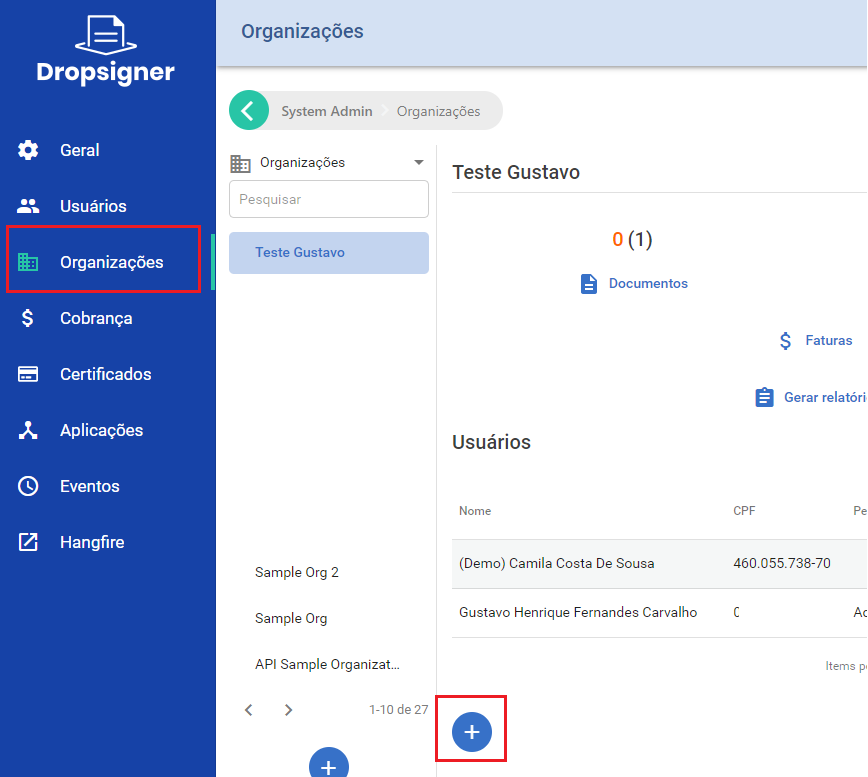
Starting with v1.38.0, you can set an email address for access requests. The restricted access page then shows an option
to request access. When the user picks it, the system sends a notification to the configured address. Whoever receives
it, who must be an administrator of the instance, adds the requester to an organization if the request is valid.
## Basic profiles
In both the open and the closed system, you can choose which basic permissions users get when they sign up. The
configurable permissions are:
1. Document creation
1. Organization creation*
By default, every user gets both permissions. If that does not suit your use case, you can turn them off in the instance
settings. You must then grant these permissions to each user by hand, assigning one or more of the profiles below:
1. Document creator
1. Organization creator*
The instance administrator assigns these profiles in Users > User Details > Edit User Access:
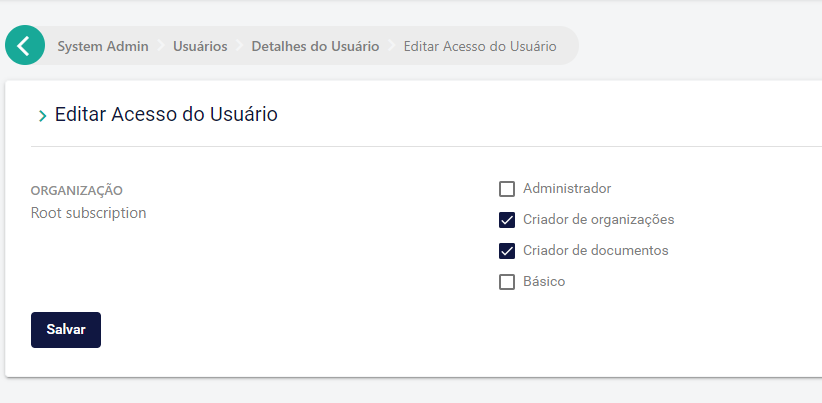
A common example is letting document signers use the basic features (viewing documents and reports, batch signing)
without allowing them to send new documents or create organizations.
> **Warning**
>
> The organization creator role is ignored in a closed system, because there creating organizations is always the job of
> the instance administrator.
# [Signer Pix Authentication](https://docs.lacunasoftware.com/en-us/articles/signer/on-premises/pix-authentication)
Signer can authenticate users for electronic signatures through a payment made with [Pix](https://www.bcb.gov.br/estabilidadefinanceira/pix),
the Brazilian instant payment system.
The Pix QR codes are generated through an integration with the [Gerencianet](https://gerencianet.com.br/) APIs.
> **Note**
>
> Gerencianet is a Brazilian service and its interface is in Portuguese. The labels below are quoted as the interface
> shows them, with a translation in parentheses.
## Account configuration
This integration requires a Gerencianet account. You can open a new account by downloading their app from Google Play or
the App Store.
To enable the integration, you need:
1. API credentials: `Client ID` and `Client Secret`.
1. An authentication certificate.
1. A Pix key.
### API credentials
Once your account is created, open the web interface and select the API option in the main menu:

In the side menu, select `Minhas aplicações` (My applications) and click the `Nova Aplicação` (New application) button:
1. For the application name, enter the name of your instance.
1. Turn off the issuing API (Boletos e Carnês).
1. Turn on the Pix API and enable the following production and sandbox (homologação) scopes:
* `Alterar Cobrança` (change charge)
* `Consultar Cobrança` (query charge)
* `Consultar Payload` (query payload)
* `Alterar Pix` (change Pix)
* `Consultar Pix` (query Pix)
* `Enviar Pix` (send Pix)
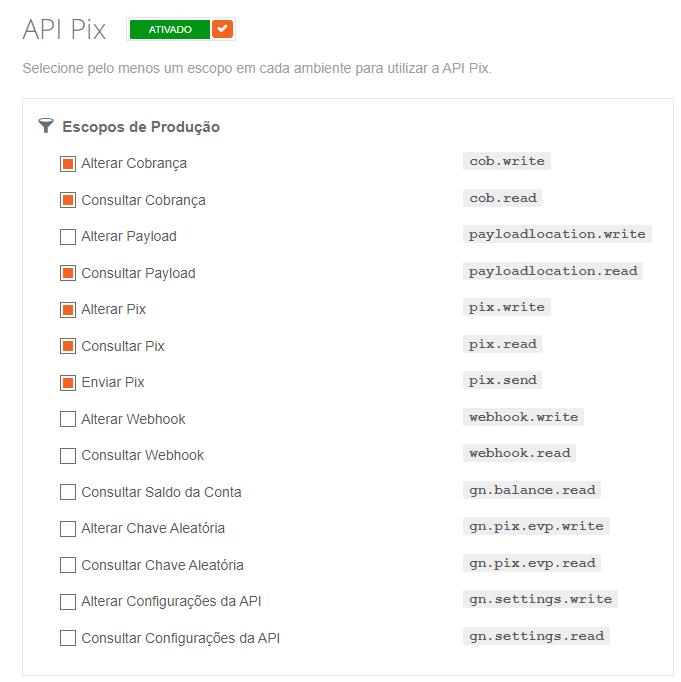
The `Client ID` and `Client Secret` values are shown on the Produção (Production) tab of the new application.
### Authentication certificate
Still in the web interface, select `Meus certificados` (My certificates) in the side menu.
On the Produção (Production) tab, click the `Novo Certificado` (New certificate) button.
Name the certificate after your instance. Use the `-` character instead of spaces (if any).
Download the certificate and store it in a safe place.
> **Warning**
>
> As the message shown after creation says, the certificate cannot be downloaded again.
### Pix key
In the app you used to create the account, sign in and open the Pix area.
Select `Minhas Chaves` (My keys) and click the `+` button to register a Pix key.
Select the `Chave aleatória` (Random key) type and complete the operation.
# [Signer Zoom Integration](https://docs.lacunasoftware.com/en-us/articles/signer/on-premises/zoom)
Signer integrates with [Zoom](https://zoom.us/) to hold and store video conferences about documents.
## Account configuration
This integration requires a Zoom account on the Pro plan or higher.
The account settings must also allow the `Cloud recording` feature, as shown below:
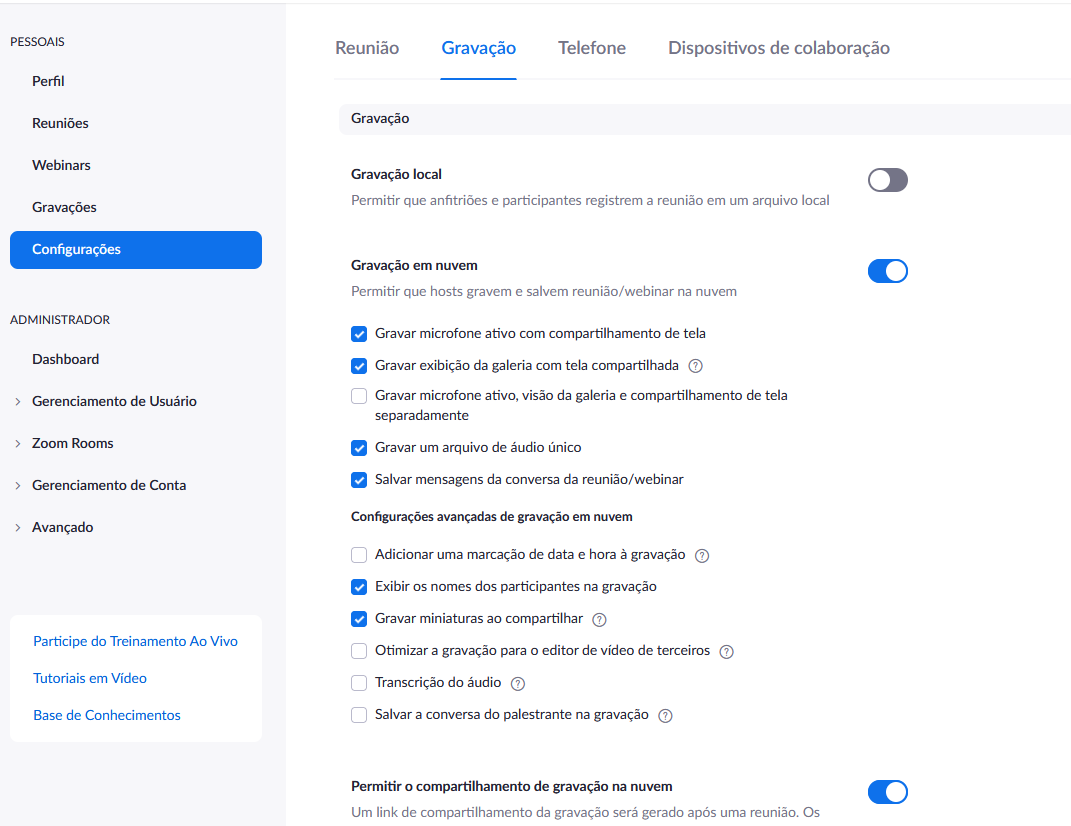
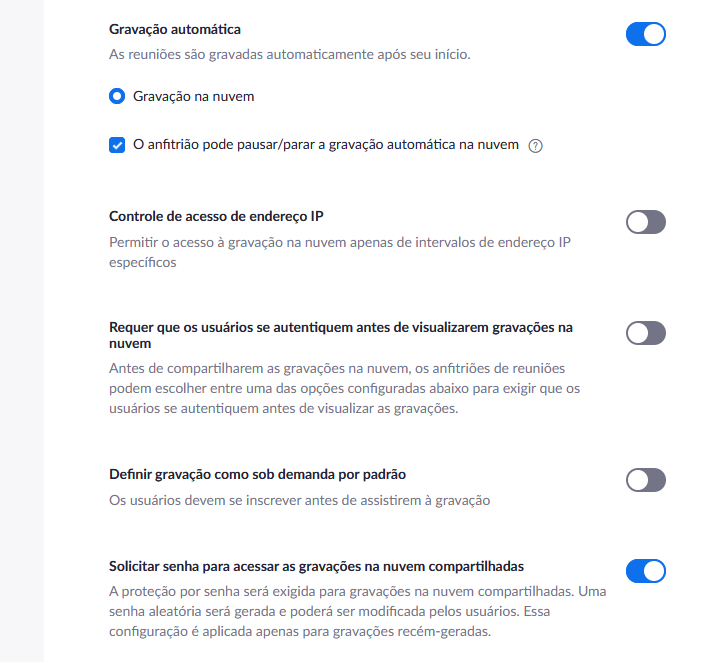
In this integration, each user/license of the account is treated as a meeting room. When a Signer user asks to create a
conference, Signer lists all Zoom users and looks for one that is not in a conference at that moment. So, if you want to
hold simultaneous conferences, you need more than one user/license in the Zoom account.
> **Tip**
>
> When you set up the account's users, remember to assign them a license; otherwise, the video of conferences held with
> that user will not be saved to the cloud.
## Getting the credentials
To enable the integration, you need a credential that lets Signer call the Zoom APIs. Follow the procedure below:
1. After signing in to your account, go to [https://marketplace.zoom.us/](https://marketplace.zoom.us/);
1. Open the `Develop` menu in the upper-right corner of the screen;
1. Select the `Build App` option in the menu that opens;
1. Select the `Server-to-Server OAuth` option:
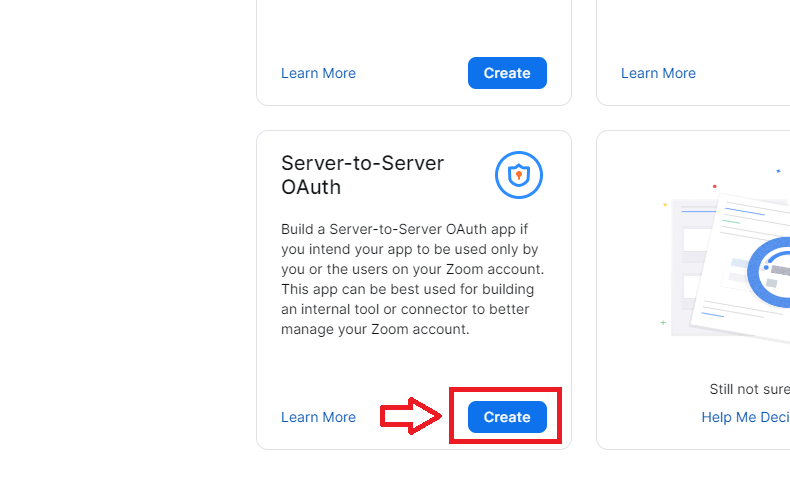
1. Name your app (it can be the same as your Signer instance);
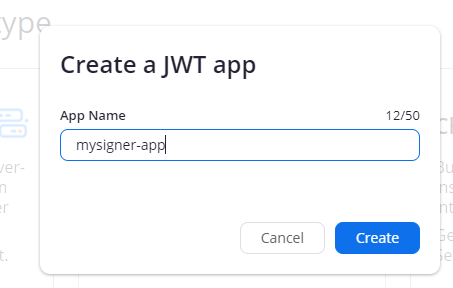
1. Select the `Information` panel;
1. Fill in the basic information and the developer contact information;
1. Select the `Scopes` panel;
1. Select the following:
- Meeting:
- View a meeting (meeting:read:meeting:admin)
- Create a meeting for a user (meeting:write:meeting:admin)
- View a user's meetings (meeting:read:list_meetings:admin)
- Recording:
- Returns all of a meetings's recordings (cloud_recording:read:list_recording_files:admin)
- View a recording (cloud_recording:read:recording:admin)
- User:
- View users (user:read:list_users:admin)
- View a user (user:read:user:admin)
- Dashboard:
- View meeting participants' metrics (dashboard:read:list_meeting_participants:admin)
1. Select the `App Credentials` panel;
1. Copy the values the integration needs: `AccountId`, `ClientId` and `ClientSecret`.
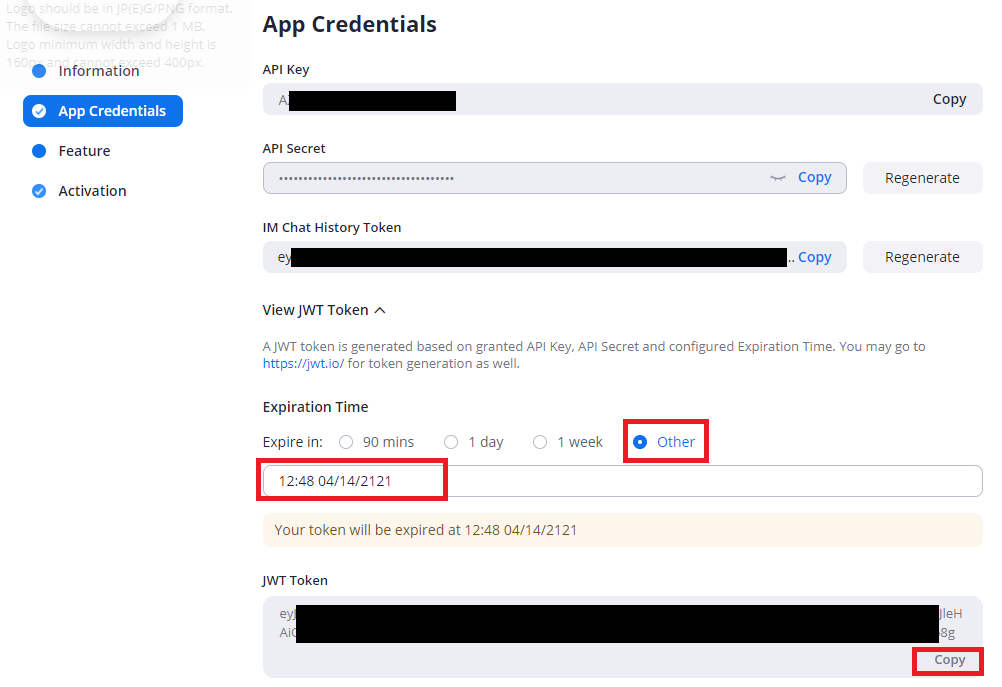
## How it works
To create a conference, open a document's details page and click the start conference button:
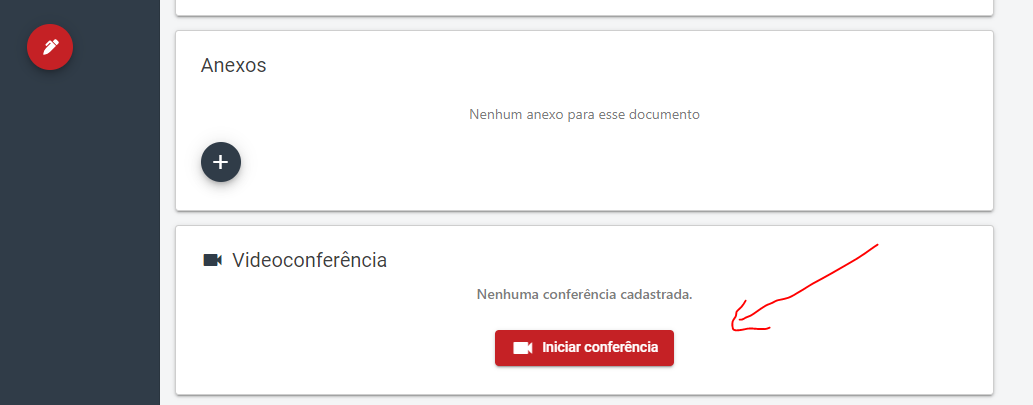
> **Note**
>
> Only the document creator (for a personal account) or someone with manager or administrator permission (for an
> organization account) can do this.
Two links are then shown: the first to join as the conference host, and the other to send or share with the
participants:
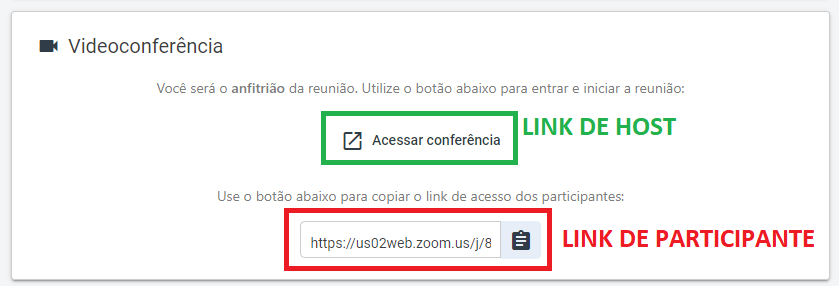
In Zoom, at the end of the conference, the host must use the `End Meeting for All` option:
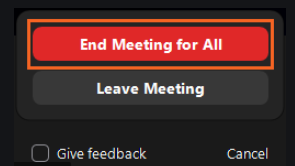
Once the meeting ends, its video appears on the document's details page:
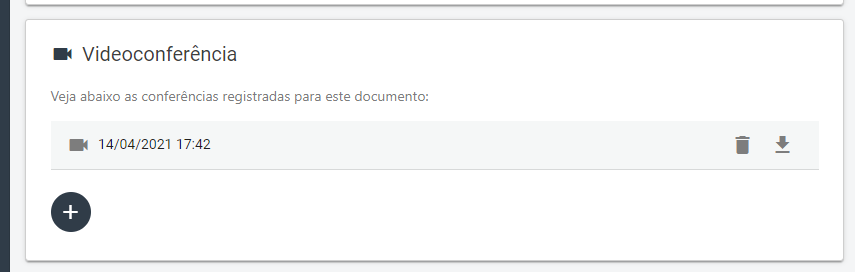
> **Note**
>
> How long the video takes to become available depends on the size of the meeting. For small meetings it takes about 15 to
> 20 minutes. For large meetings it can take up to 24 hours.
# [Signer Payments](https://docs.lacunasoftware.com/en-us/articles/signer/on-premises/payments)
This page describes the options for collecting payment of the invoices generated by the Billing System.
## Billing System
Signer has a flexible Billing System that lets the instance administrator choose which services are charged: documents,
signatures, approvals and so on. If you don't see the options described here in your instance, check that the billing
module is enabled.
The Billing System generates monthly invoices: when the month ends, the invoice is closed and becomes available to the
user or organization to view and pay.
The instance administrator chooses whether unpaid invoices block users and organizations.
The options for processing payments are described below.
### Simplified operation
For instances with a small number of users and organizations, payments can be managed outside the system.
In this model, the instance administrator checks the closed invoices, notifies the responsible customer and processes the
payment of each invoice.
Once the payment is confirmed, the administrator can look up the invoice and change its status on the invoice details
page:
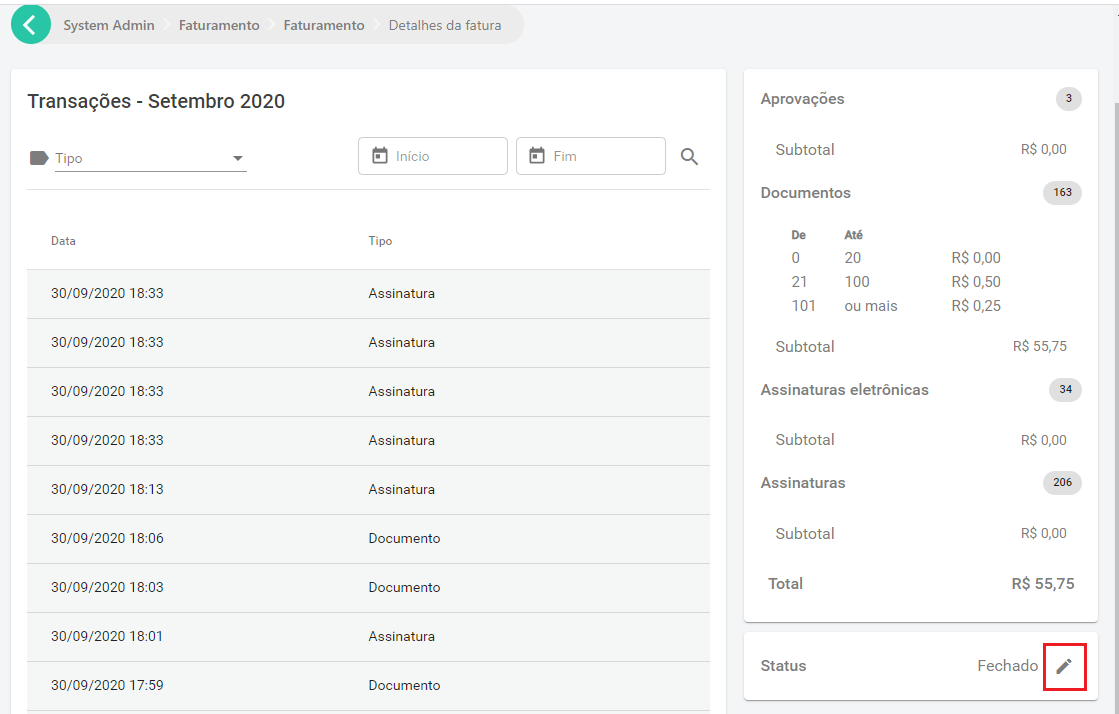
### Operation through integration
For instances with a large number of users and organizations, we recommend automating payment management.
The first step is to configure the instance's billing webhook, in Administration > Billing > Integration:
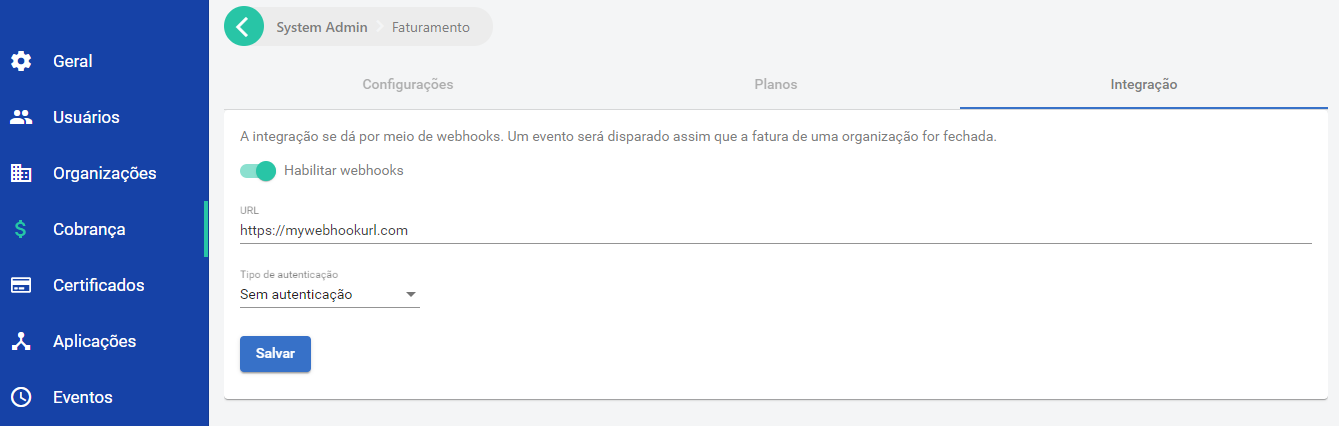
Once the webhook is configured, the given address receives a POST request each time an invoice is closed.
Here is an example of that request:
```json
{
"type": "InvoiceClosed",
"data":
{
"id": 126,
"month": 9,
"year": 2020,
"value": 5,
"invoiceTotals": [
{
"transactionType": "Document",
"price":
{
"transactionType": "Document",
"pricingType": "Simple",
"price": 0.5,
"priceRanges": null
},
"total": 10,
"value": 5
},
{
"transactionType": "ElectronicSignature",
"price":
{
"transactionType": "ElectronicSignature",
"pricingType": "NoCharge",
"price": null,
"priceRanges": null
},
"total": 1,
"value": 0
},
{
"transactionType": "Signature",
"price":
{
"transactionType": "Signature",
"pricingType": "Range",
"price": null,
"priceRanges": [
{
"limit": 10,
"price": 0
},
{
"limit": 20,
"price": 0.5
},
{
"limit": null,
"price": 0.25
}
]
},
"total": 8,
"value": 0
}
],
"organization":
{
"id": "6a49d03c-5f3f-428c-8221-8474366f98d0",
"name": null,
"identifier": null,
"owner":
{
"id": "12c1d41a-77b2-404e-a155-84cc7d0f93e8",
"name": null
}
},
"billingInformation":
{
"type": "Individual",
"individual":
{
"name": "Danilo Igor das Neves",
"identifier": "57972418624"
},
"company": null,
"contactName": "",
"email": "daniloneves@mailinator.com",
"phone": "+55 (84) 3619-9479",
"streetAddress": "Rua Principal, s/n",
"addressNumber": "696",
"additionalAddressInfo": "Apto 110",
"neighborhood": "Bom Descanso",
"address": "",
"address2": "",
"zipCode": "59430972",
"city": "Lagoa de Velhos",
"state": "RN"
}
}
}
```
For the full reference of the request, see [the Webhooks.InvoiceClosedModel schema in Swagger](https://www.dropsigner.com/swagger/index.html#model-Webhooks.InvoiceClosedModel).
For code samples, see the links below:
* [C#](https://github.com/LacunaSoftware/SignerSamples/blob/master/dotnet/console/Console/Scenarios/InvoiceWebhookHandlingScenario.cs)
* [Java](https://github.com/LacunaSoftware/SignerSamples/blob/master/java/console/src/main/java/com/lacunasoftware/signer/sample/scenarios/InvoiceWebhookHandlingScenario.java)
* [PHP](https://github.com/LacunaSoftware/SignerSamples/blob/master/php/Scenarios/InvoiceWebhookHandlingScenario.php)
> **Note**
>
> The webhook can also be used in the simplified operation.
The system that receives the webhook should process the invoice event and create the corresponding charge, notifying the
email address given in the billing information.
When it detects that the invoice was paid, it should send a request to Signer to report the payment, as shown below:
```javascript
PUT /api/invoices/{id}/payment
{
"isPaid": true
}
```
For code samples, see the links below:
* [C#](https://github.com/LacunaSoftware/SignerSamples/blob/master/dotnet/console/Console/Scenarios/InvoiceWebhookHandlingScenario.cs)
* [Java](https://github.com/LacunaSoftware/SignerSamples/blob/master/java/console/src/main/java/com/lacunasoftware/signer/sample/scenarios/InvoiceWebhookHandlingScenario.java)
* [PHP](https://github.com/LacunaSoftware/SignerSamples/blob/master/php/Scenarios/InvoiceWebhookHandlingScenario.php)
> **Warning**
>
> This request requires an API key with billing administration privileges in the system.
#### Creating a billing administration API key
To create one, create an application and select the Sys Admin organization:
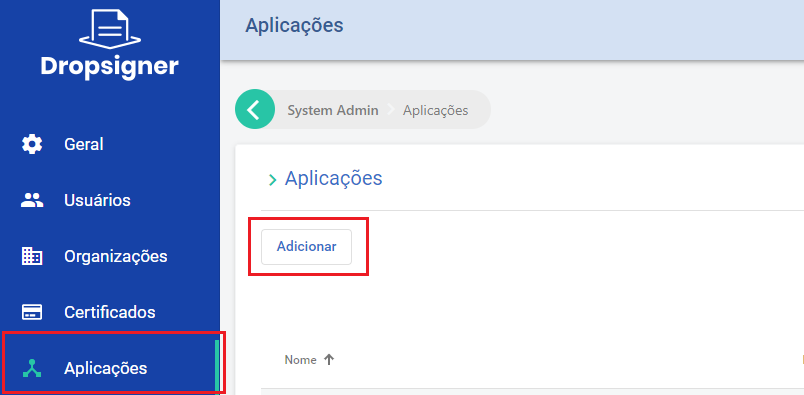
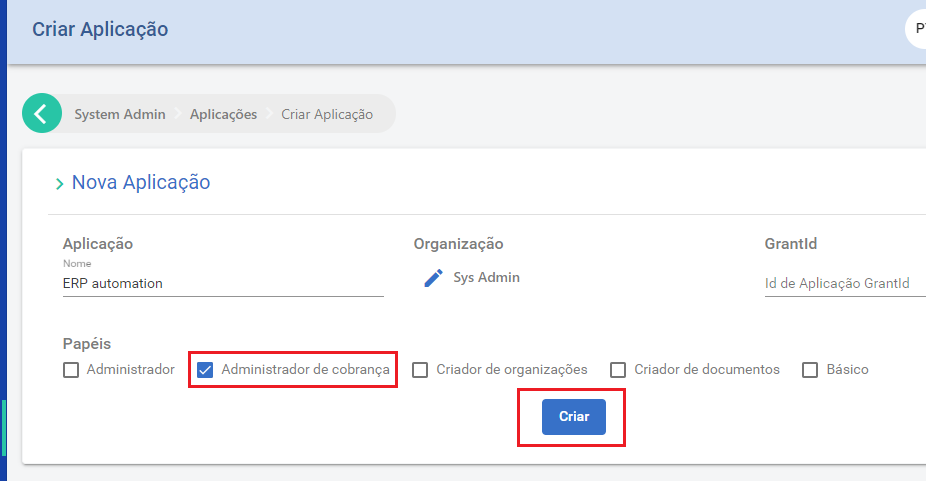
Then create the key with the "Keys" option:
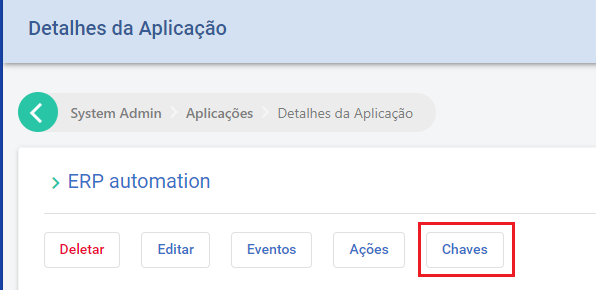
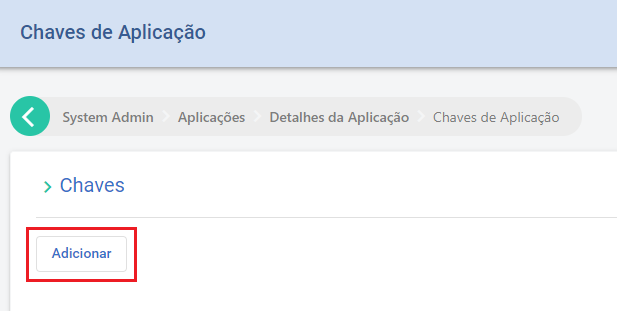
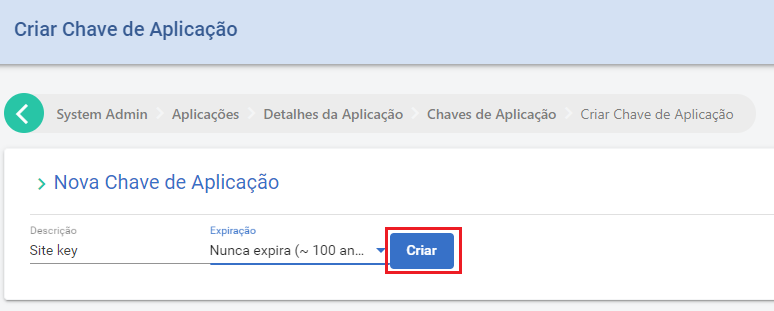
### Operation through the iugu payment gateway
You can integrate Signer directly with the iugu payment gateway, so that users and organizations pay their own invoices
by credit card, boleto bancário (Brazilian bank payment slip) or Pix. See the [iugu payment gateway](https://docs.lacunasoftware.com/en-us/articles/signer/on-premises/iugu)
page.
> **Note: Service invoice**
>
> To issue an NFS-e for paid invoices, see [Electronic Service Invoice (NFS-e)](https://docs.lacunasoftware.com/en-us/articles/signer/on-premises/nfse).
# [iugu payment gateway](https://docs.lacunasoftware.com/en-us/articles/signer/on-premises/iugu)
Starting with version [1.27.0](https://docs.lacunasoftware.com/en-us/articles/signer/changelog#v1-27-0), you can integrate Signer directly with the payment gateway of
[iugu](https://www.iugu.com/). Once an invoice is closed, users and organizations can then pay it themselves by credit card,
boleto bancário (Brazilian bank payment slip) or Pix.
> **Note**
>
> The iugu control panel is in Portuguese. The labels below are quoted as the panel shows them, with a translation in
> parentheses.
## Configuration in the iugu control panel
To sign up with iugu, you must choose a [subscription plan](https://www.iugu.com/planos/). Each plan has its own features,
fees and per-transaction costs, which the instance administrator should weigh, but Signer works fully with the most basic
plan ("Conheça a iugu").
After [signing up with iugu](https://auth.iugu.com/new_user?service=https%3A%2F%2Falia.iugu.com%2F), open the
[control panel](https://alia.iugu.com/) and create an API token. To do so, go to `Configurações` (Settings) >
`Integração via API` (API integration) and click the Novo (New) button:
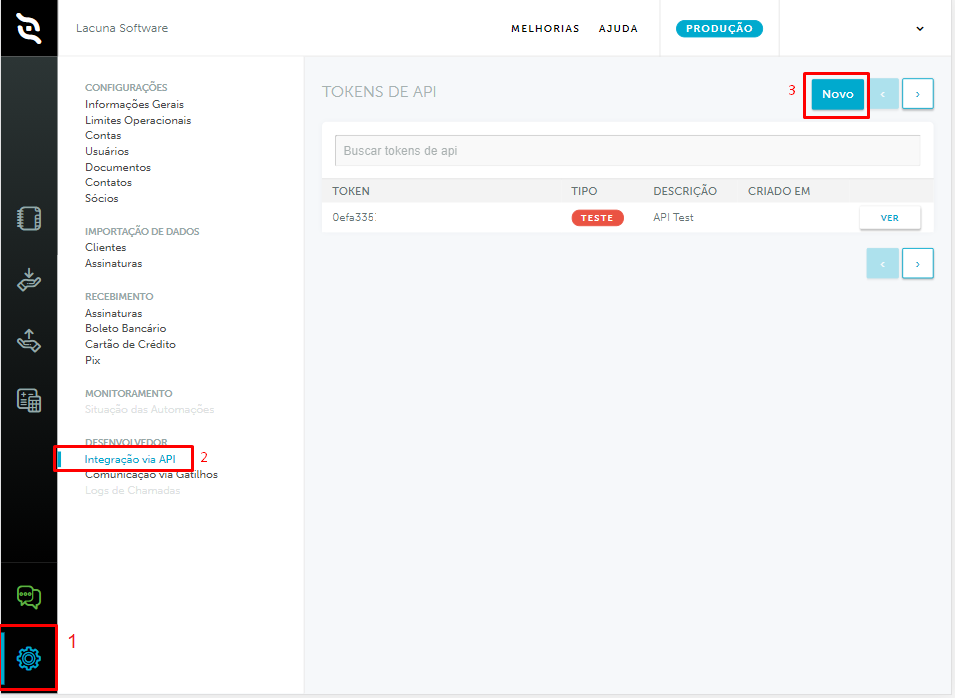
The token type must be `Produção` (Production). Also add a description, for example "API Signer Prod".
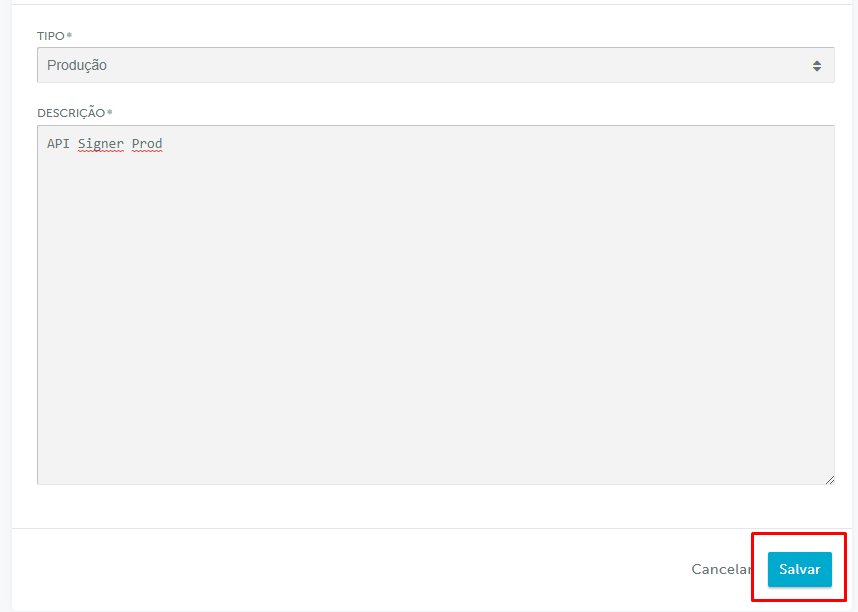
Next, get your account ID in `Configurações` (Settings) > `Informações gerais` (General information). Your iugu account
ID is shown under `CONTA` (Account).
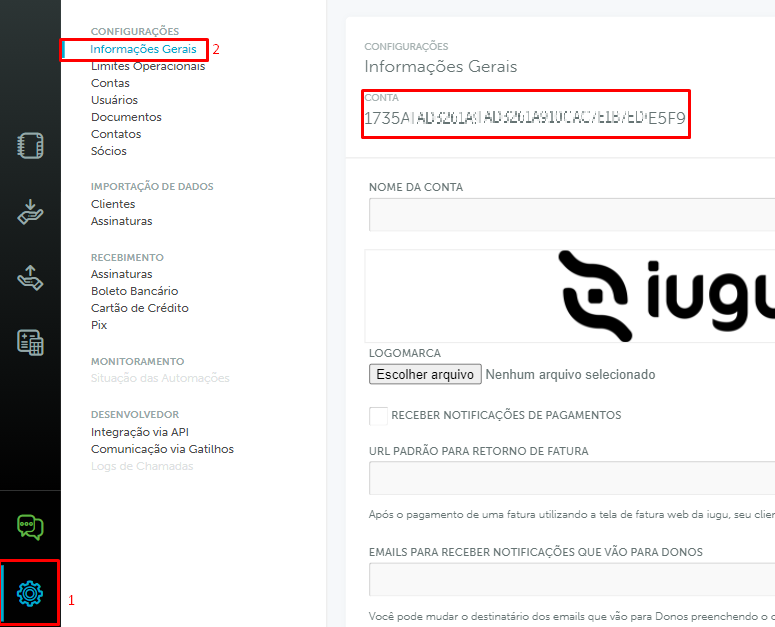
The next step is to configure the webhook that notifies Signer about payments. Still in the settings, go to
`Comunicação via Gatilhos` (Triggers) and click the Novo (New) button:
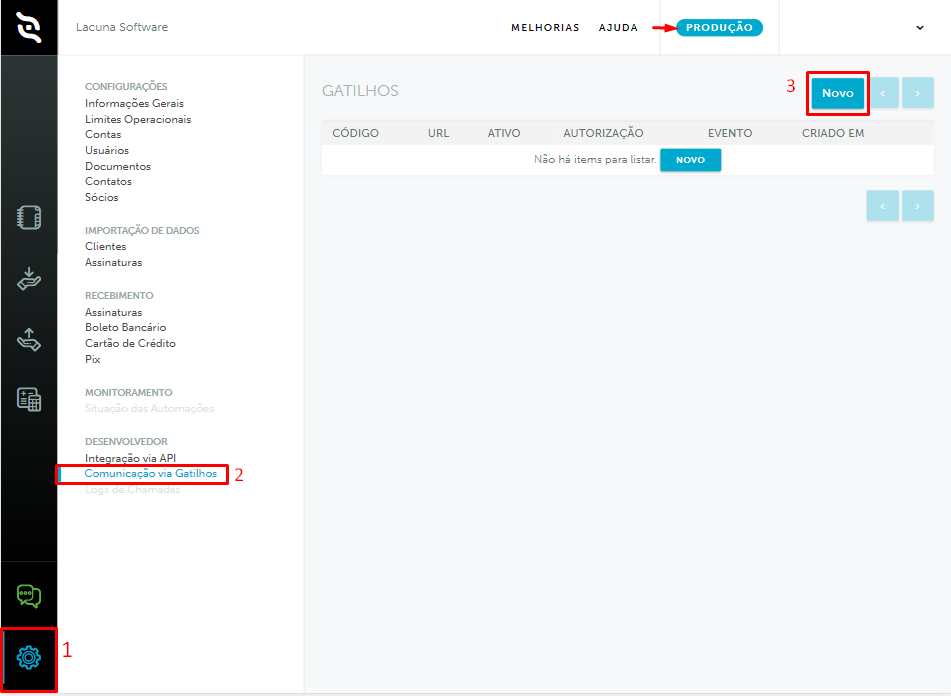
Fill in the URL field with the address of your Signer instance followed by the standard webhook path, as in the example
below:
```text
https://your-signer.com/api/webhooks/iugu/invoice/changed
```
If registering the webhook fails, add `?noecho` to the end of the URL.
Fill in the authorization field as follows:
```javascript
Bearer WebhooksAuthKey
```
`WebhooksAuthKey` can be any value, but we recommend a random, high-entropy string. Contact us for instructions on how to
generate it.
> **Warning**
>
> * The webhook must be created in the production environment (the selected environment is shown at the top of the page).
> * The authorization field must start with `Bearer `, as in the example.
> * The selected event must be `Mudança de estado de Fatura` (Invoice status change).
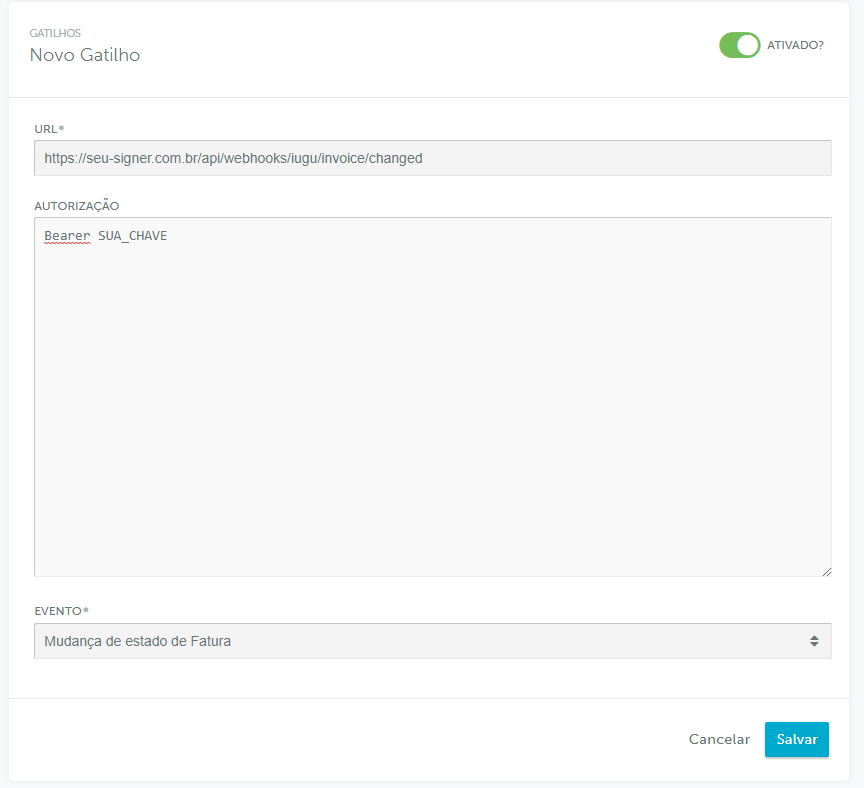
Next, turn off iugu's own dunning, because Signer has its own billing system. Go to `Recebimento` (Receiving) >
`Régua de Cobrança` (Dunning schedule) and click `Alterar fluxo de cobrança` (Change dunning flow).
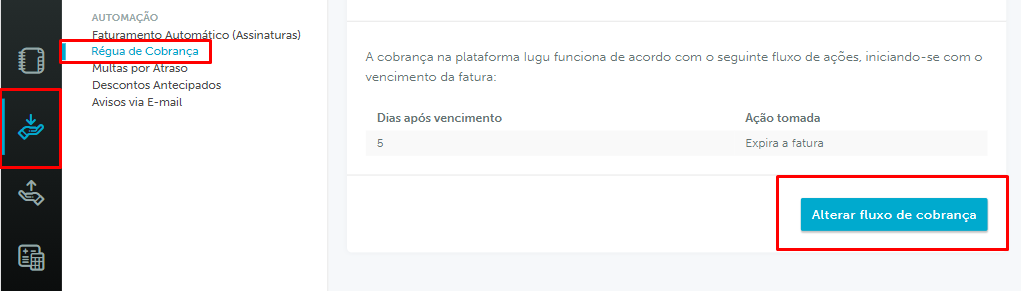
Keep only the "Expira a fatura" (Expire the invoice) step, set to 5 days after the due date.
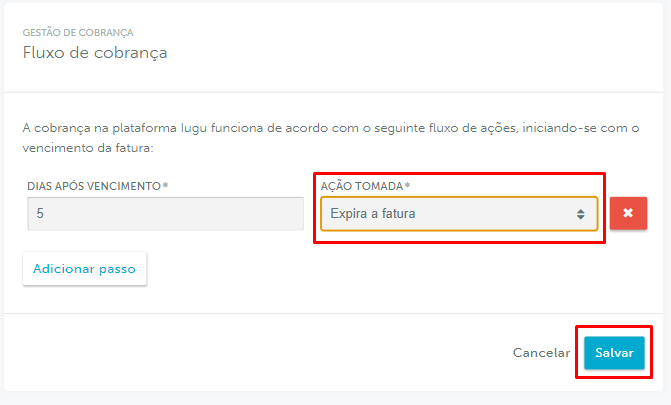
> **Note**
>
> "Expira a fatura" is an iugu mechanism that marks an invoice as expired a few days after its due date. We recommend at
> least 5 days, so that boletos paid up to the due date have 5 days to clear.
The last step is to check that all payment methods (boleto bancário, credit card and Pix) are enabled. Go to
`Configurações` (Settings) > `Recebimentos` (Receiving) and select each of the listed payment methods, checking the
"Ativo" (Active) option and clicking "Salvar" (Save):
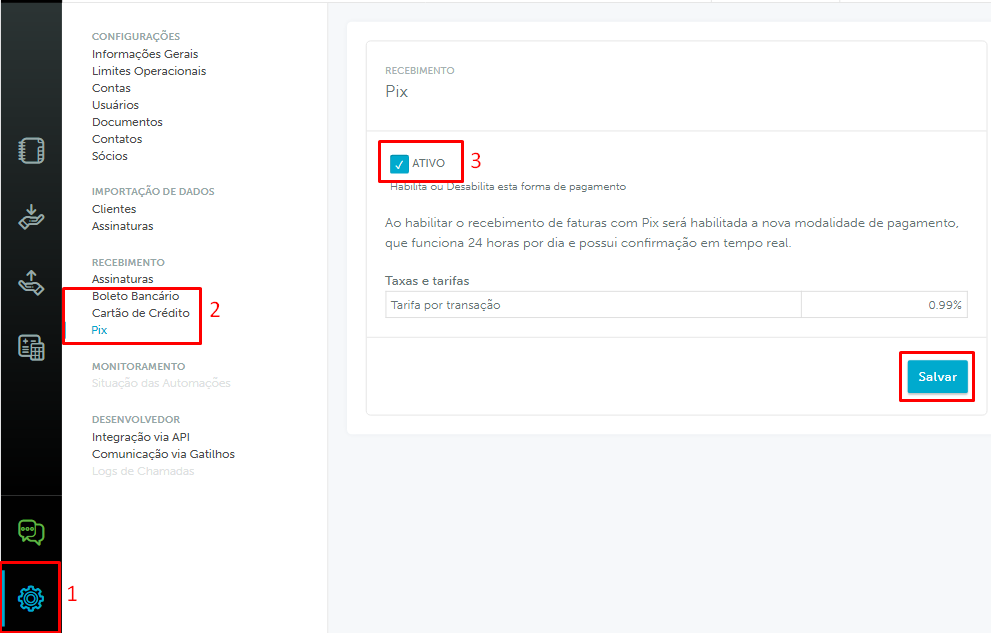
## Configuration in Signer
Users and organizations that entered their billing information before version [1.27.0](https://docs.lacunasoftware.com/en-us/articles/signer/changelog#v1-27-0)
must enter it again, so that it is validated against iugu's requirements.
Once the billing information is submitted again, the user can set a default payment method for their personal or
organization account:
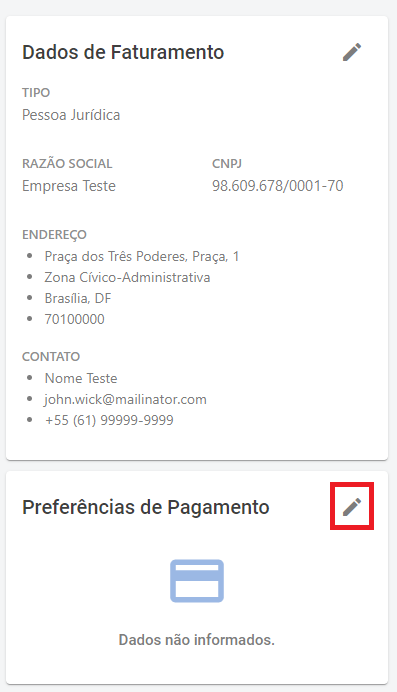
> **Note**
>
> The default credit card payment method can also be chosen when paying an invoice.
The payment methods available to users and organizations are Pix, boleto bancário and credit card. For credit cards, they
can pick a card already on file or add a new one:
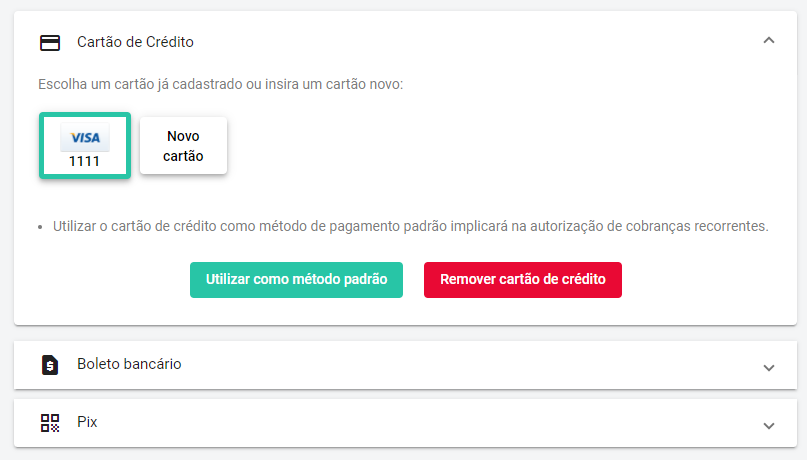
> **Note**
>
> The accepted credit card brands are:
> * American Express
> * Diners
> * Elo
> * MasterCard
> * Visa
When an invoice is closed, the user or organization can pay it on the invoice details page, as shown below:
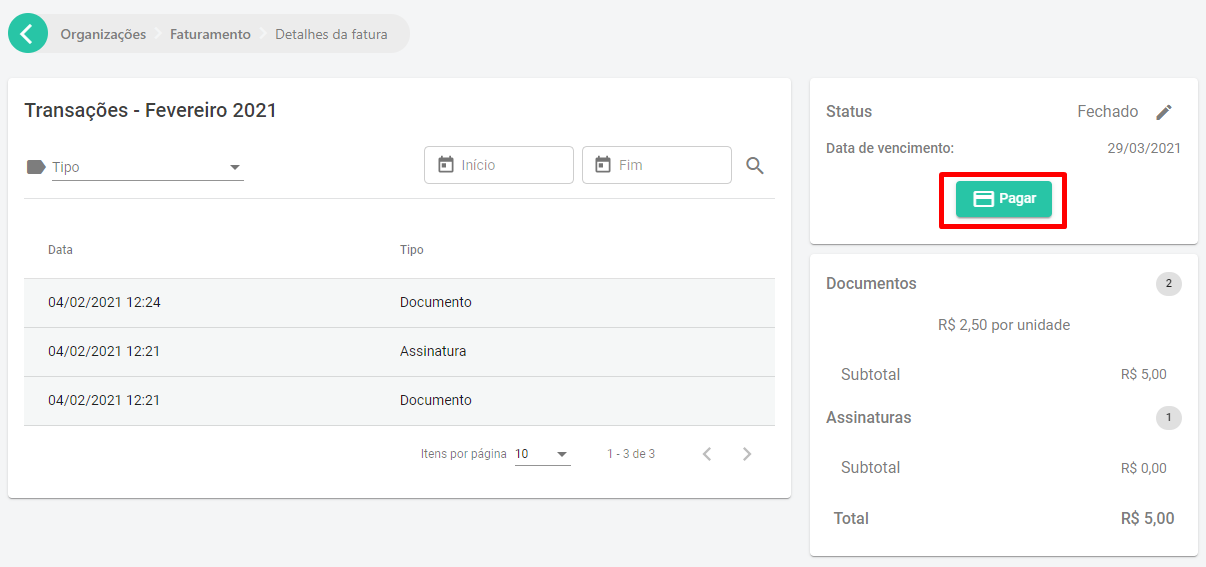
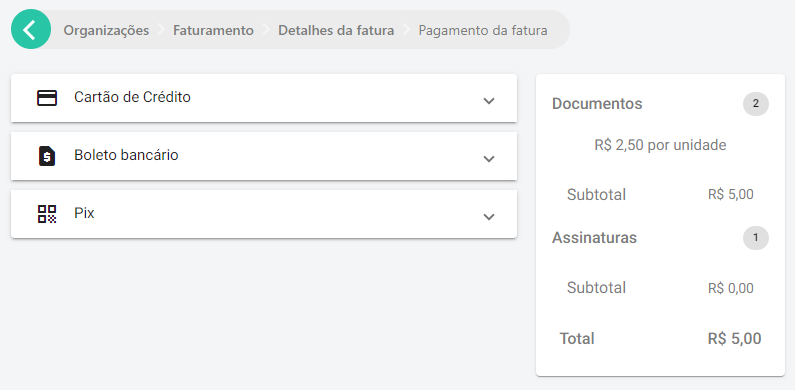
After payment, the invoice status is updated with the payment method used and the date and time.
## Credit card payment failures
Paying an invoice by credit card can be declined for many reasons. An error code is shown at payment time, and you can
look it up in this [list of errors](https://support.iugu.com/hc/pt-br/articles/206858953-Como-identificar-o-erro-da-tentativa-de-pagamento-) (in Portuguese).
> **Warning**
>
> In some cases, the cardholder may get an SMS or card app notification saying the charge succeeded. However, if the
> user's or organization's invoice does not show as PAID, that charge is automatically reversed on the card statement
> within 7 to 10 business days.
## Automatic charge
Signer automatically charges the credit card when the user or organization saves a credit card as the default payment
method.
The automatic charge is scheduled for the invoice due date, but it can take one or two extra days.
However, there are some cases in which no automatic charge is made:
* If the default payment method of the user or organization is not a credit card when the invoice is closed.
* If the invoice is paid before the due date.
* If the user or organization changes the invoice payment method to boleto bancário. Once the boleto is generated, the automatic charge is canceled for that invoice only.
To check whether an automatic charge is scheduled, see whether the invoice details show the automatic charge information,
as below:
## Test mode
You can put your instance in test mode to test the integration and the iugu credentials. Use the credentials of the test
environment and remember to turn on the test option in the [instance settings](https://docs.lacunasoftware.com/en-us/articles/signer/on-premises/settings#iugu-settings) too
(`TestMode`).
In test mode, only test credit cards can be used, as listed on the page
[Usar cartões de teste em modo de teste](https://support.iugu.com/hc/pt-br/articles/212456346-Usar-cart%C3%B5es-de-teste-em-modo-de-teste) (in Portuguese).
To test a Pix payment, use the button below the QR code:
It copies a URL similar to the one below:
```javascript
http://faturas.iugu.com/iugu_pix/a32c46b6-ab85-469e-bafc-601c1a4e96ae/test/pay
```
Open that URL in the browser to simulate the payment.
To test a boleto payment, get the URL the same way as for Pix, but replace `test` with `sample` and `iugu_pix` with
`iugu_bank_slip`, as below:
```javascript
http://faturas.iugu.com/iugu_bank_slip/a32c46b6-ab85-469e-bafc-601c1a4e96ae/sample/pay
```
# [Electronic Service Invoice (NFS-e)](https://docs.lacunasoftware.com/en-us/articles/signer/on-premises/nfse)
Signer can issue and cancel an NFS-e (the Brazilian electronic service invoice) for paid invoices directly, through an
integration with [NFE.io](https://nfe.io/).
> **Note**
>
> NFE.io and the municipal tax systems are Brazilian services: the linked pages and the NFE.io panel are in Portuguese.
> Panel labels below are quoted as the panel shows them, with a translation in parentheses.
## Integrating Signer with NFE.io
Most major Brazilian state capitals are already integrated, but you must ask the NFE.io sales team for the full list of
integrated municipalities, along with the prices.
### First steps
1. Register with the municipality to issue NFS-e, following the [NFE.io document](https://nfe.io/docs/documentacao/nota-fiscal-servico-eletronica/credenciamento-prefeitura/).
2. Create an account - https://nfe.io/docs/nossa-plataforma/criar-conta/
3. Create a company - https://nfe.io/docs/nossa-plataforma/criar-empresa/
4. Enter the tax information - https://nfe.io/docs/nossa-plataforma/alterar-empresa/
5. Upload the digital certificate - https://nfe.io/docs/nossa-plataforma/upload-certificado/
6. [Contact NFE.io](https://nfe.io/contato/) to negotiate prices and activate the account for production.
7. While in touch with NFE.io, ask whether the municipality that issues the invoice requires the CNAE (Brazil's National Classification of Economic Activities). If it does, use IBGE's [online CNAE search](https://concla.ibge.gov.br/busca-online-cnae.html).
8. For specific questions about NFS-e, NFE.io provides a [document](https://nfe.io/docs/documentacao/nota-fiscal-servico-eletronica/conceitos/) that summarizes how the service invoice works.
### Getting the credentials
To configure the integration you need the access key and your company ID. Open the Empresas (Companies) menu, then
click the name of the company that will issue the NFS-e.
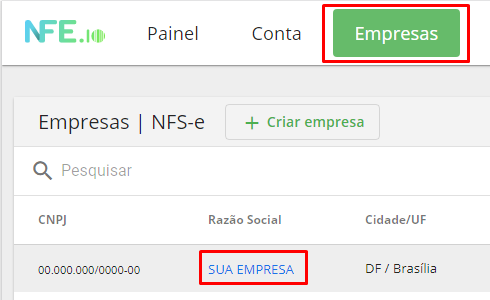
Then scroll down to the `Chaves de Acesso` (Access keys) section. It shows the access key (Api Key) and the company ID
(CompanyId).
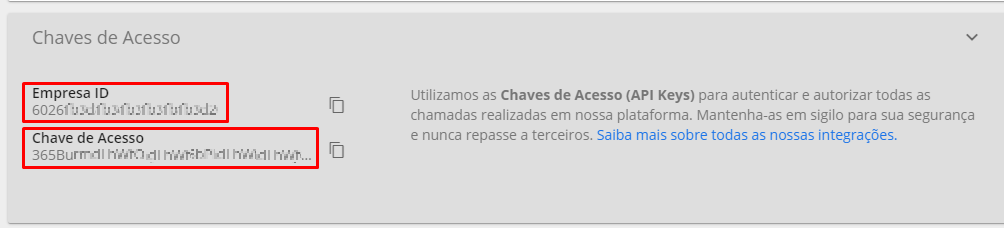
### Creating the webhook
The next step is to create the webhook, which notifies Signer when an NFS-e is issued or canceled. Open the Conta
(Account) option, scroll down and select the `Webhooks` section:
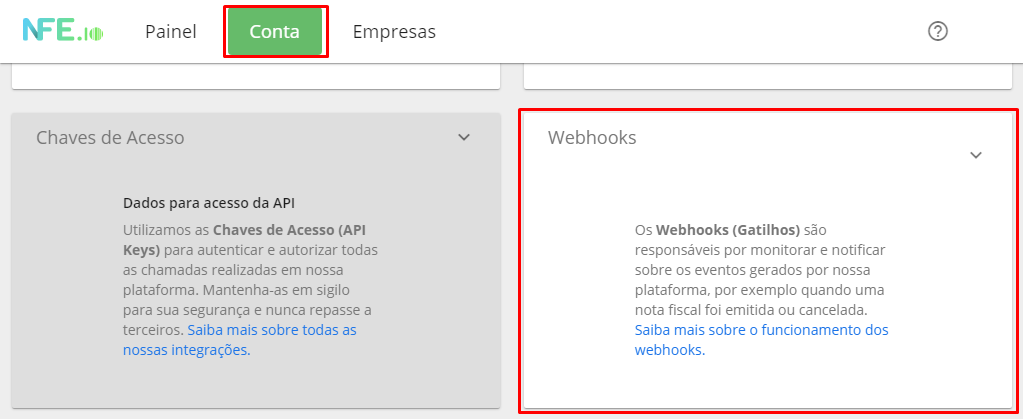
Then click the Criar Webhook (Create webhook) button:
Select `NFS-e` as the webhook type and fill in the fields as shown below:
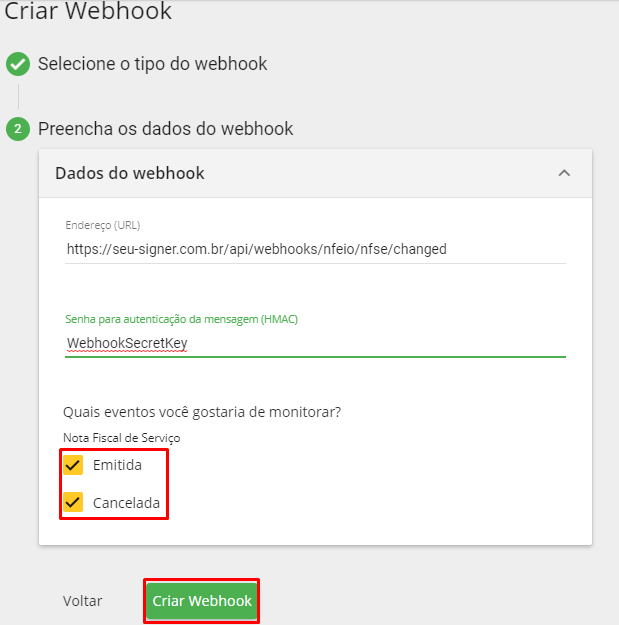
Fill in the address (URL) field with the address of your Signer instance followed by the standard webhook path, as in the
example below:
```text
https://your-signer.com/api/webhooks/nfeio/nfse/changed
```
Finally, the message authentication password (HMAC) field can be any password, but we recommend at least 8 characters.
### Service code
The service code is a number that identifies the type of service provided, used on the NFS-e. The municipality where the
invoice is issued provides this code, along with the municipal tax rate.
NFE.io provides a list of the services registered for the city where the NFS-e is issued. Open the Empresas (Companies)
menu, select the company that will issue the NFS-e and click the `Lista de serviços cadastrados` (Registered services)
section.

As mentioned above, each municipality has its own list of codes and descriptions. Taking Brasília as an example, Signer
falls under code ``0103``, but if in doubt we suggest checking with your company's accountant.
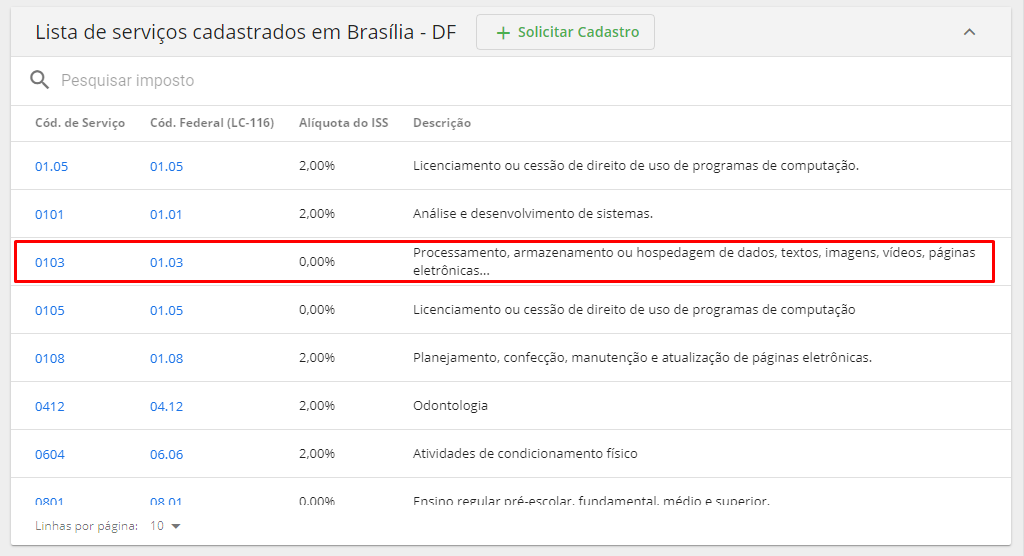
## Issuing and canceling NFS-e in Signer
### Issuing invoices
Once all parameters are configured in NFE.io and Signer, you can issue an NFS-e for a paid invoice directly from the
invoice details page.
> **Note**
>
> * Only the instance administrator can issue or cancel an NFS-e.
> * The service invoice system does not depend on the iugu integration.
> * If the Signer instance is also integrated with iugu, paying the invoice automatically requests the NFS-e.
> **Warning**
>
> Issuing and canceling an NFS-e depends on the municipality's system. If that system is unstable, some invoices may take
> hours or even days to be issued or canceled.
You can also issue an NFS-e for an invoice with the request below:
```javascript
POST /api/invoices/{id}/receipts
```
When the NFS-e is issued, NFE.io itself emails the user or organization responsible for the invoice with the NFS-e PDF
and XML. You can also download or view the NFS-e on the invoice details page:
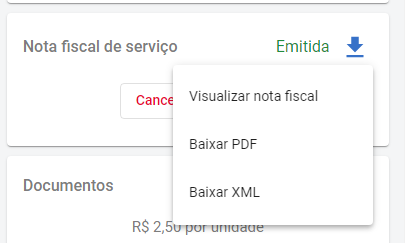
### Canceling invoices
Once an NFS-e is issued, you can cancel it on the invoice details page.
You can also cancel the NFS-e of an invoice with the request below:
```javascript
DELETE /api/invoices/{id}/receipts
```
> **Warning**
>
> An NFS-e can only be canceled once it is issued: if it is still being issued, wait until it is. The same applies to a new
> issue requested after a cancellation.
# [Whatsapp](https://docs.lacunasoftware.com/en-us/articles/signer/on-premises/whatsapp)
Version 1.56.0 added an integration to send notifications via Whatsapp.
It uses the [Whatsapp Business API](https://developers.facebook.com/docs/whatsapp) provided by Meta.
The prerequisites for this integration are:
* A verified [Meta Business Account](https://business.facebook.com/).
* A Whatsapp Business Account associated with the Meta Business Account.
* A phone number (mobile or landline) verified and associated with your Whatsapp Business Account.
* The phone number [must not have been registered in the Whatsapp or Whatsapp Business apps](https://developers.facebook.com/docs/whatsapp/cloud-api/get-started/migrate-existing-whatsapp-number-to-a-business-account).
## Configuring the Whatsapp account
* Open the [Business Settings](https://business.facebook.com/settings) page of your Meta Business Account.
* Select `Accounts`, then `WhatsApp Accounts`. Click the `Add` button to register the number that will be used to send
Whatsapp messages.
* If your Business Account is not verified yet, start the verification process (it can take about two business days).
* Once your account and the number are verified, open the [Whatsapp Manager](https://business.facebook.com/wa/manage/home)
of the Whatsapp account you created.
## Configuring message templates
Meta requires every message started by the application to be registered beforehand as a template. Otherwise, messages
can only be sent after the user has contacted your Whatsapp number (which starts a
[Conversation](https://developers.facebook.com/docs/whatsapp/conversation-types)).
Once your Whatsapp number is verified, open [Message Templates](https://business.facebook.com/wa/manage/message-templates/)
to register the templates of the messages the application sends.
Since the application supports 3 languages (Portuguese, English and Spanish), each template must have three versions:
Portuguese (BR), English and Spanish.
Templates have parameters, so when you create one you must provide a sample value for each parameter. The values must be
the same across the language versions of the same template.
Also, any URL given as a sample parameter value must work and be consistent with the other parameters.
The Meta team reviews the templates. This takes about two business days on average.
Contact our support to get the list of templates to register, with the name and content of each one. You are free to
change the content of the templates as long as you don't change the number or the order of the parameters.
## Configuring the technology partner
Once the account and the templates are configured, you must set Lacuna Software as a technology partner so that Signer
can access the Meta API.
1. Open the [Whatsapp accounts panel](https://business.facebook.com/latest/settings/whatsapp_account) of your Business Account.
1. Choose the account and click the "Assign partner" button:
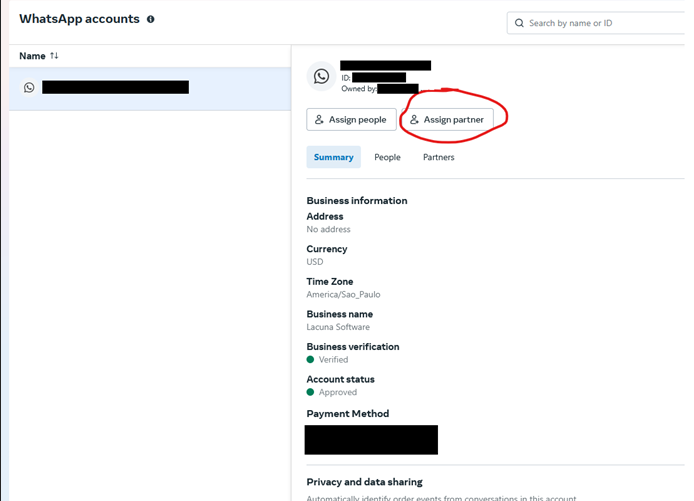
1. In the window that opens, enter the Lacuna Software partner code (ask our support for it) and check the "Full Control" option:
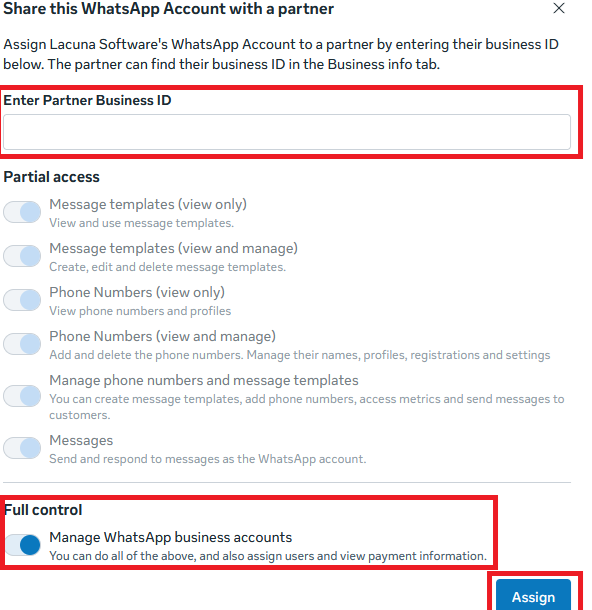
1. Finally, contact our support team to tell them the partner is assigned, so that we can enable the integration.
If you have an on-premises instance, see the [Whatsapp settings](https://docs.lacunasoftware.com/en-us/articles/signer/on-premises/settings#whatsapp-settings) section to learn how to
configure the settings that enable the integration.
# [SMS sending](https://docs.lacunasoftware.com/en-us/articles/signer/on-premises/sms)
When SMS sending is enabled (electronic signature with a code via SMS), Signer needs an account with one of
the **supported SMS providers**. The parameters live in the **`SMS`** section of the instance settings (see
[Signer settings](https://docs.lacunasoftware.com/en-us/articles/signer/on-premises/settings)).
## Basic configuration
To enable it, set `Enabled` to `true`, pick the provider in `Type` and fill in its credentials:
```json
{
"SMS": {
"Enabled": true,
"Type": "Twilio",
"MessageFrom": "+12125550000",
"AccountSid": "AC00000000000000000000000000000000",
"AuthToken": "ffffffffffffffffffffffffffffffff"
}
}
```
With **Total Voice**, for example:
```json
{
"SMS": {
"Enabled": true,
"Type": "TotalVoice",
"AccessToken": "0123456789abcdef0123456789abcdef"
}
}
```
> **Note**
>
> `Type` is case-sensitive and must be one of the values in the table below. Every provider has an optional
> `Endpoint` property, used only to point to an alternative environment (staging or a proxy); leave it out to
> use the provider's default endpoint.
## Supported providers
| Provider | `Type` | Parameters |
|---|---|---|
| Twilio | `Twilio` | `AccountSid`, `AuthToken`, `MessageFrom` (or `MessagingServiceSid`) |
| Total Voice | `TotalVoice` | `AccessToken` |
| Comtele | `Comtele` | `Sender`, `AuthToken` |
| Zenvia | `Zenvia` | `Account`, `Password` |
| Pontaltech | `Pontaltech` | `User`, `Password` |
| Pontaltech (fast route) | `FastPontaltech` | `User`, `Password` |
| SMS Empresa | `SmsEmpresa` | `ChaveKey` |
| SMS Token | `SmsToken` | `Key` |
| Tigo | `Tigo` | `ApiKey` |
| Eyou | `Eyou` | `Username`, `Password`, `ApiKey`, `CostCenter` |
| Amazon SNS | `AmazonSns` | `Region`, `AccessKeyId`, `SecretAccessKey` |
| Generic (HTTP) | `Generic` | `Endpoint`, `AuthType` (`NoAuth`, `Basic`, `Bearer`, `ApiKey`) and the credentials for the chosen mode |
| Simulator (testing) | `Simulator` | none. Only logs the send, without actually sending an SMS |
> **Tip: Twilio**
>
> Besides the credentials, Twilio supports SMS pumping fraud protection. Prefer `AccountSid` + `AuthToken`
> over the old basic-credential pair.
## Multiple providers by country
You can configure more than one provider and route between them by the destination number's international
prefix, using `EnabledPrefixes` (a comma-separated list). Each provider goes in a named subsection:
```json
{
"SMS": {
"Enabled": true,
"Brazil": {
"Type": "TotalVoice",
"AccessToken": "...",
"EnabledPrefixes": "+55"
},
"International": {
"Type": "Twilio",
"AccountSid": "...",
"AuthToken": "...",
"MessageFrom": "+12125550000",
"EnabledPrefixes": "+1,+54"
}
}
}
```
## See also
* [Signer settings](https://docs.lacunasoftware.com/en-us/articles/signer/on-premises/settings)
* [WhatsApp integration](https://docs.lacunasoftware.com/en-us/articles/signer/on-premises/whatsapp): authentication via WhatsApp instead of SMS
# [E-mail server (SMTP)](https://docs.lacunasoftware.com/en-us/articles/signer/on-premises/email-smtp)
Signer sends notification e-mails (pending documents, completion, authentication codes and so on) through a
provider configured in the **`Email`** section of the instance settings (see
[Signer settings](https://docs.lacunasoftware.com/en-us/articles/signer/on-premises/settings)). The default provider is **SMTP sending**, but Amazon SES and SendGrid
are also supported.
## SMTP sending (default)
To send through **your own SMTP server**, set `Enabled` to `true` and provide the server and credentials.
No `Type` is needed: when it is omitted, Signer automatically uses **MailKit**, which is the instance's
default SMTP provider.
```json
{
"Email": {
"Enabled": true,
"ServerHost": "smtp.yourcompany.com",
"Username": "no-reply@yourcompany.com",
"Password": "your-password",
"SenderAddress": "no-reply@yourcompany.com",
"SenderName": "Your Company"
}
}
```
Available parameters:
| Parameter | Description |
|---|---|
| `ServerHost` | The SMTP server address (host) |
| `Username` / `Password` | Credentials for SMTP server authentication |
| `SenderAddress` | The e-mail address used as the sender |
| `SenderName` | The name shown as the sender (we recommend the same name as the application) |
| `ServerPort` | The SMTP server port, when different from the default (`587`) |
| `EnableSsl` | Whether the communication uses SSL. Enabled by default |
| `ReplyToAddress` | Optional reply-to address |
### Advanced options (MailKit)
SMTP sending uses **MailKit**, which accepts a few additional parameters for specific cases:
| Parameter | Description |
|---|---|
| `SecureSocketOption` | Controls the secure connection mode: `None`, `Auto`, `SslOnConnect`, `StartTls` or `StartTlsWhenAvailable`. When set, it takes precedence over `EnableSsl` |
| `PoolConnections` | Reuses SMTP connections from a pool instead of opening a new one for each send. Useful at high volumes |
| `ConnectionKeepAliveSeconds` | How long (in seconds) a pooled connection is kept alive. Default: `15` |
| `ServerCertificateThumbprint` | Thumbprint of the expected server certificate, to pin it |
| `DangerousAcceptAnyServerCertificate` | Accepts **any** server certificate. Use only in test environments, as it disables TLS validation |
```json
{
"Email": {
"Enabled": true,
"ServerHost": "smtp.yourcompany.com",
"ServerPort": 587,
"SecureSocketOption": "StartTls",
"PoolConnections": true,
"ConnectionKeepAliveSeconds": 30,
"Username": "no-reply@yourcompany.com",
"Password": "your-password",
"SenderAddress": "no-reply@yourcompany.com",
"SenderName": "Your Company"
}
}
```
> **Caution**
>
> `DangerousAcceptAnyServerCertificate` turns off TLS certificate verification and exposes the connection to
> man-in-the-middle attacks. In production, prefer `ServerCertificateThumbprint` if you need to trust a
> specific certificate (for example, a self-signed one).
### Legacy provider
Instances configured before MailKit was introduced may have `Type` explicitly set to `Legacy`. This
provider uses .NET's native SMTP implementation and only accepts the basic parameters (`ServerHost`,
`ServerPort`, `Username`, `Password`, `SenderAddress`, `EnableSsl`). None of the advanced options above are
available for it.
> **Tip**
>
> There is no need to migrate an instance that already works with `Legacy`. For a new configuration, prefer
> leaving `Type` blank (or setting it to `MailKit`) to take advantage of connection pooling and the other
> advanced options.
## Amazon SES
To send through Amazon SES, set `Type` to `AwsSes`:
```json
{
"Email": {
"Enabled": true,
"Type": "AwsSes",
"Region": "us-east-1",
"AccessKey": "...",
"SecretKey": "...",
"SenderAddress": "no-reply@yourcompany.com",
"SenderName": "Your Company"
}
}
```
> **Tip: AWS credentials**
>
> On an instance running in AWS, you can skip `AccessKey`/`SecretKey` and use the environment's own
> credentials: set `InstanceProfileRole` (instance profile) or set `AssumeRoleWithWebIdentity` to `true`.
## SendGrid
To send through SendGrid, set `Type` to `SendGrid`:
```json
{
"Email": {
"Enabled": true,
"Type": "SendGrid",
"ApiKey": "...",
"SenderAddress": "no-reply@yourcompany.com",
"SenderName": "Your Company"
}
}
```
> **Tip**
>
> To customize the **appearance** and **texts** of the e-mails (logo, colors, notifications), see
> [E-mails and notifications](https://docs.lacunasoftware.com/en-us/articles/signer/on-premises/customization/emails). This page only covers the **sending channel**.
## See also
* [Signer settings](https://docs.lacunasoftware.com/en-us/articles/signer/on-premises/settings)
* [E-mails and notifications](https://docs.lacunasoftware.com/en-us/articles/signer/on-premises/customization/emails)
# [Signer Settings](https://docs.lacunasoftware.com/en-us/articles/signer/on-premises/settings)
### *General* Settings
Under section **General**:
* **SiteUrl**: publicly accessible URL of the website (e.g.: `https://signer.patorum.com/`). This address is used to compose emails with links back to the website.
* **EncryptionKey**: encryption key.
* **EncryptionCertThumb**: encryption key certificate thumbprint.
* **RootPasswordHash**: hash of the root password, computed above.
* **AutoUpdateDatabase**: by default, the application tries to perform model changes to the database after an update (when needed). Set to `false` if the application does not have owner permissions over the database.
* **SupportEmailAddress**: the support email address (used on the footer of outgoing emails).
* **PersonalAccountsEnabled** (deprecated v1.63.0): if `true`, any user that logs/registers in the website may use the application and create documents in his personal account. If `false`, users will only be
able to use the logged user area if they are added previously in an organization. Please use the [Access Control settings](https://docs.lacunasoftware.com/en-us/articles/signer/on-premises/settings#access-control-settings) instead as this option is now deprecated.
* **AccessRequestEmailAddress** (v1.38.0): the e-mail address to send access requests to (if personal accounts are not enabled). If set, when a user sees the "No access"
screen, there will be a button that allows him to request access to the system. The e-mail address configure will receive the name and email of the user who requested
the access.
* **AllowCreateDocumentsByDefault** (default: `true`, v1.12.0): if `true` users will be able to create documents after registering. If `false`, the document creator role must be granted to
each user individually by the system administrator.
* **AllowCreateOrganizationsByDefault** (default: `true`, v1.12.0): if `true` users will be able to create organizations after registering (if personal accounts is enabled).
* **EnableDocumentTypes** (deprecated v1.7.0): if `true` shows a select to determine the type of a document when creating one. The available types are `Deed` and `Power of Attorney`.
Please use the [Document Types settings](https://docs.lacunasoftware.com/en-us/articles/signer/on-premises/settings#document-types-settings) instead as this option is now deprecated.
* **OriginalFileWatermarkText**: Documents of type `Deed`, will have a watermark with this text on the original version until the document is concluded.
* **EnableElectronicSignature** (deprecated v1.1.0): if `true` displays the option to accept electronic signatures when creating documents. Please use the [Electronic Signature settings](https://docs.lacunasoftware.com/en-us/articles/signer/on-premises/settings#electronic-settings)
instead as this option is now deprecated.
* **NotifyConclusion** (v1.5.0): if `true` sends an email to all participants of a document when it is concluded.
* **NotifyParticipantsOnAddedVersion** (v1.66.0): if `true` sends an email to all active participants of a document when a new document version is added. If not enabled, only observers will
be notified.
* **NotifyParticipantsOnAttachmentUpdates** (v1.66.0): if `true` sends an email to all active participants of a document when attachments are added or deleted. If not enabled, only observers will
be notified.
* **NotifyParticipantsOnDocumentInformationUpdates** (v1.66.0): if `true` sends an email to all active participants of a document when document information is updated. If not enabled, only observers will
be notified.
* **AreActionsOrderedByDefault** (v1.6.0): if `true`, actions of the document flow will be ordered by default unless overriden by the user during the document creation.
* **FlowActionTicketValidityMinutes**: defines the validity in minutes of the ticket that is sent in the signature reminder email which allows an user to sign without logging in.
The default value is `1440` (24 hours).
* **RestrictedUserAutocomplete** (default: `true`): if `true` shows in the participant autocomplete suggestions only users that are in the same organizations as the current user and (as of v1.8.0)
that were added as participants in the current user's documents.
If `false` the suggestions will search all of the users in the database. This option doesn't affect the autocomplete experience for system administrators.
* **EnableDocumentAuthentication**: if `true` shows the document authentication option in the fast signature screen. This allows an user to authenticate a document by inserting
a custom visual representation that has information about his lawyer or accountant registration number.
* **EnableBilling** (deprecated v1.40.0): if `true` enables the billing module. Please use the option in [Billing settings](https://docs.lacunasoftware.com/en-us/articles/signer/on-premises/settings#billing-settings) instead as this option is now deprecated.
* **EnableBillingInformationCheck** (v1.19.0, deprecated v1.40.0): if `true` enables the check that verifies if the billing information has been set whenever a paid transaction is created by a user
or organization. Please use the option in [Billing settings](https://docs.lacunasoftware.com/en-us/articles/signer/on-premises/settings#billing-settings) instead as this option is now deprecated.
* **UseCustomStaticHomePage**: if `true`, uses the static file index.html from the theme-assets as the home page. After the login, users will always be redirected to the
`/private` as the home page will be static. You may change the redirect URL using the `RedirectUri` setting in the OIDC Config section.
* **HidePoweredBy** (v1.9.0): if `true`, hides the powered by section that is displayed on the default home page.
* **EnableSignaturePositioning** (default: `true`): if `true`, displays option to pre-select a signer signature position while creating documents.
* **EnableSignatureMarksDownload**: if `true`, enables user to download the signature marks version of a document.
* **EnableSigningTagsDownload** (default: `true`, v1.5.0): if `true`, enables user to download the signing tags of a document.
* **EnablePrinterFriendlyDownload** (default: `true`, v1.5.0): if `true`, enables user to download the printer friendly version of a document.
* **DocumentConcludedNotificationAttachmentType** (default: `PrinterFriendlyVersion`, v1.35.0): defines the document version that is sent as an attachment when the
document is concluded. Available values are: `Original`, `PrinterFriendlyVersion`, `Signatures`, `OriginalWithMarks`, `SigningTags` and `SignatureMarks`.
* **SendOriginalFileWithPendingActionEmail** (v1.36.0): if `true`, sends the original version of the document as an attachment in pending action notifications.
* **SendPublicAttachmentFilesWithPendingActionEmail** (v1.75.0): if `true` and `SendOriginalFileWithPendingActionEmail` is also `true`, adds document attachments to pending action notifications.
* **SendPublicAttachmentFilesWithDocumentConcludedEmail** (v1.75.0): if `true`, adds document attachments to the document concluded notification.
* **EmailAttachmentSizeLimit**: The maximum file size (in bytes) that can be attached to an email. The default value is `10485760` (10 MB).
* **UserManualUrl**: if set will display (next to the user menu) a button to a PDF that contains the user manual of the application.
* **SetPasswordEmailExpiration**: The expiration of the set password link, in minutes. The default value is `1440` (24 hours).
* **IdentifierType** (default: `Cpf`, v1.7.0, deprecated in v2.11.0): the type of user identifier of this instance. Available options are `Cpf` and `EcuadorBceId`. Please use the [Identifier Scope settings](https://docs.lacunasoftware.com/en-us/articles/signer/on-premises/settings#identifier-scope-settings) instead as this option is now deprecated.
* **FilterCertificatesByIdentifier** (default: `true`, v1.7.0): if `true`, filters certificates by the user's identifier automatically.
* **FilterCertificatesByKeyUsage** (v1.7.0): if `true`, filters certificates that have non repudiation and digital signature attributes.
* **MaximumItemsInBatchNotifications** (default: `10`, v1.10.4): defines a maximum number of items included in notifications that list a
batch of items (for example all documents a user was added as observer).
* **UngroupedNotificationsDelayInSeconds** (default: `180`, v1.56.0): When multiple notifications need to be sent to a user regarding one or more
documents (if the recipient type is not e-mail) each notification will be sent with an increasing interval in seconds defined by this setting.
* **NormalizePdfs** (default: `true`, v1.13.0): if `true`, the system automatically attempts to normalize PDFs when they are submitted to create a document to
prevent protected file and append mode errors.
* **MaxUploadSizeInBytes** (default: `106954752` - 100 MB, v1.15.0): defines the maximum upload size in bytes. There is a 1 GB upper limit that can only be changed by
updating the web.config file in the installation package.
* **EnableDeletedDocumentValidation** (v1.18.0): if `true`, the system will validate documents by the validation code even if they were deleted
by their owners.
* **AllowSetFlowActionEmail** (default: `true`, v1.20.0): if `true`, allows a participant to have a document specific email, that is, if a document is submitted to a user
but the email provided is different from what is registered for that user, the provided email will be the one considered in the notifications of the submitted document(s).
This option has no effect if the username is email.
* **AllowSetFlowActionPhoneNumber** (default: `true`, v1.28.0): if `true`, allows a participant to have a document specific phone number, that is, if a document is
submitted to a user but the phone number provided is different from what is registered for that user, the provided phone will be the one considered in the notifications
of the submitted document(s).
* **CountryIdentifierMode** (default: `Unique`, v1.21.0, deprecated in v2.11.0): defines the behaviour of the country identifier. The available types are `Unique`, `NonUnique`, `Nullable` and
`NullableUnique`. Please use the [Identifier Scope settings](https://docs.lacunasoftware.com/en-us/articles/signer/on-premises/settings#identifier-scope-settings) instead as this option is now deprecated.
* **SearchByIdentifierOnlyForUniqueIdentifierMode** (v1.64.0): as of v1.64.0 when searching for a new user, checks the country identifier first if the identifier mode is `Unique` or
`NullableUnique`. In previous versions this was only done for mode `Unique` (set to `true` to revert to that behavior).
* **FilterCertificatesByEmailIfNoIdentifier** (default: `true`, v1.21.0): if `true`, filters by email the digital certificates of a user who has no identifier.
* **UpdatedUserWithoutIdentifierAfterSignature** (default: `true`, v1.21.0): if `true`, attemps to add an identifier to a user after he has successfully signed a document
with a certificate that has an identifier.
* **DefaultCurrency** (default: `R$`, v1.22.0): sets the default currency for the application.
* **DocumentAcceptedMimeTypes** (v1.22.0): defines the accepted mime types for document uploads. Values should be separated by comma. Set as null if types should not
be restricted.
* **HideMultipleDocumentNotificationViewDocumentsButton** (v1.27.0): if `true`, the `View documents` button will not be included in the pending action emails for multiple
documents. This ensures that the email only contains links that do not require the user to log in.
* **HideMultipleConcludedDocumentNotificationViewDocumentsButton** (v1.45.0): if `true`, the `View documents` button will not be included in the concluded document email for multiple
documents. This ensures that the email only contains links that do not require the user to log in.
* **AllowAlgorithmNotAllowed** (v1.31.0): if `true` accepts documents signed with algorithms that are deemed insecure shuch as SHA-1.
* **MaxNumberSignaturesToValidateAtOnce** (default: `40`, v1.31.0): sets the maximum number of signatures a document can have in order to validate all signatures at once instead of
doing it in rounds.
* **NumberSignaturesPerValidationRound** (default: `10`, v1.31.0): sets the number of signatures validated in each validation round if the document has exceeded the number
specified in the MaxNumberSignaturesToValidateAtOnce setting.
* **MaxTotalOfSignaturesForRoundsValidation** (default: `40`, v1.43.0): sets the maximum number of signatures that will be returned when performing validation rounds.
* **MaxEllapsedSecondsForRoundsValidation** (default: `30`, v1.43.0): sets the maximum number of seconds that can be used for all validation rounds. If the amount is exceeded,
the application will return all signatures validated so far.
* **CanceledDocumentWatermarkText** (v1.33.0): the text of the watermark that is added to canceled documents.
* **ExpiredDocumentWatermarkText** (v1.33.0): the text of the watermark that is added to expired documents.
* **EnableEmailTemplateCustomization** (v1.33.0): if `true`, allows default email templates to be overriden. The files must be HTML and follow the pattern `Email-.html`.
* **HidePublicAreaMenuLinks** (v1.34.0): if `true`, hides menu links in the public area such as the document validate and login links.
* **MaskUserIdentifier** (v1.35.0): if `true`, mask user identifiers in signature visual representations, signature manifest, public area and most screens that allow users to
view information from other users.
* **MaskUserEmailAddress** (v1.47.0): if `true`, mask user e-mail addresses in signature manifest, public area and most screens that allow users to
view information from other users.
* **ReplyToDocumentCreator** (v1.41.0): if `true`, adds the document creator's e-mail address as the reply to address for all e-mails associated with that document.
* **FilterDocumentsByPendingForMe** (v1.43.0): if `true`, the "Show documents that are pending for me" filter is enabled by default in the documents page.
* **MaxItemsRetrievedInOrganizationFilter** (default: `10`, v1.43.0): sets the maximum number of organizations displayed in the organization filter that is displayed in the documents page (and other pages).
* **MaxItemsRetrievedInFolderFilter** (default: `20`, v1.43.0): sets the maximum number of folders displayed in the folder filter that is displayed in the documents page (and other pages).
* **FlowActionTitleDisplayedByDefault** (v1.46.0): if `true` displays the participant title box by default.
* **UseOrganizationNameAsNotificationsSenderName** (v1.47.0): if `true` notifications regarding documents are sent using the organization name as sender name.
* **ParticipantWelcomeMessageIntervalInMinutes** (default: `0`, v1.47.0): if positive defines the amount of minutes that will be waited to send a participant welcome message notification
after he signed a document for the first time (and has not set his password yet). Any negative value will disable this notification.
* **OrganizationUserWelcomeMessageDisabled** (v1.58.3): if `true` won't send a welcome message notification after a user is added to an organization.
* **HideParticipantsListAndOrderOfActionsForNonManagers** (v1.50.0): hides participant information from document details page for all users but document's organization managers or admins.
* **DisablePendingFlowActionsApi** (v1.50.0): disables the API that retrieves information from pending participants for documents. This will prevent the pending participants
to be displayed in the documents page.
* **DocumentExpirationTime** (v1.54.0): defines the document expiration time in timespan format (`HH:mm:ss`). By the default (if not set) it considers the expiration time as the
end of the day in the configured default timezone. This option should only be used if the default timezone is Brasilia Standard Time (GMT-3).
* **ShortSiteName** (v1.56.0): a short name to reference the application in messages that have a small amount of allowed characters (such as SMS messages). Should be a shorter
version of the `SiteName` setting.
* **UpdateSubscriptionAccessTimeoutDelayInSeconds** (v1.60.0, default: `60`): timeout to reschedule update subscription access jobs if there is already one job of same type running.
If set to `0` disables this behavior.
* **DisableOrganizationRenameByNonInstanceAdmin** (v1.63.0): if `true` organization administrators will not be able to update organization info such as name and identifier.
Only instance administrators will be able to perform such actions.
* **EnableSignatureValidationWhenGeneratingManifest** (v1.63.0): if `true`, whenever a signature manifest is generated, the associated signed document will have its signatures
validated. This is disabled by default because of performance implications.
* **EnableSignaturesManifestDownloadInDocumentValidation** (v1.67.0): if `true`, a Signatures Manifest download option will be displayed when validating documents.
* **AllowUserInfoUpdateBySubscription** (v.1.64.0): if `true`, users created when you create a document or when adding a user to a subscription will be able to have their information
updated by administrators of that subscription.
* **RequireFolderSelectionWhenCreatingDocuments** (v.1.65.0): if `true`, users are required to select a folder when creating documents.
* **AllowBasicAndOperatorUsersToManageContacts** (default: `false`, v2.17.1): if `true`, users with the Basic or Operator role in an organization are also allowed to create, update and delete the organization's contacts. By default only Admin and Manager can manage contacts.
* **MaxWebhooksPerOrganization** (v1.65.0, default: `5`): maximum number of webhooks that can be added to an organization.
* **DocumentConcludedWebhookDelayInSeconds** (v1.66.0, default: `60`): delay in seconds to wait until the document concluded webhook is triggered.
* **EnableCustomizableTranslationFiles** (v1.69.0): if `true`, enables customization of frontend translation files.
* **EnableCustomizableLocalizationResourceFiles** (v1.69.0): if `true`, enables customization of backend localization resource files.
* **AllowFlowActionRefusalToNotRefuseDocument** (v1.70.0): if `true`, when an action is refused, the document won't have its status changed to refused as well (as long as there can still be
at least one successfully completed action).
* **MarksSessionExpirationInMinutes** (v1.70.0, default: `60`): the default expiration of a marks positioning session in minutes.
* **MaxSignersPerDocument** (v1.71.0, default: `30`): the maximum number of signers allowed per document.
* **HideDownloadOptionForPendingDocuments** (v1.76.0): if `true`, does not display the download option for pending documents. This setting can be overriden by organization settings.
* **EnableInitialStepForActionInPublicArea** (v1.79.0): starting v1.79.0 public signature and approval pages will display the document directly to the user without the
initial page showing document details. If `true` reverts to the old behavior of previous versions.
* **DisableSwagger** (v1.80.0): if `true`, disables Swagger.
* **DisableLTV** (v2.2.0): if `true`, disables LTV for PAdES signatures.
* **DisableRefuseSignature** (v2.2.0): if `true`, disables the option of refusing signatures in the signature page.
* **MaxItemsRetrievedInBillingPlanFilter** (v2.3.0, default: `10`): defines the maximum number of items that will be retrieved in the billing plan filter.
* **RemoveJsFromPdfs** (v2.4.6, default: `true`): enables the automatic removal of Javascript objects from PDFs, in order to improve security.
* **EnableDocumentValidationInThePublicArea** (v2.4.0, default: `true`): enables the document validation page and endpoints.
* **DisableNotifyParticipantsOnDocumentDeleted** (v2.6.0, default: `false`): prevents document deleted notifications from being generated in the instance.
* **PublicUploadEnabled** (v2.6.0, default: `true`): requires users to be authenticated in order to make uploads in the platform.
* **PublicBatchSignatureEnabled** (v2.7.0, default: `false`): if `true`, enables the option to perform batch signatures in the public area. This allows users to sign multiple documents at once without the need of logging in, by using a ticket that is sent in the signature reminder email.
* **IncludeQrCodeInEmailNotifications** (v2.9.0, default: `false`): if `true`, includes a QR code in email notifications that link to the document in the platform through the WebPKI app.
* **CleanupFailedHangfireJobsCommandTimeoutSeconds** (default: `300`, v2.21.0): command timeout, in seconds, for each batch delete performed by the failed Hangfire jobs cleanup job. This cleanup runs against the live Hangfire schema and may briefly wait on locks, so it needs a longer budget than the default request timeout. Set to zero or less to fall back to the default timeout.
### *Billing* Settings (v1.40.0)
Under section **Billing**:
* **Enabled**: if `true` enables the billing module.
* **EnableBillingInformationCheck**: if `true` enables the check that verifies if the billing information has been set whenever a paid transaction is created by a user
or organization.
* **TrialPeriodDays**: if greater than `0`, enables and defines the number of days that the billing trial period will last. During the trial period, all transactions in an
organization will be free of charge (the creation date of the organization is considered as the start date).
* **EnableBillingPlanHiring** (v1.53.0): if `true` users will be able to choose and hire billing plans. If enabled a payment gateway must be configured.
* **MaxNumberOfAvailablePlansDisplayed** (default: `20`, v1.53.0): the maximum number of billing plans displayed in the hire billing plans page.
* **AllowBasicUsersToViewOrganizationBillingInformation** (v1.62.0): if `true` basic users will be able to view invoices and billing information of an organization.
* **BlockSubscriptionDeletionIfHasPaymentDebt** (default: `true`, v1.78.0): if `true` organization administrators cannot delete a subscription if it has payment debts. The
instance administrator will be able to delete it if necessary though.
* **EnableInformationCheckForZeroValueInvoices** (default: `false`, v2.22.0): when `EnableBillingInformationCheck` is also enabled, extends the billing information requirement to invoices that have not yet accumulated a chargeable value (trial-period subscriptions, and prepaid subscriptions with no charge posted to the invoice yet) instead of only enforcing it once the invoice value is greater than zero.
### *DocumentTypes* Settings (v1.7.0)
Under section **DocumentTypes**:
* **Enabled**: if `true` shows a select to determine the type of a document when creating one. The available types are `Deed` (deprecated as of v1.33.0), `Power of Attorney` (deprecated as of v1.33.0) and `Prescription`.
* **EnabledOptions**: comma separated list of types that will be enabled/displayed. The order of the types will be respected when displaying them. Example: `PowerOfAttorney,Deed,Prescription`.
If this setting is not provided and document types are enabled, all available options will be displayed.
### *SupportChat* Settings (v1.6.0)
Under section **SupportChat**:
* **Type**: the support chat provider. Available options are `Movidesk`, `Jivo` or `Custom` (v1.44.0).
* **Enabled**: if `true`, enables the support chat for the selected type.
* **Key**: the key for the support chat account.
* **ScriptUrl** (v1.44.0): if type is `Custom`, defines the URL to load the chat script.
### *ElectronicSignature* Settings
Under section **ElectronicSignature**:
* **Enabled**: if `true`, displays the option to accept electronic signatures when creating documents.
* **EnableSmsAuthentication**: if `true`, enables the SMS verification option for electronic signatures. In order to function properly, a SMS provider must be configured (see [SMS](https://docs.lacunasoftware.com/en-us/articles/signer/on-premises/settings#sms-settings)).
* **EnableWhatsappAuthentication** (v1.56.0): if `true`, enables the Whatsapp verification option for electronic signatures. In order to function properly, the [Whatsapp settings](https://docs.lacunasoftware.com/en-us/articles/signer/on-premises/settings#whatsapp-settings) must be configured.
* **EnableOtpAuthentication**: if `true`, enables the OTP App verification option for electronic signatures.
* **EnableSelfieAuthentication** (v1.23.0): if `true`, enables the selfie capture for electronic signatures.
* **EnableDatavalidAuthentication** (v1.32.0): if `true`, enables the selfie capture with Datavalid validation for electronic signatures. If enabled, the setting in the section
`Datavalid` must also be configured.
* **EnablePixAuthentication** (v1.32.0): if `true`, enables the Pix authentication for electronic signatures. If enabled, the setting in the section
`Gerencianet` must also be configured.
* **EnableIdScanAuthentication** (v1.77.0): if `true`, enables the ID scan authentication for electronic signatures. If enabled, the setting in the section
`RestPki` must also be configured.
* **EnableElectronicSignatureOfTermsOfUse** (default: `true`): if `true`, enables the terms of use to be signed electronically.
* **IsAllowedByDefault**: if `true`, the option to allow electronic signatures is selected by default.
* **IsRequired** (v1.46.0): if `true`, the signer **won't** have the option to sign with digital certificate.
* **IsGeolocationRequired** (v1.5.0): if `true`, the geolocation of an user must be sent in order to sign electronically.
* **Mode** (default: `Timestamp` if there is a timestamper configured, `SelfSigned` otherwise, v1.8.0): the mode in which the electronic signatures will be performed. The available modes are `SelfSigned` and `Timestamp`:
* `SelfSigned`: a self signed certificate is generated once and used for every electronic signagure in the application.
* `Timestamp`: the electronic signature is added to the document as a timestamp signature. Requires that a Timestamper is configured.
* **AdditionalInfoUrl** (v1.9.0): URL to redirect the user when he clicks the electronic signature info icon in the document creation screen.
* **UseSignatureCertificateAsSelfSignedCertificate** (v1.52.0): if `true` and a [Signature Certificate](https://docs.lacunasoftware.com/en-us/articles/signer/on-premises/settings#signature-certificate) is enabled, use it instead of the auto generated self signed certificate.
* **EnableLivenessAuthentication** (v1.75.0 - *internal testing only*): if `true`, enables liveness validation in selfie and datavalid authentications.
* **RequireLivenessOnSelfieAuthentication** (v1.75.0): if `true`, requires that selfie authentications have liveness validation.
* **RequireLivenessOnDatavalidAuthentication** (v1.75.0): if `true`, requires that datavalid authentications have liveness validation.
* **HideEvidencesInPublicValidation** (v1.75.1): if `true`, hide electronic signer evidences in the public document validation page.
* **HideSubjectNameInXadesSignatures** (v1.76.0): if `true`, does not add subject name in XAdES sigantures.
* **DatabaseCommandTimeout** (v1.76.0): defines the database command timeout in seconds.
* **MaxLivenessSessionsPerSignature** (default: `5`, v2.13.0): maximum number of liveness sessions that can be created per signature attempt. Use `-1` for unlimited.
* **MaxIdScanSessionsPerSignature** (default: `5`, v2.13.0): maximum number of IdScan sessions that can be created per signature attempt. Use `-1` for unlimited.
### *CloudSignatureSession* Settings (v2.19.0)
Under section **CloudSignatureSession**:
* **Enabled** (default: `false`): if `true`, enables cloud signature session reuse. When enabled, users can authorize a single authentication to sign multiple documents within a configured period, avoiding repeated OTP prompts.
* **OrganizationAllowsSessionsByDefault** (default: `true`): if `true`, cloud signature session reuse is enabled by default for new organizations. Organizations can override this setting individually.
* **DefaultSessionExpirationMinutes** (default: `720`): the default session duration in minutes. The maximum allowed value is `10080` (7 days). Any configured value exceeding this limit will be clamped to the maximum.
* **CheckboxCheckedByDefault** (default: `true`): if `true`, the "keep session active" checkbox is checked by default when a user performs a cloud signature, making session reuse opt-out rather than opt-in.
### *Signature Certificate* Settings (v1.52.0)
Under section **SignatureCertificate**:
* **BlobName**: the name of the PFX certificate stored in the configured Blob Storage.
* **BlobFolder** (default: `certificates`): the folder where the certificate is stored in the configured Blob Storage.
* **Password**: the PFX certificate password. It is recommended that the certificate has a password.
### *TrustServices* Settings (Cloud Certificates, v1.11.0)
Under section **TrustServices**:
* **Enabled**: if `true`, displays cloud certificate providers wherever a signature is required. Only the providers that have a certificate for the user's identifier
will be shown. If a user does not have any certificate in the configured providers nothing will be displayed.
* Service info options (`Services`): each service must be configured individually like shown bellow. Available services are: `BirdID`, `SafeID`, `NeoID` and `VIDaaS`:
* **<provider>:ClientId**: the client id for this provider.
* **<provider>:ClientSecret**: the client secret for this provider.
* **<provider>:Endpoint** (optional): should only be set for non standard providers such as staging environments. Specificies the service endpoint.
* **<provider>:BadgeUrl** (optional): should only be set for non standard providers such as staging environments. Specificies the badge image that will be shown
to the user.
* **<provider>:Provider** (optional): should only be set for non standard providers such as staging environments. Specificies the name of the provider.
* **<provider>:ProtocolVariant** (optional): should only be set for non standard providers such as staging environments. Specificies the name of the protocol variant.
* **DiscoveryEnabled** (default: `true`, v1.48.1): if `false`, disables discovery of cloud certificate providers (displays all configured providers for every user).
### *VisualRepresentation* Settings
Under section **VisualRepresentation**:
* **Enabled** (default: `true`, v1.7.0): if `true`, all PDF documents signed with PAdES will have a signature visual representation that can be automatically
or manually positioned.
* **SignatureWidthCentimetersOnA4**: width of the signature visual representation in centimeters (optimized for A4 paper size). The default value, as of v1.37.0, is `5.85` (previous value was `6`).
* **SignatureHeightCentimetersOnA4**: height of the signature visual representation in centimeters (optimized for A4 paper size). The default value, as of v1.37.0, is `1.45` (previous value was `3.3`).
* **SignatureInitialsWidthCentimetersOnA4**: width of the signature initials (used when approving a document) visual representation in centimeters (optimized for A4 paper size). The default value is `1.5`.
* **SignatureInitialsHeightCentimetersOnA4**: height of the signature initials (used when approving a document) visual representation in centimeters (optimized for A4 paper size). The default value is `1.5`.
* **AuthenticationStampWidthCentimetersOnA4**: width of the authentication stamp visual representation in centimeters (optimized for A4 paper size). The default value is `2`.
* **AuthenticationStampHeightCentimetersOnA4**: height of the authentication stamp visual representation in centimeters (optimized for A4 paper size). The default value is `2`.
* **AuthenticationSignatureWidthCentimetersOnA4**: width of the authentication signature visual representation in centimeters (optimized for A4 paper size). The default value is `19.31`.
* **AuthenticationSignatureHeightCentimetersOnA4**: height of the authentication signature visual representation in centimeters (optimized for A4 paper size). The default value is `3.436`.
* **DisableAutomaticSignaturePositioning** (v1.18.0): if `true` a signature visual representation will not be addeed to the document if the user does not
manually selects a position while signing.
* **SignaturePositioningRequired** (v1.28.0): if `true` requires that the user positions the signature representation when signing a PDF file.
* **SignaturePositioningEnabledByDefault** (v1.52.0): if `true` the pre-position signature option is set by default in the create document screen.
* **TextVerticalMarginMultiplier** (default: `1.0`, v1.37.0): defines the text's vertical margin by multiplying the provided number with 1% of the signature height.
* **TextHorizontalMarginMultiplier** (default: `1.0`, v1.37.0): defines the text's horizontal margin by multiplying the provided number with 1% of the signature width.
* **EnableSignaturePositionConfirmation** (v1.62.0): if `true` displays a dialog asking for confirmation when a user positions a signature.
### *ValidationStamp* Settings (v1.7.0)
Under section **ValidationStamp**:
* **Enabled**: if `true`, adds a stamp to all PDF documents after they are uploaded. The stamp contains information of where the document was
created and where it's signatures can be validated. This is a recommended option if visual representation is disabled.
* **AddSimplifiedManifest** (v1.10.1): if `true`, adds a simplified manifest as the last page of a document. It will also prevent document flows from
beeing edited since the manifest will only contain the participants added when the document is created.
* **AllowCustomization** (v1.63.0): if `true`, enables organizations to customize the validation stamp.
* **ShowOnBottom**: if `true`, shows the validation stamp at the bottom of every page.
* **ShowOnRight** (default: `true`): if `true`, shows the validation stamp at the right of every page.
* **HeightCentimeters**: the height of the stamp in centimeters. The default value is `0.5`.
* **LeadingCentimeters**: the horizontal (or vertical if stamp is on right) offset in centimeters from the start of the page. The default value is `1.5`.
* **TrailingCentimeters**: the horizontal (or vertical if stamp is on right) offset in centimeters from the end of the page. The default value is `1.5`.
* **MarginToPageCentimeters**: the margin in centimeters from the bottom (or right side if stamp is on right) of the page. The default value is `0.3`.
* **SummaryFontSize**: the font size of the stamp in points. The default value is `8`.
* **ShowLogo** (v1.17.0): if `true`, shows logo at bottom-right corner of every page.
* **LogoWidthCentimeters** (v1.17.0): width of the logo in centimeters. The default value is `1`.
* **LogoHeightCentimeters** (v1.17.0): height of the logo in centimeters. The default value is `1`.
* **LogoMarginRightCentimeters** (v1.17.0): the margin of the logo in centimeters from the bottom of the page. The default value is `1`.
* **LogoMarginBottomCentimeters** (v1.17.0): the margin of the logo in centimeters from the right side of the page. The default value is `1`.
* **EnableEditFlow** (v1.17.0): if `true` allows small changes to document flow after submission even if **AddSimplifiedManifest** is also `true`. The changes allowed are:
adding/removing observers and updating participant emails (if allowed by other settings).
* **AllowOriginalFileDownload** (v1.60.0, default: `true`): if `true` downloads the original version of a document without any of the validation stamp marks.
* **DisplayOriginalFileWhileDocumentNotConcluded** (v1.60.0): if `true` displays the original document when viewing document preview or signing documents (as long as they
are not concluded). For this option to work properly, `AllowOriginalFileDownload` needs to be enabled as well.
### *PrinterFriendly* Settings
Under section **PrinterFriendly**:
* **ShowSummaryBottom** (default: `true`): if `true`, shows the signature summary at the bottom of every page.
* **ShowSummaryRight**: if `true`, shows the signature summary at the right of every page.
* **SummaryHeightCentimeters**: the height of the summary in centimeters. The default value is `2`.
* **SummaryLeadingCentimeters**: the horizontal (or vertical if summary is on right) offset in centimeters from the start of the page. The default value is `1.5`.
* **SummaryTrailingCentimeters**: the horizontal (or vertical if summary is on right) offset in centimeters from the end of the page. The default value is `3.5`.
* **SummaryMarginToPageCentimeters** (v1.6.0): the margin in centimeters from the bottom (or right side if summary is on right) of the page. The default value is `0.3`.
* **SummaryFontSize** (v1.6.0): the font size of the summary in points. The default value is `8`.
* **ShowLogo** (default: `true`): if `true`, shows logo at bottom-right corner of every page.
* **LogoWidthCentimeters**: width of the logo in centimeters. The default value is `1`.
* **LogoHeightCentimeters**: height of the logo in centimeters. The default value is `1`.
* **LogoMarginRightCentimeters**: the margin of the logo in centimeters from the bottom of the page. The default value is `1`.
* **LogoMarginBottomCentimeters**: the margin of the logo in centimeters from the right side of the page. The default value is `1`.
* **ShowQrCode** (default: `true`): if `true`, show a QR code that links to the document signature validation screen.
* **ManifestPageMargin**: margins of the manifest page in centimeters. The default value is `2.5`.
* **ManifestPageHeight**: the height of the manifest page in centimeters. The default value is `29.7` (A4).
* **NormalFontSize**: size of the normal font in the manifest page in points. Sizes of header fonts are defined based on this size. The default value is `12`.
* **SmallFontSize**: size of the small font in the manifest page in points. The default value is `10`.
* **LineHeight**: approximated height of a font with the normal font size. The default value is `0.74`.
* **SmallLineHeight**: approximated height of a font with the small font size. The default value is `0.6`.
* **AllowCustomization** (v1.63.0, default: `true`): if `true`, enables organizations to customize the printer friendly version.
* **IgnorePreExistingSignatures** (v1.68.0, default: `true`): if `true`, does not include (in the printer friendly version) signatures that were made before the document was created
(see also the `PreExistingSignaturesDocumentCreationTresholdInSeconds` setting).
This is specially important if signature types are enabled, as existing signatures may not correspond to the signature type selected when a document is sent to Signer. If signature
types are enabled and you wish to disable this setting, consider also enabling `EnableSignatureValidationWhenGeneratingManifest`.
* **PreExistingSignaturesDocumentCreationTresholdInSeconds** (v1.68.1, default: `60`): defines a treshold of how old can signatures be in order to still be considered as made
after the document creation (defined in seconds from the document's creation date).
* **EvidenceImagesWatermarkText** (v1.77.0): if `true`, adds watermark to evidence images displayed in the printer friendly version.
* **ShowIdScanOnPrinterFriendlyVersion** (v1.77.0): if `true`, displays the ID scan in the printer friendly version of an electronic signature that has requested that authentication.
* **AddWatermarkToSelfies** (v1.77.0): if `true`, adds watermark to selfies displayed in the printer friendly version.
* **EnableSingleSignerSummary** (v2.3.0): if `true` and the document has only one signer, the summary will display more information regarding the signer.
* **EnableSingleSignerSummaryForMultipleSigners** (v2.3.0): if `true`, ignores the number of signers and single signer summary is displayed even if there is more than one signer.
* **SingleSignerDateFormat** (v2.3.0): defines the format used to display the signature in the single signer summary.
* **EmailAttachmentSignersLimit** (default: `30`, v2.14.0): maximum number of signers in a flow above which the printer friendly version is no longer attached to notification emails.
### *PaymentGateway* Settings (v1.27.0)
Under section **PaymentGateway**:
* **Enabled**: if `true`, enables Payment Gateway integration.
* **Gateway** (default: `Iugu`): defines the Payment Gateway. The only available value is `Iugu` ([https://www.iugu.com/](https://www.iugu.com/)).
* **DueDays** (default: `10`): the number of days a user will have to pay an invoice.
* **InvoiceProductName** (default: same value set on the `SiteName` setting): defines the name of the product that will appear in the invoice PDF.
* **MinInvoiceValue** (default: `1`): the minimum value of an invoice. All invoices with value lower than this will be automatically marked as paid after being closed.
* **InvoiceDueDays** (default: `1`, v1.53.0): the number of days after the invoice closes that will be used to define the due date of the invoice. This controls when credit card
automatic charges will be made.
* **BillingPlanDueDays** (default: `2`, v1.53.0): the number of days the user will have to make the payment for a billing plan hire.
### *Iugu* Settings (v1.27.0)
Under section **Iugu**:
* **AccountId**: Iugu's Account ID.
* **ApiToken**: Iugu's API token.
* **WebhooksAuthKey**: Iugu's Webhook authentication key.
* **TestMode**: defines if the credentials are Test environment credentials.
* **PaymentMethods**(default: `credit_card,bank_slip,pix`, v1.37.0): list of allowed payment methods separated by comma.
### *Invoice Receipt* Settings (v1.27.0)
Under section **InvoiceReceipt**:
* **Enabled**: if `true`, enables the issuing of receipts for invoices.
* **Gateway** (default: `NFEio`): defines the Receipts Gateway. The only available value is `NFEio` ([https://nfe.io/](https://nfe.io/)).
* **ReceiptType** (default: `NFSe`): defines the type of receipt issued. The only available value is `NFSe` (service receipt).
* **CityServiceCode**: the code for the service in the city it will be provided. Navigate to "Companies> List of Registered Services" in your NFEio account to view available codes for your company.
* **CnaeCode** (optional): your company's [CNAE](https://receita.economia.gov.br/orientacao/tributaria/cadastros/cadastro-nacional-de-pessoas-juridicas-cnpj/classificacao-nacional-de-atividades-economicas-2013-cnae).
* **ReceiptDescription** (default: same value set on the `SiteName` setting): a description included in the "Service Description" of the receipt.
### *SMS* Settings
Under section **SMS**:
* **Type**: defines the provider of SMSs. Available options are `TotalVoice`, `Twilio`, `Zenvia` (v1.28.0), `SmsEmpresa` (v1.28.0), `Generic` (v1.36.0), `AmazonSNS` (v1.55.0) and `Tigo` (v1.55.0).
For the `TotalVoice` provider, define the setting:
* **AccessToken**:
For the `Twilio` provider, define the settings:
* **MessageFrom**: the number used to send the message.
* **AccountSid**: the account SID.
* **AuthToken**: the account AUTH Token.
For the `Zenvia` provider, define the settings:
* **Account** (v1.28.0): the API Account of Zenvia Connect.
* **Password** (v1.28.0): the API Password of Zenvia Connect.
For the `SmsEmpresa` provider, please define the setting:
* **ChaveKey** (v1.28.0): the "Chave Key" displayed in your SMS Empresa account settings.
For the `Generic` provider (v1.36.0), define the settings:
* **Endpoint**: the endpoint to which the SMS information will be sent.
* **AuthType** (default: `NoAuth`): defines the type of authorization provided in the request. Available options are `NoAuth`, `Basic`, `Bearer` and `ApiKey`.
* **Username**: the username if the AuthType is `Basic`.
* **Password**: the password if the AuthType is `Basic`.
* **BearerToken**: the Bearer token if the AuthType is `Bearer`.
* **ApiKey**: the API key if the AuthType is `ApiKey`.
For the `AmazonSNS` provider (v1.55.0), define the settings:
* **Region**: he AWS region code, for instance `sa-east-1` or `us-east-1` (see [AWS region codes](https://docs.aws.amazon.com/AWSEC2/latest/UserGuide/using-regions-availability-zones.html)).
* **AccessKeyId**: the access key ID.
* **SecretAccessKey**: the secret access key.
### *Whatsapp* Settings (v1.56.0)
Under section **Whatsapp**:
* **Type** (default: `Meta`, 1.78.0): defines the service used to send Whatsapp messages. Available options are `Meta` and `Zenvia` (v1.78.0).
* **TemplateMapping** (optional): dictionary of template names. This should only be used if you do not want to register the template in Meta Business Management
with the name which we recommend. Example:
```ini
Whatsapp__TemplateMapping__pendingsignature=signer_pendingsignature
```
For the `Meta` service, define the settings:
* **Endpoint** (default: `https://graph.facebook.com`): the endpoint to which the Whatsapp messages will be sent. Should only be set if you have a Whatsapp Business
on premises instance.
* **AccessToken**: a Whatsapp Business API access token.
* **PhoneNumberId**: the phone number ID that will be used to send messages.
For the `Zenvia` service (1.78.0), define the settings:
* **Endpoint** (default: `https://api.zenvia.com`): the Zenvia endpoint to which the Whatsapp messages will be sent.
* **ApiToken**: the Zenvia API token.
* **PhoneNumber**: the phone number that will be used to send messages.
* **LanguageTemplateMap** (optional): dictionary of template/language names. Since Zenvia uses GUIDs for template names and each template has a fixed language, use this setting to
map templates/languages to Zenvia GUIDs. Example:
```ini
Whatsapp__LanguageTemplateMap__pendingsignature-pt_BR=c5d3904f-3e22-49bc-a92b-37eeb6522c90
Whatsapp__LanguageTemplateMap__authenticationcode-pt_BR=8bc863e9-e661-43dc-ab29-016b0b990b86
```
* **EnableSendingRemindersViaLinkSharingOption** (v2.3.0): if `true`, enables sending reminders directly through the WhatsApp API.
* **MinimumWaitTimeBetweenRemindersInSeconds** (v2.3.0, default: `300`): minimum time in seconds that must be awaited between reminder notifications, used to prevent spamming.
### *NFEio* Settings (v1.27.0)
Under section **NFEio**:
* **ApiKey**: NFEio's API key.
* **CompanyId**: the NFEio company ID to be used.
* **WebhookSecretKey**: secret key used when creating Webhooks on NFEio.
### *Zoom* Settings (v1.29.0)
Under section **Zoom**:
* **Enabled**: if `true`, enables the Zoom video conferences integration.
* **JwtToken** (deprecated as of v1.59.0): the Zoom's JWT authentication token. Use Server to Server authentication by setting `AccountId`, `ClientId` and `ClientSecret` instead.
* **AccountId** (v1.59.0): your Zoom account ID. Required for Server To Server authentication.
* **ClientId** (v1.59.0): your Zoom client ID. Required for Server To Server authentication.
* **ClientSecret** (v1.59.0): your Zoom client Secret. Required for Server To Server authentication.
### *Datavalid* Settings (v1.32.0)
Under section **Datavalid**:
* **Disabled**: if `true`, disables the Datavalid service.
* **ConsumerKey**: the SERPRO's consumer key for usage of the Datavalid service.
* **ConsumerSecret**: the SERPRO's consumer secret for usage of the Datavalid service.
* **ApiVersion** (v1.65.0, default: `v3`): API version to use. Available values are `v3` and `v2`.
* **UseFacialOnlyValidation** (v1.65.0, default: `true`): if `true` uses the API that validates facial images only.
### *Gerencianet* Settings (v1.32.0)
Under section **Gerencianet**:
* **Disabled**: if `true`, disables the Gerencianet service.
* **ClientId**: the API Client ID of the Gerencianet service.
* **ClientSecret**: the API Client Secret of the Gerencianet service.
* **PixKey**: the random Pix key registered in the Gerencianet account.
* **CertificateBase64**: the authentication certificate (in Base 64 format) of the Gerencianet service. If you are hosting the application in Azure App Service,
you must also include the setting `WEBSITE_LOAD_USER_PROFILE` with value `1`. If you are hosting in IIS (Windows Server), you must set the `Load User Profile` option
of the application pool identity to `True`.
### *Batches* Settings (v1.30.0)
Under section **Batches**:
* **MaxDocumentsInBatch** (default: `50000`): the maximum number of documents processed in a batch.
* **MaxItemsRetrievedFromDatabase** (default: `10000`): the maximum number of documents retrieved in a single query to the database when processing batches. For high
volume batches this is used to avoid timeouts when querying the database.
* **NumberDocumentsPerSignatureRound** (default: `100`): number of documents processed in each round of a signature batch.
* **NumberDocumentsPerGenerationRound** (default: `10`): number of documents processed in each round of a generation batch.
* **NumberNotificationsCreatedPerRound** (default: `30`): number of notifications created per batch round.
* **NumberDocumentsPerExpirationRound** (v1.33.0, default: `100`): number of documents processed per expiration round.
* **NumberDocumentsPerDocumentsCreatedWebhookRound** (v1.50.0, default: `100`): number of documents retrieved each round when generating the documents created webhook.
* **NotifyPendingActionsIndividually** (v1.34.0): if `true`, will send pending action emails individually when performing batch actions.
* **NotifyParticipantsDefaultValue** (v1.39.0, default: `true`): sets the default value for the notify participants option that is displayed when a user signs documents in a batch.
* **MaxAgeForOnGoingDocumentBatchesInDays** (v1.80.1, default: `5`): the maximum age for on going document batches to be retrieved on the documents page.
* **MaxOnGoingDocumentBatchesItemsRetrievedFromDatabase** (v1.80.1, default: `10`): the maximum number of document batches retrieved on the documents page.
### *Envelopes* Settings (v1.33.0)
Under section **Envelopes**:
* **MaxNumberFiles** (default: `20`): the maximum number of files in the envelope.
### *Custom Resources* Settings (v1.37.0)
Under section **CustomResources**:
* **Localizers**: dictionary of custom localizers. Available keys are: `MailFormatter` and `NotificationRepository`.
* **Resources**: dictionary of resources to customize. The key of the dictionary is the key of the resource.
* **en**: the english specific value of the resource.
* **pt**: the portuguese specific value of the resource.
* **es**: the spanish specific value of the resource.
* **Default**: the default value for the resource. used if the language specific value is not found.
Example:
```ini
CustomResources__Localizers__MailFormatter__Resources__SignDocument__Default=Sign Document
```
### *Reminder* Settings (v1.49.0)
Under section **Reminder**:
* **DefaultReminderPeriodInDays** (default: `3`): the number of days to wait before sending action reminder notifications for organization documents. If set to `0` won't send reminder notifications.
* **MaxNumberOfNotificationsForReminder** (default: `10`): the maximum number of notifications sent for a reminder.
* **MaxNumberOfRemindersPerScheduleJobRound** (default: `100`): the maximum number of reminders processed by one round of the schedule job.
### *Push Notification* Settings (v1.54.0)
Under section **PushNotification**:
* **Disabled**: if `true` disables push notification sending.
* **ApiKey**: an API Key for subscription in Lacuna Customer portal that is allowed to send push notifications to the Web PKI App.
### *Access Control* Settings (v1.63.0)
Under section **AccessControl**:
* **IsOpen**: if `true`, any user that logs/registers in the website may use the application and create documents in his personal account. If `false`, users will only be
able to use the logged user area if they are added previously in an organization. See [Access Control](https://docs.lacunasoftware.com/en-us/articles/signer/on-premises/access-control) for more details.
* **BlockPersonalAccounts**: if `true` and the access control is open, users may use the application normally but must create or use an organization to perform actions.
### *Email* Settings (v1.66.0)
Under section **Email**:
* **EnableTracking** (default: `true`): if `true`, e-mails will be tracked and evidences of opening and clicked links will be registered.
* **EnableUnsubscribe**: if `true` adds an unsubscribe link to e-mails. E-mails that have unsubscribed will only receive new notifications if they are excluded from the
blocked list by the instance administrator.
### *Signature Types* Settings (v1.68.0)
Under section **SignatureTypes**:
* **Enabled**: if `true`, enables selection of a signature type when creating and validating documents.
* **DefaultType** (default: `Advanced`): defines the default signature type option when creating and validating documents. Available options are: `Simple`, `Advanced` or `Qualified`.
* **Simple**: this is a subsection that defines settings relative to the `Simple` signature type:
* **Disabled**: if `true` disables the Simple signature type.
* **AllowAdvancedElectronicSignatures**: if `true` advanced electronic signatures will be validated successfully when validating a document with the `Simple` signature type.
* **TrustArbitrator** (default: arbitrator that accepts Brazilian PKI): specific trust arbitrator settings for the `Simple` signature type. Can be defined as explained in the
[Trust Arbitrator Settings](https://docs.lacunasoftware.com/en-us/articles/signer/on-premises/settings#app-trust-arbitrator). See also [TrustArbitrators of the Simple and Qualified types](https://docs.lacunasoftware.com/en-us/articles/signer/on-premises/trust-arbitrator#trustarbitrators-of-the-simple-and-qualified-types).
* **Authentication**: this is a subsection that defines avaialble authentication types for the `Simple` signature type. When not set, the available types will be defined by the
[Electronic Signature settings](https://docs.lacunasoftware.com/en-us/articles/signer/on-premises/settings#electronic-settings).
* **EnableSmsAuthentication**
* **EnableWhatsappAuthentication**
* **EnableOtpAuthentication**
* **EnableSelfieAuthentication**
* **EnableDatavalidAuthentication**
* **EnablePixAuthentication**
* **EnableLivenessAuthentication** (v1.75.0)
* **EnableIdScanAuthentication** (v1.77.0)
* **RequireLivenessOnSelfieAuthentication** (v1.75.0)
* **RequireLivenessOnDatavalidAuthentication** (v1.75.0)
* **Advanced**: this is a subsection that defines settings relative to the `Advanced` signature type:
* **DisplaySecurityContextNames**: if `true` adds the Advanced signature security context name when displaying the signature type. Should only be set if you have more than one
security context.
* **AllowSimpleElectronicSignatures**: if `true` simple electronic signatures will be validated successfully when validating a document with the `Advanced` signature type.
* **Qualified**: this is a subsection that defines settings relative to the `Qualified` signature type:
* **TrustArbitrator** (default: arbitrator that accepts Brazilian PKI): specific trust arbitrator settings for the `Qualified` signature type. Can be defined as explained in the
[Trust Arbitrator Settings](https://docs.lacunasoftware.com/en-us/articles/signer/on-premises/settings#app-trust-arbitrator). See also [TrustArbitrators of the Simple and Qualified types](https://docs.lacunasoftware.com/en-us/articles/signer/on-premises/trust-arbitrator#trustarbitrators-of-the-simple-and-qualified-types).
### *Totals* Settings (v1.72.0)
Under section **Totals**:
* **HideDocumentPaginationTotalTreshold** (default: `10000`): threshold to hide documents list count.
* **HideDocumentPaginationTotal** (default `true`): if `true`, hides total when listing documents if the total exceeds the `HideDocumentPaginationTotalTreshold`.
* **HideOrganizationDocumentTotalsTreshold** (default: `10000`): threshold to hide documents total in organization details.
* **HideOrganizationDocumentTotals**: if `true`, hides total document total in organization details if the total exceeds the `HideOrganizationDocumentTotalsTreshold`.
* **HideOrganizationDocumentPaginationTotalsTreshold** (default: `10000`): threshold to hide documents list count in organization administration.
* **HideOrganizationDocumentPaginationTotals**: if `true`, hides total when listing documents in organization administration if the total exceeds the `HideOrganizationDocumentPaginationTotalsTreshold`.
* **HideEventPaginationTotalTreshold** (default: `10000`): threshold to hide events list count.
* **HideEventPaginationTotal** (default `true`): if `true`, hides total when listing events if the total exceeds the `HideEventPaginationTotalTreshold`.
### *Throttling* Settings
Under section **Throttling**:
* **EnableSensitiveDataLogging**: if `true`, logs sensitive information about throttled requests such as IP address.
* **DocumentKeyThrottling**: defines the parameters for document key query throttling. See `Throttling Parameters` below. It is enabled by default with limit `10` and interval `1`.
### *Throttling Parameters* Settings
Defines the following properties:
* **Enabled**: if `true`, enables this type of throttling.
* **IntervalInSeconds**: the interval in seconds during which throttlable operations will be assessed.
* **Limit**: the maximum number of operations that can be executed before throttling is applied.
### *Trust Arbitrator* Settings
> **Tip**
>
> For a step-by-step guide with examples, see [TrustArbitrator](https://docs.lacunasoftware.com/en-us/articles/signer/on-premises/trust-arbitrator).
Trust arbitrator settings allows configuration of which digital certificates are accepted by the application. This is done by defining a JSON with the following format:
```json
{
"Version": "2019-05-09",
"TrustedRoots": [],
"StandardPkis": []
}
```
* **Version**: format version. Available options are `2019-05-09` or `2022-07-21`. The latter also accepts the `IntermediateCAs` property.
* **StandardPkis**: list of standard PKIs. Available options are `Brazil`, `Italy`, `Peru`, `System`, `ENotariado` and `RegistroCivil`. `System` accepts the roots trusted by the server's operating system.
* **TrustedRoots**: list of root certificates in Base64 format.
* **IntermediateCAs** (only with version `2022-07-21`): list of intermediate CA certificates in Base64 format. Useful when signers' certificates do not provide the information needed to
download the intermediate CAs of the chain. These certificates are not trusted by themselves: the chain must still end in an accepted root.
Under section **TrustArbitrator**:
* **Type** (default: arbitrator that accepts Brazilian PKI): defines from where the system will retrieve the Trust arbitrator JSON. Available options are `AppSetting` or `BlobStorage`.
* **Content**: must be set if `AppSetting` is selected. The Trust arbitrator JSON content. If this setting is being set in a JSON configuration file, keep in mind that the double quotes
need to be escaped. Example:
```json
"Content": "{ \"Version\": \"2019-05-09\", \"StandardPkis\": [ \"Brazil\" ] }"
```
* **BlobName**: must be set if `BlobStorage` is selected. The name of the file containing the Trust arbitrator JSON content stored in the Blob Storage. Example: `"BlobName": "my-arbitrator.json"`.
* **BlobFolderName** (default: `trustarbitrators`): The blob folder of the file containing the Trust arbitrator JSON content stored in the Blob Storage. Only relevant if `BlobStorage` is selected.
### *Security Headers* Settings (v2.1.0)
Under section **SecurityHeaders**:
* **Default__Enabled**: if `true`, enables the use of security headers.
### *Terms Of Use* Settings (v2.3.0)
Under section **TermsOfUse**:
* **SendTermsOfUseUpdateOnlyToSubscriptionUsers**: if `true`, restricts the sending of updates to terms of use to subscription users.
* **ProcessingDelayInMinutes** (default: `20`): defines the interval minutes that will be awaited between terms of use notifications.
* **MaxItemsRetrievedFromDatabase** (default: `10000`): defines the maximum number of users retrieved from the database in order to notify about changes to terms of use.
### *SigningTags* Settings
Under section **SigningTags**:
* **PageHeight**:
* **PageWidth**:
* **PageMarginTop**:
* **PageMarginRight**:
* **PageMarginBottom**:
* **PageMarginLeft**:
### *Amplia* Settings
Under section **Amplia**:
* **EndpointUrl**:
* **ApiKey**:
* **EnableAttributeCertificate**:
* **KeyStore**: The default value is `Database`.
### *Hsm* Settings
Under section **Hsm**:
* **Enabled**:
* **EnableLocalCA**: if `true`, allows the users to issue test certificates using the local Amplia Service.
* **ImageUrl**:
* **Name**:
* **Type**:
* **DinamoPocket**: subsection:
#### *DinamoPocket* Settings
* **Address**: subsection:
* **MasterUser**: subsection:
* **MasterPassword**: subsection:
### *Timestamper* Settings
Under section **Timestamper**:
* **Enabled**: if `true`, timestamps will be added to signatures.
* **Url**: the URL of the timestamper.
* **Type** (default `BearerToken`, v1.28.0): defines the type of authentication used to connect to the timestamper. Available options are `BearerToken`, `BasicAuthentication` (deprecated as of v1.43.0) and `BasicAuthenticationV2` (v1.43.0).
* **BearerToken**: if type is `BearerToken`, defines the bearer token value for authentication.
* **Username** (v1.28.0): if type is `BasicAuthentication` or `BasicAuthenticationV2`, defines the username value for authentication.
* **Password** (v1.28.0): if type is `BasicAuthentication` or `BasicAuthenticationV2`, defines the password value for authentication.
* **MaxAutoRetryCount** (default: `3`, v1.30.0): the number of retries that will be made if a timestamp cannot be obtained in the first try.
* **RetryDelayInMilliseconds** (default: `1500`): the delay in miliseconds to wait between timestamp retries.
* **Organization** (v2.22.0): controls how organization admins may manage the per-organization Time Stamp setting:
* **EnabledByDefault** (default: `true`, v2.22.0): the value used for an organization's Time Stamp setting when it has no explicit override of its own.
* **DisableSettingsByNonInstanceAdmin** (default: `false`, v2.22.0): when `true`, only instance sysadmins may change (or reset) an organization's Time Stamp setting; the section is hidden from organization admins and any attempt to change it through the API is rejected with `403 Forbidden`.
### *Notarize* Settings
Under section **Notarize**:
* **Enabled**:
* **Notaries**: list of subsections:
#### *NotaryConfig* Settings
* **Type**: subsection:
* **ApplicationId**: subsection:
* **NotaryApplicationKey**: subsection:
* **EndpointUrl**:
* **UploadApi**:
* **StartNotarizationApi**:
### *Authenticator* Settings
Under section **Authenticator**:
* **HashAlgorithm**:
* **NumberOfDigits**:
* **PeriodInSeconds**:
* **TokenAuthTimeValidationEnabled**:
* **TokenAuthTimeValidation**:
### *Scanner* Settings
Under section **Scanner**:
* **Disabled**: if `true`, disables Scanner integration.
* **Endpoint**: the Scanner endpoint.
* **ApiKey**: a Scanner API Key. To enable validation of documents from all subscriptions of Scanner, you must provide a key with Root Admin privileges and set the `SubscriptionId` parameter.
* **SubscriptionId** (optional): should only be set if the `ApiKey` is a Root key. Defines the subscription to which scanned documents will be associated.
* **InputType** (default: 'Scan', v1.37.0): defines allowed input options. Available options are `Scan`, `FileUpload` and `ScanOrFileUpload`.
* **MetadataInputEnabled** (default: `true`, v1.37.0): if `true` the scanning user will need to provide metadata information.
* **MetadataPresets** (optional, v1.37.0): subsection as defined below:
* **DocumentType**: defines the document type metada information so the scanning user does not have provide it while filling metadata.
* **DocumentTypeIsReadonly**: if `true` the scanning user won't be able to change the document type.
### *Google Tag Manager* Settings (v1.50.0)
Under section **GoogleTagManager**:
* **Id**: the tag manager ID. Must be provided in order to use tag manager.
* **Auth**
* **Preview**
* **ResourcePath**
* **CspNonce**
### *Document Access Validation* Settings (v2.7.0)
Under section **DocumentAccessValidation**:
* **Enabled**: if `true`, document access validation is enabled. When enabled, users will be able to select a validation type when creating a document and users will need to perform the selected validation in order to access the document in the public validation area.
* **RequireForEveryDocumentAccess**: if `true`, all documents will require validation, even if the creator of the document did not select any validation type when creating the document or if a document was created before this setting was enabled. If `false`, only documents that have a validation type selected when they were created will require validation.
* **DefaultValidationType** (default: `UserIdentifier`): this is the validation type used for documents that do not have an explictly selected validation type when `RequireForEveryDocumentAccess` is `true`. Available options now are only `UserIdentifier`, which requires the user to input the CPF of a signer in order to access the document, but more validation types may be added in the future.
### *IdRC* Settings (v2.8.0)
These settings are for integration with the Registro Civil signature service (IdRC). Under section **Idrc**:
* **Enabled**: if `true`, enables the integration with the Registro Civil signature service (IdRC). This is required in order to allow users to use IdRC as an option in the security context trusted roots.
* **Homologation**: if `true`, enables homologation (testing) mode for IdRC integration. This will include the homologation certificate roots as trusted roots when the user adds IdRC to the security context.
* **IdrcServerBaseUrl**: the base URL of the IdRC server to use.
* **IdrcServerApiKey**: the API key provided by IdRC.
* **IdrcServerClientSecret**: the client secret agreed with IdRC.
* **IdrcServerClientId**: the client ID agreed with IdRC.
### *IdentifierScope* Settings (v2.11.0)
After version 2.11.0, it is now possible to configure an instance to use more than one identifier type. Still it is needed to have a main identifier type that will be used when no type is specified and to define the uniqueness behavior of each identifier type. These settings are defined in the **IdentifierScope** section.
Since version 2.18.0, when using multiple identifier types the mode of each type is respected: a type whose mode is not Nullable or NullableUnique is required whenever that type is selected for a user. To require that a user has at least one identifier of any allowed type, use the `RequireAtLeastOneIdentifier` setting.
Under section **IdentifierScope**:
* **EnableMultipleIdentifiersPerUser**: if `true`, allows users to have more than one identifier (e.g. CPF and a Paraguayan identifier simultaneously).
* **AllowedIdentifierTypes**: comma-separated list of allowed identifier types. Example: `Cpf,EcuadorBceId`. When set, only the listed types will be accepted. Types supported: `Cpf`, `EcuadorBceId`, `ParaguayCedulaIdentidad`, `ParaguayRuc` and `ParaguayPassport`.
* **DefaultIdentifierType**: the default identifier type used when no type is explicitly specified. Replaces the deprecated `General.IdentifierType` setting. Must be a valid identifier type included in the `AllowedIdentifierTypes` setting. Example: `Cpf`.
* **IdentifierModes**: comma-separated list of `IdentifierType=Mode` pairs defining the uniqueness behavior for each identifier type. Replaces the deprecated `General.CountryIdentifierMode` setting. Available modes are `Unique`, `NonUnique`, `Nullable` and `NullableUnique`. Example: `Cpf=Nullable,EcuadorBceId=NullableUnique`. **If `EnableMultipleIdentifiersPerUser` is `true`, this setting must be defined for all identifier types included in `AllowedIdentifierTypes`.** Since version 2.18.0, types with a non-nullable mode are allowed when multiple identifiers are enabled: the identifier value becomes required whenever that type is selected.
* **RequireAtLeastOneIdentifier** (default: `false`, v2.18.0): if `true`, every user must have at least one identifier of an allowed type, even when all identifier modes are nullable. Identifiers of types that are no longer listed in `AllowedIdentifierTypes` do not satisfy this rule. Can only be used when `EnableMultipleIdentifiersPerUser` is `true` — otherwise the application fails to start.
* **DisableGrantIdIdentifierSync** (v2.11.1, default: `false`): if `true`, disables the synchronization of identifiers with GrantId. This is specially useful when using multiple identifier types, as GrantId only supports one identifier per user.
* **DisableSyncIdentifiersJob** (v2.13.2, default: `false`): if `true`, disables the background job that periodically synchronizes user identifiers. Useful when the synchronization job causes conflicts or is not needed in the deployment.
### *Contacts* Settings (v2.12.0)
Under section **Contacts**:
* **Disabled** (default: `false`): if `true`, disables the external contact list feature entirely.
### *AdvancedSearch* Settings (v2.12.0)
Under section **AdvancedSearch**:
* **Disabled** (default: `false`): if `true`, disables the advanced participant search feature.
* **AllowIncludeContacts** (default: `true`): if `false`, removes the option that allows users to choose whether to include contacts in search results.
* **DefaultIncludeContacts** (default: `true`): defines whether contacts are included in search results by default.
* **AllowIncludeExternalUsers** (default: `false`): if `true`, shows the option that allows users to choose whether to include external users in search results.
* **DefaultIncludeExternalUsers** (default: `false`): defines whether external users are included in search results by default.
### *RestPki* Settings (v2.13.0)
Under section **RestPki** (previously **FaceTec** — the old section name is still accepted for backward compatibility):
* **Endpoint**: the RestPki service endpoint URL.
* **ApiKey**: the API key for the RestPki service.
Required when `EnableLivenessAuthentication` or `EnableIdScanAuthentication` is set to `true` in the `ElectronicSignature` section.
### *Pdf* Settings (v2.14.0)
Under section **Pdf**:
* **PdfAConversionEnabled** (default: `false`, v2.14.0): if `true`, enables conversion of documents to PDF/A.
* **DefaultPdfAProfile** (default: `PdfA2b`, v2.14.0): the default PDF/A profile used when converting documents. Available options are: `PdfA1a`, `PdfA1b`, `PdfA2a`, `PdfA2b`, `PdfA3a` and `PdfA3b`.
* **PdfService**: this is a subsection that defines the connection to the Lacuna PDF Service used to perform PDF/A conversion. Required when `PdfAConversionEnabled` is `true`:
* **Endpoint**: the PDF Service endpoint URL.
* **ApiKey**: the API key for the PDF Service.
### *DocumentDownload* Settings (v2.16.1)
Under section **DocumentDownload**. These settings were previously under the **General** section, which is now obsolete for these keys — the old General keys are still honored as a fallback when the corresponding `DocumentDownload` key is not set:
* **EnableSignatureMarksDownload** (default: `false`): if `true`, enables the user to download the signature marks version of a document.
* **EnableSigningTagsDownload** (default: `true`): if `true`, enables the user to download the signing tags version of a document.
* **EnablePrinterFriendlyDownload** (default: `true`): if `true`, enables the user to download the printer friendly version of a document.
* **EnableRefusedDocumentDownload** (default: `false`, v2.16.1): if `false`, blocks downloading a document after it has been refused, preventing refused documents from circulating as if they were valid and signed. Set to `true` to allow downloads of refused documents.
* **CanceledWatermarkText**: the text of the watermark added to canceled documents on download.
* **ExpiredWatermarkText**: the text of the watermark added to expired documents on download.
* **RefusedWatermarkText** (v2.16.1): the text of the watermark added to refused documents on download.
# [Signer customization](https://docs.lacunasoftware.com/en-us/articles/signer/on-premises/customization)
Signer can be customized at **two levels**, and that distinction determines who makes each change:
* **Instance**: applies to the whole Signer. It covers the color theme, logos, home page, notification
texts and domain. These are defined during deployment or by the system administrator.
* **Organization**: applies only to that organization's documents. It covers the e-mail logo and colors,
the logo on the printer friendly version, the validation stamp and the signature visual representation.
Each organization administrator configures their own, from the application itself.
## What can be customized
| What | Level | Who configures it | Where |
|---|---|---|---|
| Application color theme | Instance | Deployment team | [Visual identity](https://docs.lacunasoftware.com/en-us/articles/signer/on-premises/customization/identidade-visual) |
| Application logos (4 files) | Instance | Deployment team | [Visual identity](https://docs.lacunasoftware.com/en-us/articles/signer/on-premises/customization/identidade-visual) |
| Home page (simple or static) | Instance | Deployment team | [Home page and footer](https://docs.lacunasoftware.com/en-us/articles/signer/on-premises/customization/home-e-footer) |
| Home page footer | Instance | Deployment team | [Home page and footer](https://docs.lacunasoftware.com/en-us/articles/signer/on-premises/customization/home-e-footer) |
| Own SMTP server | Instance | System administrator | [E-mail server (SMTP)](https://docs.lacunasoftware.com/en-us/articles/signer/on-premises/email-smtp) |
| E-mail and notification texts | Instance | System administrator | [E-mails and notifications](https://docs.lacunasoftware.com/en-us/articles/signer/on-premises/customization/emails) |
| SMS provider | Instance | System administrator | [SMS sending](https://docs.lacunasoftware.com/en-us/articles/signer/on-premises/sms) |
| Own domain | Instance | Customer (DNS) and deployment | [Own domain](https://docs.lacunasoftware.com/en-us/articles/signer/on-premises/customization/dominio) |
| E-mail logo and colors | Organization | Organization admin | [E-mails and notifications](https://docs.lacunasoftware.com/en-us/articles/signer/on-premises/customization/emails#personalizacao-por-organizacao) |
| Support e-mail, subject prefix and extra e-mail content | Organization | Organization admin | [E-mails and notifications](https://docs.lacunasoftware.com/en-us/articles/signer/on-premises/customization/emails#personalizacao-por-organizacao) |
| Printer friendly version logo and layout | Organization | Organization admin | [Generated documents](https://docs.lacunasoftware.com/en-us/articles/signer/on-premises/customization/documentos) |
| Validation stamp logo | Organization | Organization admin | [Generated documents](https://docs.lacunasoftware.com/en-us/articles/signer/on-premises/customization/documentos) |
| Signature visual representation image | Organization | Organization admin | [Generated documents](https://docs.lacunasoftware.com/en-us/articles/signer/on-premises/customization/documentos) |
## In this section
* [Visual identity](https://docs.lacunasoftware.com/en-us/articles/signer/on-premises/customization/identidade-visual) covers the color theme and the logos.
* [Available themes](https://docs.lacunasoftware.com/en-us/articles/signer/on-premises/customization/temas) has the complete gallery, with each theme code.
* [Home page and footer](https://docs.lacunasoftware.com/en-us/articles/signer/on-premises/customization/home-e-footer) shows the two ways of customizing the home page.
* [E-mails and notifications](https://docs.lacunasoftware.com/en-us/articles/signer/on-premises/customization/emails) covers e-mail branding and text customization.
* [Generated documents](https://docs.lacunasoftware.com/en-us/articles/signer/on-premises/customization/documentos) covers the printer friendly version, the validation stamp and the
signature visual representation.
* [Own domain](https://docs.lacunasoftware.com/en-us/articles/signer/on-premises/customization/dominio) covers serving the instance under a domain of your own.
> **Note**
>
> Items marked as "deployment team" are not self-service. Contact the team telling them what you want, such
> as the theme code, the logo files or the home page HTML, so the changes are applied to your instance.
> **Tip: Sending channels**
>
> The configuration of notification sending channels lives in the Integration section:
> [SMS sending](https://docs.lacunasoftware.com/en-us/articles/signer/on-premises/sms), [E-mail server (SMTP)](https://docs.lacunasoftware.com/en-us/articles/signer/on-premises/email-smtp) and
> [WhatsApp integration](https://docs.lacunasoftware.com/en-us/articles/signer/on-premises/whatsapp).
# [Visual identity](https://docs.lacunasoftware.com/en-us/articles/signer/on-premises/customization/identidade-visual)
## Color scheme
The application is themed by a theme with two main colors:
* **Theme**: the theme color.
* **Accent**: the contrast color.
Each theme is identified by a **three-letter code**, such as `acr` for *amazon-cornell-red*. The complete
list is in [Available themes](https://docs.lacunasoftware.com/en-us/articles/signer/on-premises/customization/temas).
To change your instance theme, give the desired code to the deployment team.
> **Note**
>
> If none of the themes fit, a new theme can be created for you. Just tell us the desired *theme* and
> *accent* colors.
The same three-letter code is used to theme the
[Embedded Signature](https://docs.lacunasoftware.com/en-us/articles/signer/embedded-signature) widget.
## Logos
The application uses **four** logo files, served under `/theme-assets/`:
| File | Where it shows up |
|---|---|
| `light-logo` | On dark backgrounds, in the side menu and top bar of the authenticated area, and as the default e-mail logo |
| `dark-logo` | On light backgrounds, in the public area header and the external screens |
| `stamp-logo` | Default logo of the printer friendly version (signatures manifest) |
| `val-stamp-logo` | Default logo of the validation stamp |
Examples of `light-logo` and `dark-logo`:
The files must be handed to the deployment team, who place them in the `assets` folder of the *Blob
Storage* configured for the instance, the same place used by the [home page](https://docs.lacunasoftware.com/en-us/articles/signer/on-premises/customization/home-e-footer) files.
After the update, the application must be restarted.
> **Tip**
>
> `stamp-logo` and `val-stamp-logo` only define the **instance default**. Each organization can upload its
> own logo for the printer friendly version and for the validation stamp with no need for the deployment
> team, as shown in [Generated documents](https://docs.lacunasoftware.com/en-us/articles/signer/on-premises/customization/documentos).
## See also
* [Available themes](https://docs.lacunasoftware.com/en-us/articles/signer/on-premises/customization/temas)
* [Home page and footer](https://docs.lacunasoftware.com/en-us/articles/signer/on-premises/customization/home-e-footer)
* [Generated documents](https://docs.lacunasoftware.com/en-us/articles/signer/on-premises/customization/documentos)
# [Available themes](https://docs.lacunasoftware.com/en-us/articles/signer/on-premises/customization/temas)
Each theme is identified by a **three-letter code**. That code is the value you give the deployment
team to change the instance theme, and also the value accepted by the `theme` parameter of the
[Embedded Signature](https://docs.lacunasoftware.com/en-us/articles/signer/embedded-signature) widget.
Besides the themes below, there is the `default` theme:
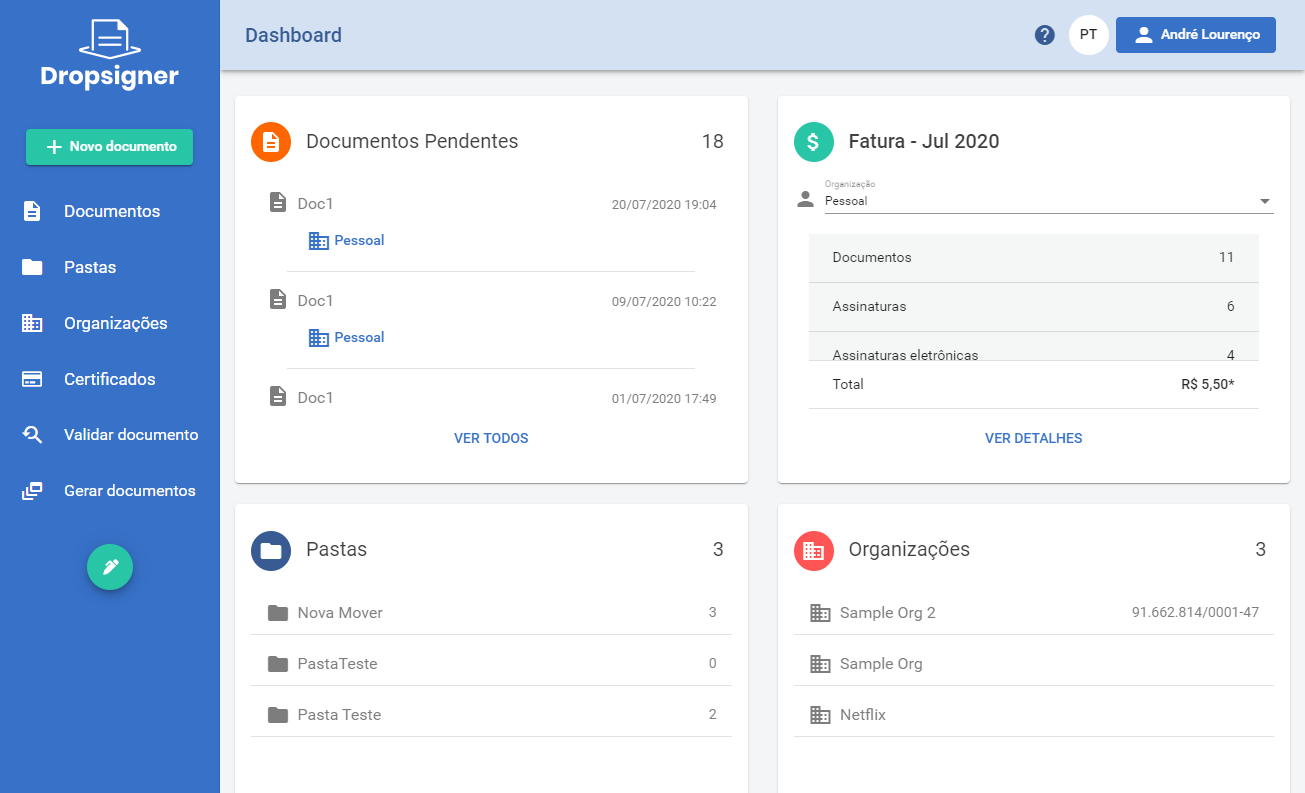
## List
| Code | Theme | Since |
|---|---|---|
| `apb` | amaranth-pacific-blue | |
| `acr` | amazon-cornell-red | |
| `alg` | azure-lime-green | |
| `bvr` | blue-venetian-red | v1.36.0 |
| `cgo` | castleton-green-orange | v1.10.1 |
| `clg` | cerulean-lime-green | |
| `cam` | charcoal-amazonite | |
| `cof` | charcoal-orange-flame | v1.26.1 |
| `ctv` | chartreuse-traditional-violet | v1.44.1 |
| `clc` | cobalt-lemon-curry | |
| `cpg` | cyan-process-green | v2.0.0 |
| `dcg` | dark-cerulean-green | |
| `dgy` | dark-grey-yellow | |
| `dir` | dark-indigo-red | |
| `dmg` | davys-maximum-green | v1.49.0 |
| `djp` | deep-jungle-princeton | v1.59.0 |
| `dpb` | dim-palatinate-blue | v1.58.1 |
| `epi` | electric-purple-indigo | v1.39.0 |
| `ecb` | eminence-cornflower-blue | v1.39.1 |
| `eva` | english-vermillion-arsenic | |
| `frv` | folly-russian-violet | v1.68.0 |
| `fbp` | french-blue-pink | v2.4.8 |
| `gvb` | generic-viridian-blue | v1.33.0 |
| `gdc` | green-dark-coral | |
| `gmc` | gun-metal-camel | v2.9.2 |
| `idg` | independence-green | |
| `ioa` | international-orange-apricot | v1.33.0 |
| `iog` | international-orange-green | v1.31.0 |
| `mse` | metallic-seaweed-emerald | |
| `oco` | onyx-carrot-orange | v1.31.0 |
| `osg` | onyx-satin-gold | |
| `obc` | oregon-blue-cadet | v2.0.0 |
| `obg` | oxford-blue-green | v1.10.1 |
| `pps` | persian-plum-sand | v1.10.4 |
| `pbg` | prussian-blue-green | v2.3.0 |
| `qbm` | queen-blue-mint | |
| `sgy` | sea-green-yellow | v2.0.0 |
| `seb` | silver-eerie-black | v1.54.0 |
| `scy` | space-cadet-yellow | v1.34.0 |
| `tbg` | teal-blue-gold | |
| `vgy` | viridian-green-yellow | v1.10.2 |
| `vsb` | vivid-sky-blue | v1.44.0 |
| `yby` | yale-blue-yellow | v1.51.0 |
| `zuo` | zomp-ut-orange | v1.56.0 |
> **Note**
>
> Themes with no version indicated have existed since the earliest Signer versions.
## Gallery
### amaranth-pacific-blue (`apb`)
### amazon-cornell-red (`acr`)
### azure-lime-green (`alg`)
### blue-venetian-red (`bvr`)
### castleton-green-orange (`cgo`)
### cerulean-lime-green (`clg`)
### charcoal-amazonite (`cam`)
### charcoal-orange-flame (`cof`)
### chartreuse-traditional-violet (`ctv`)
### cobalt-lemon-curry (`clc`)
### cyan-process-green (`cpg`)
### dark-cerulean-green (`dcg`)
### dark-grey-yellow (`dgy`)
### dark-indigo-red (`dir`)
### davys-maximum-green (`dmg`)
### deep-jungle-princeton (`djp`)
### dim-palatinate-blue (`dpb`)
### electric-purple-indigo (`epi`)
> **Note**
>
> Sample for this theme is not available yet.
### eminence-cornflower-blue (`ecb`)
### english-vermillion-arsenic (`eva`)
### folly-russian-violet (`frv`)
### french-blue-pink (`fbp`)
### generic-viridian-blue (`gvb`)
### green-dark-coral (`gdc`)
### gun-metal-camel (`gmc`)
> **Note**
>
> Sample for this theme is not available yet.
### independence-green (`idg`)
### international-orange-apricot (`ioa`)
### international-orange-green (`iog`)
### metallic-seaweed-emerald (`mse`)
### onyx-carrot-orange (`oco`)
### onyx-satin-gold (`osg`)
### oregon-blue-cadet (`obc`)
> **Note**
>
> Sample for this theme is not available yet.
### oxford-blue-green (`obg`)
### persian-plum-sand (`pps`)
### prussian-blue-green (`pbg`)
### queen-blue-mint (`qbm`)
### sea-green-yellow (`sgy`)
### silver-eerie-black (`seb`)
### space-cadet-yellow (`scy`)
### teal-blue-gold (`tbg`)
### viridian-green-yellow (`vgy`)
### vivid-sky-blue (`vsb`)
### yale-blue-yellow (`yby`)
### zomp-ut-orange (`zuo`)
# [Home page and footer](https://docs.lacunasoftware.com/en-us/articles/signer/on-premises/customization/home-e-footer)
There are two ways of configuring the home page:
* **Simple configuration**: customizes only the highlight area, keeping the rest of the page.
* **Advanced configuration**: replaces the whole home page with a static page.
## Simple configuration
It customizes the area outlined below:
You only need to provide an image of how you would like it to look, or the corresponding HTML/CSS.
If you want to create your own HTML and CSS, the following rules apply:
* Create one HTML file for each available language, named `home-.html`. For example:
`home-pt.html`, `home-es.html` and `home-en.html`.
* The HTML files cannot contain `script` tags nor inline styles.
* The HTML files may use classes from the *Bootstrap* library version `4.3.1`, from these modules:
* [Grid](https://getbootstrap.com/docs/4.3/layout/grid)
* [Utilities for layout](https://getbootstrap.com/docs/4.3/layout/utilities-for-layout)
* The application follows the [Material Design](https://material.io) guidelines, so classes from the
[Angular Material UI](https://material.angular.io) library may also be used.
* If you need to customize the CSS, create a file named `main.css`.
* The HTML and CSS files must be placed in the `assets` folder of the configured *Blob Storage*. After the
update, the application must be restarted.
## Advanced configuration (static page)
It customizes the entire home page, which then becomes static. Example:
For this you must provide an HTML file named `index.html` along with a folder named `theme-assets`
containing every resource the file depends on: images, CSS and JS. **Subfolders are not supported**, that
is, the files must be added to the root of the `theme-assets` folder:
All files must be placed in the `assets` folder of the configured *Blob Storage*. After the update, the
application must be restarted.
> **Warning**
>
> When using this approach, we recommend not making many changes to the page header, since there are pages
> in the external area of the application whose header will not follow this model, such as the external
> signature screen and the document validation screen.
## Footer
It customizes the home page footer, when the home page uses the simple configuration:
You only need to provide an image of how you would like it to look, or the corresponding HTML/CSS.
## See also
* [Visual identity](https://docs.lacunasoftware.com/en-us/articles/signer/on-premises/customization/identidade-visual)
* [Signer settings](https://docs.lacunasoftware.com/en-us/articles/signer/on-premises/settings)
# [E-mails and notifications](https://docs.lacunasoftware.com/en-us/articles/signer/on-premises/customization/emails)
There are two different things that can be customized in Signer e-mails:
1. **How each organization's e-mails look**, with logo, colors and some fixed texts. Configured by the
organization administrator, in the application itself.
2. **The e-mail and notification texts**, overriding any text, in any language. Configured by the system
administrator.
> **Tip**
>
> To configure the **sending server** (your own SMTP), see
> [E-mail server (SMTP)](https://docs.lacunasoftware.com/en-us/articles/signer/on-premises/email-smtp), in the Integration section.
## Per-organization customization
Each organization has its own e-mail settings, applied to the notifications of that organization's
documents:
| Setting | What it does |
|---|---|
| `Logo` | Logo shown at the top of the e-mails. When not provided, the instance `light-logo` is used |
| `ThemeColor` | Main e-mail color |
| `ThemeLinkColor` | Link color |
| `ButtonBackgroundColor` | Button background color |
| `ButtonTextColor` | Button text color |
| `SupportEmailAddress` | Support e-mail shown to the recipient |
| `EmailSubjectPrefix` | Prefix added to the subject of every e-mail of the organization |
| `EmailExtraContent` | Extra content included in the e-mail body |
Through the API, these settings live in the `mail` object of the organization settings:
```text
GET /api/organizations/{orgId}/settings
PUT /api/organizations/{orgId}/settings
```
```json
{
"mail": {
"themeColor": "#1B4965",
"themeLinkColor": "#5FA8D3",
"buttonBackgroundColor": "#1B4965",
"buttonTextColor": "#FFFFFF",
"supportEmailAddress": "support@yourcompany.com",
"emailSubjectPrefix": "[Your Company]",
"emailExtraContent": "If you have any questions, talk to your account manager."
}
}
```
The logo is sent as an upload, as shown in
[Getting Started](https://docs.lacunasoftware.com/en-us/articles/signer/get-started#step-2-upload-the-file), and referenced in the `mail.logo`
field.
> **Tip**
>
> This is the customization most customers are after, and it **does not depend on the deployment team**: the
> organization administrator does it alone, from the organization settings screen.
## E-mail and notification texts
Any e-mail or notification text can be overridden through the **`CustomResources`** configuration section,
with no product change. It is the mechanism used, for example, to replace "Sign document" with a term of
your own.
The configuration is organized in **localizers** (`Localizers`), each one matching a set of texts:
| Localizer | What it holds |
|---|---|
| `MailFormatter` | E-mail body texts: greetings, buttons, instructions, invoice texts |
| `NotificationRepository` | Titles and descriptions of the in-app notifications |
| `NotificationService` | E-mail subjects and document event messages |
For each key you can set the value per language (`pt`, `en`, `es`) and a `Default` value, used when there
is no value for the requested language:
```ini
CustomResources__Localizers__MailFormatter__Resources__Sign__en=Sign contract
CustomResources__Localizers__MailFormatter__Resources__Sign__Default=Sign contract
```
In JSON format (`appsettings.json`):
```json
{
"CustomResources": {
"Localizers": {
"MailFormatter": {
"Resources": {
"Sign": {
"pt": "Assinar contrato",
"en": "Sign contract",
"es": "Firmar contrato",
"Default": "Sign contract"
}
}
}
}
}
}
```
> **Note**
>
> The `CustomResources` section is available since version **1.37.0**. See also the reference in
> [Signer settings](https://docs.lacunasoftware.com/en-us/articles/signer/on-premises/settings).
### Available keys
The keys below are the ones that can be overridden in each localizer.
**MailFormatter (114 keys)**
* `AcceptInvite`
* `AddedActions`
* `AddedObserverText`
* `AddedObservers`
* `AdministrationArea`
* `ApprovalCompletedText`
* `Approve`
* `Approver`
* `AuthenticationCode`
* `BankSlipAttachmentFileName`
* `BatchTextApprove`
* `BatchTextDelete`
* `BatchTextMove`
* `BatchTextRefuse`
* `BatchTextSign`
* `ButtonViewAllDocuments`
* `CancelReason`
* `ClosedInvoiceOrganizationText`
* `ClosedInvoicePersonalText`
* `ClosedInvoiceSubject`
* `CompletedFastSignatureText`
* `ContactMessage`
* `CreatedInvoiceOrganizationText`
* `CreatedInvoicePersonalText`
* `CreatedInvoiceSubject`
* `DeletedActions`
* `DeletedDocumentText`
* `DeletedObservers`
* `DocumentAttachmentDeletedText`
* `DocumentAttachmentsAddedText`
* `DocumentCanceledText`
* `DocumentInfoUpdatedText`
* `DocumentPausedText`
* `DocumentRefusalText`
* `DocumentResumedText`
* `DocumentVersionAddedText`
* `Documents`
* `DocumentsConcludedIntroPlural`
* `DocumentsDeletedIntroPlural`
* `DownloadReport`
* `EditedFlowIntro`
* `ExpiredDocumentText`
* `ExtraLinkMessage`
* `FailedInvoiceCharge`
* `FailedInvoiceChargeOrganizationText`
* `FailedInvoiceChargePersonalText`
* `FailoverMessage`
* `FirstAccess`
* `FirstDocument`
* `GrantAccess`
* `Greetings`
* `GreetingsUser`
* `HelloUser`
* `InfoCurrentTags`
* `InfoDeletedTags`
* `InfoDescription`
* `InfoExpirationDate`
* `InfoFromTo`
* `InfoName`
* `InfoRemoved`
* `Instructions`
* `JoinOrganizationInvite`
* `NewTermsOfUseText`
* `ObserversIntro`
* `ParticipatedDocumentConcluded`
* `PauseReason`
* `PendingActionIntro`
* `PendingActionIntroPlural`
* `PendingActionIntroPluralMobile`
* `PendingApprovalText`
* `PendingApprovalTextMobile`
* `PendingDocumentsText`
* `PendingSignatureText`
* `PendingSignatureTextMobile`
* `PendingSignatureTextSMS`
* `PixPaymentText`
* `PixPaymentTitle`
* `ReceiptIssuedOrganizationText`
* `ReceiptIssuedPersonalText`
* `ReceiptIssuedSubject`
* `RefusalReason`
* `ReminderInvoice`
* `ReminderInvoiceOrganizationText`
* `ReminderInvoicePersonalText`
* `ReportAvailable`
* `ReportError`
* `RequestAccessUserInfo`
* `Rule`
* `SetPassword`
* `Sign`
* `SignIsEasy`
* `SignWithQrCode`
* `SignatureCompletedText`
* `SignatureConcludedText`
* `Signer`
* `Start`
* `SubjectAuthenticationCode`
* `SubjectReportAvailable`
* `SubjectReportError`
* `SuccessInvoiceCharge`
* `SuccessInvoiceChargeOrganizationText`
* `SuccessInvoiceChargePersonalText`
* `TermsOfUseUpdatedAdminText`
* `TryCompleteRegistration`
* `TryNow`
* `Unsubscribe`
* `UnsubscribeError`
* `UnsubscribeSuccess`
* `ViewDocument`
* `ViewDocuments`
* `ViewInvoice`
* `ViewTermsOfUse`
* `WelcomeTo`
* `WelcomeUser`
**NotificationRepository (22 keys)**
* `AccessRequest`
* `AddedAsObserver`
* `CreateBatchApproved`
* `CreateBatchDeleted`
* `CreateBatchMoved`
* `CreateBatchRefused`
* `CreateBatchSigned`
* `DocumentCompleted`
* `DocumentInformationUpdated`
* `DocumentSigned`
* `DocumentsCompleted`
* `DocumentsDeleted`
* `ElectronicSignatureAuthCode`
* `ObserversDocuments`
* `PendingAction`
* `PendingActionMobile`
* `PendingApproval`
* `PendingApprovalMobile`
* `PendingSignature`
* `PendingSignatureMobile`
* `TermsOfUseUpdatedAdmin`
* `UpdateTermsOfUse`
**NotificationService (31 keys)**
* `CreateBatchDeleted`
* `DocumentApproved`
* `DocumentAttachmentDeleted`
* `DocumentAttachmentsAdded`
* `DocumentCanceled`
* `DocumentDeleted`
* `DocumentExpired`
* `DocumentFlowEdited`
* `DocumentHasNoPendingFlowAction`
* `DocumentIsPaused`
* `DocumentPaused`
* `DocumentRefused`
* `DocumentResumed`
* `DocumentSigned`
* `DocumentVersionAdded`
* `SubjectDocumentCanceled`
* `SubjectDocumentConcluded`
* `SubjectDocumentDeleted`
* `SubjectDocumentExpired`
* `SubjectDocumentPaused`
* `SubjectDocumentRefused`
* `SubjectDocumentResumed`
* `SubjectDocumentVersionAdded`
* `SubjectElectronicSignatureAuthenticationCode`
* `SubjectFastSignatureCompleted`
* `SubjectFlowActionCompleted`
* `SubjectFlowEdited`
* `SubjectMultiplePendingActions`
* `SubjectObserverAdded`
* `SubjectPendingApproval`
* `SubjectPendingSignature`
## See also
* [E-mail server (SMTP)](https://docs.lacunasoftware.com/en-us/articles/signer/on-premises/email-smtp) covers configuring the sending server.
* [Visual identity](https://docs.lacunasoftware.com/en-us/articles/signer/on-premises/customization/identidade-visual) has the default logo used in the instance e-mails.
* [Generated documents](https://docs.lacunasoftware.com/en-us/articles/signer/on-premises/customization/documentos) covers per-organization customization of the printer friendly
version.
* [Signer settings](https://docs.lacunasoftware.com/en-us/articles/signer/on-premises/settings) is the complete reference of the configuration sections.
# [Generated documents](https://docs.lacunasoftware.com/en-us/articles/signer/on-premises/customization/documentos)
Besides the application, the **files Signer generates** can also be customized: the printer friendly
version, the validation stamp and the signature visual representation.
Every setting on this page is **per organization**: each organization administrator configures their own,
with no need for the deployment team. Through the API, all of them live in:
```text
GET /api/organizations/{orgId}/settings
PUT /api/organizations/{orgId}/settings
```
## Printer friendly version
The printer friendly version (`PrinterFriendly`) is the PDF with the signatures manifest, downloaded with
`type=PrinterFriendlyVersion`. You can replace the logo and adjust its position and the position of the
signatures summary:
| Setting | What it does |
|---|---|
| `Logo` | Logo shown in the document. Without it, the instance `stamp-logo` is used |
| `ShowLogo` | Shows or hides the logo |
| `LogoWidthCentimeters` / `LogoHeightCentimeters` | Logo dimensions, in centimeters |
| `LogoMarginRightCentimeters` / `LogoMarginBottomCentimeters` | Logo margins, in centimeters |
| `ShowSummaryRight` | Places the signatures summary on the right |
| `SummaryHeightCentimeters` | Summary height, in centimeters |
| `SummaryLeadingCentimeters` / `SummaryTrailingCentimeters` | Spacing before and after the summary |
| `SummaryMarginToPageCentimeters` | Summary margin relative to the page |
```json
{
"printerFriendly": {
"showLogo": true,
"logoWidthCentimeters": 3.5,
"logoHeightCentimeters": 1.2,
"logoMarginRightCentimeters": 1,
"logoMarginBottomCentimeters": 0.5,
"showSummaryRight": false
}
}
```
## Validation stamp
The validation stamp (`ValidationStamp`) uses exactly the same settings as the printer friendly version
(logo, dimensions and margins), applied to the stamp placed on the document. Without its own logo, the
instance `val-stamp-logo` is used.
```json
{
"validationStamp": {
"showLogo": true,
"logoWidthCentimeters": 2,
"logoHeightCentimeters": 2
}
}
```
## Signature visual representation
The image shown in the signature visual representation inside the PDF (`SignatureImage`):
| Setting | What it does |
|---|---|
| `VisualRepresentationEnabled` | Enables the visual representation on the organization signatures |
| `Image` | Image used in the visual representation |
| `AlignTextOnMiddle` | Vertically aligns the text to the middle of the representation |
```json
{
"signatureImage": {
"visualRepresentationEnabled": true,
"alignTextOnMiddle": true
}
}
```
> **Note**
>
> The logos and images on this page are sent as an upload and referenced in the `logo` (or `image`) field of
> the corresponding section. See the upload step in
> [Getting Started](https://docs.lacunasoftware.com/en-us/articles/signer/get-started#step-2-upload-the-file).
## See also
* [Visual identity](https://docs.lacunasoftware.com/en-us/articles/signer/on-premises/customization/identidade-visual) has the instance default logos (`stamp-logo` and
`val-stamp-logo`).
* [E-mails and notifications](https://docs.lacunasoftware.com/en-us/articles/signer/on-premises/customization/emails) covers per-organization e-mail customization.
* [Signer settings](https://docs.lacunasoftware.com/en-us/articles/signer/on-premises/settings) documents the `PrinterFriendly`, `ValidationStamp` and
`VisualRepresentation` sections at the instance level.
# [Own domain](https://docs.lacunasoftware.com/en-us/articles/signer/on-premises/customization/dominio)
To serve your instance under a domain of your own, add a **CNAME** DNS record pointing to the instance
address that will be provided, and notify the deployment team so they can make the necessary adjustments
(certificate and site configuration).
## See also
* [Signer settings](https://docs.lacunasoftware.com/en-us/articles/signer/on-premises/settings)
* [SMS sending](https://docs.lacunasoftware.com/en-us/articles/signer/on-premises/sms)
# [TrustArbitrator](https://docs.lacunasoftware.com/en-us/articles/signer/on-premises/trust-arbitrator)
The TrustArbitrator defines which digital certificates Signer accepts. When Signer signs or validates a digital signature, it builds the certificate chain. The chain is the list of certificates that links the signer's certificate to a root CA (the highest-level certificate authority). Then Signer asks the TrustArbitrator if this root is trusted. If the TrustArbitrator does not accept the root, Signer rejects the signature.
By default, Signer accepts only ICP-Brasil certificates. This page explains how to change this setting. For example, you can accept your own root CA, e-Notariado or certificates from other countries.
## Where the TrustArbitrator is used
Signer has a default TrustArbitrator for the instance and one TrustArbitrator for each signature type:
| Where | Setting | Default |
|---|---|---|
| Instance default | `TrustArbitrator` section | ICP-Brasil |
| Simple signature type | `SignatureTypes:Simple:TrustArbitrator` section | ICP-Brasil |
| Qualified signature type | `SignatureTypes:Qualified:TrustArbitrator` section | ICP-Brasil |
| Advanced signature type | Security context, in the administration area | Set in each context |
If the section does not exist, or if `Type` is empty, the TrustArbitrator accepts only ICP-Brasil.
Signer uses the default TrustArbitrator in these cases:
* To sign and validate digital signatures, if `SignatureTypes` is disabled or if the operation does not specify a signature type.
* To authenticate with a digital certificate on CSC cloud signature services.
* In the simplified manifest, to decide if the text about ICP-Brasil is shown.
The `SignatureTypes:Simple:TrustArbitrator` and `SignatureTypes:Qualified:TrustArbitrator` sections apply only if `SignatureTypes:Enabled` is `true`. The [Signature Types settings](https://docs.lacunasoftware.com/en-us/articles/signer/on-premises/settings#app-signature-types) describe the `SignatureTypes` parameters.
> **Note: Advanced signature**
>
> The Advanced type does not use the settings file. A security context groups the rules of Advanced signatures, and each context has its own TrustArbitrator. The instance administrator sets this TrustArbitrator in the administration area. The administrator selects the standard PKIs and uploads the trusted roots of the context.
## TrustArbitrator JSON format
A JSON describes the TrustArbitrator. The two configuration methods on this page use the same JSON:
```json
{
"Version": "2019-05-09",
"StandardPkis": [ "Brazil" ],
"TrustedRoots": []
}
```
| Property | Required | Description |
|---|---|---|
| `Version` | Yes | Format version: `2019-05-09` or `2022-07-21`. Any other value causes an error. |
| `StandardPkis` | No | List of accepted standard PKIs. See the values in [`StandardPkis` values](https://docs.lacunasoftware.com/en-us/articles/signer/on-premises/trust-arbitrator#standardpkis-values). |
| `TrustedRoots` | No | List of accepted root CA certificates, in addition to the standard PKIs. Each item is a certificate in Base64 (DER) or PEM format. |
| `IntermediateCAs` | No | List of intermediate CA certificates, in the same format as `TrustedRoots`. Only available in version `2022-07-21`. |
> **Note: Intermediate CAs**
>
> An intermediate CA is between the root CA and the signer's certificate. Use `IntermediateCAs` if the signers' certificates do not include the data that Signer needs to download these CAs. The certificates in `IntermediateCAs` are not trusted by themselves. The chain must still end in an accepted root.
### `StandardPkis` values
A PKI (public key infrastructure) is the set of CAs of a country or sector. The `StandardPkis` property accepts these values:
| Value | Accepted certificates |
|---|---|
| `Brazil` | ICP-Brasil |
| `Italy` | Italian PKI |
| `Peru` | Peruvian PKI |
| `System` | Trusted roots of the server operating system |
| `ENotariado` | e-Notariado (Colégio Notarial do Brasil) |
| `RegistroCivil` | Registro Civil do Brasil (IdRC) |
If the TrustArbitrator has more than one PKI or root, one of them must accept the certificate root.
## Where to store the JSON
The `Type` property defines where Signer gets the TrustArbitrator JSON. Select the method from the JSON content:
| `Type` | JSON location | Use if |
|---|---|---|
| `AppSetting` | In the `Content` property, as text | You use only standard PKIs. |
| `BlobStorage` | In a file in the Blob Storage | The TrustArbitrator has its own roots or intermediate CAs. |
With your own roots, the `Content` text becomes long and difficult to maintain. Thus, use `BlobStorage` in this case.
> **Note: Environment variables**
>
> In Docker or Azure App Services installations, you can set the settings with environment variables. Separate each level with `__` (two underscores). The examples on this page show the two methods. After you change `appsettings.json` or the environment variables, restart the application.
### Option 1: JSON in the settings (`AppSetting`)
With this option, the TrustArbitrator JSON is in the `Content` property, as text on a single line. This is the simplest method. The example below accepts ICP-Brasil and e-Notariado:
**appsettings.json**
```json title="appsettings.json"
{
"TrustArbitrator": {
"Type": "AppSetting",
"Content": "{ \"Version\": \"2019-05-09\", \"StandardPkis\": [ \"Brazil\", \"ENotariado\" ] }"
}
}
```
**Environment variables**
```text
TrustArbitrator__Type=AppSetting
TrustArbitrator__Content={ "Version": "2019-05-09", "StandardPkis": [ "Brazil", "ENotariado" ] }
```
| Property | Required | Description |
|---|---|---|
| `Type` | Yes | `AppSetting` |
| `Content` | Yes | The TrustArbitrator JSON, as text |
> **Warning**
>
> In `appsettings.json`, escape all double quotes in `Content` with `\"`. `Content` is text inside another JSON. If `Content` is empty or has an invalid JSON, the operations that use the TrustArbitrator fail.
### Option 2: file in the Blob Storage (`BlobStorage`)
With this option, the TrustArbitrator JSON is in a file in the instance Blob Storage. Before you start, make sure that the Blob Storage is configured. See [Blob Storage settings](https://docs.lacunasoftware.com/en-us/articles/signer/on-premises/blob-storage).
1. Create a `.json` file with the TrustArbitrator content. For example:
```json title="my-trustarbitrator.json"
{
"Version": "2019-05-09",
"StandardPkis": [ "Brazil" ],
"TrustedRoots": [
"MIIGBjCCA+6gAwIBAgIBATANBgkqhkiG9w0BAQ0FADCBkzELMAkGA1UEBhMCQlIx..."
]
}
```
1. Upload the file to the `trustarbitrators` folder of the Blob Storage. The location depends on the Blob Storage type:
| Blob Storage type | File location |
|---|---|
| File system | `/trustarbitrators/my-trustarbitrator.json` |
| Azure | Configured container, with the `trustarbitrators/` prefix |
1. Point Signer to the file with the settings below.
**appsettings.json**
```json title="appsettings.json"
{
"TrustArbitrator": {
"Type": "BlobStorage",
"BlobName": "my-trustarbitrator.json"
}
}
```
**Environment variables**
```text
TrustArbitrator__Type=BlobStorage
TrustArbitrator__BlobName=my-trustarbitrator.json
```
| Property | Required | Description |
|---|---|---|
| `Type` | Yes | `BlobStorage` |
| `BlobName` | Yes | File name in the Blob Storage |
| `BlobFolderName` | No | File folder in the Blob Storage. The default is `trustarbitrators`. Change it only if the file is in a different folder. |
> **Warning**
>
> Do not use a GUID as the name of the default TrustArbitrator file. The `trustarbitrators` folder also keeps the TrustArbitrators of the security contexts. Signer uses GUIDs as the names of these files and deletes them when the context changes or is deleted.
Signer reads the file at each operation. Thus, a change to the file applies to the next signatures and validations. You do not need to restart the application.
## TrustArbitrators of the Simple and Qualified types
The `SignatureTypes:Simple:TrustArbitrator` and `SignatureTypes:Qualified:TrustArbitrator` sections accept the same properties as the `TrustArbitrator` section: `Type`, `Content`, `BlobName` and `BlobFolderName`. If the section does not exist, the signature type accepts only ICP-Brasil.
In the example below, the Qualified type accepts ICP-Brasil and e-Notariado. The Simple type uses the TrustArbitrator from a file in the Blob Storage:
**appsettings.json**
```json title="appsettings.json"
{
"SignatureTypes": {
"Enabled": true,
"Simple": {
"TrustArbitrator": {
"Type": "BlobStorage",
"BlobName": "simple.json"
}
},
"Qualified": {
"TrustArbitrator": {
"Type": "AppSetting",
"Content": "{ \"Version\": \"2019-05-09\", \"StandardPkis\": [ \"Brazil\", \"ENotariado\" ] }"
}
}
}
}
```
**Environment variables**
```text
SignatureTypes__Enabled=true
SignatureTypes__Simple__TrustArbitrator__Type=BlobStorage
SignatureTypes__Simple__TrustArbitrator__BlobName=simple.json
SignatureTypes__Qualified__TrustArbitrator__Type=AppSetting
SignatureTypes__Qualified__TrustArbitrator__Content={ "Version": "2019-05-09", "StandardPkis": [ "Brazil", "ENotariado" ] }
```
## Troubleshooting
If the TrustArbitrator settings have an error, Signer writes these messages to the log:
| Log message | Probable cause |
|---|---|
| `Invalid trust arbitrator JSON` | The JSON is malformed. Make sure that the quotes in `Content` are escaped and that the file content is a valid JSON. |
| `'version' property not found` | The JSON does not have the `Version` property. |
| `Unrecognized version` | `Version` has a value other than `2019-05-09` and `2022-07-21`. |
| `The content for the trust arbitrator JSON must be set...` | `Type` is `AppSetting`, but `Content` is empty. |
| `The blobName for the trust arbitrator JSON must be configured` | `Type` is `BlobStorage`, but `BlobName` is empty. |
If Signer rejects a signature because the certificate root is not trusted, do these checks:
1. Find which TrustArbitrator the operation uses in [Where the TrustArbitrator is used](https://docs.lacunasoftware.com/en-us/articles/signer/on-premises/trust-arbitrator#where-the-trustarbitrator-is-used).
1. Make sure that the certificate PKI is in the `StandardPkis` of this TrustArbitrator.
1. If the PKI is not in the list, make sure that the certificate root is in `TrustedRoots`.
## See also
* [Signer settings](https://docs.lacunasoftware.com/en-us/articles/signer/on-premises/settings#app-trust-arbitrator)
* [Blob Storage settings](https://docs.lacunasoftware.com/en-us/articles/signer/on-premises/blob-storage)
# [Updating Signer from 1.x to 2.x](https://docs.lacunasoftware.com/en-us/articles/signer/on-premises/update-20)
Before updating your [on-premises](https://docs.lacunasoftware.com/en-us/articles/signer/on-premises) instance from version 1.x to a 2.x version, you must follow a few extra steps.
## 1. Install the ASP.NET Core Runtime 8.0
Please refer to the *Install the ASP.NET Core Runtime 8.0* section of the installation procedure corresponding to your platform:
* Windows: Install [NET 8.0 Hosting Bundle](https://dotnet.microsoft.com/en-us/download/dotnet/thank-you/runtime-aspnetcore-8.0.15-windows-hosting-bundle-installer)
* Linux
* [Ubuntu Server](https://docs.lacunasoftware.com/en-us/articles/signer/on-premises/linux/install-ubuntu#install-aspnet-core)
> **Tip**
>
> It is not necessary to uninstall previous versions of ASP.NET Core Runtime, multiple versions can co-exist in the same system without issues
> **Note**
>
> On Docker this step is not necessary since the new 2.x image already ships with the ASP.NET Core Runtime 8.0 embedded
## 2. Set an explicit AppDiscriminator
Check if your configuration file contains a setting named `AppDiscriminator` on the `General` section (or `General__AppDiscriminator` if using environment variables).
If there is such a setting and it is filled, skip to the next step. If there is no such setting (or if it has an empty value), proceed with the following instructions.
Open the application log and look for the following entry:
```text
Application starting: Lacuna Signer (version: *, spaVersion: *, appDiscriminator: 'YOUR_APP_DISCRIMINATOR')
^^^^^^^^^^^^^^^^^^^^^^
```
Copy the value of the *appDiscriminator* field **without the surrounding single quotes** (on the example above the correct value would be `YOUR_APP_DISCRIMINATOR`,
not `'YOUR_APP_DISCRIMINATOR'`) and add the `AppDiscriminator` setting on the `General` section of your configuration file with that value.
Example (*.ini* or *.conf* file):
```ini
[General]
AppDiscriminator=YOUR_APP_DISCRIMINATOR
```
Example (environment variables):
```sh
General__AppDiscriminator=YOUR_APP_DISCRIMINATOR
```
Next, restart the application and check the logs again. A new "application starting" log should be registered, with no change to the *appDiscriminator* field.
## 3. Serilog Changes
Some Serilog parameters have changed because the library was updated. Check the section `Serilog` of your app settings and make changes according to the directions below:
* Windows:
* If you have `RollingFile` specified, replace it with `File` and the property `pathFormat` with `path`. In order to maintain *rolling* behavior add `"rollingInterval": "Day"`.
* Azure:
* If you are hosting Signer on Azure (and have the `ASPNETCORE_ENVIRONMENT` setting set to `Azure`), default Serilog settings have been added so now it's only required to define the `Serilog__WriteTo__0__Args__connectionString` property in order to direct logs to a table of a Storage Account.
* If you have `Serilog__WriteTo__0__Name` set to `AzureTableStorageWithProperties`, remove it or replace it with `AzureTableStorage`.
## 4. Database Changes
The SQL Server minimum version was updated to SQL Server 2016 (13.x). To revert the compatibility to SQL Server 2014, add the setting `SqlServer__CompatibilityLevel` with value `120`.
## 5. Update Signer
After following the steps above, proceed with the update instructions.
## Troubleshooting certificate errors on SQL Server
Unlike on .NET 6, the new standard on .NET 8 is for the SQL server certificate to be validated. This might cause your instance to crash
when starting, with the following error appearing on the logs:
> Microsoft.Data.SqlClient.SqlException: 'A connection was successfully established with the server, but then an error occurred during the login process. (provider: SSL Provider, error: 0 - The certificate chain was issued by an authority that is not trusted.)'
In that case, ensure that your SQL Server is configured with a trusted TLS certificate and that it has not expired.
If you prefer to bypass the SQL Server certificate validation, append `;TrustServerCertificate=True` to the database connection string on the configuration file.
## Troubleshooting Database timeout after update
If you experience an application error after updating and the log indicates that there was a timeout applying database migrations, you should run the command line utility
to manually trigger migrations with an increased timeout parameter:
1. Stop the application.
1. Navigate to the application binaries folder.
1. Execute the command:
```sh
dotnet Lacuna.Signer.Site.dll -- update-db AddFontSize --timeout 6000
```
1. Restart the application.
## Azure App Services
If your Amplia instance is hosted on Azure App Services:
1. On the Azure Portal, enter your App Service configuration
1. Click on **Configuration**, then select the **General settings** tab
1. On the *Stack settings* section:
1. The *Stack* setting should be set to **.NET**
1. The *.NET version* setting, should be set to **.NET 8 (LTS)**
> **Tip**
>
> The *Stack settings* section mentioned above is only shown if the App Service Plan is Windows-based. Otherwise, for Linux-based plans, no changes are needed.
# [Getting started with the Signer API](https://docs.lacunasoftware.com/en-us/articles/signer/get-started)
This guide takes you **from zero to your first signed document** using the Signer API. It has six steps
and takes about 15 minutes. By the end you will have created a document through the API, collected a
signature and downloaded the signed file.
The complete reference of every use case is in the [Integration Guide](https://docs.lacunasoftware.com/en-us/articles/signer/integration-guide).
## Before you start
You will need:
* Access to a Signer instance, either the SaaS version at [dropsigner.com](https://www.dropsigner.com/) or
an [*on premises*](https://docs.lacunasoftware.com/en-us/articles/signer/on-premises) instance.
* An **organization**, since API keys always belong to one.
* Permission to create applications in that organization. Without it, ask your instance administrator for
an API key of the organization and skip to [step 2](https://docs.lacunasoftware.com/en-us/articles/signer/get-started#step-2-upload-the-file).
* Any PDF file to test with.
> **Note**
>
> The examples in this guide use `https://www.dropsigner.com` as the base URL. If you run your own instance,
> replace it with your instance URL, for example `https://signer.yourcompany.com`.
## Step 1: Create the application and the API key
In the desired organization, go to **Applications** and create an application:

Then generate the key with the **Keys** button:



The key has the format `application-name|` and must be sent in the `X-Api-Key` header of **every**
request:
```text
X-Api-Key: your-application|xxxxxxxxxxxxxxxxxxxxxxxxxxxxxxxxxxxxxxxxxxxxxxxxxxxxxxxxxxxxxxxx
```
> **Warning**
>
> The key is shown **only once**, when it is created. Store it in a secret manager, because a lost key
> cannot be recovered, only replaced by a new one. The key scope is restricted to the organization it was
> created in: it can only see and create documents of that organization.
Check that the key works by listing the organization's documents:
```bash
curl -i "https://www.dropsigner.com/api/documents" -H "X-Api-Key: your-application|YOUR_KEY"
```
A `401` or `403` response means the key is invalid, revoked, or belongs to another organization.
## Step 2: Upload the file
The file is uploaded before the document and gets an upload id, used in the next step. The simplest way is
to send the bytes in Base64:
```bash
curl -X POST "https://www.dropsigner.com/api/uploads/bytes" -H "X-Api-Key: your-application|YOUR_KEY" -H "Content-Type: application/json" -d "{\"bytes\": \"$(base64 -w0 contract.pdf)\"}"
```
Response:
```json
{
"id": "3fa85f64-5717-4562-b3fc-2c963f66afa6",
"size": 48213,
"digest": "9bT1kQ2s3d4F5g6H7j8K9l=="
}
```
The `id` field is the **upload id**. `digest` is the MD5 of the received file and lets you check the
integrity of what reached the server.
> **Tip**
>
> For large files, prefer the `multipart/form-data` upload at `POST /api/uploads`, which avoids the overhead
> of transporting the file in Base64.
## Step 3: Create the document
Now create the document from the upload, defining the flow: who takes part and in which order.
```bash
curl -X POST "https://www.dropsigner.com/api/documents" \
-H "X-Api-Key: your-application|YOUR_KEY" \
-H "Content-Type: application/json" \
--data-binary @document.json
```
Contents of `document.json`:
```json
{
"files": [
{
"id": "3fa85f64-5717-4562-b3fc-2c963f66afa6",
"displayName": "Services agreement",
"name": "contract.pdf",
"contentType": "application/pdf"
}
],
"flowActions": [
{
"type": "Signer",
"step": 1,
"user": {
"name": "John Wick",
"identifier": "81976153069",
"email": "john.wick@mailinator.com"
},
"allowElectronicSignature": true
}
]
}
```
The response has one item per uploaded file, linking the upload to the created document:
```json
[
{
"uploadId": "3fa85f64-5717-4562-b3fc-2c963f66afa6",
"documentId": "b12cb1b2-5d6e-40b2-a050-097d068c4c11"
}
]
```
The main fields:
| Field | What it does |
|---|---|
| `files[].id` | The id returned by the upload in the previous step |
| `files[].displayName` | The document name as shown in Signer |
| `files[].name` / `files[].contentType` | Name and mime type of the original file |
| `flowActions[].type` | `Signer`, `Approver`, `SignRule` or `ApproverRule` |
| `flowActions[].step` | Position in the flow. Participants in the same `step` act in parallel, and a higher `step` is only notified when the previous one finishes |
| `flowActions[].user` | The participant (`name`, `identifier`, `email`) |
| `flowActions[].allowElectronicSignature` | Allows electronic signature, without a digital certificate |
> **Tip**
>
> You can send several files in the same call. Each one becomes a document, all with the same flow. To group
> several PDFs into a single document, use `isEnvelope: true` together with `envelopeName`.
As soon as the document is created, Signer automatically emails the participants of the first step. To
notify no one at that moment, as happens when signing takes place inside your own application, send
`disablePendingActionNotifications: true`.
## Step 4: Sign the document
**Through the notification (default).** The participant receives an email with a link that opens the
signature screen. No account and no authentication is required to sign.
**Inside your application.** Request the action URL of that participant and redirect (or embed) the user:
```bash
curl -X POST "https://www.dropsigner.com/api/documents/b12cb1b2-5d6e-40b2-a050-097d068c4c11/action-url" \
-H "X-Api-Key: your-application|YOUR_KEY" \
-H "Content-Type: application/json" \
-d "{\"identifier\": \"81976153069\", \"emailAddress\": \"john.wick@mailinator.com\"}"
```
For this case, combine it with `disablePendingActionNotifications: true` on creation. The
[Embedded Signature](https://docs.lacunasoftware.com/en-us/articles/signer/embedded-signature) page shows how to embed the signature screen in your own page.
## Step 5: Track the status
```bash
curl "https://www.dropsigner.com/api/documents/b12cb1b2-5d6e-40b2-a050-097d068c4c11" -H "X-Api-Key: your-application|YOUR_KEY"
```
```json
{
"id": "b12cb1b2-5d6e-40b2-a050-097d068c4c11",
"name": "Services agreement",
"status": "Concluded",
"flowActions": [
{
"id": "4bf61c68-eaf1-455f-b4a1-6141554f1dae",
"type": "Signer",
"status": "Completed",
"step": 1,
"user": { "name": "John Wick", "identifier": "81976153069" }
}
]
}
```
* The document is finished when `status` is `Concluded`.
* A participant has completed their action when the `status` of their `flowAction` is `Completed`.
> **Warning**
>
> Do not poll this endpoint to find out when the document is ready. In production, register a
> [Webhook](https://docs.lacunasoftware.com/en-us/articles/signer/webhooks) and let Signer notify your application.
## Step 6: Download the signed document
```bash
curl -L "https://www.dropsigner.com/api/documents/b12cb1b2-5d6e-40b2-a050-097d068c4c11/content?type=Signatures" -H "X-Api-Key: your-application|YOUR_KEY" -o signed-contract.pdf
```
The `type` parameter selects which version to download:
| `type` | What you get |
|---|---|
| `Signatures` | **The signed file**, that is, the PDF with the embedded signatures (or a `.p7s`, when the signature is CAdES) |
| `Original` | The original file, as uploaded |
| `OriginalWithMarks` | The original with the signature marks stamped on it |
| `PrinterFriendlyVersion` | Printer friendly version, in PDF, with the signatures manifest |
| `SignaturesManifest` | The signatures manifest only, in PDF |
| `SignatureMarks` | PDF with the signature visual representations |
| `SigningTags` | PDF with the signing tags |
> **Note**
>
> **Canceled, expired or refused** documents can only be downloaded as `Original` and
> `PrinterFriendlyVersion`; the other types return an error. Downloading refused documents can be enabled by
> instance configuration.
If you need the bytes in JSON instead of a download, use `GET /api/documents/{id}/content-b64`, which
returns `name`, `contentType` and the `bytes` in Base64.
## Done, what next?
* [Integration Guide](https://docs.lacunasoftware.com/en-us/articles/signer/integration-guide) covers every use case: reminders, cancellation, refusal, new
version, signature validation, listings and signature pre-positioning.
* [Webhooks](https://docs.lacunasoftware.com/en-us/articles/signer/webhooks) shows how to receive document events instead of checking the status.
* [Embedded Signature](https://docs.lacunasoftware.com/en-us/articles/signer/embedded-signature) brings the signature screen into your application.
* [Administration APIs](https://docs.lacunasoftware.com/en-us/articles/signer/on-premises/administration) let you create and manage users and organizations.
* [Client libraries](https://docs.lacunasoftware.com/en-us/articles/signer/integration-guide#client-libraries) for .NET, Java, Node.js and PHP call the API for
you, and [Error responses](https://docs.lacunasoftware.com/en-us/articles/signer/integration-guide#error-responses) describes what the API returns on failure.
* Full samples in C#, Java, PHP and Node.js are at
[SignerSamples](https://github.com/LacunaSoftware/SignerSamples).
**Demos and samples**
- Live demo: [Sign a document](https://try.lacunasoftware.com/en/signer/sign-a-document)
- Sign a document: create it with one signer: [.NET](https://github.com/LacunaSoftware/SignerSamples/blob/master/dotnet/console/Console/Scenarios/CreateDocumentWithOneSignerScenario.cs) · [Java](https://github.com/LacunaSoftware/SignerSamples/blob/master/java/console/src/main/java/com/lacunasoftware/signer/sample/scenarios/CreateDocumentWithOneSignerScenario.java) · [Node.js](https://github.com/LacunaSoftware/SignerSamples/blob/master/nodejs/scenarios/createDocumentWithOneSignerScenario.ts) · [PHP](https://github.com/LacunaSoftware/SignerSamples/blob/master/php/Scenarios/CreateDocumentWithOneSignerScenario.php)
- Create a document from a large file: [PHP](https://github.com/LacunaSoftware/SignerSamples/blob/master/php/Scenarios/CreateLargeDocumentScenario.php)
# [Administration APIs](https://docs.lacunasoftware.com/en-us/articles/signer/on-premises/administration)
## Introduction
The administration APIs let you create, manage and change Signer users and organizations.
To call these APIs you need an **administration API key**.
## Creating an administration API key
To create one, create an application and select the `Sys Admin` organization:

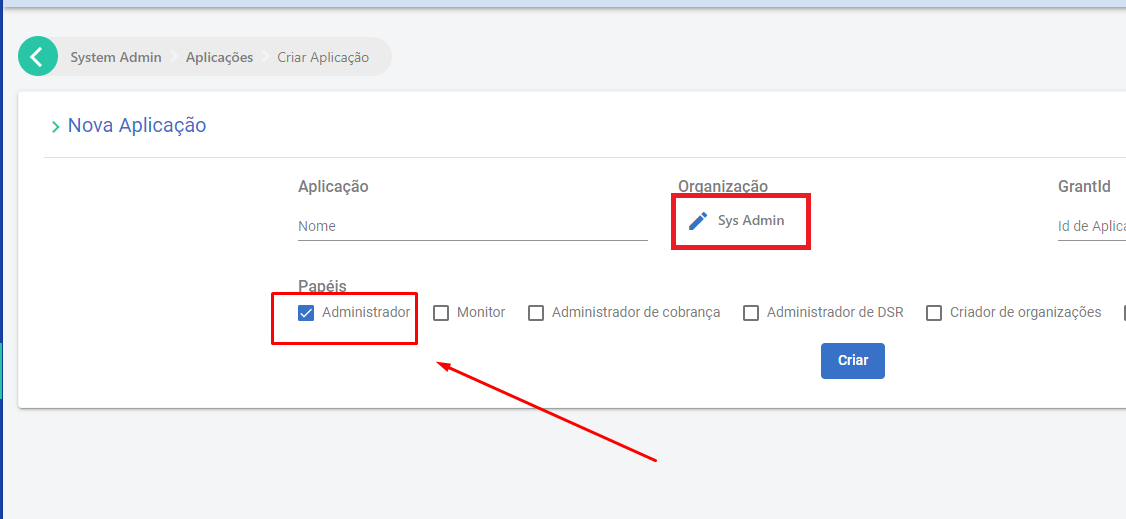
Then create the key with the "Keys" button:



## Administration operations
Choose one of the use cases below:
* [List users](https://docs.lacunasoftware.com/en-us/articles/signer/on-premises/administration#list-users)
* [Update user data](https://docs.lacunasoftware.com/en-us/articles/signer/on-premises/administration#update-user-data)
* [List organizations](https://docs.lacunasoftware.com/en-us/articles/signer/on-premises/administration#list-organizations)
* [Create an organization](https://docs.lacunasoftware.com/en-us/articles/signer/on-premises/administration#create-an-organization)
* [List the users of an organization](https://docs.lacunasoftware.com/en-us/articles/signer/on-premises/administration#list-the-users-of-an-organization)
* [Create or update users of an organization](https://docs.lacunasoftware.com/en-us/articles/signer/on-premises/administration#create-or-update-users-of-an-organization)
* [Remove a user from an organization](https://docs.lacunasoftware.com/en-us/articles/signer/on-premises/administration#remove-a-user-from-an-organization)
These and other operations are shown in the following [Postman](https://www.postman.com/) collection: [Signer ADM APIs](https://cdn.lacunasoftware.com/signer/docs/Signer%20ADM-5.postman_collection.json).
### List users
To list the users registered in the system, with their data and permissions, call `GET /api/users`:
```json
GET /api/users?q=
{
"items": [
{
"identifier": "99999999999",
"phone": null,
"id": "446e14b9-a661-446a-bb52-66b6c9f1ade9",
"subject": "17bb43bd-1dac-46ce-95d2-62007bee2aea",
"name": "User One",
"emailAddress": "User.One@mailinator.com",
"parentId": null,
"rootRoles": [],
"parentRootRoles": null,
"subscriptions": [
{
"agentId": "446e14b9-a661-446a-bb52-66b6c9f1ade9",
"subscriptionId": "28dd8bc0-ef7a-44e4-b2f8-08da757b7cf1",
"roles": [
"Admin",
"Manager",
"Basic"
],
"parentRoles": null
}
]
},
{
"identifier": "11096802449",
"phone": "+55 61 99999-9999",
"id": "7b06a7ed-43fc-45df-96f8-cb29f4778e22",
"subject": "ee72e66e-c150-47c3-a8fd-d4d0c6e12ef5",
"name": "User Two",
"emailAddress": "user.two@mailinator.com",
"parentId": null,
"rootRoles": [],
"parentRootRoles": null,
"subscriptions": [
{
"agentId": "7b06a7ed-43fc-45df-96f8-cb29f4778e22",
"subscriptionId": "7289e60f-0c1f-4a3d-4b81-08da718c9ef3",
"roles": [
"Admin",
"Manager",
"Basic"
],
"parentRoles": null
}
]
}
],
"totalCount": 2,
"nextCursor": null
}
```
* q (query - `string`): filters the returned users by name, CPF or email (optional).
### Update user data
To update a user's data, call `PUT /api/users/{subject}`:
```json
PUT /api/users/{subject}
{
"name": "User Name",
"identifier": "11096802449",
"emailAddress": "user@mailinator.com",
"phone": "+55 (61) 99999-9999"
}
```
* `{subject}` is the field of the same name returned with the user's data, as described in [List users](https://docs.lacunasoftware.com/en-us/articles/signer/on-premises/administration#list-users).
### List organizations
To list the organizations registered in the system, call `GET /api/admin/organizations`:
```json
GET /api/admin/organizations?limit=1&offset=1&personal=true&q=user
{
"items": [
{
"id": "5aaa9032-1ad0-4c63-3c73-08d9d088eeac",
"name": null,
"identifier": null,
"owner": {
"id": "6f9d67cc-5cea-4672-b09e-ac04ed2e348f",
"name": "Novo User"
}
}
],
"totalCount": 17,
"nextCursor": null
}
```
* limit (`int`): number of items per page (optional).
* offset (`int`): page number (optional).
* q (query - `string`): filters by organization name (optional).
### Create an organization
To create an organization, call `POST /api/admin/organizations`:
```json
POST /api/admin/organizations
{
"name": "newOrg",
"identifier": "85932577000194"
}
```
### List the users of an organization
To list the users of an organization, call `GET /api/organizations/{id}/users`:
```json
GET /api/organizations/{id}/users?limit=1&offset=0&q=
{
"items": [
{
"id": "7b06a7ed-43fc-45df-96f8-cb29f4778e22",
"name": "User Name",
"email": "user.name@mailinator.com",
"identifier": "11096802449",
"role": "",
"parentId": null,
"accessProfile": {
"administrator": true,
"manager": true,
"parentRoles": null
},
"showNameWarning": false
}
],
"totalCount": 3,
"nextCursor": null
}
```
* `{id}`: the organization ID.
* limit (`int`): number of items per page (optional).
* offset (`int`): page number (optional).
* q (query - `string`): filters by user name (optional).
### Create or update users of an organization
To create or update users, call `POST /api/organizations/{id}/users`:
```json
POST /api/organizations/{id}/users
{
"accessProfile": {
"administrator": true,
"manager": true
},
"name": "User Name",
"identifier": "11096802449",
"email": "user@mailinator.com"
}
```
* `{id}`: the organization ID.
### Remove a user from an organization
To remove a user from an organization, call `DELETE /api/admin/organizations/{id}/users/{userID}`:
* `{id}`: the organization ID.
* `{userID}`: the ID of the user to remove.
# [Consumption Monitoring](https://docs.lacunasoftware.com/en-us/articles/signer/on-premises/consumption-monitoring)
## Introduction
To support monitoring, Signer has a set of APIs that expose information and reports about the operations users
perform.
To call these APIs you need a **monitoring API key**.
## Creating a monitoring API key
To create one, create an application, selecting the `Sys Admin` organization and the `Monitor` role:

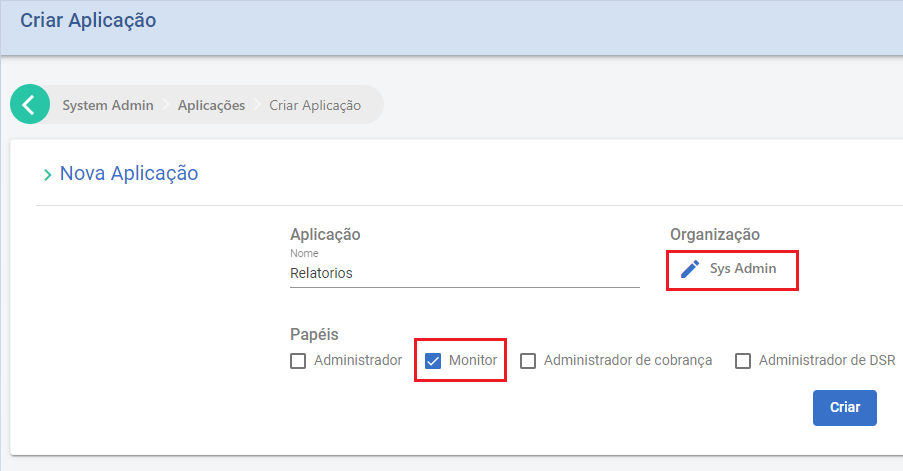
> **Warning**
>
> The `Monitor` role only grants access to the APIs that are relevant to monitoring.
Then create the key with the "Keys" button:



## Monitoring options
Choose one of the use cases below:
* [Generate a document report](https://docs.lacunasoftware.com/en-us/articles/signer/on-premises/consumption-monitoring#generate-a-document-report)
* [Get document totals](https://docs.lacunasoftware.com/en-us/articles/signer/on-premises/consumption-monitoring#get-document-totals)
### Generate a document report
To get an Excel report of all documents created in a period, call `POST /api/reports/documents/date`:
```json
POST /api/reports/documents/date
{
"startDateUtc": "2023-01-01",
"endDateUtc": "2023-01-31"
}
```
* startDateUtc - `string`: date and time (optional) when the period starts.
* endDateUtc - `string`: date and time (optional) when the period ends.
The response carries a download path for the generated report (append the returned value to the site's base URL):
```json
{
"location": "/api/reports/f7044565-7cd4-4628-bb17-76eedbf9fe31?access_ticket=..."
}
```
### Get document totals
To get the number of documents and envelopes created in a period, call `POST /api/documents/date`:
```json
POST /api/documents/date
{
"startDateUtc": "2023-01-01",
"endDateUtc": "2023-01-31"
}
```
* startDateUtc - `string`: date and time (optional) when the period starts.
* endDateUtc - `string`: date and time (optional) when the period ends.
The response carries the totals of documents and envelopes created:
```json
{
"totalDocuments": 0,
"totalEnvelopes": 0
}
```
# [Integration Guide](https://docs.lacunasoftware.com/en-us/articles/signer/integration-guide)
Signer is a web portal of documents that enables digital and electronic signatures as well as the creation of complex document flows. This guide presents the integration options so that your application can make the most of Signer's potential.
> **Tip: New here?**
>
> If this is your first integration, start with [Getting started](https://docs.lacunasoftware.com/en-us/articles/signer/get-started), which takes you from zero to your first signed document in about 15 minutes. This guide serves as a reference for the use cases.
## Authentication
All API calls demand one API Key in order to communicate with Signer. This key must be placed in the header of all requests:
```javascript
X-Api-Key: your-application|xxxxxxxxxxxxxxxxxxxxxxxxxxxxxxxxxxxxxxxxxxxxxxxxxxxxxxxxxxxxxxxx
```
Every API Key is associated with an Organization previously registered in Signer. Therefore, the scope of this key is **restricted to that organization**, that key will only allow you to access/create documents from that same organization.
> **Note**
>
> To get an API key: if you have permission to create applications in the organization, create an application under **Applications** and generate the key with its **Keys** button, as shown in [Getting started](https://docs.lacunasoftware.com/en-us/articles/signer/get-started#step-1-create-the-application-and-the-api-key). Otherwise, ask your instance administrator for one.
## Client libraries
Lacuna publishes a client library of the API for .NET, Java, Node.js and PHP. You create the client with the URL of your Signer instance and the API key, and call the APIs through its methods. You can also call the REST API directly from any language, as [Getting started](https://docs.lacunasoftware.com/en-us/articles/signer/get-started) does with curl.
| Language | Package | Version | Install |
| --- | --- | --- | --- |
| .NET (.NET Framework 4.5 or later, .NET Standard 2.0) | [`Lacuna.Signer.Client`](https://www.nuget.org/packages/Lacuna.Signer.Client) | 1.24.0 | `dotnet add package Lacuna.Signer.Client` |
| Java | [`com.lacunasoftware.signer:signer-client`](https://central.sonatype.com/artifact/com.lacunasoftware.signer/signer-client) | 2.14.0 | Gradle: `implementation 'com.lacunasoftware.signer:signer-client:2.14.0'` |
| Node.js | [`signer-node-client`](https://www.npmjs.com/package/signer-node-client) | 1.1.0 | `npm install signer-node-client` |
| PHP | [`lacuna/signer-client`](https://packagist.org/packages/lacuna/signer-client) | 1.4.10 | `composer require lacuna/signer-client` |
The [samples on GitHub](https://github.com/LacunaSoftware/SignerSamples) use these libraries, with one scenario per use case of this guide. To embed the signing screen in your web page, use the `lacuna-signer-widget` JavaScript library: see [Embedded signature](https://docs.lacunasoftware.com/en-us/articles/signer/embedded-signature).
## How the flow works
In practice, an integration with Signer follows four stages. Each stage has a dedicated page in this guide:
1. **[Create documents](https://docs.lacunasoftware.com/en-us/articles/signer/integration/documents)**: upload the file, assemble the participant flow and (optionally) sign inside your own application.
2. **[Track documents](https://docs.lacunasoftware.com/en-us/articles/signer/integration/tracking)**: check the status, send reminders and receive webhook notifications.
3. **[Download and list](https://docs.lacunasoftware.com/en-us/articles/signer/integration/download-and-list)**: get the document versions and list documents by different criteria.
4. **[Validate signatures](https://docs.lacunasoftware.com/en-us/articles/signer/integration/validation)**: validate signatures using a validation key or the signed file.
And throughout the document's life you may need **[lifecycle](https://docs.lacunasoftware.com/en-us/articles/signer/integration/lifecycle)** operations: cancel, refuse, submit a new version or delete.
## Use cases
| Use case | What you do |
| --- | --- |
| [Create documents](https://docs.lacunasoftware.com/en-us/articles/signer/integration/documents) | Upload, flow creation, embedded signature, pre-positioning signatures and envelopes (multiple files) |
| [Track documents](https://docs.lacunasoftware.com/en-us/articles/signer/integration/tracking) | Check document and participant status, send reminders and set up webhooks |
| [Download and list](https://docs.lacunasoftware.com/en-us/articles/signer/integration/download-and-list) | Download the different document versions and list documents |
| [Validate signatures](https://docs.lacunasoftware.com/en-us/articles/signer/integration/validation) | Validate signatures by key or by signed file |
| [Document lifecycle](https://docs.lacunasoftware.com/en-us/articles/signer/integration/lifecycle) | Cancel, refuse, submit a new version and delete |
## Error responses
The APIs answer with these HTTP status codes:
| Code | Meaning |
| --- | --- |
| `200` (OK) | Request processed. The response body depends on the API: see its entry in the [API reference](https://www.dropsigner.com/swagger). |
| `400` (Bad Request) | Syntax error, for instance a required field that was not sent. |
| `401` (Unauthorized) | The API key was not sent or is invalid. |
| `403` (Forbidden) | The API key is valid, but its application does not have permission for the requested operation. |
| `422` (Unprocessable Entity) | API error, for instance an entity ID that is not found. The body is an `ErrorModel`. |
An `ErrorModel` has three fields:
| Field | Type | Content |
| --- | --- | --- |
| `code` | string | The error code. Test this field in your code, not the message. |
| `message` | string | A description of the error. |
| `details` | object, with string values | Additional information about the error. It may be `null`. |
```json
{
"code": "DocumentNotFound",
"message": "...",
"details": null
}
```
The API reference lists the main codes of a `422` response: `CertificateNotFound`, `DocumentNotFound`, `FolderNotFound`, `CpfMismatch`, `CpfNotExpected`, `InvalidFlowAction` and `DocumentInvalidKey`. The list is not comprehensive, and new codes may be added at any time without notice, so handle codes you do not know. Other pages describe the codes of their operations, such as `DocumentHasNoSignatures` when [downloading a version](https://docs.lacunasoftware.com/en-us/articles/signer/integration/download-and-list#when-a-version-cannot-be-downloaded) and `MaxWebhooksLimitReached` when [registering a webhook](https://docs.lacunasoftware.com/en-us/articles/signer/webhooks#through-the-api).
## Useful Links
* [API Reference (Swagger)](https://www.dropsigner.com/swagger)
* [GitHub Examples](https://github.com/LacunaSoftware/SignerSamples)
* [Embedded signature (Widget)](https://docs.lacunasoftware.com/en-us/articles/signer/embedded-signature)
* [Webhooks](https://docs.lacunasoftware.com/en-us/articles/signer/webhooks)
**Demos and samples**
- Generate a document from a PDF form template and CSV data: [Java](https://github.com/LacunaSoftware/SignerSamples/blob/master/java/console/src/main/java/com/lacunasoftware/signer/sample/scenarios/GenerateDocumentWithTwoOrMoreSignersScenario.java) · [PHP](https://github.com/LacunaSoftware/SignerSamples/blob/master/php/Scenarios/GenerateDocumentWithTwoOrMoreSignersScenario.php)
- List saved document flows: [Node.js](https://github.com/LacunaSoftware/SignerSamples/blob/master/nodejs/scenarios/listDocumentScenario.ts)
# [Create documents](https://docs.lacunasoftware.com/en-us/articles/signer/integration/documents)
Creating a document in Signer involves two steps: **uploading the file** and **creating the document** by defining the participant flow. From there, Signer automatically notifies the participants in the defined order.
## Step by step
### 1. Upload the file
Upload the file that will be signed. There are two upload APIs:
* The [simplified Upload API (POST /api/uploads/bytes)](https://www.dropsigner.com/swagger/index.html#operations-Upload-post_api_uploads_bytes) takes a JSON request with the file bytes in Base64, in the `bytes` field. It is the simplest option, the one [Getting started](https://docs.lacunasoftware.com/en-us/articles/signer/get-started) uses.
* The [Upload API (POST /api/uploads)](https://www.dropsigner.com/swagger/index.html#operations-Upload-post_api_uploads) takes the file in a [multipart/form-data](https://ec.haxx.se/http/http-multipart) request. Prefer it for large files, since it avoids the overhead of transporting the file in Base64.
Both return an upload ID that identifies that file:
```javascript
{
...
"id": "3fa85f64-5717-4562-b3fc-2c963f66afa6"
}
```
### 2. Create the document
Create a document from the uploaded file using the [Document Creation API](https://www.dropsigner.com/swagger/index.html#operations-Documents-post_api_documents). In this call, you assemble the **document flow**, that is, define the participants and in what order they should take their actions:
```javascript
POST /api/documents
{
"files": [
{
"displayName": "Integration Contract", //Name that will be given to the created document
"id": "3fa85f64-5717-4562-b3fc-2c963f66afa6", //File's upload ID
"name": "Contract.pdf", //Name of the original file
"contentType": "application/pdf" //Original file mime type
}
],
"flowActions": [
{
"type": "Signer", //Type of participant, in this scenario, signer
"step": 1, //Signing order
"user": {
"name": "John Wick", //Participant's name
"identifier": "81976153069", //Participant's identifier number
"email": "john.wick@mailinator.com", //Participant's email
},
"allowElectronicSignature": true //Allows electronic signature
}
]
}
```
The response returns the ID of the created document associated with the upload ID, so you know exactly which document matches which upload:
```javascript
[
{
"uploadId": "3fa85f64-5717-4562-b3fc-2c963f66afa6",
"documentId": "b12cb1b2-5d6e-40b2-a050-097d068c4c11"
}
]
```
> **Tip**
>
> You can create more than one document in the same call, adding as many files as needed. In this case, all documents will share the same flow.
When the document is created, Signer automatically notifies the participants in the specified order. Each participant receives an email with a link that lets them sign or approve the document without having to authenticate.
## The flow (`flowActions`)
Each `flowActions` item represents a participant's action. The main fields are:
| Field | Description |
| --- | --- |
| `type` | Action type (see the table below) |
| `step` | Order of the action in the flow. Actions with the same `step` happen in parallel; different `step`s run in sequence |
| `user` | Participant data (`name`, `identifier`, `email`) |
| `allowElectronicSignature` | Allows the participant to sign electronically (without a digital certificate) |
The available action types (`type`) are:
| `type` | Description |
| --- | --- |
| `Signer` | Participant who **signs** the document |
| `Approver` | Participant who **approves** the document (without signing) |
| `SignRule` | Signing rule: a group in which any member can sign |
| `ApproverRule` | Approval rule: a group in which any member can approve |
**Examples on GitHub**, by scenario:
| Scenario | Examples |
| --- | --- |
| One signer | [C#](https://github.com/LacunaSoftware/SignerSamples/blob/master/dotnet/console/Console/Scenarios/CreateDocumentWithOneSignerScenario.cs) · [Java](https://github.com/LacunaSoftware/SignerSamples/blob/master/java/console/src/main/java/com/lacunasoftware/signer/sample/scenarios/CreateDocumentWithOneSignerScenario.java) · [PHP](https://github.com/LacunaSoftware/SignerSamples/blob/master/php/Scenarios/CreateDocumentWithOneSignerScenario.php) · [Node.js](https://github.com/LacunaSoftware/SignerSamples/blob/master/nodejs/scenarios/createDocumentWithOneSignerScenario.ts) |
| Two or more signers, with order | [C#](https://github.com/LacunaSoftware/SignerSamples/blob/master/dotnet/console/Console/Scenarios/CreateDocumentWithTwoOrMoreSignersWithOrderScenario.cs) · [Java](https://github.com/LacunaSoftware/SignerSamples/blob/master/java/console/src/main/java/com/lacunasoftware/signer/sample/scenarios/CreateDocumentWithTwoOrMoreSignersWithOrderScenario.java) · [PHP](https://github.com/LacunaSoftware/SignerSamples/blob/master/php/Scenarios/CreateDocumentWithTwoOrMoreSignersWithOrderScenario.php) · [Node.js](https://github.com/LacunaSoftware/SignerSamples/blob/master/nodejs/scenarios/createDocumentWithTwoOrMoreSignersWithOrderScenario.ts) |
| Two or more signers, without order | [C#](https://github.com/LacunaSoftware/SignerSamples/blob/master/dotnet/console/Console/Scenarios/CreateDocumentWithTwoOrMoreSignersWithoutOrderScenario.cs) · [Java](https://github.com/LacunaSoftware/SignerSamples/blob/master/java/console/src/main/java/com/lacunasoftware/signer/sample/scenarios/CreateDocumentWithTwoOrMoreSignersWithoutOrderScenario.java) · [PHP](https://github.com/LacunaSoftware/SignerSamples/blob/master/php/Scenarios/CreateDocumentWithTwoOrMoreSignersWithoutOrderScenario.php) · [Node.js](https://github.com/LacunaSoftware/SignerSamples/blob/master/nodejs/scenarios/createDocumentWithTwoOrMoreSignersWithoutOrderScenario.ts) |
| With approver | [C#](https://github.com/LacunaSoftware/SignerSamples/blob/master/dotnet/console/Console/Scenarios/CreateDocumentWithApproversScenario.cs) · [Java](https://github.com/LacunaSoftware/SignerSamples/blob/master/java/console/src/main/java/com/lacunasoftware/signer/sample/scenarios/CreateDocumentWithApproversScenario.java) · [PHP](https://github.com/LacunaSoftware/SignerSamples/blob/master/php/Scenarios/CreateDocumentWithApproversScenario.php) · [Node.js](https://github.com/LacunaSoftware/SignerSamples/blob/master/nodejs/scenarios/createDocumentWithApproversScenario.ts) |
| With attachment | [C#](https://github.com/LacunaSoftware/SignerSamples/blob/master/dotnet/console/Console/Scenarios/CreateDocumentWithAttachmentScenario.cs) · [Java](https://github.com/LacunaSoftware/SignerSamples/blob/master/java/console/src/main/java/com/lacunasoftware/signer/sample/scenarios/CreateDocumentWithAttachmentScenario.java) · [PHP](https://github.com/LacunaSoftware/SignerSamples/blob/master/php/Scenarios/CreateDocumentWithAttachmentScenario.php) · [Node.js](https://github.com/LacunaSoftware/SignerSamples/blob/master/nodejs/scenarios/createDocumentWithAttachmentScenario.ts) |
| With description | [C#](https://github.com/LacunaSoftware/SignerSamples/blob/master/dotnet/console/Console/Scenarios/CreateDocumentWithDescriptionScenario.cs) · [Java](https://github.com/LacunaSoftware/SignerSamples/blob/master/java/console/src/main/java/com/lacunasoftware/signer/sample/scenarios/CreateDocumentWithDescriptionScenario.java) · [PHP](https://github.com/LacunaSoftware/SignerSamples/blob/master/php/Scenarios/CreateDocumentWithDescriptionScenario.php) · [Node.js](https://github.com/LacunaSoftware/SignerSamples/blob/master/nodejs/scenarios/createDocumentWithDescriptionScenario.ts) |
## Signing in your own application
If you want to sign the document inside your own application, use the **Embedded Signature** option.
Follow the same steps from the previous section, but, when sending the document, it is recommended to add the parameter `disablePendingActionNotifications` set to `true`. This way, notifications will not be sent to participants.
After the creation of the document, use the document ID to get the signing URL using the [Action URL API](https://www.dropsigner.com/swagger/index.html#operations-Documents-post_api_documents__id__action_url):
```javascript
POST /api/documents/b12cb1b2-5d6e-40b2-a050-097d068c4c11/action-url
{
//the information must be sent to identify the participant
"identifier": "81976153069",
"emailAddress": "john.wick@mailinator.com"
}
```
If the signer has allowed electronic signature (parameter `allowElectronicSignature = true`), it is possible to require an e-mail confirmation through a code asked during signing. To do so, set `requireEmailAuthentication` to `true`:
```javascript
POST /api/documents/b12cb1b2-5d6e-40b2-a050-097d068c4c11/action-url
{
//the information must be sent to identify the participant
"identifier": "81976153069",
"emailAddress": "john.wick@mailinator.com",
//if the action is an electronic signature and this parameter is set to true, requires e-mail authentication with code in order to complete the signature
"requireEmailAuthentication": true
}
```
The response presents two URLs:
```javascript
{
//URL to redirect the user to the Signer signing page
"url": "https://...",
//URL to use the signing Widget
"embedUrl": "https://..."
}
```
Use the `embedUrl` with the **Signing Widget** to display Signer's signing page inside your application. The section [Embedded signature](https://docs.lacunasoftware.com/en-us/articles/signer/embedded-signature) describes how to use the *Widget*.
**Examples on GitHub:** [C#](https://github.com/LacunaSoftware/SignerSamples/blob/master/dotnet/console/Console/Scenarios/EmbeddedSignatureScenario.cs) · [Java](https://github.com/LacunaSoftware/SignerSamples/blob/master/java/console/src/main/java/com/lacunasoftware/signer/sample/scenarios/EmbeddedSignatureScenario.java) · [PHP](https://github.com/LacunaSoftware/SignerSamples/blob/master/php/Scenarios/EmbeddedSignatureScenario.php) · [Node.js](https://github.com/LacunaSoftware/SignerSamples/blob/master/nodejs/scenarios/embeddedSignatureScenario.ts)
## Pre-positioning a signature on the document
During the creation of a document, it is possible to place each participant's signature in a specific place in the document. All definitions are done during the creation of the `flowAction`: there are options to define the page and the location of the signature within it.
**Examples on GitHub:** [C#](https://github.com/LacunaSoftware/SignerSamples/blob/master/dotnet/console/Console/Scenarios/CreateDocumentWithPositionedSignaturesScenario.cs) · [Java](https://github.com/LacunaSoftware/SignerSamples/blob/master/java/console/src/main/java/com/lacunasoftware/signer/sample/scenarios/CreateDocumentWithPositionedSignaturesScenario.java) · [PHP](https://github.com/LacunaSoftware/SignerSamples/blob/master/php/Scenarios/CreateDocumentWithPositionedSignaturesScenario.php) · [Node.js](https://github.com/LacunaSoftware/SignerSamples/blob/master/nodejs/scenarios/createDocumentWithPositionedSignaturesScenario.ts)
## Merge multiple files into a single document (envelope)
It is possible to upload multiple files and merge them all into a single document (envelope). To do so, add the `isEnvelope=true` parameter and an envelope name in `EnvelopeName`.
> **Caution**
>
> Merging only works if **all uploaded files are PDFs**.
**Examples on GitHub:** [C#](https://github.com/LacunaSoftware/SignerSamples/blob/master/dotnet/console/Console/Scenarios/CreateDocumentWithEnvelopeScenario.cs) · [Java](https://github.com/LacunaSoftware/SignerSamples/blob/master/java/console/src/main/java/com/lacunasoftware/signer/sample/scenarios/CreateDocumentWithEnvelopeScenario.java) · [PHP](https://github.com/LacunaSoftware/SignerSamples/blob/master/php/Scenarios/CreateDocumentWithEnvelopeScenario.php) · [Node.js](https://github.com/LacunaSoftware/SignerSamples/blob/master/nodejs/scenarios/createDocumentWithEnvelopeScenario.ts)
## Next steps
With the document created, see how to [track its status and send reminders](https://docs.lacunasoftware.com/en-us/articles/signer/integration/tracking).
**Demos and samples**
- Create a document with an attachment: [.NET](https://github.com/LacunaSoftware/SignerSamples/blob/master/dotnet/console/Console/Scenarios/CreateDocumentWithAttachmentScenario.cs) · [Java](https://github.com/LacunaSoftware/SignerSamples/blob/master/java/console/src/main/java/com/lacunasoftware/signer/sample/scenarios/CreateDocumentWithAttachmentScenario.java) · [Node.js](https://github.com/LacunaSoftware/SignerSamples/blob/master/nodejs/scenarios/createDocumentWithAttachmentScenario.ts) · [PHP](https://github.com/LacunaSoftware/SignerSamples/blob/master/php/Scenarios/CreateDocumentWithAttachmentScenario.php)
- Create a document with a description: [.NET](https://github.com/LacunaSoftware/SignerSamples/blob/master/dotnet/console/Console/Scenarios/CreateDocumentWithDescriptionScenario.cs) · [Java](https://github.com/LacunaSoftware/SignerSamples/blob/master/java/console/src/main/java/com/lacunasoftware/signer/sample/scenarios/CreateDocumentWithDescriptionScenario.java) · [Node.js](https://github.com/LacunaSoftware/SignerSamples/blob/master/nodejs/scenarios/createDocumentWithDescriptionScenario.ts) · [PHP](https://github.com/LacunaSoftware/SignerSamples/blob/master/php/Scenarios/CreateDocumentWithDescriptionScenario.php)
- Merge several PDFs into one document (envelope): [.NET](https://github.com/LacunaSoftware/SignerSamples/blob/master/dotnet/console/Console/Scenarios/CreateDocumentWithEnvelopeScenario.cs) · [Java](https://github.com/LacunaSoftware/SignerSamples/blob/master/java/console/src/main/java/com/lacunasoftware/signer/sample/scenarios/CreateDocumentWithEnvelopeScenario.java) · [Node.js](https://github.com/LacunaSoftware/SignerSamples/blob/master/nodejs/scenarios/createDocumentWithEnvelopeScenario.ts) · [PHP](https://github.com/LacunaSoftware/SignerSamples/blob/master/php/Scenarios/CreateDocumentWithEnvelopeScenario.php)
- Upload a file as Base64: [PHP](https://github.com/LacunaSoftware/SignerSamples/blob/master/php/Scenarios/CreateBase64DocumentScenario.php)
- Upload a file as multipart/form-data: [Node.js](https://github.com/LacunaSoftware/SignerSamples/blob/master/nodejs/scenarios/uploadUsingMultipartFormDataScenario.ts)
- Create a document with two or more signers, in any order: [.NET](https://github.com/LacunaSoftware/SignerSamples/blob/master/dotnet/console/Console/Scenarios/CreateDocumentWithTwoOrMoreSignersWithoutOrderScenario.cs) · [Java](https://github.com/LacunaSoftware/SignerSamples/blob/master/java/console/src/main/java/com/lacunasoftware/signer/sample/scenarios/CreateDocumentWithTwoOrMoreSignersWithoutOrderScenario.java) · [Node.js](https://github.com/LacunaSoftware/SignerSamples/blob/master/nodejs/scenarios/createDocumentWithTwoOrMoreSignersWithoutOrderScenario.ts) · [PHP](https://github.com/LacunaSoftware/SignerSamples/blob/master/php/Scenarios/CreateDocumentWithTwoOrMoreSignersWithoutOrderScenario.php)
- Create a document with signers in a fixed order: [.NET](https://github.com/LacunaSoftware/SignerSamples/blob/master/dotnet/console/Console/Scenarios/CreateDocumentWithTwoOrMoreSignersWithOrderScenario.cs) · [Java](https://github.com/LacunaSoftware/SignerSamples/blob/master/java/console/src/main/java/com/lacunasoftware/signer/sample/scenarios/CreateDocumentWithTwoOrMoreSignersWithOrderScenario.java) · [Node.js](https://github.com/LacunaSoftware/SignerSamples/blob/master/nodejs/scenarios/createDocumentWithTwoOrMoreSignersWithOrderScenario.ts) · [PHP](https://github.com/LacunaSoftware/SignerSamples/blob/master/php/Scenarios/CreateDocumentWithTwoOrMoreSignersWithOrderScenario.php)
- Create a document with an approver: [.NET](https://github.com/LacunaSoftware/SignerSamples/blob/master/dotnet/console/Console/Scenarios/CreateDocumentWithApproversScenario.cs) · [Java](https://github.com/LacunaSoftware/SignerSamples/blob/master/java/console/src/main/java/com/lacunasoftware/signer/sample/scenarios/CreateDocumentWithApproversScenario.java) · [Node.js](https://github.com/LacunaSoftware/SignerSamples/blob/master/nodejs/scenarios/createDocumentWithApproversScenario.ts) · [PHP](https://github.com/LacunaSoftware/SignerSamples/blob/master/php/Scenarios/CreateDocumentWithApproversScenario.php)
- Create a document with a signing rule (any N of a group): [.NET](https://github.com/LacunaSoftware/SignerSamples/blob/master/dotnet/console/Console/Scenarios/CreateDocumentWithSigningRuleScenario.cs) · [Java](https://github.com/LacunaSoftware/SignerSamples/blob/master/java/console/src/main/java/com/lacunasoftware/signer/sample/scenarios/CreateDocumentWithSigningRuleScenario.java) · [Node.js](https://github.com/LacunaSoftware/SignerSamples/blob/master/nodejs/scenarios/createDocumentWithSigningRuleScenario.ts) · [PHP](https://github.com/LacunaSoftware/SignerSamples/blob/master/php/Scenarios/CreateDocumentWithSigningRuleScenario.php)
- Pre-position a signature on the document: [.NET](https://github.com/LacunaSoftware/SignerSamples/blob/master/dotnet/console/Console/Scenarios/CreateDocumentWithPositionedSignaturesScenario.cs) · [Java](https://github.com/LacunaSoftware/SignerSamples/blob/master/java/console/src/main/java/com/lacunasoftware/signer/sample/scenarios/CreateDocumentWithPositionedSignaturesScenario.java) · [Node.js](https://github.com/LacunaSoftware/SignerSamples/blob/master/nodejs/scenarios/createDocumentWithPositionedSignaturesScenario.ts) · [PHP](https://github.com/LacunaSoftware/SignerSamples/blob/master/php/Scenarios/CreateDocumentWithPositionedSignaturesScenario.php)
- Add a signer to an existing document: [PHP](https://github.com/LacunaSoftware/SignerSamples/blob/master/php/Scenarios/AddSignerToExistingDocumentScenario.php)
- Change a participant in an ongoing flow: [PHP](https://github.com/LacunaSoftware/SignerSamples/blob/master/php/Scenarios/DocumentFlowEditRequestScenario.php)
- Require a CAdES signature on a PDF: [.NET](https://github.com/LacunaSoftware/SignerSamples/blob/master/dotnet/console/Console/Scenarios/CreatePDFDocumentWithCadesSignatureScenario.cs) · [Java](https://github.com/LacunaSoftware/SignerSamples/blob/master/java/console/src/main/java/com/lacunasoftware/signer/sample/scenarios/CreatePDFDocumentWithCadesSignatureScenario.java) · [Node.js](https://github.com/LacunaSoftware/SignerSamples/blob/master/nodejs/scenarios/createPDFDocumentWithCadesSignatureScenario.ts) · [PHP](https://github.com/LacunaSoftware/SignerSamples/blob/master/php/Scenarios/CreatePDFDocumentWithCadesSignatureScenario.php)
- Sign a whole XML file (XAdES): [.NET](https://github.com/LacunaSoftware/SignerSamples/blob/master/dotnet/console/Console/Scenarios/CreateXMLWithFullDocumentSignatureScenario.cs) · [Java](https://github.com/LacunaSoftware/SignerSamples/blob/master/java/console/src/main/java/com/lacunasoftware/signer/sample/scenarios/CreateXmlWithFullDocumentSignatureScenario.java) · [Node.js](https://github.com/LacunaSoftware/SignerSamples/blob/master/nodejs/scenarios/createXmlWithFullDocumentSignatureScenario.ts) · [PHP](https://github.com/LacunaSoftware/SignerSamples/blob/master/php/Scenarios/CreateXmlWithFullDocumentSignatureScenario.php)
- Sign one element of an XML file (XAdES): [.NET](https://github.com/LacunaSoftware/SignerSamples/blob/master/dotnet/console/Console/Scenarios/CreateXMLWithElementSignatureScenario.cs) · [Java](https://github.com/LacunaSoftware/SignerSamples/blob/master/java/console/src/main/java/com/lacunasoftware/signer/sample/scenarios/CreateXMLWithElementSignatureScenario.java) · [Node.js](https://github.com/LacunaSoftware/SignerSamples/blob/master/nodejs/scenarios/createXMLWithElementSignatureScenario.ts) · [PHP](https://github.com/LacunaSoftware/SignerSamples/blob/master/php/Scenarios/CreateXMLWithElementSignatureScenario.php)
- Sign a Brazilian digital diploma (XAdES, Portaria MEC 554/2019): [.NET](https://github.com/LacunaSoftware/SignerSamples/blob/master/dotnet/console/Console/Scenarios/CreateDigitalDegreeScenario.cs) · [Java](https://github.com/LacunaSoftware/SignerSamples/blob/master/java/console/src/main/java/com/lacunasoftware/signer/sample/scenarios/CreateDigitalDegreeScenario.java) · [Node.js](https://github.com/LacunaSoftware/SignerSamples/blob/master/nodejs/scenarios/createDigitalDegreeScenario.ts) · [PHP](https://github.com/LacunaSoftware/SignerSamples/blob/master/php/Scenarios/CreateDigitalDegreeScenario.php)
- Sign with a digital certificate through the API (public signature): [.NET](https://github.com/LacunaSoftware/SignerSamples/blob/master/dotnet/console/Console/Scenarios/PublicSignatureScenario.cs) · [Java](https://github.com/LacunaSoftware/SignerSamples/blob/master/java/console/src/main/java/com/lacunasoftware/signer/sample/scenarios/PublicSignatureScenario.java) · [Node.js](https://github.com/LacunaSoftware/SignerSamples/blob/master/nodejs/scenarios/publicSignatureScenario.ts)
- Sign electronically with an uploaded signature image: [Java](https://github.com/LacunaSoftware/SignerSamples/blob/master/java/console/src/main/java/com/lacunasoftware/signer/sample/scenarios/ElectronicSignatureWithSignatureImageScenario.java)
- Create a document in a new folder: [.NET](https://github.com/LacunaSoftware/SignerSamples/blob/master/dotnet/console/Console/Scenarios/CreateDocumentInNewFolderScenario.cs) · [Java](https://github.com/LacunaSoftware/SignerSamples/blob/master/java/console/src/main/java/com/lacunasoftware/signer/sample/scenarios/CreateDocumentInNewFolderScenario.java) · [PHP](https://github.com/LacunaSoftware/SignerSamples/blob/master/php/Scenarios/CreateDocumentInNewFolderScenario.php)
- Create a document in an existing folder: [.NET](https://github.com/LacunaSoftware/SignerSamples/blob/master/dotnet/console/Console/Scenarios/CreateDocumentInExistingFolderScenario.cs) · [Java](https://github.com/LacunaSoftware/SignerSamples/blob/master/java/console/src/main/java/com/lacunasoftware/signer/sample/scenarios/CreateDocumentInExistingFolder.java) · [Node.js](https://github.com/LacunaSoftware/SignerSamples/blob/master/nodejs/scenarios/createDocumentInExistingFolderScenario.ts) · [PHP](https://github.com/LacunaSoftware/SignerSamples/blob/master/php/Scenarios/CreateDocumentInExistingFolder.php)
# [Track documents](https://docs.lacunasoftware.com/en-us/articles/signer/integration/tracking)
After creating a document, you track its progress in two ways: **polling the status** actively or **receiving notifications** via webhook when something happens. You can also send reminders to participants who have not acted yet.
## Check the status of a document
To check the status of a document you need its ID. Then call the [Document Details API](https://www.dropsigner.com/swagger/index.html#operations-Documents-get_api_documents__id_):
```javascript
GET /api/documents/b12cb1b2-5d6e-40b2-a050-097d068c4c11
{
"id": "b12cb1b2-5d6e-40b2-a050-097d068c4c11",
"name": "Integration Contract",
"status": "Concluded",
"creationDate": "2019-08-18T16:26:03.372Z",
"updateDate": "2019-08-18T16:26:03.372Z",
...
"flowActions": [
{
"id": "4bf61c68-eaf1-455f-b4a1-6141554f1dae",
"type": "Signer",
"status": "Completed",
"step": 1,
...
"user":
{
"id": "4d961566-9b03-450c-b144-930e0294bac2",
"name": "John Wick",
"identifier": "81976153069",
"email": "john.wick@mailinator.com"
},
"title": "Party",
"allowElectronicSignature": true
}
]
}
```
* To find out if the document is completed, check that the property `status` corresponds to `Concluded`.
* To find out if a participant has signed/approved, check if the property `status` corresponds to `Completed` for the corresponding item in the `flowActions` list.
### Document status
The document's `status` property can take the following values:
| Status | Meaning |
| --- | --- |
| `Pending` | Waiting for participant actions |
| `FlowConcluded` | All flow actions are done (final processing in progress) |
| `Concluded` | Document concluded |
| `Refused` | Document refused by a participant |
| `Canceled` | Document canceled |
| `Expired` | Document expired |
### Participant action status
Each `flowActions` item has its own `status`:
| Status | Meaning |
| --- | --- |
| `Created` | Action created, not yet released to the participant (waiting for a previous step) |
| `Pending` | Waiting for the participant's action |
| `Completed` | Participant completed the action (signed/approved) |
| `Refused` | Participant refused |
**Examples on GitHub:** [C#](https://github.com/LacunaSoftware/SignerSamples/blob/master/dotnet/console/Console/Scenarios/CheckDocumentStatusScenario.cs) · [Java](https://github.com/LacunaSoftware/SignerSamples/blob/master/java/console/src/main/java/com/lacunasoftware/signer/sample/scenarios/CheckDocumentStatusScenario.java) · [PHP](https://github.com/LacunaSoftware/SignerSamples/blob/master/php/Scenarios/CheckDocumentStatusScenario.php) · [Node.js](https://github.com/LacunaSoftware/SignerSamples/blob/master/nodejs/scenarios/checkDocumentStatusScenario.ts)
## Send signing reminders
Once the status of a participant has been verified, you can send periodic reminders to the flow participants who have not yet completed an action, using the [Reminders Sending API](https://www.dropsigner.com/swagger/index.html#operations-Notifications-post_api_notifications_flow_action_reminder). Provide the document ID and the participant's action ID (`flowActionId`):
```javascript
POST /api/notifications/flow-action-reminder
{
"documentId": "b12cb1b2-5d6e-40b2-a050-097d068c4c11",
"flowActionId": "4bf61c68-eaf1-455f-b4a1-6141554f1dae"
}
```
**Examples on GitHub:** [C#](https://github.com/LacunaSoftware/SignerSamples/blob/master/dotnet/console/Console/Scenarios/NotifyFlowParticipantsScenario.cs) · [Java](https://github.com/LacunaSoftware/SignerSamples/blob/master/java/console/src/main/java/com/lacunasoftware/signer/sample/scenarios/NotifyFlowParticipantsScenario.java) · [PHP](https://github.com/LacunaSoftware/SignerSamples/blob/master/php/Scenarios/NotifyFlowParticipantsScenario.php) · [Node.js](https://github.com/LacunaSoftware/SignerSamples/blob/master/nodejs/scenarios/notifyFlowParticipantsScenario.ts)
## Webhooks
Instead of polling the status repeatedly, you can set up a **Webhook** that will be triggered every time a document from your organization is completed, approved, declined or signed. For that, access the Organization page and register the required URL in the **Integration** option:
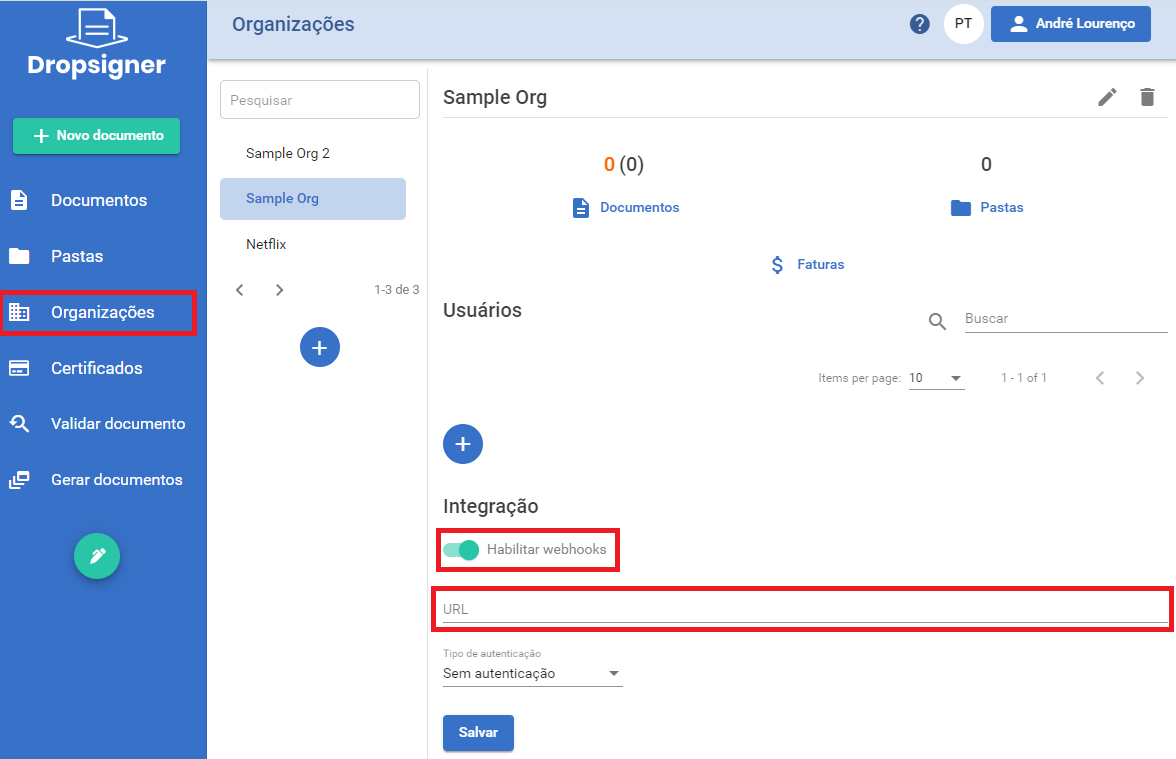
See [Webhooks](https://docs.lacunasoftware.com/en-us/articles/signer/webhooks) for the complete list of events, the payload format of each one and the delivery behaviour (authentication, retries and ordering).
## Next steps
Once the document is concluded, see how to [download and list documents](https://docs.lacunasoftware.com/en-us/articles/signer/integration/download-and-list).
**Demos and samples**
- Check a document's status and its participants' actions: [.NET](https://github.com/LacunaSoftware/SignerSamples/blob/master/dotnet/console/Console/Scenarios/CheckDocumentStatusScenario.cs) · [Java](https://github.com/LacunaSoftware/SignerSamples/blob/master/java/console/src/main/java/com/lacunasoftware/signer/sample/scenarios/CheckDocumentStatusScenario.java) · [PHP](https://github.com/LacunaSoftware/SignerSamples/blob/master/php/Scenarios/CheckDocumentStatusScenario.php)
- Send reminders to participants with pending actions: [.NET](https://github.com/LacunaSoftware/SignerSamples/blob/master/dotnet/console/Console/Scenarios/NotifyFlowParticipantsScenario.cs) · [Java](https://github.com/LacunaSoftware/SignerSamples/blob/master/java/console/src/main/java/com/lacunasoftware/signer/sample/scenarios/NotifyFlowParticipantsScenario.java) · [Node.js](https://github.com/LacunaSoftware/SignerSamples/blob/master/nodejs/scenarios/notifyFlowParticipantsScenario.ts) · [PHP](https://github.com/LacunaSoftware/SignerSamples/blob/master/php/Scenarios/NotifyFlowParticipantsScenario.php)
# [Download and list documents](https://docs.lacunasoftware.com/en-us/articles/signer/integration/download-and-list)
## Download document versions
Once a document has been created, it is possible to download different versions of it, according to the stage it is in. Use the [Document Download API](https://www.dropsigner.com/swagger/index.html#operations-Documents-get_api_documents__id__content), providing the desired type in the `type` parameter:
```javascript
GET /api/documents/b12cb1b2-5d6e-40b2-a050-097d068c4c11/content?type=Original
```
### Version types (`type`)
| `type` | Description |
| --- | --- |
| `Original` | Original uploaded file |
| `Signatures` | Signed file |
| `PrinterFriendlyVersion` | Printer friendly version |
| `SigningTags` | Signing tags |
| `SignatureMarks` | Signature marks |
| `OriginalWithMarks` | Original file with the signature marks |
| `SignaturesManifest` | Signatures manifest |
> **Note: Return format**
>
> There are two methods with different return types: one returns the document as a `Stream` of data and the other returns the document as a vector of `bytes[]`.
### When a version cannot be downloaded
* `Signatures` and `PrinterFriendlyVersion` exist only after at least one participant has signed. For a document nobody has signed yet, the API answers `422` with the error code `DocumentHasNoSignatures`. Until the document is `Concluded`, `Signatures` holds the signatures collected so far.
* Canceled, expired or refused documents can only be downloaded as `Original` and `PrinterFriendlyVersion`.
Before downloading, read the document with the [Document Details API](https://www.dropsigner.com/swagger/index.html#operations-Documents-get_api_documents__id_) and check its `hasSignature` and `status` fields, as the samples do. See [Error responses](https://docs.lacunasoftware.com/en-us/articles/signer/integration-guide#error-responses) for the format of the error.
> **Warning: PHP client**
>
> In the PHP client, `getDocumentContent` does not throw an exception on HTTP errors: it returns the body of the error response, the `ErrorModel` JSON, as if it were the file. Saved without a check, it becomes a "file" that holds the error. Check the document first, as above.
**Examples on GitHub:** [C#](https://github.com/LacunaSoftware/SignerSamples/blob/master/dotnet/console/Console/Scenarios/DownloadDocumentVersionScenario.cs) · [Java](https://github.com/LacunaSoftware/SignerSamples/blob/master/java/console/src/main/java/com/lacunasoftware/signer/sample/scenarios/DownloadDocumentVersionScenario.java) · [PHP](https://github.com/LacunaSoftware/SignerSamples/blob/master/php/Scenarios/DownloadDocumentVersionScenario.php) · [Node.js](https://github.com/LacunaSoftware/SignerSamples/blob/master/nodejs/scenarios/downloadDocumentVersionScenario.ts)
## List documents
It is possible to list documents according to different patterns and needs. The available parameters are described in the [Document Listing API](https://www.dropsigner.com/swagger/index.html#operations-Documents-get_api_documents). Among the possible listing types:
* Pending documents for a particular participant
* Concluded documents
* List by folders
* List by organizations
**Examples on GitHub:** [C#](https://github.com/LacunaSoftware/SignerSamples/blob/master/dotnet/console/Console/Scenarios/ListDocumentsScenario.cs) · [Java](https://github.com/LacunaSoftware/SignerSamples/blob/master/java/console/src/main/java/com/lacunasoftware/signer/sample/scenarios/ListDocumentsScenario.java) · [PHP](https://github.com/LacunaSoftware/SignerSamples/blob/master/php/Scenarios/ListDocumentsScenario.php) · [Node.js](https://github.com/LacunaSoftware/SignerSamples/blob/master/nodejs/scenarios/listDocumentScenario.ts)
**Demos and samples**
- List documents: [.NET](https://github.com/LacunaSoftware/SignerSamples/blob/master/dotnet/console/Console/Scenarios/ListDocumentsScenario.cs) · [Java](https://github.com/LacunaSoftware/SignerSamples/blob/master/java/console/src/main/java/com/lacunasoftware/signer/sample/scenarios/ListDocumentsScenario.java) · [Node.js](https://github.com/LacunaSoftware/SignerSamples/blob/master/nodejs/scenarios/listDocumentsScenario.ts) · [PHP](https://github.com/LacunaSoftware/SignerSamples/blob/master/php/Scenarios/ListDocumentsScenario.php)
- Download a document's versions: [.NET](https://github.com/LacunaSoftware/SignerSamples/blob/master/dotnet/console/Console/Scenarios/DownloadDocumentVersionScenario.cs) · [Java](https://github.com/LacunaSoftware/SignerSamples/blob/master/java/console/src/main/java/com/lacunasoftware/signer/sample/scenarios/DownloadDocumentVersionScenario.java) · [Node.js](https://github.com/LacunaSoftware/SignerSamples/blob/master/nodejs/scenarios/downloadDocumentVersionScenario.ts) · [PHP](https://github.com/LacunaSoftware/SignerSamples/blob/master/php/Scenarios/DownloadDocumentVersionScenario.php)
# [Validate document's signatures](https://docs.lacunasoftware.com/en-us/articles/signer/integration/validation)
You can validate a document's signatures in two different ways:
* with the **document validation key**, if it was signed in this instance of Signer;
* with the **signed file**, useful to validate documents signed anywhere.
## Validation with a validation key
To validate a document with a validation key, use the [Validation Key API](https://www.dropsigner.com/swagger/index.html#operations-Documents-get_api_documents_keys__key__signatures) providing its corresponding key.
The document's primary data and the information of each signature found will be returned:
```javascript
GET /api/documents/keys/AX4F8FV8NNAX25TENE2S/signatures
{
"id": "b12cb1b2-5d6e-40b2-a050-097d068c4c11",
"name": "Integration Contract",
"filename": "Contract.pdf",
"mimeType": "application/pdf",
"isConcluded": true,
...
"creationDate": "2020-08-18T16:38:40.538Z",
"updateDate": "2020-08-18T16:38:40.538Z",
"signers": [
{
"subjectName": "John Wick",
"emailAddress": "john.wick@mailinator.com",
"issuerName": "Lacuna CA",
"identifier": "81976153069",
"companyName": null,
"companyIdentifier": null,
"isElectronic": false,
"signingTime": "2020-08-18T16:38:40.538Z",
"certificateThumbprint": "a0sRR9cWOc0PORMhTBg49ub/5BO3W5vWQ1w7+YquK5g=",
...
"validationResults":
{
...
"isValid": true
}
}
]
}
```
## Validation with the signed file
To validate a document from the signed file, first upload the file using the [Upload API](https://www.dropsigner.com/swagger/index.html#operations-Upload-post_api_uploads) or the [simplified Upload API (POST /api/uploads/bytes)](https://www.dropsigner.com/swagger/index.html#operations-Upload-post_api_uploads_bytes), as described in [Create documents](https://docs.lacunasoftware.com/en-us/articles/signer/integration/documents).
Then use the [Signed File Validation API](https://www.dropsigner.com/swagger/index.html#operations-Documents-post_api_documents_validate_signatures):
```javascript
POST /api/documents/validate-signatures
{
"fileId": "f5ea05d7-0a5f-4933-a6d6-9a8aa3955b14",
"mimeType": "application/pdf"
}
```
The data of each signature found in the document will be returned:
```javascript
[
{
"subjectName": "John Wick",
"emailAddress": "john.wick@mailinator.com",
"issuerName": "Lacuna CA",
"identifier": "81976153069",
"companyName": null,
"companyIdentifier": null,
"isElectronic": false,
"signingTime": "2020-08-18T16:38:40.538Z",
"certificateThumbprint": "a0sRR9cWOc0PORMhTBg49ub/5BO3W5vWQ1w7+YquK5g=",
...
"validationResults":
{
...
"isValid": true
}
}
]
```
> **Tip**
>
> In both approaches, check each signature's `validationResults.isValid` to know whether it is valid.
# [Document lifecycle](https://docs.lacunasoftware.com/en-us/articles/signer/integration/lifecycle)
Beyond creating and tracking, you can perform operations throughout the document's life: cancel, refuse, submit a new version or delete.
## Cancel document
To cancel a document, send the document ID in a `POST` request with the `reason` field:
```javascript
POST /api/documents/b12cb1b2-5d6e-40b2-a050-097d068c4c11/cancellation
{
"reason": "This is a document cancellation"
}
```
**Examples on GitHub:** [C#](https://github.com/LacunaSoftware/SignerSamples/blob/master/dotnet/console/Console/Scenarios/CancelDocumentScenario.cs) · [Java](https://github.com/LacunaSoftware/SignerSamples/blob/master/java/console/src/main/java/com/lacunasoftware/signer/sample/scenarios/CancelDocumentScenario.java) · [PHP](https://github.com/LacunaSoftware/SignerSamples/blob/master/php/Scenarios/CancelDocumentScenario.php) · [Node.js](https://github.com/LacunaSoftware/SignerSamples/blob/master/nodejs/scenarios/cancelDocumentScenario.ts)
## Refuse a document
To refuse a document, send the document ID in a `POST` request with the `reason` field:
```javascript
POST /api/documents/b12cb1b2-5d6e-40b2-a050-097d068c4c11/refusal
{
"reason": "This is a document refusal"
}
```
**Examples on GitHub:** [C#](https://github.com/LacunaSoftware/SignerSamples/blob/master/dotnet/console/Console/Scenarios/RefuseDocumentScenario.cs) · [Java](https://github.com/LacunaSoftware/SignerSamples/blob/master/java/console/src/main/java/com/lacunasoftware/signer/sample/scenarios/RefuseDocumentScenario.java) · [PHP](https://github.com/LacunaSoftware/SignerSamples/blob/master/php/Scenarios/RefuseDocumentScenario.php) · [Node.js](https://github.com/LacunaSoftware/SignerSamples/blob/master/nodejs/scenarios/refuseDocumentScenario.ts)
## Submit a new document version
It is possible to upload a new version of an already created document. To do so, send the document ID in a `POST` request along with the new version's file.
> **Caution**
>
> When submitting a new version, the **signing flow is reset**.
**Examples on GitHub:** [C#](https://github.com/LacunaSoftware/SignerSamples/blob/master/dotnet/console/Console/Scenarios/AddNewDocumentVersionScenario.cs) · [Java](https://github.com/LacunaSoftware/SignerSamples/blob/master/java/console/src/main/java/com/lacunasoftware/signer/sample/scenarios/AddNewDocumentVersionScenario.java) · [PHP](https://github.com/LacunaSoftware/SignerSamples/blob/master/php/Scenarios/AddNewDocumentVersionScenario.php) · [Node.js](https://github.com/LacunaSoftware/SignerSamples/blob/master/nodejs/scenarios/addNewDocumentVersionScenario.ts)
## Delete document
To delete a document, you need its ID and make a `DELETE` request:
```javascript
DELETE /api/documents/b12cb1b2-5d6e-40b2-a050-097d068c4c11
```
**Examples on GitHub:** [C#](https://github.com/LacunaSoftware/SignerSamples/blob/master/dotnet/console/Console/Scenarios/DeleteDocumentScenario.cs) · [Java](https://github.com/LacunaSoftware/SignerSamples/blob/master/java/console/src/main/java/com/lacunasoftware/signer/sample/scenarios/DeleteDocumentScenario.java) · [PHP](https://github.com/LacunaSoftware/SignerSamples/blob/master/php/Scenarios/DeleteDocumentScenario.php) · [Node.js](https://github.com/LacunaSoftware/SignerSamples/blob/master/nodejs/scenarios/deleteDocumentScenario.ts)
**Demos and samples**
- Cancel a document: [.NET](https://github.com/LacunaSoftware/SignerSamples/blob/master/dotnet/console/Console/Scenarios/CancelDocumentScenario.cs) · [Java](https://github.com/LacunaSoftware/SignerSamples/blob/master/java/console/src/main/java/com/lacunasoftware/signer/sample/scenarios/CancelDocumentScenario.java) · [Node.js](https://github.com/LacunaSoftware/SignerSamples/blob/master/nodejs/scenarios/cancelDocumentScenario.ts) · [PHP](https://github.com/LacunaSoftware/SignerSamples/blob/master/php/Scenarios/CancelDocumentScenario.php)
- Refuse a document as the organization: [.NET](https://github.com/LacunaSoftware/SignerSamples/blob/master/dotnet/console/Console/Scenarios/RefuseDocumentScenario.cs) · [Java](https://github.com/LacunaSoftware/SignerSamples/blob/master/java/console/src/main/java/com/lacunasoftware/signer/sample/scenarios/RefuseDocumentScenario.java) · [Node.js](https://github.com/LacunaSoftware/SignerSamples/blob/master/nodejs/scenarios/refuseDocumentScenario.ts) · [PHP](https://github.com/LacunaSoftware/SignerSamples/blob/master/php/Scenarios/RefuseDocumentScenario.php)
- Delete a document: [.NET](https://github.com/LacunaSoftware/SignerSamples/blob/master/dotnet/console/Console/Scenarios/DeleteDocumentScenario.cs) · [Java](https://github.com/LacunaSoftware/SignerSamples/blob/master/java/console/src/main/java/com/lacunasoftware/signer/sample/scenarios/DeleteDocumentScenario.java) · [Node.js](https://github.com/LacunaSoftware/SignerSamples/blob/master/nodejs/scenarios/deleteDocumentScenario.ts) · [PHP](https://github.com/LacunaSoftware/SignerSamples/blob/master/php/Scenarios/DeleteDocumentScenario.php)
- Upload a new version of a document: [.NET](https://github.com/LacunaSoftware/SignerSamples/blob/master/dotnet/console/Console/Scenarios/AddNewDocumentVersionScenario.cs) · [Java](https://github.com/LacunaSoftware/SignerSamples/blob/master/java/console/src/main/java/com/lacunasoftware/signer/sample/scenarios/AddNewDocumentVersionScenario.java) · [Node.js](https://github.com/LacunaSoftware/SignerSamples/blob/master/nodejs/scenarios/addNewDocumentVersionScenario.ts) · [PHP](https://github.com/LacunaSoftware/SignerSamples/blob/master/php/Scenarios/AddNewDocumentVersionScenario.php)
# [Sign documents in a batch](https://docs.lacunasoftware.com/en-us/articles/signer/integration/batch-signing)
Your application can have a user sign several Signer documents with their certificate, confirming only once. Signer has no batch
signature endpoint: your application runs Signer's *public signature* calls, start and complete, once per document, while
[Web PKI](https://docs.lacunasoftware.com/en-us/articles/web-pki) signs every hash in the browser after a single confirmation.
> **Warning: Not in the API reference**
>
> The public signature endpoints on this page are not in Signer's API reference (Swagger). Lacuna's samples describe them as supported for
> client integrations; the only source for batch signing is the Java sample
> [`batch-pades-signature-signer`](https://github.com/LacunaSoftware/PkiSuiteSamples/blob/master/java/springmvc/src/main/java/com/lacunasoftware/pkisuite/controller/BatchSignerSignatureController.java).
## Before you start
* Your server calls Signer with an API key, as in the rest of the [Integration Guide](https://docs.lacunasoftware.com/en-us/articles/signer/integration-guide).
* Your page loads Web PKI to list the user's certificates and sign the hashes.
* The certificate must belong to the participant: Signer checks that it has the participant's CPF, and fails with `CpfMismatch`
otherwise. The sample creates each document with the CPF read from the certificate the user selected.
## Flow
1. **Server**: for each document, get the participant's action URL and take from it the document's **key** and **ticket**.
1. **Browser**: Web PKI reads the user's certificate and asks them to authorize all the signatures at once.
1. **Server**: for each document, start the signature with the key, the ticket and the certificate; Signer returns the hash to sign and a
token.
1. **Browser**: Web PKI signs the hash.
1. **Server**: complete the signature with the key, the signature and the token.
## 1. Get each document's key and ticket
The documents must already exist on Signer, with the user as a signer in their flow (see [Create documents](https://docs.lacunasoftware.com/en-us/articles/signer/integration/documents)); the
sample creates ten, only for the demonstration.
For each document, the sample calls `POST /api/documents/{id}/action-url` with the participant's `emailAddress` and `identifier`, then
extracts the key and the ticket from the `embedUrl` it returns, whose shape is `…/document/key/{key}/sign-embedded?ticket={ticket}`:
```java
private static final Pattern KEY_PATTERN = Pattern.compile("/key/([^/?]+)");
private static final Pattern TICKET_PATTERN = Pattern.compile("[?&]ticket=([^&]+)");
```
```java
List results = signerClient.createDocument(documentRequest);
UUID documentId = results.get(0).getDocumentId();
ActionUrlRequest actionUrlRequest = new ActionUrlRequest();
actionUrlRequest.setEmailAddress(SIGNER_EMAIL);
actionUrlRequest.setIdentifier(cpf);
ActionUrlResponse actionUrlResponse = signerClient.getActionUrl(documentId, actionUrlRequest);
String embedUrl = actionUrlResponse.getEmbedUrl();
String key = extractGroup(KEY_PATTERN, embedUrl, "key");
String ticket = extractGroup(TICKET_PATTERN, embedUrl, "ticket");
```
The key goes in the URL of the start and complete calls; the ticket authorizes the signature and goes in the start request. Keep the
ticket on the server, associated with the key: the sample stores it in the HTTP session.
* The key and ticket format is stated only in the samples' comments, not in the API reference.
* To create many documents, the API reference recommends several requests (for 100 documents, 10 requests of 10), with
`disablePendingActionNotifications` set, then `POST /api/users/notify-pending` once they are all created.
## 2. Authorize all the signatures at once
In the browser, the sample reads the selected certificate and calls Web PKI's `preauthorizeSignatures` with the number of documents, so
that the user sees a single confirmation dialog:
```js
pki.readCertificate(selectedCertThumbprint).success(function (certEncoded) {
selectedCertContent = certEncoded;
pki.preauthorizeSignatures({
certificateThumbprint: selectedCertThumbprint,
signatureCount: formElements.documentsIds.length
}).success(startBatch); // Callback to be called if the user authorizes the signatures.
});
```
## 3. Start, sign and complete each signature
**Start.** Your server sends the certificate and the ticket to `POST /api/documents/keys/{key}/signature/certificate`. The response has
`toSignHash`, `digestAlgorithm` and `token`, along with `success` and `validationResults`:
```java
String ticket = StorageMock.getSignerTicket(session, request.getId());
PublicStartSignatureRequest startRequest = new PublicStartSignatureRequest();
startRequest.setCertificate(Base64.getDecoder().decode(request.getCertContent()));
startRequest.setTicket(ticket);
StartSignatureResponse result = signerClient.startPublicSignature(request.getId(), startRequest);
```
**Sign.** The browser signs the hash with Web PKI's `signHash`:
```js
pki.signHash({
thumbprint: formElements.certificateSelect.val(),
hash: step.toSignHash,
digestAlgorithm: step.digestAlgorithm
}).success(function (signature) {
step.signature = signature;
done(step);
}).error(function (error) {
renderFail(step, error);
done();
});
```
**Complete.** Your server sends the signature and the token to `POST /api/documents/keys/{key}/signature`; the response has `success`
and `validationResults`:
```java
CompleteSignatureRequest completeRequest = new CompleteSignatureRequest();
completeRequest.setSignature(Base64.getDecoder().decode(request.getSignature()));
completeRequest.setToken(request.getToken());
signerClient.completePublicSignature(request.getId(), completeRequest);
```
The certificate, the hash and the signature travel as Base64.
The sample runs the three steps as a pipeline of queues, two documents at a time in each step. A document that fails leaves the pipeline
and the others go on, with no retry:
```js
startQueue.process(startSignature, {threads: 2, output: performQueue});
performQueue.process(performSignature, {threads: 2, output: completeQueue});
completeQueue.process(completeSignature, {threads: 2, completed: onBatchCompleted});
```
Once completed, download each signed document from your server, for example with `GET /api/documents/{id}/content?type=Signatures`, so
that the API key never reaches the browser. See [Download and list documents](https://docs.lacunasoftware.com/en-us/articles/signer/integration/download-and-list).
## What the sources don't say yet
* TODO(docs): the digest algorithm format: the Java sample says Signer returns an OID (such as `2.16.840.1.101.3.4.2.1`) and converts it
to the name Web PKI expects (such as `SHA-256`), while the .NET public signature sample expects a name such as `SHA256`.
* TODO(docs): limits on the number of documents per batch and rate limits for the signature calls; the sample only says to tune its
concurrency to your Signer plan.
* TODO(docs): how long the ticket and the token stay valid, and whether a complete call can be retried.
* TODO(docs): the error codes of the start and complete calls, and what `success` and `validationResults` mean.
* TODO(docs): whether the `keys/{key}` calls need the `X-Api-Key` header; the Java client always sends it.
## See also
* [Create documents](https://docs.lacunasoftware.com/en-us/articles/signer/integration/documents)
* [Embedded signature](https://docs.lacunasoftware.com/en-us/articles/signer/embedded-signature), to sign one document at a time inside your application
* [Signer quick reference](https://docs.lacunasoftware.com/en-us/articles/signer/quick-reference)
**Demos and samples**
- Sign multiple Signer documents with Web PKI: [Java](https://github.com/LacunaSoftware/PkiSuiteSamples/blob/master/java/springmvc/src/main/java/com/lacunasoftware/pkisuite/controller/BatchSignerSignatureController.java)
# [Embedded signatures integration](https://docs.lacunasoftware.com/en-us/articles/signer/embedded-signature)
## Introduction
Embedded Signature Integration allows you to sign/approve documents in Signer within any application through the component `LacunaSignerWidget`.
> **Note**
>
> Signer must be configured with a Web PKI license that has the same domain in which the component will be loaded.
## Installation
First, include the latest [lacuna-signer-widget.js](https://cdn.lacunasoftware.com/libs/signer/lacuna-signer-widget-0.8.0.min.js) file on your page:
```html
```
Instantiate the class `LacunaSignerWidget`:
```javascript
var widget = new LacunaSignerWidget();
```
Then call the `on()` method passing the event type you want to listen and a callback function that will be called when the user signs/approves the document:
```javascript
//signing
widget.on(widget.events.documentSigned, function (e) {
// ...
//alert('Document ' + e.id + ' signed');
});
```
```javascript
//approval
widget.on(widget.events.documentApproved, function (e) {
// ...
//alert('Documento ' + e.id + ' approved');
});
```
If you prefer, use the `listen()` method to listen to all events with just one callback:
```javascript
widget.listen(function (e) {
if (e.type === widget.events.documentSigned) {
// ...
//alert('Document ' + e.id + ' signed');
} else if (e.type === widget.events.documentApproved) {
// ...
//alert('Documento ' + e.id + ' approved');
}
});
```
> **Note**
>
> Always check in the backend whether the document is actually completed because callbacks can be triggered by other javascript files.
Finally, load the iFrame using the `render()` method which needs two mandatory inputs:
* `embedUrl`: it is the URL related to the action you want to take. Corresponds to the embedUrl parameter returned by [API Action URL](https://www.dropsigner.com/swagger/index.html#operations-Documents-post_api_documents__id__action_url)
* `elementId`: it is the element's id in which the signature component will be displayed.
And two optional inputs:
* `page`: page number where the document will open on startup (to open the last page of any document, no matter its size, assign the number `'-1'`).
* `scale`: the percentage that will define at what scale the document will be opened. It can be defined through a simple string `'100'` or through the `widget.scaleOptions.S100`
```javascript
widget.render(embedUrl, 'embed-container', page, scale);
```
If you wish, the DOM element can be provided directly:
```javascript
widget.renderElement(embedUrl, document.getElementById('embed-container'), page, scale);
```
## Online Example
[Embedded content](https://jsfiddle.net/LacunaSoftware/hgutm4fL/embedded/)
To run the example, click on the tab **Result**. If you haven't installed Web PKI, you will need to follow the instructions to do so.
When using this component in your own application, the user will be redirected to the installation page and will automatically return to your application at the end of the process.
## Online example of cloud signing
The BirdID test certificate will be used (CPF 026.102.470-10, see the instructions below for pairing).
[Embedded content](https://jsfiddle.net/LacunaSoftware/12zLfhgr/embedded/)
To run the example, click on the **Result** tab. In order to use the BirdID Approval Environment Test User, please use the QR code below in the BirdID app:

## Additional settings
When instantiating the `Lacuna Sign Widget` class you can pass an object with one or more settings listed below:
Atributo | Tipo | Descrição
----------------------- | ------------ | ----------
`enableNotifications` | boolean | Notifications are not sent after completing an embedded signature/approval. Set this parameter to `true` to send notifications.
`disableDocumentPreview` | boolean | If `true`, it will hide the document preview. In this case, only the signing button and signer/approver data will be displayed. You can set this parameter after instantiation using `setDisableDocumentPreview` method.
`enableRefusal` | boolean | If `true`, it will display the option to decline to sign a document. You can set this parameter after instantiation using `setEnableRefusal` method.
`culture` | string | Defines the widget language, the options available are `"pt"` (portuguese), `"en"`(english) and `"es"`(spanish).
`theme` | string | Defines the widget theme with the 3-character string (e.g. Theme: amazon-cornell-red - Code:`"acr"`). The themes are available at [the themes page](https://docs.lacunasoftware.com/en-us/articles/signer/on-premises/customization/temas)
Example:
```javascript
var widget = new LacunaSignerWidget({ disableDocumentPreview: true });
```
```javascript
var widget = new LacunaSignerWidget();
widget.setDisableDocumentPreview(true);
```
## Online example of signature without preview
[Embedded content](https://jsfiddle.net/LacunaSoftware/pfn3zct1/embedded/)
## Example for mobile devices
Alternatively, it is possible to use embedded signatures in mobile devices, an example app is available at our [GitHub repository](https://github.com/LacunaSoftware/signer-flutter). The example displays a web page containing the embedded signature widget in JavaScript inside your mobile phone. The application was designed with [Flutter](https://flutter.dev/).
The following image displays a signature example without the document preview:
## Signature marks positioning
From Signer version 1.70.0 and version 0.7.0 of the Widget, it is possible to embed the signature marks positioning page in other applications as it was already done
for the signature page. Once the marks are positioned, the position information will be retrievable through the Widget as well as Signer API in order to create one or
more documents with the selected positions.
The first step is to create a marks positioning session using the session creation API. There are two variants of the API:
* [Basic session creation API](https://www.dropsigner.com/swagger/index.html#operations-MarksSessions-post_api_marks_sessions): creates a session by requiring only necessary information.
Signer personal information such as e-mail and country identifier for instance are optional. Use this API if, after obtaining the session result, you still intend to modify the request data
before sending a create document request to Signer.
* [Session creation with document create request API](https://www.dropsigner.com/swagger/index.html#operations-MarksSessions-post_api_marks_sessions_documents):
creates a session by using the same request that is sent to create documents. Use this API if you prefer to use the session result without any modifications when using the create documents
API.
The result of both APIs will be the return of a session ID and a URL to embed the positioning page:
```javascript
{
//Session ID
"id": "4cdcfa93-8f38-46f9-8634-246d5589fe5f",
//URL to use with the Widget
"embedUrl": "https://www.dropsigner.com/position-marks/4cdcfa93-8f38-46f9-8634-246d5589fe5f?v=1"
}
```
Once the session URL is obtained, initialize the Widget the same way it was done for the signature page mode:
```javascript
var widget = new LacunaSignerWidget();
```
Call the `on()` method passing the marks positioned event type and a callback function that will be called when the user finishes positioning marks:
```javascript
//assinatura
widget.on(widget.events.marksPositioned, function (e) {
// The data attribute will contain the request with the marks positions defined
//console.log(e.data);
//alert('Marks positioned');
});
```
Finally, load the iFrame using the `render()` method:
```javascript
widget.render(embedUrl, 'embed-container');
```
Once the positioning session is concluded, each entry of the `flowActions` attribute from the request provided when creating the session will be updated with the selected positions
(more specifically - the `prePositionedMarks` attribute will be filled accordingly).
The updated request can be obtained by the `data` attribute of the marks positioned event or by the attribute of same name in the
[get session data API](https://www.dropsigner.com/swagger/index.html#operations-MarksSessions-get_api_marks_sessions__id_).
> **Note**
>
> The positioning session has a duration of 1 hour after its creation. After that interval, it won't be posible to retrieve nor update session data.
**Demos and samples**
- Live demo: [Sign without leaving your page](https://try.lacunasoftware.com/en/signer/embedded-signature)
- Sign without leaving your page (embedded signature): [.NET](https://github.com/LacunaSoftware/SignerSamples/blob/master/dotnet/console/Console/Scenarios/EmbeddedSignatureScenario.cs) · [Java](https://github.com/LacunaSoftware/SignerSamples/blob/master/java/console/src/main/java/com/lacunasoftware/signer/sample/scenarios/EmbeddedSignatureScenario.java) · [Node.js](https://github.com/LacunaSoftware/SignerSamples/blob/master/nodejs/scenarios/embeddedSignatureScenario.ts) · [PHP](https://github.com/LacunaSoftware/SignerSamples/blob/master/php/Scenarios/EmbeddedSignatureScenario.php)
# [Webhooks](https://docs.lacunasoftware.com/en-us/articles/signer/webhooks)
## Introduction
A **webhook** is a URL of your application that Signer calls, with a `POST`, whenever something happens to
your organization's documents: a document was signed, approved, refused, concluded, canceled, expired or
deleted.
This is the recommended way to track documents. Instead of repeatedly calling `GET /api/documents/{id}`
(polling), your application is notified as soon as the event happens.
## Registering a webhook
### Through the Signer screens
Go to the **Organization** screen, **Integration** section, and register the desired URL:

### Through the API
| Operation | Endpoint |
|---|---|
| Create | `POST /api/organizations/{orgId}/webhooks` |
| Update | `PUT /api/organizations/{orgId}/webhooks/{webhookId}` |
| Delete | `DELETE /api/organizations/{orgId}/webhooks/{webhookId}` |
| List | Registered webhooks are returned in the `webhooks` field of the organization details (`GET /api/organizations/{orgId}`) |
Request body for create and update:
```json
{
"url": "https://yourapplication.com/integrations/signer",
"authType": "Bearer",
"token": "a-long-random-secret"
}
```
Creation returns the webhook `id`, which is the `webhookId` used to update or delete it.
> **Note**
>
> * An organization can have several webhooks, and all of them receive all events. The limit is defined by
> the instance's `MaxWebhooksPerOrganization` setting (default: **5**); going over it makes the API
> respond with the `MaxWebhooksLimitReached` error.
> * Webhooks are not available in **personal organizations** (error
> `OperationNotSupportedInPersonalOrganizations`).
## Authenticating the call
Signer does not sign the request body. Authentication is done through a header you choose when registering
the webhook, carrying the value given in `token`:
| `authType` | Header sent |
|---|---|
| `NoAuth` | None |
| `Basic` | `Authorization: Basic ` |
| `Bearer` | `Authorization: Bearer ` |
| `ApiKey` | `X-Api-Key: ` |
> **Warning**
>
> The `token` is sent **exactly as registered**. In `Basic` mode Signer encodes nothing: you must register
> the value already Base64-encoded from `user:password`.
>
> Always use HTTPS and an `authType` other than `NoAuth`, and validate the received header before processing
> the event. Without that, anyone who discovers your URL can send fake events.
## Request format
Signer sends a `POST` with `Content-Type: application/json` (UTF-8). The body is always an envelope with
the event type and the data specific to that type:
```json
{
"type": "DocumentConcluded",
"data": { }
}
```
Field names are in camelCase and enumeration values are sent as **text**, for example
`"DocumentConcluded"` and not `1`.
## Events
| `type` | When it fires |
|---|---|
| `DocumentsCreated` | Documents were created (a single event may carry several documents) |
| `DocumentSigned` | A participant signed the document |
| `DocumentApproved` | A participant approved the document |
| `DocumentRefused` | A participant refused the document |
| `DocumentConcluded` | The flow finished: every action was completed |
| `DocumentCanceled` | The document was canceled |
| `DocumentExpired` | The document reached its expiration date without being concluded |
| `DocumentDeleted` | Documents were deleted |
| `InvoiceClosed` | An invoice was closed (billing event, see the note below) |
> **Note**
>
> The deletion event type is `DocumentDeleted`, in the singular, but its `data` carries a **list** of
> documents.
>
> The `InvoiceClosed` event is not configured per organization: it uses the **instance billing webhook**,
> configured by the system administrator. Every other event is per organization.
### Common fields of document events
Every document event carries, inside `data`, the basic information of the document:
```json
{
"id": "b12cb1b2-5d6e-40b2-a050-097d068c4c11",
"name": "Services agreement",
"creationDate": "2026-09-10T13:02:11.482Z",
"updateDate": "2026-09-10T14:27:35.115Z",
"folder": {
"id": "0a9e1f3c-2b44-4f6a-9d0e-77c1b8a4e510",
"name": "Contracts 2026",
"parentId": null,
"organizationName": "Acme Inc."
},
"organization": {
"id": "5f2c9a71-3e8d-4a12-bb90-6d4e2f1c8a33",
"name": "Acme Inc.",
"identifier": "11222333000181",
"owner": null
},
"createdBy": {
"id": "4d961566-9b03-450c-b144-930e0294bac2",
"name": "ERP Integration"
}
}
```
`folder` is `null` when the document is not in a folder, and `organization` is `null` for personal
documents.
### Additional fields per event
**`DocumentSigned`** adds `signature`, with the data of who signed:
```json
{
"type": "DocumentSigned",
"data": {
"id": "b12cb1b2-5d6e-40b2-a050-097d068c4c11",
"name": "Services agreement",
"signature": {
"flowActionId": "4bf61c68-eaf1-455f-b4a1-6141554f1dae",
"date": "2026-09-10T14:27:35.115Z",
"userId": "8c3a1d90-77b5-4e2f-9a61-0f5d2b7c4e88",
"name": "John Wick",
"identifier": "81976153069",
"emailAddress": "john.wick@mailinator.com"
}
}
}
```
**`DocumentApproved`** uses the same structure, in the `approval` field.
**`DocumentRefused`** carries the `refusal` field, with the same fields plus the reason given:
```json
{
"type": "DocumentRefused",
"data": {
"id": "b12cb1b2-5d6e-40b2-a050-097d068c4c11",
"refusal": {
"flowActionId": "4bf61c68-eaf1-455f-b4a1-6141554f1dae",
"date": "2026-09-10T15:11:02.700Z",
"userId": "8c3a1d90-77b5-4e2f-9a61-0f5d2b7c4e88",
"name": "John Wick",
"identifier": "81976153069",
"emailAddress": "john.wick@mailinator.com",
"reason": "Wrong amount in clause 4"
}
}
}
```
**`DocumentConcluded`** carries the common fields only, with no additional ones.
**`DocumentCanceled`** adds `canceledBy`, with the user or application that canceled it (`id`, `name` and
`type`), and `reason`.
**`DocumentExpired`** adds `expirationDate` and `expirationDateWithoutTime`, the latter in `yyyy-MM-dd`
format, convenient for display.
**`DocumentsCreated`** carries in `data` the `documents` list, each item with the common fields:
```json
{
"type": "DocumentsCreated",
"data": {
"documents": [
{ "id": "b12cb1b2-5d6e-40b2-a050-097d068c4c11", "name": "Contract 1" },
{ "id": "c98a2f14-1d3b-4c77-8e05-2a6b9d1f4e62", "name": "Contract 2" }
]
}
}
```
**`DocumentDeleted`** carries the `documents` list and the `action` field, telling what caused the
deletion:
| `action` | Meaning |
|---|---|
| `DeletedByUserOrApplication` | Deletion made by a user or application |
| `DeletedByOrganization` | Organization-wide deletion |
| `DeletedByFolder` | Deletion of a folder that contained the documents |
> **Note**
>
> For `DeletedByOrganization` and `DeletedByFolder` the `documents` list is limited to **100 documents**,
> even when more documents were deleted.
**`InvoiceClosed`** carries in `data` the fields `id`, `month`, `year`, `value`, `invoiceTotals` (totals
per transaction type), `organization`, `billingInformation` and `totalStorageUsed`, the latter being the
total storage used, in bytes.
## Delivery, retries and ordering
Understanding this section prevents most webhook integration problems.
**Delivery is asynchronous.** Each event is sent by a background process, on a low priority queue, and not
at the very instant of the user action. A small delay is normal.
**Your application must answer 2xx.** Any other status code, or a connection error, marks the delivery as
failed, and it is **automatically rescheduled**, with growing intervals between attempts (by default, up
to 10 attempts). Signer logs the status code and the response body of each failure, and it is worth asking
the instance administrator for those records when investigating a problem.
**Handle repeated deliveries.** Because of the retries, the same event may arrive more than once. Make
your processing **idempotent**, using the combination of `type` and the document `id` and, where there is
one, the `flowActionId`, to recognize an event you already processed.
**There is no ordering guarantee.** Events are delivered by independent processes: `DocumentSigned` and
`DocumentConcluded` for the same document may arrive out of order. When ordering matters, use the current
state of the document as the source of truth, by calling `GET /api/documents/{id}`.
**Each webhook is independent.** If the organization has more than one webhook registered, the event is
sent to each of them separately, and a failure in one does not affect the others.
## Best practices
* Answer `200` **immediately** and process the event afterwards, asynchronously. Slow endpoints cause
timeouts and needless retries.
* Validate the authentication header on every received request.
* Treat the payload as a **notification**, not as the source of truth. Before a sensitive action, such as
releasing a payment, confirm the document state through the API.
* Keep the URL stable and reachable. Signer must get to it over the internet or, in *on premises*
installations, over the network where the server runs.
* Log the received events, which helps diagnosing divergences between your system and Signer.
## See also
* [Getting Started](https://docs.lacunasoftware.com/en-us/articles/signer/get-started)
* [Integration Guide](https://docs.lacunasoftware.com/en-us/articles/signer/integration-guide)
* [Checking a document status](https://docs.lacunasoftware.com/en-us/articles/signer/integration/tracking#check-document)
**Demos and samples**
- Handle document webhooks (signed, approved, refused, concluded): [.NET](https://github.com/LacunaSoftware/SignerSamples/blob/master/dotnet/console/Console/Scenarios/CheckDocumentStatusScenario.cs) · [Java](https://github.com/LacunaSoftware/SignerSamples/blob/master/java/console/src/main/java/com/lacunasoftware/signer/sample/scenarios/CheckDocumentStatusScenario.java) · [Node.js](https://github.com/LacunaSoftware/SignerSamples/blob/master/nodejs/scenarios/checkDocumentStatusScenario.ts) · [PHP](https://github.com/LacunaSoftware/SignerSamples/blob/master/php/Scenarios/CheckDocumentStatusScenario.php)
- Handle the invoice-closed billing webhook: [.NET](https://github.com/LacunaSoftware/SignerSamples/blob/master/dotnet/console/Console/Scenarios/InvoiceWebhookHandlingScenario.cs) · [Java](https://github.com/LacunaSoftware/SignerSamples/blob/master/java/console/src/main/java/com/lacunasoftware/signer/sample/scenarios/InvoiceWebhookHandlingScenario.java) · [PHP](https://github.com/LacunaSoftware/SignerSamples/blob/master/php/Scenarios/InvoiceWebhookHandlingScenario.php)
- Mark an invoice as paid: [.NET](https://github.com/LacunaSoftware/SignerSamples/blob/master/dotnet/console/Console/Scenarios/InvoiceWebhookHandlingScenario.cs) · [Java](https://github.com/LacunaSoftware/SignerSamples/blob/master/java/console/src/main/java/com/lacunasoftware/signer/sample/scenarios/InvoiceWebhookHandlingScenario.java) · [PHP](https://github.com/LacunaSoftware/SignerSamples/blob/master/php/Scenarios/InvoiceWebhookHandlingScenario.php)
# [Lacuna Signer - User Guide](https://docs.lacunasoftware.com/en-us/articles/signer/user-guide)
> **Note**
>
> The documentation of this system is under construction. We apologize for the inconvenience. Please contact us if you
> need any information that is not documented yet.
* [Document generation](https://docs.lacunasoftware.com/en-us/articles/signer/user-guide/gen-docs)
* [System administration](https://docs.lacunasoftware.com/en-us/articles/signer/user-guide/sys-admin)
# [Lacuna Signer - Document generation](https://docs.lacunasoftware.com/en-us/articles/signer/user-guide/gen-docs)
To generate PDF documents from a template in [Signer](https://docs.lacunasoftware.com/en-us/articles/signer), follow the steps below.
## Creating the PDF template
Before generating documents in Signer, you need a PDF template. A template is a PDF document with editable form fields
filled with text, including placeholders that mark where each generated document's own text goes. This example uses
[PhantomPDF](https://www.foxitsoftware.com/pdf-editor/) to create the PDF form, but you can use any software you prefer
that has this feature.
### Adding form fields to the PDF
Open an existing PDF in PhantomPDF, go to the *Form* section and select the *Text Field* option.
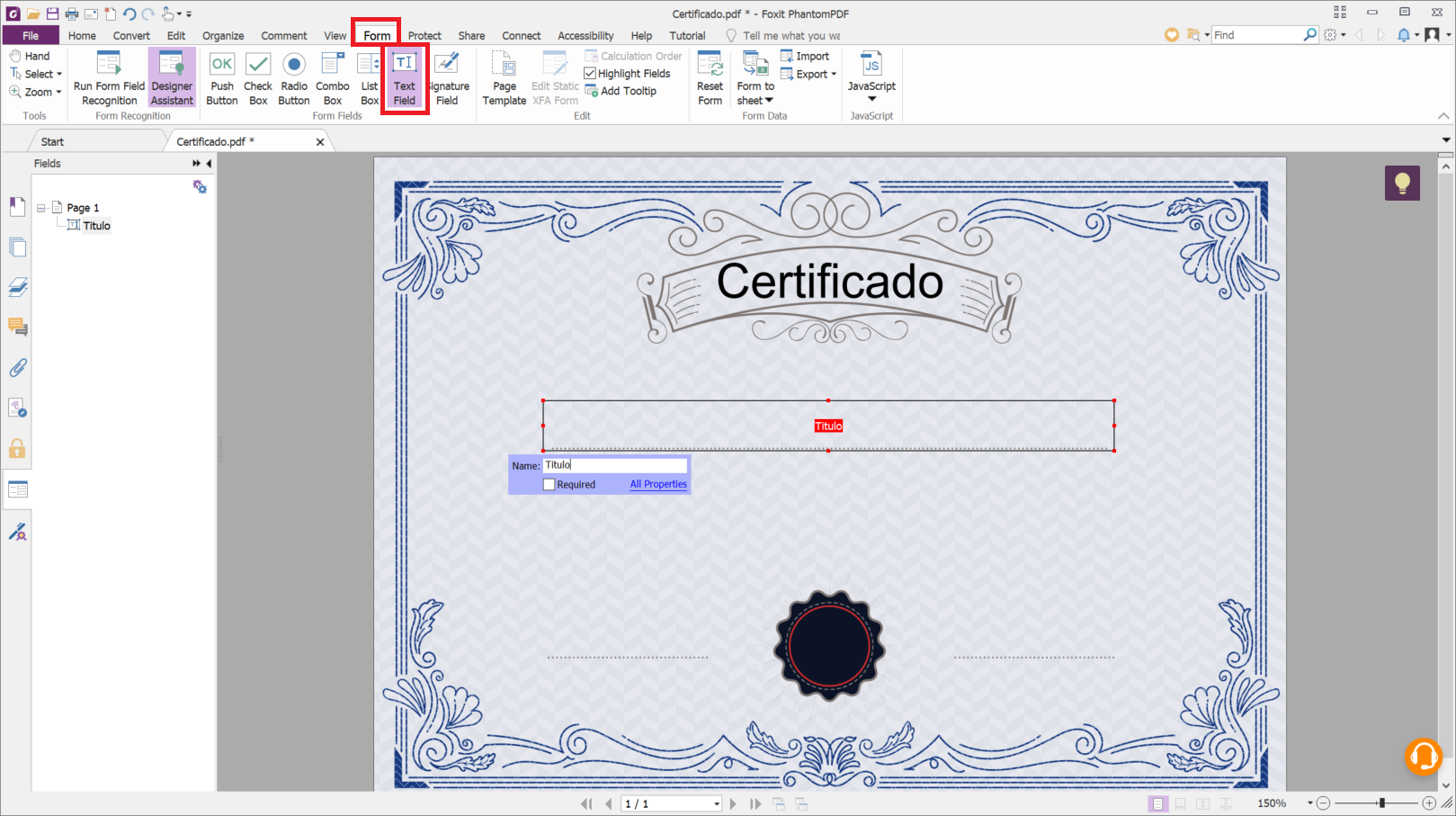
Double-click the form field to choose appearance and formatting options, such as font size and style. You can also fill
the field with default text. In that field, type the text that should appear in the generated documents, using `{` and
`}` around the part of the text to be replaced by the data given when generating the documents.
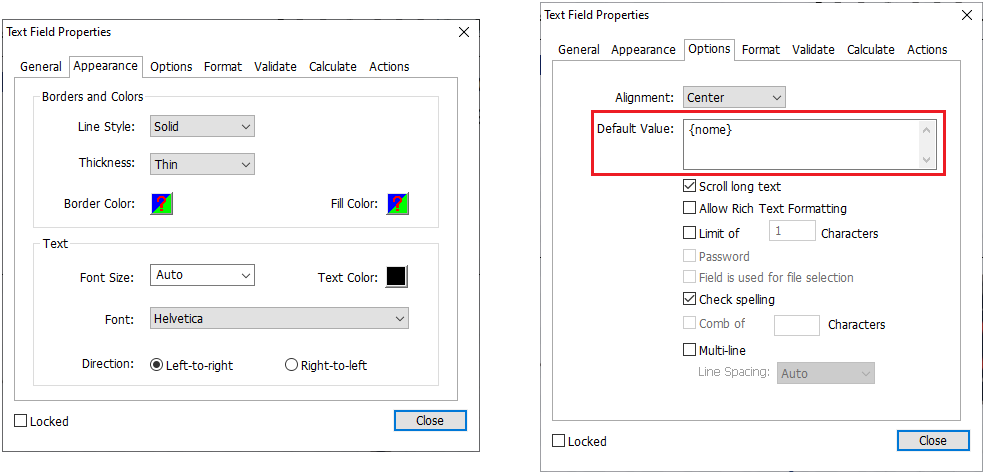
Repeat this for every field you want to create and save the file.
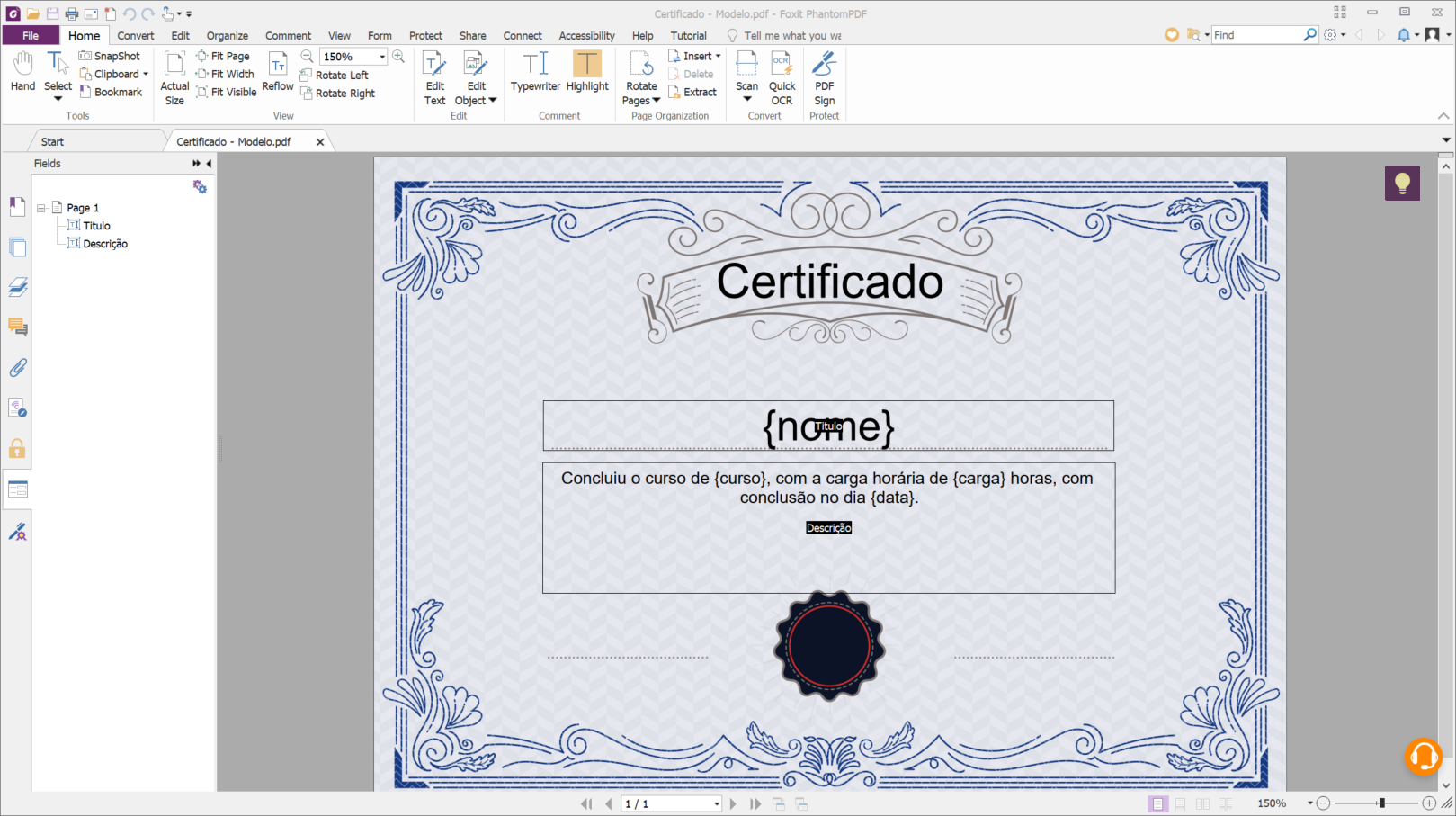
## Generating documents in Signer
In the Signer sidebar, select **Generate documents**.
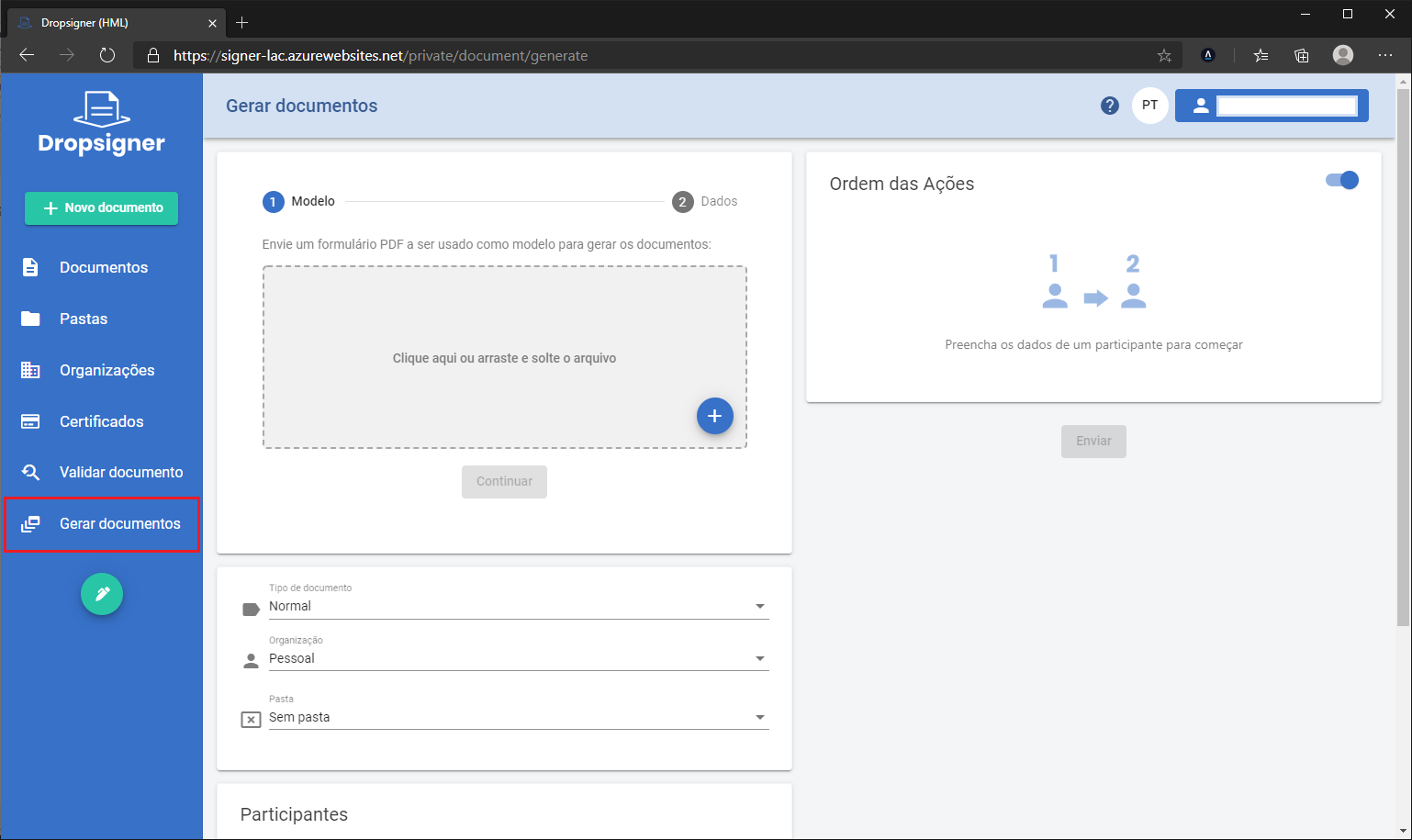
Upload the PDF template created earlier and click **Continue**.
Click **Download CSV template** and open the downloaded file in Excel or a plain text editor.
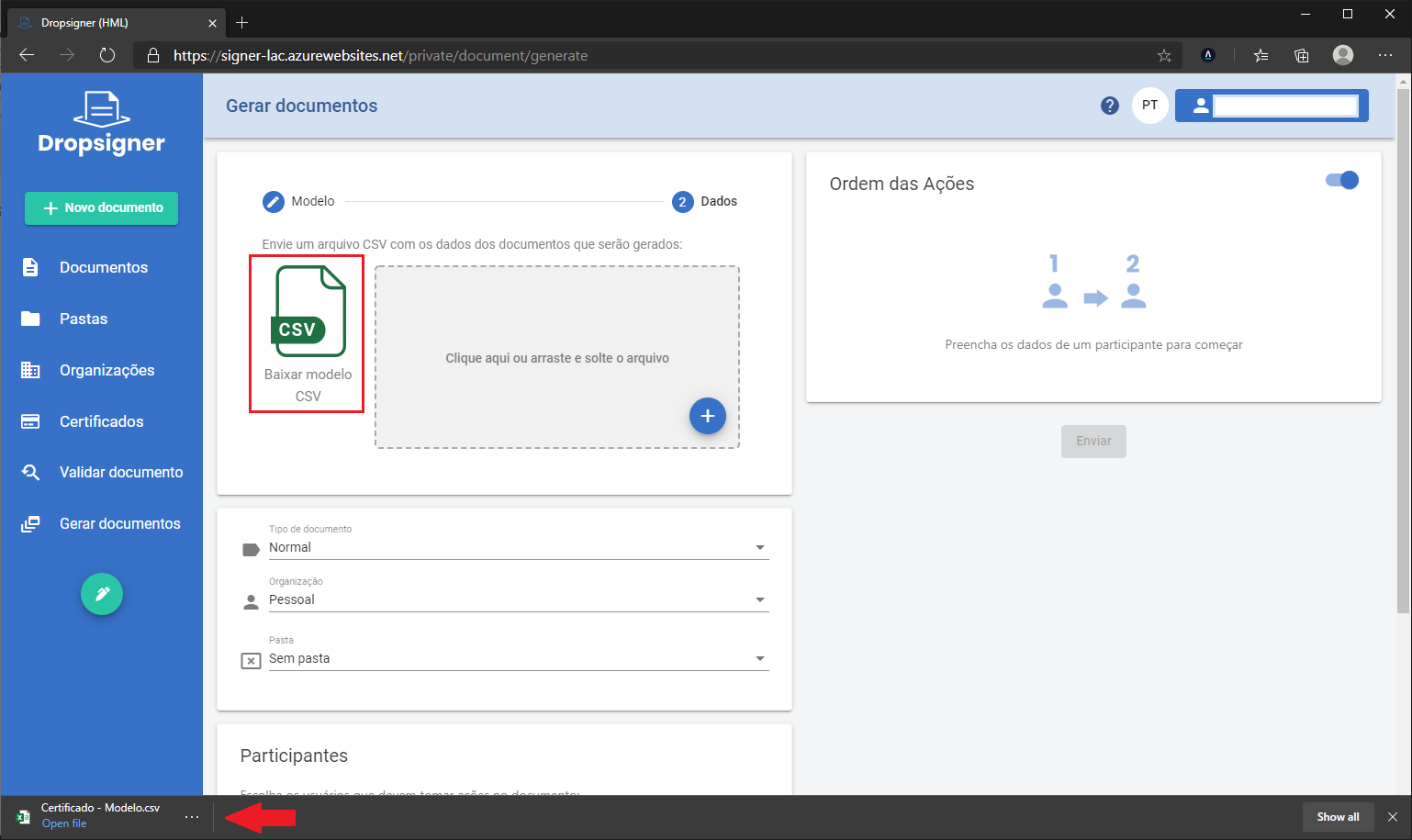
Each line of the CSV file represents a document to be generated. The **\[filename\]** column sets the name of the
generated document. If it is left blank, the document name is generated automatically. Each of the other columns was
generated automatically from the identifiers between braces in the form fields of the uploaded template. The value of
each column replaces the matching identifier in the template.
Fill in the CSV file and save your changes.
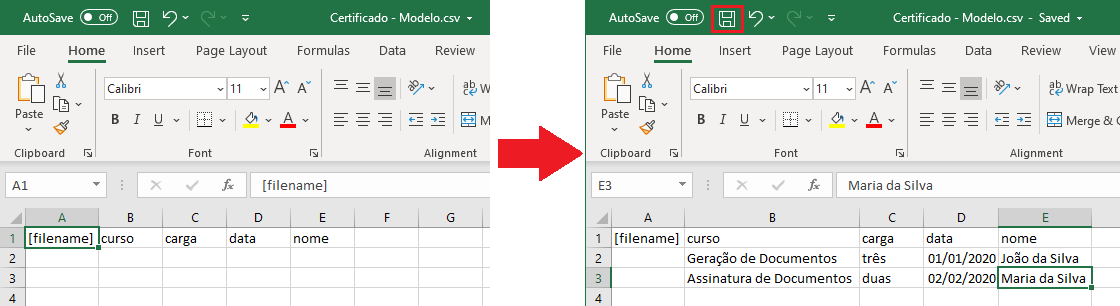
Upload the filled-in CSV file.
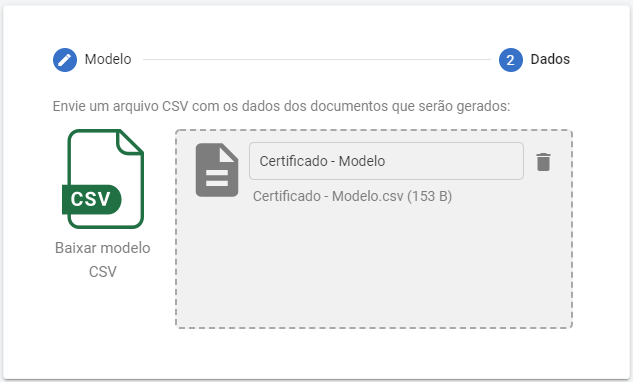
Fill in the other options the same way as when sending documents. You can set where each signer's signature goes on the
template.
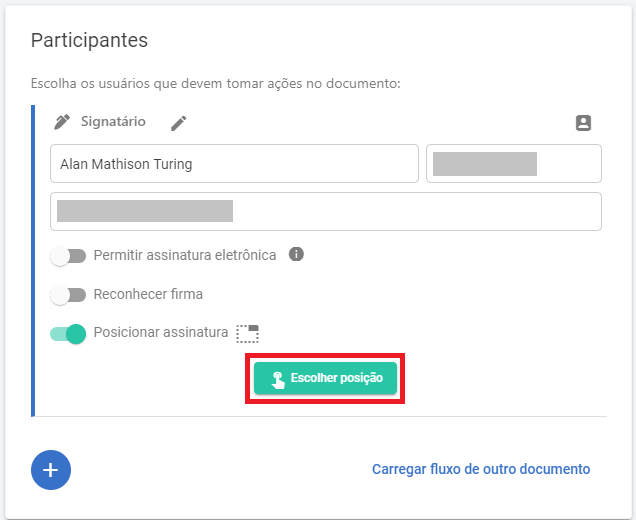
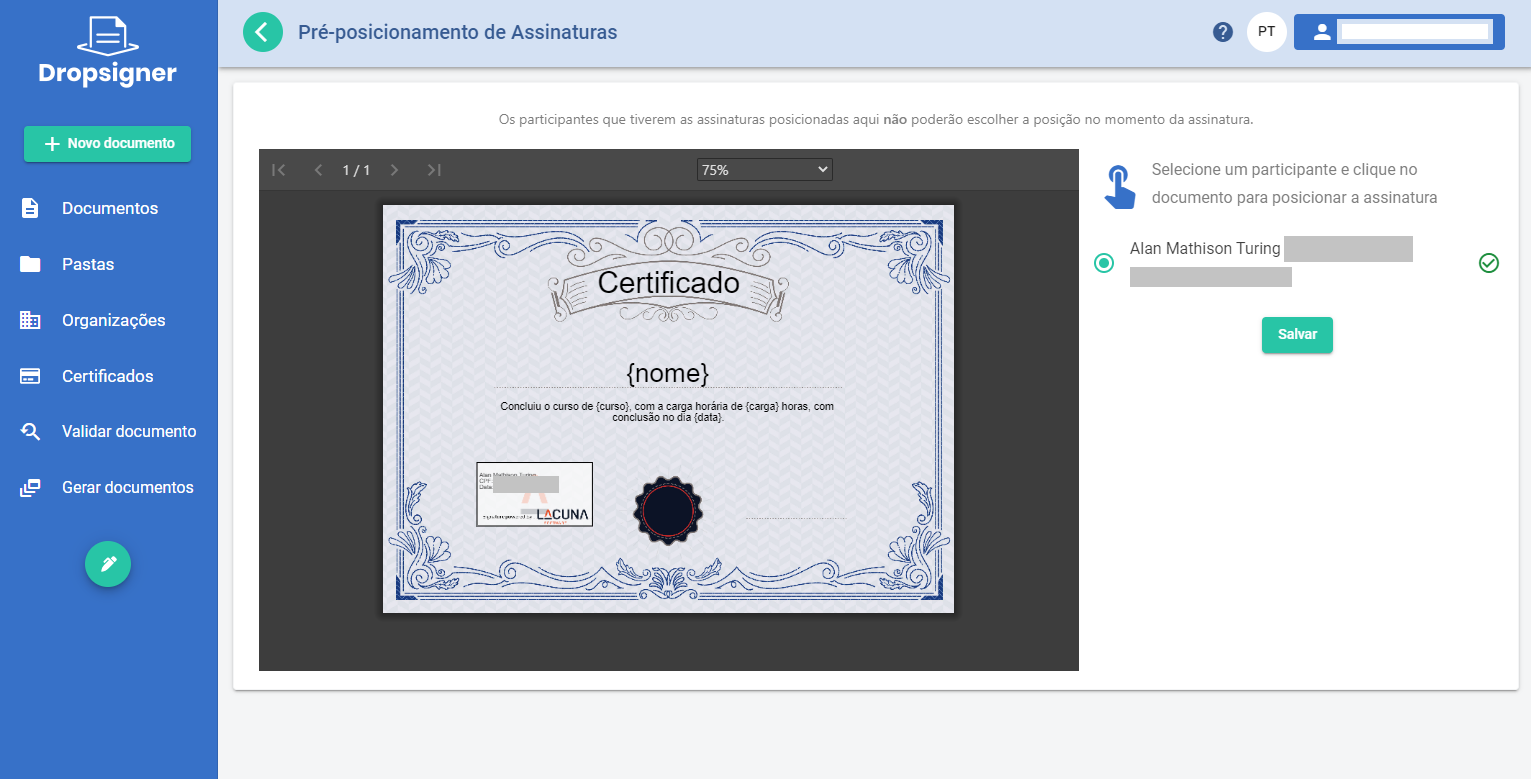
> **Tip**
>
> We recommend positioning the signatures when generating the documents. Otherwise, the signatures may end up in
> different positions in each generated document.
Once the options and the document flow are set as you want, click **Send**. The documents are generated and the
participants are notified.
Once signed, the generated documents are available for download.
## Generating documents with a flow per document
Starting with version 1.29.0, you can generate documents with a specific flow for each generated document. To do so, add
new columns to the CSV file you upload to Signer.
The sections below describe the kinds of flow information you can add.
### Signers
To set one or more signers, use the columns below with the prefix `Signer_x.`, where `x` is the signer number:
* Name: the signer's name.
* Identifier: the signer's CPF.
* Email: the signer's email.
* Phone (optional): the signer's mobile phone.
* Step (optional): the step of the flow in which this action takes place.
* Title (optional): the signer's title.
* AllowElectronicSignature (optional): set to `true` to let the signer sign electronically. Otherwise, set to `false` or leave blank.
* ElectronicType (optional): the authentication type of the electronic signature. Use it together with `AllowElectronicSignature`. The possible values are
`SMS`, `AuthenticatorApp` and `Selfie`.
* Signature (optional): sets the position of the signature image, in the format `TOP_LEFT_X|TOP_LEFT_Y`, `TOP_LEFT_X|TOP_LEFT_Y|PAGE_NUMBER`,
`TOP_LEFT_X|TOP_LEFT_Y|WIDTH|HEIGHT` or `TOP_LEFT_X|TOP_LEFT_Y|WIDTH|HEIGHT|PAGE_NUMBER`. Example: `100.5|85|2`.
Digital signature example:
```csv
Info1,Info2,Signer_1.Name,Signer_1.Identifier,Signer_1.Email
Value1,Value2,Alice Venture,111.111.111-11,alice@email.com
Value3,Value4,Bob Venture,222.222.222-22,bob@email.com
```
Electronic signature example:
```csv
Info1,Info2,Signer_1.Name,Signer_1.Identifier,Signer_1.Email,Signer_1.AllowElectronicSignature
Value1,Value2,Alice Venture,111.111.111-11,alice@email.com,true
Value3,Value4,Bob Venture,222.222.222-22,bob@email.com,true
```
### Approvers
To set one or more approvers, use the columns below with the prefix `Approver_x.`, where `x` is the approver number:
* Name: the approver's name.
* Identifier: the approver's CPF.
* Email: the approver's email.
* Step (optional): the step of the flow in which this action takes place.
Example:
```csv
Info1,Info2,Approver_1.Name,Approver_1.Identifier,Approver_1.Email
Value1,Value2,Alice Venture,111.111.111-11,alice@email.com
Value3,Value4,Bob Venture,222.222.222-22,bob@email.com
```
### Observers
To set one or more observers, use the columns below with the prefix `Observer_x.`, where `x` is the observer number:
* Name: the observer's name.
* Identifier: the observer's CPF.
* Email: the observer's email.
Example:
```csv
Info1,Info2,Observer_1.Name,Observer_1.Identifier,Observer_1.Email
Value1,Value2,Alice Venture,111.111.111-11,alice@email.com
Value3,Value4,Bob Venture,222.222.222-22,bob@email.com
```
### Notified emails
To send the document to a list of email addresses once the flow is complete, add the `NotifiedEmails` column, separating
the addresses with the `|` character.
Example:
```csv
Info1,Info2,NotifiedEmails
Value1,Value2,alice@email.com
Value3,Value4,alice@email.com|bob@email.com
```
> **Warning**
>
> Unlike the other options, this column can only be added once.
### Combined flows
You can also set flow participants shared by all documents, by entering them in the participants field of the generation
page:
These participants are combined with the participants of each document. However, the actions of the shared participants
cannot be set to take place after the actions of each document's own participants.
## See also
* [User guide](https://docs.lacunasoftware.com/en-us/articles/signer/user-guide)
# [System administration - Lacuna Signer](https://docs.lacunasoftware.com/en-us/articles/signer/user-guide/sys-admin)
> **Note**
>
> The documentation of this system is under construction. We apologize for the inconvenience. Please contact us if you
> need any information that is not documented yet.
* [Adding a user to system administration](https://docs.lacunasoftware.com/en-us/articles/signer/user-guide/sys-admin/add-user)
* [Browsing the system's documents](https://docs.lacunasoftware.com/en-us/articles/signer/user-guide/sys-admin/browse-docs)
# [Adding a user to system administration](https://docs.lacunasoftware.com/en-us/articles/signer/user-guide/sys-admin/add-user)
> **Note**
>
> The documentation of this system is under construction. We apologize for the inconvenience. Please contact us if you
> need any information that is not documented yet.
To add a user with the System Administrator role, go to the **Administration** page, available in the user menu.
Select **Users**.

Click **Add**.
In the organization field, it is essential to select the *sys admin* organization. Select the **Administrator** role.
Click the **Invite user** button.
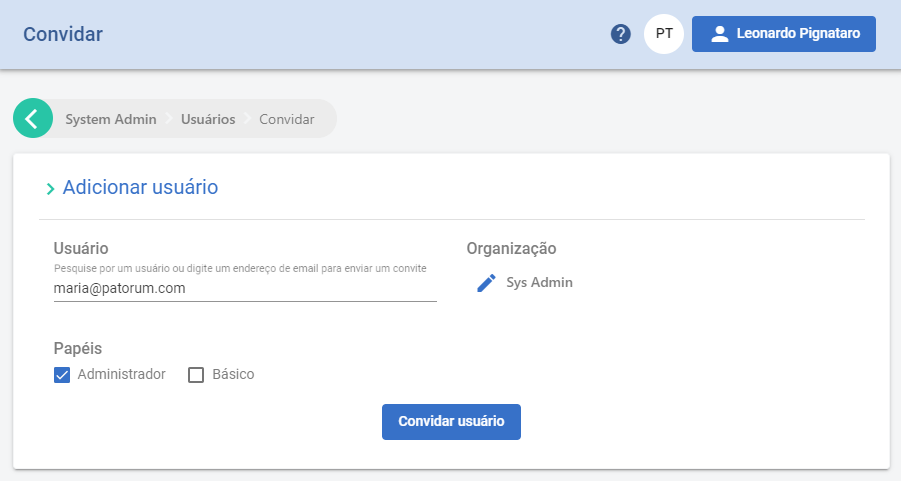
The user has been added.
# [Browsing the system's documents](https://docs.lacunasoftware.com/en-us/articles/signer/user-guide/sys-admin/browse-docs)
> **Note**
>
> The documentation of this system is under construction. We apologize for the inconvenience. Please contact us if you
> need any information that is not documented yet.
To access the documents, go to the administration menu.

Select **Organizations**.

In the options tab, select **Personal Accounts**. This lets you see the documents each user submitted.
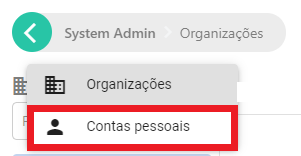
Type the name of the user you want to look up.
Select **Documents** to see this user's documents.
You can now see all the documents this user submitted to the system.
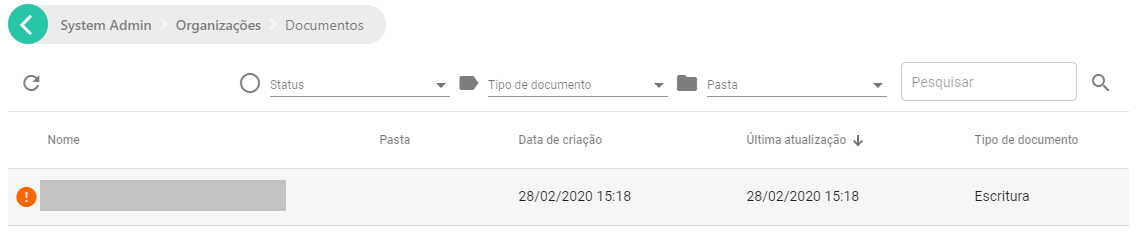
# [Deleting documents](https://docs.lacunasoftware.com/en-us/articles/signer/user-guide/sys-admin/del-docs)
To delete documents, select **Documents** in the main menu.

Check the box of the document you want to delete.

The actions you can take on this document appear.

To delete it, select the trash can. Confirm by selecting **Delete**.
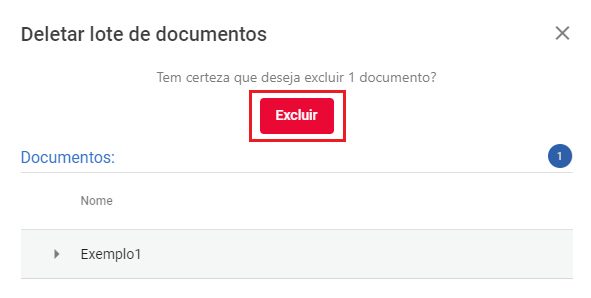
To finish, select **Finish**.
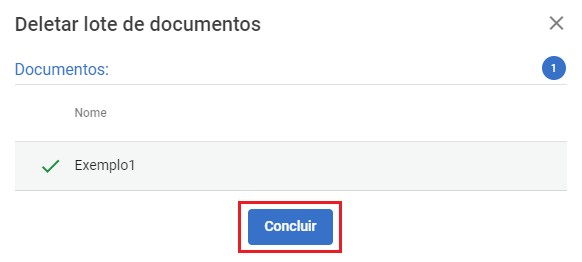
The document has been deleted.
# [Signer](https://docs.lacunasoftware.com/en-us/articles/signer/changelog)
### 2.22.1 (2026-10-06)
📦 Downloads: [Docker Hub](https://hub.docker.com/r/lacunasoftware/signer/tags?name=2.22.1) · [ZIP](https://cdn.lacunasoftware.com/signer/signer-2.22.1.zip) · [tar.gz](https://cdn.lacunasoftware.com/signer/signer-2.22.1.tar.gz)
* Bug fixes
* [SIG-1924] Fixed cloud certificate discovery not finding Paraguayan certificates: CI, passport and RUC identifiers are now looked up by their own document type (also upgrades `Lacuna.Pki.BrazilTrustServices` to 1.7.5-beta01)
Updates database model: no
### 2.22.0 (2026-09-10)
📦 Downloads: [Docker Hub](https://hub.docker.com/r/lacunasoftware/signer/tags?name=2.22.0) · [ZIP](https://cdn.lacunasoftware.com/signer/signer-2.22.0.zip) · [tar.gz](https://cdn.lacunasoftware.com/signer/signer-2.22.0.tar.gz)
* New Features
* [SIG-855] Allow pre-positioning of the rubric (signature/initials) for approver and approval-rule participants, previously restricted to signers
* [SIG-897] Paste an image from the clipboard (Ctrl+V) to fill the rubric and the signature visual representation
* [SIG-1912] Let the completion notification language be chosen per recipient (PT/EN/ES) in the "send signed document to" list
* Improvements
* [SIG-1902] New per-participant `disableRefusal` API flag that hides the refuse button and blocks the refusal endpoint for that participant
* [SIG-1913] New instance option to restrict the organization Time Stamp setting to sysadmins only, hiding the section from organization admins
* [SIG-1600] Suppressed Entity Framework warnings by adding explicit ordering to batched (Take/Skip) queries and an index on Invoices, making background-job processing order deterministic
* Bug fixes
* [SIG-1928] Fixed batch signing with an HSM certificate that hung the dialog on "preparing document" and signed nothing; invalid certificates (untrusted/expired/revoked) now report an error per row instead of a false success (also for cloud-certificate batches)
* [SIG-1391] Fixed the authentication stamp visual representation persisting after switching back to normal mode in Single Signature
* [SIG-1933] Fixed the mandatory billing information check not blocking document creation for personal accounts on invoices with no chargeable value yet (trial/prepaid); new opt-in setting extends the check to zero-value invoices
Updates database model: yes (migrations: `FlowActionDisableRefusal`, `AddInvoiceStatusCloseJobIndex`)
### 2.21.0 (2026-09-01)
📦 Downloads: [Docker Hub](https://hub.docker.com/r/lacunasoftware/signer/tags?name=2.21.0) · [ZIP](https://cdn.lacunasoftware.com/signer/signer-2.21.0.zip) · [tar.gz](https://cdn.lacunasoftware.com/signer/signer-2.21.0.tar.gz)
* New Features
* [SIG-1925] New electronic signature authentication method: WhatsApp + Selfie
* Improvements
* [SIG-1895] Document list UI/UX improvements, including better mobile responsiveness and inline signer chips
* [SIG-1887] Load themes on demand instead of inlining all of them, reducing the initial CSS payload
* [SIG-1914] Skip the notification-preferences request on every token renewal when the language cookie is already set
* [SIG-780] Improved document-listing performance by denormalizing signer status onto DocumentUser with a synchronized index
* [SIG-1881] New document-validation access rule: login, organization access, and document access
* [SIG-1927] Performance improvement: avoids unnecessary operations when a document access is denied
* Bug fixes
* [SIG-1908] Fixed the participant identifier not being persisted/reloaded in an organization's predefined flow
* [SIG-1926] Fixed the "require certificate type" e-CNPJ option showing and validating the identifier field as RUC instead of CNPJ
* [SIG-1930] Fixed a SQL timeout in the failed Hangfire jobs cleanup job by adding a configurable command timeout and lock hints that prevent it from blocking the live Hangfire server
* [SIG-1491] Handle the BirdId insufficient-credit (BILLING_LOCK) error with a user-friendly message
* Fixed the cloud certificate list on the signing screen and a race in the fast-signature certificate dropdown
Updates database model: yes (migration: `DenormalizeDocumentUserWithTrigger`)
> **Caution**
>
> This version introduces performance-related background jobs, including a one-time backfill that runs at application startup (SIG-780) and new recurring jobs. Right after the deployment, while the backfill runs, the instance may show a temporary increase in database load and slower document listing. This is expected and subsides once the backfill completes.
### 2.20.0 (2026-08-24)
📦 Downloads: [Docker Hub](https://hub.docker.com/r/lacunasoftware/signer/tags?name=2.20.0) · [ZIP](https://cdn.lacunasoftware.com/signer/signer-2.20.0.zip) · [tar.gz](https://cdn.lacunasoftware.com/signer/signer-2.20.0.tar.gz)
* Improvements
* [SIG-1911] New "Passport" identifier type: accepts any alphanumeric value (minimum 6 characters), with automatic passport extraction from Paraguay and Ecuador certificates when signing
* [SIG-263] Certificate validation log: reworked the validation dialog into an inline collapsible tree and added a per-signer download/copy of the validation log as a TXT file
* [SIG-1897] Decoupled bank slip (Iugu) emission from invoice closing so a gateway outage no longer leaves invoices stuck without a way to reprocess them, with a new endpoint to re-emit gateway invoices
* [SIG-1901] Improved thread usage to mitigate thread pool starvation under load
* [SIG-1915] Synchronized the Signer.Client C# SDK with the current API, fixing the organization-user deletion endpoint and adding Document Flows, Contacts and Marks Sessions
* Bug fixes
* [SIG-1079] Fixed a spurious permission error when opening a document from a folder the user only has folder access to, on subscriptions with videoconferencing enabled
* [SIG-1896] Fixed a NullReferenceException when downloading the printer-friendly version of a canceled document with no stored evidences
* [SIG-1916] Fixed an error in the flow-editing user form when updating a user selected through autocomplete
Updates database model: no
### 2.19.0 (2026-08-14)
📦 Downloads: [Docker Hub](https://hub.docker.com/r/lacunasoftware/signer/tags?name=2.19.0) · [ZIP](https://cdn.lacunasoftware.com/signer/signer-2.19.0.zip) · [tar.gz](https://cdn.lacunasoftware.com/signer/signer-2.19.0.tar.gz)
* Improvements
* [SIG-1889] Allow cloud signature session reuse for a configurable period, enabling a single authentication to authorize multiple signatures without requesting new OTP
* [SIG-1821] IdRC integration improvements: better visibility and traceability in document manifest and flow listing, enhanced configuration control and improved visual representation
* [SIG-1886] Added Hangfire storage cleanup mechanisms to prevent unbounded accumulation of failed jobs in the database
* Bug fixes
* [SIG-1894] Fixed raw JSON error display when previewing refused documents instead of PDF
* [SIG-1869] Fixed identifier auto-registration when editing document flow participant steps in instances with CI (Cédula de Identidad) as default identifier type
* [SIG-1882] Fixed IdRC sessions breaking during concurrent signatures
* Fixed signature marks preview and validation error field not correctly reflecting the selected identifier type
Updates database model: yes (migrations: `IdRCSessionCancellation`, `IdRCSignedFlag`, `CloudSignatureSessions`)
### 2.18.0 (2026-07-30)
📦 Downloads: [Docker Hub](https://hub.docker.com/r/lacunasoftware/signer/tags?name=2.18.0) · [ZIP](https://cdn.lacunasoftware.com/signer/signer-2.18.0.zip) · [tar.gz](https://cdn.lacunasoftware.com/signer/signer-2.18.0.tar.gz)
* Improvements
* [SIG-1846] Tag labels: register the organization's tag labels in the organization settings, autocomplete them when creating or editing a document, make tags required on document creation (configurable) and override that requirement per request through the API
* [SIG-1849] Added an organization setting that makes selecting a folder required when creating documents and templates, with a per-request override for applications
* [SIG-1829] Allow replacing a participant of a signing or approval rule in documents already in progress: the participant can be removed and another one put in their place
* [SIG-1860] Respect each identifier type's mode when multiple identifiers per user are enabled, added the `RequireAtLeastOneIdentifier` configuration and rejected duplicate participants in signing and approval rules
* [SIG-632] Added new professional authenticator types for document authentication, with gender-neutral profession names
* [SIG-1879] Allow searching contacts by surname
* [SIG-1830] Improved the usability of the "load flow from another document" dialog: a wider modal, list items on two lines showing the flow name, owner and date, and more room for the search bar
* Added a billing plan migration tool
* Bug fixes
* [SIG-809] Fixed batch HSM signing when the documents are no longer pending for the user: the batch dialog now validates the available actions before opening, closes when there is nothing left to sign, and restores the interface when the HSM PIN prompt is canceled
* [SIG-1875] Fixed the refusal option being ignored in the embedded signature and a crash after refusing a document
* [SIG-1885] Fixed an error when editing the flow of a document whose participant had a biometric session
* [SIG-1884] Fixed an error when deleting folders associated with templates; the templates are now unlinked or moved instead
* [SIG-1883] Fixed the raw i18n key `common.phone` being displayed as the phone field label
* Fixed expired-document background jobs enqueued before the update failing because of a changed job signature
Updates database model: yes (migration: `NewAuthenticatorTypes`, `RequireFolderOnDocumentCreationToSubscription`)
### 2.17.1 (2026-07-15)
📦 Downloads: [Docker Hub](https://hub.docker.com/r/lacunasoftware/signer/tags?name=2.17.1) · [ZIP](https://cdn.lacunasoftware.com/signer/signer-2.17.1.zip) · [tar.gz](https://cdn.lacunasoftware.com/signer/signer-2.17.1.tar.gz)
* Improvements
* [SIG-1866] Added a configuration (`AllowBasicAndOperatorUsersToManageContacts`) that lets the Basic and Operator organization roles create, update and delete the organization's contacts
* Bug fixes
* [SIG-1868] Fixed a "HashStream does not support seeking" error when creating documents that merge PDFs on S3/MinIO blob storage
* [SIG-1867] Fixed the contact search returning the wrong organization's contacts (or none) when creating a flow inside an organization
* [SIG-1863] Fixed the Manager role being unable to access folder settings (rename, move, configure permissions)
* [SIG-1842] Fixed an incorrect certificate identifier validation when signing with multiple identifiers enabled and the user has no identifier defined
* Fixed the Enter key not triggering search in the unified toolbars
Updates database model: no
### 2.17.0 (2026-07-13)
📦 Downloads: [Docker Hub](https://hub.docker.com/r/lacunasoftware/signer/tags?name=2.17.0) · [ZIP](https://cdn.lacunasoftware.com/signer/signer-2.17.0.zip) · [tar.gz](https://cdn.lacunasoftware.com/signer/signer-2.17.0.tar.gz)
* Improvements
* [SIG-1861] Added an optional `timestampEnabled` field to document creation via API, allowing a per-document override of the organization's timestamp setting
* [SIG-1831] Added an organization-level setting to enable or restrict the use of electronic signature, with the global instance setting taking precedence
* Bug fixes
* [SIG-1640] Fixed a signing failure caused by PDFs with a null AcroForm structure (upgraded Lacuna.Pki to 2.22.4)
* Fixed a minor certificate loading issue on the signature screen
Updates database model: yes (migration: `ElectronicSignatureConfigForSubscription`, `DocumentTimestampEnabled`)
### 2.16.1 (2026-07-06)
📦 Downloads: [Docker Hub](https://hub.docker.com/r/lacunasoftware/signer/tags?name=2.16.1)
* Improvements
* [SIG-1478] Block downloading a document after it has been refused, preventing refused documents from circulating as if they were valid and signed; download settings moved to a dedicated `DocumentDownload` configuration section
* Bug fixes
* Fix contact search so name, email, phone and identifier are matched against full terms
* Hide the receipts dashboard when the NFE.io integration is disabled
* Fix page counting in the PDF merging method
Updates database model: no
### 2.16.0 (2026-07-02)
📦 Downloads: [Docker Hub](https://hub.docker.com/r/lacunasoftware/signer/tags?name=2.16.0) · [ZIP](https://cdn.lacunasoftware.com/signer/signer-2.16.0.zip) · [tar.gz](https://cdn.lacunasoftware.com/signer/signer-2.16.0.tar.gz)
* Improvements
* [SIG-1796] New invoice (NFSe) management screen in the billing module: admin listing with status (success, processing, error, canceled), detail view, search filters, invoice ID column, personal-account filter, reissue of failed invoices, send-by-email dialog, and PDF/XML download
* Bug fixes
* [SIG-1538] Fix documents not moving to the "Expired" status after the processing job reached its 10-failure limit, leaving them stuck in an inconsistent state
* [SIG-1814] Fix the PDF/A configuration saved in a template not being loaded in the edit form nor applied when generating documents from the template
* [SIG-1854] Fix an "invalid link" error when starting an IdRC signature from the public area through a link received by email, SMS or WhatsApp
Updates database model: no
### 2.15.1 (2026-06-29)
📦 Downloads: [Docker Hub](https://hub.docker.com/r/lacunasoftware/signer/tags?name=2.15.1) · [ZIP](https://cdn.lacunasoftware.com/signer/signer-2.15.1.zip) · [tar.gz](https://cdn.lacunasoftware.com/signer/signer-2.15.1.tar.gz)
* Improvements
* [SIG-1298] Generate document list reports asynchronously as background jobs for large result sets, sending a download link by email to avoid timeouts and excessive memory usage
* Bug fixes
* [SIG-1693] Continuation of the previous fix: correct template generation for participants with field-defined data (DefinedByFields)
* [SIG-1844] Restore user registration behaviors for instances with a single identifier
Updates database model: no
### 2.15.0 (2026-06-26)
📦 Downloads: [Docker Hub](https://hub.docker.com/r/lacunasoftware/signer/tags?name=2.15.0) · [ZIP](https://cdn.lacunasoftware.com/signer/signer-2.15.0.zip) · [tar.gz](https://cdn.lacunasoftware.com/signer/signer-2.15.0.tar.gz)
* Improvements
* [SIG-1787] Add a Terms of Use report listing the users who accepted the terms, including name, date/time and accepted version, filterable by version and deliverable by email
* [SIG-1816] Improve the authentication and signing screen UX/UI, reorganizing it into clearer sections and showing the recipient's information on the code authentication step
* Bug fixes
* [SIG-1693] Fix errors in the /templates API affecting approval and signature rules, including identifier handling and recipient validation
* [SIG-1845] Fix users being unable to access the platform after their identifier data was updated in GrantID
Updates database model: no
### 2.14.4 (2026-06-15)
📦 Downloads: [Docker Hub](https://hub.docker.com/r/lacunasoftware/signer/tags?name=2.14.4) · [ZIP](https://cdn.lacunasoftware.com/signer/signer-2.14.4.zip) · [tar.gz](https://cdn.lacunasoftware.com/signer/signer-2.14.4.tar.gz)
* Improvements
* [SIG-1810] Fix invoice month assignment to use the instance's configured timezone (BRT) instead of UTC, preventing documents created late on the last day of the month from being charged to the following month
* [SIG-1819] Update NuGet package dependencies to resolve build conflicts
* Bug fixes
* [SIG-1813] Fix electronic signature toggle not updating correctly when the security context is changed
* [SIG-1685] Fix misaligned status select filter on the admin document list
* [SIG-1506] Fix truncation of long organization names in the document list
Updates database model: no
### 2.14.3 (2026-06-09)
📦 Downloads: [Docker Hub](https://hub.docker.com/r/lacunasoftware/signer/tags?name=2.14.3) · [ZIP](https://cdn.lacunasoftware.com/signer/signer-2.14.3.zip) · [tar.gz](https://cdn.lacunasoftware.com/signer/signer-2.14.3.tar.gz)
* Bug fixes
* [SIG-1808] Fix credit card not being saved when registered as the default payment method on Iugu checkout
* [SIG-1809] Respect the user's configured notification language when adding participants through contact search
* [SIG-1811] Send a signature request notification when a participant is added to a pending step of an in-progress document
* [SIG-1812] Fix error in the signature URL endpoint for signers without identifiers
Updates database model: no
### 2.14.2 (2026-06-08)
📦 Downloads: [Docker Hub](https://hub.docker.com/r/lacunasoftware/signer/tags?name=2.14.2) · [ZIP](https://cdn.lacunasoftware.com/signer/signer-2.14.2.zip) · [tar.gz](https://cdn.lacunasoftware.com/signer/signer-2.14.2.tar.gz)
* Bug fixes
* Fix identifier masking for identifiers displayed in the private area
* Fix TSP discovery to use identifiers from the identifiers table
Updates database model: no
### 2.14.1 (2026-06-05)
📦 Downloads: [Docker Hub](https://hub.docker.com/r/lacunasoftware/signer/tags?name=2.14.1) · [ZIP](https://cdn.lacunasoftware.com/signer/signer-2.14.1.zip) · [tar.gz](https://cdn.lacunasoftware.com/signer/signer-2.14.1.tar.gz)
* Bug fixes
* [SIG-1788] Fix certificate registration to correctly handle comparison against the user's identifiers
* [SIG-1789] Fix identifier being wiped when editing a user's profile in the organization on instances with multiple identifiers
* Fix CPF-to-GrantId sync on instances without required CPF
Updates database model: no
### 2.14.0 (2026-06-03)
📦 Downloads: [Docker Hub](https://hub.docker.com/r/lacunasoftware/signer/tags?name=2.14.0) · [ZIP](https://cdn.lacunasoftware.com/signer/signer-2.14.0.zip) · [tar.gz](https://cdn.lacunasoftware.com/signer/signer-2.14.0.tar.gz)
* Improvements
* [SIG-1709] PDF/A document conversion: convert uploads to PDF/A on document creation, document generation, single signing and templates (forms), with PDF/A profile selection and PdfService integration
* Bug fixes
* [SIG-1805] Fix foreign key violation when removing notifications in NotifyJob
* [SIG-1405] Skip sending the printer-friendly version by email in flows with many signers
* Fix advanced signature with electronic signature for users without identifiers
* Fix handling of old approvers with null identifier type
Updates database model: yes (migration: `PdfA`)
### 2.13.3 (2026-06-01)
📦 Downloads: [Docker Hub](https://hub.docker.com/r/lacunasoftware/signer/tags?name=2.13.3) · [ZIP](https://cdn.lacunasoftware.com/signer/signer-2.13.3.zip) · [tar.gz](https://cdn.lacunasoftware.com/signer/signer-2.13.3.tar.gz)
* Improvements
* [SIG-744] Report subscription storage usage in billing invoice webhook
* Bug fixes
* Fix user autocomplete not loading identifiers for the current user
* Fix identifier label display for documents created before multi-identifier support
* Fix null identifier type causing errors on signed document marks
* Fix camera-based electronic signature issues in embedded mode
Updates database model: no
### 2.13.2 (2026-05-25)
📦 Downloads: [Docker Hub](https://hub.docker.com/r/lacunasoftware/signer/tags?name=2.13.2) · [ZIP](https://cdn.lacunasoftware.com/signer/signer-2.13.2.zip) · [tar.gz](https://cdn.lacunasoftware.com/signer/signer-2.13.2.tar.gz)
* Improvements
* Added setting to disable the identifier synchronization background job
* Bug fixes
* Fix normalization of search text when querying users by identifier
* Fix certificate filtering to block certificates without NonRepudiation or DigitalSignature key usages
Updates database model: no
### 2.13.1 (2026-05-22)
📦 Downloads: [Docker Hub](https://hub.docker.com/r/lacunasoftware/signer/tags?name=2.13.1) · [ZIP](https://cdn.lacunasoftware.com/signer/signer-2.13.1.zip) · [tar.gz](https://cdn.lacunasoftware.com/signer/signer-2.13.1.tar.gz)
* Bug fixes
* Fix normalization of contact identifiers
Updates database model: no
### 2.13.0 (2026-05-22)
📦 Downloads: [Docker Hub](https://hub.docker.com/r/lacunasoftware/signer/tags?name=2.13.0) · [ZIP](https://cdn.lacunasoftware.com/signer/signer-2.13.0.zip) · [tar.gz](https://cdn.lacunasoftware.com/signer/signer-2.13.0.tar.gz)
* Improvements
* [SIG-1695] Allow administrators to configure the priority order of SMS and email notification providers per channel, with automatic fallback on failure
* [SIG-1674] Updated Liveness/IdScan integration to use RestPkiCore
* Bug fixes
* [SIG-1718] Fix notification emails not following the recipient's preferred language
* [SIG-1778] Fix contact editing remaining available for participants already locked in an active document flow
* [SIG-1496] Fix reminders not restarting and notifications not being sent when editing a participant's email in the flow
* [SIG-1646] Fix CSV import rejecting valid identifier types in contact lists
* Fix folder access list not displaying user identifiers
* Fix certificate filtering by usage in batch signatures
Updates database model: yes (migrations: `ElectronicSignatureBioSessions`, `NotificationProviders`)
### 2.12.1 (2026-05-05)
📦 Downloads: [Docker Hub](https://hub.docker.com/r/lacunasoftware/signer/tags?name=2.12.1) · [ZIP](https://cdn.lacunasoftware.com/signer/signer-2.12.1.zip) · [tar.gz](https://cdn.lacunasoftware.com/signer/signer-2.12.1.tar.gz)
* Bug fixes
* Fix bug in punctuation handling on contact search
* Fix bug in user identifier removal
Updates database model: no
### 2.12.0 (2026-04-30)
📦 Downloads: [Docker Hub](https://hub.docker.com/r/lacunasoftware/signer/tags?name=2.12.0) · [ZIP](https://cdn.lacunasoftware.com/signer/signer-2.12.0.zip) · [tar.gz](https://cdn.lacunasoftware.com/signer/signer-2.12.0.tar.gz)
* Improvements
* [SIG-1646] Add external contact list management with advanced search
* [SIG-1585] Revise micro-interactions and states (loading, empty, error) in the dashboard layout
* Bug fixes
* [SIG-1610] Fix responsiveness when displaying many cloud certificate providers
Updates database model: yes (migration: `SubscriptionContacts`)
### 2.11.1 (2026-04-24)
📦 Downloads: [Docker Hub](https://hub.docker.com/r/lacunasoftware/signer/tags?name=2.11.1) · [ZIP](https://cdn.lacunasoftware.com/signer/signer-2.11.1.zip) · [tar.gz](https://cdn.lacunasoftware.com/signer/signer-2.11.1.tar.gz)
* Improvements
* Flag to disable identifier synchronization in GrantID
* [SIG-1618] Notify administrators and register an event when updating the Terms of Use
* Bug fixes
* Bug fixes in user creation and editing
Updates database model: no
### 2.11.0 (2026-04-16)
📦 Downloads: [Docker Hub](https://hub.docker.com/r/lacunasoftware/signer/tags?name=2.11.0) · [ZIP](https://cdn.lacunasoftware.com/signer/signer-2.11.0.zip) · [tar.gz](https://cdn.lacunasoftware.com/signer/signer-2.11.0.tar.gz)
* Improvements
* [SIG-1570] Support for multiple identifiers per user
Updates database model: yes (migration: `MultipleIdentifiers`)
### 2.10.0 (2026-04-16)
📦 Downloads: [Docker Hub](https://hub.docker.com/r/lacunasoftware/signer/tags?name=2.10.0) · [ZIP](https://cdn.lacunasoftware.com/signer/signer-2.10.0.zip) · [tar.gz](https://cdn.lacunasoftware.com/signer/signer-2.10.0.tar.gz)
* Improvements
* [SIG-1601] Support for alphanumeric CNPJ
* [SIG-1591] Enhanced folder search and listing in the new dashboard
Updates database model: no
### 2.9.2 (2026-04-14)
📦 Downloads: [Docker Hub](https://hub.docker.com/r/lacunasoftware/signer/tags?name=2.9.2) · [ZIP](https://cdn.lacunasoftware.com/signer/signer-2.9.2.zip) · [tar.gz](https://cdn.lacunasoftware.com/signer/signer-2.9.2.tar.gz)
* Improvements
* Added gmc theme
* Improvements and fixes to CSP rules
Updates database model: no
### 2.9.1 (2026-04-09)
📦 Downloads: [Docker Hub](https://hub.docker.com/r/lacunasoftware/signer/tags?name=2.9.1) · [ZIP](https://cdn.lacunasoftware.com/signer/signer-2.9.1.zip) · [tar.gz](https://cdn.lacunasoftware.com/signer/signer-2.9.1.tar.gz)
* Improvements
* [SIG-1690] New configuration for monotone dashboard mode
* Bug fixes
* [SIG-1691] Fixed error in the new dashboard when the billing module is disabled
Updates database model: no
### 2.9.0 (2026-04-02)
📦 Downloads: [Docker Hub](https://hub.docker.com/r/lacunasoftware/signer/tags?name=2.9.0) · [ZIP](https://cdn.lacunasoftware.com/signer/signer-2.9.0.zip) · [tar.gz](https://cdn.lacunasoftware.com/signer/signer-2.9.0.tar.gz)
* Improvements
* [SIG-1669] Option to include a signature QR Code in the reminder email body
* Bug fixes
* [SIG-869] Batch notification records in user notifications
* Fix error when performing CAdES signature with digital certificate using WebPKI
Updates database model: yes (migration: `NotificationDocument`)
### 2.8.1 (2026-03-30)
📦 Downloads: [Docker Hub](https://hub.docker.com/r/lacunasoftware/signer/tags?name=2.8.1) · [ZIP](https://cdn.lacunasoftware.com/signer/signer-2.8.1.zip) · [tar.gz](https://cdn.lacunasoftware.com/signer/signer-2.8.1.tar.gz)
* Bug fixes
* [SIG-1507] Phone field validation in the New Document form fails on mobile devices
Updates database model: no
### 2.8.0 (2026-03-25)
📦 Downloads: [Docker Hub](https://hub.docker.com/r/lacunasoftware/signer/tags?name=2.8.0) · [ZIP](https://cdn.lacunasoftware.com/signer/signer-2.8.0.zip) · [tar.gz](https://cdn.lacunasoftware.com/signer/signer-2.8.0.tar.gz)
* Improvements
* [SIG-1586] Dashboard visual redesign
* [SIG-1627] Integration with the Civil Registry (IdRC) signing service
* Bug fixes
* [SIG-1576] Update lacuna-facetec-client to version 2.4.0
Updates database model: yes (migration: `IdRC`)
### 2.7.0 (2026-03-16)
📦 Downloads: [Docker Hub](https://hub.docker.com/r/lacunasoftware/signer/tags?name=2.7.0) · [ZIP](https://cdn.lacunasoftware.com/signer/signer-2.7.0.zip) · [tar.gz](https://cdn.lacunasoftware.com/signer/signer-2.7.0.tar.gz)
* Improvements
* [SIG-1612] Option to request the CPF of one of the signers during validation in the public area
* [SIG-1041] Option to allow batch signing in the public area
Updates database model: yes
### 2.6.2 (2026-02-27)
📦 Downloads: [Docker Hub](https://hub.docker.com/r/lacunasoftware/signer/tags?name=2.6.2) · [ZIP](https://cdn.lacunasoftware.com/signer/signer-2.6.2.zip) · [tar.gz](https://cdn.lacunasoftware.com/signer/signer-2.6.2.tar.gz)
* Bug fixes
* [SIG-1641] Loss of access to documents inside of folders for authorized users
Updates database model: no
### 2.6.1 (2026-02-24)
📦 Downloads: [Docker Hub](https://hub.docker.com/r/lacunasoftware/signer/tags?name=2.6.1) · [ZIP](https://cdn.lacunasoftware.com/signer/signer-2.6.1.zip) · [tar.gz](https://cdn.lacunasoftware.com/signer/signer-2.6.1.tar.gz)
* Improvements
* [SIG-1622] Modify folder navigation layout
* Bug fixes
* [SIG-1637] Fixes folders and organizations appearing blank on the dashboard
* [SIG-1638] Unwanted scrollbar in the signature positioning dialog
* [SIG-1639] Deed type document triggering external flow without configuration, causing it to never conclude
Updates database model: no
### 2.6.0 (2026-02-09)
📦 Downloads: [Docker Hub](https://hub.docker.com/r/lacunasoftware/signer/tags?name=2.6.0) · [ZIP](https://cdn.lacunasoftware.com/signer/signer-2.6.0.zip) · [tar.gz](https://cdn.lacunasoftware.com/signer/signer-2.6.0.tar.gz)
* Improvements
* [SIG-636] Allow adding a mobile phone number when editing a flow
* [SIG-702] Send email notifications to participants after document deletion
* [SIG-1582] Add “Sign all pending for me” action
* [SIG-1613] Block public uploads
* [SIG-1620] Create external users in Signer via API
Updates database model: no
### 2.5.2 (2026-01-27)
📦 Downloads: [Docker Hub](https://hub.docker.com/r/lacunasoftware/signer/tags?name=2.5.2) · [ZIP](https://cdn.lacunasoftware.com/signer/signer-2.5.2.zip) · [tar.gz](https://cdn.lacunasoftware.com/signer/signer-2.5.2.tar.gz)
* Improvements
* [SIG-1604] Removal of existing signatures when generating envelopes, with a prior warning during document creation
* [SIG-1608] Hide CPF when using e-CNPJ certificates, based on system configuration
* Bug fixes
* [SIG-1609] Improvements to PDF JavaScript removal to prevent unintended changes to PDFs
Updates database model: no
### 2.5.1 (2026-01-22)
📦 Downloads: [Docker Hub](https://hub.docker.com/r/lacunasoftware/signer/tags?name=2.5.1) · [ZIP](https://cdn.lacunasoftware.com/signer/signer-2.5.1.zip) · [tar.gz](https://cdn.lacunasoftware.com/signer/signer-2.5.1.tar.gz)
* Improvements
* [SIG-1580] Dashboard buttons redirect to the documents page with the selected filter applied
Updates database model: no
### 2.5.0 (2026-01-22)
📦 Downloads: [Docker Hub](https://hub.docker.com/r/lacunasoftware/signer/tags?name=2.5.0) · [ZIP](https://cdn.lacunasoftware.com/signer/signer-2.5.0.zip) · [tar.gz](https://cdn.lacunasoftware.com/signer/signer-2.5.0.tar.gz)
* Improvements
* [SIG-1580] New document visualization on the dashboard
* [SIG-1530] Review the design of the geolocation access permission dialog
Updates database model: no
### 2.4.11 (2026-01-19)
📦 Downloads: [Docker Hub](https://hub.docker.com/r/lacunasoftware/signer/tags?name=2.4.11) · [ZIP](https://cdn.lacunasoftware.com/signer/signer-2.4.11.zip) · [tar.gz](https://cdn.lacunasoftware.com/signer/signer-2.4.11.tar.gz)
* Bug fixes
* [SIG-1541] Error when retrieving a document in a folder via API integration
Updates database model: no
### 2.4.10 (2026-01-06)
📦 Downloads: [Docker Hub](https://hub.docker.com/r/lacunasoftware/signer/tags?name=2.4.10) · [ZIP](https://cdn.lacunasoftware.com/signer/signer-2.4.10.zip) · [tar.gz](https://cdn.lacunasoftware.com/signer/signer-2.4.10.tar.gz)
* Bug fixes
* [SIG-1574] Continuation of fixes for document submission for signing, addressing additional scenarios not covered in version 2.4.9
Updates database model: no
### 2.4.9 (2026-01-05)
📦 Downloads: [Docker Hub](https://hub.docker.com/r/lacunasoftware/signer/tags?name=2.4.9)
* Bug fixes
* [SIG-1574] Document submission for signing does not work correctly in some cases
Updates database model: no
### 2.4.8 (2025-12-30)
📦 Downloads: [Docker Hub](https://hub.docker.com/r/lacunasoftware/signer/tags?name=2.4.8) · [ZIP](https://cdn.lacunasoftware.com/signer/signer-2.4.8.zip) · [tar.gz](https://cdn.lacunasoftware.com/signer/signer-2.4.8.tar.gz)
* Improvements
* [SIG-1548] Display signature preview in digital signature and Single Signature
* [SIG-1550] Add French Blue Pink theme
* [SIG-1549] Remove holder’s CPF and name when using e-CNPJ certificates
* Bug fixes
* [SIG-1551] FaceTec: user IP address is not being sent to REST PKI
Updates database model: no
### 2.4.7 (2025-12-18)
📦 Downloads: [Docker Hub](https://hub.docker.com/r/lacunasoftware/signer/tags?name=2.4.7) · [ZIP](https://cdn.lacunasoftware.com/signer/signer-2.4.7.zip) · [tar.gz](https://cdn.lacunasoftware.com/signer/signer-2.4.7.tar.gz)
* Bug fixes
* [SIG-1547] Call stack overflow error when submitting certain DOCX templates
Updates database model: no
### 2.4.6 (2025-12-17)
📦 Downloads: [ZIP](https://cdn.lacunasoftware.com/signer/signer-2.4.6.zip) · [tar.gz](https://cdn.lacunasoftware.com/signer/signer-2.4.6.tar.gz)
* Bug fixes
* [SIG-1075] Enable removal of Javascript from PDFs submitted for document creation
Updates database model: no
### 2.4.5 (2025-12-17)
* Bug fixes
* [SIG-1542] Custom organization titles do not load when the organization is already selected at the time the document creation page opens
* [SIG-1543] Fix in deletion of organizations with templates associated to folders
* [SIG-1544] Fix in signature positioning in flows with approval rules
* [SIG-1545] PKI Brasil certificates are not listed during signing when the user does not have a CPF
* Improvements
* [SIG-1546] Reduce watermarks opacity
Updates database model: no
### 2.4.4 (2025-12-05)
📦 Downloads: [ZIP](https://cdn.lacunasoftware.com/signer/signer-2.4.4.zip) · [tar.gz](https://cdn.lacunasoftware.com/signer/signer-2.4.4.tar.gz)
* Improvements
* [SIG-1532] Send emails via SMTP using MailKit
Updates database model: no
### 2.4.3 (2025-11-17)
📦 Downloads: [Docker Hub](https://hub.docker.com/r/lacunasoftware/signer/tags?name=2.4.3) · [ZIP](https://cdn.lacunasoftware.com/signer/signer-2.4.3.zip) · [tar.gz](https://cdn.lacunasoftware.com/signer/signer-2.4.3.tar.gz)
* Bug fixes
* [SIG-1537] Fix in Single Signature for signing without positioning the visual representation
* Improvements
* [SIG-1531] Improve visibility of the “x” to close the preview message for pre-positioned signatures
Updates database model: no
### 2.4.2 (2025-11-08)
📦 Downloads: [Docker Hub](https://hub.docker.com/r/lacunasoftware/signer/tags?name=2.4.2) · [ZIP](https://cdn.lacunasoftware.com/signer/signer-2.4.2.zip) · [tar.gz](https://cdn.lacunasoftware.com/signer/signer-2.4.2.tar.gz)
* Improvements
* [SIG-1529] Update lacuna-facetec-client to version 2.1.0
* [SIG-1527] Disable autocomplete for blocked users
Updates database model: no
### 2.4.1 (2025-11-07)
📦 Downloads: [Docker Hub](https://hub.docker.com/r/lacunasoftware/signer/tags?name=2.4.1) · [ZIP](https://cdn.lacunasoftware.com/signer/signer-2.4.1.zip) · [tar.gz](https://cdn.lacunasoftware.com/signer/signer-2.4.1.tar.gz)
* Bug fixes
* [SIG-1535] Adjust font size of visual representation on the front-end
Updates database model: no
### 2.4.0 (2025-10-28)
📦 Downloads: [Docker Hub](https://hub.docker.com/r/lacunasoftware/signer/tags?name=2.4.0) · [ZIP](https://cdn.lacunasoftware.com/signer/signer-2.4.0.zip) · [tar.gz](https://cdn.lacunasoftware.com/signer/signer-2.4.0.tar.gz)
* Improvements
* [SIG-858] Define signature rules for more participants
* [SIG-1494] Support sending notifications in a specific language
* [SIG-1497] Add event when generating sharing link
* [SIG-1504] Update Datavalid library to version 1.4.0
* [SIG-1512] Register source port for registered events
* [SIG-1525] Allow complete deactivation of document validator
* [SIG-1513] Update FaceTecClient to version 2.2.2
* Bug fixes
* [SIG-873] Title not appearing when positioning signature
* [SIG-1124] Font size of visual representation not decreasing in Firefox
* [SIG-1502] Position replicated across multiple PDFs and error when adding initials in Single Signature
* [SIG-1523] Edited signature positions not saving correctly after creation
* [SIG-1524] “Allow electronic signature” toggle not working correctly when editing or retrieving flow from another document
Updates database model: yes
### 2.3.0 (2025-09-25)
📦 Downloads: [Docker Hub](https://hub.docker.com/r/lacunasoftware/signer/tags?name=2.3.0) · [ZIP](https://cdn.lacunasoftware.com/signer/signer-2.3.0.zip) · [tar.gz](https://cdn.lacunasoftware.com/signer/signer-2.3.0.tar.gz)
* Improvements
* [SIG-1482] Send direct notification when sharing link via WhatsApp
* [SIG-1508] Add Prussian Blue Green theme
* [SIG-1509] Allow displaying footer with information of a single signer
* [SIG-381] Allow definition of rules for approvers in the order of actions
* [SIG-816] Improve document selection in the documents screen
* [SIG-1501] Add option to search for a plan in the organization management screen
* [SIG-1505] Review validation message in cases of digital certificate expiration
* Bug fixes
* [SIG-1485] Update packages with vulnerabilities
* [SIG-1487] Segment sending of Terms of Use notification
* [SIG-1490] Issue editing user access in SysAdmin
* [SIG-1492] Error when switching from advanced to simple signature
* [SIG-1493] Error generating formatted reports on Linux
* [SIG-1498] Tests failing due to emails
* [SIG-1499] Theme colors changing when submitting a file in single signature using Firefox
* [SIG-1510] Single signature not validating certificate at the time of signing
Updates database model: yes
### 2.2.1 (2025-08-07)
📦 Downloads: [Docker Hub](https://hub.docker.com/r/lacunasoftware/signer/tags?name=2.2.1) · [ZIP](https://cdn.lacunasoftware.com/signer/signer-2.2.1.zip) · [tar.gz](https://cdn.lacunasoftware.com/signer/signer-2.2.1.tar.gz)
* Bug fixes
* [SIG-1488] Error selecting template to create/generate documents
Updates database model: no
### 2.2.0 (2025-08-06)
📦 Downloads: [Docker Hub](https://hub.docker.com/r/lacunasoftware/signer/tags?name=2.2.0) · [ZIP](https://cdn.lacunasoftware.com/signer/signer-2.2.0.zip) · [tar.gz](https://cdn.lacunasoftware.com/signer/signer-2.2.0.tar.gz)
* Improvements
* [SIG-580] Enable/disable or change the type of electronic signature when editing flow
* [SIG-1464] FaceTec update
* [SIG-1466] Page to review and sign individually multiple documents
* [SIG-1467] Setting to disable "Refuse to sign" option
* [SIG-1475] Setting to disable LTV
* [SIG-1486] Validation support for new ICP Brasil policies
* Bug fixes
* [SIG-705] Fix permission rules for Events API
* [SIG-825] Bad request error when editing flow
* [SIG-1352] Error editing participant email in a sign rule
* [SIG-1471] Signature positioning is required even if it is disabled on organization settings
* [SIG-1480] Signatures disappear after positioning them in multiple documents with different pages
* [SIG-1481] Signature manifest is wrong in landscape documents
* [SIG-1483] Electronic signature evidences are overlayed in signature manifest
* [SIG-1484] Fix CSP violation when opening Hangfire with menu click
Updates database model: no
> **Caution**
>
> Starting this version, the PKI SDK license is validated at application startup and, if it is not valid, the startup will be aborted.
> **Warning**
>
> Before updating to this version make sure your license supports PKI SDK versions released until 2025-08-01.
### 2.1.1 (2025-06-30)
📦 Downloads: [Docker Hub](https://hub.docker.com/r/lacunasoftware/signer/tags?name=2.1.1) · [ZIP](https://cdn.lacunasoftware.com/signer/signer-2.1.1.zip) · [tar.gz](https://cdn.lacunasoftware.com/signer/signer-2.1.1.tar.gz)
* Bug fixes
* [SIG-1470] Code authentication notification is not using the organization's custom e-mail settings
* [SIG-1472] Scrollbar is not visible in file upload
* [SIG-1476] Signature mark is not being added to simple signature documents
Updates database model: no
### 2.1.0 (2025-06-12)
📦 Downloads: [Docker Hub](https://hub.docker.com/r/lacunasoftware/signer/tags?name=2.1.0) · [ZIP](https://cdn.lacunasoftware.com/signer/signer-2.1.0.zip) · [tar.gz](https://cdn.lacunasoftware.com/signer/signer-2.1.0.tar.gz)
* Improvements
* [SIG-405] Allow signatures to be positioned when uploading a new version of a document
* [SIG-1374] Replace plus icon with switch icon for the template file when creating templates
* [SIG-1434] Option to block users for open instances
* [SIG-1457] Remove the e-mail displayed in the signature page when the required authentication does not include e-mail
* [SIG-1468] Option to use security headers
* [SIG-1469] Optimize document advanced search by participants
* Bug fixes
* [SIG-1164] Envelope files are marked with key associated with the file itself instead of the envelope file
Updates database model: yes
### 2.0.1 (2025-05-26)
📦 Downloads: [Docker Hub](https://hub.docker.com/r/lacunasoftware/signer/tags?name=2.0.1)
* Bug fixes
* [SIG-1465] Fix default home page button
Updates database model: no
### 2.0.0 (2025-05-21)
📦 Downloads: [Docker Hub](https://hub.docker.com/r/lacunasoftware/signer/tags?name=2.0.0) · [ZIP](https://cdn.lacunasoftware.com/signer/signer-2.0.0.zip) · [tar.gz](https://cdn.lacunasoftware.com/signer/signer-2.0.0.tar.gz)
* Improvements
* [SIG-1429] Update SPA version
* [SIG-1459] Add signature font size parameter in pre-positioning API
* [SIG-1460] Create oregon blue cadet theme
* [SIG-1462] Translate signature validation messages
* Bug fixes
* [SIG-1461] Unfilled electronic signature steps are not preveting the request to be sent
* [SIG-1463] Attachments with special characters in the name are being sent with the name attachment
* **Important changes**: before updating follow the steps shown in the [Updating to version 2.x](https://docs.lacunasoftware.com/en-us/articles/signer/on-premises/update-20) page.
Updates database model: yes
> **Caution**
>
> Starting this version the SQL Server minimum version was updated to SQL Server 2016 (13.x). To revert the compatibility to SQL Server 2014,
> add the setting `SqlServer__CompatibilityLevel` with value `120`.
> **Warning**
>
> Before updating to this version make sure your license supports PKI SDK versions released until 2025-05-20.
### 1.80.1 (2025-04-22)
📦 Downloads: [Docker Hub](https://hub.docker.com/r/lacunasoftware/signer/tags?name=1.80.1) · [ZIP](https://cdn.lacunasoftware.com/signer/signer-1.80.1.zip) · [tar.gz](https://cdn.lacunasoftware.com/signer/signer-1.80.1.tar.gz)
* Bug fixes
* [SIG-1458] Increased usage of BlobStorage in batch signatures
Updates database model: no
### 1.80.0 (2025-04-15)
📦 Downloads: [Docker Hub](https://hub.docker.com/r/lacunasoftware/signer/tags?name=1.80.0) · [ZIP](https://cdn.lacunasoftware.com/signer/signer-1.80.0.zip) · [tar.gz](https://cdn.lacunasoftware.com/signer/signer-1.80.0.tar.gz)
* New Features
* [SIG-1382] Electronic signature with selfie and ID document
* Improvements
* [SIG-1428] FaceTec integration with Rest PKI
* [SIG-1454] Setting to disable Swagger
* [SIG-1456] Allow API users to query Datavalid user availability
* Bug fixes
* [SIG-1453] Document creator is not notified when document is concluded by signing a batch
Updates database model: no
### 1.79.0 (2025-03-13)
📦 Downloads: [Docker Hub](https://hub.docker.com/r/lacunasoftware/signer/tags?name=1.79.0) · [ZIP](https://cdn.lacunasoftware.com/signer/signer-1.79.0.zip) · [tar.gz](https://cdn.lacunasoftware.com/signer/signer-1.79.0.tar.gz)
* Improvements
* [SIG-1162] Organizations/personal accounts invoice report
* [SIG-1432] Reduce the ammount of steps required to sign a document after submitting a template form
* [SIG-1433] Display document being generated message while submitting a template form
* [SIG-1436] Skip initial screen when signing a document
* [SIG-1439] Allow basic users to create templates
* [SIG-1441] Include qualified signature information in the printer friendly version of a unique signature document
* Bug fixes
* [SIG-1351] Add deselect button to a "Multiple choice" field when creating a pre-filled form
* [SIG-1355] Field description is not spaced correctly for a Selection box field
* [SIG-1356] Allow description removal of a template field
* [SIG-1385] Incorrect error message in the create organization API
* [SIG-1444] Error when using import participant data option and filling the "Send signed document to" field
Updates database model: yes
### 1.78.1 (2025-02-27)
📦 Downloads: [Docker Hub](https://hub.docker.com/r/lacunasoftware/signer/tags?name=1.78.1) · [ZIP](https://cdn.lacunasoftware.com/signer/signer-1.78.1.zip) · [tar.gz](https://cdn.lacunasoftware.com/signer/signer-1.78.1.tar.gz)
* Bug fixes
* [SIG-1443] Incompatibility with SQL Server older than 2017
Updates database model: no
### 1.78.0 (2025-02-25)
📦 Downloads: [Docker Hub](https://hub.docker.com/r/lacunasoftware/signer/tags?name=1.78.0) · [ZIP](https://cdn.lacunasoftware.com/signer/signer-1.78.0.zip) · [tar.gz](https://cdn.lacunasoftware.com/signer/signer-1.78.0.tar.gz)
* New Features
* [SIG-1403] Add document deleted webhook
* [SIG-1346] Allow organizations to define default participant titles
* [SIG-1422] Report of all documents in organization folders
* Improvements
* [SIG-831] Users mistake the time for requesting a resend with the SMS expiration time
* [SIG-1148] Add more details in document events
* [SIG-1289] Do not allow deletion of organizations with outstanding debts
* [SIG-1425] Disable document canceled notification for participants that are not yet active
* [SIG-1435] Add control of number of document verification key queries
* [SIG-1438] Send Whatsapp messages using Zenvia
* Bug fixes
* [SIG-1344] Cannot copy share link or share directly to Whatsapp on iOS
* [SIG-1384] IPv6 address is stretching beyond the bounds of the evidence box
* [SIG-1387] Organization user report is including old organization members
* [SIG-1430] Error creating document in a shared folder
* [SIG-1427] Valid e-mail is being considered as invalid
Updates database model: no
> **Caution**
>
> This version is only compatible with SQL Server 2017 or newer. If you are using an older version of SQL Server, please skip this version and update
> to version 1.78.1 or newer.
### 1.77.0 (2025-01-23)
📦 Downloads: [Docker Hub](https://hub.docker.com/r/lacunasoftware/signer/tags?name=1.77.0) · [ZIP](https://cdn.lacunasoftware.com/signer/signer-1.77.0.zip) · [tar.gz](https://cdn.lacunasoftware.com/signer/signer-1.77.0.tar.gz)
* New Features
* [SIG-1365] Document option to disable notifications
* [SIG-1383] Restricted templates
* Improvements
* [SIG-1368] Improve notification error visibility
* [SIG-1392] Added priority queue in Hangfire
* [SIG-1407] SPA update
* [SIG-1421] FaceTec engine update
* [SIG-1423] Improvments in the create document API when using templates
* Bug fixes
* [SIG-1248] Document created with invalid e-mail
* [SIG-1386] Simple electronic signature is using GMT timezone
* [SIG-1393] Unique signature does not add title to manifest
* [SIG-1416] Cannot validate Paraguay phone number
* [SIG-1420] Cannot donwload original version of concluded documents
Updates database model: yes
> **Caution**
>
> This version is only compatible with SQL Server 2017 or newer. If you are using an older version of SQL Server, please skip this version and update
> to version 1.78.1 or newer.
> **Warning**
>
> Starting this version, the logs are partitioned by date when hosting the application on Azure. If you are hosting the application in this environment, check
> if the setting `ASPNETCORE_ENVIRONMENT` is defined with the value `Azure` and that the setting `Serilog__WriteTo__0__Args__keyGenerator` is **not defined**.
### 1.76.0 (2024-12-04)
📦 Downloads: [Docker Hub](https://hub.docker.com/r/lacunasoftware/signer/tags?name=1.76.0) · [ZIP](https://cdn.lacunasoftware.com/signer/signer-1.76.0.zip) · [tar.gz](https://cdn.lacunasoftware.com/signer/signer-1.76.0.tar.gz)
* New Features
* [SIG-1357] Send authentication tokens with SMSToken
* [SIG-1400] Enable liveness to work in embedded signature (iFrame)
* [SIG-1402] Add setting to hide SubjectName Xades signatures
* Improvements
* [SIG-1347] Setting to block the download of pending documents
* [SIG-1360] Add button to generate events report
* [SIG-1362] Generate expiring certificates report
* [SIG-1411] Add setting to define database command timeout
* [SIG-1370] [Templates] Create tag when clicking the plus button for "Multiple options", single choice
* [SIG-1371] [Templates] Reorganization of cards in template creation
* [SIG-1372] [Templates] Use the same order widget from recipients in the template fields
* [SIG-1373] [Templates] Improvements to the template selection dialog
* [SIG-1375] [Templates] Increase tag padding for pre-defined fields
* [SIG-1376] [Templates] Create simplified dropdown for signature types
* [SIG-1377] [Templates] Replace toggles with checkboxes and update texts
* [SIG-1378] [Templates] Implement suggestions for the share link
* [SIG-1379] [Templates] Replace "Name" with "Field label"
* [SIG-1380] [Templates] Add "Checked" and "Unchecked" labels to checkboxes
* Bug fixes
* [SIG-1308] Save button is always active when editing a recipient that has phone number in template update screen
* [SIG-1366] [Templates] Bug when replacing template values
* [SIG-1399] Error generating invoices for PIX fields that exceed the default limit
* [SIG-1410] Document with simple signature type does not display signature marks
Updates database model: yes
### 1.75.2 (2024-09-17)
📦 Downloads: [Docker Hub](https://hub.docker.com/r/lacunasoftware/signer/tags?name=1.75.2) · [ZIP](https://cdn.lacunasoftware.com/signer/signer-1.75.2.zip) · [tar.gz](https://cdn.lacunasoftware.com/signer/signer-1.75.2.tar.gz)
* Bug fixes
* [SIG-1364] Cannot sign terms of use with electronic signature
Updates database model: no
### 1.75.1 (2024-09-12)
📦 Downloads: [ZIP](https://cdn.lacunasoftware.com/signer/signer-1.75.1.zip) · [tar.gz](https://cdn.lacunasoftware.com/signer/signer-1.75.1.tar.gz)
* Improvements
* [SIG-1358] Setting to disable display of signature evidences in public document validation page
Updates database model: no
### 1.75.0 (2024-09-12)
* New Features
* [SIG-1330] FaceTec 3d-liveness integration (only for internal testing)
* Improvements
* [SIG-1035] Setting to allow sending of attachments in pending and concluded document notifications
* [SIG-1071] Generation of document validation link in document details page
* [SIG-1196] Allow whatsapp only authentication in CSV flows
* [SIG-1328] Block usage of virtual cameras for authentication methods that require selfie
* Bug fixes
* [SIG-1340] Access removal in user administration is not removing folder accesses
* [SIG-1348] Error while downloading batch of documents that have names with special characters
Updates database model: yes
### 1.74.1 (2024-08-08)
📦 Downloads: [Docker Hub](https://hub.docker.com/r/lacunasoftware/signer/tags?name=1.74.1) · [ZIP](https://cdn.lacunasoftware.com/signer/signer-1.74.1.zip) · [tar.gz](https://cdn.lacunasoftware.com/signer/signer-1.74.1.tar.gz)
* Improvements
* [SIG-1331] Optimize organization document list performance
* [SIG-1341] Prevent usage of eval() functions in PDFs opened with PDF.JS
* Bug fixes
* [SIG-1342] 'DocumentExpired' webhook is not present in the swagger documentation
Updates database model: yes
### 1.73.0 (2024-07-30)
📦 Downloads: [Docker Hub](https://hub.docker.com/r/lacunasoftware/signer/tags?name=1.73.0) · [ZIP](https://cdn.lacunasoftware.com/signer/signer-1.73.0.zip) · [tar.gz](https://cdn.lacunasoftware.com/signer/signer-1.73.0.tar.gz)
* Improvements
* [SIG-1316] Allow observer to view attachments in external observation page
* Bug fixes
* [SIG-1306] Error restarting signature batch for instances that do not allow electronic signature
* [SIG-1321] Bank billets cannot be generated
Updates database model: no
### 1.72.1 (2024-07-03)
📦 Downloads: [Docker Hub](https://hub.docker.com/r/lacunasoftware/signer/tags?name=1.72.1) · [ZIP](https://cdn.lacunasoftware.com/signer/signer-1.72.1.zip) · [tar.gz](https://cdn.lacunasoftware.com/signer/signer-1.72.1.tar.gz)
* Improvements
* [SIG-1049] Update flow action order by using step numbers
* [SIG-1300] Fix timezone for close invoice job
Updates database model: no
### 1.72.0 (2024-07-03)
* Improvements
* [SIG-1213] New email customization options for organizations
* [SIG-1276] Save user name and identifier when signing eletronically
* [SIG-1295] Hide pagination total in screens with tables with too many results
* Bug fixes
* [SIG-1169] Default plan cannot be selected in billing organization administration
* [SIG-1283] Whatsapp share link is incomplete
* [SIG-1285] Error generating printer friendly version if there are initials placed in pages that do not exist in the document
* [SIG-1286] Error generating QR code
* [SIG-1294] Error validating documents with expired certificates
* [SIG-1297] Error saving document flow with Whatsapp authentication only
Updates database model: no
> **Warning**
>
> Before updating to this version make sure your license supports PKI SDK versions released until 2024-07-03.
### 1.71.0 (2024-05-24)
📦 Downloads: [Docker Hub](https://hub.docker.com/r/lacunasoftware/signer/tags?name=1.71.0) · [ZIP](https://cdn.lacunasoftware.com/signer/signer-1.71.0.zip) · [tar.gz](https://cdn.lacunasoftware.com/signer/signer-1.71.0.tar.gz)
* New Features
* [SIG-1230] Cloud signature with CSC protocol
* [SIG-1232] Procedure to generate iugu invoice again after failure during automated procedure
* Improvements
* [SIG-1038] Allow folders to be viewed in system administration
* [SIG-1193] Update packages with vulnerabilities
* [SIG-1205] Participant data update warning shown before creating a document
* [SIG-1207] Allow flow action ID to be added to Datavalid request tag
* [SIG-1221] Add customizable signer limit
* Bug fixes
* [SIG-1206] Swagger schema with wrong namespace
* [SIG-1241] Electronic signature with Whatsapp authentication is not requiring phone number to be filled in order to create a document
* [SIG-1258] Application lost access to document details API
* [SIG-1259] Cloud signature does not create signature events
* [SIG-1269] Incorret phone validation when switching authentication methods
Updates database model: no
### 1.70.0 (2024-04-16)
📦 Downloads: [Docker Hub](https://hub.docker.com/r/lacunasoftware/signer/tags?name=1.70.0) · [ZIP](https://cdn.lacunasoftware.com/signer/signer-1.70.0.zip) · [tar.gz](https://cdn.lacunasoftware.com/signer/signer-1.70.0.tar.gz)
* New Features
* [SIG-1194] Setting to add organization ID to Request Tag when using Datavalid
* [SIG-1195] Embed signature marks positioning page
* [SIG-1177] Users report with profile information
* [SIG-1182] Setting to allow action refusals to not update document status
* Bug fixes
* [SIG-1134] Events from personal accounts display special character in organization name
Updates database model: no
### 1.69.1 (2024-04-02)
📦 Downloads: [Docker Hub](https://hub.docker.com/r/lacunasoftware/signer/tags?name=1.69.1) · [ZIP](https://cdn.lacunasoftware.com/signer/signer-1.69.1.zip) · [tar.gz](https://cdn.lacunasoftware.com/signer/signer-1.69.1.tar.gz)
* New Features
* [SIG-1183] Multiple signature marks in simple signature
* [SIG-1185] Allow customization of backend and frontend resources
* Improvements
* [SIG-1189] Allow Basic and Operator profiles to refuse/cancel documents
* Bug fixes
* [SIG-1190] Electronic signature is not saving timestamp transactions
* [SIG-1191] Simple signature type document can be signed digitally in batch signature
* [SIG-1192] Send button is disabled when participants are added before uploading files
Updates database model: no
### 1.68.1 (2024-03-06)
📦 Downloads: [Docker Hub](https://hub.docker.com/r/lacunasoftware/signer/tags?name=1.68.1) · [ZIP](https://cdn.lacunasoftware.com/signer/signer-1.68.1.zip) · [tar.gz](https://cdn.lacunasoftware.com/signer/signer-1.68.1.tar.gz)
* Bug fixes
* [SIG-1186] Printer friendly version of single signature document displays no signers
* [SIG-1187] Cannot sign document that has prepositioned signature initials
Updates database model: no
### 1.68.0 (2024-03-05)
📦 Downloads: [Docker Hub](https://hub.docker.com/r/lacunasoftware/signer/tags?name=1.68.0) · [ZIP](https://cdn.lacunasoftware.com/signer/signer-1.68.0.zip) · [tar.gz](https://cdn.lacunasoftware.com/signer/signer-1.68.0.tar.gz)
* New Features
* [SIG-949] Simple document - document with electronic signatures that is validated by ITI
* [SIG-1061] Selection of signature types (simple, advanced and qualified) by document creator
* [SIG-1176] Setting to initiate loading of big LCR files
* Improvements
* [SIG-1171] Remove all of user's folder accesses for subscription folders when he is removed from subscription
* [SIG-1174] Concluded document report in Administration
* [SIG-1179] Update list folder method in Signer Client
* [SIG-1180] Add folly russian violet theme
* [SIG-1052] Allow cloud signature with e-CNPJ certificates
Updates database model: yes
### 1.67.0 (2023-12-19)
📦 Downloads: [Docker Hub](https://hub.docker.com/r/lacunasoftware/signer/tags?name=1.67.0) · [ZIP](https://cdn.lacunasoftware.com/signer/signer-1.67.0.zip) · [tar.gz](https://cdn.lacunasoftware.com/signer/signer-1.67.0.tar.gz)
* New Features
* [SIG-1087] Display attachment preview by clicking the icon
* [SIG-1152] Setting to generate signatures manifest when validating documents
* Improvements
* [SIG-1084] Add information about organization creation permission in instance information
* [SIG-1170] Low PDF resolution when viewed on mobile devices
* Bug fixes
* [SIG-1166] Term of Use cannot be signed with cloud certificate
* [SIG-1167] Document expired after being concluded
Updates database model: no
### 1.66.0 (2023-11-13)
📦 Downloads: [Docker Hub](https://hub.docker.com/r/lacunasoftware/signer/tags?name=1.66.0) · [ZIP](https://cdn.lacunasoftware.com/signer/signer-1.66.0.zip) · [tar.gz](https://cdn.lacunasoftware.com/signer/signer-1.66.0.tar.gz)
* New Features
* [SIG-1157] Option to add unsubscribe link in notifications sent by e-mail
* [SIG-1158] Opening and click tracking in sent e-mails
* [SIG-1161] Support ITI QR code validation
* Improvements
* [SIG-1151] Improve validation of PDFs that have annotations
* [SIG-1153] Setting to notify participants when document attachments are added or deleted
* [SIG-1154] Setting to notify participants when document information is updated
* [SIG-1155] Setting to notify participants when a new version of a document is added
* Bug fixes
* [SIG-1145] Cannot update payment preferences through Billing menu
* [SIG-1150] Document concluded Webhook is being received after the document signed webhook
* [SIG-1156] Cannot sign with cloud certificate in public area if there is a logged user that is not the signer
* [SIG-1160] Organization credits are not displayed when organization has custom plan
Updates database model: yes
### 1.65.0 (2023-10-11)
📦 Downloads: [Docker Hub](https://hub.docker.com/r/lacunasoftware/signer/tags?name=1.65.0) · [ZIP](https://cdn.lacunasoftware.com/signer/signer-1.65.0.zip) · [tar.gz](https://cdn.lacunasoftware.com/signer/signer-1.65.0.tar.gz)
* New Features
* [SIG-1106] Setting to require user to select a folder when creating a document
* [SIG-1139] Allow creation of multiple webhooks in an organization
* Improvements
* [SIG-1143] Use Datavalid v3 API and the endpoint that validates facial images only
* Bug fixes
* [SIG-1144] Expired link screen generates pending action e-mail even if document is already concluded
Updates database model: no
### 1.64.1 (2023-10-02)
📦 Downloads: [Docker Hub](https://hub.docker.com/r/lacunasoftware/signer/tags?name=1.64.1) · [ZIP](https://cdn.lacunasoftware.com/signer/signer-1.64.1.zip) · [tar.gz](https://cdn.lacunasoftware.com/signer/signer-1.64.1.tar.gz)
* Bug fixes
* [SIG-1140] Welcome email being sent more than once to users after signing documents
Updates database model: no
### 1.64.0 (2023-09-28)
📦 Downloads: [Docker Hub](https://hub.docker.com/r/lacunasoftware/signer/tags?name=1.64.0) · [ZIP](https://cdn.lacunasoftware.com/signer/signer-1.64.0.zip) · [tar.gz](https://cdn.lacunasoftware.com/signer/signer-1.64.0.tar.gz)
* New Features
* [SIG-700] New types of signature visual representation
* Improvements
* [SIG-451] Allow adding/removing organization users with API
* [SIG-652] Allow organization administrator to update user information
* [SIG-750] Allow creation of documents in folders shared by organizations
* [SIG-868] Show reload certificates button when no certificate is found for the user
* [SIG-987] List deleted documents with API
* [SIG-1137] Error when a space is sent in the start/end of the participant name
* [SIG-1141] Allow usage of any e-mail for existing participants when creating documents (for instances with e-mail as key and unique Country identifier)
* Bug fixes
* [SIG-1140] Notarized document is registered with watermark
Updates database model: yes
> **Warning**
>
> Before updating to this version make sure your license supports PKI SDK versions released until 2023-09-27.
### 1.63.0 (2023-08-28)
📦 Downloads: [Docker Hub](https://hub.docker.com/r/lacunasoftware/signer/tags?name=1.63.0) · [ZIP](https://cdn.lacunasoftware.com/signer/signer-1.63.0.zip) · [tar.gz](https://cdn.lacunasoftware.com/signer/signer-1.63.0.tar.gz)
* New Features
* [SIG-948] Download/display file when validating uploaded P7S (PKCS7) files
* Improvements
* [SIG-514] Improve description of Send Document permission in add user to organization screen
* [SIG-532] Add document view/download events
* [SIG-830] Include the electronic signature authentication type in the organization document report
* [SIG-983] Display user initials when pre-positioning signature initials
* [SIG-984] Setting to allow name/company identifier update only for sys admin users
* [SIG-1042] Block usage of personal accounts (while using open mode)
* [SIG-1093] Customize the position of marks of the signed version in organization settings page
* [SIG-1128] Rename "e-mail and selfie (Datavalid)" authentication option to "e-mail and facial biometrics"
* Bug fixes
* [SIG-911] Add approver without option to add signature initials
* [SIG-966] Signature manifest displays invalid signatures as valid
* [SIG-1060] Required signature initials are not being saved when editing a document flow
* [SIG-1116] Account with billing disabled still generates invoices
* [SIG-1132] Cannot receive authentication code if participant e-mail is wrong and is updated after first code is requested
Updates database model: no
### 1.62.0 (2023-08-10)
📦 Downloads: [Docker Hub](https://hub.docker.com/r/lacunasoftware/signer/tags?name=1.62.0) · [ZIP](https://cdn.lacunasoftware.com/signer/signer-1.62.0.zip) · [tar.gz](https://cdn.lacunasoftware.com/signer/signer-1.62.0.tar.gz)
* New Features
* [SIG-1085] Add input to search for documents in Events page and create organization events page
* [SIG-1121] Confirm signature positioning with a dialog
* Improvements
* [SIG-747] Intermediate profile between basic and manager in organization
* [SIG-872] Basic users should not view organization invoices and billing information
* [SIG-1091] Send attachments in Generate Documents page
* [SIG-1125] Improve search of ICP Brasil signature policies when validating documents
* Bug fixes
* [SIG-1133] Signature initials displays a "undefined" string
Updates database model: no
### 1.61.1 (2023-08-04)
📦 Downloads: [Docker Hub](https://hub.docker.com/r/lacunasoftware/signer/tags?name=1.61.1) · [ZIP](https://cdn.lacunasoftware.com/signer/signer-1.61.1.zip) · [tar.gz](https://cdn.lacunasoftware.com/signer/signer-1.61.1.tar.gz)
* Bug fixes
* [SIG-1130] Cannot edit participant e-mail while updating document flow
Updates database model: no
### 1.61.0 (2023-08-02)
📦 Downloads: [Docker Hub](https://hub.docker.com/r/lacunasoftware/signer/tags?name=1.61.0) · [ZIP](https://cdn.lacunasoftware.com/signer/signer-1.61.0.zip) · [tar.gz](https://cdn.lacunasoftware.com/signer/signer-1.61.0.tar.gz)
* Improvements
* [SIG-974] Allow adding participants after document flow is concluded
* [SIG-1037] Consider envelope as document for billing purposes (if there is no specific price defined for envelope in the plan)
* [SIG-1120] Save notification content in Storage instead of database
* [SIG-1127] Make NotifyPendingActionsIndividually work for approvers
* Bug fixes
* [SIG-996] Signature reminder does not work for actions added when editing document flow
* [SIG-1126] Error displaying details of document that has attachment sent by user that is not a flow participant
Updates database model: no
> **Warning**
>
> Before updating to this version make sure your license supports PKI SDK versions released until 2023-08-01.
> This versions marks the start of the notifications content migration from the database to the configured Blob Storage.
### 1.60.0 (2023-07-17)
📦 Downloads: [Docker Hub](https://hub.docker.com/r/lacunasoftware/signer/tags?name=1.60.0) · [ZIP](https://cdn.lacunasoftware.com/signer/signer-1.60.0.zip) · [tar.gz](https://cdn.lacunasoftware.com/signer/signer-1.60.0.tar.gz)
* New Features
* [SIG-1112] Display document original version when signing documents if Simplified Manifest is enabled
* Improvements
* [SIG-1051] Add envelope information in the organization documents report
* [SIG-1117] Decrease performance impact of adding user into organization with large number of documents
* [SIG-1119] Update the maximum length of user identifiers
* [SIG-1068] Permission description in the folder user profiles
* Bug fixes
* [SIG-1113] Error signing with embedded signature when there are pre-positioned signature initials
* [SIG-1115] Checkbox always comes selected even when setting the NotifyParticipantsDefaultValue options
* [SIG-1118] Reminders are not being removed when a document is deleted
Updates database model: yes
### 1.59.0 (2023-07-03)
📦 Downloads: [Docker Hub](https://hub.docker.com/r/lacunasoftware/signer/tags?name=1.59.0) · [ZIP](https://cdn.lacunasoftware.com/signer/signer-1.59.0.zip) · [tar.gz](https://cdn.lacunasoftware.com/signer/signer-1.59.0.tar.gz)
* Improvements
* [SIG-1092] Add djp (deep-jungle-princeton) theme
* [SIG-1096] Update Zoom authentication to Server to Server instead of JWT
* Bug fixes
* [SIG-1067] Participant phone number is not displayed when editing document flow
* [SIG-1103] Add settings to allow use of time zone that is different from the defined by the IdentifierHandler
* [SIG-1105] Number of pending documents is including refused documents in the dashboard
* [SIG-1110] Signed PDF with Validation Stamp displays errors in Adobe Reader validation
Updates database model: no
> **Warning**
>
> Before updating to this version make sure your license supports PKI SDK versions released until 2023-06-28.
> If you use Zoom integration, configure Server to Server credentials before updating.
### 1.58.3 (2023-06-19)
📦 Downloads: [Docker Hub](https://hub.docker.com/r/lacunasoftware/signer/tags?name=1.58.3) · [ZIP](https://cdn.lacunasoftware.com/signer/signer-1.58.3.zip) · [tar.gz](https://cdn.lacunasoftware.com/signer/signer-1.58.3.tar.gz)
* Improvements
* [SIG-1102] Support new Whatsapp message policies
* [SIG-1108] Send neighborhood information when creating receipts with NFE.io
* Bug fixes
* [SIG-1104] Welcome notification to set password is sent even if instance has AD exclusive login
Updates database model: no
### 1.58.2 (2023-05-30)
📦 Downloads: [Docker Hub](https://hub.docker.com/r/lacunasoftware/signer/tags?name=1.58.2) · [ZIP](https://cdn.lacunasoftware.com/signer/signer-1.58.2.zip) · [tar.gz](https://cdn.lacunasoftware.com/signer/signer-1.58.2.tar.gz)
* Bug fixes
* [SIG-1097] Cannot sign document in single signature page
Updates database model: no
### 1.58.1 (2023-05-25)
📦 Downloads: [Docker Hub](https://hub.docker.com/r/lacunasoftware/signer/tags?name=1.58.1) · [ZIP](https://cdn.lacunasoftware.com/signer/signer-1.58.1.zip) · [tar.gz](https://cdn.lacunasoftware.com/signer/signer-1.58.1.tar.gz)
* Improvements
* [SIG-1094] Add dim palatinate blue theme
Updates database model: no
### 1.58.0 (2023-05-25)
📦 Downloads: [ZIP](https://cdn.lacunasoftware.com/signer/signer-1.58.0.zip) · [tar.gz](https://cdn.lacunasoftware.com/signer/signer-1.58.0.tar.gz)
* New Features
* [SIG-1073] Support to Paraguay's Cédula de Identidad
* [SIG-1090] Setting to add custom mark in Validation Stamp
* Improvements
* [SIG-986] Add Organization and Billing reports in administration
* [SIG-1045] Add folder reports by period
* Bug fixes
* [SIG-1088] Document updated after signature does not diplay signature errors
* [SIG-1095] When batch signing with HSM and selecting all documents, only the first 10 are signed
Updates database model: no
### 1.57.0 (2023-04-24)
📦 Downloads: [Docker Hub](https://hub.docker.com/r/lacunasoftware/signer/tags?name=1.57.0) · [ZIP](https://cdn.lacunasoftware.com/signer/signer-1.57.0.zip) · [tar.gz](https://cdn.lacunasoftware.com/signer/signer-1.57.0.tar.gz)
* New Features
* [SIG-1028] Disable/enable timestamp in organization settings
* [SIG-1056] Enable removal of CAdES signatures via API
* Improvements
* [SIG-1031] Improve message when electronic signature is not enabled for a signer and he attempts to sign electronically
* [SIG-1063] Provide document validation key via API
* [SIG-1086] Allow download of the unmarked original file when Validation Stamp is enabled
* Bug fixes
* [SIG-197] HSM signature does not apply signature visual representation correctly
* [SIG-1081] Signature pre-positioning not working for flow actions that will be added to all documents in Generate Documents page
Updates database model: yes
### 1.56.0 (2023-03-27)
📦 Downloads: [Docker Hub](https://hub.docker.com/r/lacunasoftware/signer/tags?name=1.56.0) · [ZIP](https://cdn.lacunasoftware.com/signer/signer-1.56.0.zip) · [tar.gz](https://cdn.lacunasoftware.com/signer/signer-1.56.0.tar.gz)
* New Features
* [SIG-350] Signature notifications via Whatsapp
* [SIG-1062] Create Zomp Ut Orange theme
* Improvements
* [SIG-1065] Display SMS and Whatsapp notifications in the same page that displays e-mail notifications
* Bug fixes
* [SIG-1064] Correct order of required authentication methods when signing electronically
Updates database model: yes
### 1.55.0 (2023-03-03)
📦 Downloads: [Docker Hub](https://hub.docker.com/r/lacunasoftware/signer/tags?name=1.55.0) · [ZIP](https://cdn.lacunasoftware.com/signer/signer-1.55.0.zip) · [tar.gz](https://cdn.lacunasoftware.com/signer/signer-1.55.0.tar.gz)
* Improvements
* [SIG-798] Send multiple documents with document specific flows
* [SIG-1044] Add new SMS providers (Amazon SNS and Tigo)
* Bug fixes
* [SIG-870] Option to position text in the middle does not work for signature image set in the user profile
* [SIG-1015] Error signing multiple documents with certificate
* [SIG-1039] Cannot set the default billing plan for organization/user that has a custom plan
* [SIG-1047] Even if signature visual representation is disabled in a organization, it is still used in electronic and cloud signatures
Updates database model: no
### 1.54.0 (2023-02-17)
📦 Downloads: [Docker Hub](https://hub.docker.com/r/lacunasoftware/signer/tags?name=1.54.0) · [ZIP](https://cdn.lacunasoftware.com/signer/signer-1.54.0.zip) · [tar.gz](https://cdn.lacunasoftware.com/signer/signer-1.54.0.tar.gz)
* New Features
* [SIG-1032] Push notification for pending signature/approval in Web PKI app
* [SIG-1040] Organization setting to enable/disable signature visual representation
* Improvements
* [SIG-1022] Define signature format (CAdES, XAdES ou PAdES) in document create page
* [SIG-1034] Setting to define the default document expiration time
* Bug fixes
* [SIG-1043] Cannot sign with cloud certificate if user has a valid and an expired certificate
Updates database model: yes
### 1.53.0 (2023-02-02)
📦 Downloads: [Docker Hub](https://hub.docker.com/r/lacunasoftware/signer/tags?name=1.53.0) · [ZIP](https://cdn.lacunasoftware.com/signer/signer-1.53.0.zip) · [tar.gz](https://cdn.lacunasoftware.com/signer/signer-1.53.0.tar.gz)
* New Features
* [SIG-819] New billing system
* [SIG-1007] Setting to define organization signature image
* [SIG-1033] Direct link to hire billing plan
* Improvements
* [SIG-947] Add option to define required type of digital certificate when creating documents
* [SIG-1000] Add basic instance settings in administration page
* [SIG-1036] Web PKI brand support
* Bug fixes
* [SIG-834] Folder settings allows users to list all organizations
* [SIG-958] Unique (fast) signature with cloud certificate does not create Validation Stamp marks
Updates database model: yes
### 1.52.1 (2023-01-18)
📦 Downloads: [Docker Hub](https://hub.docker.com/r/lacunasoftware/signer/tags?name=1.52.1) · [ZIP](https://cdn.lacunasoftware.com/signer/signer-1.52.1.zip) · [tar.gz](https://cdn.lacunasoftware.com/signer/signer-1.52.1.tar.gz)
* New Features
* [SIG-978] Create Silver Eerie Black theme
* Improvements
* [SIG-43] Refactor folder and documents access updates
Updates database model: no
### 1.52.0 (2023-01-10)
📦 Downloads: [Docker Hub](https://hub.docker.com/r/lacunasoftware/signer/tags?name=1.52.0) · [ZIP](https://cdn.lacunasoftware.com/signer/signer-1.52.0.zip) · [tar.gz](https://cdn.lacunasoftware.com/signer/signer-1.52.0.tar.gz)
* New Features
* [SIG-743] Add configuration for forcing pre-position signatures option enabled by default in document creation screen
* [SIG-1021] Document reports in PDF and CSV formats
* [SIG-1025] Electronic signature with PFX certificate
* Improvements
* [SIG-994] Framework update to .NET 6
* [SIG-1023] Add default titles for signers
Updates database model: yes
### 1.51.0 (2022-12-08)
📦 Downloads: [Docker Hub](https://hub.docker.com/r/lacunasoftware/signer/tags?name=1.51.0) · [ZIP](https://cdn.lacunasoftware.com/signer/signer-1.51.0.zip) · [tar.gz](https://cdn.lacunasoftware.com/signer/signer-1.51.0.tar.gz)
* New Features
* [SIG-978] Create yale blue yellow theme
* Improvements
* [SIG-999] Allow folder admin to create subfolders
* [SIG-1006] Optimize organization documents report
* Bug fixes
* [SIG-1005] Cannot fill PDF form using document create API if a document type is not set
* [SIG-1002] HSM integration does not work on Linux
* [SIG-1009] Error canceling signature batch
Updates database model: no
### 1.50.0 (2022-11-16)
📦 Downloads: [Docker Hub](https://hub.docker.com/r/lacunasoftware/signer/tags?name=1.50.0) · [ZIP](https://cdn.lacunasoftware.com/signer/signer-1.50.0.zip) · [tar.gz](https://cdn.lacunasoftware.com/signer/signer-1.50.0.tar.gz)
* New Features
* [SIG-445] Add tags to the document and allow them to be used while searching
* [SIG-1001] Google Tag Manager integration
* Improvements
* [SIG-988] Setting to hide participants and action orders in document detials page for non Manager/Admin users.
* [SIG-992] Webhook for document creation
* Bug fixes
* [SIG-964] Error sending file with too long name
* [SIG-1002] Batch signature of all documents does not work with HSM
Updates database model: yes
### 1.49.2 (2022-11-01)
📦 Downloads: [Docker Hub](https://hub.docker.com/r/lacunasoftware/signer/tags?name=1.49.2) · [ZIP](https://cdn.lacunasoftware.com/signer/signer-1.49.2.zip) · [tar.gz](https://cdn.lacunasoftware.com/signer/signer-1.49.2.tar.gz)
* Improvements
* [SIG-998] Add setting to enable menu loading using iframe
* Bug fixes
* [SIG-995] Error while signing documemnt whose flow has been updated
Updates database model: no
### 1.49.1 (2022-11-01)
📦 Downloads: [ZIP](https://cdn.lacunasoftware.com/signer/signer-1.49.1.zip) · [tar.gz](https://cdn.lacunasoftware.com/signer/signer-1.49.1.tar.gz)
* Improvements
* [SIG-982] Allow migration of documents between instances
* Bug fixes
* [SIG-965] Cannot add user to folder
Updates database model: no
### 1.49.0 (2022-10-18)
📦 Downloads: [Docker Hub](https://hub.docker.com/r/lacunasoftware/signer/tags?name=1.49.0) · [ZIP](https://cdn.lacunasoftware.com/signer/signer-1.49.0.zip) · [tar.gz](https://cdn.lacunasoftware.com/signer/signer-1.49.0.tar.gz)
* Improvements
* [SIG-975] Do not display login button after signing a document if hide public area links option is enabled
* [SIG-969] Allow sign rule users to sign document even if one of the users to refuses to sign
* [SIG-944] Optimize memory use
* Bug fixes
* [SIG-991] iugu Rate limiting when closing invoices
* [SIG-989] Multiple notifications sent to organization that disabled the periodic reminder notifications
* [SIG-970] Option "Return to home screen" in the restricted access page does not respect the customized home page
Updates database model: yes
### 1.48.1 (2022-09-15)
📦 Downloads: [Docker Hub](https://hub.docker.com/r/lacunasoftware/signer/tags?name=1.48.1) · [ZIP](https://cdn.lacunasoftware.com/signer/signer-1.48.1.zip) · [tar.gz](https://cdn.lacunasoftware.com/signer/signer-1.48.1.tar.gz)
* Improvements
* [SIG-967] Add setting to not perform cloud certificate discovery
* Bug fixes
* [SIG-968] Searches in users screen return multiple options if there is a number on the query
Updates database model: no
### 1.48.0 (2022-09-06)
📦 Downloads: [Docker Hub](https://hub.docker.com/r/lacunasoftware/signer/tags?name=1.48.0) · [ZIP](https://cdn.lacunasoftware.com/signer/signer-1.48.0.zip) · [tar.gz](https://cdn.lacunasoftware.com/signer/signer-1.48.0.tar.gz)
* New Features
* [SIG-938] Automatic pending signature reminders
* Improvements
* [SIG-515] Permitir acessar tela de detalhes do documento ao clicar em evento relacionado a ele
* [SIG-65] Improve error handling in signature batch
* Bug fixes
* [SIG-963] Validation result is undefined when validating XML files
* [SIG-956] Printer friendly version has a typo in download multiple documents dialog
* [SIG-923] Refusal webhook is not sent for sign rules
* [SIG-811] Error message displayed when creating document with flow that contains only observers
Updates database model: yes
### 1.47.0 (2022-08-18)
📦 Downloads: [Docker Hub](https://hub.docker.com/r/lacunasoftware/signer/tags?name=1.47.0) · [ZIP](https://cdn.lacunasoftware.com/signer/signer-1.47.0.zip) · [tar.gz](https://cdn.lacunasoftware.com/signer/signer-1.47.0.tar.gz)
* New Features
* [SIG-915] Setting to use organization name as notifications sender name
* [SIG-832] GOV BR integration for signing documents
* Improvements
* [SIG-953] Setting to define the delay to send the welcome message notification
* [SIG-941] Do not require login when using share option to obtain a signature link
* [SIG-931] AD-RC signing policy for full XML signature
* [SIG-758] Setting to mask user e-mail address
* Bug fixes
* [SIG-952] Blue stripe being displayed when signing PDF with forceCadesSignature option enabled
* [SIG-951] Error generating printer friendly version of CADeS PDF
Updates database model: yes
### 1.46.1 (2022-08-01)
📦 Downloads: [Docker Hub](https://hub.docker.com/r/lacunasoftware/signer/tags?name=1.46.1) · [ZIP](https://cdn.lacunasoftware.com/signer/signer-1.46.1.zip) · [tar.gz](https://cdn.lacunasoftware.com/signer/signer-1.46.1.tar.gz)
* Bug fixes
* [SIG-946] Error signing with cloud certificate
Updates database model: no
### 1.46.0 (2022-07-29)
📦 Downloads: [Docker Hub](https://hub.docker.com/r/lacunasoftware/signer/tags?name=1.46.0) · [ZIP](https://cdn.lacunasoftware.com/signer/signer-1.46.0.zip) · [tar.gz](https://cdn.lacunasoftware.com/signer/signer-1.46.0.tar.gz)
* New Features
* [SIG-943] Creation and validation of health documents (prescription, certificate...)
* [SIG-939] Setting to not allow digital signature if electronic signature is enabled for a signer
* [SIG-932] Display number of actions and participants in signature page
* [SIG-738] Add approvers to signature manifest
* Improvements
* [SIG-928] Add new columns for organization documents report
* [SIG-914] Setting to display participant title as default
* [SIG-913] Add bigger page size options in documents list page
* [SIG-779] Add document creator in invoice transactions report
* Bug fixes
* [SIG-942] User can select multiple signature positions for the same document
* [SIG-940] Signature is not positioned correctly while loading flow from existing document
* [SIG-935] Cannot edit flow of document that has observers using the API
Updates database model: no
### 1.45.0 (2022-06-30)
📦 Downloads: [Docker Hub](https://hub.docker.com/r/lacunasoftware/signer/tags?name=1.45.0) · [ZIP](https://cdn.lacunasoftware.com/signer/signer-1.45.0.zip) · [tar.gz](https://cdn.lacunasoftware.com/signer/signer-1.45.0.tar.gz)
* New Features
* [SIG-904] Option to require a specific certificate holder type
* [SIG-726] Option to delete certificates in the personal certificates screen
* Improvements
* [SIG-933] Update Swagger
* [SIG-920] Add message for signatures made with ICP Brasil certificates in the Manifest
* [SIG-905] Add event when the default billing plan is updated
* [SIG-885] Improve how a timestamper signature is displayed when validating a document
* Bug fixes
* [SIG-924] View documents button is not displayed in the documents concluded notification
* [SIG-907] Repeated API calls when signing a document
* [SIG-818] Add loading when requesting new pending action notifications
* [SIG-817] Error displaying informations for users without identifier (CPF)
Updates database model: yes
### 1.44.1 (2022-06-15)
📦 Downloads: [Docker Hub](https://hub.docker.com/r/lacunasoftware/signer/tags?name=1.44.1) · [ZIP](https://cdn.lacunasoftware.com/signer/signer-1.44.1.zip) · [tar.gz](https://cdn.lacunasoftware.com/signer/signer-1.44.1.tar.gz)
* Improvements
* [SIG-917] Improvements in embedded signature
* [SIG-912] Improve performance of user queries with GrantID
* [SIG-875] Create chartreuse traditional violet theme
* Bug fixes
* [SIG-925] Error displaying swagger (for Linux instances)
* [SIG-922] Embedded signature without preview and with pre-positioned initials shows initials not found error
* [SIG-918] Error generating manifest
* [SIG-908] Error downloading printer friendly version
Updates database model: no
### 1.44.0 (2022-06-03)
📦 Downloads: [ZIP](https://cdn.lacunasoftware.com/signer/signer-1.44.0.zip) · [tar.gz](https://cdn.lacunasoftware.com/signer/signer-1.44.0.tar.gz)
* New Features
* [SIG-898] Allow setup of chat with customized script
* [SIG-875] Create vivid sky blue theme
* Improvements
* [SIG-902] Add tooltip for the dates in the Documents screen
* Bug fixes
* [SIG-906] Error retrieving initials for signer of rule in public signature page
* [SIG-888] Update signature type in order of actions according to the type of signature performed
* [SIG-812] Cannot change document page number in iPhone
Updates database model: no
### 1.43.3 (2022-05-19)
📦 Downloads: [ZIP](https://cdn.lacunasoftware.com/signer/signer-1.43.3.zip) · [tar.gz](https://cdn.lacunasoftware.com/signer/signer-1.43.3.tar.gz)
* Bug fixes
* [SIG-896] User redirected to login page after embedded signature
* [SIG-895] Incorrect count of documents in the organization details screen
* [SIG-892] Instance without visual representation displays signature initials setting when creating documents
* Improvements
* [SIG-899] Allow special province for foreign users in the "cedula de identidade" and "RUC" for ecuador
Updates database model: no
### 1.43.2 (2022-05-09)
📦 Downloads: [ZIP](https://cdn.lacunasoftware.com/signer/signer-1.43.2.zip) · [tar.gz](https://cdn.lacunasoftware.com/signer/signer-1.43.2.tar.gz)
* Bug fixes
* [SIG-893] Assinaturas ADRA e ADRC inválidas por conta de LCR com formatação errada publicada pelo ITI
Updates database model: no
> **Warning**
>
> Before updating to this version make sure your license supports PKI SDK versions released after 2022-05-09.
### 1.43.1 (2022-05-04)
📦 Downloads: [Docker Hub](https://hub.docker.com/r/lacunasoftware/signer/tags?name=1.43.1) · [ZIP](https://cdn.lacunasoftware.com/signer/signer-1.43.1.zip) · [tar.gz](https://cdn.lacunasoftware.com/signer/signer-1.43.1.tar.gz)
* New Features
* [SIG-887] Setting to force usage of ICP Brasil signing policies for PDFs
* Improvements
* [SIG-882] Do not normalize PDFs if it is PDF/A
* Bug fixes
* [SIG-886] Cannot download printer friendly version
Updates database model: no
### 1.43.0 (2022-04-29)
📦 Downloads: [ZIP](https://cdn.lacunasoftware.com/signer/signer-1.43.0.zip) · [tar.gz](https://cdn.lacunasoftware.com/signer/signer-1.43.0.tar.gz)
* New Features
* [SIG-619] Allow migration of signed documents from other applications
* [SIG-138] Signature with initials on "normal signature" and "unique signature"
* [SIG-793] Allow page specific positioning of initials
* [SIG-783] Signature initials requirement modes (disabled, optional or required) by participant
* Improvements
* [SIG-883] New option for configuring timestamper with Basic Authentication
* [SIG-877] Setting to enable "Pending for me" option as default for all users
* [SIG-874] Edit signature initials image for pre-positioned initials
* [SIG-871] Settings to define maximum number of Organizations and Folders displayed in the document filters
* [SIG-863] Add initials with the participant's name as default
* [SIG-857] Updated PKI SDK
* [SIG-850] Reduce impact of validating documents with too many signatures
* [SIG-846] Mock calls to iugu in tests
* Bug fixes
* [SIG-878] Blank page in the signature manifest for documents that are not PDF
Updates database model: yes
> **Warning**
>
> Before updating to this version make sure your license supports PKI SDK versions released after 2022-04-29.
### 1.42.0 (2022-04-11)
📦 Downloads: [Docker Hub](https://hub.docker.com/r/lacunasoftware/signer/tags?name=1.42.0) · [ZIP](https://cdn.lacunasoftware.com/signer/signer-1.42.0.zip) · [tar.gz](https://cdn.lacunasoftware.com/signer/signer-1.42.0.tar.gz)
* New Features
* [SIG-859] Option to set the signer title in single signature
* Improvements
* [SIG-845] Display signature type in the action order
* Bug fixes
* [SIG-864] Document validation link has additional characters at the end
* [SIG-844] Cancelled document is displayed as pending in the folder list
Updates database model: no
### 1.41.0 (2022-03-20)
📦 Downloads: [Docker Hub](https://hub.docker.com/r/lacunasoftware/signer/tags?name=1.41.0) · [ZIP](https://cdn.lacunasoftware.com/signer/signer-1.41.0.zip) · [tar.gz](https://cdn.lacunasoftware.com/signer/signer-1.41.0.tar.gz)
* Improvements
* [SIG-835] Improvements in upload restrictions
* [SIG-787] Added setting for automatic ReplyTo to the document creator's email address
* [SIG-509] Added setting for number of trial period days
* Bug fixes
* [SIG-851] Cannot create documents with Sys Admin application
* [SIG-849] Electronic signature appears as digital signature in Signing Tags
* [SIG-847] Cannot download envelope documents if the Simplified Manifest is enabled
Updates database model: yes
### 1.40.0 (2022-03-20)
📦 Downloads: [Docker Hub](https://hub.docker.com/r/lacunasoftware/signer/tags?name=1.40.0) · [ZIP](https://cdn.lacunasoftware.com/signer/signer-1.40.0.zip) · [tar.gz](https://cdn.lacunasoftware.com/signer/signer-1.40.0.tar.gz)
* Improvements
* [SIG-308] Improve experience for the user that needs to sign the same document twice (with different titles) in the same step
* Bug fixes
* [SIG-829] PDF/A file is no longer PDF/A after signature
Updates database model: no
### 1.39.1 (2022-03-20)
📦 Downloads: [ZIP](https://cdn.lacunasoftware.com/signer/signer-1.39.1.zip) · [tar.gz](https://cdn.lacunasoftware.com/signer/signer-1.39.1.tar.gz)
* Improvements
* [SIG-822] Add eminence-cornflower-blue theme
* [SIG-821] Add "disable pending notifications" field to the create document version API
Updates database model: no
### 1.39.0 (2021-12-13)
📦 Downloads: [Docker Hub](https://hub.docker.com/r/lacunasoftware/signer/tags?name=1.39.0) · [ZIP](https://cdn.lacunasoftware.com/signer/signer-1.39.0.zip) · [tar.gz](https://cdn.lacunasoftware.com/signer/signer-1.39.0.tar.gz)
* New Features
* [SIG-722] Define printer friendly options by organization
* [SIG-730] Define e-mail options by organization
* Improvements
* [SIG-729] Option to set "Notify participants" unchecked by default
* [SIG-800] Improved signed P7S file name
* [SIG-802] Add electric purple indigo theme
* [SIG-804] Updated button text to "View document" in sign/approve notifications
* [SIG-810] Add certificate requirements information in FlowActionModel
* Bug fixes
* [SIG-794] Fix informations in the organization billing report
* [SIG-807] Create documents button still being displayed after disabling create document permission as default
* [SIG-808] Fixed Ecuador personal identifier validation
Updates database model: yes
### 1.38.0 (2021-11-11)
📦 Downloads: [Docker Hub](https://hub.docker.com/r/lacunasoftware/signer/tags?name=1.38.0) · [ZIP](https://cdn.lacunasoftware.com/signer/signer-1.38.0.zip) · [tar.gz](https://cdn.lacunasoftware.com/signer/signer-1.38.0.tar.gz)
* New Features
* [SIG-723] Request access to administrators in closed mode
* [SIG-665] Monthly limit for transaction type
* Improvements
* [SIG-452] Display and search by CPF in users administration
* Bug fixes
* [SIG-796] Error displaying signature page if prepositioned marks have 0 width/height
* [SIG-792] Generic SMS is sending wrong content-type
* [SIG-791] Default payment method cannot be changed in the system administration area
* [SIG-781] Signature with multiple documents fails in the first document on Unique Signature
Updates database model: no
### 1.37.0 (2021-10-21)
📦 Downloads: [Docker Hub](https://hub.docker.com/r/lacunasoftware/signer/tags?name=1.37.0) · [ZIP](https://cdn.lacunasoftware.com/signer/signer-1.37.0.zip) · [tar.gz](https://cdn.lacunasoftware.com/signer/signer-1.37.0.tar.gz)
* New Features
* [SIG-774] Allow configuration of payment methods in iugu integration
* [SIG-773] Add document name in the notification subject
* [SIG-772] Display pending signers in the document list screen
* [SIG-229] Resize signature visual representation during signature
* Improvements
* [SIG-784] Allow user to upload file instead of scanning it on Scanner
* [SIG-764] Allow notification subjects to be customized
* [SIG-759] Refused documents tab
* Bug fixes
* [SIG-778] Error saving billing information if the Zip Code is an "incomplete code"
* [SIG-761] PDF that was signed and protected by password does not show appropriate error when signing
Updates database model: no
### 1.36.0 (2021-10-06)
📦 Downloads: [Docker Hub](https://hub.docker.com/r/lacunasoftware/signer/tags?name=1.36.0) · [ZIP](https://cdn.lacunasoftware.com/signer/signer-1.36.0.zip) · [tar.gz](https://cdn.lacunasoftware.com/signer/signer-1.36.0.tar.gz)
* New Features
* [SIG-769] Route to redirect user to register page
* [SIG-751] Setting to attach original document in the pending signature notification
* [SIG-641] Add document new version
* Improvements
* [SIG-777] Fixes in e-mails content
* [SIG-776] Create blue venetian red theme
* [SIG-762] Add support to the Generic SMS provider
* [SIG-757] Add greetings and improvements to e-mails
* [SIG-450] Refactoring of SPA themes
* Bug fixes
* [SIG-775] Signatures download options is displayed in the validation of cancelled documents
* [SIG-768] Printer friendly right side mark is not displayed in horizontal documents
* [SIG-767] Wrong SPA mixin include
* [SIG-763] Document with timestamp and self signed certificate electronic signatures do not display all signatures in manifest
* [SIG-741] Electronic signature with selfie is not displayed correctly when updating flow
* [SIG-469] Fix invite flow
Updates database model: no
### 1.35.0 (2021-09-15)
📦 Downloads: [Docker Hub](https://hub.docker.com/r/lacunasoftware/signer/tags?name=1.35.0) · [ZIP](https://cdn.lacunasoftware.com/signer/signer-1.35.0.zip) · [tar.gz](https://cdn.lacunasoftware.com/signer/signer-1.35.0.tar.gz)
* New Features
* [SIG-752] Instance setting to define which document version is sent in the document conclusion notification
* [SIG-576] Folder selector that allows to navigate in folder hierarchy
* Improvements
* [SIG-745] Add signature type (electronic or digital) in document reports
* [SIG-699] Setting to mask CPFs
* [SIG-687] Document signature with certificate requirements
* Bug fixes
* [SIG-753] Signature positioning not available in document generation
* [SIG-749] Instance with disabled printer friendly version is attaching it in document conclusion notifications
* [SIG-733] Document creator in organization cannot edit or delete documents he created
Updates database model: yes
### 1.34.0 (2021-08-20)
📦 Downloads: [Docker Hub](https://hub.docker.com/r/lacunasoftware/signer/tags?name=1.34.0) · [ZIP](https://cdn.lacunasoftware.com/signer/signer-1.34.0.zip) · [tar.gz](https://cdn.lacunasoftware.com/signer/signer-1.34.0.tar.gz)
* New Features
* [SIG-740] Add setting that allows notification of pending actions in batch signature
* [SIG-737] Create space cadet yellow theme
* [SIG-181] Default signature image for both digital and electronic signatures
* Improvements
* [SIG-719] Allow reduction of possible actions in the public area
* [SIG-689] Handle repeated headers in the document generation CSV
* [SIG-662] Cloud certificate signature does not display certificate validation errors in single signature
* Bug fixes
* [SIG-742] Printer friendly version displays expiration watermark even if the document is concluded
* [SIG-734] Incorrect selfie orientation when taking picture in iOS
* [SIG-725] Error while removing participant from flow after sending SMS or creating Pix authentication
* [SIG-706] Organization is not unblocked after paying due invoices
Updates database model: no
### 1.33.1 (2021-07-30)
📦 Downloads: [Docker Hub](https://hub.docker.com/r/lacunasoftware/signer/tags?name=1.33.1) · [ZIP](https://cdn.lacunasoftware.com/signer/signer-1.33.1.zip) · [tar.gz](https://cdn.lacunasoftware.com/signer/signer-1.33.1.tar.gz)
* Improvements
* [SIG-736] Update Azure blob management library
* Bug fixes
* [SIG-735] Error while signing PDF electronically
Updates database model: no
### 1.33.0 (2021-07-22)
📦 Downloads: [Docker Hub](https://hub.docker.com/r/lacunasoftware/signer/tags?name=1.33.0) · [ZIP](https://cdn.lacunasoftware.com/signer/signer-1.33.0.zip) · [tar.gz](https://cdn.lacunasoftware.com/signer/signer-1.33.0.tar.gz)
* New Features
* [SIG-418] Display update history in document details
* [SIG-422] Envelope submission (public batch signature/approval)
* [SIG-480] Batch signature reminders in documents screen
* [SIG-524] Document report by folder
* [SIG-596] Document saved flows management
* [SIG-618] Document refusal and cancellation
* [SIG-686] Add e-CNPJ information in the signature mark
* [SIG-696] Advanced document search
* [SIG-697] Due date for signing documents
* [SIG-713] Email templates customization per instance
* Improvements
* [SIG-633] Signature ticket simplification to have shorter URLs
* [SIG-703] Enable TSP provider names to be hidden for cloud certificates
* [SIG-712] Add international orange apricot theme
* [SIG-720] Update document due date
* [SIG-724] Add generic viridian blue theme
* Bug fixes
* [SIG-701] Electronic signature with Selfie not working in iOS
Updates database model: yes
### 1.32.0 (2021-06-25)
📦 Downloads: [Docker Hub](https://hub.docker.com/r/lacunasoftware/signer/tags?name=1.32.0) · [ZIP](https://cdn.lacunasoftware.com/signer/signer-1.32.0.zip) · [tar.gz](https://cdn.lacunasoftware.com/signer/signer-1.32.0.tar.gz)
* New Features
* [SIG-670] Electronic signature with PIX authentication
* [SIG-631] Electronic signature with facial biometric validated by SERPRO
* [SIG-538] Refuse to sign a document
* Improvements
* [SIG-653] Embedded signature without document preview
* Bug fixes
* [SIG-690] Error signing deleted document if the enabled deleted document validation is enabled
Updates database model: yes
### 1.31.1 (2021-06-08)
📦 Downloads: [Docker Hub](https://hub.docker.com/r/lacunasoftware/signer/tags?name=1.31.1) · [ZIP](https://cdn.lacunasoftware.com/signer/signer-1.31.1.zip) · [tar.gz](https://cdn.lacunasoftware.com/signer/signer-1.31.1.tar.gz)
* Bug fixes
* [SIG-691] Share participant link button should direct approvers to private area
Updates database model: no
### 1.31.0 (2021-06-08)
* New Features
* [SIG-688] Add international orange green and onyx carrot orange themes
* [SIG-664] Instance documents per month report
* [SIG-655] Generate share link for document participants
* Improvements
* [SIG-685] Add support to alternative authentication methods with AWS S3
* [SIG-656] Support signature validation with obsolete algorithms
* [SIG-650] Display non PDF files while signing documents
* [SIG-648] Improve error handling of password protected PDFs
* [SIG-628] Add warning that attachments are not signed
* [SIG-560] Support validation of files with more than 100 signatures
* Bug fixes
* [SIG-649] Do not display signature positioning option for non PDF documents
Updates database model: no
### 1.30.0 (2021-05-25)
📦 Downloads: [Docker Hub](https://hub.docker.com/r/lacunasoftware/signer/tags?name=1.30.0) · [ZIP](https://cdn.lacunasoftware.com/signer/signer-1.30.0.zip) · [tar.gz](https://cdn.lacunasoftware.com/signer/signer-1.30.0.tar.gz)
* Improvements
* [SIG-659] Auto retry timestamp request after a failure
* [SIG-646] Add home page dynamic HTML as a trusted resource
* [SIG-629] Batch signature of documents without the need to select them page by page
* Bug fixes
* [SIG-661] Conclusion notification not being sent in fast signature mode
* [SIG-658] Emails to be notified when document are concluded are not being notified when the documents are signed in batch
* [SIG-657] Too many emails sent to participants when generating documents
* [SIG-654] Cannot edit the text positioning of the signature visual representation after the images has been sent
* [SIG-645] Display of signers in the manifest is different if the file type is not PDF
Updates database model: yes
### 1.29.0 (2021-04-27)
📦 Downloads: [Docker Hub](https://hub.docker.com/r/lacunasoftware/signer/tags?name=1.29.0) · [ZIP](https://cdn.lacunasoftware.com/signer/signer-1.29.0.zip) · [tar.gz](https://cdn.lacunasoftware.com/signer/signer-1.29.0.tar.gz)
* New Features
* [SIG-638] Zoom meetings integration
* [SIG-624] Set notified emails to send documents as attachment after the flow is concluded
* [SIG-543] CSV with flow information to generate multiple documents with document specific flows
* Improvements
* [SIG-460] Display pending signatures in the signature manifest
* Bug fixes
* [SIG-643] Signature intials options is not displayed if document authentication option is not visible
* [SIG-642] Wrong extensions added when downloading multiple documents at once
Updates database model: yes
### 1.28.0 (2021-04-06)
📦 Downloads: [Docker Hub](https://hub.docker.com/r/lacunasoftware/signer/tags?name=1.28.0) · [ZIP](https://cdn.lacunasoftware.com/signer/signer-1.28.0.zip) · [tar.gz](https://cdn.lacunasoftware.com/signer/signer-1.28.0.tar.gz)
* New Features
* [SIG-555] Require the selection of a signature representation position
* [SIG-476] Consent Removal
* Improvements
* [SIG-634] Allow Timestamper authentication with Basic Authentication
* [SIG-621] Send welcome notification only after the document is concluded
* [SIG-613] Allow a user submitting a document to inform the cellphone number for SMS electronic signature signers
* [SIG-578] Add new SMS providers
* Bug fixes
* [SIG-635] Invoice webhook does not included owner information
* [SIG-630] Edit flow button is displayed even for concluded flows
* [SIG-470] Error signing with custom visual representation that has .webp file
Updates database model: yes
### 1.27.0 (2021-03-25)
📦 Downloads: [Docker Hub](https://hub.docker.com/r/lacunasoftware/signer/tags?name=1.27.0) · [ZIP](https://cdn.lacunasoftware.com/signer/signer-1.27.0.zip) · [tar.gz](https://cdn.lacunasoftware.com/signer/signer-1.27.0.tar.gz)
* New Features
* [SIG-614] Service receipt generation (NFS-e)
* [SIG-549] iugu payment gateway integration:
* [SIG-588] Create checkout page
* [SIG-593] Allow user to view and set his favorite payment method
* [SIG-592] Send emails to clients regarding invoices statuses
* [SIG-590] Display payment information in the invoice details screen
* Improvements
* [SIG-625] Add new API for SECURITI integration
* [SIG-620] Fix tests that are failing in the development environment
* [SIG-606] Add setting to remove view documents button in multiple documents notifications
* Bug fixes
* [SIG-626] Fix signature time displayed in the printer friendly version
* [SIG-617] Incorrect detection of Scanner integration
Updates database model: yes
### 1.26.1 (2021-02-18)
📦 Downloads: [Docker Hub](https://hub.docker.com/r/lacunasoftware/signer/tags?name=1.26.1) · [ZIP](https://cdn.lacunasoftware.com/signer/signer-1.26.1.zip) · [tar.gz](https://cdn.lacunasoftware.com/signer/signer-1.26.1.tar.gz)
* Bug fixes
* [SIG-616] File name is required when uploading with API
* [SIG-615] Error sending document to user with email that is a part of other emails
* [SIG-609] Fix translation of resource common.search (i18n)
Updates database model: no
### 1.26.0 (2021-02-11)
📦 Downloads: [ZIP](https://cdn.lacunasoftware.com/signer/signer-1.26.0.zip) · [tar.gz](https://cdn.lacunasoftware.com/signer/signer-1.26.0.tar.gz)
* Improvements
* [SIG-605] Update New Relic Sink to improve exception log
* [SIG-604] Update Lacuna SPA
Updates database model: no
### 1.25.0 (2021-02-03)
📦 Downloads: [Docker Hub](https://hub.docker.com/r/lacunasoftware/signer/tags?name=1.25.0) · [ZIP](https://cdn.lacunasoftware.com/signer/signer-1.25.0.zip) · [tar.gz](https://cdn.lacunasoftware.com/signer/signer-1.25.0.tar.gz)
* Improvements
* [SIG-602] - Improve AWS S3 support
Updates database model: yes
### 1.24.3 (2021-01-28)
📦 Downloads: [ZIP](https://cdn.lacunasoftware.com/signer/signer-1.24.3.zip) · [tar.gz](https://cdn.lacunasoftware.com/signer/signer-1.24.3.tar.gz)
* Improvements
* [SIG-599] - Do not send invite email if the document was created with the disable notifications option
* Bug fixes
* [SIG-601] - Cannot use signature rules with private attachments
Updates database model: no
### 1.24.2 (2021-01-18)
📦 Downloads: [ZIP](https://cdn.lacunasoftware.com/signer/signer-1.24.2.zip) · [tar.gz](https://cdn.lacunasoftware.com/signer/signer-1.24.2.tar.gz)
* Bug fixes
* [SIG-598] - Error opening document creation screen without organizations in the closed system mode
Updates database model: no
### 1.24.1 (2021-01-15)
* Bug fixes
* [SIG-597] - Wrong theming of the signature position message
Updates database model: no
### 1.24.0 (2021-01-14)
* New Features
* [SIG-463] - Display electronic signature as first option in signature page
* [SIG-594] - Electronic signature validation for CAdES and XAdES
* Improvements
* [SIG-441] - Create options to define which PDF page should be displayed first in the Embedded Signature Widget
* [SIG-474] - Add consent message in screens for LGPD
* [SIG-496] - Improve handling of password protected PDFs in Fast Signature
* [SIG-566] - Document flow completion email should redirect to public area
* [SIG-584] - Simplify user experience of the public signature page
* Bug fixes
* [SIG-568] - Signature position instructions still displayed after signature
* [SIG-595] - Error deleting approver that is last participant in the flow
Updates database model: yes
### 1.23.0 (2021-01-07)
📦 Downloads: [ZIP](https://cdn.lacunasoftware.com/signer/signer-1.23.0.zip) · [tar.gz](https://cdn.lacunasoftware.com/signer/signer-1.23.0.tar.gz)
* New Features
* [SIG-430] - Electronic signature with Selfie
* [SIG-554] - Allow adding attachments to documents
* Improvements
* [SIG-408] - Allow signature pre-positioning in edit flow screen
* [SIG-583] - Update PKI SDK to correct text positioning
* Bug fixes
* [SIG-582] - Fix RUC validation (Ecuador)
Updates database model: yes
### 1.22.0 (2020-12-17)
📦 Downloads: [ZIP](https://cdn.lacunasoftware.com/signer/signer-1.22.0.zip) · [tar.gz](https://cdn.lacunasoftware.com/signer/signer-1.22.0.tar.gz)
* New Features
* [SIG-144] - Display electronic signature evidences
* [SIG-551] - Add document description field
* [SIG-541] - Allow user to set a message that will be added to pending signature/approval emails
* Improvements
* [SIG-330] - Allow user to define signature positions for multiple files
* [SIG-390] - Show all signature in signature pre-positioning
* [SIG-425] - Validate Scanner verification code of any Scanner subscription
* [SIG-426] - Add validation stamp in Scanned document
* [SIG-531] - Improve error handling of HSM signatures
* [SIG-545] - API to validate signatures and retrieve electronic signature evidences by document ID
* [SIG-550] - Increase number of retrieved folder in document creation screen
* [SIG-559] - Update Lacuna PKI to allow ANF certificates (Ecuador)
* [SIG-570] - Fix welcome and terms of use emails i18n
* [SIG-571] - Parameterize application default currency
* [SIG-572] - Parameterize accepted file types for document creation
Updates database model: yes
### 1.21.0 (2020-12-03)
📦 Downloads: [ZIP](https://cdn.lacunasoftware.com/signer/signer-1.21.0.zip) · [tar.gz](https://cdn.lacunasoftware.com/signer/signer-1.21.0.tar.gz)
* New Features
* [SIG-217] - Allow CPF to be nullable
Updates database model: yes
### 1.20.0 (2020-11-27)
📦 Downloads: [ZIP](https://cdn.lacunasoftware.com/signer/signer-1.20.0.zip) · [tar.gz](https://cdn.lacunasoftware.com/signer/signer-1.20.0.tar.gz)
* New Features
* [SIG-477] - Integration with Securiti to automate LGDP/DSR requests
* [SIG-486] - Billing of timestamps and SMS
* Improvements
* [SIG-508] - Create option to disable email change while submitting a document
* [SIG-553] - Add participant title in the Simplified manifest
* [SIG-563] - Enable organization creation via integrations
* [SIG-565] - Disable indexing of the document validation page
Updates database model: no
### 1.19.0 (2020-11-18)
📦 Downloads: [ZIP](https://cdn.lacunasoftware.com/signer/signer-1.19.0.zip) · [tar.gz](https://cdn.lacunasoftware.com/signer/signer-1.19.0.tar.gz)
* Improvements
* [SIG-468] - Allow creation of subfolders
* [SIG-544] - Recognize electronic signatures in the manifest and code validation
* [SIG-548] - Direct user to billing screen if he has not set billing information
* [SIG-557] - Replace the name of the initial approval button to review
* Bug fixes
* [SIG-546] - Document is displayed as signed if another participant has refused it
* [SIG-547] - Error signing XLSX file
* [SIG-558] - Prevent normalization of PDFs if they are signed
Updates database model: yes
### 1.18.0 (2020-11-05)
* New Features
* [SIG-483] - Prevent completion of billable actions while billing information is not set
* [SIG-513] - Disable signature visual representation automatic positioning
* [SIG-519] - Webhook for completed flow actions
* Improvements
* [SIG-528] - Allow validation of deleted document
Updates database model: no
### 1.17.0 (2020-10-28)
📦 Downloads: [ZIP](https://cdn.lacunasoftware.com/signer/signer-1.17.0.zip) · [tar.gz](https://cdn.lacunasoftware.com/signer/signer-1.17.0.tar.gz)
* Improvements
* [SIG-437] - Allow flow edit even with Simplified Manifest enabled
* [SIG-506] - Add logo to lateral mark (validation stamp)
* [SIG-517] - Changes to manifest and simplified manifest
Updates database model: no
### 1.16.1 (2020-10-23)
* Improvements
* [SIG-534] - Create billing administration profile
Updates database model: no
### 1.16.0 (2020-10-22)
📦 Downloads: [ZIP](https://cdn.lacunasoftware.com/signer/signer-1.16.0.zip) · [tar.gz](https://cdn.lacunasoftware.com/signer/signer-1.16.0.tar.gz)
* Improvements
* [SIG-484] - Include billing information in the closed invoice Webhook
* [SIG-485] - API to Update invoice status
* [SIG-525] - Improve error message when upload is not found
* Bug fixes
* [SIG-511] - Scan button is over the exclude file button in the document submit screen
* [SIG-526] - Error in unique signature for non PDF documents
Updates database model: no
### 1.15.1 (2020-10-21)
📦 Downloads: [tar.gz](https://cdn.lacunasoftware.com/signer/signer-1.15.1.tar.gz)
* Bug fixes
* [SIG-529] - Restricted access screen does not show if basic profiles are set as default
Updates database model: no
### 1.15.0 (2020-10-08)
📦 Downloads: [ZIP](https://cdn.lacunasoftware.com/signer/signer-1.15.0.zip) · [tar.gz](https://cdn.lacunasoftware.com/signer/signer-1.15.0.tar.gz)
* New Features
* [SIG-520] - Document versions direct download API
* [SIG-521] - Simplified API for uploads
* [SIG-522] - Enable configuration of maximum upload size
* Improvements
* [SIG-471] - Update watermark text for the validation stamp
Updates database model: no
### 1.14.0 (2020-09-30)
📦 Downloads: [ZIP](https://cdn.lacunasoftware.com/signer/signer-1.14.0.zip) · [tar.gz](https://cdn.lacunasoftware.com/signer/signer-1.14.0.tar.gz)
* Improvements
* [SIG-427] - Notify the creator of a document upon flow conclusion
* Bug fixes
* [SIG-499] - Validation screen shows email from registration instead of the one validated in the electronic signature
* [SIG-505] - Flow order is lost when using a flow from another document
* [SIG-512] - Error displaying document status in the document administration screen
Updates database model: no
### 1.13.0 (2020-09-23)
📦 Downloads: [ZIP](https://cdn.lacunasoftware.com/signer/signer-1.13.0.zip) · [tar.gz](https://cdn.lacunasoftware.com/signer/signer-1.13.0.tar.gz)
* Improvements
* [SIG-366] - Allow reproval in the approval flow action
* [SIG-383] - Improve preview of digital certificates
* [SIG-411] - Improve error message when a PDF has password and allow signature of protected PDFs
* [SIG-438] - Set Restricted autocomplete mode as default
* Bug fixes
* [SIG-442] - Cannot validate signed XML file
* [SIG-457] - Invoices button is displayed even with billing disabled
* [SIG-459] - Handle case where page number of a visual representation is set to a page that does not exist in the PDF
* [SIG-479] - Electronic signature visual representation does not contain the tile specified for the signer
Updates database model: yes
### 1.12.0 (2020-09-14)
📦 Downloads: [ZIP](https://cdn.lacunasoftware.com/signer/signer-1.12.0.zip) · [tar.gz](https://cdn.lacunasoftware.com/signer/signer-1.12.0.tar.gz)
* New Features
* [SIG-462] - Add profiles to enable/disable creation of documents and organizations
* [SIG-464] - Add phone number parameter to document creation API
* Improvements
* [SIG-373] - Generate signing widget with Typescript
* [SIG-465] - Fast signature with cloud certificate
* Bug fixes
* [SIG-466] - Error editing order of flow actions
Updates database model: no
### 1.11.0 (2020-09-02)
📦 Downloads: [ZIP](https://cdn.lacunasoftware.com/signer/signer-1.11.0.zip) · [tar.gz](https://cdn.lacunasoftware.com/signer/signer-1.11.0.tar.gz)
* New Features
* Improvements
* [SIG-397] - Cloud certificates support
Updates database model: no
### 1.10.4 (2020-08-31)
📦 Downloads: [ZIP](https://cdn.lacunasoftware.com/signer/signer-1.10.4.zip) · [tar.gz](https://cdn.lacunasoftware.com/signer/signer-1.10.4.tar.gz)
* New Features
* [SIG-455] - Add persian-plum-sand theme
* Improvements
* [SIG-417] - Add file segmented upload
Updates database model: no
### 1.10.3 (2020-08-26)
* New Features
* [SIG-429] - Add indicative text to download App for the QR code signature feature
* [SIG-439] - Update texts and watermark of the simplified manifest
Updates database model: no
### 1.10.2 (2020-08-25)
📦 Downloads: [ZIP](https://cdn.lacunasoftware.com/signer/signer-1.10.2.zip) · [tar.gz](https://cdn.lacunasoftware.com/signer/signer-1.10.2.tar.gz)
* New Features
* [SIG-449] - Create viridian green yellow theme
* Bug fixes
* [SIG-447] - Error sending SMS with TotalVoice
* [SIG-448] - Timeout in login process
Updates database model: no
### 1.10.1 (2020-08-21)
📦 Downloads: [ZIP](https://cdn.lacunasoftware.com/signer/signer-1.10.1.zip) · [tar.gz](https://cdn.lacunasoftware.com/signer/signer-1.10.1.tar.gz)
* New Features
* [SIG-435] - Create oxford-blue-green theme
* [SIG-436] - Create castleton-green-orange theme
* Bug fixes
* [SIG-420] - Blocked screen after failed attempt to sign document with A3 certificate
Updates database model: no
### 1.10.0 (2020-08-19)
* Improvements
* [SIG-382] - Associate Applications to folders
* [SIG-384] - Standard language for the system
* [SIG-389] - Check if user is already registered in organization while adding
* [SIG-399] - Check maximum attachment size while sending email
* [SIG-400] - Load fast signature screen with pre-uploaded file
* [SIG-404] - Add simplified manifest option for the Validation Stamp
* [SIG-409] - Improve error message when an email is already being used by another account
* [SIG-412] - Support to medical prescriptions in document generation
* Bug fixes
* [SIG-407] - Validation Stamp not showing for documents with size smaller than A4
* [SIG-416] - Error creating non PDF documents when Validation Stamp is enabled
Updates database model: yes
### 1.9.1 (2020-07-23)
📦 Downloads: [Docker Hub](https://hub.docker.com/r/lacunasoftware/signer/tags?name=1.9.1) · [ZIP](https://cdn.lacunasoftware.com/signer/signer-1.9.1.zip) · [tar.gz](https://cdn.lacunasoftware.com/signer/signer-1.9.1.tar.gz)
* Bug fixes
* [SIG-396] - String not translated in folder settings
* [SIG-410] - Unnecessary scroll in home page
Updates database model: no
### 1.9.0 (2020-07-23)
📦 Downloads: [Docker Hub](https://hub.docker.com/r/lacunasoftware/signer/tags?name=1.9.0) · [ZIP](https://cdn.lacunasoftware.com/signer/signer-1.9.0.zip) · [tar.gz](https://cdn.lacunasoftware.com/signer/signer-1.9.0.tar.gz)
* New Features
* [SIG-378] - Recovery procedure for deleted documents
* Improvements
* [SIG-338] - Improve electronic signature description
* [SIG-394] - Display participant actions of the document flow in alphabetic order
* [SIG-395] - Refactor powered by position in the footer
* Bug fixes
* [SIG-403] - Electronic signature with visual representation even with visual representations disabled
Updates database model: no
### 1.8.0 (2020-07-16)
📦 Downloads: [ZIP](https://cdn.lacunasoftware.com/signer/signer-1.8.0.zip) · [tar.gz](https://cdn.lacunasoftware.com/signer/signer-1.8.0.tar.gz)
* New Features
* [SIG-364] - Document Types for medical prescriptions
* Improvements
* [SIG-337] - Updated fast signature button name
* [SIG-362] - Create personal contacts list (LGPD adjustments)
* [SIG-365] - Electronic signature with timestamp
* Bug fixes
* [SIG-385] - Check if signer title is working when the flow has signature rules
* [SIG-391] - Cannot add observers in the flow update
* [SIG-392] - Fix Terms of use screen title
Updates database model: yes
### 1.7.0 (2020-07-02)
📦 Downloads: [ZIP](https://cdn.lacunasoftware.com/signer/signer-1.7.0.zip) · [tar.gz](https://cdn.lacunasoftware.com/signer/signer-1.7.0.tar.gz)
* Bug fixes
* [SIG-370] - Ticket parameter displayed in the Upload API documentation
* [SIG-379] - Fix organization creation without Identifier (CNPJ)
* [SIG-380] - Fix deed creation
* Improvements
* [SIG-316] - Batch signature with HSM certificates
* [SIG-317] - Changes to support Ecuador
* [SIG-361] - Configure enabled/displayed document types
* [SIG-376] - List documents with API key
Updates database model: no
### 1.6.2 (2020-06-25)
📦 Downloads: [ZIP](https://cdn.lacunasoftware.com/signer/signer-1.6.2.zip) · [tar.gz](https://cdn.lacunasoftware.com/signer/signer-1.6.2.tar.gz)
* Bug fixes
* [SIG-377] - Error viewing document details of a document with observer that is not in the flow
Updates database model: no
### 1.6.1 (2020-06-24)
📦 Downloads: [ZIP](https://cdn.lacunasoftware.com/signer/signer-1.6.1.zip) · [tar.gz](https://cdn.lacunasoftware.com/signer/signer-1.6.1.tar.gz)
* Improvements
* [SIG-374] - Add metallic-seaweed-emerald (MSE) theme
Updates database model: no
### 1.6.0 (2020-06-24)
* New Features
* [SIG-349] - Load document creation page with an upload file pre-loaded
* [SIG-360] - Embedded signature integration
* Improvements
* [SIG-227] - Simplify Swagger samples
* [SIG-320] - Improve signature marks in printer friendly version for documents with a lot of signers
* [SIG-327] - Update message in document upload validation to singular
* [SIG-334] - Add document validation APIs documentation on Swagger
* [SIG-335] - MoviDesk and JivoChat integration
* [SIG-339] - Add Setting to configure if actions in the document flow should be ordered by default
* Bug fixes
* [SIG-307] - Fix DevOps tests
* [SIG-352] - Error while viewing user's events
* [SIG-356] - Error while creating document if electronic signature is enabled and IsAllowedByDefault setting is true
* [SIG-357] - Timeout retrieving document details with many participants
* [SIG-358] - Missing translations in the edit flow email notification
* [SIG-359] - Batch electronic signature is redirecting to Web PKI installation page
Updates database model: yes
### 1.5.0 (2020-06-15)
📦 Downloads: [ZIP](https://cdn.lacunasoftware.com/signer/signer-1.5.0.zip) · [tar.gz](https://cdn.lacunasoftware.com/signer/signer-1.5.0.tar.gz)
* New Features
* [SIG-331] - Send email to all participants after the document is concluded
* [SIG-343] - Batch Electronic Signature
* [SIG-344] - Option to configure if electronic signature is allowed by default
* Improvements
* [SIG-311] - Setting to set geolocation as required for electronic signature
* [SIG-318] - Allow participant to access the document after signing/approving in the public area
* [SIG-326] - Automated tests for scanned document with Scanner
* [SIG-332] - Add application name in the PDF properties
* [SIG-341] - Hide printer friendly version
* Bug fixes
* [SIG-347] - Fix translations in the document validation page
Updates database model: yes
### 1.4.1 (2020-06-08)
📦 Downloads: [ZIP](https://cdn.lacunasoftware.com/signer/signer-1.4.1.zip) · [tar.gz](https://cdn.lacunasoftware.com/signer/signer-1.4.1.tar.gz)
* Bug fixes
* [SIG-313] - Wrong internationalization (en) for the approval and sign email
Updates database model: no
### 1.4.0 (2020-06-08)
* New Features
* [SIG-216] - Instance settings to configure details of the print version
* Improvements
* [SIG-249] - Add notification internationalization
* [SIG-285] - Removed fast scan button and updated behaviour of the scan flow
* [SIG-294] - Send set password email for new users
* [SIG-312] - Add setting to configure if visual representation information should be placed in the middle of the rectangle
* [SIG-314] - Improve Scanner integration settings
* [SIG-323] - Enable batch download
* [SIG-329] - Add more auditing events
* Bug fixes
* [SIG-313] - Folder document status shown as Pending when it is concluded
Updates database model: yes
### 1.3.2 (2020-05-15)
📦 Downloads: [ZIP](https://cdn.lacunasoftware.com/signer/signer-1.3.2.zip) · [tar.gz](https://cdn.lacunasoftware.com/signer/signer-1.3.2.tar.gz)
* Bug fixes
* [SIG-310] - Exceptions while logging special characters from PKI SDK stack traces
Updates database model: no
### 1.3.1 (2020-05-05)
📦 Downloads: [ZIP](https://cdn.lacunasoftware.com/signer/signer-1.3.1.zip) · [tar.gz](https://cdn.lacunasoftware.com/signer/signer-1.3.1.tar.gz)
* Bug fixes
* [SIG-309] - Hide batch download until Web PKI update
Updates database model: no
### 1.3.0 (2020-05-05)
* New Features
* [SIG-178] - Batch download
* [SIG-187] - Select signature format (CADeS or PADeS) in the document creation API
* [SIG-190] - Enable administrators to view documents from users/organizations
* [SIG-287] - Enable applications to generate a link to an external action
* Improvements
* [SIG-161] - Enable administrators to update user data
* [SIG-193] - Add link to PDF user manual
* [SIG-262] - Improvements to Authentication funcionality (on Fast Signature)
* [SIG-293] - Sign terms of service with electronic signature
* [SIG-297] - Add document list in administration
* [SIG-301] - Responsiveness fixes and removed scrolls that showed while loader was being displayed
* [SIG-302] - Validate Adobe PDF signatures
* [SIG-305] - Handle PinValidationFailed error from Amplia
* Bug fixes
* [SIG-304] - Certificate issue requests that cannot be issued in Cloud should be ignored
* [SIG-306] - Emails not being sent when SMS is disabled
Updates database model: **yes**
### 1.2.0 (2020-04-29)
📦 Downloads: [ZIP](https://cdn.lacunasoftware.com/signer/signer-1.2.0.zip) · [tar.gz](https://cdn.lacunasoftware.com/signer/signer-1.2.0.tar.gz)
* New Features
* [SIG-284] - Document validation of an uploaded signed file
* [SIG-296] - Add settings to configure printer friendly version marks
* Improvements
* [SIG-225] - Improved batch signature performance
* Bug fixes
* [SIG-292] - Unified name and alias uses in SPA/Signer components
* [SIG-295] - Fixed XAdES signatures without parameters
* [SIG-298] - Error trying to obtain Brasilia timezone on Linux
Updates database model: **yes**
# [Amplia quick reference](https://docs.lacunasoftware.com/en-us/articles/amplia/quick-reference)
The essentials of Amplia's API on one page, with links to the full pages and samples.
## What it is for
Amplia is a platform for creating and managing certification authorities (CAs) or entire public key infrastructures (PKIs), used as Lacuna's cloud service (SaaS) or as your own on-premises instance. Operators manage CAs, templates and orders on a web dashboard, while your systems create certificate orders and issue certificates through its REST API.
| Choose instead | When it fits better |
|---|---|
| [Amplia Reg](https://docs.lacunasoftware.com/en-us/articles/amplia-reg) | Registration agents must validate and approve the holder's identity before issuance. Amplia Reg is the Registration Authority (RA): your application creates the order through Amplia Reg's own API, and Amplia only issues the certificate at the end. |
| [Lacuna PSC](https://docs.lacunasoftware.com/en-us/articles/psc) | You need to store and manage cloud certificates behind a DOC-ICP-17.01 (OAuth 2.0) interface. PSC is a companion system that relies on Amplia. |
| [GrantID](https://docs.lacunasoftware.com/en-us/articles/grant-id) | You need sign-in, single sign-on or multiple authentication factors for your apps, not certificates. Amplia itself uses GrantID to sign users in. |
| [PKI SDK](https://docs.lacunasoftware.com/en-us/articles/pki-sdk/quick-reference) | You only need to decode and validate certificates (or decode, validate and issue attribute certificates) inside a .NET application, without running a CA. |
| [Rest PKI](https://docs.lacunasoftware.com/en-us/articles/rest-pki/quick-reference) or [Signer](https://docs.lacunasoftware.com/en-us/articles/signer/quick-reference) | You need to sign documents. Certificates issued by Amplia can be used to sign with them right away. |
## Install
The REST API needs no package: any HTTP client can call it, and its OpenAPI description (API version 5.0.1) is at https://docs.lacunasoftware.com/openapi/amplia.json. Client libraries:
| Language | Package | Current major | Registry |
|---|---|---|---|
| .NET | `Lacuna.Amplia.Client` | 5 | [NuGet](https://www.nuget.org/packages/Lacuna.Amplia.Client) |
| Java | `com.lacunasoftware.amplia:amplia-client` | 1 | [Maven Central](https://central.sonatype.com/artifact/com.lacunasoftware.amplia/amplia-client) |
| Node.js | `amplia-client` | 1 | [npm](https://www.npmjs.com/package/amplia-client) |
| PHP | `lacuna/amplia-client` | 1 | [Packagist](https://packagist.org/packages/lacuna/amplia-client) |
| Python | `amplia-client` | 1 | [PyPI](https://pypi.org/project/amplia-client/) |
* The .NET client is built from the same source as Amplia: get an `IAmpliaService` from dependency injection (`services.AddAmplia(...)`)
or from `AmpliaServicesFactory.GetService(endpoint, apiKey)`; the older `AmpliaClient` class is `[Obsolete]`. Unlike the other
clients, it also sends the issue link by email or SMS and reads its QR code. See [.NET client](https://docs.lacunasoftware.com/en-us/articles/amplia/integration#dotnet-client).
* The client majors don't follow Amplia's version: every endpoint that the 1.x clients call is served by Amplia 5.0.1.
## Configuration and authentication
* **API key**: every request sends your application's API key in the `X-Api-Key` header, in the form `yourapp|xxxx…`.
To get one, sign in to the Amplia dashboard, create an application under **Applications**, mark its role, then add a key under **Keys** and copy it, since it cannot be retrieved later:
see [Create an application and an API key](https://docs.lacunasoftware.com/en-us/articles/amplia/integration#api-key).
An application that runs the whole flow needs the **Worker** role. A **Registration Agent** application can create orders, have Amplia email or text the issue link, and revoke, but cannot read the issue link or issue certificates.
* **Endpoint**: the address of the Amplia instance, prefixed to every relative API URL.
Lacuna's cloud instance is `https://amplia.lacunasoftware.com/`, the default endpoint in the samples; with an on-premises instance, use the [dashboard domain](https://docs.lacunasoftware.com/en-us/articles/amplia/on-premises#dashboard-domain) you chose.
TODO(docs): no separate sandbox or test endpoint is documented.
* **Language**: the API observes the `Accept-Language` header (`en-US` or `pt-BR`); error messages are not affected by it.
* **Webhook**: Amplia can notify your system whenever a certificate is issued; the notification body is a `WebhookEventModel` whose `type` is `OrderCertificateIssued`.
An **Admin** or **Manager** sets the URL and the authentication type (the header Amplia sends: `Bearer`, `ApiKey`, a custom `Authorization` or `Basic`) under **Settings** > **Webhook configuration**.
Amplia posts JSON with PascalCase property names (`Type`, `Order`, `Certificate`) and counts any 2xx answer as delivered; its `Basic` value is not the standard encoding. See [Webhook](https://docs.lacunasoftware.com/en-us/articles/amplia/integration#webhook).
The Node.js samples keep `caId` (the CA that issues the certificates), `apiKey` and `endpoint` (with a trailing `/`) in `config/default.js`, and create the client from the endpoint and the API key:
```js
const { AmpliaClient } = require("amplia-client");
class Util {
static getAmpliaClient() {
let CONFIG = Config.getInstance().get('amplia');
let key = CONFIG['apiKey'];
let endpoint = CONFIG['endpoint'];
return new AmpliaClient({
endpoint: endpoint,
apiKey: key
});
}
}
```
## Core operations
Every issuance starts with an order on a CA; then either the holder issues the certificate on their own device, or your server issues it. The code is Node.js, trimmed from the [PKI Suite samples](https://github.com/LacunaSoftware/PkiSuiteSamples); the blocks after the first use the `order` it creates.
The [integration guide](https://docs.lacunasoftware.com/en-us/articles/amplia/integration) covers each flow in Java, Node.js, PHP and Python, with the REST calls behind them.
### Create a certificate order
An order holds the holder's data, the CA that issues the certificate and its validity. `client.createOrder(request)` posts to `POST /api/orders/{format}`, for example `/api/orders/pki-brazil` for ICP-Brasil parameters. Guide: [Create certificate orders](https://docs.lacunasoftware.com/en-us/articles/amplia/integration/orders). Full sample: [issue-cert-server-amplia.js](https://github.com/LacunaSoftware/PkiSuiteSamples/blob/master/nodejs/expressmvc/routes/issue-cert-server-amplia.js).
```js
const {PkiBrazilCertificateParameters, CreateOrderRequest, CertificateKinds} = require('amplia-client');
const CONFIG = Config.getInstance().get('amplia');
const client = Util.getAmpliaClient();
const request = new CreateOrderRequest({
caId: CONFIG['caId'],
validityEnd: Util.getTwoYearsFromNowDate(),
kind: CertificateKinds.PUBLIC_KEY,
parameters: new PkiBrazilCertificateParameters({
name: req.body.subjectName,
cpf: req.body.cpf
})
});
let order = await client.createOrder(request);
```
### Let the holder issue on their own machine
`client.getOrderIssueLink(orderId, returnUrl)` (`GET /api/orders/{id}/issue-link?returnUrl=…`) returns a link to Amplia's issue page, where the key pair is generated on the user's machine; Amplia then returns to `returnUrl`. The sample also sets `phoneNumber` in the order parameters, which this flow needs to verify the holder's identity. Guide: [Issue on the holder's machine](https://docs.lacunasoftware.com/en-us/articles/amplia/integration/issue-on-user-machine). Full sample: [issue-cert-user-amplia.js](https://github.com/LacunaSoftware/PkiSuiteSamples/blob/master/nodejs/expressmvc/routes/issue-cert-user-amplia.js).
```js
const RETURN_URL = 'http://localhost:3000/issue-cert-user-amplia/complete';
let link = await client.getOrderIssueLink(order.getId(), RETURN_URL);
res.render('issue-cert-user-amplia/redirect', {
redirectLink: link
});
```
Amplia can also deliver the link itself. `POST /api/orders/{id}/send-issue-email-request` emails it to the address in the order's parameters, and `POST /api/orders/{id}/send-issue-sms-request` texts it to the order's phone number; since your system never sees the link, a **Registration Agent** application can use them.
`GET /api/orders/{id}/issue-qrcode-image` returns a PNG QR code that leads to the issue page, and `issue-qrcode-data` the URL it holds. Details: [Other ways to deliver the issue link](https://docs.lacunasoftware.com/en-us/articles/amplia/integration/issue-on-user-machine#deliver-the-link).
### Issue from a CSR made on your server
`client.issueCertificate(orderId, csr, keyMedia)` (`POST /api/v2/certificates`, body `orderId`, `csr`, `keyMedia`) issues the order for a CSR you generated; the sample makes the key and CSR with PKI Express. `keyMedia` is one of `PC`, `CryptoDevice`, `Mobile` or `Cloud`.
Guide: [Issue from a CSR](https://docs.lacunasoftware.com/en-us/articles/amplia/integration/issue-from-csr). Full sample: [issue-cert-server-amplia.js](https://github.com/LacunaSoftware/PkiSuiteSamples/blob/master/nodejs/expressmvc/routes/issue-cert-server-amplia.js).
```js
const {KeyGenerator} = require('pki-express');
const {KeyMedia } = require('amplia-client/lib/enums');
const keyGenerator = new KeyGenerator({
keySize: req.body.keySize,
genCsr: true
});
let genKey = await keyGenerator.generate();
let generatedKey = genKey.getKey();
let cert = await client.issueCertificate(order.getId(), genKey.getCsr(), KeyMedia.PC);
let certId = cert.getId();
// WARNING: It is highly RECOMMENDED to ENCRYPT the key before storing
// in your database.
StorageMock.storeSync(generatedKey, certId, '.json');
StorageMock.storeSync(cert.getContentRaw(), certId, '.cer');
```
### Issue a PKCS #12 (.pfx) file
`client.issuePkcs12Certificate(orderId, password, keySize)` (`POST /api/certificates/pkcs12`) has Amplia generate the key and return a password-protected PKCS #12 file. Guide: [Issue a PKCS #12 file](https://docs.lacunasoftware.com/en-us/articles/amplia/integration/pkcs12). Full sample: [issue-pkcs12-cert-server-amplia.js](https://github.com/LacunaSoftware/PkiSuiteSamples/blob/master/nodejs/expressmvc/routes/issue-pkcs12-cert-server-amplia.js).
```js
let cert = await client.issuePkcs12Certificate(order.getId(), req.body.senha, 2048);
let certId = cert.getModel().id;
StorageMock.storeSync(cert.getPfxContent(), certId, '.pfx');
```
### Issue an attribute certificate
Create the order with `kind` set to `Attribute` and CIE parameters (a Brazilian student ID), on a CA configured for attribute certificates, which is not the CA that issues public-key certificates; then issue it without a CSR, since an attribute certificate has no key pair of its own. The CIE order endpoint is `POST /api/orders/cie`. Guide: [Attribute certificates](https://docs.lacunasoftware.com/en-us/articles/amplia/integration/attribute-certificates). The only sample is in PHP: [complete.php](https://github.com/LacunaSoftware/PkiSuiteSamples/blob/master/php/plain/public/issue-cert-attribute-amplia/complete.php).
### Revoke a certificate
The Node.js client's `client.revokeCertificate(certificateId)` sends `DELETE /api/certificates/{id}`. Amplia publishes CRLs on your [access domains](https://docs.lacunasoftware.com/en-us/articles/amplia/on-premises#access-domains) and can answer [OCSP](https://docs.lacunasoftware.com/en-us/articles/amplia/on-premises/configure-ocsp) requests.
The call takes no revocation reason and can't be undone. Each CA issues CRLs on its own schedule (every `crlIssuePeriod`), so a revocation shows on its next scheduled CRL, with no reason code, while Amplia's OCSP responder reports it right away. Guide: [Revoke certificates](https://docs.lacunasoftware.com/en-us/articles/amplia/integration/revocation).
**Renewal**: Amplia can renew certificates, giving the holder a new certificate in place of the one that is expiring.
TODO(docs): no page documents how to renew a certificate through the API.
## Errors
The API answers with an HTTP status code; for API errors, the body is an `ErrorModel` with `code`, `message` and `details`. Error messages do not follow `Accept-Language`: log them rather than show them to users.
| Status | Meaning |
|---|---|
| 400 Bad Request | Syntax error, for instance a required field is missing |
| 401 Unauthorized | API key not provided or invalid |
| 403 Forbidden | The API key is valid, but the application lacks the permission for the operation |
| 422 Unprocessable Entity | API error; the body is an `ErrorModel` |
| 500 Internal Server Error | Unexpected error; the `exceptionCode` in the body helps Lacuna support |
The Node.js client rejects with `AmpliaError` on a 422 (its message carries the `code`), `RestError` on other HTTP errors and `RestUnreachableError` when the endpoint cannot be reached. Its `AmpliaErrorCodes` enum names codes such as `OrderNotFound`, `OrderAlreadyFulfilled` and `CertificateAlreadyRevoked`.
The .NET client throws `AmpliaException`, whose `Code` is the error code.
[Error codes](https://docs.lacunasoftware.com/en-us/articles/amplia/integration/errors#error-codes) lists the codes that the issuance calls return and what each means. A permission the application lacks gets 403 Forbidden, not an error code.
## Test certificates and credentials
* [Test certificates](https://docs.lacunasoftware.com/en-us/articles/pki-guide/test-certs): PKCS #12 files from the Lacuna Test PKI, with password `1234`, for development and staging only.
* The Node.js sample's `config/default.js` ships with a trial API key for Lacuna's cloud instance, which expires on 2026-10-31, and the id of a sample CA;
the Node.js and PHP configuration templates ask for your own key and CA id instead.
* When the samples stop working, for instance once their key expires, the sample configuration says to contact Lacuna support at suporte@lacunasoftware.com.
## Try it
Issue test certificates on the demo site, or run the samples in Java, Node.js, PHP and Python:
**Demos and samples**
- Live demo: [Issue an e-CNPJ certificate](https://try.lacunasoftware.com/en/amplia/issue-e-cnpj-certificate)
- Live demo: [Issue an e-CPF certificate](https://try.lacunasoftware.com/en/amplia/issue-e-cpf-certificate)
- Live demo: [Issue an e-CPF with your face](https://try.lacunasoftware.com/en/amplia/issue-an-ecpf-with-your-face)
- Live demo: [Issue an SSL/TLS certificate](https://try.lacunasoftware.com/en/amplia/issue-ssl-tls-certificate)
- Issue a certificate with the key on the user's machine using Amplia: [Java](https://github.com/LacunaSoftware/PkiSuiteSamples/blob/master/java/springmvc/src/main/java/com/lacunasoftware/pkisuite/controller/IssueCertUserAmpliaController.java) · [Node.js](https://github.com/LacunaSoftware/PkiSuiteSamples/blob/master/nodejs/expressmvc/routes/issue-cert-user-amplia.js) · [PHP](https://github.com/LacunaSoftware/PkiSuiteSamples/blob/master/php/plain/public/issue-cert-user-amplia/index.php) · [Python](https://github.com/LacunaSoftware/PkiSuiteSamples/blob/master/python/flask/sample/views/issue_cert_user_amplia.py)
- Issue a certificate with the key on the server using Amplia: [Java](https://github.com/LacunaSoftware/PkiSuiteSamples/blob/master/java/springmvc/src/main/java/com/lacunasoftware/pkisuite/controller/IssueCertServerAmpliaController.java) · [Node.js](https://github.com/LacunaSoftware/PkiSuiteSamples/blob/master/nodejs/expressmvc/routes/issue-cert-server-amplia.js) · [PHP](https://github.com/LacunaSoftware/PkiSuiteSamples/blob/master/php/plain/public/issue-cert-server-amplia/index.php) · [Python](https://github.com/LacunaSoftware/PkiSuiteSamples/blob/master/python/flask/sample/views/issue_cert_server_amplia.py)
- Issue a PKCS #12 certificate using Amplia: [Node.js](https://github.com/LacunaSoftware/PkiSuiteSamples/blob/master/nodejs/expressmvc/routes/issue-pkcs12-cert-server-amplia.js)
- Issue an attribute certificate using Amplia: [PHP](https://github.com/LacunaSoftware/PkiSuiteSamples/blob/master/php/plain/public/issue-cert-attribute-amplia/index.php)
# [Amplia](https://docs.lacunasoftware.com/en-us/articles/amplia)
Amplia is a platform for creating and managing Certification Authorities (CAs) or entire Public Key Infrastructures (PKIs).
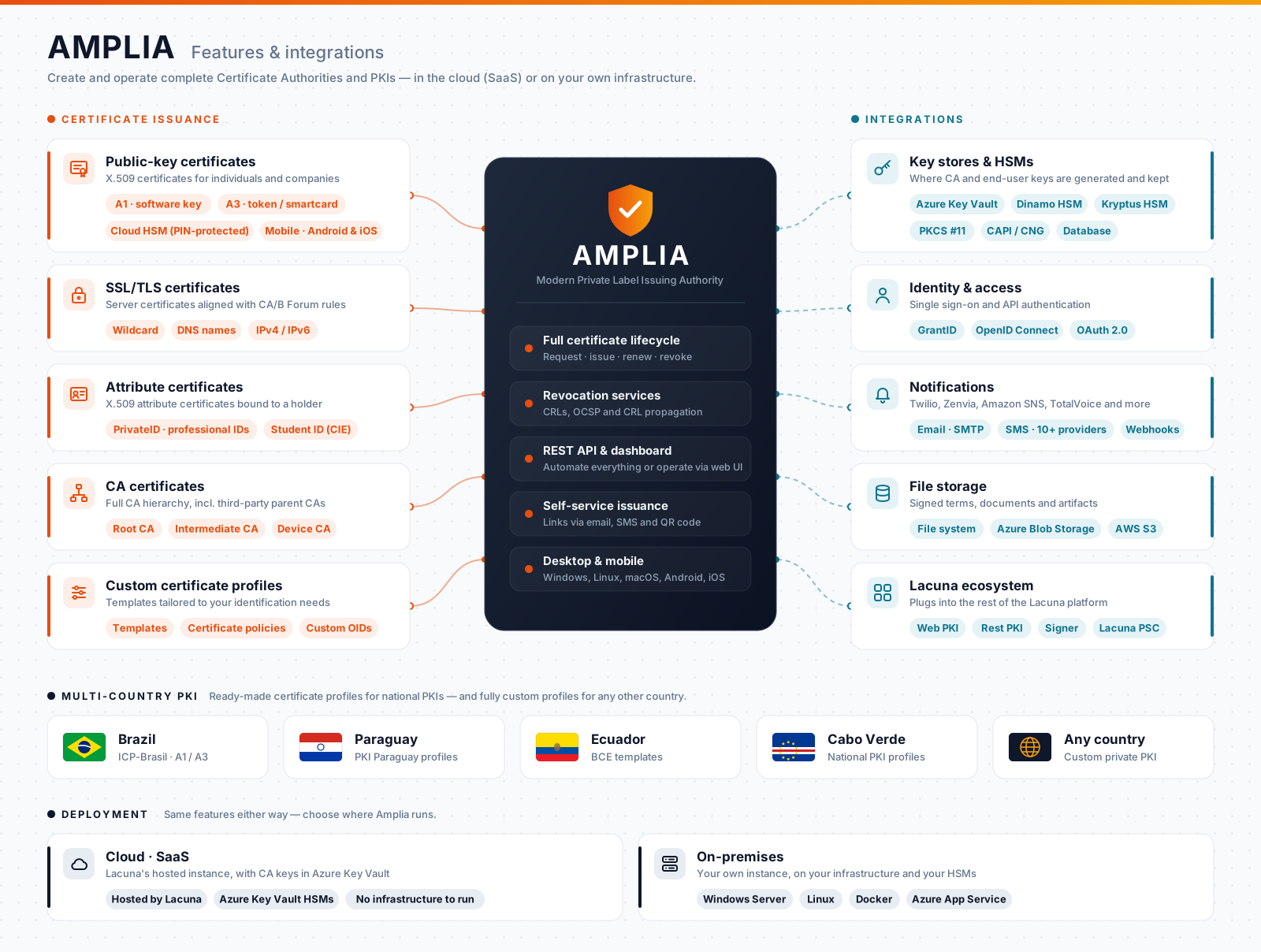
## Features
### Certificate types
* **Public-key certificates**: X.509 certificates for individuals and companies. The holder's key can be generated in software (A1),
on a token or smartcard (A3), or kept by Amplia itself under PIN protection, as a *cloud certificate* (see
[cloud certificate management](https://docs.lacunasoftware.com/en-us/articles/amplia/on-premises/configure-cert-management)).
* **SSL/TLS certificates**: server certificates that follow the CA/Browser Forum guidelines, accepting wildcard names and IP addresses
in addition to regular DNS names.
* **Attribute certificates**: instead of binding a key to its holder, they attest a characteristic of the holder, such as a professional
ID (*PrivateID*) or a Brazilian student ID card (CIE).
* **CA certificates**: build the hierarchy itself, with root, intermediate and device CAs, or place your CAs under a parent CA run by a
third party. See the [Operation Guide](https://docs.lacunasoftware.com/en-us/articles/amplia/operation).
* **Custom profiles**: templates define the fields, certificate policies and extensions of each kind of certificate, so that issued
certificates fit your identification needs.
### Issuance and operation
* **Orders and self-service issuance**: an operator or your system creates a certificate order, and the holder receives an issue link
by email or SMS, or scans a QR code, to issue the certificate on their own. A code sent by SMS confirms the holder's identity.
* **Desktop and mobile**: holders issue on Windows, Linux or macOS, with the key in software or on a crypto device, or on Android and
iOS phones.
* **Renewal**: certificates can be renewed, so the holder gets a new certificate in place of the one that is expiring.
* **Revocation**: Amplia publishes CRLs on the [access domains](https://docs.lacunasoftware.com/en-us/articles/amplia/on-premises#access-domains) you choose, can answer
[OCSP](https://docs.lacunasoftware.com/en-us/articles/amplia/on-premises/configure-ocsp) requests and can [copy CRLs and CA certificates](https://docs.lacunasoftware.com/en-us/articles/amplia/on-premises/crl-propagation) to external storage.
* **Dashboard and REST API**: operators manage CAs, templates and orders on a web dashboard, while your systems can create orders and
issue certificates through the REST API.
### Country profiles
Amplia ships with certificate profiles for the national PKIs of Brazil (ICP-Brasil), Paraguay, Ecuador and Cabo Verde. For any other
country, or for a private PKI, you define the profiles yourself.
## Integrations
* **Key stores and HSMs**: CA keys, and the keys of cloud certificates, can be kept on Azure Key Vault, on Dinamo or Kryptus HSMs, on any
PKCS #11 device, on Windows CAPI/CNG providers or, encrypted, on the database. Where to keep them is one of the main decisions when
planning a CA. See [Key stores](https://docs.lacunasoftware.com/en-us/articles/amplia/on-premises/key-stores).
* **Sign-in**: users sign in through [GrantID](https://docs.lacunasoftware.com/en-us/articles/grant-id), Lacuna's OpenID Connect identity provider, which can require a
digital certificate to log in. See [Configure OpenID Connect](https://docs.lacunasoftware.com/en-us/articles/amplia/on-premises/configure-oidc).
* **Notifications**: issue links and confirmation codes reach holders by [email](https://docs.lacunasoftware.com/en-us/articles/amplia/on-premises/configure-email) and by
[SMS](https://docs.lacunasoftware.com/en-us/articles/amplia/on-premises/configure-sms), through providers such as Twilio, Zenvia, Amazon SNS and TotalVoice. A webhook can notify your
system whenever a certificate is issued.
* **File storage**: signed terms and other files are kept on the local file system, on Azure Blob Storage or on Amazon S3 (or an
S3-compatible service). See [Blob storage configuration](https://docs.lacunasoftware.com/en-us/articles/amplia/on-premises/configure-blob-storage).
* **Lacuna products**: [Web PKI](https://docs.lacunasoftware.com/en-us/articles/web-pki) lets holders generate their key on their own computer during desktop issuance,
[Lacuna PSC](https://docs.lacunasoftware.com/en-us/articles/psc) relies on Amplia to host cloud certificates, and [Amplia Reg](https://docs.lacunasoftware.com/en-us/articles/amplia-reg) adds a
Registration Authority (RA) on top of it. Certificates issued by Amplia can be used right away to sign with [Rest PKI](https://docs.lacunasoftware.com/en-us/articles/rest-pki)
and [Signer](https://docs.lacunasoftware.com/en-us/articles/signer).
## Deployment
Choose where Amplia runs:
* **Cloud (SaaS)**: use Lacuna's hosted instance, with nothing to install or maintain. CA keys are stored on Azure Key Vault HSMs.
* **On-premises**: run your own instance on [Windows Server](https://docs.lacunasoftware.com/en-us/articles/amplia/on-premises/windows), [Linux](https://docs.lacunasoftware.com/en-us/articles/amplia/on-premises/linux),
[Docker](https://docs.lacunasoftware.com/en-us/articles/amplia/on-premises/docker) or [Azure App Service](https://docs.lacunasoftware.com/en-us/articles/amplia/on-premises/azure), with the keys on the HSMs of your choice.
Start with [Amplia on-premises](https://docs.lacunasoftware.com/en-us/articles/amplia/on-premises), which covers the decisions to make before installing.
## Why the name?
AMPLIA is a [recursive acronym](https://en.wikipedia.org/wiki/Recursive_acronym) for "AMPLIA is a Modern Private Label Issuing Authority".
## See also
* [Integration guide](https://docs.lacunasoftware.com/en-us/articles/amplia/integration), to create orders and issue certificates through the API
* [Operation Guide](https://docs.lacunasoftware.com/en-us/articles/amplia/operation)
* [Amplia on-premises](https://docs.lacunasoftware.com/en-us/articles/amplia/on-premises)
* [Changelog](https://docs.lacunasoftware.com/en-us/articles/amplia/changelog)
# [Integration guide - Amplia](https://docs.lacunasoftware.com/en-us/articles/amplia/integration)
Your system can create certificate orders and issue certificates through [Amplia](https://docs.lacunasoftware.com/en-us/articles/amplia)'s REST API, while operators manage CAs,
templates and orders on the dashboard. This guide covers the API calls; for a
one-page summary, see the [Amplia quick reference](https://docs.lacunasoftware.com/en-us/articles/amplia/quick-reference).
## Before you start
You need three values:
* **API key**: every request sends your application's API key in the `X-Api-Key` header, in the form `yourapp|xxxx…`.
To get one, [create an application and an API key](https://docs.lacunasoftware.com/en-us/articles/amplia/integration#api-key) on the Amplia dashboard.
* **Endpoint**: the address of the Amplia instance, prefixed to every relative URL of the API.
Lacuna's cloud instance is `https://amplia.lacunasoftware.com/`, the default in the samples; with an on-premises instance, use the
[dashboard domain](https://docs.lacunasoftware.com/en-us/articles/amplia/on-premises#dashboard-domain) you chose.
TODO(docs): no separate sandbox or test endpoint is documented.
* **CA id**: the id of the CA that issues the certificates, sent as `caId` when you create an order. The samples keep it in their
configuration next to the API key; the attribute certificate sample uses a second CA, since attribute certificates need a CA set up
for them.
The samples' comments add that an application can have a default CA, in which case `caId` can be left out.
TODO(docs): where a default CA is set for an application.
The API observes the `Accept-Language` header (`en-US` or `pt-BR`), which also sets the language of the issue links it returns; error
messages are not affected by it.
### Create an application and an API key
Your system calls the API as an **application** of an Amplia subscription, with a role that decides what it can do:
1. Sign in to the Amplia dashboard and click **Applications** on the left menu, then *Add*.
1. Fill out a name, select the subscription on which the certificates are issued and mark the application's role (see below), then
click *Create*.
1. Click **Keys**, then *Add*. Fill out a description and an expiration, then click *Create*.
1. Copy the API key: it cannot be retrieved later.
| Role | Create orders, have Amplia email or text the issue link, revoke | Get the issue link or QR code, issue certificates | Webhook settings |
|---|---|---|---|
| **Worker** | Yes | Yes | No |
| **Registration Agent** | Yes | No | No |
| **Manager**, **Admin** | Yes | Yes | Yes |
A system that runs the whole flow needs **Worker**, the role that [Amplia Reg](https://docs.lacunasoftware.com/en-us/articles/amplia-reg) also uses. A **Registration
Agent** application can create orders and send the holder the issue link by email or SMS, but cannot read the link or issue the
certificate itself.
## Client libraries
Any HTTP client can call the API, whose OpenAPI description is at https://docs.lacunasoftware.com/openapi/amplia.json. Lacuna publishes
client libraries, which the samples use:
| Language | Package | Registry |
|---|---|---|
| .NET | `Lacuna.Amplia.Client` | [NuGet](https://www.nuget.org/packages/Lacuna.Amplia.Client) |
| Java | `com.lacunasoftware.amplia:amplia-client` | [Maven Central](https://central.sonatype.com/artifact/com.lacunasoftware.amplia/amplia-client) |
| Node.js | `amplia-client` | [npm](https://www.npmjs.com/package/amplia-client) |
| PHP | `lacuna/amplia-client` | [Packagist](https://packagist.org/packages/lacuna/amplia-client) |
| Python | `amplia-client` | [PyPI](https://pypi.org/project/amplia-client/) |
The client majors don't follow Amplia's version: every endpoint that the 1.x clients below call is served by Amplia 5.0.1.
The .NET client is described [below](https://docs.lacunasoftware.com/en-us/articles/amplia/integration#dotnet-client).
The Java (1.2.1), Node.js (1.3.3), PHP (1.3.0) and Python (1.0.0) clients wrap these calls:
| Operation | Node.js, Java, PHP | Python | Endpoint |
|---|---|---|---|
| Create an order | `createOrder` | `create_order` | `POST /api/orders/{format}` |
| Get an order | `getOrder` | `get_order` | `GET /api/v2/orders/{id}` (Java: `GET /api/orders/{format}/{id}`) |
| Get the issue link | `getOrderIssueLink` | `get_order_issue_link` | `GET /api/orders/{id}/issue-link` |
| Issue from a CSR | `issueCertificate` | `issue_certificate` | `POST /api/v2/certificates` |
| Issue a PKCS #12 file | `issuePkcs12Certificate` (Node.js only) | | `POST /api/certificates/pkcs12` |
| Revoke a certificate | `revokeCertificate` | `revoke_certificate` | `DELETE /api/certificates/{id}` |
None of the four sends the issue link by email or SMS or reads its QR code: call those endpoints directly, or use the .NET client (see
[Other ways to deliver the issue link](https://docs.lacunasoftware.com/en-us/articles/amplia/integration/issue-on-user-machine#deliver-the-link)).
Each sample creates the client from the endpoint and the API key:
**Node.js**
```js
const { AmpliaClient } = require("amplia-client");
static getAmpliaClient() {
let CONFIG = Config.getInstance().get('amplia');
let key = CONFIG['apiKey'];
let endpoint = CONFIG['endpoint'];
return new AmpliaClient({
endpoint: endpoint,
apiKey: key
});
}
```
**Java**
```java
import com.lacunasoftware.amplia.AmpliaClient;
public static AmpliaClient getAmpliaClient() {
String apiKey = getProperties().getAmplia().getApiKey();
String endpoint = getProperties().getAmplia().getEndpoint();
if (endpoint == null || endpoint.length() == 0) {
endpoint = "https://amplia.lacunasoftware.com/";
}
return new AmpliaClient(endpoint, apiKey);
}
```
**PHP**
```php
use Lacuna\Amplia\AmpliaClient;
public static function getAmpliaClient()
{
$config = getConfig();
$ampliaApiKey = $config['amplia']['apiKey'];
$ampliaEndpoint = $config['amplia']['endpoint'];
return new AmpliaClient($ampliaEndpoint, $ampliaApiKey);
}
```
**Python**
```python
from amplia_client import AmpliaClient
def get_amplia_client():
api_key = current_app.config['AMPLIA_API_KEY']
endpoint = current_app.config['AMPLIA_ENDPOINT']
return AmpliaClient(endpoint, api_key)
```
### .NET client
`Lacuna.Amplia.Client` 5.0.0 targets .NET Standard 2.0 and is built from the same source as Amplia 5.0.1. Get an `IAmpliaService`
from dependency injection, after `services.AddAmplia(...)`, or from `AmpliaServicesFactory.GetService(endpoint, apiKey)`; the
`AmpliaClient` class still works, but is marked `[Obsolete]`.
```csharp
using Lacuna.Amplia.Api;
using Lacuna.Amplia.Api.CertificateFormatting;
using Lacuna.Amplia.Api.Orders;
using Lacuna.Amplia.Client;
IAmpliaService amplia = AmpliaServicesFactory.GetService("https://amplia.lacunasoftware.com/", apiKey);
var order = await amplia.CreateOrderAsync(new CreateOrderRequest2 {
CAId = caId,
Kind = CertificateKinds.PublicKey,
ValidityEnd = DateTimeOffset.Now.AddYears(2),
Parameters = new PkiBrazilCertificateParameters {
Name = subjectName,
Cpf = cpf,
PhoneNumber = phoneNumber,
},
});
string issueLink = await amplia.GetOrderIssueLinkAsync(order.Id, returnUrl);
```
In ASP.NET Core, `services.AddAmplia(o => { o.Endpoint = …; o.ApiKey = …; })`, or `services.AddAmplia().Configure(configuration.GetSection("Amplia"))`,
registers `IAmpliaService`; `AmpliaOptions` also has `Timeout`, `Culture` (sent as `Accept-Language`) and `DefaultSubscriptionId`.
| Operation | .NET method | Endpoint |
|---|---|---|
| Create an order | `CreateOrderAsync` | `POST /api/orders/{format}` (`POST /api/v2/orders` for the non-generic request) |
| Get an order | `GetOrderAsync` | `GET /api/v2/orders/{id}` |
| Get the issue link | `GetOrderIssueLinkAsync` | `GET /api/orders/{id}/issue-link` |
| Email or text the issue link | `SendIssueEmailAsync`, `SendIssueSmsAsync` | `POST /api/orders/{id}/send-issue-email-request`, `POST /api/v2/orders/{id}/send-issue-sms-request` |
| Get the QR code | `GetOrderIssueQRCodeDataAsync`, `GetOrderIssueQRCodeImageAsync` | `GET /api/orders/{id}/issue-qrcode-data`, `issue-qrcode-image` |
| Issue from a CSR | `IssueCertificateAsync` | `POST /api/v2/certificates` |
| Issue a PKCS #12 file | `IssuePkcs12CertificateAsync` | `POST /api/certificates/pkcs12` |
| Get a certificate | `GetCertificateAsync` | `GET /api/v2/certificates/{id}` |
| Revoke a certificate | `RevokeCertificateAsync` | `DELETE /api/certificates/{id}` |
API errors (422) throw `AmpliaException`, whose `Code` is the error code, or `OrderLockedException` when the code is `OrderLocked`.
## How issuance works
Every certificate starts with an **order** on a CA, which holds the holder's data and the certificate's validity. The order is then
fulfilled, issuing one certificate, in one of these ways:
| Where the key pair is made | How you issue | Page |
|---|---|---|
| On the holder's computer, by Amplia's issue page | Send the holder an issue link | [Issue on the holder's machine](https://docs.lacunasoftware.com/en-us/articles/amplia/integration/issue-on-user-machine) |
| On your server, or in the user's browser with Web PKI | Send Amplia a CSR | [Issue from a CSR](https://docs.lacunasoftware.com/en-us/articles/amplia/integration/issue-from-csr) |
| By Amplia, which returns it in a password-protected file | Ask for a PKCS #12 (.pfx) | [Issue a PKCS #12 file](https://docs.lacunasoftware.com/en-us/articles/amplia/integration/pkcs12) |
| No key pair: the certificate attests an attribute of the holder | Issue without a CSR | [Attribute certificates](https://docs.lacunasoftware.com/en-us/articles/amplia/integration/attribute-certificates) |
Start with [Create certificate orders](https://docs.lacunasoftware.com/en-us/articles/amplia/integration/orders). Then:
* [Issue on the holder's machine](https://docs.lacunasoftware.com/en-us/articles/amplia/integration/issue-on-user-machine)
* [Issue from a CSR](https://docs.lacunasoftware.com/en-us/articles/amplia/integration/issue-from-csr)
* [Issue a PKCS #12 file](https://docs.lacunasoftware.com/en-us/articles/amplia/integration/pkcs12)
* [Attribute certificates](https://docs.lacunasoftware.com/en-us/articles/amplia/integration/attribute-certificates)
* [Revoke certificates](https://docs.lacunasoftware.com/en-us/articles/amplia/integration/revocation)
* [Errors](https://docs.lacunasoftware.com/en-us/articles/amplia/integration/errors)
## Webhook
Amplia can notify your system whenever a certificate is issued: the notification body is a `WebhookEventModel` whose `type` is
`OrderCertificateIssued`, with the `order` and, once issued, the `certificate`.
The webhook belongs to the subscription. A user with the **Admin** or **Manager** role sets it on the dashboard, under **Settings** >
**Webhook configuration**:
* **Enable webhook**, the **URL** that Amplia posts the notification to, and the **Authentication type**, which decides the header
Amplia sends with each notification:
| Authentication type | Header |
|---|---|
| `NoAuth` | No authentication header |
| `Bearer` | `Authorization: Bearer ` |
| `ApiKey` | `X-Api-Key: ` |
| `CustomAuthorizationHeader` | `Authorization: ` |
| `Basic` | `Authorization: Basic ` (see the caution below) |
* The **Recent calls** tab lists the notifications sent, with the status code and, for failed calls, the response.
Amplia sends a `POST` with a JSON body and counts any 2xx answer as delivered. The JSON keeps the property names of Amplia's models,
in PascalCase (`Type`, `Order`, `Certificate`), with enums as names:
```json
{
"Type": "OrderCertificateIssued",
"Order": { "Id": "…", "Status": "Issued", "CertificateId": "…" },
"Certificate": { "Id": "…" }
}
```
> **Caution: Basic authentication**
>
> With `Basic`, the dashboard encodes the user name and the password separately and joins them with a colon,
> `base64(user):base64(password)`, instead of the standard `base64(user:password)`. A standard Basic authentication handler rejects that
> value, so prefer `Bearer`, `ApiKey` or `CustomAuthorizationHeader`.
TODO(docs): whether and how often Amplia retries a failed notification.
## See also
* [Amplia quick reference](https://docs.lacunasoftware.com/en-us/articles/amplia/quick-reference)
* [Operation Guide](https://docs.lacunasoftware.com/en-us/articles/amplia/operation)
* [Changelog](https://docs.lacunasoftware.com/en-us/articles/amplia/changelog)
# [Create certificate orders](https://docs.lacunasoftware.com/en-us/articles/amplia/integration/orders)
Every certificate that [Amplia](https://docs.lacunasoftware.com/en-us/articles/amplia) issues starts with an order: it names the CA that issues the certificate and holds the
certificate's validity and the holder's data.
An order yields one certificate: once it is issued, the order's `status` is `Issued` and its `certificateId` points at the certificate.
See [Before you start](https://docs.lacunasoftware.com/en-us/articles/amplia/integration#before-you-start) for the API key, the endpoint and the CA id.
## Endpoints by certificate format
Each certificate format has its own endpoint, `POST /api/orders/{format}`, whose body takes the common fields below plus a `parameters`
object of that format:
| Format | Endpoint | `parameters` |
|---|---|---|
| ICP-Brasil (e-CPF, e-CNPJ) | `POST /api/orders/pki-brazil` | `PkiBrazilCertificateParameters` |
| SSL/TLS | `POST /api/orders/ssl` | `SslCertificateParameters` |
| Brazilian student ID card (CIE), an attribute certificate | `POST /api/orders/cie` | `CieCertificateParameters` |
| PrivateID, an attribute certificate | `POST /api/orders/private-id` | `PrivateIDCertificateParameters` |
| Paraguay | `POST /api/orders/pki-paraguay` | `PkiParaguayCertificateParameters` |
| Ecuador | `POST /api/orders/bce` | `EcuadorBceCertificateParameters` |
| Cabo Verde | `POST /api/orders/pki-cabo-verde` | `PkiCaboVerdeCertificateParameters` |
| Custom profile | `POST /api/orders/custom` | `CustomCertificateParameters` |
The API also has `POST /api/orders/latinus` and `POST /api/orders/br-laboral`, and a generic `POST /api/v2/orders` whose `parameters` can
be of any format.
TODO(docs): what the Latinus and BRLaboral formats are for.
The client libraries choose the endpoint from the class of the `parameters` object. All four create ICP-Brasil, SSL/TLS and CIE orders;
the Node.js client also creates Paraguay orders, and the Java client Latinus orders. They also send CNB and ARISP orders (and the Java
and PHP clients CNB CA orders) to `api/orders/cnb`, `api/orders/arisp` and `api/orders/cnb-ca`, which the OpenAPI description doesn't
list.
Amplia 5.0.1 serves these three endpoints, with `CnbCertificateParameters`, `CnbCACertificateParameters` and
`ArispCertificateParameters`.
TODO(docs): the parameters of CNB, CNB CA and ARISP orders (see [Colégio Notarial do Brasil - ASN.1 types](https://docs.lacunasoftware.com/en-us/articles/asn1-cnb) and [ARISP - ASN.1 types](https://docs.lacunasoftware.com/en-us/articles/asn1-arisp) for those certificates).
## Common fields
| Field | Meaning |
|---|---|
| `caId` | Id of the CA that issues the certificate. |
| `templateId` | Id of the template (certificate profile) to apply. |
| `kind` | `PublicKey` or `Attribute`. |
| `parameters` | The holder's data, in the format of the endpoint. Required. |
| `validityEnd`, `validityStart` | Dates the certificate is valid until and from. |
| `validity` | Validity as a time span: the recorded demo calls send `"365.00:00:00"` for a year and `"90.00:00:00"` for 90 days. |
| `digestAlgorithm` | `SHA1`, `SHA256`, `SHA384` or `SHA512`. |
| `serialNumber` | A predefined serial number for the certificate. |
| `policyOid`, `policyStatementUrl`, `policyUserNotices`, `policies` | Certificate policies to include. |
| `issuePendingApproval` | Boolean; the recorded demo calls send `false`. |
* The Node.js and Python samples send `validityEnd` as a date in the `MM-DD-YYYY` pattern, two years from the current date.
* An order with no validity, on a template that has no default validity, is rejected.
* The client libraries send only `caId`, `templateId`, `kind`, `parameters`, `validityEnd` and a field for copying from a certificate;
to set the other fields, call the API directly. The Java client formats `validityEnd` as `MM-dd-yyyy`.
* TODO(docs): what `issuePendingApproval` and `copyFromCertificate` do, and how a certificate pending approval is approved (`POST /api/certificates/{id}/approval`).
## ICP-Brasil certificates (e-CPF and e-CNPJ)
`PkiBrazilCertificateParameters` requires `name` and `cpf`. The other fields include `emailAddress`, `birthDate`, `phoneNumber`, `cnpj`
and `companyName` for an e-CNPJ, the RG and OAB numbers, `nis`, `cei`, `organization`, `organizationalUnits` and `country`.
* `phoneNumber` is needed when the holder issues the certificate on Amplia's issue page, which texts them a confirmation code.
* Amplia takes the certificate's subject from these parameters, never from a CSR: put the identity here, with the CPF and CNPJ without
their masks and names without diacritics.
* `normalizeCommonName` and `appendIdentifierToCommonName` normalize the Common Name (CN=) and add the CPF or CNPJ to it.
* In the recorded demo calls, an order with a CPF comes back with `certificateType` `e-CPF`, and one that also has `cnpj` and
`companyName` comes back as `e-CNPJ`.
* The Node.js, PHP and Python clients send the organizational units as `organizationUnits`, while the API's field is
`organizationalUnits`; the Java client uses the API's name.
The samples create an e-CPF order with the name and CPF only:
**Node.js**
```js
const {PkiBrazilCertificateParameters, CreateOrderRequest, CertificateKinds} = require('amplia-client');
const CONFIG = Config.getInstance().get('amplia');
const client = Util.getAmpliaClient();
const request = new CreateOrderRequest({
caId: CONFIG['caId'],
validityEnd: Util.getTwoYearsFromNowDate(),
kind: CertificateKinds.PUBLIC_KEY,
parameters: new PkiBrazilCertificateParameters({
name: req.body.subjectName,
cpf: req.body.cpf
})
});
let order = await client.createOrder(request);
```
**Java**
```java
AmpliaClient client = Util.getAmpliaClient();
CreateOrderRequest createOrderRequest = new CreateOrderRequest<>();
createOrderRequest.setCAId(ApplicationProperties.getInstance().getAmplia().getCaId());
createOrderRequest.setValidityEnd(Util.getDateYearsFromNow(2));
createOrderRequest.setKind(CertificateKinds.PUBLIC_KEY);
PkiBrazilCertificateParameters parameters = new PkiBrazilCertificateParameters();
parameters.setName(request.getSubjectName());
parameters.setCpf(request.getCpf());
createOrderRequest.setParameters(parameters);
Order order = client.createOrder(createOrderRequest);
```
**PHP**
```php
use Lacuna\Amplia\CreateOrderRequest;
use Lacuna\Amplia\CertificateKinds;
use Lacuna\Amplia\PkiBrazilCertificateParameters;
$client = Util::getAmpliaClient();
$createOrderRequest = new CreateOrderRequest();
$createOrderRequest->caId = getConfig()['amplia']['caId'];
$createOrderRequest->validityEnd = Util::getDateYearsFromNow(2);
$createOrderRequest->kind = CertificateKinds::PUBLIC_KEY;
$parameters = new PkiBrazilCertificateParameters();
$parameters->name = $subjectName;
$parameters->cpf = $cpf;
$createOrderRequest->parameters = $parameters;
$order = $client->createOrder($createOrderRequest);
```
**Python**
```python
from amplia_client import CreateOrderRequest, CertificateKinds, PkiBrazilCertificateParameters
client = get_amplia_client()
req = CreateOrderRequest()
req.ca_id = current_app.config['AMPLIA_CA_ID']
req.validity_end = get_two_years_from_now_date()
req.kind = CertificateKinds.PUBLIC_KEY
parameters = PkiBrazilCertificateParameters()
parameters.name = request.form['subjectName']
parameters.cpf = request.form['cpf']
req.parameters = parameters
order = client.create_order(req)
```
Over HTTP, the e-CPF demo sends this body to `POST /api/orders/pki-brazil` (personal data masked). Its client serializes enums as
numbers (`"Format": 1`, `"Kind": 1`), while the response names them (`"format": "PkiBrazil"`, `"kind": "PublicKey"`):
```json
{
"Parameters": {
"Format": 1,
"Name": "(DEMO) Diego Rocha Gomes",
"EmailAddress": "someone@example.com",
"Cpf": "***.***.***-**",
"BirthDate": "1988-12-06T00:00:00",
"OrganizationalUnits": [
"Lab"
],
"Organization": "Lacuna Software Demo",
"Country": "BR",
"PhoneNumber": "+55 ** *****-****"
},
"CAId": "00000000-0000-0000-0000-000000000000",
"Kind": 1,
"Validity": "365.00:00:00",
"IssuePendingApproval": false
}
```
## SSL/TLS certificates
`SslCertificateParameters` holds `dnsNames`, `subjectName`, `keyUsages`, `extendedKeyUsages`, `qualifiedStatements` and
`organizationIdentifier`. Amplia's SSL/TLS certificates follow the
CA/Browser Forum guidelines and accept wildcard names and IP addresses besides regular DNS names.
The DNS names and the subject come from the order, never from the CSR: the SSL/TLS demo sets the DNS names, the subject, the key usages
`DigitalSignature` and `KeyEncipherment` and the extended key usage `ServerAuth` explicitly. It sends this body to
`POST /api/orders/ssl`, then [issues the certificate from a CSR](https://docs.lacunasoftware.com/en-us/articles/amplia/integration/issue-from-csr):
```json
{
"Parameters": {
"Format": 2,
"DnsNames": [
"www.example.com"
],
"SubjectName": {
"Organization": "Lacuna Software Demo",
"CommonName": "www.example.com",
"OrganizationalUnits": [
"Lab"
]
},
"KeyUsages": [
3,
7
],
"ExtendedKeyUsages": [
1
]
},
"CAId": "00000000-0000-0000-0000-000000000000",
"Kind": 1,
"Validity": "90.00:00:00",
"IssuePendingApproval": false
}
```
The demo checks the DNS names before calling Amplia (1 to 10 names, lowercased, `*` only as the whole leftmost label, no IP addresses),
and maps Amplia's `BadDnsName` and `BadCsr` error codes to messages of its own.
These are the demo's own limits: Amplia itself accepts IP addresses.
The Node.js and PHP clients' `SslCertificateParameters` only set `dnsNames`.
## Read, update and delete orders
| Operation | Endpoint |
|---|---|
| Read an order | `GET /api/orders/{id}`; `GET /api/v2/orders/{id}` also returns its `parameters` |
| Read an order with its format's parameters | `GET /api/orders/{format}/{id}`, for example `GET /api/orders/pki-brazil/{id}` |
| Update an order | `PUT /api/orders/{format}/{id}` |
| Delete an order | `DELETE /api/orders/{id}` |
| List orders | `GET /api/orders`, with `Q`, `Limit`, `Offset`, `Cursor` and `Order` (`Asc`, `Desc`) |
* An order's `status` is `Pending`, `Locked` or `Issued`, and `canEdit` and `canDelete` tell whether it can still be changed or
deleted; an issued order cannot be deleted.
* `keyMediaConstraints` lists the [key media](https://docs.lacunasoftware.com/en-us/articles/amplia/integration/issue-from-csr#key-media) the order can be issued on.
* Blocked orders can be viewed and unlocked on the dashboard, and `PUT /api/orders/{id}/unlock-request` exists in the API.
TODO(docs): what locks an order and what the unlock request does.
## Next steps
* [Issue on the holder's machine](https://docs.lacunasoftware.com/en-us/articles/amplia/integration/issue-on-user-machine)
* [Issue from a CSR](https://docs.lacunasoftware.com/en-us/articles/amplia/integration/issue-from-csr)
* [Issue a PKCS #12 file](https://docs.lacunasoftware.com/en-us/articles/amplia/integration/pkcs12)
* [Attribute certificates](https://docs.lacunasoftware.com/en-us/articles/amplia/integration/attribute-certificates)
# [Issue on the holder's machine](https://docs.lacunasoftware.com/en-us/articles/amplia/integration/issue-on-user-machine)
In this flow, the holder issues their own certificate on Amplia's issue page, which makes the key pair on their computer with
[Web PKI](https://docs.lacunasoftware.com/en-us/articles/web-pki): your system only creates the order and sends the holder to the page.
## Flow
1. Your server [creates the order](https://docs.lacunasoftware.com/en-us/articles/amplia/integration/orders), with the holder's phone number in its parameters.
1. Your server asks for the order's issue link, `GET /api/orders/{id}/issue-link?returnUrl=…`, passing the URL that Amplia returns to
once the certificate is issued. The response is the link itself, a JSON string such as `"https://amplia.lacunasoftware.com/issue/{token}?returnUrl={value}"`.
1. The holder opens the link. Amplia's issue page texts a code to their phone, makes the key pair with Web PKI and issues the certificate.
1. Amplia sends the holder back to the return URL.
The samples render a page that redirects the holder to the link:
**Node.js**
```js
const RETURN_URL = 'http://localhost:3000/issue-cert-user-amplia/complete';
let request = new CreateOrderRequest({
caId: CONFIG['caId'],
validityEnd: Util.getTwoYearsFromNowDate(),
kind: CertificateKinds.PUBLIC_KEY,
parameters: new PkiBrazilCertificateParameters({
name: req.body.subjectName,
cpf: req.body.cpf,
phoneNumber: req.body.phoneNumber
})
});
let order = await client.createOrder(request);
let link = await client.getOrderIssueLink(order.getId(), RETURN_URL);
res.render('issue-cert-user-amplia/redirect', {
redirectLink: link
});
```
**Java**
```java
private final String returnUrl = "http://localhost:60695/issue-cert-user-amplia/complete";
PkiBrazilCertificateParameters parameters = new PkiBrazilCertificateParameters();
parameters.setName(request.getSubjectName());
parameters.setCpf(request.getCpf());
parameters.setPhoneNumber(request.getPhoneNumber());
createOrderRequest.setParameters(parameters);
Order order = client.createOrder(createOrderRequest);
String redirectLink = client.getOrderIssueLink(order.getId(), returnUrl);
```
**PHP**
```php
$RETURN_URL = 'http://localhost:8000/issue-cert-user-amplia/complete.php';
$parameters = new PkiBrazilCertificateParameters();
$parameters->name = $subjectName;
$parameters->cpf = $cpf;
$parameters->phoneNumber = $phoneNumber;
$createOrderRequest->parameters = $parameters;
$order = $client->createOrder($createOrderRequest);
$redirectLink = $client->getOrderIssueLink($order->id, $RETURN_URL);
```
**Python**
```python
RETURN_URL = 'http://localhost:5000/issue-cert-user-amplia/complete'
parameters = PkiBrazilCertificateParameters()
parameters.name = request.form['subjectName']
parameters.cpf = request.form['cpf']
parameters.phone_number = request.form['phoneNumber']
req.parameters = parameters
order = client.create_order(req)
link = client.get_order_issue_link(order.id, RETURN_URL)
```
The samples' return page only tells the holder that the certificate was issued.
To use the certificate in your system, read the order when the holder returns, and fetch the certificate only once the order's
`status` is `Issued` and it has a `certificateId`:
`GET /api/orders/{id}`, then `GET /api/v2/certificates/{certificateId}`.
Amplia can also notify your system when the certificate is issued, through a [webhook](https://docs.lacunasoftware.com/en-us/articles/amplia/integration#webhook).
## Keep the issue link safe
* The issue link holds the order's secret: anyone who has it can issue the certificate. Keep it on the server, never log or show it,
and open it with a full page load in the same tab.
* Give the return URL a tamper-proof, expiring token that names the order, rather than the bare order id; the demo's token lasts one
hour.
* The demo checks, before creating the order, that the visitor's browser can run Web PKI, which doesn't run on phones or in desktop
Safari: an order created there could never be finished on the issue page.
Amplia also lets holders issue on Android and iOS phones.
TODO(docs): how issuance on a phone works.
## Other ways to deliver the issue link
Instead of redirecting the holder yourself, you can have Amplia send the link, or show a QR code:
| Delivery | Endpoint | What happens |
|---|---|---|
| Email | `POST /api/orders/{id}/send-issue-email-request` | Amplia emails the address in the order's parameters (`emailAddress`) a message with a button to the issue link and, in case the button doesn't work, the address of the issue page and a code to type there. |
| SMS | `POST /api/orders/{id}/send-issue-sms-request`, or `POST /api/v2/orders/{id}/send-issue-sms-request` with a body `{"attemptNumber": …}` | Amplia texts the issue link to the phone number in the order's parameters (`phoneNumber`). |
| QR code | `GET /api/orders/{id}/issue-qrcode-image` | Returns a PNG image of a QR code that leads to the issue page. |
| | `GET /api/orders/{id}/issue-qrcode-data` | Returns, as a JSON string, the URL that the QR code holds, for you to draw the code yourself. |
| | `GET /api/orders/{id}/issue-qrcode-link` | Returns a link to `GET /api/orders/{id}/issue-qrcode`, which serves the same PNG without the API key, for an `",
"KeyMedia": 1
}
```
To read the certificate later, use `GET /api/v2/certificates/{id}` (with `fillContent=true` to include `content`) or download it from
`GET /api/certificates/{id}/content`.
TODO(docs): the format of the file returned by `GET /api/certificates/{id}/content`.
### Key media
`keyMedia` is `PC`, `CryptoDevice`, `Mobile` or `Cloud`.
* A key made on your server, or by Web PKI in the user's browser on their computer: `PC`.
* A key made by Web PKI on a token or smart card: `CryptoDevice`.
An order's `keyMediaConstraints` lists the key media it accepts.
Only the Node.js client sends `keyMedia`: its `KeyMedia` enum comes from `amplia-client/lib/enums`, since the package's entry point
doesn't export it. The Java client sends the order id, the CSR and optionally `keyId`; the PHP and Python clients send only the order id
and the CSR.
TODO(docs): which key media Amplia records when the request has none.
TODO(docs): when to use `Mobile` and `Cloud` (Amplia keeps the keys of cloud certificates itself, see [cloud certificate management](https://docs.lacunasoftware.com/en-us/articles/amplia/on-premises/configure-cert-management)).
## Make the key in the user's browser
With [Web PKI](https://docs.lacunasoftware.com/en-us/articles/web-pki), the key can be made on the user's computer or token by your own page, and only the CSR reaches
your server. Web PKI returns the key's id with the CSR: once the certificate is issued, pass the id back to
[`importCertificate`](https://docs.lacunasoftware.com/content/typedocs/web-pki/classes/_lacuna_web_pki_d_.lacunawebpki.html#importcertificate) (or
[`importTokenCertificate`](https://docs.lacunasoftware.com/content/typedocs/web-pki/classes/_lacuna_web_pki_d_.lacunawebpki.html#importtokencertificate))
to install the certificate next to its key.
The key pair itself comes from
[`generateSoftwareRsaKeyPair`](https://docs.lacunasoftware.com/content/typedocs/web-pki/classes/_lacuna_web_pki_d_.lacunawebpki.html#generatesoftwarersakeypair)
or [`generateTokenRsaKeyPair`](https://docs.lacunasoftware.com/content/typedocs/web-pki/classes/_lacuna_web_pki_d_.lacunawebpki.html#generatetokenrsakeypair).
TODO(docs): no docs page or sample shows Web PKI key generation together with Amplia; to have Amplia's own page do it, see
[Issue on the holder's machine](https://docs.lacunasoftware.com/en-us/articles/amplia/integration/issue-on-user-machine).
## SSL/TLS certificates
The SSL/TLS demo makes an RSA 2048 key and a CSR on its server, creates an [SSL order](https://docs.lacunasoftware.com/en-us/articles/amplia/integration/orders#ssl) and issues the certificate with
key media `PC`; visitors can also bring their own CSR.
* It checks a user's CSR before calling Amplia: at most 16 KB, PEM, Base64 or DER, an RSA key of 2048 to 4096 bits or an EC key on
P-256 or P-384, and a signature that verifies. It sends Amplia the request re-encoded as PEM.
* What it hands back depends on who made the key: with a server key, a .pfx, the PEM private key and a .crt with the certificate and its
issuing CA, never the root; with the user's CSR, only the .crt. It keeps keys in memory only.
## Issue an e-CPF after a face check
The face e-CPF demo checks the holder's identity before issuing: Serpro's Datavalid compares their face with the photo on their CNH,
through Lacuna Bio on [Rest PKI Core](https://docs.lacunasoftware.com/en-us/articles/rest-pki/core). Once the face passes, it issues the e-CPF from a CSR, as in this
page's flow, with no Amplia issue page and no return trip.
For the face capture, see Rest PKI Core's [biometric enrollment](https://docs.lacunasoftware.com/en-us/articles/rest-pki/core/integration/bio-sessions/enrollment) and
[biometric authentication](https://docs.lacunasoftware.com/en-us/articles/rest-pki/core/integration/bio-sessions/authentication).
* The demo runs Datavalid's `pf-basica` check before any face capture: the name must match exactly, the birth date match, the CPF be
regular, and a CNH exist.
* It enrolls the face with the CPF's digits as the subject identifier and `VerifyFaceIdentityExternally = true`; on
`BioSubjectAlreadyEnrolled`, it starts a face authentication instead.
* Datavalid's result is not in the completion status: the demo reads it with `GetSessionDetailsAsync(sessionId)`, which needs an API key
allowed to view bio sessions.
TODO(docs): no call sequence has been recorded for this demo, and no docs page covers the Datavalid check.
## See also
* [Create certificate orders](https://docs.lacunasoftware.com/en-us/articles/amplia/integration/orders)
* [Issue a PKCS #12 file](https://docs.lacunasoftware.com/en-us/articles/amplia/integration/pkcs12)
* [Errors](https://docs.lacunasoftware.com/en-us/articles/amplia/integration/errors)
**Demos and samples**
- Live demo: [Issue an e-CNPJ certificate](https://try.lacunasoftware.com/en/amplia/issue-e-cnpj-certificate)
- Live demo: [Issue an SSL/TLS certificate](https://try.lacunasoftware.com/en/amplia/issue-ssl-tls-certificate)
- Live demo: [Issue an e-CPF with your face](https://try.lacunasoftware.com/en/amplia/issue-an-ecpf-with-your-face)
- Issue a certificate with the key on the server using Amplia: [Java](https://github.com/LacunaSoftware/PkiSuiteSamples/blob/master/java/springmvc/src/main/java/com/lacunasoftware/pkisuite/controller/IssueCertServerAmpliaController.java) · [Node.js](https://github.com/LacunaSoftware/PkiSuiteSamples/blob/master/nodejs/expressmvc/routes/issue-cert-server-amplia.js) · [PHP](https://github.com/LacunaSoftware/PkiSuiteSamples/blob/master/php/plain/public/issue-cert-server-amplia/index.php) · [Python](https://github.com/LacunaSoftware/PkiSuiteSamples/blob/master/python/flask/sample/views/issue_cert_server_amplia.py)
# [Issue a PKCS #12 file](https://docs.lacunasoftware.com/en-us/articles/amplia/integration/pkcs12)
When your system has no key of its own to send, [Amplia](https://docs.lacunasoftware.com/en-us/articles/amplia) can make the key pair, issue the certificate and return both in a
password-protected PKCS #12 (.pfx) file. This API exists since Amplia 4.1.0.
## Flow
1. [Create the order](https://docs.lacunasoftware.com/en-us/articles/amplia/integration/orders).
1. Call `POST /api/certificates/pkcs12` with the order's id, the password for the file and the key size.
1. Store the file from the response's `pfxContent` (Base64); the response's `model` describes the issued certificate.
The only sample is in Node.js. It asks for a 2048-bit key, with the password the user typed:
```js
let order = await client.createOrder(request);
let cert = await client.issuePkcs12Certificate(order.getId(), req.body.senha, 2048);
let certId = cert.getModel().id;
StorageMock.storeSync(cert.getPfxContent(), certId, '.pfx');
```
| Field | Meaning |
|---|---|
| `orderId` | Id of the order to fulfill. |
| `password` | Password that protects the PKCS #12 file. |
| `keySize` | Size of the key pair, in bits; the sample uses 2048. |
* Only the Node.js client has this call. Its `getPfxContent()` returns `pfxContent` as the API sends it, in Base64, and `getModel()`
returns the certificate's JSON as is.
* TODO(docs): which key sizes are accepted, and whether Amplia keeps a copy of the private key after returning the file.
* The private key reaches your server inside the file: protect the file and its password as you would the key itself.
## Key and certificate in other formats
Since Amplia 4.7.0, `POST /api/certificates/software` takes the same request and returns the key and the certificate in several formats:
`pkcs12Der`, `certificateDer` and `certificatePem`, `publicKeyDer` and `publicKeyPem`, `privateKeyPkcs8Der` and `privateKeyPkcs8Pem`,
`privateKeyPkcs1Der` and `privateKeyPkcs1Pem`, plus the certificate's `model`.
The Node.js client's `issueSoftwareCertificate(orderId, password, keySize)` calls it, with a 2048-bit key by default.
## See also
* [Create certificate orders](https://docs.lacunasoftware.com/en-us/articles/amplia/integration/orders)
* [Issue from a CSR](https://docs.lacunasoftware.com/en-us/articles/amplia/integration/issue-from-csr), to keep the key where it was made
* [Errors](https://docs.lacunasoftware.com/en-us/articles/amplia/integration/errors)
**Demos and samples**
- Issue a PKCS #12 certificate using Amplia: [Node.js](https://github.com/LacunaSoftware/PkiSuiteSamples/blob/master/nodejs/expressmvc/routes/issue-pkcs12-cert-server-amplia.js)
# [Attribute certificates](https://docs.lacunasoftware.com/en-us/articles/amplia/integration/attribute-certificates)
An attribute certificate doesn't bind a key pair to its holder: it attests a characteristic of the holder, such as a professional ID
(*PrivateID*) or a Brazilian student ID card (CIE).
## Before you start
Attribute certificates are issued by a CA set up to issue them, which is not the CA that issues public-key certificates: the samples
keep its id in a separate setting, `attributeCaId`. Operators can create such a CA on the dashboard.
TODO(docs): no page explains how to create a CA for attribute certificates.
## Flow
1. [Create the order](https://docs.lacunasoftware.com/en-us/articles/amplia/integration/orders) on the attribute CA, with `kind` set to `Attribute` and the parameters of the certificate's format.
1. Issue the certificate without a CSR, since an attribute certificate has no key pair of its own.
1. Store the certificate's content.
| Format | Order endpoint | Required parameters |
|---|---|---|
| Brazilian student ID card (CIE) | `POST /api/orders/cie` | `name`, `registrationNumber`, `degree`, `course` and `institution` (`name`, `city`, `state`) |
| PrivateID | `POST /api/orders/private-id` | `name`, `cpf`, `idNumber` |
A CIE order also takes `eea`, `cpf`, `birthDate`, `idNumber`, `idIssuer` and `idIssuerState`.
Since Amplia 4.15.0, operators can also create CIE orders on a dashboard form.
TODO(docs): what the CIE and PrivateID fields mean (for example `eea`).
## Example
The only sample is in PHP. It creates a CIE order and issues the certificate with a `null` CSR:
```php
use Lacuna\Amplia\CreateOrderRequest;
use Lacuna\Amplia\CertificateKinds;
use Lacuna\Amplia\CieCertificateParameters;
use Lacuna\Amplia\CieInstitution;
$client = Util::getAmpliaClient();
$createOrderRequest = new CreateOrderRequest();
$createOrderRequest->caId = getConfig()['amplia']['attributeCaId'];
$createOrderRequest->validityEnd = Util::getDateYearsFromNow(2);
$createOrderRequest->kind = CertificateKinds::ATTRIBUTE;
$parameters = new CieCertificateParameters();
$parameters->name = $name;
$parameters->cpf = $cpf;
$parameters->eea = $eea;
$parameters->degree = $degree;
$parameters->course = $course;
$parameters->registrationNumber = $registrationNumber;
$institution = new CieInstitution();
$institution->name = $institutionName;
$institution->city = $institutionCity;
$institution->state = $institutionState;
$parameters->institution = $institution;
$createOrderRequest->parameters = $parameters;
$order = $client->createOrder($createOrderRequest);
$cert = $client->issueCertificate($order->getId(), null);
$fileId = StorageMock::store($cert->getContentRaw(), '.ac');
```
The PHP client sends the `null` CSR to `POST /api/v2/certificates`, as for any other certificate; none of the client libraries has a
method of its own for attribute certificates.
An attribute certificate has no standard file extension: the sample stores it as `.ac`.
## Use the certificate
[PKI SDK](https://docs.lacunasoftware.com/en-us/articles/pki-sdk) decodes, validates and issues X.509 attribute certificates in .NET applications.
Attribute certificates can be [revoked](https://docs.lacunasoftware.com/en-us/articles/amplia/integration/revocation) like any other.
## See also
* [Create certificate orders](https://docs.lacunasoftware.com/en-us/articles/amplia/integration/orders)
* [Revoke certificates](https://docs.lacunasoftware.com/en-us/articles/amplia/integration/revocation)
* [Errors](https://docs.lacunasoftware.com/en-us/articles/amplia/integration/errors)
**Demos and samples**
- Issue an attribute certificate using Amplia: [PHP](https://github.com/LacunaSoftware/PkiSuiteSamples/blob/master/php/plain/public/issue-cert-attribute-amplia/index.php)
# [Revoke certificates](https://docs.lacunasoftware.com/en-us/articles/amplia/integration/revocation)
## Revoke a certificate
`DELETE /api/certificates/{id}` revokes the certificate with that id; the response has no body. Once revoked, the certificate's
`dateRevoked` is filled in.
The client libraries call it with `revokeCertificate(certificateId)` (Python: `revoke_certificate`). Neither the API nor the clients
take a revocation reason.
The .NET client calls it with `RevokeCertificateAsync(certificateId)`.
* Revoking needs a role that can delete certificates, such as **Worker** or **Registration Agent** (see [Application roles](https://docs.lacunasoftware.com/en-us/articles/amplia/integration#api-key)).
* Amplia records only the date of the revocation, and the API has no call to undo it.
* Revoking a certificate that is already revoked fails with the error code `CertificateAlreadyRevoked`.
TODO(docs): no sample shows revocation through the API.
On the dashboard, users with the *Registration Agent* role can create certificate orders and revoke certificates, and nothing else.
## How revocation is published
* Amplia publishes CRLs on the [access domains](https://docs.lacunasoftware.com/en-us/articles/amplia/on-premises#access-domains) you choose.
The issued certificate lists them in `info.crlDistributionPoints`.
* Amplia can answer [OCSP](https://docs.lacunasoftware.com/en-us/articles/amplia/on-premises/configure-ocsp) requests, and can [copy CRLs and CA certificates](https://docs.lacunasoftware.com/en-us/articles/amplia/on-premises/crl-propagation)
to external storage.
* `GET /api/cas/{caId}/crls` lists a CA's CRLs, and `GET /api/crls/{id}/content` downloads one.
Revoking doesn't issue a new CRL: each CA issues CRLs on its own schedule, every `crlIssuePeriod`, each valid for `crlIssueValidity`
(both fields of the CA). A revocation therefore shows on the CA's next scheduled CRL, within about one `crlIssuePeriod`. The CRL entries
carry the serial number and the revocation date, with no reason code.
Amplia's OCSP responder reads the revocation from the database, so it reports the certificate as revoked right away, with the reason
`unspecified`.
## Renewal
Amplia can renew certificates, giving the holder a new certificate in place of the one that is expiring.
TODO(docs): no page documents how to renew a certificate, through the API or otherwise.
## See also
* [Errors](https://docs.lacunasoftware.com/en-us/articles/amplia/integration/errors)
* [Configure OCSP](https://docs.lacunasoftware.com/en-us/articles/amplia/on-premises/configure-ocsp)
* [CRL propagation](https://docs.lacunasoftware.com/en-us/articles/amplia/on-premises/crl-propagation)
# [Errors](https://docs.lacunasoftware.com/en-us/articles/amplia/integration/errors)
## HTTP status codes
[Amplia](https://docs.lacunasoftware.com/en-us/articles/amplia)'s API answers with an HTTP status code:
| Status | Meaning |
|---|---|
| 200 OK | The request was processed; the body depends on the operation. |
| 400 Bad Request | Syntax error, for instance a required field is missing. |
| 401 Unauthorized | The API key was not sent or is invalid. |
| 403 Forbidden | The API key is valid, but the application lacks the permission for the operation. |
| 422 Unprocessable Entity | API error, for instance an entity id that is not found; the body is an `ErrorModel`. |
| 500 Internal Server Error | Unexpected error; the `exceptionCode` in the body helps Lacuna support diagnose it. |
## The error body
An `ErrorModel` has a `code`, a `message` and `details`. The messages don't follow the `Accept-Language` header: log them rather than show
them to users.
The e-CPF demo shows users the error code, never the message, and treats Amplia's 4xx answers as refusals and anything else as a
failure.
## What the client libraries throw
| Client | API error (422) | Other HTTP errors | Endpoint unreachable |
|---|---|---|---|
| Node.js | `AmpliaError`, whose `code` is the error code; `OrderLocketError` when the code is `OrderLocked` | `RestError`, whose `code` is the HTTP status | `RestUnreachableError` |
| Java | `RestErrorException`, with the status and the message but not the error code | `RestErrorException`, or `RestResourceNotFoundException` for some 404 responses | `RestUnreachableException` |
| PHP | `AmpliaException` (`getErrorCode()`, `getErrorMessage()`); `OrderLockedException` when the code is `OrderLocked` | `RestErrorException` (`getStatusCode()`) | `RestUnreachableException` |
| Python | `RestError`, with only the HTTP status (see below) | `RestError` | `RestUnreachableError` |
| .NET | `AmpliaException` (`Code`, `CodeStr`, `ErrorMessage`); `OrderLockedException` when the code is `OrderLocked` | `RestException` from `Lacuna.RestClient` | |
The Python client 1.0.0 defines `AmpliaError` and `OrderLockedError` for 422 responses, but its error handling reads the code from the
wrong object, so every error response comes out as `RestError` with only the HTTP status.
## Error codes
The API's `ErrorCodes` enum, which the .NET client exposes as `AmpliaException.Code`, has 160 codes in Amplia 5.0.1; the Node.js and
PHP clients list 95 of them (`AmpliaErrorCodes` in Node.js, `ErrorCodes` in PHP).
These are the ones that the calls in this guide return, with what Amplia 5.0.1 means by each:
| Area | Code | Meaning |
|---|---|---|
| Orders | `OrderNotFound` | No order with that id (or, on the issue page, with that secret). |
| | `OrderDeleted` | The order was deleted. |
| | `OrderAlreadyFulfilled` | The order's certificate was already issued: it can't be issued again, deleted, or have its link sent. |
| | `OrderLocked` | The order is locked. |
| | `CARequired` | No `caId` was sent and the application has no default CA. |
| | `CANotFound`, `TemplateNotFound` | No CA, or no template, with that id. |
| | `CANotActive` | The CA isn't active, so it can't issue. |
| | `NoSuitableTemplateFound` | The subscription has no template for the order's format. |
| | `ValidityRequired`, `KindRequired` | An order without a template needs `validityEnd` and `kind`; an order on a template with no default validity needs `validityEnd`. |
| | `ValidityStartRequired`, `BadValidityStart` | An order with `issuePendingApproval` needs a `validityStart` in the future. |
| | `TemplateForbidsCustomValidity`, `TemplateForbidsParameter` | The template doesn't let the order set its validity, or that parameter. |
| | `CertificateKindNotSupported` | The `kind` (public-key or attribute) doesn't match what the CA or the template issues. |
| | `BadOrderParameters` | A parameter is missing or not allowed by the template. |
| | `InvalidCpf`, `InvalidCnpj`, `InvalidPhoneNumber` | The CPF, CNPJ or phone number is not valid. |
| | `DnsNamesRequired`, `BadDnsName` | An SSL/TLS order has no DNS name, or one that is not valid. |
| Issuance | `CsrRequired` | A public-key certificate needs a CSR (or a key held by Amplia). |
| | `CsrNotExpected` | An attribute certificate takes no CSR or key. |
| | `BadCsr` | The CSR is not valid. |
| | `KeySizeNotSupported`, `BadKeySize` | The key size is not valid, or is below the template's minimum. |
| | `DigestAlgorithmNotSupported` | The digest algorithm is not supported. |
| Issue link | `NoEmailAddress`, `EmailDisabled` | The order has no email address, or the instance can't send email. |
| | `NoPhoneNumber`, `SmsDisabled` | The order has no phone number, or the instance can't send SMS. |
| | `IssueSessionExpired`, `NoMoreConfirmAttemptsRemaining` | During issuance on Amplia's issue page: the session expired, or the holder used up the attempts to type the code sent by SMS. |
| Certificates | `CertificateNotFound` | No certificate with that id. |
| | `CertificateAlreadyRevoked` | The certificate was already revoked. |
A permission the application lacks is answered with 403 Forbidden, not with an error code: in Amplia 5.0.1, no call returns the
`AccessDeniedTo…` codes that the clients list.
The SSL/TLS demo maps `BadDnsName` and `BadCsr` to messages of its own.
## See also
* [Integration guide](https://docs.lacunasoftware.com/en-us/articles/amplia/integration)
* [Amplia quick reference](https://docs.lacunasoftware.com/en-us/articles/amplia/quick-reference#errors)
# [Amplia on-premises](https://docs.lacunasoftware.com/en-us/articles/amplia/on-premises)
[Amplia](https://docs.lacunasoftware.com/en-us/articles/amplia) can be used as a service (SaaS) or you can host your own instance.
## Supported platforms
Amplia is compatible with:
* [Windows Server](https://docs.lacunasoftware.com/en-us/articles/amplia/on-premises/windows)
* [Linux](https://docs.lacunasoftware.com/en-us/articles/amplia/on-premises/linux)
* [Docker](https://docs.lacunasoftware.com/en-us/articles/amplia/on-premises/docker)
* [Azure App Services](https://docs.lacunasoftware.com/en-us/articles/amplia/on-premises/azure)
Click on one of the platforms above for specific setup instructions.
## Planning before installation
Before you start, you should plan ahead on where you intend to store your Certification Authority (CA) keys and where will your Certificate
Revocation Lists (CRLs) be published. Please read the sections below for details on each of these decisions.
### Key storage
The keys for your Certification Authorities (CAs) can be stored on a variety of locations, called *key stores*. The choice of where to store
CA keys is one of the most important decisions when planning for a CA. See article [Key Store configuration](https://docs.lacunasoftware.com/en-us/articles/amplia/on-premises/key-stores) for more information
on where you can store your CA keys and how to configure Amplia accordingly.
### Dashboard domain / SSL certificate
The application has a web interface called the *dashboard* to manage CAs, keys etc. You must choose a domain to access it, for instance `ca.patorum.com`.
The chosen domain should be created on the DNS server of the zone (either A or CNAME records) prior to the installation, pointing to the server on which
Amplia will be installed.
> **Note**
>
> Using a virtual directory (subfolder) on a domain hosting another web application is not supported
It is also recommended that you have a **valid SSL certificate** for the chosen domain.
### CRL publishing (*access domains*)
Certificates issued by Amplia include the X.509 *CRL Distribution Point* extension, which contains links to locations where a third party desiring to validate
the certificate should obtain the latest Certificate Revocation List (CRL) of the CA, required to determine the revocation status of the certificate.
These links have the following format: `http://your-ca-domain/crls/your-ca.crl`
The `your-ca-domain` part of the link is called on the Amplia configuration an *access domain*. You must choose at least one access domain, but
it is recommended to have two access domains, preferably independent of each other, for instance:
* *ca.patorum.com*
* *ca.patorum.net*
> **Tip**
>
> If your Amplia instance will be publicly-accessible, one of the access domains may be the same domain on which the Amplia dashboard will be accessed.
> If you are unsure whether your instance will be publicly-acessible or not, choose access domains that are different from the dashboard domain.
> **Note**
>
> Using a virtual directory (subfolder) on a domain hosting another web application is not supported
These domains should be chosen keeping in mind that they **will have to be maintained for a long time** (for the entire lifetime of the certificates
issued on your Amplia instance, which is typically several years).
The chosen access domains should be created on the DNS servers (either A or CNAME records) pointing to the server on which Amplia will be installed.
> **Tip**
>
> You do not need an SSL certificate for your access domains. Since X.509 recommends that CRLs be distributed over HTTP instead of HTTPS, the
> certificates are issued with links using the HTTP protocol.
## See also
* [Preparing a database for installation of Amplia](https://docs.lacunasoftware.com/en-us/articles/amplia/on-premises/prepare-database)
* [Running Amplia without db_owner privileges](https://docs.lacunasoftware.com/en-us/articles/amplia/on-premises/unprivileged-db-user)
* [Checking the version of Amplia](https://docs.lacunasoftware.com/en-us/articles/amplia/on-premises/check-version)
* [Update Amplia from 4.x to 5.0](https://docs.lacunasoftware.com/en-us/articles/amplia/on-premises/update-50)
* [Update Amplia from 2.16 to 3.0](https://docs.lacunasoftware.com/en-us/articles/amplia/on-premises/update-30)
* [Changelog](https://docs.lacunasoftware.com/en-us/articles/amplia/changelog)
# [Amplia - Setup on Windows Server](https://docs.lacunasoftware.com/en-us/articles/amplia/on-premises/windows)
> **Note**
>
> The documentation for this system is currently under construction. We apologize for any inconvenience this may cause. Please
> contact us if there's any information you need that is not currently documented.
## See also
* [Installing Amplia on Windows Server](https://docs.lacunasoftware.com/en-us/articles/amplia/on-premises/windows/install)
* [Updating Amplia on Windows Server](https://docs.lacunasoftware.com/en-us/articles/amplia/on-premises/windows/update)
* [Troubleshooting](https://docs.lacunasoftware.com/en-us/articles/amplia/on-premises/windows/troubleshoot)
# [Installing Amplia on Windows Server](https://docs.lacunasoftware.com/en-us/articles/amplia/on-premises/windows/install)
To install an [on-premises](https://docs.lacunasoftware.com/en-us/articles/amplia/on-premises) instance of [Amplia](https://docs.lacunasoftware.com/en-us/articles/amplia) on Windows Server, follow the steps below. For other platforms, [click here](https://docs.lacunasoftware.com/en-us/articles/amplia/on-premises).
> **Tip**
>
> Before you start, make sure you have completed the steps outlined on [Planning before installation](https://docs.lacunasoftware.com/en-us/articles/amplia/on-premises#planning)
## Prerequisites
* Windows Server 2016 or newer (any edition)
* **PKI SDK license** (in Base64 format)
* **Web PKI license** (Base64/binary format) -- only needed if users will issue certificates on their computers (web issuing procedure)
* **DNS entries** previously created for:
* Dashboard access (see [Dashboard domain](https://docs.lacunasoftware.com/en-us/articles/amplia/on-premises#dashboard-domain))
* CRL publishing (see [Access domains](https://docs.lacunasoftware.com/en-us/articles/amplia/on-premises#access-domains))
* **Connection string** to a [previously created SQL Server or PostgreSQL database](https://docs.lacunasoftware.com/en-us/articles/amplia/on-premises/prepare-database)
## Installation
1. Install IIS
1. Install the ASP.NET Core 10.0 Hosting Bundle ([download page](https://dotnet.microsoft.com/download/dotnet/10.0), or [direct download](https://aka.ms/dotnet/10.0/dotnet-hosting-win.exe))
1. Create folder for site
1. Create folder for logs
1. Create site
* Set no managed code
* Set load user profile to `True`

1. Extract files
## Configuration
On the installation folder, move the file **appsettings.iis.json** from the folder **config-templates** to the root folder of the site. Then, edit the file
to configure your Amplia instance.
### Database connection string
Under section **ConnectionStrings**, on the setting **DefaultConnection**, set the connection string to the previously created database. A typical connection string looks like this:
```text
Data Source=SERVER;Initial Catalog=DATABASE;User ID=USERNAME;Password=PASSWORD
```
> **Note**
>
> If you created the database using advanced features such as log shipping or mirroring, your connection string may be different
### Logging
Under section **Serilog**, configure the application logging:
```json
...
"Serilog": {
"MinimumLevel": {
"Default": "Warning",
},
"WriteTo": [
{
"Name": "File",
"Args": {
"path": "C:\\Logs\\Amplia.log",
"outputTemplate": "{Timestamp:yyyy-MM-dd HH:mm:ss.fff zzz} [{Level:u3}] [{SourceContext}] {Message:lj}{NewLine}{Exception}",
}
}
],
}
...
```
Change the **path** setting to the log file path.
> **Note**
>
> Remember to grant full access to the application user on the log folder
### General settings
Then, under section **General**:
* **SiteUrl**: publicly accessible URL of the website (e.g.: `https://ca.patorum.com/`). This address is used to compose emails with links back to the website
* **EncryptionKey**: encryption key generated above
* **RootPasswordHash**: hash of the root password, computed above
* **AutoUpdateDatabase**: by default, the application tries to perform model changes to the database after an update (when needed). Set to `false` if the application does not have owner permissions over the database
* **SupportEmailAddress**: the support email address (used on the footer of outgoing emails)
To generate the *EncryptionKey*, run the following on a Powershell:
```ps
$k = New-Object byte[] 32;
[System.Security.Cryptography.RandomNumberGenerator]::Create().GetBytes($k);
[Convert]::ToBase64String($k);
```
### Bindings
Under section **Bindings**:
* **HttpsMode**: by default, both the dashboard and the REST APIs can only be accessed through HTTPS, which is the recommended behavior if you have a valid SSL certificate.
* If you do not have a valid SSL certificate, set this setting to `Optional`. Users accessing the dashboard will not be redirected to HTTPS and REST APIs will be accessible through HTTP.
* If you have a valid SSL certificate but some legacy client applications do not recognize it, set this setting to `RedirectPages`. REST APIs will still be accessible through HTTP (like in `Optional` mode), but users accessing the dashboard will be redirected to HTTPS.
* **SslPort**: by default, users accessing the dashboard through HTTP are redirected to HTTPS on the standard TCP port 443. If the site is using HTTPS on a non-standard port, set it here.
### Amplia settings
Under section **Amplia**:
* **DatabaseKeyStoreEnabled**: to enable the [database key store](https://docs.lacunasoftware.com/en-us/articles/amplia/on-premises/key-stores/database), set this to `true`
* **DefaultKeyStore**: the default key store on which to create new keys (see [Key storage](https://docs.lacunasoftware.com/en-us/articles/amplia/on-premises#key-storage))
* **DefaultAccessDomains**: domains to be used when composing the CRL distribution points (see [Access domains](https://docs.lacunasoftware.com/en-us/articles/amplia/on-premises#access-domains))
### File storage
In order to keep the database tidy, Amplia stores files outside of the database. Files may be stored in different *providers*.
The section **Storage** configures the file storage. The setting **Type** defines which provider should be used, and the remaining settings depend on the provider chosen:
* File system
* **Type**: set this setting to `FileSystem` to store files on the local file system
* **Path**: set the path of the folder on which to store files. Make sure the application has access to the folder
* [Azure Storage](https://azure.microsoft.com/en-us/services/storage/)
* **Type**: set this setting to `Azure` to store files on an Azure Storage account
* **ConnectionString**: provide a connection string to the account
* **ContainerName**: the name of the blob container on which to store files
* Amazon S3 (coming soon, contact us if you need it)
### PKI Suite
Under section **PkiSuite**:
* **SdkLicense**: your license for the PKI SDK, in Base64 format (**required**)
* **WebLicense**: your license for the Web PKI component in binary (Base64) format. Only required if users will issue certificates on their computers (web issuing procedure)
* **WebBrand**: if you have a custom *setup brand* on Web PKI, set it here
### Email sending
Under section **Email**:
* **Enabled**: by default, email sending is enabled. To disable it, set this setting to `false` and ignore the remainder of this section
* **ServerHost**: hostname of the SMTP server
* **EnableSsl**: by default, the SMTP conversation is performed over SSL. To disable SSL, set this setting to `false`
* **ServerPort**: by default, the SMTP conversation is performed over port 587. Set this setting to use a different port
* **Username** and **Password**: if the SMTP server requires authentication, set these settings
* **SenderAddress**: email address to be used as sender (*from* field)
* **SenderName**: name to be used as the sender name (optional)
### Open ID Connect configuration
The section **Oidc** configures the OpenID Connect server, required by Amplia for user management. For now, leave the setting
**Enabled** as `false` and use the root password to authenticate. Later, see [Configure OpenID Connect](https://docs.lacunasoftware.com/en-us/articles/amplia/on-premises/configure-oidc)
if you want to enable user management.
### SMS sending
If users will issue certificates (either web or mobile issuing procedure), a SMS confirmation is required to confirm the identity of the user during the
certificate issue procedure. SMS messages may be sent using different *providers*.
The section **SMS** configures the SMS sending. The setting **Type** defines which provider should be used, and the remaining settings depend on the provider chosen:
* [Twilio](https://www.twilio.com/)
* **Type**: set this setting to `Twilio` to send SMS messages using Twilio
* **MessageFrom**: the sender phone number provided by Twilio (e.g.: `+12125550000`)
* **AccountSid**: the account SID, provided by Twilio
* **AuthToken**: the authentication token, provided by Twilio
* [TotalVoice](https://totalvoice.com.br/)
* **Type**: set this setting to `TotalVoice` to send SMS messages using TotalVoice
* **AccessToken**: the access token, provided by TotalVoice (e.g.: `0123456789abcdef0123456789abcdef`)
* Simulator (for debugging purposes only)
* **Type**: set this setting to `Simulator` to simulate sending SMS messages (messages that would be sent are only logged)
### Key store configuration
On the section **KeyStores**, each key is the name of a key store, having as value a section with the key store's configuration. For instance:
```json
...
"KeyStores": {
"Store1": {
"Type": "...",
"Setting1": "...",
"Setting2": "..."
},
"Store2": {
"Type": "...",
"Setting1": "...",
"Setting2": "...",
"Setting3": "..."
},
}
...
```
The setting **Type** on each key store configuration defines the type of the key store, and the remaining settings depend on the provider chosen. See article [Key Store configuration](https://docs.lacunasoftware.com/en-us/articles/amplia/on-premises/key-stores) for details.
## Starting up application
1. Start site
1. Access site
## See also
* [Key Store configuration](https://docs.lacunasoftware.com/en-us/articles/amplia/on-premises/key-stores)
* [Updating Amplia on Windows Server](https://docs.lacunasoftware.com/en-us/articles/amplia/on-premises/windows/update)
* [Troubleshooting](https://docs.lacunasoftware.com/en-us/articles/amplia/on-premises/windows/troubleshoot)
# [Troubleshooting issues on your Amplia instance (Windows Server)](https://docs.lacunasoftware.com/en-us/articles/amplia/on-premises/windows/troubleshoot)
Common issues:
* [HTTP Error 502.5 - ANCM Out-Of-Process Startup Failure](https://docs.lacunasoftware.com/en-us/articles/amplia/on-premises/windows/troubleshoot/502-5) upon accessing the website
> **Note**
>
> If the issue you are encountering is not listed here, try checking the system logs (links below) or contact us.
## See also
* [Checking the system logs](https://docs.lacunasoftware.com/en-us/articles/amplia/on-premises/windows/troubleshoot/check-logs)
* [Troubleshooting startup errors](https://docs.lacunasoftware.com/en-us/articles/amplia/on-premises/windows/troubleshoot/startup-errors)
# [HTTP Error 502.5 - ANCM Out-Of-Process Startup Failure (Windows Server)](https://docs.lacunasoftware.com/en-us/articles/amplia/on-premises/windows/troubleshoot/502-5)
After installing or updating the system, you may receive the error *HTTP Error 502.5 - ANCM Out-Of-Process Startup Failure* upon accessing the website:
The main cause for this problem is not having previously installed the ASP.NET Core 10.0 Hosting Bundle, required by Amplia 5.0 ([download it here](https://dotnet.microsoft.com/download/dotnet/10.0)).
To check that the ASP.NET Core Runtime 10.0 is installed, run the following command on a command prompt or Powershell:
```sh
dotnet --list-runtimes
```
The output should contain two entries with version **10.0.x**, for instance:
```text
Microsoft.AspNetCore.App 10.0.x [C:\Program Files\dotnet\shared\Microsoft.AspNetCore.App]
Microsoft.NETCore.App 10.0.x [C:\Program Files\dotnet\shared\Microsoft.NETCore.App]
```
Although this is the main cause, there are several other factors that may cause this issue. To diagnose the root cause, see
[Troubleshooting startup errors](https://docs.lacunasoftware.com/en-us/articles/amplia/on-premises/windows/troubleshoot/startup-errors).
# [Amplia - Checking the system logs on Windows Server](https://docs.lacunasoftware.com/en-us/articles/amplia/on-premises/windows/troubleshoot/check-logs)
The standard location of the system logs is `C:\Logs\Amplia.log`.
To check which file is being used, check the `appsettings.iis.json` file in the site folder. Locate the section `Serilog`, subsection `WriteTo`.
Example:
```json
"Serilog": {
"WriteTo": [
{
"Name": "File",
"Args": {
"path": "C:\\Logs\\Amplia.log",
}
}
],
},
```
To follow the log continuously, you can open a Powershell and enter the following command:
```ps
gc C:\Logs\Amplia.log -Tail 100 -Wait
```
> **Note**
>
> Some errors, usually those that occur during system startup, may not be logged in the system log file.
> To diagnose such errors, see [Troubleshooting startup errors](https://docs.lacunasoftware.com/en-us/articles/amplia/on-premises/windows/troubleshoot/startup-errors).
# [Troubleshooting startup errors (Windows Server)](https://docs.lacunasoftware.com/en-us/articles/amplia/on-premises/windows/troubleshoot/startup-errors)
Some errors that occur during application startup prevent Amplia's logging framework from working. In such cases, attempt one of the
solutions below to diagnose the problem.
## 1. Application Event Log
1. Open the Start menu, search for **Event Viewer**, and then select the **Event Viewer** app.
1. In **Event Viewer**, open the **Windows Logs** node.
1. Select **Application** to open the Application Event Log.
1. Search for errors associated with the failing app. Errors have a value of *IIS AspNetCore Module* or *IIS Express AspNetCore Module* in the *Source* column.
## 2. Enable the ASP.NET Core stdout log
> **Info**
>
> Disable stdout logging when troubleshooting is complete.
To enable ASP.NET Core stdout log:
1. Navigate to the site's deployment folder on the hosting system.
1. If the *logs* folder isn't present, create the folder.
1. Edit the *web.config* file. Set **stdoutLogEnabled** to `true` and change the **stdoutLogFile** path to point to the *logs* folder (for example, `.\logs\stdout`). `stdout` in the path is the log file name prefix. A timestamp, process id, and file extension are added automatically when the log is created. Using `stdout` as the file name prefix, a typical log file is named *stdout_20180205184032_5412.log*.
1. Ensure your application pool's identity has write permissions to the *logs* folder.
1. Save the updated *web.config* file.
1. Make a request to the app.
1. Navigate to the *logs* folder. Find and open the most recent stdout log.
1. Study the log for errors.
To disable it after troubleshooting is complete:
1. Edit the *web.config* file.
1. Set **stdoutLogEnabled** to `false`.
1. Save the file.
> **Warning**
>
> Failure to disable the stdout log can lead to app or server failure. There's no limit on log file size or the number of log files created.
## See also
* [Troubleshoot ASP.NET Core on IIS](https://docs.microsoft.com/en-us/aspnet/core/host-and-deploy/iis/troubleshoot?view=aspnetcore-10.0)
# [Updating Amplia on Windows Server](https://docs.lacunasoftware.com/en-us/articles/amplia/on-premises/windows/update)
To update your instance of [Amplia](https://docs.lacunasoftware.com/en-us/articles/amplia), follow the instructions on that page.
> **Note**
>
> To see if an update will require changing any settings, look in the [Amplia changelog](https://docs.lacunasoftware.com/en-us/articles/amplia/changelog) for the configuration changes between the version you are installing and the version you are currently installing (to know how to check the installed version of the system, see [this article](https://docs.lacunasoftware.com/en-us/articles/amplia/on-premises/check-version) ).
> **Warning**
>
> Amplia 5.0 requires the ASP.NET Core 10.0 Hosting Bundle. If you are updating from a 4.x version, follow the steps on
> [Update Amplia from 4.x to 5.0](https://docs.lacunasoftware.com/en-us/articles/amplia/on-premises/update-50) first.
1. Stop the web site in IIS Manager.
1. Create a backup of database and site folder.
1. Extract the contents of the new package ([amplia-5.0.0.zip](https://cdn.lacunasoftware.com/amplia/amplia-5.0.0.zip)) to the site folder, overwriting all files.
1. Make any necessary changes to the file `appsettings.iis.json` (see note above on how to know which changes will be required).
1. Start the web site IIS Manager.
> **Note**
>
> The `appsettings.iis.json` file with your instance settings will be preserved, because in the package there is no file with that name.
## See also
* [Installing Amplia on Windows Server](https://docs.lacunasoftware.com/en-us/articles/amplia/on-premises/windows/install)
* [Troubleshooting](https://docs.lacunasoftware.com/en-us/articles/amplia/on-premises/windows/troubleshoot)
# [Amplia - Setup on Linux](https://docs.lacunasoftware.com/en-us/articles/amplia/on-premises/linux)
[Amplia](https://docs.lacunasoftware.com/en-us/articles/amplia) can currently be installed on the following Linux distributions:
* [Ubuntu Server](https://docs.lacunasoftware.com/en-us/articles/amplia/on-premises/linux/install-ubuntu)
* [Red Hat Enterprise Linux](https://docs.lacunasoftware.com/en-us/articles/amplia/on-premises/linux/install-rhel)
* [Oracle Linux](https://docs.lacunasoftware.com/en-us/articles/amplia/on-premises/linux/install-oracle)
* [Rocky Linux](https://docs.lacunasoftware.com/en-us/articles/amplia/on-premises/linux/install-rocky)
> **Note**
>
> Please contact us if you need support for a specific distribution.
## See also
* [Updating Amplia on Linux](https://docs.lacunasoftware.com/en-us/articles/amplia/on-premises/linux/update)
* [Troubleshooting](https://docs.lacunasoftware.com/en-us/articles/amplia/on-premises/linux/troubleshoot)
# [Installing Amplia on Oracle Linux](https://docs.lacunasoftware.com/en-us/articles/amplia/on-premises/linux/install-oracle)
To install an [on-premises](https://docs.lacunasoftware.com/en-us/articles/amplia/on-premises) instance of [Amplia](https://docs.lacunasoftware.com/en-us/articles/amplia) on Oracle Linux, follow the steps below. For other platforms, [click here](https://docs.lacunasoftware.com/en-us/articles/amplia/on-premises).
> **Tip**
>
> Before you start, make sure you have completed the steps outlined on [Planning before installation](https://docs.lacunasoftware.com/en-us/articles/amplia/on-premises#planning)
## Prerequisites
* Oracle Linux 8, 9 or 10
* **PKI SDK license** (in Base64 format)
* **Web PKI license** (Base64/binary format) -- only needed if users will issue certificates on their computers (web issuing procedure)
* **DNS entries** previously created for:
* Dashboard access (see [Dashboard domain](https://docs.lacunasoftware.com/en-us/articles/amplia/on-premises#dashboard-domain))
* CRL publishing (see [Access domains](https://docs.lacunasoftware.com/en-us/articles/amplia/on-premises#access-domains))
* **Connection string** to a [previously created SQL Server or PostgreSQL database](https://docs.lacunasoftware.com/en-us/articles/amplia/on-premises/prepare-database)
## Install the ASP.NET Core Runtime 10.0
> **Info**
>
> These instructions assume you are logged in as **root**. If you are not, run `sudo su -` before continuing!
Install the ASP.NET Core runtime package:
```sh
yum install aspnetcore-runtime-10.0
```
To test the installation, run:
```sh
dotnet --list-runtimes
```
The expected output is similar to:
```text
Microsoft.AspNetCore.App 10.0.* [*/dotnet/shared/Microsoft.AspNetCore.App]
Microsoft.NETCore.App 10.0.* [*/dotnet/shared/Microsoft.NETCore.App]
```
> **Tip**
>
> For other operating system versions and alternative ways to install the ASP.NET Core Runtime, see [this page](https://docs.microsoft.com/en-us/dotnet/core/install/linux)
## Install Amplia
> **Note**
>
> Some steps use the `nano` command, which might not be installed on your system. Feel free to replace the command by `vi` or install nano with `yum install nano`
Create a local user to run the Amplia server:
```sh
mkdir /var/amplia
useradd --system --home-dir /var/amplia amplia
chown amplia:amplia /var/amplia
```
Create the site folder, download and extract the binaries:
```sh
mkdir /usr/share/amplia
curl -O https://cdn.lacunasoftware.com/amplia/amplia-5.0.0.tar.gz
tar xzf amplia-5.0.0.tar.gz -C /usr/share/amplia
chmod -R a=,u+rwX,go+rX /usr/share/amplia
```
> **Note**
>
> Site binaries can be read by any user and can only be changed by root users. This means that the application user (*amplia*) can read but not change the files, which is intentional.
Create the configuration file from the given template:
```sh
mkdir /etc/amplia
cp /usr/share/amplia/config-templates/linux/appsettings.conf /etc/amplia/
chown -R root:amplia /etc/amplia
chmod -R a=,u+rwX,g+rX /etc/amplia
```
> **Note**
>
> Configuration files can only be read by members of the *amplia* group and can only be changed by the root user. This is important to protect sensitive data stored on the configuration files from unauthorized access.
## Configure Amplia
Edit the configuration file to configure your Amplia instance:
```sh
nano /etc/amplia/appsettings.conf
```
On the `[General]` section, to fill the `EncryptionKey` setting generate a 256-bit key to encrypt sensitive data stored on the database:
```sh
openssl rand -base64 32
```
Also on the `[General]` section, to fill the `RootPasswordHash` setting choose a strong password for root access to the dashboard and hash it:
```sh
dotnet /usr/share/amplia/Lacuna.Amplia.Site.dll -- hash-root-pass
```
> **Note**
>
> If you wish to enable user management, leave the `RootPasswordHash` setting blank and follow the steps on [Configure OpenID Connect](https://docs.lacunasoftware.com/en-us/articles/amplia/on-premises/configure-oidc) instead
Fill the remaining settings according to the instructions on the configuration file.
## Set up a daemon
Create the service definition file:
```sh
touch /etc/systemd/system/amplia.service
nano /etc/systemd/system/amplia.service
```
Enter the following:
```ini
[Unit]
Description=Amplia
[Service]
WorkingDirectory=/usr/share/amplia
ExecStart=/usr/bin/dotnet Lacuna.Amplia.Site.dll
Restart=always
RestartSec=10
KillSignal=SIGINT
SyslogIdentifier=amplia
User=amplia
Environment=ASPNETCORE_ENVIRONMENT=Linux
Environment=DOTNET_PRINT_TELEMETRY_MESSAGE=false
[Install]
WantedBy=multi-user.target
```
Save the file, then enable the service and start it:
```sh
systemctl enable amplia
systemctl start amplia
systemctl status amplia
```
The expected output is similar to:
```text
* amplia.service - Amplia
Loaded: loaded (/etc/systemd/system/amplia.service; enabled; vendor preset: enabled)
Active: active (running) since Sun 2019-07-07 05:50:04 UTC; 4min 22s ago
Main PID: 10960 (dotnet)
Tasks: 31 (limit: 2319)
CGroup: /system.slice/amplia.service
└─10960 /usr/bin/dotnet Lacuna.Amplia.Site.dll
...
Dec 04 12:45:08 server.patorum.com amplia[32562]: Hosting environment: Production
Dec 04 12:45:08 server.patorum.com amplia[32562]: Content root path: /usr/share/amplia
Dec 04 12:45:08 server.patorum.com amplia[32562]: Now listening on: http://localhost:5000
Dec 04 12:45:08 server.patorum.com amplia[32562]: Application started. Press Ctrl+C to shut down.
Hint: Some lines were ellipsized, use -l to show in full.
```
If necessary, restart the service: `systemctl restart amplia`
To test that the Amplia server is running, run:
```sh
curl http://localhost:5000/api/system/info
```
The expected output is something like:
```json
{"productName":"Lacuna Amplia","productVersion":"5.x.x","spaVersion":"...","timestamp":"..."}
```
## Set up a reverse proxy server
> **Note**
>
> If you prefer to use Apache instead of Nginx, [see this article](https://docs.microsoft.com/en-us/aspnet/core/host-and-deploy/linux-apache?view=aspnetcore-2.2#configure-apache).
Install Nginx (if not already installed):
```sh
yum install nginx
systemctl enable nginx.service
systemctl start nginx.service
```
Test that Nginx is running:
```sh
curl -I http://localhost/
```
Check the first lines of the output, which should be similar to:
```text
HTTP/1.1 200 OK
Server: nginx/...
...
```
Edit the Nginx configuration:
```sh
nano /etc/nginx/nginx.conf
```
Delete or comment out (with `#`s) the entire `server` section, located right below the clause `include /etc/nginx/conf.d/*.conf;`. After
commenting out the section, the configuration file should look similar to this:
```nginx
...
http {
...
# Load modular configuration files from the /etc/nginx/conf.d directory.
# See http://nginx.org/en/docs/ngx_core_module.html#include
# for more information.
include /etc/nginx/conf.d/*.conf;
# server {
# listen 80 default_server;
# listen [::]:80 default_server;
# server_name _;
# root /usr/share/nginx/html;
#
# # Load configuration files for the default server block.
# include /etc/nginx/default.d/*.conf;
#
# location / {
# }
#
# error_page 404 /404.html;
# location = /40x.html {
# }
#
# error_page 500 502 503 504 /50x.html;
# location = /50x.html {
# }
# }
...
}
```
Create a site configuration file for Amplia:
```sh
touch /etc/nginx/conf.d/amplia.conf
nano /etc/nginx/conf.d/amplia.conf
```
Enter the following, replacing the dashboard domain on the `server_name` entry (see [Dashboard domain](https://docs.lacunasoftware.com/en-us/articles/amplia/on-premises#dashboard-domain)):
```nginx
server {
listen 80;
server_name localhost ca.patorum.com;
location / {
proxy_pass http://localhost:5000;
proxy_http_version 1.1;
proxy_set_header Upgrade $http_upgrade;
proxy_set_header Connection keep-alive;
proxy_set_header Host $host;
proxy_cache_bypass $http_upgrade;
proxy_set_header X-Forwarded-For $proxy_add_x_forwarded_for;
proxy_set_header X-Forwarded-Proto $scheme;
}
}
```
> **Tip**
>
> Ideally, your site configuration should contain the entries `ssl_certificate` and `ssl_certificate_key` with a valid SSL certificate. This configuration is outside of the scope of these instructions.
Allow Nginx to access the Amplia service:
```sh
setsebool -P httpd_can_network_connect on
```
Test the Nginx configuration and reload it:
```sh
nginx -t
nginx -s reload
```
Test the site:
```sh
curl http://localhost/api/system/info
```
Allow HTTP and HTTPS traffic to your system (if not already allowed):
```sh
firewall-cmd --zone=public --add-port=80/tcp --permanent
firewall-cmd --zone=public --add-port=443/tcp --permanent
firewall-cmd --reload
```
## See also
* [Updating Amplia on Linux](https://docs.lacunasoftware.com/en-us/articles/amplia/on-premises/linux/update)
* [Troubleshooting](https://docs.lacunasoftware.com/en-us/articles/amplia/on-premises/linux/troubleshoot)
# [Installing Amplia on Red Hat Enterprise Linux](https://docs.lacunasoftware.com/en-us/articles/amplia/on-premises/linux/install-rhel)
To install an [on-premises](https://docs.lacunasoftware.com/en-us/articles/amplia/on-premises) instance of [Amplia](https://docs.lacunasoftware.com/en-us/articles/amplia) on Red Hat Enterprise Linux, follow the steps below. For other platforms, [click here](https://docs.lacunasoftware.com/en-us/articles/amplia/on-premises).
> **Tip**
>
> Before you start, make sure you have completed the steps outlined on [Planning before installation](https://docs.lacunasoftware.com/en-us/articles/amplia/on-premises#planning)
## Prerequisites
> **Warning**
>
> Before starting, make sure your system is [registered and subscribed to the Red Hat Customer Portal](https://access.redhat.com/solutions/253273)
* Red Hat Enterprise Linux 8, 9 or 10
* **PKI SDK license** (in Base64 format)
* **Web PKI license** (Base64/binary format) -- only needed if users will issue certificates on their computers (web issuing procedure)
* **DNS entries** previously created for:
* Dashboard access (see [Dashboard domain](https://docs.lacunasoftware.com/en-us/articles/amplia/on-premises#dashboard-domain))
* CRL publishing (see [Access domains](https://docs.lacunasoftware.com/en-us/articles/amplia/on-premises#access-domains))
* **Connection string** to a [previously created SQL Server or PostgreSQL database](https://docs.lacunasoftware.com/en-us/articles/amplia/on-premises/prepare-database)
## Install the ASP.NET Core Runtime 10.0
> **Info**
>
> These instructions assume you are logged in as **root**. If you are not, run `sudo su -` before continuing!
Install the ASP.NET Core runtime package:
```sh
yum install aspnetcore-runtime-10.0
```
> **Note**
>
> If the command above fails, make sure your system is [registered and attached to a Red Hat subscription](https://access.redhat.com/solutions/253273)
To test the installation, run:
```sh
dotnet --list-runtimes
```
The expected output is similar to:
```text
Microsoft.AspNetCore.App 10.0.* [*/dotnet/shared/Microsoft.AspNetCore.App]
Microsoft.NETCore.App 10.0.* [*/dotnet/shared/Microsoft.NETCore.App]
```
> **Tip**
>
> For other operating system versions and alternative ways to install the ASP.NET Core Runtime, see [this page](https://docs.microsoft.com/en-us/dotnet/core/install/linux)
## Install Amplia
> **Note**
>
> Some steps use the `nano` command, which might not be installed on your system. Feel free to replace the command by `vi` or install nano with `yum install nano`
Create a local user to run the Amplia server:
```sh
mkdir /var/amplia
useradd --system --home-dir /var/amplia amplia
chown amplia:amplia /var/amplia
```
Create the site folder, download and extract the binaries:
```sh
mkdir /usr/share/amplia
curl -O https://cdn.lacunasoftware.com/amplia/amplia-5.0.0.tar.gz
tar xzf amplia-5.0.0.tar.gz -C /usr/share/amplia
chmod -R a=,u+rwX,go+rX /usr/share/amplia
```
> **Note**
>
> Site binaries can be read by any user and can only be changed by root users. This means that the application user (*amplia*) can read but not change the files, which is intentional.
Create the configuration file from the given template:
```sh
mkdir /etc/amplia
cp /usr/share/amplia/config-templates/linux/appsettings.conf /etc/amplia/
chown -R root:amplia /etc/amplia
chmod -R a=,u+rwX,g+rX /etc/amplia
```
> **Note**
>
> Configuration files can only be read by members of the *amplia* group and can only be changed by the root user. This is important to protect sensitive data stored on the configuration files from unauthorized access.
## Configure Amplia
Edit the configuration file to configure your Amplia instance:
```sh
nano /etc/amplia/appsettings.conf
```
On the `[General]` section, to fill the `EncryptionKey` setting generate a 256-bit key to encrypt sensitive data stored on the database:
```sh
openssl rand -base64 32
```
Also on the `[General]` section, to fill the `RootPasswordHash` setting choose a strong password for root access to the dashboard and hash it:
```sh
dotnet /usr/share/amplia/Lacuna.Amplia.Site.dll -- hash-root-pass
```
> **Note**
>
> If you wish to enable user management, leave the `RootPasswordHash` setting blank and follow the steps on [Configure OpenID Connect](https://docs.lacunasoftware.com/en-us/articles/amplia/on-premises/configure-oidc) instead
Fill the remaining settings according to the instructions on the configuration file.
## Set up a daemon
Create the service definition file:
```sh
touch /etc/systemd/system/amplia.service
nano /etc/systemd/system/amplia.service
```
Enter the following:
```ini
[Unit]
Description=Amplia
[Service]
WorkingDirectory=/usr/share/amplia
ExecStart=/usr/bin/dotnet Lacuna.Amplia.Site.dll
Restart=always
RestartSec=10
KillSignal=SIGINT
SyslogIdentifier=amplia
User=amplia
Environment=ASPNETCORE_ENVIRONMENT=Linux
Environment=DOTNET_PRINT_TELEMETRY_MESSAGE=false
[Install]
WantedBy=multi-user.target
```
Save the file, then enable the service and start it:
```sh
systemctl enable amplia
systemctl start amplia
systemctl status amplia
```
The expected output is similar to:
```text
* amplia.service - Amplia
Loaded: loaded (/etc/systemd/system/amplia.service; enabled; vendor preset: enabled)
Active: active (running) since Sun 2019-07-07 05:50:04 UTC; 4min 22s ago
Main PID: 10960 (dotnet)
Tasks: 31 (limit: 2319)
CGroup: /system.slice/amplia.service
└─10960 /usr/bin/dotnet Lacuna.Amplia.Site.dll
...
Dec 04 12:45:08 server.patorum.com amplia[32562]: Hosting environment: Production
Dec 04 12:45:08 server.patorum.com amplia[32562]: Content root path: /usr/share/amplia
Dec 04 12:45:08 server.patorum.com amplia[32562]: Now listening on: http://localhost:5000
Dec 04 12:45:08 server.patorum.com amplia[32562]: Application started. Press Ctrl+C to shut down.
Hint: Some lines were ellipsized, use -l to show in full.
```
If necessary, restart the service: `systemctl restart amplia`
To test that the Amplia server is running, run:
```sh
curl http://localhost:5000/api/system/info
```
The expected output is something like:
```json
{"productName":"Lacuna Amplia","productVersion":"5.x.x","spaVersion":"...","timestamp":"..."}
```
## Set up a reverse proxy server
> **Note**
>
> If you prefer to use Apache instead of Nginx, [see this article](https://docs.microsoft.com/en-us/aspnet/core/host-and-deploy/linux-apache?view=aspnetcore-2.2#configure-apache).
Install Nginx (if not already installed):
```sh
yum install nginx
systemctl enable nginx.service
systemctl start nginx.service
```
Test that Nginx is running:
```sh
curl -I http://localhost/
```
Check the first lines of the output, which should be similar to:
```text
HTTP/1.1 200 OK
Server: nginx/...
...
```
Edit the Nginx configuration:
```sh
nano /etc/nginx/nginx.conf
```
Delete or comment out (with `#`s) the entire `server` section, located right below the clause `include /etc/nginx/conf.d/*.conf;`. After
commenting out the section, the configuration file should look similar to this:
```nginx
...
http {
...
# Load modular configuration files from the /etc/nginx/conf.d directory.
# See http://nginx.org/en/docs/ngx_core_module.html#include
# for more information.
include /etc/nginx/conf.d/*.conf;
# server {
# listen 80 default_server;
# listen [::]:80 default_server;
# server_name _;
# root /usr/share/nginx/html;
#
# # Load configuration files for the default server block.
# include /etc/nginx/default.d/*.conf;
#
# location / {
# }
#
# error_page 404 /404.html;
# location = /40x.html {
# }
#
# error_page 500 502 503 504 /50x.html;
# location = /50x.html {
# }
# }
...
}
```
Create a site configuration file for Amplia:
```sh
touch /etc/nginx/conf.d/amplia.conf
nano /etc/nginx/conf.d/amplia.conf
```
Enter the following, replacing the dashboard domain on the `server_name` entry (see [Dashboard domain](https://docs.lacunasoftware.com/en-us/articles/amplia/on-premises#dashboard-domain)):
```nginx
server {
listen 80;
server_name localhost ca.patorum.com;
location / {
proxy_pass http://localhost:5000;
proxy_http_version 1.1;
proxy_set_header Upgrade $http_upgrade;
proxy_set_header Connection keep-alive;
proxy_set_header Host $host;
proxy_cache_bypass $http_upgrade;
proxy_set_header X-Forwarded-For $proxy_add_x_forwarded_for;
proxy_set_header X-Forwarded-Proto $scheme;
}
}
```
> **Tip**
>
> Ideally, your site configuration should contain the entries `ssl_certificate` and `ssl_certificate_key` with a valid SSL certificate. This configuration is outside of the scope of these instructions.
Allow Nginx to access the Amplia service:
```sh
setsebool -P httpd_can_network_connect on
```
Test the Nginx configuration and reload it:
```sh
nginx -t
nginx -s reload
```
Test the site:
```sh
curl http://localhost/api/system/info
```
Allow HTTP and HTTPS traffic to your system (if not already allowed):
```sh
firewall-cmd --zone=public --add-port=80/tcp --permanent
firewall-cmd --zone=public --add-port=443/tcp --permanent
firewall-cmd --reload
```
## See also
* [Updating Amplia on Linux](https://docs.lacunasoftware.com/en-us/articles/amplia/on-premises/linux/update)
* [Troubleshooting](https://docs.lacunasoftware.com/en-us/articles/amplia/on-premises/linux/troubleshoot)
# [Installing Amplia on Rocky Linux](https://docs.lacunasoftware.com/en-us/articles/amplia/on-premises/linux/install-rocky)
To install an [on-premises](https://docs.lacunasoftware.com/en-us/articles/amplia/on-premises) instance of [Amplia](https://docs.lacunasoftware.com/en-us/articles/amplia) on Rocky Linux, follow the steps below. For other platforms, [click here](https://docs.lacunasoftware.com/en-us/articles/amplia/on-premises).
> **Tip**
>
> Before you start, make sure you have completed the steps outlined on [Planning before installation](https://docs.lacunasoftware.com/en-us/articles/amplia/on-premises#planning)
## Prerequisites
* Rocky Linux 8.x or greater
* **PKI SDK license** (in Base64 format)
* **Web PKI license** (Base64/binary format) -- only needed if users will issue certificates on their computers (web issuing procedure)
* **DNS entries** previously created for:
* Dashboard access (see [Dashboard domain](https://docs.lacunasoftware.com/en-us/articles/amplia/on-premises#dashboard-domain))
* CRL publishing (see [Access domains](https://docs.lacunasoftware.com/en-us/articles/amplia/on-premises#access-domains))
* **Connection string** to a [previously created SQL Server or PostgreSQL database](https://docs.lacunasoftware.com/en-us/articles/amplia/on-premises/prepare-database)
## Install the ASP.NET Core Runtime 10.0
> **Info**
>
> These instructions assume you are logged in as **root**. If you are not, run `sudo su -` before continuing!
Install the ASP.NET Core runtime package:
```sh
yum install aspnetcore-runtime-10.0
```
To test the installation, run:
```sh
dotnet --list-runtimes
```
The expected output is similar to:
```text
Microsoft.AspNetCore.App 10.0.* [*/dotnet/shared/Microsoft.AspNetCore.App]
Microsoft.NETCore.App 10.0.* [*/dotnet/shared/Microsoft.NETCore.App]
```
> **Tip**
>
> For other operating system versions and alternative ways to install the ASP.NET Core Runtime, see [this page](https://docs.microsoft.com/en-us/dotnet/core/install/linux)
## Install Amplia
Create a local user to run the Amplia server:
```sh
mkdir /var/amplia
useradd --system --home-dir /var/amplia amplia
chown amplia:amplia /var/amplia
```
Create the site folder, download and extract the binaries:
```sh
mkdir /usr/share/amplia
curl -O https://cdn.lacunasoftware.com/amplia/amplia-5.0.0.tar.gz
tar xzf amplia-5.0.0.tar.gz -C /usr/share/amplia
chmod -R a=,u+rwX,go+rX /usr/share/amplia
```
> **Note**
>
> Site binaries can be read by any user and can only be changed by root users. This means that the application user (*amplia*) can read but not change the files, which is intentional.
Create the configuration file from the given template:
```sh
mkdir /etc/amplia
cp /usr/share/amplia/config-templates/linux/appsettings.conf /etc/amplia/
chown -R root:amplia /etc/amplia
chmod -R a=,u+rwX,g+rX /etc/amplia
```
> **Note**
>
> Configuration files can only be read by members of the *amplia* group and can only be changed by the root user. This is important to protect sensitive data stored on the configuration files from unauthorized access.
## Configure Amplia
Edit the configuration file to configure your Amplia instance:
```sh
nano /etc/amplia/appsettings.conf
```
On the `[General]` section, to fill the `EncryptionKey` setting generate a 256-bit key to encrypt sensitive data stored on the database:
```sh
openssl rand -base64 32
```
Also on the `[General]` section, to fill the `RootPasswordHash` setting choose a strong password for root access to the dashboard and hash it:
```sh
dotnet /usr/share/amplia/Lacuna.Amplia.Site.dll -- hash-root-pass
```
> **Note**
>
> If you wish to enable user management, leave the `RootPasswordHash` setting blank and follow the steps on [Configure OpenID Connect](https://docs.lacunasoftware.com/en-us/articles/amplia/on-premises/configure-oidc) instead
Fill the remaining settings according to the instructions on the configuration file.
## Set up a daemon
Create the service definition file:
```sh
touch /etc/systemd/system/amplia.service
nano /etc/systemd/system/amplia.service
```
Enter the following:
```ini
[Unit]
Description=Amplia
[Service]
WorkingDirectory=/usr/share/amplia
ExecStart=/usr/bin/dotnet Lacuna.Amplia.Site.dll
Restart=always
RestartSec=10
KillSignal=SIGINT
SyslogIdentifier=amplia
User=amplia
Environment=ASPNETCORE_ENVIRONMENT=Linux
Environment=DOTNET_PRINT_TELEMETRY_MESSAGE=false
[Install]
WantedBy=multi-user.target
```
Save the file, then enable the service and start it:
```sh
systemctl enable amplia
systemctl start amplia
systemctl status amplia
```
The expected output is similar to:
```text
* amplia.service - Amplia
Loaded: loaded (/etc/systemd/system/amplia.service; enabled; vendor preset: enabled)
Active: active (running) since Sun 2019-07-07 05:50:04 UTC; 4min 22s ago
Main PID: 10960 (dotnet)
Tasks: 31 (limit: 2319)
CGroup: /system.slice/amplia.service
└─10960 /usr/bin/dotnet Lacuna.Amplia.Site.dll
...
Dec 04 12:45:08 server.patorum.com amplia[32562]: Hosting environment: Production
Dec 04 12:45:08 server.patorum.com amplia[32562]: Content root path: /usr/share/amplia
Dec 04 12:45:08 server.patorum.com amplia[32562]: Now listening on: http://localhost:5000
Dec 04 12:45:08 server.patorum.com amplia[32562]: Application started. Press Ctrl+C to shut down.
Hint: Some lines were ellipsized, use -l to show in full.
```
If necessary, restart the service: `systemctl restart amplia`
To test that the Amplia server is running, run:
```sh
curl http://localhost:5000/api/system/info
```
The expected output is something like:
```json
{"productName":"Lacuna Amplia","productVersion":"5.x.x","spaVersion":"...","timestamp":"..."}
```
## Set up a reverse proxy server
> **Note**
>
> If you prefer to use Apache instead of Nginx, [see this article](https://docs.microsoft.com/en-us/aspnet/core/host-and-deploy/linux-apache?view=aspnetcore-2.2#configure-apache).
Install Nginx (if not already installed):
```sh
yum install nginx
systemctl enable nginx.service
systemctl start nginx.service
```
Test that Nginx is running:
```sh
curl -I http://localhost/
```
Check the first lines of the output, which should be similar to:
```text
HTTP/1.1 200 OK
Server: nginx/...
...
```
Edit the Nginx configuration:
```sh
nano /etc/nginx/nginx.conf
```
Delete or comment out (with `#`s) the entire `server` section, located right below the clause `include /etc/nginx/conf.d/*.conf;`. After
commenting out the section, the configuration file should look similar to this:
```nginx
...
http {
...
# Load modular configuration files from the /etc/nginx/conf.d directory.
# See http://nginx.org/en/docs/ngx_core_module.html#include
# for more information.
include /etc/nginx/conf.d/*.conf;
# server {
# listen 80 default_server;
# listen [::]:80 default_server;
# server_name _;
# root /usr/share/nginx/html;
#
# # Load configuration files for the default server block.
# include /etc/nginx/default.d/*.conf;
#
# location / {
# }
#
# error_page 404 /404.html;
# location = /40x.html {
# }
#
# error_page 500 502 503 504 /50x.html;
# location = /50x.html {
# }
# }
...
}
```
Create a site configuration file for Amplia:
```sh
touch /etc/nginx/conf.d/amplia.conf
nano /etc/nginx/conf.d/amplia.conf
```
Enter the following, replacing the dashboard domain on the `server_name` entry (see [Dashboard domain](https://docs.lacunasoftware.com/en-us/articles/amplia/on-premises#dashboard-domain)):
```nginx
server {
listen 80;
server_name localhost ca.patorum.com;
location / {
proxy_pass http://localhost:5000;
proxy_http_version 1.1;
proxy_set_header Upgrade $http_upgrade;
proxy_set_header Connection keep-alive;
proxy_set_header Host $host;
proxy_cache_bypass $http_upgrade;
proxy_set_header X-Forwarded-For $proxy_add_x_forwarded_for;
proxy_set_header X-Forwarded-Proto $scheme;
}
}
```
> **Tip**
>
> Ideally, your site configuration should contain the entries `ssl_certificate` and `ssl_certificate_key` with a valid SSL certificate. This configuration is outside of the scope of these instructions.
Allow Nginx to access the Amplia service:
```sh
setsebool -P httpd_can_network_connect on
```
Test the Nginx configuration and reload it:
```sh
nginx -t
nginx -s reload
```
Test the site:
```sh
curl http://localhost/api/system/info
```
Allow HTTP and HTTPS traffic to your system (if not already allowed):
```sh
firewall-cmd --zone=public --add-port=80/tcp --permanent
firewall-cmd --zone=public --add-port=443/tcp --permanent
firewall-cmd --reload
```
## See also
* [Updating Amplia on Linux](https://docs.lacunasoftware.com/en-us/articles/amplia/on-premises/linux/update)
* [Troubleshooting](https://docs.lacunasoftware.com/en-us/articles/amplia/on-premises/linux/troubleshoot)
# [Installing Amplia on Ubuntu Server](https://docs.lacunasoftware.com/en-us/articles/amplia/on-premises/linux/install-ubuntu)
To install an [on-premises](https://docs.lacunasoftware.com/en-us/articles/amplia/on-premises) instance of [Amplia](https://docs.lacunasoftware.com/en-us/articles/amplia) on Ubuntu Server, follow the steps below. For other platforms, [click here](https://docs.lacunasoftware.com/en-us/articles/amplia/on-premises).
> **Tip**
>
> Before you start, make sure you have completed the steps outlined on [Planning before installation](https://docs.lacunasoftware.com/en-us/articles/amplia/on-premises#planning)
## Prerequisites
* Ubuntu Server 22.04, 24.04 or 26.04 (the LTS versions supported by .NET 10; latest LTS version recommended)
* **PKI SDK license** (in Base64 format)
* **Web PKI license** (Base64/binary format) -- only needed if users will issue certificates on their computers (web issuing procedure)
* **DNS entries** previously created for:
* Dashboard access (see [Dashboard domain](https://docs.lacunasoftware.com/en-us/articles/amplia/on-premises#dashboard-domain))
* CRL publishing (see [Access domains](https://docs.lacunasoftware.com/en-us/articles/amplia/on-premises#access-domains))
* **Connection string** to a [previously created SQL Server or PostgreSQL database](https://docs.lacunasoftware.com/en-us/articles/amplia/on-premises/prepare-database)
## Install the ASP.NET Core Runtime 10.0
> **Info**
>
> These instructions assume you are logged in as **root**. If you are not, run `sudo su -` before continuing!
Install the package `aspnetcore-runtime-10.0`. On Ubuntu 24.04 and 26.04 it comes from Ubuntu's own package feed. On Ubuntu 22.04, first
add the Ubuntu .NET backports repository (this only needs to be done once per machine).
### Ubuntu 26.04 and 24.04 (LTS)
```bash
apt-get update
apt-get install aspnetcore-runtime-10.0
```
### Ubuntu 22.04 (LTS)
```bash
add-apt-repository ppa:dotnet/backports
```
```bash
apt-get update
apt-get install aspnetcore-runtime-10.0
```
### Test the installation
To test the installation, run:
```sh
dotnet --list-runtimes
```
The expected output is similar to:
```text
Microsoft.AspNetCore.App 10.0.* [*/dotnet/shared/Microsoft.AspNetCore.App]
Microsoft.NETCore.App 10.0.* [*/dotnet/shared/Microsoft.NETCore.App]
```
> **Tip**
>
> For other operating system versions and alternative ways to install the ASP.NET Core Runtime, see [this page](https://docs.microsoft.com/en-us/dotnet/core/install/linux)
## Install Amplia
Create a local user to run the Amplia server:
```sh
mkdir /var/amplia
useradd --system --home-dir /var/amplia amplia
chown amplia:amplia /var/amplia
```
Create the site folder, download and extract the binaries:
```sh
mkdir /usr/share/amplia
curl -O https://cdn.lacunasoftware.com/amplia/amplia-5.0.0.tar.gz
tar xzf amplia-5.0.0.tar.gz -C /usr/share/amplia
chmod -R a=,u+rwX,go+rX /usr/share/amplia
```
> **Note**
>
> Site binaries can be read by any user and can only be changed by root users. This means that the application user (*amplia*) can read but not change the files, which is intentional.
Create the configuration file from the given template:
```sh
mkdir /etc/amplia
cp /usr/share/amplia/config-templates/linux/appsettings.conf /etc/amplia/
chown -R root:amplia /etc/amplia
chmod -R a=,u+rwX,g+rX /etc/amplia
```
> **Note**
>
> Configuration files can only be read by members of the *amplia* group and can only be changed by the root user. This is important to protect sensitive data stored on the configuration files from unauthorized access.
## Configure Amplia
Edit the configuration file to configure your Amplia instance:
```sh
nano /etc/amplia/appsettings.conf
```
On the `[General]` section, to fill the `EncryptionKey` setting generate a 256-bit key to encrypt sensitive data stored on the database:
```sh
openssl rand -base64 32
```
Also on the `[General]` section, to fill the `RootPasswordHash` setting choose a strong password for root access to the dashboard and hash it:
```sh
dotnet /usr/share/amplia/Lacuna.Amplia.Site.dll -- hash-root-pass
```
> **Note**
>
> If you wish to enable user management, leave the `RootPasswordHash` setting blank and follow the steps on [Configure OpenID Connect](https://docs.lacunasoftware.com/en-us/articles/amplia/on-premises/configure-oidc) instead
Fill the remaining settings according to the instructions on the configuration file.
## Set up a daemon
Create the service definition file:
```sh
touch /etc/systemd/system/amplia.service
nano /etc/systemd/system/amplia.service
```
Enter the following:
```ini
[Unit]
Description=Amplia
[Service]
WorkingDirectory=/usr/share/amplia
ExecStart=/usr/bin/dotnet Lacuna.Amplia.Site.dll
Restart=always
RestartSec=10
KillSignal=SIGINT
SyslogIdentifier=amplia
User=amplia
Environment=ASPNETCORE_ENVIRONMENT=Linux
Environment=DOTNET_PRINT_TELEMETRY_MESSAGE=false
[Install]
WantedBy=multi-user.target
```
Save the file, then enable the service and start it:
```sh
systemctl enable amplia
systemctl start amplia
systemctl status amplia
```
The expected output is similar to:
```text
* amplia.service - Amplia
Loaded: loaded (/etc/systemd/system/amplia.service; enabled; vendor preset: enabled)
Active: active (running) since Sun 2019-07-07 05:50:04 UTC; 4min 22s ago
Main PID: 10960 (dotnet)
Tasks: 31 (limit: 2319)
CGroup: /system.slice/amplia.service
└─10960 /usr/bin/dotnet Lacuna.Amplia.Site.dll
...
Dec 04 12:45:08 server.patorum.com amplia[32562]: Hosting environment: Production
Dec 04 12:45:08 server.patorum.com amplia[32562]: Content root path: /usr/share/amplia
Dec 04 12:45:08 server.patorum.com amplia[32562]: Now listening on: http://localhost:5000
Dec 04 12:45:08 server.patorum.com amplia[32562]: Application started. Press Ctrl+C to shut down.
Hint: Some lines were ellipsized, use -l to show in full.
```
If necessary, restart the service: `systemctl restart amplia`
To test that the Amplia server is running, run:
```sh
curl http://localhost:5000/api/system/info
```
The expected output is something like:
```json
{"productName":"Lacuna Amplia","productVersion":"5.x.x","spaVersion":"...","timestamp":"..."}
```
## Set up a reverse proxy server
> **Note**
>
> If you prefer to use Apache instead of Nginx, [see this article](https://docs.microsoft.com/en-us/aspnet/core/host-and-deploy/linux-apache?view=aspnetcore-2.2#configure-apache).
Install Nginx (if not already installed):
```sh
apt-get install nginx
```
Test that Nginx is running:
```sh
curl -I http://localhost/
```
Check the first lines of the output, which should be similar to:
```text
HTTP/1.1 200 OK
Server: nginx/...
...
```
Disable the default Nginx site:
```sh
rm /etc/nginx/sites-enabled/default
```
Create a site configuration file for Amplia:
```sh
touch /etc/nginx/sites-available/amplia
nano /etc/nginx/sites-available/amplia
```
Enter the following, replacing the dashboard domain on the `server_name` entry (see [Dashboard domain](https://docs.lacunasoftware.com/en-us/articles/amplia/on-premises#dashboard-domain)):
```nginx
server {
listen 80;
server_name localhost ca.patorum.com;
location / {
proxy_pass http://localhost:5000;
proxy_http_version 1.1;
proxy_set_header Upgrade $http_upgrade;
proxy_set_header Connection keep-alive;
proxy_set_header Host $host;
proxy_cache_bypass $http_upgrade;
proxy_set_header X-Forwarded-For $proxy_add_x_forwarded_for;
proxy_set_header X-Forwarded-Proto $scheme;
}
}
```
> **Tip**
>
> Ideally, your site configuration should contain the entries `ssl_certificate` and `ssl_certificate_key` with a valid SSL certificate. This configuration is outside of the scope of these instructions.
Enable the site:
```sh
ln -sf /etc/nginx/sites-available/amplia /etc/nginx/sites-enabled/amplia
```
Test the Nginx configuration and reload it:
```sh
nginx -t
nginx -s reload
```
Test the site:
```sh
curl http://localhost/api/system/info
```
## See also
* [Configure OpenID Connect](https://docs.lacunasoftware.com/en-us/articles/amplia/on-premises/configure-oidc)
* [Updating Amplia on Linux](https://docs.lacunasoftware.com/en-us/articles/amplia/on-premises/linux/update)
* [Troubleshooting](https://docs.lacunasoftware.com/en-us/articles/amplia/on-premises/linux/troubleshoot)
# [Troubleshooting issues on your Amplia instance (Linux)](https://docs.lacunasoftware.com/en-us/articles/amplia/on-premises/linux/troubleshoot)
Common issues:
* [HTTP Error 502.5 - ANCM Out-Of-Process Startup Failure](https://docs.lacunasoftware.com/en-us/articles/amplia/on-premises/linux/troubleshoot/502-5) upon accessing the website
> **Note**
>
> If the issue you are encountering is not listed here, try [checking the system logs](https://docs.lacunasoftware.com/en-us/articles/amplia/on-premises/linux/troubleshoot/check-logs) or contact us.
## See also
* [Checking the system logs](https://docs.lacunasoftware.com/en-us/articles/amplia/on-premises/linux/troubleshoot/check-logs)
# [HTTP Error 502.5 - ANCM Out-Of-Process Startup Failure (Linux)](https://docs.lacunasoftware.com/en-us/articles/amplia/on-premises/linux/troubleshoot/502-5)
> **Note**
>
> The documentation for this system is currently under construction. We apologize for any inconvenience this may cause. Please
> contact us if there's any information you need that is not currently documented.
# [Amplia - Checking the system logs (Linux)](https://docs.lacunasoftware.com/en-us/articles/amplia/on-premises/linux/troubleshoot/check-logs)
When installed on Linux, [Amplia](https://docs.lacunasoftware.com/en-us/articles/amplia) sends its logs to the systemd journal, a centralized management solution for logging
all kernel and userland processes. To view the logs, use the `journalctl` utility.
To check the Amplia logs:
```sh
journalctl -u amplia
```
Use the `-f` flag to view logs in "follow" mode (like `tail -f`):
```sh
journalctl -u amplia -f
```
Use the `--since` parameter to view only recent logs:
```sh
journalctl -u amplia --since "1 min ago"
```
## See also
* [How To Use Journalctl to View and Manipulate Systemd Logs](https://www.digitalocean.com/community/tutorials/how-to-use-journalctl-to-view-and-manipulate-systemd-logs) (DigitalOcean post)
* [Troubleshooting issues on your Amplia instance (Linux)](https://docs.lacunasoftware.com/en-us/articles/amplia/on-premises/linux/troubleshoot)
# [Updating Amplia on Linux](https://docs.lacunasoftware.com/en-us/articles/amplia/on-premises/linux/update)
To update your [on-premises installation](https://docs.lacunasoftware.com/en-us/articles/amplia/on-premises) of [Amplia](https://docs.lacunasoftware.com/en-us/articles/amplia), follow the steps below:
> **Info**
>
> These instructions assume you are logged in as **root**. If you are not, run `sudo su -` before continuing!
> **Warning**
>
> Amplia 5.0 requires the ASP.NET Core Runtime 10.0. If you are updating from a 4.x version, follow the steps on
> [Update Amplia from 4.x to 5.0](https://docs.lacunasoftware.com/en-us/articles/amplia/on-premises/update-50) before replacing the files.
```sh
curl -O https://cdn.lacunasoftware.com/amplia/amplia-5.0.0.tar.gz
systemctl stop amplia
rm -fR /usr/share/amplia/*
tar xzf amplia-5.0.0.tar.gz -C /usr/share/amplia
chmod -R a=,u+rwX,go+rX /usr/share/amplia
systemctl start amplia
```
## See also
* [Setup on Linux](https://docs.lacunasoftware.com/en-us/articles/amplia/on-premises/linux)
* [Troubleshooting](https://docs.lacunasoftware.com/en-us/articles/amplia/on-premises/linux/troubleshoot)
# [Amplia - Setup on Docker](https://docs.lacunasoftware.com/en-us/articles/amplia/on-premises/docker)
To install an [on-premises](https://docs.lacunasoftware.com/en-us/articles/amplia/on-premises) instance of [Amplia](https://docs.lacunasoftware.com/en-us/articles/amplia) on Docker, follow the steps below. For other platforms, [click here](https://docs.lacunasoftware.com/en-us/articles/amplia/on-premises).
> **Tip**
>
> Before you start, make sure you have completed the steps outlined on [Planning before installation](https://docs.lacunasoftware.com/en-us/articles/amplia/on-premises#planning)
For Docker-based setup the following image is provided on Docker Hub:
**[Amplia Docker image](https://hub.docker.com/r/lacunasoftware/amplia)**
The current recommended image is `lacunasoftware/amplia:5.0`
Featured image tags:
* Tag `5.0` points to the latest 5.0.x image **(recommended)**
* Tag `5` points to the latest 5.x image
* Tag `stable` points to the latest stable image
> **Note**
>
> If you are updating an instance that runs a 4.x image, see [Update Amplia from 4.x to 5.0](https://docs.lacunasoftware.com/en-us/articles/amplia/on-premises/update-50) first.
This image requires:
* **Blob storage** shared between all containers running the image -- see [Blob Storage configuration](https://docs.lacunasoftware.com/en-us/articles/amplia/on-premises/configure-blob-storage)
* **PKI SDK license** (in Base64 format)
* **Web PKI license** (Base64/binary format) -- only needed if users will issue certificates on their computers (web issuing procedure)
* **DNS entries** previously created for:
* Dashboard access (see [Dashboard domain](https://docs.lacunasoftware.com/en-us/articles/amplia/on-premises#dashboard-domain))
* CRL publishing (see [Access domains](https://docs.lacunasoftware.com/en-us/articles/amplia/on-premises#access-domains))
* **Connection string** to a [previously created SQL Server or PostgreSQL database](https://docs.lacunasoftware.com/en-us/articles/amplia/on-premises/prepare-database)
## Configuration
The container for this image is configured using environment variables. Get the [**sample environment file**](https://cdn.lacunasoftware.com/amplia/docker/amplia.env) for a
template to fill in the image's settings.
To fill the `General__EncryptionKey` setting, generate a 256-bit key to encrypt sensitive data stored on the database:
```sh
docker run lacunasoftware/amplia:5.0 -- gen-enc-key
```
To fill the `General__RootPasswordHash` setting, choose a strong password for root access to the dashboard and hash it:
```sh
docker run -i lacunasoftware/amplia:5.0 -- hash-root-pass
```
> **Note**
>
> If you wish to enable user management, leave the `General__RootPasswordHash` setting blank and follow the steps on [Configure OpenID Connect](https://docs.lacunasoftware.com/en-us/articles/amplia/on-premises/configure-oidc) instead
## Exposed ports
The Amplia image listens on **port 80**.
You should set up a reverse proxy or load balancer listening on both default ports for HTTP (80) and HTTPS (443), redirecting
traffic on both ports to Amplia's port 80. Additionaly, your setup should fill the request headers `X-Forwarded-Proto`, `X-Forwarded-For`
and `X-Forwarded-Port`. The configuration `Bindings__UseReverseProxy=True` tells Amplia that the information on these headers should be
trusted.
## Example
In a production environment you would typically use a Docker orchestrator and a dedicated SQL Server (or a IaaS database offering), but for testing purposes you
can run an instance of Amplia with an instance of SQL Server Express (which is free) with Docker alone.
Start by creating a volume for the database server:
```sh
docker volume create amplia_sql
```
Then, start it with a password of your choice (replace `SOME_PASS` below):
```sh
docker run -v amplia_sql:/var/opt/mssql -p 1433:1433 -e "MSSQL_PID=Express" -e "SA_PASSWORD=SOME_PASS" -e "ACCEPT_EULA=Y" mcr.microsoft.com/mssql/server:2019-latest
```
Check the console for any errors. This can take a few minutes.
Once SQL Server is up and running, open another terminal to start the Amplia instance.
Create a volume to use as blob storage:
```sh
docker volume create amplia_data
```
Then, download the [sample environment file](https://cdn.lacunasoftware.com/amplia/docker/amplia.env), save it with name *amplia.env*
and fill it out.
On the connection string configuration, use the value below replacing `HOST_IP` with the IP address of the host and `SOME_PASS` with the
password you chose for the SQL Server:
```sh
ConnectionStrings__DefaultConnection=Data Source=HOST_IP;Initial Catalog=Amplia;User ID=sa;Password=SOME_PASS
```
On the blob storage configuration, leave the default settings, since we'll mount the created volume on `/var/app`:
```sh
BlobStorage__Type=FileSystem
BlobStorage__Path=/var/app
```
Now, let's run the container with the configuration file, mounting the volume `amplia_data` on `/var/app` and exposing the app (which listens on port 80) on the host's port 8080:
```sh
docker run --env-file amplia.env -v amplia_data:/var/app -p 8080:80 lacunasoftware/amplia:5.0
```
> **Tip**
>
> If given a credential with enough privileges, Amplia will attempt to create the target database on the server (which is what will happen in this case)
Check the console for configuration errors. If everything is configured correctly, you should have a Amplia instance running on [localhost:8080](http://localhost:8080/)
## See also
* [SMS configuration](https://docs.lacunasoftware.com/en-us/articles/amplia/on-premises/configure-sms)
* [Key store configuration](https://docs.lacunasoftware.com/en-us/articles/amplia/on-premises/key-stores)
* [User management configuration](https://docs.lacunasoftware.com/en-us/articles/amplia/on-premises/configure-oidc)
# [Amplia - Setup on Azure App Services](https://docs.lacunasoftware.com/en-us/articles/amplia/on-premises/azure)
> **Note**
>
> The documentation for this system is under construction. We apologize for the inconvenience. Please contact us if you
> need any information that is not yet documented.
## See also
* [Installing Amplia on Azure App Services](https://docs.lacunasoftware.com/en-us/articles/amplia/on-premises/azure/install)
* [Updating Amplia on Azure App Services](https://docs.lacunasoftware.com/en-us/articles/amplia/on-premises/azure/update)
* [Troubleshooting](https://docs.lacunasoftware.com/en-us/articles/amplia/on-premises/azure/troubleshoot)
# [Installing Amplia on Azure App Services](https://docs.lacunasoftware.com/en-us/articles/amplia/on-premises/azure/install)
To install an [on-premises](https://docs.lacunasoftware.com/en-us/articles/amplia/on-premises) instance of [Amplia](https://docs.lacunasoftware.com/en-us/articles/amplia) on an [Azure App Service](https://docs.microsoft.com/azure/app-service/overview),
follow the steps below. For other platforms, [click here](https://docs.lacunasoftware.com/en-us/articles/amplia/on-premises#supported-platforms).
> **Tip**
>
> Before you start, read the section [Planning before installation](https://docs.lacunasoftware.com/en-us/articles/amplia/on-premises#planning).
> **Tip**
>
> To be able to use the free SSL certificates provided by *App Service Managed Certificates*, we suggest not choosing "naked domains",
> that is, domains without a subdomain portion, for example ~~patorum.com~~. Prefer, for instance, `ca.patorum.com`.
## Preparation
The instructions below assume that you already have the [Azure CLI](https://learn.microsoft.com/en-us/cli/azure/install-azure-cli) installed locally and that you
already have the following resources created on your Azure account:
* A *SQL Server* (creating the *SQL database* is covered by this article)
* An *App Service Plan* with the **Linux** operating system (creating the App Service is covered by this article)
* DNS zones for the [dashboard domain](https://docs.lacunasoftware.com/en-us/articles/amplia/on-premises#dashboard-domain)
and the [access domains](https://docs.lacunasoftware.com/en-us/articles/amplia/on-premises#access-domains)
During the installation, some resources will be created:
* A *Container Registry*
* A database (*SQL database*)
* A *storage account*
* An App Service
* An Azure Key Vault (optional)
We suggest creating a **resource group** to group the resources you create. However, this is merely an organizational measure. What
really matters is that **all resources are created in the same region**. This is essential for the system to work properly.
> **Note**
>
> The steps below describe the most basic creation of each resource. Depending on your infrastructure you may want to take
> additional security or resilience measures, such as restricting access to a private network.
## Creating a *Container registry*
Follow the steps below to create a *container registry* to store a local copy of the system's Docker images:
1. Under **Container registries**, click **+ Create**
1. On the first tab (*Basics*)
* Fill in the fields according to your infrastructure (following the region chosen for the system)
* Take note of the chosen *registry name*
* Under *SKU*, choose **Basic**
1. Click **Review + create**, then **Create**
Once the *container registry* has been created, replicate the system's Docker image to it (replace `MY_ACR_NAME` with the name chosen
in the previous step):
```sh
az login
```
> **Note**
>
> If you have access to more than one Azure account, you may need to pass the `--tenant YOUR_TENANT` argument
```sh
az acr login --name MY_ACR_NAME
az acr import --name MY_ACR_NAME --source docker.io/lacunasoftware/amplia:5.0.0 --image amplia:5.0.0
```
## Creating the database
Follow the steps below to create a database for the system (you must have a *SQL Server* previously created):
1. Under **SQL databases**, click **+ Create**
1. On the first tab (*Basics*), fill in the fields according to your infrastructure (following the region chosen for the system)
1. Click the **Additional settings** tab
1. Under **Collation**, enter `Latin1_General_100_CI_AI`
1. Click **Review + create**
1. Click **Create**
> **Warning**
>
> The database *collation* **MUST BE** `Latin1_General_100_CI_AI`. Creating the database with a different *collation* will likely cause the installation to fail!
Once the database has been created, click **Go to resource**. Then obtain the *connection string*:
1. Click **Connection strings**
1. Take note of the connection string shown under the **ADO.NET (SQL authentication)** section
> **Note**
>
> In the copied connection string, replace the `{your_password}` placeholder with the database password
## Creating a *storage account*
We need a *storage account* to store files (the system stores files outside the database to keep it organized) and also the
system logs. Follow the steps below to create a *storage account* (if you want to use an existing account, skip this part):
1. Under **Storage accounts**, click **+ Create**
1. On the first tab (*Basics*), fill in the fields according to your infrastructure (following the region chosen for the system)
* Under *Performance*, choose **Standard**
* Under *Redundancy*, choose the option you prefer (we suggest **Zone-redundant storage (ZRS)** -- [click here](https://azure.microsoft.com/documentation/articles/storage-redundancy/)
for details on the different replication options)
1. Click **Review**
1. Click **Create**
Once the *storage account* has been created, click **Go to resource**. Then obtain a *connection string*:
1. In the *storage account* settings, click **Access keys**
1. Under the **key1** section, take note of the value of the **Connection string** field
## Creating the App Service
Follow the steps below to create an *App Service* (you must have an *App Service Plan* previously created with the **Linux** operating system):
1. Under **App Services**, click **+ Create** then **+ Web App**
1. On the first tab (*Basics*), fill in the fields according to your infrastructure (following the region chosen for the system)
* Under *Publish*, choose **Docker Container**
* Under *Operating System*, choose **Linux**
* Under *Region*, choose the region where your *app service plan* is located
* Under *Linux Plan*, choose your *app service plan*
* Click **Next : Docker >**
1. On the next tab (*Docker*), fill in:
* Under *Options*, leave the **Single Container** option
* Under *Image Source*, select **Azure Container Registry**
* Under *Registry*, select the *container registry* created earlier
* Under *Image* and *Tag*, select the system's image/tag according to the `az acr import` command run earlier
* Leave the *Startup Command* option **blank**
* Click **Review + create**
1. Click **Create**
Once the App Service has been created, click **Go to resource**. Then take note of its domain, for example `my-app-service.azurewebsites.net`.
Go to the App Service **Configuration** and add the following settings:
* `ASPNETCORE_ENVIRONMENT`: `Azure`
* `Bindings__HttpsMode`: `Strict`
* `STANDBY`: `True`
Save the settings.
Still in the App Service configuration, go to the **General settings** tab and, under the **HTTPS Only** option, select **Off** (the application itself will take care of requiring HTTPS access in the most appropriate way).
Then go to **Custom domains** and copy the **Custom Domain Verification ID** (this value will be needed later).
## Domain configuration
Create the DNS records needed for the [dashboard domain](https://docs.lacunasoftware.com/en-us/articles/amplia/on-premises#dashboard-domain) and
the [access domains](https://docs.lacunasoftware.com/en-us/articles/amplia/on-premises#access-domains):
> **Note**
>
> Depending on your choices, the procedure below may have to be done only once (if you chose a single access domain and intend
> to use it as the dashboard domain as well) or up to three times (if you chose two access domains and intend to use a third domain
> to access the dashboard).
> **Note**
>
> In the instructions below, we will use the creation of the record for the domain `app.patorum.com` as an example
1. Under **DNS zones**, click the zone the domain belongs to (e.g.: `patorum.com`)
1. Click **+ Record set**
1. Under *Name*, type the leftmost portion of the domain (e.g.: `app`)
1. Under *Type*, select **CNAME**
1. Under *Alias record set*, select **No**
1. Under *Alias*, fill in the App Service domain (e.g.: `my-app-service.azurewebsites.net`)
1. Click **OK**
1. Click **+ Record set** again
1. Under *Name*, type `asuid.` followed by the leftmost portion of the domain (e.g.: `asuid.app`)
1. Under *Type*, select **TXT**
1. Under *Value*, paste the **Custom Domain Verification ID** previously copied from the App Service
1. Click **OK**
> **Note**
>
> If you do not use Azure as the DNS server for your zones, perform the equivalent procedure on your DNS server
After creating the records for all domains (1 to 3 domains, depending on your choices),
add the domains to the *App Service* (repeat the procedure below for each domain):
1. Back in the App Service settings, click **Custom domains**
1. Click **+ Add custom domain**
1. Select **All other domain services**
1. Leave the **App Service Managed Certificate** and **SNI SSL** options selected
1. Under *Domain*, fill in the domain (e.g.: `app.patorum.com`)
1. Click **Validate**
1. After validation, click **Add**
## Amplia configuration
On the App Service side menu, under the *Development Tools* section, click **SSH**, then **Go →**. You will be taken to a terminal. Navigate
to the `/app` folder:
```bash
cd /app
```
> **Tip**
>
> Even though the terminal appears to start in the `/app` folder, the command above **is necessary** due to an Azure bug
Run the command below to generate the cryptographic key used to encrypt sensitive values stored in the database:
```cmd
dotnet Lacuna.Amplia.Site.dll -- gen-enc-key
```
Take note of the generated value.
Choose a strong password to protect *root* access to the dashboard, and compute the hash of that password with the command below:
```cmd
dotnet Lacuna.Amplia.Site.dll -- hash-root-pass
```
Again, take note of the generated value.
Close the terminal, returning to the Azure portal. On the App Service, go to **Configuration** and add the following settings:
* `General__AppDiscriminator`: `Amplia`
* `General__EncryptionKey`: the cryptographic key generated above
* `General__RootPasswordHash`: the *root* password hash computed above
* `General__SiteUrl`: the public URL of the site, on the [dashboard domain](https://docs.lacunasoftware.com/en-us/articles/amplia/on-premises#dashboard-domain) (e.g.: `https://ca.patorum.com/`)
* `General__SiteName`: the name of your Amplia instance, e.g.: *Patorum CA*
* `Oidc__Enabled`: `False` (disables the [OpenID Connect integration](https://docs.lacunasoftware.com/en-us/articles/amplia/on-premises/configure-oidc), for now)
Also add the settings described in the sections below.
### Access domains
Configure the [access domains](https://docs.lacunasoftware.com/en-us/articles/amplia/on-premises#access-domains):
* `Amplia__AccessDomains`: the access domains, separated by commas, e.g.: `ca.patorum.com,ca.patorum.org`
### PKI Suite
PKI Suite settings:
* `PkiSuite__SdkLicense`: your license for the PKI SDK, in Base64 format (**required**)
* `PkiSuite__WebLicense`: your license for the Web PKI component in binary (Base64) format. Only required if users will be issued certificates on their own computers (web issuance procedure)
### Blob Storage
*storage account* configuration:
* `BlobStorage__ConnectionString`: the *connection string* of the *storage account* created earlier
* `BlobStorage__ContainerName` (optional): the name of the *container* used to store files. If omitted, a container named *amplia* is used.
### Logging
Log configuration:
* `Serilog__WriteTo__0__Args__connectionString`: the *connection string* of the *storage account* created earlier
* `Serilog__WriteTo__0__Args__storageTableName` (optional): the name of the table used to store the logs. If omitted, a table named *AmpliaLog* is used.
### Connection string
In the *Connection strings* section (at the bottom of the settings page), click **+ New connection string** and fill in:
* **Name**: `DefaultConnection`
* **Value**: the connection string value obtained while creating the database
* **Type**: choose **SQLAzure**
Save the settings made so far by clicking **Save**.
### Key storage
As explained in the [Key storage](https://docs.lacunasoftware.com/en-us/articles/amplia/on-premises#key-storage) section of the installation planning, you must configure at least one key store to
store keys. On Azure, we recommend storing keys on **Azure Key Vault**. To do so, follow the [configuration instructions](https://docs.lacunasoftware.com/en-us/articles/amplia/on-premises/key-stores/azure) using
`Azure` as the key store name. Then add the setting:
* `Amplia__DefaultKeyStore`: `Azure`
Another option is to use the [database key store](https://docs.lacunasoftware.com/en-us/articles/amplia/on-premises/key-stores/database). In that case, add the following settings:
* `Amplia__DatabaseKeyStoreEnabled`: `True`
* `Amplia__DefaultKeyStore`: `Database`
### Optional settings
We recommend not changing these settings for now. Once your Amplia instance is up and running, you
can visit each of the links below to enable optional features:
* [HTTPS redirection](https://docs.lacunasoftware.com/en-us/articles/amplia/on-premises/configure-https-redirect)
* [Sending emails](https://docs.lacunasoftware.com/en-us/articles/amplia/on-premises/configure-email)
* [OpenID Connect integration](https://docs.lacunasoftware.com/en-us/articles/amplia/on-premises/configure-oidc) (required for user management)
* [Sending SMS](https://docs.lacunasoftware.com/en-us/articles/amplia/on-premises/configure-sms) (required by the certificate issuing page for end users)
> **Note**
>
> In the links above, whenever something like "in the **Sec** section, set the **Conf** setting to ..." is mentioned, on Azure App Services you must
> compose the setting name from the section and setting names separated by `__` (**two** underscores), that is, in the example above: `Sec__Conf`
## Starting the App Service
Finally, remove the `STANDBY` setting from the App Service and save the settings. Then access the dashboard URL (the first access may take a few moments).
Authenticate with the *root* password chosen during configuration. You will then have access to the dashboard, and the installation will be complete.
## See also
* [Updating Amplia on Azure App Services](https://docs.lacunasoftware.com/en-us/articles/amplia/on-premises/azure/update)
* [Troubleshooting](https://docs.lacunasoftware.com/en-us/articles/amplia/on-premises/azure/troubleshoot)
# [Troubleshooting issues on your Amplia instance (Azure App Services)](https://docs.lacunasoftware.com/en-us/articles/amplia/on-premises/azure/troubleshoot)
Common issues:
* *HTTP Error 500.30 - ANCM In-Process Start Failure* upon accessing the website - see [Troubleshooting startup errors](https://docs.lacunasoftware.com/en-us/articles/amplia/on-premises/azure/troubleshoot/startup-errors)
* *HTTP Error 502.5 - ANCM Out-Of-Process Startup Failure* upon accessing the website - see [Troubleshooting startup errors](https://docs.lacunasoftware.com/en-us/articles/amplia/on-premises/azure/troubleshoot/startup-errors)
> **Note**
>
> If the issue you are encountering is not listed here, try [checking the system logs](https://docs.lacunasoftware.com/en-us/articles/amplia/on-premises/azure/troubleshoot/check-logs) or contact us.
## See also
* [Checking the system logs](https://docs.lacunasoftware.com/en-us/articles/amplia/on-premises/azure/troubleshoot/check-logs)
* [Troubleshooting startup errors](https://docs.lacunasoftware.com/en-us/articles/amplia/on-premises/azure/troubleshoot/startup-errors)
# [Amplia - Checking the system logs (Azure App Services)](https://docs.lacunasoftware.com/en-us/articles/amplia/on-premises/azure/troubleshoot/check-logs)
The standard location on table of the system log is `AppLogs` of **Azure Storage** account, created for the system on the installation moment.
To check which account and table are being used, go to **App Services** > (select the app service) > **Configuration** and check the value of the settings `Serilog:WriteTo:0:Args:connectionString` and `Serilog:WriteTo:0:Args:storageTableName`.
> **Note**
>
> Some errors, usually those that occur during system startup, may not be logged in the system log file.
> To diagnose such errors, see [Troubleshooting startup errors](https://docs.lacunasoftware.com/en-us/articles/amplia/on-premises/azure/troubleshoot/startup-errors).
# [Troubleshooting startup errors (Azure App Services)](https://docs.lacunasoftware.com/en-us/articles/amplia/on-premises/azure/troubleshoot/startup-errors)
Upon starting up your [on-premises instance](https://docs.lacunasoftware.com/en-us/articles/amplia/on-premises) of [Amplia](https://docs.lacunasoftware.com/en-us/articles/amplia) hosted on [Azure App Services](https://docs.lacunasoftware.com/en-us/articles/amplia/on-premises/azure), you might encounter one
of the following errors:
* *HTTP Error 500.30 - ANCM In-Process Start Failure*
* *HTTP Error 502.5 - ANCM Out-Of-Process Startup Failure*
In either case, follow the steps below to enable the startup logs.
## Enabling startup logs
Access the App Service's files through FTP, navigate to the folder */site/wwwroot* and and copy the *web.config* file over to your computer.
Then, change the `aspNetCore` element, setting the `stdoutLogEnabled` attribute to `true`.
For instance, suppose the `aspNetCore` element is initially as follows:
```xml
```
Or, on Docker:
```sh
docker run -i lacunasoftware/amplia:5.0 [settings] -- test-email
```
The `settings` arguments are additional settings to overwrite settings from configuration files and environment variables,
for instance `--Section1:Name1=value1 --Section2:Name2=value2`.
## Description
The `test-email` command tests the email configuration by attempting to send a test message to the given address.
## See also
* [Amplia command-line tool](https://docs.lacunasoftware.com/en-us/articles/amplia/on-premises/tool)
# [Amplia command: **update-db**](https://docs.lacunasoftware.com/en-us/articles/amplia/on-premises/tool/update-db)
## Name
`update-db` - Updates the database model
## Syntax
```sh
dotnet Lacuna.Amplia.Site.dll [settings] -- update-db
```
Or, on Docker:
```sh
docker run -i lacunasoftware/amplia:5.0 [settings] -- update-db
```
The `settings` arguments are additional settings to overwrite settings from configuration files and environment variables,
for instance `--Section1:Name1=value1 --Section2:Name2=value2`.
## Description
The `update-db` command updates the database model by applying a series of *migrations*. It is meant to be used only when
[running Amplia without db_owner privileges](https://docs.lacunasoftware.com/en-us/articles/amplia/on-premises/unprivileged-db-user).
Since in this scenario Amplia's database credentials do not grant permissions to change the database model, you typically
will want to run this command passing a **privileged connection string**:
```sh
dotnet Lacuna.Amplia.Site.dll --ConnectionStrings:DefaultConnection="Data Source=SERVER;Initial Catalog=DATABASE;User ID=USERNAME;Password=PASSWORD" -- update-db
```
> **Tip**
>
> On Linux, if your password contains the `!` character, use single quotes instead, e.g. `--ConnectionStrings:DefaultConnection='...'`, to avoid
> shell history expansions
## See also
* [Amplia command-line tool](https://docs.lacunasoftware.com/en-us/articles/amplia/on-premises/tool)
* [Running Amplia without db_owner privileges](https://docs.lacunasoftware.com/en-us/articles/amplia/on-premises/unprivileged-db-user)
# [Key Stores - Amplia](https://docs.lacunasoftware.com/en-us/articles/amplia/on-premises/key-stores)
The keys for your Certification Authorities (CAs) can be stored on a variety of locations, called *key stores*. The choice of where to store
CA keys is one of the most important decisions when planning for a CA or a Public Key Infrastructure (PKI).
Some of the locations where you may store keys are:
* The database
* A *Hardware Security Module* (HSM)
* A cryptographic USB token
* An [Azure Key Vault](https://azure.microsoft.com/en-us/services/key-vault/)
Each option has its advantages and disadvantages.
Keys stored on the **database** have no cost and require the least configuration but their access is hard to control. Although keys are stored
with 256-bit encription, it can be hard to restrict access to the "master key" used to encrypt keys.
From a security and reliability standpoint, perhaps the best option is to store keys on an **HSM**. Such devices allow keys to be
generated inside a crypto-protected environment in such a way that keys can never leave the confinement of such environment,
but at the same time can be backed up (usually with two HSMs). The downside is the cost, which usually ranges from
a few to several thousands of dollars per unit, depending on the manufacturer and capabilities of the device chosen. Maintaining
HSMs can also be expensive, since it usually requires specialized personnel.
A **cryptographic USB token** is far cheaper, costing roughly 10 dollars per unit, and can also generate keys inside a crypto-protected
environment never being able to leave such environment. However, keys generated inside crypto tokens usually cannot be backed up,
leaving the CA vulnerable to key loss, which is a severe event for a CA.
One option that gathers the best from HSM key stores with relatively low cost is **[Azure Key Vault](https://azure.microsoft.com/en-us/services/key-vault/)**,
which can be thought of as a cloud HSM. Keys are stored on FIPS 140-2 Level 2 validated HSMs for a relatively low cost of ~5 dollars
per month per key. This service from Microsoft has enabled the employment of HSMs on projects which otherwise would not have the necessary
budget.
> **Tip**
>
> Lacuna Software's cloud-based Amplia instance (SaaS offering) stores all CA keys on Azure Key Vault, and we highly recommend it
> for instances installed both on the cloud or on local servers.
## Key Store types
Regardless of your option on where to store keys, key stores typically support one or more communication protocols. Amplia interfaces
with key stores through such protocols. The communication protocols define the **key store types** supported by Amplia.
The supported key store types are:
* [Database](https://docs.lacunasoftware.com/en-us/articles/amplia/on-premises/key-stores/database)
* [PKCS #11](https://docs.lacunasoftware.com/en-us/articles/amplia/on-premises/key-stores/pkcs11)
* [Windows CryptoAPI (CAPI)](https://docs.lacunasoftware.com/en-us/articles/amplia/on-premises/key-stores/capi)
* [Windows Cryptography API - Next Generation (CNG)](https://docs.lacunasoftware.com/en-us/articles/amplia/on-premises/key-stores/cng)
* [Azure Key Vault](https://docs.lacunasoftware.com/en-us/articles/amplia/on-premises/key-stores/azure)
* [Dinamo HSM](https://docs.lacunasoftware.com/en-us/articles/amplia/on-premises/key-stores/dinamo)
* [Kryptus HSM](https://docs.lacunasoftware.com/en-us/articles/amplia/on-premises/key-stores/kryptus)
## Key Store configuration
On the section **KeyStores** of the configuration file, each key is the name of a key store, having as value a section with the key store's configuration. For instance:
Example (*.ini* or *.conf* configuration file):
```ini
[KeyStores:Store1]
Type=...
Setting1=...
Setting2=...
[KeyStores:Store2]
Type=...
Setting1=...
Setting2=...
Setting3=...
```
Example (environment variables):
```sh
KeyStores__Store1__Type=...
KeyStores__Store1__Setting1=...
KeyStores__Store1__Setting2=...
KeyStores__Store2__Type=...
KeyStores__Store2__Setting1=...
KeyStores__Store2__Setting2=...
KeyStores__Store2__Setting3=...
```
Example (*.json* configuration file):
```json
...
"KeyStores": {
"Store1": {
"Type": "...",
"Setting1": "...",
"Setting2": "..."
},
"Store2": {
"Type": "...",
"Setting1": "...",
"Setting2": "...",
"Setting3": "..."
},
}
...
```
The setting **Type** on each key store configuration defines the type of the key store, and the remaining settings depend on the provider chosen.
See the article for each key store type for configuration instructions (links above).
# [Azure Key Vault key stores - Amplia](https://docs.lacunasoftware.com/en-us/articles/amplia/on-premises/key-stores/azure)
> **Note**
>
> Azure Key Vault stores are compatible with all supported platforms
[Azure Key Vault](https://azure.microsoft.com/en-us/services/key-vault/) can be thought of as a cloud HSM. Keys are stored on FIPS 140-2 Level 2
validated HSMs for a relatively low cost of ~5 dollars per month per key. This service from Microsoft has enabled the employment of HSMs on
projects which otherwise would not have the necessary budget.
> **Tip**
>
> Lacuna Software's cloud-based Amplia instance (SaaS offering) stores all CA keys on Azure Key Vault, and we highly recommend it
> for instances installed both on the cloud or on local servers.
## Procedure
To configure an Azure Key Vault key store on Amplia, log in [Azure portal](https://portal.azure.com) and use the following settings:
### Creating an application and authentication secret
Create an application corresponding to your Amplia instance:
1. In the option **Microsoft Entra ID**, go to **App registrations** and click **New registration**
1. Enter a name for the application
1. Leave the rest of the fields in the default options
1. Click on **Register**
Once the application is created, take note of the **Application (client) ID**.
Generate a secret for application identification:
1. In the application settings, click **Certificates & secrets**
1. In **Client secrets**, click **New client secret**
1. Fill in a description and choose an expiration
1. Click **Add**
1. **Copy the displayed value** in column **Value** (it will not be possible to recover this value later!)
> **Warning**
>
> Client secrets always expire (the longest expiration available is 24 months). Before the secret expires, generate a new one and update
> the **AppKey** setting, otherwise Amplia will no longer be able to access the Key Vault. To avoid this, you can authenticate with a
> certificate instead (see the **CertThumb** setting below).
### Creating the Key Vault
Create the Key Vault (skip this part if you want to use an existing Key Vault):
1. In the option **Key vaults**, click **Create**
1. Fill in the data according to your infrastructure
1. In the *Pricing tier* option, choose **Premium** to be able to generate keys stored in HSM
1. On the **Access configuration** tab, keep the default *Permission model*, **Azure role-based access control**
1. Click **Review + create**
1. Click **Create**
Once the creation of the Key Vault is complete, click **Go to resource**. Then, take note of the Key Vault's **Vault URI**, shown on the
*Overview* page (ex: `https://my-key-vault.vault.azure.net/`).
### Granting permissions to the application
How to grant permissions to the application depends on the *Permission model* of the Key Vault, shown on **Settings** > **Access configuration**.
New Key Vaults use **Azure role-based access control** by default. Older Key Vaults may use **Vault access policy** instead.
If the Key Vault uses **Azure role-based access control**:
1. In the Key Vault, click **Access control (IAM)**, then **Add** > **Add role assignment**
1. On the **Role** tab, select **Key Vault Crypto Officer** and click **Next**
1. On the **Members** tab, choose **User, group, or service principal** and click **Select members**
1. Select the created application and click **Select**
1. Click **Review + assign**, then click **Review + assign** again to confirm
> **Note**
>
> The **Key Vault Crypto Officer** role is required because Amplia creates keys on the Key Vault. The **Key Vault Crypto User** role does not
> allow creating keys.
If the Key Vault uses **Vault access policy**:
1. In the Key Vault settings, click **Access policies**, then **Create**
1. On the **Permissions** tab, without using a template, select only the following *Key permissions*: **Get**, **List**, **Create**, **Verify** and **Sign**. Then click **Next**
1. On the **Principal** tab, select the created application and click **Next**
1. Click **Next** until you reach the review step, then click **Create**
### Amplia configuration
Edit your JSON configuration file or your App Service settings and add a section with a name to the **KeyStores** section
that identifies the Key Vault (see example below), and place the following settings in it:
* **Type**: `AzureKeyVault`
* **Endpoint**: Vault URI of the key vault (shown on the key vault's *Overview* page) -- e.g.: https://my-pki.vault.azure.net/
* **AppId**: Application ID to be used to authenticate with Azure
* **AppKey**: Application secret key to be used to authenticate with Azure (for additional security, omit this value and specify the `CertThumb` instead)
* **CertThumb**: thumbprint of the certificate to be used to authenticate with Azure (hex-encoded, as provided by the Azure Portal)
* **TenantId** (optional, Amplia 5.0 or later): ID of the Microsoft Entra tenant to authenticate with. If omitted, the tenant is taken from the Key Vault's authentication challenge
* **UseManagedIdentity** (Amplia 5.0 or later): set to `true` to authenticate with the managed identity of the host where Amplia runs (for instance, the managed identity of its App Service)
instead of an application secret or certificate. In this case, leave **AppKey** and **CertThumb** blank, and grant the permissions described above to the managed identity instead of an application
* **UseHsm**: by default, [HSM-protected](https://docs.microsoft.com/en-us/azure/key-vault/key-vault-hsm-protected-keys) keys are created. To use "software"
keys, set this value to `false`
Example (*.ini* or *.conf* configuration file):
```ini
[KeyStores:MyKeyVault]
Type=AzureKeyVault
Endpoint=https://xxx.vault.azure.net/
AppId=00000000-0000-0000-0000-000000000000
AppKey=AAAAAAAAAAAAAAAAAAAAAAAAAAAAAAAAAAAAAAAAAAA=
```
Example (environment variables):
```sh
KeyStores__MyKeyVault__Type=AzureKeyVault
KeyStores__MyKeyVault__Endpoint=https://xxx.vault.azure.net/
KeyStores__MyKeyVault__AppId=00000000-0000-0000-0000-000000000000
KeyStores__MyKeyVault__AppKey=AAAAAAAAAAAAAAAAAAAAAAAAAAAAAAAAAAAAAAAAAAA=
```
Example (*.json* configuration file):
```json
"KeyStores": {
...,
"MyKeyVault": {
"Type": "AzureKeyVault",
"Endpoint": "https://xxx.vault.azure.net/",
"AppId": "00000000-0000-0000-0000-000000000000",
"AppKey": "AAAAAAAAAAAAAAAAAAAAAAAAAAAAAAAAAAAAAAAAAAA="
},
...
}
```
## See also
* [Key Stores](https://docs.lacunasoftware.com/en-us/articles/amplia/on-premises/key-stores)
* [Amplia on premises](https://docs.lacunasoftware.com/en-us/articles/amplia/on-premises)
# [CAPI Key Stores - Amplia](https://docs.lacunasoftware.com/en-us/articles/amplia/on-premises/key-stores/capi)
> **Note**
>
> CAPI Key Stores are only compatible with Windows Server installations
The **Windows CryptoAPI (CAPI)** works with a number of **Cryptographic Service Providers (CSPs)** that do the actual work
of providing various "cryptographic services", such as key storage. Devices such as Hardware Security Modules (HSMs) and
cryptographic USB tokens usually provide a CAPI CSP that can be used to communicate with the device.
Every CAPI CSP is identified by its *name* and *type*. If using an HSM or crypto token, refer to the device's documentation
to find the name and type of the CSP.
To configure a CAPI key store on Amplia, use the following settings:
* **Type**: `CAPI`
* **ProviderName**: name of the CSP
* **ProviderType**: type of the CSP. Valid values are:
* **PROV_RSA_FULL**
* PROV_RSA_SIG
* PROV_DSS
* PROV_FORTEZZA
* PROV_MS_EXCHANGE
* PROV_SSL
* PROV_RSA_SCHANNEL
* PROV_DSS_DH
* PROV_EC_ECDSA_SIG
* PROV_EC_ECNRA_SIG
* PROV_EC_ECDSA_FULL
* PROV_EC_ECNRA_FULL
* PROV_DH_SCHANNEL
* PROV_SPYRUS_LYNKS
* PROV_RNG
* PROV_INTEL_SEC
* PROV_REPLACE_OWF
* **PROV_RSA_AES**
* **ExportableKeys**: by default, keys are generated marked as exportable. To generate non-exportable keys, set this to `false`.
* **UseMachineStore**: some CSPs have the concept of storing keys on the *user store* or on the *machine store* (most notably Windows's native CSP).
By default, the user store is used. Set this setting to `true` to use the machine store.
* **Pin**: the PIN of the store, if required
Example (*.ini* or *.conf* configuration file):
```ini
[KeyStores:MyCapiKeyStore]
Type=Capi
ProviderName=...
ProviderType=PROV_RSA_FULL
```
Example (environment variables):
```sh
KeyStores__MyCapiKeyStore__Type=Capi
KeyStores__MyCapiKeyStore__ProviderName=...
KeyStores__MyCapiKeyStore__ProviderType=PROV_RSA_FULL
```
Example (*.json* configuration file):
```json
"KeyStores": {
...,
"MyCapiKeyStore": {
"Type": "Capi",
"ProviderName": "...",
"ProviderType": "PROV_RSA_FULL"
},
...
}
```
> **Tip**
>
> If the HSM documentation is unclear about the *type* of the CSP, try using `PROV_RSA_FULL` or `PROV_RSA_AES`
## Common CAPI key stores
Safenet eToken cryptographic USB token:
```json
"CapiToken": {
"Type": "Capi",
"ProviderName": "eToken Base Cryptographic Provider",
"ProviderType": "PROV_RSA_FULL",
"Pin": "XXXX"
}
```
## See also
* [Key Stores](https://docs.lacunasoftware.com/en-us/articles/amplia/on-premises/key-stores)
* [Amplia on premises](https://docs.lacunasoftware.com/en-us/articles/amplia/on-premises)
# [CNG Key Stores - Amplia](https://docs.lacunasoftware.com/en-us/articles/amplia/on-premises/key-stores/cng)
> **Note**
>
> CNG Key Stores are only compatible with Windows Server installations
The **Cryptography API: Next Generation (CNG)** works with key storage through a number of **Key Storage Providers (KSPs)**
that do the actual work of storing keys. Devices such as Hardware Security Modules (HSMs) and cryptographic USB tokens may
provide a CNG KSP that can be used to communicate with the device.
Every CNG KSP is identified by a *name*. If using an HSM or crypto token, refer to the device's documentation
to find the name of the KSP. Additionally, see the section below for common KSP names.
To configure a CNG key store on Amplia, use the following settings:
* **Type**: `CNG`
* **ProviderName**: name that identifies the KSP to be used
* **UseMachineStore**: some KSPs have the concept of storing keys on the *user store* or on the *machine store* (most notably the OS's native KSP).
By default, the user store is used. Set this setting to `true` to use the machine store.
* **Pin**: the PIN of the store, if required
Example (*.ini* or *.conf* configuration file):
```ini
[KeyStores:MyCngKeyStore]
Type=Cng
ProviderName=...
```
Example (environment variables):
```sh
KeyStores__MyCngKeyStore__Type=Cng
KeyStores__MyCngKeyStore__ProviderName=...
```
Example (*.json* configuration file):
```json
"KeyStores": {
...,
"MyCngKeyStore": {
"Type": "Cng",
"ProviderName": "..."
},
...
}
```
## Common CNG key stores
Safenet eToken cryptographic USB token:
```json
"CngToken": {
"Type": "Cng",
"ProviderName": "SafeNet Smart Card Key Storage Provider"
}
```
## See also
* [Key Stores](https://docs.lacunasoftware.com/en-us/articles/amplia/on-premises/key-stores)
* [Amplia on premises](https://docs.lacunasoftware.com/en-us/articles/amplia/on-premises)
# [Database Key Store - Amplia](https://docs.lacunasoftware.com/en-us/articles/amplia/on-premises/key-stores/database)
> **Note**
>
> The documentation for this system is currently under construction. We apologize for any inconvenience this may cause. Please
> contact us if there's any information you need that is not currently documented.
## Configuring Amplia to store keys on the database
Unlike other key stores, you don't need to add an entry to the **KeyStores** configuration section to use the database key store. Instead,
it can be enabled on the section **Amplia** of the configuration file:
* `DatabaseKeyStoreEnabled`: set this setting to `true` to enable the database key store, called *Database*
You can use the name of the store (*Database*) to configure the `DefaultKeyStore`.
Example (*.ini* or *.conf* configuration file):
```ini
[Amplia]
DatabaseKeyStoreEnabled=True
DefaultKeyStore=Database
```
Example (environment variables):
```sh
Amplia__DatabaseKeyStoreEnabled=True
Amplia__DefaultKeyStore=Database
```
Example (*.json* configuration file):
```json
...,
"Amplia": {
...,
"DatabaseKeyStoreEnabled": true,
"DefaultKeyStore": "Database",
...
},
...
```
## See also
* [Key Stores](https://docs.lacunasoftware.com/en-us/articles/amplia/on-premises/key-stores)
* [Amplia on premises](https://docs.lacunasoftware.com/en-us/articles/amplia/on-premises)
# [Dinamo key stores - Amplia](https://docs.lacunasoftware.com/en-us/articles/amplia/on-premises/key-stores/dinamo)
> **Note**
>
> Dinamo key stores are compatible with all supported platforms
To store keys on a [Dinamo HSM](https://www.dinamonetworks.com/en/hardware-security-module-hsm/), use the following settings:
* **Type**: `Dinamo`
* **Address**: IP address or hostname of the HSM
* **User** and **Password**: credentials for an Operator or regular user (see below)
If you intend to use the HSM for storing CA keys, the credentials can be either for an Operator or a regular user.
If you intend to use the HSM for storing PIN-protected keys, typically combined with [Lacuna's PSC module](https://docs.lacunasoftware.com/en-us/articles/psc), the credentials must be for an
**Operator** user.
Sample configuration (*.ini* or *.conf* file):
```ini
[KeyStores:MyDinamoHsm]
Type=Dinamo
Address=10.1.2.3
User=SOME_USER
Password=SOME_PASSWORD
```
Sample configuration (environment variables):
```bash
KeyStores__MyDinamoHsm__Type=Dinamo
KeyStores__MyDinamoHsm__Address=10.1.2.3
KeyStores__MyDinamoHsm__User=SOME_USER
KeyStores__MyDinamoHsm__Password=SOME_PASSWORD
```
Sample configuration (*.json* file):
```json
"KeyStores": {
"MyDinamoHsm": {
"Type": "Dinamo",
"Address": "10.1.2.3",
"User": "SOME_USER",
"Password": "SOME_PASSWORD"
}
}
```
If you intend to use the HSM combined with Lacuna's PSC module, you must also set the environment variable `HSM_DISABLE_SESSION_CACHE` to `1`. This cannot be done on the
Amplia configuration file, it *must* be an environment variable. On Linux, this means adding the following to the `/etc/systemd/system/amplia.service` file:
```ini
[Service]
...
Environment=HSM_DISABLE_SESSION_CACHE=1
```
If the HSM is in operation modes **RM1** or **RM2**, you must also set the environment variable `HSM_DISABLE_LEGACY_OPERATIONS` to `1`. This cannot be done on the
Amplia configuration file, it *must* be an environment variable. On Linux, this means adding the following to the `/etc/systemd/system/amplia.service` file:
```ini
[Service]
...
Environment=HSM_DISABLE_LEGACY_OPERATIONS=1
```
## See also
* [Amplia - Key Stores](https://docs.lacunasoftware.com/en-us/articles/amplia/on-premises/key-stores)
* [Amplia on premises](https://docs.lacunasoftware.com/en-us/articles/amplia/on-premises)
# [Kryptus key stores - Amplia](https://docs.lacunasoftware.com/en-us/articles/amplia/on-premises/key-stores/kryptus)
> **Note**
>
> Kryptus key stores are compatible with all supported platforms
To store keys on a [Kryptus kNET HSM](https://kryptus.com/en/network-hsm-knet/), use the following settings:
* **Type**: `Kryptus`
* **Host**: IP address or hostname of the VHSM
* **Port**: **HTTPS** port of the VHSM (*not* the TTLV port)
If you intend to use the HSM for storing CA keys, set credentials for a **regular user** (*not* a VCO user) on the following settings:
* **RootUsername**
* **RootPassword**
If you intend to use the HSM for storing user PIN-protected keys (typically combined with [Lacuna's PSC module](https://docs.lacunasoftware.com/en-us/articles/psc)), set the
credentials for a **VCO user** (*not* a regular user) on the following settings:
* **VcoUsername**
* **VcoPassword**
> **Note**
>
> If you intend to use the same VHSM for both use cases, set all 4 settings. However, this would be very unusual, since it is
> recommended to keep CA and user keys in separate VHSMs.
Sample configuration (*.ini* or *.conf* file):
```bash
[KeyStores:MyKryptusHsm]
Type=Kryptus
Host=10.1.2.3
Port=50000
RootUsername=SOME_REGULAR_USER
RootPassword=SOME_PASSWORD
VcoUsername=SOME_VCO_USER
VcoPassword=SOME_PASSWORD
```
Sample configuration (environment variables):
```bash
KeyStores__MyKryptusHsm__Type=Kryptus
KeyStores__MyKryptusHsm__Host=10.1.2.3
KeyStores__MyKryptusHsm__Port=50000
KeyStores__MyKryptusHsm__RootUsername=SOME_REGULAR_USER
KeyStores__MyKryptusHsm__RootPassword=SOME_PASSWORD
KeyStores__MyKryptusHsm__VcoUsername=SOME_VCO_USER
KeyStores__MyKryptusHsm__VcoPassword=SOME_PASSWORD
```
Sample configuration (*.json* file):
```json
"KeyStores": {
"MyKryptusHsm": {
"Type": "Kryptus",
"Host": "10.1.2.3",
"Port": 50000,
"RootUsername": "SOME_REGULAR_USER",
"RootPassword": "SOME_PASSWORD",
"VcoUsername": "SOME_VCO_USER",
"VcoPassword": "SOME_PASSWORD"
}
}
```
> **Note**
>
> Please note that the `Port` value shown above is merely a sample. There is no default value for this setting. It depends entirely on your VHSM configuration.
## Troubleshooting
You might encounter the following error when using a Kryptus key store on Ubuntu 20.04:
```text
System.Net.Http.HttpRequestException: The SSL connection could not be established, see inner exception.
---> System.Security.Authentication.AuthenticationException: Authentication failed, see inner exception.
---> Interop+OpenSsl+SslException: SSL Handshake failed with OpenSSL error - SSL_ERROR_SSL.
---> Interop+Crypto+OpenSslCryptographicException: error:14094410:SSL routines:ssl3_read_bytes:sslv3 alert handshake failure
--- End of inner exception stack trace ---
at Interop.OpenSsl.DoSslHandshake(SafeSslHandle context, ReadOnlySpan`1 input, Byte[]& sendBuf, Int32& sendCount)
at System.Net.Security.SslStreamPal.HandshakeInternal(SafeFreeCredentials credential, SafeDeleteSslContext& context, ReadOnlySpan`1 inputBuffer, Byte[]& outputBptions sslAuthenticationOptions)
--- End of inner exception stack trace ---
at System.Net.Security.SslStream.ForceAuthenticationAsync[TIOAdapter](TIOAdapter adapter, Boolean receiveFirst, Byte[] reAuthenticationData, Boolean isApm)
at System.Net.Http.ConnectHelper.EstablishSslConnectionAsync(SslClientAuthenticationOptions sslOptions, HttpRequestMessage request, Boolean async, Stream streamllationToken)
--- End of inner exception stack trace ---
at System.Net.Http.ConnectHelper.EstablishSslConnectionAsync(SslClientAuthenticationOptions sslOptions, HttpRequestMessage request, Boolean async, Stream streamllationToken)
at System.Net.Http.HttpConnectionPool.ConnectAsync(HttpRequestMessage request, Boolean async, CancellationToken cancellationToken)
...
```
In this case, edit the OpenSSL configuration file:
```sh
nano /etc/ssl/openssl.cnf
```
Add the following to the top of the file:
```ini
#
# This is part 1/2 of a workaround for SSL handshake issues with Kryptus HSMs, for more info
# see https://docs.lacunasoftware.com/articles/amplia/on-premises/key-stores/kryptus
#
openssl_conf = default_conf
```
Then, add the following to the bottom of the file:
```ini
#
# This is part 2/2 of a workaround for SSL handshake issues with Kryptus HSMs, for more info
# see https://docs.lacunasoftware.com/articles/amplia/on-premises/key-stores/kryptus
#
[default_conf]
ssl_conf = ssl_sect
[ssl_sect]
system_default = system_default_sect
[system_default_sect]
MinProtocol = TLSv1.2
CipherString = DEFAULT:@SECLEVEL=1
```
For more information, please refer to the related [.NET runtime issue](https://github.com/dotnet/runtime/issues/46271#issuecomment-749118036).
## See also
* [Key Stores](https://docs.lacunasoftware.com/en-us/articles/amplia/on-premises/key-stores)
* [Amplia on premises](https://docs.lacunasoftware.com/en-us/articles/amplia/on-premises)
# [PKCS #11 key stores - Amplia](https://docs.lacunasoftware.com/en-us/articles/amplia/on-premises/key-stores/pkcs11)
> **Note**
>
> PKCS #11 Key Stores are compatible with Windows Server and Linux installations only. To store keys on an HSM on an Amplia instance hosted on Azure App Services, use an [Azure Key Vault key store](https://docs.lacunasoftware.com/en-us/articles/amplia/on-premises/key-stores/azure) instead.
Devices such as Hardware Security Modules (HSMs) and cryptographic USB tokens usually support communication through the
PKCS #11 protocol.
To configure a PKCS #11 key store on Amplia, use the following settings:
* **Type**: `Pkcs11`
* **Module**: name of the PKCS #11 library (e.g.: `eTPKCS11.dll`)
* **Pin**: PIN of the token, if required
* **TokenSerialNumber** / **TokenLabel** (since v4.8.0): if multiple tokens are present, you can specify the token to be used with either setting
Sample configuration (*.ini* or *.conf* file):
```bash
[KeyStores:MyDevice]
Type=Pkcs11
Module=...
Pin=...
```
Sample configuration (environment variables):
```bash
KeyStores__MyDevice__Type=Pkcs11
KeyStores__MyDevice__Module=...
KeyStores__MyDevice__Pin=...
```
Sample configuration (*.json* file):
```json
"KeyStores": {
...,
"MyDevice": {
"Type": "Pkcs11",
"Module": "...",
"Pin": "..."
},
...
}
```
## Common PKCS #11 key stores
Safenet eToken cryptographic USB token (one token plugged in only):
```ini
[KeyStores:eToken]
Type=Pkcs11
Module=eTPKCS11.dll
Pin=XXXX
```
```sh
KeyStores__eToken__Type=Pkcs11
KeyStores__eToken__Module=eTPKCS11.dll
KeyStores__eToken__Pin=XXXX
```
```json
"eToken": {
"Type": "Pkcs11",
"Module": "eTPKCS11.dll",
"Pin": "XXXX"
}
```
Safenet eToken cryptographic USB token (multiple tokens present, specifying the token to be used):
```ini
[KeyStores:eTokenA]
Type=Pkcs11
Module=eTPKCS11.dll
Pin=XXXX
TokenSerialNumber=01f5cfe4
```
```sh
KeyStores__eTokenA__Type=Pkcs11
KeyStores__eTokenA__Module=eTPKCS11.dll
KeyStores__eTokenA__Pin=XXXX
KeyStores__eTokenA__TokenSerialNumber=01f5cfe4
```
```json
"eTokenA": {
"Type": "Pkcs11",
"Module": "eTPKCS11.dll",
"Pin": "XXXX",
"TokenSerialNumber": "01f5cfe4"
}
```
## Using a Kryptus HSM through PKCS #11
> **Tip**
>
> To store keys on a Kryptus HSM, it is recommended to use the [Kryptus](https://docs.lacunasoftware.com/en-us/articles/amplia/on-premises/key-stores/kryptus) key store instead. If for some reason you prefer
> to communicate with the HSM using PKCS #11, keep reading.
You will need the following parameters for a **VHSM** (Virtual HSM) and a **regular user** (*not* a VCO user) with password authentication:
* **IP address** of the VHSM
* **HTTPS port** of the VHSM (*not* the TTLV port)
* **Username** and **Password** of the regular user
First, acquire the latest file *kNET-PKCS11-Linux-X.Y.Z.tar* from Kryptus or Lacuna. Then do:
```sh
sudo su -
tar xf kNET-PKCS11-Linux-X.Y.Z.tar
cd kNET-PKCS11-Linux-X.Y.Z
./install.sh
mkdir -p /var/amplia/.config/kryptus/knet/pkcs11
touch /var/amplia/.config/kryptus/knet/pkcs11/config.json
chown -R root:amplia /var/amplia/.config
chmod -R a=,u+rwX,g+rX /var/amplia/.config
nano /var/amplia/.config/kryptus/knet/pkcs11/config.json
```
Paste the following text, replacing the values with your own:
```json
{
"connections": {
"hsm_1": {
"ip": "IP_ADDRESS_OF_YOUR_VHSM",
"port": "HTTPS_PORT_OF_YOUR_VHSM"
}
},
"users": {
"SOME_USERNAME": {
"authentication_type": "password",
"connection": "hsm_1"
}
},
"log_verbosity": "full"
}
```
According to Kryptus, the **log_verbosity** entry can assume one of the following values:
* `none`: Nothing is logged
* `key_only`: Only key operations and errors are logged
* `quiet`: *key_only* + operations using the HSM, errors and warnings
* `info`: *quiet* + PKCS #11 operations (note: ignores the `C_GetTokenInfo` function)
* `verbose`: *info* + brief arguments from PKCS #11 operations
* `full`: Logs everything as verbosely as possible
> **Note**
>
> If no verbosity was defined, i.e., no **log_verbosity** is found in the configuration file, the verbosity will default to `quiet`.
Then, on the Amplia configuration file:
```ini
[KeyStores:MyKryptusHsm]
Type=Pkcs11
Module=libkNETPKCS11.so
Pin=SOME_PASSWORD
```
```sh
KeyStores__MyKryptusHsm__Type=Pkcs11
KeyStores__MyKryptusHsm__Module=libkNETPKCS11.so
KeyStores__MyKryptusHsm__Pin=SOME_PASSWORD
```
```json
"MyKryptusHsm": {
"Type": "Pkcs11",
"Module": "libkNETPKCS11.so",
"Pin": "SOME_PASSWORD"
}
```
To have multiple users on the HSM with each mapped to a different key store on Amplia, add the users to the *config.json* file and fill the `TokenLabel` setting
on each key store on Amplia with the corresponding user name.
### High Availability
To enable High Availability (HA) it is necessary to configure a vector of IP addresses and ports in the config file. The example below shows the necessary configuration:
```json
{
"connections": {
"hsm_1": {
"ip": ["IP_ADDRESS_A", "IP_ADDRESS_B"],
"port": ["HTTPS_PORT_ON_A", "HTTPS_PORT_ON_B"]
}
},
...
}
```
## See also
* [Key Stores](https://docs.lacunasoftware.com/en-us/articles/amplia/on-premises/key-stores)
* [Amplia on premises](https://docs.lacunasoftware.com/en-us/articles/amplia/on-premises)
# [Checking the version of Amplia](https://docs.lacunasoftware.com/en-us/articles/amplia/on-premises/check-version)
In order to check the installed version of your [on premises instance](https://docs.lacunasoftware.com/en-us/articles/amplia/on-premises) of [Amplia](https://docs.lacunasoftware.com/en-us/articles/amplia),
access the following URL from a web browser:
```text
https://your-amplia-address/api/system/info
```
Example: https://amplia.lacunasoftware.com/api/system/info
The system will return a JSON with the version, for instance:
```json
{"productName":"Lacuna Amplia","productVersion":"5.x.x"}
```
## See also
* [Updating Amplia on Windows Server](https://docs.lacunasoftware.com/en-us/articles/amplia/on-premises/windows/update)
* [Updating Amplia on Azure App Services](https://docs.lacunasoftware.com/en-us/articles/amplia/on-premises/azure/update)
* [Updating Amplia on Linux](https://docs.lacunasoftware.com/en-us/articles/amplia/on-premises/linux/update)
# [Blob Storage Configuration](https://docs.lacunasoftware.com/en-us/articles/amplia/on-premises/configure-blob-storage)
The **BlobStorage** configuration section defines how an application stores and retrieves files.
## File System
Stores files in the file system. Available settings:
* **Path**: the path to where the files will be stored.
Example (environment variables):
```bash
BlobStorage__Type=FileSystem
BlobStorage__Path=/var/files/myapp
```
Example (*.ini* or *.conf* file):
```ini
[BlobStorage]
Type=FileSystem
Path=/var/files/myapp
```
Example (JSON configuration):
```json
{
...,
"BlobStorage": {
"Type": "FileSystem",
"Path": "/var/files/myapp"
},
...
}
```
## Azure Storage Account
Stores files in an Azure Storage Account Container. Available settings:
* **ConnectionString**: the connection string for the Storage account.
* **ContainerName**: the name of the container where the files will be stored.
Example (environment variables):
```bash
BlobStorage__Type=Azure
BlobStorage__ConnectionString=DefaultEndpointsProtocol=https;AccountName=myaccountname;AccountKey=myaccountkey;EndpointSuffix=core.windows.net
BlobStorage__ContainerName=myapp-container
```
Example (*.ini* or *.conf* file):
```ini
[BlobStorage]
Type=Azure
ConnectionString="DefaultEndpointsProtocol=https;AccountName=myaccountname;AccountKey=myaccountkey;EndpointSuffix=core.windows.net"
ContainerName=myapp-container
```
Example (JSON configuration):
```json
{
...
"BlobStorage": {
"Type": "Azure",
"ConnectionString": "DefaultEndpointsProtocol=https;AccountName=myaccountname;AccountKey=myaccountkey;EndpointSuffix=core.windows.net",
"ContainerName": "myapp-container"
},
...
}
```
## AWS S3 (Simple Storage Service)
Stores files in an S3 Bucket. Available settings:
* **Region**: the region of the bucket.
* **BucketName**: the name of the Bucket where the files will be stored.
* **AccessKey**: the access key ID of an IAM user that has access to the bucket.
* **SecretKey**: the secret access key of an IAM user that has access to the bucket.
Example (environment variables):
```bash
BlobStorage__Type=AwsS3
BlobStorage__Region=us-east-1
BlobStorage__BucketName=myappbucket
BlobStorage__AccessKey=MYACCESSKEYID
BlobStorage__SecretKey=MYSECRETACCESSKEY
```
Example (*.ini* or *.conf* file):
```ini
[BlobStorage]
Type=AwsS3
Region=us-east-1
BucketName=myappbucket
AccessKey=MYACCESSKEYID
SecretKey=MYSECRETACCESSKEY
```
Example (JSON configuration):
```json
{
...
"BlobStorage": {
"Type": "AwsS3",
"Region": "us-east-1",
"BucketName": "myappbucket",
"AccessKey": "MYACCESSKEYID",
"SecretKey": "MYSECRETACCESSKEY"
},
...
}
```
### S3-compatible object storage
A self-hosted s3-compatible object storage service, also known as an "s3 clone", may also be used, for instance [minIO](https://min.io/). In this case, instead of the
*Region*, specify the **Endpoint**.
Example (environment variables):
```bash
BlobStorage__Type=AwsS3
BlobStorage__Endpoint=http://localhost:9000
BlobStorage__BucketName=myappbucket
BlobStorage__AccessKey=MYACCESSKEYID
BlobStorage__SecretKey=MYSECRETACCESSKEY
```
Example (*.ini* or *.conf* file):
```ini
[BlobStorage]
Type=AwsS3
Endpoint=http://localhost:9000
BucketName=myappbucket
AccessKey=MYACCESSKEYID
SecretKey=MYSECRETACCESSKEY
```
Example (JSON configuration):
```json
{
...
"BlobStorage": {
"Type": "AwsS3",
"Endpoint": "http://localhost:9000",
"BucketName": "myappbucket",
"AccessKey": "MYACCESSKEYID",
"SecretKey": "MYSECRETACCESSKEY"
},
...
}
```
By default, path-style addressing is used when an S3-compatible storage is configured, instead of the default virtual-hosted–style addressing used when a standard
AWS S3 bucket is configured. This can be changed with the **ForcePathStyle** setting (`true` or `false`). For more information on S3 addressing, see
[Virtual hosting of buckets](https://docs.aws.amazon.com/AmazonS3/latest/userguide/VirtualHosting.html).
## Google Cloud Storage
Stores files in a Google Cloud Storage bucket. You'll need a service account with a Storage Object Admin role. Available settings:
* **BucketName**: the name of the bucket where the files will be stored.
* **ProjectId**: the Google Cloud Project ID.
* **PrivateKeyId**: The ID of the service account private key.
* **PrivateKey**: The service account private key.
* **ClientEmail**: The service account email.
Example (environment variables):
```bash
BlobStorage__Type=Gcp
BlobStorage__BucketName=myappbucket
BlobStorage__ProjectId=my-app-project-id
BlobStorage__PrivateKeyId=MYPRIVATEKEYID
BlobStorage__PrivateKey=MYPRIVATEKEY
BlobStorage__ClientEmail=myserviceaccountemail@my-app-project-id.iam.gserviceaccount.com
```
Example (*.ini* or *.conf* file):
```ini
[BlobStorage]
Type=Gcp
BucketName=myappbucket
ProjectId=my-app-project-id
PrivateKeyId=MYPRIVATEKEYID
PrivateKey=MYPRIVATEKEY
ClientEmail=myserviceaccountemail@my-app-project-id.iam.gserviceaccount.com
```
Example (JSON configuration):
```json
{
...
"BlobStorage": {
"Type": "Gcp",
"BucketName": "myappbucket",
"ProjectId": "my-app-project-id",
"PrivateKeyId": "MYPRIVATEKEYID",
"PrivateKey": "MYPRIVATEKEY",
"ClientEmail": "myserviceaccountemail@my-app-project-id.iam.gserviceaccount.com"
},
...
}
```
### Obtaining the Google Cloud Storage settings
First we'll need a Google Cloud Storage bucket to store the files. A new bucket can be created using the **Create** button on the Google Cloud Storage console:

Pick a name for the new bucket and click on continue:

Choose the new bucket region:

Make sure to enforce public access prevention and uniform access control for the new bucket:

Choose the object retention policy and create the bucket:

A dialog might appear to confirm that public access will be prevented. Click on confirm to continue:

Next we need to create a Google Cloud service account to access the bucket. This can be done using the **Create service account** button on the *Service Accounts* page under *IAM & Admin*:

We'll also need a name for the new service account. Choose it and click on **Create and continue**:

Ensure the new service account is given the Storage Object Admin role:

Grant access to principals if needed and click on done to finish the new service account creation process:

Now that the service account is created we need a key to authenticate it. Click on new service account to open its details page:

Inside the service account details, go to the keys section:

Under the **Add key** option, choose **Create new key**:

Choose the JSON format and click on the **Create** button:

A JSON file will be downloaded containing the private key and other information related to the service account:

Inside the JSON file you'll be able to obtain the `project_id`, `private_key_id`, `private_key` and `client_email` fields to configure the Blob Storage service.
> **Info**
>
> The information inside this JSON file allows access to the GCP resources and must not be compromised! Make sure to store or dispose of it securely.
# [Configure CA certificate templates - Amplia](https://docs.lacunasoftware.com/en-us/articles/amplia/on-premises/configure-ca-cert-templates)
To customize the profile of CA certificates issued by your [on-premises](https://docs.lacunasoftware.com/en-us/articles/amplia/on-premises) instance of [Amplia](https://docs.lacunasoftware.com/en-us/articles/amplia), configure the section
`CACertificateTemplates` of the configuration file. Inside it, add a subsection named `RootCA` or `IntermediateCA` depending on whether you wish
to customize root or intermediate CAs. In each subsection, the following settings are recognized:
* **IncludeSubjectKeyId**: whether to include the *SubjectKeyIdentifier* extension -- `True` (default) or `False`
* **IncludeAuthorityKeyId**: whether to include the *AuthorityKeyIdentifier* extension -- `True` (default) or `False`
* **KeyUsages**: comma-separated list of the following key usages -- default is `KeyCertSign,CrlSign`
* `CrlSign`
* `DataEncipherment`
* `DecipherOnly`
* `DigitalSignature`
* `EncipherOnly`
* `KeyAgreement`
* `KeyCertSign`
* `KeyEncipherment`
* `NonRepudiation`
* **ExtendedKeyUsages**: comma-separated list of the following extended key usages -- default is none
* `ClientAuth`
* `ServerAuth`
* `CodeSigning`
* `EmailProtection`
* `TimeStamping`
* `OcspSigning`
* `IpsecEndSystem`
* `IpsecTunnel`
* `IpsecUser`
* `Any`
* **RandomSerialNumber**: whether to use a random serial number -- `True` or `False` (default)
Example (*.ini* or *.conf* configuration file):
```ini
[CACertificateTemplates:IntermediateCA]
KeyUsages=KeyCertSign,CrlSign,DigitalSignature
RandomSerialNumber=True
```
Example (environment variables):
```bash
CACertificateTemplates__IntermediateCA__KeyUsages=KeyCertSign,CrlSign,DigitalSignature
CACertificateTemplates__IntermediateCA__RandomSerialNumber=True
```
## Certificate Policies
Under each subsection (`RootCA` or `IntermediateCA`), there can be multiple subsections named `Policies:0`, `Policies:1` and so on, with the following
settings:
* **Oid**: policy OID
* **StatementUrl**: policy statement URL
Under each policy section there can be a subsection named `UserNotices` with multiple values `0`, `1` and so on, each one with a user notice.
Example (*.ini* or *.conf* configuration file):
```ini
[CACertificateTemplates:IntermediateCA:Policies:0]
Oid=1.2.3.4
StatementUrl=https://ca.patorum.com/ca-certificate-policy.pdf
[CACertificateTemplates:IntermediateCA:Policies:0:UserNotices]
0=This CA certificate is for test purposes
1=No end-user certificates should be accepted under this CA
```
Example (environment variables):
```bash
CACertificateTemplates__IntermediateCA__Policies__0__Oid=1.2.3.4
CACertificateTemplates__IntermediateCA__Policies__0__StatementUrl=https://ca.patorum.com/ca-certificate-policy.pdf
CACertificateTemplates__IntermediateCA__Policies__0__UserNotices__0=This CA certificate is for test purposes
CACertificateTemplates__IntermediateCA__Policies__0__UserNotices__1=No end-user certificates should be accepted under this CA
```
## Legacy configuration
The **CACertificateTemplates** configuration section described above was introduced on Amplia version [4.22.0](https://docs.lacunasoftware.com/en-us/articles/amplia/changelog#v4-22-0). The
old configuration section, **CACertificateTemplate** (singular), is still supported and affects both root and intermediate CA certificates.
The syntax is slightly different from the syntax described above, particularly for the **KeyUsages** and **ExtendedKeyUsages** settings. See examples below.
Example (*.ini* or *.conf* configuration file):
```ini
[CACertificateTemplate]
RandomSerialNumber=True
[CACertificateTemplate:KeyUsages]
0=KeyCertSign
1=CrlSign
2=DigitalSignature
```
Example (environment variables):
```bash
CACertificateTemplate__RandomSerialNumber=True
CACertificateTemplate__KeyUsages__0=KeyCertSign
CACertificateTemplate__KeyUsages__1=CrlSign
CACertificateTemplate__KeyUsages__2=DigitalSignature
```
# [Configure cloud certificate management - Amplia](https://docs.lacunasoftware.com/en-us/articles/amplia/on-premises/configure-cert-management)
[Amplia](https://docs.lacunasoftware.com/en-us/articles/amplia) can be used to host end-user certificates with their corresponding private keys, which are commonly known as *cloud* certificates.
This is typically done together with [Lacuna PSC](https://docs.lacunasoftware.com/en-us/articles/psc).
This feature is configured through the **CertificateManagement** section, having the following settings:
* **KeyStore**: name of the [key store](https://docs.lacunasoftware.com/en-us/articles/amplia/on-premises/key-stores) that will be used to generate and store the certificate keys
* **IssuingService**: see [issuing service](https://docs.lacunasoftware.com/en-us/articles/amplia/on-premises/configure-cert-management#issuing-service) below
* **PukGenerationLength**: length of auto-generated PUKs. Defaults to `8`
* **IssueSessionTimeoutMinutes**: maximum duration in minutes of an issue session. Accepts decimals, defaults to `15`
* **AuthenticationSessionTimeoutMinutes**: maximum duration in minutes of an authentication session. Accepts decimals, defaults to `15`
* **OperationSessionTimeoutMinutes**: maximum duration in minutes of an operation session. Accepts decimals, defaults to `15`
* **PinAuth**: PIN authentication options
* **MaxFailedAttempts**: maximum failed attempts before PIN authentication is locked out. Defaults to `5`
* **LockPermanently**: whether the PIN lockout should be permanent. Defaults to `True`
* **InitialLockPeriodMinutes**: if the lockout is not permanent, defines the duration of the first lockout period, in minutes (each subsequent lockout lasts twice as long as the previous lockout). No default, must be set if **LockPermanently** is set to `False`.
* **PukAuth**: PUK authentication options
* **MaxFailedAttempts**: maximum failed attempts before PUK authentication is locked out. Defaults to `5`
* **LockPermanently**: whether the PUK lockout should be permanent. Defaults to `True`
* **InitialLockPeriodMinutes**: if the lockout is not permanent, defines the duration of the first lockout period, in minutes (each subsequent lockout lasts twice as long as the previous lockout). No default, must be set if **LockPermanently** is set to `False`.
* **OtpAuth**: OTP authentication options
* **MaxFailedAttempts**: maximum failed attempts before OTP authentication is locked out. Defaults to `5`
* **LockPermanently**: whether the OTP lockout should be permanent. Defaults to `False`
* **InitialLockPeriodMinutes**: if the lockout is not permanent, defines the duration of the first lockout period, in minutes (each subsequent lockout lasts twice as long as the previous lockout). Defaults to `1`
* **NewClientsStepSeconds**: step in seconds for newly generated clients. Defaults to `15`
* **VerificationWindow**: verification window size (in both directions). Defaults to `1`
* **SmsAuth**: SMS authentication options
* **MaxFailedAttempts**: maximum failed attempts before SMS authentication is locked out. Defaults to `5`
* **LockPermanently**: whether the SMS lockout should be permanent. Defaults to `False`
* **InitialLockPeriodMinutes**: if the lockout is not permanent, defines the duration of the first lockout period, in minutes (each subsequent lockout lasts twice as long as the previous lockout). Defaults to `1`
* **CodeSize**: size of verification codes. Defaults to `6`
* **PukPolicy**: minimum requirements for user-defined PUKs
* **MinLength**: minimum length, defaults to `8`
* **MinUppercaseLetters**: minimum number of uppercase letters, defaults to `0`
* **MinLowercaseLetters**: minimum number of lowercase letters, defaults to `0`
* **MinDigits**: minimum number of digits, defaults to `0`
* **MinSpecialCaracters**: minimum number of special characters, defaults to `0`
> **Note**
>
> Regardless of the value of the setting **LockPermanently** of the subsection **PinAuth**, a successful PUK authentication always unlocks the PIN authentication
The PIN policy is not configured on the *CertificateManagement* section, but rather on the **PinPolicy** subsection of the key store configuration. If the key
store is an HSM, the PIN policy must match the user password policy configured on the HSM.
> **Tip**
>
> All settings have meaningful default values, except for the **KeyStore** setting and the **PinPolicy** subsection of the key store configuration, which
> must be filled. Otherwise, only fill the settings you have a good reason to change the default value of.
Example (*.ini* or *.conf* configuration file):
```ini
[CertificateManagement]
KeyStore=MyHSM
[CertificateManagement:SmsAuth]
InitialLockPeriodMinutes=2.5
CodeSize=7
[CertificateManagement:PukPolicy]
MinUppercaseLetters=1
MinLowercaseLetters=1
MinDigits=1
[KeyStores:MyHSM:PinPolicy]
MinDigits=6
```
Example (environment variables):
```sh
CertificateManagement__KeyStore=MyHSM
CertificateManagement__SmsAuth__InitialLockPeriodMinutes=2.5
CertificateManagement__SmsAuth__CodeSize=7
CertificateManagement__PukPolicy__MinUppercaseLetters=1
CertificateManagement__PukPolicy__MinLowercaseLetters=1
CertificateManagement__PukPolicy__MinDigits=1
KeyStores__MyHSM__PinPolicy__MinDigits=6
```
Example (*.json* configuration file):
```json
{
...,
"CertificateManagement": {
"KeyStore": "MyHSM",
"SmsAuth": {
"InitialLockPeriodMinutes": 2.5,
"CodeSize": 7
},
"PukPolicy": {
"MinUppercaseLetters": 1,
"MinLowercaseLetters": 1,
"MinDigits": 1
}
},
"KeyStores": {
"MyHSM": {
...,
"PinPolicy": {
"MinDigits": 6
}
}
},
...
}
```
## Issuing service
The setting **IssuingService** controls what issuing service will be used to issue the certificates hosted on Amplia:
* `Local`: Amplia itself will issue the certificates (default)
* `AmpliaReg`: an instance of [Amplia Reg](https://docs.lacunasoftware.com/en-us/articles/amplia-reg) will issue the certificates
* `PMCert`: an instance of PMCert will issue the certificates
### Local issuing service
To use Amplia itself to issue the certificates, merely omit the **IssuingService** setting.
> **Warning**
>
> The local issuing service is experimental and is not suited for production environments.
### Amplia Reg issuing service
To use an instance of [Amplia Reg](https://docs.lacunasoftware.com/en-us/articles/amplia-reg) to issue the certificates, you must create an application on your existing Amplia Reg instance representing
the Amplia instance and generate an API key for it:
1. Sign in to your Amplia Reg instance
1. Click on your name on the top right corner, then on **Sys Admin**
1. Click on **Applications** on the left menu, then on *Add*
1. Fill out a name
1. Mark the **Trusted certificate issuing application** role
1. Click on *Create*
1. Click on **Keys**, then on *Add*
1. Fill out some description and, on the *Expiration* field, choose "Never expires"
1. Click on *Create*
1. Copy the **API key** generated (this value cannot be retrieved later)
Then, set the **IssuingService** to `AmpliaReg` and fill out the **AmpliaReg** section with the **Endpoint** and **ApiKey**.
Example (*.ini* or *.conf* file):
```ini
[CertificateManagement]
IssuingService=AmpliaReg
[AmpliaReg]
Endpoint=https://your-amplia-reg-instance.com/
ApiKey=YOUR_API_KEY
```
Example (environment variables):
```sh
CertificateManagement__IssuingService=AmpliaReg
AmpliaReg__Endpoint=https://your-amplia-reg-instance.com/
AmpliaReg__ApiKey=YOUR_API_KEY
```
Example (JSON configuration):
```json
...,
"CertificateManagement": {
"IssuingService": "AmpliaReg",
...
},
"AmpliaReg": {
"Endpoint": "https://your-amplia-reg-instance.com/",
"ApiKey": "YOUR_API_KEY"
}
...
```
### PMCert issuing service
To use an instance of **PMCert** to issue the certificates, set the **IssuingService** to `PMCert` and fill out the **PMCert** section with the **Endpoint**.
Example (*.ini* or *.conf* file):
```sh
[CertificateManagement]
IssuingService=PMCert
[PMCert]
Endpoint=https://your-pm-cert-instance.com/
```
Example (environment variables):
```sh
CertificateManagement__IssuingService=PMCert
PMCert__Endpoint=https://your-pm-cert-instance.com/
```
Example (JSON configuration):
```json
...,
"CertificateManagement": {
"IssuingService": "PMCert",
...
},
"PMCert": {
"Endpoint": "https://your-pm-cert-instance.com/"
}
...
```
# [Configure email sending - Amplia](https://docs.lacunasoftware.com/en-us/articles/amplia/on-premises/configure-email)
To enable email sending, fill the following settings of **Email** configuration section:
* **Enabled**: set to `True`
* **ServerHost**: hostname of the SMTP server
* **Username** and **Password**: if the SMTP server requires authentication, set these settings
* **SenderAddress**: email address to be used as sender (*from* field)
* **SenderName**: name to be used as the sender name (optional)
* **ServerPort**: by default, the SMTP conversation is performed over port 587. Set this setting to use a different port
* **EnableSsl**: by default, the SMTP conversation is performed over SSL. To disable SSL, set this setting to `false`
Example (*.ini* or *.conf* configuration file):
```ini
[Email]
Enabled=True
ServerHost=smtp.yourcompany.com
Username=YOUR_USERNAME
Password=YOUR_PASSWORD
SenderAddress=yourapp@yourcompany.com
SenderName=Your App
```
Example (environment variables):
```sh
Email__Enabled=True
Email__ServerHost=smtp.yourcompany.com
Email__Username=YOUR_USERNAME
Email__Password=YOUR_PASSWORD
Email__SenderAddress=yourapp@yourcompany.com
Email__SenderName=Your App
```
Example (*.json* configuration file):
```json
"Email": {
"Enabled": true,
"ServerHost": "smtp.yourcompany.com",
"Username": "YOUR_USERNAME",
"Password": "YOUR_PASSWORD",
"SenderAddress": "yourapp@yourcompany.com",
"SenderName": "Your App"
},
```
## See also
* [Amplia on-premises](https://docs.lacunasoftware.com/en-us/articles/amplia/on-premises)
# [Configure HTTPS redirection - Amplia](https://docs.lacunasoftware.com/en-us/articles/amplia/on-premises/configure-https-redirect)
If you have a valid SSL certificate for your [Amplia](https://docs.lacunasoftware.com/en-us/articles/amplia) [on-premises instance](https://docs.lacunasoftware.com/en-us/articles/amplia/on-premises)
and have enabled SSL, you may want to redirect users reaching your instance through HTTP to the HTTPS endpoint.
To enable HTTPS redirection, change the section **Bindings** of the configuration file:
* **HttpsMode**: set to `RedirectPages`
* **SslPort**: if your HTTPS endpoint is not on port 443, set the port here
## See also
* [Amplia on-premises](https://docs.lacunasoftware.com/en-us/articles/amplia/on-premises)
# [OCSP configuration - Amplia](https://docs.lacunasoftware.com/en-us/articles/amplia/on-premises/configure-ocsp)
Certificates issued by [Amplia](https://docs.lacunasoftware.com/en-us/articles/amplia) can include links for OCSP verification in the format `http://your-ocsp-domain/ocsp/your-ca`.
The `your-ocsp-domain` part of the link is called on the Amplia configuration an **OCSP domain**. This configuration is optional and is normally not filled,
in which case certificates are issued without OCSP verification links.
In order to include OCSP verification links on certificates, you must choose an OCSP domain, for instance `ocsp.yourcompany.com`.
This domain should be chosen keeping in mind that it **will have to be maintained for a long time** (for the entire lifetime of the certificates
issued on your Amplia instance, which is typically several years).
> **Note**
>
> If your Amplia instance will be publicly-accessible, the OCSP domain may be the same domain on which the Amplia dashboard will be accessed.
> If you are unsure whether your instance will be publicly-accessible or not, choose an OCSP domain that is different from the dashboard domain.
The chosen OCSP domain should be created on the DNS servers (either A or CNAME records) pointing to the server on which Amplia will be installed or,
if your instance will not be publicly-accessible, to a public server with a reverse proxy that forwards OCSP requests to your Amplia instance.
> **Tip**
>
> You do not need an SSL certificate for your OCSP domain, since X.509 recommends that OCSP requests be sent over HTTP instead of HTTPS.
## Configuring Amplia to use the chosen OCSP domain
Once you have followed the steps above to set up an OCSP domain, fill the `Amplia` section of the configuration file as follows:
Example (*.ini* or *.conf* configuration file):
```ini
[Amplia]
OcspEnabled=True
OcspDomains=ocsp.yourcompany.com
```
Example (environment variables):
```bash
Amplia__OcspEnabled=True
Amplia__OcspDomains=ocsp.yourcompany.com
```
Example (*.json* configuration file):
```json
...,
"Amplia": {
"OcspEnabled": true,
"OcspDomains": "ocsp.yourcompany.com",
...
},
...
```
The setting `OcspDomains` is a comma-separated list, so you can have multiple OCSP domains.
# [Configure OpenID Connect - Amplia](https://docs.lacunasoftware.com/en-us/articles/amplia/on-premises/configure-oidc)
[Amplia](https://docs.lacunasoftware.com/en-us/articles/amplia) requires a [GrantID](https://docs.lacunasoftware.com/en-us/articles/grant-id) subscription.
You can either use a SaaS subscription on [grantid.com](https://grantid.com/) or [run your own instance of GrantID](https://docs.lacunasoftware.com/en-us/articles/grant-id/on-premises).
## Configuring GrantID
Log into the GrantID Console portal and follow the instructions below.
### Create an API Connection
On the **Scopes** tab, click on **New API Connection** to create an API connection for the application, providing:
* **Name**: `amplia`
* **Display name**: `Amplia`
* **User Informations (claims)**: check all
### Frontend Application
On the **Applications** tab, click on **New Application** and provide:
* **Name**: `Amplia`
* **App-id**: `amplia`
* **Type**: select `Implicit flow`.
Click the **Settings** tab and set:
* Check the `Allow Access tokens via browser?` checkbox (if not already checked)
* Uncheck the following checkboxes (if checked): `Require consent?`, `Front-channel logout session required?` and `Back-channel logout session required?`
* **Application URL**: the URL of your application. Example: `https://amplia.yourcompany.com`
* **Allowed URLs**:
* **Redirect**: you must add 4 redirect URLs that are based on your application URL:
* `` without trailing slash.
* `/silent-refresh.html`
* `/private/profile/refresh`
* `/private`
* **CORS origins**: `` without trailing slash.
* **Post Logout**: `` without trailing slash.
* **Allowed Identification Scopes**: check all
* **Allowed API scopes**: check the `Amplia` API scope checkbox
* Check the following checkboxes: `Enable digital certificate login?`, `Prioritize digital certificate login?` and `Require digital certificate login?`
> **Warning**
>
> Don't forget to save your changes by clicking the button at the end of the page.
### Backend Application
On the **Applications** tab, click on **New Application** again and provide:
* **Name**: `Amplia Backend`
* **App-id**: `amplia-backend`
* **Type**: select `Client credentials`.
Click the **Settings** tab and set:
* **Allowed API scopes**: check the `Manage subscription's users` checkbox.
> **Warning**
>
> Don't forget to save your changes by clicking the button at the end of the page.
After saving, return to the **Basic Details** tab and on the **App Secret** section click on **Generate**, then **Generate Secret**.
This is the `AppSecret` setting (copy it and save it for later).
## Configuring Amplia to use GrantID
Once you have followed the steps above to configure GrantID, fill the section **Oidc** of the configuration file:
* **Enabled**: whether the OpenID Connect integration is enabled -- `True` (default) or `False` (while it is `False`, users sign in with the root password)
* **Authority**: the OIDC authority (e.g. *https://login.id.patorum.com*)
* **ApiEndpoint**: the API endpoint of the OIDC server (e.g. *https://api.id.patorum.com*)
* **ApiName**: `amplia`
* **ClientAppId**: `amplia`
* **AppId**: `amplia-backend`
* **AppSecret**: the generated secret of the backend application
* **RequireHttps** (optional): set to `false` if the GrantID instance does not use HTTPS
Example (*.ini* or *.conf* configuration file):
```ini
[Oidc]
Enabled=True
Authority=https://login.id.patorum.com
ApiEndpoint=https://api.id.patorum.com
ApiName=amplia
ClientAppId=amplia
AppId=amplia-backend
AppSecret=YOUR_BACKEND_APP_SECRET
```
Example (environment variables):
```bash
Oidc__Enabled=True
Oidc__Authority=https://login.id.patorum.com
Oidc__ApiEndpoint=https://api.id.patorum.com
Oidc__ApiName=amplia
Oidc__ClientAppId=amplia
Oidc__AppId=amplia-backend
Oidc__AppSecret=YOUR_BACKEND_APP_SECRET
```
Example (*.json* configuration file):
```json
...,
"Oidc": {
"Enabled": true,
"Authority": "https://login.id.patorum.com",
"ApiEndpoint": "https://api.id.patorum.com",
"ApiName": "amplia",
"ClientAppId": "amplia",
"AppId": "amplia-backend",
"AppSecret": "YOUR_BACKEND_APP_SECRET"
},
...
```
## Transitioning from root access
If your Amplia instance was initially configured to use root access, once you configure user management and attempt to access the application with your GrantID user,
you will most likely encounter a "no access" page. This happens because full privileges are given to the first user that logs into the application, which in your case
was *not* this user with which you are signing in now, but rather the root user.
In this case, you must manually grant yourself privileges through the database. Start by locating your own user `Id`:
```sql
SELECT "Id", "Name", "EmailAddress"
FROM "Agents"
WHERE "Subject" IS NOT NULL
```
Then, grant the *Owner* sys admin role to yourself (copy your user `Id` to the query below):
```sql
UPDATE "Agents"
SET "RootRoleFlags" = 1
WHERE "Id" = 'YOUR-USER-ID'
```
## See also
* [GrantID](https://docs.lacunasoftware.com/en-us/articles/grant-id)
# [Configure SMS sending - Amplia](https://docs.lacunasoftware.com/en-us/articles/amplia/on-premises/configure-sms)
If users will issue certificates (either web or mobile issuing procedure), an SMS confirmation is required to confirm the identity of the user during the
certificate issue procedure.
The section **SMS** of the configuration file configures the SMS sending. SMS messages may be sent using different *providers*. The setting **Type** defines which
provider should be used, and the remaining settings depend on the provider chosen:
* [Amazon SNS](https://aws.amazon.com/sns/)
* **Type**: `AmazonSNS`
* **Region**: the AWS region code, for instance `sa-east-1` or `us-east-1` (see [AWS region codes](https://docs.aws.amazon.com/AWSEC2/latest/UserGuide/using-regions-availability-zones.html))
* **AccessKeyId**: the access key ID
* **SecretAccessKey**: the secret access key
* [Comtele](https://comtele.com.br/)
* **Type**: `Comtele`
* **AuthToken** (required): API authentication token
* **Sender** (optional): field *Sender* (see [service documentation](https://docs.comtele.com.br/#enviar-sms) for more details)
* **Endpoint** (default: `https://sms.comtele.com.br/api/`): fill to use a custom API endpoint (please note that the suffix `v2/send` is automatically added *after* the endpoint).
* [Eyou](https://www.eyou.com.br/)
* **Type**: `Eyou`
* **ApiKey** (required): API key acquired from service dashboard
* **Username** (required): *username* field acquired from service dashboard
* **Password** (required): *password* field acquired from service dashboard
* **UserAgent** (optional): user agent header value to be passed on the API. By default, a string containing the name and version of the application is sent.
* **CostCenter** (optional): *CostCenter* field to be passed on the API
* **Endpoint** (default: `https://sendsms.eyou.com.br/api/sendSms`): fill to use a custom API endpoint.
* Generic
* **Type**: `Generic`
* **Endpoint**: the endpoint to which the SMS information will be sent.
* **AuthType** (default: `NoAuth`): defines the type of authorization provided in the request. Available options are `NoAuth`, `Basic`, `Bearer` and `ApiKey`.
* **Username**: the username if the AuthType is `Basic`.
* **Password**: the password if the AuthType is `Basic`.
* **BearerToken**: the Bearer token if the AuthType is `Bearer`.
* **ApiKey**: the API key if the AuthType is `ApiKey`.
* [Pontaltech](https://pontaltech.com.br/plataforma-sms/)
* **Type**: for OTP/token delivery purposes use `FastPontaltech`, for other purposes (e.g. marketing or general notifications) use `Pontaltech`
* **User** (required): *user* field acquired from service dashboard
* **Password** (required): *password* field acquired from service dashboard
* **Endpoint** (default: `sms-api-pointer.pontaltech.com.br`): hostname to be used when calling the API (the actual route is not configurable).
* [SMS Empresa](https://www.smsempresa.com.br/)
* **Type**: `SmsEmpresa`
* **ChaveKey**: the *Chave Key* given on *Configuration* > *My Account*
* [SMS Token](https://www.smstoken.com.br/)
* **Type**: `SmsToken`
* **Key** (required): API key acquired from service dashboard
* **Endpoint** (default: `https://api.smstoken.com.br/`): fill to use a custom API endpoint (the actual route is not configurable).
* [Total Voice](https://totalvoice.com.br/)
* **Type**: `TotalVoice`
* **AccessToken**: the access token, provided by TotalVoice (e.g.: `0123456789abcdef0123456789abcdef`)
* [Twilio](https://www.twilio.com/)
* **Type**: `Twilio`
* **MessageFrom**: the sender phone number provided by Twilio (e.g.: `+12125550000`)
* **AccountSid**: the account SID, provided by Twilio
* **AuthToken**: the authentication token, provided by Twilio
* [Zenvia](https://www.zenvia.com/)
* **Type**: `Zenvia`
* **Account**: your account name (e.g.: `patorum.sms`)
* **Password**: the API password
* **Endpoint** (optional): alternative API base URL (leave blank if unsure)
* Email dump (for debugging purposes only): this provider simulates the sending of SMS messages by sending them as email messages. The destination number
is used as the mailbox (without the leading `+`) and the default domain is `mailinator.com`. For instance, an SMS message to the number `+1 212 555-0001`
would instead be sent as an email message to `12125550001@mailinator.com`.
* **Type**: `EmailDump`
* **Domain**: the domain to be used. The default domain is `mailinator.com`, but other disposable email domains may be used (e.g. `grr.la`)
* **EmailSender**: the email sender to be used. By default, the default mail sender is used. This is normally not changed.
* **UseDefaultNamedEmailSender**: set to `true` to use the unnamed mail sender (the one configured directly on the **Email** section). This is normally not changed.
* Simulator (for debugging purposes only): this provider simulates the sending of SMS messages by outputting the messages that would be sent on the system log
* **Type**: `Simulator`
Example (*.ini* or *.conf* configuration file):
```ini
[SMS]
Type=AmazonSNS
Region=us-east-1
AccessKeyId=...
SecretAccessKey=...
```
Example (environment variables):
```ini
SMS__Type=AmazonSNS
SMS__Region=us-east-1
SMS__AccessKeyId=...
SMS__SecretAccessKey=...
```
Example (*.json* configuration file):
```json
...,
"SMS": {
"Type": "AmazonSNS",
"Region": "us-east-1",
"AccessKeyId": "...",
"SecretAccessKey": "..."
},
...
```
## Using multiple SMS sending services
To configure multiple SMS sending services, define named subsections of the **SMS** section and define a **Priority** for each service. Lower values mean higher priority.
Example (*.ini* or *.conf* configuration file):
```ini
[SMS:AmazonUS]
Type=AmazonSNS
Region=us-east-1
AccessKeyId=...
SecretAccessKey=...
Priority=1
[SMS:AmazonSA]
Type=AmazonSNS
Region=sa-east-1
AccessKeyId=...
SecretAccessKey=...
Priority=2
[SMS:Fallback]
Type=Twilio
MessageFrom=...
AccountSid=...
AuthToken=...
Priority=3
```
Example (environment variables):
```ini
SMS__AmazonUS__Type=AmazonSNS
SMS__AmazonUS__Region=us-east-1
SMS__AmazonUS__AccessKeyId=...
SMS__AmazonUS__SecretAccessKey=...
SMS__AmazonUS__Priority=1
SMS__AmazonSA__Type=AmazonSNS
SMS__AmazonSA__Region=sa-east-1
SMS__AmazonSA__AccessKeyId=...
SMS__AmazonSA__SecretAccessKey=...
SMS__AmazonSA__Priority=2
SMS__Fallback__Type=Twilio
SMS__Fallback__MessageFrom=...
SMS__Fallback__AccountSid=...
SMS__Fallback__AuthToken=...
SMS__Fallback__Priority=3
```
In the example above, first the primary *AmazonUS* service would be used (`Priority=1`), then if it fails the secondary service *AmazonSA* would be used
(`Priority=2`) and then the *Fallback* service would be used (`Priority=3`).
> **Note**
>
> In order for a secondary service to be used, the provider must report an error. Some providers report success even though the message delivery is internally
> rejected. In this case, the application cannot know that the delivery failed and thus the secondary provider is not used.
## See also
* [Amplia on-premises](https://docs.lacunasoftware.com/en-us/articles/amplia/on-premises)
# [CRL Propagation - Amplia](https://docs.lacunasoftware.com/en-us/articles/amplia/on-premises/crl-propagation)
> **Note**
>
> This article is under construction. Sorry for the inconvenience.
Example (*.ini* or *.conf* configuration file):
```ini
[Amplia]
CrlPropagationBlobServices=AzureCrls,AwsCrls
CACertPropagationBlobServices=AzureCerts,AwsCerts
[BlobStorage:AzureCrls]
Type=Azure
ConnectionString=...
ContainerName=crls
[BlobStorage:AzureCerts]
Type=Azure
ConnectionString=...
ContainerName=certs
[BlobStorage:AwsCrls]
Type=AwsS3
Region=us-east-1
AccessKey=...
SecretKey=...
BucketName=crls
[BlobStorage:AwsCerts]
Type=AwsS3
Region=us-east-1
AccessKey=...
SecretKey=...
BucketName=certs
```
Example (environment variables):
```sh
Amplia__CrlPropagationBlobServices=AzureCrls,AwsCrls
Amplia__CACertPropagationBlobServices=AzureCerts,AwsCerts
BlobStorage__AzureCrls__Type=Azure
BlobStorage__AzureCrls__ConnectionString=...
BlobStorage__AzureCrls__ContainerName=crls
BlobStorage__AzureCerts__Type=Azure
BlobStorage__AzureCerts__ConnectionString=...
BlobStorage__AzureCerts__ContainerName=certs
BlobStorage__AwsCrls__Type=AwsS3
BlobStorage__AwsCrls__Region=us-east-1
BlobStorage__AwsCrls__AccessKey=...
BlobStorage__AwsCrls__SecretKey=...
BlobStorage__AwsCrls__BucketName=crls
BlobStorage__AwsCerts__Type=AwsS3
BlobStorage__AwsCerts__Region=us-east-1
BlobStorage__AwsCerts__AccessKey=...
BlobStorage__AwsCerts__SecretKey=...
BlobStorage__AwsCerts__BucketName=certs
```
Example (*.json* configuration file):
```json
...
"Amplia": {
"CrlPropagationBlobServices": "AzureCrls,AwsCrls",
"CACertPropagationBlobServices": "AzureCerts,AwsCerts",
...
},
"BlobStorage": {
"AzureCrls": {
"Type": "Azure",
"ConnectionString": "...",
"ContainerName": "crls"
},
"AzureCerts": {
"Type": "Azure",
"ConnectionString": "...",
"ContainerName": "certs"
},
"AwsCrls": {
"Type": "AwsS3",
"Region": "us-east-1",
"AccessKey": "...",
"SecretKey": "...",
"BucketName": "crls"
},
"AwsCerts": {
"Type": "AwsS3",
"Region": "us-east-1",
"AccessKey": "...",
"SecretKey": "...",
"BucketName": "certs"
}
},
...
```
# [Migrate Amplia instance having database keys](https://docs.lacunasoftware.com/en-us/articles/amplia/on-premises/migrate-with-db-keys)
When migrating an [on-premises](https://docs.lacunasoftware.com/en-us/articles/amplia/on-premises) instance of [Amplia](https://docs.lacunasoftware.com/en-us/articles/amplia) to a different environment, if the instance has CA keys
stored on the [Database Key Store](https://docs.lacunasoftware.com/en-us/articles/amplia/on-premises/key-stores/database), additional care must be taken for such keys to be usable on the new environment.
If you are experiencing errors when issuing certificates or with certificates being refused due to "unknown revocation status" after migrating
your Amplia instance, or if your application log contains the exception below, you likely need to perform the steps described in the next section.
```text
System.Security.Cryptography.CryptographicException: The payload was invalid.
```
## Migration Procedure
1. Make sure the Amplia instance on the origin environment is running at least version [3.13.2](https://docs.lacunasoftware.com/en-us/articles/amplia/changelog), and that the version you are
installing on the destination environment is the same as the version on the origin environemnt (or newer)
1. Log on the management dashboard **on the origin**
1. Click on your name on the upper right corner of the screen, then click on **Administration**
1. On the left menu, click on **About**
1. Take note of the value of the **App Discriminator** property
1. When installing the new instance, use that same value on setting `AppDiscriminator` of the `General` section (see below)
Example (*.ini* or *.conf* configuration file):
```ini
[General]
AppDiscriminator=PASTE_VALUE_HERE
```
Example (environment variables):
```sh
General__AppDiscriminator=PASTE_VALUE_HERE
```
Example (*.json* configuration file):
```json
...,
"General": {
"AppDiscriminator": "PASTE_VALUE_HERE"
},
...
```
# [Preparing a database for installation of Amplia](https://docs.lacunasoftware.com/en-us/articles/amplia/on-premises/prepare-database)
In order to install a [on-premises installation](https://docs.lacunasoftware.com/en-us/articles/amplia/on-premises) of [Amplia](https://docs.lacunasoftware.com/en-us/articles/amplia), you will need a connection string for one of the following database engines:
* [SQL Server](https://docs.lacunasoftware.com/en-us/articles/amplia/on-premises/prepare-database#sql-server)
* [PostgreSQL](https://docs.lacunasoftware.com/en-us/articles/amplia/on-premises/prepare-database#postgres)
## SQL Server
To use SQL Server, you will need a database having:
* Collation: `Latin1_General_100_CI_AI` or `Latin1_General_CI_AI`
* Credentials corresponding to a user with `db_owner` role
> **Note**
>
> If you prefer to run Amplia without granting `db_owner` to the application user, see [this article](https://docs.lacunasoftware.com/en-us/articles/amplia/on-premises/unprivileged-db-user)
> **Warning**
>
> The collation of the database **must** be one of the collations specified above. Creating the database with a different collation will likely cause the installation to fail!
If you need help preparing the database, follow the steps in this article.
> **Note**
>
> You do not need to follow these specific instructions. If you wish to prepare the database differently, for instance using advanced
> features such as log shipping or mirroring, you may do so, as long as the collation and role memberships are observed.
To create the database, use the following T-SQL query (optionally changing the database name):
```sql
USE master;
CREATE DATABASE Amplia COLLATE Latin1_General_100_CI_AI;
GO
```
Create a user and grant it the `db_owner` role:
```sql
USE master;
CREATE LOGIN AmpliaAdm WITH PASSWORD = 'XXXXX';
GO
USE Amplia;
CREATE USER AmpliaAdm FOR LOGIN AmpliaAdm;
EXEC sp_addrolemember 'db_owner', 'AmpliaAdm';
GO
```
The connection string would then be:
```text
Data Source=.;Initial Catalog=Amplia;User ID=AmpliaAdm;Password=XXXXX
```
> **Note**
>
> This connection string assumes the database server is installed on the same server as the web app. If this is not true,
> the value after `Data Source=` would have to be changed.
## PostgreSQL
Starting on [version 4.1.0](https://docs.lacunasoftware.com/en-us/articles/amplia/changelog#4-1-0) of Amplia, PostgreSQL is also supported. Any version currently supported of PostgreSQL
is also supported ([which at the moment means version 11 or greater](https://www.postgresql.org/support/versioning/)).
Start by creating the database and a user for the application (optionally changing the names of the database and user):
```text
postgres=# CREATE DATABASE amplia;
CREATE DATABASE
postgres=# CREATE USER amplia WITH PASSWORD 'XXXXX';
CREATE ROLE
```
Next, connect to the newly created database and set the permissions for the `public` schema:
```text
postgres=# \connect amplia
You are now connected to database "amplia" as user "postgres".
amplia=# REVOKE ALL ON SCHEMA public FROM PUBLIC;
REVOKE
amplia=# GRANT ALL ON SCHEMA public TO amplia;
GRANT
amplia=# CREATE SCHEMA hangfire;
CREATE
amplia=# GRANT ALL ON SCHEMA hangfire TO amplia;
GRANT
```
> **Note**
>
> For now, only using a user with full schema access is supported. Please contact us if you need to run Amplia with less privileges.
The connection string would then be (assuming you didn't change the database and user names):
```text
Host=localhost;Database=amplia;Username=amplia;Password=XXXXX
```
> **Note**
>
> This connection string assumes the database server is installed on the same server as the web app. If this is not true,
> the value after `Host=` would have to be changed.
## See also
* [Running Amplia without db_owner privileges](https://docs.lacunasoftware.com/en-us/articles/amplia/on-premises/unprivileged-db-user)
# [Running Amplia without db_owner privileges](https://docs.lacunasoftware.com/en-us/articles/amplia/on-premises/unprivileged-db-user)
[Amplia](https://docs.lacunasoftware.com/en-us/articles/amplia) can operate in two ways regarding the access to the database:
1. Having owner privileges over the database and automatically updating the database model after an update when needed (default)
1. Having only read and write privileges over the database, requiring the database model to be updated by the administrator using a command line tool
Granting owner privileges to the application is simpler, which is why this mode is the default for the standard installation. However, granting only read and
write privileges ensures you greater control over the database. If you prefer to run Amplia without owner privileges over the database, follow the
steps on this article.
## Create unprivileged credentials
Create the database normally as specified on the [Preparing a database article](https://docs.lacunasoftware.com/en-us/articles/amplia/on-premises/prepare-database).
Then, instead of creating the *AmpliaAdm* user and granting it the `db_owner` role, create a limited user **AmpliaApp** and grant it only the roles `db_datareader` and `db_datawriter`:
```sql
USE master;
CREATE LOGIN AmpliaApp WITH PASSWORD = 'XXXXXX';
GO
USE Amplia;
CREATE USER AmpliaApp FOR LOGIN AmpliaApp;
EXEC sp_addrolemember 'db_datareader', 'AmpliaApp';
EXEC sp_addrolemember 'db_datawriter', 'AmpliaApp';
GO
```
The connection string would then be:
```text
Data Source=.;Initial Catalog=Amplia;User ID=AmpliaApp;Password=XXXXX
```
> **Note**
>
> This connection string assumes the database server is installed on the same server as the web app. If this is not true,
> the value after `Data Source=` would have to be changed.
## Disable automatic database update
Running Amplia without owner privileges means that the application cannot update the database model on its own. Thus, you should disable
the automatic database model update to avoid errors.
Edit the Amplia JSON configuration file (depends on the platform you are using) and add:
* Section **General**
* **AutoUpdateDatabase**: set to `false`
## See also
* [`update-db` command](https://docs.lacunasoftware.com/en-us/articles/amplia/on-premises/tool/update-db)
* [Preparing a database for installation of Amplia](https://docs.lacunasoftware.com/en-us/articles/amplia/on-premises/prepare-database)
# [Update Amplia from 2.16 to 3.0](https://docs.lacunasoftware.com/en-us/articles/amplia/on-premises/update-30)
To update your [on-premises](https://docs.lacunasoftware.com/en-us/articles/amplia/on-premises) instance of [Amplia](https://docs.lacunasoftware.com/en-us/articles/amplia) from version 2.16.x to [version 3.0](https://docs.lacunasoftware.com/en-us/articles/amplia/changelog#v3-0-0), a few
changes are required.
## ASP.NET Core Environment
Starting on version 3.0, Amplia needs the `ASPNETCORE_ENVIRONMENT` environment variable to be set to either `Windows`, `Linux` or `Azure`.
On Windows Server, run the following command on a privileged command prompt:
```sh
%SYSTEMROOT%\System32\inetsrv\appcmd.exe set config Amplia -section:system.webServer/aspNetCore /+"environmentVariables.[name='ASPNETCORE_ENVIRONMENT',value='Windows']" /commit:apphost
```
On Azure App Services, go to the **Configuration** tab of the app service add an application setting with name `ASPNETCORE_ENVIRONMENT` and value `Azure`.
> **Note**
>
> On Linux, this variable was already set as part of the installation instructions for versions 2.x, so there's nothing to be done
## Configuration changes
* Section `Oidc`
* `DashboardClientId` → `ClientAppId`
* Fill new settings `ApiEndpoint`, `AppId` and `AppSecret` accordingly (check with technical support for the correct values)
* Edit the client app configuration on GrantID, changing allowed redirect URLs from `https://your-amplia-domain/dashboard` to only `https://your-amplia-domain` i.e. removing the suffix `/dashboard` (leave the return URL to *silent-refresh.html*, it is still required)
* On section `PkiSuite`, if you have any `Mobile*` settings (for instance `MobileAppName`), create a section called `MobileApp` and move
these settings over to that section, renaming them accordingly:
* `PkiSuite:MobileAppName` → `MobileApp:Name`
* `PkiSuite:MobileAppCodeSuffix` → `MobileApp:CodeSuffix`
* `PkiSuite:MobileIOSStoreUri` → `MobileApp:IOSStoreUri`
* `PkiSuite:MobileAndroidStoreUri` → `MobileApp:AndroidStoreUri`
On Azure App Services:
* If you use a log sink of type *AzureTableStorageWithProperties*, change its `keyGenerator` to `Lacuna.Spa.Engine.AzureTableKeyGenerator, Lacuna.Spa.Engine`
* If you have a section named `AzureStorage`, rename it to `BlobStorage`
# [Update Amplia from 3.0-3.4 to 3.5](https://docs.lacunasoftware.com/en-us/articles/amplia/on-premises/update-35)
> **Note**
>
> If your Amplia instance is on a 2.x version, [update first to 3.0](https://docs.lacunasoftware.com/en-us/articles/amplia/on-premises/update-30)
Now that ASP.NET Core 2.2 is deprecated, version [3.5](https://docs.lacunasoftware.com/en-us/articles/amplia/changelog#v3-5-0) of [Amplia](https://docs.lacunasoftware.com/en-us/articles/amplia) has been migrated to use ASP.NET Core 3.1, which is
the newest LTS release of ASP.NET Core, [to be supported by Microsoft until December 2022](https://dotnet.microsoft.com/platform/support/policy/dotnet-core#lifecycle).
Because of that, to update your [on-premises](https://docs.lacunasoftware.com/en-us/articles/amplia/on-premises) instance, you must install the ASP.NET Core Runtime 3.1.
Please refer to the *Install the ASP.NET Core Runtime 3.1* section of the installation procedure corresponding to your platform:
* [Windows Server](https://docs.lacunasoftware.com/en-us/articles/amplia/on-premises/windows/install#install-aspnet-core)
* Linux
* [Ubuntu Server](https://docs.lacunasoftware.com/en-us/articles/amplia/on-premises/linux/install-ubuntu#install-aspnet-core)
* [Red Hat Enterprise Linux](https://docs.lacunasoftware.com/en-us/articles/amplia/on-premises/linux/install-rhel#install-aspnet-core)
* [Oracle Linux](https://docs.lacunasoftware.com/en-us/articles/amplia/on-premises/linux/install-oracle#install-aspnet-core)
> **Note**
>
> On Docker, there's nothing to do, the new 3.5 image already ships based on the ASP.NET Core 3.1 image
## Azure App Services
If your Amplia instance is hosted on Azure App Services:
1. On the Azure Portal, enter your App Service configuration
1. Click on **Configuration**, then select the **General settings** tab
1. On the *Stack settings* section:
1. The *Stack* setting should be set to **.NET Core**
1. If there's a *Major version* setting, set it to **3.1**
> **Tip**
>
> The *Major version* setting is only shown if the App Service Plan is Linux-based. Otherwise, for Windows-based plans, it is not needed
> to change the *major version*.
# [Update Amplia from 3.x to 4.0](https://docs.lacunasoftware.com/en-us/articles/amplia/on-premises/update-40)
> **Note**
>
> If your Amplia instance is on a 2.x version, [update first to 3.0](https://docs.lacunasoftware.com/en-us/articles/amplia/on-premises/update-30)
> **Warning**
>
> This update creates two missing indexes, on the `Orders` and `Certificates` tables. If your database has a high number of orders and/or
> certificates (several thousands or more), the database update may fail. In this case, update the database manually with the command
> [update-db](https://docs.lacunasoftware.com/en-us/articles/amplia/on-premises/tool/update-db) passing a high `--timeout ` value.
Now that ASP.NET Core 3.1 is deprecated, version [4.0](https://docs.lacunasoftware.com/en-us/articles/amplia/changelog#v4-0-0) of [Amplia](https://docs.lacunasoftware.com/en-us/articles/amplia) has been migrated to use ASP.NET Core 6.0, which is
the newest LTS release of ASP.NET Core, [to be supported by Microsoft until November 2024](https://dotnet.microsoft.com/platform/support/policy/dotnet-core#lifecycle).
Because of that, to update your [on-premises](https://docs.lacunasoftware.com/en-us/articles/amplia/on-premises) instance, you must install the ASP.NET Core Runtime 6.0.
Please refer to the *Install the ASP.NET Core Runtime 6.0* section of the installation procedure corresponding to your platform:
* [Windows Server](https://docs.lacunasoftware.com/en-us/articles/amplia/on-premises/windows/install#install-aspnet-core)
* Linux
* [Ubuntu Server](https://docs.lacunasoftware.com/en-us/articles/amplia/on-premises/linux/install-ubuntu#install-aspnet-core)
* [Red Hat Enterprise Linux](https://docs.lacunasoftware.com/en-us/articles/amplia/on-premises/linux/install-rhel#install-aspnet-core)
* [Oracle Linux](https://docs.lacunasoftware.com/en-us/articles/amplia/on-premises/linux/install-oracle#install-aspnet-core)
> **Note**
>
> On Docker, there's nothing to do, the new 4.0 image already ships based on the ASP.NET Core 6.0 image
## Azure App Services
If your Amplia instance is hosted on Azure App Services:
1. On the Azure Portal, enter your App Service configuration
1. Click on **Configuration**, then select the **General settings** tab
1. On the *Stack settings* section:
1. The *Stack* setting should be set to **.NET**
1. The *.NET version* setting, should be set to **.NET 6 (LTS)**
> **Tip**
>
> The *Stack settings* section mentioned above is only shown if the App Service Plan is Windows-based. Otherwise, for Linux-based plans, no changes are needed.
# [Update Amplia from 4.x to 5.0](https://docs.lacunasoftware.com/en-us/articles/amplia/on-premises/update-50)
Version [5.0](https://docs.lacunasoftware.com/en-us/articles/amplia/changelog#v5-0-0) of [Amplia](https://docs.lacunasoftware.com/en-us/articles/amplia) has been migrated to ASP.NET Core 10.0, the newest LTS release of ASP.NET Core,
[supported by Microsoft until November 2028](https://dotnet.microsoft.com/platform/support/policy/dotnet-core#lifecycle).
Because of that, to update your [on-premises](https://docs.lacunasoftware.com/en-us/articles/amplia/on-premises) instance, you must install the ASP.NET Core Runtime 10.0 before installing the new version.
Please refer to the *Install the ASP.NET Core Runtime 10.0* section of the installation procedure corresponding to your platform:
* [Windows Server](https://docs.lacunasoftware.com/en-us/articles/amplia/on-premises/windows/install#install-aspnet-core) (ASP.NET Core 10.0 Hosting Bundle)
* Linux
* [Ubuntu Server](https://docs.lacunasoftware.com/en-us/articles/amplia/on-premises/linux/install-ubuntu#install-aspnet-core)
* [Red Hat Enterprise Linux](https://docs.lacunasoftware.com/en-us/articles/amplia/on-premises/linux/install-rhel#install-aspnet-core)
* [Oracle Linux](https://docs.lacunasoftware.com/en-us/articles/amplia/on-premises/linux/install-oracle#install-aspnet-core)
* [Rocky Linux](https://docs.lacunasoftware.com/en-us/articles/amplia/on-premises/linux/install-rocky#install-aspnet-core)
> **Note**
>
> .NET 10 no longer supports some older operating system versions, such as Red Hat Enterprise Linux 7 and Oracle Linux 7. If your server runs one of them, move
> the instance to a [supported version](https://docs.lacunasoftware.com/en-us/articles/amplia/on-premises/linux) before updating.
> **Note**
>
> On Docker, there's nothing to do: the 5.0 image is already based on the ASP.NET Core 10.0 image. Use the `lacunasoftware/amplia:5.0` image
> (see [Setup on Docker](https://docs.lacunasoftware.com/en-us/articles/amplia/on-premises/docker)).
Then update Amplia as usual:
* [Updating Amplia on Windows Server](https://docs.lacunasoftware.com/en-us/articles/amplia/on-premises/windows/update)
* [Updating Amplia on Linux](https://docs.lacunasoftware.com/en-us/articles/amplia/on-premises/linux/update)
* [Updating Amplia on Azure App Services](https://docs.lacunasoftware.com/en-us/articles/amplia/on-premises/azure/update)
## Database model update
This update changes the database model. By default, Amplia updates the database model by itself when it starts. If Amplia runs without owner privileges over the
database, update the database model with the [update-db](https://docs.lacunasoftware.com/en-us/articles/amplia/on-premises/tool/update-db) command before starting the new version (see
[Running Amplia without db_owner privileges](https://docs.lacunasoftware.com/en-us/articles/amplia/on-premises/unprivileged-db-user)).
## Prometheus metrics
Amplia 5.0 no longer exposes metrics for Prometheus (the experimental integration added in [4.13.0](https://docs.lacunasoftware.com/en-us/articles/amplia/changelog#4-13-0)). If you collect these metrics,
remove Amplia from your Prometheus configuration.
## Azure Key Vault key stores
The [Azure Key Vault key store](https://docs.lacunasoftware.com/en-us/articles/amplia/on-premises/key-stores/azure) now uses version 4 of the Azure SDK. Existing settings (**AppId** with **AppKey** or **CertThumb**) keep working.
Amplia 5.0 also adds the **UseManagedIdentity** setting, to authenticate with the managed identity of the host instead of an application secret or certificate.
## Azure App Services
If your Amplia instance is hosted on Azure App Services as described on [Installing Amplia on Azure App Services](https://docs.lacunasoftware.com/en-us/articles/amplia/on-premises/azure/install) (Linux App Service Plan
running the Docker image), no change to the stack settings is needed: [import the 5.0 image](https://docs.lacunasoftware.com/en-us/articles/amplia/on-premises/azure/update) and select its tag.
If your instance runs on a Windows-based App Service Plan, on the *Stack settings* section of **Configuration** > **General settings**, set the *Stack* setting to
**.NET** and the *.NET version* setting to .NET 10.
## See also
* [Amplia changelog](https://docs.lacunasoftware.com/en-us/articles/amplia/changelog)
* [Checking the version of Amplia](https://docs.lacunasoftware.com/en-us/articles/amplia/on-premises/check-version)
* [Update Amplia from 3.x to 4.0](https://docs.lacunasoftware.com/en-us/articles/amplia/on-premises/update-40)
# [Operation Guide - Amplia](https://docs.lacunasoftware.com/en-us/articles/amplia/operation)
The articles below explain how to perform the most common operations on [Amplia](https://docs.lacunasoftware.com/en-us/articles/amplia), regardless of whether you are using it as a service (SaaS) or
running [your own instance](https://docs.lacunasoftware.com/en-us/articles/amplia/on-premises).
* [Create a root CA](https://docs.lacunasoftware.com/en-us/articles/amplia/operation/create-root-ca)
* [Create an intermediate CA](https://docs.lacunasoftware.com/en-us/articles/amplia/operation/create-intermediate-ca)
* [Create a device CA](https://docs.lacunasoftware.com/en-us/articles/amplia/operation/create-device-ca)
## See also
* [Amplia](https://docs.lacunasoftware.com/en-us/articles/amplia)
* [Changelog](https://docs.lacunasoftware.com/en-us/articles/amplia/changelog)
# [Create a CA for device certificates - Amplia](https://docs.lacunasoftware.com/en-us/articles/amplia/operation/create-device-ca)
Some Lacuna modules -- notably [Amplia Reg](https://docs.lacunasoftware.com/en-us/articles/amplia-reg) -- depend on a Certification Authority on Amplia to issue certificates
for devices that have been authorized by a supervisor.
## Configure Amplia
Start by signing in to your Amplia instance and selecting the subscription which the dependent module uses. Then, follow the steps
below.
### Create a key
On the left menu, click on **Keys**, then on **Generate** and fill out:
* **Name**: `device-ca` or a name of your preference (*kebab-case* is recommended for naming keys)
* **Key Store**: select a key store to store the CA key on. If unsure, choose **Database**
* **Key Type**: `RSA`
* **Size**: 4096
Click on **Create**.
### Create a root CA
On the left menu, click on **CAs**, then on **Create Root CA** and fill out:
* **Key**: select the key you just generated (`device-ca`)
* **Name**: the form will suggest using the same name as the key, don't change the suggested value unless you have a good reason
* **Expiration Date**: the form will suggest a date 30 years from now, which is usually a good choice
* **Name Type Strategy**: choose `Utf8StringsWhenNecessary`
* **Common Name**: the `CN=` field of the CA certificate. Suggestion: `YOUR COMPANY Device CA`
* **Organizational Units**: the `OU=` field of the CA certificate. Typically left blank.
* **Organization**: the full name of your organization, for instance `Your Company S.A.`
* **Country**: select the country of your organization
Click on **Create**, then **OK**.
After the CA is created, click on **Activate**, then **Yes**.
On the CA details page, copy the **Id** property. This is your `CAId` (you will need this value to configure the module that requires the CA).
### Create a template
On the left menu, click on **Templates**, then on **Create** and fill out:
* **Name**: `Device certificate`
* **Certificate kind**: `Public Key`
* **Certificate format**: `Custom`
Click on **Create**. Once the template is created, click on **Edit** and fill out:
* **Validity (days)**: typically `365` but you may choose a different value
* **Certificate Policy OID**: `1.3.6.1.4.1.46332.3.3` (Lacuna's [device authentication certificate policy](https://docs.lacunasoftware.com/en-us/articles/asn1#certificate-policies))
* **Minimum key size**: `2048`
On the field **Template-specific parameters (JSON)**, erase all the existing text and paste the following:
```json
{
"format": "Custom",
"keyUsages": [
"DigitalSignature"
],
"allowCustomKeyUsages": false,
"extendedKeyUsages": [
"ClientAuth"
],
"allowCustomExtendedKeyUsages": false,
"typeStrategy": "Utf8StringsWhenNecessary"
}
```
Click on **Save**.
On the template details page, copy the **Id** property. This is your `TemplateId` (you will need this value to configure the module that requires the CA).
## Configure the dependent module
Follow the instructions on the module that requires the CA for device certificates to set the
[CAId](https://docs.lacunasoftware.com/en-us/articles/amplia/operation/create-device-ca#ca-id) and the [TemplateId](https://docs.lacunasoftware.com/en-us/articles/amplia/operation/create-device-ca#template-id) on the module's configuration file.
# [Create an intermediate CA - Amplia](https://docs.lacunasoftware.com/en-us/articles/amplia/operation/create-intermediate-ca)
To create an **intermediate certification authority** on [Amplia](https://docs.lacunasoftware.com/en-us/articles/amplia), choose the scenario which best describes your case:
* If you control both the parent and intermediate CA ...
* ... and they are hosted on the same Amplia instance, see the [Centralized scenario](https://docs.lacunasoftware.com/en-us/articles/amplia/operation/create-intermediate-ca#centralized)
* ... and they are hosted on separate Amplia instances, see the [Distributed scenario](https://docs.lacunasoftware.com/en-us/articles/amplia/operation/create-intermediate-ca#distributed)
* If you either only control the intermediate or the parent CA, see [Other scenarios](https://docs.lacunasoftware.com/en-us/articles/amplia/operation/create-intermediate-ca#other)
> **Note**
>
> *Parent CA* is the CA under which the intermediate CA will be created. Unless your case involves multiple levels of
> intermediate CAs, this simply means the root CA.
## Centralized scenario
You may host your intermediate CA on the same Amplia instance as the parent CA:
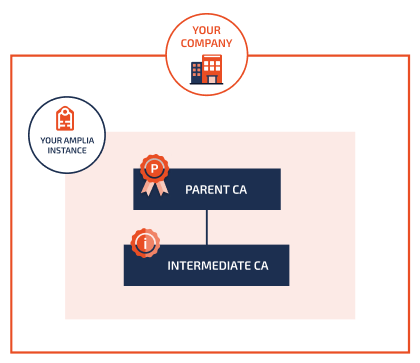
In this case, follow the steps below.
### 1. Create the CA key
On the left menu, click on **Keys**, then on **Generate** and fill out:
* **Name**: `ca` or a name of your preference (`kebab-case` is recommended for naming keys)
* **Key Store**: select a key store to store the CA key on. If unsure, choose **Database**
* **Key Type**: typically `RSA`
* **Size**: typically 4096
Click on **Create**.
### 2. Issue the CA certificate
On the left menu, click on **CA Certificates**, then on **Issue CA Certificate** and fill out:
* **Issuer**: select the parent CA (generally your root CA)
* Leave **Internal key** selected
* **Key**: select the key you just generated
Fill out the remaining fields according to your case and click **Issue**.
### 3. Create the CA
On the left menu, click on **CAs**, then on **Create CA** and fill out:
* **Key**: select the key you just generated
* **Name**: the form will suggest using the same name as the key, don't change the suggested value unless you have a good reason
* Leave **Public Key CA** selected
* Leave **Internal Certificate** selected
* **Certificate**: select the certificate you just issued
Click on **Create**.
After the CA is created, click on **Activate**, then **Yes**.
## Distributed scenario
You may also host your intermediate CA while having the parent CA hosted on a different Amplia instance:
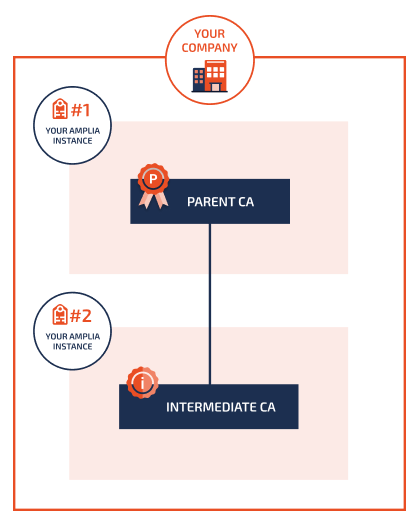
In this case, follow the steps below.
### 1. Create the CA key and generate a CSR (intermediate CA instance)
On the intermediate CA instance, on the left menu, click on **Keys**, then on **Generate** and fill out:
* **Name**: `ca` or a name of your preference (`kebab-case` is recommended for naming keys)
* **Key Store**: select a key store to store the CA key on. If unsure, choose **Database**
* **Key Type**: typically `RSA`
* **Size**: typically 4096
Click on **Create**.
On the key details page, click on **Show CSR** and copy the CSR contents to your clipboard.
### 2. Issue the CA certificate (parent CA instance)
On the parent CA instance, on the left menu, click on **CA Certificates**, then on **Issue CA Certificate** and fill out:
* **Issuer**: select the parent CA (generally your root CA)
* Select **External Key**
* **CSR**: paste the CSR of the intermediate CA key
Fill out the remaining fields according to your case and click **Issue**, then click **Download** and save the CA certificate file.
### 3. Create the CA (intermediate CA instance)
Back on the intermediate CA instance, on the left menu, click on **CAs**, then on **Create CA** and fill out:
* **Key**: select the key you just generated
* **Name**: the form will suggest using the same name as the key, don't change the suggested value unless you have a good reason
* Leave **Public Key CA** selected
* Select **External Certificate**
* Upload the CA certificate file you just downloaded
Click on **Create**.
After the CA is created, click on **Activate**, then **Yes**.
## Other scenarios
There are also scenarios in which you either control only the intermediate CA or the parent CA, while the other CA is controlled by some third party. In such cases,
the procedure is similar to the [distributed scenario](https://docs.lacunasoftware.com/en-us/articles/amplia/operation/create-intermediate-ca#distributed), with the difference that some steps are performed by the third party.
### Intermediate CA under a third party's parent CA
In this scenario, you control only the intermediate CA but not the parent CA, for instance if you are creating an intermediate CA under a country's root CA:
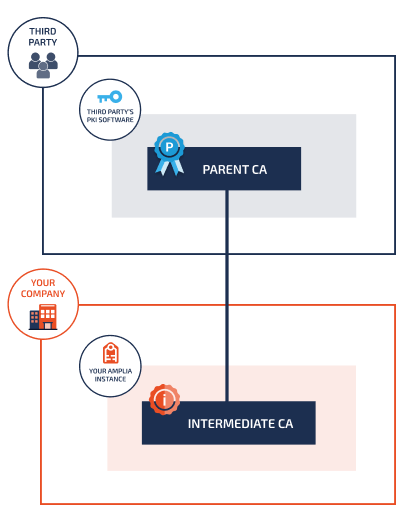
In this case, steps 1 and 3 are your responsibility, while step 2 is performed by the third party:
1. [Create the CA key and generate a CSR](https://docs.lacunasoftware.com/en-us/articles/amplia/operation/create-intermediate-ca#distributed-create-key) and send the CSR to the third party
1. The third party is then responsible for issuing the CA certificate with your CSR and handing you the CA certificate file
1. With the CA certificate file, [create the CA](https://docs.lacunasoftware.com/en-us/articles/amplia/operation/create-intermediate-ca#distributed-create-ca)
### Third party intermediate CA under your parent CA
In this scenario, you control only the parent CA but not the intermediate CA, that is, a third party is creating an intermediate CA under your own CA hosted on
Amplia, for instance if you use Amplia to host a country's root CA:
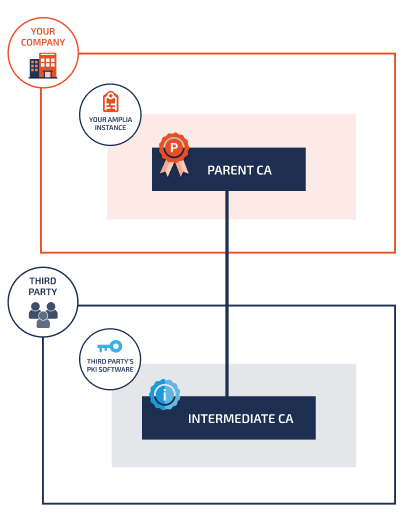
Then only step 2 is your responsibility, while steps 1 and 3 are performed by the third party:
1. The third party is responsible for generating the CA key and the corresponding CSR
1. You then [issue the CA certificate](https://docs.lacunasoftware.com/en-us/articles/amplia/operation/create-intermediate-ca#distributed-issue-ca-cert) with the given CSR and send the CA certificate file back to the third party
1. The third party uses the CA certificate file to create the CA
## See also
* [Create a root CA](https://docs.lacunasoftware.com/en-us/articles/amplia/operation/create-root-ca)
* [Operation Guide](https://docs.lacunasoftware.com/en-us/articles/amplia/operation)
# [Create a root CA - Amplia](https://docs.lacunasoftware.com/en-us/articles/amplia/operation/create-root-ca)
To create a **root certification authority**, start by signing in to your [Amplia](https://docs.lacunasoftware.com/en-us/articles/amplia) instance and selecting a subscription on the upper-right corner. Then,
follow the steps below.
### Create the root CA key
On the left menu, click on **Keys**, then on **Generate** and fill out:
* **Name**: `root` or a name of your preference (`kebab-case` is recommended for naming keys)
* **Key Store**: select a key store to store the CA key on. If unsure, choose **Database**
* **Key Type**: typically `RSA`
* **Size**: typically 4096
Click on **Create**.
### Create the root CA
On the left menu, click on **CAs**, then on **Create Root CA** and fill out:
* **Key**: select the key you just generated (`root`)
* **Name**: the form will suggest using the same name as the key, don't change the suggested value unless you have a good reason
* **Expiration Date**: the form will suggest a date 30 years from now, which is usually a good choice
* **Name Type Strategy**: choose `Utf8StringsWhenNecessary`
* **Common Name**: the `CN=` field of the CA certificate. Suggestion: `YOUR COMPANY Root CA`
* **Organizational Units**: the `OU=` field of the CA certificate. Typically left blank.
* **Organization**: the full name of your organization, for instance `Your Company S.A.`
* **Country**: select the country of your organization
Click on **Create**, then **OK**.
After the CA is created, click on **Activate**, then **Yes**.
## See also
* [Create an intermediate CA](https://docs.lacunasoftware.com/en-us/articles/amplia/operation/create-intermediate-ca)
* [Operation Guide](https://docs.lacunasoftware.com/en-us/articles/amplia/operation)
# [About - Amplia](https://docs.lacunasoftware.com/en-us/articles/amplia/about)
The following articles provide a technical description of certain characteristics of [Amplia](https://docs.lacunasoftware.com/en-us/articles/amplia):
* [Generation of serial numbers](https://docs.lacunasoftware.com/en-us/articles/amplia/about/serial-number-generation)
## See also
* [Amplia on-premises](https://docs.lacunasoftware.com/en-us/articles/amplia/on-premises) (administration guide)
* [Operation Guide](https://docs.lacunasoftware.com/en-us/articles/amplia/operation)
# [About generation of serial numbers - Amplia](https://docs.lacunasoftware.com/en-us/articles/amplia/about/serial-number-generation)
End-user certificates issued by [Amplia](https://docs.lacunasoftware.com/en-us/articles/amplia) have a random serial number. By default, CA certificates have a
sequential serial number, but if you have an [on-premises instance](https://docs.lacunasoftware.com/en-us/articles/amplia/on-premises) you can configure your instance
to also issue CA certificates with random serial numbers (see [configure CA certificate templates](https://docs.lacunasoftware.com/en-us/articles/amplia/on-premises/configure-ca-cert-templates) for instructions).
## Length and entropy
The random serial numbers generated by Amplia consist of 16-17 bytes generated with a pseudo-random
number generator (CSPRNG) having 122 bits of strong entropy.
Examples:
```text
0x33465bdd6636854a842dbee1085c352e
0x00cca41bb584e3c94cb32779d845ec0642
```
# [Amplia changelog](https://docs.lacunasoftware.com/en-us/articles/amplia/changelog)
## 5.0.1 (2026-07-28)
Updates database model: no
### Bug fixes
AMP-393 Issues with API sessions that expire in more than 2^31 seconds (about 25 days)
## 5.0.0 (2026-07-14)
**See [Update Amplia from 4.x to 5.0](https://docs.lacunasoftware.com/en-us/articles/amplia/on-premises/update-50)**
Identical to: 5.0.0 RC 3 (2026-07-03)
Updates database model: **yes**
### Improvements
AMP-370 Update ASP.NET Core to version 10.0 and the dashboard to Angular 21
AMP-391 Migrate the Azure Key Vault key store to version 4 of the Azure SDK and Azure.Identity, with the new `UseManagedIdentity` setting
AMP-392 Drop support for Prometheus metrics
## 4.22.0 (2026-07-02)
Identical to: 4.22.0 RC 1 (2026-04-16)
Updates database model: no
### Improvements
AMP-390 Configuration to issue CA certificates with random serial number
## 4.21.0 (2026-04-16)
Identical to: 4.21.0 RC 2 (2026-01-27)
Updates database model: no
### New features
AMP-386 Implement AES encryption and decryption on the Kryptus key store
### Improvements
AMP-387 Allow inclusion of CEI INSS and PIS/PASEP number data in ICP-Brasil certificates
### Bug fixes
AMP-388 Error "Cannot issue certificate with a start date prior to the CA certificate validity period" when issuing a certificate with a newly created CA
AMP-389 The key generation API in the managed certificate issue process results in an error if the certificate holder's name contains commas
## 4.20.0 (2026-01-14)
Identical to: 4.20.0 RC 1 (2026-01-07)
Updates database model: **yes**
### Improvements
AMP-384 Improvements to the PKCS #11 key store relevant to highly concurrent environments and improvements to the IDN computation API
### Bug fixes
AMP-385 Raw IDN is recorded on IdnComputed event details
## 4.19.0 (2026-01-07)
Identical to: 4.19.0 RC 2 (2025-11-17)
Updates database model: no
### Bug fixes
AMP-355 Certificates can be issued with a start date prior to that of the issuer
## 4.18.0 (2025-11-12)
Updates database model: no
### Improvements
AMP-378 Handle key store partitions that are locked prematurely
## 4.17.1 (2025-11-05)
Updates database model: no
### Improvements
AMP-377 Command `check-key-store-partitions-lock` to check partitions' lock status
## 4.17.0 (2025-11-05)
Identical to: 4.17.0 RC 4 (2025-09-29)
Updates database model: **yes**
### Improvements
AMP-243 Delete keys from incomplete managed certificate issue processes
AMP-376 Add order numbers to the partition purge confirmation
## 4.16.0 (2025-09-19)
Updates database model: no
### New features
AMP-374 Command `repair-blobs` to repair corrupted blobs
## 4.15.1 (2025-09-08)
Identical to: 4.15.1 RC 4 (2025-09-03)
Updates database model: no
### Bug fixes
AMP-373 Errors on command `check-blobs`
## 4.15.0 (2025-09-01)
Updates database model: no
### New features
AMP-328 Form for creating a Brazilian Student ID Card \(CIE\) order
AMP-372 Command `check-blobs` to check blob integrity
## 4.14.0 (2025-08-12)
Identical to: 4.14.0 RC 2 (2025-08-12)
Updates database model: no
### New features
AMP-365 Pending signature after managed certificate is issued
### Improvements
AMP-366 Changes to SSL/TLS certificates to comply with CA/B Forum guidelines
AMP-369 Phone number validation configuration
### Bug fixes
AMP-368 Phone numbers starting with `+1 (305)` are rejected as not being mobile phone numbers
## 4.13.0 (2025-07-23)
Identical to: 4.13.0 RC 4 (2025-05-30)
Updates database model: no
### Improvements
AMP-363 Allow sending issue procedure verification codes through WhatsApp
AMP-364 More flexible phone number validation
AMP-367 Add \(experimental\) support to Prometheus integration
## 4.12.0 (2025-07-23)
Identical to: 4.12.0 RC 2 (2025-02-03)
Updates database model: no
### Improvements
AMP-325 Improve and unify Distinguished Name forms
AMP-360 Adjustments to PY certificates with type Sello
## 4.11.0 (2025-01-22)
Identical to: 4.11.0 RC 2 (2024-11-06)
Updates database model: no
### Improvements
AMP-359 Add url argument `absoluteUrl` on get signed agreement API
AMP-361 Improvements to SMS provider integration
## 4.10.0 (2024-10-24)
Identical to: 4.10.0 RC 4 (2024-09-13)
Updates database model: no
### Improvements
AMP-318 Allow creation of organizational certificates through web page
AMP-356 Adjustments on Unique Identifier and Organization Identifier fields of CV certificates
## 4.9.0 (2024-08-13)
Identical to: 4.9.0 RC 11 (2024-05-10)
Updates database model: **yes**
### New features
AMP-340 Health check with optional key availability check
AMP-342 CRL consistency checks
AMP-347 Docker image with Kryptus PKCS #11 driver
AMP-352 Key store clusters
### Improvements
AMP-335 Update SPA framework to version 2.8
AMP-345 Allow uploading chain certificates to CAs regardless of their *CertificateChainType*
AMP-346 Improve client lib to allow downloading the CA's certificate and chain file
### Bug fixes
AMP-237 A timezone-related error may occur on Linux and Docker when generating an agreement
AMP-343 Errors when using PKCS #11 key stores in parallel
AMP-351 Error "Could not place a lock on the resource 'hangfire:lock:recurring-job:CleanupUsedOtps'" when starting up app using PostgreSQL
## 4.8.1 (2024-04-30)
Updates database model: no
### Bug fixes
AMP-350 Error "Cannot write DateTime with Kind=UTC..." when creating certificate order using PostgreSQL
## 4.8.0 (2024-02-27)
Identical to: 4.8.0 RC 5 (2024-02-27)
Updates database model: **yes**
### New features
AMP-332 IDN computation API (Brazilian biometric service provider protocol)
AMP-333 Add support for AES keys (for now only on PKCS #11 and database key stores)
### Improvements
AMP-245 Improve handling of managed certificates operation session expiration
AMP-337 Allow configuration of token label on PKCS #11 key stores
### Bug fixes
AMP-341 Integer overflow when a high `CertificateManagement:OperationSessionTimeout` is set \(25+ days\)
## 4.7.0 (2023-12-20)
Identical to: 4.7.0 RC 2 (2023-11-01)
Updates database model: no
### New features
AMP-334 New API to issue software certificates returning private key in multiple formats
### Improvements
AMP-331 Improve Amplia Reg integration for organizational certificates
## 4.6.1 (2023-09-06)
Updates database model: no
### Improvements
AMP-326 Improved integration with Dinamo HSMs
### Bug fixes
AMP-322 Forbidden characters are not automatically removed on BR certificates
AMP-324 Error *JsonReaderException: Bad JSON escape sequence*
## 4.6.0 (2023-08-30)
Updates database model: no
### New features
AMP-315 SSH access on Docker image
AMP-320 API to decrypt with key
AMP-321 PKCS #8 key import \(currently only supported on database key stores\)
### Improvement
AMP-327 Add support for environment variable `STANDBY` \(for Azure App Service setup\)
## 4.5.4 (2023-08-04)
Updates database model: no
### Improvements
AMP-311 Update SMS package to allow configuring a `MessagingServiceSid` for Twilio provider
## 4.5.3 (2023-08-04)
Updates database model: no†
*† This update does not introduce new changes to the database but does change the way previous changes are applied*
### Bug fixes
AMP-319 Some past migrations cannot be applied to SQL Server older than 2017 due to the usage of `TRIM()`
## 4.5.2 (2023-07-05)
Updates database model: no
### Bug fixes
AMP-310 OTP authentication date queries are not forwarded to Dinamo key stores (introduced on [v4.4.0](https://docs.lacunasoftware.com/en-us/articles/amplia/changelog#4-4-0))
## 4.5.1 (2023-06-29)
Updates database model: no
### Bug fixes
AMP-309 Empty strings on SubjectName cause error when issuing the certificate \(SSL and Custom certificates\)
## 4.5.0 (2023-06-14)
Updates database model: no
### Improvements
AMP-306 Add property `ExtendedKeyUsageCritical` to custom certificates
## 4.4.0 (2023-06-02)
Updates database model: **yes**
### New Features
AMP-279 Managed certificates listing and details
AMP-295 Add support for multiple policies on templates
AMP-299 Add NTP synchonization
### Improvements
AMP-253 CA configuration to issue certificates with link to .p7b file ("certs-only" CMS with entire chain)
AMP-303 CA certificate template configuration
AMP-304 Allow customization of the digest algorithm when creating an order
AMP-305 Add translations of the identification number informed by PMCert
## 4.3.0 (2023-05-19)
Updates database model: **yes**
### New Features
AMP-293 Add button on order details to issue order with a CSR
AMP-294 Add field `CustomCertificateParameters.IncludeSubjectKeyId`
AMP-297 Allow customization of home page
AMP-301 Add support for configuring a webhook to get notifications when a certificate is issued
### Improvements
AMP-296 Add support for storing blobs in a database
## 4.2.0 (2023-04-17)
Updates database model: **yes**
### New Features
AMP-290 Criar comando para propagar CA Certs
### Improvements
AMP-278 Melhorar tratamento de erro ao tentar copiar ID de CA/Template
AMP-292 Pemitir forçar algoritmo de assinatura de certificados por AC
### Bug fixes
AMP-291 APIs de emissão de certificado em nuvem não permitem que o Amplia fique em rede privada
## 4.1.0 (2023-03-02)
Updates database model: **yes**
### New features
AMP-283 Issue certificate without a CSR, returning a PKCS #12 (PFX) file
### Improvements
AMP-273 Add support for PostgreSQL
AMP-281 Allow using "S3 clones" as blob storage
AMP-284 Add fields `RetentionPeriodYears` and `LegislationCountries` to SSL certificates
AMP-285 Accept IPv4 and IPv6 on SSL certificate `DnsNames` field
AMP-287 Refactor *fatura electrónica* certificates (CV)
AMP-288 Encoding identification number as Unique Identifier X.520 field on CV signature certificates
## 4.0.4 (2023-02-03)
Updates database model: no
### Bug fixes
AMP-286 Extension ExtendedKeyUsage on PY certificates is not marked as critical
## 4.0.3 (2023-01-31)
Updates database model: no
### Bug fixes
AMP-280 Error while generating issue QR Code when running on Docker
## 4.0.2 (2023-01-09)
Updates database model: no
### Improvements
AMP-277 Show ID on CA and Template details page
## 4.0.1 (2022-12-30)
Updates database model: no
### Improvements
AMP-276 Improve Dinamo HSM integration
## 4.0.0 (2022-12-27)
**See [Update Amplia from 3.x to 4.0](https://docs.lacunasoftware.com/en-us/articles/amplia/on-premises/update-40)**
Updates database model: **yes** (see [warning](https://docs.lacunasoftware.com/en-us/articles/amplia/on-premises/update-40))
### New features
AMP-220 New APIs to support [Lacuna PSC](https://docs.lacunasoftware.com/en-us/articles/psc)
AMP-268 Cape Verde certificates
AMP-252 Updated Paraguay certificate profiles
AMP-249 Proprietary [Kryptus HSM](https://docs.lacunasoftware.com/en-us/articles/amplia/on-premises/key-stores/kryptus) integration
AMP-271 OCSP domain configuration
### Improvements
AMP-272 Update ASP.NET Core to version 6.0
AMP-258 Add support for .conf/.ini configuration file
AMP-261 Create missing indexes over orders and certificates
AMP-265 Add field SerialNumber on custom CSR issue page
AMP-267 Creation of order with predefined serial number for the certificate
AMP-270 Add support for multiple certificate policies on a single certificate
AMP-274 Generate "quasi-sequential" GUIDs to improve database performance
AMP-275 Add specific configuration for OCSP domains
### Bug fixes
AMP-269 Latest CRL is not found if the CA name contains uppercase letters
## 3.15.2 (2022-10-10)
Improvements:
* [AMP-262] - Optimize CRL issuing in scenarios with several CAs (1000+)
Bug fixes:
* [AMP-263] - Azure Key vault communication does not reuse connections
Updates database model: no
## 3.15.1 (2022-09-23)
Improvements:
* [AMP-254] - Optimized job queue monitoring
* [AMP-255] - Optimized CRL and CA Issuers access routes
* [AMP-257] - Add support for "EmailDump" SMS provider
Updates database model: no
## 3.15.0 (2022-06-13)
New Features:
* [AMP-239] - Brazilian Labor Relations Certificate
Improvements:
* [AMP-240] - Add options on brazilian certificate APIs to normalize the Common Name field (CN=) and add the CPF/CNPJ suffix to it
Updates database model: no
## 3.14.0 (2022-04-29)
New Features:
* [AMP-232] - PKI Paraguay certificates
* [AMP-112] - Add support for "generic" order creation
* [AMP-218] - Integration with Kryptus HSM through PKCS #11
* [AMP-233] - Allow specifying PKCS #11 keys by label
* [AMP-226] - UI for generating a CSR specifying a custom subject name
* [AMP-227] - UI for registering and existing key
* [AMP-225] / [AMP-216] - Allow creation of pending certificates \(having a future validity start\)
* [AMP-228] - CRL and CA certificate propagation
Improvements:
* [AMP-229] - Show validity start and end on certificate details
* [AMP-231] - Localization \(l10n\) for Spanish \(en\)
Updates database model: **yes**
## 3.13.2 (2021-12-16)
Bug fixes
* [AMP-224] - Keys stored on Database Key Store do not work after migration to a different environment
Updates database model: no
## 3.13.1 (2021-12-05)
New Features
* [AMP-207] - Add support for Google KMS Key Store
* [AMP-222] - Add support for Amazon KMS Key Store
* [AMP-208] - Add support for OCSP responses
* [AMP-210] - Add Latinus (Ecuador corporate CA) certificate template
Improvements
* [AMP-223] - Add safe timespan threshold on end-entity certificates validity start
Updates database model: no
## 3.12.0 (2021-04-27)
New Features
* [AMP-206] - Add support for AWS S3 blob storage
Updates database model: **yes**
## 3.11.0 (2021-03-25)
Improvements
* [AMP-204] - Configuration `Amplia__IssueProcedureConfirmationEnabled` to disable SMS confirmation during issue procedure
* [AMP-205] - Providing internationalized issue links according to the API request language
Updates database model: no
## 3.10.2 (2021-03-21)
Improvements
* [AMP-201] - Add support for SMS providers Zenvia and SmsEmpresa
Bug fixes
* [AMP-203] - Error when generating issue QR Code
Updates database model: no
## 3.10.1 (2021-03-15)
Bug fixes:
* [AMP-200] - Error when issuing end-user certificate on cryptographic device
Updates database model: no
## 3.10.0 (2021-02-08)
New Features:
* [AMP-195] - Add support for optional hard deletion of keys on Azure Key Store
Improvements:
* [AMP-196] - Allowing deletion of keys of revoked CAs
Bug fixes:
* [AMP-198] - When revoking a CA certificate and choosing for the CA to also be deactivated, the CA was actually deleted
* [AMP-197] - Broken messages on CA activation dialog
Updates database model: no
## 3.9.6 (2020-11-26)
Improvements:
* [AMP-184] - Add configuration to hide "powered by" information
* [AMP-187] - Allow user order creation API to be called for an existing user without filling the `subject` field
Bug fixes:
* [AMP-183] - Order creation results in error if invalid email is inputted
* [AMP-188] - On the agreement signature, the *I agree* checkbox cannot be checked on certain screen resolutions
* [AMP-189] - Errors when using `EcuadorBce` templates
* [AMP-190] - Errors when listing CA certificates after removing keys used by CAs
* [AMP-191] - Birth date is incorrectly pre-filled on the user order creation page if the user already exists
Updates database model: no
## 3.9.5 (2020-10-20)
Bug fixes:
* [AMP-182] - Depending on the user machine's system clock, the issue procedure immediately fails reporting expired session
Updates database model: no
## 3.9.4 (2020-10-08)
Bug fixes:
* [AMP-186] - Recurring errors on CRL issuing
Updates database model: no
## 3.9.3 (2020-09-30)
Bug fixes:
* [AMP-185] - Error sending SMS messages using TotalVoice provider
Updates database model: no
## 3.9.2 (2020-09-03)
Improvements:
* [AMP-181] - Add new themes
* *Metallic seaweed & Emerald* (`mse`)
* *Oxford blue & Green* (`obg`)
* *Castleton green & Orange* (`cgo`)
* *Viridian green & Yellow* (`vgy`)
Bug fixes:
* [AMP-179] - Issuing QR Code not working when `QRCodeGatewayUrl` is not configured
* [AMP-180] - Application keys page does not load
Updates database model: no
## 3.9.1 (2020-08-05)
* Bug fix: [AMP-178] - Blank page when returning from login on Internet Explorer
Updates database model: no
## 3.9.0 (2020-08-04)
New features:
* [AMP-154] - Issue certificates in compliance to Ecuador's Banco Central format
Improvements:
* [AMP-168] - Refactor CRL issuing procedure to improve performance on cases with hundreds or thousands of CAs
* [AMP-161] - Update Angular to version 9
Updates database model: **yes**
## 3.8.4 (2020-07-22)
* [AMP-177] - Add *Dark cerulean & Green* (`dcg`) theme
Updates database model: no
## 3.8.3 (2020-07-21)
* [AMP-173] - Don't generate preemptively certificate agreement file when providing access link on API
* Bug fix: [AMP-174] - Issue certificate page stays loading indefinitely
Updates database model: no
## 3.8.2 (2020-07-10)
* Bug fixes
* [AMP-175] - Information application logs are being logged by default on Linux and Docker
* [AMP-176] - Subject agreement signature package filename is not internationalized
Updates database model: no
## 3.8.1 (2020-06-24)
* Bug fix: upon accepting suggestion to issue certificate on mobile, QR Code is not shown
Updates database model: no
## 3.8.0 (2020-06-24)
* Implement soft deletion of certificate ortders
* Add API to update certificate orders
* Improve user experience upon accessing on a PC the issue page for a certificate order that can only be issued on a mobile device
* Bug fix: Application is allowing a fulfilled certificate order to be deleted
Updates database model: **yes**
## 3.7.5 (2020-06-23)
* Optimize job history storage
* Add argument `--heavy` to command [update-db](https://docs.lacunasoftware.com/en-us/articles/amplia/on-premises/tool/update-db)
Updates database model: no
## 3.7.4 (2020-06-19)
* Bug fixes
* EventLog log provider causing errors on Azure App Service
* Too many enqueued jobs for CRL issuing could cause database connection exaustion
Updates database model: no
## 3.7.3 (2020-06-05)
* Add *Green & Dark coral* (`gdc`) theme
* Bug fix
* App client config API field `SmsEnabled` is wrongly filled with false in certain scenarios
Updates database model: no
## 3.7.2 (2020-06-03)
* Remove diacritics from SMS messages
Updates database model: no
## 3.7.1 (2020-05-21)
* Improve phone and user order labels
Updates database model: no
## 3.7.0 (2020-05-06)
* Add support for PIN-protecting keys on Dinamo HSMs
* Add filter by `keyMedia` on list pending certificates for user API
* Add themes *eva*, *dir* and *cam*
Updates database model: no
## 3.6.0 (2020-05-01)
* Add Dinamo HSM integration via proprietary API
Updates database model: no
## 3.5.0 (2020-04-14)
* Migrated to ASP.NET Core 3.1 (LTS release, supported until December 2022)
See [Update Amplia from 3.0-3.4 to 3.5](https://docs.lacunasoftware.com/en-us/articles/amplia/on-premises/update-35)
Updates database model: no
## 3.4.0 (2020-03-27)
* Add support for digitally signing the Certificate Agreement containing the subject's public key during the issue procedure
* Add birth date to PKI Brazil (ICP-Brasil) order creation page
* Add command [gen-enc-key](https://docs.lacunasoftware.com/en-us/articles/amplia/on-premises/tool/gen-enc-key)
* Setting `General.QRCodeGatewayUrl` is now optional
* Bug fixes
* The logo image should not be a link on the certificate issue page
* Error when trying to edit an attribute certificate template
* Initial message on certificate issue page does not change upon changing the language
* QR Code is not being displayed when clicking the *Issue QR Code* button on the order details page
Updates database model: **yes**
## 3.3.0 (2019-03-17)
* Add support for configuring a custom *certification policies* extension on templates
* Add new user role: *Registration Agent* (can only create certificate orders and revoke certificates)
* Full theming support (except customization of the home page)
* Add option to hide buttons for basic order creation or user order creation
* Bug fixes
* On certain scenarios certificates might be issued with 0 day validity
* Error when creating order certificate without a template
* Error "You cannot specify the root subscription" upon entering the system administration
* Logo is not shown on invitation emails
Updates database model: **yes**
## 3.2.0 (2019-03-10)
* Dashboard internationalized (English and Portuguese)
* Add support for storing end-user keys with PIN protection ("cloud HSM")
* Add support for creating certificate orders associated with user accounts
* CA name is now suggested based on the selected key
* Allow empty organizational units field during CA Certificate issuing and root CA creation
* Add partial support for theming (only affects emails for now)
* Add command [test-email](https://docs.lacunasoftware.com/en-us/articles/amplia/on-premises/tool/test-email)
* Bug fixes
* Validity field was shown during order creation even when the selected template did not allow a custom validity
* Initialization errors were not shown on dashboard
Updates database model: **yes**
## 3.1.0 (2019-02-22)
* OpenID Connect integration is now optional
* Add [command-line tool](https://docs.lacunasoftware.com/en-us/articles/amplia/on-premises/tool) with:
* Command [update-db](https://docs.lacunasoftware.com/en-us/articles/amplia/on-premises/tool/update-db) to manually update the database
* Command [hash-root-pass](https://docs.lacunasoftware.com/en-us/articles/amplia/on-premises/tool/hash-root-pass) to compute a salted hash for a given root password
* Default subscription is now created on first run
* Fix bug that caused settings on JSON configuration file to have precedence over environment variables (which should have top precedence)
Updates database model: no
## 3.0.0 (2019-02-06)
* Dashboard entirely redesigned
* Add support for performing operations on the dashboard that before had to be done via API:
* Certificate template management
* Creation of CAs that issue attribute certificates
* Add [support for Docker](https://docs.lacunasoftware.com/en-us/articles/amplia/on-premises/docker)
* Changed logging on Linux to write logs on the systemd journal ([click here for details](https://docs.lacunasoftware.com/en-us/articles/amplia/on-premises/linux/troubleshoot/check-logs))
* Improve end-user PK certificate profile, adding extension AuthorityKeyIdentifier
Updates database model: **yes**
Configuration changes: see [Update Amplia from 2.16 to 3.0](https://docs.lacunasoftware.com/en-us/articles/amplia/on-premises/update-30)
## 2.16.1 (2019-12-12)
* Add option to configure an alias for the identity type on the *PrivateID* certificate template
Updates database model: no
## 2.16.0 (2019-12-10)
* Add attribute certificate type *PrivateID*
Updates database model: no
## 2.15.2 (2019-12-04)
* Changed Linux configuration template to log to */var/log/amplia* directory
Updates database model: no
## 2.15.1 (2019-09-12)
* Improve PK certificate type *Cnb* (customer-specific)
Updates database model: no
## 2.15.0 (2019-08-10)
* Add [support for Linux](https://docs.lacunasoftware.com/en-us/articles/amplia/on-premises/linux)
* Add database key store
* Add support for storing blobs on local file system
* Add support for SMS provider [TotalVoice](https://www.totalvoice.com.br/)
* Add certificate type information (A1/A3) to PKI Brazil (ICP-Brasil) certificates
* Improve certificate order creation page
* Scalability improvement: data protection keys are now stored on the database
* Security improvement: add support for encrypting data protection keys (required to use the new database key store)
* Bug fixes
* Fix race condition that allowed two certificates to be issued for the same order
* Fix validation bug that allowed an order to be created without a `validityEnd` with a template without a default validity
Updates database model: **yes**
Configuration changes:
* `General:EncryptionKey`: optional (for backward compatibility), but highly recommended to fill this setting with an encryption key
(see key generation instructions for [Windows](https://docs.lacunasoftware.com/en-us/articles/amplia/on-premises/windows/install#encryption-key-generation) or [Linux](https://docs.lacunasoftware.com/en-us/articles/amplia/on-premises/linux/install-ubuntu#encryption-key-generation))
## 2.14.1 (2019-06-13)
* Bug fixes
* Textual search in certificates and orders was not working with partial terms.
* Fixed error while trying to revoke attribute certificate.
Updates database model: no
Configuration changes: none
## 2.14.0 (2019-06-11)
* Interface to view and unlock blocked orders
* Order creation screen tailored to order CA, Template and mobile phone.
* Temporarily disabled order edition
Updates database model: no
Configuration changes: none
## 2.13.0 (2019-05-09)
* Added possibility to configure emails sent by system (theme and pictures)
* Created API for sending SMS with link for issuing certificate
* Added `KeyMediaConstraints` field in `OrderModel`
Updates database model: no
Configuration changes:
* `General:Theme` (optional)
* Valid values: empty (standard) or `Teal`
## 2.12.1 (2019-04-18)
* PKI SDK updated to version [2.4.0]
(https://docs.lacunasoftware.com/en-us/articles/pki-sdk/changelog#v2-4-0)
* Bug fixes
* SSL certificates do not allow wildcard use
* Accumulation of jobs of CRL emission when the emission is impossible for long time
Updates database model: no
Configuration changes: none
## 2.12.0 (2019-03-21)
* Certificate issue on mobile
Updates database model: no
Configuration changes:
* `General:SmsContextInfo` (optional)
* Allows you to configure a string to be used as "context" information in SMS sent by the system, for example: "Link for issuing your certificate on *platform X*:..." (in this example, the configuration value would be `in platform X`)
* Optional settings for custom mobile application usage (standard all empty settings)
* `PkiSuite:MobileAppName`
* `PkiSuite:MobileAppCodeSuffix`
* `PkiSuite:MobileIOSStoreUri`
* `PkiSuite:MobileAndroidStoreUri`
## 2.11.1 (2019-02-26)
* Added validation of email address in the creation of ICP-Brasil type certificate requests (PKIBrazil)
* PKI SDK updated to version [2.3.0]
(https://docs.lacunasoftware.com/en-us/articles/pki-sdk/changelog#v2-3-0) (RTM)
Updates database model: no
Configuration changes: none
## 2.11.0 (2019-02-15)
* Added certificate support for blockchain [IBMHyperledger]
(https://www.ibm.com/blockchain/hyperledger)
* Added elliptic curves support (ECC)
* Certificate Issuing with ECC key
* ECC key storage in Azure Key Vault -- supported curves:
* P-256 (secp256r1)
* P-256K (secp256k1)
* P-384 (secp384r1)
* P-521 (secp521r1)
* PKI SDK updated to version [2.3.0]
(https://docs.lacunasoftware.com/en-us/articles/pki-sdk/changelog#v2-3-0) (beta 3)
Updates database model: no
Configuration changes: none
## 2.10.3 (2019-01-21)
* Improvements to SMS sending configuration
* PKI SDK updated to version [2.2.6]
(https://docs.lacunasoftware.com/en-us/articles/pki-sdk/changelog#v2-2-6)
Updates database model: no
Configuration changes:
* `SMS:Type` (optional)
* Sets the sending SMS provider
* Valid values: empty (standard) or `Twilio` (support will be added in the future for other providers)
* If the configuration is omitted, the value `Twilio` (for backward compatibility)
* New Twilio settings: you can specify `SMS:AccountSid` and `SMS:AuthToken` instead of specifying `SMS:TwilioBasicCredential`
* The old configuration `SMS:TwilioBasicCredential` is still supported for backward compatibility
## 2.10.2 (2019-01-17)
* ASP.NET Core updated to 2.2
* New setting file for IIS (appsettings.iss.json)
* Fixed encoding of the role information on certificate type 6
Updates database model: no
Configuration changes: none
## 2.10.1 (2019-01-14)
* Fixed bug that caused certificate issue error when Web PKI was not installed
Updates database model: no
Configuration changes: none
## 2.10.0 (2019-01-10)
* First version available to install *on-premises*
# [Public key infrastructure (PKI) solutions](https://docs.lacunasoftware.com/en-us/articles/pki-guide)
We have a complete line of solutions for Public Key Infrastructure (PKI):
* [Web PKI](https://docs.lacunasoftware.com/en-us/articles/web-pki) - a browser plugin for accessing the user's digital certificates on web pages
* [Rest PKI](https://docs.lacunasoftware.com/en-us/articles/rest-pki) - a cloud-service for performing PKI operations on virtually any programming language
* [PKI SDK](https://docs.lacunasoftware.com/en-us/articles/pki-sdk) - a software development kit for .NET applications for performing PKI operations
* [PKI Express](https://docs.lacunasoftware.com/en-us/articles/pki-express) - a solution for performing PKI operations on virtually any programming language and that can be hosted on both Windows and Linux servers.
The choice of which product (or combination of products) is right for your project depends on your scenario and what
you're trying to accomplish. Read the article below that most closely matches your case to find out how to best
implement it with our products:
* **[Web signatures](https://docs.lacunasoftware.com/en-us/articles/pki-guide/web-signatures)** - perform [digital signatures](https://docs.lacunasoftware.com/en-us/articles/pki-guide/signatures) on web pages
* [Server signatures](https://docs.lacunasoftware.com/en-us/articles/pki-guide/server-signatures) - perform digital signatures entirely on the backend, with keys located on the server
* [Certificate authentication](https://docs.lacunasoftware.com/en-us/articles/pki-guide/cert-auth) - authenticate users based on their digital certificates
* [Test Certificates](https://docs.lacunasoftware.com/en-us/articles/pki-guide/test-certs) - use our test certificates for development purposes
# [Digital signatures](https://docs.lacunasoftware.com/en-us/articles/pki-guide/signatures)
Before we can define what a digital signature is, we must first talk about a broader concept, the **electronic signature**. Wikipedia defines it as:
> An electronic signature, or e-signature, refers to data in electronic form, which is logically associated with other data in electronic form and which is used by the signatory to sign.
In this sense, an electronic signature can be understood as a wide range of processes for associating a **signer** to an **electronic document** through some kind of **commitment** (for instance the commitment to comply with the document's contents, or the commitment of having witnessed an agreement).
> **Note**
>
> The terms *signatory* and *signer* are synonyms. We use the latter.
For instance, the printout of a document that is first signed by hand and later faxed over might be considered an electronic signature. However, it may be argued that such a signature can be easily forfeit. Different electronic signature processes offer different guarantees, or *assurances*.
Electronic signature processes can be categorized into different **assurance levels**. The [eIDAS](https://www.eid.as/) standard defines three increasing levels of assurance:
1. Electronic signatures
1. Advanced electronic signatures
1. Qualified electronic signatures
For the intents and purposes of this documentation, a **digital signature** is an **implementation of electronic signature** using **X.509 public key certificates** and adhering to a specific **signature standard** in order to achieve the **highest levels of assurance**.
> **Note**
>
> The term *digital signature* should not be confused with *digital signature* ***algorithm***, which is a type of asymmetric cryptographic algorithm (for instance, the RSA algorithm). Usually, digital signature algorithms are a small part of the implementation of digital signatures.
In all other articles, when we say simply *signature*, we mean a *digital signature* as defined above.
## Signature standards
The main digital signature standards in use today are:
* [CMS Advanced Electronic Signatures (CAdES)]()
* [PDF Advanced Electronic Signatures (PAdES)](https://en.wikipedia.org/wiki/PAdES)
* [XML Advanced Electronic Signatures (XAdES)](https://www.w3.org/TR/XAdES/)
# [Web signatures](https://docs.lacunasoftware.com/en-us/articles/pki-guide/web-signatures)
A *web signature* is a [digital signature](https://docs.lacunasoftware.com/en-us/articles/pki-guide/signatures) performed on a web page using one of the user's
certificates.
This kind of signature **necessarily involves performing operations on the frontend** because the user
certificate's private key might be on a cryptographic device that never allows exporting it. Moreover, even if the
private key is software-based, it is a bad practice to ask the user for it.
We support two ways of implementing web signatures:
* [Web remote signatures](https://docs.lacunasoftware.com/en-us/articles/pki-guide/web-signatures/remote) - on this approach, only the computations that must necessarily be performed on the frontend
are performed there, all other steps are performed on the backend. In a way, the backend performs a signature with a *remote* key
(being on the client side).
* [Web local signatures](https://docs.lacunasoftware.com/en-us/articles/pki-guide/web-signatures/local) - on this approach, all computations are done *locally* on the frontend, without cooperation from
the backend.
On scenarios on which the file that will be signed is already on the server side and/or the resulting signed file needs to end up on the
server side, **remote signatures** have the big advantage of not requiring transmission of the file between server and
browser. Only a minimal data traffic is performed (approximately 3KB).
Only in scenarios on which the file to be signed and the resulting signed file must not be uploaded to the server should
**local signatures** be employed. Even so, this decision must be taken with care, because performing a digital signature is a complex
process that requires network access to acquire revocation artifacs (Certificate Revocation Lists), which might fail on
some users' computers. Moreover, currently local signatures are only supported on Windows, whereas remote signatures are
supported on Windows, Mac OS and Linux.
Therefore, **we recommend choosing the [web remote signature](https://docs.lacunasoftware.com/en-us/articles/pki-guide/web-signatures/remote) approach on most cases.**
# [Web remote signatures](https://docs.lacunasoftware.com/en-us/articles/pki-guide/web-signatures/remote)
A *remote signature* is a [digital signature](https://docs.lacunasoftware.com/en-us/articles/pki-guide/signatures) performed with a private key that is not available
locally, that is, performing the signature algorithm computation remotely. Since the computation can depend on a
number of factors such as network latency and user interaction, the process of performing remote signatures is
inherently *asynchronous*, meaning that the process starts, waits for the computation, and later completes.
We call a *web remote signature* the special case of a remote signature on which a digital signature is being
performed on a web application with the backend controlling the signature process, but using the private key from
one of the user's certificates, available only on the client side.
**This is the recommended way of implementing digital signatures on web applications with our products** for
most cases (see [web signatures](https://docs.lacunasoftware.com/en-us/articles/pki-guide/web-signatures) for exceptions).
This process is roughly outlined below:
1. The backend initiates a remote signature process, yielding the bytes over which the signature algorithm computation
with the user's private key must be performed (called the "to-sign-data")
1. The "to-sign-data" is transferred to the client side
1. The signature algorithm computation is performed on the frontend
1. The result of the signature algorithm is transferred back to the server
1. The backend completes the remote signature process
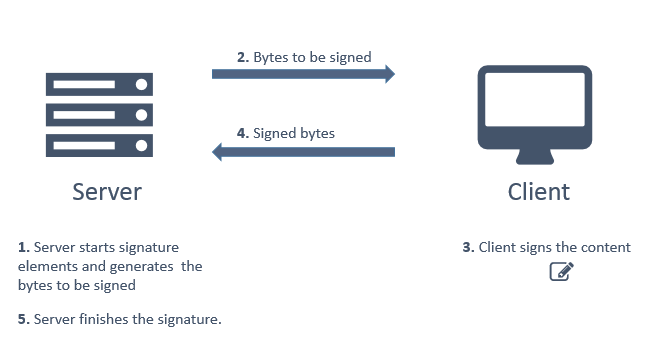
> **Note**
>
> This is merely an overview. There are extra steps involved, such as reading the user certificate's
> encoding on the frontend and transferring it to the backend.
**The recommended way of implementing web remote signatures is using [Rest PKI](https://docs.lacunasoftware.com/en-us/articles/rest-pki)** together with [Web PKI](https://docs.lacunasoftware.com/en-us/articles/web-pki).
## Recommended steps
1. Access the [Rest PKI documentation](https://docs.lacunasoftware.com/en-us/articles/rest-pki)
1. Choose a programming language
1. Choose one of the samples projects for your programming language
1. Follow the steps to run the samples project
1. Once you get the project running, click on one of the signature examples
> **Tip**
>
> Although the solution involves both Rest PKI and Web PKI (for the back- and frontend respectively), you should
> **focus on the Rest PKI documentation**, which shows the usage of both products integrated.
## Alternative implementations
If your application is a .NET application (C#, VB.NET, C++.NET), you can also use the [PKI SDK](https://docs.lacunasoftware.com/en-us/articles/pki-sdk)
on the backend with Web PKI on the frontend. See article [Web remote signatures](https://docs.lacunasoftware.com/en-us/articles/pki-sdk/signatures/web-remote)
on the PKI SDK documentation.
If you already own a 3rd party crypto SDK or if you wish to implement the backend code yourself, you can also use
[Web PKI](https://docs.lacunasoftware.com/en-us/articles/web-pki) just for the frontend part.
# [Web local signatures](https://docs.lacunasoftware.com/en-us/articles/pki-guide/web-signatures/local)
A *local signature* is a [digital signature](https://docs.lacunasoftware.com/en-us/articles/pki-guide/signatures) performed with a private key that is available
locally and therefore can be performed in a *synchronous* matter (as opposed to remote signatures, which must
be performed asynchronously). For instance, a digital signature performed on the backend with a private key
that is available on the server side would be a local signature (we call these [server signatures](https://docs.lacunasoftware.com/en-us/articles/pki-guide/server-signatures)).
We call a *web local signature* the special case of a local signature performed on a web page
with a key that is available on the client side (i.e. a key of one of the user's
certificates)
As outlined on the article [web signatures](https://docs.lacunasoftware.com/en-us/articles/pki-guide/web-signatures), this approach to implement web signatures should
be considered with care, because performing a digital signature is a complex process that requires network access
to acquire revocation artifacs (Certificate Revocation Lists), which might fail on some users' computers.
**Because of this, on most cases we recommend the [web remote signatures](https://docs.lacunasoftware.com/en-us/articles/pki-guide/web-signatures/remote) approach to implement web signatures instead.**
However, in cases on which files cannot be uploaded to the server under any circumstances, signing locally
on the frontend can be the only option. For such cases, use the **local signature extension** of
**[Web PKI](https://docs.lacunasoftware.com/en-us/articles/web-pki)**. [Contact us](https://www.lacunasoftware.com/en/home/purchase) for details.
# [Server signatures](https://docs.lacunasoftware.com/en-us/articles/pki-guide/server-signatures)
A *server signature* is a [digital signature](https://docs.lacunasoftware.com/en-us/articles/pki-guide/signatures) performed with a private key located on the server, which
therefore can be performed entirely on the backend (as opposed to [web signatures](https://docs.lacunasoftware.com/en-us/articles/pki-guide/web-signatures) which must
necessarily involve at least one step performed on the frontend).
The way to implement server signatures depends on your programming language. Read one of the sections below accordingly:
## .NET applications
**The recommended way to implement server signatures on .NET applications is using the [PKI SDK](https://docs.lacunasoftware.com/en-us/articles/pki-sdk).**
By importing the `.pfx` file of the certificate which will be used for signature to the operating system's certificate
store, the certificate will be available when loading certificates from the OS store. See article
[Certificates with private key](https://docs.lacunasoftware.com/en-us/articles/pki-sdk/certificates/certs-with-key) for more information on how to load
certificates from the OS store, and article [Signatures](https://docs.lacunasoftware.com/en-us/articles/pki-sdk/signatures) for information on how to perform
signatures.
## Other programming languages
**The recommended way to implement server signatures on all other programming languages is using [Rest PKI](https://docs.lacunasoftware.com/en-us/articles/rest-pki).**
The Rest PKI samples that demonstrate how to implement this are called *PAdES server key* and *CAdES server key*.
Check the [Rest PKI samples availability per project](https://docs.lacunasoftware.com/en-us/articles/rest-pki/samples-availability) to see on which samples projects
these samples are available.
# [Certificate authentication](https://docs.lacunasoftware.com/en-us/articles/pki-guide/cert-auth)
It is possible to authenticate users based on their X.509 public key certificates. This process is roughly outlined
below:
1. Generate a [cryptographic nonce](https://en.wikipedia.org/wiki/Cryptographic_nonce)
1. Ask the user to perform a signature algorithm computation on the nonce using his private key
1. Verify the nonce signature with the user certificate's public key
1. Validate the user's certificate
1. If everything checks out, the application can trust that the user is indeed the subject of the certificate. Then,
based on a key information on the certificate (e.g.: email address or ID number), locate the user on the database and
complete the sign-in process
> **Note**
>
> This is merely an overview. There are extra steps involved, such as validating that the nonce has never
> been used before in order to prevent replay attacks.
To implement this process, you need to perform operations on both the front- and backend:
The signature algorithm computation over the nonce must necessarily be done on the **frontend** because the user
certificate's private key might be on a cryptographic device that never allows exporting it. Moreover, even if the
private key is software-based, it is a bad practice to ask the user for it.
The generation of the nonce and all validations must be done on the **backend**, for obvious security reasons.
**The recommended way of implementing certificate authentication is using [Rest PKI](https://docs.lacunasoftware.com/en-us/articles/rest-pki)** together with [Web PKI](https://docs.lacunasoftware.com/en-us/articles/web-pki).
## Recommended steps
1. Access the [Rest PKI documentation](https://docs.lacunasoftware.com/en-us/articles/rest-pki)
1. Choose a programming language
1. Choose one of the samples projects for your programming language
1. Follow the steps to run the samples project
1. Once you get the project running, click on *Authentication with digital certificate*
> **Tip**
>
> Although the solution involves both Rest PKI and Web PKI (for the back- and frontend respectively), you should
> **focus on the Rest PKI documentation**, which shows the usage of both products integrated.
## Alternative implementations
If your application is a .NET application (C#, VB.NET, C++.NET), you can also use the [PKI SDK](https://docs.lacunasoftware.com/en-us/articles/pki-sdk)
on the backend with Web PKI on the frontend. See article [Certificate authentication](https://docs.lacunasoftware.com/en-us/articles/pki-sdk/certificates/auth).
If you already own a 3rd party crypto SDK or if you wish to implement the backend code yourself, you can also use
[Web PKI](https://docs.lacunasoftware.com/en-us/articles/web-pki) just for the frontend part.
# [Test certificates](https://docs.lacunasoftware.com/en-us/articles/pki-guide/test-certs)
If you need test certificates to use in a development or staging environment, you can
use one of the certificates in our test PKI.
> **Warning**
>
> The Lacuna Test PKI should never be trusted in a production environment!
**[Download test certificates](https://docs.lacunasoftware.com/en-us/content/test-certs.zip)**
All files are PKCS #12 certificates with password **1234**. The following certificates are included:
* Alan Mathison Turing
* Email: testturing@lacunasoftware.com
* ICP-Brasil mock certificate with CPF 56072386105
* Ferdinand Georg Frobenius
* Email: testfrobenius@lacunasoftware.com
* ICP-Brasil mock certificate with CPF 87378011126
* Pierre de Fermat
* Email: test@lacunasoftware.com
* ICP-Brasil mock certificate with CPF 47363361886
* Wayne Enterprises, Inc
* Email: test@wayneenterprises.com
* ICP-Brasil mock certificate with CNPJ 34785515000166
* Legal representative: Bruce Wayne mock certificate with CPF 47891178631
If you need a certificate with a particular information, [issue a test certificate](https://demos.lacunasoftware.com/en/demos/generate-certificate) yourself.
Always remember to **remove the trust in the Lacuna Test PKI when you're moving to a production environment**. Better yet, use some sort of conditional compilation so that the test PKI is only trusted when running in debug mode.
## What the files contain
* Each file holds only the end-entity certificate and its private key, not the chain. Importing a file does not install the test root or intermediate CA.
* The certificates are issued by **Lacuna CA Test v7**, which is issued by **Lacuna Root Test v3**. To trust the test PKI, trust that root:
* Subject: `C=BR, O=ICP-Brasil, OU=Lacuna Software - LS, CN=Lacuna Root Test v3`, valid from 2024-12-16 to 2074-12-16.
* SHA-256 fingerprint: `BE:1E:84:17:7B:80:F1:88:9A:65:F1:10:10:A8:FB:85:49:5B:E7:0F:FC:3D:83:F5:C6:D6:3A:92:BE:DC:C0:18`.
* Download: [lacuna-root-test-v3.cer](http://ca.lacunasoftware.com/certs/lacuna-root-test-v3.cer). The intermediate CA is [lacuna-ca-test-v7.cer](http://ca.lacunasoftware.com/certs/lacuna-ca-test-v7.cer).
* The certificates are valid until January 2075, with key usage Digital Signature, Non Repudiation and Key Encipherment, and extended key usage TLS client authentication and e-mail protection.
* The files use legacy PKCS #12 encryption (3DES for the key, 40-bit RC2 for the certificate, SHA-1 MAC). OpenSSL 3 refuses them with an `unsupported ... RC2-40-CBC` error unless you pass `-legacy`:
```bash
openssl pkcs12 -legacy -in "Pierre de Fermat.pfx" -passin pass:1234 -nokeys
```
## Trusting the test PKI in each product
Each product decides in its own way which roots it trusts, and you have to configure each one to trust the test PKI.
The sections below show how, and what the [sample projects](https://github.com/LacunaSoftware/PkiSuiteSamples) do:
| Product | How to trust the test PKI | What the samples do |
| --- | --- | --- |
| [Web PKI](https://docs.lacunasoftware.com/en-us/articles/pki-guide/test-certs#web-pki) | Install the certificate in the user's store; trust comes from Rest PKI or from the `trustArbitrators` of a local signature | .NET: adds an older test root, which no longer accepts these certificates |
| [Rest PKI](https://docs.lacunasoftware.com/en-us/articles/pki-guide/test-certs#configuring-rest-pki) | Security context `803517ad-3bbc-4169-b085-60053a8f6dbf` | .NET: debug builds; other languages: `trustLacunaTestRoot` |
| [Rest PKI Core](https://docs.lacunasoftware.com/en-us/articles/pki-guide/test-certs#rest-pki-core) | The same security context, per request or as the subscription's default | .NET: debug builds; Java: `trustLacunaTestRoot` |
| [PKI SDK](https://docs.lacunasoftware.com/en-us/articles/pki-guide/test-certs#pki-sdk) | `TrustedRoots` with Lacuna Root Test v3 in a `LinkedTrustArbitrator` | .NET: debug builds |
| [PKI Express](https://docs.lacunasoftware.com/en-us/articles/pki-guide/test-certs#pki-express) | `trustLacunaTestRoot` on the operator | `trustLacunaTestRoot` in the configuration |
| [Signer](https://docs.lacunasoftware.com/en-us/articles/pki-guide/test-certs#signer) | Add the root to the instance's TrustArbitrator (on-premises) | Sign on the sandbox with a test certificate |
## Web PKI
Web PKI lists the certificates in the operating system's certificate store and on connected crypto devices, so a test certificate must be installed before Web PKI can list it.
**Windows.** Import the `.pfx` file into the current user's **Personal** store. Double-click the file and follow the Certificate Import Wizard (store location **Current User**, password `1234`), or run in PowerShell:
```powershell
Import-PfxCertificate -FilePath ".\Pierre de Fermat.pfx" -CertStoreLocation Cert:\CurrentUser\My -Password (ConvertTo-SecureString 1234 -AsPlainText -Force)
```
Then `certmgr.msc` shows the certificate under **Personal**, with "You have a private key that corresponds to this certificate". See [Get started](https://docs.lacunasoftware.com/en-us/articles/web-pki/get-started).
TODO(docs): how to install the test PKCS #12 files so that Web PKI lists them on Linux and macOS. No source says which store Web PKI reads on those systems.
**Trust.** Installing the certificate does not make a signature trust it:
* With Rest PKI or Rest PKI Core, the security context of the operation decides: see [Configuring Rest PKI](https://docs.lacunasoftware.com/en-us/articles/pki-guide/test-certs#configuring-rest-pki) and [Rest PKI Core](https://docs.lacunasoftware.com/en-us/articles/pki-guide/test-certs#rest-pki-core).
* For a signature made only with Web PKI, such as `signPdf()`, add Lacuna Root Test v3 to the `trustArbitrators` as a `trustedRoot` arbitrator, with the root's Base64 encoding, in development only. The ASP.NET MVC sample does this in `Views/PadesSignatureWeb/Index.cshtml`, but its `_lacunaTestRoot` (in `Views/Shared/_Layout.cshtml`) is an older root, Lacuna Root Test v1, which expired in January 2025 and is not the root of these certificates: use Lacuna Root Test v3 instead.
```javascript
trustArbitrators: [
pki.standardTrustArbitrators.pkiBrazil,
// Lacuna Software Test Root (development only!)
{ type: 'trustedRoot', trustedRoot: lacunaTestRootBase64 }
]
```
## Configuring Rest PKI
The Lacuna Test PKI security context ID is:
```text
Lacuna Test PKI security context ID (for development purposes only!!!):
803517ad-3bbc-4169-b085-60053a8f6dbf
```
Pass it as the security context of the operation. For instance, to start a PAdES (PDF) signature in PHP:
```php
// Trust Lacuna Test PKI (for development purposes only!!!)
$signatureStarter->setSecurityContext("803517ad-3bbc-4169-b085-60053a8f6dbf");
```
Or in Java:
```java
// Trust Lacuna Test PKI (for development purposes only!!!)
signatureStarter.setSecurityContext(new SecurityContext("803517ad-3bbc-4169-b085-60053a8f6dbf"));
```
In the [PkiSuiteSamples](https://github.com/LacunaSoftware/PkiSuiteSamples) projects you don't edit the sample: every page gets the security context from a `Util` helper, which returns the Lacuna Test PKI context when the project's switch is on.
| Language | Example (PAdES with Rest PKI) | Switch |
| --- | --- | --- |
| PHP | `php/plain/public/pades-signature-rest/index.php`, through `Util::getSecurityContextId()` | `"trustLacunaTestRoot" => true` in `php/plain/config.php` (`true` by default) |
| Java | `java/springmvc/.../controller/PadesSignatureRestController.java`, through `Util.getSecurityContext()` | `trustLacunaTestRoot` in `application.yml` (`false`) and `application-dev.yml` (`true`) |
| .NET | `dotnet/mvc/PkiSuiteAspNetMvcSample/Controllers/PadesSignatureRestController.cs`, through `Util.GetSecurityContextId()` | Debug build: `StandardSecurityContexts.LacunaTest` under `#if DEBUG`, `PkiBrazil` otherwise |
| Node.js | | `trustLacunaTestRoot` in `nodejs/expressmvc/config/*.js` |
| Python | | `TRUST_LACUNA_TEST_ROOT` in `python/flask/sample/config.py` and `python/django/sample/config.py` |
The .NET sample warns that an on-premises installation of Rest PKI might not have this security context; if yours doesn't, contact developer support.
From then on, the certificates in our test PKI will be trusted.
## Rest PKI Core
Every Rest PKI Core instance has the standard security context **Lacuna Test PKI (for development purposes only!)**, with the same ID, `803517ad-3bbc-4169-b085-60053a8f6dbf` (`StandardSecurityContexts.LacunaTest` in the .NET client). The instance creates it when it starts, so on-premises instances have it too. It trusts ICP-Brasil, the Windows trust store and Lacuna Root Test v3.
Use it in one of two ways:
* **Per request**: pass the ID as the `SecurityContextId` when you create a signature session (`CreateSignatureSessionRequest.SecurityContextId`) or prepare a signature (`PrepareSignatureOptions.SecurityContextId`, `securityContextId` in `POST api/signature`).
* **For the whole subscription**: on the dashboard, choose it in **Settings** > **General settings** > **Default security context**, the security context used when a request does not give one. Only users with the **Admin** or **Manager** role on the subscription see **Settings**.
When a request gives no security context, Rest PKI Core uses the subscription's default, or else the instance's `General:DefaultSecurityContext` setting, which defaults to PKI Brazil. So, by default, the test certificates are not trusted.
In the samples, the ASP.NET MVC project passes `StandardSecurityContexts.LacunaTest` in debug builds and `PkiBrazil` otherwise; the Java project passes `SecurityContext.lacunaTest` only when `trustLacunaTestRoot` is `true` in `application.yml`, which ships with `false`.
TODO(docs): whether core.pki.rest offers test API keys or a trial subscription. The samples ship a trial key for core.pki.rest that expires on 2026-10-31.
## PKI SDK
PKI SDK has no security context: the roots it trusts come from an `ITrustArbitrator`. To trust the test PKI, add Lacuna Root Test v3 as `TrustedRoots` to a `LinkedTrustArbitrator`, only in debug builds. The samples do this in `Util.GetTrustArbitrator()`:
```cs
var trustArbitrator = new LinkedTrustArbitrator(TrustArbitrators.PkiBrazil, TrustArbitrators.Windows);
#if DEBUG
// For development purposes, we also trust in Lacuna Software's test certificates.
// lacunaRootBytes: Lacuna Root Test v3 (the samples embed it in Base64)
var lacunaRoot = PKCertificate.Decode(lacunaRootBytes);
trustArbitrator.Add(new TrustedRoots(lacunaRoot));
#endif
```
Then use that arbitrator wherever a validation or a signature policy needs one:
* **PAdES**: pass it to the policy, for example `PadesPoliciesForGeneration.GetPadesBasic(trustArbitrator)` and `PadesPoliciesForValidation.GetPadesBasic(trustArbitrator)`.
* **ICP-Brasil policies** come with their own trust arbitrator, which trusts only the ICP-Brasil roots, so they reject a test certificate even if the rest of your application uses yours. Replace it, in debug builds only:
* CAdES, such as `CadesPoliciesForGeneration.GetPkiBrazilAdrBasica()`: `policy.ClearTrustArbitrator()`, then `policy.AddTrustArbitrator(trustArbitrator)`.
* XML, such as `BrazilXmlPolicySpec.GetNFePadraoNacional()`: `policy.ClearTrustArbitrators()`, then `policy.AddTrustArbitrator(trustArbitrator)`.
See [Certificate validation](https://docs.lacunasoftware.com/en-us/articles/pki-sdk/certificates/validation) for `TrustedRoots` and `LinkedTrustArbitrator`.
## PKI Express
Set `trustLacunaTestRoot` on the operator (`trust_lacuna_test_root` in Python and Ruby). See "Trusting in custom certificates" for [Node.js](https://docs.lacunasoftware.com/en-us/articles/pki-express/nodejs/trusting-in-custom-certificates), [Java](https://docs.lacunasoftware.com/en-us/articles/pki-express/java/trusting-in-custom-certificates), [PHP](https://docs.lacunasoftware.com/en-us/articles/pki-express/php/trusting-in-custom-certificates), [Python](https://docs.lacunasoftware.com/en-us/articles/pki-express/python/trusting-in-custom-certificates) and [Ruby](https://docs.lacunasoftware.com/en-us/articles/pki-express/ruby/trusting-in-custom-certificates), and [Which certificates are trusted](https://docs.lacunasoftware.com/en-us/articles/pki-express/validate-signatures#trust).
## Signer
* By default, a Signer instance accepts only ICP-Brasil certificates. An on-premises instance accepts the Lacuna Test PKI only after you add Lacuna Root Test v3 to its `TrustArbitrator` section and, when signature types are enabled, to `SignatureTypes:Simple:TrustArbitrator` and `SignatureTypes:Qualified:TrustArbitrator`. Advanced signatures use the TrustArbitrator of their security context, which the instance administrator sets in the administration area. See [TrustArbitrator](https://docs.lacunasoftware.com/en-us/articles/signer/on-premises/trust-arbitrator).
* The [Signer samples](https://github.com/LacunaSoftware/SignerSamples)' public signature scenario (.NET and Node.js) signs on the sandbox, `https://signer-lac.azurewebsites.net`, with a Lacuna test certificate issued by Lacuna CA Test v7 for CPF 56072386105: the file `nodejs/samples/56072386105.pfx`, password `1234`. The participant's `identifier` must equal the certificate's CPF.
* To sign in the cloud from the embedded signature widget, the online example uses a BirdID test certificate (CPF 026.102.470-10) in the BirdID test environment, paired by scanning a QR code in the BirdID app. See [Embedded signature](https://docs.lacunasoftware.com/en-us/articles/signer/embedded-signature).
TODO(docs): whether the sandbox trusts the Lacuna Test PKI (the samples imply it does, but no page records a successful run), and which test certificates Dropsigner (`www.dropsigner.com`) accepts.
# [Certificates trusted by Adobe](https://docs.lacunasoftware.com/en-us/articles/pki-guide/adobe-trust)
Since December 2019, Adobe has included the ICP-Brasil V5 chain in its list of trusted roots, the Adobe Approved Trust List (AATL). However,
Adobe only trusts A3 certificates, so it enforces a restriction by certificate policy. As a side effect of this restriction, A3 certificates
from some certificate authorities are **rejected** when Adobe Reader validates PDF signatures, even though they are perfectly valid under
Brazilian law (as is any A1 certificate).
Below is a list of the certificates Adobe accepts, followed by a list of the ones it rejects. Each item gives the name of the certificate
authority as registered in ICP-Brasil ("AC" stands for *Autoridade Certificadora*, Portuguese for certificate authority) and, in parentheses,
the OID of its A3 certificate policy.
## Certificates accepted by Adobe
* A3 from AC PR (2.16.76.1.2.3.1)
* A3 from AC SERPRO (2.16.76.1.2.3.2)
* A3 from AC SERASA CD (2.16.76.1.2.3.3)
* A3 from AC SERPRO RFB (2.16.76.1.2.3.4)
* A3 from AC CERTISIGN MÚLTIPLA (2.16.76.1.2.3.5)
* A3 from AC CERTISIGN RFB (2.16.76.1.2.3.6)
* A3 from AC CAIXA IN (2.16.76.1.2.3.7)
* A3 from AC CAIXA PF (2.16.76.1.2.3.8)
* A3 from AC CAIXA PJ (2.16.76.1.2.3.9)
* A3 from AC SERASA RFB (2.16.76.1.2.3.10)
* A3 from AC IMESP (2.16.76.1.2.3.11)
* A3 from AC PRODEMGE (2.16.76.1.2.3.12)
* A3 from AC SERPRO ACF (2.16.76.1.2.3.13)
* A3 from AC SINCOR (2.16.76.1.2.3.14)
* A3 CORRETOR from AC SINCOR (2.16.76.1.2.3.15)
* A3 from IMESP RFB (2.16.76.1.2.3.16)
* A3 from AC FENACOR (2.16.76.1.2.3.17)
* A3 from AC SERPRO JUS (2.16.76.1.2.3.18)
* A3 from AC CAIXA JUS (2.16.76.1.2.3.19)
* A3 from AC PRODEMGE RFB (2.16.76.1.2.3.20)
* A3 from AC CERTISIGN JUS (2.16.76.1.2.3.21)
* A3 from AC SERASA JUS (2.16.76.1.2.3.22)
* A3 from AC PETROBRAS (2.16.76.1.2.3.23)
* A3 from AC BR RFB (2.16.76.1.2.3.24)
* A3 from AC SINCOR RFB (2.16.76.1.2.3.25)
* A3 from AC FENACON CERTISIGN RFB (2.16.76.1.2.3.26)
* A3 from AC NOTARIAL RFB (2.16.76.1.2.3.27)
* A3 from AC OAB (2.16.76.1.2.3.28)
* A3 from AC PRODERJ (2.16.76.1.2.3.29)
* A3 from AC CMB (2.16.76.1.2.3.30)
* A3 from AC IMPRENSA OFICIAL (2.16.76.1.2.3.31)
* A3 from AC INSTITUTO FENACON (2.16.76.1.2.3.32)
* A3 from AC INSTITUTO FENACON RFB (2.16.76.1.2.3.33)
* A3 from AC PRODEST RFB (2.16.76.1.2.3.34)
* A3 from AC VALID BRASIL (2.16.76.1.2.3.35)
* A3 from AC VALID RFB (2.16.76.1.2.3.36)
* A3 from AC SOLUTI MULTIPLA (2.16.76.1.2.3.37)
* A3 from AC SOLUTI RFB (2.16.76.1.2.3.38)
* A3 from AC DIGITALSIGN (2.16.76.1.2.3.39)
* A3 from AC BOA VISTA CERTIFICADORA (2.16.76.1.2.3.40)
* A3 from AC BOA VISTA RFB (2.16.76.1.2.3.41)
* A3 from AC DIGITALSIGN RFB (2.16.76.1.2.3.42)
* A3 from AC SINCOR RIO (2.16.76.1.2.3.43)
* A3 from AC VALID JUS (2.16.76.1.2.3.44)
* A3 from AC ONLINE BRASIL (2.16.76.1.2.3.45)
* A3 from AC SOLUTI JUS (2.16.76.1.2.3.46)
* A3 from AC VALID PLUS (2.16.76.1.2.3.47)
* A3 from AC SAFEWEB RFB (2.16.76.1.2.3.48)
* A3 from AC CNDL RFB (2.16.76.1.2.3.49)
## Certificates **rejected** by Adobe
* A3 from AC CACB RFB (2.16.76.1.2.3.50)
* A3 from AC DIGITAL (2.16.76.1.2.3.51)
* A3 from AC ONLINE RFB (2.16.76.1.2.3.52)
* A3 from AC EGBA MULTIPLA (2.16.76.1.2.3.53)
* A3 from AC PRONOVA RFB (2.16.76.1.2.3.54)
* A3 from DOCCLOUD RFB (2.16.76.1.2.3.55)
* A3 from AC LINK RFB (2.16.76.1.2.3.56)
* A3 from AC PRONOVA CD (2.16.76.1.2.3.57)
* A3 from AC EGBA RFB (2.16.76.1.2.3.58)
* A3 from AC SIC RFB (2.16.76.1.2.3.59, accreditation in progress)
* A3 from AC SIC BRASIL (2.16.76.1.2.3.60, accreditation in progress)
* A3 from AC FENACOR RFB (2.16.76.1.2.3.61)
* A3 from AC CONSULTI BRASIL RFB (2.16.76.1.2.3.62)
* A3 from AC A DIGIFORTE RFB (2.16.76.1.2.3.63, accreditation in progress)
* A3 from AC SERASA RFB SSL (2.16.76.1.2.3.65)
* A3 from AC SERASA CD SSL (2.16.76.1.2.3.66)
* A3 from AC SAFEWEB (2.16.76.1.2.3.67, accreditation in progress)
* A3 from AC CERTISIGN MULTIPLA CODESIGNING (2.16.76.1.2.3.68)
* A3 from AC CERTISIGN RFB CODESIGNING (2.16.76.1.2.3.69)
* A3 from AC CERTISIGN JUS CODESIGNING (2.16.76.1.2.3.70)
* A3 from AC CERTISIGN JUS SSL (2.16.76.1.2.3.71)
* A3 from AC CERTISIGN MULTIPLA SSL (2.16.76.1.2.3.72)
* A3 from AC CERTISIGN RFB SSL (2.16.76.1.2.3.73)
* A3 from AC DIGITALSIGN SSL (2.16.76.1.2.3.74)
* A3 from AC SOLUTI MULTIPLA SSL (2.16.76.1.2.3.76)
* A3 from AC SOLUTI MULTIPLA CODESIGNING (2.16.76.1.2.3.77)
* A3 from AC SOLUTI JUS SSL (2.16.76.1.2.3.82)
* A3 from AC SOLUTI JUS CODESIGNING (2.16.76.1.2.3.83)
* A3 from AC SERPRO ACF CODESIGNING (2.16.76.1.2.3.84)
* A3 from AC VALID BRASIL SSL (2.16.76.1.2.3.201)
* A3 from AC VALID BRASIL CODESIGNING (2.16.76.1.2.3.202)
* A3 from AC VALID PLUS SSL (2.16.76.1.2.3.203)
* A3 from AC VALID PLUS CODESIGNING (2.16.76.1.2.3.204)
* A3 from AC VALID RFB SSL (2.16.76.1.2.3.205)
* A3 from AC VALID RFB CODESIGNING (2.16.76.1.2.3.206)
* A3 from AC VALID JUS SSL (2.16.76.1.2.3.207)
* A3 from AC VALID JUS CODESIGNING (2.16.76.1.2.3.208)
* A3 from AC IMPRENSA OFICIAL SSL (2.16.76.1.2.3.209)
* A3 from AC IMPRENSA OFICIAL SP RFB SSL (2.16.76.1.2.3.210)
# [Lacuna Bulk Signer](https://docs.lacunasoftware.com/en-us/articles/bulk-signer)
Lacuna Bulk Signer is an **on-premises bulk digital-signing service** for ICP-Brasil-compatible
scenarios. It receives files from automated sources (watched folders or a REST upload) and from
operators (an upload on the dashboard), processes them through a controlled signing pipeline — with an
optional human approval step, in which the approvers can co-sign with their own certificates — and
produces verified signed outputs, with a full operational history and event log, an operator dashboard,
and automatic recovery on restart.
Bulk Signer is designed to run inside your own infrastructure: a single service that watches folders
(or accepts uploads), signs, verifies, and promotes the results to an output folder. There is no
auto-update, and a default install makes no outbound connections — remote signing, Azure Key Vault,
cloud certificates for approvers, and telemetry are each opt-in.
> **Tip: What is new since 2.0**
>
> This documentation describes version **2.18.0**. The main additions since 2.0:
>
> - **Signing profiles live in the operational store** and are created, edited, re-certified and retired
> from the dashboard; each profile chooses the watched folder it feeds from (2.1–2.2).
> - **Approvers can sign**: an approval rule can require the approvers' own certificates, from the
> browser or — through Lacuna CloudHub — from a cloud provider, one file or a whole selection at a time;
> a profile can even be keyless, signed by its approvers alone (2.1, 2.7, 2.14).
> - **Uploads from the dashboard**, which a host can turn off (2.4, 2.10); a file name that was already
> signed is refused rather than signed twice (2.13).
> - **The operational event log is readable** on the dashboard and over REST, and a single job can be
> deleted from the Jobs page (2.13); the Jobs page also exports to Excel and downloads many signed files
> as one ZIP (2.7, 2.11).
> - **Clear Jobs empties the system**: every job, its files and the operational events (2.9–2.10).
> - **Cluster redeploys on App Service** displace the old container instead of failing to start (2.5).
> - The CNAB240 payment-date guard can be turned off per profile (2.15).
> - **Signing in a Lacuna Signer folder**: a profile bound to a Signer folder signs, with its own
> certificate, the documents people create there for the certificate's holder — found by a sweep and,
> optionally, within seconds through a Signer webhook (2.16).
> - **A simple P7S instead of ADR-Básica**: a CAdES profile can sign a plain CMS under SHA-1, with no
> signature policy, for a recipient whose system reads nothing newer — its approvers' signatures
> included, where they sign (2.17–2.18).
## Features
- **Signature formats.** CAdES (`.p7m`), PAdES (PDF), and XAdES (XML) — all under the ICP-Brasil
**ADR-Básica** policy by default; a CAdES profile can sign a **simple P7S** (SHA-1, no signature
policy) instead, for a recipient that reads nothing newer. Per-profile output naming keeps the original
extension (`remessa.signed.rem`) or writes PEM-armored CAdES where a downstream system requires it.
- **Certificate sources.** PKCS#12 files (`.pfx` / `.p12`), PKCS#11 HSMs and smart cards, the
Windows certificate store, and **Azure Key Vault** (the key stays in the vault and signs remotely).
The `.pfx` or `.cer` can be read from **Azure Blob Storage** instead of local disk, or a PKCS#12 can be
**uploaded through the dashboard**, which keeps it encrypted in the operational store.
- **Signing profiles, managed in the dashboard.** A named profile bundles format, certificate source,
verification, encryption, output naming, CNAB240 checking and the approval rule. Profiles are rows in
the operational store: create, edit, re-certify and retire them from the dashboard — a behaviour change
reaches the next job with no restart — and each profile chooses the one watched folder it feeds from.
`Signing:Profiles[]` in configuration is a one-time seed for the first boot.
- **Three ingestion paths.** Watched input folders (with a stability detector so half-written files
are not picked up early), a `POST /api/files` endpoint for programmatic clients, and an **Upload
files** button on the dashboard's Jobs page. `Upload:Enabled = false` turns both upload paths off. A
file arriving under a name that a completed or active job already carries is refused, not signed
twice.
- **CNAB240 payment files.** Opt-in per profile: parse a Banco do Brasil remessa, refuse to sign one
that is not compliant or whose payment dates have passed — unless the profile turns that date guard
off for a bank that processes past-dated payments — and show an operator the total, the payer and
every individual payment.
- **Approval gate.** Park a payment file on a quorum of named approvers before any signature exists.
One rejection is a veto, and the rejected file is handed back to the output folder marked `.reject`;
approvals are bound to the file's bytes, and the rule is frozen onto the job so editing a profile can
never release a parked file. Approvers get their own queue, with batch approval and an Excel export —
and an optional **TOTP second factor** that asks an approver to prove they are present before a
decision.
- **Approvers who sign.** An approval rule can require the approvers to approve by **co-signing the
file with their own ICP-Brasil certificate** — alongside the profile's key, or instead of it, for a
keyless profile signed by its approvers alone. The certificate can be in the approver's browser
(Lacuna Web PKI) or held by a cloud provider through **Lacuna CloudHub**, and a whole selection can be
approved and signed in one go.
- **Recoverable pipeline.** Jobs flow through a durable queue with pause/resume that survives a
restart. If the service is stopped mid-flight, a startup recovery sweep moves any interrupted job
aside so nothing is silently lost.
- **Optional post-signing encryption (BSENC v1).** AES-256-GCM-encrypts signed artifacts at rest
when enabled. Ships with reference Python and PowerShell decryption scripts.
- **Lacuna Signer integration (per profile).** Route a folder to [Lacuna Signer](https://www.lacunasoftware.com/)
for human signing instead of signing with a host-held certificate — or, the other way round, bind a
profile to a Lacuna Signer folder and sign, with its own certificate, the documents people create there
for the certificate's holder.
- **Authentication, two ways.** A single API key backs both the operator dashboard (via a session
cookie) and programmatic clients (via the `X-API-Key` header) — or turn on optional **Microsoft
Entra ID** sign-in with `Administrator` and `Approver` app roles, leaving the REST API key
untouched.
- **Operator dashboard, in English or Brazilian Portuguese.** A web console with live status, job
history, retry/cancel/rescan and single-job delete actions, uploads, an Excel export of the job list, a
ZIP download of many signed files, the signing-profile pages, a recent-exception viewer, and the
**operational event log** (who paused the pipeline, changed a profile, decided an approval, cleared
the jobs). The sign-in and approver pages can carry the customer's logo. The language is the reader's
per-browser choice, not a server setting.
- **Storage and store, local or in Azure.** The work tree can stay on local disk or live in an
**Azure Files** share; the operational store can stay in SQLite or move to **SQL Server / Azure
SQL** under your own backup and DR regime. The two choices are independent.
- **Scale-out on Azure App Service (opt-in).** `Cluster:Enabled` runs more than one active instance over
one operational store and one work share: a job is never processed twice, a dying instance's work is
taken over rather than stranded, and the pipeline keeps signing while a host is gone. Off by default,
and off is byte-for-byte the single-instance product. See
**[Azure App Service](https://docs.lacunasoftware.com/en-us/articles/bulk-signer/azure)** and, first, **[its limits](https://docs.lacunasoftware.com/en-us/articles/bulk-signer/high-availability)**.
- **Database backup (SQLite deployments).** Scheduled or on-demand backups of the operational store to a
local path, an S3-compatible bucket or an Azure Blob container, with a retention count.
- **Performance visibility.** A per-stage timing panel (queue wait, signing, verification, output)
with throughput and a Local vs Remote split — held in the operational store, so it survives restarts
and describes a whole cluster — plus optional Azure Application Insights export.
- **Observability.** Structured logs with automatic secret redaction and an optional **Azure Table**
sink for hosts whose disk does not survive a restart, a Prometheus metrics endpoint, a readiness probe
whose anonymous answer is a verdict only (the detail sits behind the API key), and an RFC 9457
`ProblemDetails` error envelope with stable machine-readable codes.
- **Per-IP rate limiting.** Configurable fixed-window limits on the upload, action, approval and
export endpoints, with optional forwarded-header support so the real client is counted behind a proxy
or load balancer.
- **Multi-target deployment.** The same service runs as a Linux systemd unit, a Windows Service, a
Docker container, an Azure Web App, or a foreground console process.
## How it works
[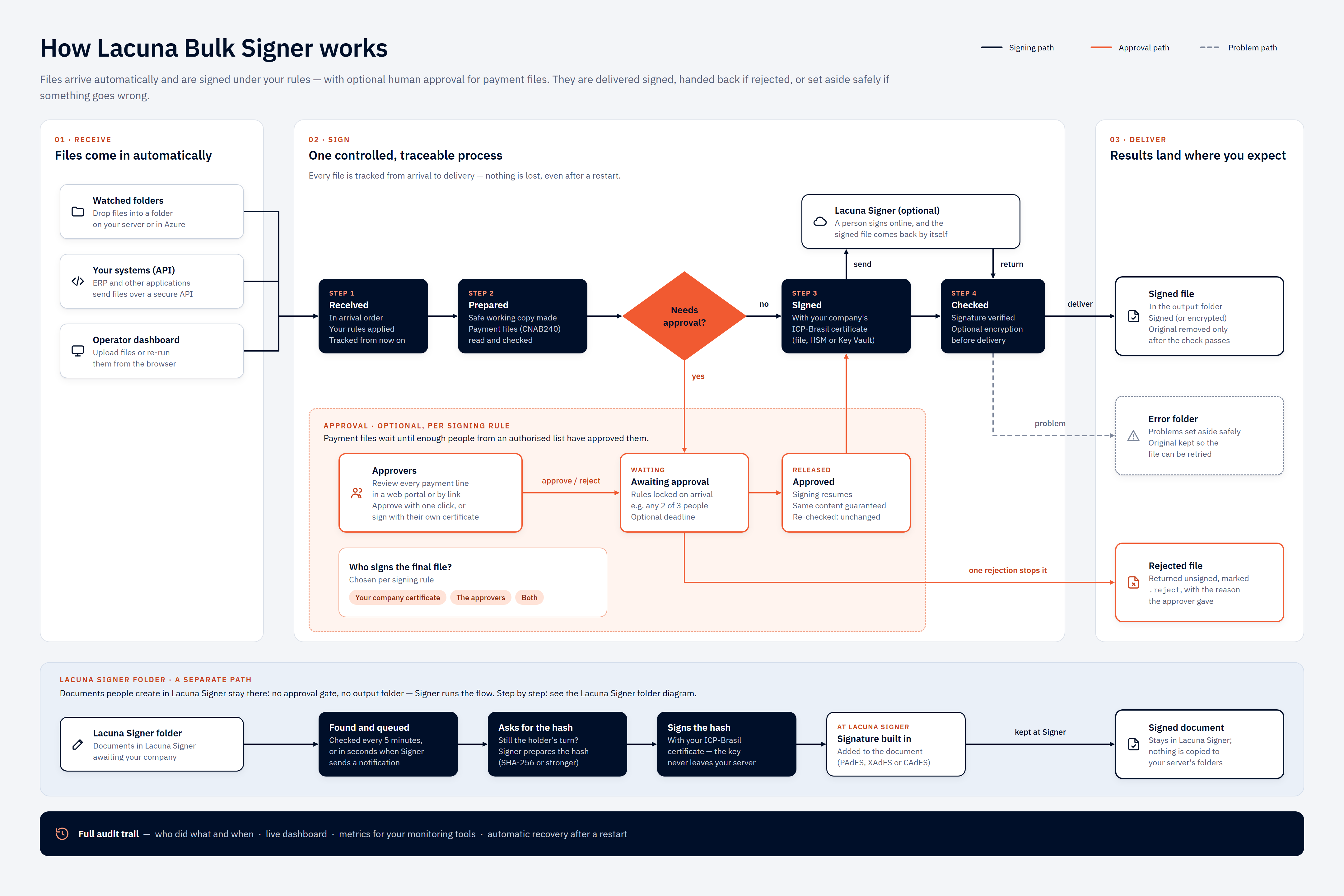](https://docs.lacunasoftware.com/images/bulk-signer/how-it-works.png)
*Select the diagram to open it at full size.*
The same pipeline, with the stages as the service names them:
```text
input/ folder ────┐
POST /api/files ──┼──▶ Queue ──▶ Claim ──▶ [gates] ──▶ Sign ──▶ Verify ──┬──▶ output/
dashboard upload ─┘ │ (output/*.enc
on failure │ when encryption
└──▶ error/ is on)
[gates], both opt-in per signing profile and skipped entirely when unconfigured:
CNAB240 parse — refuse a non-compliant remessa, or one whose payment dates have passed
Approval gate — park in AwaitingApproval until a quorum of named people approves
(and, where the rule says so, co-signs with their own certificates)
```
Every step is recorded in the operational store (job history + operational events) and in the
structured log file; the events are readable on the dashboard's Events page. The dashboard and the REST
API read the same data and trigger the same actions.
## Quickstart — Docker
Using the deployment package provided by Lacuna Software, plus the image from Lacuna's private Docker
image repository — see [Obtaining the product](https://docs.lacunasoftware.com/en-us/articles/bulk-signer/installation#obtaining-the-product):
```bash
cd deploy/docker
docker login --username # the compose file names the repository
cp .env.sample .env
mkdir -p data logs config
cp ../appsettings.Production.json.sample config/appsettings.Production.json
# Edit config/appsettings.Production.json and .env — at minimum:
# - Signing__PkiSdkLicense (base64 license string from Lacuna Software)
# - Auth__ApiKey (>= 16 characters; use a random value)
# - Signing:Certificate:Pfx:Path (and a sibling .pfx file in config/) — or pick another source
sudo chown -R 1654:1654 data logs # the container runs as UID 1654 on Linux hosts
docker compose up -d
curl http://localhost:8080/api/health
```
Sign in to the dashboard at `http://localhost:8080/` using the configured `Auth:ApiKey`.
For Linux systemd, Windows Service, and foreground installs, see **[Installation](https://docs.lacunasoftware.com/en-us/articles/bulk-signer/installation)**.
## Documentation
| Topic | Page |
|-------|------|
| Install the service on any supported target | [Installation](https://docs.lacunasoftware.com/en-us/articles/bulk-signer/installation) |
| Scale out on Azure App Service, step by step | [Azure App Service (cluster mode)](https://docs.lacunasoftware.com/en-us/articles/bulk-signer/azure) |
| What running more than one instance does *not* give you | [High availability and its limits](https://docs.lacunasoftware.com/en-us/articles/bulk-signer/high-availability) |
| Every `appsettings.json` key (type, default, environment override) | [Configuration](https://docs.lacunasoftware.com/en-us/articles/bulk-signer/configuration) |
| Picking and configuring a certificate source (PFX / PKCS#11 / Windows store / Azure Key Vault) | [Certificates](https://docs.lacunasoftware.com/en-us/articles/bulk-signer/certificates) |
| Secret handling, API-key rotation, file ACLs, log redaction | [Security](https://docs.lacunasoftware.com/en-us/articles/bulk-signer/security) |
| Day-2 operations and the job lifecycle | [Operations](https://docs.lacunasoftware.com/en-us/articles/bulk-signer/operations) |
| The Blazor operator console | [Dashboard](https://docs.lacunasoftware.com/en-us/articles/bulk-signer/dashboard) |
| Reading the per-stage timing panel | [Job statistics](https://docs.lacunasoftware.com/en-us/articles/bulk-signer/statistics) |
| Optional Azure Application Insights export | [Telemetry](https://docs.lacunasoftware.com/en-us/articles/bulk-signer/telemetry) |
| The REST surface and the `code`-tagged error envelope | [REST API](https://docs.lacunasoftware.com/en-us/articles/bulk-signer/rest-api) |
| Post-signing encryption (BSENC v1) | [Encryption](https://docs.lacunasoftware.com/en-us/articles/bulk-signer/encryption) |
| Routing a folder through Lacuna Signer for human signing | [Lacuna Signer integration](https://docs.lacunasoftware.com/en-us/articles/bulk-signer/lacuna-signer) |
| Parsing and validating Banco do Brasil payment files | [CNAB240 payment files](https://docs.lacunasoftware.com/en-us/articles/bulk-signer/cnab240) |
| Parking a payment file on a quorum of approvers | [Approvals](https://docs.lacunasoftware.com/en-us/articles/bulk-signer/approvals) |
| Retention defaults and what is (and is not) auto-pruned today | [Retention](https://docs.lacunasoftware.com/en-us/articles/bulk-signer/retention) |
| Failure modes and diagnosis | [Troubleshooting](https://docs.lacunasoftware.com/en-us/articles/bulk-signer/troubleshooting) |
| Reference scripts — decrypt, Key Vault provisioning, Entra app registration | [Samples](https://docs.lacunasoftware.com/en-us/articles/bulk-signer/samples) |
When the service is running, a live OpenAPI reference is served at `/scalar/v1`.
## Reading order
| If you are… | Start at |
|-------------|----------|
| Installing the service for the first time | [Installation](https://docs.lacunasoftware.com/en-us/articles/bulk-signer/installation) → [Configuration](https://docs.lacunasoftware.com/en-us/articles/bulk-signer/configuration) → [Certificates](https://docs.lacunasoftware.com/en-us/articles/bulk-signer/certificates) |
| Wiring an automated system to the REST API | [REST API](https://docs.lacunasoftware.com/en-us/articles/bulk-signer/rest-api) → [Security](https://docs.lacunasoftware.com/en-us/articles/bulk-signer/security) → [Troubleshooting](https://docs.lacunasoftware.com/en-us/articles/bulk-signer/troubleshooting) |
| Operating an existing install | [Operations](https://docs.lacunasoftware.com/en-us/articles/bulk-signer/operations) → [Dashboard](https://docs.lacunasoftware.com/en-us/articles/bulk-signer/dashboard) → [Troubleshooting](https://docs.lacunasoftware.com/en-us/articles/bulk-signer/troubleshooting) |
| Routing a watched folder to a signing profile, or finding out why a folder's files are not moving | [Operations](https://docs.lacunasoftware.com/en-us/articles/bulk-signer/operations#routing-a-watched-folder-to-a-signing-profile) → [Dashboard](https://docs.lacunasoftware.com/en-us/articles/bulk-signer/dashboard) → [Configuration](https://docs.lacunasoftware.com/en-us/articles/bulk-signer/configuration#storageinputsprofile--per-folder-routing) |
| Finding out who paused the pipeline, changed a profile, decided an approval or cleared the jobs | [Dashboard](https://docs.lacunasoftware.com/en-us/articles/bulk-signer/dashboard) → [REST API](https://docs.lacunasoftware.com/en-us/articles/bulk-signer/rest-api) → [Retention](https://docs.lacunasoftware.com/en-us/articles/bulk-signer/retention) |
| Clearing jobs, or deleting one | [Operations](https://docs.lacunasoftware.com/en-us/articles/bulk-signer/operations#clear-jobs) → [Retention](https://docs.lacunasoftware.com/en-us/articles/bulk-signer/retention) |
| Diagnosing slow throughput | [Job statistics](https://docs.lacunasoftware.com/en-us/articles/bulk-signer/statistics) → [Certificates](https://docs.lacunasoftware.com/en-us/articles/bulk-signer/certificates) → [Telemetry](https://docs.lacunasoftware.com/en-us/articles/bulk-signer/telemetry) |
| Keeping the signing key off the host | [Certificates](https://docs.lacunasoftware.com/en-us/articles/bulk-signer/certificates#source--azurekeyvault) → [Samples](https://docs.lacunasoftware.com/en-us/articles/bulk-signer/samples) → [Security](https://docs.lacunasoftware.com/en-us/articles/bulk-signer/security) |
| Enabling encryption | [Encryption](https://docs.lacunasoftware.com/en-us/articles/bulk-signer/encryption) → [Security](https://docs.lacunasoftware.com/en-us/articles/bulk-signer/security) → [Samples](https://docs.lacunasoftware.com/en-us/articles/bulk-signer/samples) |
| Routing a folder through Lacuna Signer (human signing) | [Lacuna Signer integration](https://docs.lacunasoftware.com/en-us/articles/bulk-signer/lacuna-signer) → [Configuration](https://docs.lacunasoftware.com/en-us/articles/bulk-signer/configuration) → [Operations](https://docs.lacunasoftware.com/en-us/articles/bulk-signer/operations) |
| Signing bank payment files | [CNAB240 payment files](https://docs.lacunasoftware.com/en-us/articles/bulk-signer/cnab240) → [Approvals](https://docs.lacunasoftware.com/en-us/articles/bulk-signer/approvals) → [Security](https://docs.lacunasoftware.com/en-us/articles/bulk-signer/security) |
| Putting an approval step in front of the signer | [Approvals](https://docs.lacunasoftware.com/en-us/articles/bulk-signer/approvals) → [Configuration](https://docs.lacunasoftware.com/en-us/articles/bulk-signer/configuration#signingprofilesapproval--the-approval-gate) → [Security](https://docs.lacunasoftware.com/en-us/articles/bulk-signer/security) |
| Signing in with organizational accounts | [Installation](https://docs.lacunasoftware.com/en-us/articles/bulk-signer/installation#microsoft-entra-id-sign-in-optional) → [Configuration](https://docs.lacunasoftware.com/en-us/articles/bulk-signer/configuration#authentraid--optional-microsoft-entra-id-sign-in) → [Security](https://docs.lacunasoftware.com/en-us/articles/bulk-signer/security) |
| Running with no durable local disk | [Configuration](https://docs.lacunasoftware.com/en-us/articles/bulk-signer/configuration#storageprovider--storageazurefiles--the-work-share) → [Installation](https://docs.lacunasoftware.com/en-us/articles/bulk-signer/installation#choosing-where-the-operational-store-lives) → [Certificates](https://docs.lacunasoftware.com/en-us/articles/bulk-signer/certificates#reading-the-file-from-a-blob) |
| Running more than one instance | [High availability and its limits](https://docs.lacunasoftware.com/en-us/articles/bulk-signer/high-availability) → [Azure App Service](https://docs.lacunasoftware.com/en-us/articles/bulk-signer/azure) → [Configuration](https://docs.lacunasoftware.com/en-us/articles/bulk-signer/configuration#cluster--multi-instance-deployment) |
| Keeping the log stream when the host's disk does not survive | [Configuration](https://docs.lacunasoftware.com/en-us/articles/bulk-signer/configuration#loggingazuretable--a-second-log-sink) → [Retention](https://docs.lacunasoftware.com/en-us/articles/bulk-signer/retention#logs-in-a-table--nothing-prunes-them) |
| Asking approvers for a second factor | [Approvals](https://docs.lacunasoftware.com/en-us/articles/bulk-signer/approvals#proving-it-is-you) → [Configuration](https://docs.lacunasoftware.com/en-us/articles/bulk-signer/configuration#approversecondfactor) → [Security](https://docs.lacunasoftware.com/en-us/articles/bulk-signer/security) |
| Backing up the operational store | [Retention](https://docs.lacunasoftware.com/en-us/articles/bulk-signer/retention#backup-discipline) → [Configuration](https://docs.lacunasoftware.com/en-us/articles/bulk-signer/configuration#backup) |
# [Installation](https://docs.lacunasoftware.com/en-us/articles/bulk-signer/installation)
Lacuna Bulk Signer is a single service that can run as four supported targets:
| Target | Process model | Lifecycle managed by |
|--------|---------------|----------------------|
| Linux systemd | Background service | `systemctl` |
| Windows Service | Background service | `services.msc` / `sc.exe` |
| Docker / Compose | Container | `docker compose` |
| Console (one-off / test) | Foreground | Operator (`Ctrl+C`) |
The same binary supports all four. The startup banner prints a `host mode = …` line that tells you
which lifetime is actually active.
You download the application from Lacuna: the **container image** from Lacuna's private Docker image
repository, or the **published binaries** from an OS-specific URL carrying your organization's unique
identifier. The per-target install scripts and the annotated sample configuration arrive separately,
in the **deployment package**. [Obtaining the product](https://docs.lacunasoftware.com/en-us/articles/bulk-signer/installation#obtaining-the-product) covers both, and the
credentials each one takes.
## Choose your target
| Where will the service run? | Use |
|-----------------------------|-----|
| Linux server | systemd — `deploy/linux/install.sh` |
| Windows server | Windows Service — `deploy/windows/Install-Service.ps1` |
| Any host with Docker | Container — `deploy/docker/docker-compose.yml` |
| Azure, on more than one instance | **[Azure App Service (cluster mode)](https://docs.lacunasoftware.com/en-us/articles/bulk-signer/azure)** — its own page |
| Just testing locally | Console — run the published executable in the foreground |
Every target on this page is a **single instance**, which is what this product is unless you deliberately
turn on cluster mode. Running two of these against one work share is a documented hazard, not a
deployment — see [Operations](https://docs.lacunasoftware.com/en-us/articles/bulk-signer/operations#when-another-instance-appears-to-own-the-work-share). The one
supported multi-instance topology is an Azure Web App scaled out on one App Service Plan, and it has its
own walkthrough ([Azure App Service](https://docs.lacunasoftware.com/en-us/articles/bulk-signer/azure)) and its own list of limits
([High availability](https://docs.lacunasoftware.com/en-us/articles/bulk-signer/high-availability)).
## Obtaining the product
There is no public download, and nothing here is built from source. Lacuna Software ships the
application two ways, and the target you just picked decides which one you take:
| What you download | From | Targets that take it |
|-------------------|------|----------------------|
| The **container image**, prebuilt | Lacuna's private Docker image repository, as `/bulksigner:` | Docker / Compose, [Azure App Service](https://docs.lacunasoftware.com/en-us/articles/bulk-signer/azure) |
| The **published binaries**, one archive per OS | A download URL carrying your organization's unique identifier | Linux systemd, Windows Service, console |
Neither artifact carries the install scripts. Those come in the **deployment package** — one archive,
the same on every OS, holding the `deploy/` tree, the annotated `appsettings.Production.json.sample`,
and the PowerShell helper scripts documented in [Samples](https://docs.lacunasoftware.com/en-us/articles/bulk-signer/samples). Unpack it on the machine you
will install from: every `deploy/…` path on this page is relative to its root.
Lacuna issues you three things, and they are not interchangeable:
| Issued to you | What it unlocks | If it leaks or expires |
|---------------|-----------------|------------------------|
| **Registry credentials** — a username and an access token | Pulling the image from the private repository | Ask Lacuna to reissue. The token is scoped to your organization and revocable on its own. |
| **A unique identifier** | The binary download URLs | Ask Lacuna to reissue. It identifies your organization rather than a release — one identifier serves every OS. |
| **The PKI SDK license string** | The *running* service, on every target — not the download | Not a distribution credential at all; see [Obtaining the PKI SDK license](https://docs.lacunasoftware.com/en-us/articles/bulk-signer/installation#obtaining-the-pki-sdk-license). |
> **Warning: The identifier in a download URL is a credential**
>
> It is the only thing standing between that URL and anybody holding it, so a URL that carries it does
> not belong in a public issue, a shared CI log, a wiki page or a committed script. Keep it where you
> keep the registry token — and if it does get out, ask Lacuna to reissue rather than counting on the
> link staying obscure.
### The container image
```bash
docker login --username # prompts for the access token
docker pull /bulksigner:
```
Lacuna supplies the registry host, the repository path and the credentials together. The repository is
private, so an unauthenticated pull answers `not found` rather than `unauthorized` — that is Docker's
usual reply for a repository your credentials cannot see, and not a sign that you mistyped the name.
**Pin ``.** A `latest` tag moves, and on a container host that means a restart can bring up a
release you did not choose to install.
Nothing is built locally: the image Lacuna publishes is the image that runs, based on Ubuntu 24.04 LTS
for the reason in [Docker / Compose](https://docs.lacunasoftware.com/en-us/articles/bulk-signer/installation#docker--compose) below.
### The published binaries
Take the archive matching the host's OS, and extract it where the install script can read it:
```bash
# Linux
curl -fL -o bulksigner-linux-x64.tar.gz \
"https://cdn.lacunasoftware.com/bulk-signer//linux-x64.tar.gz"
mkdir -p publish && tar -xzf bulksigner-linux-x64.tar.gz -C publish
```
```powershell
# Windows — an ordinary prompt is enough here; only the install itself needs elevation
Invoke-WebRequest -Uri "https://cdn.lacunasoftware.com/bulk-signer//win-x64.zip" -OutFile bulksigner-win-x64.zip
Expand-Archive -Path bulksigner-win-x64.zip -DestinationPath publish
```
`publish` is the name the rest of this page uses, because it is what the install scripts take as
`--from publish` / `-From publish` — the archive does not care, and the switch accepts any path. Ask
Lacuna if you need an OS or an architecture those two URLs do not cover.
### A host with no route to the internet
Neither artifact needs one at install time: both are whole, with no package feed, no restore step and no
second call home, so a download on a connected workstation and a copy across is a complete answer. Bring
the binaries over as the archive; bring the image over with `docker save` / `docker load`, or push it
into a registry the host can reach — which is what [step 1](https://docs.lacunasoftware.com/en-us/articles/bulk-signer/azure#1-import-the-image) of the Azure
walkthrough does, for a different reason. The PKI SDK license is a string rather than a download, so an
air-gapped install stays air-gapped.
### Then check what you got
The version actually running is in the dashboard's app bar on every page, printed whole under the
branded console banner at each start, and on the System page. Once the install below is done, read it
against the release you were told to install — that is the only confirmation that the URL, or the tag,
served what you expected.
## Prerequisites — common to every target
1. **Lacuna PKI SDK license string** (base64), supplied by Lacuna Software. Required at startup;
without it, the service refuses to boot. See [Obtaining the PKI SDK license](https://docs.lacunasoftware.com/en-us/articles/bulk-signer/installation#obtaining-the-pki-sdk-license).
2. **A signing certificate source.** Pick one of:
- **PFX** — a `.pfx` / `.p12` file plus the password that unlocks it.
- **PKCS#11** — a vendor driver (`.so` on Linux, `.dll` on Windows) plus the SHA-1 thumbprint of
the signing certificate on the token, plus the PIN supplied through an environment variable.
- **Windows certificate store** — Windows targets only, plus the SHA-1 thumbprint.
See [Certificates](https://docs.lacunasoftware.com/en-us/articles/bulk-signer/certificates) for details. The certificate you configure seeds the first
**signing profile** on the first boot; from then on profiles — their certificate included — live in
the operational store and are managed from the dashboard (see
[Configuration](https://docs.lacunasoftware.com/en-us/articles/bulk-signer/configuration#signingprofiles--per-folder-signing-profiles)). If a profile's
certificate carries a secret — a PFX password, an Azure Key Vault application secret, a blob
credential — also set `Signing:ProfileSecretsKey` **before** the first boot, and back it up: the
import refuses without it, and losing it later means re-entering those secrets.
3. **Encryption decision.** Leave disabled (default) or enable BSENC v1. If you enable encryption,
decide where the password and salt will live before first boot. See [Encryption](https://docs.lacunasoftware.com/en-us/articles/bulk-signer/encryption).
4. **TLS termination.** The service listens on plain HTTP by default. The recommended deployment
terminates TLS at a reverse proxy (nginx, IIS, Traefik). The `Hosting:RequireHttps` flag
(default `false`) gates the in-process HTTPS redirect — set it to `true` only if you have
configured a Kestrel certificate.
5. **Watched input folders.** Decide whether you need one input folder (default) or several. With a
single folder, omit `Storage:Inputs[]` entirely — the service creates one named `default` at
`{Root}/input`. For multiple folders, populate `Storage:Inputs[]` with one entry per folder; see
[Configuration](https://docs.lacunasoftware.com/en-us/articles/bulk-signer/configuration#storage). Which signing profile each folder's files are signed
under is **chosen on the profile's page after the first boot**, one folder per profile; a folder's
`Profile` key only seeds that choice on the first boot (see
[Configuration](https://docs.lacunasoftware.com/en-us/articles/bulk-signer/configuration#storageinputsprofile--per-folder-routing)).
Every install seeds an editable production config from the provided
`appsettings.Production.json.sample`. The sample is annotated with `REQUIRED` and `SECRET` markers;
review it before first start.
## Obtaining the PKI SDK license
The license is a base64 string supplied by Lacuna Software. Two ways to load it:
| Where | How |
|-------|-----|
| Environment variable (preferred) | Set `Signing__PkiSdkLicense=` |
| Config file | Set `Signing:PkiSdkLicense` in `appsettings.Production.json` |
The environment variable takes precedence at boot. The install scripts read the environment
variable from the per-target file (`/etc/bulksigner/bulksigner.env` on Linux, machine-scope
environment variables on Windows, `.env` on Docker) so the license never lands in a committed file.
See [Security](https://docs.lacunasoftware.com/en-us/articles/bulk-signer/security) for the full secrets-handling story.
> **Warning: Upgrading from 1.0.x**
>
> This key was named `Signing:License` (`Signing__License`) in 1.0.x and was renamed in **1.1.0**. The
> old name is no longer read, so an upgraded install that still sets it fails at startup with
> `Signing:PkiSdkLicense is required`. Rename the key in your config file or environment file as part
> of the upgrade.
## Linux — systemd
```bash
# 1. With the binaries extracted to publish/ and the deployment package unpacked on the
# target machine (see Obtaining the product above):
sudo bash deploy/linux/install.sh --from publish
# 2. Edit the production config and the secrets env file.
sudo nano /etc/bulksigner/appsettings.Production.json
sudo nano /etc/bulksigner/bulksigner.env
# 3. Restart so config changes take effect.
sudo systemctl restart bulksigner
# 4. Verify the service is up.
curl http://localhost:8080/api/health
curl http://localhost:8080/api/ready
systemctl --no-pager status bulksigner
journalctl -u bulksigner -f
```
Install paths (FHS conventions):
| Path | Purpose | Mode | Owner |
|------|---------|------|-------|
| `/opt/bulksigner` | Binary (read-only after install) | `0755` | `root:root` |
| `/var/lib/bulksigner` | Data: `input` / `processing` / `output` / `db` | `0750` | `bulksigner:bulksigner` |
| `/var/log/bulksigner` | Durable log files | `0750` | `bulksigner:bulksigner` |
| `/etc/bulksigner` | `appsettings.Production.json` + `bulksigner.env` | `0750` | `bulksigner:bulksigner` |
The systemd unit uses `Type=notify` so `systemctl status` reports `active (running)` only after the
full bootstrap (license load + database migration + pipeline recovery) succeeds. Hardening flags
(`NoNewPrivileges`, `ProtectSystem=strict`, `PrivateTmp`) are on by default.
**Uninstall:**
```bash
sudo bash deploy/linux/uninstall.sh # stop + remove the unit, preserve data
sudo bash deploy/linux/uninstall.sh --purge # also wipe data, logs, config, and the system user
```
## Windows — Windows Service
```powershell
# 1. With the binaries extracted to publish\ and the deployment package unpacked on the
# target machine (see Obtaining the product above), in an ELEVATED PowerShell prompt:
.\deploy\windows\Install-Service.ps1 -From publish
# 2. Edit the production config:
notepad C:\ProgramData\Lacuna\BulkSigner\config\appsettings.Production.json
# 3. Set secrets as machine-scope environment variables:
[Environment]::SetEnvironmentVariable("Signing__PkiSdkLicense", "", "Machine")
[Environment]::SetEnvironmentVariable("Auth__ApiKey", "", "Machine")
[Environment]::SetEnvironmentVariable("BULK_SIGNER_PKCS11_PIN", "", "Machine")
[Environment]::SetEnvironmentVariable("BULK_SIGNER_ENCRYPTION_PASSWORD", "", "Machine")
Restart-Service LacunaBulkSigner
# 4. Verify.
Invoke-WebRequest http://localhost:8080/api/health
Invoke-WebRequest http://localhost:8080/api/ready
Get-Service LacunaBulkSigner
Get-Content C:\ProgramData\Lacuna\BulkSigner\logs\bulksigner-*.log -Tail 50 -Wait
```
Install paths (Windows conventions):
| Path | Purpose |
|------|---------|
| `C:\Program Files\Lacuna\BulkSigner` | Binary (read-only after install) |
| `C:\ProgramData\Lacuna\BulkSigner\config` | `appsettings.Production.json` |
| `C:\ProgramData\Lacuna\BulkSigner\data` | Operational data (`input` / `processing` / `output` / `db`) |
| `C:\ProgramData\Lacuna\BulkSigner\logs` | Log files |
The service runs under a **virtual account** (`NT SERVICE\LacunaBulkSigner`) — no operator password
to manage, no domain account to permission. The install script grants this account access to the
`ProgramData` tree and configures crash recovery (restart after 5 s on the first and second
failure, 30 s on the third).
> **Note**
>
> Application-level logs go through the file sink only. The Windows Application event log carries
> service lifecycle entries (start / stop / failure) for this service — not the per-job log lines.
> Look in the log file for those.
**Uninstall:**
```powershell
.\deploy\windows\Uninstall-Service.ps1 # stop + remove the service, preserve data
.\deploy\windows\Uninstall-Service.ps1 -Purge # also wipe ProgramData and the machine env vars
```
## Docker / Compose
```bash
cd deploy/docker
# 1. Authenticate to Lacuna's private registry — the compose file's image: line names it.
docker login --username
# 2. Prepare working directories on the host.
cp .env.sample .env
mkdir -p data logs config
cp ../appsettings.Production.json.sample config/appsettings.Production.json
# 3. Edit the config and the env file.
nano config/appsettings.Production.json
nano .env
# 4. The container runs as UID 1654. On Linux hosts:
sudo chown -R 1654:1654 data logs
# 5. Start — `up` pulls the image on its first run.
docker compose up -d
# 6. Verify.
curl http://localhost:8080/api/health
docker compose ps # should show "healthy" after ~30 s
docker compose logs -f bulksigner
```
The compose file's `image:` line is where the private repository and its pinned tag live, so it is the
line you edit at upgrade time. A pull that fails looks like a container that never starts with an empty
application log — because there is no application yet — so check `docker login` before reading anything
into the silence.
Lacuna builds the image on Ubuntu 24.04 LTS — **not** Alpine. HSM `.so` libraries are generally not
musl-compatible, so Alpine is off the table; the requirement is glibc, and .NET 10 publishes no Debian
image, which is why this is Ubuntu rather than the Debian-slim base earlier versions used. Nothing you
configure changes with it: the same package names, the same non-root UID 1654, the same paths. The
image ships generic PKCS#11 tooling
(`libpcsclite1` + `opensc`); vendor HSM drivers (SafeNet, Thales, Entrust, Yubico) are
operator-mounted at runtime via `volumes:` in the compose file. See the commented examples in
`deploy/docker/docker-compose.yml`.
A `HEALTHCHECK` polls `/api/health` every 30 seconds, so `docker ps` and orchestrators see accurate
`(healthy)` / `(unhealthy)` status.
Bind mounts and host paths:
| Container path | Host path | Purpose |
|----------------|-----------|---------|
| `/app/appsettings.Production.json` | `./config/appsettings.Production.json` (read-only) | Operator-edited config |
| `/var/lib/bulksigner` | `./data` | Operational data tree (input / processing / output / db) |
| `/var/log/bulksigner` | `./logs` | Durable log files |
A [customer logo](https://docs.lacunasoftware.com/en-us/articles/bulk-signer/configuration#branding--the-customers-logo-on-the-sign-in-and-approver-pages) for
the sign-in and approver pages is mounted the same way when you use one — read-only, with
`Branding:CustomerLogo:Path` naming the path *inside* the container. The compose file carries the
commented example.
## Foreground console (one-off / test)
Run the published executable directly to start the service in the foreground — useful for a quick
local test or to see bootstrap errors immediately:
```bash
# Linux
./publish/Lacuna.BulkSigner
# Windows
.\publish\Lacuna.BulkSigner.exe
```
- The `data/` tree is created relative to the working directory.
- Use `Ctrl+C` to stop. The bootstrap banner prints `host mode = console`.
- On an interactive terminal, a live status panel replaces the streaming log. See
[Console dashboard](https://docs.lacunasoftware.com/en-us/articles/bulk-signer/dashboard#console-dashboard-foreground-runs-only).
## Azure Files storage (optional)
Every install above keeps the whole `data/` tree on the host. Setting
[`Storage:Provider = AzureFiles`](https://docs.lacunasoftware.com/en-us/articles/bulk-signer/configuration#storageprovider--storageazurefiles--the-work-share)
moves the **work share** — `processing/`, `output/` and `error/` — into an Azure Files share reached
through the service's own SDK. No SMB mount, no host-level dependency, no change to any install step
above.
What you decide before installing:
| Decision | Notes |
|----------|-------|
| **Which share holds the work roots** | One share, not several: promoting a verified artifact and relocating a failed job's staged copy are *renames*, and Azure's rename cannot cross shares or accounts. Add a `Directory` prefix if several deployments share one share. |
| **Where the input folders live** | Independent of the above and per folder — staging from an input folder is a *copy*, and a copy may cross anything. A folder can stay local while the work share is remote, or read a customer's share in their own account. |
| **The credential** | `ManagedIdentity` (system-assigned, no secret) where the host runs in Azure; `ServicePrincipal` on-premises; `AccountKey` only where the host cannot reach the tenant at all. See [Security](https://docs.lacunasoftware.com/en-us/articles/bulk-signer/security#azure-files-storage-credentials). |
| **The poll interval per remote folder** | Azure Files publishes no change notifications, so a remote folder is **enumerated on a timer**. A folder that resolves to no interval is refused at boot. |
Host requirements are the same on every target: outbound HTTPS to
`https://.file.core.windows.net`, and — for `ManagedIdentity` — a reachable IMDS endpoint,
which on the Docker target means the container can reach `169.254.169.254`.
> **Warning: logs/ and the SQLite database can never move to a share**
>
> `Logging:File:Path` is always a local path, and startup **refuses** a configuration that moves it: the
> file sink reaches the filesystem through its own API and cannot be handed a share. Under
> `Database:Provider = Sqlite`, `ConnectionStrings:Default` is refused on a share for the reason a
> database file reached over SMB is the documented way to corrupt one. Under `SqlServer` the `db/`
> directory is simply unused.
**What changes operationally.** Ingestion moves from event-driven to a timer (about half a minute on
the defaults, worst case), inspecting `error/` and `processing/` means a storage client rather than an
SSH session, and the share is marked at boot so a second instance is visible. All three are covered in
[Operations](https://docs.lacunasoftware.com/en-us/articles/bulk-signer/operations#what-changes-day-to-day-on-a-share).
**Verifying.** The boot banner gains `work share`, `azure credential`, `input providers` and
`azure shares = N reachable` rows; `/api/ready` gains one `storage-share:/` check per
share plus a `work-share-owner` row. Drop a file in a remote input folder and watch it appear as a job
within one poll interval.
## The certificate file in Azure Blob Storage (optional)
A host with no durable local disk also has nowhere to keep the `.pfx` or `.cer`. Both sources that name
a file can name a blob instead — see
[Certificates](https://docs.lacunasoftware.com/en-us/articles/bulk-signer/certificates#reading-the-file-from-a-blob). Two things to plan for at install time:
- The identity needs **Storage Blob Data Reader** on the container, and nothing wider.
- **An unreachable blob leaves that profile degraded, and the host running.** It is named on the
startup banner, in the log and on `/api/ready`, jobs routed to it fail with `profile.degraded`, and
every other profile keeps signing. Fix the access and restart. (Up to 2.0.x an unreachable blob
stopped the host from starting.)
## Choosing where the operational store lives
Every install above put the **operational store** — jobs, their history, operational events, the
pipeline's pause flag, the frozen approval rules and the recorded approvals — in a SQLite file under
`Storage:Root`. That is the default, it stays the default, and a deployment that says nothing keeps it.
| Choose | When |
|--------|------|
| **`Sqlite`** (default) | Anything with durable local disk. No external dependency, nothing to provision, and correct for an air-gapped install. |
| **`SqlServer`** | Your policy puts operational data in your own DBMS, under your own backup, HA and DR regime — the recorded approvals in particular are the evidence an auditor asks for. Or the host has **no durable local disk**, where a SQLite file is not a record but a record that disappears on the next revision. |
> **Info: Neither is a throughput decision**
>
> SQLite is not this pipeline's ceiling — the bound is cryptography and I/O — and nothing about
> `SqlServer` makes signing faster. It matters because "we moved to SQL Server" reads as a scaling story,
> and that leads to the wrong inference about instances: **choosing `SqlServer` does not by itself make a
> second instance supported.** Running more than one is an explicit opt-in (`Cluster:Enabled`) with its own
> prerequisites and its own list of limits — `SqlServer` is one of those prerequisites rather than the whole
> of it. Off that switch, two instances over one work share remain a documented hazard: see
> [Operations](https://docs.lacunasoftware.com/en-us/articles/bulk-signer/operations#when-another-instance-appears-to-own-the-work-share). To actually scale out,
> start at [High availability and its limits](https://docs.lacunasoftware.com/en-us/articles/bulk-signer/high-availability).
### What to have in place before the first boot
1. **The database, created.** Bulk Signer creates its *tables*, not its database. The boot probe opens
a connection to the database the connection string names, so an absent one reads as an unreachable
store and the migration is skipped — the service starts, and `/api/ready` stays red.
2. **A login mapped to a user in it**, in `db_datareader` + `db_datawriter` + `db_ddladmin` — not
`db_owner`. The `ALTER ROLE` script is in
[Configuration](https://docs.lacunasoftware.com/en-us/articles/bulk-signer/configuration#before-you-point-it-at-sql-server).
3. **Network reach and TLS the host accepts.** The SQL client encrypts by default, so an on-premises
server whose certificate the host does not trust refuses the login with a *certificate chain … not
trusted* error.
Azure SQL additionally needs a server firewall rule (or a private endpoint / VNet rule) for this
host, plus the outbound ports its **connection policy** implies — the prerequisite most easily
missed, because the default policy is not one thing:
| Where the host runs | Default policy | Outbound ports to allow |
|---------------------|----------------|-------------------------|
| **Inside Azure** (VM, VMSS, container app, App Service) | `Redirect` | TCP **1433** to the gateway **and TCP 11000–11999** to the region's SQL addresses. Use the `Sql.` service tag on an NSG rather than enumerating IPs. |
| **Outside Azure** (on-premises host reaching Azure SQL) | `Proxy` | TCP **1433** only. |
Allowing 1433 alone from inside Azure is enough to establish the TCP session and not enough to use
it, which is exactly the shape of failure this list exists to prevent.
### Per target — where the connection string lives
The connection string may be the whole of the credential, so it belongs wherever that target already
keeps secrets — the same places, and for the same reasons, as the PKI license.
| Target | Where to put `ConnectionStrings__Default` | Passwordless option |
|--------|-------------------------------------------|---------------------|
| **Linux systemd** | `/etc/bulksigner/bulksigner.env` (`0640`, owned by `bulksigner`). Or `appsettings.Production.json` when it carries no password. | On an Azure VM or VMSS: `Authentication=Active Directory Managed Identity`. Not on-premises — use a SQL login there. |
| **Windows Service** | Machine-scope environment variable, set the same way as the PKI license. | Windows integrated authentication. The service runs as `NT SERVICE\LacunaBulkSigner`, which reaches the network as the **computer account**, so the login to create is `DOMAIN\HOSTNAME$`. Run the service as a gMSA or a domain user for a per-service identity. |
| **Docker / Compose** | `deploy/docker/.env`. | Only where the container can reach the host's IMDS endpoint (`169.254.169.254`). Unlike the Azure Files provider, a **user-assigned** identity also works here (`User Id=`). |
| **Console (dev)** | `appsettings.Development.json` or an ordinary shell environment variable. | `Authentication=Active Directory Default` picks up your own `az login` — convenient locally, and not what you want in production. |
### Switching from SQLite — archive the old file first
Setting `Database:Provider = SqlServer` on an existing install comes up against an **empty store**.
There is no importer and no boot-time check for the file left behind: no jobs, no history, no
operational events, and **no approval snapshots and no recorded approvals**.
In order:
1. **Drain the pipeline** — pause it, let the in-flight count reach zero, then stop the service.
Release or reject any job parked at the approval gate first: in the new store it does not exist, and
its approvers' decisions are in the file you are about to archive.
2. Copy `db/bulksigner.db` somewhere your retention policy covers, and keep a SQLite client to hand.
From this point it is your archive, not the service's.
3. Create the database and the login, set `Database:Provider` and `ConnectionStrings:Default`, start
the service, and verify below.
Files in `input/`, `output/` and `error/` are untouched by the switch — but startup recovery reconciles
`processing/` **from job rows**, and the new store has none. Inspect and clear any leftovers by hand,
against the archived database, before the first boot on the new store.
### Verifying a SQL Server store
Check the boot banner, which names the store on **every** deployment:
```text
operational store = SQL Server (sqlsrv01/BulkSigner)
store status = reachable
```
A local install reads `operational store = SQLite (data/db/bulksigner.db)` and gets neither of the
other two rows — nothing was probed. Neither row ever carries the connection string.
Two rows are the ones to act on:
- **`store status = UNREACHABLE: …`** — the store did not answer. The host started anyway on purpose (a
database down during a maintenance window must not turn a restart into an outage), the migration was
skipped, and `/api/ready` is red. Fix the store and **restart**.
- **`store isolation = READ_COMMITTED_SNAPSHOT off …`** — the one setting that makes the product feel
broken without failing anything: the dashboard's reads will block behind the pipeline's writes. Azure
SQL enables it by default, on-premises SQL Server does not. Bulk Signer reports it and **never
changes it** — the statement needs exclusive access to a database that is yours. One `ALTER DATABASE`
by a DBA, then restart.
Then `curl -H "X-API-Key: …" http://localhost:8080/api/ready/details` — its `database` check names the
store it actually checked. (`/api/ready` alone tells you the check is green; the name of the store is on
the details route, behind the key.)
## Microsoft Entra ID sign-in (optional)
By default the dashboard sign-in is the API key, and nothing here is needed — an air-gapped deployment
never touches a Microsoft tenant. To let people sign in with their organization's Microsoft Entra ID
accounts instead:
> **Tip: Scripted alternative**
>
> `New-BulkSignerEntraApp.ps1` (shipped with the deployment package, see [Samples](https://docs.lacunasoftware.com/en-us/articles/bulk-signer/samples)) performs
> steps 1, 2 and 4 through Microsoft Graph, creates the client secret, and prints the exact configuration
> block for step 5. Only step 3 stays manual.
>
> ```bash
> pwsh New-BulkSignerEntraApp.ps1 -BaseUrl https://signer.example.com
> ```
**1. Register the application** in the tenant (Entra admin center → App registrations → New):
- **Supported account types:** *Accounts in this organizational directory only* — single tenant; the
app refuses the multi-tenant pseudo-tenants at boot.
- **Redirect URI:** type *Web*, value `https:///signin-oidc`.
- Under **Certificates & secrets**, create a **client secret** and copy its value immediately — it is
shown once.
**2. Create the two app roles** (App registration → App roles → Create):
| Display name | Value (must match exactly) | Allowed member types | Grants |
|--------------|---------------------------|----------------------|--------|
| Administrator | `Administrator` | Users/Groups | The operator dashboard — every page and action the API-key cookie grants today. |
| Approver | `Approver` | Users/Groups | The approver surfaces. Which payment files the person may decide is still governed by the frozen approver pool, matched by email — the role only opens the door. |
**3. Assign people** (Enterprise application → Users and groups → Add). One person may hold both roles
and is genuinely both. An account with **neither role is refused** by the app even when it
authenticates.
**4. Require assignment** (Enterprise application → Properties → **Assignment required = Yes**), so
unassigned accounts fail at Microsoft's door. The app enforces role presence regardless — tenant
configuration alone must never be the only fence.
**5. Configure the host** — see
[Configuration](https://docs.lacunasoftware.com/en-us/articles/bulk-signer/configuration#authentraid--optional-microsoft-entra-id-sign-in):
```bash
Auth__EntraId__TenantId=
Auth__EntraId__ClientId=
Auth__EntraId__ClientSecret= # env var recommended; never commit
```
Restart. `/login` now offers **Sign in with Microsoft**, and the API-key form is off — a half-filled
section refuses to boot naming the missing key. Approvers who match a pool by their directory email
land on `/approvals`; the durable approver links keep working for people outside the tenant.
> **Warning: Email matters for approvers**
>
> Pool matching binds on the token's email claim. For guest accounts — external approvers invited into
> the tenant — make sure the account's **mail attribute** carries the business address configured in the
> pool. The mangled `#EXT#` UPN is deliberately not used as a fallback.
> **Danger: Turning this on signs everyone out**
>
> Existing operator cookies stop satisfying policies immediately — there is no eight-hour tail of
> sessions minted by a login form that no longer exists. Plan the cutover accordingly. REST clients using
> `X-API-Key` are unaffected.
## Upgrades
The database schema migrates automatically at startup. Fetch the new release first — the same two
channels as the first install, [Obtaining the product](https://docs.lacunasoftware.com/en-us/articles/bulk-signer/installation#obtaining-the-product) — and use the deployment
package that came with it rather than the copy you installed from last time. Then, to upgrade in place:
| Target | Steps |
|--------|-------|
| Linux | Extract the new [binaries archive](https://docs.lacunasoftware.com/en-us/articles/bulk-signer/installation#the-published-binaries), then `sudo bash deploy/linux/install.sh --from ` — stops the unit, redeploys the binary, restarts. |
| Windows | Extract the new [binaries archive](https://docs.lacunasoftware.com/en-us/articles/bulk-signer/installation#the-published-binaries), then `.\deploy\windows\Install-Service.ps1 -From ` — stops the service, mirrors the binary tree, restarts. |
| Docker | Bump the tag on the compose file's `image:` line, then `docker compose pull && docker compose up -d`. Run `docker login` again first if the access token has expired since the install. |
> **Warning: Always back up the operational database before upgrading.**
>
> Under `Database:Provider = Sqlite`:
>
> | Target | Backup command |
> |--------|----------------|
> | Linux | `sudo cp /var/lib/bulksigner/db/bulksigner.db /var/lib/bulksigner/db/bulksigner.db.bak` |
> | Windows | `Copy-Item C:\ProgramData\Lacuna\BulkSigner\data\db\bulksigner.db -Dest .\bulksigner.db.bak` |
> | Docker | `cp deploy/docker/data/db/bulksigner.db deploy/docker/data/db/bulksigner.db.bak` |
>
> Under `SqlServer`, backup is your DBMS regime's concern — which is one of the two reasons a customer
> chooses that provider. `db_ddladmin` must be in place for the boot that applies the migration; a boot
> against a schema that is already current creates nothing.
The startup recovery sweep moves any job left in flight by the previous version aside automatically
— no manual cleanup needed. See [Operations](https://docs.lacunasoftware.com/en-us/articles/bulk-signer/operations#startup-recovery).
### Upgrading to 2.0.0
Four changes can stop a deployment that starts today, or change what an existing script sees. Each is
deliberate; the first is the one to check *before* editing anything.
- **A watched input folder pointed at a work root now refuses the boot.** Such a configuration was
re-ingesting and then deleting the artifacts it produced, one per iteration, while reporting every job
`Completed`. **Check `output/` against what recipients actually collected** before you fix the config —
see [Troubleshooting](https://docs.lacunasoftware.com/en-us/articles/bulk-signer/troubleshooting#a-deployment-that-used-to-start-now-refuses-naming-a-watched-input-folder).
- **Clear Jobs deletes finished records only.** `DELETE /api/jobs` now reports `skipped` alongside
`deleted`, and a script that clears the table and then expects it empty has to drain or cancel the
unfinished jobs first. See [Operations](https://docs.lacunasoftware.com/en-us/articles/bulk-signer/operations#clear-jobs). *Reversed in 2.9.0 — see
[below](https://docs.lacunasoftware.com/en-us/articles/bulk-signer/installation#upgrading-within-2x).*
- **A file whose path exceeds 850 characters is refused when it is taken in**, with the new problem code
`job.path-too-long`, rather than being accepted and failed later.
- **The dashboard's "Max throughput/sec" card is retired.** The
`bulksigner_signing_duration_seconds` histogram on `/api/metrics` is unchanged and still the external
record. See [Job statistics](https://docs.lacunasoftware.com/en-us/articles/bulk-signer/statistics#max-throughputsec-is-gone).
This release adds migrations in **both** database histories, applied at boot — so the backup warning above
matters more than usual on this upgrade.
> **Warning: Turning on cluster mode? Boot once with it off first**
>
> `Cluster:Enabled = true` filters startup recovery to each instance's own jobs, and a row left in progress
> by an older build carries **no owner** — so nothing under the switch will ever sweep it. Boot once with
> `Cluster:Enabled = false`, let recovery run, then turn the mode on. It is a one-time concern at the
> upgrade. See [Azure App Service](https://docs.lacunasoftware.com/en-us/articles/bulk-signer/azure#6-first-boot-on-one-instance).
### Upgrading within 2.x
Every 2.x release upgrades in place with the steps above, and you can go from any 2.x straight to the
latest — the migrations of the releases in between are applied in order at the first boot. Releases
2.1.0, 2.2.0, 2.4.3, 2.5.0, 2.7.0, 2.13.0, 2.14.0, 2.15.0, 2.16.0, 2.17.0 and 2.18.0 add migrations; take
the backup above before any of them. The releases below also ask something of you, and are listed in the
order you would cross them:
- **2.1.0 — signing profiles move into the operational store.** The first boot on 2.1.0 or later
imports your `Signing:Profiles[]` section (or derives a `default` profile from `Signing:Certificate`)
**once**; after that the section is ignored, the startup log says so on every boot until you remove
it, and profiles are created and edited from the dashboard. **If any profile carries a secret** — a
PFX password, a Key Vault application secret, a blob credential — set `Signing__ProfileSecretsKey`
before that boot, or the import refuses, naming the key; back the key up with your other secrets. See
[Configuration](https://docs.lacunasoftware.com/en-us/articles/bulk-signer/configuration#signingprofilesecretskey--what-stored-profile-secrets-are-encrypted-under).
Three more changes land in the same release:
- A **half-written `Signer:` block now refuses the boot** even when no profile uses Lacuna Signer —
complete it or remove it.
- A **certificate that will not open no longer stops the host**: that profile is degraded, its row
on `/api/ready` reports `ok: false` without turning the response into a `503`, and its jobs fail
with `profile.degraded`. Alerting that reads only the top-level `ready` will not see it — read
`checks[]`.
- A file an approver **rejects** is returned to `output/` with `.reject` in its name, and its original
is removed from the watched folder. Anything that treats every file in `output/` as a signature must
now read the name. If you turned the approver second factor on by setting only
`ApproverSecondFactor:SeedSecret`, also set `ApproverSecondFactor__Enabled=true` explicitly — the
shipped default is off.
- **2.2.0 — the profile chooses its watched folder.** The folder binding moves from
`Storage:Inputs[].Profile` onto the profile. Upgrading from 2.0.x, the first boot's import binds each
folder from that key, as before. Upgrading from **2.1.x**, the profiles were already imported with no
binding, so **every watched folder comes up unassigned** and its files wait, unsigned: choose each
folder from its profile's page (*Edit behaviour* → **Input folder**) right after the upgrade.
- **2.2.1 — sign out and back in once.** The dashboard now carries the signed-in operator's identity
into every page, and a session open across the upgrade keeps its old ticket until it is renewed. Under
Entra ID, operators' audit events are now recorded under their UPN instead of `(anonymous)`.
- **2.3.1 — `Auth:ApiKey` must be your own.** The shipped `appsettings.json` no longer carries a
placeholder key, sample profiles or a `Signer` block, and its `Pipeline:MaxConcurrency` is back to the
product default of `1`. A deployment that never set `Auth__ApiKey` now refuses to start, naming the
key; one that relied on the old concurrency sets `Pipeline__MaxConcurrency` itself. A first boot that
refused naming profiles you never declared was this defect — use 2.3.1 or later.
- **2.4.1 — Docker: skip the 2.3.2 and 2.4.0 images.** Those two container images lacked the
dashboard's client script: the pages rendered but no control did anything, while `/api/ready` stayed
green. Pull 2.4.1 or later. Service installs were never affected.
- **2.4.3 — pause and resume on SQL Server.** A SQL Server store created before this release never got
the row that holds the pause flag, so pausing answered `pipeline.state-missing`; the migration adds it.
- **2.5.0 — cluster redeploys on App Service.** A new container now displaces the one it replaces
instead of being refused. Upgrades stay stop-the-world; see
[Azure App Service](https://docs.lacunasoftware.com/en-us/articles/bulk-signer/azure#8-upgrades-are-stop-the-world).
- **2.6.0 — `/api/ready` loses its detail.** The anonymous probe now carries only each check's name and
verdict; a monitor that parsed `detail` moves to `/api/ready/details` and sends `X-API-Key`. The
status code is unchanged. See [Configuration](https://docs.lacunasoftware.com/en-us/articles/bulk-signer/configuration#readiness).
- **2.7.0 — one metric changes identity.** `bulksigner_approver_signatures_total` gains a `means` label
(`browser` / `cloud`), so its series identity changes for anything that scrapes it.
- **2.9.0 and 2.10.0 — Clear Jobs takes everything.** It now deletes every job whatever its status,
the files those jobs left behind and (since 2.10.0) every operational event recorded before the clear,
writing one `JobsCleared` event as the record of it. Its response drops `skipped` and gains
`filesDeleted`, `foldersDeleted`, `itemsFailed` and `eventsDeleted`. A script written against the 2.0.0
behaviour above has to change. See [Operations](https://docs.lacunasoftware.com/en-us/articles/bulk-signer/operations#clear-jobs).
- **2.13.0 — an already-processed file name is refused.** A file arriving under a name a completed or
still-active job carries now fails as `file.already-processed` instead of being signed again. A
producer that reuses one fixed file name every day needs
`Pipeline__RejectAlreadyProcessedFileNames=false` **before** the upgrade. See
[Configuration](https://docs.lacunasoftware.com/en-us/articles/bulk-signer/configuration#pipeline).
- **2.16.0 — a Lacuna Signer outage now spends the poll budget.** Nothing changes for a host with no
`Method = LacunaSigner` profile. With one, a `5xx`, `408` or `429` from Signer, a proxy's error page
or a timeout during a poll or download now counts against `Signer:MaxConsecutiveApiFailures` — it was
retried uncounted until `Signer:TimeoutHours` before — so an outage longer than the budget fails the
waiting jobs `signer.unreachable`, to be retried once Signer is back. A job's `originalPath` may now be
`null` on `GET /api/jobs` (only for the new `SignerFolder` method's jobs, which have no file); a client
that assumes a string should tolerate it. See
[API failures](https://docs.lacunasoftware.com/en-us/articles/bulk-signer/lacuna-signer#api-failures-and-the-per-job-budget).
## Quick health checks
After installing on any target:
| URL | What it tells you |
|-----|-------------------|
| `http://localhost:8080/api/health` | Liveness — anonymous, returns `200 OK` if the host process is up. |
| `http://localhost:8080/api/ready` | Readiness — anonymous by default, returns a body naming each probe (operational store, per input folder, license, plus `storage-share:` and `work-share-owner` rows on a remote work share) with its verdict and no detail. `503` if any gating probe failed. |
| `http://localhost:8080/api/ready/details` | The same report with each probe's detail. Needs the API key. |
| `http://localhost:8080/` | The operator dashboard. Sign in with the API key from `Auth:ApiKey` — or with Microsoft, when [Entra ID sign-in](https://docs.lacunasoftware.com/en-us/articles/bulk-signer/installation#microsoft-entra-id-sign-in-optional) is configured. |
| `http://localhost:8080/scalar/v1` | The live OpenAPI reference UI for the REST surface. |
`/api/health` is always anonymous so external health checkers do not need credentials. `/api/ready`
is anonymous by default for the same reason and carries no detail; `Readiness:RequireApiKey` gates it
where the prober can send a header. `/api/ready/details` and `/api/metrics` are API-key-gated — see
[Security](https://docs.lacunasoftware.com/en-us/articles/bulk-signer/security).
---
**Next:** [Configuration](https://docs.lacunasoftware.com/en-us/articles/bulk-signer/configuration) — what every `appsettings.json` key does.
# [Deploying on Azure App Service — cluster mode](https://docs.lacunasoftware.com/en-us/articles/bulk-signer/azure)
Zero to a two-instance cluster, verified on the dashboard's **Instances** view.
This is the walkthrough for the **one supported multi-instance topology**: an Azure Web App running
the Linux container image, scaled out on one App Service Plan. The mechanisms coordinate through the
operational store and the work share and are host-agnostic, but the *supported* topology is exactly
this one — two on-premises VMs against one SQL Server would run the same code and are undocumented,
untested and unsupported.
> **Danger: Read the limits before you start**
>
> **[High availability and its limits](https://docs.lacunasoftware.com/en-us/articles/bulk-signer/high-availability)** is the list of what this topology does
> not give you — stop-the-world upgrades, no deployment slots, rate budgets that multiply, metrics
> scraping that lands on an arbitrary instance. Every item on it is cheaper to know now than to
> discover in a change window.
Single-instance installs are elsewhere and unaffected: Linux systemd, Windows Service, Docker and the
foreground console are in [Installation](https://docs.lacunasoftware.com/en-us/articles/bulk-signer/installation), and **nothing on this page applies to
them**. `Cluster:Enabled` defaults to `false`, and off is byte-for-byte the single-instance product.
## The shape of it
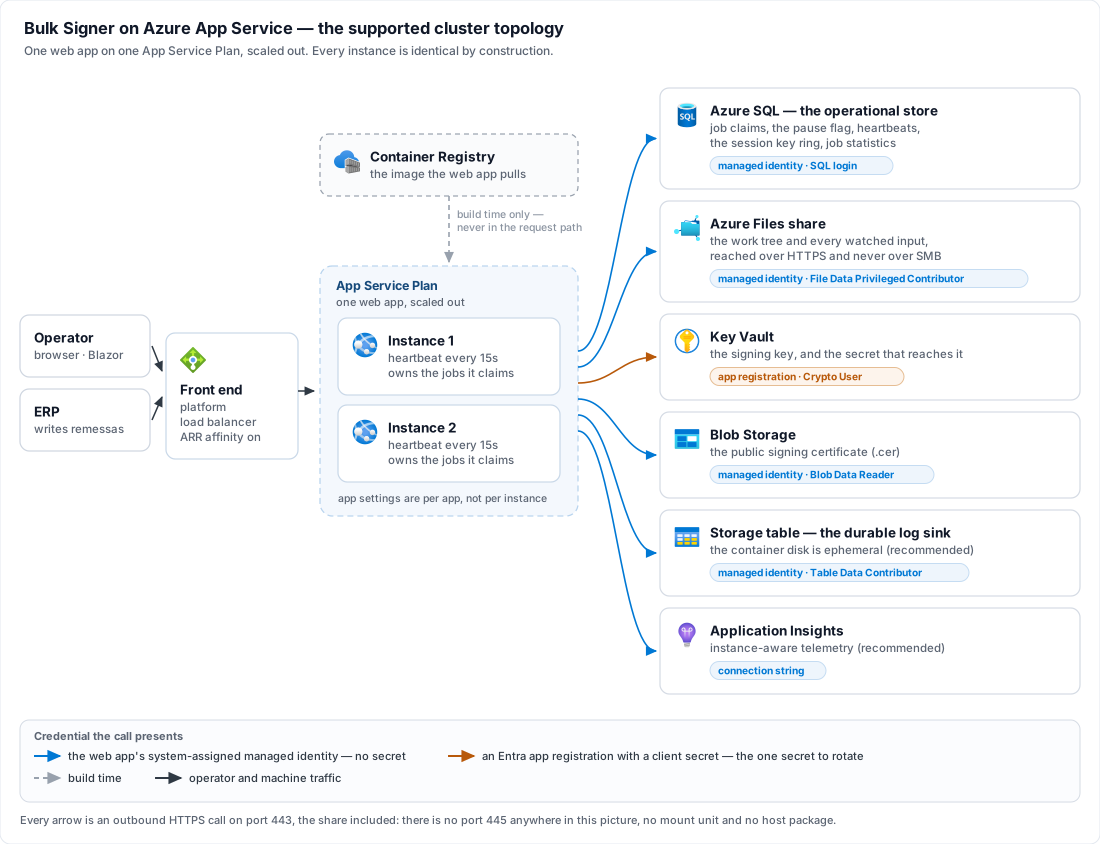
Every arrow is an outbound HTTPS call on port 443, including the share: this product reaches Azure
Files through the storage SDK and **never over SMB**, so there is no port 445 anywhere in that
picture, no mount unit and no host package.
Read the two arrows into Key Vault together, because they are the one asymmetry on the page. Six
grants are held by the web app's **managed identity**; exactly one is held by an **Entra app
registration** — the right to sign with the key — and it is the only credential here that is a secret
somebody has to rotate. [Step 3](https://docs.lacunasoftware.com/en-us/articles/bulk-signer/azure#3-the-signing-key-lives-in-a-vault) is where that comes from and
why.
## Before you start
Six things must be settled before the first boot. Four of them are a boot refusal, a fatal error or a
red readiness row rather than a runtime surprise; the last two are recommendations that this topology
makes much stronger than they are elsewhere.
| # | What | Why cluster mode requires it |
|---|---|---|
| 1 | **An Azure SQL database**, plus a login in `db_datareader` + `db_datawriter` + `db_ddladmin` | The store is the cluster's coordination point: job claims, the pause flag, the heartbeat table and the session key ring all live there. `Cluster:Enabled = true` with `Database:Provider` anything but `SqlServer` is **refused at boot**. This service creates its tables, not its database. |
| 2 | **An Azure Files share (SMB)** for the work tree, with every watched input directory created inside it | `Storage:Provider` and **every** `Storage:Inputs[]` entry must resolve to `AzureFiles`, refused at boot otherwise. The local store's lease is in-process bookkeeping that excludes nothing outside its own process, and a folder local to one instance is invisible to its siblings. An NFS share is refused by name. |
| 3 | **A decision between the two certificate sources that are not per-host** — `Pfx` read from a blob, or `AzureKeyVault` | `Pkcs11` and `WindowsStore` are **refused at boot**: a token or a machine store lives on one machine, and cluster instances are fungible. That leaves two, and neither is the obvious winner — [step 3](https://docs.lacunasoftware.com/en-us/articles/bulk-signer/azure#3-the-signing-key-lives-in-a-vault) is the choice and what it costs. Nothing has to exist yet. |
| 4 | **The container image in a registry the web app can pull from** | Lacuna publishes it to its private Docker image repository; [step 1](https://docs.lacunasoftware.com/en-us/articles/bulk-signer/azure#1-import-the-image) copies the tag you were issued into a registry of your own, which is what makes a managed-identity pull possible. |
| 5 | **An Azure Storage table for the log sink** | Strongly recommended rather than required. The container's disk is ephemeral, so rolled log files are discarded on every recycle; leaving `Logging:AzureTable:Enabled = false` in cluster mode logs a **Critical at startup** and starts anyway. Nothing prunes that table — read [Retention](https://docs.lacunasoftware.com/en-us/articles/bulk-signer/retention#logs-in-a-table--nothing-prunes-them) and schedule the pruning script *before* you turn the sink on. |
| 6 | **An Application Insights resource** | Also recommended rather than required, and for a reason specific to this topology: `/api/metrics` behind the load balancer reaches an arbitrary instance, so Prometheus scraping has no continuity here. The Application Insights distro is instance-aware natively and is the recommended cluster observability path — see [Telemetry](https://docs.lacunasoftware.com/en-us/articles/bulk-signer/telemetry). |
Give the web app a **system-assigned managed identity** before you type anything else, because almost
everything here can then authenticate without a secret: `Credential = ManagedIdentity` for the Azure
Files share, `Authentication=Active Directory Managed Identity` in the SQL connection string, and the
same mode for the certificate blob and the log table. Each is a separate grant even though one
identity holds them all — see [Security](https://docs.lacunasoftware.com/en-us/articles/bulk-signer/security).
> **Warning: One credential cannot be a managed identity**
>
> `Signing:…:Certificate:AzureKeyVault` requires `AppId` **and** `AppSecret`; the block has no
> `Credential` key and no managed-identity mode, so under that source the right to sign is held by an
> Entra app registration with a client secret. That is the one secret this topology cannot design away,
> and [step 3](https://docs.lacunasoftware.com/en-us/articles/bulk-signer/azure#3-the-signing-key-lives-in-a-vault) weighs it against what the vault buys. It is worth
> knowing before you choose a certificate source.
## Sizing the plan and the database
Two of the prerequisites above have a size as well as an existence, and one number an operator usually
knows in advance sizes both: signatures a day. The table is a **starting point rather than a benchmark result** — what it
cannot know is your files, and those move the answer further than the volume does. A CAdES signature
over a CNAB240 remessa and a PAdES signature over a 300-page scanned PDF are the same one job to this
product and nothing like the same work.
| Signatures per day | App Service Plan | Azure SQL — max vCores |
|---|---|---|
| 0 – 1,000 | P0 V3 × 1 | 2 |
| 1,001 – 5,000 | P1 V3 × 1 | 4 |
| 5,001 – 20,000 | P1 V3 × 2 | 6 |
| 20,001 – 100,000 | P2 V3 × 2 | 8 |
| 100,001 – 1,000,000 | P2 V3 × 2 | 8 |
`× N` is the instance count — `--number-of-workers` on **one** plan, never a second plan. Whichever row
you are on, step 2 still starts you at one worker and [step 7](https://docs.lacunasoftware.com/en-us/articles/bulk-signer/azure#7-scale-to-two) is where you scale to
the number above: the first boot is where every refusal fires, and reading one instance's console is
easier than reading two.
**The last two rows are the same hardware, and that is the table's most informative line.** Somewhere
around 100,000 signatures a day the web tier stops being the constraint. A job is one signature, and
what bounds it from there is the certificate source — a `Pfx` already in memory, or a round trip to Key
Vault — together with the share's I/O. Ten times the volume on the same plan is therefore a statement
about where the work actually is, not headroom the plan was holding in reserve. At the top of that row,
size [the vault round trip](https://docs.lacunasoftware.com/en-us/articles/bulk-signer/azure#latency-is-the-constraint-here-not-throttling) and
`Pipeline:MaxConcurrency` first, and grow the plan last.
**A larger SKU does not sign more files at once.** `Pipeline:MaxConcurrency` is the only thing that
does, it is per instance, and [step 3](https://docs.lacunasoftware.com/en-us/articles/bulk-signer/azure#3-the-signing-key-lives-in-a-vault) sets it to `4` — so a `× 2`
row is eight signatures in flight, and eight is the number the certificate source has to survive rather
than the configured four. [High availability](https://docs.lacunasoftware.com/en-us/articles/bulk-signer/high-availability) is where that same multiplication
reads as a limitation instead of a feature.
**The two `× 1` rows do not need this page.** Cluster mode is legal at one instance — step 6 boots
exactly that way — but at one instance nothing it coordinates is doing any work, and a deployment that
stays there permanently is paying for an Azure SQL database and an Azure Files share it could have done
without. Under 5,000 signatures a day, read [Installation](https://docs.lacunasoftware.com/en-us/articles/bulk-signer/installation) first and come back when
the volume, or a second instance, is the reason rather than the platform.
> **Note: What "max vCores" means, and why auto-pause never fires**
>
> A *max* vCore figure describes Azure SQL's **serverless** compute tier, where that number is the
> ceiling the database may scale up to (`--max-capacity`); on the provisioned tier read the same figure as
> the vCore count, since there is nothing to scale. Do not budget for auto-pause savings either way. This
> product polls its store continuously, and in cluster mode every instance also writes a heartbeat every
> `Cluster:HeartbeatSeconds` — 15 by default — so the database is never idle for anything like the hour
> auto-pause requires. Size it as a database that is always up.
**None of this is a throughput argument for `SqlServer`.** The vCore column sizes a database whose
provider [Before you start](https://docs.lacunasoftware.com/en-us/articles/bulk-signer/azure#before-you-start) already made compulsory here; it is not a reason to move
a single-instance install off SQLite, whose ceiling is not this pipeline's either — that decision is in
[Installation](https://docs.lacunasoftware.com/en-us/articles/bulk-signer/installation#choosing-where-the-operational-store-lives), on its own terms.
---
## 1. Import the image
Lacuna publishes the container image to its **private Docker image repository** and issues you a
registry username and access token for it — see
[Obtaining the product](https://docs.lacunasoftware.com/en-us/articles/bulk-signer/installation#obtaining-the-product). Nothing is built here: you copy the tag
you were told to install into a container registry of your own.
```bash
az group create --name bulksigner-rg --location brazilsouth
```
```bash
az acr create --name --resource-group bulksigner-rg --sku Basic
```
```bash
az acr import --name \
--source /bulksigner: \
--image bulksigner: \
--username --password
```
`az acr import` is a registry-to-registry copy performed by the service: the layers never touch your
workstation and no local Docker daemon is involved. Skip either `create` line if the group or the
registry already exists — the import is the part that has to happen, and `Basic` is enough registry for
one image pulled by a handful of instances.
Import one explicit `` tag rather than `latest`. The tag you name here is the tag step 2 pins
the web app to, and on this topology an upgrade is a
[stop-the-world window](https://docs.lacunasoftware.com/en-us/articles/bulk-signer/azure#8-upgrades-are-stop-the-world) — something you schedule, not something a
platform recycle does to you.
**Why a registry of your own, rather than pointing the web app straight at Lacuna's.** Two reasons, and
the first shapes the rest of this page: the app pulls with its **managed identity** (`AcrPull`, step 2),
and an identity in your tenant can only be granted a role on a registry in your tenant — a foreign
registry means a username and password in app settings, which is one more secret to rotate and the one
this design otherwise spends effort eliminating. The second is availability: App Service pulls the
image again on every instance it starts, so scale-out ([step 7](https://docs.lacunasoftware.com/en-us/articles/bulk-signer/azure#7-scale-to-two)) and platform recycles
would otherwise depend on a registry outside your subscription answering at that moment.
## 2. Create the plan and the app — one instance first
```bash
az appservice plan create --name bulksigner-plan --resource-group bulksigner-rg --is-linux --sku P1V3 --number-of-workers 1
```
`P1V3` above is the example's SKU, not a recommendation —
[Sizing the plan and the database](https://docs.lacunasoftware.com/en-us/articles/bulk-signer/azure#sizing-the-plan-and-the-database) is which one your volume asks for.
**Basic (B1) is the floor**, because it is the first tier that scales out at all — and it caps at
three instances, which also caps what Health check can do for you, since rerouting away from an
unhealthy instance requires somewhere to reroute to. Premium v3 is the production answer. Start at
one worker deliberately: the first boot is where every refusal fires, and reading one instance's
console is easier than reading two.
```bash
az webapp create --name bulksigner --resource-group bulksigner-rg --plan bulksigner-plan --container-image-name .azurecr.io/bulksigner:
```
`bulksigner:` is the repository and tag [step 1](https://docs.lacunasoftware.com/en-us/articles/bulk-signer/azure#1-import-the-image) imported into — your
registry, not Lacuna's. Pin that tag rather than `latest`, so an upgrade is something you do rather
than something a restart does.
```bash
az webapp identity assign --name bulksigner --resource-group bulksigner-rg
```
Grant that identity `AcrPull` on the registry, `Storage File Data Privileged Contributor` on the
share, a SQL login mapped to it in `db_datareader` + `db_datawriter` + `db_ddladmin`,
`Storage Blob Data Reader` on the container holding the certificate, and
`Storage Table Data Contributor` on the log table itself — scoped to the one table, which is all the
sink needs. Step 3 adds the sixth and last of them.
> **Warning: What does not go on that list is the right to sign**
>
> Under `AzureKeyVault` the vault key is reached by the Entra app registration named in `AppId`, never
> by this identity — so `get` + `sign` granted here would be granted to the wrong principal and the boot
> would still fail, with a message about the vault that says nothing about why. The one grant this
> identity does take on that vault is `Key Vault Secrets User`, for reading the app registration's own
> secret back out as an app setting.
Then tell the app to pull with that identity rather than a registry password:
```bash
az resource update --ids $(az webapp config show --name bulksigner --resource-group bulksigner-rg --query id -o tsv) --set properties.acrUseManagedIdentityCreds=True
```
Without that last line the pull falls back to registry credentials the app does not have, and the
first symptom is a container that never starts — with nothing in the application log, because there
is no application yet.
## 3. The signing key lives in a vault
Two sources survive the boot refusals in [Before you start](https://docs.lacunasoftware.com/en-us/articles/bulk-signer/azure#before-you-start), and this is the step
that picks between them. They are genuinely co-equal — the choice is a policy one, not a technical
one, and each concedes something the other keeps.
| | `Pfx` read from a blob | `AzureKeyVault` |
|---|---|---|
| Where the private key is | A `.pfx` in Blob Storage, read into the instance's memory at boot | Inside the vault, permanently. Each signature is a remote call and the key never leaves Azure |
| Credential | The web app's managed identity, `Storage Blob Data Reader`. **No secret** | An Entra app registration with a **client secret**, plus a managed-identity grant to read that secret back |
| Signing latency | None beyond local crypto | A vault round trip per job |
| If Azure is unreachable | Already signed; the pipeline keeps signing | Every job fails until the vault answers |
| Audit | This product's job history, and nothing else | Every signature is a logged Key Vault operation — an independent count to reconcile against the job history |
The honest summary is that `AzureKeyVault` buys a key that cannot be exfiltrated from a compromised
instance, and pays for it with the one secret this topology otherwise has none of. If a client secret
in the app settings is not acceptable to you, **`Pfx`-as-blob is the better answer than a
software-backed vault key** — a software key is FIPS 140-2 Level 1, which concedes most of the
argument for the vault while keeping all of its cost. The rest of this section assumes you chose the
vault; for `Pfx`, everything you need is
[Certificates](https://docs.lacunasoftware.com/en-us/articles/bulk-signer/certificates#reading-the-file-from-a-blob) plus the blob upload below.
### Provision the vault, the key and the app registration
```bash
az keyvault create --name bulksigner-kv --resource-group bulksigner-rg --location brazilsouth --sku premium --enable-rbac-authorization true
```
**Premium, because the key should be HSM-backed.** Standard gives you a software key, and the
paragraph above is why that is the wrong end of this trade.
An ICP-Brasil certificate arrives as a PFX, so the key is *imported* rather than generated.
[`Import-PfxToKeyVault.ps1`](https://docs.lacunasoftware.com/en-us/articles/bulk-signer/samples) does the whole import in one pass — writes the public
`.cer`, imports the private half as a **key** object, registers the Entra application, creates its
secret, grants it `sign`, and runs the same public-key pairing check the service performs at boot, so
a mismatch surfaces here rather than at first start:
```bash
pwsh Import-PfxToKeyVault.ps1 -PfxPath ./signer.pfx -VaultName bulksigner-kv -KeyName bulksigner-signing-key -AppDisplayName bulk-signer-prod -Destination HSM -GrantScope Key -SecretValidityYears 2
```
> **Note: A key object, not a certificate object — and the difference is the whole point**
>
> Key Vault will hold this PFX either way, but a *certificate* imported from a PFX is marked
> exportable: anyone holding `secrets/get` can download the complete PFX from the secret backing it. A
> *key* object never returns private material under any permission. That is why this product's source
> is key-only, and why the public certificate has to be supplied separately.
The script prints the client secret **once** and writes it nowhere. Capture it now.
### Put the certificate where an instance can read it
The script leaves the `.cer` on your workstation, which is no use to a container whose disk is
recycled with it. Upload it and let the managed identity read it:
```bash
az storage blob upload --account-name contosocerts --container-name certificates --name signer.cer --file ./signer.cer --auth-mode login
```
Grant that identity `Storage Blob Data Reader` on the container — the fourth of the grants step 2
listed. `CerPath` is still available and points at a local file, but on this topology it means baking
the certificate into the image, which couples an annual certificate renewal to an image rebuild and a
stop-the-world deploy. Use the blob.
### The settings
These are app settings like any other, set here rather than in step 4 because every value in them was
produced by the two commands above:
```bash
az webapp config appsettings set --name bulksigner --resource-group bulksigner-rg --settings \
Signing__Profiles__0__Certificate__Source=AzureKeyVault \
Signing__Profiles__0__Certificate__AzureKeyVault__Endpoint='https://bulksigner-kv.vault.azure.net/' \
Signing__Profiles__0__Certificate__AzureKeyVault__KeyName=bulksigner-signing-key \
Signing__Profiles__0__Certificate__AzureKeyVault__AppId=99990000-aaaa-bbbb-cccc-ddddeeeeffff \
Signing__Profiles__0__Certificate__AzureKeyVault__AppSecret='@Microsoft.KeyVault(VaultName=bulksigner-kv;SecretName=bulksigner-app-secret)' \
Signing__Profiles__0__Certificate__AzureKeyVault__Blob__Url='https://contosocerts.blob.core.windows.net/certificates/signer.cer' \
Signing__Profiles__0__Certificate__AzureKeyVault__Blob__Credential=ManagedIdentity \
Signing__ProfileSecretsKey='@Microsoft.KeyVault(VaultName=bulksigner-kv;SecretName=bulksigner-profile-secrets-key)' \
Pipeline__MaxConcurrency=4
```
The `0` is the profile's index in `Signing:Profiles[]` and it is positional — reordering that array
silently repoints these settings at a different profile. `Endpoint` must be an absolute `https://`
URL; a bare DNS name is refused at boot naming the key.
**The `Signing__Profiles__0__*` settings are a one-time seed.** On the first boot against an empty
profile table they are imported into the operational store as the profile's row; after that they are
ignored — the boot log says so every time it finds them — and the profile, its certificate included, is
edited from the dashboard's **Signing profiles** page. Keep them until the first boot has run, then
delete them. See [Configuration](https://docs.lacunasoftware.com/en-us/articles/bulk-signer/configuration#signingprofiles--per-folder-signing-profiles).
**`Signing__ProfileSecretsKey` is what the import encrypts `AppSecret` under**, because the store never
holds a secret in the clear, and the import refuses without it. Create it once as a vault secret — any
long random value, `openssl rand -base64 32` for instance — read through the same kind of Key Vault
reference, and treat losing it as losing every stored profile secret: there is no recovery path. See
[Configuration](https://docs.lacunasoftware.com/en-us/articles/bulk-signer/configuration#signingprofilesecretskey--what-stored-profile-secrets-are-encrypted-under).
Under `Pfx`-as-blob the PFX password is such a secret too; only a passwordless PFX read with
`ManagedIdentity` would need no key.
> **Warning: Blob and CerPath are exclusive — both is refused at boot, and so is neither**
>
> That refusal is deliberate rather than fussy: two valid certificates for one vault key would both
> pass the pairing check, so resolving a conflict by precedence would make *which certificate signed*
> depend on network weather, unauditably. Note also that `Blob` inherits nothing from the vault block
> above it, even though both name Azure — the vault credential grants *use of a key*, the blob
> credential grants *read of one object*, and they are configured separately on purpose.
### One vault, two objects, two credentials
`AppSecret` above is an App Service **Key Vault reference**, which is the one place on this page where
Key Vault appears in both of its roles at once. It looks circular and is not:
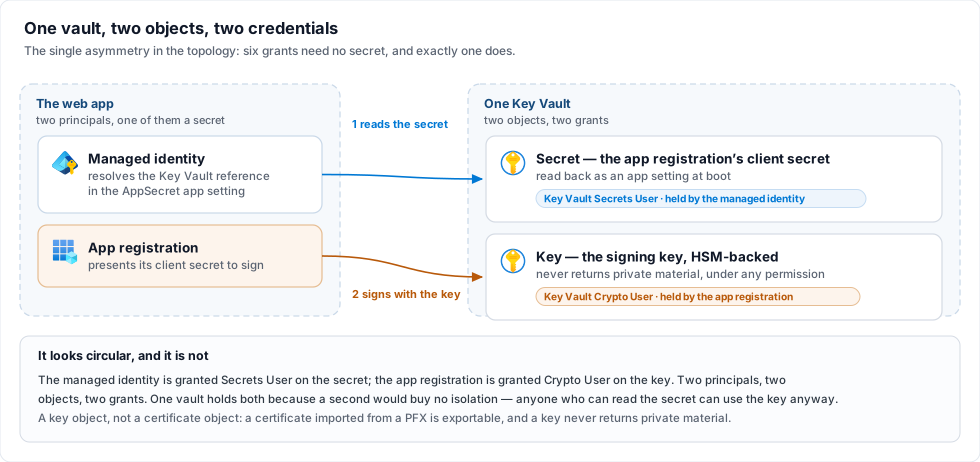
- The web app's **managed identity** resolves the reference and gets the secret back — a
`Key Vault Secrets User` grant, on the *secret*.
- That secret is then what the PKI connector presents to reach the **key** — a
`Key Vault Crypto User` grant held by the *app registration*, on the *key*, scoped by
`-GrantScope Key` above.
Two principals, two objects, two grants. The same vault holds both because a second one would buy no
isolation — anyone who can read the secret can use the key regardless — and would only add a
resource. Step 4's note that secrets belong in Key Vault references is about *this* mechanism; the key
itself is never an app setting.
### Latency is the constraint here, not throttling
[Certificates](https://docs.lacunasoftware.com/en-us/articles/bulk-signer/certificates#source--azurekeyvault) warns that sustained concurrency draws HTTP
429s, which arrive as failed jobs rather than hangs. Worth knowing, and worth the scale: Key Vault
allows 2,000 transactions per 10 seconds against an HSM RSA-2048 key — roughly **200 signatures a
second**, against a product that performs one signature per job. You will meet the round-trip latency
long before the ceiling.
The cluster-specific point is the *inversion* of this page's usual theme. Elsewhere on this topology
rate budgets multiply with instances, in the attacker's favour; here the budget is **per vault** and
fixed while the consumers multiply. `Pipeline__MaxConcurrency=4` is per instance, so two instances is
eight signatures in flight against one vault. `AzureKeyVault` is treated as concurrency-safe and is
exempt from the startup warning that covers `Pkcs11` and `WindowsStore`.
### Renewal and rotation are change windows
Three things here are read **once, at boot**, and nothing polls any of them: the certificate bytes in
the blob, the vault key named by `KeyName`, and the app registration's client secret. Changing any one
therefore takes a restart — and a restart on this topology is
[step 8's](https://docs.lacunasoftware.com/en-us/articles/bulk-signer/azure#8-upgrades-are-stop-the-world) stop-the-world, not a rolling one and not a slot swap. Plan
an ICP-Brasil renewal, and the `-SecretValidityYears 2` expiry, as scheduled outages rather than as
maintenance you can do at any time.
**After the first boot, the client secret lives on the stored profile, not in the app setting.** The
seed copied it into the operational store, encrypted, and the `…__AppSecret` Key Vault reference is not
read again. Rotating it is therefore: create the new secret on the app registration, enter it on the
profile's page (*Edit certificate*, typing the new value — a blank field keeps the stored one), then
restart. The same form is where a renewed `.cer` or a new `KeyName` is pointed at; the save marks the
profile as waiting for a restart, and the restart is when it takes effect.
> **Danger: Renew one artifact without the other and the profile cannot sign**
>
> A new certificate against the old `KeyName`, or a new key against the old `.cer`, fails the pairing
> check. The host still starts, but that profile comes up **degraded** and every job routed to it fails
> with `profile.degraded` — on a single-profile deployment, the change window ends with nothing signing.
> Re-run the import script against the new PFX so both artifacts move together, and read the `profile`
> row in [step 6](https://docs.lacunasoftware.com/en-us/articles/bulk-signer/azure#6-first-boot-on-one-instance) before you call the window closed.
### What this step assumes about the network
Every command above reaches its service over a public endpoint with a credential, which is true of
SQL, Azure Files and the certificate blob on this page as well. Restricting any of them means VNet
integration and private endpoints, which is [step 9](https://docs.lacunasoftware.com/en-us/articles/bulk-signer/azure#9-hardening-the-network-optional) and is
optional.
## 4. App settings
App Service app settings are **per app, not per instance** — which is the fact the whole design leans
on: every instance is identical by construction, so the cross-instance config-divergence hazards (an
encryption password differing between hosts, a profile one instance never heard of) cannot occur here.
Set them as environment variables, in the double-underscore form; there is no
`appsettings.Production.json` to mount.
```bash
az webapp config appsettings set --name bulksigner --resource-group bulksigner-rg --settings \
WEBSITES_PORT=8080 \
Cluster__Enabled=true \
Database__Provider=SqlServer \
ConnectionStrings__Default='Server=tcp:sqlsrv01.database.windows.net,1433;Initial Catalog=BulkSigner;Authentication=Active Directory Managed Identity;Encrypt=True;' \
Storage__Provider=AzureFiles \
Storage__AzureFiles__AccountName=contosofiles \
Storage__AzureFiles__ShareName=bulksigner \
Storage__AzureFiles__Directory=prod \
Storage__AzureFiles__Credential=ManagedIdentity \
Storage__Inputs__0__Name=remessas \
Storage__Inputs__0__Path=entrada/remessas \
Storage__Inputs__0__PollIntervalSeconds=30 \
Hosting__ForwardedHeaders__Enabled=true \
Hosting__ForwardedHeaders__TrustAnyProxy=true \
Logging__AzureTable__Enabled=true \
Telemetry__Enabled=true
```
**That block is the topology, not the whole configuration.** It deliberately omits everything that is
the same here as on any other target — the PKI licence, the API key, the signing profiles, the
approval pools. The one exception is a profile's **certificate**, which is emphatically not the same
here as on any other target and was set in [step 3](https://docs.lacunasoftware.com/en-us/articles/bulk-signer/azure#3-the-signing-key-lives-in-a-vault) a step ago.
Take the rest from the `appsettings.Example.Azure.json.sample` file in the deployment package, which
is one worked shape filled in end to end, and translate each key to its double-underscore form
(`Signing:Profiles[0].Certificate.Source` → `Signing__Profiles__0__Certificate__Source`). Every
`Signing__Profiles__*` and `Storage__Inputs__*__Profile` setting is **seed input**, read on the first
boot only; once the profiles are in the store they — pool, quorum, input folder and certificate
included — are edited from the dashboard, identically for every instance. A profile whose certificate
cannot be resolved does not stop the boot: it comes up **degraded**, named on the banner and on
`/api/ready`, and every other profile keeps signing.
Secrets — `Signing__PkiSdkLicense`, `Auth__ApiKey`, `Signing__ProfileSecretsKey`,
`ApproverPortal__LinkSecret`, `CloudHub__ApiKey`, any `AppSecret` — belong in Key Vault references rather than literal app settings, resolved by the web app's managed
identity holding `Key Vault Secrets User`. Step 3 uses exactly this mechanism for the vault's own
client secret, and explains there why that is not circular. Every key this product accepts, with its
type, default and environment-variable form, is in [Configuration](https://docs.lacunasoftware.com/en-us/articles/bulk-signer/configuration).
Five of the settings above are the cluster-specific ones, and each is there for a reason worth
knowing:
- **`Cluster__Enabled=true`** is the whole switch. Nothing is inferred from the environment: a
deployment that happens to run SQL Server and an Azure Files share does not silently change
behaviour on upgrade.
- **`Cluster__HeartbeatSeconds` / `Cluster__StaleAfterSeconds`** are absent above because the defaults
(15 and 60) are the right starting point — four cadences, so three beats have to go missing before
an instance is presumed dead. A threshold worth **under three cadences** is refused at boot naming
both keys. Raise `StaleAfterSeconds` if you meet false deaths; see
[the wager](https://docs.lacunasoftware.com/en-us/articles/bulk-signer/high-availability#a-presumed-death-is-a-wager).
- **`Hosting__ForwardedHeaders__*`** is what makes the rate limiter and the address recorded on an
approval read the real client rather than the load balancer. `TrustAnyProxy=true` is the intended
setting *here* — App Service's front door has no stable address to list — and only here: on a
reverse-proxy deployment it means anybody who can reach Kestrel directly can name themselves any
client address. An empty trust set is refused at boot rather than read as the wide answer, and
setting the framework's own `ASPNETCORE_FORWARDEDHEADERS_ENABLED` beside it is refused too.
- **`WEBSITES_PORT=8080`** matches the image's `EXPOSE`. App Service auto-detects 80 and 8080, so this
is belt and braces — and one setting is cheaper than the diagnosis when a later image changes port.
- **Leave `Hosting__RequireHttps` unset.** Terminate TLS at the platform with `httpsOnly` below. An
in-process redirect answers the health-check ping with a 307, which App Service reads as a failure —
see [the health-check note](https://docs.lacunasoftware.com/en-us/articles/bulk-signer/azure#the-health-check-reads-the-readiness-endpoint) below.
> **Note: A homologation cluster on Lacuna's test certificates**
>
> App Service sets no environment name, so the app runs as `Production` — under which
> [`Signing:TrustLacunaTestRoot`](https://docs.lacunasoftware.com/en-us/articles/bulk-signer/configuration#signingtrustlacunatestroot--test-certificates-for-a-homologation)
> is refused at boot. A homologation app that wants the Turing / Fermat test certificates sets
> `Signing__TrustLacunaTestRoot=true` **and** `ASPNETCORE_ENVIRONMENT=Staging` in the same command. Never
> set the first on an app that signs anything real.
## 5. Platform settings
```bash
az webapp update --name bulksigner --resource-group bulksigner-rg --set clientAffinityEnabled=true httpsOnly=true
```
```bash
az webapp config set --name bulksigner --resource-group bulksigner-rg --always-on true --generic-configurations '{"healthCheckPath": "/api/ready"}'
```
**ARR affinity stays on.** It is on by default and it is a requirement rather than a preference: the
dashboard is Blazor Server, and its circuit is a stateful SignalR connection that has to keep landing
on the instance that owns it. This is documented rather than engineered around. Note what it does
*not* do — the session cookie itself is shared, because in cluster mode the Data Protection key ring
moves into the operational store, so a cookie minted by one instance validates on every other. Sticky
sessions are for the circuit; the key ring is for the cookie. Without the key ring, affinity alone
would still sign people out intermittently.
**Always On stays on.** The signing pipeline is a hosted worker, not a request handler. An app the
platform unloads while idle is an app that stops picking up files, and nothing about that reads as an
error anywhere.
### The health check reads the readiness endpoint
`/api/ready` is anonymous, per-instance, and returns `503` when any of its probes fail — which is
precisely the question App Service is asking. Point Health check at it and the platform stops routing
to an instance that cannot serve, and eventually replaces one that stays that way.
It is anonymous *because* of this consumer: Health check cannot carry the API key (Microsoft documents
that the path must allow anonymous access when the app runs its own authentication), so
`Readiness:RequireApiKey` stays at its default `false` here. Turning it on would have the platform read
a `401` on every instance as "unhealthy" at once — none is removed from rotation, the platform starts
replacing them one an hour, and the Health check metric stays red for as long as the gate is on. What
the anonymous body carries is each check's name and verdict and nothing else; the diagnosis — server and
catalogue, share URLs, an SDK's failure sentence — is on `/api/ready/details`, behind the API key.
Three consequences to accept knowingly:
- **Leave `WEBSITE_HEALTHCHECK_MAXPINGFAILURES` at its default (10).** The endpoint is strict — a
single missing input folder fails the whole response — so a tight threshold turns a blip into an
eviction.
- **A *shared* dependency failing takes every instance down together.** A share that stops answering
or a store that was unreachable at boot is not one instance's problem, and the platform's rule is
that when all instances are unhealthy none are removed from the load balancer — but replacement
still happens, at most one per hour and three per day per plan. The app stays reachable; the
instances get recycled underneath you while the real fault is elsewhere. Read
[Troubleshooting](https://docs.lacunasoftware.com/en-us/articles/bulk-signer/troubleshooting) before concluding the platform is at fault.
- **Health check does not follow redirects.** This is why `Hosting:RequireHttps` stays off: with it on
and platform `httpsOnly` off, the ping gets a 307 and the instance is marked unhealthy for a reason
that has nothing to do with its health.
## 6. First boot, on one instance
Start the app and read the console — App Service log streaming is where the boot narration lands:
```bash
az webapp log tail --name bulksigner --resource-group bulksigner-rg
```
What to look for in the **Service ready** panel:
| Row | What it should say |
|---|---|
| `operational store` | `SQL Server (sqlsrv01/BulkSigner)` — the provider, server and catalogue, never the connection string. A `READ_COMMITTED_SNAPSHOT is off` warning matters: Azure SQL has it on by default. |
| `storage provider` | `AzureFiles` |
| `work share owner` | `this cluster (one marker, shared between instances)` — the wording that tells you the mode is actually on. Off the switch this row names one instance. |
| `azure shares` | reachable. An unreachable share does **not** stop the host, but it fails `/api/ready` and ingests nothing until it answers. |
| `forwarded headers` | the trust set by name, not just `on`. |
| `logs` | the table sink among the destinations. If it is absent you will also have seen the Critical about rolled log files on an ephemeral disk. |
| `profile` | the certificate that actually loaded — `cades · cert=AzureKeyVault · blob=contosocerts/certificates/signer.cer · verify=on · …`. Both halves are evidence: `cert=AzureKeyVault` means the vault answered and the key was found, `blob=…` means the `.cer` was read **and paired** against it. A row prefixed `DEGRADED · ` means the certificate did not resolve, with the reason beside it. This is the line to read after any certificate renewal — it is the only confirmation that both artifacts moved together. |
Then `GET /api/ready/details` with the API key and confirm every check is green, open **Signing
profiles** to confirm the seed imported what you meant, and open **System → Instances** on the
dashboard: one row, badged as the instance you are reading it on, with a **Live** chip.
> **Warning: Upgrading an existing single-instance deployment rather than building a new one?**
>
> Boot **once** with `Cluster:Enabled = false` and let recovery run before you turn the mode on. A row
> left in progress by an older build carries no owner, and under cluster mode nothing will ever sweep it
> — this boot's subject is its own previous life, a sibling's is theirs, and takeover follows an owner's
> heartbeat, of which there is none. The same applies to a job dispatched to Lacuna Signer by such a
> build. Both surfaces say so when they meet one and name this same remedy. It is a one-time concern at
> the upgrade: the owner is recorded on every claim whether or not the mode is on, and only *read* under
> it.
## 7. Scale to two
```bash
az appservice plan update --name bulksigner-plan --resource-group bulksigner-rg --number-of-workers 2
```
Give it a minute — App Service pings the health-check path to confirm the new instance is ready before
routing to it — then reload **System → Instances**.
**What done looks like:** two rows, each with a distinct derived identity (the platform's
`WEBSITE_INSTANCE_ID`, which App Service sets on every instance), each **Live**, both on the same
application version, one badged as the instance answering your request. The caption names the cadence
and the staleness threshold in force. Refresh a few times: the badge moves between the two rows,
because each reload may land on either instance — which is the load balancer doing its job, and the
first thing on this page you can see rather than infer.
### Then confirm the cluster actually cooperates
The Instances view proves both instances are alive. It does not prove they share the work.
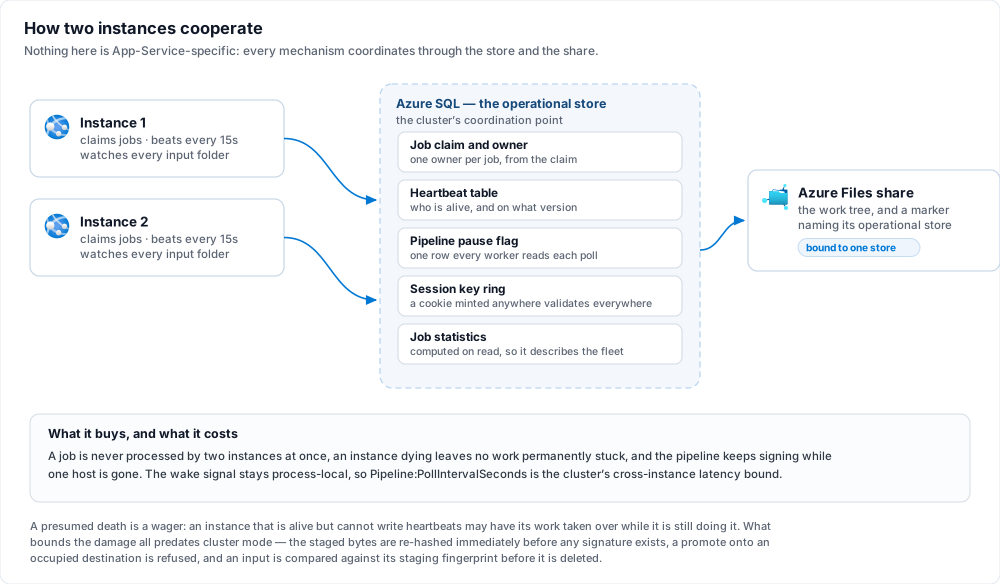
Drop several files into a watched folder at once and read `/jobs`:
- Every file becomes exactly **one** job. Both instances watch every folder, so they race on each
arrival; the losing enqueue is refused by the partial unique index over active original paths and
answered as `AlreadyActive`, and a lease conflict on an input is classified **expected** — not
counted against the folder's consecutive-failure breaker, not recorded as an error. Contention here
is the system working, not a fault.
- The jobs are **owned by both instances**. `/api/folders` carries an `instance` field naming which one
answered; the job timeline on `/jobs/{id}` carries the rest.
- Stop one instance (scale back to one) and its in-flight work is reconciled by the survivor rather
than stranded: a job that never reached the sign call is re-enqueued, one past it fails
conservatively, an `AwaitingSigner` job is reassigned. Each takeover writes a `JobTakenOver`
operational event naming both instances. The policy in full, including why "failed" is an honest
outcome and not "stuck", is in
[Operations](https://docs.lacunasoftware.com/en-us/articles/bulk-signer/operations#when-an-instance-stops-answering-a-survivor-takes-its-jobs-over).
## 8. Upgrades are stop-the-world
Stop the app, deploy the new image, start it — with one step ahead of those three, because the image
comes from Lacuna's registry rather than from a build:
```bash
az acr import --name \
--source /bulksigner: \
--image bulksigner: \
--username --password
az webapp stop --name bulksigner --resource-group bulksigner-rg
az webapp config container set --name bulksigner --resource-group bulksigner-rg \
--container-image-name .azurecr.io/bulksigner:
az webapp start --name bulksigner --resource-group bulksigner-rg
```
Not a rolling restart, and **not a deployment-slot swap** — a staging slot carrying production's
connection string is a second set of instances joining the cluster on a different application version,
which is the one shape this design does not support.
**The `stop` is the tidier deploy rather than a requirement.** Changing the image on a running app
starts the new container beside the old one on the same instance; both derive one identity from
`WEBSITE_INSTANCE_ID`, and the platform keeps the old one running until the new one is warm. Since 2.5.0
the new container **displaces** the old one at once and the old one **stands down** — it claims nothing
new and finishes what it holds — so an in-place `container set` works, at the cost of one warning naming
the displaced incarnation, and with the old container's unfinished jobs taken over
`Cluster:StaleAfterSeconds` later if the platform kills it first. Stopped first, nothing overlaps: the
old container retires its heartbeat row on the way down and the new one has nothing to displace. (Up to
2.4.x an in-place change cost at least one refused start.)
Two things to know about an in-place roll:
- **If the new container fails its warm-up, set the previous tag back.** App Service stops the whole
site — the stood-down container included — and keeps restarting it with the new image; the old
container does not get to resume there. The recovery is
`az webapp config container set … --container-image-name .azurecr.io/bulksigner:`.
- **A few seconds after the platform removes the old container**, the first store command on each
connection the new one opened during its warm-up may fail once with a 35-second
`Execution Timeout Expired`. That is a connection cut along with the old container, not the store: one
failure per such connection, and then the pool heals itself. A stop-first deploy does not produce it.
The heartbeat's version stamp is the tripwire rather than the guard: a booting instance that sees live
heartbeats from a different version logs a **Critical and continues**. It is deliberately not a
refusal — refusing would block instances from coming up for as long as a *dead* old-version heartbeat
took to go stale, which is exactly when an operator needs them up.
The full argument, and the rest of what this topology does not offer, is in
[High availability and its limits](https://docs.lacunasoftware.com/en-us/articles/bulk-signer/high-availability).
## 9. Hardening the network (optional)
Everything above is a working cluster reached over public endpoints with credentials. This section is
what you add once it works, and it is genuinely optional — but one item on it is not defence in
general, it is a documented limitation of this topology turning into a solved problem.
**The rate budgets stop multiplying.**
[High availability](https://docs.lacunasoftware.com/en-us/articles/bulk-signer/high-availability#rate-limit-budgets-are-per-instance-so-the-effective-limit-is-n)
lists it as a cost of scaling out: every instance enforces its own per-client rate budget, so two
instances hand an attacker twice the budget on the approval route, and *N* instances *N* times. A
Front Door WAF rate limit sits **before** the load balancer, which makes it the one place in this
architecture where a per-client budget is enforced once rather than per instance. Nothing else on this
page closes that.
The reason to decline: this section adds four billable resources and a tier upgrade on top of an
already-Premium plan and vault. No figures here — Azure pricing dates faster than any document.
**Inbound is a choice between two shapes, and only one of them can be true at a time.** Either the app
stays on the internet behind a Front Door — the rest of this step — or it leaves the internet entirely and
is reached over a VPN, which is [step 10](https://docs.lacunasoftware.com/en-us/articles/bulk-signer/azure#10-no-public-endpoint-at-all-optional) and carries consequences
that run past the network. The outbound half below is the same work either way. Read both before building
either — the second is the stronger answer to the anonymous approval route and the weaker one to
everything a WAF does, and which of those matters more is not a question this page can answer for you.
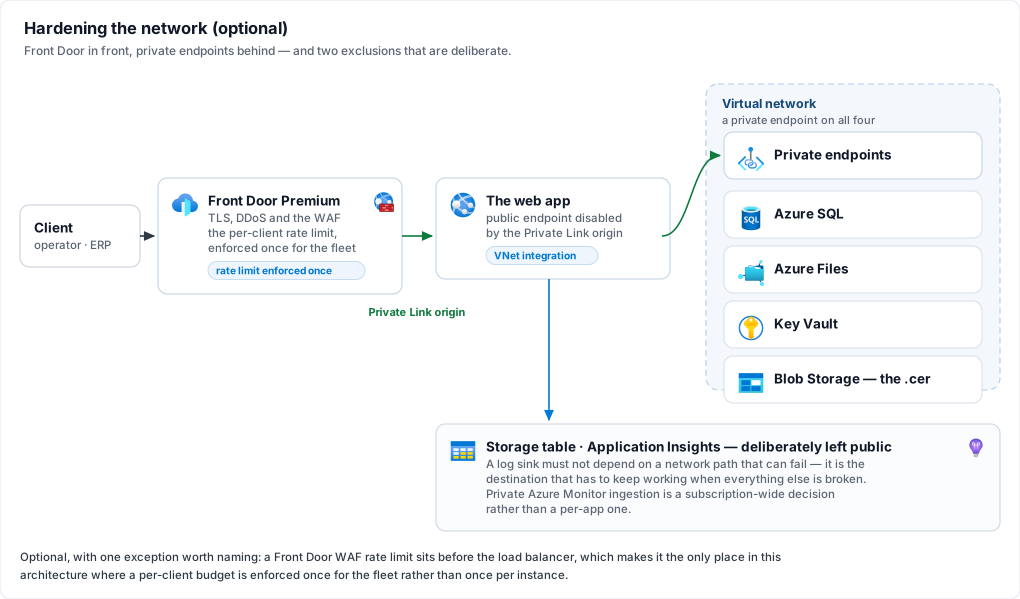
### Inbound — Front Door in front of the app
**Front Door Premium with a Private Link origin is the recommendation**, because App Service
automatically disables its public internet endpoint when the origin is reached over Private Link —
which on this product buys something specific, two paragraphs below.
The cheaper alternative is Front Door Standard plus an App Service access restriction:
```bash
az webapp config access-restriction add --name bulksigner --resource-group bulksigner-rg --rule-name frontdoor --priority 100 --service-tag AzureFrontDoor.Backend --http-header x-azure-fdid=
```
Both halves of that rule are required and the header is the load-bearing one. Microsoft is explicit
that IP filtering alone is not sufficient, *because other Azure customers' Front Door instances use
the same address ranges* — the `AzureFrontDoor.Backend` service tag proves the traffic came through *a*
Front Door, and only `X-Azure-FDID` proves it came through **yours**. Never hard-code the address
ranges instead of using the tag; that space changes regularly.
**This is what finally makes step 4's `TrustAnyProxy=true` true rather than merely intended.** That
setting is justified there by App Service's front end having no stable address to list, with a warning
that on a reverse-proxy deployment it lets anyone who can reach Kestrel directly name themselves any
client address. On this product that address is not cosmetic: it is recorded on every approval as one
of the compensating controls for the anonymous approval route, and it is what the rate limiter counts
against. Front Door **without** origin locking would widen that hazard while looking like protection.
With Private Link the hazard closes completely, because there is no public endpoint left to reach;
with the Standard rule it closes only as far as that access restriction holds, which is a weaker claim
and worth holding as one.
Keep `TrustAnyProxy=true` under both tiers. Do **not** move to
`Hosting__ForwardedHeaders__KnownNetworks` — it takes literal CIDRs, Front Door's ranges change, and a
stale list fails by silently discarding the real client address rather than by refusing anything. The
product refuses `TrustAnyProxy` and a named list together, so this is a real either/or and the
wide-plus-locked-origin answer is the correct one here.
Three settings interactions to get right:
- **Leave Front Door's own session affinity on.** The dashboard is a Blazor Server circuit and needs
pinning end to end; Front Door's affinity is what keeps a client on the origin whose ARR cookie it
is holding. The two layers cooperate — Front Door picks the origin, ARR picks the instance.
- **Do not point Front Door's health probe at `/api/ready`.** There is exactly one origin here, so a
probe failure has nowhere to fail over to and simply withdraws the whole application. App Service's
own Health check is already watching that endpoint and *can* act on it, by rerouting between
instances. Give Front Door a cheap path or leave its probe at the default.
- **Custom domain and managed TLS move to Front Door.** App Service `httpsOnly=true` stays exactly as
step 5 set it, and `Hosting:RequireHttps` stays unset for the reason step 5 gives.
> **Note: What this does not buy: multi-region**
>
> Front Door here is a WAF, a TLS terminator and a DDoS front, not a global load balancer for this
> application. A second region would be a second set of instances over one work share, and the share's
> marker gate refuses that by design — see
> [High availability](https://docs.lacunasoftware.com/en-us/articles/bulk-signer/high-availability#the-work-share-gate-is-narrower-than-the-catastrophe-it-is-named-for).
### Outbound — VNet integration and private endpoints
Integrate the web app into a subnet and give **all four data-plane services** a private endpoint:
Azure SQL, the Azure Files share, the vault and the certificate blob. All four, not three — a private
endpoint on most of them leaves the remaining one as the reason the virtual network exists, and nobody
notices until an audit does.
Two exclusions, both deliberate:
- **The log table stays public.** It is the destination that has to keep working when everything else
is broken; a network path that can fail is exactly what a log sink must not depend on, since a sink
that cannot report its own failure is the outage that hides itself.
- **Application Insights stays public.** Private ingestion requires an Azure Monitor Private Link
Scope, a separate construct with its own DNS consequences across every resource sharing it — a
larger decision than this section, and one that should be made for a whole subscription rather than
for one web app.
## 10. No public endpoint at all (optional)
The two inbound options are **exclusive**, and this is the second one: if you built
[step 9](https://docs.lacunasoftware.com/en-us/articles/bulk-signer/azure#9-hardening-the-network-optional)'s Front Door, you are not building this. Rather than putting a
Front Door in front of a public app, give the app a **private endpoint** and then take its public endpoint
away, so that the only route to it is from your own network: a site-to-site or point-to-site VPN, or
ExpressRoute private peering. [Outbound](https://docs.lacunasoftware.com/en-us/articles/bulk-signer/azure#outbound--vnet-integration-and-private-endpoints) is shared by
both shapes and applies here unchanged — it is the inbound half that step 9's picture describes and this
step replaces. The rate-budget argument in step 9's opening is Front Door's alone; this shape answers it
differently rather than not at all, and *What this shape does not close* below is where.
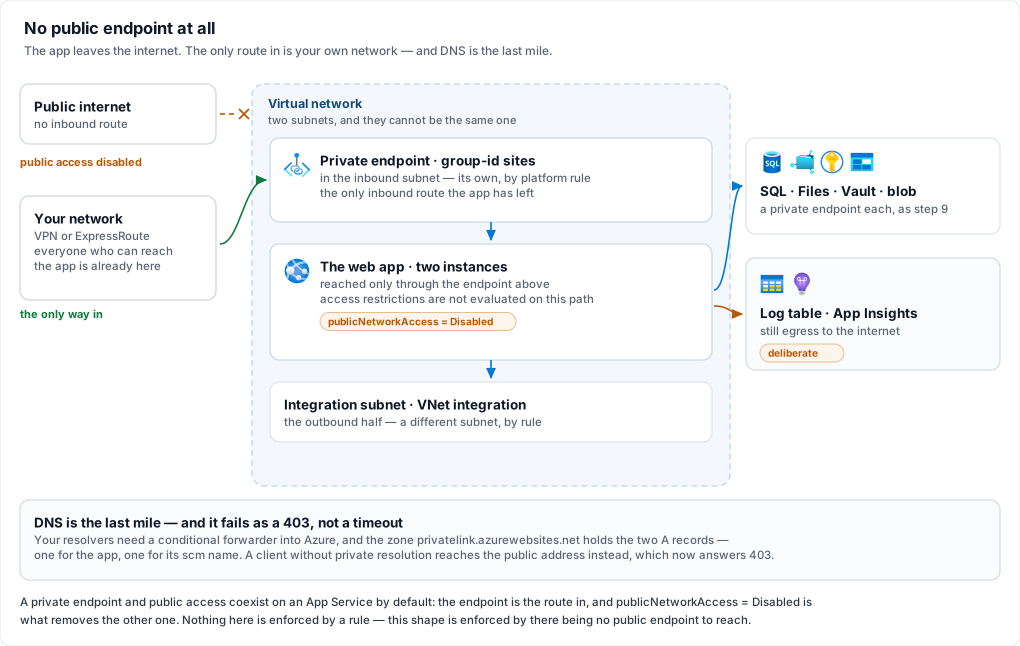
Choose this one when the requirement is that **nobody outside your network reaches this service at
all**, and Front Door when the service has to be reachable from the internet and the only question is
how safely.
**The anonymous approval route stops being internet-reachable, and that is the largest thing on this
page.** `/approve/{jobId}` and `POST /api/approvals/{id}` take no credential by design — a decision
compensated rather than hidden, with a recorded identification method, the approver's address and user
agent, their own rate-limit budget and deliberately coarse refusals ([Approvals](https://docs.lacunasoftware.com/en-us/articles/bulk-signer/approvals)). Every
one of those controls was designed for a page anybody could load. Take the public endpoint away and the
population that can reach the route at all is the population already admitted to your network, which is
a stronger compensation than anything the product itself can ship. If that unauthenticated route is why
you are reading this section, this shape is the answer to it and Front Door is not.
**Stated the other way round, that is also the cost: an approver who is not on the network cannot
approve.** The portal link is a derived HMAC that works from any device, and this shape makes
*reachable* the binding constraint instead. Count the approver population before committing — a director
approving a payroll from a phone, an external auditor, anybody at a client — because for each of them
the answer becomes a VPN client on that device, and that is much cheaper to know now than after the
first payroll parks over a weekend.
**What this shape does not close.** There is no WAF here, so the ×N rate budget stays ×N; what changes
is who can spend it, not the arithmetic. `/api/metrics` still lands on an arbitrary instance, and
upgrades are still stop-the-world. If you need a WAF **and** no public exposure, the answer is an
internal Application Gateway rather than Front Door — which always has a public front end of its own —
and that is a third deployment shape, not documented here.
**Keep `Hosting__ForwardedHeaders__*` exactly as [step 4](https://docs.lacunasoftware.com/en-us/articles/bulk-signer/azure#4-app-settings) set it, and the address it
records gets better.** Private Link forwards the real client address to the app, so what lands on an
approval record is the approver's own address rather than a proxy hop. `TrustAnyProxy=true` also stops
carrying the caveat step 4 attaches to it, for the same reason the Private Link origin option does: with
public access disabled there is no path to Kestrel from outside the network left to abuse.
### Provisioning the private endpoint
The private endpoint needs a subnet of its own — **not** the one VNet integration uses, which is a
platform restriction rather than a preference and the most common way this gets built twice:
```bash
az network private-endpoint create --resource-group bulksigner-rg --name bulksigner-pe --vnet-name bulksigner-vnet --subnet inbound --group-id sites --connection-name bulksigner-sites --private-connection-resource-id $(az webapp show --name bulksigner --resource-group bulksigner-rg --query id -o tsv)
```
```bash
az network private-dns zone create --resource-group bulksigner-rg --name privatelink.azurewebsites.net
```
```bash
az network private-dns link vnet create --resource-group bulksigner-rg --zone-name privatelink.azurewebsites.net --name bulksigner-vnet-link --virtual-network bulksigner-vnet --registration-enabled false
```
```bash
az network private-endpoint dns-zone-group create --resource-group bulksigner-rg --endpoint-name bulksigner-pe --name default --private-dns-zone privatelink.azurewebsites.net --zone-name azurewebsites
```
```bash
az resource update --ids $(az webapp show --name bulksigner --resource-group bulksigner-rg --query id -o tsv) --set properties.publicNetworkAccess=Disabled
```
**That last command is the one that does the work, and the private endpoint does not imply it.** A
private endpoint and public access **coexist** on an App Service by default: build the endpoint, connect
over the VPN, watch it work — and the app is still on the internet exactly as it was. Note also that the
app's access-restriction rules are *not* evaluated for traffic arriving through the private endpoint, so
the `x-azure-fdid` rule from the Front Door option is inert here. This shape is enforced by there being
no public endpoint, never by a rule.
> **Warning: DNS is where this fails, and it fails as a 403 rather than a timeout**
>
> The app's public name keeps resolving after the endpoint exists — to a public address that now refuses
> you. A client that has not been given private resolution therefore gets a **403 from the platform**,
> which reads like a permissions problem and is not one. Two A records are needed in
> `privatelink.azurewebsites.net`, one for the app and one for its `scm` name; the DNS zone group above
> creates both, which is why it is worth using rather than hand-writing records. **VPN clients resolve
> through your own DNS**, so the last mile is a conditional forwarder from your resolvers into Azure — an
> [Azure DNS Private Resolver](https://learn.microsoft.com/azure/dns/dns-private-resolver-overview)
> inbound endpoint is the maintained way to do that. Keep using the default `*.azurewebsites.net` host
> name: the platform certificate is issued for it, and a custom domain here means bringing your own.
**Two things you were told to do earlier move inside the network.**
[Step 6](https://docs.lacunasoftware.com/en-us/articles/bulk-signer/azure#6-first-boot-on-one-instance) reads the boot narration with `az webapp log tail`, which reaches
the app's SCM site — private now, so run it from a VPN-connected workstation, or read the boot from the
table log sink instead. And if you put a private endpoint on the container registry too, the image pull
has to be routed through the network explicitly, by setting `properties.vnetImagePullEnabled` the same
way step 2 sets `acrUseManagedIdentityCreds`; a registry left public needs nothing. What does **not**
change is anything the platform does to itself —
[Health check](https://docs.lacunasoftware.com/en-us/articles/bulk-signer/azure#the-health-check-reads-the-readiness-endpoint) still pings `/api/ready` and ARR affinity
still pins the Blazor circuit, both internal to App Service and both indifferent to all of this.
> **Note: "No internet exposure" here means inbound, and two things still go out**
>
> The app keeps its outbound path to the internet, and the two deliberate exclusions in
> [Outbound](https://docs.lacunasoftware.com/en-us/articles/bulk-signer/azure#outbound--vnet-integration-and-private-endpoints) above depend on it: the Azure table log
> sink and Application Insights. If your requirement covers egress as well, those two are the whole
> conversation — Application Insights needs an Azure Monitor Private Link Scope, and the log table needs a
> private endpoint on its storage account, which **collides with the reason that exclusion exists**: a log
> sink is the one destination that has to keep working when the network is what broke. Read that argument
> before closing it, and note that simply turning the sink off is not the cheap way out — in cluster mode
> it logs a Critical at startup, because a container's rolled log files go away with the container
> ([Before you start](https://docs.lacunasoftware.com/en-us/articles/bulk-signer/azure#before-you-start), item 5).
---
## When something refuses
Every cluster failure mode, with its exact message and its fix, is in
[Troubleshooting](https://docs.lacunasoftware.com/en-us/articles/bulk-signer/troubleshooting#cluster-mode). The ones you are most likely to meet on a first
deployment:
| Symptom | Cause |
|---|---|
| `Cluster mode refused to start`, naming keys | One of the boot refusals in [Before you start](https://docs.lacunasoftware.com/en-us/articles/bulk-signer/azure#before-you-start). The message names every failing key at once rather than one per attempt. |
| **The container never starts** | Either the image pull failed (`acrUseManagedIdentityCreds` never set — step 2), or a boot refusal fired. The log stream tells them apart — a pull failure leaves it empty because there is no application yet, while a refusal names the key before exiting. The first boot's import refuses, for instance, when a profile carries a secret and `Signing__ProfileSecretsKey` is not set ([step 3](https://docs.lacunasoftware.com/en-us/articles/bulk-signer/azure#the-settings)). Read the stream before assuming the registry. |
| The app starts but the profile is `DEGRADED` and every job fails with `profile.degraded` | The profile could not resolve its certificate: an unreachable vault, an expired client secret, or a `.cer` that does not pair with `KeyName` ([step 3](https://docs.lacunasoftware.com/en-us/articles/bulk-signer/azure#3-the-signing-key-lives-in-a-vault)). The reason is on the banner's `profile` row and on `/api/ready/details`. Fix it on the profile's page (*Edit certificate*) or at the vault, then restart. |
| Boot warns `displaced the previous incarnation … which was still live` | An **in-place redeploy** ([step 8](https://docs.lacunasoftware.com/en-us/articles/bulk-signer/azure#8-upgrades-are-stop-the-world)): the new container took the identity and the old one stood down — expected on every in-place roll. If this host is **not** mid-redeploy, two hosts are presenting one identity and will take turns: read both logs and rename one or point it at its own database. |
| Boot refused saying the identity `could not be registered in 3 attempts` | Every write of the heartbeat row lost a race to another incarnation: two hosts presenting one name booting at the same moment against one database, or a store fault. Find the other host on the Instances view of an instance that is running. |
| Boot refused naming two operational stores | The work share's marker says it belongs to a different store. Two clusters over one work share is mutual data destruction that no database can see, which is what that gate exists to catch. |
| Operators bounced to sign-in intermittently | The instances are not sharing one key ring — usually one host whose `Cluster:Enabled` is false, or instances pointed at different stores. |
---
Related: [High availability and its limits](https://docs.lacunasoftware.com/en-us/articles/bulk-signer/high-availability) ·
[Installation](https://docs.lacunasoftware.com/en-us/articles/bulk-signer/installation) · [Certificates](https://docs.lacunasoftware.com/en-us/articles/bulk-signer/certificates) ·
[Configuration](https://docs.lacunasoftware.com/en-us/articles/bulk-signer/configuration#cluster--multi-instance-deployment) ·
[Operations](https://docs.lacunasoftware.com/en-us/articles/bulk-signer/operations#which-instances-are-alive-cluster-mode-only) ·
[Troubleshooting](https://docs.lacunasoftware.com/en-us/articles/bulk-signer/troubleshooting#cluster-mode)
# [High availability and its limits](https://docs.lacunasoftware.com/en-us/articles/bulk-signer/high-availability)
Cluster mode runs more than one active instance over one operational store and one work share. What it
buys is the three things the feature was asked for: a job is never processed by two instances at once,
an instance dying does not leave work permanently stuck, and the pipeline keeps signing while one host
is gone.
This page is the other half of that sentence — **what it does not buy**, stated up front rather than
discovered in a change window. Everything here applies only where `Cluster:Enabled` is true. Off,
which is every deployment that has not deliberately turned it on, none of it is in effect and the
product is the single-instance one it always was.
The deployment walkthrough is [Azure App Service (cluster mode)](https://docs.lacunasoftware.com/en-us/articles/bulk-signer/azure); the day-2 operator view is
[Operations](https://docs.lacunasoftware.com/en-us/articles/bulk-signer/operations#which-instances-are-alive-cluster-mode-only); the failure catalogue is
[Troubleshooting](https://docs.lacunasoftware.com/en-us/articles/bulk-signer/troubleshooting#cluster-mode).
---
## One supported topology
An **Azure Web App, Linux container, the existing image, scaled out on one App Service Plan.** That is
the whole of it.
The mechanisms do not know that. Everything coordinates through the operational store and the work
share, and nothing is App-Service-specific but the identity derivation and this documentation — so two
on-premises VMs against one SQL Server would run the same code. They are **undocumented, untested and
unsupported**, and three sub-designs that exist only for that shape were deliberately not built:
configuration fingerprints, operator-assigned instance names, and per-host certificate
name-indirection.
One fact about App Service does a great deal of the work and is why the list is one item long: **app
settings are per app, not per instance**, so every instance is identical by construction. The
cross-instance config-divergence hazards — an encryption password differing between hosts, a signing
profile one instance never heard of — cannot occur here. On a topology where they can, they are
unaddressed.
## Upgrades are stop-the-world
Stop the app, deploy, start. There is no rolling restart, no zero-downtime path, and **no deployment
slots**.
A staging slot carrying production's connection string is not a staging environment — it is a second
set of instances joining the cluster on a different application version, sharing the job queue, the
heartbeat table and the work share with the version you are still running. The swap does not introduce
the condition; the slot's first boot does.
The heartbeat's version stamp is the **tripwire, not the guard**: a booting instance that finds live
heartbeats from a different version logs a Critical and carries on. That is deliberate. A hard refusal
would block instances from coming up for as long as a *dead* old-version heartbeat took to go stale —
which is exactly the moment an operator needs them up, because it is the moment after a failed deploy.
So mixed versions are detected and reported, never prevented. Treat the Critical as the alarm it is.
**An in-place image change is survivable, but it is not the recipe.** Since 2.5.0, changing the image on
a running app (`az webapp config container set`) no longer costs a refused start. App Service starts the
new container beside the old one under the same instance id and keeps the old one serving until the new
one is warm; the new container **displaces** the old, which stands down — it finishes what it holds and
claims nothing new — and says so in its log, as an `InstanceStoodDown` event and on its System page. See
[Operations](https://docs.lacunasoftware.com/en-us/articles/bulk-signer/operations#when-a-boot-finds-its-own-identity-already-live). An instance that shuts down
cleanly retires its heartbeat row (since 2.4.3), so after *stop, set, start* there is nothing to
displace at all, which is why that remains the tidier deploy.
**A failed deploy takes the site down, and setting the previous tag back is the recovery.** If the new
container fails its warm-up after displacing the old one, App Service does not keep routing to the old
container: it stops the **whole site**, the stood-down container included, and keeps restarting it with
the new image. Nothing the product does can prevent that. Point the app back at the previous image tag
with `az webapp config container set`; it is ready again within about two minutes.
## Session affinity is required
The dashboard is Blazor Server, and a circuit is a stateful SignalR connection that must keep landing
on the instance holding it. App Service ships ARR affinity on by default and it must stay on. This is
documented as a requirement rather than engineered around.
What affinity is **not** doing is keeping people signed in. Both session cookies are Data Protection
payloads, and in cluster mode the key ring moves into the operational store precisely so a cookie
minted by one instance validates on every other. Affinity is for the circuit; the shared ring is for
the cookie. Turning the ring off would produce intermittent sign-outs that no affinity setting fixes.
## Rate-limit budgets are per instance, so the effective limit is ×N
Every rate-limit policy in the product is a per-process limiter. Two instances mean twice the permits;
N instances mean N times.
This is documented rather than fixed. A distributed limiter would be this on-premises product's first
shared-infrastructure runtime dependency, for a control that is coarse by design, and the arithmetic
that matters most — the compensating-control argument for the anonymous approval route — was re-read
with the ×N factor and survives at the small N this topology runs. If you scale past a handful of
instances, re-read it yourself rather than assuming it still holds.
Sizing a budget for a cluster means dividing by the instance count you actually run — and remembering
that the instance count changes when you scale.
`Pipeline:MaxConcurrency` multiplies the same way, and that one is a feature rather than a limitation:
it is per instance, so a fleet of two at concurrency four signs up to eight files at once. Size the
certificate source for that number, not for the configured one.
## Metrics scraping reaches an arbitrary instance
`/api/metrics` is per-process, and App Service's front door cannot target an instance. A Prometheus
scrape therefore lands on whichever instance the load balancer picked, and the series it collects jumps
between instances between scrapes. **Scrape continuity breaks**, and no configuration recovers it.
The recommended cluster observability path is the Application Insights distro — opt-in, instance-aware
natively. See [Telemetry](https://docs.lacunasoftware.com/en-us/articles/bulk-signer/telemetry).
If you keep Prometheus anyway, two gauges have meanings decided rather than inferred, and reading them
wrong under-reports:
- `bulksigner_jobs_awaiting_signer` counts the rows **this instance** polls. `sum()` across the fleet
is the cluster-wide total with nothing double-counted, a job having exactly one owner. Reading a
single instance's series as the total is the mistake to expect.
- The same shape applies to every per-instance counter on the page. One instance's numbers are one
instance's.
`GET /api/folders` carries an `instance` field for the same reason, so a machine client can at least
tell "the folder changed" from "the answer came from somewhere else".
## Logs are ephemeral unless you make them durable
A Linux container's disk vanishes on recycle, and rolled log files with it. `Storage:Root`'s `logs/`
directory is inside the container.
Cluster mode **warns and starts** when `Logging:AzureTable:Enabled` is false: a Critical at startup
naming the loss. It does not refuse, on the product's own severity gradient — an unreachable work share
and an unreachable store both warn and start too, and a boot refusal over a diagnostic stream inverts
that. The never-only-sink rule is untouched, so the file sink stays on either way, on ephemeral disk,
where App Service log streaming reads it live.
> **Warning: Turning the table sink on has its own cost, and it is a decision to make before enabling it**
>
> **Nothing prunes that table** and no Azure mechanism can. See
> [Retention](https://docs.lacunasoftware.com/en-us/articles/bulk-signer/retention#logs-in-a-table--nothing-prunes-them) and schedule the pruning script.
## A presumed death is a wager
Liveness is heartbeats in the operational store. An instance that is **alive but cannot write them** —
partitioned from the store, or stalled past `Cluster:StaleAfterSeconds` — may have its work taken over
while it is still doing it. The losing case is named rather than hidden.
What bounds the damage is unchanged from single-instance operation, and all three mechanisms predate
cluster mode:
- The staged bytes are **re-hashed immediately before any signature exists**.
- A promote onto an occupied destination is **refused** — a duplicate completion becomes one
`Completed` job and one `Failed` one, never two delivered artifacts.
- An input is **compared against its staging fingerprint** before it is deleted.
Raise `Cluster:StaleAfterSeconds` where a deployment meets this routinely. The floor is three cadences,
refused at boot below that, because a threshold that short presumes death on one or two missed beats
and a beat goes missing for reasons that are not death.
The mirror image is also stated: an instance that goes stale to its siblings **keeps signing**. It is
not stopped, because this product's standing rule is that an in-flight job runs to natural completion.
It never takes over its own jobs, whatever the table says.
**The same window paces the question about a displaced instance.** After a redeploy overlap, the new
container's sweep asks the store, once the window has passed, for jobs the displaced incarnation left
behind. Once that question has come back empty it is asked again once per `Cluster:StaleAfterSeconds`,
not once per poll (since 2.8.0) — on App Service every roll overlaps, so the displacement record never
clears. The cost is that a displaced process which never stood down and claims a job late has it taken
over within one window and one poll rather than within one poll, which is the wager above, not a new
one.
## Rows nobody owns are reconciled by nobody
A job row carrying **no owner** — left by a build older than the ownership column, or by a run with the
mode off — is a row cluster mode will never sweep. Boot recovery takes only this instance's own
identity, a sibling's takes theirs, and takeover follows an owner's heartbeat, of which there is none.
It is reported rather than adopted. Adopting would mean a filter matching null, which matches in
*every* instance simultaneously — the defect the feature removes, arriving through the code that
removes it.
> **Note: The remedy is real, and is named on every surface that meets one**
>
> **Boot once with `Cluster:Enabled = false`**, which sweeps every in-progress row whoever owns it, then
> turn the mode back on. Do this once at the upgrade, before the first cluster boot, and it stops being a
> concern — the owner is recorded on every claim whether or not the mode is on, and only *read* under it.
Two specifics are worth having in writing because they are worse than they look:
- **A job dispatched to Lacuna Signer with no owner is polled by nobody and no longer times out.**
`Signer:TimeoutHours` is enforced while a row is being polled, so a row nothing polls is a row
nothing bounds. Scoping the poll to owned rows removed the last terminal path such a job had. The
poll worker says so once per process and names the count.
- **A row owned by a *named* instance that has no heartbeat row at all** is stranded the same way and
takes the same remedy. Absence of a heartbeat is not evidence of death — an owner with no row is
reported once and left, rather than read as a licence to fail somebody's live work.
## There is no per-instance drain
You cannot ask instance B to finish what it has and stop taking new work. `POST /api/pipeline/pause`
holds **every** instance's worker — the pause flag lives in the one row every worker reads each poll
iteration, so cluster-wide is what the existing control comes to mean, and it is what an operator
pausing "the pipeline" intends.
The answer to "patch instance B" is to stop it and let takeover do its job. Per-instance drain was
deliberately not built.
One consequence of pause being cluster-wide is worth knowing: **takeover sits behind the pause gate.**
An operator pausing a cluster to investigate a store that has gone slow is exactly the person who must
not have every instance declare every sibling dead. The approval-expiry sweep sits in front of the gate
instead, because a wait budget is a wall-clock deadline that pausing does not extend.
## Cross-instance latency is the poll interval
The wake signal is process-local. An enqueue on instance A does not wake instance B's worker; B picks
the job up on its next poll. `Pipeline:PollIntervalSeconds` is therefore the cluster's cross-instance
latency bound — accepted and documented, not engineered around.
**A signing profile edit rides the same bound, by design.** Signing profiles live in the operational
store and are edited from the dashboard; a profile write bumps a counter in the store inside its own
transaction, and every instance reads that counter on the poll it already runs — so a change made on
instance A reaches instance B within one poll interval, with no message path between them to
configure, secure or debug. What propagates is *behaviour*: format, verification, encryption, CNAB240
checking and the whole approval rule. A **certificate** change does not, on any instance: each host
opens its certificate once at startup and keeps the key handle, so changing one is a restart — on this
topology, the stop-the-world restart described above.
Two consequences worth expecting:
- **Between a certificate edit and the restart, two instances can honestly report different sources
for the same profile** — each naming the key it would sign with, which is also the source it stamps on
the jobs it signs. A scrape or a dashboard request lands on an arbitrary instance, so read the answer
as "what would sign here", not "what the row says".
- **The pending-restart marker a certificate edit raises is per instance, and truthful.** An instance
that has restarted shows nothing and one that has not shows the marker — both correct about
themselves — which is what makes a partial recycle readable. On the stop-the-world restart every
instance loses the marker together.
**Two certificate sources cannot be chosen at all on this topology.** A PKCS#11 token and the host's own
Windows certificate store live on one machine, and these instances are created and destroyed by scale
operations — so creating a profile on either source, or re-pointing one onto them, is refused in the form
while `Cluster:Enabled` is on. Configuration that states one is still a boot refusal. A profile **saved
before the switch was turned on** is the one case neither catches: nothing re-validates a stored profile,
so it is a startup warning instead, naming the profile and its source. Expect it to look asymmetric
across the fleet: the instance that has the token signs and warns, while every instance without it
reports the profile as degraded and fails the jobs routed to it.
The same locality is what makes re-ingestion keep working for free: under all-watch, the instance that
finishes a job always watches the folder it came from, so the process-local signal still reaches a
watcher that owns the path.
## The work-share gate is narrower than the catastrophe it is named for
The marker binds a work share to one operational store, and a booting instance whose store does not
match refuses to start naming both. That catches the shape it is for: a second deployment meeting a
share an established cluster has already marked.
What it does not catch is any moment the marker is **unreadable**, because it refuses on evidence and
never on the absence of it. Two such moments exist — a share carrying no marker yet, and the instant of
a naming write on Azure Files, where the file is briefly full-length zeros. Both are narrowed by one
extra look when a lease is held, not closed. A check that runs once at boot also cannot see a rival
cluster that arrives afterwards.
And the gate is **not** what stops two instances signing one file. The per-file lease and the database
claim are. The marker is for the one catastrophe no database can see: two stores, one share.
## Database backup is unreachable here
`Backup:Enabled = true` under `Database:Provider = SqlServer` is a boot refusal naming both keys — and
cluster mode requires `SqlServer`. The combination is therefore unreachable by construction, which is a
pleasant consequence rather than a gap: the process-wide backup gate needs no distributed replacement.
Backing up the operational store on this topology is your DBMS regime's job. Azure SQL's own
point-in-time restore is the answer, not this product's feature. See
[Retention](https://docs.lacunasoftware.com/en-us/articles/bulk-signer/retention#backup-discipline).
## The session key ring is plaintext in the store
In cluster mode the Data Protection ring is rows in `SessionProtectionKeys`, in plaintext, guarded by
the database's own access control — consistent with a security model in which the connection string
**is** the credential and `keys/` read access is already documented as "a session as anyone".
Two things follow, and the second is the one that is easy to miss:
- **The Windows DPAPI encryptor is dropped under the switch.** Machine-scoped DPAPI is precisely the
property that makes a copy of `keys/` useless on another host — and precisely the property that makes
a ring unreadable by a sibling, so keeping it would be keeping the defect. On Windows this is weaker
at rest. It costs nothing on the supported topology, whose Linux container has no encryption at rest
for the on-disk ring either, and it is the one place turning the mode on trades a control away rather
than adding one.
- **An unreachable store fails the request, with no fallback.** A host that could not reach the store
and quietly minted sessions from a per-instance ring would issue cookies its siblings reject — the
intermittent sign-out the shared ring removes, arriving through the code that removes it. What that
failure looks like is the provider's own exception on the request path, not a diagnosed refusal
naming the ring. The condition is reported where it is diagnosed: the boot check and `/api/ready`'s
per-instance `database` row.
A first-boot observation, stated so it is not read as a fault: instances that start together all meet an
empty ring, so several can mint an element before any has read another's, and the table can carry more
elements than there were key rolls. Nothing is wrong with that.
## Contention has a cost, and it is a small one
Two instances claiming from one queue conflict routinely, and the batch claim falls back to
one-at-a-time with a logged lost race. In cluster mode that line is demoted to the expected-outcome
level, under its own event id — "a sibling got there first" and "something else on this instance did"
are different facts for a reader.
Related and deliberately **not** a failure: a lease conflict on an input, and an `AlreadyActive` enqueue
outcome. Every instance watches every folder, so losing a race is routine — neither counts toward a
folder's consecutive-failure breaker, and an already-active outcome resets the counter exactly as a
successful enqueue does. See
[Operations](https://docs.lacunasoftware.com/en-us/articles/bulk-signer/operations#contention-between-instances-is-not-a-failure).
## What cluster mode does not change
Listed because each is a rule somebody reasonably expects a clustering feature to have relaxed, and
none of them is:
- **No automatic retry of signatures.** A signature is never re-attempted without a human deciding it.
The takeover policy walks that edge deliberately: a job that never reached the sign call is
re-enqueued because *nothing was attempted*; a job past it fails. `Failed` is an honest terminal
outcome, not "stuck", and the operator's manual retry remains the retry. A job signing a Lacuna
Signer document past that point is first asked about at Signer, and completed or canceled when
Signer's answer settles it; it fails with `signer-folder.interrupted` only when it does not (see
[Lacuna Signer integration](https://docs.lacunasoftware.com/en-us/articles/bulk-signer/lacuna-signer#when-the-run-signing-it-ends)).
- **Every instance sweeps the bound Lacuna Signer folders.** With a `SignerFolder` profile, each
instance lists the folders every `Signer:FolderSweepIntervalSeconds`; a document two instances find is
taken once, because the store records each (document, flow action) it has taken and refuses the
second. The `signer-notifications` and `signer-folder-sweep` readiness rows are per instance.
- **In-flight jobs are sacred.** `POST /api/jobs/{id}/cancel` is valid only for jobs no worker is
running — `Queued`, `AwaitingSigner` and `AwaitingApproval` — on every instance.
- **Watched folders stay in configuration; signing profiles no longer do.** Moving profiles into the
database was considered as a prerequisite here and dropped when the topology settled, because App
Service provides cross-instance consistency by construction. It has since landed on its own terms:
profiles are rows in the operational store, edited from the dashboard, which moves approver-pool edits
from host-file access to dashboard authorization. What that adds here is the propagation bound above
and nothing else — no new topology and no coordination between instances. Watched folders are still
configuration, and every instance still watches every folder.
- **The approval gate is unchanged.** The rule is still frozen onto the job at the park, a rejection is
still a veto, and the staged bytes are still re-hashed before any signature exists.
- **Clear Jobs takes every job, a sibling's included — by decision, not by omission.** From 2.0.0 to
2.8.x it was terminal-only for everyone, because deleting the row under a running sibling's job was the
sharpest operator-action hazard in the inventory. Since 2.9.0 it deletes every job whatever its
status: an operator wiping the system from the danger zone has wiped a system with a job in it, on
purpose, and the dialog says so. The abandoned job's worker fails it, finds no row, and logs both — and
the per-file lease, not this action, is still what stops two instances signing one file. See
[Clear Jobs](https://docs.lacunasoftware.com/en-us/articles/bulk-signer/operations#clear-jobs).
## What is not a limitation, despite looking like one
- **Pause is cluster-wide.** One call holds every instance, which is what an operator pausing "the
pipeline" means.
- **Statistics are cluster-wide.** They moved into the operational store and are computed on read, so
the panel describes the fleet rather than whichever instance answered. What was excluded before is
still excluded: the awaiting-signer and awaiting-approval waits, and `QueuedAt` rather than
`CreatedAt` as the queue-wait anchor. See [Job statistics](https://docs.lacunasoftware.com/en-us/articles/bulk-signer/statistics).
- **Approver links, second factors and sessions cross instances.** The verification window lives in the
operational store keyed by an identifier carried inside the cookie, which predates clustering entirely
— so a window opened via one instance is honoured via another with nothing added.
---
Related: [Azure App Service (cluster mode)](https://docs.lacunasoftware.com/en-us/articles/bulk-signer/azure) · [Installation](https://docs.lacunasoftware.com/en-us/articles/bulk-signer/installation) ·
[Configuration](https://docs.lacunasoftware.com/en-us/articles/bulk-signer/configuration#cluster--multi-instance-deployment) ·
[Operations](https://docs.lacunasoftware.com/en-us/articles/bulk-signer/operations#which-instances-are-alive-cluster-mode-only) ·
[Troubleshooting](https://docs.lacunasoftware.com/en-us/articles/bulk-signer/troubleshooting#cluster-mode)
# [Configuration](https://docs.lacunasoftware.com/en-us/articles/bulk-signer/configuration)
Every `appsettings.json` key for Lacuna Bulk Signer — type, default, environment-variable override,
and whether it is required.
## Configuration sources, in precedence order
Later sources override earlier ones:
1. `appsettings.json` (built-in defaults)
2. `appsettings.{Environment}.json` (e.g. `appsettings.Production.json`)
3. `appsettings.json` + `appsettings.{Environment}.json` found under `BULK_SIGNER_CONFIG_DIR`
4. Environment variables (`Section__Sub__Key`)
The `BULK_SIGNER_CONFIG_DIR` step is what lets the binary live in a read-only install location
(`/opt/bulksigner`, `%ProgramFiles%\Lacuna\BulkSigner`) while the operator-edited production config
lives elsewhere (`/etc/bulksigner`, `%ProgramData%\Lacuna\BulkSigner\config`). The install scripts
set this variable; if you change install paths, update the variable in lockstep.
Environment-variable mapping follows the ASP.NET Core rule: a JSON key like
`Signing:Certificate:Pfx:Password` maps to `Signing__Certificate__Pfx__Password` (double underscore
is the separator).
> **Warning: Changed in 2.3.1 — the shipped appsettings.json is production-neutral**
>
> The `appsettings.json` inside the binaries and the image declares **no signing profiles, no `Signer`
> block and no secret of any kind** — not even a placeholder `Auth:ApiKey`. It matters because it is read
> under every environment name, and configuration can override a key but never remove one: before 2.3.1,
> sample profiles in that file merged underneath profiles declared as environment variables. The one
> consequence at the upgrade: a deployment that never set `Auth:ApiKey` itself was running on the old
> placeholder and now **refuses to start, naming the key**. Set `Auth__ApiKey` as every install path
> describes.
## Markers used in the tables
| Marker | Meaning |
|--------|---------|
| **REQUIRED** | The service refuses to start (or signing refuses to run) without a non-empty value. |
| **SECRET** | Sensitive — prefer the environment-variable override over a value committed to a file. |
## `Logging` / `Logging:File`
Standard `Microsoft.Extensions.Logging` knobs (`Logging:LogLevel:*`) work as usual; the
`Logging:File` block configures the file sink.
| Key | Type | Default | Env override | Notes |
|-----|------|---------|--------------|-------|
| `Logging:LogLevel:Default` | string | `Information` | `Logging__LogLevel__Default` | Standard logging level. |
| `Logging:LogLevel:Microsoft.AspNetCore` | string | `Warning` | `Logging__LogLevel__Microsoft.AspNetCore` | Lowers framework chatter. The same `Warning` floor is applied in code to `Microsoft.AspNetCore` and to Entity Framework Core's database-command category, so neither the request pipeline nor every executed SQL statement reaches the log at `Information`. Failed commands still log. |
| `Logging:File:Path` | string | `data/logs/bulksigner-.log` | `Logging__File__Path` | **REQUIRED.** File-sink path template. The trailing `-` before `.log` plus daily rolling produces `bulksigner-yyyyMMdd.log`. |
| `Logging:File:RollingInterval` | string | `Day` | `Logging__File__RollingInterval` | One of `Day`, `Hour`, `Minute`, `Infinite`. |
| `Logging:File:FileSizeLimitBytes` | long | `50000000` | `Logging__File__FileSizeLimitBytes` | Per-file cap; the sink rolls to `…_001.log` past this. Bounds: 64 KB to 10 GB. |
| `Logging:File:RetainedFileCountLimit` | int | `14` | `Logging__File__RetainedFileCountLimit` | Older files are deleted as rotation advances. Bounds: 1–365. |
| `Logging:File:MinimumLevel` | string | `Information` | `Logging__File__MinimumLevel` | One of `Verbose`, `Debug`, `Information`, `Warning`, `Error`, `Fatal`. |
| `Logging:File:WriteToConsole` | bool | `true` | `Logging__File__WriteToConsole` | When true, also writes to stdout. The same redacting formatter runs on both sinks. |
## `Logging:AzureTable` — a second log sink
A deployment on an ephemeral filesystem — a container that is replaced rather than restarted — loses
`data/logs/` every time. This block sends log events to an Azure Storage table as well, so the
diagnostic stream survives the host. It is the last of three places state can move into Azure: files
can already live on an Azure Files share
([`Storage:Provider`](https://docs.lacunasoftware.com/en-us/articles/bulk-signer/configuration#storageprovider--storageazurefiles--the-work-share)) and the operational record
in Azure SQL ([`Database`](https://docs.lacunasoftware.com/en-us/articles/bulk-signer/configuration#database-and-connectionstrings)).
| Key | Type | Default | Env override | Notes |
|-----|------|---------|--------------|-------|
| `Logging:AzureTable:Enabled` | bool | `false` | `Logging__AzureTable__Enabled` | Off unless set. `true` over an incomplete block is a **boot refusal** naming the missing key, not a silently inert sink. |
| `Logging:AzureTable:TableName` | string | `bulksignerlogs` | `Logging__AzureTable__TableName` | Must already exist — the service does not create it. Alphanumeric only, 3–63 characters, must not start with a digit; a bad name is refused at boot rather than on the first write. |
| `Logging:AzureTable:MinimumLevel` | string | *(inherits `Logging:File:MinimumLevel`)* | `Logging__AzureTable__MinimumLevel` | Narrow the table without narrowing the file. **Setting it *below* the global minimum does nothing** — that gate runs before any sink. |
| `Logging:AzureTable:ServiceUri` | string | — | `Logging__AzureTable__ServiceUri` | **REQUIRED when enabled.** The table endpoint, e.g. `https://contosologs.table.core.windows.net`. A URL carrying a **query string is refused** — that is how a shared-access signature arrives, and SAS is deliberately not among this product's storage credentials. Refusing it also keeps this value non-secret, which is what makes it safe to print on the startup banner. |
| `Logging:AzureTable:Credential` | string | — | `Logging__AzureTable__Credential` | **REQUIRED when enabled.** `ManagedIdentity`, `ServicePrincipal` or `AccountKey`. **Never defaulted** — see below. |
| `Logging:AzureTable:AccountName` | string | — | `Logging__AzureTable__AccountName` | Required for `AccountKey` **and that mode only**: the shared-key credential needs the account by name, and it cannot be read off `ServiceUri` without guessing whether that URL is a production endpoint or an emulator one. |
| `Logging:AzureTable:AccountKey` | string | — | `Logging__AzureTable__AccountKey` | **SECRET.** `AccountKey` mode only. |
| `Logging:AzureTable:TenantId` | string | — | `Logging__AzureTable__TenantId` | `ServicePrincipal` mode only. |
| `Logging:AzureTable:AppId` | string | — | `Logging__AzureTable__AppId` | `ServicePrincipal` mode only. |
| `Logging:AzureTable:AppSecret` | string | — | `Logging__AzureTable__AppSecret` | **SECRET.** `ServicePrincipal` mode only. Env override recommended. |
| `Logging:AzureTable:QueueLimit` | int | `10000` | `Logging__AzureTable__QueueLimit` | Events held in memory while the table is unreachable. Beyond it events are **dropped and counted** — reported on `/api/ready` and on `bulksigner_log_sink_dropped_total`. The bound exists because an unbounded buffer against a long outage is an out-of-memory kill of a signing service because *logging* broke. |
| `Logging:AzureTable:BatchSizeLimit` | int | `100` | `Logging__AzureTable__BatchSizeLimit` | Events per write. Capped at 100, the documented ceiling on an entity-group transaction; above it a batch stops being one transaction rather than merely being slower. |
| `Logging:AzureTable:BatchPeriodSeconds` | int | `5` | `Logging__AzureTable__BatchPeriodSeconds` | How long a partial batch waits before being written. |
**The credential keys are the same ones `Storage:AzureFiles` and a profile's signing material blob
use**, so an operator who has configured one storage credential in this product has configured them
all. The identity needs **Storage Table Data Contributor** on the table or its account.
**A block naming no credential is refused at boot.** Falling back to a development identity would mean
a missing or unassigned managed identity working on a laptop and failing only in production.
**Prefer `ManagedIdentity` to `AccountKey`.** Microsoft recommends disallowing Shared Key
authorization, and many organisations set `allowSharedKeyAccess = false` at the account — on such an
account `AccountKey` cannot be configured at all. An account key also grants full data-plane access to
the *whole* account, so a key used for a log table has also handed out access to any Azure Files share
the same account holds.
### Two rules that are enforced, not advisory
**The table may never be the only sink.** `Logging:File:Enabled` is the off switch (for a read-only
root filesystem), but a configuration where **both local sinks are off** is refused at boot: if the
table stops accepting writes, the failure to log is itself unloggable. Keep the file sink, or keep
`WriteToConsole` — in a container that is stdout, which `docker logs` and App Service log streaming
already capture.
> **Danger: Nothing prunes the table**
>
> No TTL, no lifecycle rule, no bulk delete — the table grows until you delete from it. Read
> [Retention](https://docs.lacunasoftware.com/en-us/articles/bulk-signer/retention#logs-in-a-table--nothing-prunes-them) *before* enabling this, and schedule the
> pruning script. If two deployments share a storage account, give each its own table.
## `Database` and `ConnectionStrings`
The **operational store** — jobs, their history, operational events, the pipeline's pause flag, the
frozen approval rules and the recorded approvals — lives in SQLite by default. It can instead live in
your own SQL Server 2022+ or Azure SQL Database.
| Key | Type | Default | Env override | Notes |
|-----|------|---------|--------------|-------|
| `Database:Provider` | enum | `Sqlite` | `Database__Provider` | `Sqlite` or `SqlServer`. Case-insensitive; absent means `Sqlite`, so an existing deployment configures nothing. An unrecognised value is refused at boot, naming the key, your value, and the valid names. |
| `ConnectionStrings:Default` | string | `Data Source=data/db/bulksigner.db` | `ConnectionStrings__Default` | **REQUIRED under `SqlServer`** — and **SECRET** there, because it is the whole of the credential (SQL login, Entra ID, managed identity, Windows integrated; there is no separate credential key). Under `Sqlite` it may be omitted — the default above is real. Point a SQLite path under `Storage:Root` so one mount covers both the data tree and the DB. |
There is deliberately **no `Database:Credential` discriminator**: SQL Server has expressed
authentication in the connection string for thirty years, and adding a second mechanism beside one that
already works would only add a way for the two to disagree.
The store's provider is independent of `Storage:Provider` — files on an Azure Files share with the
store in SQLite, or the reverse, are both ordinary. **Neither combination makes running more than one
instance supported on its own**: that is [`Cluster:Enabled`](https://docs.lacunasoftware.com/en-us/articles/bulk-signer/configuration#cluster--multi-instance-deployment), which
*requires* `SqlServer` and `AzureFiles` but is not implied by them. Off that switch, see
[Operations](https://docs.lacunasoftware.com/en-us/articles/bulk-signer/operations#when-another-instance-appears-to-own-the-work-share).
Azure SQL Managed Instance and SQL Server on a VM are *configure as `SqlServer`, untested* — the same
implementation reaches them and nothing about them is known to differ, but neither is exercised.
**Three boot refusals sit on `ConnectionStrings:Default`,** and which apply depends on the provider:
- Under `Sqlite`, a connection string naming an Azure Files location — a database file reached over SMB
is the documented way to corrupt one.
- Under `SqlServer`, the reverse: a data source naming a *file* rather than a server, which is what a
deployment that flipped the provider and left the SQLite path behind produces.
- Under `SqlServer`, an **absent** string. No server is guessed at, where under `Sqlite` a real default
file path is.
No refusal ever echoes the connection string, because it may carry a password; only the data source is
quoted.
### Before you point it at SQL Server
1. **The database has to exist already.** Bulk Signer creates its *tables*, not its database. The boot
probe opens a connection to the database the connection string names, so an absent one reads as an
unreachable store and the migration is skipped.
2. **A login with the rights below,** mapped to a user in that database.
3. **Encryption the client will accept.** `Encrypt` defaults to `True` in the SQL client, so an
on-premises server whose TLS certificate the host does not trust fails the login with a
*certificate chain … not trusted* error. Install a trusted certificate on the server (the correct
fix) or, knowingly and only where a man-in-the-middle is not a concern, add
`TrustServerCertificate=True`. Azure SQL needs neither.
**Least privilege.** The service reads and writes its own tables and applies migrations at boot. That
is `db_datareader` + `db_datawriter` + `db_ddladmin` — **not** `db_owner`:
```sql
-- Once, by a DBA, in the database Bulk Signer will use.
CREATE USER [bulksigner] FOR LOGIN [bulksigner]; -- a SQL login
-- On Azure SQL with a managed identity or service principal, instead:
-- CREATE USER [] FROM EXTERNAL PROVIDER;
ALTER ROLE db_datareader ADD MEMBER [bulksigner];
ALTER ROLE db_datawriter ADD MEMBER [bulksigner];
ALTER ROLE db_ddladmin ADD MEMBER [bulksigner]; -- for the boot that applies a migration
```
That block assumes the database and login already exist and that you are connected **to that
database**. Creating them differs by engine:
```sql
-- SQL Server: from master, then switch.
CREATE DATABASE [BulkSigner];
GO
ALTER DATABASE [BulkSigner] SET READ_COMMITTED_SNAPSHOT ON WITH ROLLBACK IMMEDIATE;
GO
CREATE LOGIN [bulksigner] WITH PASSWORD = '';
-- or, for Windows integrated auth: CREATE LOGIN [DOMAIN\HOSTNAME$] FROM WINDOWS;
GO
USE [BulkSigner];
GO
-- …then the CREATE USER + ALTER ROLE block above.
```
```sql
-- Azure SQL: TWO connections, because USE cannot switch databases there and
-- CREATE DATABASE must run from master on its own.
-- Connection 1, to master:
CREATE DATABASE [BulkSigner];
GO
-- Connection 2, to BulkSigner itself: the CREATE USER + ALTER ROLE block above.
```
`READ_COMMITTED_SNAPSHOT` is **already on** in Azure SQL. Without it, the dashboard's reads take shared
locks and block behind the pipeline's writes — which arrives as "the dashboard hangs while a batch
signs" rather than as a database setting. Bulk Signer reports it and **never issues the statement that
changes it**: that needs exclusive access to a database that is yours.
`db_ddladmin` is what creates the tables and indexes, so it is needed on the **first** boot and on any
boot after an upgrade that ships a migration. Leaving all three roles in place is the simpler and safer
default; the migration runs at every boot and is a no-op when there is nothing to apply.
### The two credential shapes
The connection string carries it either way. **Prefer the passwordless shape wherever the host can
authenticate as itself** — there is then no secret to rotate, to leak into a log, or to find in a
backup.
```text
# Passwordless — Azure SQL, from a host with a system-assigned managed identity
Server=tcp:sqlsrv01.database.windows.net,1433;Initial Catalog=BulkSigner;Authentication=Active Directory Managed Identity;Encrypt=True;
# Passwordless — on-premises, from a Windows service account (integrated auth)
Server=sqlsrv01;Initial Catalog=BulkSigner;Integrated Security=True;Encrypt=True;
# With a secret — a SQL login
Server=sqlsrv01;Initial Catalog=BulkSigner;User ID=bulksigner;Password=;Encrypt=True;
# With a secret — an Entra service principal
Server=tcp:sqlsrv01.database.windows.net,1433;Initial Catalog=BulkSigner;Authentication=Active Directory Service Principal;User ID=;Password=;Encrypt=True;
```
A **user-assigned** identity is reached by adding its client id as `User Id=` — unlike
`Storage:AzureFiles`, whose `ManagedIdentity` mode is system-assigned only, because the SQL client
acquires the token itself.
Under the Windows Service target the service runs as the virtual account
`NT SERVICE\LacunaBulkSigner`, which reaches the network as the **computer account** — so the login to
create on SQL Server is `DOMAIN\HOSTNAME$`, not the virtual account's own name.
> **Warning: The environment variable replaces the whole value — it does not merge with the JSON**
>
> `ConnectionStrings:Default` is a single configuration key, so there is no way to keep the server in
> `appsettings.Production.json` and supply only the password from the environment. Either the JSON holds
> the complete string (fine when it is passwordless) or the environment does. A JSON value left in place
> alongside the environment variable is silently ignored.
### Switching provider starts with an empty store
There is no importer and no boot-time check for a SQLite file left behind. A deployment that sets
`Database:Provider = SqlServer` comes up against an empty schema: no jobs, no history, no operational
events — **and no approval snapshots and no recorded approvals**, which are the two things the product
otherwise retains for ever precisely because they are evidence of who authorised a payment file.
> **Danger**
>
> **Archive the old `db/bulksigner.db` deliberately, before the switch**, and keep it as long as your
> retention policy requires the evidence in it. Copy it while the service is stopped, and keep a SQLite
> client to hand. The reverse switch has the same property. See
> [Installation](https://docs.lacunasoftware.com/en-us/articles/bulk-signer/installation#switching-from-sqlite--archive-the-old-file-first).
### What the boot tells you about the store
Every deployment gets one `operational store` row on the ready-summary banner naming the provider, and
under `SqlServer` the server and the database with it — never the connection string. A `SqlServer`
deployment gets two more rows:
- **`store status`**, from one probe at boot. An unreachable store is **reported and does not stop the
host** (a database down during a maintenance window must not turn a restart into an outage); the
migration is skipped, `/api/ready` stays red until it answers, and the next boot that finds it
applies the schema.
- **`store isolation`**, plus an ops-console warning, when `READ_COMMITTED_SNAPSHOT` is off. When it is
on, nothing is reported.
### Engine-specific behaviour you do not configure
- **Under `Sqlite`,** every connection gets `journal_mode=WAL`, `synchronous=NORMAL` and
`busy_timeout=30000`. WAL keeps the pipeline's per-job status writes from serializing on SQLite's
single-writer fsync (the throughput ceiling at higher `Pipeline:MaxConcurrency`).
- **Under `SqlServer`, transient-fault retry is on and has no knob** — the initial attempt plus up to
six retries against the error numbers the SQL client classifies as transient, each delay growing
exponentially and capped at 30 seconds. It is on because running against Azure SQL effectively
requires it. There is no configuration key, deliberately: a retry budget an operator can tune is a
retry budget that gets tuned to zero during an incident.
## `Signing`
Validation fails fast at startup if any required key is missing or invalid.
| Key | Type | Default | Env override | Notes |
|-----|------|---------|--------------|-------|
| `Signing:PkiSdkLicense` | string | `""` | `Signing__PkiSdkLicense` | **REQUIRED, SECRET.** Lacuna PKI SDK license string (base64). Environment-variable form preferred. |
| `Signing:ProfileSecretsKey` | string | `""` | `Signing__ProfileSecretsKey` | **SECRET.** The key every secret held by a *stored* signing profile is encrypted under. Leave it unset unless the deployment's profiles carry a secret — see [below](https://docs.lacunasoftware.com/en-us/articles/bulk-signer/configuration#signingprofilesecretskey--what-stored-profile-secrets-are-encrypted-under). |
| `Signing:TrustLacunaTestRoot` | bool | `false` | `Signing__TrustLacunaTestRoot` | Also trust the **Lacuna test PKI root** — the issuer of the Turing / Fermat test certificates — for a homologation environment. **Refused at boot when `ASPNETCORE_ENVIRONMENT` is `Production`.** Not a secret. See [below](https://docs.lacunasoftware.com/en-us/articles/bulk-signer/configuration#signingtrustlacunatestroot--test-certificates-for-a-homologation). |
| `Signing:Certificate:Source` | enum | `Pfx` | `Signing__Certificate__Source` | **REQUIRED.** One of `Pfx`, `Pkcs11`, `WindowsStore`, `AzureKeyVault`. Only the matching subtree below is consulted. |
### `Signing:ProfileSecretsKey` — what stored profile secrets are encrypted under
Signing profiles live in the operational store (see
[`Signing:Profiles[]`](https://docs.lacunasoftware.com/en-us/articles/bulk-signer/configuration#signingprofiles--per-folder-signing-profiles)), so this key is **required by any
deployment whose profiles carry a secret** — a PKCS#12 password, an Azure Key Vault application secret,
a signing material blob credential, or a PKCS#12 file uploaded through the dashboard. Each is encrypted
under it, and the store never holds any of them in the clear.
**Set it before the first boot that imports profiles**, and before anyone creates a profile carrying a
secret from the dashboard. The import refuses rather than writing a secret it cannot protect, naming this
key, its environment variable and the profiles that carry a secret; the dashboard's create and edit forms
refuse the same way. A deployment whose profiles carry no secret at all — a passwordless PFX, a PKCS#11
token whose PIN is an environment variable, a Windows store certificate, a profile whose approvers sign —
needs no key and is never asked for one.
It is deliberately **not** in the database: a key stored beside its ciphertext protects against nothing
that matters. That is also why the session key ring is not reused for it — under `Cluster:Enabled` that
ring is itself rows in the same store (see
[The session key ring](https://docs.lacunasoftware.com/en-us/articles/bulk-signer/configuration#the-session-key-ring-has-no-key-of-its-own-and-needs-none)).
Three cases, decided differently on purpose:
- **Protected profile data in the store and no key to read it with** stops the boot. The fix is an
environment variable, not a row in a database you would need the service running to reach.
- **An import or a save that would create protected data with no key** is refused at that moment, so a
store never ends up holding a value nothing can open.
- **A key that is set but *wrong*** — rotated, restored from elsewhere, mistyped — is **not** a refusal.
The service starts, the profiles it cannot read come up **degraded** (named on the startup banner and on
`/api/ready`), and every profile without a secret keeps signing. Setting an environment variable fixes a
missing key; it fixes nothing about a rotated one, so refusing would be permanent.
> **Danger: Losing this key means re-entering every affected profile's certificate secret**
>
> There is no escrow and no recovery path, and rotating it has the same effect as losing it. Back it up
> wherever the encryption password, `ApproverPortal:LinkSecret` and `ApproverSecondFactor:SeedSecret` are
> backed up. The recovery, if it happens, is to re-enter each named profile's password or credential from
> its page on the dashboard and restart.
The **PKCS#11 PIN is not one of the values this protects** and never becomes one: it stays read from the
environment variable named by `Pkcs11:PinEnvVar`, and a PIN written anywhere it could be read back is
refused at boot.
### `Signing:TrustLacunaTestRoot` — test certificates for a homologation
The service holds every signature to **the ICP-Brasil roots alone** — the profile key when it signs, the
verifier afterwards, and an approver's certificate before the token is asked for a PIN — with nothing
from the operating system's store. Lacuna's public **test PKI** (the Turing / Fermat test certificates)
is not under them, so by default a job signed with one fails and an approver presenting one is refused as
`approval.certificate-invalid`.
`Signing:TrustLacunaTestRoot = true` widens the trust set to ICP-Brasil, the PKI SDK's Windows trust set
(the machine store on Windows) and the Lacuna test root, for a homologation environment that wants to run
the released product with the test certificates instead of buying a real e-CPF for every approver. Three
things to know:
- **It is refused under the environment name `Production`.** The boot fails naming the key, the
environment and the remedy: a homologation host says `ASPNETCORE_ENVIRONMENT=Staging` (or any name
other than `Production`). Azure App Service defaults the name to `Production` when nothing sets it, so
there the two settings go together.
- **It is one trust set for the whole host.** Every profile's key, every verification and every
approver's certificate are held to the same roots; there is no per-profile form. The startup banner's
`trust set` row names the Lacuna test root when it is on, and the console and the durable log carry a
warning at every boot.
- **It is not a secret.** A root certificate is public material and the key is a boolean.
Leave it unset on every deployment that signs anything real.
### `Signing:Certificate:Pfx` — when `Source = Pfx`
| Key | Type | Default | Env override | Notes |
|-----|------|---------|--------------|-------|
| `Signing:Certificate:Pfx:Path` | string | `""` | `Signing__Certificate__Pfx__Path` | **REQUIRED unless `Blob` is set** — exactly one of the two. Absolute path to the `.pfx`/`.p12` file. |
| `Signing:Certificate:Pfx:Password` | string | `""` | `Signing__Certificate__Pfx__Password` | **SECRET.** Empty string is allowed for passwordless test fixtures. Prefer the env-var form. |
### `Signing:Certificate:Pkcs11` — when `Source = Pkcs11`
| Key | Type | Default | Env override | Notes |
|-----|------|---------|--------------|-------|
| `Signing:Certificate:Pkcs11:ModulePath` | string | `""` | `Signing__Certificate__Pkcs11__ModulePath` | **REQUIRED.** Absolute path to the vendor PKCS#11 driver (`.so`/`.dll`/`.dylib`). |
| `Signing:Certificate:Pkcs11:Thumbprint` | string | `""` | `Signing__Certificate__Pkcs11__Thumbprint` | **REQUIRED.** SHA-1 thumbprint (hex, no spaces) of the signing cert on the token. Required even when the token holds a single identity. |
| `Signing:Certificate:Pkcs11:PinEnvVar` | string | `BULK_SIGNER_PKCS11_PIN` | `Signing__Certificate__Pkcs11__PinEnvVar` | Name of the env var that supplies the PIN. The validator refuses to start if a literal `Pin` key appears under `Pkcs11`. |
### `Signing:Certificate:WindowsStore` — when `Source = WindowsStore`
Windows-only. The validator refuses this source on non-Windows hosts at startup.
| Key | Type | Default | Env override | Notes |
|-----|------|---------|--------------|-------|
| `Signing:Certificate:WindowsStore:StoreLocation` | string | `CurrentUser` | `Signing__Certificate__WindowsStore__StoreLocation` | `CurrentUser` or `LocalMachine`. Use `LocalMachine` when the cert was imported machine-wide; the service account does not see the operator's `CurrentUser` store. |
| `Signing:Certificate:WindowsStore:StoreName` | string | `My` | `Signing__Certificate__WindowsStore__StoreName` | Logical store name. `My` is the personal store. |
| `Signing:Certificate:WindowsStore:Thumbprint` | string | `""` | `Signing__Certificate__WindowsStore__Thumbprint` | **REQUIRED.** SHA-1 thumbprint (hex, no spaces). |
### `Signing:Certificate:AzureKeyVault` — when `Source = AzureKeyVault`
The private key stays in the vault and each signature is a remote sign call; the matching public
certificate is supplied separately as a `.cer`. `Endpoint`, `AppId`, `AppSecret` and `KeyName` are
always required, plus **exactly one** of `CerPath` (a file on this host) or
[`Blob`](https://docs.lacunasoftware.com/en-us/articles/bulk-signer/configuration#blob--reading-the-file-from-azure-blob-storage) (an object in Azure Blob Storage). Startup
fails naming each missing one.
| Key | Type | Default | Env override | Notes |
|-----|------|---------|--------------|-------|
| `Signing:Certificate:AzureKeyVault:Endpoint` | string | `""` | `Signing__Certificate__AzureKeyVault__Endpoint` | **REQUIRED.** Vault URL. Must be an absolute `https://` URL — a bare DNS name is refused at startup. |
| `Signing:Certificate:AzureKeyVault:AppId` | string | `""` | `Signing__Certificate__AzureKeyVault__AppId` | **REQUIRED.** Application (client) ID of the Microsoft Entra ID app registration. |
| `Signing:Certificate:AzureKeyVault:AppSecret` | string | `""` | `Signing__Certificate__AzureKeyVault__AppSecret` | **REQUIRED, SECRET.** Entra ID client secret. Unlike the PKCS#11 PIN this *is* permitted in a config file, but the env-var form is recommended. |
| `Signing:Certificate:AzureKeyVault:KeyName` | string | `""` | `Signing__Certificate__AzureKeyVault__KeyName` | **REQUIRED.** Name of the **key** object in the vault that performs the signature. A vault *certificate* object is not accepted. |
| `Signing:Certificate:AzureKeyVault:CerPath` | string | `""` | `Signing__Certificate__AzureKeyVault__CerPath` | **REQUIRED unless `Blob` is set** — exactly one of the two. Path to the `.cer` holding the public certificate for `KeyName`. Boot fails if its public key does not match the vault key. |
### `…:Blob` — reading the file from Azure Blob Storage
A host with **no durable local disk** — a container, an App Service, an AKS pod — has nowhere to keep a
`.pfx` or a `.cer`. The two sources that name a file can instead name a blob.
Available on **`Pfx`** (holding the `.pfx`, instead of `Path`) and on **`AzureKeyVault`** (holding the
`.cer`, instead of `CerPath`), in the legacy block and in every `Signing:Profiles[]` entry. Exactly one
of the local path or this block; **both set, or neither, is refused at boot.** Nothing here inherits
from the `AzureKeyVault` credential beside it or from `Storage:AzureFiles`.
Replace `` below with `Pfx` or `AzureKeyVault`.
| Key | Type | Default | Env override | Notes |
|-----|------|---------|--------------|-------|
| `Signing:Certificate::Blob:Url` | string | *(unset)* | `Signing__Certificate____Blob__Url` | **REQUIRED when the block is present.** Full blob URL, e.g. `https://contoso.blob.core.windows.net/certificates/signer.cer`. Must be absolute `https://`, must name a container *and* a blob, and **must not carry a query string** — that would be a shared-access signature, which is not an accepted credential. Because of that rule the URL is never secret and is printed on the startup banner. Any host is accepted, so sovereign clouds need no extra key. |
| `Signing:Certificate::Blob:Credential` | enum | *(unset)* | `Signing__Certificate____Blob__Credential` | **REQUIRED when the block is present.** One of `ManagedIdentity`, `ServicePrincipal`, `AccountKey`. **Never defaulted** — silently using the host's own Azure identity is not a decision made on your behalf. |
| `Signing:Certificate::Blob:TenantId` | string | *(unset)* | `Signing__Certificate____Blob__TenantId` | **REQUIRED for `ServicePrincipal`.** Required even when `AppId` matches the `AzureKeyVault` block's — that block has no tenant key, and nothing inherits. |
| `Signing:Certificate::Blob:AppId` | string | *(unset)* | `Signing__Certificate____Blob__AppId` | **REQUIRED for `ServicePrincipal`.** Needs **Storage Blob Data Reader** on the container. |
| `Signing:Certificate::Blob:AppSecret` | string | *(unset)* | `Signing__Certificate____Blob__AppSecret` | **REQUIRED for `ServicePrincipal`, SECRET.** Env-var form recommended. |
| `Signing:Certificate::Blob:AccountKey` | string | *(unset)* | `Signing__Certificate____Blob__AccountKey` | **REQUIRED for `AccountKey`, SECRET.** Grants full data-plane access to the whole account and cannot be scoped down; warned about at startup. |
> **Danger: Under Pfx, the blob is the signing key**
>
> An account key grants full data-plane access to the entire storage account, cannot be scoped down, and
> does not expire. Under `AzureKeyVault` the blob holds a `.cer` — public material. Under `Pfx` it holds
> a PKCS#12 file, so **a leaked account key is your signing key.** Prefer `ManagedIdentity`, or
> `ServicePrincipal` where the host can reach a tenant.
The file is read **once, at boot** — a renewed blob needs a restart, exactly as a renewed local file
does. The shape rules above (both or neither, a missing `Url` or `Credential`, a query string) are
refused at boot, but an **unreachable or unreadable blob leaves that profile degraded** and the host
running: it is named on the startup banner, in the durable log and on `/api/ready`, jobs routed to it
fail with `profile.degraded`, and every other profile keeps signing. See
[Certificates](https://docs.lacunasoftware.com/en-us/articles/bulk-signer/certificates#reading-the-file-from-a-blob).
> **Warning: Changed in 2.1.0 — a certificate that will not open no longer stops the host**
>
> Up to 2.0.x, one profile whose certificate failed to load — a mistyped path, a wrong password, an
> unreachable blob or vault — refused the whole boot. Profiles are now edited from the dashboard, and a
> page served by a host that refuses to start is no recovery path, so that profile alone is **degraded**
> instead. Fix the certificate and **restart**: a key is opened once at startup and never reloaded.
See [Certificates](https://docs.lacunasoftware.com/en-us/articles/bulk-signer/certificates) for thumbprint discovery commands, the Azure setup walkthrough,
and a deeper look at each source.
## `Signing:Profiles[]` — per-folder signing profiles
A **signing profile** bundles every per-folder decision (format, certificate, verify, encrypt,
certificate validation, approval) under a name. A profile chooses the watched folder it feeds from,
**one folder per profile**; `Storage:Inputs[].Profile` is only the seed's input for that choice (see
[below](https://docs.lacunasoftware.com/en-us/articles/bulk-signer/configuration#storageinputsprofile--per-folder-routing)).
> **Warning: Changed in 2.1.0 — this section is a one-time seed, not the source of truth**
>
> Signing profiles live in the **operational store**. On the **first boot against an empty profile
> table** the keys below are imported as rows; from then on the store is authoritative and **this section
> is ignored**. Nothing is merged, and editing it after that first boot has no effect — the startup log
> says so, naming the section, on every boot that finds it still populated. Keep it if you want a fresh
> deployment to come up configured; remove it once the profiles are in the store.
>
> From then on a profile is read, **created** and edited on the dashboard's **Signing profiles** page —
> its behaviour (the format and the on/off stances below), its input folder, its approval rule and its
> certificate — and it is **disabled** there rather than deleted. The same page is where to look after the
> first boot to confirm what the seed imported. See [Dashboard](https://docs.lacunasoftware.com/en-us/articles/bulk-signer/dashboard).
**A change to a stored profile takes effect without a restart — except its certificate.** Every profile
write is noticed by the pipeline on the poll it already runs, so an edited profile governs the next job
claimed — format, `Verify`, `Encrypt`, `CheckCNAB240`, `CheckCnab240PaymentDates`, `SimpleP7s`, the input
folder and the whole approval rule — within one `Pipeline:PollIntervalSeconds` on every instance. A
**certificate** change is stored at once but takes a **restart**: a profile holds an open private-key
handle, and swapping a key under a job that is mid-signature is not a risk worth taking for a field that
changes about once a year. Until the restart the profile is marked as waiting for one, and the profile
list, the banner and each job's recorded source keep naming the certificate actually in force — which is
what keeps a job's audit record honest about what signed it.
Two configuration modes are supported, and both describe what gets **seeded**:
- **Legacy mode** (default — `Signing:Profiles[]` omitted or empty). One profile named `default` is
derived from the existing `Signing:Certificate` block plus `Encryption:Enabled` and written as a real
row. No config changes are needed for a simple single-certificate install.
- **Profile mode** (declare `Signing:Profiles[]`). Each entry is a named profile with its own
certificate and posture. `Signing:Certificate` is ignored. Every entry validates as if it were
the global certificate block — the same `Pfx` / `Pkcs11` / `WindowsStore` / `AzureKeyVault` rules
apply per profile.
**A profile carrying a secret needs
[`Signing:ProfileSecretsKey`](https://docs.lacunasoftware.com/en-us/articles/bulk-signer/configuration#signingprofilesecretskey--what-stored-profile-secrets-are-encrypted-under)
set before that first boot.** A PKCS#12 password, an Azure Key Vault application secret or a signing
material blob credential is encrypted at rest, and the import refuses rather than writing one in the
clear.
The rules in the table below are enforced **wherever a profile changes**: at the seed for an entry
declared here, and on the dashboard's forms for a profile created or edited there. A profile already in
the store is never re-validated at boot, so a rule tightened by an upgrade shows up as a warning or a
degraded profile rather than as a host that will not start.
| Key | Type | Default | Env override | Notes |
|-----|------|---------|--------------|-------|
| `Signing:Profiles[].Name` | string | n/a | `Signing__Profiles__0__Name` | **REQUIRED.** Same regex as folder names: `^[a-z0-9](?:[a-z0-9-]{0,38}[a-z0-9])?$`. Unique across the list. The name is what the seed's `Storage:Inputs[].Profile` and a REST upload's `?profile=` refer to, and it surfaces in metric labels, dashboard chips, and audit messages. |
| `Signing:Profiles[].Enabled` | bool | `true` | `Signing__Profiles__0__Enabled` | Whether new files may be routed at this profile. A profile is **disabled, never deleted**, so historical jobs keep resolving to a real rule and jobs already queued against a disabled one run to completion. Enforced where files enter: a watched folder, an upload, a rescan and a retry are all refused with `profile.disabled`. Set from the profile's page after the first boot; disabling there is **refused while the profile feeds from a watched folder**, naming it — clear the folder in the same save, or give it to another profile first. `default` cannot be disabled at all — `Enabled: false` on it is a boot refusal, since that is where an upload that names no profile lands. |
| `Signing:Profiles[].Format` | enum | n/a | `Signing__Profiles__0__Format` | **REQUIRED** for every profile except `default`: `Pades`, `Cades` or `Xades`. Only `default` — the profile an upload that names no profile lands on — may leave it unset, in which case the format is detected per file by extension. |
| `Signing:Profiles[].Method` | enum | `Local` | `Signing__Profiles__0__Method` | `Local` (sign with the configured local certificate), `LacunaSigner` (dispatch to Lacuna Signer for a human participant) or `SignerFolder` (*new in 2.16.0* — sign, with the profile's own certificate, documents a person created in a bound Lacuna Signer folder; the opposite direction). A `LacunaSigner` or `SignerFolder` profile is refused on a host with no [`Signer`](https://docs.lacunasoftware.com/en-us/articles/bulk-signer/configuration#signer--lacuna-signer-connection) section. See [Lacuna Signer integration](https://docs.lacunasoftware.com/en-us/articles/bulk-signer/lacuna-signer) for both Signer methods. |
| `Signing:Profiles[].Verify` | bool | `true` | `Signing__Profiles__0__Verify` | When false, the worker skips the post-sign verification round-trip. The startup banner emits a warning so the low-trust posture is operator-visible, and turning it off from the dashboard asks for confirmation first. |
| `Signing:Profiles[].Encrypt` | bool | `false` | `Signing__Profiles__0__Encrypt` | When true, the worker AES-256-GCM-encrypts the signed output. Requires `Encryption:Enabled = true` (the validator refuses the broken combination at startup). |
| `Signing:Profiles[].ValidateCertificate` | bool | `true` | `Signing__Profiles__0__ValidateCertificate` | When false, the worker skips the pre-sign certificate chain / revocation check. The startup banner emits a warning. The `default` profile derived in legacy mode carries `false`, preserving the behaviour of installs that predate profiles. **Must be `false` when `Method = LacunaSigner`** — there is no local cert to validate. |
| `Signing:Profiles[].PreserveFileExtension` | bool | `false` | `Signing__Profiles__0__PreserveFileExtension` | When true, the signed output keeps the original file's extension using the PAdES-style `.signed` infix: CAdES writes `remessa.signed.rem` instead of `remessa.rem.p7m`; XAdES writes `nota.signed.nfe` instead of `nota.signed.xml`. **Only valid when `Format = Cades` or `Xades`** — PAdES output already preserves `.pdf`, so the validator refuses the flag there. Use when a downstream system (a bank ingesting signed remessas, say) requires the original extension. |
| `Signing:Profiles[].SaveAsPem` | bool | `false` | `Signing__Profiles__0__SaveAsPem` | When true, the CAdES signature is written PEM-encoded (`-----BEGIN PKCS7-----` armor) instead of raw DER, and the output name becomes `.pem` instead of `.p7m`. **Only valid when `Format = Cades`.** Verification always runs on the DER bytes before the PEM encoding; with `Encrypt = true` the BSENC envelope wraps the PEM text. May be combined with `PreserveFileExtension`, in which case the name follows that flag and only the content is PEM. |
| `Signing:Profiles[].SimpleP7s` | bool | `false` | `Signing__Profiles__0__SimpleP7s` | *New in 2.17.0.* When true, the profile signs a **simple P7S** instead of ICP-Brasil ADR-Básica: a plain attached CMS under **SHA-1**, with **no CRLs** in the envelope, **no signing-certificate attribute** and **no signature policy** — for a recipient whose system reads nothing newer. The chain is still included, the output name is still CAdES's (`.p7m`, or as `PreserveFileExtension` / `SaveAsPem` shape it), and with `Verify = true` the output is still verified, under a validation policy that matches the signature rather than the ICP-Brasil one, which refuses a signature with no policy. The certificate is held to the same roots ADR-Básica would hold it to, and must be **RSA** (another key type is refused at the signature, by name). **Only valid when `Format = Cades` and `Method = Local`, and refused when `Certificate:Source = AzureKeyVault`**, which never signs SHA-1. Beside an `Approval.Signers` set with approvers in it, the approvers sign a simple P7S too (*2.18.0*) — every signature on a job is made under the policy the job froze as it parked — so their certificates must be RSA as well. A stored row the rules would refuse signs ADR-Básica, and every surface reports the policy in force. SHA-1 is a deprecated digest: choose it only for a recipient that needs it. Turning it on from the dashboard asks for confirmation first, and the startup banner names it as `policy=simple-p7s (SHA-1)`. See [Certificates](https://docs.lacunasoftware.com/en-us/articles/bulk-signer/certificates#a-simple-p7s-instead-of-adr-básica). |
| `Signing:Profiles[].CheckCNAB240` | bool | `false` | `Signing__Profiles__0__CheckCNAB240` | When true, every file routed through this profile is parsed and validated as a Banco do Brasil CNAB240 **remessa** before it is signed. A non-compliant file never reaches the signer: the job goes to `Failed` with `ErrorMessage = cnab240.invalid`, the staged copy is relocated to the error folder, and the violations are recorded on the job history and as a `Cnab240ValidationFailed` operational event. Applies to both `Local` and `LacunaSigner`. Validation is structural only — see [CNAB240 payment files](https://docs.lacunasoftware.com/en-us/articles/bulk-signer/cnab240). Key matching is case-insensitive, so `CheckCnab240` also binds. |
| `Signing:Profiles[].CheckCnab240PaymentDates` | bool | `true` | `Signing__Profiles__0__CheckCnab240PaymentDates` | *New in 2.15.0.* Read only when `CheckCNAB240` is true. When true (the default), a remessa whose earliest *Data do Pagamento* has passed is refused at the sign call with `ErrorMessage = cnab240.payment-date-passed`. When false, such a file signs, and the job history and a `Cnab240PaymentDateCheckSkipped` operational event record that it was stale — for a bank that processes past-dated payments on the next business day. Structural validation is unaffected. Read at the signature, never frozen onto a job, so a change reaches the next signature without a restart, a parked job included. See [CNAB240 payment files](https://docs.lacunasoftware.com/en-us/articles/bulk-signer/cnab240#payment-dates-that-have-passed). |
| `Signing:Profiles[].Approval` | nested | absent | `Signing__Profiles__0__Approval__…` | Optional. Present means jobs on this profile park in `AwaitingApproval` before any signature exists. **Only valid alongside `CheckCNAB240 = true`** — refused at the seed, and refused from either side on the profile's page afterwards (an approval rule cannot be added while the check is off, and the check cannot be turned off while a rule stands). A job that nonetheless reaches the gate without the parse fails as `approval.content-unmeasured` rather than parking. See below. |
| `Signing:Profiles[].Certificate.*` | nested | n/a | `Signing__Profiles__0__Certificate__…` | **REQUIRED when `Method = Local`**, unless the profile is keyless (`Approval.Signers = Approvers`, below). Same shape as the global `Signing:Certificate` block. A shape mistake in any entry — a missing key, both a path and a blob — fails startup with an aggregated error; a certificate that is well-formed but **will not open** leaves that profile degraded and the host running. **Refused when `Method = LacunaSigner`.** |
| `Signing:Profiles[].Signer.Name` | string | n/a | `Signing__Profiles__0__Signer__Name` | **REQUIRED when `Method = LacunaSigner`.** Display name of the participant Lacuna Signer will send the document to. |
| `Signing:Profiles[].Signer.Email` | string | n/a | `Signing__Profiles__0__Signer__Email` | **REQUIRED when `Method = LacunaSigner`.** Participant's email address — must contain `@`. |
| `Signing:Profiles[].Signer.Identifier` | string | n/a | `Signing__Profiles__0__Signer__Identifier` | **REQUIRED when `Method = LacunaSigner`.** Participant's national identifier (CPF in Brazil). |
| `Signing:Profiles[].SignerFolder.Id` | string (GUID) | n/a | `Signing__Profiles__0__SignerFolder__Id` | *New in 2.16.0.* **REQUIRED when `Method = SignerFolder`**, ignored under every other method. The id of the Lacuna Signer folder whose documents this profile signs — the folder itself, never its subfolders — copied from the folder at Signer. **Unique across profiles**: two entries naming one folder refuse the boot, naming the first owner. Optional `SignerFolder.Name` is display only — what the profile page shows for the folder. See [Signing in a Lacuna Signer folder](https://docs.lacunasoftware.com/en-us/articles/bulk-signer/configuration#signing-in-a-lacuna-signer-folder--method--signerfolder) below. |
### `Signing:Profiles[].Approval` — the approval gate
Present means jobs on this profile stop before any signature exists and wait for a human. Only valid
alongside `CheckCNAB240 = true` — an approver who cannot be shown the amount is not approving anything
meaningful, and the validator refuses the combination at startup. Applies to both `Local` and
`LacunaSigner`. Full walkthrough: [Approvals](https://docs.lacunasoftware.com/en-us/articles/bulk-signer/approvals).
Like the rest of the profile, the block below is seed input: after the first boot the pool, the quorum,
the wait budget and the signer set are edited from the profile's page, and the change reaches the next
job that parks. A job already parked keeps the rule frozen onto it when it parked, so editing a pool
never retroactively authorises anything. Removing somebody from a pool revokes their approver link
immediately.
| Key | Type | Default | Env override | Notes |
|-----|------|---------|--------------|-------|
| `…Approval.MinimumApprovers` | int | `1` | `Signing__Profiles__0__Approval__MinimumApprovers` | The **quorum**: how many distinct members of the pool must approve. At least 1 and no larger than the pool — a quorum bigger than the pool can never be reached, so every job would park forever, and the validator refuses it. |
| `…Approval.ExpiresAfter` | TimeSpan | absent | `Signing__Profiles__0__Approval__ExpiresAfter` | Optional wait budget in the `d.hh:mm:ss` form — `"2.00:00:00"` is forty-eight hours. Must be positive. A job parked longer is **canceled** with the reason `Approval window expired.` and its staged copy moved to `error/`. Absent (the default) means a parked job waits indefinitely. The window is measured against the budget frozen onto the job at park time. It is a housekeeping timer, not a control on stale payments — the payment-date guard is what refuses a remessa whose dates have passed. |
| `…Approval.Signers` | string | `ProfileKey` | `Signing__Profiles__0__Approval__Signers` | The **signer set**: whose signatures the output of a job on this profile carries — `ProfileKey` (the profile's own certificate, as before), `Approvers` (each approving person co-signs with a certificate of their own) or `ProfileKeyAndApprovers` (both). A typo is refused naming the three values. Frozen onto the job with the rest of the rule when it parks. The two sets with approvers in them need a **signature means** on this host — a [`WebPki:License`](https://docs.lacunasoftware.com/en-us/articles/bulk-signer/configuration#webpki--lacuna-web-pki-in-the-approvers-browser) for a certificate in the approver's browser, or [`CloudHub`](https://docs.lacunasoftware.com/en-us/articles/bulk-signer/configuration#cloudhub--lacuna-cloudhub-for-cloud-certificates) for one held by a cloud provider, either being enough — and a way to identify the approver (`ApproverPortal:Enabled`, or an `Auth:EntraId` section); they are refused when either is missing, and also under any `Format` other than `Cades`, since an approver's signature is a CAdES co-signature. `ProfileKeyAndApprovers` is additionally refused alongside `Method = LacunaSigner`. Under `Approvers` the profile is **keyless**: its `Certificate` block is neither required nor validated, nothing is opened for it at startup, and it is not degraded for lacking one. See [Approvals](https://docs.lacunasoftware.com/en-us/articles/bulk-signer/approvals). |
| `…Approval.Approvers[]` | array | `[]` | `Signing__Profiles__0__Approval__Approvers__0__…` | **REQUIRED and non-empty** when `Approval` is present. The **pool** of people permitted to approve — *not* a list of people who must all approve. With three entries and `MinimumApprovers: 1`, no individual is required. |
| `…Approval.Approvers[].Name` | string | n/a | `…__Approvers__0__Name` | **REQUIRED.** Display name. It is what the audit record shows for this approver. |
| `…Approval.Approvers[].Email` | string | n/a | `…__Approvers__0__Email` | **REQUIRED**, must contain `@`, and must be unique within the pool (case-insensitively). A duplicate would let one human occupy two pool slots and satisfy a quorum of two alone. Masked in console narration and durable logs; stored in full on the job's approval snapshot. |
| `…Approval.Approvers[].Cpf` | string | n/a | `…__Approvers__0__Cpf` | **REQUIRED.** Eleven digits, with or without punctuation (`123.456.789-09` and `12345678909` both bind). Check digits are validated at startup — a typo names a different legal person, and the resulting audit row looks exactly as authoritative as a correct one. Display and audit only: nothing branches on it. Redacted from durable logs. |
> **Warning: Write ExpiresAfter with its days component**
>
> A three-component value is `hh:mm:ss` only while the first number is 23 or less; at 24 and above .NET
> reads it as **days**, so `"48:00:00"` binds to forty-eight *days* and satisfies the positive-duration
> check. It is not refused — a long window may be deliberate — but the **startup banner warns at or above
> 24 days**, quoting both the resolved figure (`expires=1152h`) and the spelling that fixes it. Boot is
> the only moment this is catchable.
#### Example: a payment profile that parks for approval
```json
{
"Name": "pagamentos-bb",
"Format": "Cades",
"Method": "Local",
"CheckCNAB240": true,
"Certificate": {
"Source": "Pfx",
"Pfx": { "Path": "/etc/bulksigner/pagamentos.pfx", "Password": "" }
},
"Approval": {
"MinimumApprovers": 2,
"ExpiresAfter": "2.00:00:00",
"Approvers": [
{ "Name": "Maria Silva", "Email": "maria@empresa.com.br", "Cpf": "12345678909" },
{ "Name": "João Souza", "Email": "joao@empresa.com.br", "Cpf": "111.444.777-35" },
{ "Name": "Ana Ferreira", "Email": "ana@empresa.com.br", "Cpf": "52998224725" }
]
}
}
```
The seed refuses, before the first job runs — and the profile's page refuses on save afterwards: an
`Approval` block without `CheckCNAB240`; an empty pool; a `MinimumApprovers` below 1 or larger than the
pool; a malformed email, or the same email twice; a CPF whose check digits do not match; a non-positive
`ExpiresAfter`; a signer set with approvers in it on a host with no signature means or no way to
identify an approver.
> **Danger: The per-job approval page is anonymous**
>
> The gate is real — a job genuinely does not sign until enough people approve — but `/approve/{jobId}`
> requires no credential: anyone who can reach the link can approve *or reject* as anyone in the job's
> pool. The startup banner warns on every approval-configured profile, at every boot. Enable
> [`ApproverPortal`](https://docs.lacunasoftware.com/en-us/articles/bulk-signer/configuration#approverportal) or [Entra ID sign-in](https://docs.lacunasoftware.com/en-us/articles/bulk-signer/configuration#authentraid--optional-microsoft-entra-id-sign-in)
> to narrow this, and read [Approvals](https://docs.lacunasoftware.com/en-us/articles/bulk-signer/approvals#security) before exposing the host to a network the
> approvers' browsers can reach.
### Signing in a Lacuna Signer folder — `Method = SignerFolder`
> **Tip: New in 2.16.0**
>
> A third signing method. The operator walkthrough is in
> [Lacuna Signer integration](https://docs.lacunasoftware.com/en-us/articles/bulk-signer/lacuna-signer#signing-in-a-lacuna-signer-folder--signerfolder).
A profile on this method signs documents a person creates **in Lacuna Signer**, in the folder its
`SignerFolder.Id` names, with the profile's certificate holder as a participant. This host finds them
with a periodic sweep ([`Signer:FolderSweepIntervalSeconds`](https://docs.lacunasoftware.com/en-us/articles/bulk-signer/configuration#signer--lacuna-signer-connection)) and,
when [`Signer:WebhookSecret`](https://docs.lacunasoftware.com/en-us/articles/bulk-signer/configuration#signer--lacuna-signer-connection) is set, within seconds of a Signer
notification; it signs Signer's to-sign hash with the profile's own key, and Signer builds the signature
into the document and keeps it — nothing enters `input/` and nothing reaches `output/`. The holder is
matched on the **CPF the certificate carries** (e-CPF and e-CNPJ certificates both carry one), never on a
typed field. What the seed refuses — the same things a save from the dashboard refuses
([Lacuna Signer integration](https://docs.lacunasoftware.com/en-us/articles/bulk-signer/lacuna-signer#signing-in-a-lacuna-signer-folder--signerfolder)) — is:
- **No `SignerFolder.Id`, or one that is not a GUID** — Signer names a folder by its id; copy it from the
folder at Signer.
- **A folder another entry is already bound to** — two entries naming one `SignerFolder.Id` refuse the
second, naming the first; ids are compared as GUIDs, not as text.
- **The `default` profile** — it is where a bare upload and an unrouted watched folder land, and this
method takes no files.
- **No `Signer:*` settings on this host** — the documents are found and signed with this host's
`Signer:Endpoint` and `Signer:ApiKey`.
- **`Verify`, `Encrypt`, `ValidateCertificate` or `CheckCnab240` set to `true`** — Signer keeps the
document, chooses the container and validates the certificate at the start of the signature, and never
hands this host a file. Note that `Verify` and `ValidateCertificate` default to `true`, so a
`SignerFolder` entry states both as `false`.
- **An `Approval` block** — the document's flow is decided at Signer.
- **A watched folder bound to it** — a `Storage:Inputs[].Profile` naming the profile. Its documents start
at Signer, so no file is ever read for it.
- **A per-host certificate source under `Cluster:Enabled`**, as for any profile. Every other source
qualifies, an uploaded PKCS#12 and Azure Key Vault included.
A certificate that carries **no CPF** is not among them: the seed opens no certificate, so such a profile
boots and is reported **degraded** instead — as is a stored one on a host that has since lost its
`Signer:*` settings, and one whose folder Signer later says does not exist
([Lacuna Signer integration](https://docs.lacunasoftware.com/en-us/articles/bulk-signer/lacuna-signer#when-the-profile-itself-cannot-work)).
`Format` is **ignored**: Signer chooses PAdES for a PDF, XAdES for XML and CAdES for anything else, and
the job records which. On a PDF, whether that PAdES signature follows the ICP-Brasil policy depends on
the Signer organization's `UseBrazilianPdfSigningPolicies` setting, not on Bulk Signer — the product's
ADR-Básica default does not reach it.
```json
{
"Signer": {
"Endpoint": "https://signer.lacunasoftware.com",
"FolderSweepIntervalSeconds": 300
},
"Signing": {
"Profiles": [
{
"Name": "contratos",
"Method": "SignerFolder",
"SignerFolder": { "Id": "3fa85f64-5717-4562-b3fc-2c963f66afa6" },
"Verify": false,
"ValidateCertificate": false,
"Certificate": {
"Source": "Pfx",
"Pfx": { "Path": "/etc/bulksigner/certificates/empresa-ecnpj.pfx" }
}
}
]
}
}
```
with `Signer__ApiKey` and `Signing__Profiles__0__Certificate__Pfx__Password` supplied through the
environment.
### `Storage:Inputs[].Profile` — per-folder routing
| Key | Type | Default | Env override | Notes |
|-----|------|---------|--------------|-------|
| `Storage:Inputs[].Profile` | string? | `null` (→ "default") | `Storage__Inputs__0__Profile` | Optional, and **seed input**: read once, on the first boot against an empty profile table, onto the profile it names — the profile's row then carries the folder, one folder per profile, and the key is ignored on later boots. Null or empty binds the `default` profile. A folder the seed cannot bind — its profile is not in `Signing:Profiles[]`, or an earlier folder already bound that profile — is left **unassigned**, reported at startup, and shown as such on the Input page and `/api/ready`; its files wait until a profile chooses it. The host starts either way. |
> **Warning: Changed in 2.2.0 — the profile chooses its folder**
>
> Up to 2.1.x this key was how a folder was routed, read on every boot. Now the binding lives on the profile's row in the operational store. After the first boot a folder is
> routed, moved or unassigned from the profile's page (**Input folder**, under *Edit behaviour*) and
> **only there**: editing this key changes nothing, and the startup log says so with one warning line
> counting the folder keys it ignores. A move takes effect on the next file, on every instance, with no
> restart. Keep the key if you want a fresh deployment to come up routed; delete it once the profiles are
> in the store and that line goes away.
**Nothing else under `Storage:Inputs[]` moved.** `Name`, `Path`, `Provider`, `AzureFiles`,
`PollIntervalSeconds` and the two ignore lists are host configuration: read on every boot, validated by
the rules under [`Storage:Inputs[]`](https://docs.lacunasoftware.com/en-us/articles/bulk-signer/configuration#storageinputs--validation-rules-enforced-at-startup) exactly as
before, and edited nowhere on the web. The one key that left was never a fact about the folder — it said
which signing rule the folder's files get, which is the profile's to state.
A folder no profile has chosen is **unassigned**: its watcher enqueues nothing, a rescan skips it and
says so, and its files wait. A profile bound to a folder this host no longer configures is reported on
the startup banner, as a `profile-input-folder:` row on `/api/ready` that does not fail the probe, and
as an alert on the dashboard's profiles page.
### Example: three profiles routed by folder, one per certificate source
Profiles are independent, so a single deployment can mix key-custody models — an HSM for NF-e, a PFX on
disk for contracts, and a vault-held key for invoices — with each watched folder feeding the one it
needs. Which folder that is becomes each profile's choice on its page after the first boot; the
`Profile` key on each `Storage:Inputs[]` entry seeds the choice once, on the same boot that imports these
three.
```json
"Signing": {
"PkiSdkLicense": "",
"Profiles": [
{
"Name": "nfe",
"Format": "Xades",
"Verify": true,
"Encrypt": false,
"ValidateCertificate": true,
"Certificate": {
"Source": "Pkcs11",
"Pkcs11": { "ModulePath": "/usr/lib/x86_64-linux-gnu/pkcs11/libsofthsm2.so", "Thumbprint": "...", "PinEnvVar": "BULK_SIGNER_PKCS11_PIN" }
}
},
{
"Name": "contracts",
"Format": "Pades",
"Verify": true,
"Encrypt": true,
"ValidateCertificate": true,
"Certificate": {
"Source": "Pfx",
"Pfx": { "Path": "/etc/bulksigner/contracts.pfx", "Password": "" }
}
},
{
"Name": "invoices",
"Format": "Pades",
"Verify": true,
"Encrypt": false,
"ValidateCertificate": true,
"Certificate": {
"Source": "AzureKeyVault",
"AzureKeyVault": {
"Endpoint": "https://my-vault.vault.azure.net/",
"AppId": "8f2c1b3e-1111-2222-3333-444455556666",
"AppSecret": "",
"KeyName": "bulk-signer-invoices-key",
"CerPath": "/etc/bulksigner/certificates/invoices.cer"
}
}
}
]
},
"Storage": {
"Root": "/var/lib/bulksigner",
"Inputs": [
{ "Name": "nfe-incoming", "Path": "/var/lib/bulksigner/input-nfe", "Profile": "nfe" },
{ "Name": "contracts-incoming", "Path": "/var/lib/bulksigner/input-contracts", "Profile": "contracts" },
{ "Name": "invoices-incoming", "Path": "/var/lib/bulksigner/input-invoices", "Profile": "invoices" }
]
}
```
The `invoices` profile leaves `AppSecret` empty in the file and takes it from the environment
instead. Array elements are bound by **positional index**, so the secret for the third profile is:
```bash
export Signing__Profiles__2__Certificate__AzureKeyVault__AppSecret='…'
```
Because that profile carries a secret, the first boot also needs `Signing__ProfileSecretsKey` set — the
import encrypts the application secret under it and refuses without it. The other two carry none.
> **Warning**
>
> That index is positional, not name-based. Inserting a new profile *above* `invoices` shifts it to
> index `3`, the index-`2` variable stops reaching it, and the seed fails with
> `Signing:Profiles[3].Certificate.AzureKeyVault.AppSecret is required`. Re-check every indexed
> environment variable after reordering the list. This only matters until the seed has run: after the
> first boot the secret lives, encrypted, on the stored profile, and changing it — a rotated client
> secret, say — is done from the profile's page (*Edit certificate*) followed by a restart, not by
> changing the variable.
The startup banner lists every resolved profile with its format, certificate source, and
verify/encrypt/validate-cert flags. Profiles with `Verify=false` or `ValidateCertificate=false`
emit additional warnings so the low-trust posture is captured in durable logs. A profile whose
certificate did not open is listed with a `DEGRADED · ` prefix and the reason beside it.
## `Signer` — Lacuna Signer connection
One Lacuna Signer tenant per host — the endpoint and API key are global, not per-profile. The
validator is **self-gating on this section**: leave it out entirely and nothing here is enforced, which
is what a local-only deployment does. Set any part of it and the whole block is validated, because a
half-configured one is a deployment that would discover the gap at its first handoff. See
[Lacuna Signer integration](https://docs.lacunasoftware.com/en-us/articles/bulk-signer/lacuna-signer).
> **Warning: Changed in 2.1.0 — the section is judged on its own, not by which profiles exist**
>
> Until 2.0.x these keys were enforced only when some `Signing:Profiles[]` entry had
> `Method = LacunaSigner` — a question configuration can no longer answer once profiles live in the store.
> Now the requirement sits on the profile: **a profile that selects `Method = LacunaSigner` is refused —
> at the seed, or on the profile's page — when this section is absent.** The same fact decides whether the
> remote-signer poll worker runs at all, so a host with these settings is ready for a profile pointed at
> Lacuna Signer after it booted, with no restart. Two consequences at the upgrade: a **half-written
> `Signer:` block now refuses the boot** even if nothing uses it (the message names both keys and offers
> removing the section), and a host with the whole block set but no profile using it now runs the poll
> worker idle. Remove the section if this host signs everything locally.
The same rule covers `Method = SignerFolder` (2.16.0): it is refused when this section is absent, and
these settings are what start the Signer-folder sweep. A stored `SignerFolder` profile that finds itself
on a host without them is degraded rather than refusing the boot
([Lacuna Signer integration](https://docs.lacunasoftware.com/en-us/articles/bulk-signer/lacuna-signer#when-the-profile-itself-cannot-work)).
`Endpoint` and `ApiKey` serve both methods. `PollIntervalSeconds`, `TimeoutHours` and
`MaxConsecutiveApiFailures` are read only for `LacunaSigner`; `FolderSweepIntervalSeconds` and
`WebhookSecret` only for `SignerFolder`.
| Key | Type | Default | Env override | Notes |
|-----|------|---------|--------------|-------|
| `Signer:Endpoint` | string | `""` | `Signer__Endpoint` | **REQUIRED** when any profile uses `LacunaSigner` or `SignerFolder`. Base URL for the Lacuna Signer instance. Cloud default: `https://signer.lacunasoftware.com`. On-prem deployments point at the customer's instance. |
| `Signer:ApiKey` | string | `""` | `Signer__ApiKey` | **REQUIRED, SECRET** when any profile uses `LacunaSigner` or `SignerFolder`. Expected shape: `application-id\|secret`. The literal value is scrubbed from logs. |
| `Signer:WebhookSecret` | string | `""` (notifications off) | `Signer__WebhookSecret` | *New in 2.16.0.* **SECRET.** The token Lacuna Signer presents on a **notification** — its webhook, registered in Signer's organization integrations with **Bearer** authentication and this value as the token (walkthrough in [Lacuna Signer integration](https://docs.lacunasoftware.com/en-us/articles/bulk-signer/lacuna-signer#notifications--the-webhook)). Sent as `Authorization: Bearer ` and compared in fixed time — **never** as `X-API-Key`, which is this product's own REST credential. Empty, `POST /api/signer/notifications` answers **404** and the folder sweep alone finds documents, which costs latency and never a document. Setting it counts as setting the `Signer` block, so `Signer:Endpoint` and `Signer:ApiKey` become required. At least 32 characters; scrubbed from logs. |
| `Signer:PollIntervalSeconds` | int | `30` | `Signer__PollIntervalSeconds` | How often the poll worker walks every `AwaitingSigner` row. Bounds: 1–3600. |
| `Signer:TimeoutHours` | int | `168` (7 days) | `Signer__TimeoutHours` | How long a job may sit in `AwaitingSigner` before it is failed with `code = signer.timeout`. Bounds: 1–8760. |
| `Signer:MaxConsecutiveApiFailures` | int | `5` | `Signer__MaxConsecutiveApiFailures` | Per-document consecutive transient-error budget before the poll worker gives up on that document. In-memory counter — restart resets it. From 2.16.0 a `5xx`, `408`, `429` or a proxy's error page counts against it too — see [API failures](https://docs.lacunasoftware.com/en-us/articles/bulk-signer/lacuna-signer#api-failures-and-the-per-job-budget). |
| `Signer:FolderSweepIntervalSeconds` | int | `300` (5 minutes) | `Signer__FolderSweepIntervalSeconds` | *New in 2.16.0.* How often every Lacuna Signer folder bound to an enabled `SignerFolder`-method profile is listed for pending documents. The sweep is what guarantees a document is signed, so this is the longest a document waits for this host to notice it. It runs whether or not the pipeline is paused — discovery only queues jobs; pause stops them being claimed — and under `Cluster:Enabled` every instance sweeps: a document two instances find is taken once, because the store records each (document, flow action) it has taken and refuses the second. Bounds: 60–86400. |
## `WebPki` — Lacuna Web PKI in the approver's browser
An approver who co-signs a payment file (a profile whose
[signer set](https://docs.lacunasoftware.com/en-us/articles/bulk-signer/configuration#signingprofilesapproval--the-approval-gate) is `Approvers` or `ProfileKeyAndApprovers`)
can do so with a certificate on their own token or in their own certificate store, through the Lacuna
Web PKI browser extension. The library that reaches it ships with the product and is never loaded from a
CDN, so an approver on a LAN with no internet access still gets the page. What Web PKI needs from the
host is a **licence bound to the deployment's domains**, and this section is where it goes.
**The licence is not a secret.** It is sent to every approver's browser in clear, which is where Web PKI
checks it against the page's domain, so it is deliberately not masked in the logs. Every surface that
reports it says configured-or-not rather than showing it: the startup banner's `web pki license` row and
the System page.
**It is not a boot refusal either.** The rule lives where every profile rule lives — at the seed and on
the profile's page: a profile whose signer set has approvers in it is refused, naming this key and
`CloudHub:ApiKey`, while **neither** is configured. A licence (a certificate in the browser) or
[`CloudHub`](https://docs.lacunasoftware.com/en-us/articles/bulk-signer/configuration#cloudhub--lacuna-cloudhub-for-cloud-certificates) (a certificate in the cloud) is a
*signature means*, and one of the two is enough. A deployment whose signer sets are all `ProfileKey`
needs no `WebPki` section at all. On `localhost` Web PKI works with no licence.
| Key | Type | Default | Env override | Notes |
|-----|------|---------|--------------|-------|
| `WebPki:License` | string | `""` | `WebPki__License` | Required for a profile whose approvers sign, unless `CloudHub` is configured instead. Either of the two forms Lacuna issues — the binary (base64) string or the JSON document — passed to the browser as given. Bound to the deployment's domains: obtain it from Lacuna for the host names approvers will open the page on. Deliberately **not** marked SECRET. |
```json
{
"WebPki": {
"License": ""
}
}
```
## `CloudHub` — Lacuna CloudHub for cloud certificates
An approver whose ICP-Brasil certificate was issued into a provider's HSM — a *certificado em nuvem* —
has nothing a browser can reach, so Web PKI cannot sign for them. Lacuna CloudHub fronts those providers
behind one API: the product opens a session for the approver's CPF, sends their browser to the provider
they pick, receives it back at this deployment's own address, and signs the file server-to-server with
the certificate the provider authenticated. This section is what makes that signature means exist on a
host; with no key, no page offers it and its callback route is unreachable.
**It serves a batch as well as a file.** Since 2.14.0 the approver portal's *Approve N selected* offers
the cloud beside the browser — and alone, on a host with no Web PKI licence — with one provider login for
the whole batch. Nothing here configures that separately.
**The key is the switch, and it is a secret.** Unlike the Web PKI licence, `CloudHub:ApiKey` is a bearer
credential for every session this host opens, so it is masked in every log. Set it through the
environment variable. The validator is **self-gating on the key**: leave it out and nothing here is
enforced; set it and the whole section is validated.
**`PublicBaseUrl` is required beside the key, and it is configured rather than derived.** CloudHub needs
an absolute address to send the browser back to, and this product renders every other link relative to
the request. Deriving the address from forwarded headers was rejected: a derived address that is wrong is
discovered by an approver stranded at their provider, while a configured one that is wrong is refused at
boot. Give it the scheme, host and any path prefix approvers open the portal on, with no query and no
fragment.
**It is not a boot refusal for a profile.** A profile whose approvers sign needs this section or a Web
PKI licence, either being enough, and that rule is checked at the seed and on the profile's page. A host
with CloudHub and no Web PKI licence is a legitimate deployment in which every approver signs in the
cloud. Nothing probes CloudHub at boot or on `/api/ready`: the startup banner's `cloudhub` row, the
System page and `/api/ready/details` say configured-or-not, naming the endpoint, and an outage on
Lacuna's side never changes this host's readiness.
| Key | Type | Default | Env override | Notes |
|-----|------|---------|--------------|-------|
| `CloudHub:ApiKey` | string | `""` | `CloudHub__ApiKey` | **SECRET.** The CloudHub API key Lacuna issued for this deployment. Setting it is what offers the cloud signature means. |
| `CloudHub:Endpoint` | string | `https://cloudhub.lacunasoftware.com/` | `CloudHub__Endpoint` | Where CloudHub is. Leave it out to reach Lacuna's public instance. Must be an absolute `http(s)` URL when the key is set. |
| `CloudHub:PublicBaseUrl` | string | `""` | `CloudHub__PublicBaseUrl` | **REQUIRED when `ApiKey` is set.** The absolute address approvers reach this deployment on — scheme, host and path prefix, no query, no fragment — which CloudHub sends the browser back to. Refused at boot when relative or malformed. |
```json
{
"CloudHub": {
"ApiKey": "",
"PublicBaseUrl": "https://bulksigner.example.com"
}
}
```
The deployment package's env-file samples (`deploy/linux/bulksigner.env.sample`,
`deploy/docker/.env.sample`) carry a commented `CloudHub__ApiKey=` line for exactly this.
## `Encryption`
Off by default. The validator runs only when `Enabled = true`.
| Key | Type | Default | Env override | Notes |
|-----|------|---------|--------------|-------|
| `Encryption:Enabled` | bool | `false` | `Encryption__Enabled` | Master switch. When true, the worker AES-256-GCM-encrypts the signed artifact between verify and promote. |
| `Encryption:Password` | string | `""` | `Encryption__Password` | **SECRET.** PBKDF2 password. Allowed in config (use `appsettings.Production.json`, which is gitignored) but env-var form is preferred. |
| `Encryption:PasswordEnvVar` | string | `BULK_SIGNER_ENCRYPTION_PASSWORD` | `Encryption__PasswordEnvVar` | Name of the env var that supplies the password. If non-empty at boot, it overrides `Encryption:Password`. |
| `Encryption:Salt` | string | `""` | `Encryption__Salt` | **REQUIRED** when `Enabled = true`. Base64-encoded PBKDF2 salt; must decode to at least 16 bytes. Salts are not secret. Changing the salt invalidates every prior envelope. |
| `Encryption:Iterations` | int | `600000` | `Encryption__Iterations` | PBKDF2-HMAC-SHA256 iteration count. Rejected below `10000`. |
> **Danger**
>
> Password loss is **unrecoverable** — there is no server-side decrypt endpoint and no escrow. See
> [Encryption](https://docs.lacunasoftware.com/en-us/articles/bulk-signer/encryption).
## `Auth`
| Key | Type | Default | Env override | Notes |
|-----|------|---------|--------------|-------|
| `Auth:ApiKey` | string | `""` | `Auth__ApiKey` | **REQUIRED, SECRET.** Static API key, minimum 16 characters. Sent in the `X-API-Key` header by programmatic clients; pasted at `/login` by operators to receive a cookie. Since 2.3.1 the shipped `appsettings.json` carries no value for it, so every deployment must set its own. |
| `Auth:CookieName` | string | `lbs-auth` | `Auth__CookieName` | Cookie name issued by `/api/auth/login`. `SameSite=Strict`, `HttpOnly`, secure when the request was HTTPS. |
| `Auth:ApiKeyHeader` | string | `X-API-Key` | `Auth__ApiKeyHeader` | HTTP header the API-key scheme reads. Rename only if a reverse-proxy convention forces it. |
See [Security](https://docs.lacunasoftware.com/en-us/articles/bulk-signer/security) for API-key rotation and cookie session lifetime.
### `Auth:EntraId` — optional Microsoft Entra ID sign-in
**Presence-gated — there is no `Enabled` flag.** Omit the section (the default) and every surface
behaves exactly as without it; an air-gapped deployment never needs a Microsoft tenant. Write the
section and all three keys become required: a partially-filled section **fails the host at boot**,
naming the missing key. "Present but empty" silently meaning *off* is exactly how an operator ends up
believing a control is active when it is not.
| Key | Type | Default | Env override | Notes |
|-----|------|---------|--------------|-------|
| `Auth:EntraId:TenantId` | string | *(absent)* | `Auth__EntraId__TenantId` | **REQUIRED when the section is present.** The directory (tenant) GUID, or a verified domain (e.g. `contoso.onmicrosoft.com`). The multi-tenant pseudo-tenants `common` / `organizations` / `consumers` are refused — the mode is single-tenant by design. |
| `Auth:EntraId:ClientId` | string | *(absent)* | `Auth__EntraId__ClientId` | **REQUIRED when the section is present.** The app registration's application (client) id. Must parse as a GUID — a typo here would otherwise surface only at sign-in time as an opaque `AADSTS` error. |
| `Auth:EntraId:ClientSecret` | string | *(absent)* | `Auth__EntraId__ClientSecret` | **REQUIRED when the section is present, SECRET.** The confidential-client secret for the authorization-code flow. Set it via the environment variable; never commit it. |
There is no fourth key. The authority, the callback path, the scopes, the cookie and its lifetime are
all derived.
#### What turning it on changes
| Surface | Section absent (default) | Section present |
|---------|--------------------------|-----------------|
| `/login` | API-key form | **Sign in with Microsoft** button. The API-key form is gone. |
| `POST /api/auth/login` | Exchanges the API key for a cookie | **Issues no cookie even for a correct key.** Off, not hidden. |
| Existing operator cookies | Valid for their 8-hour sliding window | **Stop satisfying policies immediately.** Plan the cutover as a sign-everyone-out. |
| REST `X-API-Key` | Works | **Unchanged.** Automated clients never notice the mode. |
| Operator pages | Any authenticated cookie | Requires the `Administrator` app role. |
| `/approvals` and the per-job approval page | Approver-portal link only | Link **or** an `Approver` role session; the frozen pool still scopes which jobs are visible. |
| Recorded approval identification | `SelfDeclaredEmail` / `LinkDerivedEmail` | Adds `EntraIdEmail` for decisions made in an Entra session. |
| Sign-out | Clears the cookie | Clears **Bulk Signer's** session only. The Microsoft session survives, so clicking "sign in" again succeeds silently — normal SSO behaviour, not a bug. |
#### The two app roles
Roles come from the token's role claims — app-role assignments and nothing else. There is no
security-group mapping, deliberately: a group mapping would make a tenant-side group edit an invisible
authorization change. Values in the app-registration manifest must match these strings exactly:
| Role value | Opens | Landing page after sign-in |
|------------|-------|----------------------------|
| `Administrator` | Every operator page and action the API-key cookie grants today. No tiers. | `/` |
| `Approver` | The approver surfaces only. The role opens the door; the **frozen pool still decides which jobs** the person sees, matched on their email claim. | `/approvals` |
| *(both)* | Both. Dual-hatting is allowed; separation of duties is held by the role checks. | `/` |
| *(neither)* | Nothing. An account that authenticates but holds no role is **refused** at `/access-denied`. | — |
A validated `returnUrl` always wins over the role-based landing, so deep links keep working.
#### How a signed-in person is named
**The operator's recorded name is the UPN.** Every audit event a signed-in `Administrator` writes — a
profile created or edited, the pipeline paused, jobs cleared, a backup run — names the token's
`preferred_username` claim, and the user menu shows the same value. The UPN rather than the display name,
because it is unique within the tenant at any moment, where the display name is free text two people may
share. It is the name at the time of the act, not a durable key. A token that carries no
`preferred_username` still signs in and its events read `(anonymous)`, and the sign-in logs a warning
naming the claim types it received. This is the operator's name only — approvers are still matched to
pools by email, as above.
**An Entra approver is greeted by the display name.** The portal's greeting shows the token's `name`
claim, falling back to the address when the tenant withholds it — never the UPN, which for a guest is the
`#EXT#` form. The decision is recorded against the email either way.
**The second factor's window rides the tenant session.** When
[`ApproverSecondFactor:Enabled`](https://docs.lacunasoftware.com/en-us/articles/bulk-signer/configuration#approversecondfactor) is on, an Entra approver's verification window is
keyed to the token's `sid` claim, a default ID-token claim that needs no registration change; when a
token carries none, the sign-in mints an identifier and logs why. **Signing out deletes the session's
window**, because the tenant session outlives the product's local sign-out and a colleague's silent
re-sign-in on the same workstation would otherwise inherit it.
> **Note: Upgrading from before 2.2.1**
>
> A dashboard session open across the upgrade to 2.2.1 or later keeps its old ticket, which does not carry
> the operator's identity into the page. **Sign out and back in once** after upgrading.
#### Example — minimal configuration
```json
{
"Auth": {
"ApiKey": "…",
"EntraId": {
"TenantId": "11112222-3333-4444-5555-666677778888",
"ClientId": "99990000-aaaa-bbbb-cccc-ddddeeeeffff",
"ClientSecret": ""
}
}
}
```
```bash
Auth__EntraId__ClientSecret=''
```
`Auth:ApiKey` is still required — the REST surface's `X-API-Key` is untouched by this mode. All three
Entra keys also bind from the environment alone, which is the natural form for a container or a systemd
unit. The app-registration walkthrough is in
[Installation](https://docs.lacunasoftware.com/en-us/articles/bulk-signer/installation#microsoft-entra-id-sign-in-optional).
## `Storage`
| Key | Type | Default | Env override | Notes |
|-----|------|---------|--------------|-------|
| `Storage:Root` | string | `data` | `Storage__Root` | **REQUIRED.** Root under which `processing/`, `output/`, `error/`, `db/`, `logs/` are created. Override per target — `/var/lib/bulksigner` on Linux, `C:\ProgramData\Lacuna\BulkSigner\data` on Windows, `/var/lib/bulksigner` in Docker. |
| `Storage:Provider` | enum | `LocalFileSystem` | `Storage__Provider` | `LocalFileSystem` or `AzureFiles`. Chooses where the **work share** — `processing/`, `output/`, `error/` — lives. `logs/` and `db/` always stay local. See below. |
| `Storage:Inputs[]` | array of `{Name, Path, Provider?, AzureFiles?, PollIntervalSeconds?, IgnoredExtensions?, IgnoredPrefixes?, Profile?}` | `[{Name="default", Path="{Root}/input"}]` | `Storage__Inputs__0__Name`, `Storage__Inputs__0__Path`, … | One or more watched input folders. Jobs are tagged with the folder's `Name` and with the signing profile that chose the folder; a folder no profile has chosen is *unassigned* and enqueues nothing. See below for validation rules, and [`Storage:Inputs[].Profile`](https://docs.lacunasoftware.com/en-us/articles/bulk-signer/configuration#storageinputsprofile--per-folder-routing) for what the seed does with the one routing key. |
### `Storage:Inputs[]` — validation rules (enforced at startup)
- `Name` must match `^[a-z0-9](?:[a-z0-9-]{0,38}[a-z0-9])?$` and be unique across the list —
lowercase letters, digits, and internal hyphens only, 1–40 characters, starting and ending with
an alphanumeric. Names appear in URL query strings, metric labels, and the dashboard UI.
- `Path` must be non-empty and resolve to a directory that is **not the same as** and **not a
sub-/super-directory of** any other entry's path. Overlapping folders would produce
double-enqueues and ambiguous attribution.
- Soft cap: 16 entries. Higher counts inflate metric cardinality and the Input page beyond useful
density.
- When `Storage:Inputs` is omitted entirely, the service creates one folder named `default` at
`{Storage:Root}/input`.
### `Storage:Provider` / `Storage:AzureFiles` — the work share
Optional, and absent from every deployment that keeps its storage local. Setting
`Storage:Provider = AzureFiles` moves the **work share** — `processing/`, `output/` and `error/` — into
an Azure Files share reached through the service's own SDK, with no SMB mount and no host-level
dependency. `Storage:Root` stays local and keeps holding `logs/` and `db/`.
| Key | Type | Default | Env override | Notes |
|-----|------|---------|--------------|-------|
| `Storage:AzureFiles:AccountName` | string | n/a | `Storage__AzureFiles__AccountName` | **REQUIRED** when a provider resolves to `AzureFiles`. Account name with no suffix; the endpoint is `https://.file.core.windows.net`. |
| `Storage:AzureFiles:ShareName` | string | n/a | `Storage__AzureFiles__ShareName` | **REQUIRED.** The work share. SMB protocol only — an NFS share is refused at boot **by name**. |
| `Storage:AzureFiles:Directory` | string? | `null` (share root) | `Storage__AzureFiles__Directory` | Optional prefix within the share, under which `processing/`, `output/` and `error/` are created. Lets several deployments share one share. **Work-share only** — writing it on a `Storage:Inputs[]` entry is refused at boot, because a folder's directory is its `Path`. |
| `Storage:AzureFiles:Credential` | enum | n/a | `Storage__AzureFiles__Credential` | **REQUIRED**, never defaulted. `ManagedIdentity`, `ServicePrincipal` or `AccountKey`. A partial block for the chosen mode fails the host at boot naming the missing key. |
| `Storage:AzureFiles:TenantId` / `:AppId` | string | n/a | `Storage__AzureFiles__TenantId`, `…__AppId` | `ServicePrincipal` mode only. |
| `Storage:AzureFiles:AppSecret` | string | n/a | `Storage__AzureFiles__AppSecret` | **SECRET.** `ServicePrincipal` mode only. Permitted in config, environment override recommended. |
| `Storage:AzureFiles:AccountKey` | string | n/a | `Storage__AzureFiles__AccountKey` | **SECRET.** `AccountKey` mode only. **Warns at startup**: a shared key is full data-plane access to the whole account, cannot be scoped to one share, and never expires. |
`ManagedIdentity` is **system-assigned only** — a user-assigned identity is not read, and naming one
produces an authentication failure at the first call rather than a configuration error. The credential
is deliberately not `DefaultAzureCredential`, so it never falls back to a developer's own `az login`
identity.
Both token modes need one of the **privileged file data** roles: grant
`Storage File Data Privileged Contributor`, scoped to the share. A read-only role is **not** enough even
for an input folder, since the pipeline leases the input file while staging it and deletes it after
verification. See [Security](https://docs.lacunasoftware.com/en-us/articles/bulk-signer/security#azure-files-storage-credentials).
**One work share, not many.** `processing/`, `output/` and `error/` must sit together, because
promoting a verified artifact and relocating a failed job's staged copy are **renames**, and Azure's
rename cannot cross shares or storage accounts. Input folders stay plural and independent — each may
name its own account and share — because staging from one is a *copy*.
**What startup refuses, and what it only reports.** An unrecognised provider or credential mode, a
partial credential block, an NFS share, an `azurefiles://` path in `Storage:Root`, `Logging:File:Path`
or — while `Database:Provider` is `Sqlite` — `ConnectionStrings:Default`, and an input folder that
collides with one of the work roots on the work share all **stop the host**. An **unreachable** share
does not: it is reported on the ops console, on the System page and by `/api/ready`, and the host comes
up — a share that is down at 03:00 must not turn a restart into a service that will not start.
> **Note: A fourth thing appears in the work share, and it is not a folder**
>
> `bulksigner-instance.json` sits beside `processing/`, `output/` and `error/`. It records the host name
> and process id of the instance that claimed the share, and is held under a non-expiring lease for that
> instance's life. Leave it alone: it is what tells you at the next boot that a second instance is
> signing from this share. See
> [Operations](https://docs.lacunasoftware.com/en-us/articles/bulk-signer/operations#when-another-instance-appears-to-own-the-work-share).
Downloads are always streamed through the application — no shared-access-signature URL is ever minted
for a signed artifact, so `GET /api/jobs/{id}/output` behaves identically whichever provider holds
`output/`. There is no retry knob, deliberately: the SDK policy is stated in code (three attempts,
exponential from 500 ms to 5 s, 30-second network timeout) and this product already retries above it.
#### Per-folder overrides
Each watched input folder chooses its own provider and inherits the rest, so reading a customer's share
in *their* account while the work share stays in yours is a per-folder override rather than a second
deployment.
| Key | Type | Default | Env override | Notes |
|-----|------|---------|--------------|-------|
| `Storage:Inputs[N].Provider` | enum? | inherits `Storage:Provider` | `Storage__Inputs__N__Provider` | `LocalFileSystem` or `AzureFiles`, per folder. One folder can read a share while another stays on local disk during a migration. |
| `Storage:Inputs[N].Path` | string | n/a | `Storage__Inputs__N__Path` | **REQUIRED.** A filesystem path on a local folder; on an `AzureFiles` folder, the **directory within the share**, `/`-separated. A backslash is refused at boot — it is a local separator with no meaning on a share. |
| `Storage:Inputs[N].AzureFiles:*` | object | inherits `Storage:AzureFiles` field by field | `Storage__Inputs__N__AzureFiles__AccountName`, … | Same members as the block above, minus `Directory`. Inheritance tests **null, not empty**: an omitted key is inherited, and an empty string is this folder saying it has no such value. `Directory` is **refused** here. |
| `Storage:Inputs[N].PollIntervalSeconds` | int? | inherits `WatchedFolder:PollIntervalSeconds` | `Storage__Inputs__N__PollIntervalSeconds` | **REQUIRED in effect on an `AzureFiles` folder** — one that resolves to no interval at all is refused at boot. On a **local** folder, *presence here is the opt-in*: writing an interval adds periodic enumeration to the folder's watcher behaviour, which is the fix for a folder mounted from a network share. Bounds: 5–3600. |
> **Info: Whether a folder polls and how often are two separate questions**
>
> Presence of `Storage:Inputs[N].PollIntervalSeconds` is what opts a *local* folder in; the global
> `WatchedFolder:PollIntervalSeconds` (default `30`) is consulted only for the **cadence**. An existing
> local deployment that writes no per-folder interval keeps its event-driven behaviour unchanged.
#### Example: the work share on Azure Files, inputs still local
```json
"Storage": {
"Root": "/var/lib/bulksigner",
"Provider": "AzureFiles",
"AzureFiles": {
"AccountName": "contosofiles",
"ShareName": "bulksigner",
"Directory": "prod",
"Credential": "ManagedIdentity"
},
"Inputs": [
{ "Name": "default", "Path": "/var/lib/bulksigner/input", "Provider": "LocalFileSystem" }
]
}
```
Signed artifacts land in `bulksigner/prod/output` in the `contosofiles` account; `logs/` and `db/` stay
under `/var/lib/bulksigner`. Drop the `Provider` line from the input folder and it inherits
`AzureFiles`, in which case its `Path` becomes a directory within the share and it is enumerated on
`WatchedFolder:PollIntervalSeconds` — Azure Files publishes no change notifications, so a folder that
resolves to no interval at all is refused at boot.
#### Example: input folders on a share too, authenticating with an account key
For a host that cannot reach the tenant at all — an on-premises server with no managed identity and no
app registration — `AccountKey` is the remaining mode:
```json
"Storage": {
"Root": "/var/lib/bulksigner",
"Provider": "AzureFiles",
"AzureFiles": {
"AccountName": "contosofiles",
"ShareName": "bulksigner",
"Credential": "AccountKey"
},
"Inputs": [
{ "Name": "remessas", "Provider": "AzureFiles", "Path": "entrada/remessas", "PollIntervalSeconds": 30 },
{ "Name": "contabil", "Path": "entrada/contabil", "AzureFiles": { "ShareName": "financeiro" }, "PollIntervalSeconds": 300 },
{ "Name": "legacy", "Provider": "LocalFileSystem", "Path": "/mnt/legacy/incoming" }
]
}
```
```bash
Storage__AzureFiles__AccountKey= # env var recommended; never commit
```
Five things this example shows:
- **The key is one secret for every share it opens.** `contabil` overrides `ShareName` and nothing
else, so `AccountName`, `Credential` and the key are inherited field by field. Writing
`"AccountKey": ""` on a folder is that folder saying it has *no* key, not a request to inherit one.
- **`AccountKey` warns at every boot**, on the ops console and in the durable log, naming each share it
opens.
- **No `Directory` prefix, so the work roots sit at the share root.** Input folders may share the work
share, but an entry whose `Path` *is*, sits inside, or contains one of the three roots is refused at
boot — that collision would otherwise delete one signed artifact per iteration while reporting every
job `Completed`.
- **Both remote folders name their own interval, and the local one deliberately names none.** `legacy`
writing no interval is what keeps it event-driven.
- **The banner confirms it,** printing `azure credential = AccountKey`,
`work share = contosofiles/bulksigner`, the per-folder providers, and `azure shares = 2 reachable` —
the shares are probed separately, so a key that opens one and not the other is visible at startup.
### `Storage:Inputs[].IgnoredExtensions` / `Storage:Inputs[].IgnoredPrefixes` (per-folder)
Optional arrays. The effective ignore list is the **union** of the global
`WatchedFolder:IgnoredExtensions` / `WatchedFolder:IgnoredPrefixes` baseline and the per-folder
additions. Per-folder lists *add* to the baseline; they cannot un-ignore something the global list
already filters. Example: with the default baseline (`.tmp`, `.part`, `.crdownload`, `.swp`), a
folder declaring `IgnoredExtensions: [".bak"]` filters `.bak` *and* `.tmp` etc.
### Example: two folders, one with an extra ignore rule
```json
"Storage": {
"Root": "/var/lib/bulksigner",
"Inputs": [
{ "Name": "default", "Path": "/var/lib/bulksigner/input" },
{
"Name": "legal",
"Path": "/mnt/legal/incoming",
"IgnoredExtensions": [".bak"]
}
]
}
```
## `Pipeline`
| Key | Type | Default | Env override | Notes |
|-----|------|---------|--------------|-------|
| `Pipeline:PollIntervalSeconds` | int | `2` | `Pipeline__PollIntervalSeconds` | How often the worker polls the queue when idle. Lower = faster pickup, more SQLite reads. Bounds: 1–3600. |
| `Pipeline:MaxConcurrency` | int | `1` | `Pipeline__MaxConcurrency` | Upper bound on concurrent in-flight jobs. Default `1` is sequential. Increase for throughput on PFX-backed deployments. Bounds: 1–32. **PKCS#11 / WindowsStore: keep at 1 unless the token / CSP allows concurrent sessions — see [Certificates](https://docs.lacunasoftware.com/en-us/articles/bulk-signer/certificates).** |
| `Pipeline:RejectAlreadyProcessedFileNames` | bool | `true` | `Pipeline__RejectAlreadyProcessedFileNames` | *New in 2.13.0, on by default.* Refuses a file whose **name** a `Completed` or still-active job already carries — compared across the whole host (every watched folder, every profile, every upload) and ignoring case, because `output/` is one folder. From a watched folder or a rescan the file becomes a job that is `Failed` from the start with `file.already-processed`, moved into that job's `error/` folder unsigned; an upload is refused with `409` and the same code. `Failed` and `Canceled` jobs reserve no name, and a retry is exempt. Deleting the job that holds the name (from `/jobs`) accepts it again. **Turn it off for a producer that reuses one fixed file name every day.** |
## `WatchedFolder`
The stability detector guards against picking up a file that is still being written — the watcher
waits until size and last-write-time stay identical across `StabilityRequiredSamples` consecutive
polls.
| Key | Type | Default | Env override | Notes |
|-----|------|---------|--------------|-------|
| `WatchedFolder:StabilityPollIntervalMs` | int | `500` | `WatchedFolder__StabilityPollIntervalMs` | Interval between stability checks. Bounds: 50–10000. |
| `WatchedFolder:StabilityRequiredSamples` | int | `3` | `WatchedFolder__StabilityRequiredSamples` | Consecutive identical samples needed before enqueue. Bounds: 1–100. |
| `WatchedFolder:StabilityConcurrency` | int | `8` | `WatchedFolder__StabilityConcurrency` | How many candidate files each folder stabilizes and enqueues concurrently. The stability check blocks roughly `StabilityRequiredSamples × StabilityPollIntervalMs` per file, so processing them one at a time caps ingestion to about one file per that interval; overlapping the waits keeps the pipeline fed on bulk drops. Bounds: 1–64. |
| `WatchedFolder:StabilityTimeoutSeconds` | int | `60` | `WatchedFolder__StabilityTimeoutSeconds` | Maximum wait before giving up on a never-stable file. Bounds: 1–3600. |
| `WatchedFolder:PollIntervalSeconds` | int? | `30` | `WatchedFolder__PollIntervalSeconds` | **How often a folder that polls is enumerated — not whether it polls.** Overridden per folder by `Storage:Inputs[N].PollIntervalSeconds`, and it is *that* key's presence which turns polling on for a local folder; setting this one alone changes nothing anywhere. An `AzureFiles` folder always polls and takes this value unless it names its own. Bounds: 5–3600. |
| `WatchedFolder:IgnoredExtensions` | array | `[".tmp", ".part", ".crdownload", ".swp"]` | n/a (use config) | File extensions the watcher ignores entirely. |
| `WatchedFolder:IgnoredPrefixes` | array | `[".", "~$"]` | n/a (use config) | File-name prefixes the watcher ignores (dotfiles, Office lock files). |
## `Upload`
| Key | Type | Default | Env override | Notes |
|-----|------|---------|--------------|-------|
| `Upload:Enabled` | bool | `true` | `Upload__Enabled` | *New in 2.10.0.* Whether this host takes files by upload at all. `false` turns the surface off on both sides at once: `POST /api/files` answers `409` with `upload.disabled` — before the profile is resolved, so a refused request learns nothing about which profiles exist — and the Jobs page shows no **Upload files** button. Watched folders, rescan and retry are untouched, so a deployment fed by its folders alone loses nothing. Read once at boot; turning it back on is a restart. |
| `Upload:MaxBytes` | long | `104857600` (100 MiB) | `Upload__MaxBytes` | Hard cap on the upload request body — `POST /api/files` and the dashboard's **Upload files** dialog alike. Raise for scan-heavy PDFs. Minimum 1024. |
## `Dashboard`
| Key | Type | Default | Env override | Notes |
|-----|------|---------|--------------|-------|
| `Dashboard:PollIntervalSeconds` | int | `5` | `Dashboard__PollIntervalSeconds` | Server-side refresh tick for live dashboard pages. Bounds: 1–60. |
## `Branding` — the customer's logo on the sign-in and approver pages
*New in 2.10.0.* The sign-in page and the approver pages (`/approve/{id}`, `/approvals` and the
link-required page) show the product mark. Name a **customer logo** here and those pages show it too:
above a reduced product mark on the sign-in card, beside one in the approver headers. One logo per
deployment, on white — every one of those cards is white, so a mark that only works on a dark background
is a file to re-export. Nothing else changes: the app bar, the page titles and the favicon stay the
product's.
The logo is read **once, at startup**, from a file on the host or from an Azure blob — the same two
places a certificate's material can be, and for the same reason: an Azure App Service host has no file
an operator can place. Name **one** of the two. Naming neither is legal and means no logo; naming both is
refused at boot.
| Key | Type | Default | Env override | Notes |
|-----|------|---------|--------------|-------|
| `Branding:CustomerLogo:Path` | string | — | `Branding__CustomerLogo__Path` | Path to the image file on the host — write it absolute. The extension decides the content type and must be `.png`, `.jpg`/`.jpeg`, `.webp` or `.svg`; anything else is refused at boot. On Docker, a read-only bind mount (the compose file in the deployment package has a commented example). Allowed under `Cluster:Enabled`, but the file must then be identical on every instance; nothing checks that. |
| `Branding:CustomerLogo:Blob:Url` | string | `""` | `Branding__CustomerLogo__Blob__Url` | Full `https://` URL of the blob. A query string is refused (no SAS). The blob name's extension follows the same rule as the path's. Same block shape as a certificate's [`…:Blob`](https://docs.lacunasoftware.com/en-us/articles/bulk-signer/configuration#blob--reading-the-file-from-azure-blob-storage); nothing inherits from that block or from `Storage:AzureFiles`. |
| `Branding:CustomerLogo:Blob:Credential` | string | — | `Branding__CustomerLogo__Blob__Credential` | `ManagedIdentity`, `ServicePrincipal` or `AccountKey`. Never defaulted. A token credential needs **Storage Blob Data Reader** on the container. |
| `Branding:CustomerLogo:Blob:TenantId` / `AppId` / `AppSecret` | string | — | `Branding__CustomerLogo__Blob__…` | `ServicePrincipal` mode only, all three required. `AppSecret` is **SECRET** — set it via the environment. |
| `Branding:CustomerLogo:Blob:AccountKey` | string | — | `Branding__CustomerLogo__Blob__AccountKey` | `AccountKey` mode only. **SECRET**, and it grants the whole storage account — prefer a token credential. |
**Refused at boot, naming the key:** both `Path` and `Blob` set; an extension outside the five; a blob
block missing its `Url` or `Credential`, a credential mode missing its values, or a URL with a query
string. Each is a setting that could not have worked whatever the file holds.
**Reported and survived:** the file or blob is missing, unreadable or unreachable; the file is empty or
over **256 KiB**; the bytes are not what the extension says. The service starts, signs and serves; the
pages show the product mark alone; and the reason is on the startup banner's `customer logo` row, in
the startup log as a warning, and on the **System** page as an alert until the next restart.
`/api/ready` carries no row for it — an image must not decide whether a signing service is ready. Fix
the file or the setting and restart.
**How it reaches the browser.** `GET /branding/customer-logo` serves the bytes anonymously, because the
pages that show it are shown before sign-in. The URL carries a hash of the bytes and is cached as
immutable, so a restart with a new file changes it everywhere at once and nobody needs to clear a cache.
An SVG is served under a policy that stops any script it carries from running. With no logo loaded the
route answers `404` with `branding.customer-logo-not-available`.
```jsonc
{
"Branding": {
"CustomerLogo": {
// A file on this host. Absolute; .png, .jpg, .jpeg, .webp or .svg; 256 KiB at most.
"Path": "/etc/bulksigner/customer-logo.png"
// OR, for a host with no disk to place it on (App Service): an Azure blob, read once at boot.
// Remove Path above if you use this — both set is refused.
// ,"Blob": {
// "Url": "https://contoso.blob.core.windows.net/branding/customer-logo.svg",
// "Credential": "ManagedIdentity"
// }
}
}
}
```
## `ApproverPortal`
Backs the per-approver queue at `/approvals`. **Off by default**, so a deployment that already uses the
[approval gate](https://docs.lacunasoftware.com/en-us/articles/bulk-signer/approvals) upgrades without touching configuration. Read once at startup — change
any of it and restart.
A top-level section rather than a per-profile block on purpose: a link identifies a *person*, and the
same person routinely sits in the pools of several profiles.
| Key | Type | Default | Env override | Notes |
|-----|------|---------|--------------|-------|
| `ApproverPortal:Enabled` | bool | `false` | `ApproverPortal__Enabled` | Master switch. When false no link resolves, no session is issued, and the only approval surface is the per-job link. |
| `ApproverPortal:LinkSecret` | string | — | `ApproverPortal__LinkSecret` | **REQUIRED when enabled, SECRET — never commit it.** Every approver's link is `HMAC-SHA256(this, their email)`, so anyone who reads it can approve payment files as any configured approver. Minimum 32 characters, enforced at startup. Must be durable: generating one per boot would invalidate every approver's bookmark on every restart. **Changing it revokes every approver's link at once** — the intended blunt instrument for "the secret leaked". |
| `ApproverPortal:DecidedLookback` | TimeSpan | `90.00:00:00` | `ApproverPortal__DecidedLookback` | How far back the portal's *Decided* tab reaches. Bounds what a stolen link is worth. The tab is also capped at 200 rows per load and says so when the cap bites. |
| `ApproverPortal:SessionLifetime` | TimeSpan | `30.00:00:00` | `ApproverPortal__SessionLifetime` | Lifetime of the cookie issued by the link exchange. Sliding, so an approver working through a queue is not signed out mid-decision. |
| `ApproverPortal:PollInterval` | TimeSpan | `00:00:10` | `ApproverPortal__PollInterval` | How often an open portal re-reads the queue, so a colleague's decision, a release and a lapsed wait budget arrive without the approver pressing anything. Its own key rather than a share of [`Dashboard:PollIntervalSeconds`](https://docs.lacunasoftware.com/en-us/articles/bulk-signer/configuration#dashboard), because this one multiplies across every approver with a tab open while that one is tuned by a handful of operators. Bounds `00:00:01` to `00:05:00`, checked only when `Enabled` is true. **There is no value that turns the poll off** — a long interval is how to shed the load, and the page carries a manual refresh either way. Beware that a bare `10` parses as ten *days* and is refused, naming the value it got. |
`Enabled = true` with **no** stored signing profile carrying an approval rule is a **startup warning**,
not a refusal — a portal over no pools shows every approver an empty queue and looks broken, so the
banner and the durable log say so.
> **Warning: Changed in 2.1.0 — a warning, no longer a refusal**
>
> Up to 2.0.x this refused the boot. Once profiles live in the store and `Signing:Profiles[]` is only a
> seed, the refusal would fire on exactly the state this page tells you to reach: pools in the store, the
> section deleted.
```json
{
"ApproverPortal": {
"Enabled": true,
"LinkSecret": "replace-with-32+-random-characters-kept-secret",
"DecidedLookback": "90.00:00:00",
"SessionLifetime": "30.00:00:00"
}
}
```
Each approver's link is shown on the **System** dashboard page, one per configured person. Send each
approver only their own; treat it as that person's password. See
[Approvals](https://docs.lacunasoftware.com/en-us/articles/bulk-signer/approvals#the-approver-portal).
## `Console:Dashboard`
| Key | Type | Default | Env override | Notes |
|-----|------|---------|--------------|-------|
| `Console:Dashboard:Enabled` | bool | `true` | `Console__Dashboard__Enabled` | Whether the live terminal dashboard may replace per-job log narration on stdout. It activates only when this is true **and** the process is a foreground console (not Windows Service / systemd / Docker) **and** stdout is an interactive terminal. Service and container installs are therefore unaffected by this key. Set it to `false` when you run the binary in the foreground and want plain streaming logs. |
## Display language — deliberately not configurable
There is no configuration section for the UI language, and that is a decision rather than a gap. The
web surfaces render in `en-US` or `pt-BR` as a **per-browser presentation preference**: the language
selector posts to the anonymous `POST /api/culture`, which writes the standard ASP.NET Core culture
cookie for a year. Resolution order is **cookie → the browser's `Accept-Language` → `en-US`**, so a
Brazilian operator gets Portuguese on first load without anyone configuring anything, and there is no
server-wide setting to override what an individual reader chose.
What stays English permanently regardless of the reader's choice: persisted audit messages (they are
evidence), log output, the console dashboard, REST problem prose, `JobStatus` wire values, and all
CNAB240 vocabulary and formatting. See [Dashboard](https://docs.lacunasoftware.com/en-us/articles/bulk-signer/dashboard#display-language).
## `LogViewer`
Backs the in-memory recent-exception store and the `/logs` dashboard page. All values are read once at
startup — change them and restart.
| Key | Type | Default | Env override | Notes |
|-----|------|---------|--------------|-------|
| `LogViewer:Enabled` | bool | `true` | `LogViewer__Enabled` | Master switch. When false the in-memory sink is not wired, the `/logs` page shows a disabled notice, and the nav link is hidden. |
| `LogViewer:MaxEntries` | int | `20` | `LogViewer__MaxEntries` | Size of the bounded in-memory buffer and the ceiling on rendered entries. Oldest entries are evicted past this limit. Bounds: 1–1000. |
| `LogViewer:RefreshIntervalSeconds` | int | `5` | `LogViewer__RefreshIntervalSeconds` | Automatic refresh tick for the `/logs` page. Bounds: 1–60. The page also has a manual refresh button. |
| `LogViewer:Levels` | string[] | `["Error","Fatal"]` | `LogViewer__Levels__0`, … | Log levels the store captures (case-insensitive). Valid names: `Verbose`, `Debug`, `Information`, `Warning`, `Error`, `Fatal`. Empty or unknown names fail startup. **`Logging:File:MinimumLevel` still applies first** — widening this below that minimum captures nothing, because those events never reach the sink. |
See [Dashboard](https://docs.lacunasoftware.com/en-us/articles/bulk-signer/dashboard#logs--recent-exceptions).
## `Readiness`
| Key | Type | Default | Env override | Notes |
|-----|------|---------|--------------|-------|
| `Readiness:RequireApiKey` | bool | `false` | `Readiness__RequireApiKey` | *New in 2.6.0.* When true, `GET /api/ready` requires API-key or cookie auth — the same gate `Metrics:RequireApiKey` puts on `/api/metrics`. Off by default, unlike that one, because the probe's main consumer is a platform health check that cannot carry the key: Azure App Service's must be answered anonymously, and a `401` on every instance makes every instance unhealthy at once. Turn it on where the prober can send `X-API-Key` (a Kubernetes probe's headers, a monitoring agent) or where nothing probes. Read once at startup; the banner's `ready` row says `(anonymous)` or `(API key)`. `/api/ready/details` is authenticated regardless, and `/api/ready` carries no detail regardless. |
> **Warning: Changed in 2.6.0 — the anonymous probe answers with a verdict, not a description**
>
> `/api/ready` now returns `ready` and each check's `name` and `ok` — the per-check `detail` field is
> absent. That detail used to name the SQL Server host, every input share and a degraded certificate's
> location: none of it a credential, but together a map of the deployment readable by anyone who could
> reach the port. The same report with every detail is on **`/api/ready/details`**, behind the API key or
> an operator session, with the same `200` / `503` rule. An orchestrator that reads the status code is
> unaffected; a monitor that parsed `detail` moves to the details route and adds the header. A check's
> change of verdict is written to the durable log once per change, so the history is still on record.
## `Metrics`
| Key | Type | Default | Env override | Notes |
|-----|------|---------|--------------|-------|
| `Metrics:RequireApiKey` | bool | `true` | `Metrics__RequireApiKey` | When true, `/api/metrics` requires API-key or cookie auth. Set false only if your Prometheus scraper sits inside the trust boundary and the network is locked down. |
See [REST API](https://docs.lacunasoftware.com/en-us/articles/bulk-signer/rest-api) for the full inventory of metrics instruments.
## `Statistics`
| Key | Type | Default | Env override | Notes |
|-----|------|---------|--------------|-------|
| `Statistics:Enabled` | bool | `true` | `Statistics__Enabled` | Master switch. When false the collector is a no-op (no recording, no locking), no row is written, and the dashboard panel is hidden. Statistics are one row per completed job in the operational store: they **survive restarts**, and every instance of a cluster reads the same figures. Turning the switch off does not delete rows already recorded — turning it back on shows them again; clearing the panel is [Clear Jobs](https://docs.lacunasoftware.com/en-us/articles/bulk-signer/operations#clear-jobs). |
See [Job statistics](https://docs.lacunasoftware.com/en-us/articles/bulk-signer/statistics) for what each number means.
## `Backup`
Backs the database backup feature: the `/backup` dashboard page, `GET|POST /api/backup`, and the
scheduler. **Off by default, and SQLite only** — with `Database:Provider = SqlServer`,
`Backup:Enabled = true` is a **boot refusal** rather than a silent no-op, because backing up the store
is that DBMS regime's job. Since cluster mode requires `SqlServer`, the combination is unreachable
there by construction.
Read once at startup. Only the selected destination's block is read at all.
| Key | Type | Default | Env override | Notes |
|-----|------|---------|--------------|-------|
| `Backup:Enabled` | bool | `false` | `Backup__Enabled` | Master switch. When false nothing is scheduled, the start button and `POST /api/backup` refuse with `backup.disabled`, and the page explains what to turn on. **`true` under `Database:Provider = SqlServer` refuses the boot**, naming both keys and the remedy. |
| `Backup:Destination` | string | `Disk` | `Backup__Destination` | `Disk`, `S3` or `AzureBlob`. Absent means `Disk` — the destination that needs no credential. Case-insensitive; an unrecognised value is refused at boot naming the key, your value and the valid names. |
| `Backup:IntervalHours` | int? | *(absent)* | `Backup__IntervalHours` | How often a backup runs automatically. **Absent means manual only** — the feature is on, the button works, nothing runs on a timer. Bounds 1–8760. An interval rather than a time of day, deliberately: a time of day needs a timezone, which this product does not have. Anchored on the last **successful** run, so a restart does not reset it and a failed run does not consume it. Never having backed up means a backup is due immediately. |
| `Backup:RetainCount` | int | `14` | `Backup__RetainCount` | How many artifacts to keep at the destination. `0` keeps **every** one — and does not even list the destination — for a bucket or container whose own lifecycle rules prune. Bounds 0–1000. A count rather than an age, because a count survives somebody changing `IntervalHours`. The prune runs only after a successful store and **cannot fail the run**. |
| `Backup:Disk:Path` | string | — | `Backup__Disk__Path` | **REQUIRED when `Destination = Disk`.** No default, on purpose: every plausible one would put the backup on the same disk as the database it is a backup of. A UNC path or mounted network volume is fine. Four boot refusals: absent; the product's own `azurefiles://` scheme (a backup destination is deliberately **not** a storage provider); a path inside a **watched input folder** (the pipeline would ingest, sign and then *delete* the backup); and a path inside `processing/`, `output/`, `error/` or `db/`. |
| `Backup:S3:BucketName` | string | — | `Backup__S3__BucketName` | **REQUIRED when `Destination = S3`.** |
| `Backup:S3:Region` | string | — | `Backup__S3__Region` | **REQUIRED when `Destination = S3` and no `ServiceUrl` is set.** The region's system name, e.g. `sa-east-1`. Not defaulted: the SDK would fall back to the host's environment or shared profile, so an omitted region decides where a copy of the payment-approval record is stored by accident. |
| `Backup:S3:Prefix` | string | `""` | `Backup__S3__Prefix` | Key prefix within the bucket. Normalised — `bulksigner`, `bulksigner/` and `/bulksigner/` all mean the same thing. |
| `Backup:S3:Credential` | string | — | `Backup__S3__Credential` | **REQUIRED when `Destination = S3`.** `AccessKey` or `InstanceRole`. **Never defaulted** — the AWS SDK's own chain would authenticate as whoever the host happens to be. A presigned URL is not an accepted credential. |
| `Backup:S3:AccessKeyId` | string | — | `Backup__S3__AccessKeyId` | **REQUIRED when `Credential = AccessKey`.** Deliberately **not** redacted from logs: it is the identifier half of the pair, and masking it would remove the one value that says which key a refused request used. Setting it under `InstanceRole` is a boot refusal. |
| `Backup:S3:SecretAccessKey` | string | — | `Backup__S3__SecretAccessKey` | **REQUIRED when `Credential = AccessKey`. SECRET.** Setting it under `InstanceRole` is a boot refusal. |
| `Backup:S3:ServiceUrl` | string | — | `Backup__S3__ServiceUrl` | An S3-compatible **API** endpoint instead of AWS — MinIO, Ceph, Wasabi, Backblaze B2. Absolute `http://` or `https://`. When set, `Region` becomes optional. |
| `Backup:S3:ForcePathStyle` | bool | `false` | `Backup__S3__ForcePathStyle` | Address buckets as a path segment (`host/bucket/key`) rather than as a subdomain. `false` is what AWS itself wants; **almost every S3-compatible endpoint needs `true`** — leaving it false against MinIO or Ceph produces a DNS failure naming a hostname you never configured. |
| `Backup:AzureBlob:ContainerUrl` | string | — | `Backup__AzureBlob__ContainerUrl` | **REQUIRED when `Destination = AzureBlob`.** The full https URL of the container, e.g. `https://contoso.blob.core.windows.net/bulksigner-backups`. Refused at boot when it is not absolute https, does not name an account, names more than one path segment (put a path in `Prefix`), or **carries a query string** — which is how a SAS arrives, and refusing one keeps this value permanently non-secret. The container is **not** created for you. |
| `Backup:AzureBlob:Prefix` | string | `""` | `Backup__AzureBlob__Prefix` | Blob-name prefix within the container. Normalised like the S3 one. |
| `Backup:AzureBlob:Credential` | string | — | `Backup__AzureBlob__Credential` | **REQUIRED when `Destination = AzureBlob`.** `ManagedIdentity`, `ServicePrincipal` or `AccountKey` — spelled exactly as `Storage:AzureFiles`' is. **Never defaulted.** `ManagedIdentity` is **system-assigned only**. The identity needs **`Storage Blob Data Contributor`** — write, not the `Storage Blob Data Reader` a certificate blob needs. |
| `Backup:AzureBlob:TenantId` / `AppId` | string | — | `Backup__AzureBlob__TenantId`, … | **REQUIRED when `Credential = ServicePrincipal`.** |
| `Backup:AzureBlob:AppSecret` | string | — | `Backup__AzureBlob__AppSecret` | **REQUIRED when `Credential = ServicePrincipal`. SECRET.** Setting it under another mode is a boot refusal — a secret this deployment does not use is one nobody will rotate. |
| `Backup:AzureBlob:AccountKey` | string | — | `Backup__AzureBlob__AccountKey` | **REQUIRED when `Credential = AccountKey`. SECRET.** Grants full data-plane access to the **entire** storage account and cannot be scoped to one container. Setting it under another mode is a boot refusal. |
Nothing inherits from `Storage:AzureFiles` or from a signing material blob's block, even where the same
Entra application is named: those credentials grant read access to different resources, and this one
needs **write**.
### Example: an interval to a local volume
```jsonc
{
"Backup": {
"Enabled": true,
"Destination": "Disk",
"IntervalHours": 24,
"RetainCount": 14,
"Disk": { "Path": "/backup/bulksigner" }
}
}
```
### Example: an S3-compatible endpoint (MinIO)
```jsonc
{
"Backup": {
"Enabled": true,
"Destination": "S3",
"IntervalHours": 12,
"RetainCount": 0, // the bucket's lifecycle rules prune
"S3": {
"BucketName": "bulksigner-backups",
"ServiceUrl": "https://minio.internal:9000",
"ForcePathStyle": true,
"Credential": "AccessKey",
"AccessKeyId": "…",
// In practice set via Backup__S3__SecretAccessKey, not here.
"SecretAccessKey": ""
}
}
}
```
See [Retention](https://docs.lacunasoftware.com/en-us/articles/bulk-signer/retention#backup-discipline) for how this fits the wider retention picture.
## `Cluster` — multi-instance deployment
Cluster mode — more than one active instance cooperating over one operational store and one work
share. **Off by default, and off is byte-for-byte the single-instance product**: a deployment that
never writes this section needs nothing and changes nothing on upgrade.
These three keys are the smallest part of turning the mode on. What it costs is in
[High availability and its limits](https://docs.lacunasoftware.com/en-us/articles/bulk-signer/high-availability) — read that before setting `Enabled = true` —
and how to deploy it is [Azure App Service (cluster mode)](https://docs.lacunasoftware.com/en-us/articles/bulk-signer/azure), which also carries the platform
settings (session affinity, the health-check path, Always On) that have no key here because they are
not this product's to set.
| Key | Type | Default | Env override | Notes |
|-----|------|---------|--------------|-------|
| `Cluster:Enabled` | bool | `false` | `Cluster__Enabled` | Master switch. When true the boot refusals below apply; when false or absent, no cluster mechanism is registered and nothing changes. The supported multi-instance topology is exactly one: an Azure Web App (Linux container) scaled out on one App Service Plan. |
| `Cluster:HeartbeatSeconds` | int | `15` | `Cluster__HeartbeatSeconds` | How often this instance writes one row saying it is alive. Range `[5, 300]`, refused at boot outside it. Read only when the mode is on. |
| `Cluster:StaleAfterSeconds` | int | `60` | `Cluster__StaleAfterSeconds` | How long an instance may go quiet before its siblings presume it dead. Range `[15, 3600]`, and refused at boot when it is worth **under three cadences** — a threshold that short presumes death on one or two missed beats, and a beat goes missing for reasons that are not death (a collection pause, a store that took a moment, a container the platform briefly starved). The default is four cadences. |
### What `Enabled = true` refuses at boot
Every cluster configuration that could not have worked is a refusal naming the keys and the remedy:
- **`Database:Provider` must be `SqlServer`.** The store is the cluster's coordination point, and a
SQLite file cannot be shared between hosts.
- **The work share and every watched input folder must be on `AzureFiles`.** The local file store's
lease excludes nothing outside its own process, and a folder local to one instance is invisible to
its siblings. The zero-config synthesised `default` folder is local, so a first run with the switch
on refuses too.
- **The per-host certificate sources `Pkcs11` and `WindowsStore` are refused.** A token or a machine
store lives on one machine, and cluster instances are fungible. Use `Pfx` (ideally
[read from a blob](https://docs.lacunasoftware.com/en-us/articles/bulk-signer/configuration#blob--reading-the-file-from-azure-blob-storage)) or `AzureKeyVault`. A stale
`Certificate` block on a `Method = LacunaSigner` profile stays tolerated, as it is everywhere else.
This is a rule about a **profile**, so it is made wherever a certificate source is stated: at boot for
a `Signing:Profiles[]` entry or the legacy `Signing:Certificate` block, and on the dashboard's form
when a profile is created or its certificate re-pointed. A profile **saved before the switch was
turned on** is only a startup **warning** naming the profile and its source — a stored profile is
never re-validated, and refusing would take away the page that is the remedy. It signs on the
instance whose hardware it found and fails as a degraded profile on every other one.
One refusal is **not** about configuration at all, and is listed here because it reads like one: with
the mode on, the work share's own marker records which operational store the share belongs to, and an
instance whose store does not match refuses to start naming both. That is a fact about the share rather
than about `appsettings.json`, and it is the one thing that catches two clusters pointed at one work
share.
One cluster condition is deliberately a **warning, not a refusal**: cluster mode with
`Logging:AzureTable:Enabled = false` logs a Critical at startup, because on the supported topology the
instance disk is ephemeral and rolled log files are discarded on every recycle. The never-only-sink
rule keeps the local file sink on either way.
### Identity and liveness
**Identity is derived, never configured, and there is deliberately no key for it.** An instance calls
itself by the platform's own instance id (`WEBSITE_INSTANCE_ID`, which App Service sets on every
instance) or by the machine name where there is no such variable, plus a fresh **incarnation**
identifier for each boot. App Service creates and destroys instances by scale rule, so a name an
operator typed would be a key nobody could keep truthful; the incarnation is what lets an instance tell
*its own previous life* from a stranger.
Each instance keeps one row in the operational store — identity, incarnation, application version, when
it started, when it last said it was alive — refreshed on `Cluster:HeartbeatSeconds` and presumed dead
past `Cluster:StaleAfterSeconds`. The [System page](https://docs.lacunasoftware.com/en-us/articles/bulk-signer/dashboard#system--system) renders that table as
its **Instances** view. Two things ride on it at boot, deliberately different in kind — one takes the
identity, the other only warns:
- **A booting instance that finds its own identity already beating displaces it**, naming the
displaced incarnation on the console and in the log, and continues. That is a redeploy's overlap: App
Service runs the old and new containers under one instance id and keeps the old one beating until the
new one is warm. The displaced process **stands down** on its next beat — it claims no new job,
finishes what it holds, and shows a red `cluster-instance` row on its `/api/ready` that does not fail
the probe. A job's owner is the **incarnation** as well as the identity, so at every moment exactly one
process claims work under a name, and whatever the displaced one leaves unfinished is taken over
`Cluster:StaleAfterSeconds` after the displacement. A clean shutdown retires its heartbeat row, so a
successor has nothing to displace. Two hosts genuinely presenting one name are displaced in turn,
loudly on both sides, rather than refused; the one refusal left is a registration that lost every
write race for its row.
- **Live instances on a different application version log a Critical and the boot continues.** Upgrades
on the supported topology are stop-the-world, so this is a deployment slot swapped into a running
cluster, or a deploy that did not stop every instance. It is a warning rather than a refusal on
purpose: refusing would block instances from coming up for as long as a *dead* old-version heartbeat
took to go stale, which is exactly when an operator needs them up.
If the operational store is unreachable at boot the registration is skipped along with the migration
and the host still starts. The heartbeat makes the registration on its first beat that reaches the
store — displacing a live holder of the identity exactly as the boot would have — so the instance is
absent from the Instances view only until then.
> **Warning: Changed in 2.5.0 — displaced, no longer refused**
>
> Up to 2.4.x a booting instance that found its own identity beating refused to start (2.4.3 made it
> wait instead), so an in-place image change on App Service cost at least one refused start. Upgrades are
> still stop-the-world, and *stop, deploy, start* remains the tidier recipe; see
> [Azure App Service](https://docs.lacunasoftware.com/en-us/articles/bulk-signer/azure#8-upgrades-are-stop-the-world).
### The session key ring has no key of its own, and needs none
Off the switch, the Data Protection ring is `keys/` under `Storage:Root`, DPAPI-encrypted on Windows.
On, it is rows in the operational store, in plaintext, guarded by the database's own access control —
because a ring derived from a local root is structurally one host's, so behind a load balancer a cookie
minted by one instance is rejected by the next, which reaches people as an intermittent sign-out with
nothing anywhere reporting it. Both cookies ride it, so it strands operators and approvers alike.
It follows the switch rather than a setting deliberately: a deployment that can choose the placement
independently of the topology is a deployment that can choose the broken combination. See
[Security](https://docs.lacunasoftware.com/en-us/articles/bulk-signer/security) and
[High availability](https://docs.lacunasoftware.com/en-us/articles/bulk-signer/high-availability#the-session-key-ring-is-plaintext-in-the-store).
## `Telemetry`
Opt-in Azure Application Insights export. Off by default; when off, the service has no Application
Insights dependency and makes no outbound calls on its behalf.
| Key | Type | Default | Env override | Notes |
|-----|------|---------|--------------|-------|
| `Telemetry:Enabled` | bool | `false` | `Telemetry__Enabled` | Master switch. When `true`, a connection string is **required** — startup fails without one. |
| `Telemetry:ConnectionString` | string? | `null` | `Telemetry__ConnectionString` | **SECRET.** Application Insights connection string. Leave unset to supply it via the standard `APPLICATIONINSIGHTS_CONNECTION_STRING` environment variable instead. |
| `Telemetry:RoleName` | string | `Lacuna.BulkSigner` | `Telemetry__RoleName` | Reported as the `cloud_RoleName` dimension, so several services sharing one resource stay distinguishable. |
See [Telemetry](https://docs.lacunasoftware.com/en-us/articles/bulk-signer/telemetry) for what is collected and the KQL queries to read it.
## `RateLimiting`
Per-IP fixed-window policies.
| Key | Type | Default | Env override | Notes |
|-----|------|---------|--------------|-------|
| `RateLimiting:Enabled` | bool | `true` | `RateLimiting__Enabled` | Master switch. Disable for closed-network installs. |
| `RateLimiting:Upload:PermitsPerWindow` | int | `30` | `RateLimiting__Upload__PermitsPerWindow` | Requests allowed per window for `POST /api/files`. |
| `RateLimiting:Upload:WindowSeconds` | int | `60` | `RateLimiting__Upload__WindowSeconds` | Window length for the upload policy. |
| `RateLimiting:Upload:QueueLimit` | int | `0` | `RateLimiting__Upload__QueueLimit` | How many over-limit requests wait vs. being rejected immediately. 0 = reject immediately. |
| `RateLimiting:Actions:PermitsPerWindow` | int | `60` | `RateLimiting__Actions__PermitsPerWindow` | Requests allowed per window for action endpoints (retry, cancel, rescan, cleanup, pause, resume). |
| `RateLimiting:Actions:WindowSeconds` | int | `60` | `RateLimiting__Actions__WindowSeconds` | Window length for the actions policy. |
| `RateLimiting:Actions:QueueLimit` | int | `0` | `RateLimiting__Actions__QueueLimit` | Queue depth for the actions policy. |
| `RateLimiting:Approval:*` | same shape | `10` per `60` s | `RateLimiting__Approval__PermitsPerWindow`, … | Budget for the anonymous `POST /api/approvals/{id}` route, separate from the operator actions. Job ids are v4 GUIDs, and this policy is what keeps them unguessable against a machine rather than a person. |
| `RateLimiting:Export:*` | same shape | `10` per `60` s | `RateLimiting__Export__PermitsPerWindow`, … | Budget for the Excel exports: the approver portal's queue export and, since 2.11.0, the Jobs page's `GET /api/jobs/export`. Bounds how fast copies of a queue can be made, and is kept separate from `Approval` so a burst of exports never spends the permits a colleague needs to record a decision. |
| `RateLimiting:SignerNotification:*` | same shape | `600` per `60` s | `RateLimiting__SignerNotification__PermitsPerWindow`, … | *New in 2.16.0.* Budget for `POST /api/signer/notifications`, Lacuna Signer's webhook. Generous because its one legitimate caller delivers every event in the organization from a handful of addresses, so the per-IP partition is in practice Signer's; the secret, not this budget, keeps strangers out. A throttled delivery gets `429`, which Signer retries like any non-2xx, and the folder sweep finds whatever a retry gives up on. |
Rate-limited responses carry `code = "rate-limited"` in the error envelope.
## `Hosting`
| Key | Type | Default | Env override | Notes |
|-----|------|---------|--------------|-------|
| `Hosting:RequireHttps` | bool | `false` | `Hosting__RequireHttps` | Gates the in-process HTTPS redirect. `false` (default) for service and Docker installs that terminate TLS at a reverse proxy. Surfaced in the ready-summary banner as `https redirect = on/off`. |
| `Hosting:ForwardedHeaders:Enabled` | bool | `false` | `Hosting__ForwardedHeaders__Enabled` | Read the client's address and scheme from `X-Forwarded-For` and `X-Forwarded-Proto`. Off by default, and off is byte-for-byte the product as it shipped — no middleware is added at all. Turning it on **requires a trust set**: one of `TrustAnyProxy`, `KnownProxies` or `KnownNetworks`, or the boot is refused. Surfaced in the ready-summary banner as `forwarded headers = …`, naming the trust set rather than only `on`. |
| `Hosting:ForwardedHeaders:TrustAnyProxy` | bool | `false` | `Hosting__ForwardedHeaders__TrustAnyProxy` | Believe a forwarded header from **any** upstream address. The intended setting on Azure App Service, whose front door has no stable address to list. ⚠️ On a reverse-proxy deployment it means anybody who can reach Kestrel directly can name themselves any client address. Cannot be combined with the two keys below — a list beside it would be ignored, so it is refused at boot rather than resolved by precedence. |
| `Hosting:ForwardedHeaders:KnownProxies` | string[] | `[]` | `Hosting__ForwardedHeaders__KnownProxies__0` | Bare IP addresses whose forwarded headers are believed (`10.4.0.7`, `::1`). A value that is not an IP address is refused at boot, naming it. **The framework's loopback defaults are not kept** — when this section names a trust set, that set is the whole of it, so a proxy on this host must be listed. |
| `Hosting:ForwardedHeaders:KnownNetworks` | string[] | `[]` | `Hosting__ForwardedHeaders__KnownNetworks__0` | CIDR ranges whose forwarded headers are believed (`10.4.0.0/16`). Refused at boot if it is not a CIDR range, or if the address carries bits below its prefix length — `10.4.0.7/16` describes `10.4.0.0/16`, and a file that says one range while the host trusts another is worth failing over. |
| `Hosting:ForwardedHeaders:ForwardLimit` | int | `1` | `Hosting__ForwardedHeaders__ForwardLimit` | How many entries are taken off the right-hand end of each forwarded header — one per proxy the request genuinely passes through, which is `1` for both a platform load balancer and a single reverse proxy. Range `[1, 16]`, refused at boot outside it; the framework's "unlimited" is deliberately not reachable, because an unlimited chain is one whose far end the client wrote. |
### Why forwarded headers are a product key and not just the framework's switch
ASP.NET Core has its own switch, `ASPNETCORE_FORWARDEDHEADERS_ENABLED=true`, and it trusts **any**
upstream with no way to narrow that. Setting both it and `Hosting:ForwardedHeaders:Enabled` is
**refused at boot**, naming both: each adds forwarded-headers processing, so every header would be
processed twice and a `ForwardLimit` of one would silently believe two hops.
Two things in the product act on the client address, which is why whose headers you believe is a
configuration question rather than a detail:
- **The rate-limit partition.** Behind a load balancer every caller arrives from one address, so the
anonymous approval route's per-client budget becomes a single shared one for the whole world.
- **The address recorded on an approval**, which is one of the compensating controls for the anonymous
approval route. An address that is really the load balancer's records nothing about who decided.
On Azure App Service the intended setting is `Enabled = true` with `TrustAnyProxy = true`, and the
hazard that carries is closed by locking the origin — see
[Azure App Service](https://docs.lacunasoftware.com/en-us/articles/bulk-signer/azure#inbound--front-door-in-front-of-the-app).
## `ApproverSecondFactor`
A TOTP second factor for approvers — a code from an authenticator app, held against a per-person
enrolment. **Off by default**, so upgrading changes nothing. Read once at startup; change any of it and
restart.
Host-wide rather than per signing profile, and that is the load-bearing choice rather than a
convenience: a per-profile rule is frozen onto the job when it parks, and authentication must not be in
that snapshot — the snapshot records *which rule applied*, so editing this file can never be an
authorisation bypass. A host-wide switch has nothing per-profile to freeze, so a job that parked before
the factor was enabled needs no migration and no special case.
| Key | Type | Default | Env override | Notes |
|-----|------|---------|--------------|-------|
| `ApproverSecondFactor:Enabled` | bool | `false` | `ApproverSecondFactor__Enabled` | Master switch. When false nothing about any approver surface changes and no `ApproverSecondFactor:*` value is read. When true: the enrolment panel appears on `/approvals`, **every decision on the portal asks for a code once per verification window**, and the two surfaces that carry no browser session — `POST /api/approvals/{id}` and a decision from `/approve/{jobId}` — **refuse outright**. That last part breaks any ERP driving approvals over REST; see [Approvals](https://docs.lacunasoftware.com/en-us/articles/bulk-signer/approvals#proving-it-is-you). |
| `ApproverSecondFactor:SeedSecret` | string | — | `ApproverSecondFactor__SeedSecret` | **REQUIRED when enabled. SECRET — never commit it.** The key every approver's authenticator seed is encrypted at rest under (PBKDF2-HMAC-SHA256 → AES-256-GCM). Minimum 32 characters, the same floor `ApproverPortal:LinkSecret` carries. It **encrypts** the seeds; it does not derive them — seeds are random per approver, deliberately, so that holding the first factor cannot mint the second. **Losing or rotating it means every approver enrols again.** |
| `ApproverSecondFactor:VerificationWindow` | TimeSpan | `00:20:00` | `ApproverSecondFactor__VerificationWindow` | How long a proven factor stands before it must be proven again. **Zero is legitimate and means "prompt on every decision"** — the strictest setting, not a disabled one. Absolute, never sliding, and scoped to one browser session. Bounds `00:00:00` to `08:00:00`. **Frozen onto each window when the code is entered**, so editing it governs windows opened afterwards and changes nothing about ones already open. |
| `ApproverSecondFactor:Issuer` | string | `Lacuna Bulk Signer` | `ApproverSecondFactor__Issuer` | The label an authenticator app shows above the code. Carried in the provisioning URI's `issuer` parameter and repeated in its label, because apps disagree about which they read. Set it when one directory holds several environments and an approver would otherwise see two identically-named accounts. |
> **Warning: Always write the days component in VerificationWindow**
>
> A three-component value is `hh:mm:ss` only while the first number is 23 or less; at 24 and above the
> binder reads it as *days*, so `"24:00:00"` means twenty-four days. Unlike `ExpiresAfter`, which accepts
> that silently, the eight-hour ceiling here turns it into a boot refusal that names the mistake.
### Three boot refusals
`Enabled = true` fails startup, naming the key, when:
1. **`SeedSecret` is missing or shorter than 32 characters.** Enrolments are unreadable without it, so a
half-configured factor is not a weaker control — it is one whose strength nobody has stated.
2. **`VerificationWindow` is negative or above eight hours.** Beyond a shift the value stops describing
presence at a keyboard and starts describing a session, which is what a sliding window was rejected
for being.
3. **`ApproverPortal:Enabled` is false *and* no `Auth:EntraId` section is configured.** Those are the
only two surfaces that produce an identified session, and the factor is proven inside one. With
neither, nobody could enrol, every job on an approval-configured profile would park indefinitely, and
no payment file would be signed.
## `AllowedHosts`
| Key | Type | Default | Env override | Notes |
|-----|------|---------|--------------|-------|
| `AllowedHosts` | string | `*` | `AllowedHosts` | Standard ASP.NET Core host filtering. Override to a comma-separated list if the install is reverse-proxied with a fixed external host name. |
## Environment variables that have no JSON counterpart
| Variable | Purpose |
|----------|---------|
| `BULK_SIGNER_CONFIG_DIR` | Tells the binary where the production config lives when the binary is in a read-only install location. Set by the install scripts. |
| `BULK_SIGNER_PKCS11_PIN` | The HSM/token PIN — read at the env-var name configured by `Signing:Certificate:Pkcs11:PinEnvVar`. |
| `BULK_SIGNER_ENCRYPTION_PASSWORD` | PBKDF2 password — read at the env-var name configured by `Encryption:PasswordEnvVar`. |
| `APPLICATIONINSIGHTS_CONNECTION_STRING` | Standard Azure Monitor variable. Read directly by the exporter and honoured by the startup validator, so `Telemetry:ConnectionString` can be left unset. See [Telemetry](https://docs.lacunasoftware.com/en-us/articles/bulk-signer/telemetry). |
| `ASPNETCORE_ENVIRONMENT` | Standard ASP.NET Core environment name (`Development`, `Production`). The install scripts set `Production`. Under `Production`, [`Signing:TrustLacunaTestRoot`](https://docs.lacunasoftware.com/en-us/articles/bulk-signer/configuration#signingtrustlacunatestroot--test-certificates-for-a-homologation) is refused at boot — a homologation host that trusts the test root runs under another name, such as `Staging`. |
| `ASPNETCORE_URLS` | Standard. The install scripts set `http://0.0.0.0:8080`. |
| `ASPNETCORE_CONTENTROOT` | Standard. The Windows install sets it to `C:\ProgramData\Lacuna\BulkSigner` so file-path resolution lands on operator-writable disk. |
## Verifying configuration at runtime
The ready-summary banner printed on startup lists the most decision-critical settings (host mode,
environment, https redirect, content root, storage root, license fingerprint, cert source, signing
policy, encryption status, poll interval, pipeline mode, and one `operational store` row naming the
database provider). A mistyped key surfaces there as a default value rather than the value you
intended. Four more rows are always present and each answers one question: `trust set` (whether the
Lacuna test root is trusted — see
[`Signing:TrustLacunaTestRoot`](https://docs.lacunasoftware.com/en-us/articles/bulk-signer/configuration#signingtrustlacunatestroot--test-certificates-for-a-homologation)),
`web pki license` and `cloudhub` (configured or not, never the value), and `customer logo` (`none`, the
logo that loaded, or the reason it was not). The `ready` and `metrics` rows say `(anonymous)` or
`(API key)`, so a `Readiness:RequireApiKey` or `Metrics:RequireApiKey` that did not bind is visible at
boot.
Rows that appear only when the matching feature is configured:
| Banner row | Appears when |
|------------|--------------|
| `store status`, `store isolation` | `Database:Provider = SqlServer` |
| `work share`, `azure credential`, `azure shares`, `input providers`, `work share owner` | `Storage:Provider = AzureFiles`, or any input folder that names it |
| `blob=…` on a profile row | that profile's certificate is read from Azure Blob Storage |
| `cnab240=on`, `approval=N/M`, `expires=…` on a profile row | `CheckCNAB240` / `Approval` on that profile |
| `DEGRADED · ` prefix on a profile row, with a `FAIL` line beside it | that profile's certificate did not open |
`/api/ready` returns a JSON body naming each probe — operational store, per input folder, license,
`storage-share:` and `work-share-owner` rows on a remote work share, and one row per degraded signing
profile — with its verdict and no detail; `/api/ready/details`, with the API key, adds each probe's
detail. A `503` with a body listing the failed probe is the fast feedback loop for config mistakes — see
[Troubleshooting](https://docs.lacunasoftware.com/en-us/articles/bulk-signer/troubleshooting).
Some rows report `ok: false` **without** making the response a `503`, because a `503` pulls the instance
out of its load balancer and each of these has a remedy that the instance itself serves: the Azure table
log sink's (a logging outage must not become an ingestion outage), a degraded signing profile's (the
dashboard is where it is fixed), a `profile-input-folder:` row for a profile bound to a folder this host
does not configure, and, in cluster mode, a stood-down instance's `cluster-instance` row. **Alerting
should read `checks[]` rather than only the top-level `ready`.**
---
**Next:** [Certificates](https://docs.lacunasoftware.com/en-us/articles/bulk-signer/certificates) — choosing and configuring a certificate source.
**Previous:** [Installation](https://docs.lacunasoftware.com/en-us/articles/bulk-signer/installation).
# [Certificates](https://docs.lacunasoftware.com/en-us/articles/bulk-signer/certificates)
Lacuna Bulk Signer signs with X.509 certificates exposed by one of four sources. This page explains
how to pick a source, where to put the certificate material, and how to find the SHA-1 thumbprints
the configuration requires.
Every signing profile carries its own certificate. Profiles live in the operational store and are
created and edited from the dashboard's signing-profile pages, which ask for exactly the fields shown
below. The configuration blocks on this page — the global `Signing:Certificate` block (single-cert
deployments) **or** each entry of `Signing:Profiles[].Certificate` (multi-profile deployments — see
[Configuration](https://docs.lacunasoftware.com/en-us/articles/bulk-signer/configuration#signingprofiles--per-folder-signing-profiles)) — are the
**one-time seed** a first boot imports into the store. Every rule below applies identically to the
seed and to the profile page.
Each profile opens its certificate once, at boot, so a mistake surfaces at startup rather than at the
first matching file. **A certificate that will not open leaves that profile *degraded* and the host
running**: the reason is on the startup banner, in the durable log, on the profile's page and as its own
`signing-profile:` readiness row; every other profile keeps signing, and jobs routed to the
broken one fail with `profile.degraded`. Fixing the certificate takes a restart, because the handle is
opened once and never reloaded.
> **Warning: Changed in 2.1.0 — a broken certificate no longer stops the boot**
>
> Earlier versions refused to start when any profile's certificate would not open. Now that profiles are
> edited from the dashboard, refusing the boot would take away the page the fix is made on — so the
> profile is reported degraded instead and the rest of the deployment keeps signing.
## Choosing a source
| Source | Use when | Avoid when |
|--------|----------|------------|
| `Pfx` | The private key is exportable and stored as a `.pfx`/`.p12` file on disk. | The procurement policy forbids exportable keys (then HSM/store). |
| `Pkcs11` | The key lives in an HSM, smart card, or USB token with a vendor PKCS#11 driver. The audit policy requires that the key never leaves the device. | Containerized installs where the vendor driver cannot be mounted; non-Windows targets where the vendor only ships a Windows driver. |
| `WindowsStore` | Windows targets where the cert was imported into the certificate store ahead of time. | Linux or Docker targets — the validator refuses this source on non-Windows hosts. |
| `AzureKeyVault` | The key must never touch the host but an on-premises HSM is not an option — Azure holds the key and signs remotely. Works on every target, Docker included. | Air-gapped installs, or when adding per-signature network latency to Azure is unacceptable. |
How the signing identity gets *selected* differs by source, and the difference matters whenever a
token, store, or vault holds more than one identity:
| Source | Identity selected by |
|--------|----------------------|
| `Pfx` | Nothing to select — the file holds a single identity. |
| `Pkcs11`, `WindowsStore` | **SHA-1 thumbprint.** Subject-based matching is never used, because tokens and stores routinely hold multiple identities and a "first match" rule would make the audit trail dishonest. |
| `AzureKeyVault` | The vault **key name** for the private key, plus a `.cer` for the public certificate. The pair is cross-checked at boot. |
The two sources that name a *file* — `Pfx` and `AzureKeyVault` — can read that file from
[Azure Blob Storage](https://docs.lacunasoftware.com/en-us/articles/bulk-signer/certificates#reading-the-file-from-a-blob) instead of local disk, which is what makes them
usable on a host with no durable filesystem.
A PKCS#12 has a **third** place it can be: [uploaded through the dashboard](https://docs.lacunasoftware.com/en-us/articles/bulk-signer/certificates#uploading-the-file-through-the-dashboard)
and held in the operational store, for the operator who cannot reach the host's filesystem at all. The
three locations are mutually exclusive and refused every way round — a path, a blob and an upload are
never combined and never resolved by precedence, because *which certificate signed* must not depend on
which location happened to be readable.
One kind of certificate is deliberately **not** on this map: the one an **approver** co-signs a payment
file with, which lives with the approver and is never configured on the host. See
[The approver's certificate](https://docs.lacunasoftware.com/en-us/articles/bulk-signer/certificates#the-approvers-certificate).
## ICP-Brasil and ADR-Básica
Bulk Signer is designed for ICP-Brasil-compatible scenarios. The default signature policy applied by
the signers is **ADR-Básica** (Assinatura Digital de Referência — Básica), the baseline policy from
ITI's policy catalog. ADR-Básica covers CAdES (`.p7m`), PAdES (PDF), and XAdES (XML) and is the right
default for invoices, contracts, and other transactional documents.
| Concept | Where to read more |
|---------|--------------------|
| ITI (Instituto Nacional de Tecnologia da Informação) — the policy authority | [gov.br/iti](https://www.gov.br/iti/pt-br) |
| ICP-Brasil-authorized CA (certification authority) list | [ICP-Brasil entities](https://www.gov.br/iti/pt-br/assuntos/icp-brasil/entidades-icp-brasil) |
| Signature policies (ADR-Básica, ADR-T, ADR-V, ADR-C, ADR-A) | Look up the current versions on ITI's policy site before any deployment that needs a non-default policy. |
| Lacuna PKI SDK documentation | [docs.lacunasoftware.com](https://docs.lacunasoftware.com/en-us/articles/pki-sdk/index.html) |
Bulk Signer does not bundle, recommend, or endorse any specific commercial CA. You acquire ICP-Brasil
certificates from any AC/AR (autoridade certificadora / de registro) on ITI's authoritative list
according to your own procurement policy. Once issued, the certificate plus its private key arrives
as a PFX file (for software-protected certs) or pre-installed on an HSM or token (for
hardware-protected ones) — at which point the configuration matrix below applies.
### A simple P7S instead of ADR-Básica
> **Tip: New in 2.17.0**
>
> Off by default, so nothing changes for a profile that does not turn it on.
Any CAdES profile may opt out of ADR-Básica on its own, for a recipient that cannot read it: the
profile's [`SimpleP7s`](https://docs.lacunasoftware.com/en-us/articles/bulk-signer/configuration#signingprofiles--per-folder-signing-profiles) switch makes its
key sign a **simple P7S** — an attached CMS under **SHA-1**, with no CRLs in the envelope, no
signing-certificate attribute and no signature policy. The certificate chain still travels in the
envelope, a profile with `Verify` on still verifies the output before the input is deleted (under a
policy that matches the signature, since the ICP-Brasil validator refuses one with no policy), and the
certificate is held to exactly the roots ADR-Básica would hold it to, within the host's
[trust set](https://docs.lacunasoftware.com/en-us/articles/bulk-signer/certificates#test-certificates-and-the-trust-set) — so the same ICP-Brasil certificate signs either way.
SHA-1 needs an **RSA** key, and another key type is refused by name. It also needs a key the host can
sign SHA-1 with: a key in [Azure Key Vault](https://docs.lacunasoftware.com/en-us/articles/bulk-signer/certificates#source--azurekeyvault) never can, so that pairing is refused
when it is saved, and a PKCS#11 device in a FIPS mode may not. SHA-1 is a deprecated digest, and a simple
P7S is weaker evidence than ADR-Básica on every point a validator checks, so keep it to the profiles that
feed the recipient that needs it. It is not available on the Lacuna Signer methods, where Signer chooses
the policy.
Where the profile's approvers sign, their signatures are simple P7S too (2.18.0): every signature on
such a job is made under the policy the job froze as it parked, so an
[approver's certificate](https://docs.lacunasoftware.com/en-us/articles/bulk-signer/certificates#the-approvers-certificate) must be RSA as well, and a cloud provider asked to
sign SHA-1 may refuse. See [Approvals](https://docs.lacunasoftware.com/en-us/articles/bulk-signer/approvals#the-signer-set).
Every surface names the policy actually in force: the profile's row on the startup banner carries
`policy=simple-p7s (SHA-1)`, the ready summary's `signing policy` row lists the profiles that sign one,
the profile page shows a **simple P7S (SHA-1)** chip, `GET /api/profiles` reports `simpleP7s`, and the
history of every job signed that way names it — `Signing complete as a simple P7S (SHA-1); verifying
output.` A stored row the rules would refuse signs ADR-Básica, and is never shown as a simple P7S.
### Test certificates and the trust set
Lacuna publishes a **test PKI** for development and homologation without a real certificate: a root
(*Lacuna Root Test v3*), a CA (*Lacuna CA Test v7*) and a bundle of mock ICP-Brasil certificates, of
which *Alan Mathison Turing* and *Pierre de Fermat* are the usual ones, with the password `1234`. They
are described in Lacuna's
[PKI SDK samples](https://github.com/LacunaSoftware/PkiSdkSamples/blob/master/TestCertificates.md).
They carry a CPF and validate like the real thing, **under a root that is not an authority** — which is
the whole point of them.
Whether a host accepts them is decided by its **trust set**: the roots every signature is made under,
checked against afterwards, and that an approver's certificate is held to before the PIN prompt. There
is one per host, the same for every profile, and the startup banner names it on its `trust set` row:
| `Signing:TrustLacunaTestRoot` | Trust set | Turing / Fermat |
|-------------------------------|-----------|-----------------|
| unset (the default) | `production` — the ICP-Brasil roots alone, as the SDK's ICP-Brasil policies ship them; nothing from the operating system | **Refused.** A job signed with one fails; an approver presenting one is refused as `approval.certificate-invalid`. |
| `true` | `production + Lacuna test root` — ICP-Brasil, the SDK's Windows trust set (the machine store on Windows) and the test root | Accepted |
The key exists for a **homologation host that runs the published image** and wants the test
certificates rather than a real e-CPF per approver. It is **refused at boot under the environment name
`Production`**: set `ASPNETCORE_ENVIRONMENT=Staging` (or any other name) on that host, or the boot fails
naming the key and the remedy. A production host that inherited the setting therefore refuses to start
rather than trusting a root anyone can download. A host with the key set also logs a warning at every
boot. See [Configuration](https://docs.lacunasoftware.com/en-us/articles/bulk-signer/configuration#signing) for the key itself.
> **Note: New in 2.3.0**
>
> Before 2.3.0 a release build could not trust the Lacuna test root at all.
## Source = Pfx
```json
"Signing": {
"Certificate": {
"Source": "Pfx",
"Pfx": {
"Path": "/etc/bulksigner/signing.pfx",
"Password": ""
}
}
}
```
(Prefer the env var `Signing__Certificate__Pfx__Password` over a value in the config file.)
### Placing the file
Put the `.pfx` file in a location:
- Readable by the service account: `bulksigner` on Linux, `NT SERVICE\LacunaBulkSigner` on Windows,
UID 1654 in the Docker container.
- Not readable by other users on the host. On Linux:
`chown bulksigner:bulksigner signing.pfx && chmod 0640 signing.pfx`. On Windows, the install
script's ACL on `ProgramData` is sufficient.
- Not under source control.
### Password handling
The password can sit in `Signing:Certificate:Pfx:Password` in `appsettings.Production.json`
(gitignored) or — preferred — in the env var `Signing__Certificate__Pfx__Password`. Empty string is
allowed for passwordless test fixtures; production PFX files should always have a password.
Those are the **seed** locations. Once imported — or when the profile is created on the dashboard —
the password is stored with the profile, encrypted under `Signing:ProfileSecretsKey`, a host secret held
outside the database; the profile's page shows it only as *configured* or *not configured*. A
deployment whose profiles carry any secret (a PKCS#12 password, an Azure Key Vault application secret,
a blob credential, an uploaded file) needs that key set before the first boot that imports them. See
[Security](https://docs.lacunasoftware.com/en-us/articles/bulk-signer/security#certificate-source-secrets).
### Verifying the file is loadable
**Export with the classic envelope.** The signing library opens the classic PKCS#12 envelope
(PBE-SHA1-3DES and RC2), not PBES2 with AES. PBES2 is what `openssl pkcs12 -export` writes **by
default** on OpenSSL 3, and what a Windows export writes when **AES256-SHA256** is picked instead of the
default TripleDES-SHA1. A file exported that way comes up as a degraded profile whose reason names
PBES2 and the fix. From OpenSSL, export with `-legacy` in the first place; on Windows, keep the export
wizard or `Export-PfxCertificate` on TripleDES-SHA1. OpenSSL 1.x always wrote the classic envelope; a
file refused for PBES2 can be re-exported through OpenSSL:
```bash
openssl pkcs12 -in modern.pfx -nodes -passin pass: -out tmp.pem
openssl pkcs12 -export -legacy -in tmp.pem -passout pass: -out signing.pfx
shred -u tmp.pem # the private key is in clear in tmp.pem
```
Before pointing Bulk Signer at it, confirm the file decrypts with the password you intend to
configure. On OpenSSL 3 the `-legacy` flag is needed to *read* a classic-envelope file as well as to
write one:
```bash
# Linux / Mac
openssl pkcs12 -legacy -in signing.pfx -nokeys -info -passin pass:
```
```powershell
# Windows — load into a transient cert object
$pwd = ConvertTo-SecureString -String '' -AsPlainText -Force
$cert = [System.Security.Cryptography.X509Certificates.X509Certificate2]::new("signing.pfx", $pwd)
$cert.Thumbprint
```
The Windows command prints the SHA-1 thumbprint as a side effect — you'll need it for the
WindowsStore source if you import the same certificate later, but the Pfx source does **not** require
a thumbprint (the file holds a single identity).
When a PKCS#12 will not open, the degraded profile's reason says why in the product's own words, with
the signing library's sentence kept behind it:
| Reason starts with | Cause and fix |
|--------------------|---------------|
| *PFX … did not open with the PKCS#12 password given* | The password on the profile is wrong — or the file is damaged, which a PKCS#12 cannot tell apart from a wrong password. Check the password; if it is right, supply the file again. The password itself is never quoted. |
| *PFX … is encrypted with PBES2, which the signing library does not open* | The modern envelope. Re-export with the classic one, as above. |
| *Certificate … is empty (0 bytes)* | A zero-byte file at the path, in the blob, or uploaded. Supply the file again. |
## Concurrency considerations per source
`Pipeline:MaxConcurrency > 1` lets the worker process several signing jobs in parallel. Whether that
is *safe* depends on the cert source's thread-safety model — each spawned signing task shares the
loaded cert. Picking the wrong combination can silently deadlock or return vendor-specific errors.
| Source | Thread-safe under concurrent signing? | Recommended `MaxConcurrency` |
|--------|---------------------------------------|------------------------------|
| **Pfx** | Yes (the key is held in memory). | Up to the cap of 32; typical sweet spot is 4–8 on PFX-backed deployments. |
| **Pkcs11** | **Usually no.** Most consumer tokens expose a single session per login; concurrent signing calls deadlock or fail. Server HSMs often support multi-session, but the count is vendor-specific. | `1` unless the vendor documentation explicitly states concurrent session support and you have measured it. |
| **WindowsStore** | Vendor-dependent. Software CSPs are typically thread-safe; smart-card-backed CSPs vary. | `1` by default; raise only after verifying the provider behaves under concurrent calls. |
| **AzureKeyVault** | Yes. Each signature is an independent, stateless HTTPS call — there is no session to contend for. | Up to the cap of 32. Watch for HTTP 429 throttling from Azure rather than for deadlocks. |
The service warns at startup when `MaxConcurrency > 1` is configured alongside `Source = Pkcs11` or
`Source = WindowsStore`. `AzureKeyVault` is deliberately **not** warned about, for the reason in the
table above:
```text
[WARN] Pipeline:MaxConcurrency = 4 with Signing:Certificate:Source = Pkcs11 — verify your
token / CSP allows concurrent sessions or set MaxConcurrency = 1.
```
If you ignore the warning and the token doesn't support concurrent sessions, the symptom will be
in-flight jobs hanging indefinitely or failing with the vendor's session-state error. See
[Troubleshooting](https://docs.lacunasoftware.com/en-us/articles/bulk-signer/troubleshooting) for the diagnostic recipe.
## Source = Pkcs11
```json
"Signing": {
"Certificate": {
"Source": "Pkcs11",
"Pkcs11": {
"ModulePath": "/usr/lib/softhsm/libsofthsm2.so",
"Thumbprint": "0123456789abcdef0123456789abcdef01234567",
"PinEnvVar": "BULK_SIGNER_PKCS11_PIN"
}
}
}
```
### Module path
Absolute path to the vendor's PKCS#11 driver. Examples (operator-provided):
| Vendor / device | Linux | Windows |
|-----------------|-------|---------|
| SoftHSM v2 (testing) | `/usr/lib/softhsm/libsofthsm2.so` | n/a |
| SafeNet eToken / Authentication Client | `/usr/lib/x86_64-linux-gnu/pkcs11/libeToken.so` | `C:\Windows\System32\eTPKCS11.dll` |
| Thales SafeNet HSM (PCI) | (vendor-provided path) | (vendor-provided path) |
| Gemalto / Thales IDPrime smart-card | (vendor-provided path) | `C:\Windows\System32\IDPrimePKCS11.dll` |
| Yubico YubiHSM 2 | `/usr/local/lib/pkcs11/yubihsm_pkcs11.so` | (vendor-provided path) |
Bulk Signer does not ship vendor drivers. Install the driver on the host before pointing the config
at it. On Docker targets, mount the vendor `.so` into the container via `volumes:` — commented
examples are in `deploy/docker/docker-compose.yml`.
### Finding the thumbprint
The configured thumbprint must match a certificate visible to the configured driver. Use
`pkcs11-tool` (from the `opensc` package — shipped in the Docker image):
```bash
# Linux: list certs on the token, with their SHA-1 thumbprints
pkcs11-tool --module /usr/lib/softhsm/libsofthsm2.so --list-objects --type cert --login --pin
```
For each certificate listed, compute the SHA-1 thumbprint by exporting the DER and hashing:
```bash
pkcs11-tool --module /usr/lib/softhsm/libsofthsm2.so --read-object --type cert --id --login --pin --output-file cert.der
openssl dgst -sha1 cert.der
# → SHA1(cert.der)= 0123456789abcdef0123456789abcdef01234567
```
Copy that lowercase hex (no spaces, no colons) into `Signing:Certificate:Pkcs11:Thumbprint`.
### PIN handling
The PIN **never** sits in a config file — the validator refuses to boot if a `Pin` key appears under
`Signing:Certificate:Pkcs11`. Set the environment variable named by `PinEnvVar` (default
`BULK_SIGNER_PKCS11_PIN`). Per-target:
- **Linux:** `BULK_SIGNER_PKCS11_PIN=` in `/etc/bulksigner/bulksigner.env`.
- **Windows:** `[Environment]::SetEnvironmentVariable("BULK_SIGNER_PKCS11_PIN", "", "Machine")`.
- **Docker:** `BULK_SIGNER_PKCS11_PIN=` in `deploy/docker/.env`.
See [Security](https://docs.lacunasoftware.com/en-us/articles/bulk-signer/security) for the broader secrets story.
### Docker mounting example
```yaml
# deploy/docker/docker-compose.yml
services:
bulksigner:
# ...
volumes:
- ./config/appsettings.Production.json:/app/appsettings.Production.json:ro
- ./data:/var/lib/bulksigner
- ./logs:/var/log/bulksigner
# Vendor PKCS#11 driver (uncomment and adjust per your HSM):
- /usr/lib/softhsm:/usr/lib/softhsm:ro
# Or, for a SafeNet eToken on the host:
# - /usr/lib/x86_64-linux-gnu/pkcs11:/usr/lib/x86_64-linux-gnu/pkcs11:ro
# USB tokens also need access to PCSC:
- /var/run/pcscd/pcscd.comm:/var/run/pcscd/pcscd.comm
environment:
- BULK_SIGNER_PKCS11_PIN=${BULK_SIGNER_PKCS11_PIN}
```
The image is Debian-slim and ships `libpcsclite1` + `opensc` so smart-card tooling works out of the
box. Most vendor `.so` libraries are not musl-compatible, which is why the image is not Alpine-based.
## Source = WindowsStore
```json
"Signing": {
"Certificate": {
"Source": "WindowsStore",
"WindowsStore": {
"StoreLocation": "LocalMachine",
"StoreName": "My",
"Thumbprint": "0123456789ABCDEF0123456789ABCDEF01234567"
}
}
}
```
Windows-only. The validator throws on non-Windows hosts at startup.
### StoreLocation: CurrentUser vs LocalMachine
The Windows service runs under the virtual account `NT SERVICE\LacunaBulkSigner`. That account has
its own `CurrentUser` store — it is **not** the operator's `CurrentUser` store. The simplest rule:
| You imported the cert as… | Use |
|---------------------------|-----|
| Local Machine (machine-wide via `certlm.msc` or `Import-Certificate -CertStoreLocation Cert:\LocalMachine\My`) | `LocalMachine` + grant the virtual account access to the private key |
| Your own user (via `certmgr.msc` or `Import-PfxCertificate -CertStoreLocation Cert:\CurrentUser\My`) | Move it to `LocalMachine` first — the service will not see it under your `CurrentUser` |
To grant the virtual account access to a `LocalMachine\My` private key, open `certlm.msc`, right-click
the certificate, **All Tasks → Manage Private Keys…**, add `NT SERVICE\LacunaBulkSigner`, and grant
**Read**.
### Finding the thumbprint
PowerShell on the service host:
```powershell
Get-ChildItem -Path Cert:\LocalMachine\My | Format-Table Thumbprint, Subject, NotAfter
```
The thumbprint column is the SHA-1 hex. Strip any spaces before copying into the config; case does
not matter (the validator compares hex case-insensitively).
## Source = AzureKeyVault
```json
"Signing": {
"Certificate": {
"Source": "AzureKeyVault",
"AzureKeyVault": {
"Endpoint": "https://my-vault.vault.azure.net/",
"AppId": "8f2c1b3e-1111-2222-3333-444455556666",
"AppSecret": "",
"KeyName": "bulk-signer-signing-key",
"CerPath": "/etc/bulksigner/certificates/signer.cer"
}
}
}
```
(Prefer the env var `Signing__Certificate__AzureKeyVault__AppSecret` over a value in the config file.)
The private key is a Key Vault **key** object and never leaves Azure: each signature sends a digest
to the vault and receives the signature back. The matching **public certificate** is a local `.cer`
file — put it wherever you would have put the `.pfx`. That file holds only public material, so it
needs no protection beyond integrity.
This is the *key-only* flavour. Vault-hosted **certificate** objects are deliberately not supported:
a vault certificate would still have to be downloaded to the host to be used, which defeats the
reason for choosing Key Vault in the first place.
### Azure setup
If you are starting from an existing PFX, the `Import-PfxToKeyVault.ps1` script on the
[Samples](https://docs.lacunasoftware.com/en-us/articles/bulk-signer/samples#powershell-7--import-pfxtokeyvaultps1) page performs every step below in one
pass — it imports the key non-exportably, writes the `.cer`, registers the application, grants it
sign permission, verifies the pair, and prints the config block to paste in.
The manual steps follow, for the cases the script does not cover (a key generated inside the vault,
or a CA-issued certificate obtained against a CSR).
1. **Create or import the key.** In the target key vault, create a key (RSA 2048+ or EC) — or import
one. Note its **name**; that becomes `KeyName`. It must be a key object, not a certificate object.
2. **Register an application.** In Microsoft Entra ID, register an application and note its
**Application (client) ID** (`AppId`). Under **Certificates & secrets**, create a client secret
and note the value (`AppSecret`) — Azure displays it only once.
3. **Grant vault access.** Give that app registration permission to *get* the key and to *sign* with
it. On an RBAC vault the built-in **Key Vault Crypto User** role covers both; on an access-policy
vault, grant the **Get** key permission plus the **Sign** cryptographic operation. Nothing more is
needed — Bulk Signer never creates, wraps, or exports keys.
4. **Obtain the certificate.** Generate a CSR against the vault key, have your CA issue the
certificate, and save the issued certificate as a `.cer` (DER or PEM) at `CerPath`.
### The certificate and the key must match
At boot, Bulk Signer compares the `.cer`'s public key against the vault key's public key and, if they
differ, refuses to use the pair — the profile comes up degraded with this reason:
```text
Certificate '/etc/bulksigner/certificates/signer.cer' does not match Azure Key Vault key
'bulk-signer-signing-key' — their public keys differ. Point CerPath at the certificate issued
for this key, or correct KeyName.
```
This is the failure mode the two-artifact design invites: renewing a certificate against a *new*
vault key while `KeyName` still points at the old one, or vice versa. Without the check the service
would start happily and emit signatures that no verifier can validate. With it, the mismatch is a
degraded profile whose reason names both halves of the pair.
### Verifying the pair before you deploy
To confirm a `.cer` and a vault key belong together without starting the service, compare their
public keys with the Azure CLI and OpenSSL:
```bash
# Public key as recorded in the certificate
openssl x509 -in signer.cer -noout -pubkey
# Public key as held by the vault
az keyvault key download --vault-name my-vault --name bulk-signer-signing-key --encoding PEM --file -
```
The two PEM blocks must be byte-identical.
### Credential handling
`AppSecret` is an Entra ID client secret. Unlike the PKCS#11 PIN it *may* live in a config file, but
the environment-variable form is recommended:
```bash
export Signing__Certificate__AzureKeyVault__AppSecret='…'
```
It is registered with both log-redaction layers, so it is scrubbed from the durable log whether it
appears as a structured property or interpolated into an exception message. Rotate it in Azure and
restart the service. See [Security](https://docs.lacunasoftware.com/en-us/articles/bulk-signer/security#azure-key-vault-credentials) for the full posture.
### Network and throttling
Every signature is an outbound HTTPS call, so the host needs a reliable path to `*.vault.azure.net`
(and to `login.microsoftonline.com` for token acquisition). Vault latency is added to each job's
signing stage. A vault outage **stalls** the pipeline rather than corrupting it — affected jobs fail
with the Azure error and can be retried once access is restored.
Concurrency is safe (see the table above), but sustained high `MaxConcurrency` can draw HTTP 429
throttling responses from Azure. Those surface as failed jobs carrying the Azure error, not as hangs.
## Reading the file from a blob
A host with **no durable local disk** — a container, an App Service, an AKS pod — has nowhere to keep a
`.pfx` or a `.cer`. Baking it into the image works but makes certificate renewal an image rebuild, and
puts certificate-shaped material in your registry. So the two sources that name a file can instead name
a blob in Azure Blob Storage:
```json
"Signing": {
"Certificate": {
"Source": "Pfx",
"Pfx": {
"Password": "",
"Blob": {
"Url": "https://contoso.blob.core.windows.net/certificates/signer.pfx",
"Credential": "ManagedIdentity"
}
}
}
}
```
`Path` is omitted — **exactly one of `Path` or `Blob`, never both, never neither.** The same block works
under `AzureKeyVault` (holding the `.cer` instead of `CerPath`), and under any
`Signing:Profiles[].Certificate` entry.
| Key | Required | Notes |
|-----|----------|-------|
| `Url` | yes | The full blob URL — exactly what the portal's **Copy URL** button gives you. A URL carrying a **query string is refused at boot**: that is how a shared-access signature arrives, and SAS is not an accepted credential. Because of that rule the URL is never secret, so it is printed whole on the startup banner. |
| `Credential` | yes | `ManagedIdentity`, `ServicePrincipal` or `AccountKey`. **Never defaulted** — reaching for the host's own Azure identity unasked would authenticate as somebody nobody named. |
| `TenantId`, `AppId`, `AppSecret` | `ServicePrincipal` only | `TenantId` is required even when `AppId` names the same Entra application as the `AzureKeyVault` block beside it: that block has no tenant key, and **nothing here inherits**. |
| `AccountKey` | `AccountKey` only | Warned about at startup. See below. |
Because you supply the host, a **sovereign-cloud endpoint works with no extra configuration** — write
the endpoint you actually use.
### What the credential needs
For `ManagedIdentity` and `ServicePrincipal`, grant the identity **Storage Blob Data Reader** on the
container (or the account). Read access to one blob is all this ever needs — nothing in Bulk Signer
writes, lists, moves or leases a blob. `ManagedIdentity` is **system-assigned only**; a host outside
Azure has no identity endpoint at all.
### `AccountKey` and what it costs
An account key grants **full data-plane access to the entire storage account** and cannot be scoped
down or expired. It is accepted anyway, because an on-premises `Pfx` deployment may have no path to a
Microsoft Entra tenant at all — and unlike `AzureKeyVault`, which cannot work without Entra
reachability in the first place, that host has no other option.
The startup warning therefore says different things depending on what the blob holds:
| Blob under | What it holds | What a leaked `AccountKey` yields |
|------------|---------------|-----------------------------------|
| `AzureKeyVault:Blob` | the `.cer` — public material | a public certificate; the private key stays in the vault |
| `Pfx:Blob` | the PKCS#12 file | **the signing key** |
> **Danger**
>
> If you can reach a tenant, use `ManagedIdentity` or `ServicePrincipal` — especially for a PFX.
> `Pfx:Blob` is the **only** configuration in this product under which private key material travels over
> a network; `Pkcs11` and `AzureKeyVault` both exist to prevent that, and neither is weakened by its
> existence.
### What this does not change
- **The file is read once, at boot.** A renewed blob needs a restart, exactly as a renewed local file
does. Nothing polls it.
- **An unreachable blob leaves that profile degraded and the host running** — like every other
certificate that will not open: reported on the banner, in the durable log and as a readiness row,
with jobs routed there failing `profile.degraded` while every other profile keeps signing. What is
**still** boot-fatal is a malformed `Blob` block *stated in configuration* (the seed), such as a URL
with a query string or a missing `Credential`, because that is a mistake in the configuration file
rather than in a stored profile.
- **The PFX password is not fetchable from anywhere.** It stays a config value with an environment
override. A password retrieved from the same store as the file it opens is not a second factor.
- **Nothing about signing moves.** With `Pfx`, the key is still loaded into this host's memory and
signing is still local; with `AzureKeyVault`, the key still never leaves the vault. Putting the file
in a blob is a statement about where bytes are stored and nothing else.
> **Warning: Changed in 2.1.0 — an unreachable blob no longer stops the boot**
>
> An unreachable blob used to stop the host from starting. Since profiles moved into the operational
> store, a profile that exists and cannot sign is an ordinary state, and refusing the boot would take
> away the page the fix is made on.
The startup banner names the blob on the profile's row, so you can confirm which object this process
actually paired against rather than which one the config file currently names:
```text
signer cades · cert=AzureKeyVault · blob=contoso/certificates/signer.cer · verify=on · …
```
## Uploading the file through the dashboard
A path and a blob both assume you can *put a file somewhere the host will read it*. The operator who
owns signing for a department frequently cannot: the binary tree is read-only, the image is built by
another team, or the host is an App Service instance with no durable disk. For that case a PKCS#12 can
be handed to the product **in the browser** — **New profile** on the dashboard's signing-profiles page,
`Pfx` as the source, then **Upload it now** as the location — and the bytes are stored in the operational store
rather than on the host's filesystem.
- **`Pfx` only.** A token and the host's certificate store hold a key that was never a file, so there
is nothing to upload; and the `AzureKeyVault` source's file is the *public* `.cer`, whose private half
stays in the vault.
- **The store becomes the custody boundary, and that is the cost.** The bytes are encrypted under
`Signing:ProfileSecretsKey` before they are written, and that key is held **outside** the database —
which is the whole design, because what it protects is *in* the database. Once a private key is
uploaded, a copied database file or a leaked connection string is a stolen signing credential unless
the key is somewhere else. Keep that in mind on any deployment whose store is backed up, replicated or
copied to a developer machine — and note that the built-in
[database backup](https://docs.lacunasoftware.com/en-us/articles/bulk-signer/retention#the-built-in-backup-feature--sqlite-only) writes an artifact that is
not encrypted, so an uploaded key travels in it protected only by `Signing:ProfileSecretsKey`.
- **Local disk was rejected rather than overlooked.** Writing the upload to the host's filesystem fails
on exactly the deployment the feature exists for: a clustered instance's disk is ephemeral, so the
file would be lost on recycle and never reach the other instances.
- **It is capped at 256 KiB**, and the page refuses an oversized file before reading it.
- **It is never readable again.** There is no download, and no page or endpoint shows the bytes or the
password; both read as *configured* or *not configured*. Keep your own copy of the `.pfx` somewhere
you control — the store is where the product keeps it, not an archive to retrieve from.
- **The edit form's three choices are keep, replace and drop.** **Edit certificate** on an existing
profile offers the upload as a location whether or not the profile already holds a file, with a
picker under it and a note saying what the save will do: an empty picker **keeps** the stored file, a
chosen one **replaces** it, and pointing the profile at a path or a blob **removes** it. Removal is
warned about before the save, and none of the three happens by omission.
- **A new profile signs at once; a changed certificate waits for a restart.** Uploading while
*creating* a profile opens the certificate during the save, so a wrong password is reported in the
form and the profile signs straight away. Uploading from the *edit* form opens nothing — a wrong
password on replaced material surfaces at the next startup, as a degraded profile on the page that
fixes it. [Hot-swapping the source](https://docs.lacunasoftware.com/en-us/articles/bulk-signer/certificates#hot-swapping-the-source) explains why.
## The approver's certificate
Everything above is about the certificate **this host** signs with. On a profile whose approval rule
names a **signer set** of `Approvers` or `ProfileKeyAndApprovers` (see [Approvals](https://docs.lacunasoftware.com/en-us/articles/bulk-signer/approvals)), a
second kind of certificate enters the picture, and none of it is configured here: each approver
**co-signs the payment file with a certificate of their own**, and the product never holds that key.
Under `Approvers` the profile itself is **keyless** — no certificate, nothing opened at startup, and not
degraded for lacking one.
The approver reaches their certificate in one of two ways, and the host needs at least one of them
configured — a profile whose signer set includes the approvers is refused on save while neither is:
- **In the browser**, through the **Lacuna Web PKI** browser extension, for a certificate in the
operating system's store or on a token or smart card. The host needs a `WebPki:License` (not a
secret); each approver installs the extension once, from Lacuna's install page. A missing, outdated or
unsupported extension is reported in the signing dialog, with the install route, before anything
else happens.
- **In the cloud**, through **Lacuna CloudHub**, for a certificate a provider holds in its HSM (a
*certificado em nuvem*). The host needs `CloudHub:ApiKey` and `CloudHub:PublicBaseUrl`; the approver
picks their provider and authenticates there.
**Which certificate: e-CPF or e-CNPJ.** The product accepts an ICP-Brasil certificate that carries a CPF,
and reads the CPF where ICP-Brasil places it:
| Certificate | Whose CPF the product reads | Usual form |
|-------------|-----------------------------|------------|
| **e-CPF** — issued to a natural person | The holder's. | A1 (a file installed in the browser or the OS store) or A3 (a smart card or USB token, PIN-protected). |
| **e-CNPJ** — issued to a company | The **responsible person's**: the natural person the certificate names as the company's representative. | Usually A3. |
Either is accepted. A certificate carrying **no CPF at all** — a non-ICP-Brasil certificate, a server
certificate — is refused as such (`approval.certificate-without-cpf`), a distinct answer from a mismatch
so the approver is told the real reason. The certificates come from any AC on ITI's list, exactly as the
host's own does.
**The CPF has to match the pool.** The approver pool on the profile names each approver's CPF, and a job
freezes that pool when it parks. The certificate's CPF must equal **the frozen CPF of the member the
session names** — the person signed in through their portal link or with Microsoft Entra. It never
*picks* the member: a valid certificate belonging to a colleague in the same pool is refused under your
session (`approval.certificate-cpf-mismatch`). So the CPF an operator types into the pool has to be the
CPF on the certificate that approver will present — check it against the certificate before the first
file parks, because a job already parked keeps the pool it froze. The certificate picker shows the
approver only the certificates carrying that frozen CPF, so a wrong CPF in the pool shows up as a picker
that offers nothing and names the CPF it wanted by its check digits.
**It is checked in full, against the same trust set as the host's own key.** Chain, validity period and
revocation, through the PKI SDK, against the [trust set](https://docs.lacunasoftware.com/en-us/articles/bulk-signer/certificates#test-certificates-and-the-trust-set) the
profile key is held to when it signs. Any failure is refused as `approval.certificate-invalid` with the
SDK's reasons, before the token asks for a PIN and before any signature exists. The check is not
best-effort: this is authorisation of a payment, and a revoked certificate approving one is the case
revocation exists for. The reasons reach the operational log, so an approver refused for a reason they
cannot read on screen has an operator who can.
**What is recorded.** The approval keeps the certificate's subject, issuer, serial number, SHA-256
thumbprint, CPF and — on an e-CNPJ — CNPJ, plus the cloud provider's name when the signature was made in
the cloud, with the CPF masked wherever the record is shown
([Security](https://docs.lacunasoftware.com/en-us/articles/bulk-signer/security#approver-personal-data--cpf-and-email)). `GET /api/jobs/{id}/approvals` reports
it as each decision's [`certificate`](https://docs.lacunasoftware.com/en-us/articles/bulk-signer/rest-api#approvals) object. The delivered file carries the
signature itself; the product keeps no signature bytes on the record.
## Hot-swapping the source
Changing a profile's certificate requires a restart — the certificate is loaded once at boot, and the
open private-key handle is never swapped underneath a job that may be mid-signature. The change itself
is made on the profile's dashboard page, not in a settings file. Procedure:
1. Stage the new source (import the cert into the Windows store, copy the new PFX, install the
PKCS#11 driver, provision the vault key and its `.cer`).
2. On the profile's page, press **Edit certificate**, point it at the new source, and save. A password
field left blank keeps the stored password; type one to replace it. A profile whose PKCS#12 was
**uploaded** keeps that file while the picker is left empty, takes a new one when you choose it, and
loses it when you point the profile at a path or a blob — the form states which before the save.
Nothing is written if the coordinates are refused.
3. If the new source needs a new environment variable (PKCS#11 PIN, encryption password), set it before
the restart.
4. The profile now carries a **pending-restart marker** naming the fields that moved, and it keeps
signing with the previous certificate until you restart. That is the honest state, not a delay to work
around: it is what keeps *which certificate signed this file* answerable.
5. Restart the service. The bootstrap banner prints `cert source = …` — verify it matches your intent,
and the marker is gone. If the new certificate will not open, the profile comes up **degraded** with
the reason on that same page; correct the coordinates and restart again.
6. Send a smoke-test job through the queue (drop a file in `input/`, or POST to `/api/files`).
Inspect the resulting job history to confirm the new identity is the signer.
`Signing:Profiles[]` and the global `Signing:Certificate` block are a **one-time seed** and are inert on
a deployment that has already booted once, so editing them changes nothing. A deployment whose store is
still empty — a first boot, or a switch of database provider — is seeded from them as before.
> **Warning: Changed in 2.1.0 — certificates are changed on the profile page**
>
> Before 2.1.0 a certificate was changed by editing `appsettings.Production.json` and restarting. The
> settings file is now read only to seed an empty store.
## Troubleshooting
| Symptom | Diagnosis |
|---------|-----------|
| Boot fails with "Signing:PkiSdkLicense is required" | Set `Signing__PkiSdkLicense` (env) or `Signing:PkiSdkLicense` (config). See [Security](https://docs.lacunasoftware.com/en-us/articles/bulk-signer/security). |
| A profile is degraded saying "PKCS#11 PIN environment variable … is empty" | The env var named by `PinEnvVar` is unset for the service. Set it and restart. |
| Boot fails with "WindowsStore source is not supported on this OS" | You configured `Source = WindowsStore` on Linux. Switch source. |
| A profile is degraded saying "does not match Azure Key Vault key … their public keys differ" | `CerPath` (or the blob) and `KeyName` refer to different key pairs. Verify them with the OpenSSL / Azure CLI recipe above. |
| Boot fails with "Endpoint must be an absolute https:// URL" | `Endpoint` is a bare vault DNS name or uses `http://`. Use the full form, e.g. `https://my-vault.vault.azure.net/`. |
| Boot fails saying both a path and a blob are configured | `Path`/`CerPath` and `Blob` are mutually exclusive. Remove one. The same refusal fires when neither is set. |
| Boot fails with a blob URL rejected for carrying a query string | The URL is a shared-access signature. SAS is not an accepted credential — use `Credential` with `ManagedIdentity`, `ServicePrincipal` or `AccountKey` and a bare blob URL. |
| A profile is degraded saying the signing material blob does not exist, or its credential was refused | Check the identity holds **Storage Blob Data Reader** on the container, and that the blob exists at the URL on the banner (container and blob names are case-sensitive). For `AccountKey`, the key is wrong or has been rotated. The host keeps running; fix the coordinates on the profile's page and restart. |
| A profile is degraded saying the PKCS#12 password did not open the file | Wrong password on the profile, or a damaged file. See [Verifying the file is loadable](https://docs.lacunasoftware.com/en-us/articles/bulk-signer/certificates#verifying-the-file-is-loadable). |
| A profile is degraded saying the PFX is encrypted with PBES2 | Re-export with the classic envelope (`openssl pkcs12 -export -legacy`, or TripleDES-SHA1 on Windows). |
| A profile is degraded saying the certificate file is empty (0 bytes) | Supply the file again. |
| Jobs fail with `profile.degraded` | The profile's certificate did not open at startup, or its stored secrets could not be decrypted (a wrong `Signing:ProfileSecretsKey`). The reason is on the profile's page and the job's history. Fix it and restart — retrying the job before then fails the same way. |
| Signing fails with an Azure `403` / `Forbidden` | The app registration lacks the **sign** permission on the key. Grant **Key Vault Crypto User** (RBAC) or the **Sign** operation (access policy). |
| Signing fails with an Azure `429` | Vault throttling under load. Lower `Pipeline:MaxConcurrency` or request a higher vault limit. |
| Signing fails immediately with "Certificate not found by thumbprint" | The thumbprint does not match any cert in the configured source. Recheck with the discovery commands above. |
| Signing fails with PKCS#11 "module load failed" / "C_Initialize" error | The driver `.so`/`.dll` could not be loaded — vendor library missing on host or not mounted into the container. |
| Signing fails with "Access is denied" reading a Windows private key | Service virtual account lacks key access — grant it via `certlm.msc → Manage Private Keys`. |
| Signed PDF rejected by a downstream verifier | Check the policy version is current — ADR-Básica policy files are versioned by ITI. Downstream verifiers must accept the version Bulk Signer emits. |
| A **Turing / Fermat test certificate** is refused on the published image | The release trust set is ICP-Brasil alone — see [Test certificates and the trust set](https://docs.lacunasoftware.com/en-us/articles/bulk-signer/certificates#test-certificates-and-the-trust-set). On a homologation host, set `Signing:TrustLacunaTestRoot = true` **and** `ASPNETCORE_ENVIRONMENT=Staging`; the key alone is refused under `Production`. |
| Boot fails with "Signing:TrustLacunaTestRoot is true while the environment is 'Production'" | Deliberate. Unset the key on a production host; on a homologation host, name the environment `Staging`. |
| Every approver's **Sign and approve** is refused as `approval.certificate-invalid` | Usually the deployment rather than the certificates: the host cannot check revocation (no outbound path to the CAs' lists), or the certificates are test ones under the production trust set. The reasons are in the operational log. See [Approvals](https://docs.lacunasoftware.com/en-us/articles/bulk-signer/approvals#troubleshooting). |
| One approver is always refused as `approval.certificate-cpf-mismatch` | The pool's CPF and the certificate's differ — see [The approver's certificate](https://docs.lacunasoftware.com/en-us/articles/bulk-signer/certificates#the-approvers-certificate). Correct the CPF in the profile's approver pool; a job already parked keeps the pool it froze. |
See [Troubleshooting](https://docs.lacunasoftware.com/en-us/articles/bulk-signer/troubleshooting) for the broader failure-mode catalog.
---
**Next:** [Security](https://docs.lacunasoftware.com/en-us/articles/bulk-signer/security) — secret handling and the threat model.
**Previous:** [Configuration](https://docs.lacunasoftware.com/en-us/articles/bulk-signer/configuration).
# [Security](https://docs.lacunasoftware.com/en-us/articles/bulk-signer/security)
The operator-facing security model for Lacuna Bulk Signer — how secrets are stored, how
authentication works, and what the service does to prevent accidental disclosure.
## Threat model in one paragraph
Bulk Signer is an on-premises service that holds four classes of secret: the **PKI SDK license**,
**certificate material, PINs, and cloud credentials**, the **encryption password** (when encryption
is enabled), and the **API key**. It exposes a REST API and a web dashboard, both behind that single
API key with a cookie-based session for operators. There is no auto-update. The threat model assumes
the service runs on a trusted host inside a trusted network with TLS terminated at a reverse proxy.
A deployment that enables the [approval gate](https://docs.lacunasoftware.com/en-us/articles/bulk-signer/approvals) additionally holds **personal data about
its own approvers** (name, email, CPF) and, while a payment job is in flight, about every beneficiary
in the file.
Since 2.1.0 signing profiles live in the operational store, so on a deployment that uploads
certificate material through the dashboard the store may also hold **a private key** — encrypted, under
a key held outside it. See [the signing profile secrets key](https://docs.lacunasoftware.com/en-us/articles/bulk-signer/security#the-signing-profile-secrets-key-signingprofilesecretskey).
A default install makes **no outbound connections**. Every opt-in feature that changes that is off
unless you enable it:
| Feature | Outbound dependency |
|---------|---------------------|
| `Signing:Certificate:Source = AzureKeyVault` | `*.vault.azure.net` + `login.microsoftonline.com` — one sign call per signature. See [Certificates](https://docs.lacunasoftware.com/en-us/articles/bulk-signer/certificates#source--azurekeyvault). |
| `Signing:Certificate:…:Blob` | `*.blob.core.windows.net` — one read at boot. See [Certificates](https://docs.lacunasoftware.com/en-us/articles/bulk-signer/certificates#reading-the-file-from-a-blob). |
| `Signing:Profiles[].Method = LacunaSigner` | Your Lacuna Signer tenant. See [Lacuna Signer integration](https://docs.lacunasoftware.com/en-us/articles/bulk-signer/lacuna-signer). |
| `Storage:Provider = AzureFiles` | `*.file.core.windows.net` — every staging, promote and relocate. |
| `Database:Provider = SqlServer` | Your SQL Server or Azure SQL instance. |
| `Auth:EntraId` | `login.microsoftonline.com` — interactive sign-in only. |
| `CloudHub:ApiKey` | Lacuna CloudHub (`CloudHub:Endpoint`, Lacuna's public instance by default) — only when an approver signs with a cloud certificate. Nothing probes it at boot or on readiness. |
| `Branding:CustomerLogo:Blob` | `*.blob.core.windows.net` — one read at boot. |
| `Telemetry:Enabled = true` | Azure Application Insights. See [Telemetry](https://docs.lacunasoftware.com/en-us/articles/bulk-signer/telemetry). |
## Authentication
Two authentication schemes share one authorization policy:
- **`X-API-Key` header.** Programmatic clients send the configured `Auth:ApiKey` in the header named
by `Auth:ApiKeyHeader` (default `X-API-Key`). The handler compares values in constant time to avoid
timing oracles.
- **Cookie.** Operators paste the same API key at `/login`; the login endpoint exchanges it for a
cookie (`Auth:CookieName`, default `lbs-auth`) with `SameSite=Strict` + `HttpOnly`. Subsequent
dashboard requests carry the cookie.
Both schemes back the same authorization policy on every protected endpoint. `/api/health`,
`/api/ready`, `/login`, `/api/auth/login`, `/api/auth/entra-login`, `/api/auth/logout`,
`/access-denied`, `/api/culture` and `/branding/customer-logo` are anonymous, plus the approval surfaces
described [below](https://docs.lacunasoftware.com/en-us/articles/bulk-signer/security#the-per-job-approval-page-is-not-authenticated) and `/api/signer/notifications`,
which is anonymous to both of this product's schemes and authenticated by
[its own secret](https://docs.lacunasoftware.com/en-us/articles/bulk-signer/security#lacuna-signer-notifications-signerwebhooksecret). Every endpoint states its posture
explicitly, so a route cannot arrive public by accident.
`/branding/customer-logo` serves the customer logo the sign-in and approver pages show before anybody
has authenticated: one image this instance read at boot, and nothing about any job. An SVG logo is
served under `Content-Security-Policy: default-src 'none'`, so a script the file carries cannot run even
when somebody opens the URL directly. With no logo loaded the route answers `404`
(`branding.customer-logo-not-available`).
### Readiness: the verdict is anonymous, the diagnosis is not
> **Warning: Changed in 2.6.0 — /api/ready no longer carries detail**
>
> The anonymous probe used to carry, per check, prose written for the operator who would fix it: the SQL
> Server host and catalogue, every input folder's path or share URL, the storage SDK's own failure
> sentence, a degraded certificate's path or vault endpoint. None of it was a credential; together it was a
> map of the deployment, readable by anyone who could reach the port. A monitor that parsed `detail` moves
> to `/api/ready/details` and adds the API key header.
- **`GET /api/ready`** answers with the verdict alone: `ready`, and each check's `name` and `ok`. The
`detail` field is absent, not null, so an orchestrator reading the status code is unaffected, and
whoever watches it still sees *which* row went red.
- **`GET /api/ready/details`** carries the same report with every check's detail, behind the API key or
an operator session, with the same 200 / 503 rule.
- **`Readiness:RequireApiKey`** (default `false`) puts `/api/ready` itself behind the same policy, for a
host whose prober can carry `X-API-Key` or that nothing probes. It is off by default, unlike
`Metrics:RequireApiKey`, because the Azure App Service health check cannot carry the key and reads a
`401` as unhealthy. It changes who may ask, never what is answered; the ready-summary banner's `ready`
and `metrics` rows say `(anonymous)` or `(API key)`, so a key that did not bind is visible at boot.
- Because the anonymous body used to be, for whatever polled it, the record of a transient fault, a
check's **change** of verdict is written to the durable log once per change — `went red` with its
detail at Warning, `recovered` at Information — never per poll.
Nothing on either route is written for a public audience. Keep the probe off any network beyond your
monitoring whether or not `Readiness:RequireApiKey` gates it.
### The dashboard is fenced twice: at the endpoint, and inside the circuit
> **Note: Fixed in 2.2.1**
>
> Before 2.2.1 an anonymous browser could reach the operator pages by navigating *inside* the dashboard,
> where the endpoint authorization was never consulted. Upgrade any 2.0.x or 2.1.x deployment whose
> dashboard is reachable by people who are not operators.
The policy on a page's endpoint is what turns a direct `GET /backup` into a redirect to `/login`. It is
not what protects the page once a browser holds a live dashboard connection: every page is interactive,
and an internal navigation — a click on a link, or history pushed from the browser console — resolves
inside that connection *without an HTTP request*, so the endpoint is never asked. Three mechanisms hold
the second fence, and each is needed:
- **The router honours the page's policy.** Every navigation is authorized against the connection's
identity. A refusal reloads the page through HTTP, so the server answers exactly as it would a direct
request — a challenge to `/login`, or with Entra on a forbid to `/access-denied` or to the portal. The
refusal is logged at Warning with the path and the scheme names, and nothing else.
- **The connection knows who you are.** It carries the browser session — the operator's, the approver's
or the Entra one — and the pages decide.
- **Being signed in is not being an operator.** With Entra off, each operator policy asserts which scheme
issued the identity, so an approver's portal session — legitimately admitted to `/jobs/{id}` — does not
satisfy the operator pages by being merely authenticated. With Entra on, the role checks already did
this.
The drawer and the button that opens it render for operators only, so an approver on the one page both
audiences share is not offered operator destinations. *Sign out* — the account menu's, and the one in
the approver portal's header — ends whichever browser session is present, the approver's link session
included. A link session lands on `/approvals/link-required`, which names the way back in; every other
session lands on `/login`.
One caveat is deliberate and worth knowing: the identity is captured when the dashboard connection
opens and is not re-validated while it lives, so a session that expires mid-connection keeps the page it
is on until the next full load. The next HTTP request, and every REST call, sees the expiry at once.
### Microsoft Entra ID sign-in mode (optional)
When [`Auth:EntraId`](https://docs.lacunasoftware.com/en-us/articles/bulk-signer/configuration#authentraid--optional-microsoft-entra-id-sign-in) is configured,
the browser story changes and the automation story does not:
- **The legacy API-key login is off, not de-emphasized.** `/login` renders the Microsoft sign-in; a
hand-crafted POST to `/api/auth/login` is refused even with a correct key; and the operator policy
stops accepting legacy-cookie sessions, so turning the mode on **retires every API-key-minted browser
session at once** rather than leaving an eight-hour tail. Plan the cutover as a sign-everyone-out.
`X-API-Key` for REST callers is untouched — automation cannot do an interactive sign-in.
- **Access is decided by app roles, from the roles claim only.** `Administrator` is the operator;
`Approver` opens the approver surfaces, where the frozen pool still scopes which jobs the person
sees. An authenticated account with no role — and an Approver whose account carries no email claim,
since pools bind on email — is refused at `/access-denied`. **No security-group mapping:** a
tenant-side group edit must never be an invisible authorization change.
- **One session may carry both roles**, and separation of duties is held by the role checks: an
Administrator-only session satisfies no approver policy, and vice versa.
- **Sessions are 8-hour sliding cookies on their own scheme** (`SameSite=Lax`, because the sign-in
returns via a cross-site redirect from the tenant; `HttpOnly`). Sign-out is local-only — it clears
Bulk Signer's session and deliberately does not end the person's Microsoft session, so an immediate
re-sign-in succeeds silently. That is normal SSO behaviour, not a bug.
- **Recommended tenant hardening:** set **Assignment required** on the enterprise application so
unassigned accounts fail at Microsoft's door. The app enforces role presence regardless — relying on
tenant config alone would make a tenant-side toggle an authorization bypass.
Walkthrough: [Installation](https://docs.lacunasoftware.com/en-us/articles/bulk-signer/installation#microsoft-entra-id-sign-in-optional).
#### `Auth:EntraId:ClientSecret`
The mode makes the host a **confidential OIDC client**, and the credential for that is the app
registration's client secret. It follows the same rules as the Key Vault `AppSecret` below: permitted
in config, environment variable recommended.
| Where it may live | Allowed? |
|-------------------|----------|
| `appsettings.json` (committed) | Technically binds — **never do this** |
| `appsettings.Production.json` (gitignored) | Yes |
| `Auth__EntraId__ClientSecret` | Yes — **recommended** |
What the secret is worth to an attacker is bounded: it authenticates the *application*, not any user.
Holding it does not sign anyone in by itself and it grants none of the app roles. Rotate it in the
tenant on a schedule; an expired secret fails the OIDC handshake, not the boot.
A half-written `Auth:EntraId` section is refused at boot with an error naming the missing key. A
partially-configured authentication mode is a door whose lock nobody finished installing.
### API-key rotation
The API key is static. To rotate:
| Target | Steps |
|--------|-------|
| Linux | Edit `Auth__ApiKey=` in `/etc/bulksigner/bulksigner.env`, then `sudo systemctl restart bulksigner`. |
| Windows | `[Environment]::SetEnvironmentVariable("Auth__ApiKey", "", "Machine")`, then `Restart-Service LacunaBulkSigner`. |
| Docker | Edit `Auth__ApiKey=` in `deploy/docker/.env`, then `docker compose up -d` (recreates the container). |
The key must be at least 16 characters; the service refuses to start with a shorter value — and with
none at all: since 2.3.1 the shipped `appsettings.json` carries no placeholder key, so a deployment that
never set `Auth:ApiKey` refuses to start naming it. Use a random string from a CSPRNG — for example
`openssl rand -base64 32` on Linux/Mac, or on PowerShell:
```powershell
[Convert]::ToBase64String((1..32 | ForEach-Object { Get-Random -Maximum 256 } | ForEach-Object { [byte]$_ }))
```
> **Warning**
>
> Rotation is disruptive: every existing operator cookie and programmatic client immediately starts
> failing on the next request. Schedule it during a maintenance window, or use a brief overlap period
> where two known keys are accepted by a reverse-proxy filter (Bulk Signer itself accepts exactly one
> key).
### Lacuna Signer notifications (`Signer:WebhookSecret`)
`POST /api/signer/notifications` is where Lacuna Signer's webhook delivers, for
[`SignerFolder`](https://docs.lacunasoftware.com/en-us/articles/bulk-signer/lacuna-signer#signing-in-a-lacuna-signer-folder--signerfolder) profiles (2.16.0;
operator walkthrough in [Lacuna Signer integration](https://docs.lacunasoftware.com/en-us/articles/bulk-signer/lacuna-signer#notifications--the-webhook)).
Signer holds neither an operator cookie nor this host's API key, so the route is anonymous to both
schemes and authenticates the delivery itself: the `Authorization` header must be
`Bearer `, compared in fixed time so neither the content nor the length of a wrong
guess is measurable. It is deliberately **not** `X-API-Key` — that header is this product's REST
credential, and an operator key there buys nothing on this route.
| Where `Signer:WebhookSecret` may live | Allowed? |
|---------------------------------------|----------|
| `appsettings.json` (committed) | Technically binds — **never do this** |
| `appsettings.Production.json` (not committed) | Yes |
| Environment variable `Signer__WebhookSecret` | Yes — **recommended** |
What the secret is worth to an attacker is bounded by design: **a notification is a doorbell, not a
command.** Nothing in its body is believed — it names documents and folders, this host queues a check
for each document in an enabled profile's bound folder, and the check re-reads the document from Signer
with this host's own API key before anything is decided. A forged delivery can at most make this host
ask Signer about a document; it cannot make it sign one that is not the certificate holder's current
turn, in exactly the bound folder, and it learns nothing about any job — a success answer carries no
body. The `202`/`204` split does tell a holder of the secret whether a folder id it names is bound to an
enabled profile. The route has its own rate-limit budget (`RateLimiting:SignerNotification`). The secret
must be at least 32 characters and is scrubbed from logs, both as a literal value and as a structured
property. Unset, the route answers `404` and the folder sweep alone finds documents.
**Rotate it** by setting the new value on the host and in Signer's webhook together; a delivery made in
between is refused with `401`, which Signer retries, and the sweep finds anything a retry gives up on.
### Cookie session lifetime
Cookies are issued with `HttpOnly`, `SameSite=Strict`, and are marked `Secure` when the request was
HTTPS. The auth ticket has an **8-hour sliding expiration** — every authenticated request resets the
clock; eight idle hours and the operator is logged out. There is no longer-lived "remember me"
option. Operators can log out explicitly via the account menu in the dashboard.
### The session key ring, and where it lives
Both session cookies — the operator's and the approver's — are ASP.NET Data Protection payloads, so the
key ring that protects them decides who can validate a cookie. **Its location follows
`Cluster:Enabled` rather than a setting of its own**, deliberately: a deployment able to choose the
placement independently of the topology is a deployment able to choose the broken combination.
| `Cluster:Enabled` | Where the ring lives | At rest |
|---|---|---|
| `false` (default) | `keys/` under `Storage:Root` | DPAPI-encrypted on Windows; unencrypted on Linux |
| `true` | Rows in the operational store | **Plaintext**, guarded by the database's own access control |
Two consequences of the clustered form, and the second is easy to miss:
- **The Windows DPAPI encryptor is dropped under the switch.** Machine-scoped DPAPI is exactly the
property that makes a copy of `keys/` useless on another host — and exactly the property that makes a
ring unreadable by a sibling, so keeping it would be keeping the defect. On Windows this is weaker at
rest. It costs nothing on the supported topology, whose Linux container has no encryption at rest for
the on-disk ring either, and it is the one place turning cluster mode on trades a control away rather
than adding one.
- **An unreachable store fails the request, with no fallback.** A host that quietly minted sessions from
a per-instance ring would issue cookies its siblings reject — the intermittent sign-out the shared ring
exists to remove.
Either way, **read access to the ring is a session as anyone**: treat `keys/` with the same ACLs as the
database, and treat the connection string as the credential it is. See
[the operational store connection string](https://docs.lacunasoftware.com/en-us/articles/bulk-signer/security#the-operational-store-connection-string) and
[High availability](https://docs.lacunasoftware.com/en-us/articles/bulk-signer/high-availability#the-session-key-ring-is-plaintext-in-the-store).
## License storage
The Lacuna PKI SDK license is a base64 string. Two ways to load it:
| Where | Persists across | Preferred? |
|-------|-----------------|------------|
| `Signing:PkiSdkLicense` in `appsettings.Production.json` | Service restart | Acceptable if the file is gitignored and the install location is ACL'd to the service account |
| `Signing__PkiSdkLicense` environment variable | Service restart | **Yes** — keeps the literal license out of the file tree |
The env var takes precedence at boot. Per-target wiring:
- **Linux:** `/etc/bulksigner/bulksigner.env` (mode `0640`, owner `bulksigner`).
- **Windows:** machine-scope environment variable set by `Install-Service.ps1`.
- **Docker:** `deploy/docker/.env`.
### The Web PKI licence is not a secret (`WebPki:License`)
The one licence in the product that is **not** handled as a secret, and deliberately so. Lacuna Web PKI
runs in an approver's browser when they sign an approval, and the licence is sent there in clear: it is
bound to the deployment's domains, not to a bearer, and possession of it lets nobody sign anything. So
it is given to neither redaction layer, it may sit in `appsettings.Production.json` beside the
non-secret keys, and no surface masks it. The ready-summary banner and the System page report it
configured-or-not. The file ACLs on this page are still worth having for it, but as **integrity** rather
than confidentiality: a licence swapped for another deployment's would send approvers to a page whose
Web PKI refuses to run. The key itself: [Configuration](https://docs.lacunasoftware.com/en-us/articles/bulk-signer/configuration).
## Certificate-source secrets
> **Warning: Changed in 2.1.0 — certificate configuration is a seed**
>
> Signing profiles, and the certificate each one signs with, now live in the operational store.
> `Signing:Certificate` and `Signing:Profiles[]` are read **once**, on the first boot against an empty
> profile table, and ignored afterwards; from then on a certificate — and its password or application
> secret — is entered on the profile's page in the dashboard and stored **encrypted** under
> [`Signing:ProfileSecretsKey`](https://docs.lacunasoftware.com/en-us/articles/bulk-signer/security#the-signing-profile-secrets-key-signingprofilesecretskey). The rules below
> still govern what the seed may contain, and every secret-bearing key in it stays registered with log
> redaction, so an old deployment's leftover password still scrubs after it stops being used.
### PFX password
PFX passwords behave like other config secrets — set in `Signing:Certificate:Pfx:Password`, or
override via `Signing__Certificate__Pfx__Password`. The PFX file itself sits at the path in
`Signing:Certificate:Pfx:Path`; secure it with restrictive file ACLs.
### PKCS#11 PIN — environment variable only
By design, the PKCS#11 PIN is **never accepted in config files**. The validator refuses to start if a
literal `Pin` key appears under `Signing:Certificate:Pkcs11`. The same rule applies inside every
entry of `Signing:Profiles[]`, and to stored profile data. The PIN is read at runtime from the
environment variable named by `Signing:Certificate:Pkcs11:PinEnvVar` (default `BULK_SIGNER_PKCS11_PIN`),
and multiple profiles can either share the same env var or set distinct ones via `PinEnvVar` per
profile. The dashboard's profile page shows the *name* of that variable, never a value.
This is the strictest of the secret-handling rules:
| Where the PIN may live | Allowed? |
|------------------------|----------|
| `appsettings.json` (committed) | No |
| `appsettings.Production.json` (gitignored) | No — the validator fails the boot |
| Environment variable | Yes (the only path) |
### Azure Key Vault credentials
`Signing:Certificate:AzureKeyVault:AppSecret` is a Microsoft Entra ID client secret. Unlike the
PKCS#11 PIN it **is** permitted in a config file — the validator does not refuse it — but the
environment-variable form is recommended:
```bash
export Signing__Certificate__AzureKeyVault__AppSecret='…'
```
| Where the client secret may live | Allowed? |
|----------------------------------|----------|
| `appsettings.json` (committed) | Never — it would land in source control |
| `appsettings.Production.json` (gitignored) | Yes, and the validator permits it |
| Environment variable | Yes — **preferred** |
What this source *removes* from the host is the more important point: there is no private key on
disk, so no PFX file to ACL and no key material in a backup. What it *adds* is a rotatable cloud
credential. Rotate it in Azure (create a new client secret, update the env var, restart, then delete
the old secret in Azure) — the credential is far easier to rotate than a certificate, so prefer a
short expiry.
The `.cer` file at `CerPath` is **not** a secret. It holds only public material; protect its
integrity, not its confidentiality.
The client secret is registered with both redaction layers described below, so it is scrubbed from
durable logs whether it appears as a structured property or interpolated into an exception message.
### Signing material blob credentials
Optional, and absent from every deployment that keeps its certificate files on the host.
[`Pfx:Blob` and `AzureKeyVault:Blob`](https://docs.lacunasoftware.com/en-us/articles/bulk-signer/certificates#reading-the-file-from-a-blob) let those two
sources read their file out of Azure Blob Storage instead. The credential is chosen per block from the
same three modes as the storage provider below, and its `AppSecret` / `AccountKey` follow exactly the
`AppSecret` rules above.
Two things about it are security decisions rather than configuration detail.
**The credential is separate from the vault's, even where it is the same application.**
`AzureKeyVault:AppSecret` authorises *use of a key*; `AzureKeyVault:Blob:AppSecret` authorises *reading
one blob*. Nothing inherits: the block restates `TenantId` / `AppId` / `AppSecret` even when they name
the identical Entra app. Two credentials granting different things are configured separately, and a
missed rotation makes the boot refuse loudly rather than working with one of them.
**What an account key costs depends on what the blob holds.**
| Blob under | What it holds | What a leaked `AccountKey` yields |
|------------|---------------|-----------------------------------|
| `AzureKeyVault:Blob` | the `.cer` — public material | a public certificate; the private key stays in the vault |
| `Pfx:Blob` | the PKCS#12 file | **the signing key** |
A token credential needs only **Storage Blob Data Reader** on the container. Nothing in Bulk Signer
writes, lists, moves or leases a blob, so nothing wider is ever required.
### Windows certificate store
No secret in config — selection is by store location, store name, and SHA-1 thumbprint. The
certificate itself was imported with whatever protection the OS offered at import time. Use
`LocalMachine` when the service virtual account must reach the key, and grant the virtual account
access to the private key via `certlm.msc` → certificate → All Tasks → Manage Private Keys.
### Lacuna's test root, and why production refuses it (`Signing:TrustLacunaTestRoot`)
A release build trusts the ICP-Brasil roots. `Signing:TrustLacunaTestRoot = true` (added in 2.3.0,
off by default) widens that trust set with the **Lacuna test PKI root** — the issuer of the Turing /
Fermat test certificates — plus the PKI SDK's Windows trust set, so a homologation can run the
published image with test certificates instead of a real e-CPF per approver. Three things to know:
- **It is refused at boot when `ASPNETCORE_ENVIRONMENT` is `Production`.** A production host that
inherited the setting therefore refuses to start, naming the key, rather than trusting a root anyone
can download. On a homologation host, set the environment name to `Staging` (or any other name).
- **It is one trust set for the whole host.** Every profile's key at sign time, every verification
afterwards and every approver's certificate are held to the same roots.
- **It is loud.** The ready-summary banner's `trust set` row names it, and the console and the durable
log carry a warning at every boot. The key is not a secret.
See [Certificates](https://docs.lacunasoftware.com/en-us/articles/bulk-signer/certificates) for the full description.
## Azure Files storage credentials
Optional, and absent from every deployment that keeps its storage local. When `Storage:Provider` — or
any `Storage:Inputs[].Provider` — is `AzureFiles`, the host holds a credential that can read and write
the shares it is pointed at. The three modes are not equivalent:
| Mode | Secret held by the host | Blast radius if the host is compromised |
|------|-------------------------|------------------------------------------|
| `ManagedIdentity` | **None** | The identity's own role assignments, and nothing portable — there is no value to steal and replay elsewhere |
| `ServicePrincipal` | `AppSecret` | The app registration's role assignments, until the secret is rotated |
| `AccountKey` | `AccountKey` | **The entire storage account** — every share in it, read, write and delete, with no expiry and no way to scope it down |
**Prefer `ManagedIdentity` wherever the host runs inside Azure.** It is the only mode with no secret at
all. It is **system-assigned only**, and it is deliberately not `DefaultAzureCredential`, so it never
falls back to a developer's `az login` identity and cannot appear to work on a laptop while being
absent in production.
Both token modes authenticate through OAuth, which for Azure Files needs one of the **privileged file
data** roles: grant `Storage File Data Privileged Contributor`, scoped to the share rather than the
account. Least privilege has a floor worth stating: a read-only role is **not** enough even for an
input folder, since the pipeline leases the input file while staging it and deletes it after
verification.
> **Warning: One trap when scoping the assignment to a single share**
>
> The data-plane scope string is:
>
> ```text
> /subscriptions//resourceGroups//providers/Microsoft.Storage/storageAccounts//fileServices/default/fileshares/
> ```
>
> `fileshares`, one word and lowercase. An assignment built with the management-plane spelling `shares`
> binds without complaint and then grants nothing — and it fails as `AuthorizationPermissionMismatch` at
> the first call, which reads like a wrong role rather than a wrong scope. Compare the scope string
> before rotating anything.
`AccountKey` exists for hosts that cannot reach the tenant at all. It is the one mode the host **warns
about at startup**, on the console and in the durable log. Put it in the environment variable rather
than the config file and rotate it on the same schedule as any other account-wide credential.
Both secrets are registered with both redaction layers — from the top-level block *and* from every
per-folder override, so a credential left behind by a folder that has moved back to local storage is
still scrubbed. A partial credential block fails the boot naming the missing key.
### No signed artifact is ever reachable by URL
No shared-access-signature URL is minted for a signed artifact, whichever provider holds `output/`.
Downloads are streamed through the application, so `GET /api/jobs/{id}/output` — and the multi-job
signed-output archive, `GET /api/jobs/archive` — have the same response shape, the same authorization
and the same problem codes on a share as on local disk.
## The operational store connection string
Under `Database:Provider = Sqlite` — the default — `ConnectionStrings:Default` names a file and carries
no credential; the protection is the file ACL on `db/`, [below](https://docs.lacunasoftware.com/en-us/articles/bulk-signer/security#db-deserves-the-same-care-as-keys-and-the-product-does-not-set-it-for-you).
Under `SqlServer` the same key becomes **the whole of the credential**.
**Prefer a shape with no secret in it.** The three are not equivalent:
| Shape | Secret held by the host | Blast radius if the host is compromised |
|-------|-------------------------|------------------------------------------|
| Managed identity (`Authentication=Active Directory Managed Identity`) | **None** | The identity's own database grants, and nothing portable |
| Windows integrated (`Integrated Security=True`) | **None** | What that principal is granted, and only from a domain-joined host that can obtain a ticket |
| SQL login, or Entra service principal (`User ID` + `Password`) | The password | The database, from anywhere that can reach the server, until the password is rotated |
The boot refusals quote the data source and never the string, and the key is registered at both
redaction layers. The ready-summary banner, the console and `/api/ready/details` name the store as
engine, server and database — never by quoting the connection string.
**Encrypt the connection.** `Encrypt` defaults to `True` in the SQL client, which is what you want.
`TrustServerCertificate=True` keeps the encryption and drops the identity check, so it re-opens the
man-in-the-middle it was closing; use it knowingly, on a trusted segment, and prefer installing a
certificate the host trusts. `Encrypt=False` should not appear in a production string.
## Encryption password
When `Encryption:Enabled = true`, the encryption password derives the AES-256-GCM key at startup via
PBKDF2-HMAC-SHA256. Unlike the PKCS#11 PIN, the password **is** allowed in config (the
`Encryption:Password` key) — operators are expected to put it in `appsettings.Production.json`, which
is gitignored. The env var `BULK_SIGNER_ENCRYPTION_PASSWORD` (or the name configured by
`Encryption:PasswordEnvVar`) is the preferred override and takes precedence at boot.
Committing the password to the unencrypted `appsettings.json` is not blocked by the validator but is
the wrong location — keep it in `appsettings.Production.json` or the env var.
The derived key lives in process memory only — never written to disk, never logged, never returned
through any endpoint. See [Encryption](https://docs.lacunasoftware.com/en-us/articles/bulk-signer/encryption) for the algorithm details and the on-disk
envelope — including why, with encryption on, the password is also the only way back to a file an
approver rejected.
## The signing profile secrets key (`Signing:ProfileSecretsKey`)
**A deployment whose profiles carry a secret needs it.** Signing profiles are rows in the operational
store, and the secrets they carry are encrypted under a key derived from this one. A deployment whose
profiles carry no secret at all — a passwordless PFX, a PKCS#11 token whose PIN is an environment
variable, a Windows store certificate — needs no key and is never asked for one.
Five values in the store are encrypted under it: a **PKCS#12 password**, an **Azure Key Vault
application secret**, **uploaded PKCS#12 bytes**, and a signing material blob's **service-principal
secret** and **account key**. PBKDF2-HMAC-SHA256 once at startup, then AES-256-GCM per value with a
random nonce — the same vocabulary as [BSENC v1](https://docs.lacunasoftware.com/en-us/articles/bulk-signer/encryption). Set it via `Signing__ProfileSecretsKey`
and keep it out of source control.
**The key is held outside the database, and that is the whole of the design.** What it protects is
*in* the database: uploaded certificate material lives in the operational store rather than on the host
filesystem, because a clustered instance's disk is ephemeral and never shared. So the store may hold
private keys, and a copied database file or a leaked connection string must not amount to a stolen
signing credential. A key stored beside its ciphertext would deliver none of that — which is also why
the session key ring is deliberately not reused: under `Cluster:Enabled` that ring is itself rows in
this same store.
**The host refuses to start when stored profile secrets exist and the key is absent** — only that
pair, which describes a host that would come up unable to honour what it says it protects. The refusal
names the key and the environment variable, on the console and in the durable log.
**The profile import refuses on the same ground, one moment earlier.** On the first boot that seeds
profiles from configuration, a profile carrying a password, an application secret or a blob credential
is refused rather than written in the clear — naming the key, the environment variable, and which
profiles carry a secret. This is the one upgrade step 2.1.0 may need: set the key, start again, and the
import completes. A deployment with no profile secret never meets it.
**A key that is set but wrong degrades the profiles it cannot read, and the host starts.** A key that
has been **rotated, restored from another deployment, or mistyped** does not open the envelopes already
in the store. Each affected profile is reported as degraded — on its page, in the boot banner, in the
durable log and as a readiness row; a job routed to one fails with `profile.degraded`; and every profile
carrying no secret keeps signing. **There is no recovery of the value itself**: put the original key
back if it exists anywhere, or re-enter that profile's certificate material and restart. See
[Troubleshooting](https://docs.lacunasoftware.com/en-us/articles/bulk-signer/troubleshooting).
**Losing it means re-entering every affected profile's certificate material.** No escrow, no second
key, no recovery path, and none intended — a secret that could be read without this value would not have
been protected by it. Rotating has exactly the same effect as losing, and the deployment signs nothing on
the affected profiles in between. Back it up wherever the encryption password,
`ApproverPortal:LinkSecret` and `ApproverSecondFactor:SeedSecret` are backed up, and treat changing it as
an operation you schedule rather than one you try.
How the dashboard handles these values:
- **A secret reads as *configured* or *not configured*, never as a value** — on the profile page and
over `GET /api/profiles`, which carries no secret, credential or uploaded material at all.
- **A secret typed into a profile form is registered with log redaction before the row commits**, so
there is no window in which it is stored and unscrubbed. One shorter than 12 characters is refused at
the save, because the literal-value scrub cannot mask a value that short. Leaving a password field
blank keeps what the store holds.
- **The profile pages take a browser session, not a bare API key.** They show a standing approver pool
with CPFs and a certificate's coordinates, which the REST route withholds; refusing the header-only
read keeps a key replayed out of a proxy log from reading them in one step. It is a narrowing rather
than a boundary — `POST /api/auth/login` takes the same key and returns a session.
Three things it is **not**:
- **Not a protector of the PKCS#11 PIN.** That stays
[environment-variable only](https://docs.lacunasoftware.com/en-us/articles/bulk-signer/security#pkcs11-pin--environment-variable-only), never stored — and a PIN present
in stored profile data is refused exactly as one present in configuration is.
- **Not a replacement for the certificate-source secrets in configuration.** Referencing a certificate
by local path or by a signing material blob stays fully supported.
- **Not something a wrong value silently tolerates.** Decryption is authenticated, so a rotated key, an
edited row, or a value moved between columns fails loudly rather than yielding a plausible-looking
password.
### What a degraded profile discloses
A profile whose certificate will not open is reported on four surfaces, one of which is readiness. The
anonymous `/api/ready` carries the row's name — `signing-profile:` — and `ok: false`, and nothing
else, because whoever watches the orchestrator has to see *which* row went red and the name is the one
thing on the row an operator chose. The authenticated `/api/ready/details` carries the reason, which
routinely names a PKCS#12 or PKCS#11 module path, a vault endpoint or a thumbprint. A profile whose
stored **secrets** would not decrypt reaches the same row; that reason names `Signing:ProfileSecretsKey`
and the kind of value involved, and carries no path and no credential. Every reason passes through the
literal-value scrub, so a password, application secret, blob credential or the profile secrets key is
masked if a provider ever echoes one into a message.
A `SignerFolder`-method profile (2.16.0) adds reasons of its own — a certificate with no CPF, a host with
no `Signer:*` settings, or a Signer folder Lacuna Signer says does not exist — which carry no path and no
credential; the last names the folder's id at Signer and the name an operator chose it under.
`GET /api/profiles` reports a `degraded` flag for every degraded profile and **never the reason**, so its
rule of withholding certificate coordinates holds whole.
## File ACLs per target
| Target | Path | Mode | Owner |
|--------|------|------|-------|
| Linux | `/etc/bulksigner` | `0750` | `bulksigner:bulksigner` |
| Linux | `/etc/bulksigner/bulksigner.env` | `0640` | `bulksigner:bulksigner` |
| Linux | `/etc/bulksigner/appsettings.Production.json` | `0640` | `bulksigner:bulksigner` |
| Linux | `/var/lib/bulksigner` | `0750` | `bulksigner:bulksigner` |
| Linux | `/var/lib/bulksigner/db` | `0700` — **set it yourself**, see below | `bulksigner:bulksigner` |
| Windows | `C:\ProgramData\Lacuna\BulkSigner` | Inherits the `ProgramData` ACL, plus a `Modify` rule for `NT SERVICE\LacunaBulkSigner` — see below | `NT SERVICE\LacunaBulkSigner` (effective) |
| Docker | `./config/appsettings.Production.json` | OS-dependent on host | UID 1654 reads as a `:ro` mount |
| Docker | `./data/db` on the host | `0700`, owned by UID 1654 — **set it yourself** | UID 1654 |
The Linux install script creates the system user, sets the ACLs, and never touches `/opt/bulksigner`
after the initial install (binary is `root:root`, mode `0755`). The Windows install script **adds** one
`Modify` rule for the virtual account `NT SERVICE\LacunaBulkSigner` to the data tree and removes
nothing: whatever `C:\ProgramData` grants is still in force beneath it, and on a default installation
that includes **`BUILTIN\Users` with read access**. Narrow it yourself, as below.
### `db/` deserves the same care as `keys/`, and the product does not set it for you
Under `Database:Provider = Sqlite` — the default — the whole operational store is one file under `db/`,
and since signing profiles moved into it that file may hold **an uploaded PKCS#12's private key**, plus
every stored PKCS#12 password, Key Vault application secret and blob credential. It stopped being only a
record of what happened and became part of the signing identity's custody chain.
**Two facts to hold together.** The values in it are encrypted, and `Signing:ProfileSecretsKey` is
deliberately held outside it — so a copied database file alone is not a usable signing credential. But
read access is still every payment's beneficiaries, every approver's CPF and email, and one half of a
two-part secret; and the two halves are routinely captured together, because the key is an environment
variable on the same host.
**Linux: the boot creates `db/` at the process umask — not `0700`.** Under the usual `0022` umask it
lands at `0755`, and what actually stops anyone reading it is that the `0750` parent
`/var/lib/bulksigner` cannot be traversed. That is protection by containment rather than by intent, and
one `chmod` on the parent is all it takes to lose it:
```bash
chmod 0700 /var/lib/bulksigner/db && chown -R bulksigner:bulksigner /var/lib/bulksigner/db
```
**Windows: check before assuming.**
```powershell
icacls C:\ProgramData\Lacuna\BulkSigner\data\db
```
If `BUILTIN\Users` or `Everyone` appears, every interactive account on that host can read the
operational store — the signed-job history, approver names, CPFs and email addresses, and the encrypted
profile secrets. Cut inheritance and keep only the three principals that need it:
```powershell
icacls C:\ProgramData\Lacuna\BulkSigner\data\db /inheritance:r `
/grant "NT SERVICE\LacunaBulkSigner:(OI)(CI)M" `
/grant "SYSTEM:(OI)(CI)F" /grant "Administrators:(OI)(CI)F"
```
Apply the same to `data\keys`, the session key ring, which has always deserved it.
**Docker is the case where containment does not hold**, because the bind mount's permissions are the
host's and no unit file governs them. Set them on the host, and remember that anything with read access
to that directory — a backup agent, another container mounting the same path, a `docker cp` — has read
access to the store.
**Then look past the file.** Under `SqlServer` there is no `db/` at all and this becomes your DBMS's
concern, on the same footing: [the connection string *is* the credential](https://docs.lacunasoftware.com/en-us/articles/bulk-signer/security#the-operational-store-connection-string).
And on every provider, a [database backup](https://docs.lacunasoftware.com/en-us/articles/bulk-signer/retention#backup-discipline) is **neither encrypted nor
BSENC** — so a backup destination inherits everything above, and an uploaded private key travels in it.
## Log redaction — two layers
Durable structured logs flow through a redacting pipeline. Secrets are scrubbed at two complementary
layers:
1. **Property-name redaction.** Every log event's properties are walked and values whose name
contains `Password`, `Pin`, `License`, `ApiKey`, `Secret`, `AccountKey`, `Salt`, `Token`,
`ConnectionString`, `Authorization`, `Cookie` or `Cpf` (case-insensitive) are replaced with `***`.
Matching is on *substring*, so `AppSecret` and `ClientSecret` are both caught by the `Secret` token.
This catches the structured path:
```cs
logger.Information("Loaded {ApiKey}", apiKey);
// → "Loaded ***"
```
2. **Literal-value redaction.** At startup the service loads the literal text of every configured
secret value (PKI license, the API key, the Lacuna Signer API key and webhook secret, the CloudHub API key, PFX
passwords, Azure Key Vault client secrets, blob, Azure Files, backup-destination and table-log-sink
credentials, the Entra ID client secret, the approver-portal link secret, the second-factor seed
secret, the signing profile secrets key, the encryption password, the PKCS#11 PIN, the
operational-store and Application Insights connection strings) and scrubs those exact strings from
every rendered log line. Secrets declared on *every* signing profile are collected, not just those
in the global `Signing:Certificate` block, and a secret saved on a profile page joins the list the
moment it is saved. This catches the stray-interpolation path:
```cs
logger.Error($"Failure with config: {appSettingsBlob}");
// → "Failure with config: { … Auth.ApiKey: ***, Signing.PkiSdkLicense: ***, … }"
```
Literal-value redaction skips secrets shorter than 12 characters to avoid pathological matches.
Both file and console output pass through the same redaction pipeline. The Web PKI licence is
deliberately [not a secret](https://docs.lacunasoftware.com/en-us/articles/bulk-signer/security#the-web-pki-licence-is-not-a-secret-webpkilicense) and is not masked.
> **Warning: Fixed in 2.1.0 — approver links were written to the durable log**
>
> Every log entry written while serving a request carries the request path, and on
> `/approvals/link/{token}` that path ends in the approver's permanent bearer token — so from the approver
> portal's first release until 2.1.0, successful link exchanges recorded whole tokens in the log files
> and, under `Logging:AzureTable`, in a table nothing prunes. The redaction now masks that path's secret
> segment. **Anything already written stays written**, and the token cannot be rotated per person: if your
> logs from before 2.1.0 have been readable by anyone who should not be able to approve payment files,
> treat those links as disclosed and change `ApproverPortal:LinkSecret`, which reissues every link at once.
**Both layers sit on the logging path, so everything that shows you a failure somewhere else scrubs it
itself.** Masked rather than withheld, because these are the only places you learn why something went
wrong without opening a log file:
| Where you read it | Worth knowing |
|---|---|
| **The dashboard** — a page's refresh-failure tooltip, a red snackbar after a Rescan, Retry or Cancel that failed, a watched folder's last error on the Input page, the backup destination's unreachable reason | The provider's own sentence, with every configured secret masked to `***`. A folder's last error is also `lastError` on `GET /api/system/folders` |
| **Console narration** — which a Windows Service, a systemd unit or a container hands to Event Viewer, journald or `docker logs` | Every line, including the boot summary panels. As durable a place as the log file |
| A **job's failure text** in its timeline, on the job page and over `GET /api/jobs/{id}` | Masked before it is stored, so the audit row itself is clean rather than only its rendering |
| The **`/api/ready/details` rows** and the same details on the System page | Where an Azure table or SQL Server credential problem surfaces after a rotation |
What that scrub can catch is bounded exactly as the durable log's is: it masks values the host was
configured with, so a credential you have never given the product is one it cannot recognise. One place
deliberately shows you *less*: a connection string the product cannot parse is reported as unparseable
without quoting it, because the fragment it would quote is whatever you typed.
## The approval surfaces
Only relevant when a signing profile carries an [`Approval` block](https://docs.lacunasoftware.com/en-us/articles/bulk-signer/approvals). Everything in this
section is absent from a deployment that does not use the gate.
### Approver personal data — CPF and email
Approvers bring the first personal data the product holds about *its own operators* rather than about a
payment file's beneficiaries. Three rules apply, and they are not the same rule:
- **CPF is redacted on the structured path.** `Cpf` is in the property-name token list — for a different
reason from everything else there: leaking it does not let an attacker in, it exposes a private
individual.
- **CPF is display and audit only.** Nothing branches on it and no lookup is keyed by it. It exists so
an audit record identifies a legal person rather than a mailbox.
- **Email is masked for display, not redacted.** `maria@empresa.com.br` renders as
`m***@empresa.com.br` in terminal narration and log lines, which outlive the job in scrollback. The
full address stays recoverable from the job's approval snapshot — never mask something you also need
to look up.
Both values are retained on the job's approval snapshot after the job reaches a terminal status, and
copied again onto every recorded approval row. That is the opposite call to the CNAB240 line detail,
which *is* purged — see [Retention](https://docs.lacunasoftware.com/en-us/articles/bulk-signer/retention).
**On an approval recorded by signing, the row also records the certificate**: the subject and issuer,
the serial number, the SHA-256 thumbprint, the CPF the certificate carries and, on a company's
certificate, its CNPJ — all empty on a clicked decision. They answer a different question from the pool:
the pool says who was *permitted* to decide, and the name and CPF still come from it; the certificate
says which *key confirmed* it. Everywhere the certificate's CPF leaves the row — the timeline, the
operational event, the log, and the `certificate` object on `GET /api/jobs/{id}/approvals` — it is masked
to its check digits, **inside the subject too**, since an ICP-Brasil common name often spells
`NAME:CPF`. The CNPJ is never masked, since it names a company. The signature bytes are not on the row:
the delivered file in `output/` is the proof.
### The per-job approval page is not authenticated
**Anyone who can open a job's approval link can approve — or reject — as anyone in that job's frozen
pool.** The page at `/approve/{jobId}` and the route behind it (`POST /api/approvals/{id}`) require no
credential, and nothing verifies that the person selecting an address owns it.
- **Treat the approval URL as a capability.** Send it only to the people in the pool, through a channel
you would use for the payment file itself, and tell them not to forward it — one forwarded link is
enough for one person to satisfy a multi-person quorum. The product sends no mail and, since 2.9.0,
the operator's job page no longer hands the link out; an approver with portal access reaches a parked
file from their own queue.
- **The same URL can also stop a payment file.** The consequences are asymmetric — an unauthorised
approval moves money, an unauthorised rejection delays it and costs a re-submission — which makes
rejection the less dangerous half of the capability, not a harmless one.
- **Job ids are v4 GUIDs**, so the URL is not guessable in practice, and the route has its own
rate-limit budget (`RateLimiting:Approval`, ten per minute per address by default).
- **Refusals are deliberately coarse.** A well-formed address not in the pool and a string that is not
an address at all both return `approval.unknown-approver`.
- **Every decision records how weak its identification was** — `SelfDeclaredEmail`, plus the request's
IP address and user agent. `IpAddress` is the connection's remote address: behind a reverse proxy
that is the proxy, unless forwarded headers are configured.
- **Name and CPF on an approval row come from the frozen pool, never from the request.**
- **The startup banner warns on every approval-configured profile**, at every boot.
- **On a job whose frozen signer set includes the approvers, an approval is a signature, not a click.**
The anonymous route refuses a click on such a job with `approval.signature-required`; the approver
signs from the portal, or from this page under an identified session.
If a deployment cannot accept that exposure, keep the service off any network the approvers' browsers
can reach, or enable the [approver portal](https://docs.lacunasoftware.com/en-us/articles/bulk-signer/security#the-approver-portal-and-what-a-durable-link-is-worth),
[Entra ID sign-in](https://docs.lacunasoftware.com/en-us/articles/bulk-signer/security#microsoft-entra-id-sign-in-mode-optional), the
[second factor](https://docs.lacunasoftware.com/en-us/articles/bulk-signer/security#the-second-factor-and-what-it-is-worth) or approver signatures, each of which narrows it
considerably.
### What the anonymous surface discloses, and what it withholds
The approval page shows the individual payments, because a total alone gives a human nothing to check.
That makes it a deliberate disclosure of beneficiary names and amounts to whoever holds the link. Three
rules bound it:
- **Masked: identification and account.** Beneficiary CPF/CNPJ is reduced to its check digits
(`***.***.***-09`) and the destination account to its last digits with the branch omitted
(`***149-4`) — enough to tell two same-named people apart and to see that an account has changed, not
enough to identify or to pay anybody.
- **Unmasked, on purpose: name, amount, payment date, segment.** These *are* the judgement. Masking
them would make the page useless — and a useless approval gate is a worse security outcome than a
disclosive one, because it gets rubber-stamped.
- **Masking is not authentication and is not offered as one.** It bounds what a stranger with the link
learns; it does not stop them learning it. Two accounts differing only in their leading digits mask
identically.
Two capabilities are withheld from every approval surface — the anonymous page, the portal, and the job
page an approver may open:
- **No raw file download.** The rendered table is bounded and serves the decision; the file is a
complete machine-readable dump of every beneficiary's CPF and bank account in a format built for bulk
processing. `GET /api/jobs/{id}/output` requires operator credentials. So does the operator's
**signed-output archive** — `GET /api/jobs/archive`, one ZIP of several `Completed` jobs' signed files,
offered from the Jobs page — which no approver credential satisfies: it is the same files the operator
already collects from `output/`, several at a time, and changes nothing about who may have the bytes.
Unmasking the table for an identified approver did **not** unlock the bytes.
- **No *anonymous* index of pending approvals.** The approver portal is an index, but it carries an
authorization policy and lists only the jobs whose frozen pool names the person reading it. Nobody
short of an operator can obtain the map of every payment file in the queue.
### The queue export is on the other side of that rule, not an exception to it
An approver can download the portal tab they are reading as an `.xlsx` workbook, behind the `Approver`
policy and its own rate-limit budget. The distinction from the withheld download is **the unit of what
leaves**:
- **The withheld raw download** is every beneficiary in one payment file — name, CPF/CNPJ, branch,
account — in a format built for machines.
- **The queue export** is one row per payment *file*: file name, profile, status, payer name and
CPF/CNPJ, grand total, payment and exclusão counts, largest single payment, timestamps, the approval
tally, and the reader's own decision. **No payment line reaches it** — no beneficiary name, tax id,
branch or account appears in the workbook at all.
It is scoped by the session and nothing else: there is no route value, query parameter or header
through which a caller could export as somebody else, and an operator's API key or dashboard cookie
does not open it. It is read-only and audited as one log line naming the list, the row count and the
approver's masked address.
The **operator's** export — `GET /api/jobs/export`, the [Jobs page](https://docs.lacunasoftware.com/en-us/articles/bulk-signer/dashboard#jobs--jobs)'s *Export
to Excel* — is the same shape on the other credential: one row per job, every value off the job row, no
payment line, behind the operator policy and offered on no approval surface. It changes the container of
a list the operator already reads, not who may have it.
> **Warning**
>
> A workbook is a forwardable copy the product cannot recall. Job-level rows still name a company's
> payment files, their amounts and its payer identification. The rate limit bounds how fast copies can be
> made; nothing bounds what happens to one. Treat a workbook the way you treat the payment files
> themselves.
### The approver portal, and what a durable link is worth
When `ApproverPortal:Enabled`, each approver in a pool has a permanent personal URL, exchanged once per
device for a session cookie, opening a queue scoped to their pool memberships.
- **The link is a bearer credential with no expiry.** It is materially stronger than the per-job link
in one respect — the holder cannot decide *as somebody else*, because the portal offers no address
field — and weaker in another: it does not expire with a payment file.
- **Distribute it like a password.** One link per person, sent privately. The System page shows them as
read-only fields to copy rather than clickable anchors.
- **A pool is edited from the profile's page and nowhere else.** No route writes one, because a key
that can add an address to a payment-approval pool is a key that can approve payments. Since profiles
live in the operational store, editing `Signing:Profiles[].Approval.Approvers[]` in configuration
revokes **nobody** — that section is an inert seed after the first boot.
- **Revoking one person** means removing them from every profile's approver pool on the profile page.
Resolution reads the pools as the store holds them at that moment, so their token stops resolving at
once, with no restart. Disabling a profile revokes nobody — only removal does. **Revoking everybody**
means changing `ApproverPortal:LinkSecret`.
- **A session already exchanged is a separate credential that neither of those reaches.** It lasts
`ApproverPortal:SessionLifetime` (30 days by default) on a **sliding** clock, so an approver still
using the portal is never timed out, and changing `ApproverPortal:LinkSecret` revokes links, not
cookies. What such a session can still decide stays bounded by each job's frozen approval snapshot. To
end one sooner, shorten the session lifetime or rotate the [session key ring](https://docs.lacunasoftware.com/en-us/articles/bulk-signer/security#the-session-key-ring-and-where-it-lives)
— which signs operators out too.
- **`ApproverPortal:LinkSecret` is the single most valuable secret this feature introduces.** Reading
it is equivalent to holding every approver's link. Set it by environment variable, keep it out of
source control, and rotate it if you suspect exposure. Minimum 32 characters, enforced at boot.
- **The session is its own authentication scheme.** An operator's API key or dashboard cookie does not
open the portal, and an approver's session satisfies no operator policy — with one deliberate
exception: `/jobs/{id}`, behind its own policy, reachable only for jobs whose frozen pool names them,
and with the pool's CPFs and Retry / Cancel / Download all withheld. Since 2.9.0 that page renders no
per-job approval link for **any** reader; it was once withheld from approvers as a **quorum** control,
because it lets its holder approve as any pool member.
- **The Decided tab is bounded** by `ApproverPortal:DecidedLookback` (90 days by default), which is
what stops a stolen link from being worth a deployment's entire payment history.
### There is no REST approve endpoint
Approval state is **readable** over REST — `GET /api/jobs/{id}` carries an `approval` summary and
`GET /api/jobs/{id}/approvals` returns the frozen pool and the decision list, both behind the ordinary
API-key-or-cookie policy. On a decision recorded by signing, a `certificate` object carries the subject,
issuer, serial number and thumbprint, the certificate's CPF masked and its CNPJ whole; `null` on a
clicked one. **No *authenticated* REST route records a decision**, and that asymmetry is a decision
rather than a gap in the surface. Behind the API key it would be *worse* than the unauthenticated page:
the key already sits in an ERP's configuration, a deploy pipeline and a production settings file, so "an
approver decided" would mean "something holding the operator credential decided".
The one route that does record a decision, `POST /api/approvals/{id}`, is anonymous and carries the same
capability the approval link does. Enabling the second factor **withdraws it entirely** rather than
authenticating it, for the same reason — see [below](https://docs.lacunasoftware.com/en-us/articles/bulk-signer/security#the-second-factor-and-what-it-is-worth).
A **signed** approval is on the same side of the line. No route accepts a signature: the signature is
made through the browser, from the portal or the per-job page under an approver session, and the only
browser route involved is the cloud signature callback below.
### The cloud signature callback is a GET that mutates, deliberately
When an approver signs with a certificate a cloud provider holds, through Lacuna CloudHub (added in
2.7.0), the provider sends their browser back to `GET /approvals/cloud/return?state=…&session=…`, and the
whole signed approval runs in that request. A provider redirect can only be a `GET`, so the route
mutates on one, and four things stand in for what a `POST` would have given:
- **The route is behind the approver session** — the portal's cookie or an Entra approver, never an API
key and never anonymous. Both cookies are `SameSite=Lax`, which is why a top-level navigation back from
the provider carries them. Off the session the route answers the approver login path **bare**, with no
return address, so the `session` value never lands in the browser's history.
- **The `state` value is a random token minted when the approver chose the cloud**, stored on the
pending request and nowhere else, and matched against a request that must name the same approver the
cookie does. A forged link carries the victim's cookie and not a token their request issued; a stolen
token carries no cookie. Either is one coarse refusal to the portal with nothing recorded — the portal
says once that the signature could not be matched (`?cloud=unmatched`, never the reason). The four
reasons — unknown, another approver's, already consumed, older than fifteen minutes — are told apart
in the log only. The request is claimed before the signature runs, so a replayed callback is refused
rather than run twice.
- **The `session` value is a bearer for the CloudHub session** — whoever holds it can sign with the
certificate the provider opened — so no error response echoes the request's address and neither query
value reaches a log line.
- **`CloudHub:ApiKey` is a secret**, unlike the Web PKI licence: a bearer for every session this host
creates. Set it through the environment variable on a service install; it is registered with both
redaction layers. See [Configuration](https://docs.lacunasoftware.com/en-us/articles/bulk-signer/configuration).
The CloudHub session is created under the CPF frozen for the approver on that file — the approver types
no CPF and cannot open a session under anybody else's from this product — and the certificate that comes
back is checked exactly as a browser's is: chain, validity, revocation, CPF present, CPF the frozen
member's, all before anything is signed. The outcome is shown once on the page the approver left from;
there is no result page and no outcome in a URL.
> **Note: Fixed in 2.14.0**
>
> When reading a cloud certificate failed, the reason logged at Warning, written to the table log sink
> and shown to the approver used to quote the request address — whose query is the CloudHub session id,
> a bearer for signing under the approver's cloud certificate until CloudHub expires it. The reason now
> names the call by its path and status, and is scrubbed of the session id wherever CloudHub's own words
> might echo it.
### A bulk approval's CloudHub session is parked, encrypted, for minutes
A batch approved with a cloud certificate (added in 2.14.0) returns through the same callback, with the
same refusals, but the callback **signs nothing**: it stores the `session` value on the approver's
pending batch and redirects to the portal, which runs the batch. For those minutes the store holds a
bearer that can sign under the approver's cloud certificate, and three things bound it:
- **It is encrypted under the session key ring** the approver cookies already ride, with a purpose of its
own. Off `Cluster:Enabled` the ring is in `keys/`, outside the database file, so a backup or a copied
database taken in those minutes does not carry what opens it. Under cluster mode the ring is rows in
the same store, and a copy of the store opens it — the same copy already forges an approver's cookie.
- **It is cleared by the claim that takes it.** The portal claims the batch with one update that
succeeds for exactly one caller and empties the column in the same write; from then on the session
lives in memory for one run and nowhere else. A batch not back within fifteen minutes approves nothing,
and its session is cleared too.
- **The session's own lifetime is a request, not a guarantee.** The product asks CloudHub for a session
of fifteen minutes; CloudHub passes that to the provider and cannot end a session early. A session a
provider granted for longer stays valid there after the product has discarded it — which is why the
product's own side is what bounds it.
A single file's cloud signature never parks its session: it runs in the callback request, as above, on a
session that can sign once.
### The second factor, and what it is worth
`ApproverSecondFactor:Enabled` adds a TOTP prompt before an approver's decision, once per verification
window per browser session. What it closes is precisely the **unattended session**: a machine left signed
in, or a portal link read by somebody who should not have it, no longer decides on its own. The window is
absolute and belongs to the browser rather than to the person, which is what makes that true. Under
Entra sign-in, signing out deletes the session's window, so a colleague's silent re-sign-in on a shared
workstation starts without one.
Three limits to hold onto, because each is a claim this control does **not** support:
- **It does not make an operator unable to be an approver.** TOTP is symmetric, an operator can read every
approver link and reset every enrolment, so an operator can still be any approver. What does close that
is key material only the approver holds: on a profile whose signer set includes the approvers, each
approval is an ICP-Brasil signature checked against the CPF in the frozen pool, which an operator cannot
make — and such a signed approval satisfies the second factor by itself. On a profile whose approvals are
clicked, the second factor must not be described as having closed it.
- **It does not narrow what a forwarded link discloses.** With the factor on, an unidentified reader of
`/approve/{jobId}` gets the same read-only view with the same masking as before — only the *capability*
to decide is withheld.
- **It withdraws `POST /api/approvals/{id}` entirely** rather than gating it, because only a browser
session can carry a proven presence. See [Approvals](https://docs.lacunasoftware.com/en-us/articles/bulk-signer/approvals#proving-it-is-you).
**`ApproverSecondFactor:SeedSecret` is a secret with no rotation story.** It is the key every approver's
authenticator seed is encrypted at rest under (PBKDF2-HMAC-SHA256 → AES-256-GCM), minimum 32 characters,
and it is required whenever the factor is on — the store may be the customer's own DBMS, so seeds are
never held in the clear there. Seeds are random per approver rather than derived, so holding the first
factor cannot mint the second. **Losing or changing it means every approver enrols again**, which is a
coordinated operation rather than a config edit. Supply it by environment variable and register it with
the same care as `ApproverPortal:LinkSecret`.
### An approval is bound to bytes
Immediately before signing, the staged copy is re-hashed and compared against the hash recorded at
parse time. A mismatch fails the job with `approval.content-changed` — never a silent re-parse, never a
proceed. Without it, "these people authorised this payment file" would stop being true at the exact
moment a signature makes it authoritative.
On a profile whose signer set includes the approvers, the binding is **cryptographic as well**: each
approver's own key signs the staged bytes, and the sign stage promotes the result only if it verifies
**exactly** the recorded approvers' certificates, by thumbprint, plus the profile key where the frozen
rule says so — a missing signer fails the job, and so does an extra one.
## REST error envelope — what is and is not exposed
Every error response carries a stable machine-readable slug in the `code` extension (e.g.
`job.not-found`, `upload.too-large`, `rate-limited`, `auth.invalid-credentials`, `internal`). See
[REST API](https://docs.lacunasoftware.com/en-us/articles/bulk-signer/rest-api) for the full table.
In `Production`:
- The error customizer strips `detail`, `instance`, and any extension other than `code`, `traceId`,
`requestId`, `errors`. No stack traces escape to clients.
- `code = "internal"` is stamped on framework-generated 500s, `code = "auth.invalid-credentials"` on
401s, `code = "rate-limited"` on 429s.
In `Development`, full details (including exception messages) flow through to make debugging
tractable — **never run with `ASPNETCORE_ENVIRONMENT=Development` on a production host.**
## Network exposure
- The service listens on plain HTTP on `0.0.0.0:8080` by default — terminate TLS at a reverse proxy
(nginx, IIS, Traefik).
- `Hosting:RequireHttps = true` activates the in-process HTTPS redirect; pair it with a Kestrel
certificate configuration.
- The ready-summary banner at startup prints `https redirect = on/off` so a mistyped key shows up
immediately.
- `/api/metrics` is gated by the same policy by default (`Metrics:RequireApiKey = true`). Set it
`false` only when the Prometheus scraper sits inside the trust boundary.
- `/api/ready` is anonymous by default and carries no detail;
[`Readiness:RequireApiKey = true`](https://docs.lacunasoftware.com/en-us/articles/bulk-signer/security#readiness-the-verdict-is-anonymous-the-diagnosis-is-not) gates it
where the prober can send the key.
- `Upload:Enabled = false` removes the upload surface: `POST /api/files` answers `409 upload.disabled`
before it resolves a profile, and the Jobs page renders no upload button. The host then takes files
from its watched folders alone.
- Rate limiting is on by default (`RateLimiting:Enabled = true`). Disable only for closed-network
installs.
### Whose client address the product believes
Two things act on the client address, so behind a proxy or load balancer this is a security setting rather
than a detail: the **rate-limit partition**, and the **address recorded on every approval** — one of the
compensating controls for the anonymous approval route. Behind a proxy with no forwarded-header handling,
every caller arrives from one address: the per-client budget becomes a single shared one for the whole
world, and the recorded address says nothing about who decided.
`Hosting:ForwardedHeaders:Enabled = true` fixes that, and **requires a trust set** — one of
`TrustAnyProxy`, `KnownProxies` or `KnownNetworks`, or the boot is refused rather than defaulting to the
wide answer. Two rules worth stating plainly:
- **`TrustAnyProxy = true` is correct on Azure App Service and dangerous on a reverse proxy.** App
Service's front end has no stable address to list; a reverse-proxy deployment that trusts anyone means
whoever can reach Kestrel directly can name themselves any client address. Lock the origin if you use
it — see [Azure App Service](https://docs.lacunasoftware.com/en-us/articles/bulk-signer/azure#inbound--front-door-in-front-of-the-app).
- **Setting the framework's `ASPNETCORE_FORWARDEDHEADERS_ENABLED` alongside it is refused at boot.** Each
adds its own processing, so headers would be handled twice and a `ForwardLimit` of one would silently
believe two.
The ready-summary banner prints `forwarded headers = …` naming the trust set rather than only `on`. Under
[cluster mode](https://docs.lacunasoftware.com/en-us/articles/bulk-signer/high-availability#rate-limit-budgets-are-per-instance-so-the-effective-limit-is-n),
remember that each instance enforces its own budget, so the effective per-client limit is ×N.
## Forensic posture
- **Audit trail.** Every state transition writes a job-history entry to the operational database;
every pause/resume, profile edit, approval decision and Clear Jobs writes an operational event. These
are durable across restart and survive uninstall (unless `--purge` is used), and since 2.13.0 the
events are readable by operators on the `/events` page and over `GET /api/events`.
- **What removes them.** Inside the product, only an operator's order. **Clear Jobs** deletes every job
row and every operational event recorded before the clear started, and writes a `JobsCleared` event —
who, when, and how many of each went — as the record of the cut. **Deleting a job** removes that job's
rows and keeps every event, adding a `JobDeleted` one that summarises the approvals it carried; it has
no REST route, so a leaked API key cannot use it. See
[Retention](https://docs.lacunasoftware.com/en-us/articles/bulk-signer/retention#what-an-operator-can-delete-clear-jobs-and-job-deletion).
- **Per-request correlation.** Error responses include `traceId` and `requestId`; the same IDs appear
in the file logs so client-side failures can be traced to the line they generated.
- **Backup before upgrade — and before a Clear Jobs.** Always back up the operational store before an
upgrade: the migration runs at startup and is one-way. Under `Sqlite` the service can take the backup
for you; otherwise copy `db/bulksigner.db` with the service stopped. A backup artifact is a complete
copy of the audit trail, so it inherits the store's sensitivity wherever it lands.
---
**Next:** [Operations](https://docs.lacunasoftware.com/en-us/articles/bulk-signer/operations) — day-2 operations and the job lifecycle.
**Previous:** [Certificates](https://docs.lacunasoftware.com/en-us/articles/bulk-signer/certificates).
# [Operations](https://docs.lacunasoftware.com/en-us/articles/bulk-signer/operations)
Day-2 operations for Lacuna Bulk Signer. How to start, stop, restart, observe, pause, and reason
about the signing pipeline.
## Lifecycle commands per target
| Target | Start | Stop | Restart | Status |
|--------|-------|------|---------|--------|
| Linux (systemd) | `sudo systemctl start bulksigner` | `sudo systemctl stop bulksigner` | `sudo systemctl restart bulksigner` | `systemctl status bulksigner` |
| Windows | `Start-Service LacunaBulkSigner` | `Stop-Service LacunaBulkSigner` | `Restart-Service LacunaBulkSigner` | `Get-Service LacunaBulkSigner` |
| Docker | `docker compose up -d` | `docker compose stop` | `docker compose restart` | `docker compose ps` |
| Console | run the published executable | `Ctrl+C` | rerun | `/api/health` |
The systemd unit uses `Type=notify` — `systemctl status bulksigner` reports `active (running)` only
**after** the full bootstrap (license load + migrations + pipeline recovery) succeeds. The same is
true on Windows: the service is marked "Started" only after the ready-summary banner has been
printed.
## Where logs live
| Target | Path |
|--------|------|
| Linux | `/var/log/bulksigner/bulksigner-yyyyMMdd.log` |
| Windows | `C:\ProgramData\Lacuna\BulkSigner\logs\bulksigner-yyyyMMdd.log` |
| Docker | `/var/log/bulksigner/` inside the container — bind-mounted to `deploy/docker/logs/` on the host |
| Console | `data/logs/bulksigner-yyyyMMdd.log` (relative to the working directory) |
Logs roll daily, 50 MB per file (configurable), 14 files retained by default. Each line is plain text
with structured properties at the end:
```text
2026-05-26T15:42:11.1234567+00:00 [INF] Worker started job 9b62… {JobId: "9b62…", Format: "Pades"}
```
This format is `tail -f`-friendly for operators and structurally parseable for forensic tooling.
Service-level events go to:
| Target | Where |
|--------|-------|
| Linux | `journalctl -u bulksigner` (lifecycle + stdout) |
| Windows | Event Viewer → Windows Logs → Application (service lifecycle only — app-level logs are in the file sink) |
| Docker | `docker compose logs -f bulksigner` |
| Console | The terminal |
Both file and console output pass through the secret-redaction pipeline. See
[Security](https://docs.lacunasoftware.com/en-us/articles/bulk-signer/security#log-redaction--two-layers).
## The job state machine
Eight states: one terminal "good" outcome (`Completed`), two terminal "bad" outcomes (`Failed`,
`Canceled`). Two of the eight are **waits, and both are opt-in**: `AwaitingSigner` is only visited by
jobs whose profile uses `Method = LacunaSigner` (see
[Lacuna Signer integration](https://docs.lacunasoftware.com/en-us/articles/bulk-signer/lacuna-signer)), and `AwaitingApproval` only by jobs whose profile
carries an [`Approval` block](https://docs.lacunasoftware.com/en-us/articles/bulk-signer/approvals).
[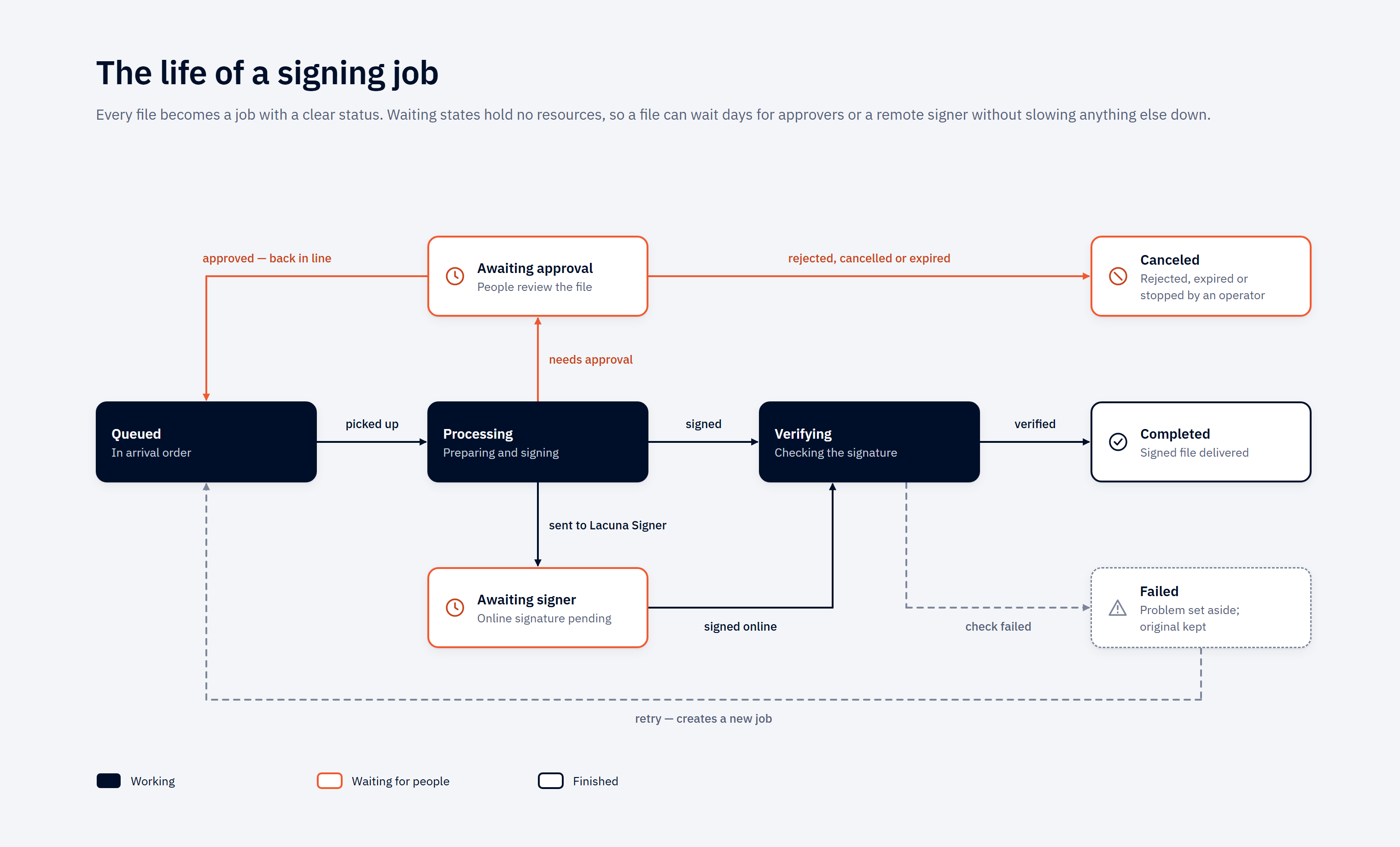](https://docs.lacunasoftware.com/images/bulk-signer/job-lifecycle.png)
*Select the diagram to open it at full size.*
The picture is the plain-language version. It folds three less common transitions — cancelling a job
that is still queued, and a remote signer refusing or being cancelled — into the `Canceled` and `Failed`
cards. The full machine is below.
```text
┌─────────┐ operator cancel ┌──────────┐
│ Queued ├───────────────────▶│ Canceled │ (terminal)
└────┬────┘ └──────────┘
worker pickup│
▼
┌────────────┐ local sign ok ┌───────────┐ verify ok ┌───────────┐
│ Processing ├─────────────────▶│ Verifying ├─────────────▶│ Completed │
└─┬────────┬─┘ └─────┬─────┘ └───────────┘
│ │ │ verify fail
profile requires│ │dispatch to ▼
approval │ │Lacuna Signer ┌────────┐
▼ ▼ │ Failed │ (terminal)
┌──────────────────┐ ┌────────────────┐ └────────┘
│ AwaitingApproval │ │ AwaitingSigner │
└──────────────────┘ └────────────────┘
│ │ │ │
│ │ │ └─ refused / expired / timeout ─▶ Failed
│ │ └─ concluded → bytes downloaded ─────────▶ Verifying
│ └─ rejected* / operator cancel / budget expired ─────▶ Canceled
└─ quorum met ──▶ back to Queued (re-enters the ordinary queue)
Failed ──operator retry──▶ a NEW Queued job (ParentJobId set; the failed job stays Failed)
Canceled ──operator retry──▶ a NEW Queued job — only for a job that signs a Lacuna Signer document
* a rejected file is handed back to output/ as .reject; a cancelled or expired
job's staged copy goes to error/
```
A job that signs a Lacuna Signer document (`Method = SignerFolder`, 2.16.0) has one ending the diagram
does not draw: `Processing → Canceled` when the document moved on at Signer before this host signed it.
No file job can reach it — see
[Signing in a Lacuna Signer folder](https://docs.lacunasoftware.com/en-us/articles/bulk-signer/lacuna-signer#signing-in-a-lacuna-signer-folder--signerfolder).
Key rules:
- **`AwaitingApproval` has exactly three transitions**, and `Failed` is deliberately not one of them.
Nothing holds a parked job — no worker, no slot, no remote service — so nothing is in a position to
fail it. It is released back to `Queued`, cancelled, or it waits. Three different things arrive on
that one cancel edge: an approver's **rejection**, an operator's cancel, and — on a profile that sets
`Approval.ExpiresAfter` — the wait budget running out. All three mean "this file will not be signed,
deliberately"; the audit trail is what tells them apart.
- **A rejection is a veto, and it hands the file back.** One rejection stops the job whatever the quorum
arithmetic says. The job ends `Canceled`, the file is returned to `output/` as `.reject` —
`folha.rem` becomes `folha.reject.rem`, encrypted like every other artifact where the profile encrypts
— and the original is removed from `input/`. The returned file is **not signed**: anything that reads
`output/` as a folder of signatures has to look at the name. If that name is already taken in
`output/`, nothing is overwritten: the staged copy goes to `error//` and the input stays in
`input/`. Retry does not apply — the file is corrected and submitted again. See
[Rejection is a veto](https://docs.lacunasoftware.com/en-us/articles/bulk-signer/approvals#rejection-is-a-veto).
- **Release re-enters the ordinary queue** rather than resuming in place, so a released job passes
through the same claim and the same pre-sign gates as any other — including the
[payment-date staleness guard](https://docs.lacunasoftware.com/en-us/articles/bulk-signer/cnab240#payment-dates-that-have-passed), which is exactly the check
an open-ended human delay needs re-run (unless the profile turns that guard off with
`CheckCnab240PaymentDates`, for a bank that processes a past-dated payment on the next business day —
see [CNAB240 payment files](https://docs.lacunasoftware.com/en-us/articles/bulk-signer/cnab240)). It resumes on the copy it parked with, and the staged bytes
are re-hashed immediately before the signature exists; a mismatch fails the job with
`approval.content-changed`. See [Approvals](https://docs.lacunasoftware.com/en-us/articles/bulk-signer/approvals#what-is-approved).
- **A parked job can also time out, if the profile says so.** With `Approval.ExpiresAfter` set, a job
parked past the window is canceled with the reason `Approval window expired.`, its staged copy moved to
`error/` and an `ApprovalExpired` operational event recorded. The window is wall-clock: **a pause does
not extend it**. See [The wait budget](https://docs.lacunasoftware.com/en-us/articles/bulk-signer/approvals#the-wait-budget).
- **Cancel is valid only from `Queued`, `AwaitingSigner` or `AwaitingApproval`.** In-flight local jobs
(`Processing`, `Verifying`) cannot be canceled — they run to natural completion or failure. The
cancel endpoint returns `409` with `code = "job.not-queued"` against an in-flight local job. For
LacunaSigner profiles, cancelling an `AwaitingSigner` job also makes a best-effort remote-cancel call
*after* the local `Canceled` transition has committed — a remote failure does **not** roll back the
local cancel. See [Cancel semantics](https://docs.lacunasoftware.com/en-us/articles/bulk-signer/lacuna-signer#cancel-semantics).
- **`Canceled` is terminal.** Files for canceled jobs remain in `input/`; the watcher honors recent
cancellations and will not auto-resurrect them. Operator-driven actions (Upload, Retry, Rescan)
will re-enqueue.
- **`Failed` is terminal, and its file waits the same way.** A failure leaves the input where it was,
and since 2.11.0 the watcher does not enqueue it again on its own — not on a polling folder's next
tick, and not on the enumeration a service start runs — until an operator re-runs it through Retry,
Rescan or Upload. (Before 2.11.0 a polling folder — every Azure Files folder, and a local one
configured to poll — re-offered a failed file on every tick, so a failure whose cause stood produced a
new `Failed` job per tick; right after a Clear Jobs it looked as if the clear had not cleared.) The
decision is made on the most recent job's status alone, so a corrected file dropped under the same
name is picked up by those same operator actions, not by the watcher.
- **`Failed → Queued` is not a transition — it is a new job.** Retry creates a fresh job with
`ParentJobId = (the failed job).Id`, copying the original input. The failed job stays `Failed`
forever for audit purposes. A job that signs a Lacuna Signer document is retried from `Canceled` as
well, the same way: a new job for the same document and flow action, which re-reads the document when
claimed.
## When an input file changes mid-job
A producer sometimes re-sends a file under the same name while Bulk Signer is still working on the
previous one — a corrected amount, a re-exported batch, an ERP retry. When that happens **the
correction is not ingested**: the watcher sees an active job already holding that path and refuses the
duplicate enqueue, which is the same rule that stops one file being enqueued twice.
What the pipeline does about it is refuse to destroy it. Before deleting the original input, the worker
compares the file against what was recorded while it was being copied into `processing/` — length and
SHA-256 always, plus the storage service's entity tag where the file is on a share. If they match, the
input is deleted as always. If they do not, **the file is left exactly where it is** and the divergence
is recorded in three places:
- an `InputDiverged` operational event, carrying the code `job.input-diverged`;
- an entry in the job's own history, visible on `/jobs/{id}`, carrying the same code;
- the `bulksigner_inputs_diverged_total{profile}` counter.
> **Note: A divergence is not a signing failure**
>
> The signature is valid, the artifact is in `output/`, and the job completes normally — what was signed
> is the file that was staged and, where an approval gate applies, approved. Nothing about the job needs
> fixing.
**The rewritten file is then handed back to its watched folder and signed as a job of its own.** The
watcher's change event fired *during* the job's flight and was correctly dropped, and no further event
will ever arrive for a file that is simply sitting there — so the pipeline hands the path back
explicitly, **after** the job reaches a terminal status. It re-enters through the watcher's *ordinary*
candidate route, so the stability detector, the folder's ignore lists and its profile all apply exactly
as they do to any arrival.
Two cases still need you. The hand-back is dropped, and the console says so, when:
- **The job did not come from a watched folder** — a REST upload has no watcher that owns its path.
Re-submit the file if it should be signed.
- **No watcher is running for that folder** — either the process is still booting (which resolves
itself moments later), or the folder's watcher stopped after repeated failures. Check the Input page;
a **Rescan** ingests the folder's contents once the underlying problem is fixed.
**What to check when you see a divergence:**
1. **Was the correction meant to replace something already signed?** The first signature covers the
superseded content, and it is valid; if a downstream consumer must not act on it, that is a business
decision to make explicitly. Note that the second artifact is named from the input file's name, so
it is named identically to the first: if you have not yet collected the first from `output/`, the
second job fails on promote with `Output already exists at … resolve manually before re-queueing`.
Move or collect the first, then retry the job.
2. **Is the producer re-sending routinely?** A count that tracks the parked-job rate means files are
being re-exported during approval windows, and each one costs a duplicate signature and a second
trip through the gate. The fix is on the producer's side — write each remessa under a unique name.
3. **Was the file merely unreadable, or held?** A producer holding its own file open for write is
retried a few times and then reported as a divergence (`unreadable: …`). So is a file another
process has taken an exclusive hold on (`held by another lease: …`). In both cases nothing is
forced. A **hold** that never clears usually means a second Bulk Signer instance is watching the
same folder — a configuration to fix rather than a producer to wait for.
The window this closes is widest on the flows that put a human in the loop. An ordinary local job
stages and deletes seconds apart; a job in `AwaitingApproval` with no `ExpiresAfter` waits
indefinitely.
### The two holds on an input file
Bulk Signer takes an exclusive hold on a file in your input folder **twice, briefly, and never in
between**:
1. **While it stages the file.** Taken when the pipeline commits to copying, released as soon as the
copy is done. Under it, nothing can write to the file between the read that copies it and the
reading of the identifier that will later identify it.
2. **While it deletes the file.** A separate hold, so that on a share the comparison and the delete are
a single act.
**Nothing holds your file while a job waits on a human.** A job parked in `AwaitingApproval` or
`AwaitingSigner` keeps an exclusive hold on its own staged copy in `processing/`, for as long as the
wait takes — but not on the file in your input folder, because a quorum can take days and your ERP
writes to that folder.
**A hold is never broken and a file is never force-deleted.** If something else holds your input file
when Bulk Signer wants to stage it, the job **fails** with a message naming the file. If something else
holds it at deletion time, the deletion is deferred, retried, and then reported as a divergence.
> **Info: What a hold is worth depends on where the folder is**
>
> On an **Azure Files** input folder the hold is a real service-side lease: it denies writes and deletes
> to every other client of that share, including another Bulk Signer instance. On a **local** input
> folder it is Bulk Signer's own bookkeeping and excludes nothing outside this process — a filesystem
> cannot express "deny writes to everyone but admit my own delete". What protects a local input is the
> comparison rather than the hold, and **the comparison is equally strong on both**.
## What changes day to day on a share
`Storage:Provider = AzureFiles`, or a single input folder that names it, changes four things. Pause,
cancel, retry, rescan, the download button, the job state machine, the approval gate, encryption and
what an approver is shown all behave identically — this feature moves bytes and nothing else.
**1. Ingestion is on a timer, so it is no longer near-instant.** A local folder is event-driven: the OS
reports a new file within milliseconds. Azure Files publishes no change notifications, so a remote
folder is **enumerated on its poll interval**. Worst case from a producer closing a file to a job
appearing in `Queued` is the poll interval (30 s by default) plus the stability window plus one round
trip — **about half a minute on the defaults**, and up to a full interval on a bad tick.
- It is per folder, so a payroll folder can poll every 10 s while an archive folder polls every 5
minutes.
- The floor is 5 s, and the trade is money: every tick is a listing transaction whether or not anything
arrived. A folder polled at 5 s costs six times what the same folder costs at 30 s, idle or not.
- Two paths are **not** on the timer and stay immediate: an upload (`POST /api/files`, or **Upload
files** on the Jobs page) and `POST /api/rescan`. If
somebody needs a file signed *now*, rescan that folder rather than lowering the interval for ever.
Do not read a slow first job as a broken folder. Read the Input page: a folder that is `Running` with
no error and a recent scan is doing exactly this.
**2. A quiet folder and an unreachable one look identical from the share, so read the surfaces
instead.** A folder that cannot be listed, cannot be opened, or whose credential has been refused shows
up on the Input page, in `GET /api/folders` (`status`, `lastError`) and in `GET /api/ready` — it is
never reported as a folder that simply has nothing new. **The one to alert on is `/api/ready`**: a
degraded folder can otherwise sit unnoticed for as long as nobody opens the dashboard, and payment
files piling up unsigned is a phone call rather than a page.
**3. Inspecting files means a storage client, not a shell.** `error//`, `processing//`
and `output/` are in the share, so wherever this documentation says "look at the file in `error/`" it
means Azure Storage Explorer, `az storage file download`, or a mount on your own workstation. A live
job's staged copy carries an infinite lease, so it refuses writes and deletes from everything including
your own tooling. `logs/` and the SQLite database are **not** in the share and never can be.
**4. The share is marked, and the mark is read at boot.** See the next section.
## When another instance appears to own the work share
**This section applies only when `Storage:Provider = AzureFiles`.** A local work tree is not shared
storage — two instances pointed at one host's `data/` are the same instance twice. Local deployments
have no marker, no row and no warning.
> **Note: This whole section describes cluster mode off**
>
> With `Cluster:Enabled = true` the marker means something different: the share is claimed by *the
> cluster* rather than by one instance, siblings share it deliberately, and the `work share owner` row
> reads `this cluster (one marker, shared between instances)`. What the marker guards under the switch is
> the one catastrophe below that no database can see — two operational stores over one share — and an
> instance whose store does not match the marker **refuses to start**. See
> [High availability](https://docs.lacunasoftware.com/en-us/articles/bulk-signer/high-availability#the-work-share-gate-is-narrower-than-the-catastrophe-it-is-named-for).
A work share is shared storage, which invites the assumption that two hosts may now serve one
deployment. **Off cluster mode they may not** — and moving the operational store to SQL Server does not
change that on its own, because none of the blockers are in the store:
- the pipeline's **pause flag is a singleton row** read each poll iteration by *the* worker, so two
workers read the same row and both act on it;
- the **watchers are per-instance and event-driven**, so both see a file arrive and both enqueue it,
with the loser recording an enqueue failure against that folder;
- **nothing records which instance owns a job**, so a boot sweeps rows a sibling is still working.
Cluster mode is the supported answer to each of those three, and it is a deliberate opt-in rather than
something inferred from the storage provider — see
[Azure App Service (cluster mode)](https://docs.lacunasoftware.com/en-us/articles/bulk-signer/azure).
**How the mark works.** The instance takes an exclusive, non-expiring lease on
`bulksigner-instance.json`, a small file beside `processing/`, `output/` and `error/`. It records the
host name, the process id and the moment of the claim. A graceful shutdown gives the lease up; the file
stays behind as the record of who ran last.
**What happens when the marker is already held.** Startup is never blocked. Instead:
1. a `Critical` entry lands in the log naming the prior holder's **host and process id**;
2. the same line is printed to stdout, and the banner's `work share owner` row reads
`CONTENDED at startup by …`;
3. the System page shows it above the storage paths;
4. `/api/ready` returns **503** with a red `work-share-owner` check, whose detail on
`/api/ready/details` is the same sentence;
5. the lease is broken, taken, and the boot carries on.
**Why a warning and not a refusal.** A lease lives on the storage service, not in the process that took
it — so a crash, a `docker kill`, a power cut or an OOM leaves the marker held by a process that no
longer exists. Refusing to start would turn every one of those into a manual recovery in the middle of
the night. This product cannot tell a dead holder from a live sibling, so it hands you the two facts
that can, and keeps signing.
**What to do when you see it.** Ask whether the named host and process are still running.
- **It is this host, and that process is gone.** Your previous instance did not shut down gracefully.
Nothing is wrong now.
- **It is a different host, or that process is alive.** You have two instances on one work share. Stop
one of them, then decide which database is authoritative.
> **Note: The readiness row does not clear by itself, and that is deliberate**
>
> The marker is claimed once at boot; nothing re-reads it, because there is no fresher answer to be had —
> this instance holds it now. So an ungraceful stop costs one red readiness cycle, and the boot after a
> graceful stop is green again.
**What actually diverges.** Two instances signing from one work share do **not** sign the same file
twice: the per-file lease on an input file is refused rather than broken. What diverges is everything
in each instance's own store:
- **Approval state** — a job parked at the gate exists in one instance's store only. The other knows
nothing about it, its approvers, or the quorum it is waiting on. This is the one worth acting on
quickly.
- **Pause state** — `POST /api/pipeline/pause` holds one instance. The other keeps signing.
- **Statistics and job history** — each instance reports its own, so neither dashboard is the whole
picture.
**If the marker cannot be claimed at all** — an unreachable share, a rotated credential — the row reads
`not claimed cleanly at startup: …` and readiness goes red for that reason instead. Whether another
instance holds it is then simply unknown, and unknown is not reported as the reassuring answer.
## Which instances are alive (cluster mode only)
With `Cluster:Enabled = true`, each instance keeps one row in the operational store — who it is, when it
last beat, and which application version it is running — and every instance can read every other's.
**System → Instances** on the dashboard is that table.
| Column | What it tells you |
|---|---|
| Instance | The derived identity. On App Service this comes from the platform's `WEBSITE_INSTANCE_ID`, so it is stable for the life of the instance and distinct between siblings. |
| State | **Live** while the last heartbeat is inside `Cluster:StaleAfterSeconds`; **Stopped** when the process retired its row on a clean shutdown — the ordinary trace of a redeploy; **Stale** when it fell silent past the threshold without saying so. Stale is a presumption, not a confirmed death — see [the wager](https://docs.lacunasoftware.com/en-us/articles/bulk-signer/high-availability#a-presumed-death-is-a-wager). |
| Version | The application version that instance is running. Two different values here during anything but a deploy window is the mixed-version condition, and it is reported as a Critical at the newer instance's boot. |
| Last beat | Age of the most recent heartbeat. The caption under the table names the cadence (`Cluster:HeartbeatSeconds`, default 15) and the staleness threshold (default 60) actually in force. |
One row is badged as the instance answering your request. Because the load balancer picks per request,
reloading the page moves that badge between rows — which is the cheapest confirmation available that
traffic really is spread. A row whose instance **displaced** a live predecessor names that predecessor,
and when, under the identity — see the next section.
`GET /api/folders` carries an `instance` field for the same reason: a machine client polling it needs to
tell "the folder changed" from "a different instance answered".
### When a boot finds its own identity already live
> **Warning: Changed in 2.5.0 — a live predecessor is displaced, not refused**
>
> Up to 2.4.x, a booting instance that found its own identity still beating refused to start (2.4.3 first
> waited for it, then refused). Since 2.5.0 the new boot **displaces** the live holder and carries on.
This is what an in-place redeploy on App Service looks like: the platform starts the new container beside
the old one under the same instance id, and keeps the old one serving — and beating — until the new one
passes its warm-up probe. Neither a refusal nor a wait could serve that, so:
- **The new boot** takes the identity at once and logs one `Warning` naming the displaced incarnation,
its build and its last beat. There is no failed start.
- **The displaced process stands down** on its next beat: one `Critical` in *its* log, an
`InstanceStoodDown` operational event, a red `cluster-instance` row on its `/api/ready` — which does
**not** fail the probe, since a 503 would have the platform pull the one container it is still routing
to — and a banner above the Instances table on its System page. It claims no new job, runs no takeover
and polls Lacuna Signer for nothing; whatever it holds runs to completion, and it keeps serving the web
until the platform stops it.
- **It resumes on its own** if the newer incarnation's row is later stopped or stale — a newcomer that
retired its row on a graceful stop, or a second host since stopped — with a `Warning`, an
`InstanceResumed` event and a green `/api/ready` again. It never takes the identity back from a holder
that is still beating.
- **Whatever the displaced life left unfinished** is left alone by the new boot's
[startup recovery](https://docs.lacunasoftware.com/en-us/articles/bulk-signer/operations#startup-recovery) and taken over one `Cluster:StaleAfterSeconds` after the
displacement, under the ordinary [takeover](https://docs.lacunasoftware.com/en-us/articles/bulk-signer/operations#when-an-instance-stops-answering-a-survivor-takes-its-jobs-over)
policy.
- **A boot whose store did not answer** registers on its first heartbeat that reaches the store,
displacing exactly as the boot would have.
- **A clean shutdown retires its row first**, so a restart after a graceful stop displaces nothing — which
is why *stop, set, start* stays the tidier deploy.
> **Note: On App Service a failed deploy is undone by setting the previous image tag back**
>
> If the new container fails its warm-up after displacing the old one, App Service does **not** fall back
> to the old container: it stops the **whole site** — the stood-down container included, before its
> successor's row could go stale — and keeps restarting it with the new image. The resume above cannot
> happen there. Point the app back at the previous image tag (`az webapp config container set`) and it is
> ready again within about two minutes. See
> [Upgrades are stop-the-world](https://docs.lacunasoftware.com/en-us/articles/bulk-signer/high-availability#upgrades-are-stop-the-world).
**Two hosts presenting one name are therefore not refused** either: they take turns, loudly on both
sides, and exactly one claims work at any moment. If you see a displacement when nobody is redeploying,
read both logs and rename one host or point it at its own database. The one boot refusal left is a
registration that lost every write race for its row; it names the last winner's build and last beat.
Deleting the row while a holder is running removes the report rather than the condition. See
[Troubleshooting](https://docs.lacunasoftware.com/en-us/articles/bulk-signer/troubleshooting#cluster-mode).
## When an instance stops answering, a survivor takes its jobs over
Every surviving instance watches the heartbeat table. When a sibling goes stale, one survivor claims its
in-flight rows and reconciles each one **by where it had got to**, not by retrying it:
| The dead instance's job was… | What the survivor does | Why |
|---|---|---|
| Claimed, but had not reached the sign call | **Re-enqueued** | Nothing was attempted, so nothing is being retried. |
| Past the sign call | **Failed**, conservatively | A signature is never re-attempted without a human deciding it. `Failed` is an honest terminal outcome, not "stuck" — the operator's [manual retry](https://docs.lacunasoftware.com/en-us/articles/bulk-signer/operations#retrying-failed-jobs) remains the retry. |
| `AwaitingSigner` (dispatched to Lacuna Signer) | **Reassigned** to the survivor, which resumes polling it | The remote side holds the work; only the poll needs a new owner. |
| Signing a Lacuna Signer document, past the sign call (`Processing` or `Verifying`) | **Asks Lacuna Signer**, and completes, cancels or fails it on the answer | Such a job has no file, so nothing in `output/` can answer. See [When the run signing it ends](https://docs.lacunasoftware.com/en-us/articles/bulk-signer/lacuna-signer#when-the-run-signing-it-ends). Before the sign call it is re-enqueued like any other. |
Each takeover writes a `JobTakenOver` operational event naming **both** instances, so the audit trail
records who lost the work and who picked it up.
> **Warning: Takeover sits behind the pause gate**
>
> `POST /api/pipeline/pause` holds every instance, and takeover does not run while the pipeline is paused.
> That is deliberate: an operator pausing a cluster to investigate a store that has gone slow is exactly
> the person who must not have every instance declare every sibling dead.
Two rows nothing will ever take over, both reported rather than adopted:
- **A job with no owner at all**, left by a build older than the ownership column or by a run with the
mode off. The remedy is named on every surface that meets one — boot once with `Cluster:Enabled =
false` so ordinary [startup recovery](https://docs.lacunasoftware.com/en-us/articles/bulk-signer/operations#startup-recovery) sweeps it, then turn the mode back on.
- **A job owned by a named instance that has no heartbeat row.** Absence of a heartbeat is not evidence
of death, so this is reported once and left rather than read as a licence to fail live work.
Both cases, and why adopting them would reintroduce the defect the feature removes, are in
[High availability](https://docs.lacunasoftware.com/en-us/articles/bulk-signer/high-availability#rows-nobody-owns-are-reconciled-by-nobody).
## Contention between instances is not a failure
Every instance watches every input folder, so on each arrival they race. That is the design, and the
losing side of the race is classified as an **expected outcome** rather than an error:
- The losing enqueue is refused by a partial unique index over active original paths and answered
`AlreadyActive`. Every file becomes exactly one job.
- A lease conflict on an input file is logged at the expected-outcome level, under its own event id, so
"a sibling got there first" and "something else on this instance did" stay different facts.
- **Neither counts against the folder's consecutive-failure budget**, and an `AlreadyActive` outcome
resets that counter exactly as a successful enqueue does. A busy cluster therefore cannot trip the
[per-folder breaker](https://docs.lacunasoftware.com/en-us/articles/bulk-signer/operations#per-folder-watcher-failure-isolation) simply by being busy.
The batch claim degrades under contention too — it falls back to claiming one row at a time and logs the
lost race. That is a small, known cost rather than a fault.
## The signing pipeline
```text
input/file.pdf
│ Watcher (or POST /api/files)
▼
Queued ──▶ worker claims ──▶ move input → processing/ ──▶ Sign ──▶ Verify
│
Encryption.Enabled? ──────┤
yes → output/file.signed.pdf.enc
no → output/file.signed.pdf
on failure → error/
```
The worker is single-instance per configured folder set and processes up to
`Pipeline:MaxConcurrency` jobs in parallel. Default `1` is sequential; operators opt in to `N > 1`
for throughput (PFX-only — see the PKCS#11 / WindowsStore caveat in [Certificates](https://docs.lacunasoftware.com/en-us/articles/bulk-signer/certificates)).
The worker:
1. Polls the queue every `Pipeline:PollIntervalSeconds` seconds, gated by the configured concurrency.
When all slots are busy, polling pauses until a slot frees up.
2. Checks the pause flag. When paused, the worker loops idle without picking work up; existing
in-flight jobs drain to natural completion. The pause flag is observed each poll iteration and
survives restart.
3. Claims the next `Queued` job atomically (transitions `Queued → Processing`). If a racing writer
(a cancel, or a peer worker) modified the row first, the worker skips to the next iteration.
4. For each claimed job, moves the input into `processing//`, signs, verifies, optionally
encrypts, then promotes to `output/`. Each job runs in isolation with its own processing folder.
5. On any failure: moves the `processing//` content to `error//`, marks the job
`Failed`, and records the exception message in the job's error field and history.
6. **The original input is removed from `input/` only after successful verification, and only when it
is still the file that was staged.** Verification happens before delete, never the other way around —
and a file the pipeline did not process is never deleted. See
[When an input file changes mid-job](https://docs.lacunasoftware.com/en-us/articles/bulk-signer/operations#when-an-input-file-changes-mid-job).
**Drain on pause.** When an operator pauses while jobs are in flight, the worker stops claiming new
ones but already-running jobs run to completion. The dashboard's "Slots busy" card counts down as
they drain.
**Three ways in.** A file reaches the queue from a watched folder, from `POST /api/files`, or from the
**Upload files** button on the Jobs page, which sends each file through the same handler as the REST
route — the same size cap, file-name sanitising and profile checks — so the two refuse a file on
identical terms. The dialog asks for an enabled signing profile and ends with a per-file report linking
every job it created. `Upload:Enabled = false` turns **both** upload paths off at once: `POST /api/files`
answers `409` with `upload.disabled`, and the Jobs page shows no upload button. Watched folders, Rescan
and Retry are unaffected; the key is read at boot, so turning it back on is a restart. See
[Configuration](https://docs.lacunasoftware.com/en-us/articles/bulk-signer/configuration#upload).
### LacunaSigner profiles — separate poll worker
When a profile uses `Method = LacunaSigner`, the worker only **dispatches** the job to Lacuna Signer
(upload + create-document) and immediately transitions it to `AwaitingSigner` — the concurrency slot
is released as soon as dispatch succeeds. A separate poll worker walks every `AwaitingSigner` row on
its own cadence (`Signer:PollIntervalSeconds`, default 30 s), downloads the bytes when the remote
document concludes, and runs the same verify → optionally-encrypt → promote tail. See
[Lacuna Signer integration](https://docs.lacunasoftware.com/en-us/articles/bulk-signer/lacuna-signer).
## Routing a watched folder to a signing profile
> **Warning: Changed in 2.2.0 — the profile chooses its folder**
>
> A watched folder is signed under **the profile that chose it**, and a profile chooses its folder from its
> own page in the dashboard — one folder per profile, one profile per folder. `Storage:Inputs[].Profile`
> is now **seed input**: it is read once, on the first boot against an empty profile table, and ignored
> (and reported as ignored) on every boot after that. After the first boot, the settings file cannot route
> a folder. See [`Storage:Inputs[].Profile`](https://docs.lacunasoftware.com/en-us/articles/bulk-signer/configuration#storageinputsprofile--per-folder-routing).
Nothing else about the folder moves: its name, path, provider, credentials and poll interval stay in
`Storage:Inputs[]`, validated at boot, and are what the Input page lists. What the profile's page decides
is which folder feeds which profile — which certificate and which approval rule the folder's files get.
### From the profile's page
1. Open the profile's page in the dashboard (`/profiles/{name}`) and click **Edit behaviour**. The
**Input folder** picker offers *none*, every folder this host has configured that no other profile
feeds from, and the profile's own current folder.
2. Choose the folder and save. The folder's watcher starts watching it within a poll interval or two of
`Pipeline:PollIntervalSeconds`, on every instance, with no restart. Files already sitting in the
folder are picked up without a rescan.
3. Check the Input page: the folder's card now carries the profile's chip, linking back to the profile.
A profile created from `/profiles/_new` chooses its folder on the same form. The audit event records the
move by the folder's name, never its path — `InputFolder (none) → remessas` on an edit and
`Input folder: remessas.` on a creation.
**Two refusals, both on the save.** A folder this host has not configured under `Storage:Inputs[]`, and a
folder another profile already feeds from — the second names the owner; clear the folder there first, or
pick another. Two saves choosing one folder at the same instant leave exactly one owner, and the loser is
told who took it. Neither refusal is ever made at boot: a stored binding is not re-validated, so a folder
renamed or removed from the configuration after a profile chose it is a **degraded report** — on the
startup banner, as a `profile-input-folder:` row on `/api/ready` that does not fail the verdict,
and as an alert on `/profiles` and on the profile's own page — while the profile keeps serving uploads.
### What *unassigned* means
A folder no profile has chosen is **unassigned**, and nothing is watching it. It shows as:
- a grey chip on the Input page reading `unassigned — no profile has chosen this folder`;
- `status: "Unassigned"`, with no `profileName`, in `GET /api/folders`;
- a **green** `input-folder:` row on `/api/ready` — nothing is broken, and a red row would tell an
orchestrator to pull an instance for a folder nobody has asked it to watch;
- one `Warning` in the log, at boot and whenever a profile lets the folder go.
Files dropped into an unassigned folder **wait**: they are not ignored, not moved and not refused, and
they are picked up the moment a profile chooses the folder. An unassigned folder does **not** fall back
to `default` — that would put its files under a rule nobody chose. `default` is the fallback for an
upload that names no profile, and for a folder naming none on the seed's one read, never for a folder
left unchosen afterwards.
A folder ends up unassigned in one of three ways: the seed left it so on the first boot (a folder naming
a profile the section does not declare, or a second folder naming a profile an earlier folder already
took), a profile cleared it from its page, or the profile table was seeded by a version older than 2.2.0
and never bound. The remedy is the same in every case: choose the folder on a profile's page.
### Moving a folder between profiles
Clear the folder on the profile that has it, **then** choose it on the profile that should — in that
order, because the second save is refused while the first profile still owns it. In between, the folder
is briefly unassigned; a file arriving in that window is picked up once the second save takes effect, so
nothing is lost and nothing is signed twice. Jobs already queued from the folder keep the profile they
were enqueued under, so a folder name on a job always reads as exactly one certificate and one approval
rule.
Two folders that should follow one rule are two profiles with the same settings.
### Disabling a profile that feeds from a folder
Turning **accept new work** off is refused while the form still carries a folder, naming it — the
alternative is a folder whose files silently stop being signed. Clear the folder in the same save and
the disable is accepted; the folder goes unassigned, says so on the Input page, and waits for another
profile.
### What a rescan and a retry do with the binding
- A **rescan** skips an unassigned folder whole and says so — see [Rescan](https://docs.lacunasoftware.com/en-us/articles/bulk-signer/operations#rescan).
- A **retry keeps the profile the failed job recorded**, whatever profile the folder feeds today — see
[Retrying failed jobs](https://docs.lacunasoftware.com/en-us/articles/bulk-signer/operations#retrying-failed-jobs). A job that should be signed under the folder's new
profile is cancelled and submitted again instead.
## Pause and resume
```bash
# Hold the worker (idempotent — already-paused returns 200 too)
curl -X POST http://localhost:8080/api/pipeline/pause \
-H "X-API-Key: $BULK_SIGNER_API_KEY" \
-H "Content-Type: application/json" \
-d '{"reason":"Quarterly maintenance"}'
# Resume (also idempotent)
curl -X POST http://localhost:8080/api/pipeline/resume \
-H "X-API-Key: $BULK_SIGNER_API_KEY"
# Inspect current state
curl http://localhost:8080/api/pipeline/state \
-H "X-API-Key: $BULK_SIGNER_API_KEY"
```
Pause / resume are durable — the pause flag survives a service restart. A paused worker still accepts
uploads and watcher pickups (jobs go to `Queued`); they just do not advance. Operators see
"Pipeline: Paused" on the dashboard System page.
When a pause is in effect:
- Jobs already in `Processing` / `Verifying` complete normally. Pause stops the **next** pickup, not
the in-flight work.
- The `bulksigner_pipeline_paused` gauge flips to `1`.
- An operational event is written with the optional `reason`:
`"Pipeline paused by operator. Reason: Quarterly maintenance."`. The same convention applies to
resume. Both are readable on the dashboard's `/events` page.
A pause and a resume issued at the same moment do not silently overwrite each other: exactly one of the
two writes wins, and the loser is answered `409` with code `pipeline.race-lost` having recorded nothing.
Re-read `GET /api/pipeline/state` and retry if your intent still stands.
> **Note: SQL Server deployments before 2.4.3**
>
> The SQL Server operational store was created without the pipeline-state row that the pause flag lives
> in, so on those versions `POST /api/pipeline/pause` answered `pipeline.state-missing` and the pipeline ran
> regardless. Since 2.4.3 a migration applied at boot adds the row, and pause and resume work on both
> providers.
## Canceling jobs
```bash
curl -X POST http://localhost:8080/api/jobs/$JOB_ID/cancel \
-H "X-API-Key: $BULK_SIGNER_API_KEY"
```
Valid for `Queued`, `AwaitingSigner` and `AwaitingApproval`. The two parked states are cancelable
precisely because nothing holds them — an `AwaitingSigner` job waits on a remote service, an
`AwaitingApproval` job on a person, and either wait can turn out to be one you no longer want to finish.
The endpoint returns `409 { code: "job.not-queued" }` if the job has already advanced past those states
(e.g. a local job the worker picked up between the operator's decision and the request). In-flight
local jobs are sacred — removing them mid-sign would leave orphaned `processing/` content and an
unverified output.
- **`AwaitingSigner`:** the local `Canceled` transition commits first, then the remote Lacuna Signer
document is canceled best-effort; a remote failure is logged and does **not** roll back the local
cancel. See [Cancel semantics](https://docs.lacunasoftware.com/en-us/articles/bulk-signer/lacuna-signer#cancel-semantics).
- **`AwaitingApproval`:** after the cancel commits, the job's staged copy is moved from
`processing//` to `error//`, again best-effort. The job's approval snapshot is **kept** —
it records the rule the job was waiting on, which is what an audit asks for afterwards.
On the dashboard, the job page's **Cancel** asks first: a confirmation dialog names the file, says what
the cancel does from the job's current status, and reminds you that a canceled job has no Retry — the
file needs a rescan or an upload to be signed again. *Keep job* cancels nothing. The REST route is
unchanged and does not ask.
After cancel:
- The job becomes `Canceled` (terminal).
- An audit history entry is added: `"Operator canceled: ."` (or `"Operator canceled."` if no
reason was supplied).
- The file stays in `input/`. The watcher's recent-cancellation memory prevents auto-resurrection;
operator-driven re-runs via Upload, Retry, or Rescan will re-enqueue.
## Retrying failed jobs
```bash
curl -X POST http://localhost:8080/api/jobs/$JOB_ID/retry \
-H "X-API-Key: $BULK_SIGNER_API_KEY"
```
Creates a new job with a fresh `Id`, the same `FileName` / `OriginalPath` / `Format`,
`ParentJobId = (the failed job).Id`, and initial state `Queued`. The failed job stays `Failed`; the
chain is reconstructable from `ParentJobId`.
**The retry is signed under the profile the failed job recorded**, not whichever profile its folder feeds
today: a retry is "sign it the way it was going to be signed", and following the folder's current binding
would sign under a rule the job never carried. A file that should go under the folder's new profile is
cancelled and submitted again instead. (A job from before signing profiles existed recorded no name and
retries under `default`.)
A job that signs a Lacuna Signer document (`SignerFolder`) is retried from `Failed` **or `Canceled`**,
and its retry starts over: the claim re-reads the document at Signer and signs only while the holder's
action is still pending — see
[Retry is the only way back](https://docs.lacunasoftware.com/en-us/articles/bulk-signer/lacuna-signer#retry-is-the-only-way-back).
Returns `404 { code: "job.not-found" }` for unknown ids, `409 { code: "job.not-failed" }` for jobs
that are not `Failed`, `409 { code: "job.input-missing" }` if the original input file is no longer on
disk, and two refusals that are decisions rather than faults — the Retry button is withheld on the job
page for both:
- `409 { code: "job.rejected-not-retriable" }` for a job that ended `Failed` with `approval.rejected`,
because an approver's rejection landed after a worker had claimed it. The rejected file has already
been handed back to `output/` under its `.reject` name and its input removed, so a retry could only
fail. Correct the file and submit it again. (An ordinary rejection ends `Canceled`, which Retry does
not apply to either.)
- `409 { code: "file.already-processed" }` for a job refused because another job already carries its
file name. A retry is exempt from that rule, so retrying this one failure would sign the very file the
rule refused. Delete the job that holds the name instead — see
[Already-processed file names](https://docs.lacunasoftware.com/en-us/articles/bulk-signer/operations#already-processed-file-names).
The dashboard's Job detail page surfaces parent/child links so operators can walk a retry chain back
to the root failure.
## Already-processed file names
> **Warning: Changed in 2.13.0 — a name that was already signed is refused**
>
> With `Pipeline:RejectAlreadyProcessedFileNames` on — the default — a file arriving under a name that a
> `Completed` or still-active job already carries is **never signed**. Earlier versions signed it again.
> Set the key to `false` to keep the old behaviour. See [Configuration](https://docs.lacunasoftware.com/en-us/articles/bulk-signer/configuration#pipeline).
The comparison is host-wide and ignores case, because every watched folder, profile and upload writes
into the one `output/` folder.
- **Watched folder or rescan:** the file becomes a job that is `Failed` from the start with
`file.already-processed`, naming the job that holds the name, and its bytes are moved into the new
job's `error//` folder so the file is not offered again. The console says so per file, and a
`FileAlreadyProcessed` operational event is written. A rescan counts these in a separate
`alreadyProcessed` figure. If the file cannot be moved (something else holds it), nothing is recorded
and it stays in the folder; a rescan counts that one under `errors`.
- **Upload:** `409` with `file.already-processed`; nothing is stored.
- **What does not reserve a name:** a `Failed` or `Canceled` job. Re-dropping a file after a failure is how
you try again.
**To accept a name again, delete the job that holds it** from `/jobs` — see [Deleting a job](https://docs.lacunasoftware.com/en-us/articles/bulk-signer/operations#deleting-a-job).
Once it is gone, a file re-sent under that name is picked up by the watcher without a rescan. Nothing
enforces the rule in the database: two instances in a cluster can accept the same name at the same
moment, and it is the refusal to overwrite a file already in `output/` that stops the second.
## Deleting a job
To remove **one** job — for instance the one that holds a file name you want accepted again — delete it
from `/jobs`: one row at a time, behind a confirmation dialog with an optional reason. There is no REST
route for it.
- **A job a worker is running** (`Processing` / `Verifying`) cannot be deleted. A job that has not
finished (`Queued`, `AwaitingApproval`, `AwaitingSigner`) is canceled first, exactly as a cancel would
do it — including the best-effort cancel of the remote Lacuna Signer document — and is recorded under
the status it had (`'', Queued, canceled to delete it`).
- **What goes:** the job, its history, timings, CNAB240 detail, approval snapshot and recorded approvals;
its `processing/` and `error/