Payment gateway
From version 3.4.0, the payment gateway (iugu) settings are made in the Admin area, which also shows the
integration's stability and the history of billing operations. The Payments item shows in the menu when
billing is enabled (Billing:Enabled).
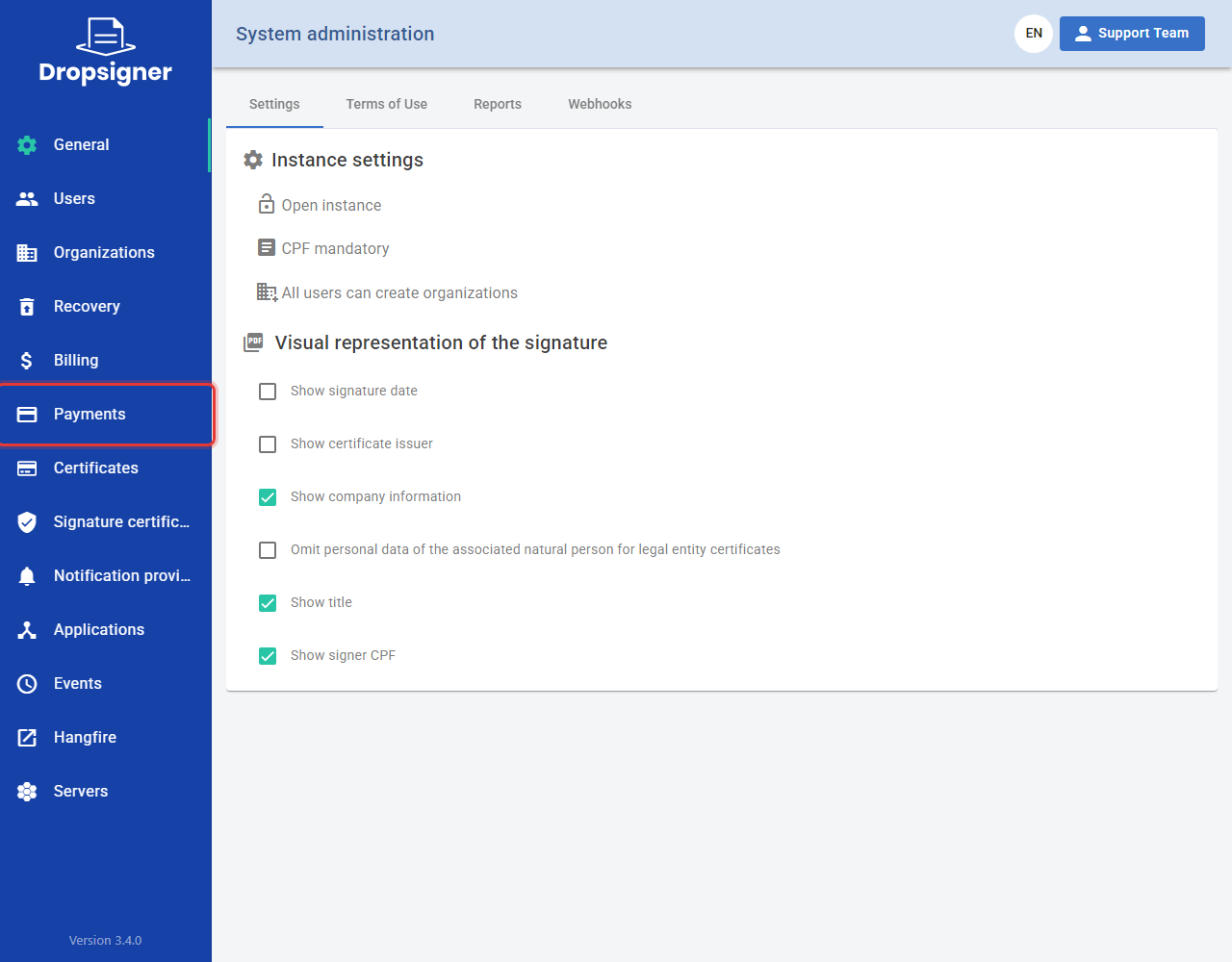
To prepare the iugu account (webhooks, payment methods and automatic charging), see iugu payment gateway.
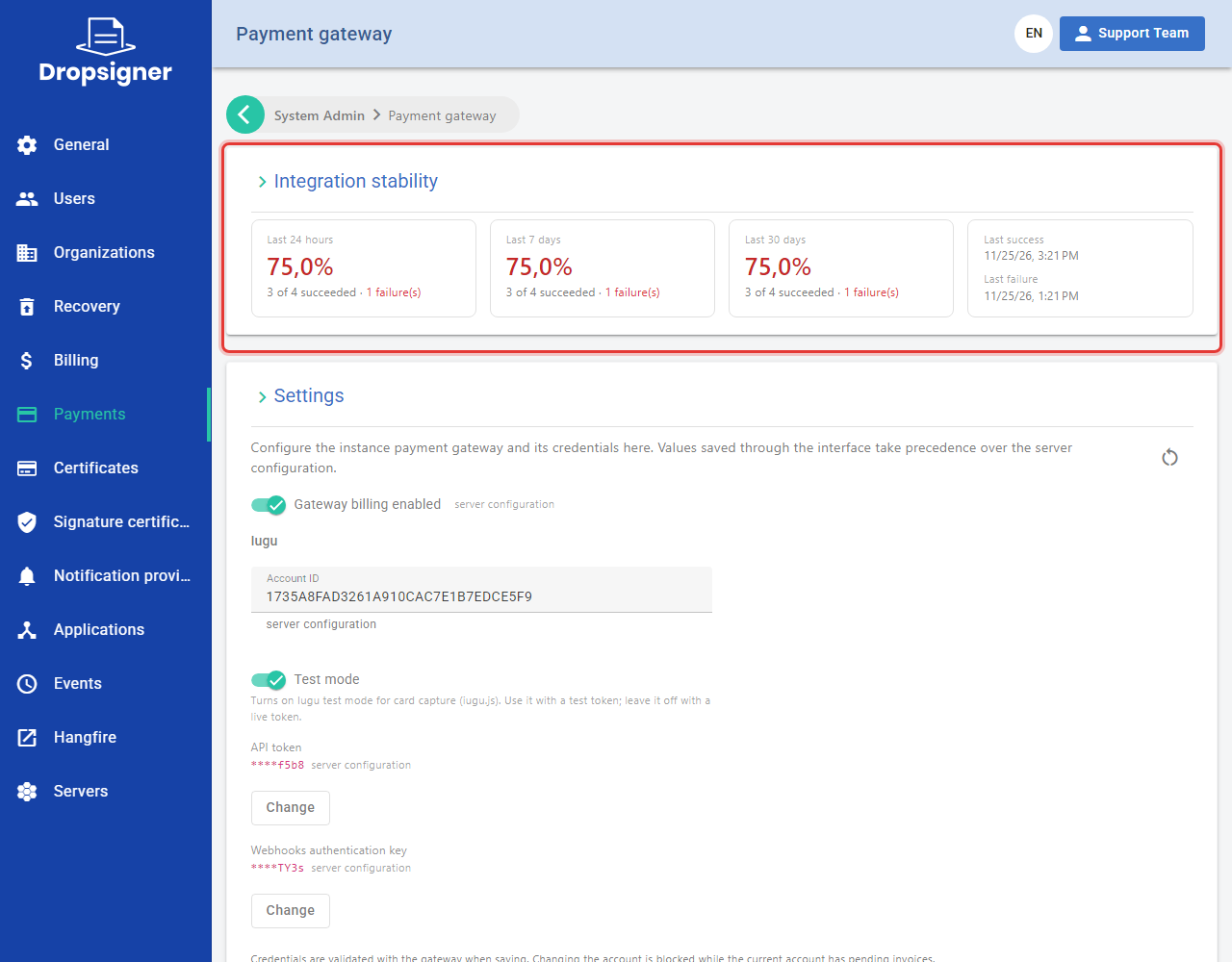
Integration stability
Shows the success rate of the gateway operations over the last 24 hours, 7 days and 30 days, the number of failures and the dates of the last success and last failure.
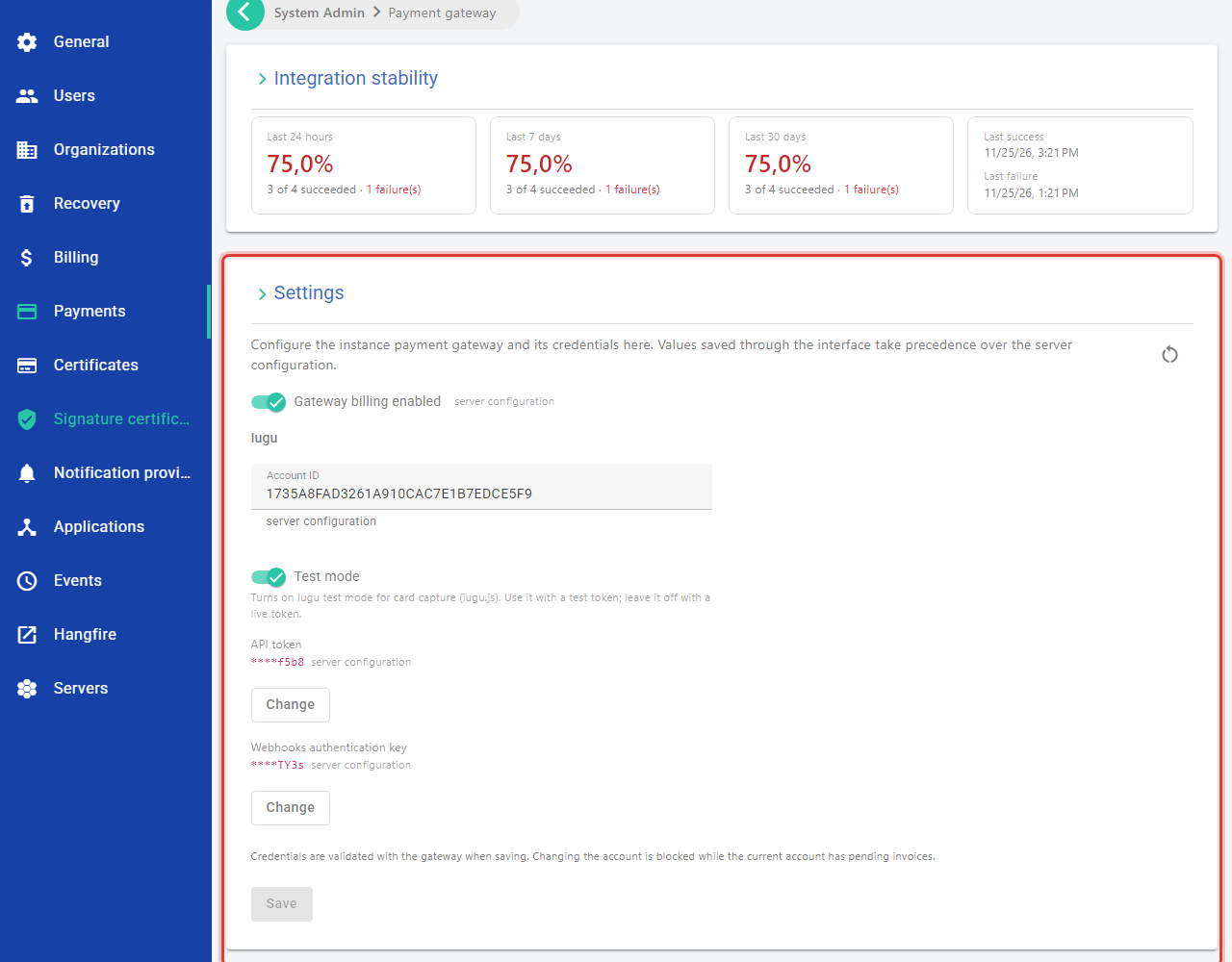
Settings
- Gateway billing enabled turns gateway billing on or off.
- iugu's Account ID and Test mode. Use test mode with a test token; with a live token, leave it off.
- API token and Webhooks authentication key: click Change and enter the new value. Use server configuration goes back to the appsettings value.
Click Save. Credentials are validated with the gateway when saving, and changing the account is blocked while the current account has pending invoices. Each field shows whether its value was set on screen or comes from the server configuration; values saved on screen take precedence. The icon in the box's corner restores every setting to the server default.
Operations
The list shows the billing operations made on the gateway, successful or failed: invoice issuing, card charges, payment confirmations, invoice cancellations, refunds and settings changes. Filter by Status, Operation and Period, and click Details on an operation.
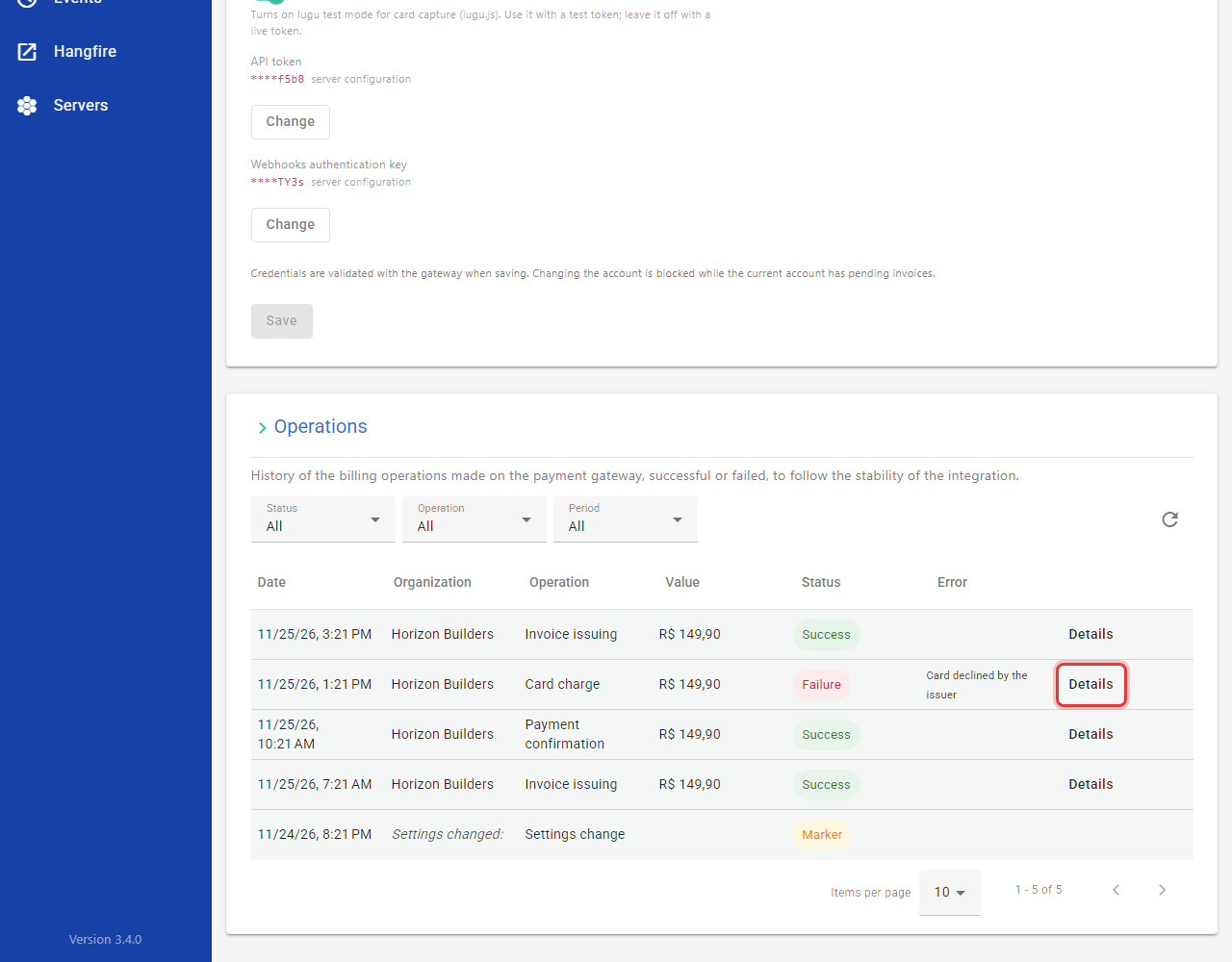
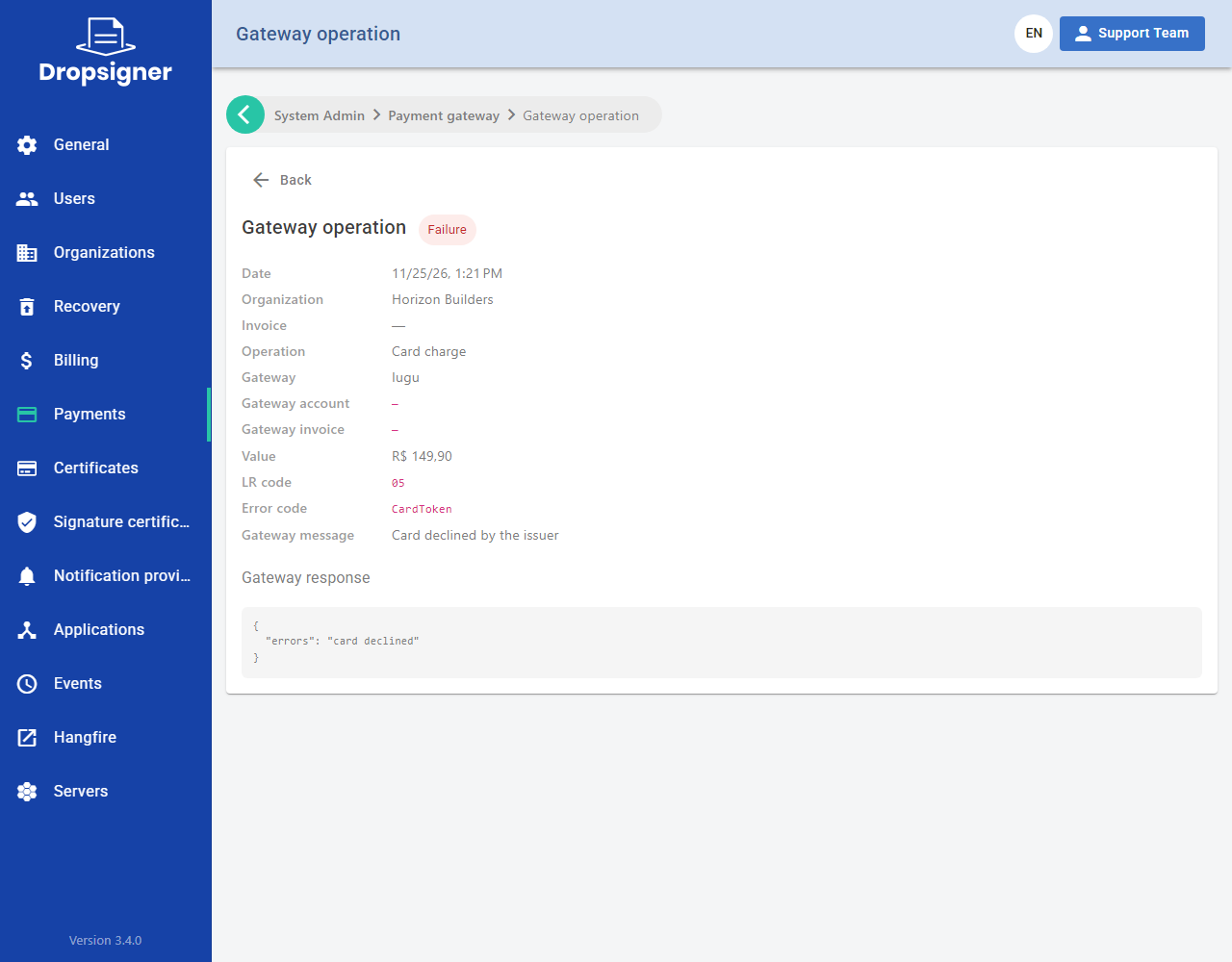
The Gateway operation page shows the date, organization, invoice, value, error code and message, and the gateway's response.
Operations stay in the history for PaymentGateway:OperationHistoryRetentionDays days (365 by default).
Only the system administrator can change the settings. The Billing administrator role only sees the operations.