Operators and single link
From version 3.4.0, each participant of a document may have an operator: someone who receives a link to sign or approve on the participant's behalf. Whoever can change the document's flow can also create a single link that brings several participants together under one address.
Either way, each action is recorded on behalf of the participant, and the participants keep receiving their notices and can still act through their own link.
Setting the operator when creating the document
-
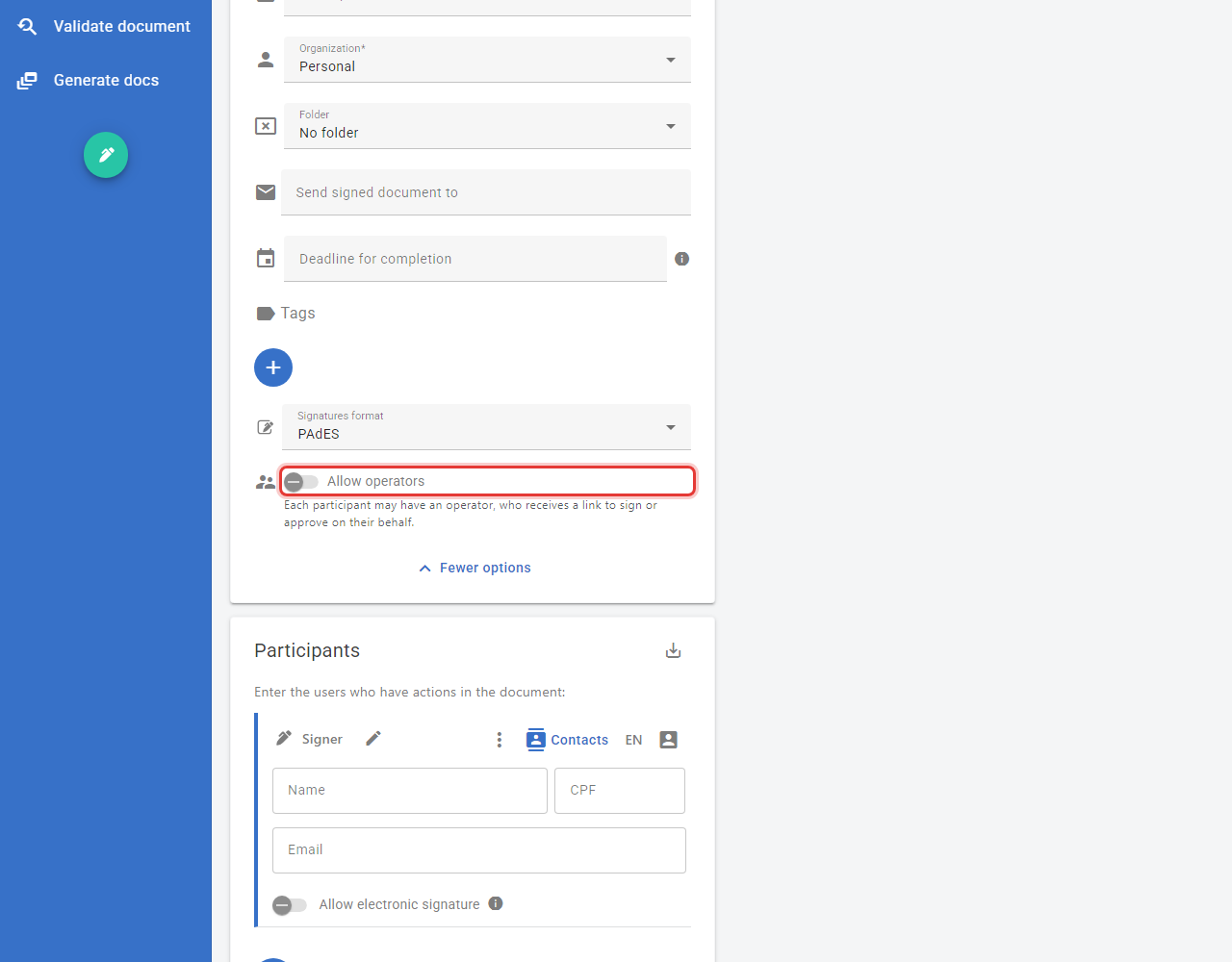
While creating the document, click More options and turn on Allow operators.
-
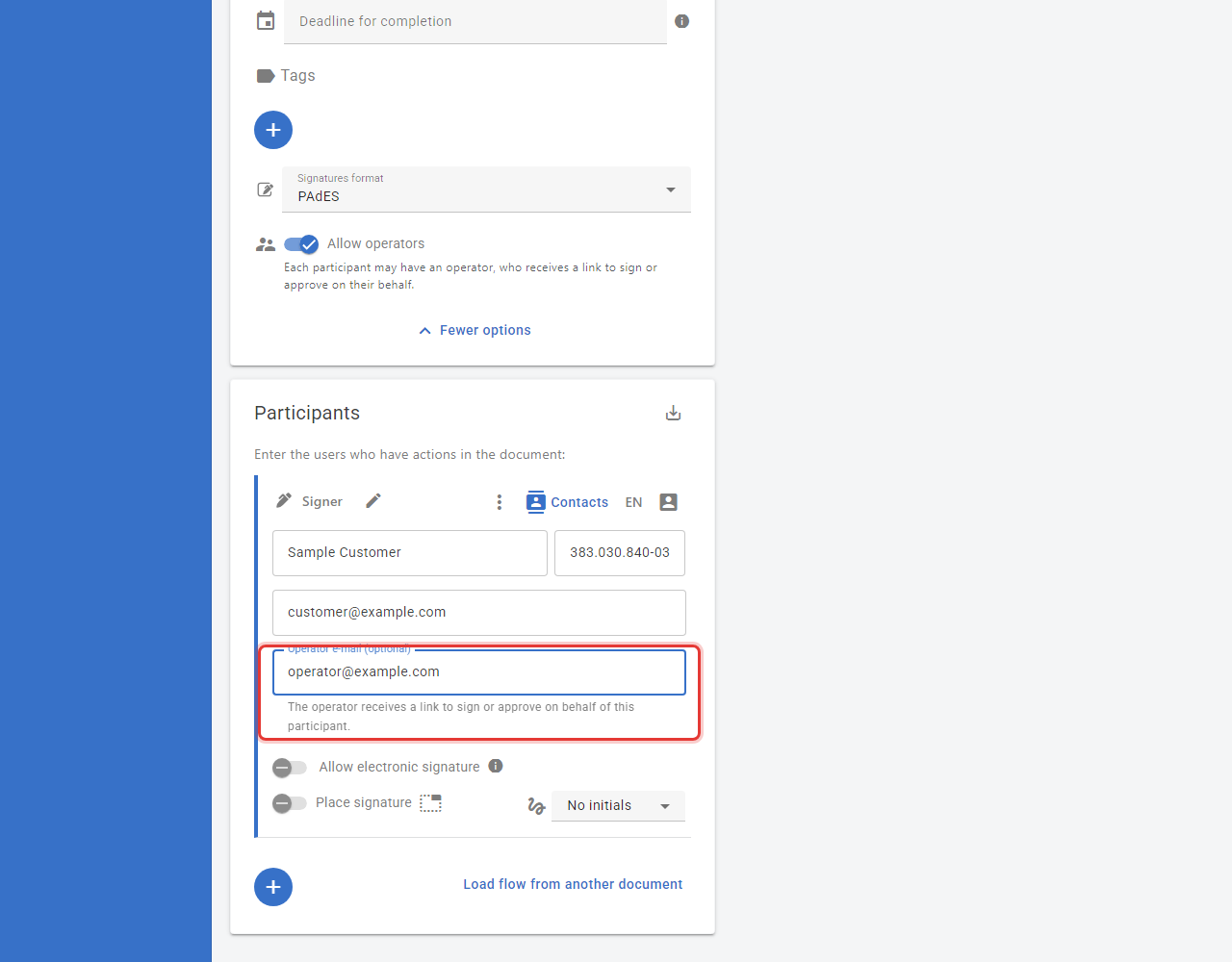
On the card of each participant who will have an operator, fill in Operator e-mail (optional). Observers have no operator.
-
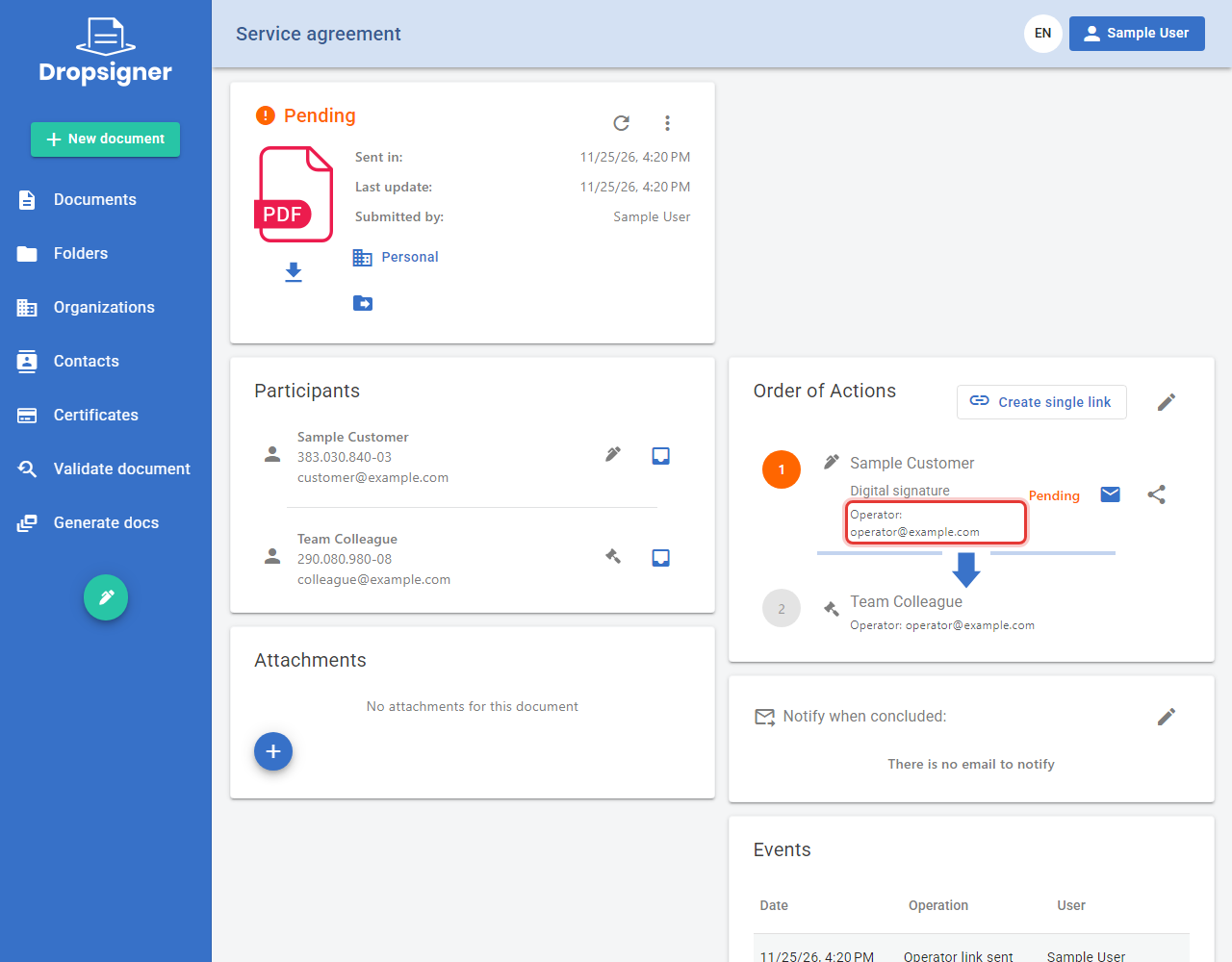
Send the document. The operator receives an e-mail with the link and the list of participants they can act for. On the document page, the Order of Actions shows each participant's operator.
Creating a single link
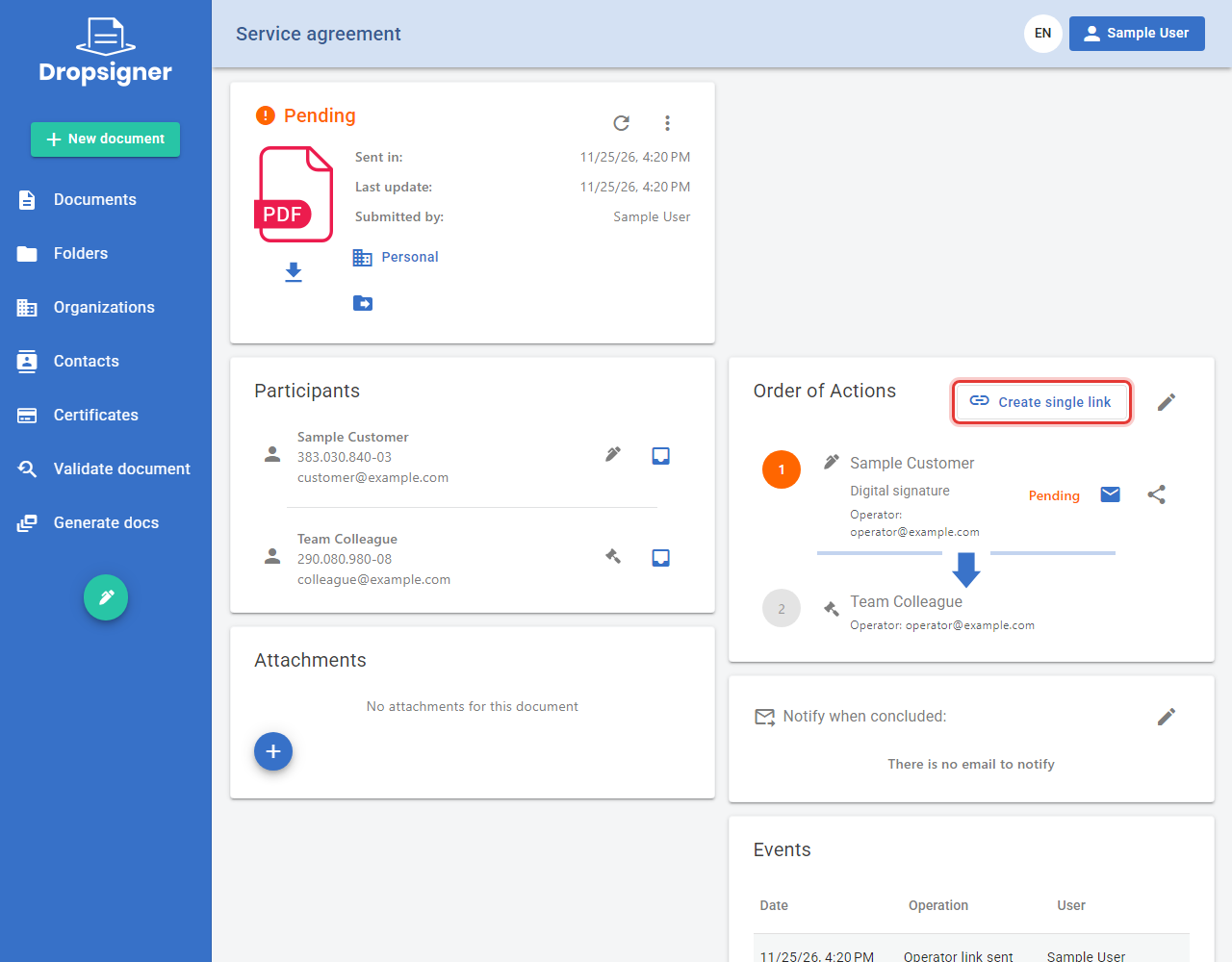
The Create single link button shows in the Order of Actions of pending documents, for whoever can change the flow.
-
Click Create single link.
-
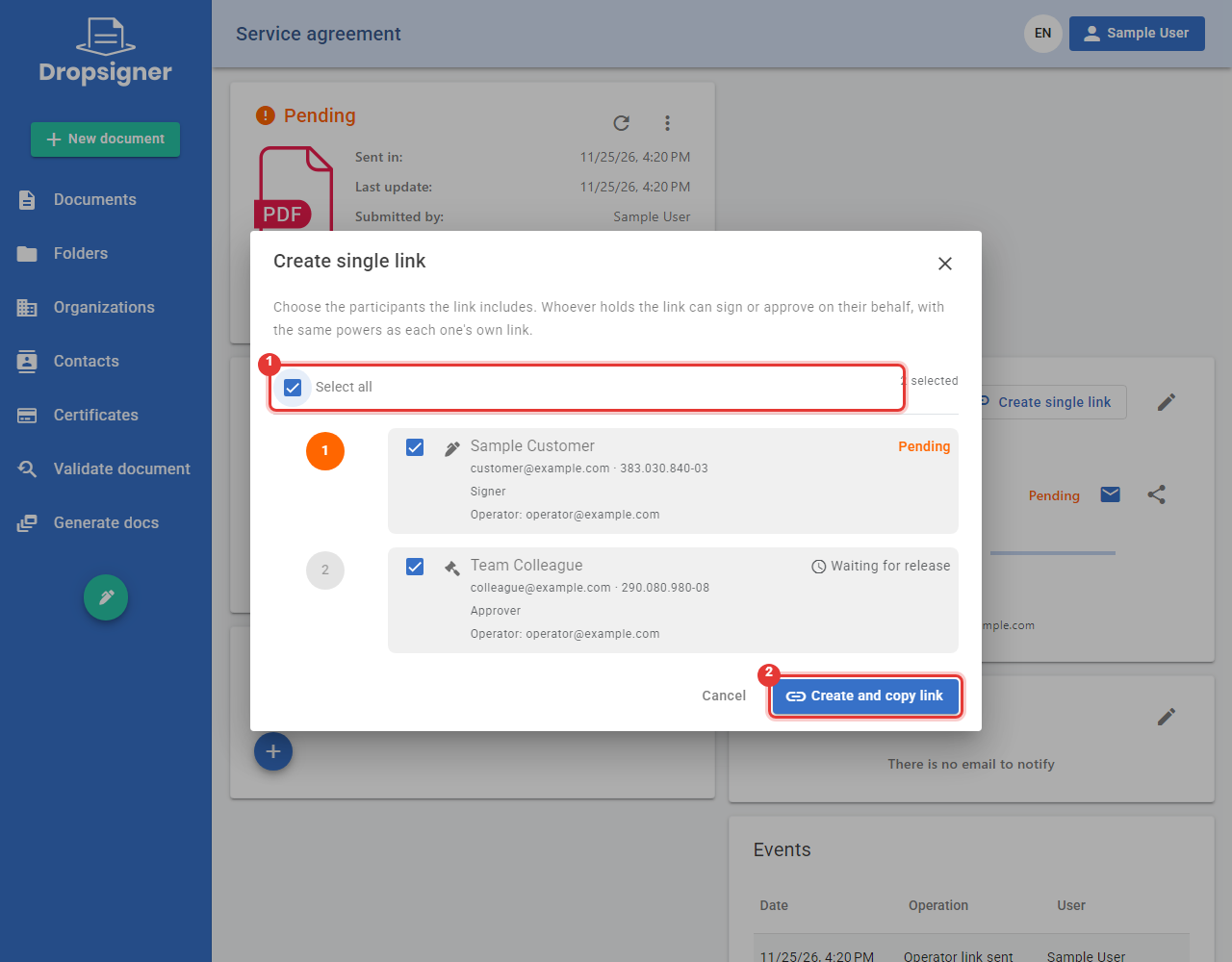
Tick the participants, or Select all (1), and click Create and copy link (2). The link is copied to the clipboard: send it to whoever will act for the participants. Whoever holds the link can sign or approve on their behalf, with the same powers as each one's own link.
What the operator sees
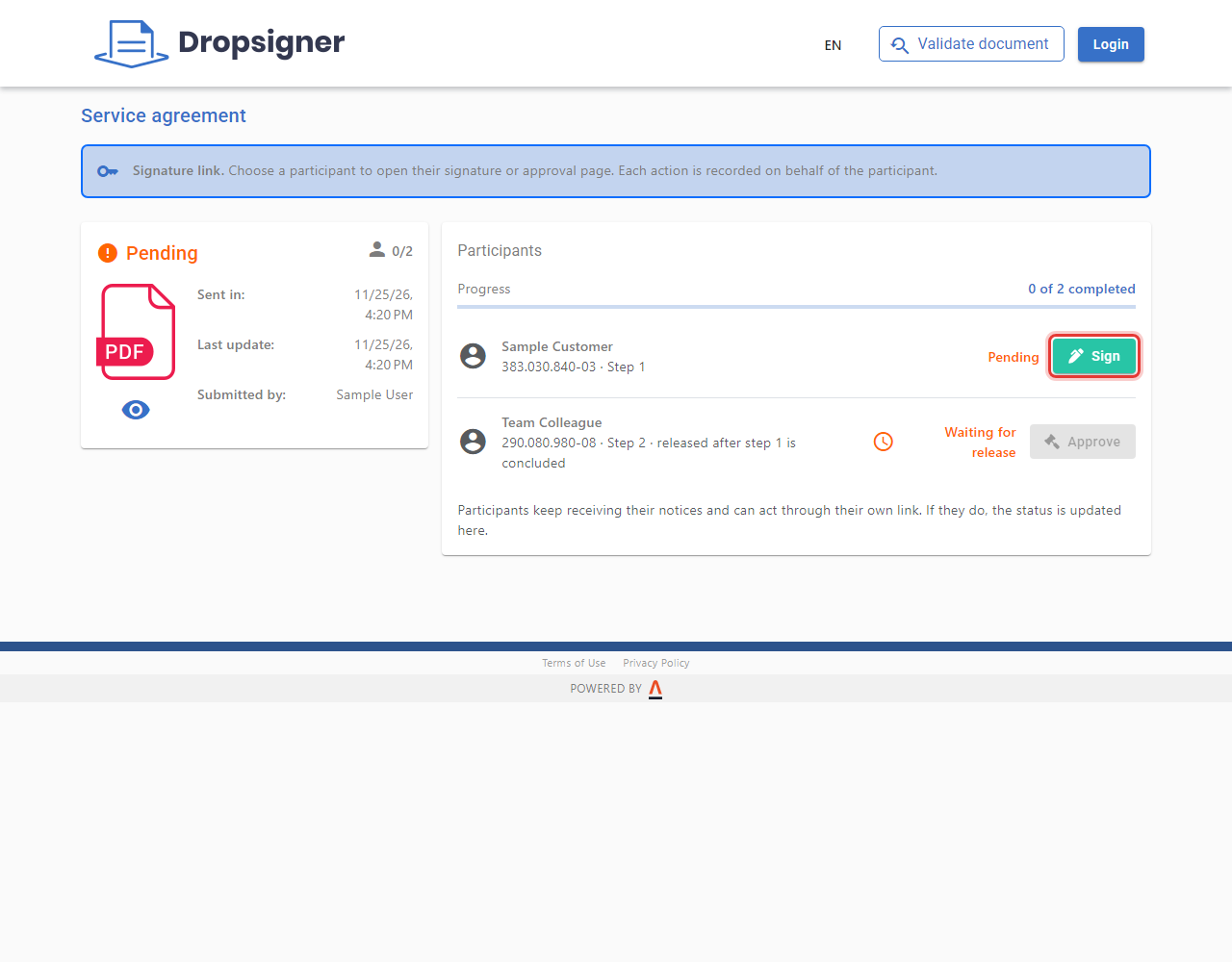
When opening the operator's link or the single link, the person sees the participants they can act for and the document's progress. They click Sign or Approve on a participant's row and, after acting, Back to the list. Participants in a later step show as Waiting for release until the earlier step is completed.
The document's Events record when the operator's link is sent, when the single link is created and each access through one of these links.
Organization rules
In the organization's General Settings, the administrator chooses:
- Signature through operator's link and single link: follow the instance default, Digital certificate only or Any signature type;
- Refusal through operator's link and single link: follow the instance default, Allowed or Blocked.
When the organization only allows digital certificates, participants who would sign electronically cannot be included in the single link.
Operators are on by default. The CentralizedLink:Enabled setting turns them off. The instance defaults for the
rules above are CentralizedLink:RequireDigitalSignature (off) and CentralizedLink:AllowRefusal (off).
To create documents with operators and generate single links through the API, see Operators and single link through the API.