Home page and footer
There are two ways of configuring the home page:
- Simple configuration: customizes only the highlight area, keeping the rest of the page.
- Advanced configuration: replaces the whole home page with a static page.
Simple configuration
It customizes the area outlined below:
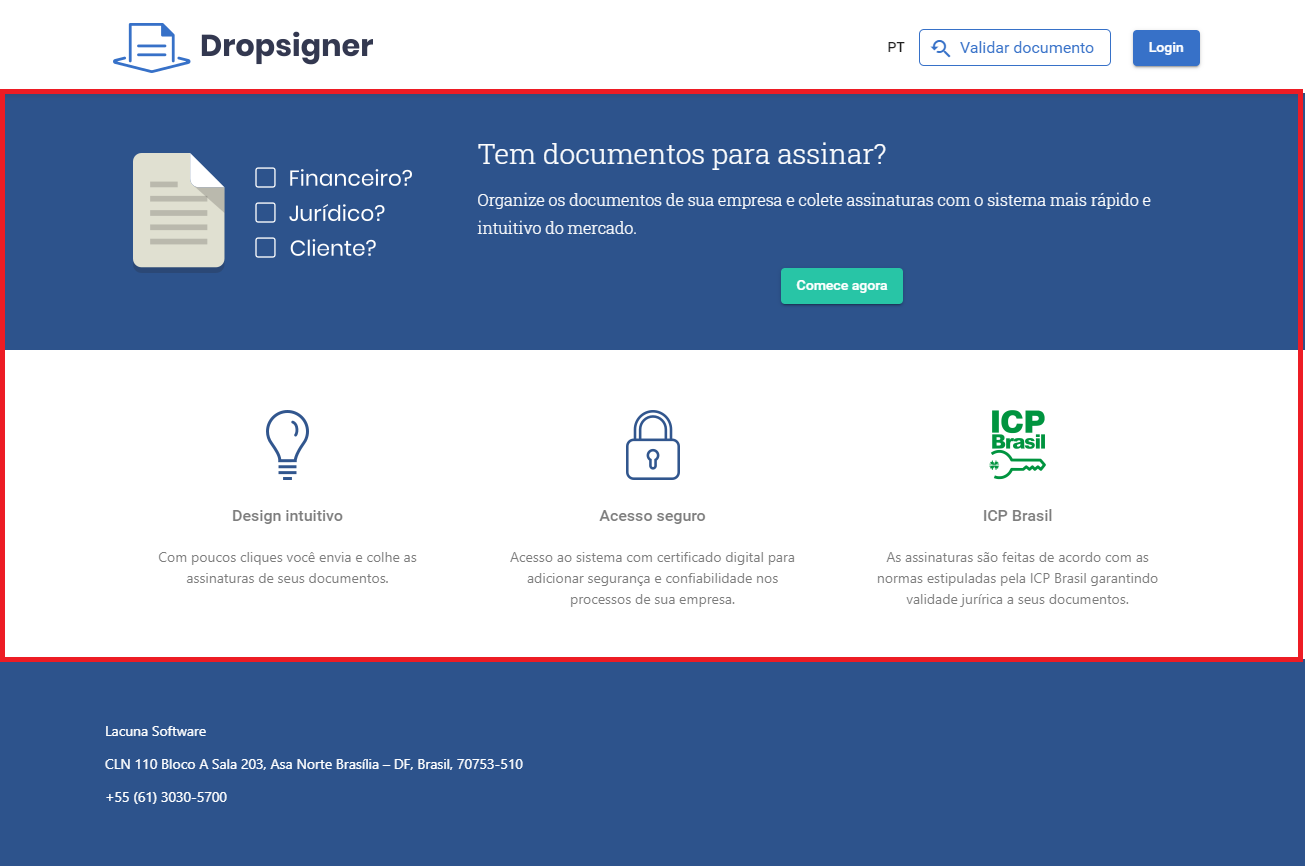
You only need to provide an image of how you would like it to look, or the corresponding HTML/CSS.
If you want to create your own HTML and CSS, the following rules apply:
- Create one HTML file for each available language, named
home-<language>.html. For example:home-pt.html,home-es.htmlandhome-en.html. - The HTML files cannot contain
scripttags nor inline styles. - The HTML files may use classes from the Bootstrap library version
4.3.1, from these modules: - The application follows the Material Design guidelines, so classes from the Angular Material UI library may also be used.
- If you need to customize the CSS, create a file named
main.css. - The HTML and CSS files must be placed in the
assetsfolder of the configured Blob Storage. After the update, the application must be restarted.
Advanced configuration (static page)
It customizes the entire home page, which then becomes static. Example:
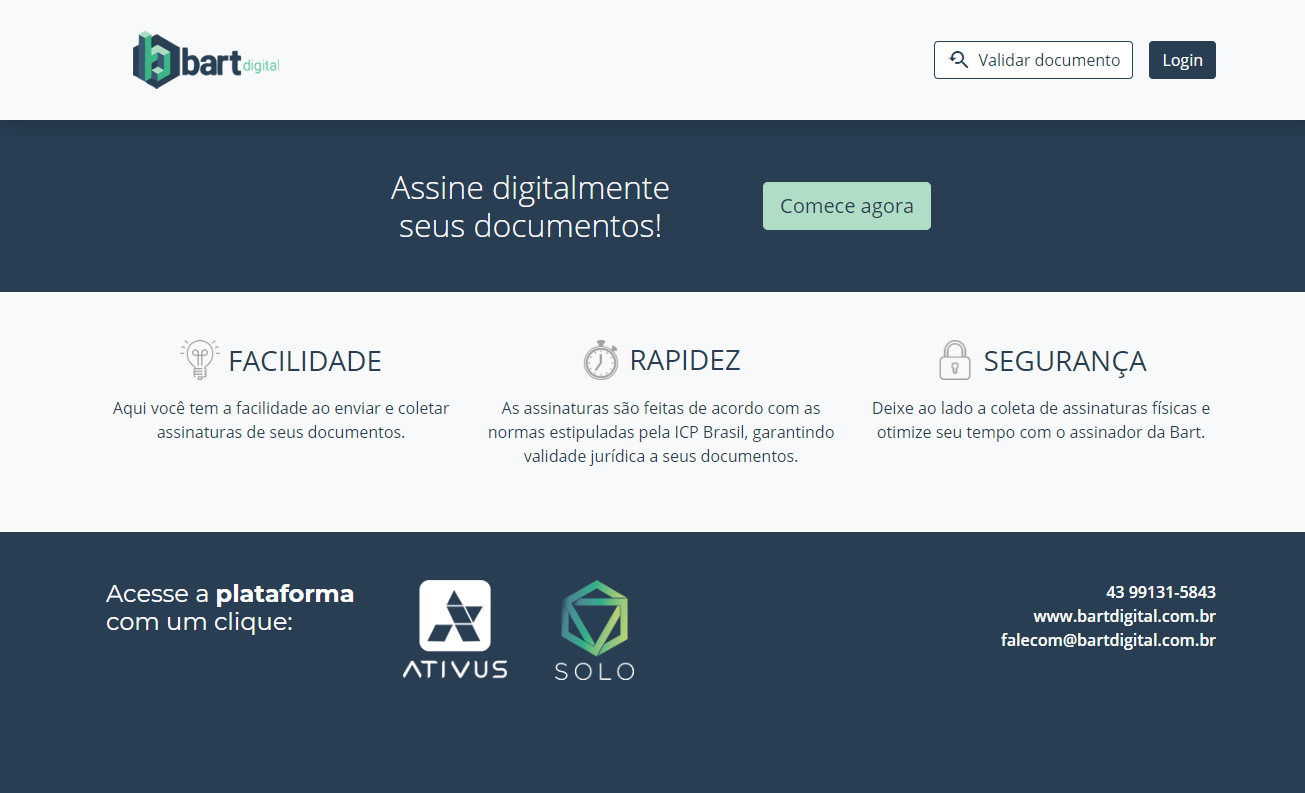
For this you must provide an HTML file named index.html along with a folder named theme-assets
containing every resource the file depends on: images, CSS and JS. Subfolders are not supported, that
is, the files must be added to the root of the theme-assets folder:

All files must be placed in the assets folder of the configured Blob Storage. After the update, the
application must be restarted.
When using this approach, we recommend not making many changes to the page header, since there are pages in the external area of the application whose header will not follow this model, such as the external signature screen and the document validation screen.
Footer
It customizes the home page footer, when the home page uses the simple configuration:
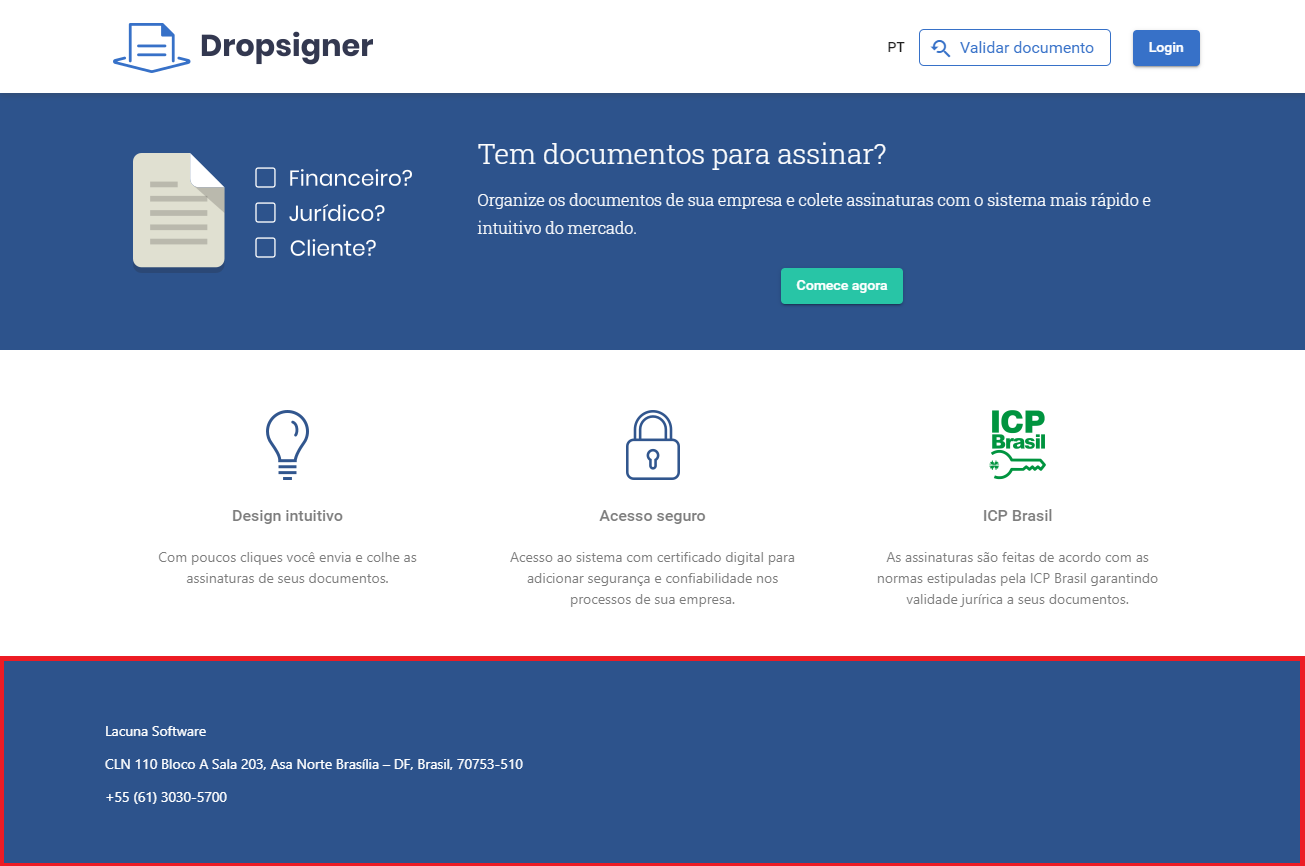
You only need to provide an image of how you would like it to look, or the corresponding HTML/CSS.