Signer Access Control
This page describes the access control options for Signer users.
Open system
In an open system, any user can access your instance, sign up and automatically get a personal account. Every document that user creates belongs to that account.
Users can also create organizations, which can represent companies, departments or work groups.
Closed system
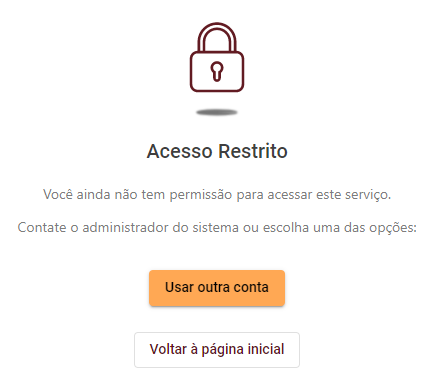
In a closed system, anyone can still sign up, but they only get access to the system's features once an administrator adds them to an organization. Until then, they see the restricted access page when they sign in:
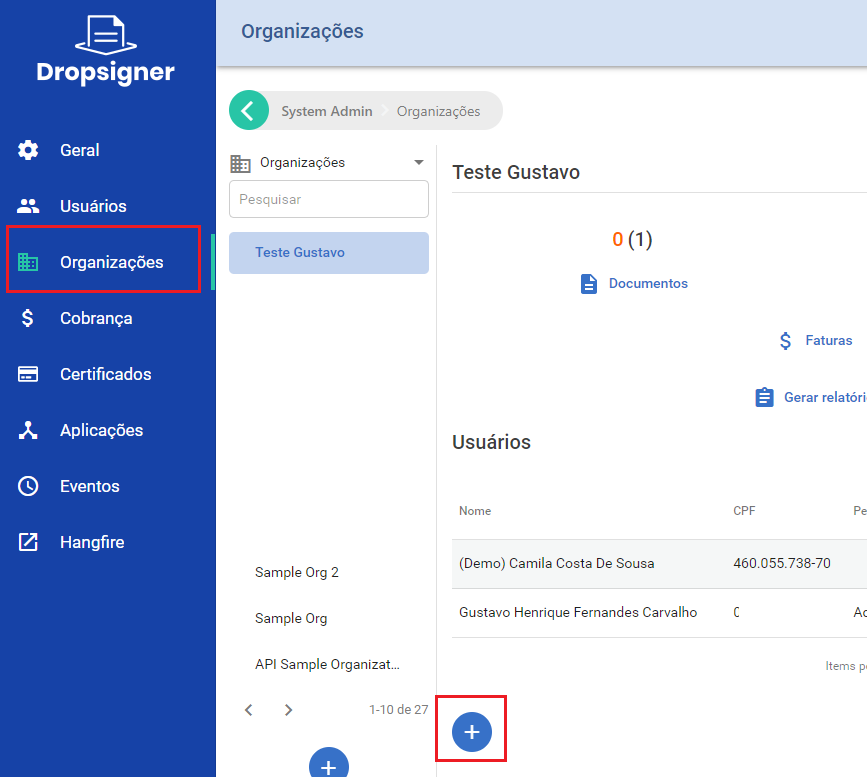
The administrator adds the users who may use the system in the Administration area:
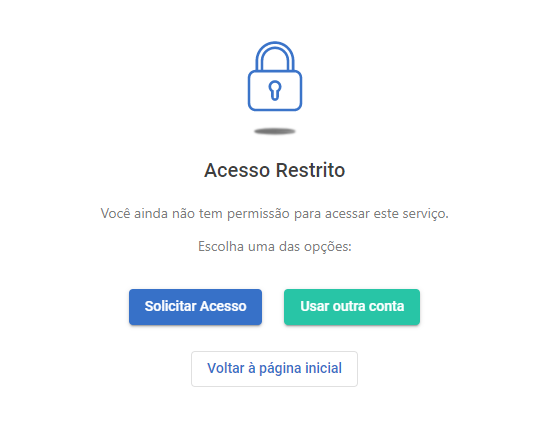
Starting with v1.38.0, you can set an email address for access requests. The restricted access page then shows an option to request access. When the user picks it, the system sends a notification to the configured address. Whoever receives it, who must be an administrator of the instance, adds the requester to an organization if the request is valid.
Basic profiles
In both the open and the closed system, you can choose which basic permissions users get when they sign up. The configurable permissions are:
- Document creation
- Organization creation*
By default, every user gets both permissions. If that does not suit your use case, you can turn them off in the instance settings. You must then grant these permissions to each user by hand, assigning one or more of the profiles below:
- Document creator
- Organization creator*
The instance administrator assigns these profiles in Users > User Details > Edit User Access:
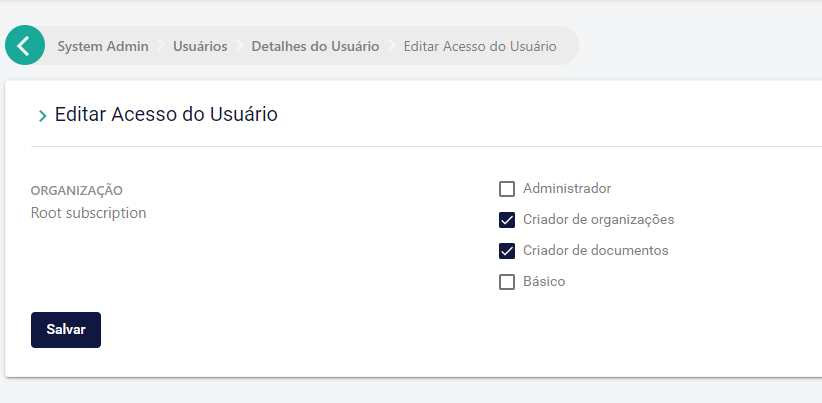
A common example is letting document signers use the basic features (viewing documents and reports, batch signing) without allowing them to send new documents or create organizations.
The organization creator role is ignored in a closed system, because there creating organizations is always the job of the instance administrator.